Get 50% OFF All Premium 3D & STL Models!

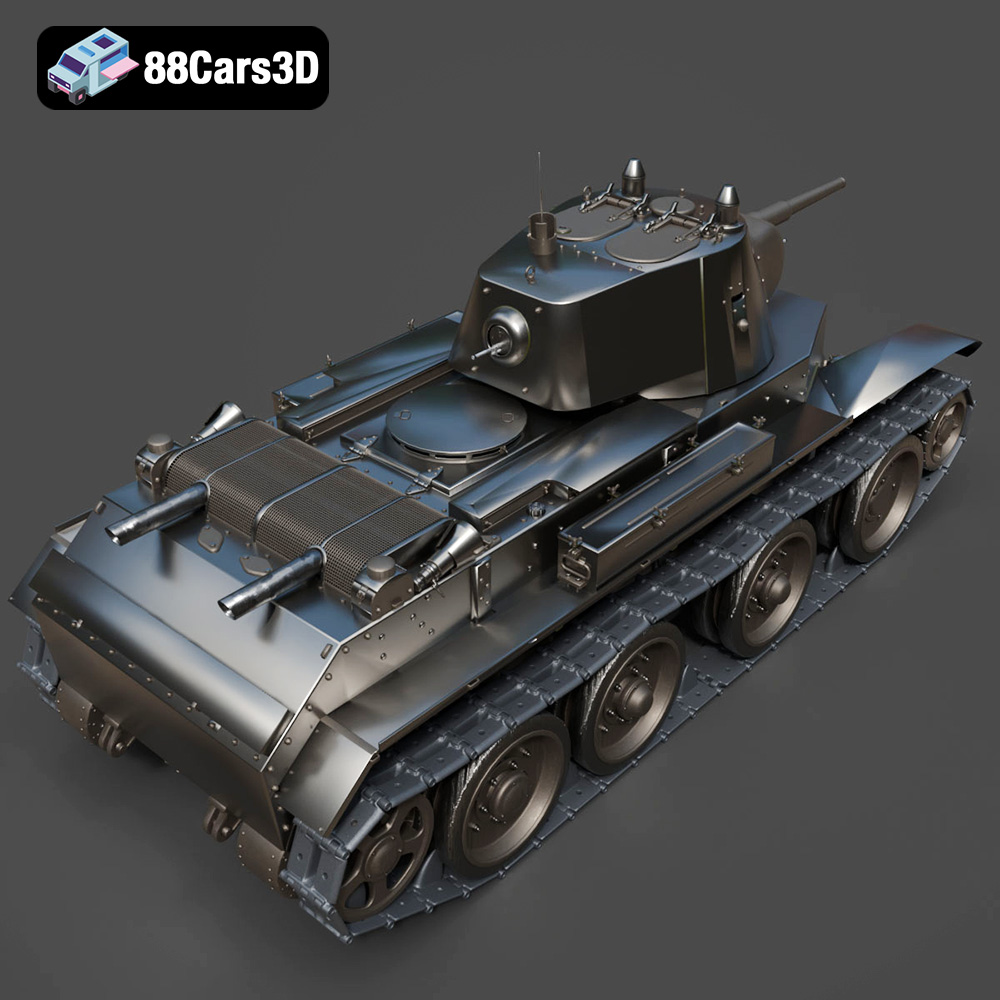
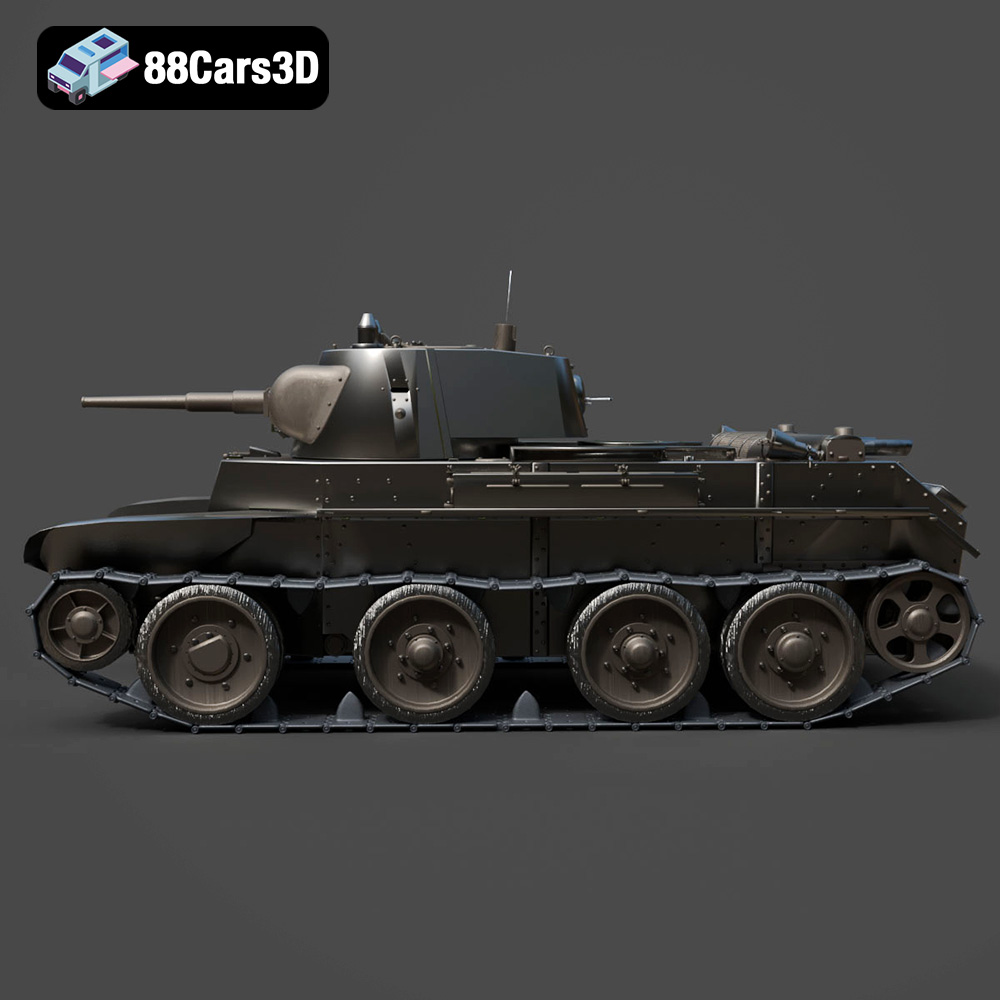
The Heavy Armored Tank 3D Model from 88cars3d.com is a fantastic project for any 3D printing enthusiast. Its detailed design, featuring complex tracks, a rotating turret, and intricate armor plating, presents both a challenge and a rewarding experience. This guide will walk you through the entire process, from preparing the STL files to post-processing your finished model, ensuring you achieve the best possible results. Whether you are aiming for a display piece, a wargaming miniature, or a component for a larger diorama, this detailed guide will help you create a stunning 3D printed tank.
The level of detail in the Heavy Armored Tank 3D Model makes the choice of 3D printing technology particularly important. Two primary technologies are suitable: Fused Deposition Modeling (FDM) and Stereolithography (SLA) or resin printing.
* Pros: FDM printing is more accessible and cost-effective. It’s ideal for larger scales where layer lines are less noticeable. Materials like PLA and PETG are readily available and offer good durability.
* Cons: The intricate details, especially on the tracks and turret, can be challenging for FDM printers. Achieving a smooth surface finish will require significant post-processing.
* When to use: Choose FDM if you are printing a larger scale model (1:35 or larger) and are comfortable with sanding and filling to smooth out the layer lines.
* Pros: Resin printing excels at capturing fine details. The layer resolution is significantly higher than FDM, resulting in smoother surfaces and more accurate representation of the model’s intricacies.
* Cons: Resin printers are generally more expensive, and the resin material itself can also be costly. The build volume is typically smaller than FDM printers, potentially requiring parts to be printed separately. Resin also requires careful handling and post-processing (washing and curing).
* When to use: Resin printing is the ideal choice for smaller scales (1:72 or smaller) where detail is paramount. It’s also suitable for larger scales if you want a high-quality finish with minimal post-processing.
When working with 3D models, understanding the various file formats is crucial for a smooth 3D printing workflow. The Heavy Armored Tank 3D Model from 88cars3d.com is provided in several formats, each with its strengths and weaknesses. Choosing the right format can significantly impact print quality and ease of use.
The STL (stereolithography) file format is the workhorse of 3D printing. It represents the surface geometry of a 3D object as a collection of triangles. It’s universally compatible with slicing software, making it the go-to choice for 3D printing. The STL format only stores the mesh data (vertices and faces) and does not contain information about color, texture, or materials. For the Heavy Armored Tank 3D Model, the STL file provides the basic geometric data necessary for printing. Before printing the STL file, it is crucial to inspect the mesh for errors such as non-manifold geometry (holes or overlapping faces) and correct them using mesh repair software like Meshmixer or Netfabb. Higher triangle counts in the STL file result in a smoother surface finish, but also increase file size and processing time. The STL file from 88cars3d.com should be well-optimized, but always perform a quick check before slicing.
The OBJ (object) file format is another common format for 3D models. Unlike STL, OBJ supports color and texture information, making it suitable for models intended for rendering or visualization. However, for 3D printing, the color and texture data are generally ignored unless you are using a specialized multi-material printer. The OBJ format is compatible with most slicing software, but it might require additional steps to ensure proper orientation and scaling for 3D printing. The OBJ file can be useful if you plan to apply custom textures or materials in 3D modeling software before converting it to STL for printing.
The PLY (polygon) file format is designed to store 3D data acquired from 3D scanners. It supports a variety of data types, including color, texture, and surface normals. The PLY format is known for its ability to represent high-detail meshes with accuracy. While PLY files can be used for 3D printing, they are not as widely supported as STL files. Converting the PLY file to STL might be necessary for compatibility with your slicing software. The high-precision mesh data in the PLY format can be beneficial for capturing intricate details in the Heavy Armored Tank 3D Model, especially if you intend to create a highly detailed display piece.
The BLEND file format is the native format for Blender, a popular open-source 3D modeling software. This format stores the entire Blender scene, including the model geometry, textures, materials, lighting, and animation data. The BLEND file is extremely useful for users who want to modify or customize the Heavy Armored Tank 3D Model before printing. For example, you can add additional details, adjust the proportions, or create variations of the tank. Before printing, you will need to export the model from Blender as an STL file.
The FBX (Filmbox) file format is a proprietary format developed by Autodesk. It is widely used for exchanging 3D data between different software applications. The FBX format supports a variety of data types, including geometry, textures, materials, animation, and rigging. While some advanced slicing software might be able to import FBX files, it is generally recommended to convert the FBX file to STL for 3D printing. The FBX file can be useful for transferring the Heavy Armored Tank 3D Model between different 3D modeling and animation programs.
The GLB (GL Transmission Format Binary) file format is designed for efficient transmission and loading of 3D models in web and mobile applications. It is a binary format that includes geometry, textures, and animations in a single file. The GLB format is particularly useful for previewing 3D models in augmented reality (AR) applications. While GLB files are not directly used for 3D printing, they can be helpful for visualizing the Heavy Armored Tank 3D Model in a real-world environment before committing to a print.
The MAX file format is the native format for 3ds Max, another popular 3D modeling software from Autodesk. Similar to the BLEND file, the MAX file stores the entire 3ds Max project, including the model geometry, textures, materials, lighting, and animation data. The MAX file is ideal for users who prefer 3ds Max for modifying or customizing the Heavy Armored Tank 3D Model. Before printing, you will need to export the model from 3ds Max as an STL file.
Once you’ve chosen your printing technology and have your STL file ready, the next step is to prepare the model for printing using slicing software. This software converts the 3D model into a series of layers that the printer can understand. Key considerations include orientation, support generation, and infill settings.
* Hull: The hull is best printed with the flat bottom surface facing down on the build plate. This maximizes adhesion and minimizes the need for supports on the larger, flatter areas. Consider angling the hull slightly (around 10-15 degrees) to reduce the “elephant’s foot” effect, where the initial layers are compressed.
* Turret: The turret can be printed upright, but this will require significant supports for the overhanging gun barrel and other details. A better approach is to print it on its side, with the flattest side against the build plate. This reduces the support requirement and results in a cleaner surface finish.
* Tracks: The tracks are the most challenging part due to their intricate details. If possible, separate the tracks into smaller segments for printing. This allows for better orientation and reduces the risk of print failure. Printing the track segments vertically, with supports, can capture the detail effectively.
* FDM: Use tree supports for FDM printing. They are easier to remove and leave fewer marks on the model’s surface. Ensure that supports are generated for all overhanging features, especially on the turret and around the track attachment points.
* Resin: Resin printing requires more comprehensive support structures. Use a combination of light, medium, and heavy supports to ensure stability during printing. Pay close attention to the support placement on the tracks to avoid damaging the delicate details.
* FDM: A 20-40% infill density is recommended for the hull and turret to provide sufficient strength and rigidity. Use a rectilinear or gyroid infill pattern.
* Resin: Resin prints are typically solid, so infill is not a concern. However, hollowing the model can save on resin consumption. Leave a small vent hole to allow resin to escape during printing.
Choosing the right material and dialing in the correct printer settings are crucial for a successful 3D print. Here’s a breakdown of recommended materials and settings for the Heavy Armored Tank 3D Model.
* PLA (FDM): PLA is a good starting point for FDM printing due to its ease of use and relatively low cost. However, it is not as durable or heat-resistant as other materials.
* PETG (FDM): PETG offers improved durability and heat resistance compared to PLA, making it a better choice for functional parts or models that will be exposed to sunlight.
* ABS (FDM): ABS is a strong and durable material, but it requires a heated bed and an enclosure to prevent warping. It’s a good choice for experienced FDM users.
* Standard Resin (SLA/DLP): Standard resin is suitable for most display models. It offers high detail and a smooth surface finish.
* Tough Resin (SLA/DLP): Tough resin provides increased durability and impact resistance, making it a good choice for models that will be handled frequently or used in wargaming.
* Layer Height: 0.1-0.2mm (Smaller layer heights result in smoother surfaces)
* Nozzle Temperature: 200-220°C (Adjust based on material)
* Bed Temperature: 60-70°C (For PLA and PETG)
* Print Speed: 40-60mm/s (Slower speeds improve detail)
* Retraction: Adjust retraction settings to minimize stringing
* Layer Height: 0.02-0.05mm (Smaller layer heights result in finer detail)
* Exposure Time: Refer to your resin manufacturer’s recommendations
* Lift Speed: Adjust lift speed to prevent layer separation
* Bottom Layer Count: 5-8 (For good adhesion to the build plate)
Post-processing is essential for achieving a professional-looking finish on your 3D printed Heavy Armored Tank. This involves removing supports, sanding, filling, and painting.
* FDM: Use pliers or side cutters to carefully remove the support structures. Be patient and avoid damaging the model. Sand down any remaining support marks with progressively finer grits of sandpaper (220, 400, 600 grit).
* Resin: Wash the model in isopropyl alcohol (IPA) to remove any uncured resin. Use a soft brush to clean hard-to-reach areas. Cure the model under UV light to fully harden the resin. Carefully remove the supports using side cutters. Sand down any remaining support marks.
* FDM: Sand the entire model to smooth out layer lines. Start with a coarser grit sandpaper (220 grit) and gradually move to finer grits (400, 600, 800 grit). Apply filler primer to fill in any remaining imperfections. Sand the primer smooth.
* Resin: Resin prints generally require less sanding due to their smoother surface finish. Focus on sanding down support marks and any other imperfections. Apply a thin coat of primer.
* Priming: Apply a primer coat to the model to provide a good surface for the paint to adhere to.
* Base Coat: Apply the base coat of paint using an airbrush or spray paint. Common colors for military vehicles include Olive Drab, Desert Sand, and Woodland Camouflage.
* Detail Painting: Use fine brushes to paint the details, such as the tracks, gun barrel, and hatches.
* Weathering: Apply weathering effects to add realism to the model. This can include washes, dry brushing, and pigment powders to simulate mud, rust, and dust.
* Sealing: Apply a clear coat to protect the paint and weathering effects.
Even with careful preparation, 3D printing can sometimes present challenges. Here are some common issues and their solutions:
* Cause: Uneven cooling of the plastic, causing it to lift off the build plate.
* Solution: Use a heated bed, apply adhesive to the build plate (e.g., glue stick or hairspray), reduce print speed, and use an enclosure.
* Cause: Excessive plastic oozing from the nozzle during travel moves.
* Solution: Adjust retraction settings, lower nozzle temperature, increase travel speed.
* Cause: Poor layer adhesion due to insufficient temperature or improper calibration.
* Solution: Increase nozzle temperature, decrease print speed, ensure proper bed adhesion, and calibrate the printer.
* Cause: Insufficient support structure or weak support settings.
* Solution: Increase support density, increase support thickness, adjust support angles, and use a more rigid support material.
* Cause: Insufficient exposure time, low ambient temperature.
* Solution: Increase exposure time, preheat resin, ensure proper leveling of build plate.
To achieve the best possible results when 3D printing the Heavy Armored Tank 3D Model, consider these tips:
* Scale Appropriately: Choose a scale that matches your printer’s capabilities and desired level of detail. Smaller scales are best suited for resin printing, while larger scales can be successfully printed with FDM.
* Test Prints: Before printing the entire model, print small test pieces to dial in your settings and ensure proper adhesion and detail.
* Patience is Key: 3D printing can be a time-consuming process. Be patient and allow the printer to work at its optimal speed.
* Invest in Quality Tools: Invest in quality post-processing tools, such as sandpaper, files, and paintbrushes, to achieve a professional-looking finish.
* Experiment with Materials: Don’t be afraid to experiment with different materials to find the one that best suits your needs and preferences.
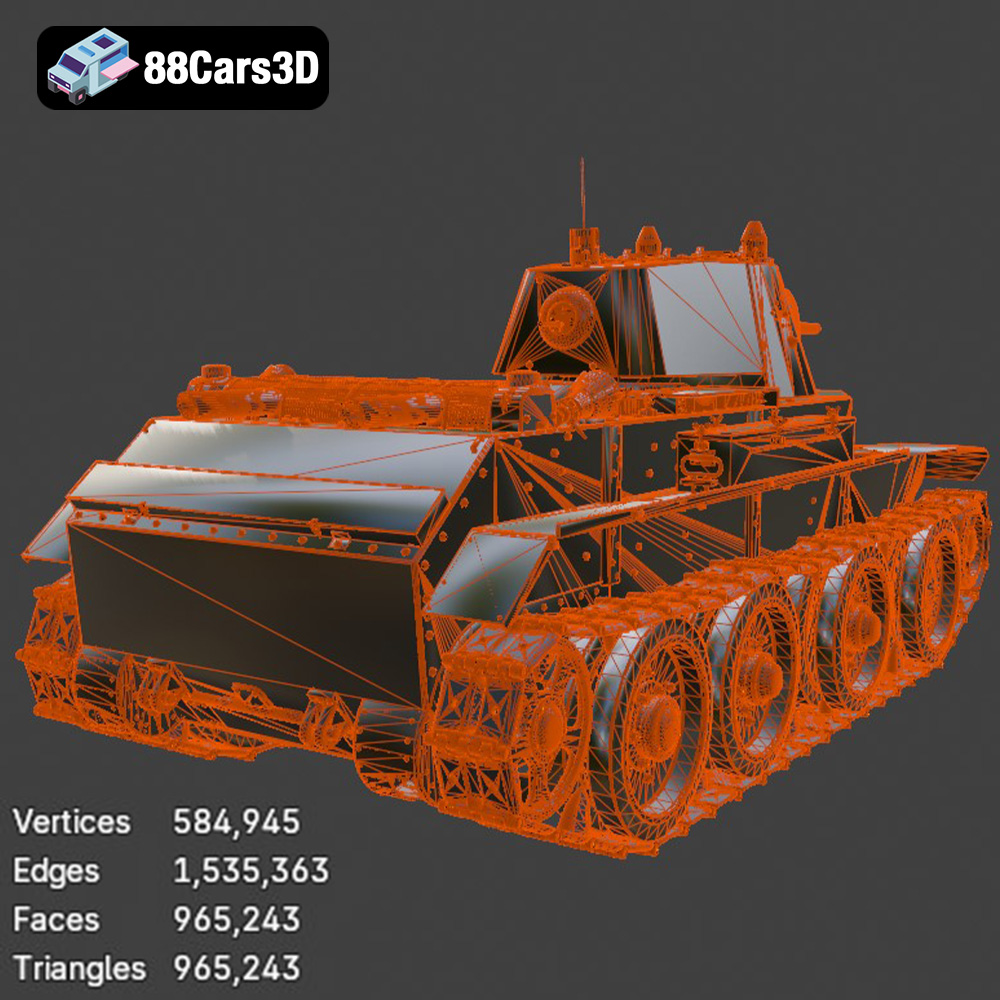
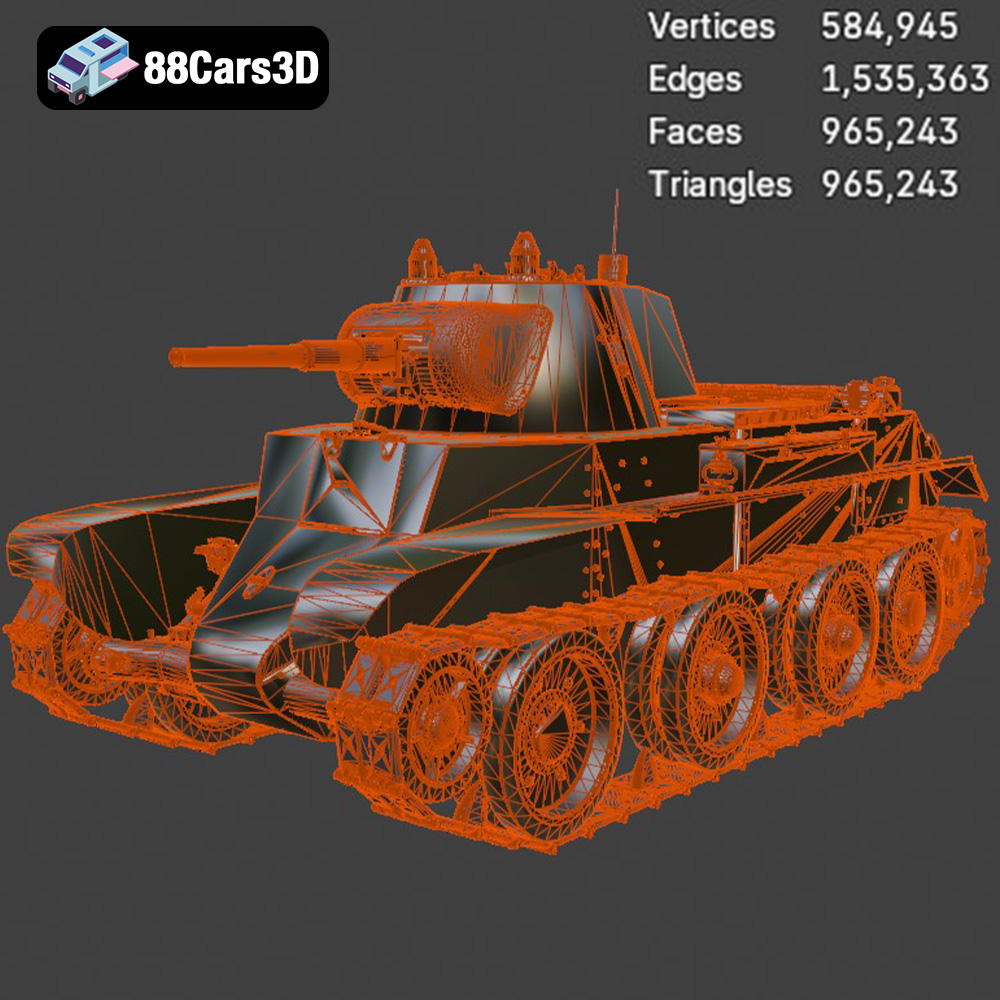
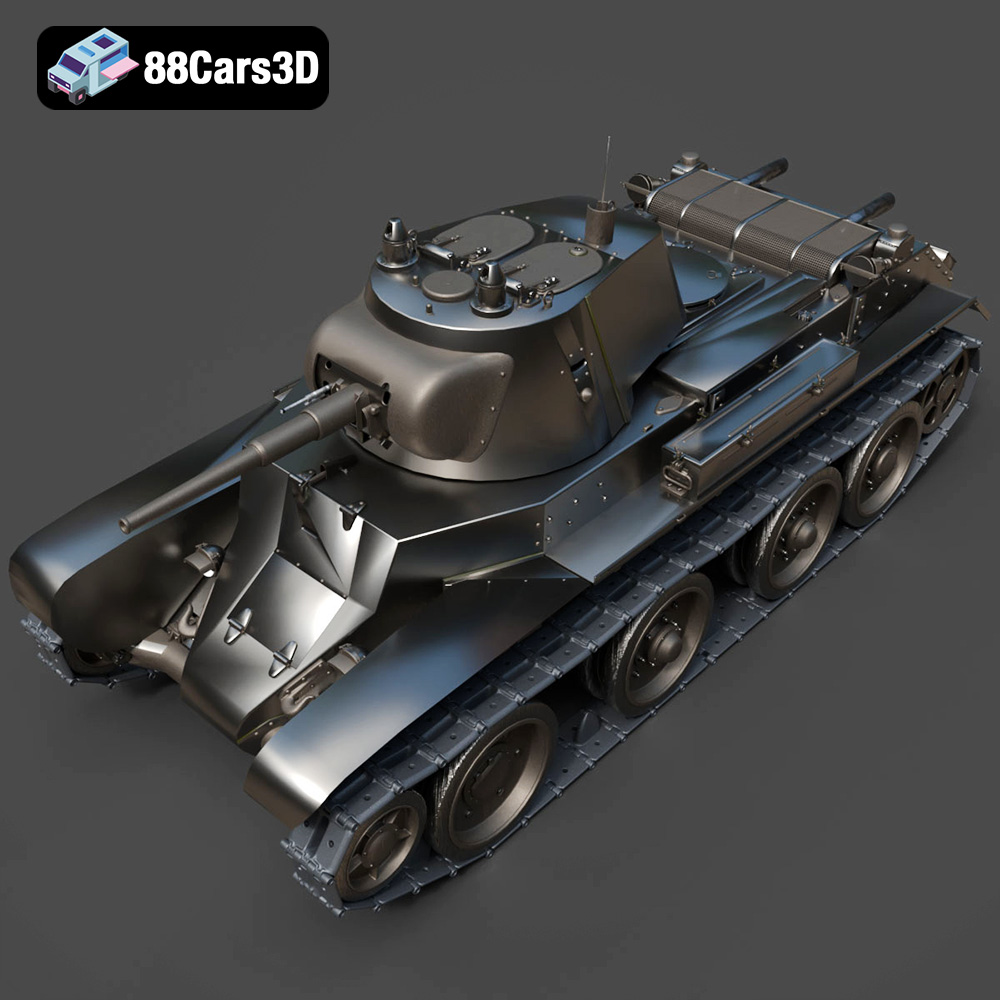
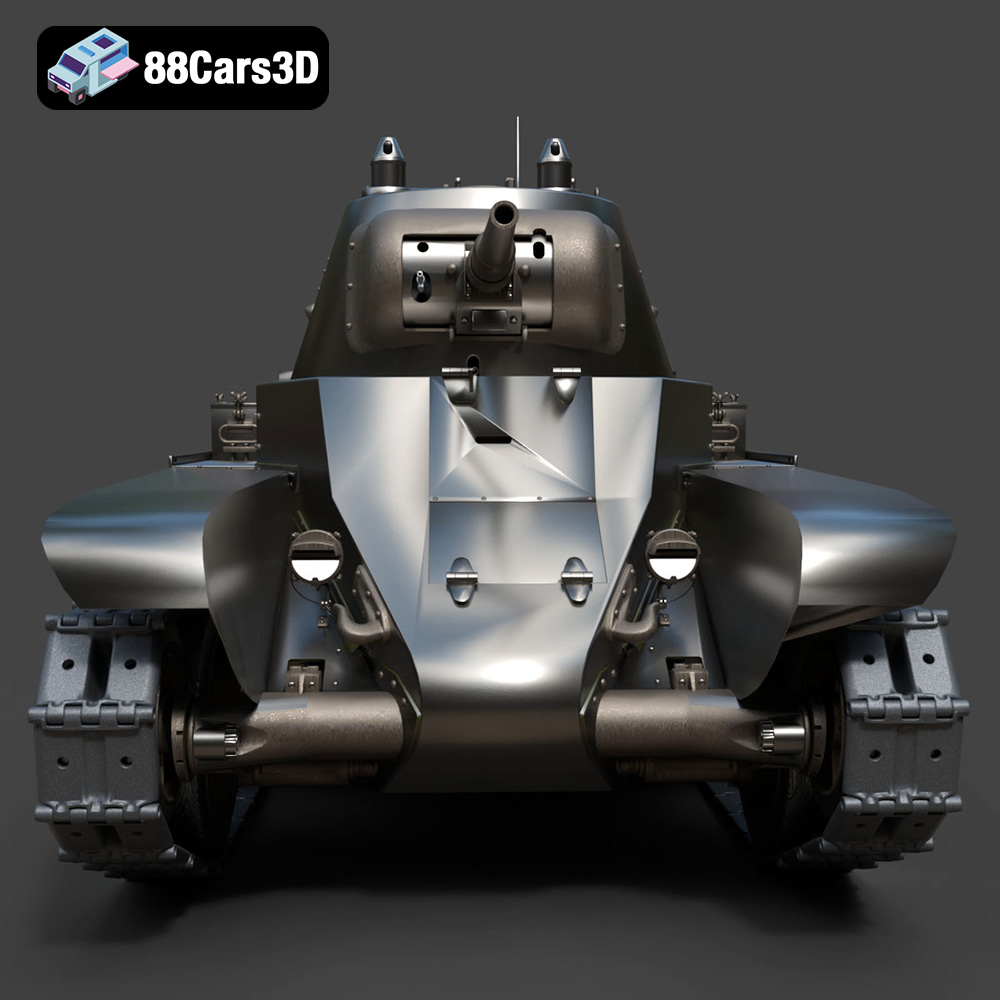
The Heavy Armored Tank 3D Model is a high-detail digital recreation of a formidable tracked combat vehicle. Designed to represent the raw power and tactical dominance of armored warfare, this model features heavy plating, a commanding main gun barrel, a fully articulated turret, and intricate continuous track (caterpillar) systems.
$9.99
3D printing the Heavy Armored Tank 3D Model from 88cars3d.com is a challenging yet rewarding project. By carefully considering the printing technology, material, and settings, you can create a stunning replica of this iconic vehicle. Remember to take your time with post-processing to achieve a professional-looking finish. With patience and attention to detail, you can bring this heavy armored beast to life on your 3D printer. The level of detail in the model, coupled with your dedication, will result in a truly impressive 3D printed model that you can proudly display or use in your favorite wargaming scenarios.
.blend
.fbx
.mbt
.military
.obj
.rendering
.stl
.tank
3d printing
armored-vehicle
combat
game asset
main-battle-tank
mid-poly
military-3d-model
tracks
turret
war