Get 50% OFF All Premium 3D & STL Models!

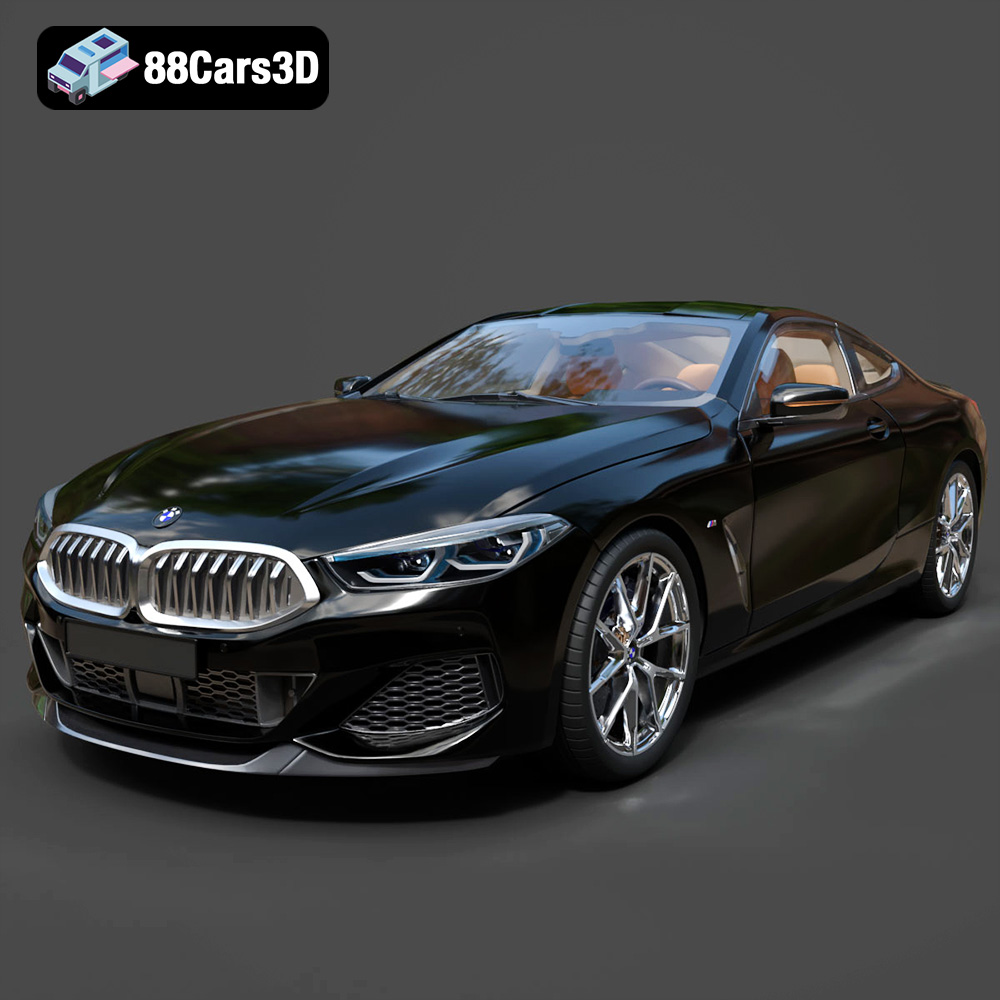
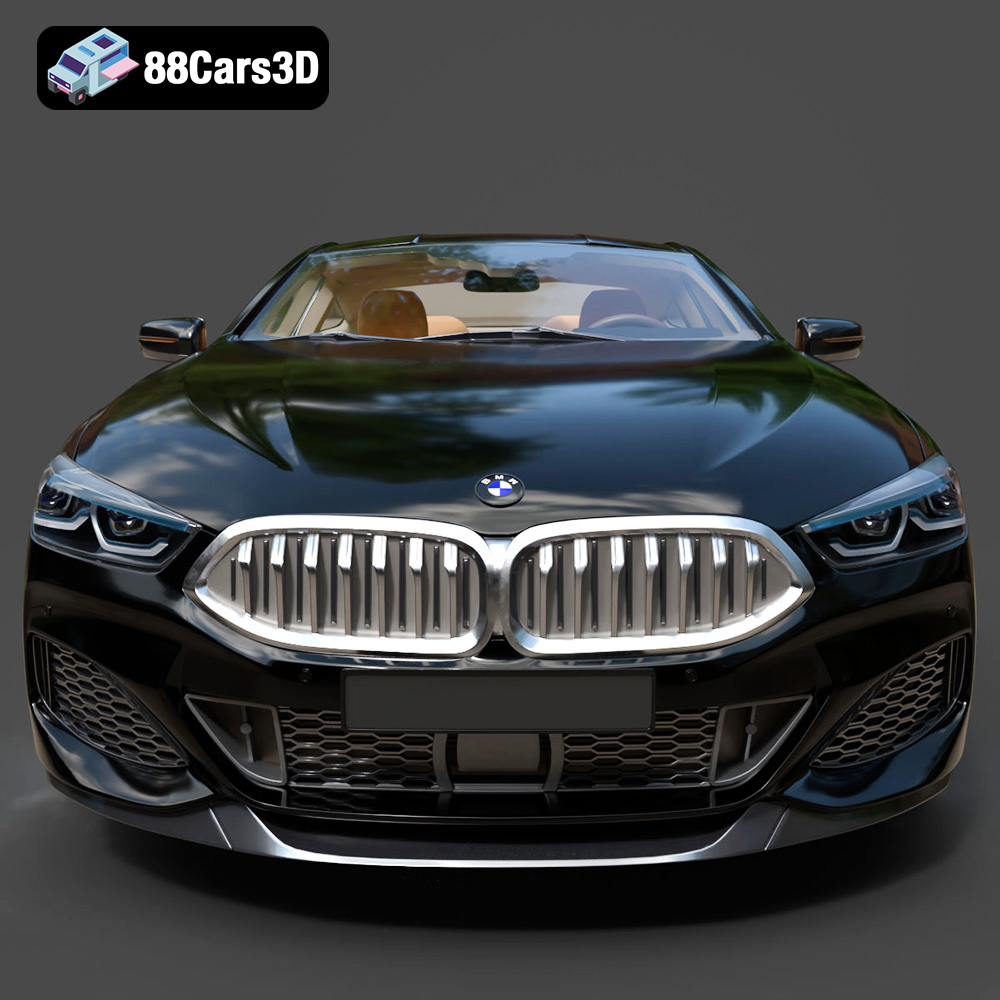
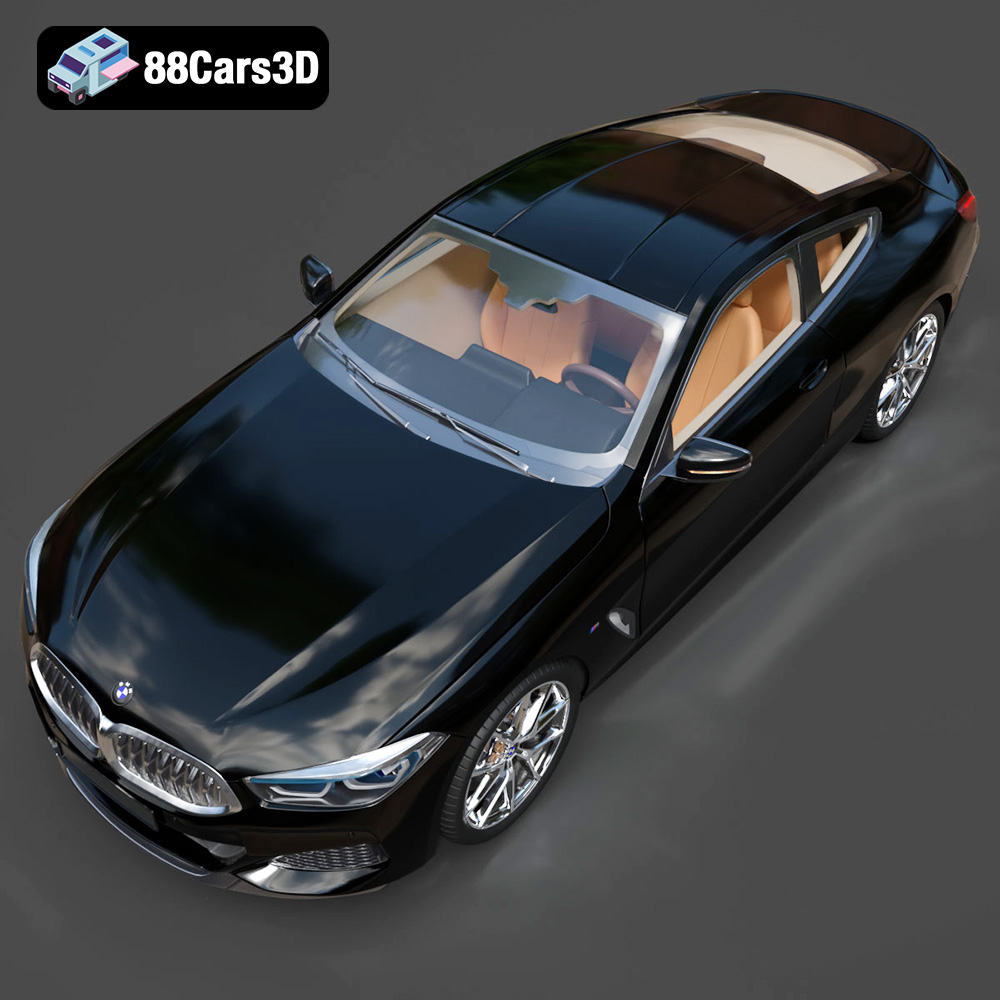
The BMW 8 Series M850i Coupe 2019 is a marvel of automotive engineering, blending luxury with exhilarating performance. Now, thanks to the power of 3D printing and sites like 88cars3d.com, you can bring a piece of that automotive excellence into your own home. This blog post will guide you through the process of 3D printing a stunning replica of this iconic vehicle, covering everything from file preparation to post-processing. Get ready to embark on a rewarding journey of additive manufacturing!
The quality of your 3D printed BMW 8 Series M850i Coupe 2019 will heavily depend on the capabilities of your 3D printer. Consider these factors when selecting a machine:
* **FDM (Fused Deposition Modeling):** FDM printers are more affordable and readily accessible, making them a great starting point. They use filaments like PLA, ABS, and PETG. For a car model, PETG offers a good balance of strength and heat resistance. However, FDM prints often require more post-processing to achieve a smooth surface finish. Layer lines are more visible, and intricate details might be less defined.
* **Resin (Stereolithography/SLA or Digital Light Processing/DLP):** Resin printers offer superior detail and smoother surfaces compared to FDM. They use liquid resin cured by UV light. Resin printing is ideal for capturing the complex curves and fine details of the BMW 8 Series M850i Coupe 2019. However, resin printers and resins are typically more expensive. Resin prints also require careful post-processing, including washing and curing.
* **Build Volume:** The overall size of your desired model will dictate the necessary build volume. If you want to print the car as a single piece, measure the dimensions of the STL file in your slicing software and ensure your printer’s build volume is sufficient. Otherwise, you’ll need to print the model in multiple parts.
* **Resolution:** Resolution, measured in layer height for FDM and layer thickness for resin, determines the level of detail captured. Lower layer heights (e.g., 0.1mm for FDM, 0.05mm for resin) result in finer details but increase print time. Experiment to find the optimal balance between detail and printing speed.
Choosing the right file format is crucial for a successful 3D printing experience. The BMW 8 Series M850i Coupe 2019 3D Model from 88cars3d.com is available in various formats, but some are more suitable for printing than others.
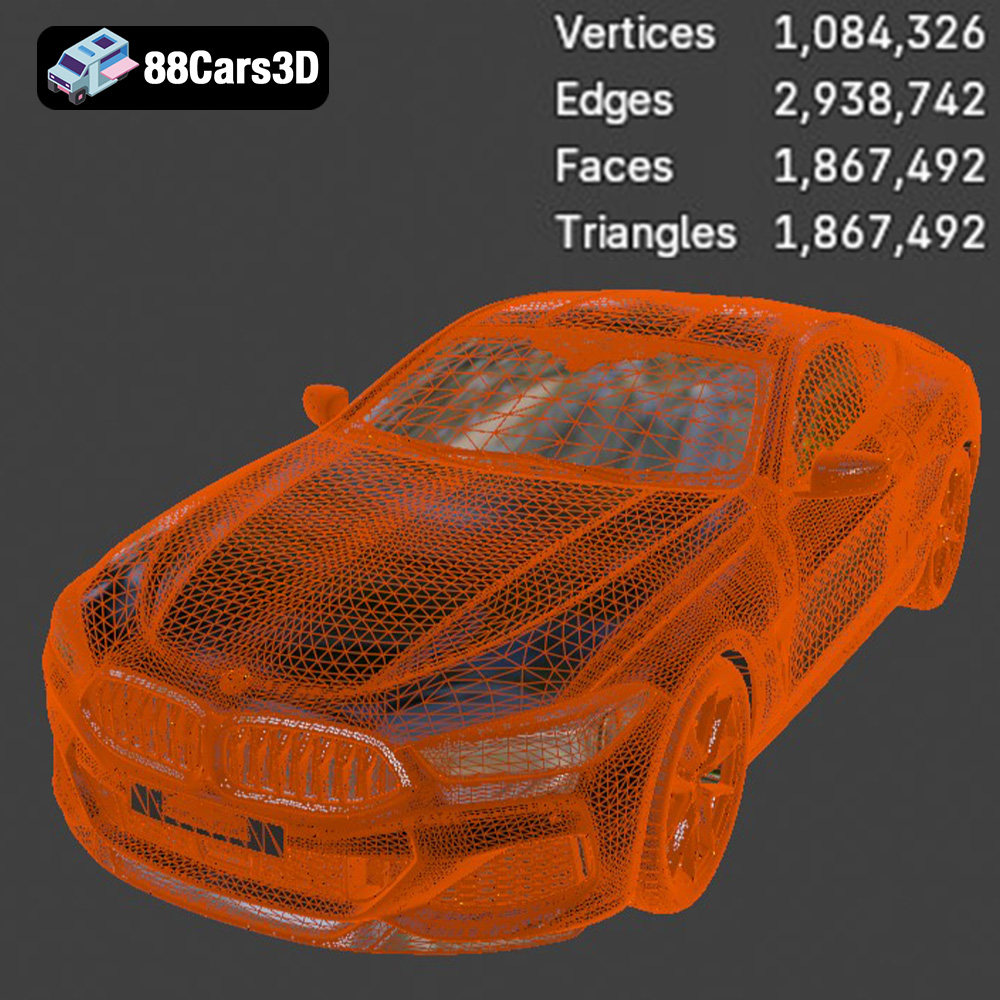
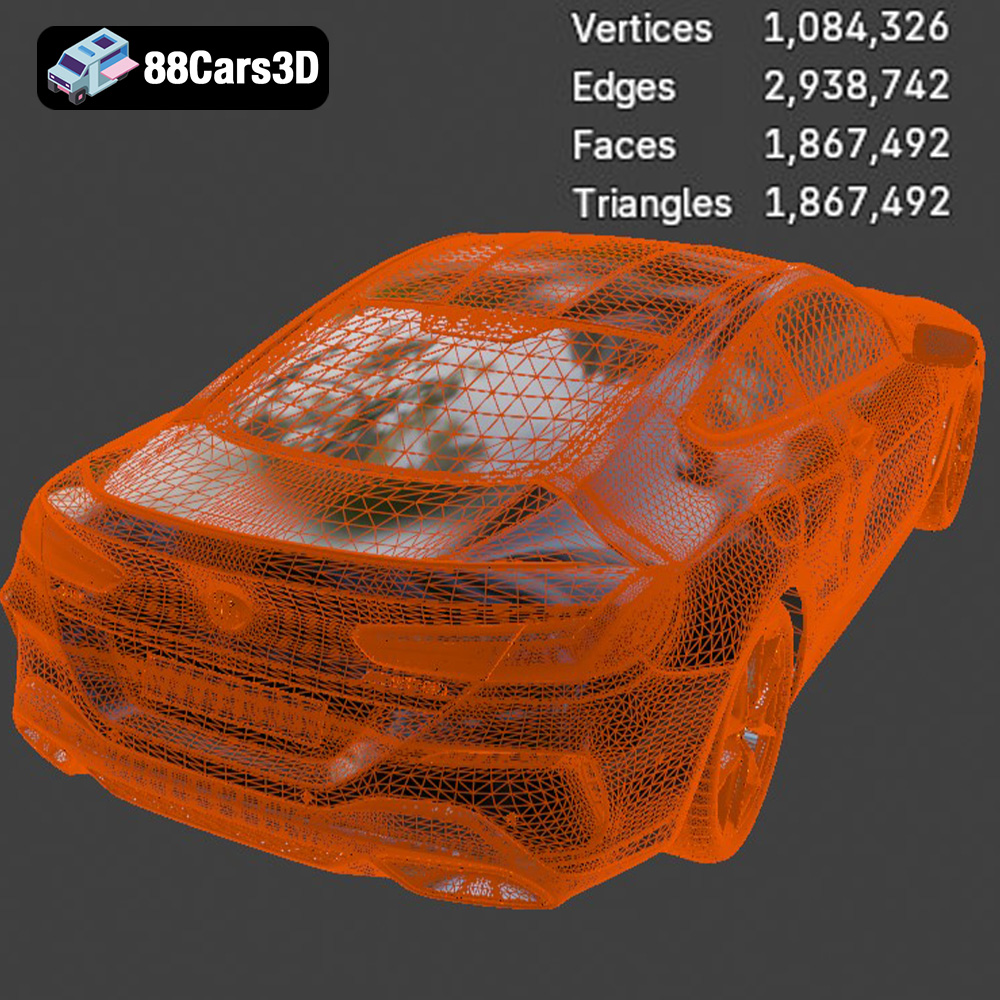
* **.stl – Industry Standard for 3D Printing, Mesh-Only Format:** The STL (Stereolithography) format is the workhorse of 3D printing. It represents the 3D model’s surface as a collection of triangles, essentially a mesh. Most slicing software readily accepts STL files. It’s a simple and widely compatible format, making it the primary choice for 3D printing. However, STL files don’t contain color or texture information, so your print will be a single color based on the filament or resin you use. When exporting an STL file, pay attention to the mesh resolution. A higher resolution results in a smoother surface but increases file size and processing time. Lower resolution reduces file size but can lead to a faceted appearance.
* **.obj – Universal Format with Texture Support for Colored Prints:** OBJ (Object) files are another common 3D model format, offering the advantage of storing color and texture information along with the geometry. While some 3D printers can handle colored filaments or multi-material printing, OBJ files are more often used for rendering and visualization. Slicing software can import OBJ files, but you may need to adjust settings to handle the texture data correctly.
* **.ply – Precision Mesh Format for High-Detail Prints:** PLY (Polygon) files are designed to store 3D data acquired from 3D scanners. They can contain color, texture, and even vertex normals (surface orientation). PLY is a high-precision format suitable for capturing intricate details, but it’s not as universally supported by slicing software as STL. The complex data structure can also lead to larger file sizes.
* **.blend – Editable Blender Scene for Customization Before Export:** The BLEND format is the native file format for Blender, a popular open-source 3D modeling software. It contains the entire scene, including the model, materials, lighting, and animation data. BLEND files are not directly compatible with slicing software. You must open the BLEND file in Blender, make any desired modifications, and then export the model as an STL, OBJ, or another printable format. This allows for extensive customization before printing.
* **.fbx – For Importing into Slicing Software with Materials:** FBX (Filmbox) is a proprietary file format developed by Autodesk. It’s widely used in game development and animation and supports complex data like animations, skeletons, and materials. While some advanced slicing software can import FBX files, it’s primarily intended for transferring models between different software packages. For 3D printing, exporting the model as an STL file from the FBX is generally recommended.
* **.glb – For Previewing Models in AR Before Printing:** GLB (GL Transmission Format Binary) is a binary file format that represents 3D models in a compact and efficient way. It’s commonly used for web-based applications and augmented reality (AR) experiences. GLB files can contain color, textures, and animations. They are typically not used directly for 3D printing but are excellent for previewing the model on a mobile device using AR before committing to the print.
* **.max – Editable 3ds Max Project for Modifications:** MAX is the native file format for Autodesk 3ds Max, another professional 3D modeling software. Similar to BLEND files, MAX files contain the entire scene setup. You need 3ds Max to open and edit MAX files. Before 3D printing, export the model as an STL file.
For the BMW 8 Series M850i Coupe 2019 from 88cars3d.com, the **STL file is the recommended choice for 3D printing.** Ensure the mesh quality is sufficient for your desired level of detail. If you need to make modifications, use the BLEND or MAX file to adjust the model and then export it as an STL.
Slicing software is essential for translating the 3D model into instructions that your 3D printer can understand. Popular options include Cura, PrusaSlicer, Simplify3D, and Chitubox (for resin printers).
* **Import:** Import the STL file of the BMW 8 Series M850i Coupe 2019 into your chosen slicing software.
* **Scaling:** Determine the desired size of your printed model. Be mindful of your printer’s build volume. Uniformly scale the model to the appropriate size using the slicing software’s scaling tools.
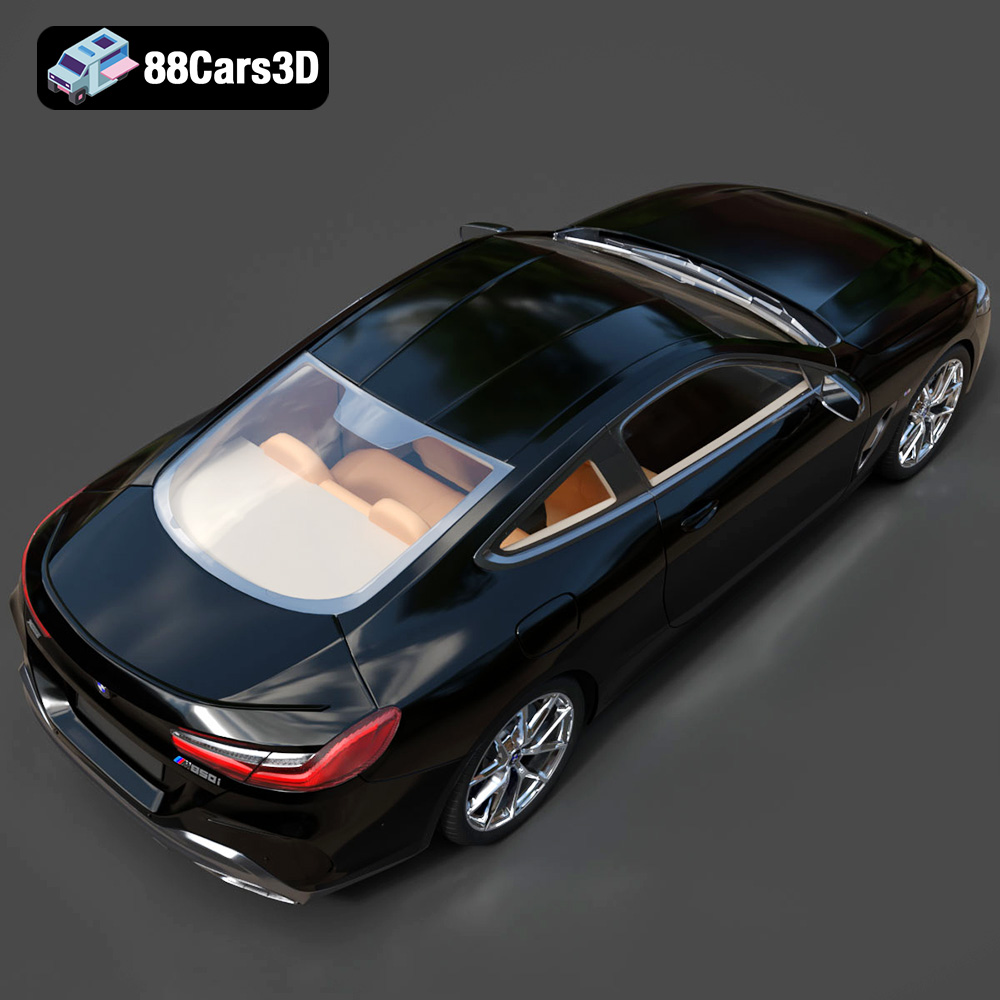
* **Orientation:** The orientation of the model on the print bed significantly impacts print quality and the need for support structures. Experiment with different orientations to minimize overhangs and optimize surface finish. For the BMW 8 Series M850i Coupe 2019, consider printing it with the roof facing upwards to minimize support structures on the body panels.
* **Support Structures:** Support structures are necessary to support overhanging parts of the model during printing. Slicing software can automatically generate support structures. Adjust the support settings (density, type, and placement) to balance support strength with ease of removal. Consider using tree supports for FDM printing, as they often require less material and are easier to remove. For resin printing, use strategically placed supports to avoid damaging delicate details.
The choice of printing material and printer settings will greatly influence the final outcome of your 3D printed BMW 8 Series M850i Coupe 2019.
* **PLA (Polylactic Acid):** PLA is a biodegradable and easy-to-print material, ideal for beginners. It offers good detail and a wide range of colors. However, PLA is not very heat-resistant and can warp in direct sunlight.
* **Recommended Settings:** Layer height: 0.1-0.2mm, Infill: 15-20%, Print speed: 40-60mm/s, Bed temperature: 60°C, Nozzle temperature: 200-220°C.
* **PETG (Polyethylene Terephthalate Glycol-modified):** PETG is a strong and durable material with better heat resistance than PLA. It’s a good choice for functional parts and offers a glossy finish.
* **Recommended Settings:** Layer height: 0.1-0.2mm, Infill: 20-25%, Print speed: 40-50mm/s, Bed temperature: 70-80°C, Nozzle temperature: 230-250°C.
* **ABS (Acrylonitrile Butadiene Styrene):** ABS is a strong and heat-resistant material, commonly used in automotive applications. However, it’s more challenging to print than PLA and PETG due to its tendency to warp. An enclosure is highly recommended for printing ABS.
* **Recommended Settings:** Layer height: 0.1-0.2mm, Infill: 25-30%, Print speed: 40-50mm/s, Bed temperature: 100-110°C, Nozzle temperature: 230-250°C.
* **Standard Resin:** Standard resin is the most affordable and widely available resin. It offers good detail and a smooth surface finish. However, it can be brittle and prone to cracking.
* **Recommended Settings:** Layer thickness: 0.025-0.05mm, Exposure time: Consult your resin manufacturer’s recommendations.
* **Tough Resin:** Tough resin is designed to be more durable and impact-resistant than standard resin. It’s a good choice for parts that need to withstand stress.
* **Recommended Settings:** Layer thickness: 0.025-0.05mm, Exposure time: Consult your resin manufacturer’s recommendations.
* **Flexible Resin:** Flexible resin allows you to print parts that can bend and flex without breaking. It’s ideal for tires or other flexible components of the BMW 8 Series M850i Coupe 2019 model.
* **Recommended Settings:** Layer thickness: 0.025-0.05mm, Exposure time: Consult your resin manufacturer’s recommendations.
Post-processing is crucial for achieving a professional-looking finish on your 3D printed BMW 8 Series M850i Coupe 2019.
* **Support Removal:** Carefully remove the support structures using pliers, cutters, or a sharp knife. Be patient and avoid damaging the model.
* **Sanding:** Sand the surface of the model to remove layer lines and imperfections. Start with coarse sandpaper (e.g., 220 grit) and gradually move to finer grits (e.g., 400, 600, 800 grit) for a smooth finish. Wet sanding can help reduce dust and improve the surface finish.
* **Priming:** Apply a primer coat to the model to create a smooth and uniform surface for painting.
* **Painting:** Use spray paint or an airbrush to apply the desired color to the model. Apply multiple thin coats for the best results. Consider using masking tape to create intricate details and color separations.
* **Detailing:** Add details such as window trim, headlights, and taillights using fine-tipped paintbrushes and appropriate paints. Decals can also be used to add logos and other markings.
* **Adhesive:** Use super glue or epoxy to assemble the different parts of the model. Ensure the parts are properly aligned before applying the adhesive.
* **Filling Gaps:** Fill any gaps between the parts with putty or filler. Sand the filler smooth before painting.
Even with careful preparation, you may encounter some challenges during the 3D printing process. Here are some common issues and their solutions:
* **Warping (FDM):** Warping occurs when the corners of the print lift off the build plate. Ensure your bed is properly leveled and heated. Use a brim or raft to increase adhesion.
* **Stringing (FDM):** Stringing is caused by filament oozing from the nozzle during travel moves. Reduce the nozzle temperature and increase retraction settings.
* **Layer Shifting:** Layer shifting occurs when the printer head suddenly shifts position, resulting in misaligned layers. Check the belt tension and ensure the printer is stable.
* **Failed Prints:** A failed print can be caused by a variety of factors, including poor bed adhesion, incorrect settings, or a clogged nozzle. Carefully examine the failed print to identify the cause and adjust your settings accordingly.
* **Resin Print Delamination:** Layers separate during resin printing. Increase exposure time. Make sure the FEP film is clean and not cloudy.
With patience and attention to detail, you can overcome these challenges and create a stunning 3D printed replica of the BMW 8 Series M850i Coupe 2019. Don’t be afraid to experiment with different settings and techniques to achieve the best possible results. You can find amazing 3D car models like this one at 88cars3d.com.
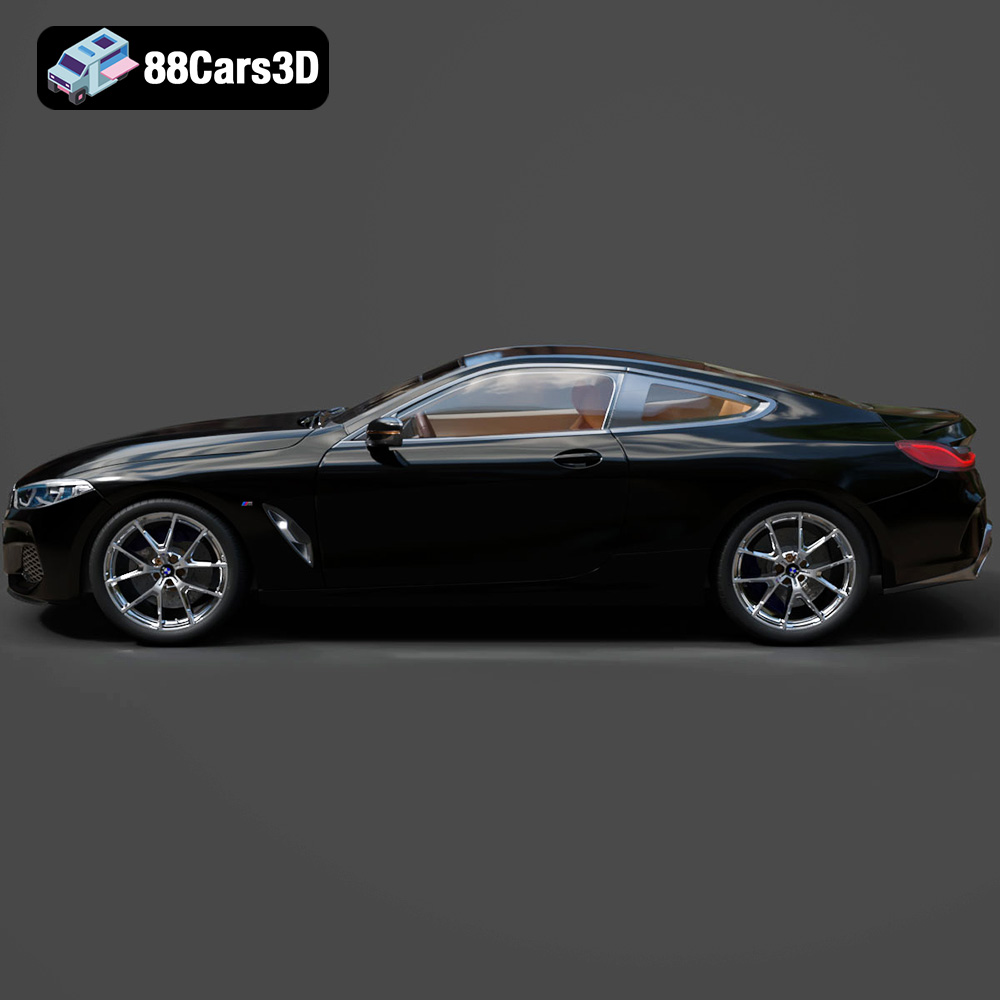
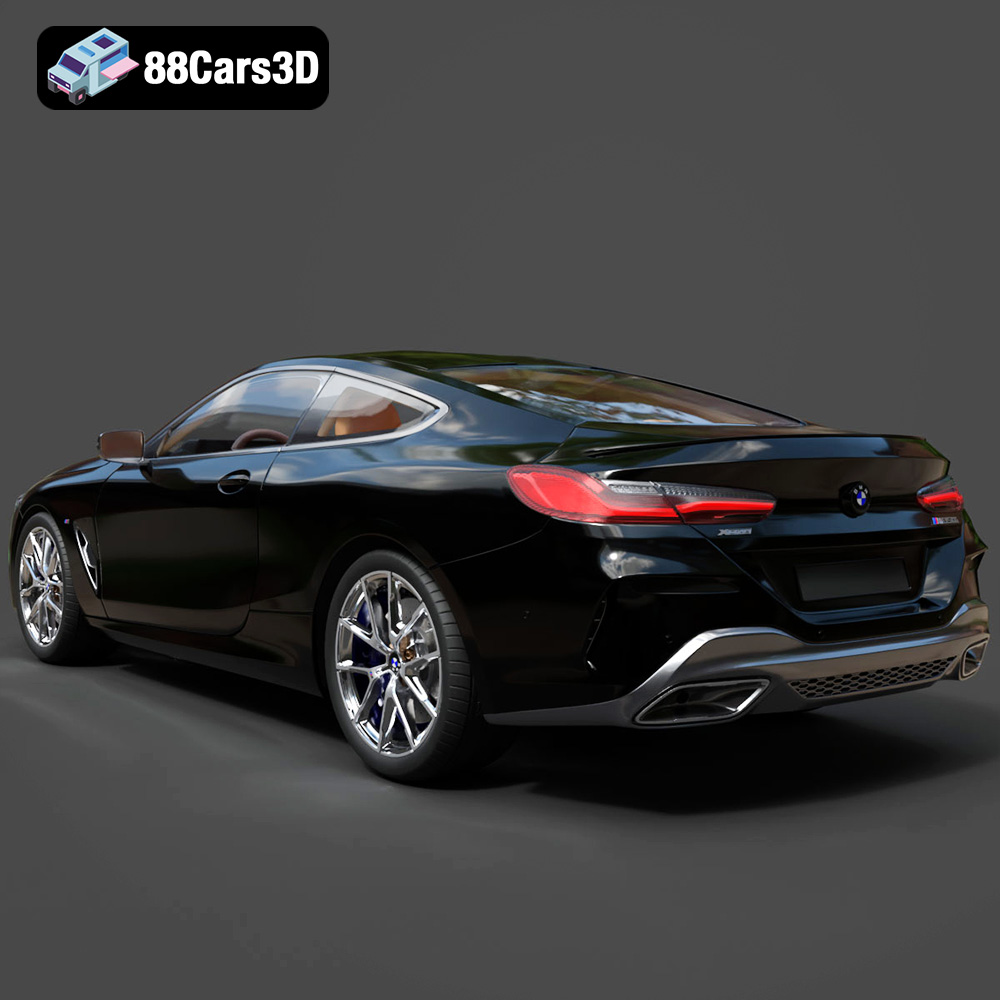
Experience the exceptional realism of the BMW 8 Series M850i Coupe 2019 3D Model, expertly crafted to bring authentic automotive design to your digital projects. This meticulously built digital asset captures the sophisticated, sporty silhouette and luxurious details of the renowned coupe, providing a stunning visual centerpiece for any scene.
$19.99
.8series
.arvr
.blend
.bmw
.car3dmodel
.coupe
.fbx
.gameasset
.glb
.luxurycar
.m850i
.max
.obj
.ply
.rendering
.simulation
.sportsCar
.stl
.unreal