Get 50% OFF All Premium 3D & STL Models!

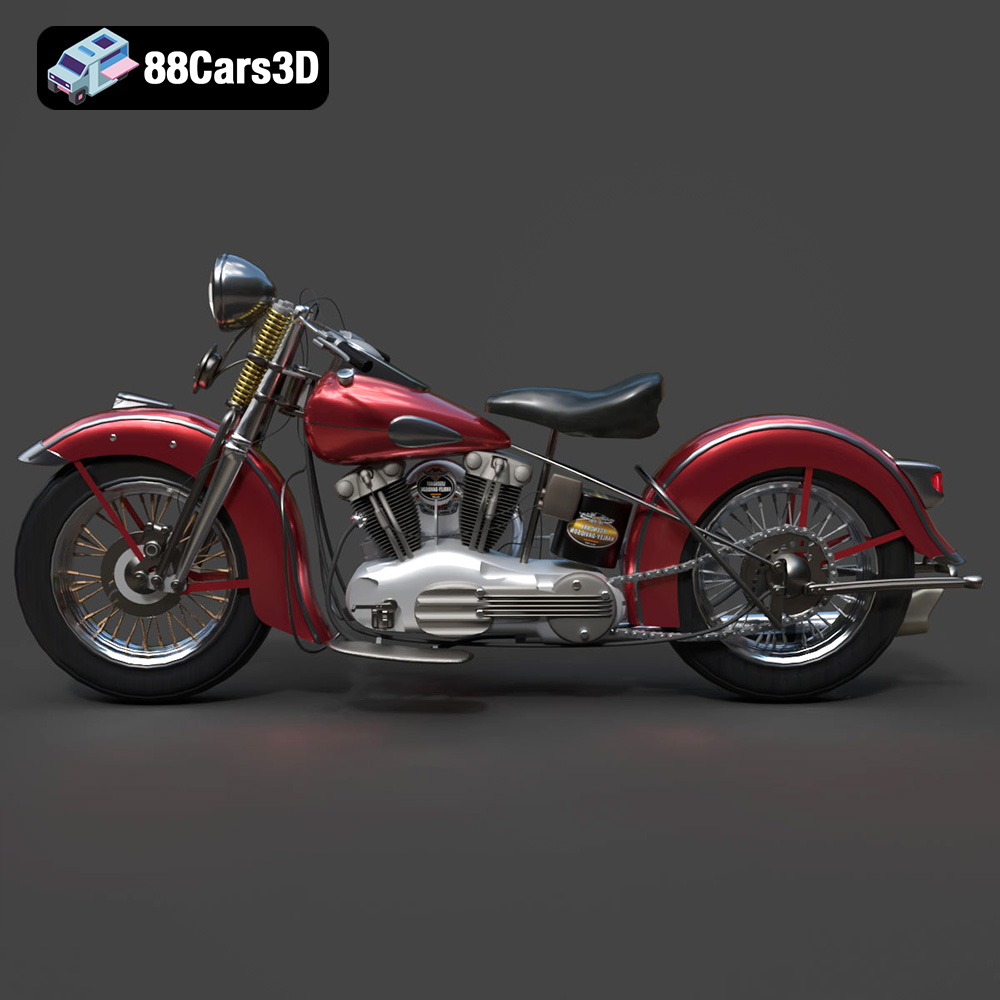
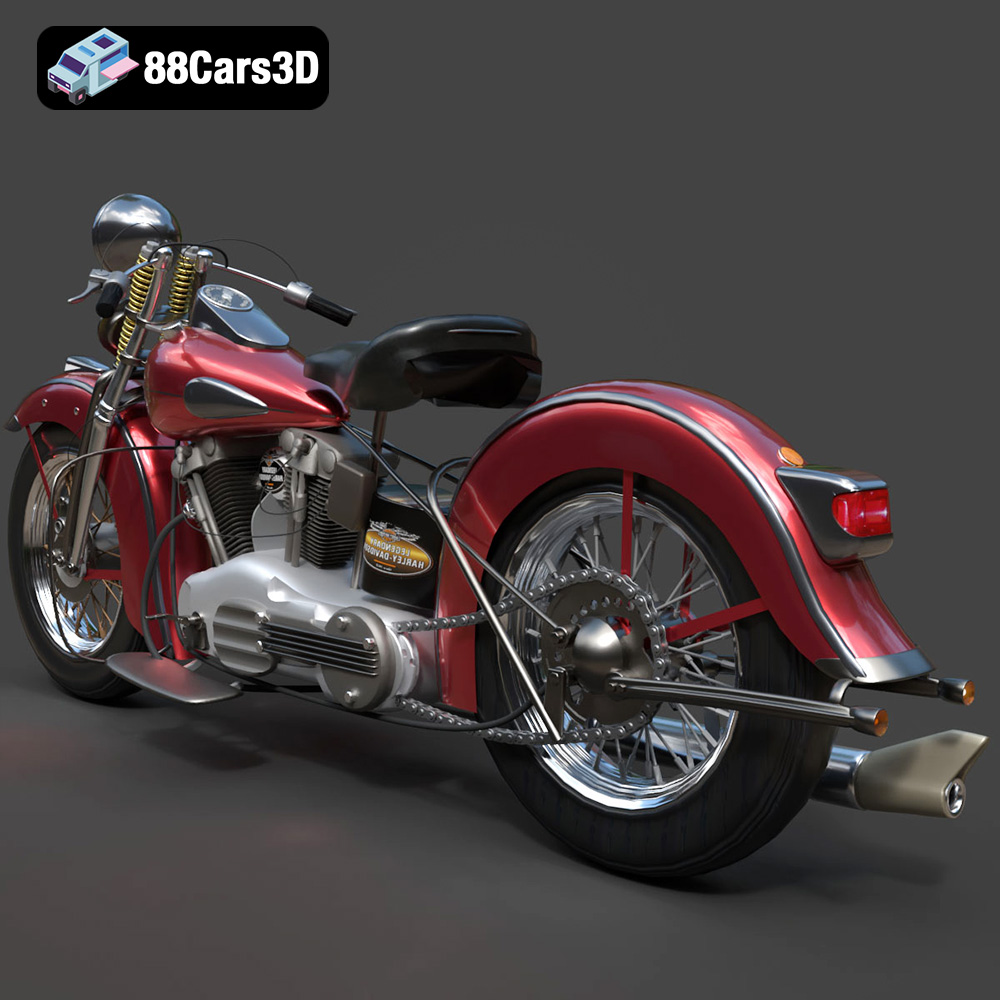
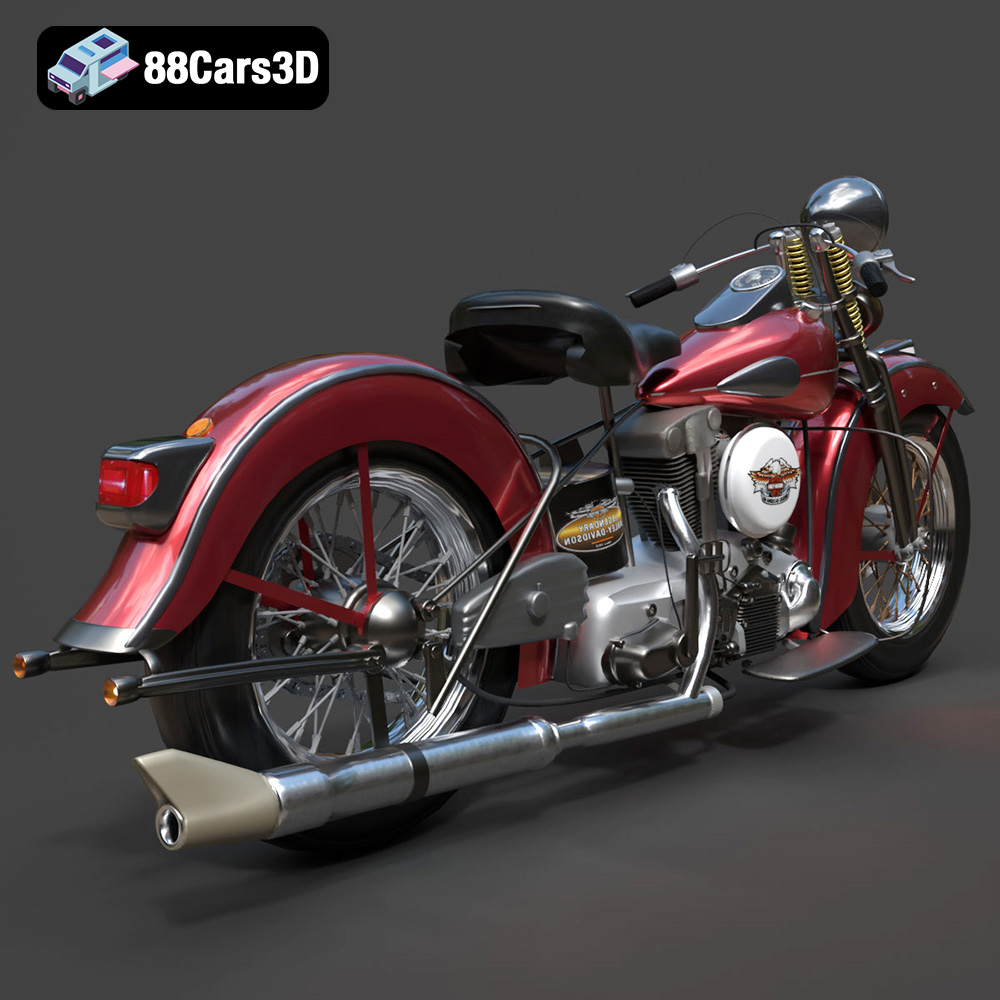
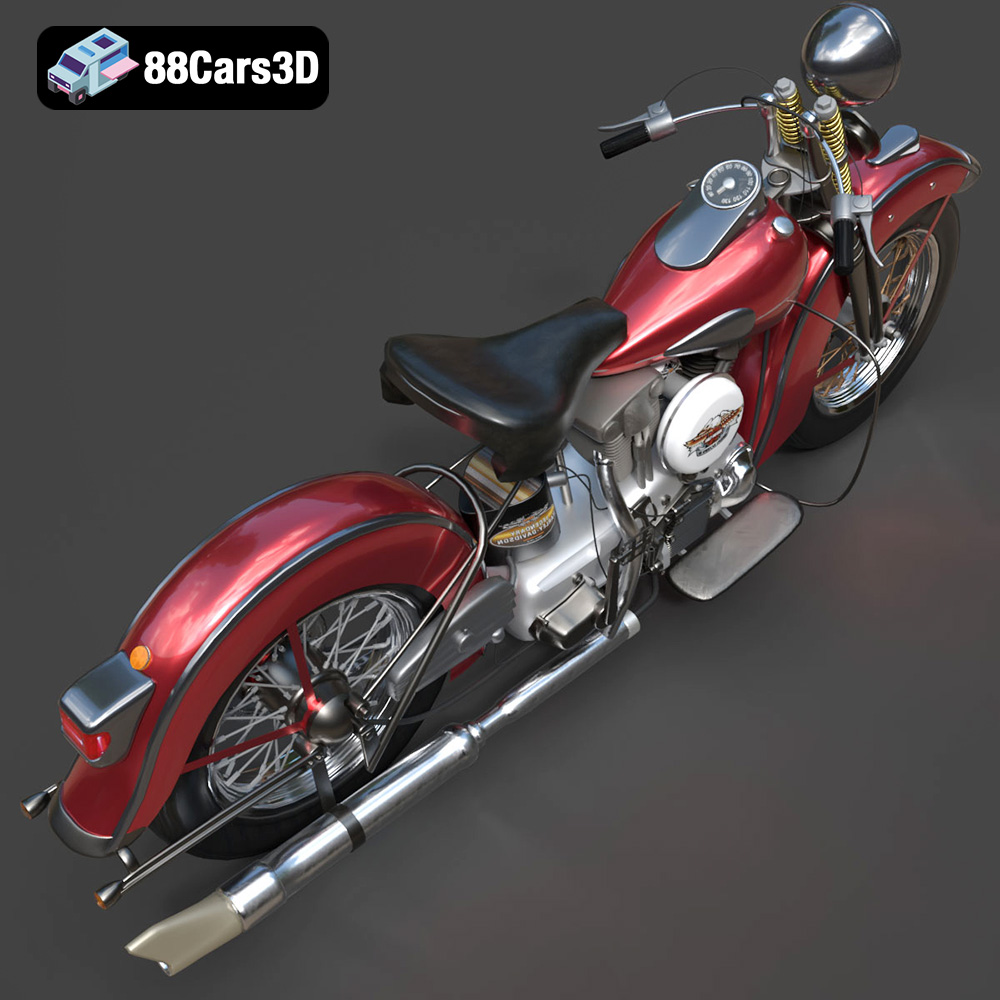
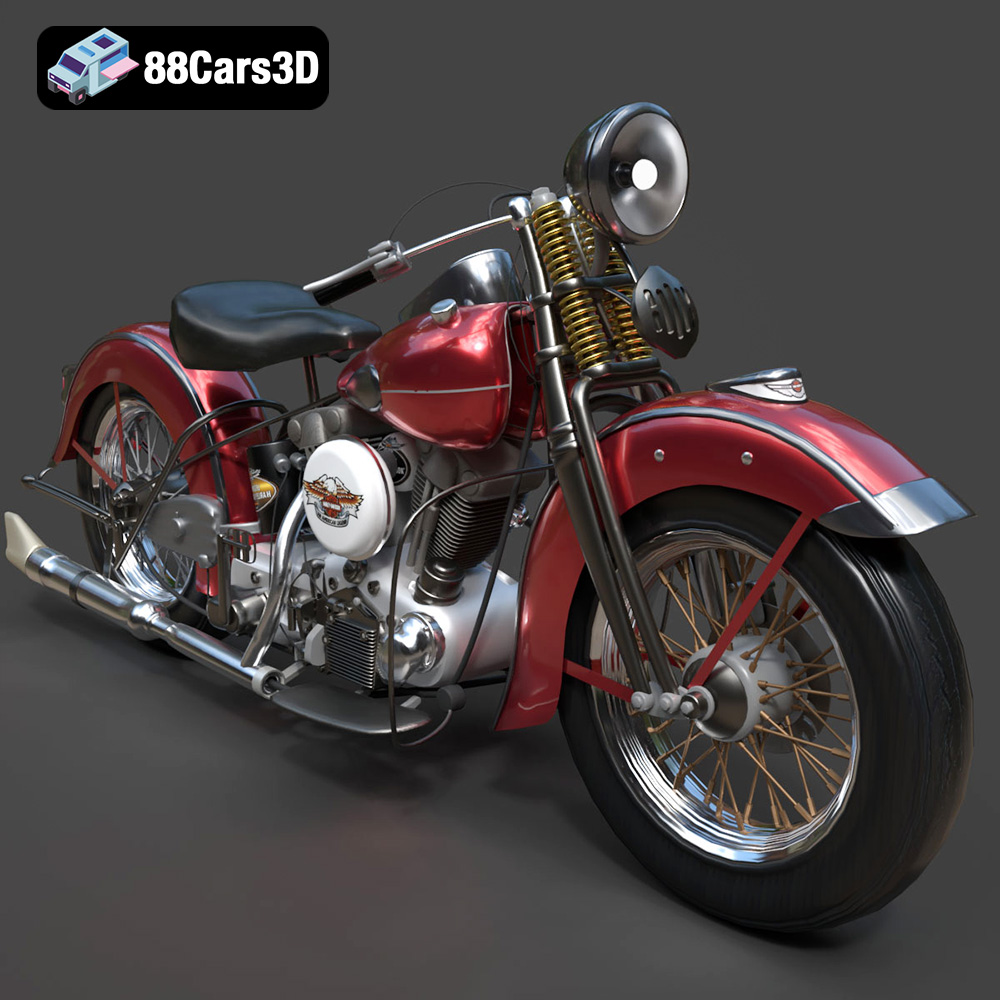
The Harley Davidson F 1946 is a true icon of American motorcycling. Its timeless design and powerful presence make it a popular subject for 3D modeling. Now, thanks to the meticulously crafted 3D model available on 88cars3d.com, you can bring this classic motorcycle to life through the magic of 3D printing. This comprehensive guide will walk you through every step of the process, from pre-print preparation to post-processing, ensuring a successful and rewarding 3D printing experience. Whether you’re a seasoned 3D printing enthusiast or a beginner looking for a challenging project, this guide will provide you with the knowledge and techniques to create a stunning 3D printed replica of the Harley Davidson F 1946.
Before diving into the specifics of 3D printing the Harley Davidson F 1946, it’s crucial to understand the various file formats available and their suitability for additive manufacturing. While 88cars3d.com provides a range of formats for different applications, some are better suited for 3D printing than others.
The STL (stereolithography) file format is the industry standard for 3D printing. It represents the surface geometry of a 3D object as a collection of triangles. This simplicity makes it universally compatible with slicing software and 3D printers. The STL file for the Harley Davidson F 1946 available on 88cars3d.com is specifically optimized for 3D printing, ensuring a clean and accurate representation of the motorcycle’s intricate details. However, it’s important to note that STL files only contain mesh data; they do not store information about color, texture, or materials.
* **.obj:** This format is more versatile than STL and can store color and texture information. While compatible with some slicing software, it’s generally used for rendering and visualization rather than direct 3D printing, unless you plan to try multicolor printing.
* **.ply:** The PLY format is designed for storing 3D data acquired from 3D scanners. It can represent color and other properties per vertex, making it suitable for high-detail prints where color accuracy is important.
* **.blend:** This is the native file format for Blender, a popular open-source 3D modeling software. It’s useful for making modifications to the Harley Davidson F 1946 model before exporting it as an STL for printing.
* **.fbx:** FBX is primarily used for game development and animation, allowing for the transfer of models, animations, and other data between different software packages. While it can be imported into some slicing software, it is not ideal for 3D printing directly.
* **.glb:** GLB is a binary file format that contains 3D models, textures, and animations. It’s designed for efficient transmission and display on the web, making it suitable for AR/VR applications and online previews.
* **.max:** This is the native file format for 3ds Max, another industry-standard 3D modeling software. It serves a similar role to .blend, allowing for detailed editing before exporting to a printable format.
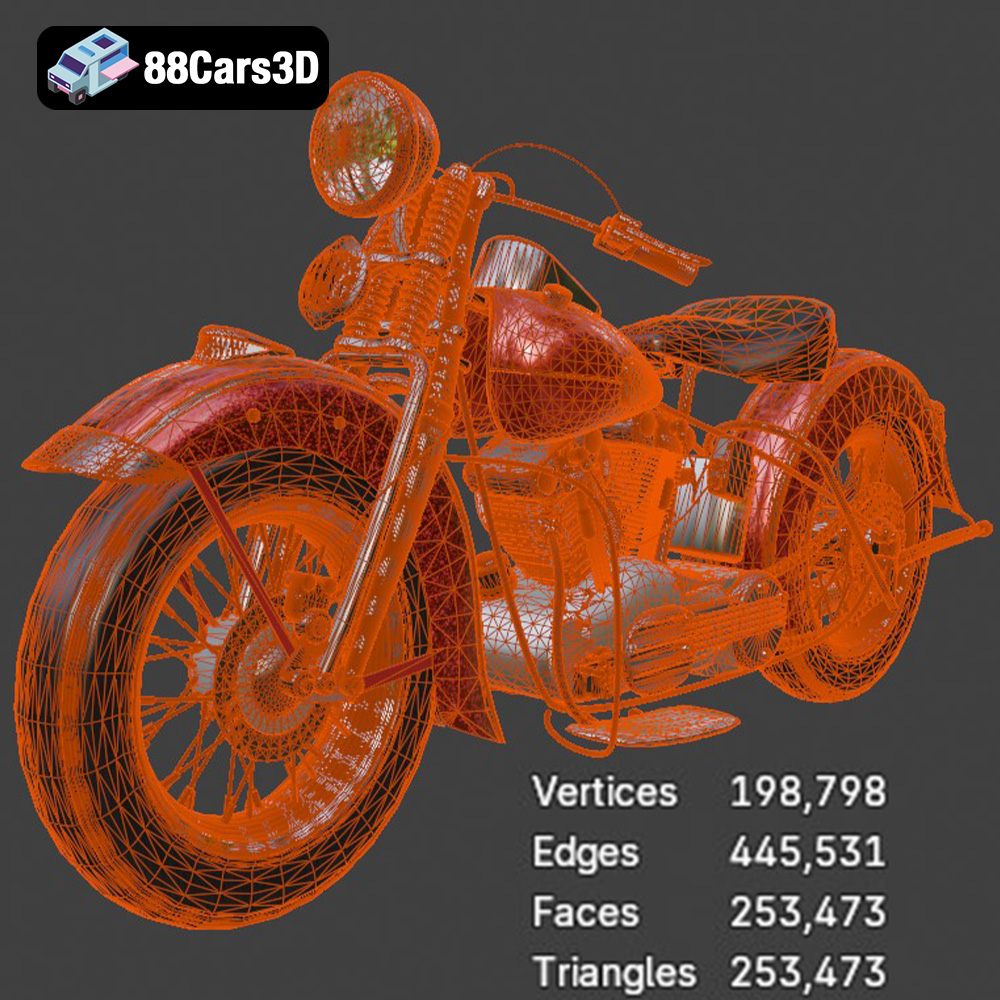
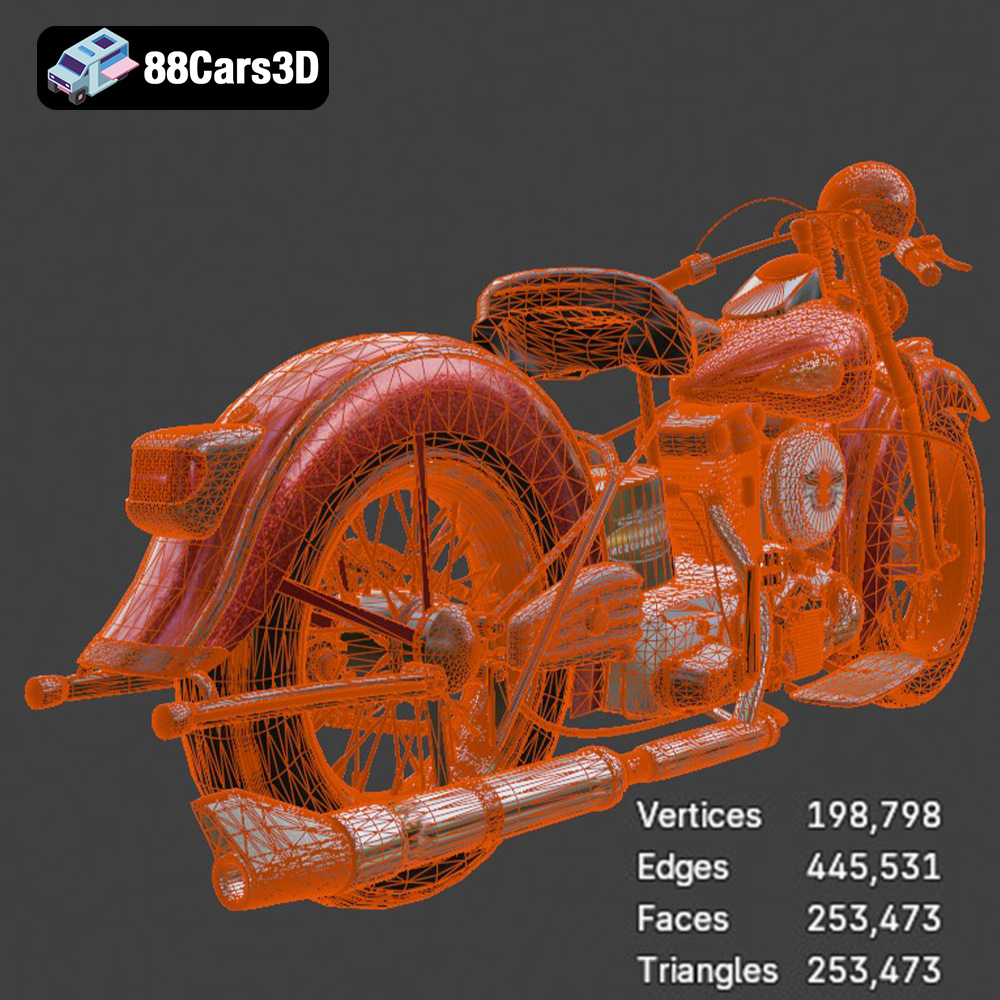
Regardless of the initial format, the final step before 3D printing is to import the model into slicing software. This software converts the 3D model into a series of instructions (G-code) that the 3D printer can understand. Most slicing software readily accepts STL files. When working with STL files, it’s important to ensure that the mesh quality is sufficient for your desired print resolution. A low-resolution mesh will result in a blocky or faceted print, while an excessively high-resolution mesh can increase file size and processing time without significantly improving the print quality. The STL provided by 88cars3d.com should offer a good balance between detail and printability.
Before sending the Harley Davidson F 1946 model to your 3D printer, you’ll need to perform several crucial pre-print preparation steps. This ensures optimal print quality and minimizes the risk of print failures.
* **Visual Inspection:** Open the STL file in your slicing software and carefully examine the model for any visible errors, such as gaps, holes, or non-manifold geometry (edges that are not connected to exactly two faces). These errors can cause problems during printing.
* **Mesh Repair:** Most slicing software includes built-in mesh repair tools that can automatically fix common errors. Utilize these tools to ensure that the Harley Davidson F 1946 model is watertight and free of defects. Software like Meshmixer and Netfabb can also be used for more advanced repairs.
* **Optimal Orientation:** The orientation of the model on the build plate significantly affects print quality, support requirements, and print time. For the Harley Davidson F 1946, consider orienting the model to minimize the need for support structures on visible surfaces. Experiment with different orientations to find the best compromise.
* **Support Placement:** Complex models like the Harley Davidson F 1946 will likely require support structures to prevent overhangs from collapsing during printing. Use the support generation tools in your slicing software to strategically place supports where they are needed, while minimizing their impact on the final appearance of the print. Consider using soluble support material if your printer supports it, as this will make support removal much easier.
* **Scaling:** Adjust the size of the model to your desired scale. Consider the limitations of your 3D printer’s build volume when determining the final size. A larger model will showcase more detail, but will also require more material and printing time.
* **Hollowing (for Resin Printing):** If you are using a resin printer, hollowing the model is essential to reduce material consumption and prevent suction forces from damaging the print during the printing process. Ensure that you add drain holes to allow resin to escape during printing and cleaning.
The choice of material and printer settings plays a critical role in the success of your 3D printed Harley Davidson F 1946.
* **PLA (Polylactic Acid):** PLA is a biodegradable thermoplastic that is easy to print and offers good detail. It’s a good choice for beginners and for models that don’t require high strength or heat resistance.
* **PETG (Polyethylene Terephthalate Glycol-modified):** PETG is a more durable and heat-resistant alternative to PLA. It’s a good choice for models that will be subjected to some wear and tear.
* **ABS (Acrylonitrile Butadiene Styrene):** ABS is a strong and heat-resistant thermoplastic, but it requires a heated bed and an enclosed printer to prevent warping. It’s a good choice for functional parts that need to withstand high temperatures.
* **Resin (SLA/DLP):** Resin printing offers superior detail and surface finish compared to FDM printing. It’s a good choice for highly detailed models that require a smooth surface. However, resin prints are typically more brittle than FDM prints.
* **Layer Height:** A layer height of 0.1mm to 0.2mm is recommended for achieving a good balance between print quality and print time. Lower layer heights will produce smoother surfaces but will also increase print time.
* **Infill Density:** An infill density of 15% to 25% is sufficient for most decorative models. Increase the infill density if you need more strength.
* **Print Speed:** A print speed of 40mm/s to 60mm/s is a good starting point. Adjust the print speed based on your printer’s capabilities and the complexity of the model.
* **Temperature:** The optimal printing temperature will vary depending on the material you are using. Refer to the manufacturer’s recommendations for the appropriate temperature range.
* **Support Settings:** Adjust the support density, support overhang angle, and support z-distance to optimize support removal and minimize damage to the model’s surface.
* **Layer Height:** A layer height of 0.025mm to 0.05mm is recommended for achieving high detail.
* **Exposure Time:** The optimal exposure time will vary depending on the resin you are using and the layer height. Refer to the manufacturer’s recommendations for the appropriate exposure time range.
* **Lift Speed:** Adjust the lift speed to prevent suction forces from damaging the print.
* **Support Settings:** Carefully plan the support placement to minimize their impact on the model’s surface.
Once the Harley Davidson F 1946 is printed, post-processing is essential to achieve a polished and professional finish.
* **Support Removal:** Carefully remove the support structures using pliers, cutters, or a sharp knife. Take your time to avoid damaging the model. For soluble supports, simply dissolve them in water or a suitable solvent.
* **Sanding:** Sand the model to remove any imperfections and smooth the surface. Start with a coarse grit sandpaper (e.g., 220 grit) and gradually work your way up to finer grits (e.g., 400 grit, 600 grit, 800 grit).
* **Filling:** Use filler putty or epoxy to fill any gaps or imperfections. Sand the filler smooth after it has dried.
* **Priming:** Apply a primer coat to the model to create a smooth and uniform surface for painting.
* **Painting:** Paint the model with your desired colors. Use multiple thin coats of paint for best results. Consider using an airbrush for a more professional finish.
* **Clear Coating:** Apply a clear coat to protect the paint and add a glossy or matte finish.
* **Assembly:** If the Harley Davidson F 1946 model is printed in multiple parts, assemble the parts using glue or fasteners.
Even with careful preparation, you may encounter some challenges during the 3D printing process. Here are some common issues and their solutions:
* **Cause:** Warping occurs when the first layer of the print doesn’t adhere properly to the build plate, causing the corners to lift.
* **Solution:** Ensure that the build plate is level and clean. Use a heated bed to improve adhesion. Apply an adhesive such as hairspray or blue painter’s tape to the build plate.
* **Cause:** Stringing occurs when the printer nozzle oozes filament during travel moves, leaving thin strings of plastic between parts of the model.
* **Solution:** Reduce the printing temperature. Increase the retraction distance and speed. Enable coasting or wiping in your slicing software.
* **Cause:** Layer shifting occurs when the printer’s axes lose their position during printing, causing the layers to misalign.
* **Solution:** Ensure that the belts are properly tensioned. Check for any obstructions that may be hindering the movement of the axes. Reduce the printing speed.
* **Cause:** Poor bed adhesion can cause the print to detach from the build plate mid-print.
* **Solution:** Clean the print bed with isopropyl alcohol. Use a brim or raft to increase the contact area between the print and the build plate. Ensure the nozzle is the correct distance from the bed.
Before starting your 3D printing project, it’s helpful to estimate the print time and material costs. The slicing software will typically provide estimates for both, but keep in mind that these are just estimates and the actual values may vary depending on your printer and settings. For the Harley Davidson F 1946, expect a print time ranging from several hours to several days, depending on the size and complexity of the model. The material cost will depend on the material you choose and the amount of material used, but it is likely to be less than $20-$50.
Immerse yourself in the detailed world of the Harley Davidson F 1946 3D Model. This meticulously crafted model replicates the iconic motorcycle with stunning realism, capturing every curve and detail.
$19.99
3D printing the Harley Davidson F 1946 3D model from 88cars3d.com is a rewarding project that combines technical skill with artistic expression. By carefully preparing the model, choosing the right materials and settings, and employing appropriate post-processing techniques, you can create a stunning replica of this iconic motorcycle. Remember to inspect the model for errors, orient it strategically, and plan your support structures carefully. Experiment with different materials and printer settings to find the optimal combination for your printer and desired results. Don’t be afraid to troubleshoot any issues that arise, and most importantly, enjoy the process of bringing this classic motorcycle to life through the power of 3D printing. The detailed STL files available on 88cars3d.com ensure a high-quality starting point for your additive manufacturing journey. Happy printing!
.arvr
.blend
.car3dmodel
.classicmotorcycle
.f
.fbx
.gameasset
.glb
.harleydavidson
.harleydavidsonf
.max
.motorcycle
.obj
.ply
.rendering
.simulation
.stl
.unreal