Get 50% OFF All Premium 3D & STL Models!

“`html
Embarking on the journey of 3D printing can be both exciting and daunting, especially when you’re on a budget. The good news is that numerous affordable 3D printers are available, perfect for beginners eager to bring their digital creations to life. This article will explore some of the top budget-friendly 3D printers ideal for printing STL files, particularly those amazing car models you can find on platforms like 88cars3d.com. We’ll dive into printer selection criteria, essential settings, and best practices to ensure a smooth and successful printing experience. Whether you’re aiming to create detailed scale models or exploring prototyping, this guide will equip you with the knowledge to make an informed decision and get the most out of your new hobby.
Before diving into specific printers, it’s crucial to understand the STL file format. STL (Stereolithography) is the standard file type used in 3D printing. It represents the surface geometry of a 3D object using a mesh of triangles. A higher triangle count results in a smoother, more detailed model, but also a larger file size. For car models, especially those from 88cars3d.com, a good balance between detail and file size is essential for optimal printing.
The topology of the STL mesh is vital for print quality. Non-manifold geometry (e.g., gaps, intersecting faces) can cause slicing errors and print failures. When downloading models from marketplaces such as 88cars3d.com, you can usually expect clean, manifold meshes. However, it’s always a good idea to inspect the file in a mesh editing software like Meshmixer or Netfabb. Resolution refers to the density of the triangle mesh. A higher resolution STL will capture finer details, but it also increases file size and processing time. For most car models, a medium to high resolution is recommended to accurately represent curves and intricate features.
Sometimes, even well-designed STL files may contain minor errors that can affect print quality. Mesh repair tools, such as those found in Meshmixer or PrusaSlicer, can automatically fix these issues. Common repairs include filling small gaps, removing overlapping triangles, and ensuring the mesh is watertight (i.e., no holes). Optimizing the STL file involves reducing the number of triangles without significantly sacrificing detail. This can improve slicing performance and reduce the overall print time.
Choosing the right 3D printer involves considering factors like print volume, material compatibility, ease of use, and community support. For beginners, FDM (Fused Deposition Modeling) printers are generally recommended due to their affordability, ease of maintenance, and the wide availability of materials like PLA and PETG.
Print volume dictates the maximum size of objects you can print. For car models, a print volume of at least 200x200x200mm is desirable for larger-scale prints. Nozzle size affects print resolution and speed. A standard 0.4mm nozzle is versatile for most applications, offering a good balance between detail and printing time. Layer height is another critical parameter, typically ranging from 0.1mm to 0.3mm. Lower layer heights result in smoother surfaces but increase print time. A layer height of 0.2mm is a good starting point for most car models.
Several FDM printers consistently receive positive reviews in the budget category. The Creality Ender 3 V2 and Anycubic Kobra Neo are popular choices, offering excellent value for money. These printers feature heated beds, allowing you to print with a wider range of materials, and relatively large build volumes. They also benefit from active online communities, providing ample support and troubleshooting resources. Other notable options include the Prusa Mini+ (slightly more expensive but renowned for its reliability) and the Elegoo Neptune series. Researching user reviews and comparing specifications is essential before making a final decision.
Once you’ve chosen your printer, preparing your STL files is the next crucial step. This involves using slicing software to convert the 3D model into a series of instructions (G-code) that the printer can understand. Slicing software allows you to control various printing parameters, such as layer height, infill density, support structures, and printing speed.
Several excellent slicing software options are available, both free and paid. Cura, PrusaSlicer, and Simplify3D are among the most popular. Cura and PrusaSlicer are free and open-source, offering a wide range of features and extensive customization options. Simplify3D is a paid option known for its advanced features and precise control over printing parameters. For beginners, Cura is often recommended due to its user-friendly interface and comprehensive documentation.
When printing car models, optimizing slicing parameters is crucial for achieving high-quality results. Start with a layer height of 0.2mm and adjust as needed based on the level of detail in the model. Infill density affects the strength and weight of the print. For purely aesthetic models, a low infill density (e.g., 15-20%) is sufficient. For functional parts or models that need to withstand stress, a higher infill density (e.g., 50-75%) may be necessary. Print speed also plays a significant role. Slower print speeds generally result in better surface quality but increase print time. A print speed of 50-60mm/s is a good starting point. Experiment with different settings to find the optimal balance for your specific printer and model.
Many 3D models, especially those with overhangs or complex geometries, require support structures to prevent sagging and ensure successful printing. Support structures are temporary structures that are printed alongside the model and then removed after printing. Choosing the right type of support and optimizing their placement is crucial for achieving clean and accurate prints.
There are various types of support structures available, including linear supports, tree supports, and hybrid supports. Linear supports are the most common type, providing vertical support for overhangs. Tree supports are more efficient in terms of material usage and can be easier to remove, but they may not be suitable for all geometries. Hybrid supports combine the benefits of both linear and tree supports. The choice of support type depends on the specific model and the desired balance between support strength and ease of removal.
Proper support placement is crucial for minimizing material usage and ensuring easy removal. Place supports strategically to support overhangs and prevent sagging. Avoid placing supports on delicate surfaces that could be damaged during removal. Experiment with different support settings, such as support density and support angle, to optimize support strength and ease of removal. After printing, carefully remove the support structures using appropriate tools, such as pliers or a sharp knife. Take your time and avoid applying excessive force, which could damage the model.
The choice of material significantly impacts the final appearance, strength, and durability of your 3D printed car models. PLA (Polylactic Acid) is a popular choice for beginners due to its ease of use, biodegradability, and wide availability. PETG (Polyethylene Terephthalate Glycol) offers improved strength and temperature resistance compared to PLA, making it suitable for functional parts or models that will be exposed to heat. ABS (Acrylonitrile Butadiene Styrene) is another option known for its high strength and heat resistance, but it requires a heated bed and proper ventilation due to the fumes it produces during printing.
PLA is the easiest material to print with, requiring relatively low temperatures and minimal warping. PETG offers a good balance of strength, flexibility, and ease of printing. ABS is the most challenging material to print with, requiring higher temperatures and a fully enclosed printer to prevent warping and ensure proper layer adhesion. For car models, PLA is often sufficient for purely aesthetic prints, while PETG or ABS may be preferred for functional parts or models that need to withstand stress.
Each material requires specific print settings to achieve optimal results. For PLA, a nozzle temperature of 200-220°C and a bed temperature of 60-70°C are typically recommended. For PETG, a nozzle temperature of 230-250°C and a bed temperature of 70-80°C are common. For ABS, a nozzle temperature of 230-260°C and a bed temperature of 80-110°C are necessary. Experiment with different temperature settings to find the optimal values for your specific printer and material. Layer height, print speed, and cooling settings also play a significant role in print quality. Adjust these parameters based on the material and the desired level of detail.
Even with optimized print settings, 3D printed parts often require post-processing to achieve a smooth and professional finish. Post-processing techniques include sanding, filling, priming, and painting. These techniques can remove layer lines, fill gaps, and add color and texture to your 3D printed car models.
Sanding is used to smooth out the surface of the print and remove layer lines. Start with coarse sandpaper (e.g., 220 grit) and gradually move to finer grits (e.g., 400, 600, 800 grit) to achieve a smooth finish. Filling is used to fill small gaps or imperfections in the print. Epoxy putty or spot putty are commonly used for filling. Apply the filler carefully and sand it smooth after it has dried. Priming provides a smooth and uniform surface for painting. Use a spray primer designed for plastic and apply it in thin, even coats.
Painting adds color and texture to your 3D printed car models. Use acrylic paints or enamel paints designed for plastic models. Apply the paint in thin, even coats to avoid drips and runs. Multiple coats may be necessary to achieve the desired color intensity. After painting, you can apply a clear coat to protect the paint and add a glossy or matte finish. Experiment with different painting techniques, such as dry brushing or weathering, to add realism and detail to your car models.
Even with the best equipment and preparation, 3D printing can sometimes be challenging. Common issues include warping, bed adhesion problems, stringing, and layer shifting. Understanding these issues and how to troubleshoot them is crucial for a successful printing experience.
Warping occurs when the corners of the print lift off the bed due to uneven cooling. To prevent warping, ensure the bed is properly leveled and heated. Use a bed adhesion aid, such as hairspray or glue stick, to improve adhesion. Stringing occurs when the printer extrudes material while moving between different parts of the print. To prevent stringing, adjust the retraction settings in your slicing software. Increase the retraction distance and speed to pull the filament back into the nozzle when moving between parts.
Layer shifting occurs when the printer suddenly shifts position during printing, resulting in misaligned layers. This can be caused by loose belts, stepper motor issues, or excessive print speeds. Check the belts for proper tension and ensure the stepper motors are functioning correctly. Reduce the print speed to prevent layer shifting. Over-extrusion occurs when the printer extrudes too much material, resulting in a rough or blobby surface. To correct over-extrusion, reduce the flow rate in your slicing software. Experiment with different flow rates to find the optimal value for your material and printer.
By understanding these potential issues and their solutions, you’ll be well-equipped to tackle common 3D printing problems and achieve consistent, high-quality prints of those fantastic car models from 88cars3d.com.
Choosing the right budget 3D printer and mastering the essential settings and techniques is the key to unlocking the world of 3D printing and creating stunning car models from STL files. By understanding the intricacies of STL files, carefully selecting your printer, optimizing slicing parameters, mastering support structures, and fine-tuning post-processing techniques, you can achieve professional-quality results even on a budget. Remember to experiment with different materials and settings to find the optimal combination for your specific printer and model. With patience, practice, and a willingness to learn, you’ll be creating incredible 3D printed car models in no time. So, dive in, explore the vast selection of models available on platforms like 88cars3d.com, and start bringing your digital creations to life!
“`

Texture: Yes
Material: Yes
Download the Helicopter UH-40 3D Model featuring clean geometry, realistic detailing, and a fully modeled interior. Includes .blend, .fbx, .obj, .glb, .stl, .ply, .unreal, and .max formats for rendering, simulation, and game development.
Price: $19.99
Texture: Yes
Material: Yes
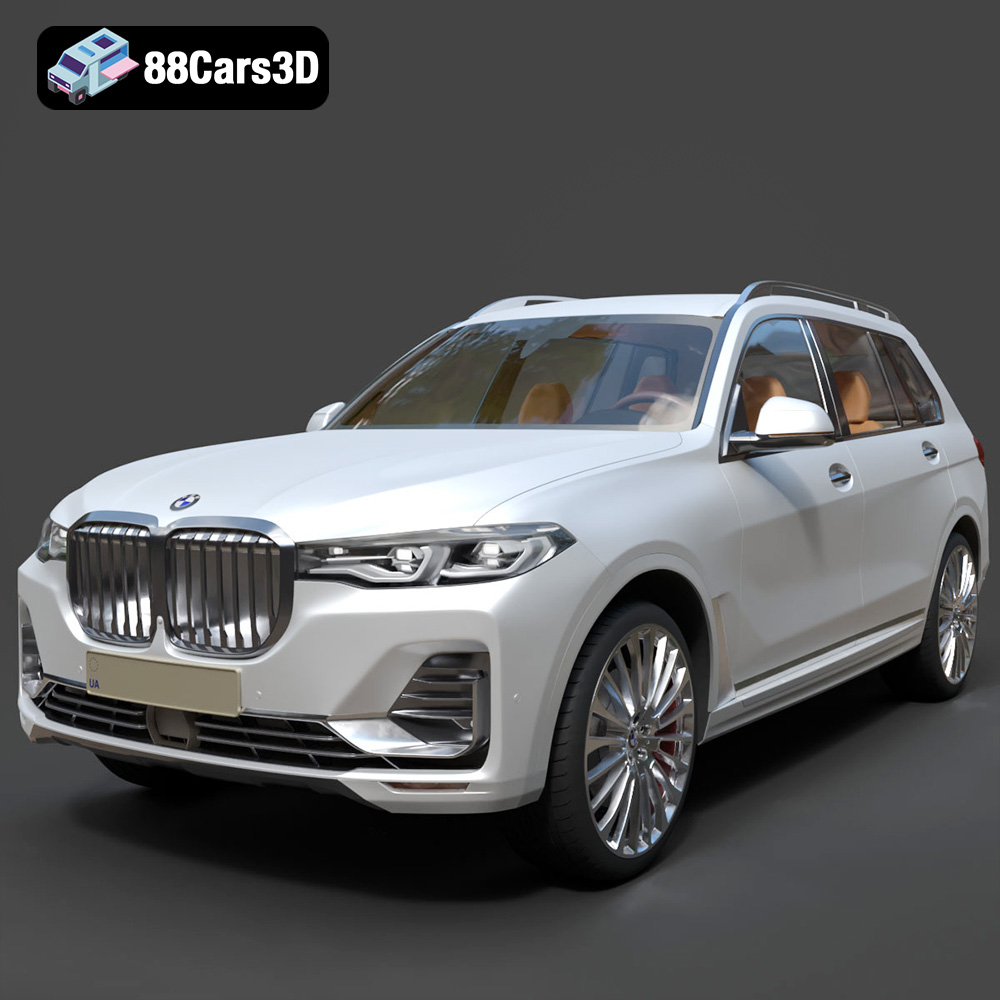
Download the BMW X7 G07 2019 3D Model featuring clean geometry, realistic detailing, and a fully modeled interior. Includes .blend, .fbx, .obj, .glb, .stl, .ply, .unreal, and .max formats for rendering, simulation, and game development.
Price: $19.99
Texture: Yes
Material: Yes
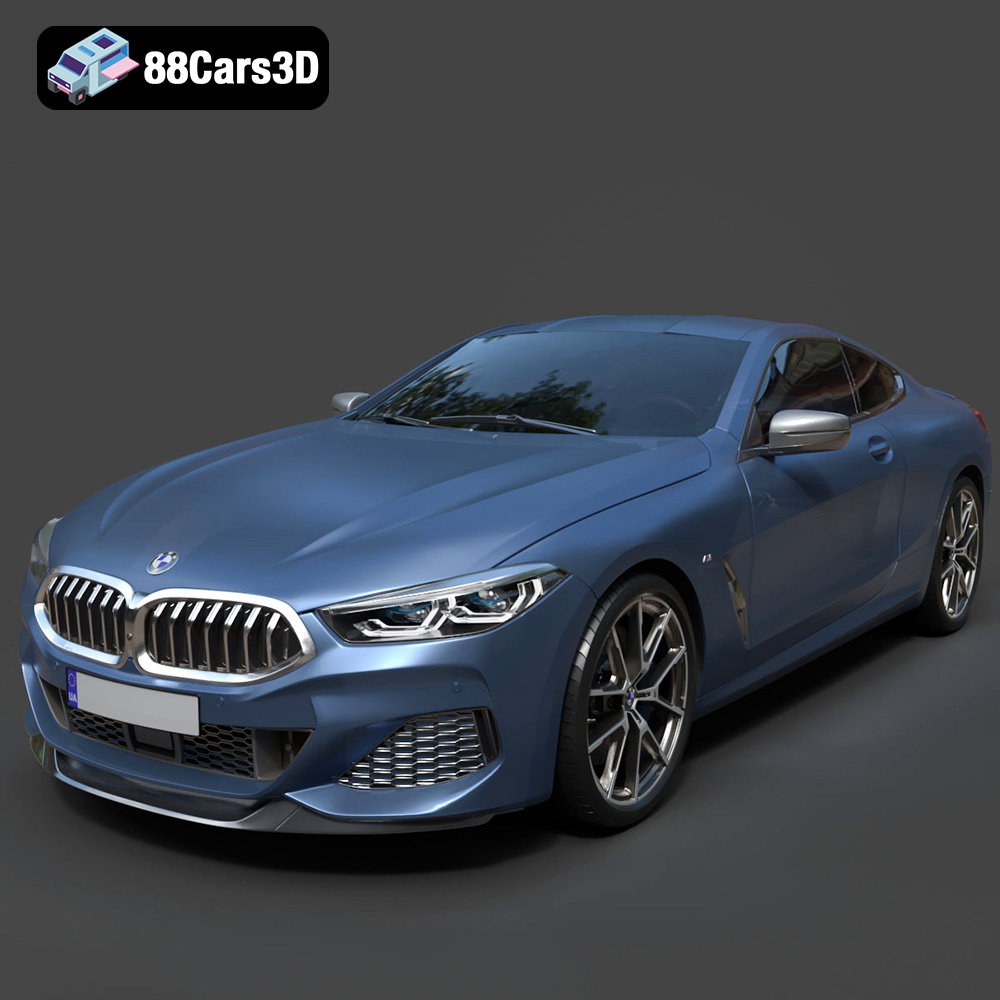
Download the BMW 8-Series M850i G15 Coupe 2019 3D Model featuring clean geometry, realistic detailing, and a fully modeled interior. Includes .blend, .fbx, .obj, .glb, .stl, .ply, .unreal, and .max formats for rendering, simulation, and game development.
Price: $19.99
Texture: Yes
Material: Yes
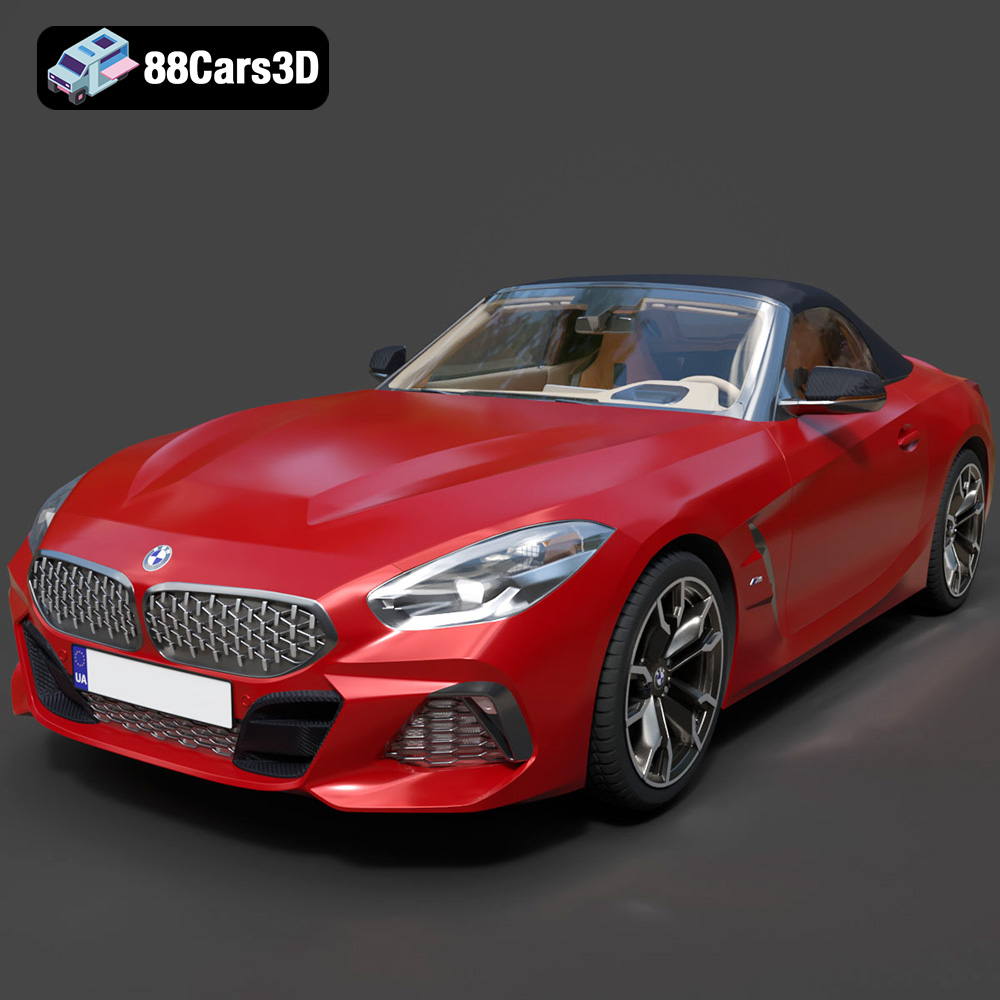
Download the BMW Z4 Mk3 G29 Roadster M40i 2019 3D Model featuring clean geometry, realistic detailing, and a fully modeled interior. Includes .blend, .fbx, .obj, .glb, .stl, .ply, .unreal, and .max formats for rendering, simulation, and game development.
Price: $19.99
Texture: Yes
Material: Yes
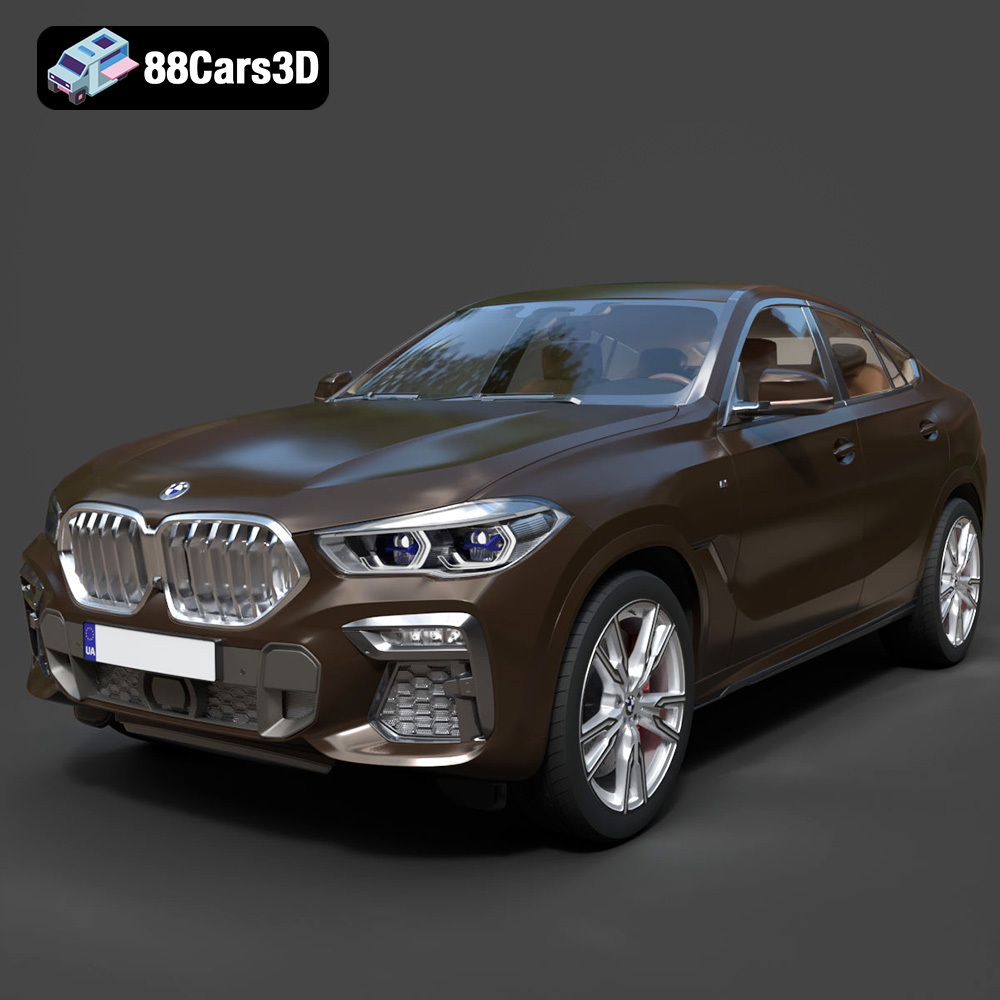
Download the BMW X6 (Mk3) (G06) M Sport 2020 3D Model featuring clean geometry, realistic detailing, and a fully modeled interior. Includes .blend, .fbx, .obj, .glb, .stl, .ply, .unreal, and .max formats for rendering, simulation, and game development.
Price: $19.99
Texture: Yes
Material: Yes
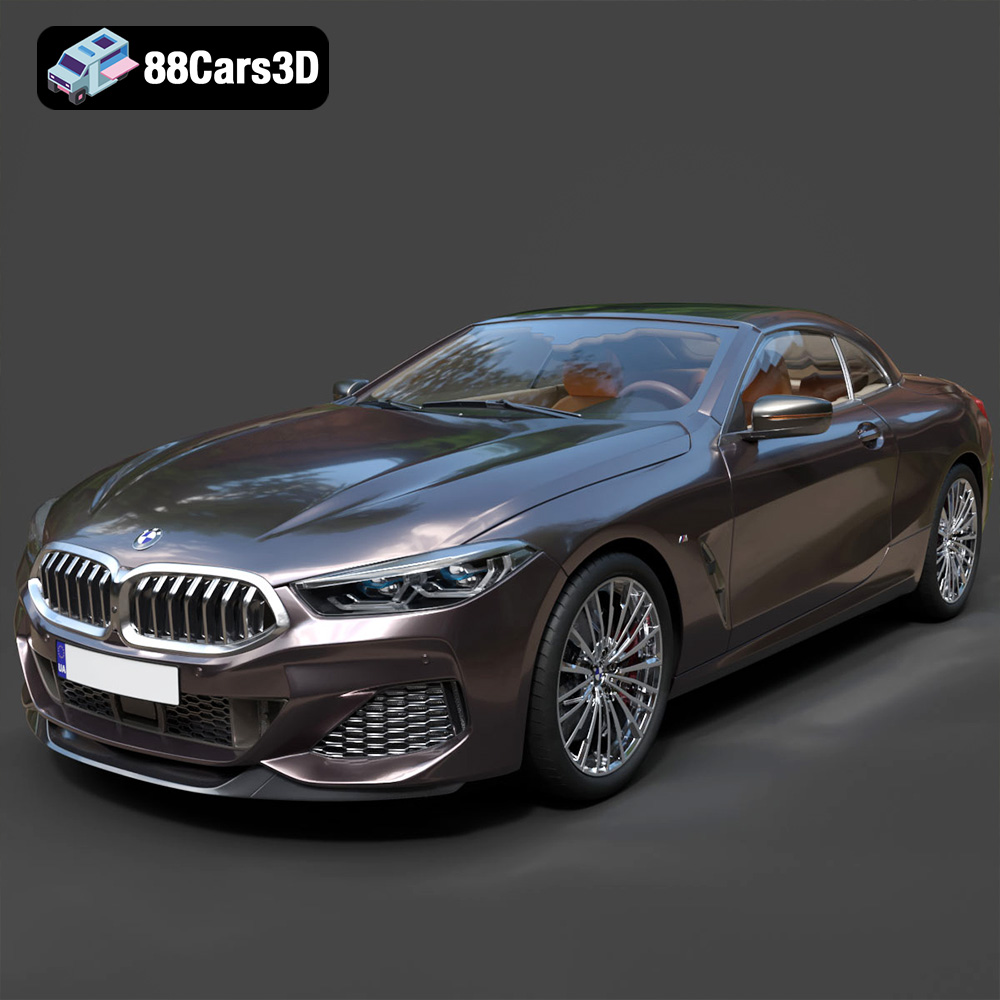
Download the BMW 8-Series G14 Convertible M850i 2019 3D Model featuring clean geometry, realistic detailing, and a fully modeled interior. Includes .blend, .fbx, .obj, .glb, .stl, .ply, .unreal, and .max formats for rendering, simulation, and game development.
Price: $19.99
Texture: Yes
Material: Yes
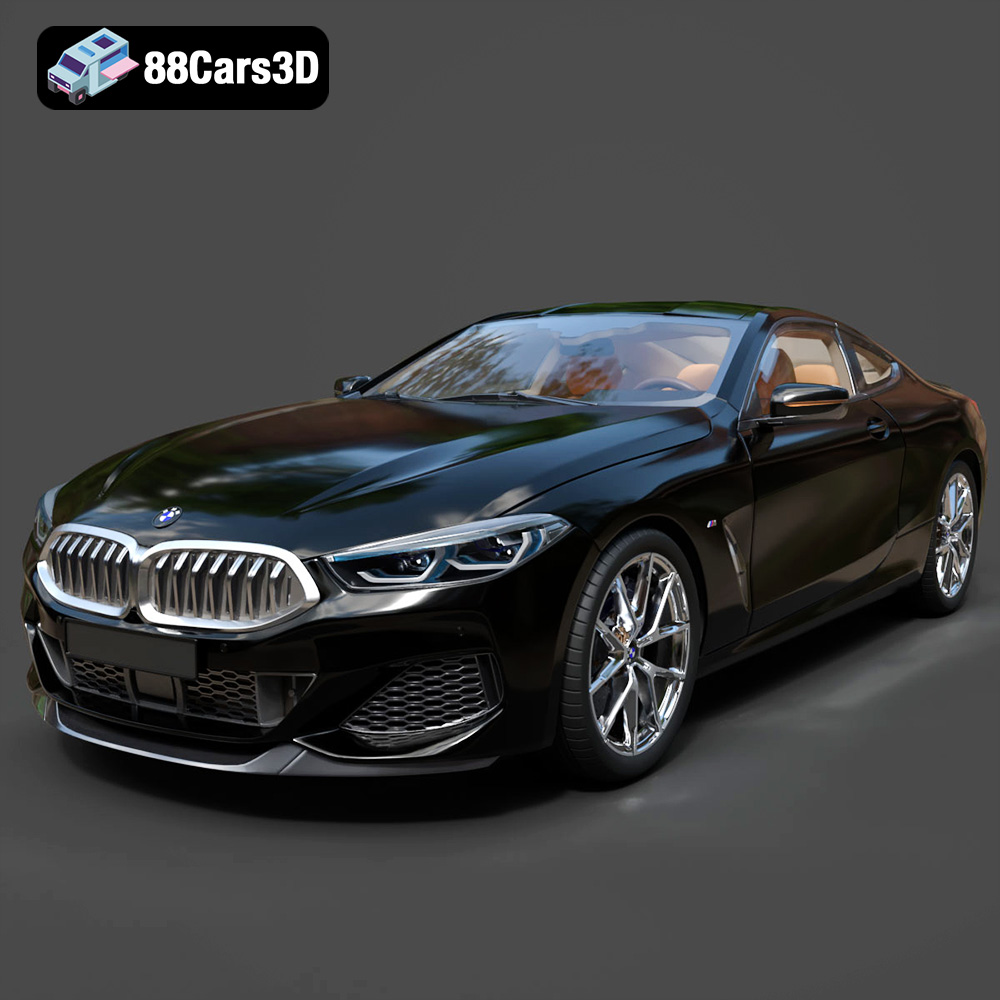
Download the BMW 8 Series M850i Coupe 2019 3D Model featuring clean geometry, realistic detailing, and a fully modeled interior. Includes .blend, .fbx, .obj, .glb, .stl, .ply, .unreal, and .max formats for rendering, simulation, and game development.
Price: $19.99
Texture: Yes
Material: Yes
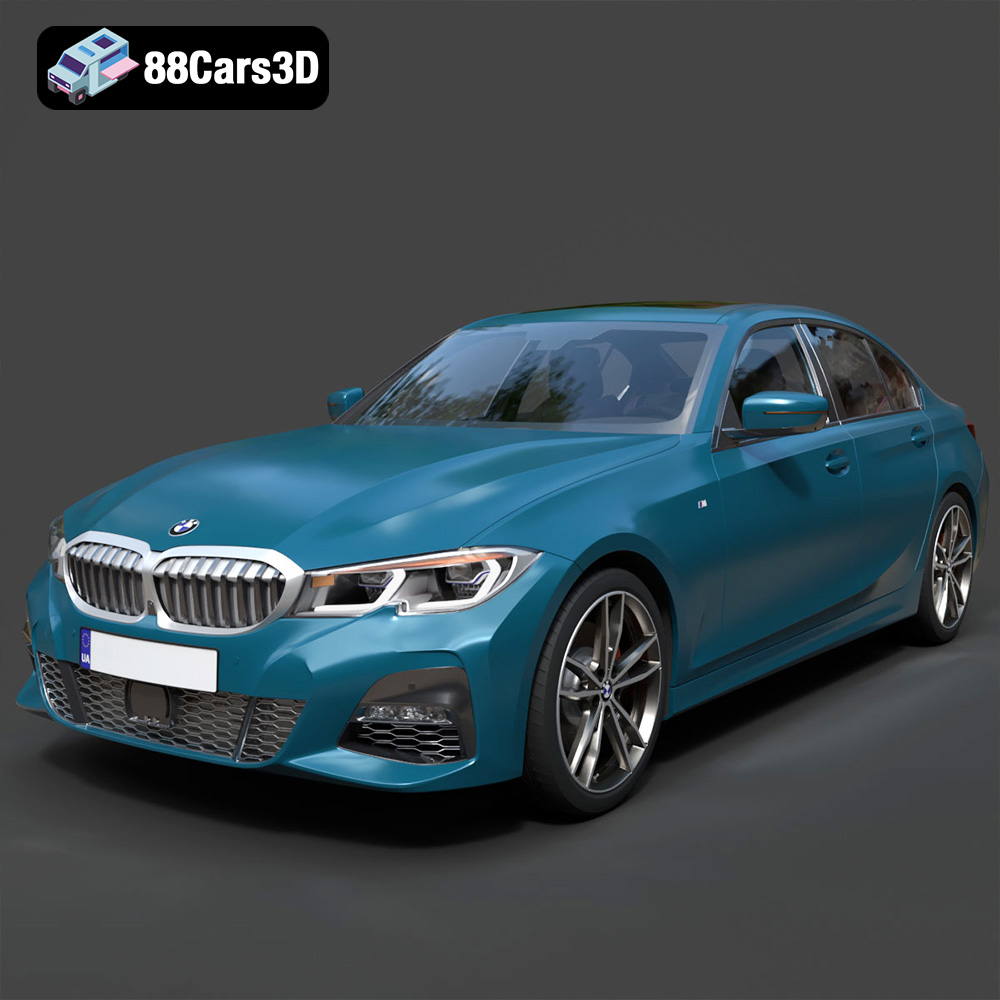
Download the BMW 3 Series M-Sport Sedan 2019 3D Model featuring clean geometry, realistic detailing, and a fully modeled interior. Includes .blend, .fbx, .obj, .glb, .stl, .ply, .unreal, and .max formats for rendering, simulation, and game development.
Price: $19.99
Texture: Yes
Material: Yes
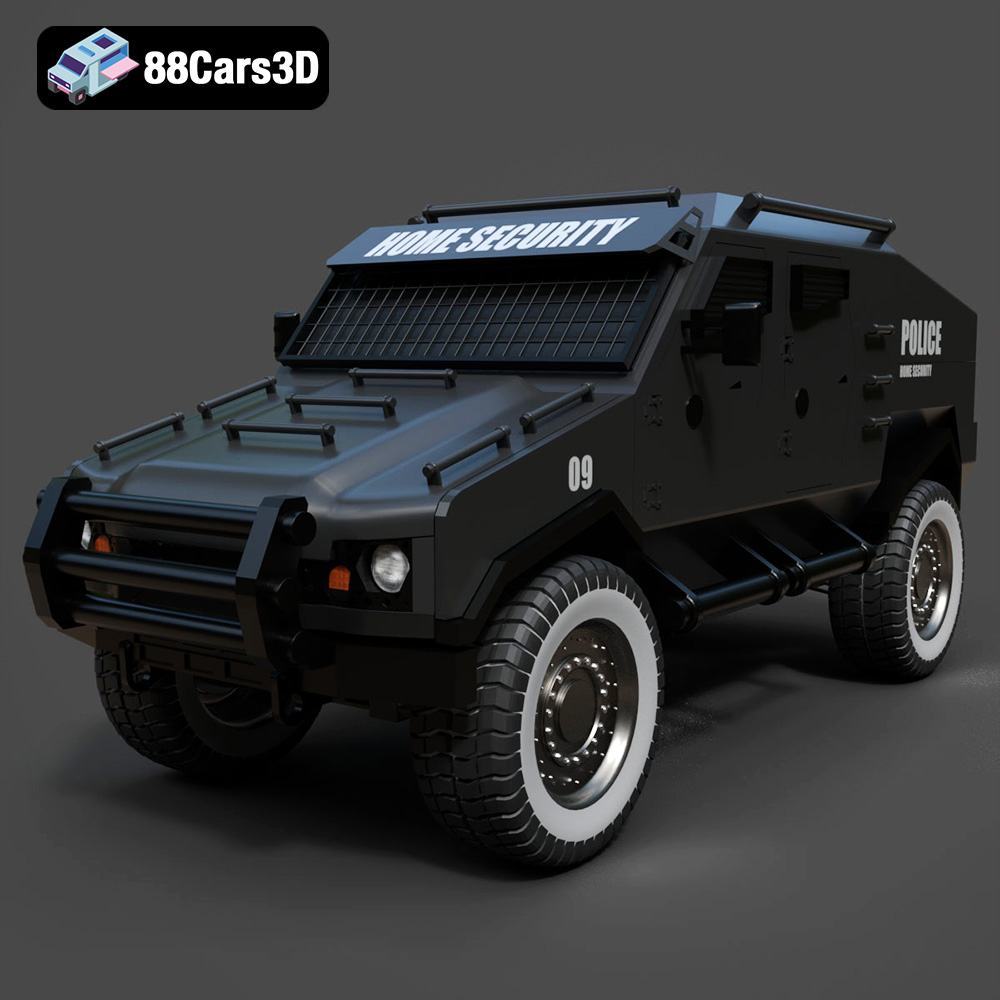
Download the Armoured Vehicle 001 3D Model featuring clean geometry, realistic detailing, and a fully modeled interior. Includes .blend, .fbx, .obj, .glb, .stl, .ply, .unreal, and .max formats for rendering, simulation, and game development.
Price: $19.99
Texture: Yes
Material: Yes
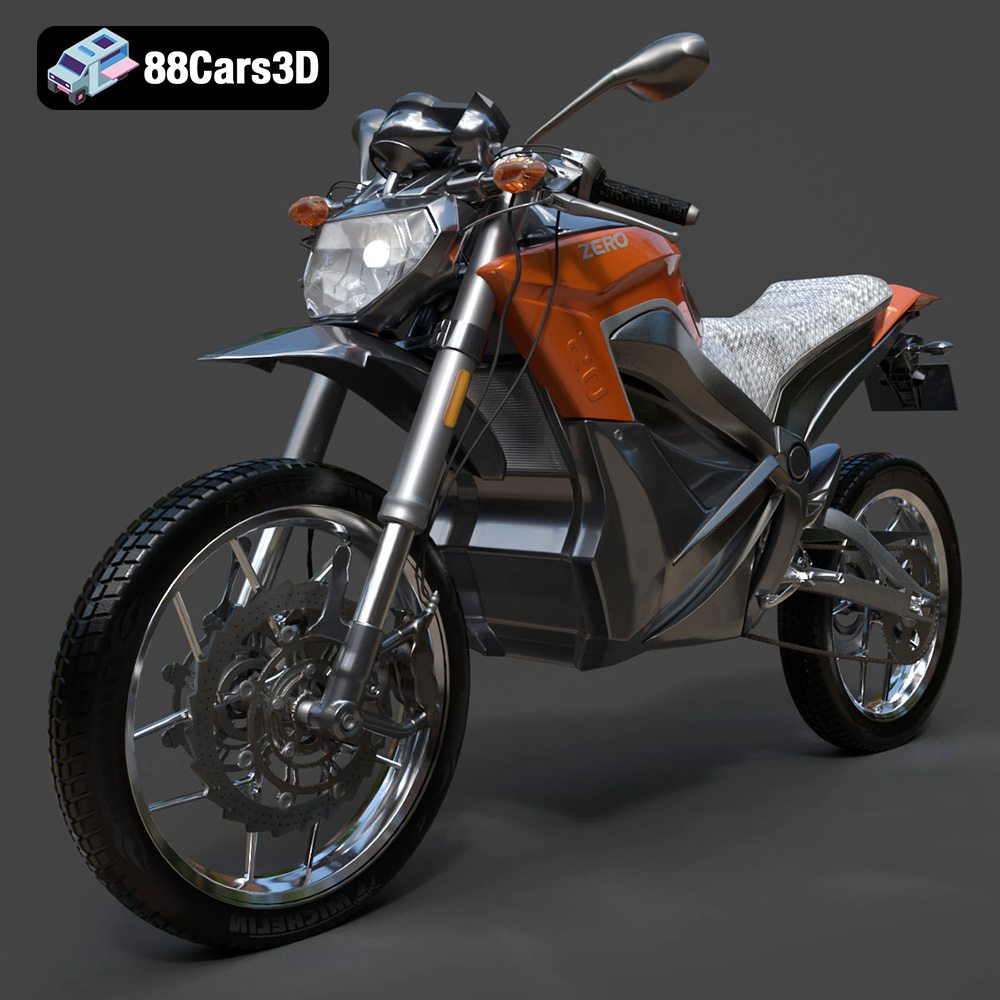
Download the Zero Motorcycles S ZF8.5 3D Model featuring clean geometry, realistic detailing, and a fully modeled interior. Includes .blend, .fbx, .obj, .glb, .stl, .ply, .unreal, and .max formats for rendering, simulation, and game development.
Price: $19.99

