Get 50% OFF All Premium 3D & STL Models!

The roar of an engine, the gleam of chrome, the sleek lines of a custom build – the allure of motorcycles is undeniable. Now, with the Ultimate Garage Props & Custom Motorcycles 3D Models Bundle from 88cars3d.com, you can bring that passion to life, quite literally. This bundle offers a collection of meticulously crafted digital models ready to be transformed into tangible, display-worthy scale models through the power of 3D printing. Whether you’re a seasoned modeler or a curious enthusiast, this comprehensive guide will provide the technical know-how to successfully 3D print these stunning bikes.
Before diving into slicing and printing, it’s crucial to understand the different file formats included in the Ultimate Garage Props & Custom Motorcycles 3D Models Bundle. While the bundle provides a range of formats for various applications, some are more suitable for 3D printing than others.
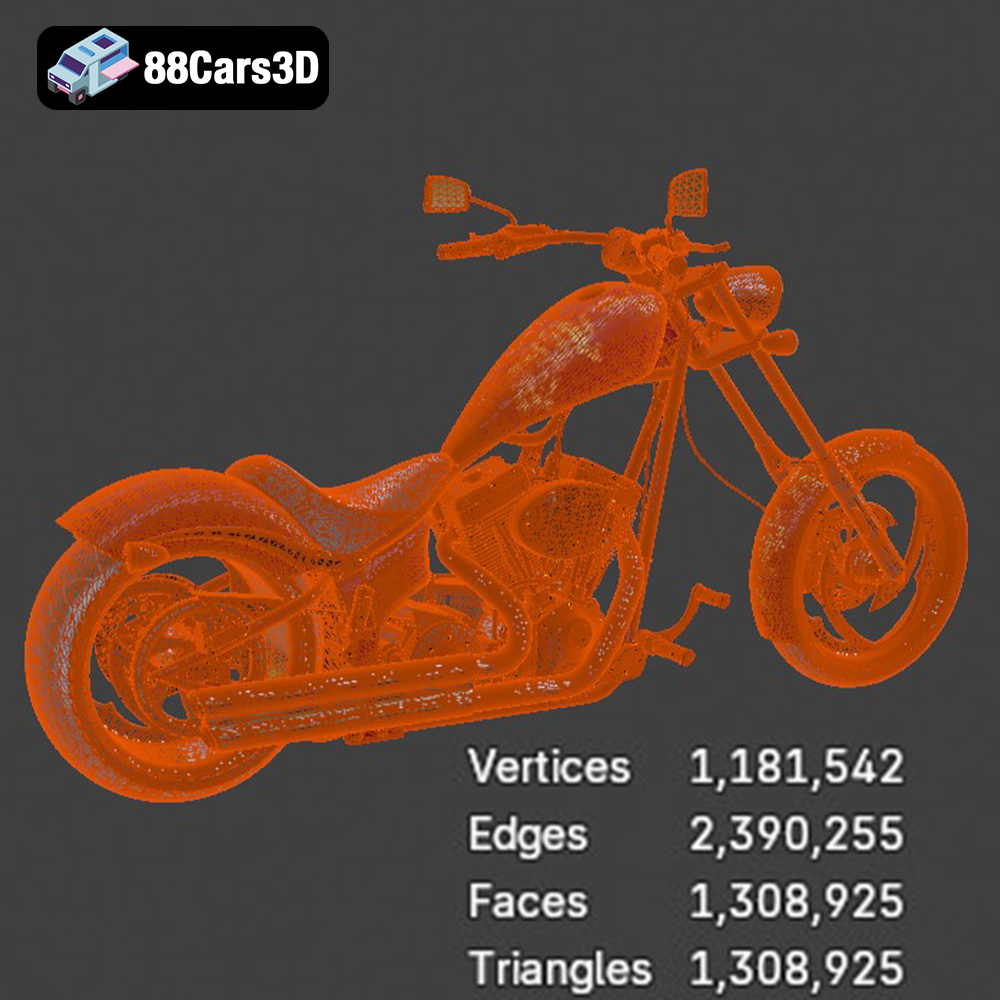
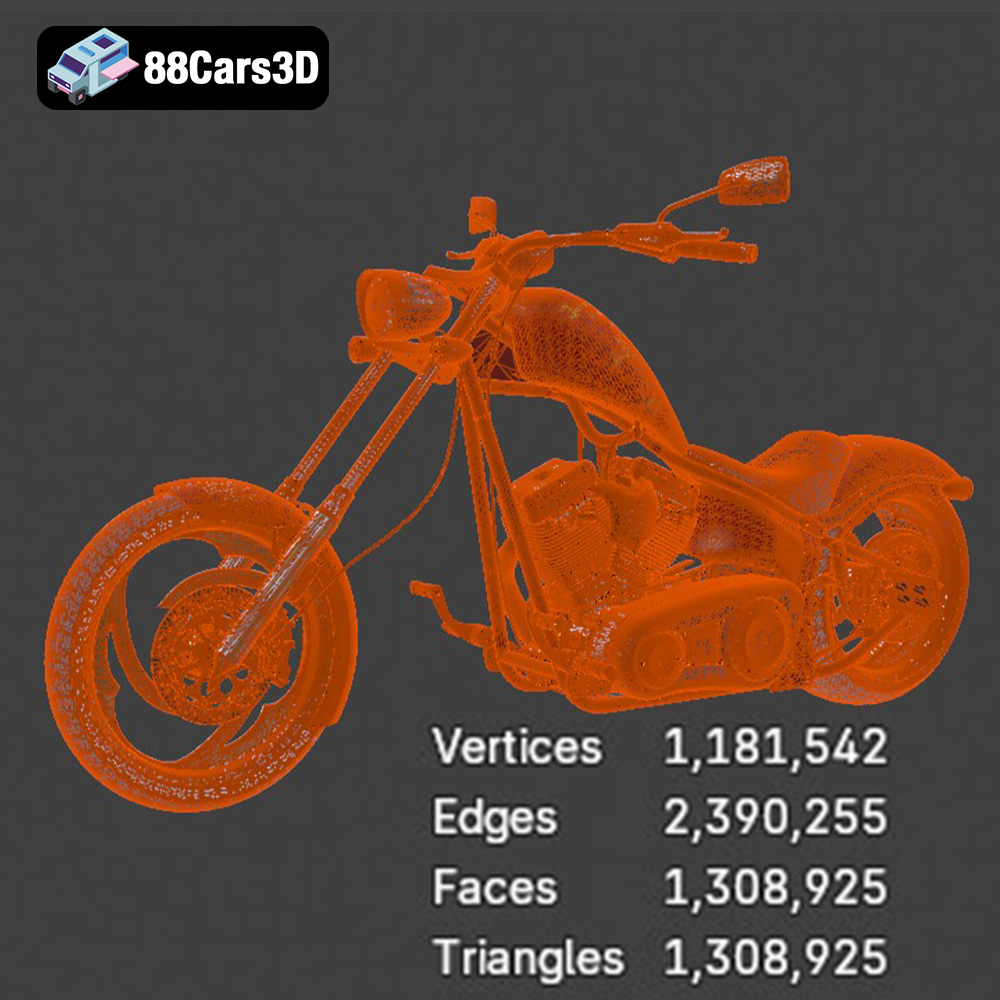
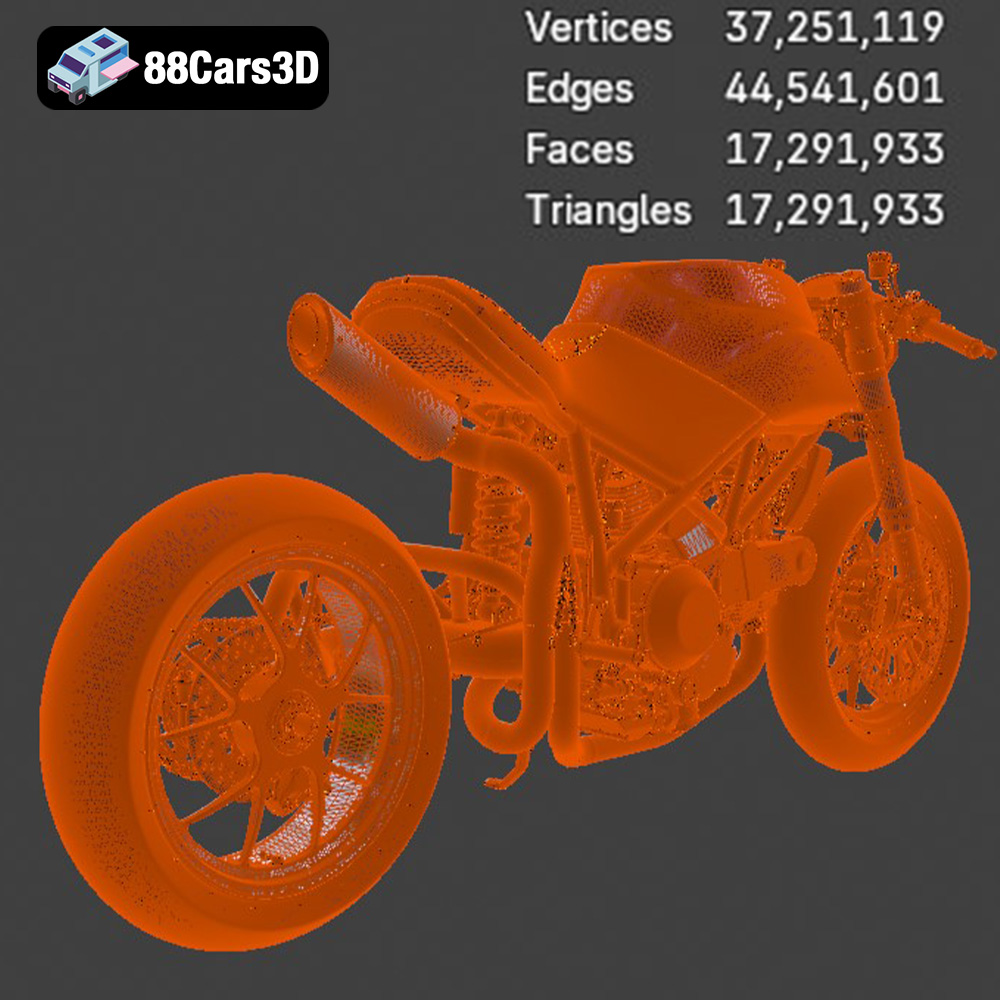
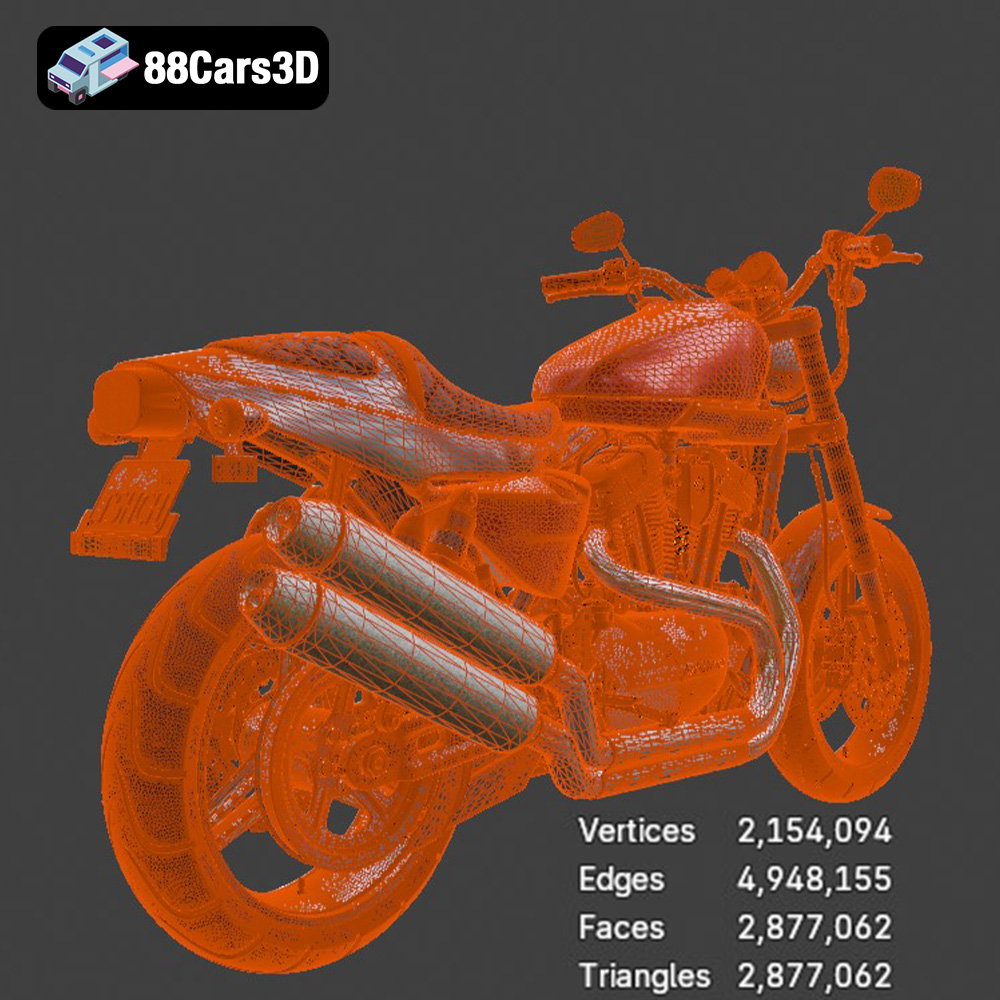
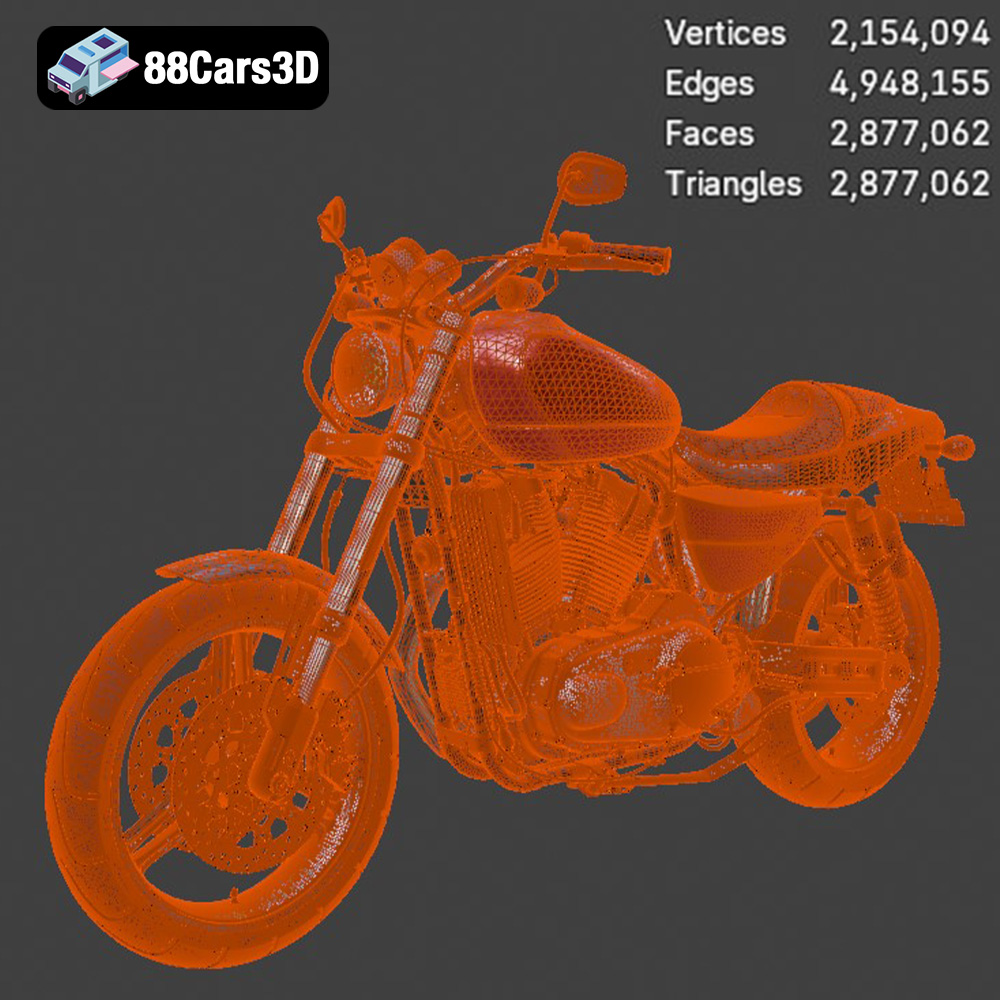
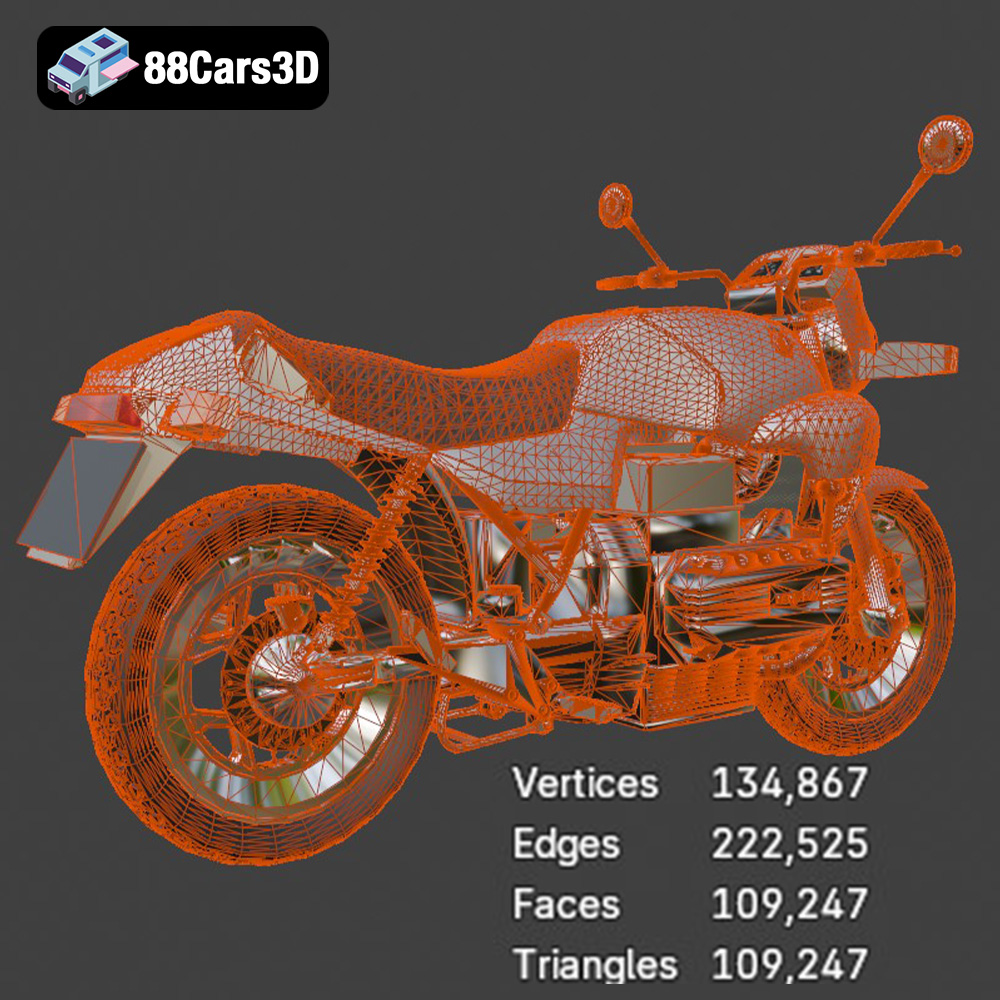
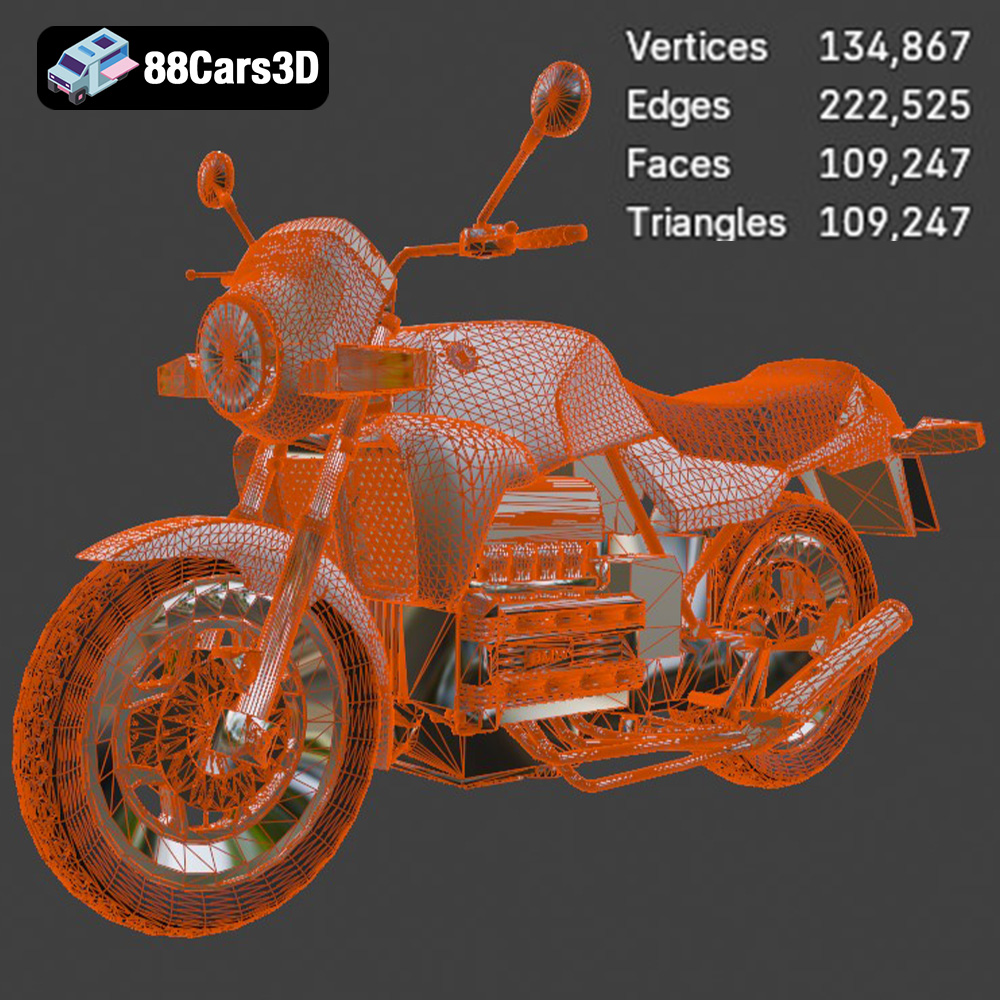
The .stl (Stereolithography) format is the workhorse of 3D printing. It represents the surface geometry of a 3D object as a collection of triangles. This simplicity makes it universally compatible with virtually all slicing software and 3D printers. However, .stl files only contain mesh data; they don’t include color, texture, or material information. For 3D printing, this is typically sufficient as those properties are usually determined by the printer and filament. When exporting to .stl, pay close attention to the mesh resolution. A low resolution will result in a faceted, blocky print, while an excessively high resolution can create unnecessarily large files that are difficult to process. For the detailed motorcycles in this bundle, aim for a resolution that captures the fine details without being overly dense.
.obj (Object) files are another common 3D format. Unlike .stl, .obj files can store color and texture information, which is beneficial for rendering and visualization. However, most standard 3D printers don’t utilize this color data directly. Some specialized printers can print in multiple colors, but this is beyond the scope for most users. While you can import .obj files into slicing software, ensure that the software correctly interprets the mesh data, as .obj files can sometimes have issues with surface normals or non-manifold geometry, which can lead to printing errors.
.ply (Polygon File Format) is designed for storing 3D data acquired from 3D scanners. It supports various properties like color, normals, and texture coordinates. The format is well-suited for representing high-detail meshes, making it potentially useful for complex models like the motorcycles in the bundle. Like .obj, compatibility with all slicing software isn’t guaranteed, so test the import process thoroughly. Ensure the mesh is watertight (closed and without holes) before printing.
.blend files are native to Blender, a free and open-source 3D creation suite. If you’re familiar with Blender, this format allows for direct editing of the motorcycle models before exporting them for printing. You can modify the design, add details, or optimize the mesh for 3D printing. Remember to convert the model to a mesh and ensure that it’s manifold and correctly oriented before exporting to .stl.
.fbx (Filmbox) is a proprietary format developed by Autodesk, often used for exchanging 3D data between different software packages. It supports materials, textures, and animations. While not directly used for 3D printing, .fbx files can be helpful for importing the models into other 3D applications for further refinement before exporting an .stl.
.glb (GL Transmission Format Binary) is designed for efficient transmission and loading of 3D scenes, especially in web and AR/VR applications. This format is excellent for previewing the motorcycle models in augmented reality before printing, allowing you to visualize the scale and detail. However, it’s not directly used for 3D printing.
.max files are the native project format for Autodesk 3ds Max, a professional 3D modeling, animation, and rendering software. If you have 3ds Max, you can use these files to modify the models extensively before preparing them for 3D printing. As with Blender, ensure the final model is a clean, manifold mesh before exporting to .stl.
For 3D printing the Ultimate Garage Props & Custom Motorcycles Bundle, the **.stl format is the preferred choice** due to its widespread compatibility and simplicity. Ensure that the .stl files are properly scaled and oriented before slicing to achieve the best printing results.
Once you have your .stl files, the next step is preparing them for 3D printing. This involves using slicing software to convert the 3D model into a series of instructions that your 3D printer can understand. Additionally, it’s essential to inspect and optimize the model for printing to avoid common issues.
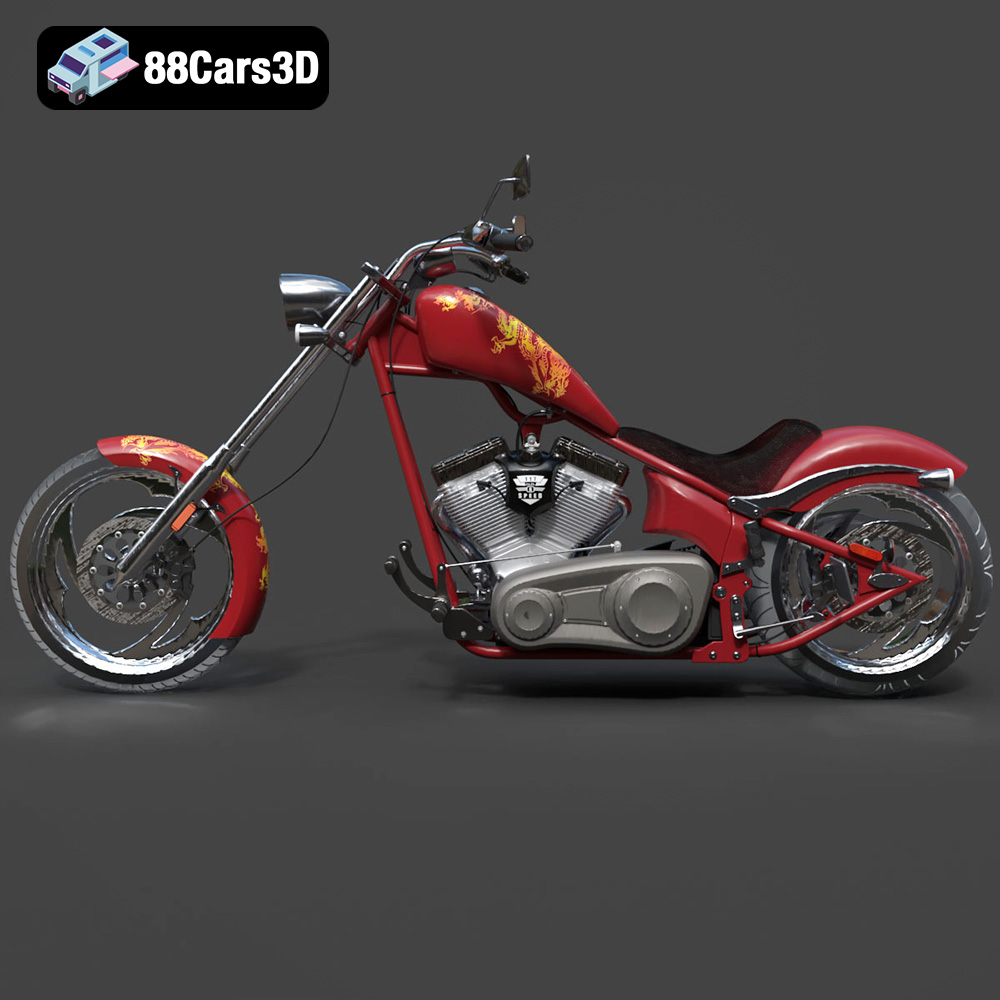
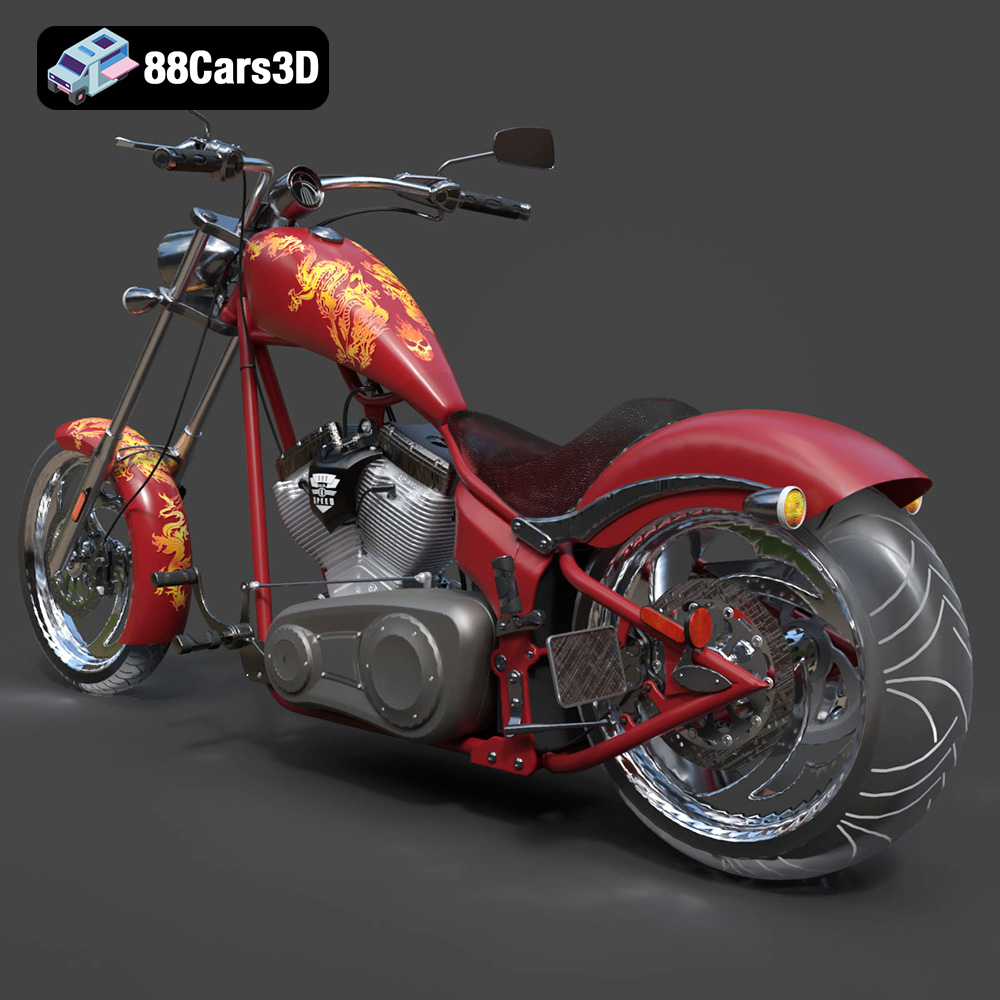
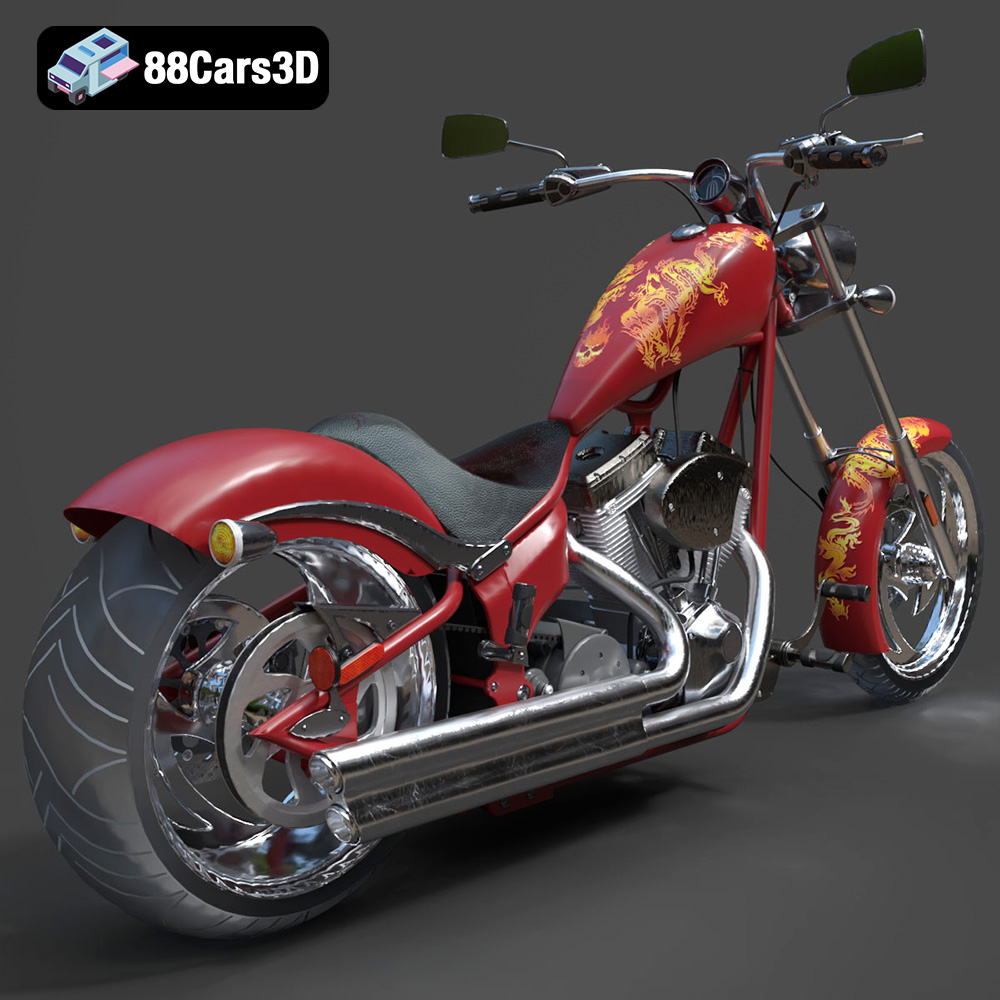
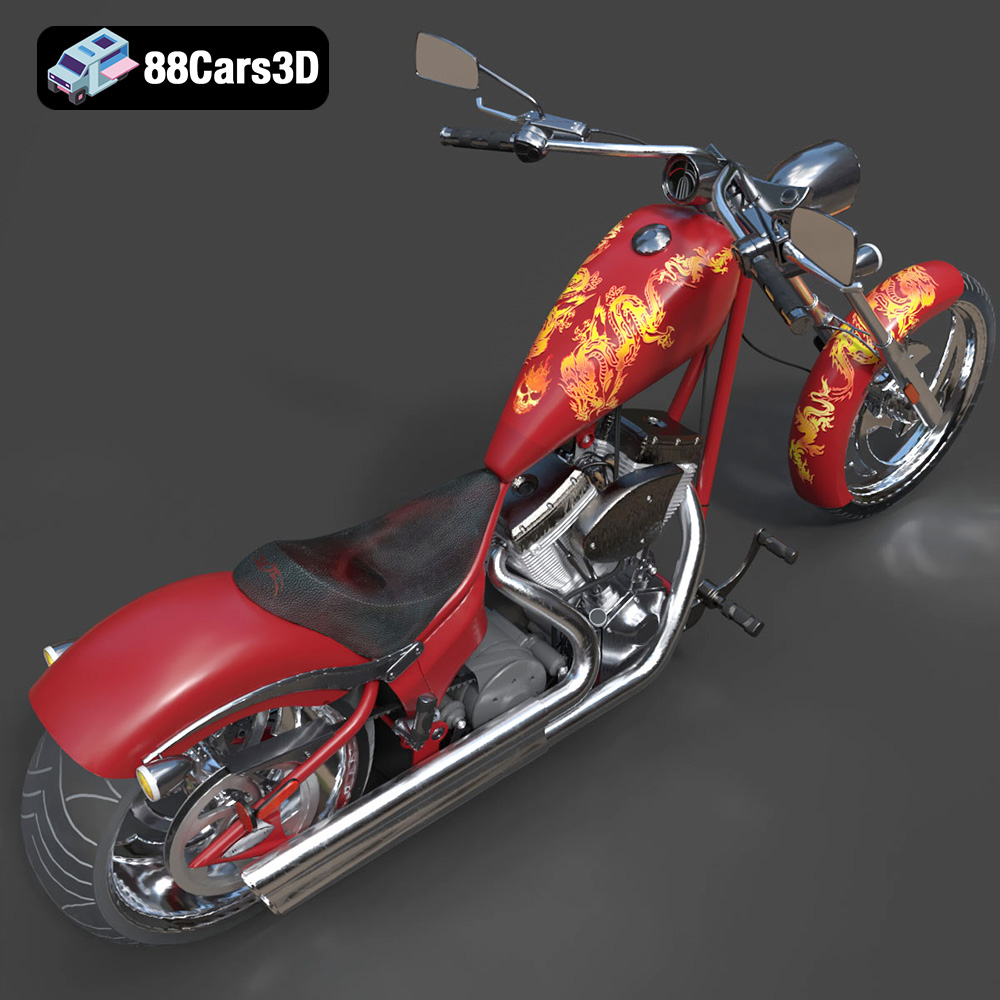
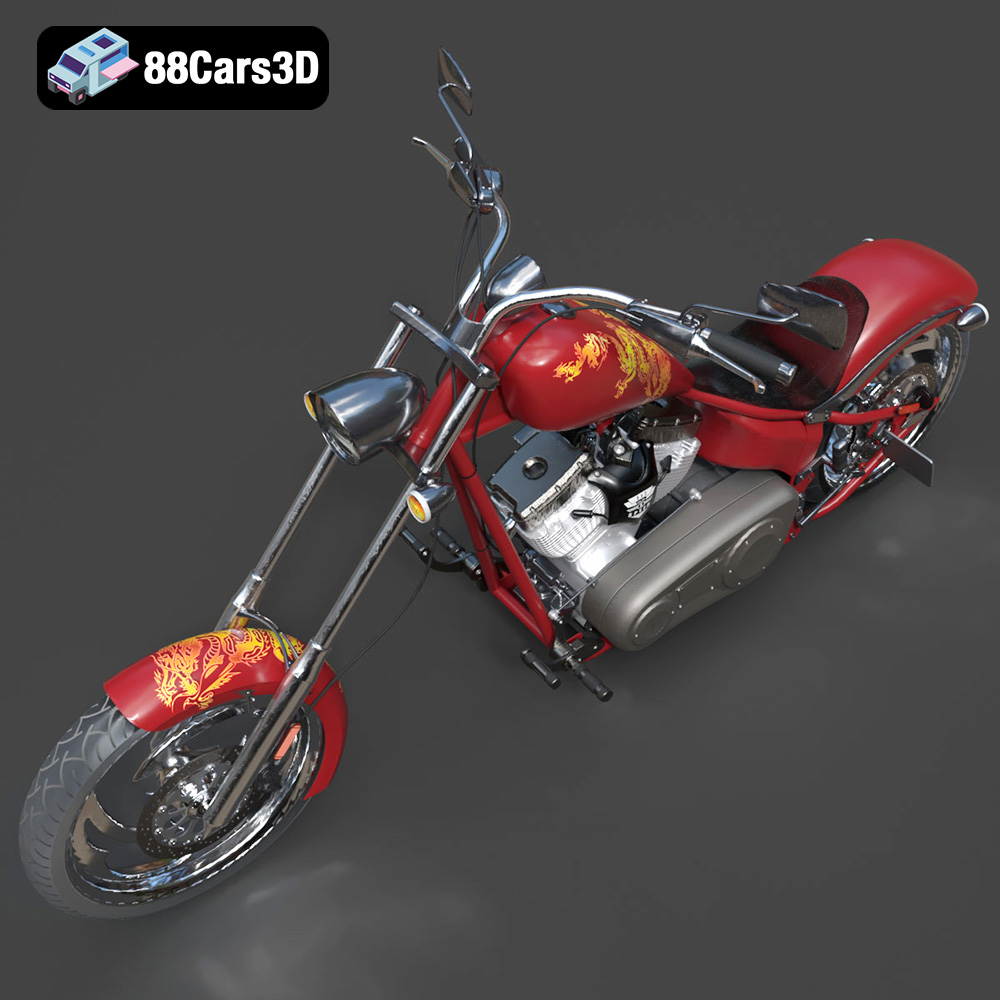
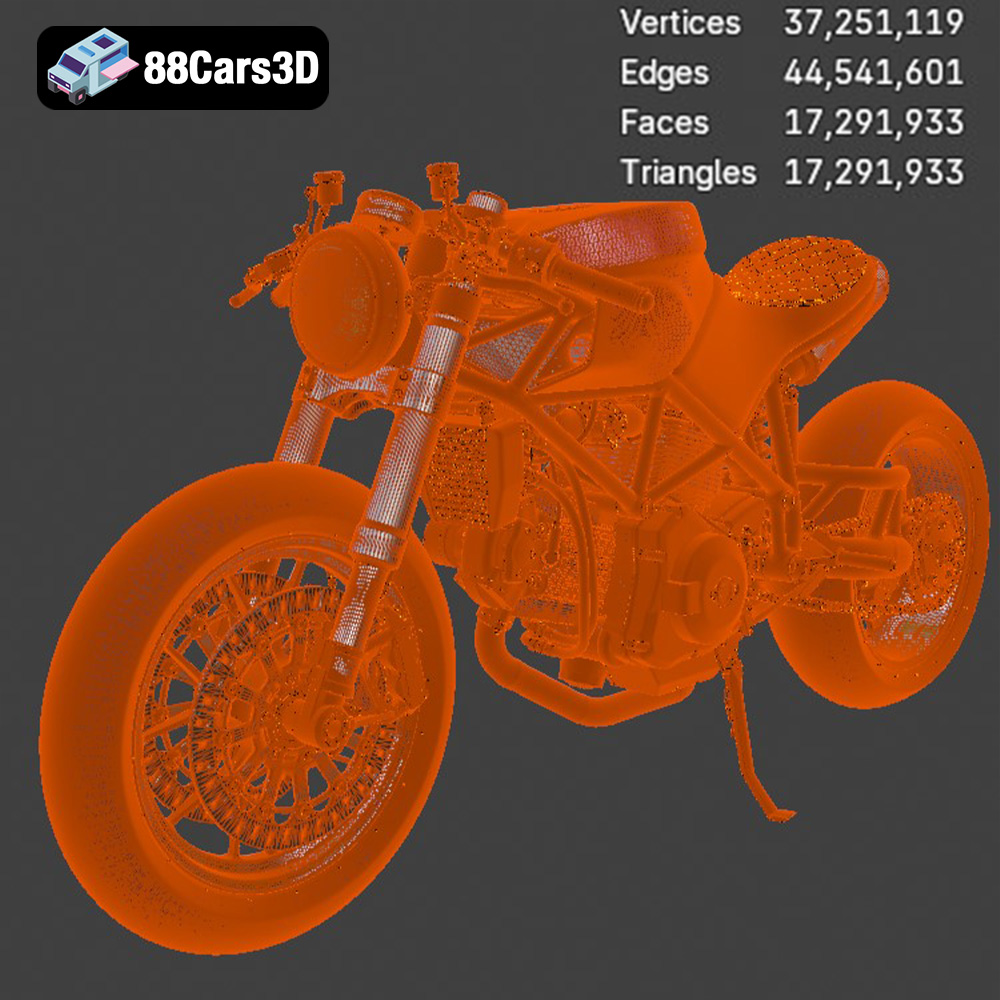
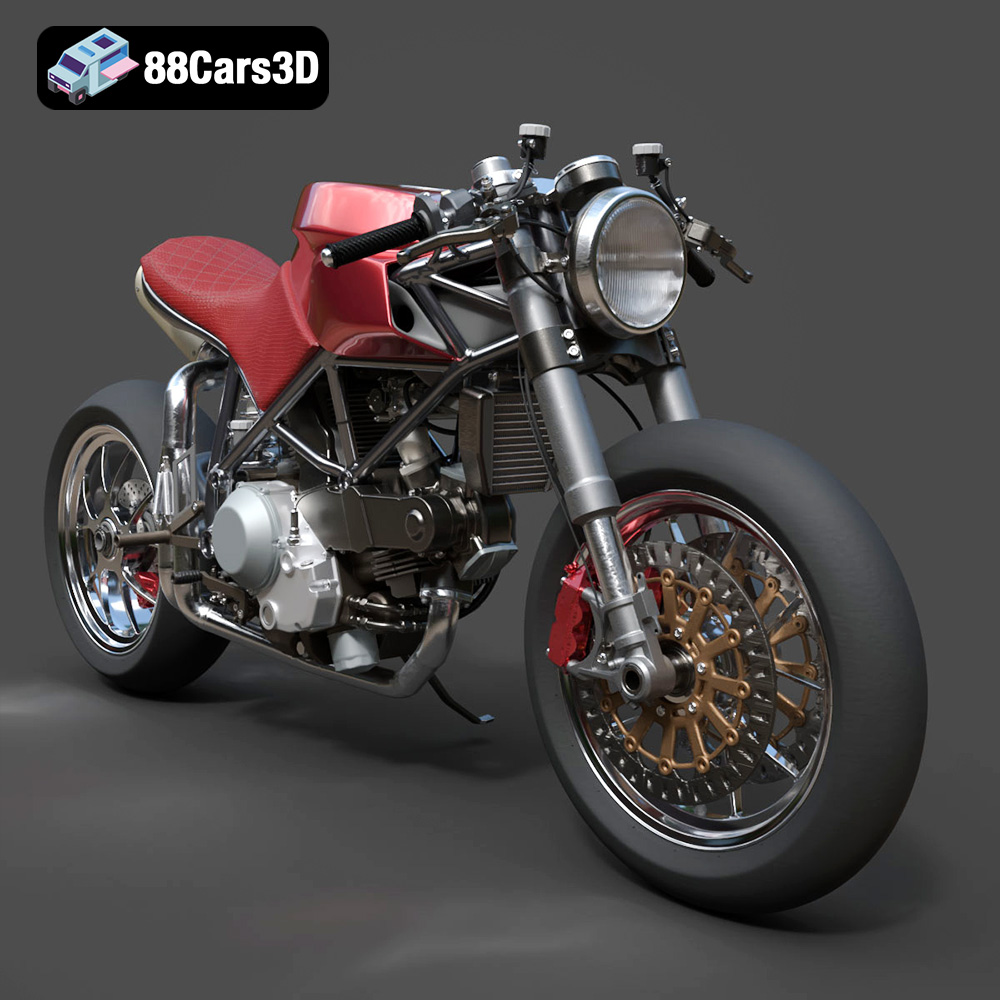
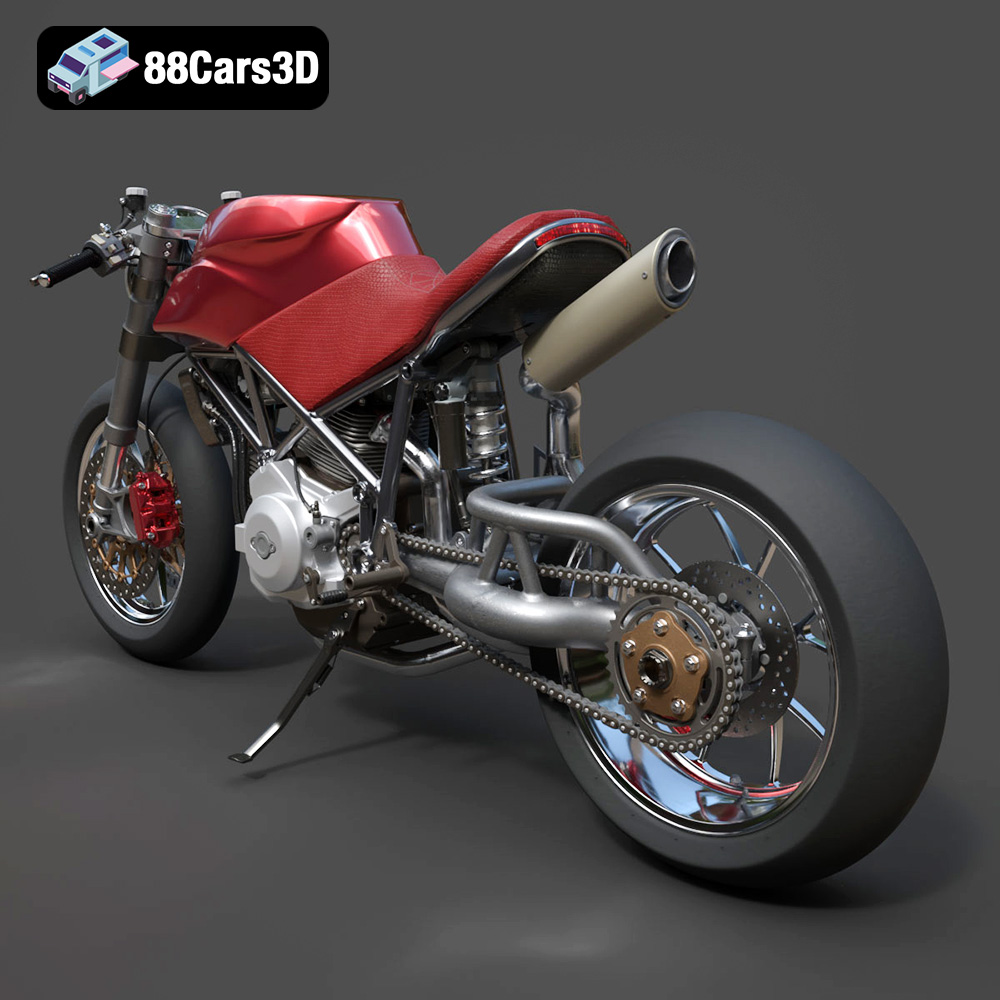
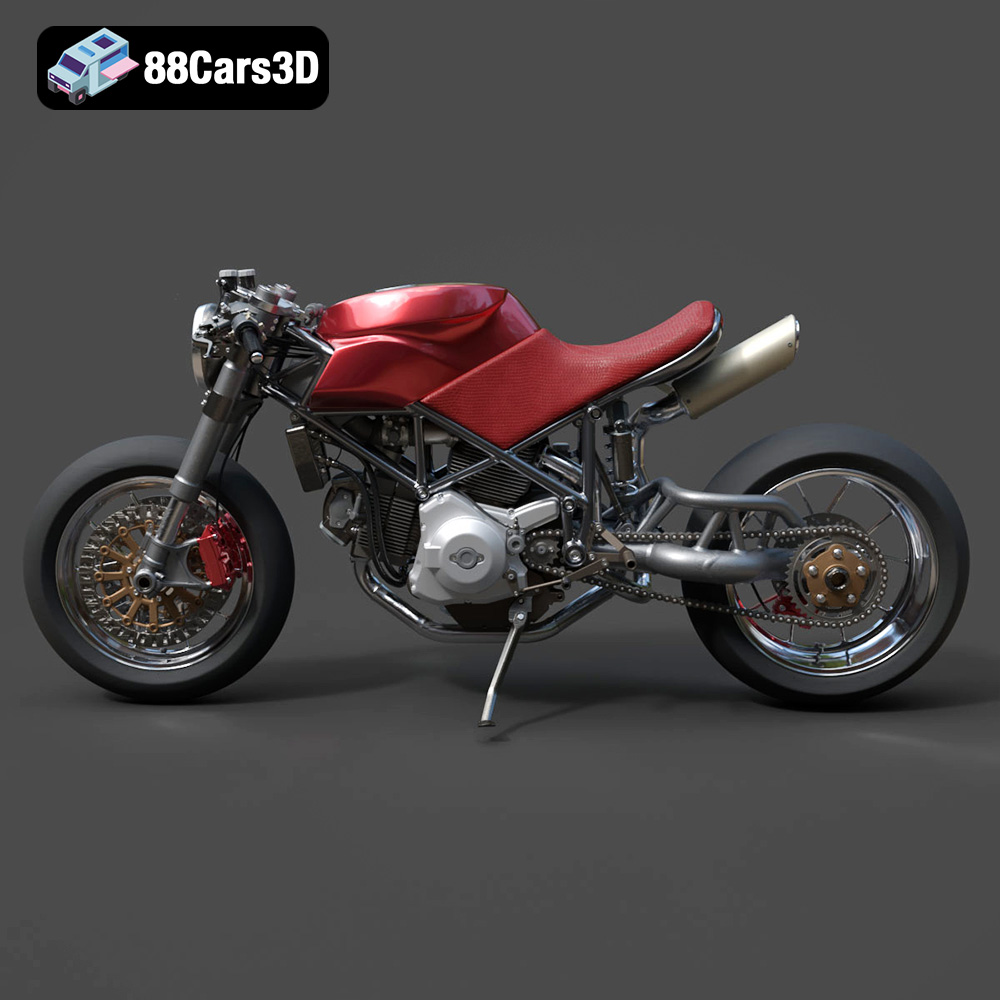
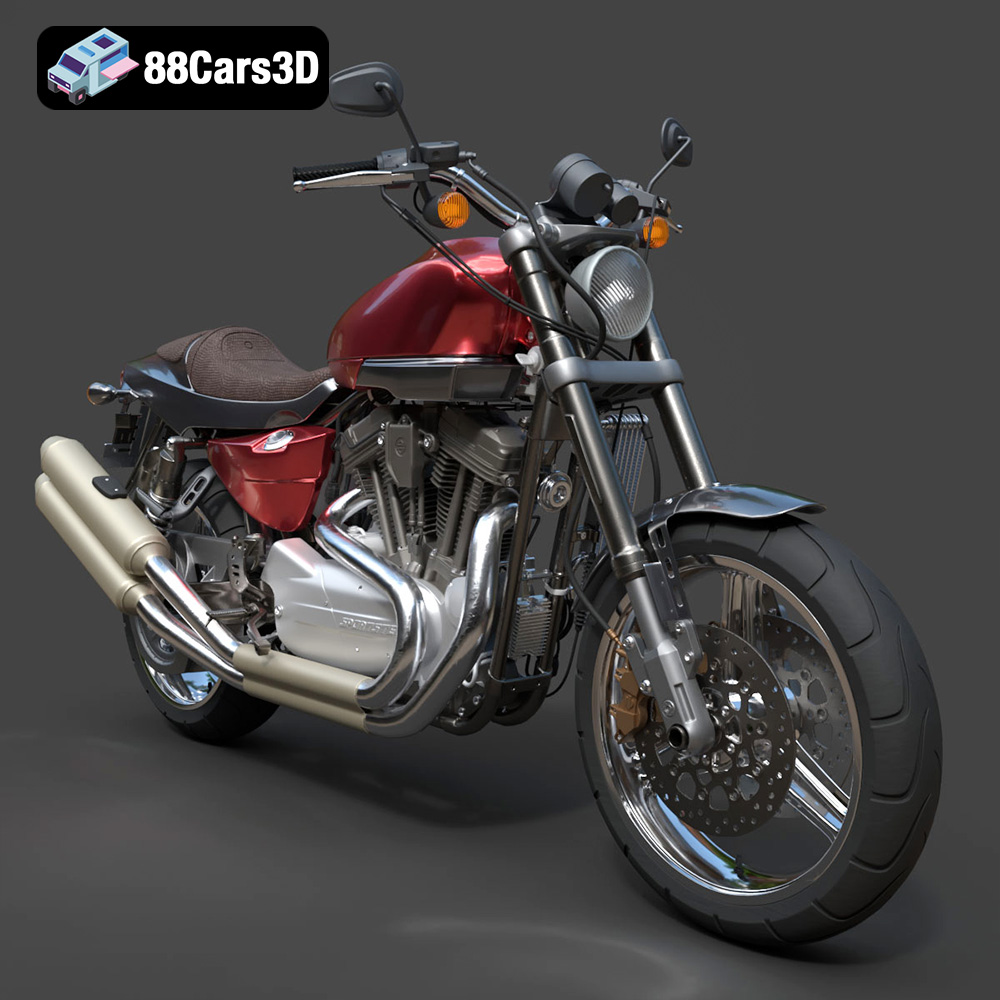
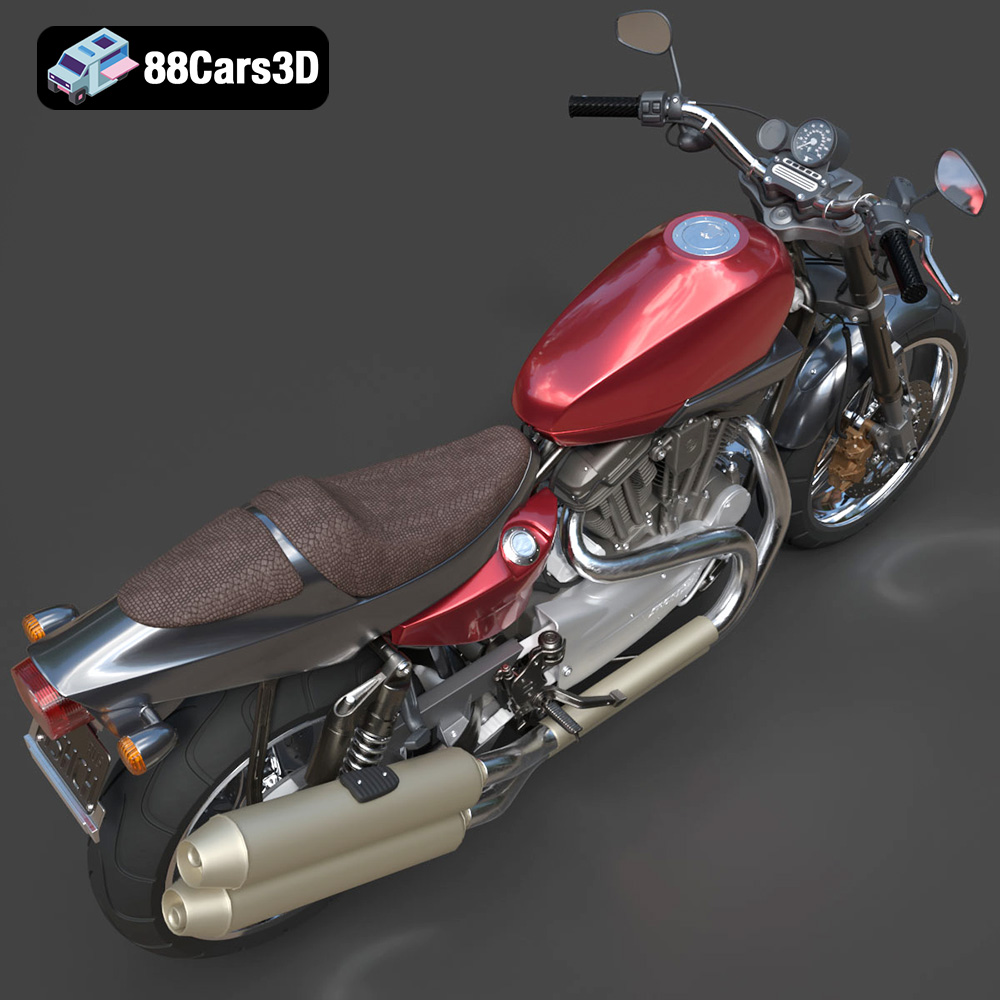
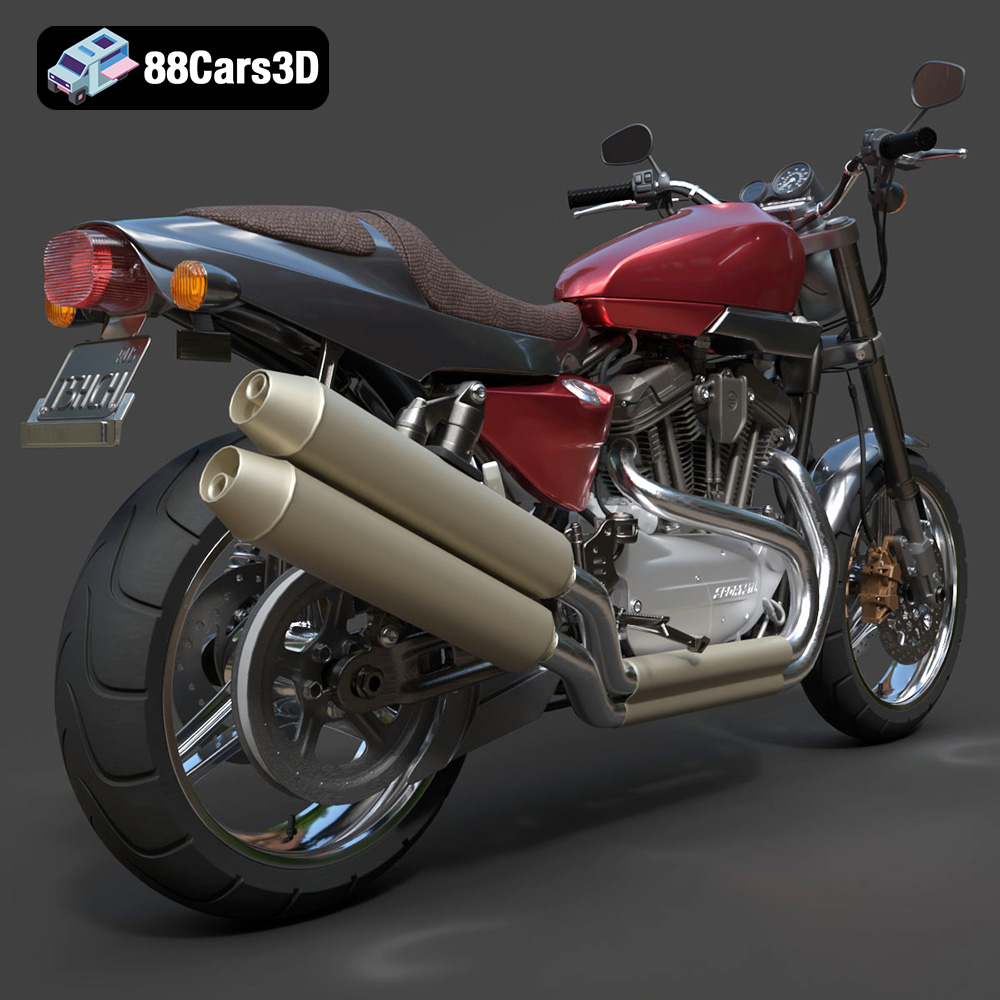
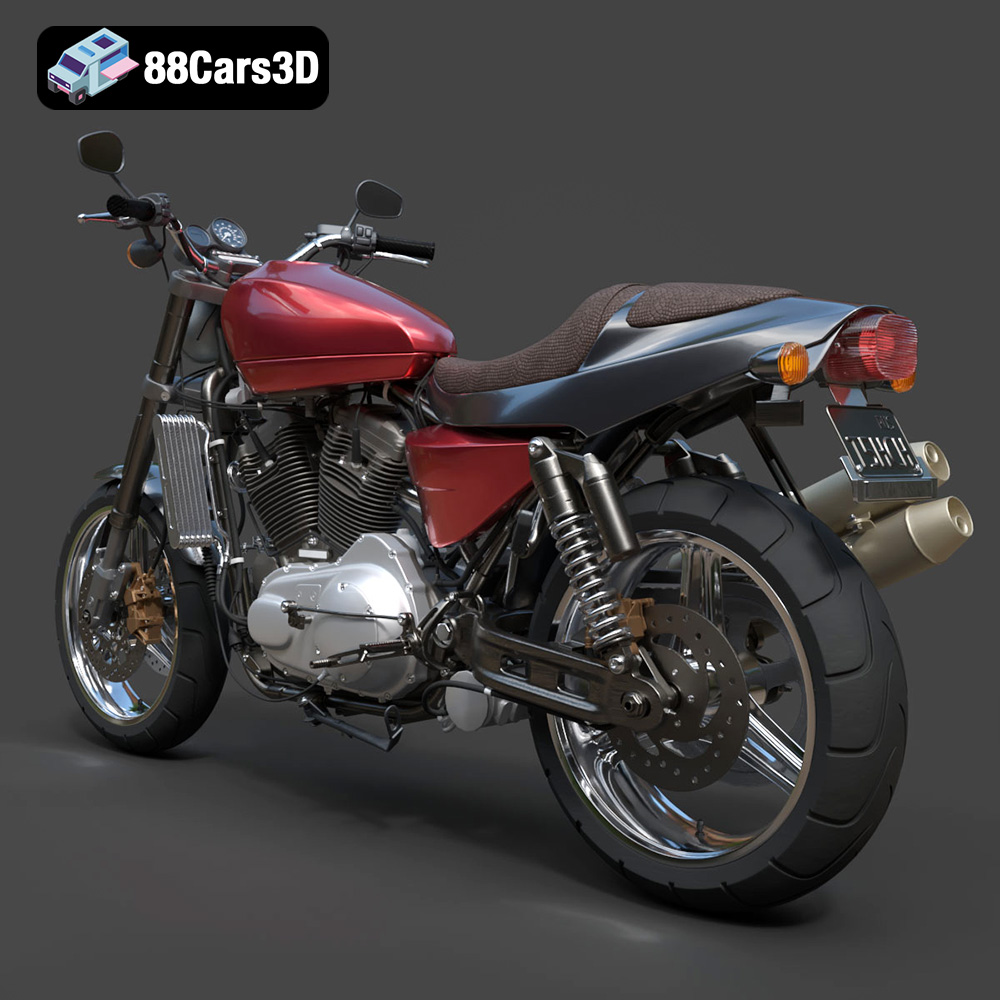
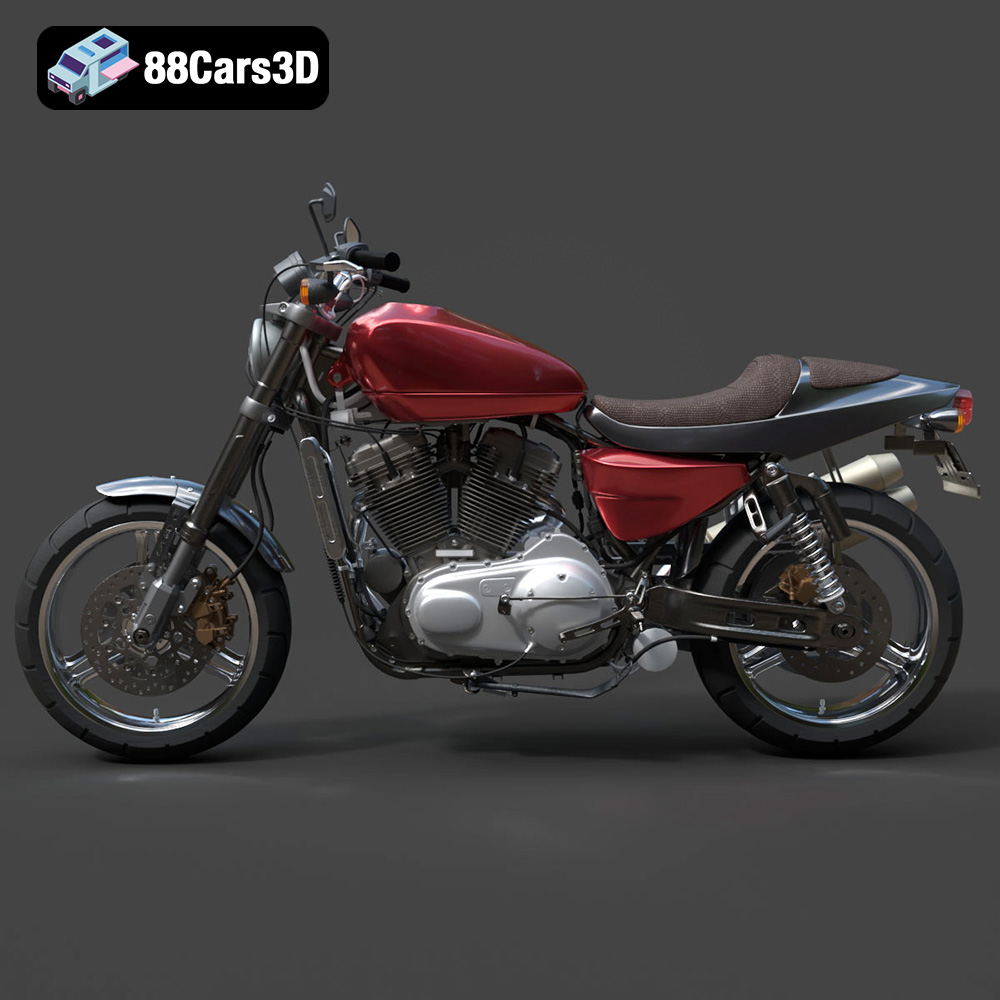
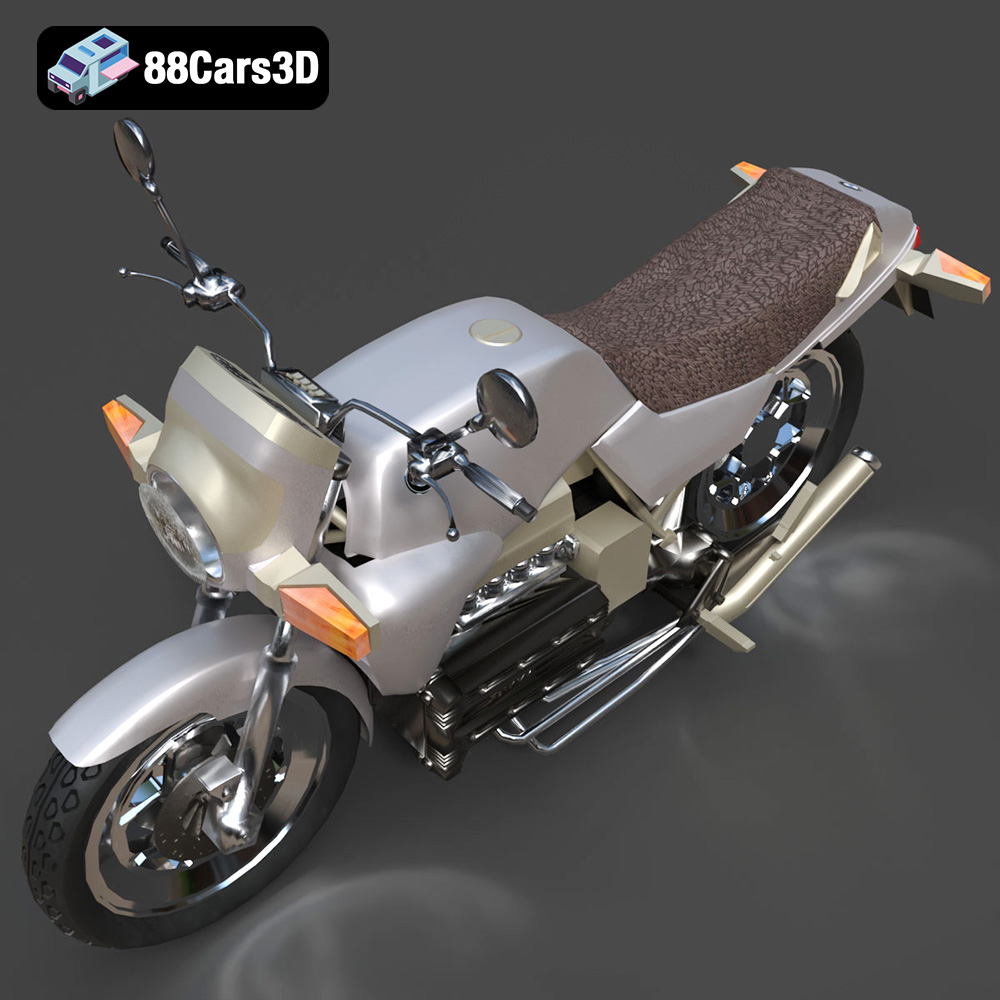
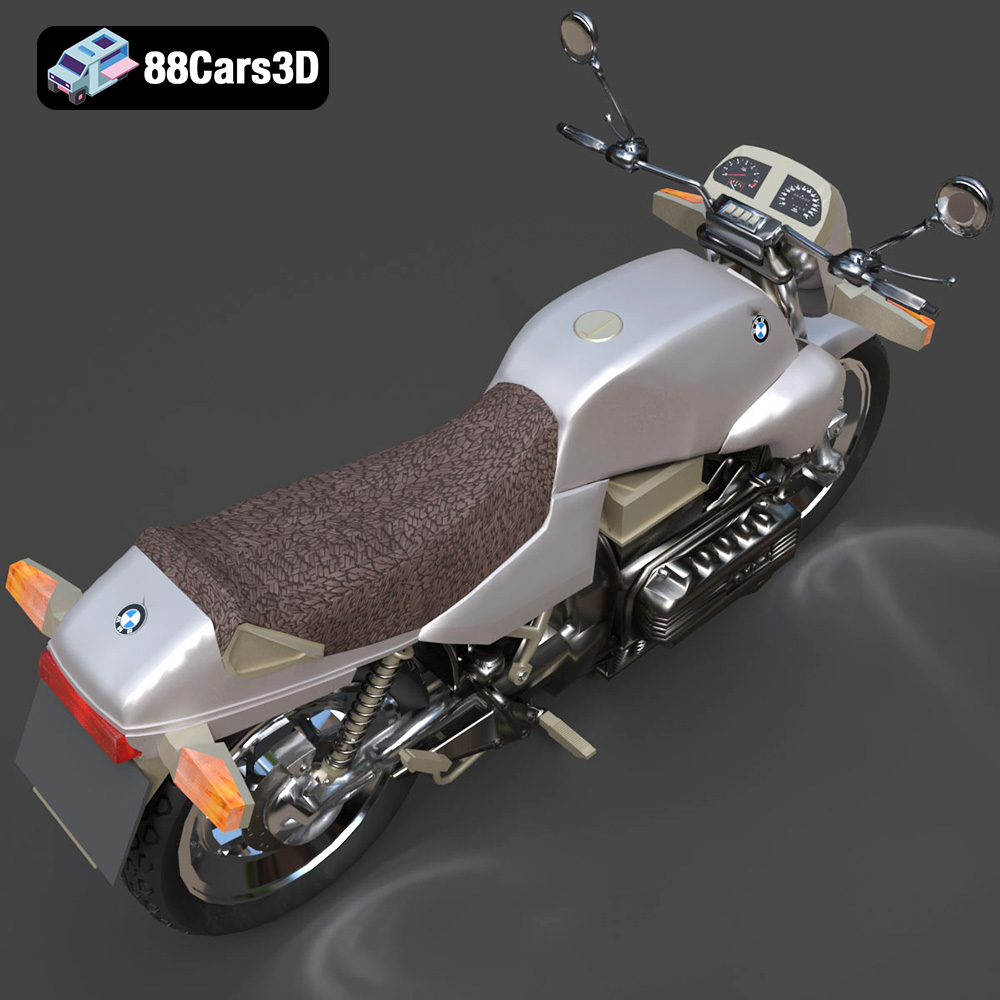
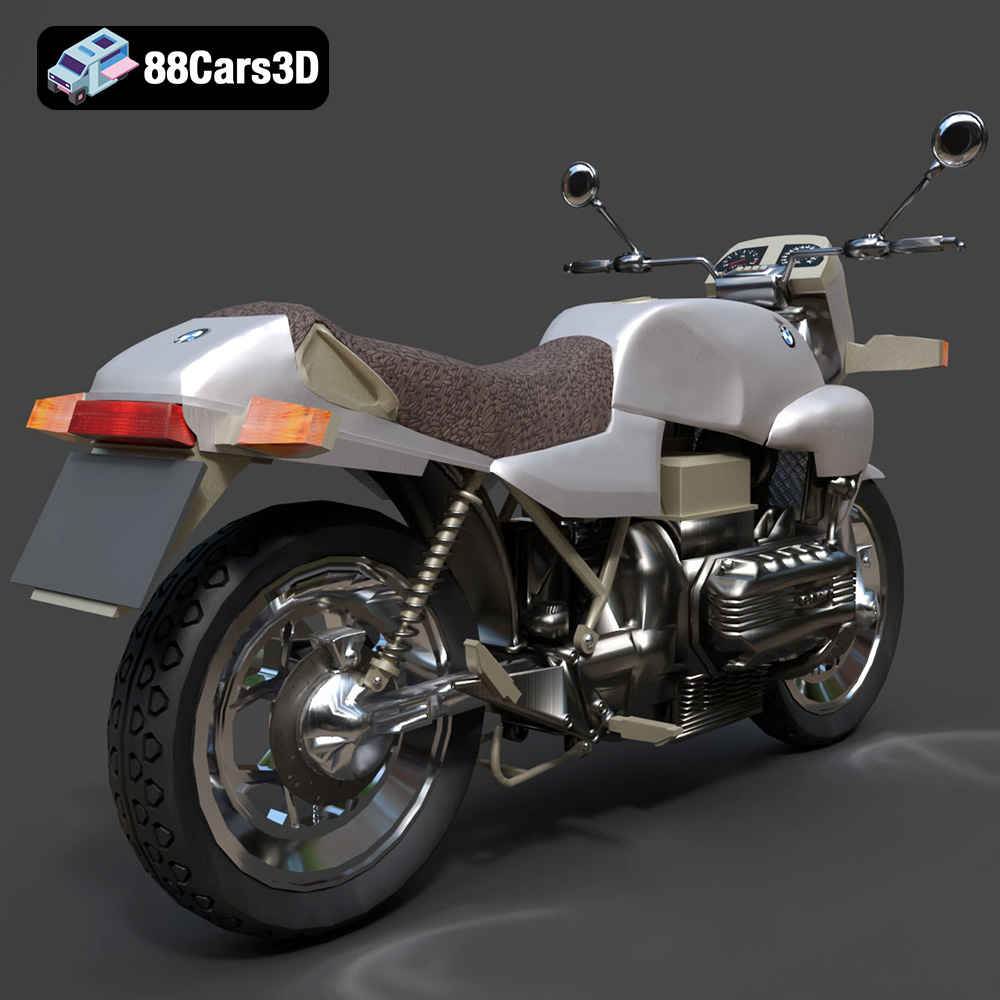
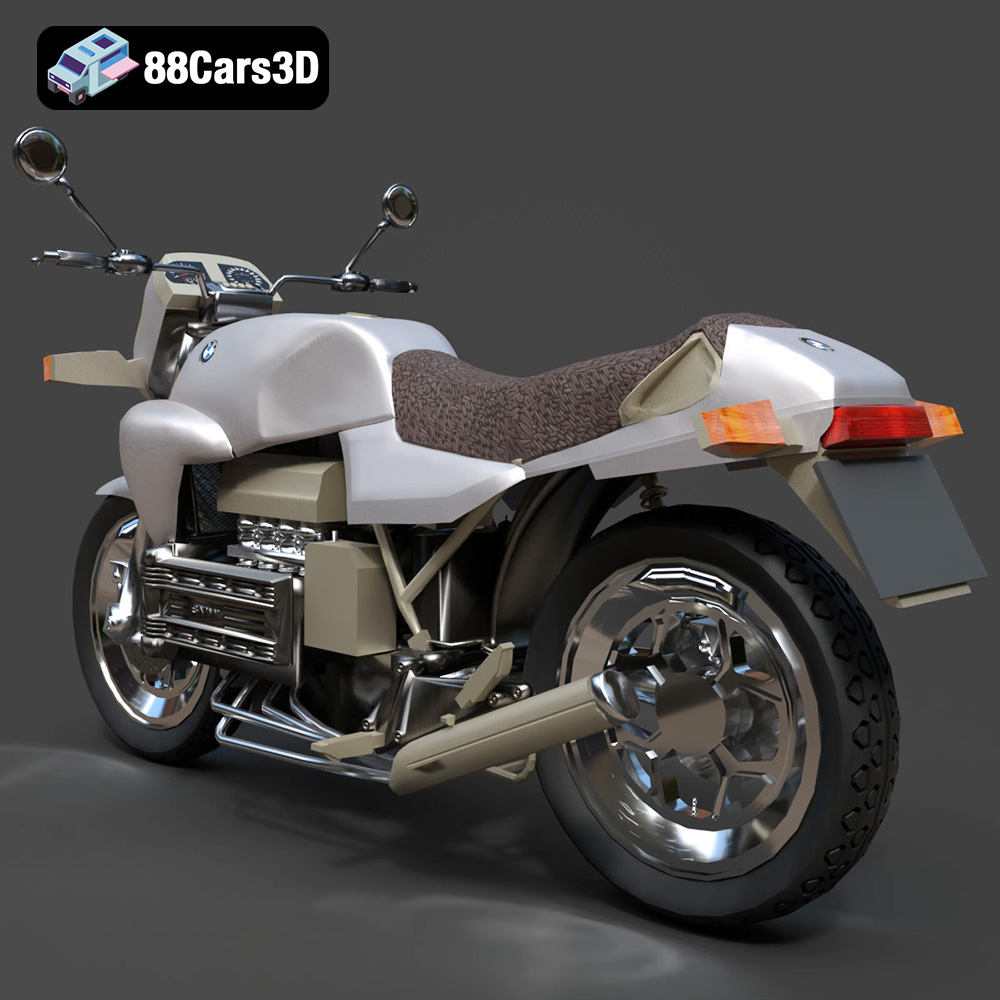
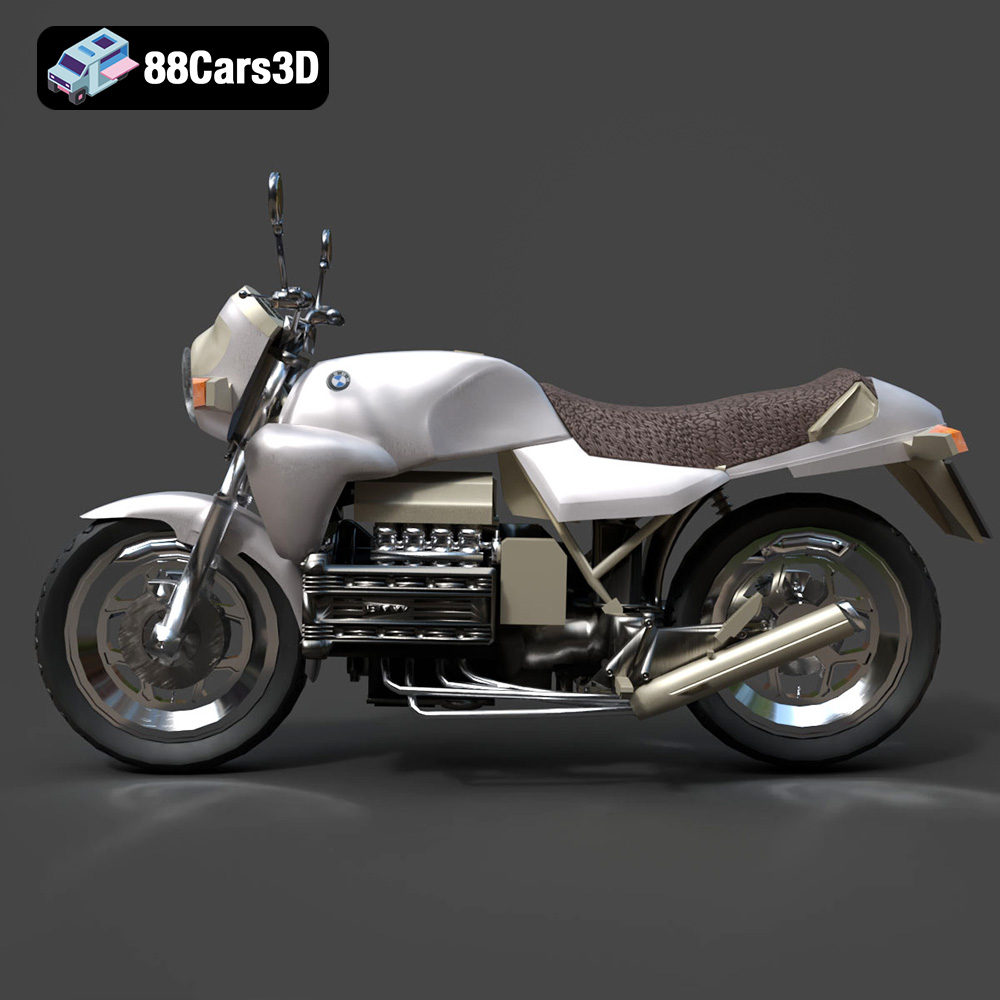
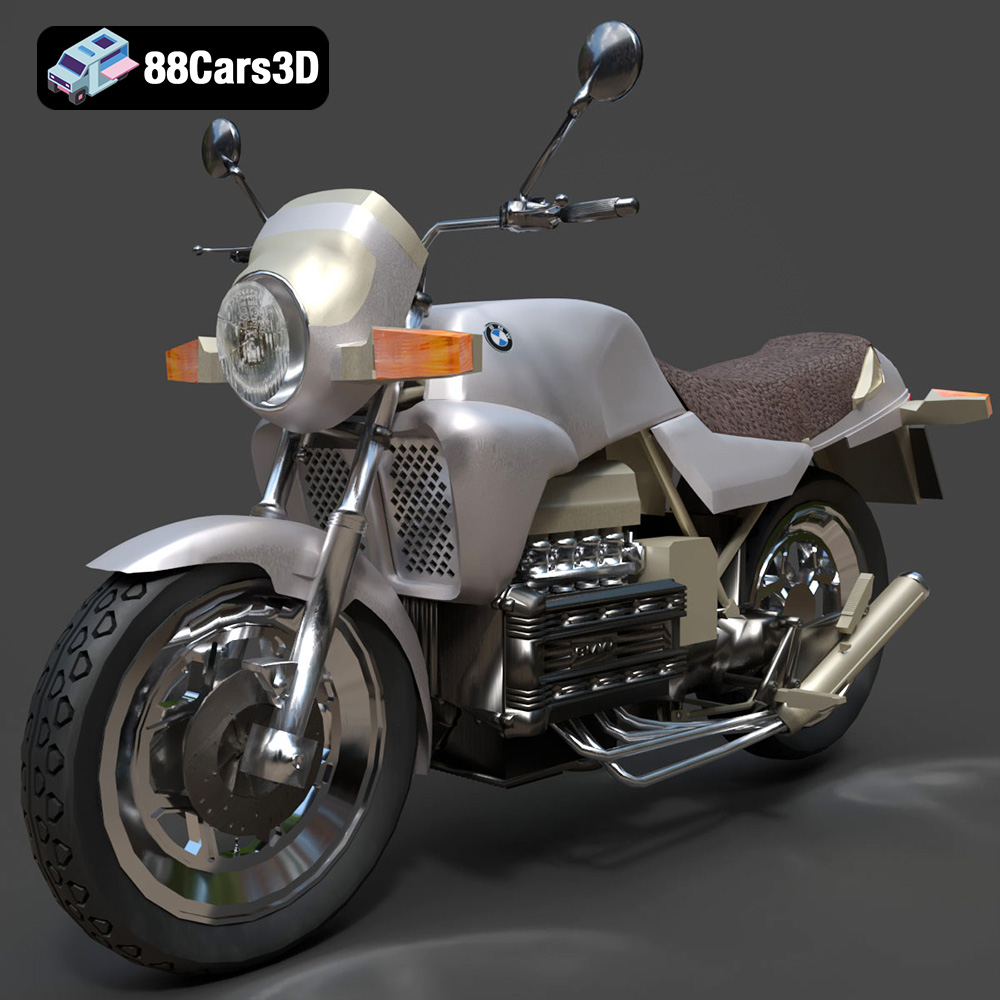
A good slicing software is essential for successful 3D printing. Popular options include Cura, PrusaSlicer, Simplify3D, and IdeaMaker. Each software offers a range of settings and features to control the printing process. Cura and PrusaSlicer are excellent free options, while Simplify3D and IdeaMaker provide more advanced features for experienced users. Import the .stl files for the Custom Chopper 2007, Ducati 916 Custom Café Fighter, Harley-Davidson XR1200X, or BMW K100 into your chosen slicing software.
Before slicing, inspect the 3D model for potential issues, such as non-manifold geometry (holes or gaps in the mesh), flipped normals (surfaces facing the wrong way), or intersecting faces. Many slicing programs have built-in repair tools that can automatically fix these issues. You can also use dedicated mesh repair software like MeshMixer or Netfabb. Ensuring a clean and watertight mesh is crucial for successful printing.
Model orientation significantly impacts print quality, support requirements, and print time. For the intricate motorcycle models in the bundle, consider printing the frames and engines separately from the wheels, as suggested in the product description. This allows for optimized orientation for each part, minimizing support structures and maximizing detail. When orienting the parts, prioritize surfaces that require the highest detail and minimize overhangs. Add supports strategically to prevent sagging or deformation during printing. Automatic support generation in slicing software can be helpful, but manual placement often yields better results, especially for complex geometries.
The choice of material and printer settings significantly affects the final quality of your 3D printed motorcycle models. The product description recommends resin printing for capturing the fine details of the engines and spokes. However, FDM printing is also possible with careful consideration of settings and post-processing.
Resin printing is ideal for capturing the intricate details of the motorcycles in this bundle, especially the engine components and spoke patterns. Recommended settings include:
* **Layer height:** 0.03–0.05 mm (as specified in the product description)
* **Exposure time:** Adjust based on your resin and printer (start with manufacturer recommendations and fine-tune)
* **Support density:** High, especially for overhanging features and delicate parts
* **Resin type:** Standard resin is suitable for general use. Tough resin provides increased durability.
Resin printing offers superior resolution and surface finish compared to FDM, but it also requires more post-processing, including washing, curing, and support removal.
While resin printing is preferred, FDM (Fused Deposition Modeling) is a viable option for larger scales or when a more durable model is desired. Recommended settings include:
* **Layer height:** 0.1–0.15 mm (balances detail and print time)
* **Infill:** 15–25% (provides structural integrity without adding excessive weight)
* **Wall thickness:** 1.2–2.0 mm (ensures sufficient strength for thin features)
* **Support:** Enable supports, paying close attention to placement to minimize impact on surface finish
* **Material:** PLA is a good starting point, but PETG offers improved strength and heat resistance.
FDM printing is generally faster and more affordable than resin printing, but it may require more post-processing to achieve a smooth surface finish.
Consider the specific features of each motorcycle when choosing settings. For example, the Custom Chopper 2007 with its extended front fork may require more robust supports than the BMW K100. Similarly, the Ducati 916 Custom Café Fighter’s exposed engine mechanics will benefit from finer layer heights.
Post-processing is the key to transforming a raw 3D print into a polished, display-worthy model. This involves removing supports, sanding, filling gaps, and applying paint and finishes.
Carefully remove support structures using appropriate tools, such as pliers or cutters. Be patient and avoid damaging the model. After support removal, use sandpaper to smooth any remaining imperfections. Start with a coarse grit (e.g., 220) and gradually work your way up to finer grits (e.g., 400, 600, 800) to achieve a smooth surface. Wet sanding can help to minimize dust and improve the finish.
For larger gaps or imperfections, use a modeling putty or filler. Apply the filler sparingly and allow it to dry completely before sanding it smooth. After sanding, apply a primer coat to the entire model. Primer helps to fill any remaining micro-scratches and provides a uniform surface for painting.
Painting is where you can truly bring your 3D printed motorcycle model to life. Use high-quality acrylic paints designed for models. Apply multiple thin coats, allowing each coat to dry completely before applying the next. Consider using masking tape to create clean lines and intricate designs. After painting, apply a clear coat to protect the paint and add a glossy or matte finish.
Once all the parts are painted and finished, carefully assemble the motorcycle model. Use glue or small screws to secure the parts together. Add final details such as decals, chrome accents, or weathering effects to enhance the realism.
Even with careful preparation, 3D printing can sometimes present challenges. Here are some common issues and their solutions:
Warping occurs when the corners of the print lift off the build plate. This is more common with FDM printing and can be caused by poor bed adhesion or temperature fluctuations. To prevent warping, ensure the build plate is clean and level, use a heated bed, and consider using a brim or raft.
Stringing refers to thin strands of filament that appear between different parts of the print. This is usually caused by excessive retraction distance or temperature. Reduce the retraction distance or lower the printing temperature to minimize stringing.
Elephant’s foot is a widening of the first layer of the print. This is often caused by excessive bed adhesion or the nozzle being too close to the build plate. Adjust the bed level or increase the Z-offset to correct elephant’s foot.
Layer shifting occurs when the layers of the print are misaligned. This can be caused by loose belts, stepper motor issues, or vibrations. Tighten the belts, check the stepper motors, and ensure the printer is placed on a stable surface.
Before starting a print, it’s helpful to estimate the print time and material costs. Slicing software typically provides estimates of print time and material usage based on the chosen settings. Keep in mind that these are just estimates, and the actual print time and material usage may vary depending on the printer and the complexity of the model. You can purchase the Custom Chopper 2007 model separately, along with the Ducati 916 Custom Café Fighter, Harley-Davidson XR1200X, and BMW K100, but the bundle from 88cars3d.com offers considerable value if you want the whole collection.
The Ultimate Garage Props & Custom Motorcycles 3D Models Bundle offers a fantastic opportunity to create stunning scale models of iconic motorcycles. By understanding the nuances of 3D printing, from file formats to post-processing, you can transform these digital models into tangible works of art. Whether you’re displaying them in a showcase or incorporating them into a diorama, these 3D printed motorcycles are sure to impress. The level of detail available on 88cars3d.com will allow you to create perfect miniature versions of legendary motorcycles.
The Ultimate Garage Props & Custom Motorcycles 3D Models Bundle is the definitive collection for high-end interior architectural visualization (ArchViz), virtual showrooms, and automotive environment design. Sometimes, the difference between a good render and a masterpiece is the perfect prop. Parking a meticulously crafted custom motorcycle in the corner of a luxury villa’s garage, a modern loft, or a studio set instantly elevates the scene, adding an unmatched level of prestige, lifestyle, and realism.
$159.99
archviz-props
bmw-k100
cafe-racer
custom-chopper
ducati-916
garage-3d-models
harley-davidson-3d
luxury-assets
motorcycle-3d-model
vray-models