Get 50% OFF All Premium 3D & STL Models!

“`html
3D printing offers incredible opportunities for creating detailed and accurate vehicle models, perfect for hobbyists, collectors, and even prototyping. However, a successful print hinges on two crucial factors: proper wall thickness and well-designed support structures. Get either one wrong, and you risk failed prints, structural weaknesses, or a frustrating post-processing experience. This comprehensive guide will delve into the technical aspects of wall thickness and support settings, providing you with the knowledge to consistently produce high-quality 3D printed car models.
Whether you are printing a sleek sports car or a rugged off-roader from platforms like 88cars3d.com, understanding these concepts is essential. We’ll cover best practices for both FDM and resin printing, exploring specific settings in popular slicing software, and troubleshooting common issues. Prepare to master the art of optimizing your prints for strength, detail, and ease of post-processing.
Wall thickness, the measure of the outer shell of your 3D printed model, plays a critical role in its structural integrity, appearance, and print time. Too thin, and your model will be fragile and prone to warping. Too thick, and you’ll waste material and increase printing time without necessarily improving strength. The ideal wall thickness depends on the size of the model, the material used, and the intended application.
For FDM printing (Fused Deposition Modeling), a general rule of thumb is to aim for a minimum wall thickness that is a multiple of your nozzle diameter. For example, if you’re using a 0.4mm nozzle, a wall thickness of 0.8mm (two perimeters) or 1.2mm (three perimeters) is often a good starting point. Smaller models might get away with 0.6mm (though 0.4mm is possible in a pinch with slow speeds and good calibration) but anything larger than 150mm in any dimension will likely require 1.2mm as a *minimum*.
Resin printing (SLA or MSLA) offers finer detail and generally requires thinner walls than FDM. A wall thickness of 0.8mm to 1mm is typically sufficient for most car models, depending on their size. However, it’s crucial to consider the resin’s properties. Brittle resins may require slightly thicker walls to prevent cracking. Wall thickness matters here for rigidity, but even more so for a secure space for post curing to happen, without which cracking can occur when a thin-walled model is removed from supports, or months later, simply sitting on a shelf.
Support structures are temporary scaffolding used to support overhanging features and prevent them from collapsing during printing. They are crucial for complex models, particularly those with intricate details like car bodies, spoilers, and mirrors. Proper support generation and removal are essential for achieving a clean and accurate final product.
FDM support generation involves several key parameters in your slicing software. These include support type (linear, tree, etc.), support density, overhang angle, and support interface. The ideal settings depend on the geometry of the model and the material used.
Resin printing requires a different approach to support generation. Supports are typically generated manually or using automatic support generators in slicing software like Chitubox or Lychee Slicer. Key parameters include support diameter, support density, and support placement.
Slicing software is the bridge between your 3D model and your 3D printer. Mastering slicing software settings is crucial for achieving optimal print quality and efficiency. Here’s a breakdown of key settings in popular slicers like Cura, PrusaSlicer, and Lychee Slicer.
Cura is a popular and versatile slicing software for FDM printing. Key settings to consider for car models include:
PrusaSlicer is another excellent option for FDM printing, offering advanced features and precise control over print parameters. For car models, pay attention to these settings:
Lychee Slicer is a popular choice for resin printing, offering powerful support generation and hollowing tools. Key settings include:
The choice of material significantly impacts the strength, appearance, and functionality of your 3D printed car models. Understanding the properties of different filaments and resins is essential for selecting the right material for your specific needs.
Post-processing is the final step in the 3D printing process and involves removing supports, sanding, painting, and assembling the model to achieve a professional finish. Mastering post-processing techniques is essential for transforming your 3D printed car models into works of art.
Carefully remove supports using pliers, flush cutters, or a sharp knife. Take your time and avoid damaging the model. For FDM prints, you can use a heat gun to soften the supports before removal. For resin prints, soaking the model in warm water can make support removal easier. Dissolvable supports (HIPS for ABS, or PVA for PLA) can greatly simplify the support removal process.
Sand the model to remove layer lines and smooth out the surface. Start with coarse sandpaper (e.g., 220 grit) and gradually work your way up to finer grits (e.g., 400, 600, 800 grit). Use filler primer to fill in any remaining imperfections. Bondo putty also works well, but is much harder to sand. When downloading models from marketplaces such as 88cars3d.com, you can be sure that the models are designed to be easily sanded and post-processed.
Apply primer to the model to provide a good surface for paint adhesion. Use acrylic paints or enamel paints to paint the model. Apply multiple thin coats of paint for a smooth and even finish. Use masking tape to create clean lines and details. Add weathering effects and other details to enhance the realism of the model.
3D printing can be challenging, and it’s common to encounter issues like warping, stringing, layer separation, and elephant’s foot. Understanding the causes of these issues and how to troubleshoot them is essential for achieving consistent results.
Mastering wall thickness and support settings is paramount for achieving high-quality 3D printed vehicle models. By understanding the principles of wall thickness, support generation, slicing software settings, material selection, and post-processing techniques, you can consistently produce stunning and accurate models. Remember to experiment with different settings and materials to find what works best for your printer and your specific project. Whether you’re a seasoned 3D printing enthusiast or just starting out, the knowledge gained from this guide will empower you to take your prints to the next level. Happy printing!
“`

Texture: Yes
Material: Yes
Download the Honda Civic Si Sedan 2017 3D Model featuring clean geometry, realistic detailing, and a fully modeled interior. Includes .blend, .fbx, .obj, .glb, .stl, .ply, .unreal, and .max formats for rendering, simulation, and game development.
Price: $19.99

Texture: Yes
Material: Yes
Download the Helicopter UH-40 3D Model featuring clean geometry, realistic detailing, and a fully modeled interior. Includes .blend, .fbx, .obj, .glb, .stl, .ply, .unreal, and .max formats for rendering, simulation, and game development.
Price: $19.99
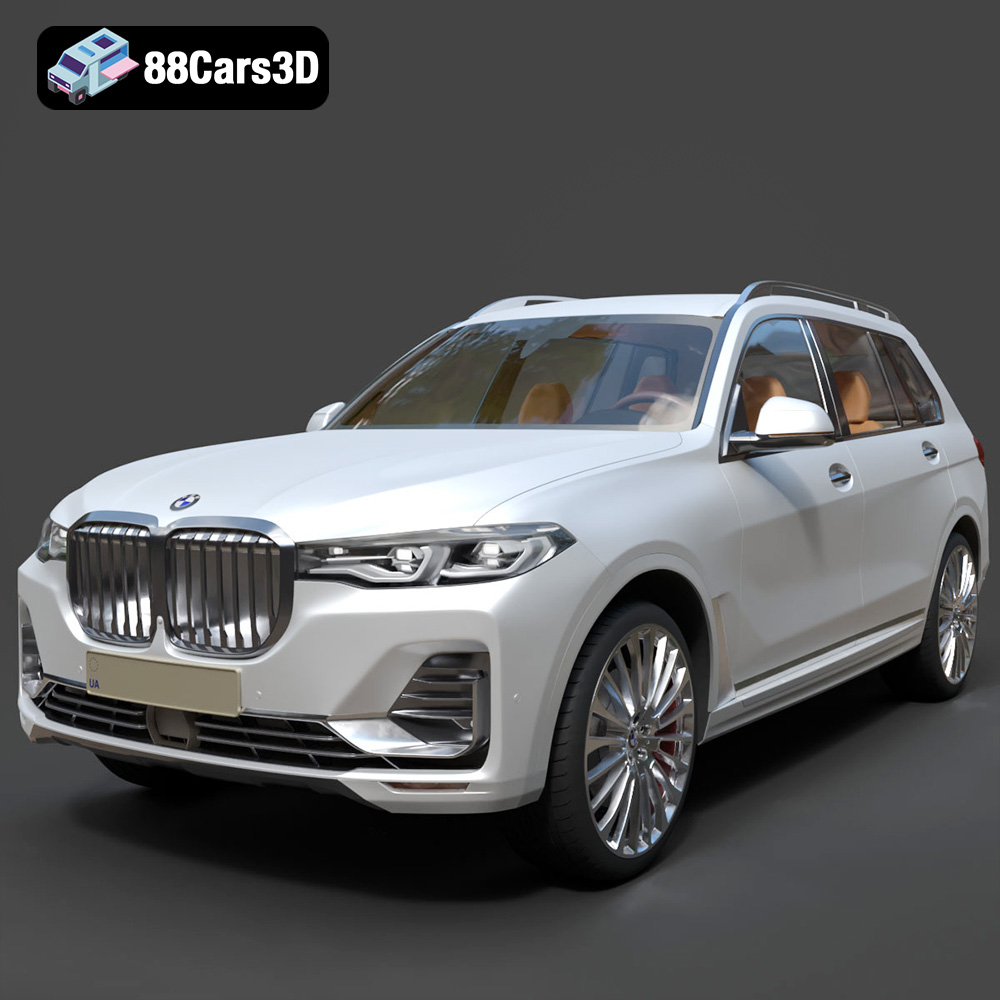
Texture: Yes
Material: Yes
Download the BMW X7 G07 2019 3D Model featuring clean geometry, realistic detailing, and a fully modeled interior. Includes .blend, .fbx, .obj, .glb, .stl, .ply, .unreal, and .max formats for rendering, simulation, and game development.
Price: $19.99
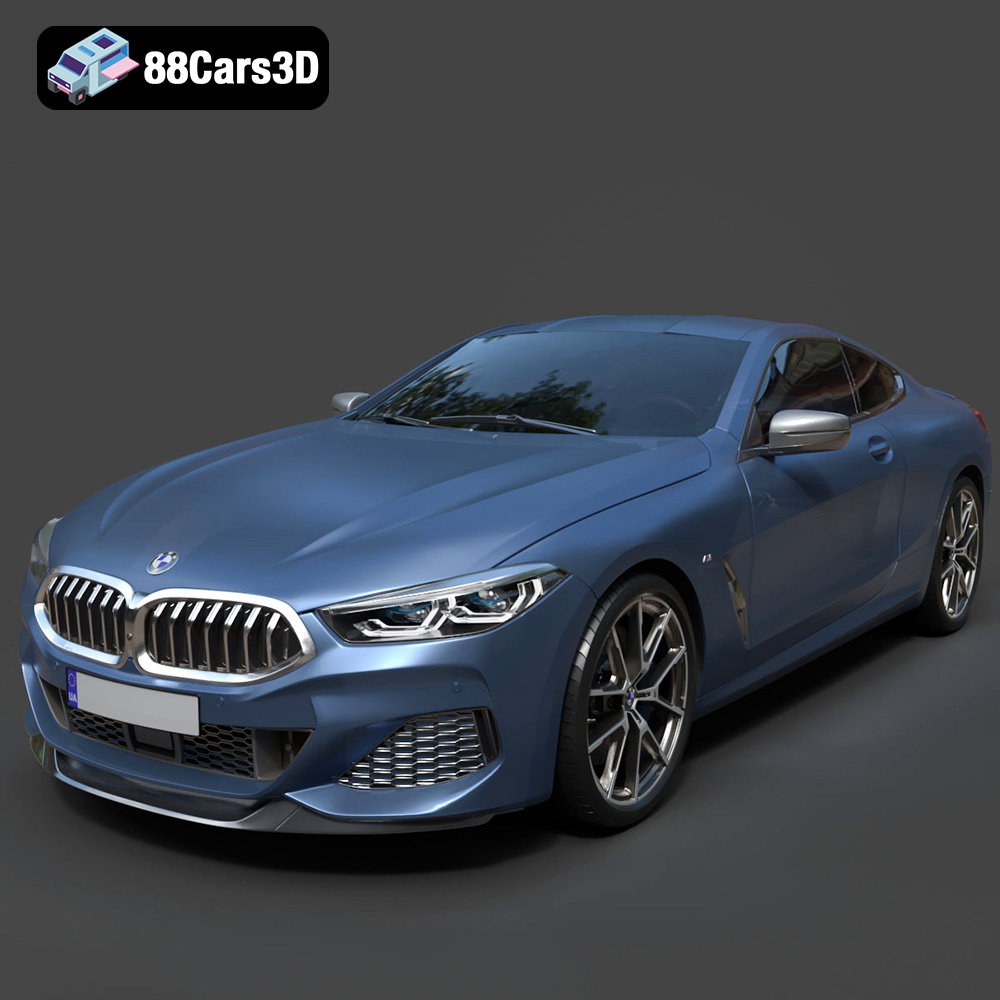
Texture: Yes
Material: Yes
Download the BMW 8-Series M850i G15 Coupe 2019 3D Model featuring clean geometry, realistic detailing, and a fully modeled interior. Includes .blend, .fbx, .obj, .glb, .stl, .ply, .unreal, and .max formats for rendering, simulation, and game development.
Price: $19.99
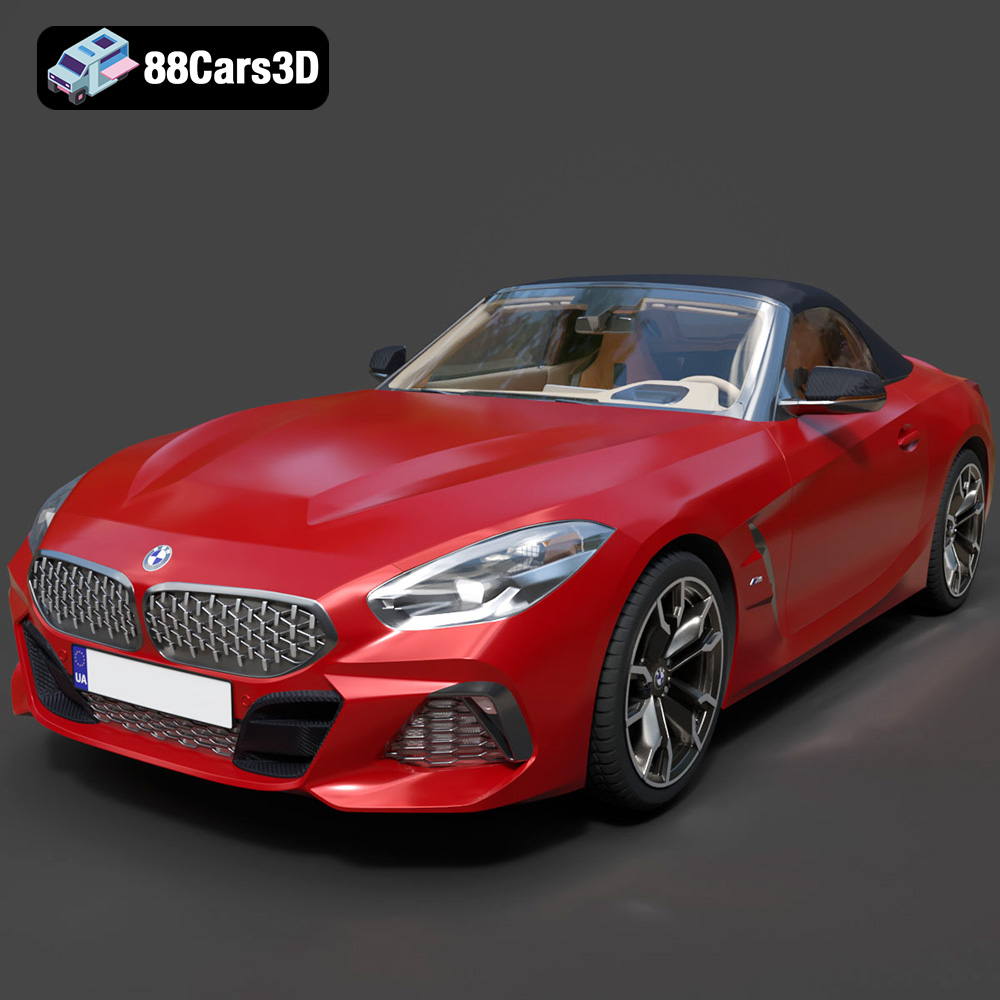
Texture: Yes
Material: Yes
Download the BMW Z4 Mk3 G29 Roadster M40i 2019 3D Model featuring clean geometry, realistic detailing, and a fully modeled interior. Includes .blend, .fbx, .obj, .glb, .stl, .ply, .unreal, and .max formats for rendering, simulation, and game development.
Price: $19.99
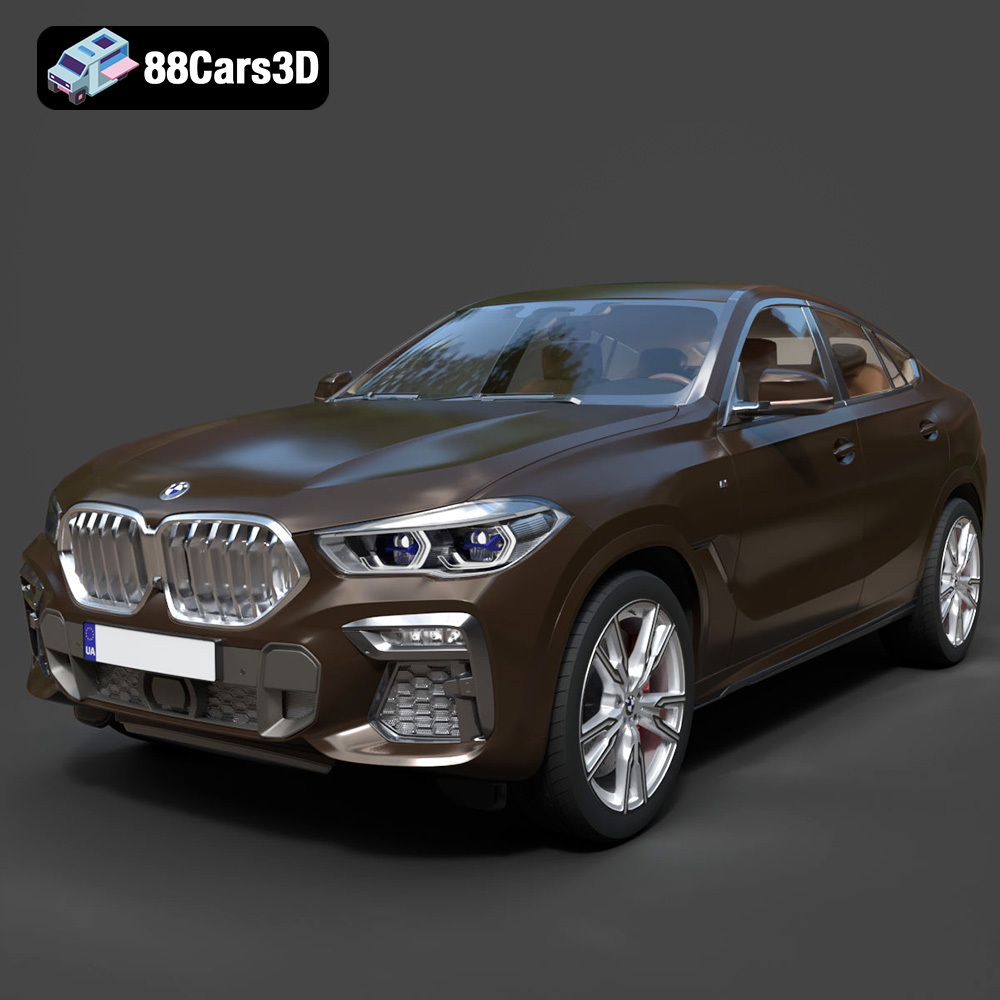
Texture: Yes
Material: Yes
Download the BMW X6 (Mk3) (G06) M Sport 2020 3D Model featuring clean geometry, realistic detailing, and a fully modeled interior. Includes .blend, .fbx, .obj, .glb, .stl, .ply, .unreal, and .max formats for rendering, simulation, and game development.
Price: $19.99
Texture: Yes
Material: Yes
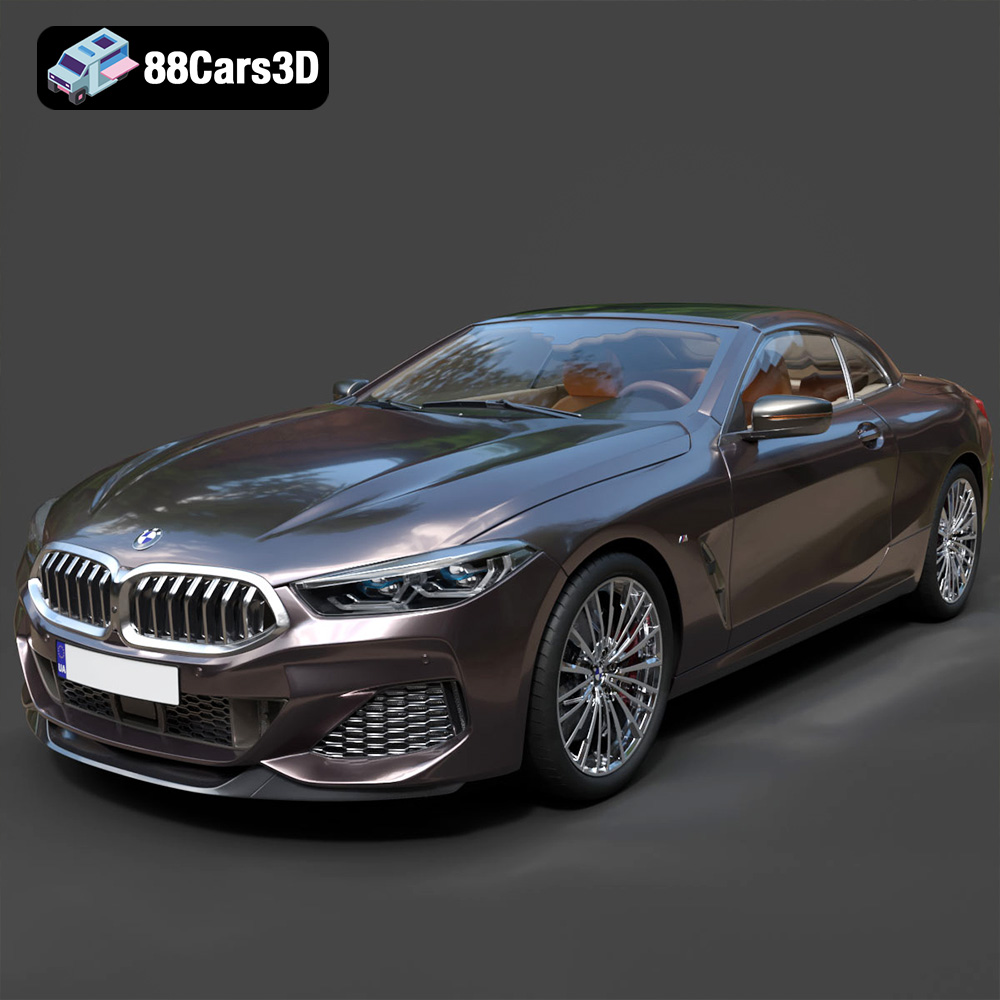
Download the BMW 8-Series G14 Convertible M850i 2019 3D Model featuring clean geometry, realistic detailing, and a fully modeled interior. Includes .blend, .fbx, .obj, .glb, .stl, .ply, .unreal, and .max formats for rendering, simulation, and game development.
Price: $19.99
Texture: Yes
Material: Yes
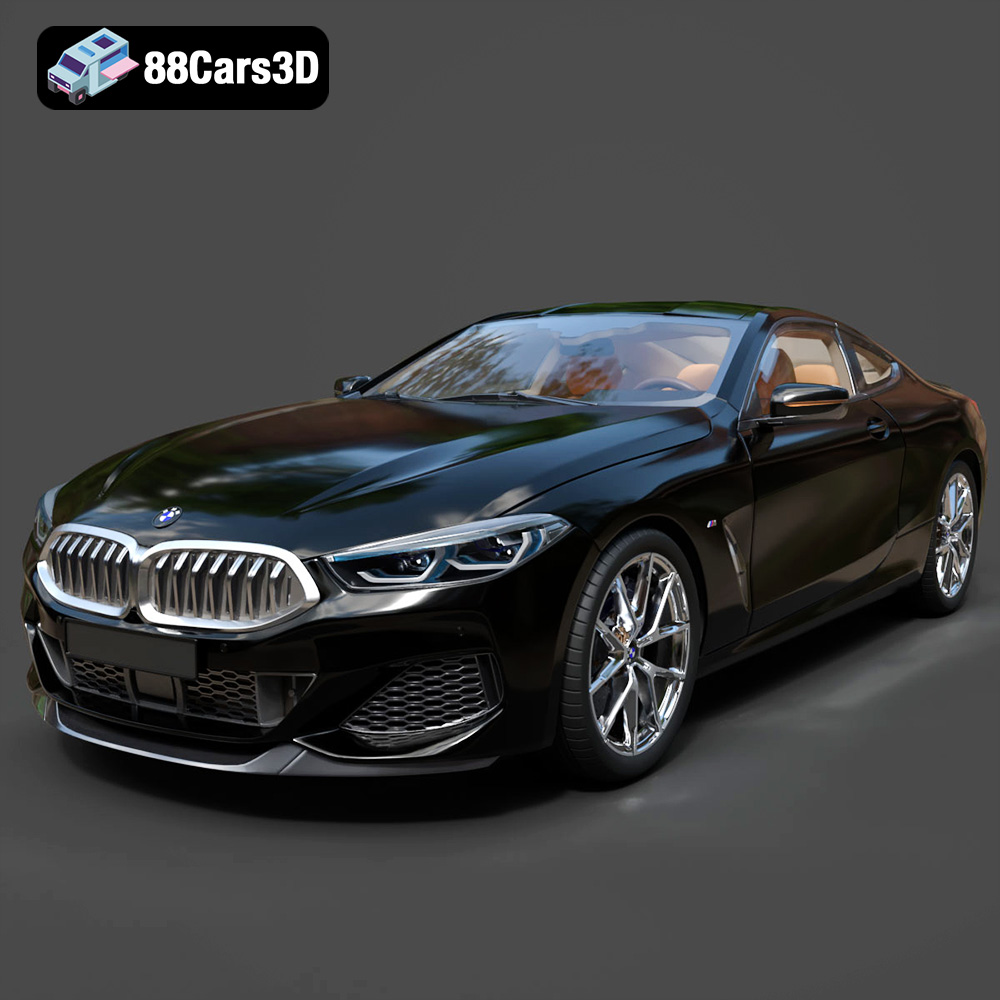
Download the BMW 8 Series M850i Coupe 2019 3D Model featuring clean geometry, realistic detailing, and a fully modeled interior. Includes .blend, .fbx, .obj, .glb, .stl, .ply, .unreal, and .max formats for rendering, simulation, and game development.
Price: $19.99
Texture: Yes
Material: Yes
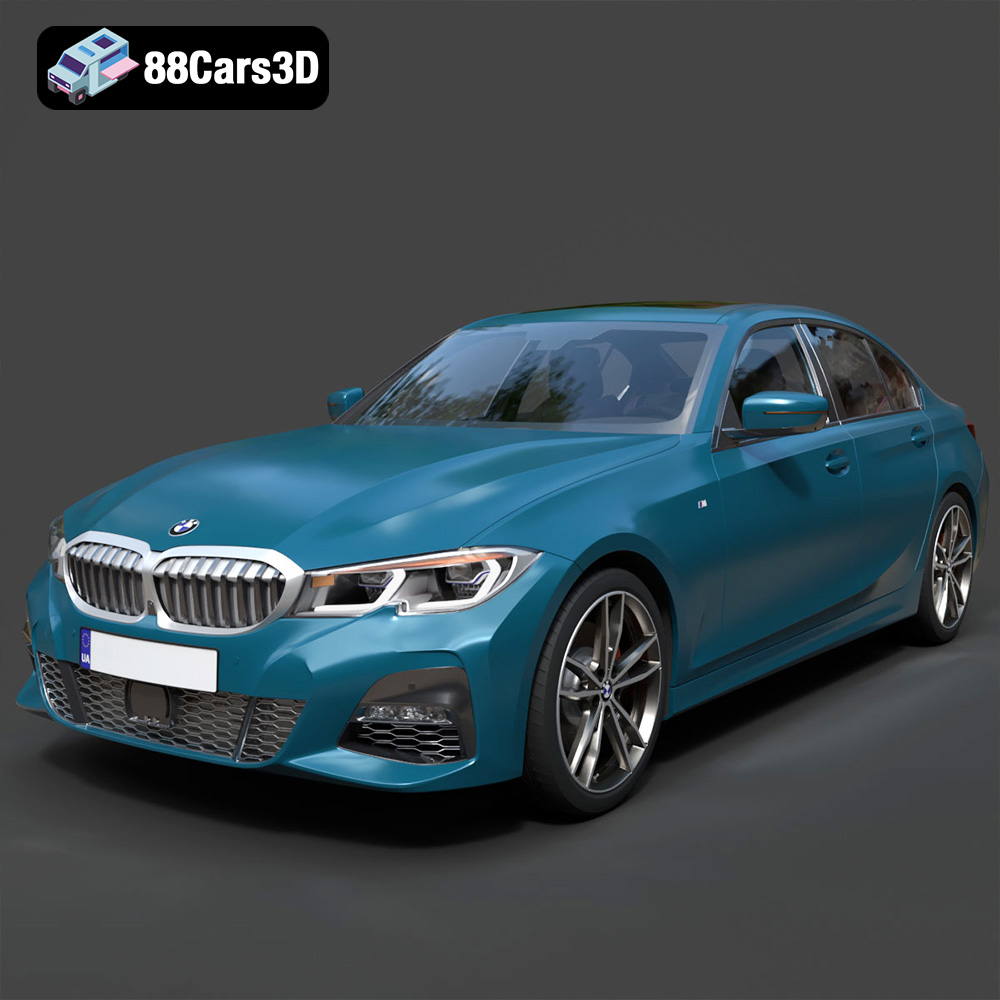
Download the BMW 3 Series M-Sport Sedan 2019 3D Model featuring clean geometry, realistic detailing, and a fully modeled interior. Includes .blend, .fbx, .obj, .glb, .stl, .ply, .unreal, and .max formats for rendering, simulation, and game development.
Price: $19.99
Texture: Yes
Material: Yes
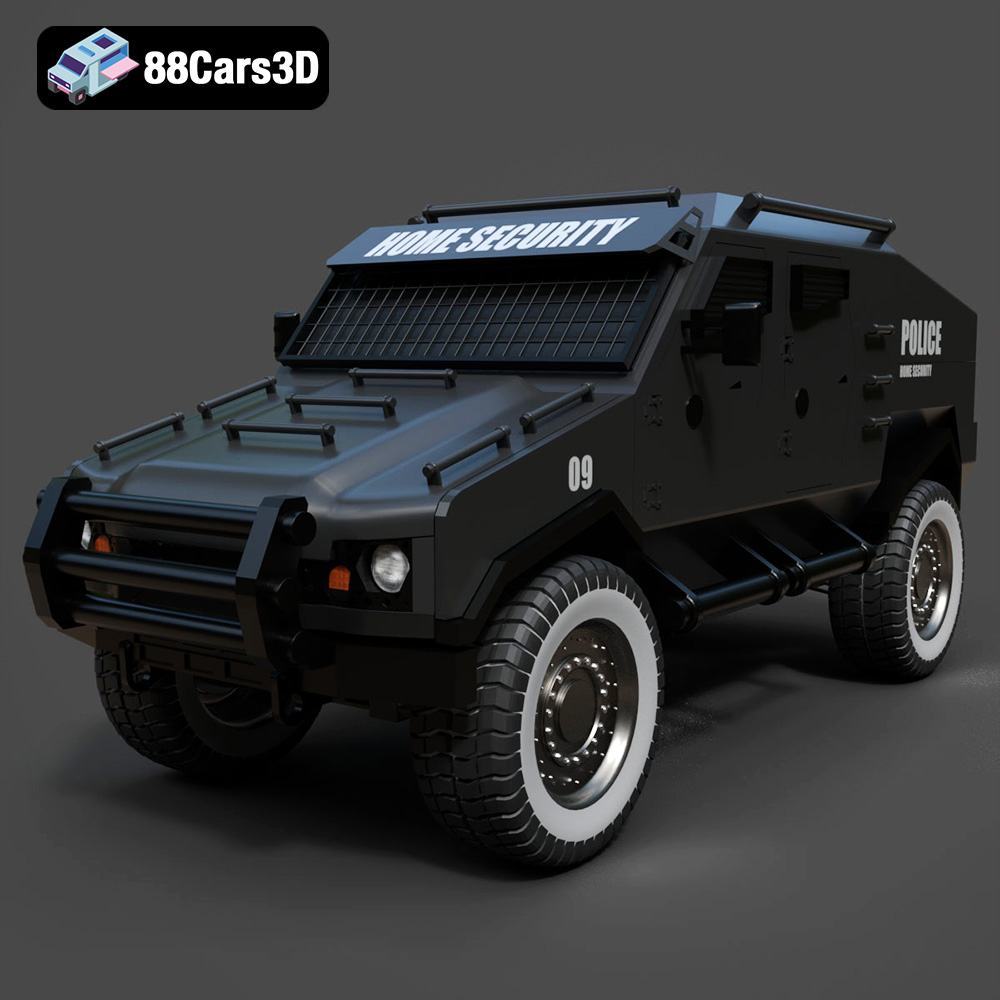
Download the Armoured Vehicle 001 3D Model featuring clean geometry, realistic detailing, and a fully modeled interior. Includes .blend, .fbx, .obj, .glb, .stl, .ply, .unreal, and .max formats for rendering, simulation, and game development.
Price: $19.99

