Get 50% OFF All Premium 3D & STL Models!

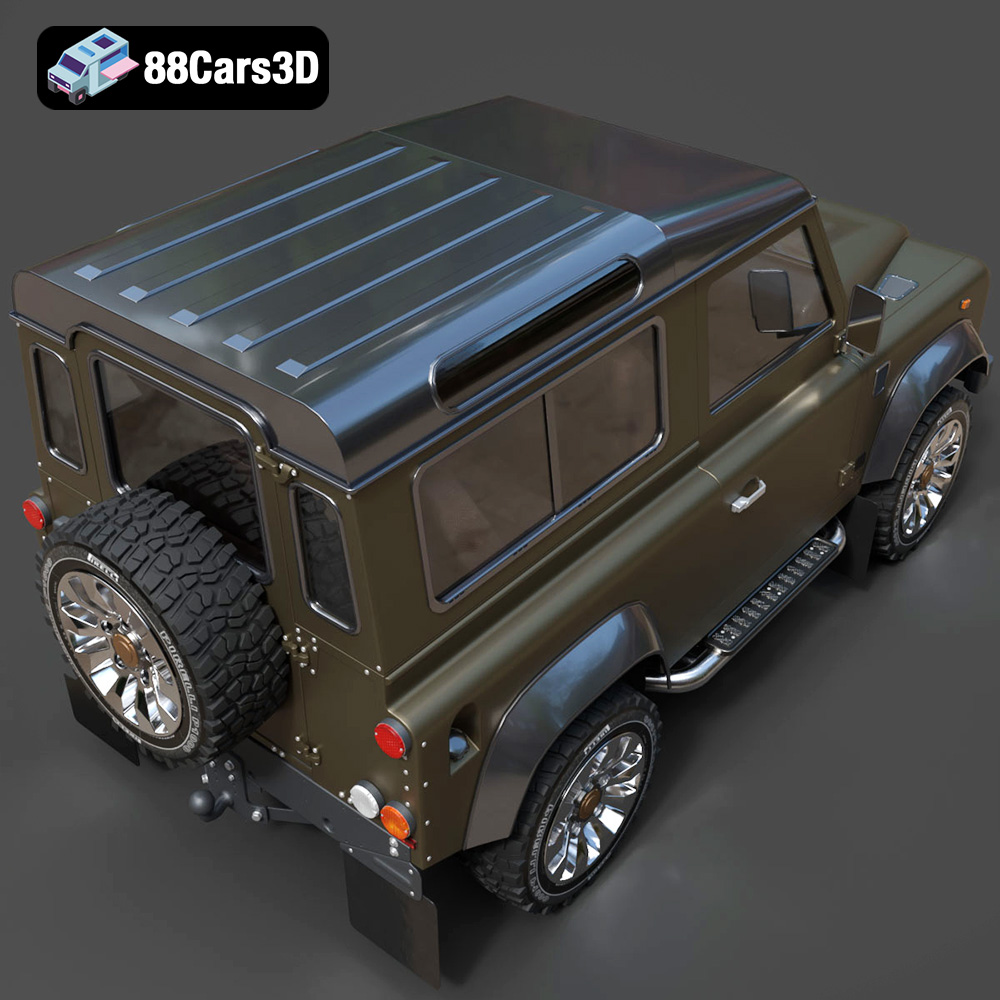
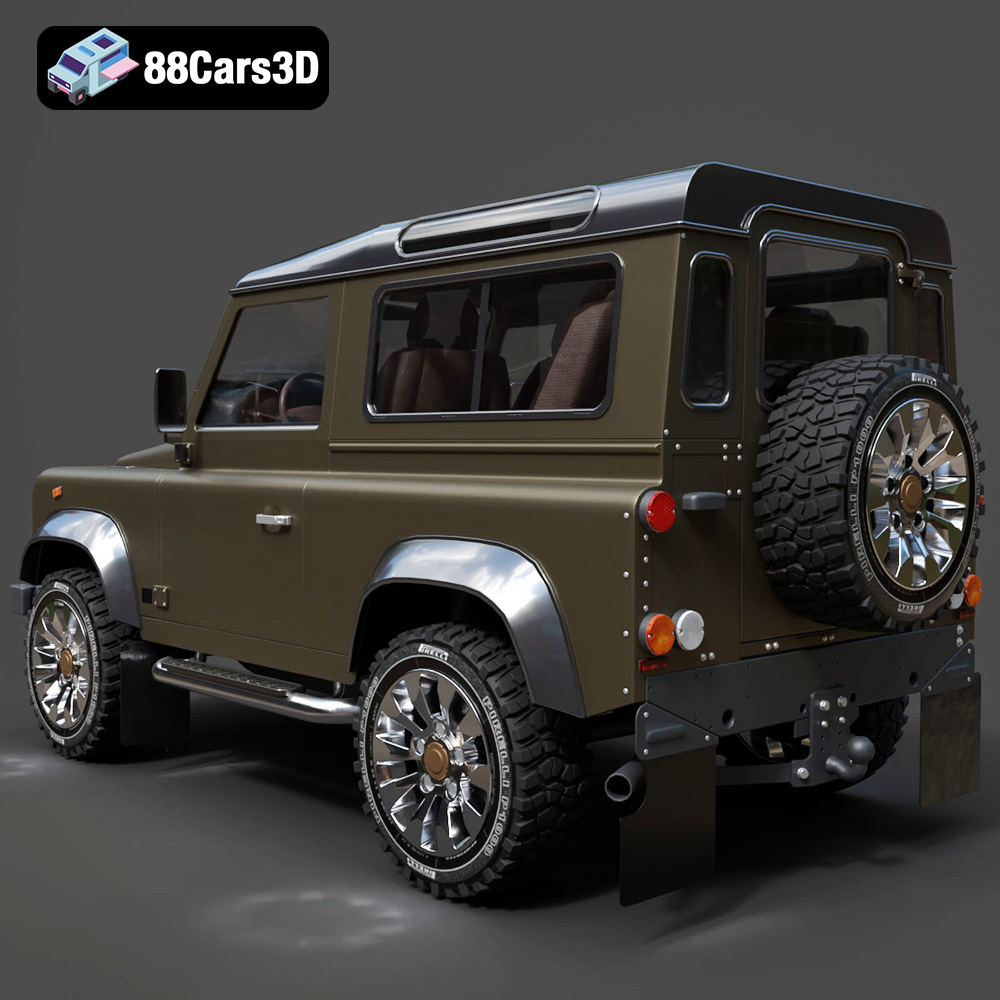
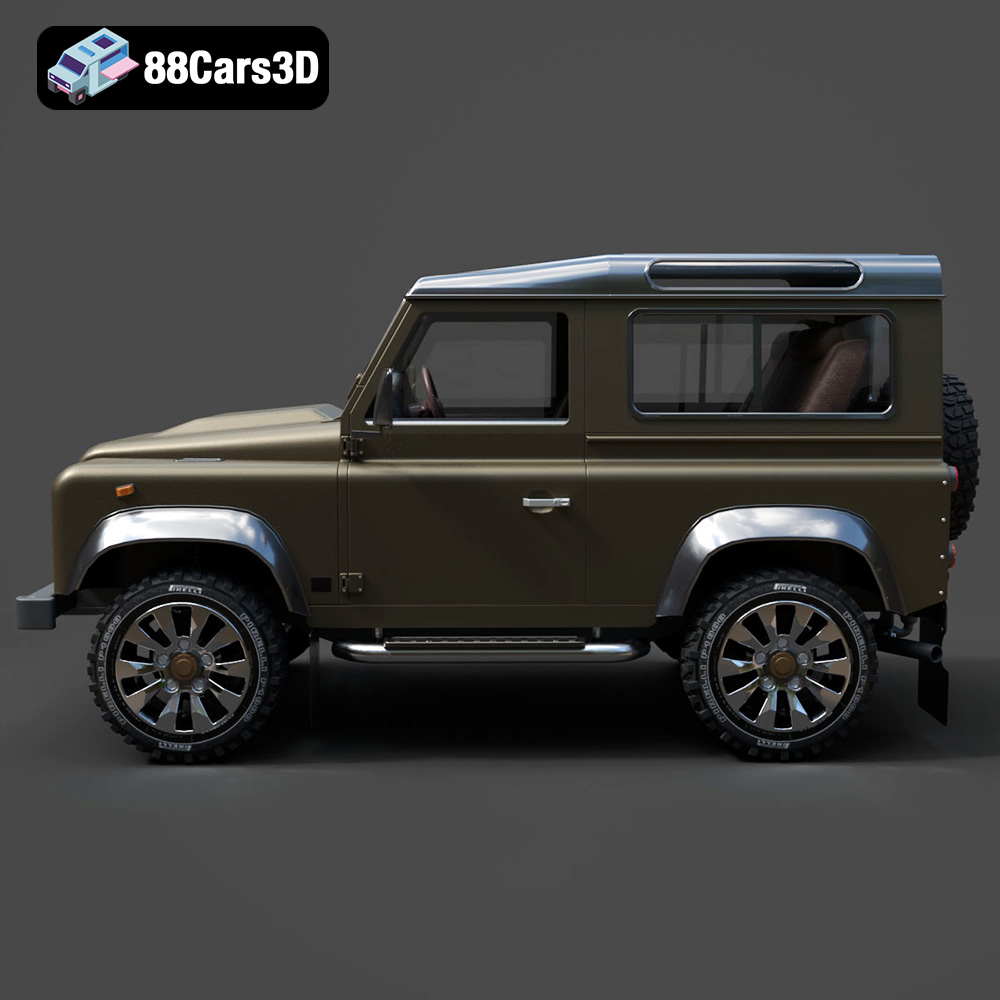
The Land Rover Defender Works V8 is a legend, and now you can bring this off-road icon to life on your 3D printer. This comprehensive guide will walk you through every step of the process, from choosing the right materials and settings to post-processing techniques that will make your 3D printed Defender Works V8 a true showpiece. At 88cars3d.com, we understand the passion for automotive design, and we’re here to help you realize your vision with a high-quality 3D printed model.
Selecting the correct file format is a crucial first step in your 3D printing journey. While the Land Rover Defender Works V8 3D model is available in several formats, not all are created equal when it comes to additive manufacturing. Here’s a breakdown of common 3D model file formats and their suitability for 3D printing:
The .stl (Stereolithography) file format has long been the workhorse of 3D printing. It represents the surface geometry of a 3D object as a collection of triangles, or a mesh. This simplicity makes it universally compatible with slicing software and 3D printers. When preparing the Land Rover Defender Works V8 model for printing, the .stl file is generally the best starting point. The resolution of the .stl file—the density of the triangle mesh—directly impacts the smoothness of the final printed object. Higher resolution .stl files result in smoother surfaces but can increase file size and processing time. Slicing software utilizes the .stl data to generate toolpaths for the 3D printer, dictating how the material will be deposited layer by layer.
.obj files, while widely used, are not always ideal for 3D printing, particularly with intricate models like the Defender Works V8. .obj files can store color and texture information, but most desktop 3D printers cannot utilize this data directly (unless you have a full-color printer). For standard FDM or resin printing, the texture data is usually disregarded, and the .obj file functions similarly to an .stl. The mesh structure can sometimes be less optimized than a well-prepared .stl, potentially leading to issues during slicing.
.ply (Polygon File Format or Stanford Triangle Format) is designed to store 3D data acquired from 3D scanners. It’s known for its ability to represent high-detail meshes accurately. While it can be used for 3D printing, .ply files often contain a massive amount of data, which can overwhelm slicing software and significantly increase processing time. For the Defender Works V8, converting the .ply file to an .stl and simplifying the mesh might be necessary for practical printing.
The .blend file is the native format for Blender, a powerful open-source 3D modeling software. This is extremely useful if you want to customize the Defender Works V8 model before printing. You can modify the design, add details, or split the model into multiple parts for easier printing and assembly. However, you’ll need to export the modified model to a printable format like .stl before sending it to the slicer.
The .fbx (Filmbox) format is primarily used for exchanging 3D data between different software applications, particularly in game development. While it can store material information, this data is usually irrelevant for standard 3D printing. You can import an .fbx file into some slicing software, but it’s generally recommended to convert it to .stl for optimal printing results.
.glb (GL Transmission Format Binary) is designed for efficient transmission and loading of 3D models in web-based applications and AR/VR environments. It’s not directly used for 3D printing. It’s more suitable for previewing the model on your smartphone or tablet before committing to a print.
The .max file is the native format for 3ds Max, another professional 3D modeling and animation software. Similar to the .blend file, it provides a fully editable project that allows for advanced customization of the Defender Works V8. As with Blender, you’ll need to export the modified model as an .stl file for 3D printing.
Once you have your .stl file ready (or have converted another format), you need to prepare it for your specific 3D printer using slicing software. This crucial step determines the print quality, strength, and overall success of your 3D printed Land Rover Defender Works V8.
There are many excellent slicing software options available, both free and paid. Popular choices include Ultimaker Cura, PrusaSlicer, Simplify3D, and IdeaMaker. Each offers a range of features and settings to fine-tune the printing process. For beginners, Cura and PrusaSlicer are excellent starting points due to their user-friendly interfaces and extensive online communities.
The orientation of the model on the print bed significantly impacts the need for support structures and the overall surface finish. For the Land Rover Defender Works V8, consider orienting the model with the flattest surface facing down. This minimizes the need for supports on the more visible areas of the body. However, this might not always be possible due to overhangs and intricate details. Experiment with different orientations in your slicing software to find the best compromise between minimizing supports and achieving a good surface finish.
Support structures are essential for printing overhangs and complex geometries. Slicing software automatically generates these structures, but you can customize their type, density, and placement to optimize print time and material usage. Consider using tree supports, which offer better support with less material and are easier to remove than traditional linear supports.
The choice of filament material is a critical decision that will influence the strength, appearance, and functionality of your 3D printed Land Rover Defender Works V8. Here’s a look at some popular options and their suitability for this project:
PLA is a biodegradable thermoplastic polymer derived from renewable resources like corn starch or sugarcane. It’s a popular choice for beginners due to its ease of printing, low odor, and wide availability. PLA is suitable for creating aesthetically pleasing models of the Defender Works V8, but it’s not the strongest material and may not be ideal for parts that require high heat resistance or durability. PLA is a great option if you want to quickly print a prototype or a display model.
PETG is a modified version of PET (the plastic used in water bottles) that offers improved strength, flexibility, and temperature resistance compared to PLA. It’s still relatively easy to print, making it a good choice for parts that need to withstand some stress or heat. PETG can also produce a glossy finish, which can enhance the visual appeal of the Defender Works V8 model.
ABS is a strong and durable thermoplastic that is commonly used in automotive parts and other demanding applications. It offers excellent impact resistance and heat resistance, making it a suitable choice for parts that need to withstand harsh conditions. However, ABS is more challenging to print than PLA or PETG, as it requires a heated bed and a controlled environment to prevent warping.
For incredibly detailed models with smooth surfaces, resin 3D printing (SLA or DLP) is an excellent option. Resin printers use liquid photopolymers that are cured by UV light. This allows for much finer layer resolutions than FDM printing, resulting in stunningly realistic models. While resin printing can produce exceptional results, it also requires careful handling of the resin and post-processing steps such as washing and curing.
Achieving a successful 3D print depends heavily on carefully tuning your printer settings. Here are some key parameters to consider:
Layer height determines the resolution of the print and the smoothness of the surfaces. Lower layer heights result in finer details but also increase print time. For the Land Rover Defender Works V8, a layer height of 0.1mm to 0.2mm is a good starting point for FDM printing. For resin printing, layer heights can be even lower, down to 0.025mm or even 0.01mm for exceptional detail.
Infill density affects the strength and weight of the printed model. Higher infill densities result in stronger but heavier prints, while lower densities reduce material usage and print time. For a display model, an infill density of 15% to 25% is usually sufficient. If you want a more durable model, consider increasing the infill density to 50% or higher.
Print speed affects the overall print time and can also impact the quality of the print. Slower print speeds generally result in better surface finish and dimensional accuracy, but they also increase the print time. Start with a moderate print speed and adjust it based on the results you’re seeing.
The optimal temperature settings depend on the material you’re using. Refer to the filament manufacturer’s recommendations for the appropriate nozzle temperature and bed temperature. For PLA, a nozzle temperature of 200°C to 220°C and a bed temperature of 60°C to 70°C are typical. For PETG, a nozzle temperature of 230°C to 250°C and a bed temperature of 70°C to 80°C are recommended. ABS requires higher temperatures, typically around 230°C to 260°C for the nozzle and 80°C to 110°C for the bed.
Once the 3D printing is complete, post-processing is essential to achieve a professional and polished look for your Land Rover Defender Works V8. This involves removing support structures, sanding rough surfaces, and applying paint and finishes.
Carefully remove the support structures using pliers, cutters, or a deburring tool. Be gentle to avoid damaging the model. Once the supports are removed, use sandpaper to smooth out any rough surfaces or imperfections. Start with a coarse grit sandpaper (e.g., 220 grit) and gradually move to finer grits (e.g., 400 grit, 600 grit, 800 grit) for a smooth finish.
Apply a primer to the model to create a smooth surface for painting. Use a spray primer specifically designed for plastics. Allow the primer to dry completely before applying the paint. Choose high-quality acrylic paints in the desired colors for the Land Rover Defender Works V8. Apply thin, even coats of paint, allowing each coat to dry before applying the next. Consider using an airbrush for a more professional finish.
If you printed the model in multiple parts, carefully assemble them using glue or other fasteners. Ensure that the parts are properly aligned before securing them.
Even with careful preparation, you may encounter some challenges during the 3D printing process. Here are some common issues and potential solutions:
Warping occurs when the corners of the print lift off the build plate. This is often caused by temperature differences between the print and the surrounding environment. To prevent warping, ensure that your printer has a heated bed and that the bed temperature is set correctly for the material you’re using. You can also use a brim or raft to increase the surface area in contact with the build plate.
Stringing occurs when thin strands of filament are left behind between different parts of the print. This is usually caused by excessive retraction or insufficient cooling. Increase the retraction distance and speed in your slicing software. You can also try increasing the cooling fan speed.
Layer shifting occurs when the printer suddenly shifts position during the print. This can be caused by loose belts, stepper motor issues, or bed adhesion problems. Tighten the belts on your printer and ensure that the stepper motors are properly calibrated. Clean the build plate and apply a fresh layer of adhesive.
The Land Rover Defender Works V8 3D model from 88cars3d.com offers an incredible opportunity to bring an automotive icon to life. With careful preparation, the right materials, and a little patience, you can create a stunning 3D printed replica that you’ll be proud to display.
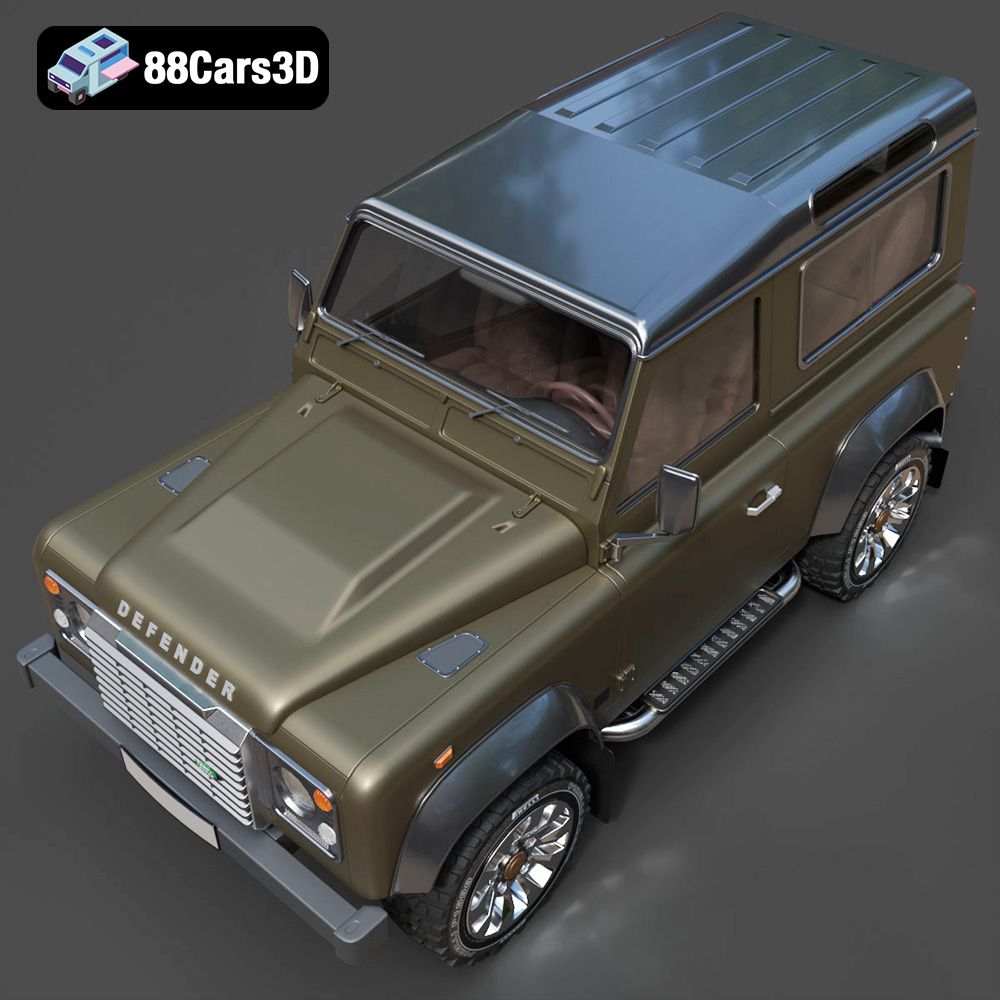
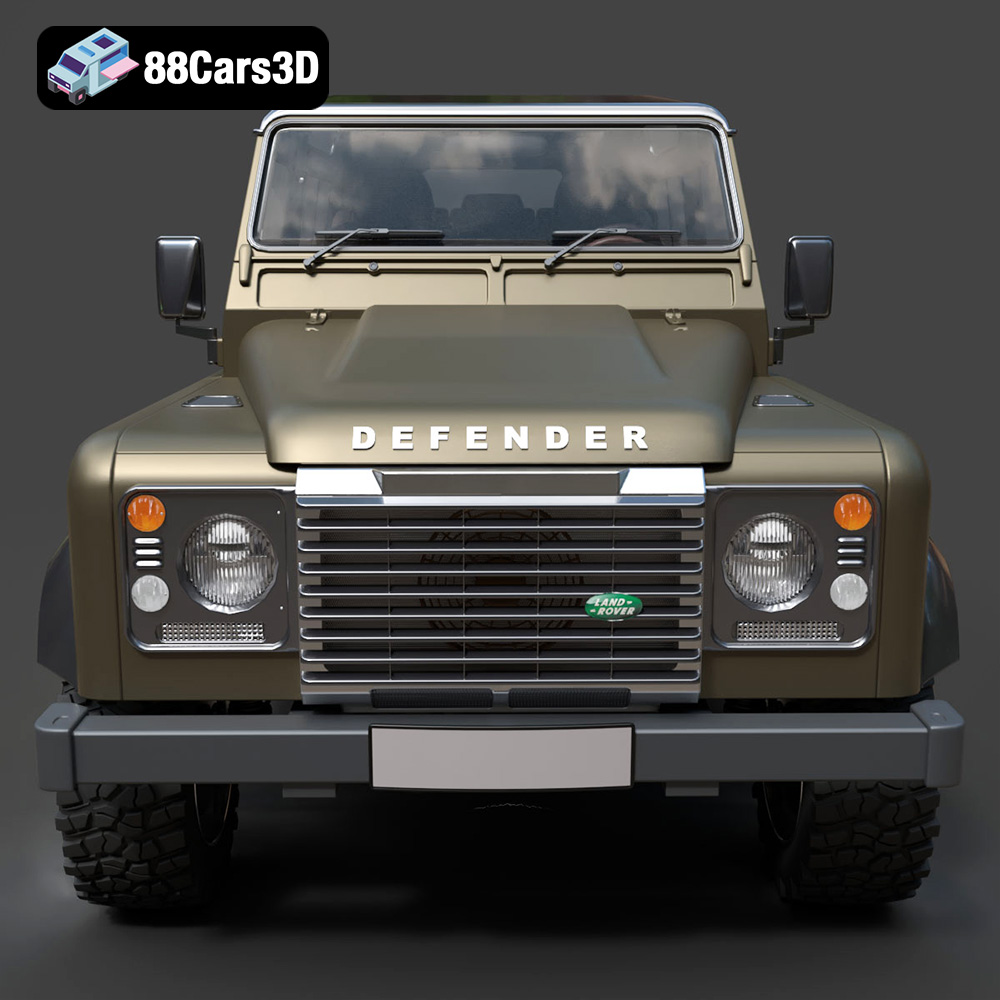
Experience the iconic Land Rover Defender Works V8 in stunning 3D detail. This model is a faithful recreation of the classic vehicle, designed to bring realism and accuracy to your projects. With its clean geometry and realistic materials, it stands as a testament to professional 3D artistry.
$19.99
.arvr
.blend
.car3dmodel
.defender
.defenderworksv8
.fbx
.gameasset
.glb
.landrover
.max
.obj
.ply
.rendering
.simulation
.stl
.unreal
.worksv8
SUV