Get 50% OFF All Premium 3D & STL Models!

“`html
3D printing has revolutionized model making, prototyping, and hobbyist collections, particularly in the automotive sector. The ability to bring intricate car designs to life from digital STL files is incredibly appealing. However, complex geometries often present significant challenges. This comprehensive guide tackles those challenges head-on, providing you with the knowledge and techniques to successfully print even the most intricate STL car models without failures. Whether you’re using FDM or resin printing, mastering these strategies will unlock a new level of precision and detail in your 3D printed creations. We’ll cover everything from STL file preparation to advanced support strategies, ensuring that your next project, perhaps a classic car downloaded from a platform like 88cars3d.com, is a resounding success.
In this article, we will explore essential aspects of printing complex geometries, including:
The foundation of successful 3D printing lies in understanding the STL file format and the underlying mesh topology. STL (Stereolithography) files represent 3D models as a collection of triangular facets. The finer the tessellation (smaller triangles), the smoother the curved surfaces will appear in the final print. However, excessive tessellation can lead to unnecessarily large file sizes and increased processing time. The key is finding the right balance. When downloading models from marketplaces such as 88cars3d.com, you can generally expect high-quality, optimized STL files, but understanding the underlying structure is crucial for troubleshooting and optimization.
Before printing, it’s essential to ensure the STL file is “manifold” – meaning it defines a closed, watertight volume. Non-manifold geometry can lead to slicing errors and printing failures. Software like Meshmixer, Netfabb, and even online STL repair services can identify and automatically fix these issues. Common problems include:
Most repair tools offer options to automatically fill holes, flip normals, and remove duplicate vertices. After running a repair, always visually inspect the model in the slicer to ensure everything looks correct.
As mentioned earlier, the level of tessellation affects both print quality and file size. If you find that a model downloaded from 88cars3d.com has excessively fine tessellation, you can reduce the number of triangles using mesh simplification tools in Blender or Meshmixer. This process reduces the polygon count while preserving the overall shape. When simplifying, pay close attention to curved surfaces to ensure they don’t become too faceted. A good starting point is to reduce the polygon count by 20-30% and then iteratively reduce it further while monitoring the visual quality.
The slicing process converts the 3D model into a series of layers that the 3D printer can understand. The slicer software allows you to control numerous parameters that significantly impact the final print quality, strength, and print time. Understanding these parameters is crucial for successfully printing complex geometries, particularly when dealing with intricate car models.
Layer height is a critical parameter that determines the vertical resolution of your print. Lower layer heights result in smoother surfaces and finer details but also increase print time. A common starting point for FDM printing is 0.1mm to 0.2mm. For resin printing, layer heights can be significantly lower, often ranging from 0.025mm to 0.05mm, allowing for exceptional detail. The optimal layer height depends on the specific model and the level of detail you want to achieve. For example, if you’re printing a car model with intricate grilles or fine details, using a lower layer height is essential. However, for larger, less detailed parts, a higher layer height can significantly reduce print time without sacrificing too much quality.
Infill refers to the internal structure of the 3D printed part. The infill density determines the amount of material used inside the model, affecting its strength and weight. For car models, a higher infill density (e.g., 20-30%) is generally recommended to ensure structural integrity, especially for parts that will be subjected to stress or load. Common infill patterns include:
Experiment with different infill patterns to find the best compromise between strength, weight, and print time. For smaller parts, 100% infill might be necessary to provide sufficient strength, particularly for small, intricate components.
Support structures are temporary elements printed alongside the model to support overhanging features and prevent them from collapsing during printing. Generating and removing supports effectively is crucial for successfully printing complex geometries, especially car models with intricate bodywork, spoilers, and undercarriage details. The placement, type, and density of supports significantly impact the final print quality and the ease of post-processing.
Different types of support structures are available in most slicer software, each with its advantages and disadvantages:
When printing complex car models, tree supports are often the preferred choice due to their ability to conform to intricate shapes and minimize scarring on the model’s surface. Experiment with different support types to find the best solution for your specific model and printer.
The placement of support structures is critical for ensuring that all overhanging features are adequately supported. Pay close attention to areas with steep overhangs, bridges, and unsupported details. You can manually add or remove supports in the slicer software to fine-tune the support structure. The support density determines the amount of material used for the supports. Higher density supports provide more robust support but are also more difficult to remove and can leave behind more scarring. Lower density supports are easier to remove but may not provide adequate support for heavy overhangs. Experiment with different support densities to find the right balance between support strength and ease of removal. A good starting point is to use a support density of 15-20% and adjust as needed based on the results.
The choice of material and proper printer calibration are crucial for achieving successful 3D prints, especially when dealing with complex geometries. Different materials have different properties, such as strength, flexibility, and temperature resistance, which can significantly impact the final print quality and durability. Proper printer calibration ensures that the printer is accurately depositing material and that the print bed is level, which is essential for good adhesion and dimensional accuracy.
Common 3D printing materials include:
For car models, PETG is often a good choice due to its balance of strength, heat resistance, and ease of printing. If you require higher strength and heat resistance, ABS may be a better option, but be prepared to address potential warping issues. If you are using a resin printer, choose a resin that is specifically designed for high detail and dimensional accuracy.
Proper printer calibration is essential for achieving accurate and consistent results. Key calibration steps include:
Regularly calibrate your 3D printer to maintain optimal performance. Use calibration prints to test and fine-tune your settings. Pay close attention to the first layer, as it is the foundation for the entire print. A well-calibrated printer will produce parts with accurate dimensions, smooth surfaces, and strong layer adhesion.
Even with careful planning and preparation, printing failures can still occur. Understanding the common causes of these failures and how to prevent them is crucial for maximizing your success rate. Addressing issues proactively saves time, materials, and frustration.
Warping occurs when the printed part detaches from the print bed due to uneven cooling and contraction. This is a common problem, especially with materials like ABS. To prevent warping:
Stringing and oozing occur when molten filament leaks from the nozzle during travel moves. To prevent stringing and oozing:
Layer delamination occurs when the layers of the print separate from each other due to poor adhesion. To prevent layer delamination:
Post-processing is the final stage of 3D printing, involving techniques to refine the printed part’s appearance and functionality. For car models, post-processing is essential for achieving a smooth, professional finish that accurately reflects the original design. Common post-processing techniques include sanding, painting, and assembly.
Sanding is used to remove layer lines, support marks, and other imperfections from the surface of the printed part. Start with a coarse grit sandpaper (e.g., 120-grit) to remove major imperfections and then gradually move to finer grits (e.g., 220-grit, 400-grit, 600-grit) to achieve a smooth surface. Wet sanding can help to reduce dust and improve the smoothness of the surface. After sanding, clean the part thoroughly to remove any sanding residue.
Painting can enhance the appearance of the 3D printed car model and protect it from the elements. Apply a primer to the surface to improve adhesion and provide a uniform base for the paint. Use multiple thin coats of paint to avoid drips and runs. Allow each coat to dry completely before applying the next. After painting, apply a clear coat to protect the paint and give the model a glossy finish. Consider using automotive-grade paints and clear coats for a durable and professional finish. Decals and detailing can further enhance the realism of the model.
Many car models consist of multiple parts that need to be assembled after printing. Use adhesives such as super glue or epoxy to join the parts together. Ensure that the parts are properly aligned before bonding them together. Pay attention to detail when assembling the model, ensuring that all components fit snugly and that the final product looks as accurate as possible. Add details such as windows, mirrors, and lights to further enhance the realism of the model.
Successfully printing complex geometries in STL format requires a comprehensive understanding of the entire 3D printing process, from file preparation to post-processing. By mastering the techniques outlined in this guide, you can overcome the challenges associated with intricate designs and achieve stunning results. Remember to optimize your STL files, fine-tune your slicing parameters, generate effective support structures, choose the right materials, and calibrate your printer regularly. With practice and patience, you can bring even the most challenging car models, perhaps downloaded from resources like 88cars3d.com, to life with exceptional detail and accuracy.
Actionable Next Steps:
Embrace the challenge of complex geometries, and you’ll unlock a new level of creativity and precision in your 3D printing endeavors. The world of intricate car models awaits!
“`
Texture: Yes
Material: Yes
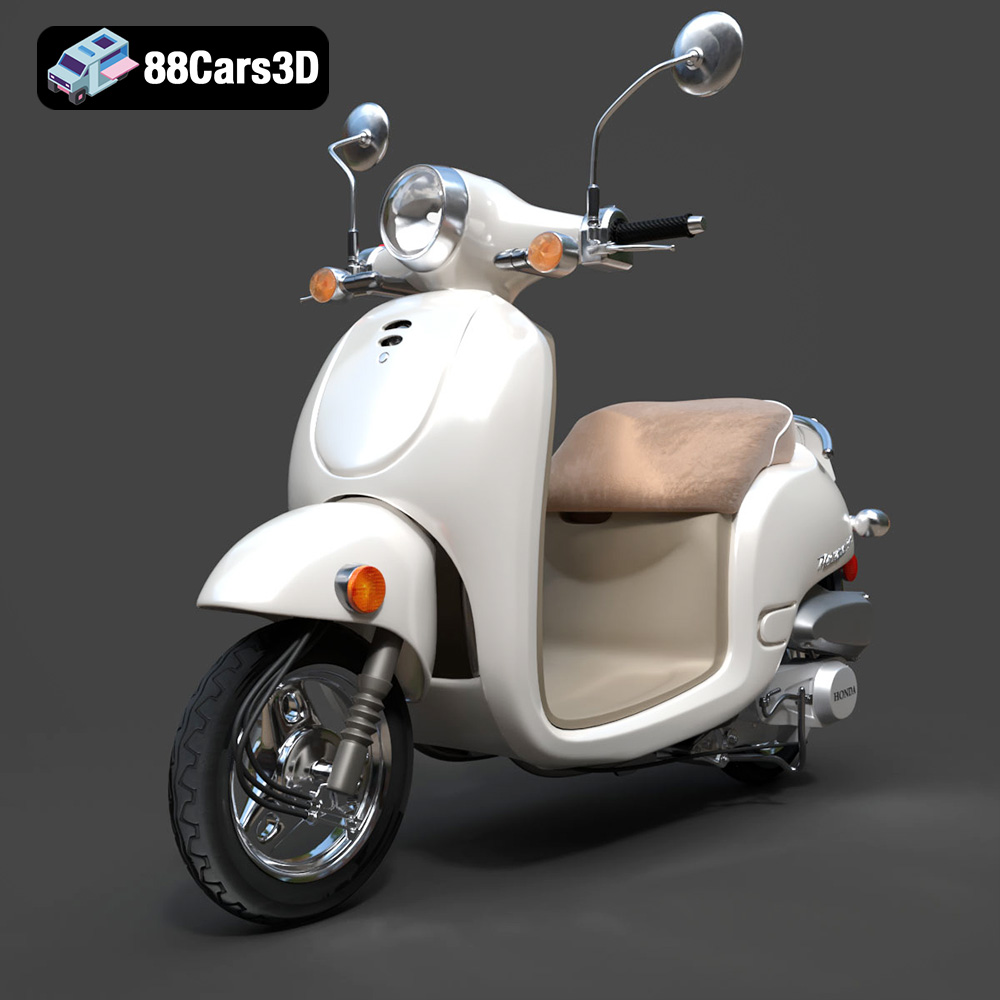
Download the Honda Metropolitan 2013 3D Model featuring clean geometry, realistic detailing, and a fully modeled interior. Includes .blend, .fbx, .obj, .glb, .stl, .ply, .unreal, and .max formats for rendering, simulation, and game development.
Price: $19.99

Texture: Yes
Material: Yes
Download the Honda Civic Si Sedan 2017 3D Model featuring clean geometry, realistic detailing, and a fully modeled interior. Includes .blend, .fbx, .obj, .glb, .stl, .ply, .unreal, and .max formats for rendering, simulation, and game development.
Price: $19.99

Texture: Yes
Material: Yes
Download the Helicopter UH-40 3D Model featuring clean geometry, realistic detailing, and a fully modeled interior. Includes .blend, .fbx, .obj, .glb, .stl, .ply, .unreal, and .max formats for rendering, simulation, and game development.
Price: $19.99

Texture: Yes
Material: Yes
Download the BMW X7 G07 2019 3D Model featuring clean geometry, realistic detailing, and a fully modeled interior. Includes .blend, .fbx, .obj, .glb, .stl, .ply, .unreal, and .max formats for rendering, simulation, and game development.
Price: $19.99
Texture: Yes
Material: Yes
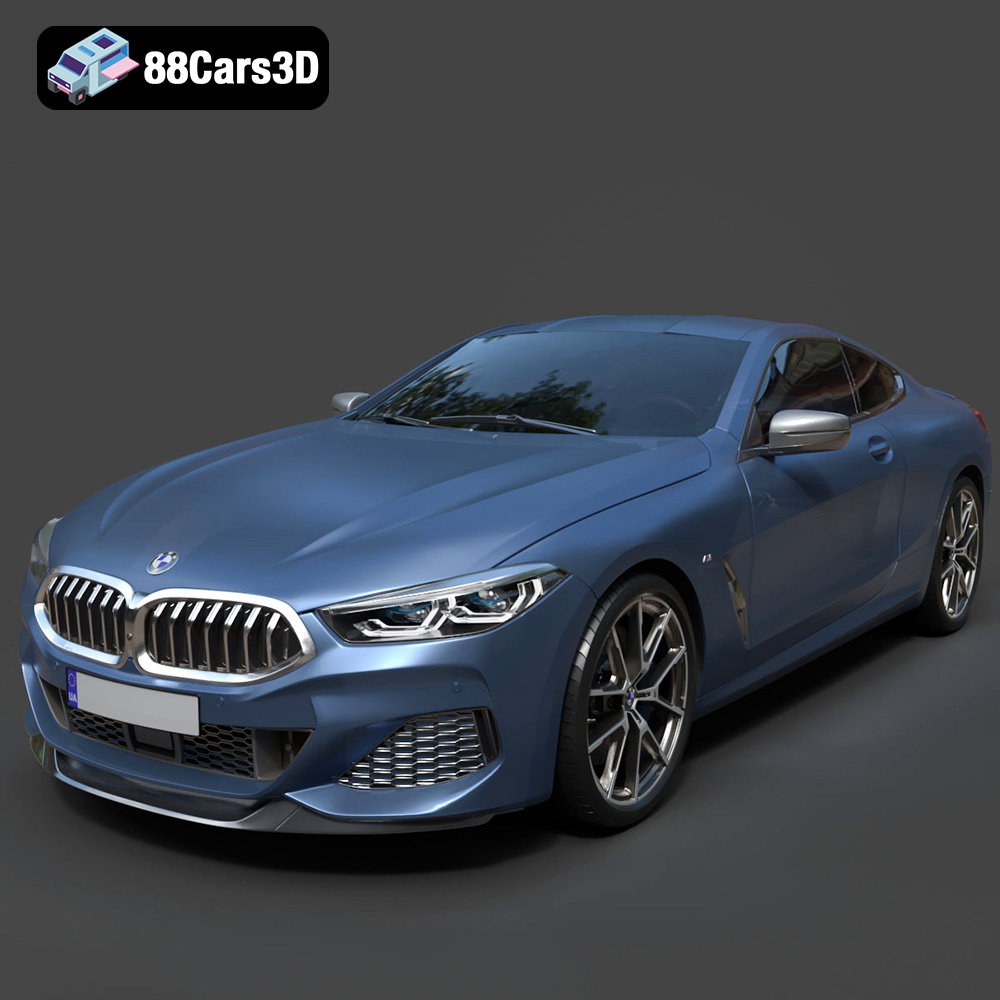
Download the BMW 8-Series M850i G15 Coupe 2019 3D Model featuring clean geometry, realistic detailing, and a fully modeled interior. Includes .blend, .fbx, .obj, .glb, .stl, .ply, .unreal, and .max formats for rendering, simulation, and game development.
Price: $19.99
Texture: Yes
Material: Yes
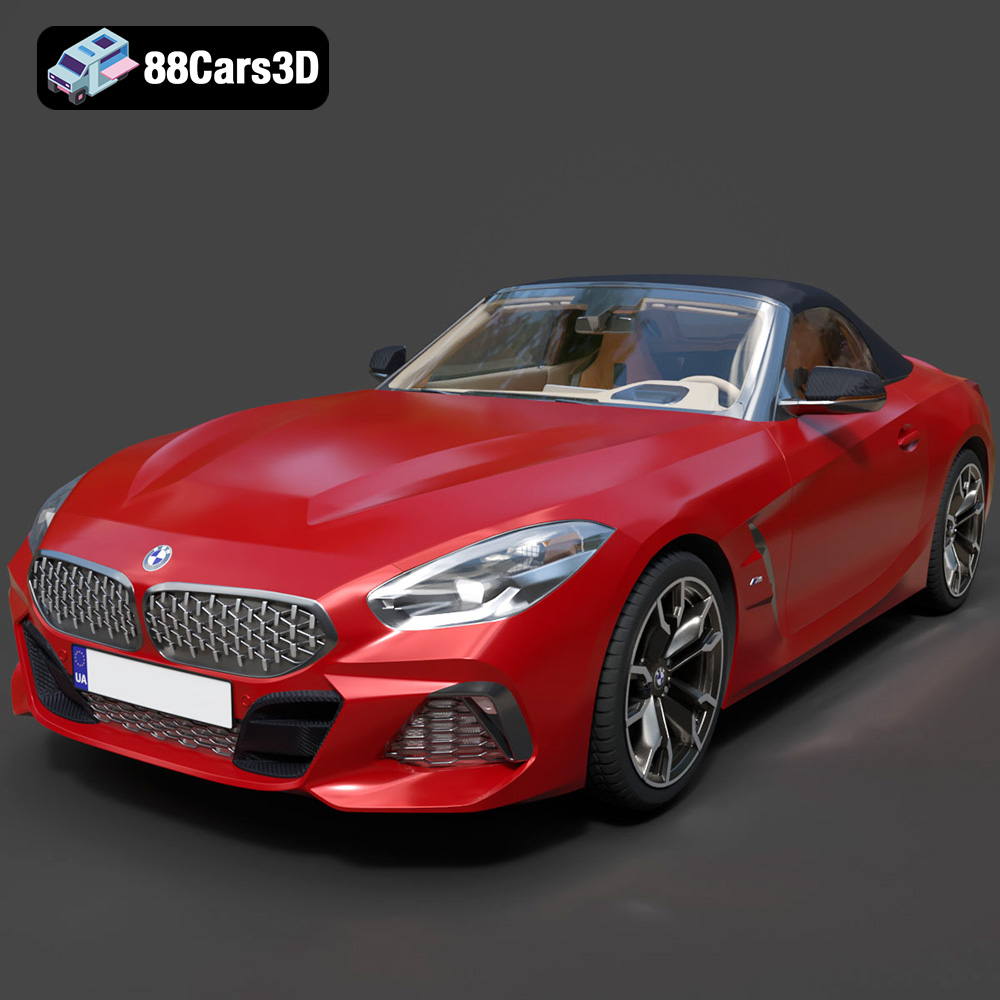
Download the BMW Z4 Mk3 G29 Roadster M40i 2019 3D Model featuring clean geometry, realistic detailing, and a fully modeled interior. Includes .blend, .fbx, .obj, .glb, .stl, .ply, .unreal, and .max formats for rendering, simulation, and game development.
Price: $19.99

Texture: Yes
Material: Yes
Download the BMW X6 (Mk3) (G06) M Sport 2020 3D Model featuring clean geometry, realistic detailing, and a fully modeled interior. Includes .blend, .fbx, .obj, .glb, .stl, .ply, .unreal, and .max formats for rendering, simulation, and game development.
Price: $19.99

Texture: Yes
Material: Yes
Download the BMW 8-Series G14 Convertible M850i 2019 3D Model featuring clean geometry, realistic detailing, and a fully modeled interior. Includes .blend, .fbx, .obj, .glb, .stl, .ply, .unreal, and .max formats for rendering, simulation, and game development.
Price: $19.99
Texture: Yes
Material: Yes
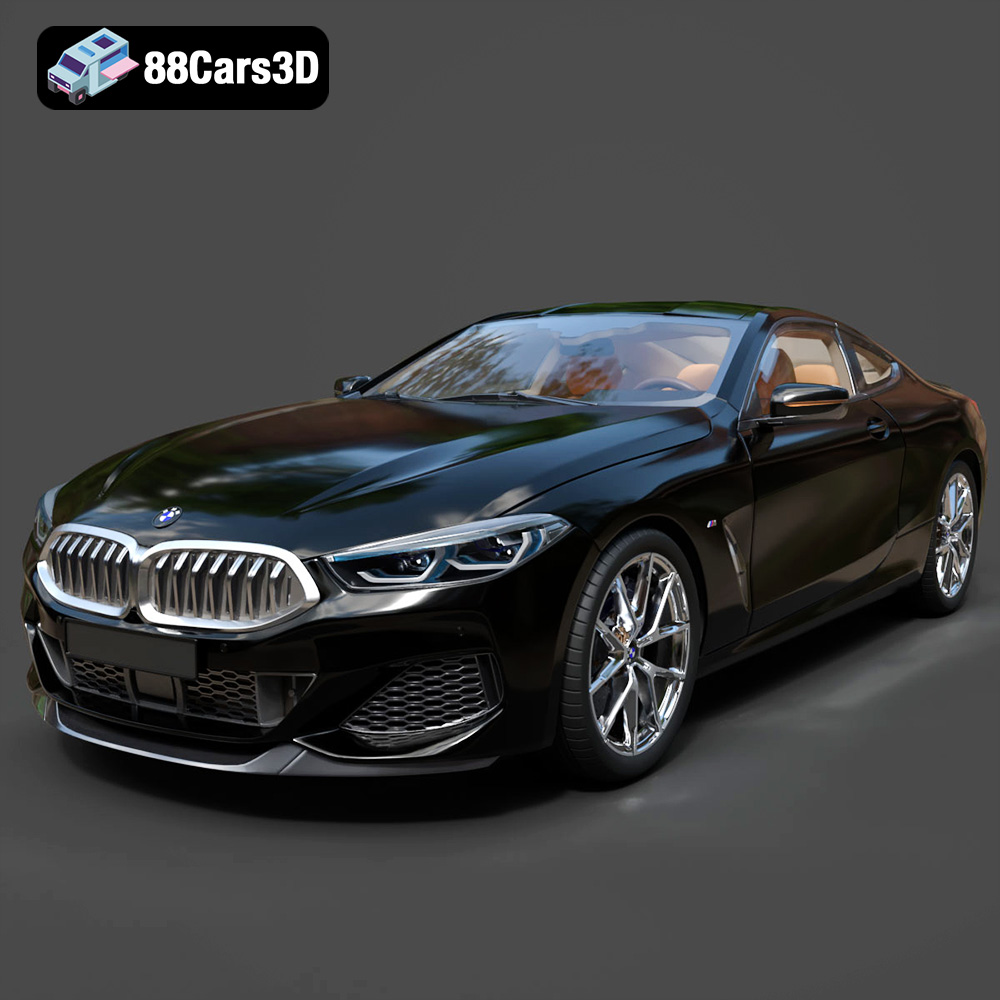
Download the BMW 8 Series M850i Coupe 2019 3D Model featuring clean geometry, realistic detailing, and a fully modeled interior. Includes .blend, .fbx, .obj, .glb, .stl, .ply, .unreal, and .max formats for rendering, simulation, and game development.
Price: $19.99
Texture: Yes
Material: Yes
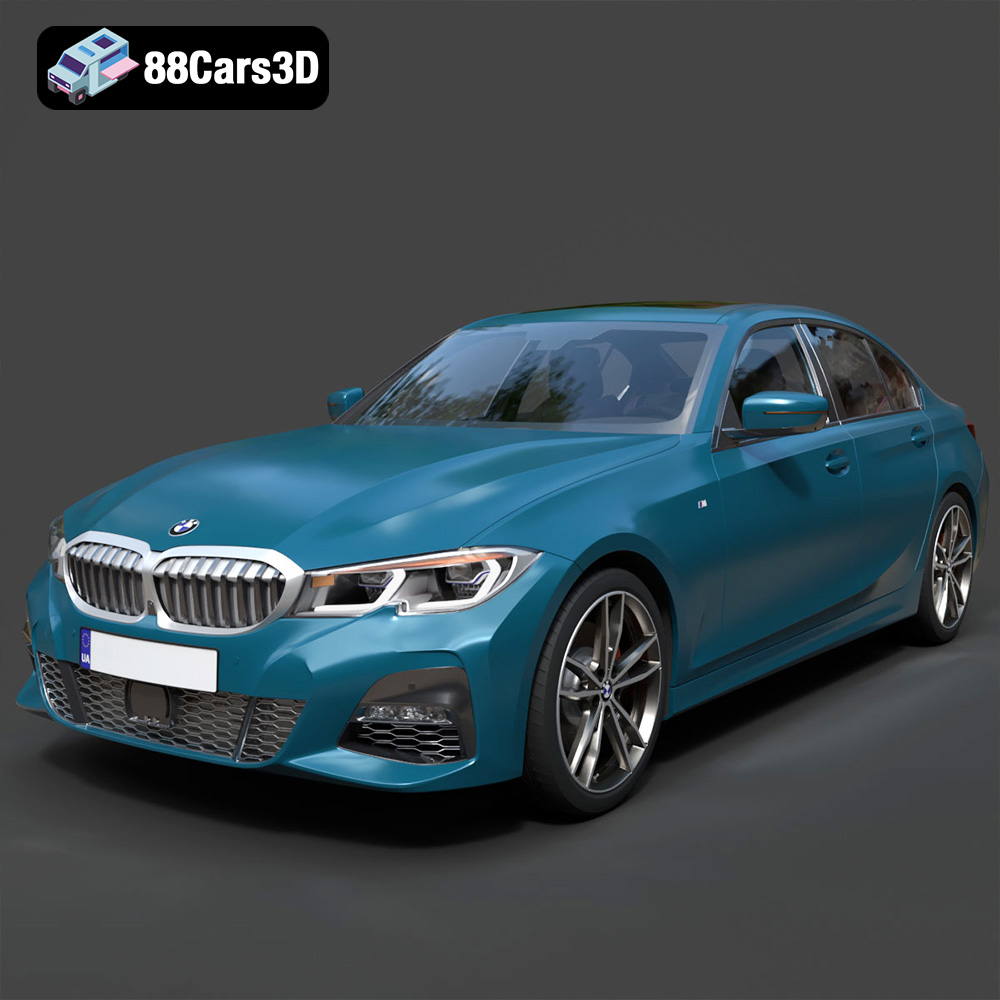
Download the BMW 3 Series M-Sport Sedan 2019 3D Model featuring clean geometry, realistic detailing, and a fully modeled interior. Includes .blend, .fbx, .obj, .glb, .stl, .ply, .unreal, and .max formats for rendering, simulation, and game development.
Price: $19.99

