Get 50% OFF All Premium 3D & STL Models!

“`html
For model makers, the world of 3D printing offers unprecedented opportunities to bring intricate designs to life. But navigating the vast landscape of 3D printers can be daunting. What features truly matter when you’re creating detailed models, particularly automotive designs like those available on platforms like 88cars3d.com? This article dives deep into the critical aspects of 3D printers that directly impact the quality, precision, and overall success of your model-making projects. We’ll explore everything from resolution and build volume to material compatibility and essential software integrations, providing you with the knowledge to make an informed decision and unlock the full potential of 3D printing for your craft.
Resolution is arguably the most important feature for model makers. It determines the level of detail your printer can capture, and high-resolution is crucial for reproducing the fine lines, curves, and textures of complex models. This translates directly to a more realistic and visually appealing final product, especially for detailed automotive models from sources like 88cars3d.com.
Layer height, measured in microns (µm), dictates the thickness of each printed layer. Lower layer heights create smoother surfaces and finer details. For FDM (Fused Deposition Modeling) printers, a layer height of 0.1mm (100µm) is a good starting point for detailed models, but you can often go even lower, to 0.05mm (50µm) or even 0.02mm (20µm) for incredibly fine details. With resin printers (SLA, DLP, MSLA), layer heights can be significantly lower, often reaching 25µm or even 10µm, resulting in exceptionally smooth surfaces and intricate details. Remember that lower layer heights increase print time, so it’s a trade-off between detail and speed.
XY resolution refers to the printer’s accuracy in the horizontal plane. For FDM printers, this is primarily determined by the nozzle size and the precision of the printer’s motors. Smaller nozzle sizes (e.g., 0.25mm) allow for finer details and sharper corners. Resin printers have inherently higher XY resolution, determined by the pixel size of the LCD screen or the laser spot size. High XY resolution ensures that even the smallest features of your model are accurately reproduced, making it essential for scale modelers.
Build volume is the maximum size of an object that your printer can create in a single print. It’s defined by the printer’s X, Y, and Z dimensions. The ideal build volume depends on the types of models you plan to create. For smaller scale models (e.g., 1/43 or 1/24 scale cars), a smaller build volume may suffice. However, if you plan to print larger models or multiple parts at once, a larger build volume is essential. Consider future projects when evaluating build volume – you don’t want to be limited down the line.
If you have a smaller build volume, you can still print larger models by strategically orienting the parts. Consider splitting the model into multiple pieces and printing them separately. This also allows you to optimize each part’s orientation for best print quality and minimize support structures. Software like Meshmixer can be invaluable for splitting models and adding connectors for easy assembly.
Regardless of your printer’s build volume, it’s crucial to utilize it efficiently. Arrange multiple parts on the build plate to maximize print capacity and minimize wasted space. Be mindful of part spacing to ensure adequate adhesion and prevent collisions during printing. Slicing software like Cura and PrusaSlicer provide tools for arranging and optimizing part placement on the build plate.
The ability to work with a variety of materials opens up a world of possibilities for model makers. Different materials offer different properties, such as strength, flexibility, temperature resistance, and surface finish. Choosing the right material is crucial for achieving the desired look and feel of your model. PLA (Polylactic Acid) is a popular choice for beginners due to its ease of use and biodegradability. ABS (Acrylonitrile Butadiene Styrene) offers greater strength and temperature resistance but requires a heated bed and proper ventilation. PETG (Polyethylene Terephthalate Glycol) combines the best of both worlds, offering good strength, temperature resistance, and ease of printing.
FDM printers can handle a wide range of materials, including PLA, ABS, PETG, nylon, polycarbonate, and even flexible filaments like TPU. Each material has its own unique properties and printing requirements. PLA is generally the easiest to print and is a good starting point for beginners. ABS requires a heated bed and enclosure to prevent warping. PETG offers a good balance of strength, temperature resistance, and ease of printing. Experimenting with different materials can significantly expand your creative options.
Resin printers offer a different set of material options, including standard resins, tough resins, flexible resins, and castable resins. Standard resins are ideal for creating highly detailed models with smooth surfaces. Tough resins offer increased strength and impact resistance. Flexible resins are suitable for parts that need to bend or flex. Castable resins are designed for creating molds for metal casting. Resin printing generally results in parts with higher resolution and smoother surfaces compared to FDM printing.
Support structures are essential for printing models with overhangs or complex geometries. They provide temporary support during the printing process, preventing the model from collapsing. The generation and removal of support structures can significantly impact the final quality of your print. Effective support structure management is a key skill for any model maker.
Most slicing software offers both automatic and manual support generation options. Automatic support generation is convenient but may not always be optimal, often resulting in excessive supports or supports in undesirable locations. Manual support generation gives you more control over the placement, density, and type of supports. This allows you to minimize material usage, reduce print time, and improve surface finish.
Removing support structures without damaging the model requires careful technique. Use sharp tools like flush cutters, hobby knives, and sandpaper to gently remove the supports. Heat can also be used to soften the supports, making them easier to remove. For resin prints, soaking the model in warm water can help soften the supports. Take your time and be patient to avoid damaging the delicate features of your model.
The software you use to prepare your models for printing is just as important as the printer itself. Slicing software converts your 3D model into a series of layers that the printer can understand. Popular slicing software options include Cura, PrusaSlicer, Simplify3D, and Chitubox. Each software offers different features and capabilities, so it’s worth experimenting to find the one that best suits your needs. Connectivity options, such as Wi-Fi and USB, allow you to easily transfer files to your printer and monitor the printing process.
Cura is a free and open-source slicing software that is popular among beginners. It offers a user-friendly interface and a wide range of settings for customizing your print. PrusaSlicer is another free and open-source option that is known for its advanced features and excellent print quality. Simplify3D is a paid slicing software that offers a comprehensive set of tools and features, including advanced support generation, custom profiles, and process settings. The choice of slicing software depends on your budget, experience level, and specific needs.
Before slicing your model, it’s crucial to ensure that the STL file is valid and error-free. Non-manifold meshes, which contain holes, gaps, or self-intersections, can cause printing problems. Software like Meshmixer and Netfabb can be used to repair these errors and create a watertight mesh. Some slicing software also includes basic repair capabilities. Addressing file errors before printing can save you time, material, and frustration.
The two primary 3D printing technologies for model makers are FDM (Fused Deposition Modeling) and resin printing (SLA, DLP, MSLA). FDM printers are more affordable and versatile, while resin printers offer higher resolution and smoother surfaces. The best choice depends on your budget, the level of detail required, and the types of models you plan to create. FDM is often preferred for larger models or functional prototypes, while resin is ideal for highly detailed miniatures or display pieces.
FDM printers are generally more affordable than resin printers, making them a good choice for beginners. They can also print a wider range of materials, including PLA, ABS, PETG, and flexible filaments. FDM printers are relatively easy to maintain and operate. However, they typically produce parts with lower resolution and less smooth surfaces compared to resin printers.
Resin printers offer significantly higher resolution and smoother surfaces compared to FDM printers. This makes them ideal for creating highly detailed models, such as miniatures, jewelry, and dental models. Resin printers can capture intricate details and reproduce fine features with exceptional accuracy. However, resin printers are generally more expensive than FDM printers, and the materials are also more costly. Resin printing also requires more post-processing, including washing and curing.
Selecting the right 3D printer for model making is a crucial decision that can significantly impact the quality and success of your projects. By carefully considering factors such as resolution, build volume, material compatibility, support structures, software integration, and printing technology (FDM vs. Resin), you can make an informed choice that aligns with your specific needs and goals. Remember to research different printer models, read reviews, and experiment with different settings to find the perfect setup for your model-making endeavors. Platforms like 88cars3d.com offer a great starting point with a wide array of printable car models to test your setup and hone your skills. The world of 3D printing offers endless possibilities for creative expression, so embrace the learning process and enjoy the journey of bringing your designs to life!
“`
Texture: Yes
Material: Yes
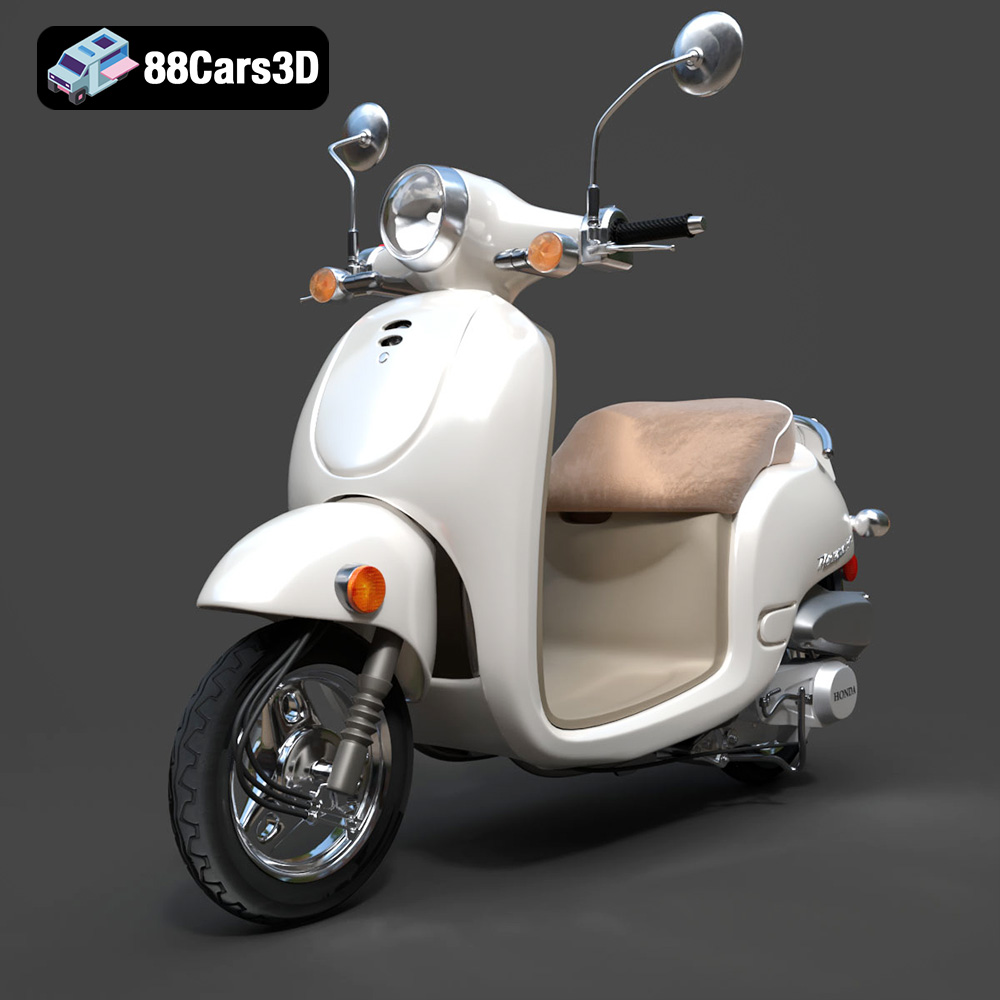
Download the Honda Metropolitan 2013 3D Model featuring clean geometry, realistic detailing, and a fully modeled interior. Includes .blend, .fbx, .obj, .glb, .stl, .ply, .unreal, and .max formats for rendering, simulation, and game development.
Price: $19.99

Texture: Yes
Material: Yes
Download the Honda Civic Si Sedan 2017 3D Model featuring clean geometry, realistic detailing, and a fully modeled interior. Includes .blend, .fbx, .obj, .glb, .stl, .ply, .unreal, and .max formats for rendering, simulation, and game development.
Price: $19.99

Texture: Yes
Material: Yes
Download the Helicopter UH-40 3D Model featuring clean geometry, realistic detailing, and a fully modeled interior. Includes .blend, .fbx, .obj, .glb, .stl, .ply, .unreal, and .max formats for rendering, simulation, and game development.
Price: $19.99

Texture: Yes
Material: Yes
Download the BMW X7 G07 2019 3D Model featuring clean geometry, realistic detailing, and a fully modeled interior. Includes .blend, .fbx, .obj, .glb, .stl, .ply, .unreal, and .max formats for rendering, simulation, and game development.
Price: $19.99
Texture: Yes
Material: Yes
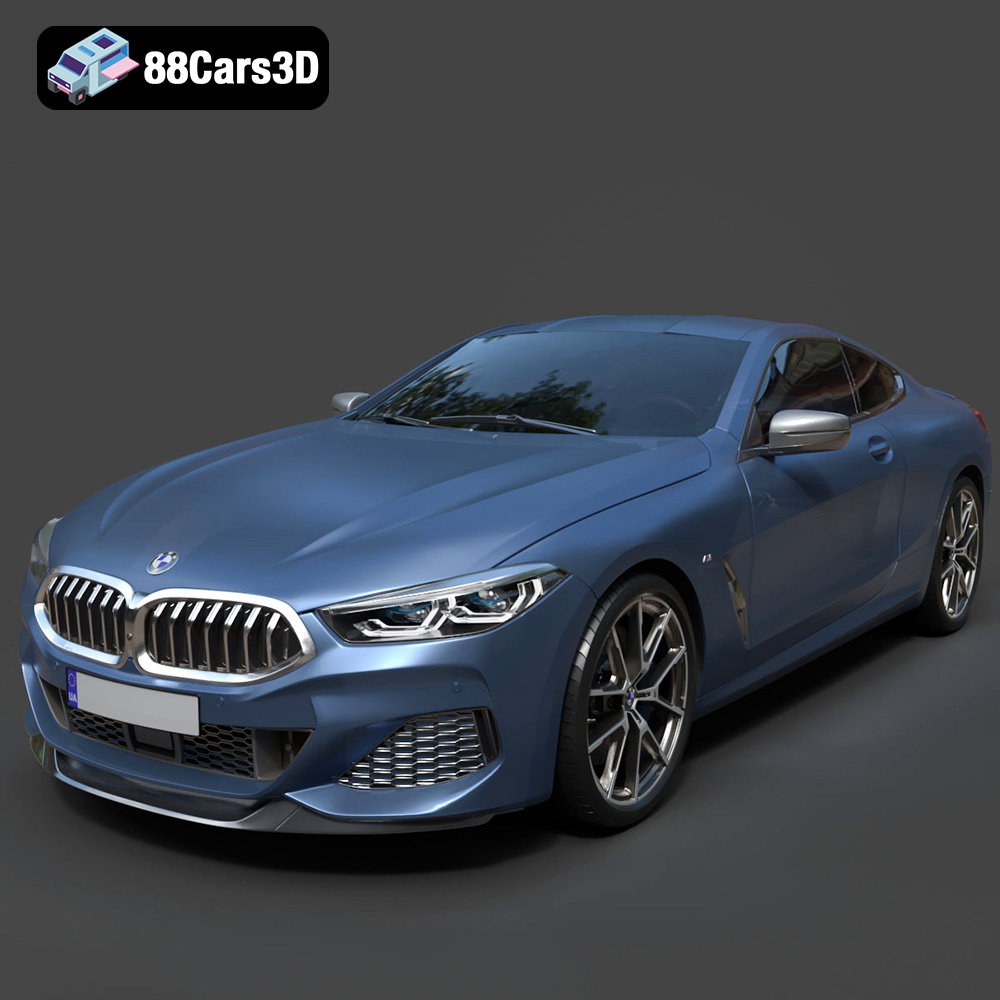
Download the BMW 8-Series M850i G15 Coupe 2019 3D Model featuring clean geometry, realistic detailing, and a fully modeled interior. Includes .blend, .fbx, .obj, .glb, .stl, .ply, .unreal, and .max formats for rendering, simulation, and game development.
Price: $19.99
Texture: Yes
Material: Yes
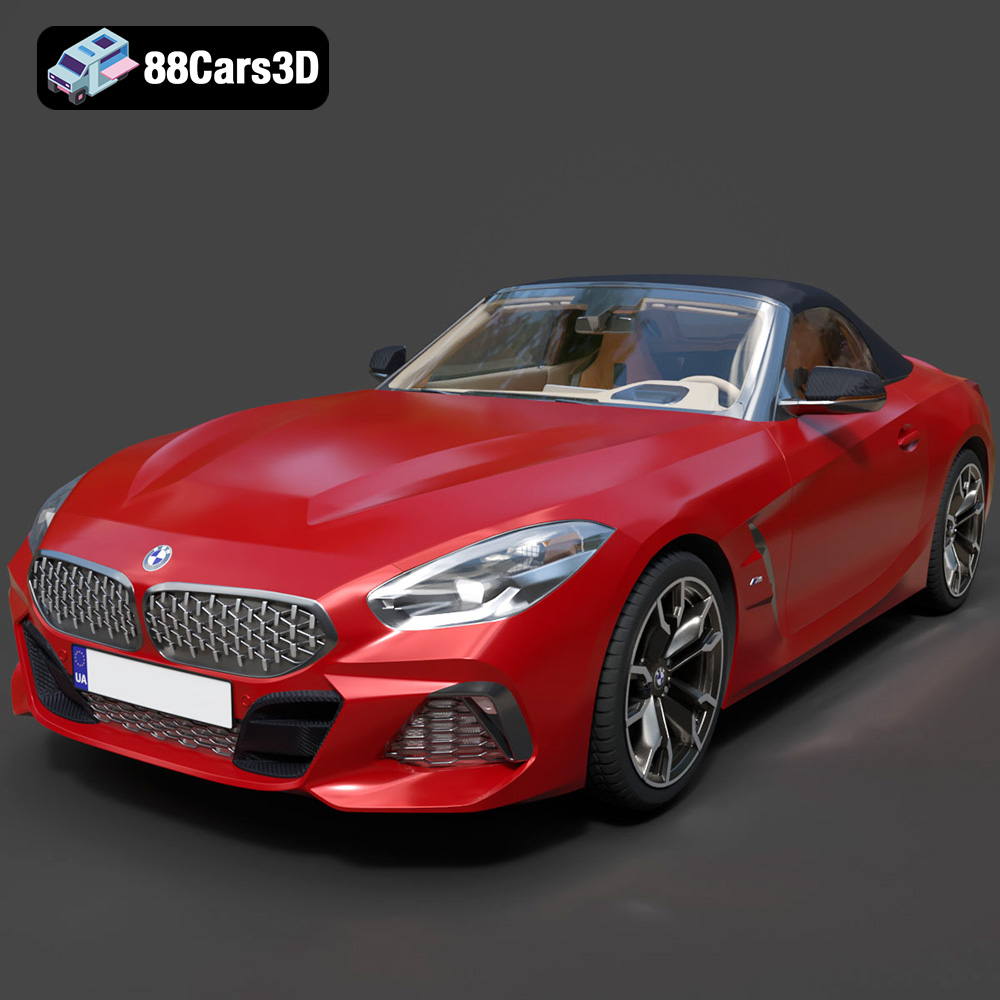
Download the BMW Z4 Mk3 G29 Roadster M40i 2019 3D Model featuring clean geometry, realistic detailing, and a fully modeled interior. Includes .blend, .fbx, .obj, .glb, .stl, .ply, .unreal, and .max formats for rendering, simulation, and game development.
Price: $19.99

Texture: Yes
Material: Yes
Download the BMW X6 (Mk3) (G06) M Sport 2020 3D Model featuring clean geometry, realistic detailing, and a fully modeled interior. Includes .blend, .fbx, .obj, .glb, .stl, .ply, .unreal, and .max formats for rendering, simulation, and game development.
Price: $19.99

Texture: Yes
Material: Yes
Download the BMW 8-Series G14 Convertible M850i 2019 3D Model featuring clean geometry, realistic detailing, and a fully modeled interior. Includes .blend, .fbx, .obj, .glb, .stl, .ply, .unreal, and .max formats for rendering, simulation, and game development.
Price: $19.99

Texture: Yes
Material: Yes
Download the BMW 8 Series M850i Coupe 2019 3D Model featuring clean geometry, realistic detailing, and a fully modeled interior. Includes .blend, .fbx, .obj, .glb, .stl, .ply, .unreal, and .max formats for rendering, simulation, and game development.
Price: $19.99
Texture: Yes
Material: Yes
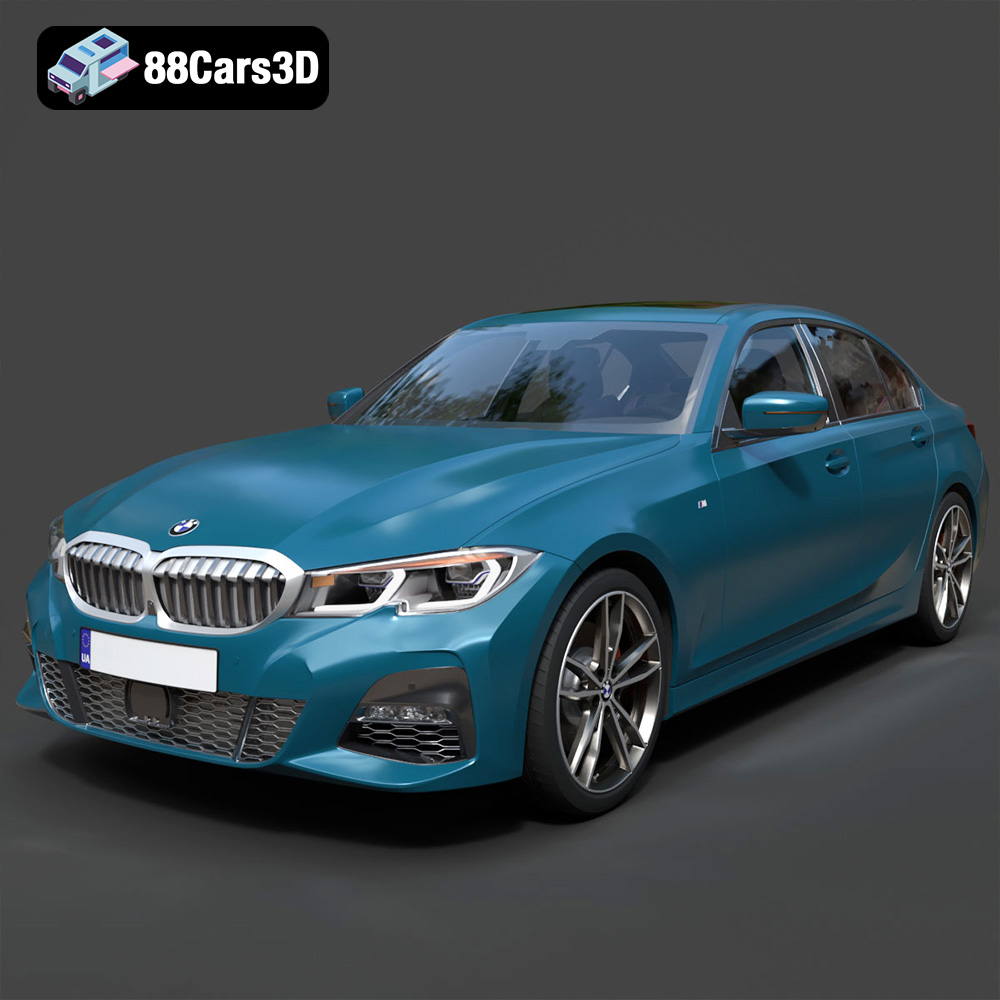
Download the BMW 3 Series M-Sport Sedan 2019 3D Model featuring clean geometry, realistic detailing, and a fully modeled interior. Includes .blend, .fbx, .obj, .glb, .stl, .ply, .unreal, and .max formats for rendering, simulation, and game development.
Price: $19.99

