Get 50% OFF All Premium 3D & STL Models!

“`html
The allure of owning a meticulously crafted miniature of your dream car is undeniable. Thanks to the advancements in 3D printing technology, this dream is now within reach for hobbyists, model makers, and automotive enthusiasts alike. This comprehensive guide will walk you through the intricacies of 3D printing realistic car models from STL files, covering everything from file preparation and slicing to printing parameters and post-processing techniques. We’ll explore best practices for both FDM and resin printing, ensuring you achieve stunning results that capture the essence of automotive design. Whether you are a seasoned 3D printing expert or just starting, this guide will provide the knowledge and skills necessary to bring your favorite car models to life. We will cover the essential aspects, including understanding STL file structure, optimizing your slicer settings, and mastering the art of support generation and removal. Let’s dive into the world of 3D printed automotive masterpieces!
Before embarking on your 3D printing journey, it’s crucial to grasp the fundamentals of STL (Stereolithography) files. STL is the de facto standard file format for 3D printing, representing the surface geometry of a 3D object as a collection of triangles. The accuracy and detail of your final print heavily depend on the quality of the STL file. A well-constructed STL file should have a closed, manifold mesh, meaning it’s a continuous surface without holes or self-intersections. Platforms like 88cars3d.com ensure their models are print-ready and have passed quality control checks.
A manifold mesh is essential for successful 3D printing. It defines a clear inside and outside, allowing the slicer software to accurately calculate the volume and generate toolpaths. Non-manifold meshes, on the other hand, contain errors such as holes, overlapping faces, or disconnected edges. These errors can lead to printing failures, incomplete models, or unexpected artifacts. Most slicer programs have built-in tools to detect and automatically attempt to repair non-manifold meshes. However, complex models may require manual repair using software like Meshmixer or Netfabb.
The resolution of an STL file, determined by the number of triangles used to represent the model, significantly impacts the print quality. Higher resolution files capture finer details and smoother curves, resulting in a more realistic appearance. However, increasing the resolution also increases the file size and processing time during slicing. Finding the right balance between detail and file size is key. For car models, a medium-high resolution is generally recommended to capture the intricate body lines and design features. Aim for a file size that allows for smooth manipulation in your slicer software without sacrificing too much detail.
The slicer software is the bridge between your STL file and the 3D printer. It converts the 3D model into a series of instructions (G-code) that the printer can understand. Selecting the correct slicing parameters is paramount to achieving a high-quality print. Key parameters include layer height, print speed, temperature, infill density, and support settings. Understanding how each parameter affects the final print is essential for fine-tuning your settings for optimal results. When downloading models from marketplaces such as 88cars3d.com, it’s often recommended to follow any guidelines provided by the model creator to get the best results.
Layer height is arguably the most critical slicing parameter, dictating the vertical resolution of the print. Lower layer heights result in smoother surfaces and finer details, but they also increase print time. A typical layer height range for printing car models is between 0.05mm and 0.2mm. For FDM printing, 0.1mm to 0.15mm offers a good balance between detail and print time. For resin printing, even finer layer heights (0.025mm to 0.05mm) are common, enabling incredibly detailed prints. Remember that halving the layer height essentially doubles the print time, so plan accordingly.
Infill refers to the internal structure of the 3D printed model. While solid infill provides maximum strength, it also consumes more material and increases print time. For car models, a moderate infill density (15-25%) is usually sufficient to provide structural integrity without adding excessive weight. Common infill patterns include grid, gyroid, and honeycomb. Gyroid infill offers excellent strength-to-weight ratio and is a popular choice for functional parts. For purely aesthetic car models, a simpler infill pattern like grid or line might suffice.
Overhanging features are inherent in many car models, requiring support structures to prevent them from collapsing during printing. Generating the right type and amount of support is a delicate balance. Too few supports can lead to print failures, while too many can be difficult to remove and leave unsightly marks. Slicer software offers various support generation options, including automatic and manual placement. Understanding the strengths and weaknesses of each option is crucial for achieving clean and successful prints.
There are two primary types of supports: tree supports and linear supports. Tree supports are more efficient in terms of material usage and often easier to remove, especially from intricate geometries. Linear supports provide stronger support for large, flat overhangs but can be more challenging to remove. Careful consideration should be given to the placement of supports. Focus on supporting areas with steep overhangs, such as spoilers, mirrors, and bumpers. Avoid placing supports on visible surfaces if possible, as they can leave marks even after careful removal.
Removing supports without damaging the model requires patience and the right tools. Start by gently breaking away the bulk of the support structure using pliers or flush cutters. Then, use a hobby knife or scraper to carefully remove the remaining support material. For difficult-to-reach areas, consider using needle-nose pliers or specialized support removal tools. After removing the supports, sanding the affected areas is often necessary to smooth out any imperfections and restore the original surface finish. Start with a coarse grit sandpaper and gradually work your way up to finer grits for a polished look.
The choice of material significantly impacts the strength, appearance, and overall quality of your 3D printed car model. The most common filaments for FDM printing are PLA, PETG, and ABS. Resin printing offers a wider range of specialized resins, each with unique properties. Understanding the characteristics of each material is essential for selecting the best option for your specific needs and printer.
PLA (Polylactic Acid) is a biodegradable thermoplastic known for its ease of printing and low odor. It’s a good choice for beginners and for printing aesthetically pleasing models. However, PLA is not very heat resistant and can warp in direct sunlight. PETG (Polyethylene Terephthalate Glycol-modified) offers a good balance of strength, flexibility, and heat resistance. It’s a popular choice for functional parts and models that need to withstand some stress. ABS (Acrylonitrile Butadiene Styrene) is a strong and durable thermoplastic known for its high heat resistance. It’s often used for automotive parts and other demanding applications. However, ABS requires a heated bed and good ventilation due to its strong fumes.
Resin printing offers incredible detail and smooth surfaces, making it ideal for printing highly realistic car models. Standard resins are suitable for general-purpose printing and produce excellent results for display models. Tough resins offer increased impact resistance and durability, making them suitable for functional parts or models that need to withstand handling. Flexible resins allow for the creation of flexible or rubber-like parts, such as tires or suspension components. The choice of resin depends on the intended use and desired properties of the final print.
A well-calibrated and maintained 3D printer is crucial for achieving consistent and reliable results. Regular maintenance tasks, such as cleaning the nozzle, lubricating moving parts, and checking belt tension, can prevent many common printing problems. Proper bed adhesion is also essential, especially for larger models. When issues arise, systematic troubleshooting is key to identifying and resolving the root cause. This section covers essential printer calibration and maintenance procedures, along with common troubleshooting tips.
Proper bed leveling is paramount for successful 3D printing. An uneven bed can lead to poor adhesion, warping, and even failed prints. Most 3D printers have either manual or automatic bed leveling systems. Follow the manufacturer’s instructions to ensure your bed is properly leveled. In addition to bed leveling, proper bed adhesion is crucial. Use a clean and properly prepared build surface. Common bed adhesion methods include using a glue stick, hairspray, or specialized bed adhesion coatings. The optimal method depends on the material being printed and the type of build surface.
3D printing can be a rewarding but also challenging process. Common printing failures include warping, stringing, layer adhesion issues, and nozzle clogs. Warping occurs when the corners of the print lift off the bed, often due to poor bed adhesion or temperature fluctuations. Stringing is caused by excessive material oozing from the nozzle during travel moves. Layer adhesion issues can result from insufficient print temperature or poor cooling. Nozzle clogs can be caused by contaminated filament or incorrect temperature settings. By understanding the causes of these failures and implementing the appropriate solutions, you can significantly improve your print success rate. Regularly cleaning your printer and using high-quality filament can also prevent many common issues.
Post-processing is the final step in bringing your 3D printed car model to life. This involves sanding, painting, and assembling the printed parts to create a finished product. Proper post-processing can significantly enhance the appearance and realism of the model. This section will explore the techniques and best practices for achieving a professional-looking finish.
Sanding is essential for smoothing out any imperfections on the surface of the print, such as layer lines or support marks. Start with a coarse grit sandpaper (e.g., 220 grit) and gradually work your way up to finer grits (e.g., 400, 600, 800 grit). Wet sanding can help to reduce dust and produce a smoother finish. After sanding, clean the model thoroughly with soap and water to remove any sanding residue. Priming the model is essential for providing a smooth and even surface for painting. Use a high-quality primer that is compatible with the material of your print.
Painting is where your car model truly comes to life. Choose high-quality paints that are specifically designed for plastic models. Acrylic paints are a popular choice due to their ease of use and wide range of colors. Apply multiple thin coats of paint rather than one thick coat to avoid drips and runs. Use masking tape to create clean lines and separate different colors. After painting, consider applying a clear coat to protect the paint and add a glossy or matte finish. Decals can also be added to enhance the realism of the model. Allow the paint and clear coat to dry completely before handling the model.
3D printing realistic car models from STL files is an incredibly rewarding hobby that combines technology, creativity, and automotive passion. By understanding the fundamentals of STL files, mastering slicing parameters, implementing effective support strategies, and utilizing appropriate post-processing techniques, you can create stunning replicas of your favorite cars. This guide has provided a comprehensive overview of the key aspects of 3D printing car models, empowering you to embark on your own automotive modeling journey. Remember to start with simple models and gradually work your way up to more complex designs. Experiment with different materials, settings, and techniques to discover what works best for your printer and your desired outcome. And don’t be afraid to seek inspiration and guidance from online communities and resources. With patience, perseverance, and a little bit of practice, you can create a collection of 3D printed car models that are truly works of art. Head over to 88cars3d.com to find your next project and start printing!
“`

Texture: Yes
Material: Yes
Download the Honda Monkey 125 2019 3D Model featuring clean geometry, realistic detailing, and a fully modeled interior. Includes .blend, .fbx, .obj, .glb, .stl, .ply, .unreal, and .max formats for rendering, simulation, and game development.
Price: $19.99
Texture: Yes
Material: Yes
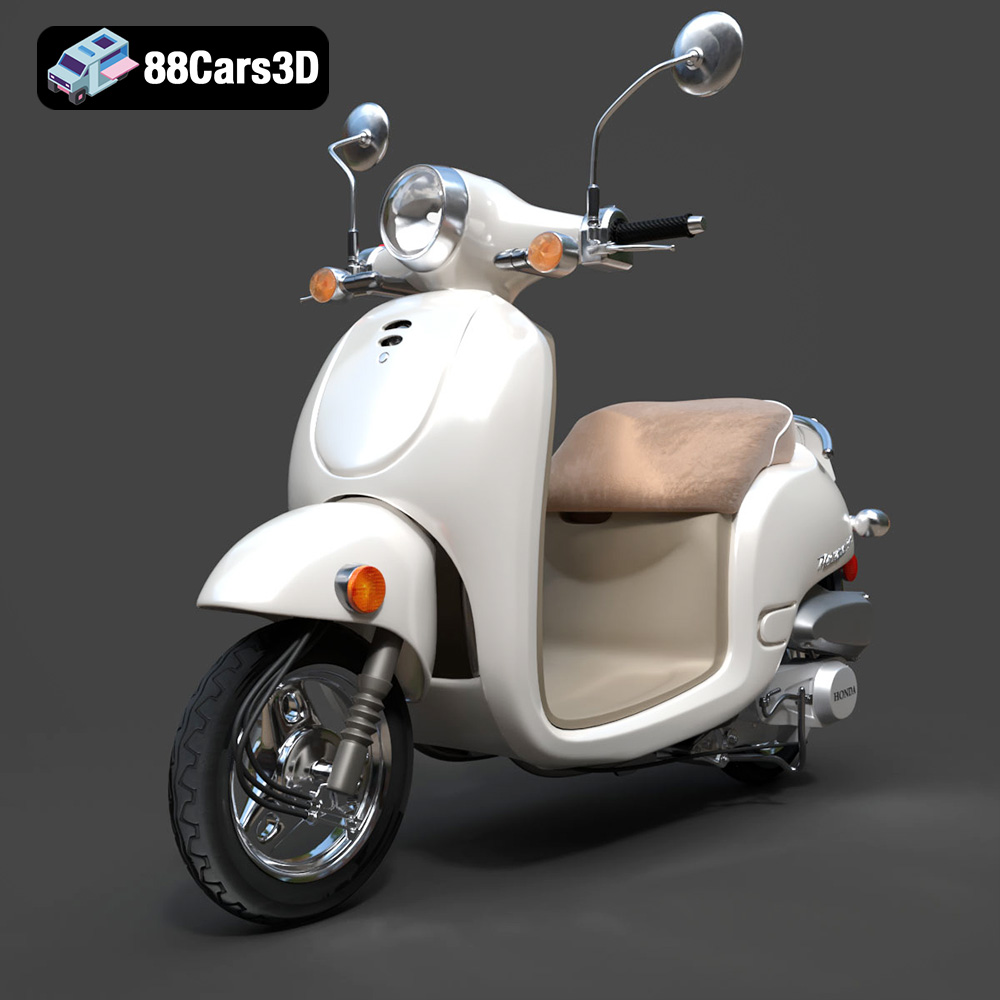
Download the Honda Metropolitan 2013 3D Model featuring clean geometry, realistic detailing, and a fully modeled interior. Includes .blend, .fbx, .obj, .glb, .stl, .ply, .unreal, and .max formats for rendering, simulation, and game development.
Price: $19.99

Texture: Yes
Material: Yes
Download the Honda Civic Si Sedan 2017 3D Model featuring clean geometry, realistic detailing, and a fully modeled interior. Includes .blend, .fbx, .obj, .glb, .stl, .ply, .unreal, and .max formats for rendering, simulation, and game development.
Price: $19.99

Texture: Yes
Material: Yes
Download the Helicopter UH-40 3D Model featuring clean geometry, realistic detailing, and a fully modeled interior. Includes .blend, .fbx, .obj, .glb, .stl, .ply, .unreal, and .max formats for rendering, simulation, and game development.
Price: $19.99

Texture: Yes
Material: Yes
Download the BMW X7 G07 2019 3D Model featuring clean geometry, realistic detailing, and a fully modeled interior. Includes .blend, .fbx, .obj, .glb, .stl, .ply, .unreal, and .max formats for rendering, simulation, and game development.
Price: $19.99
Texture: Yes
Material: Yes
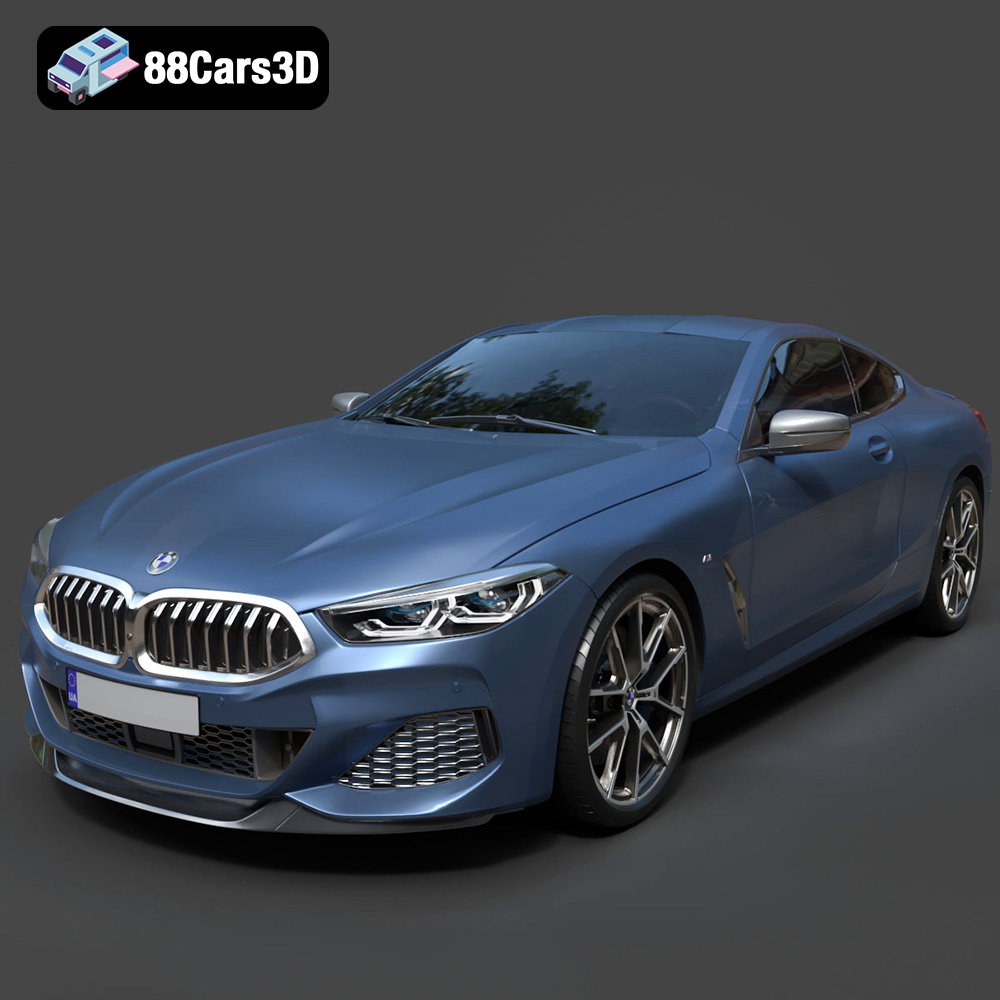
Download the BMW 8-Series M850i G15 Coupe 2019 3D Model featuring clean geometry, realistic detailing, and a fully modeled interior. Includes .blend, .fbx, .obj, .glb, .stl, .ply, .unreal, and .max formats for rendering, simulation, and game development.
Price: $19.99
Texture: Yes
Material: Yes
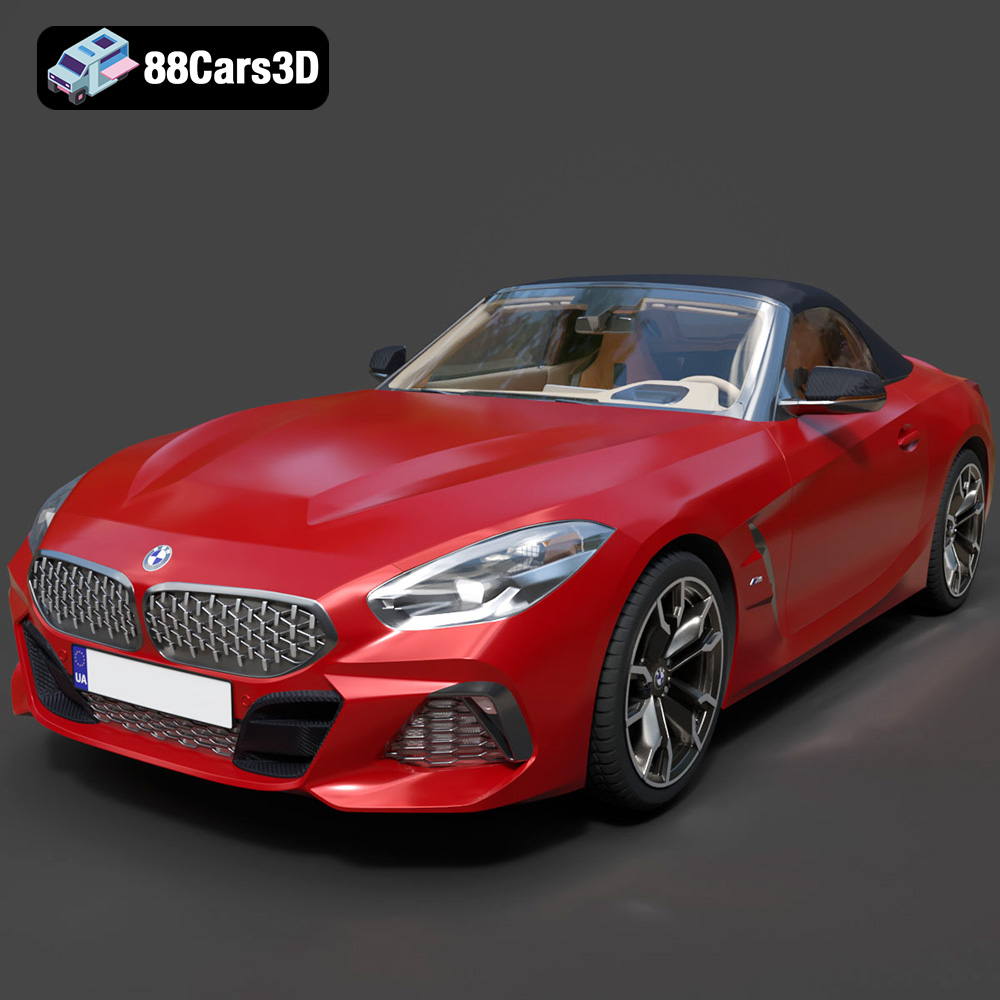
Download the BMW Z4 Mk3 G29 Roadster M40i 2019 3D Model featuring clean geometry, realistic detailing, and a fully modeled interior. Includes .blend, .fbx, .obj, .glb, .stl, .ply, .unreal, and .max formats for rendering, simulation, and game development.
Price: $19.99

Texture: Yes
Material: Yes
Download the BMW X6 (Mk3) (G06) M Sport 2020 3D Model featuring clean geometry, realistic detailing, and a fully modeled interior. Includes .blend, .fbx, .obj, .glb, .stl, .ply, .unreal, and .max formats for rendering, simulation, and game development.
Price: $19.99

Texture: Yes
Material: Yes
Download the BMW 8-Series G14 Convertible M850i 2019 3D Model featuring clean geometry, realistic detailing, and a fully modeled interior. Includes .blend, .fbx, .obj, .glb, .stl, .ply, .unreal, and .max formats for rendering, simulation, and game development.
Price: $19.99
Texture: Yes
Material: Yes
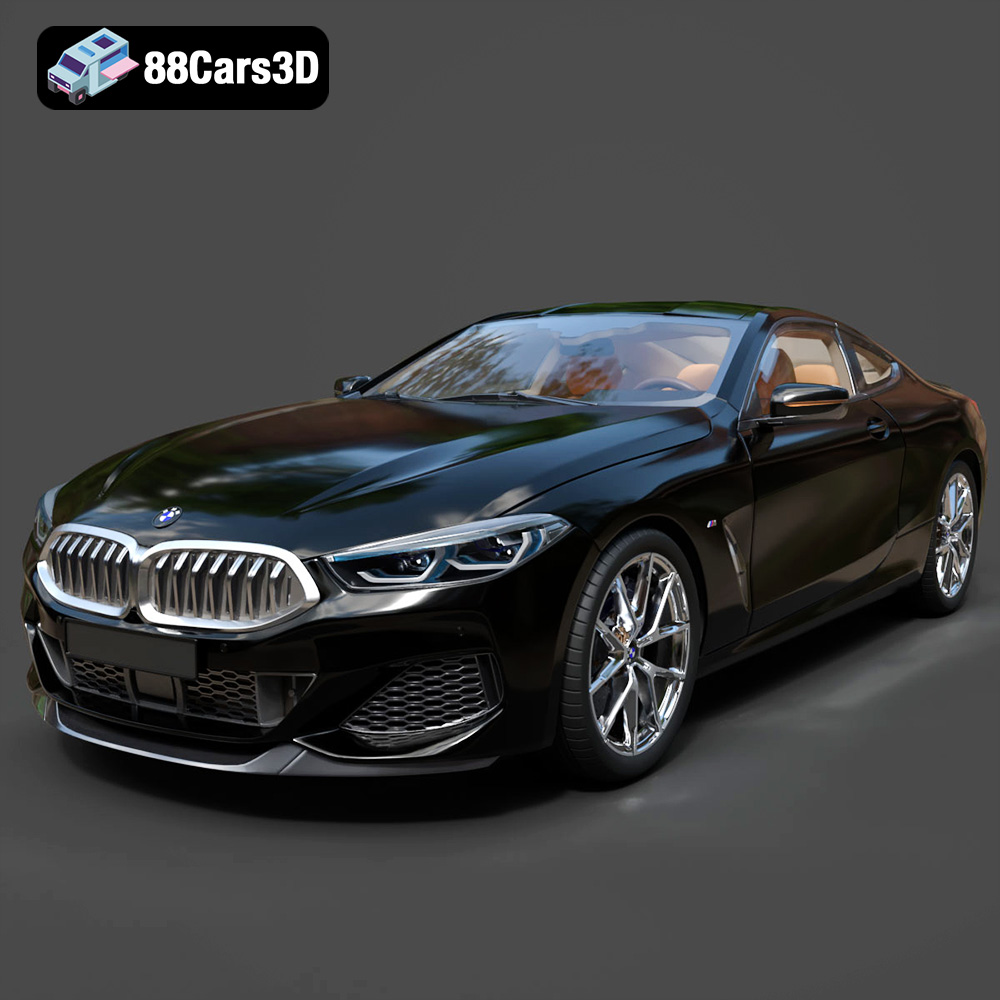
Download the BMW 8 Series M850i Coupe 2019 3D Model featuring clean geometry, realistic detailing, and a fully modeled interior. Includes .blend, .fbx, .obj, .glb, .stl, .ply, .unreal, and .max formats for rendering, simulation, and game development.
Price: $19.99

