Get 50% OFF All Premium 3D & STL Models!

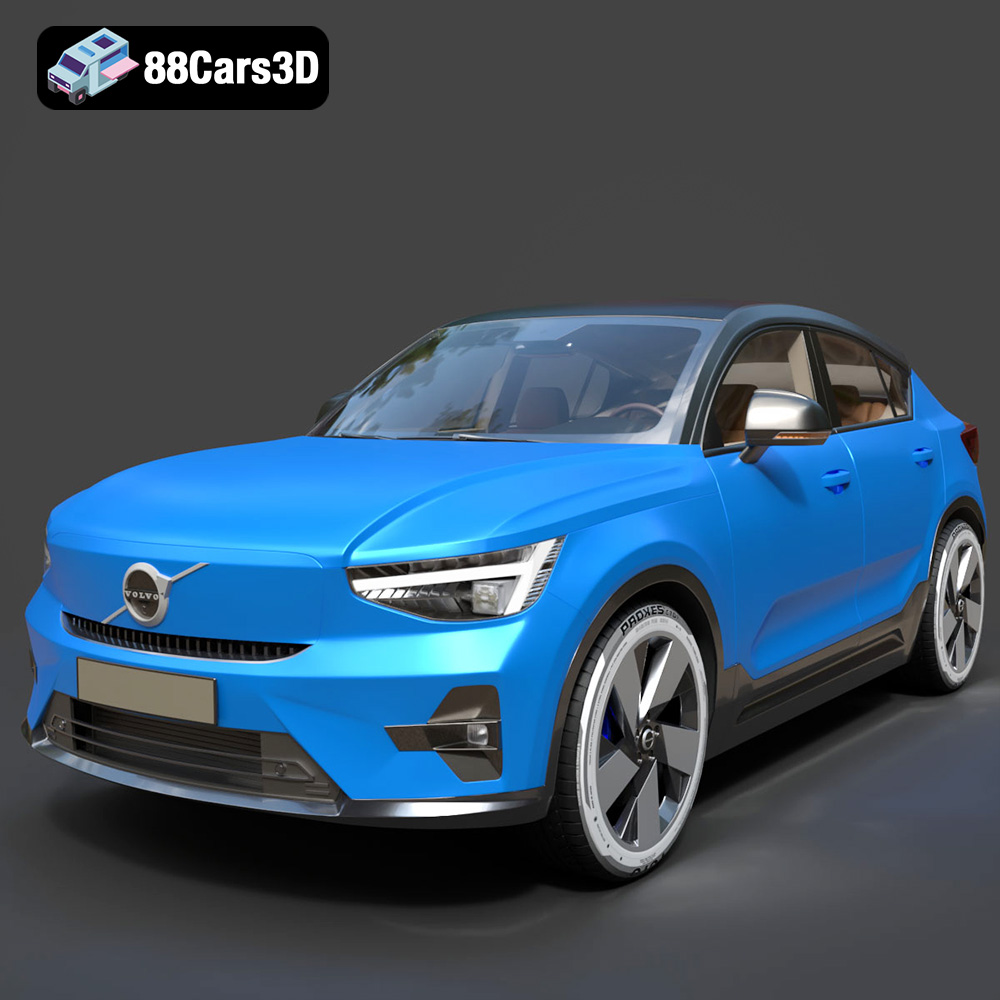
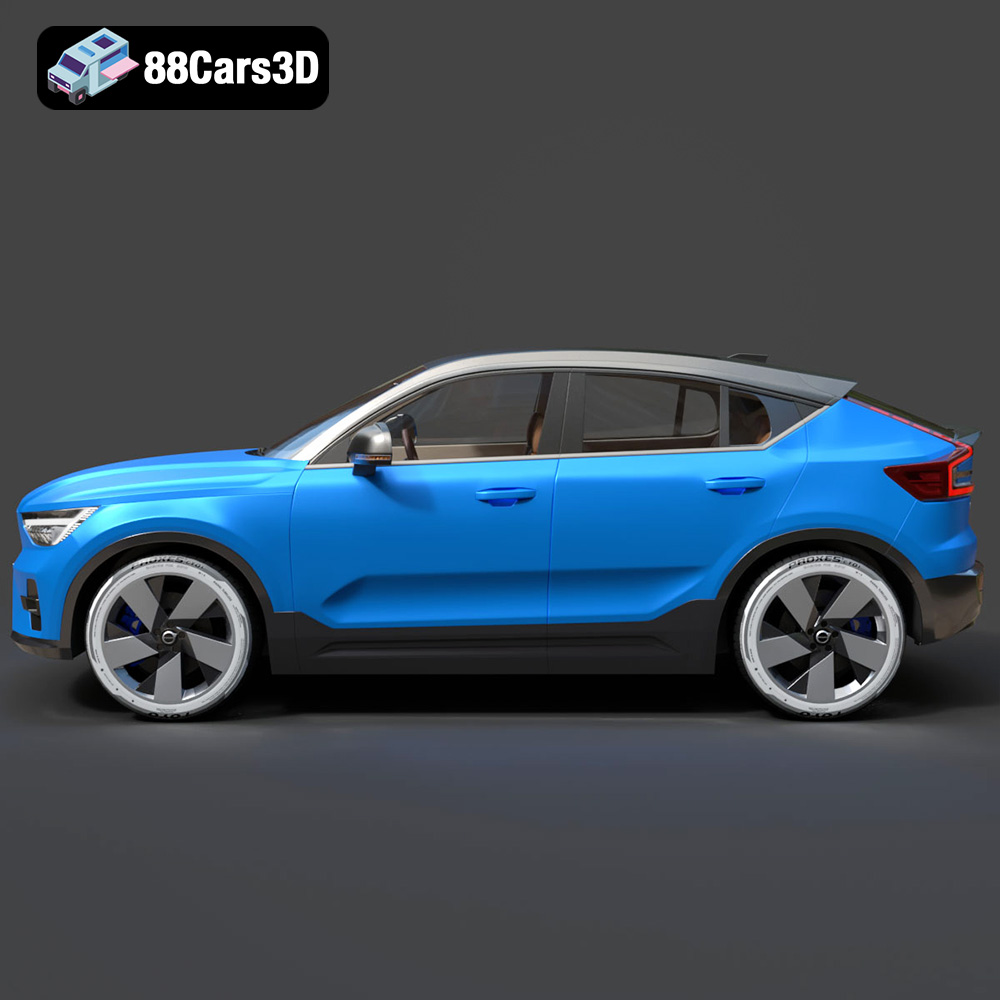
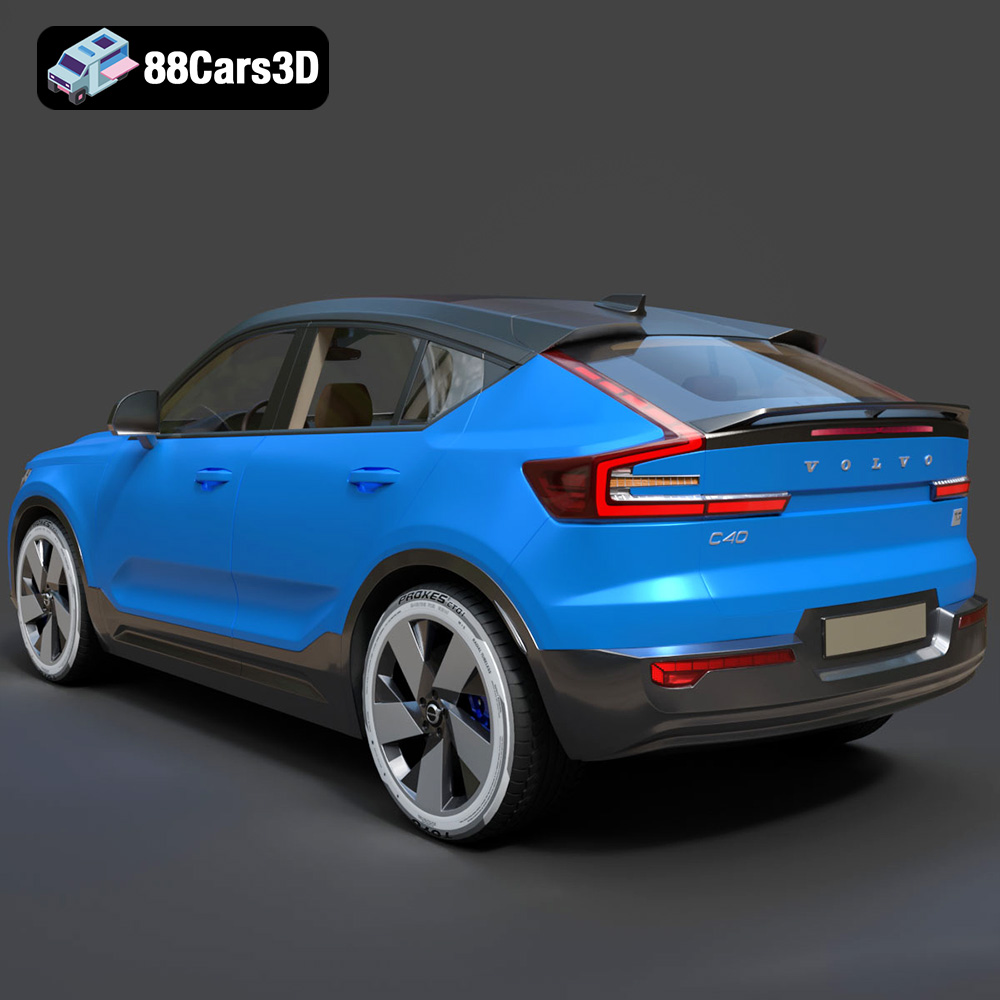
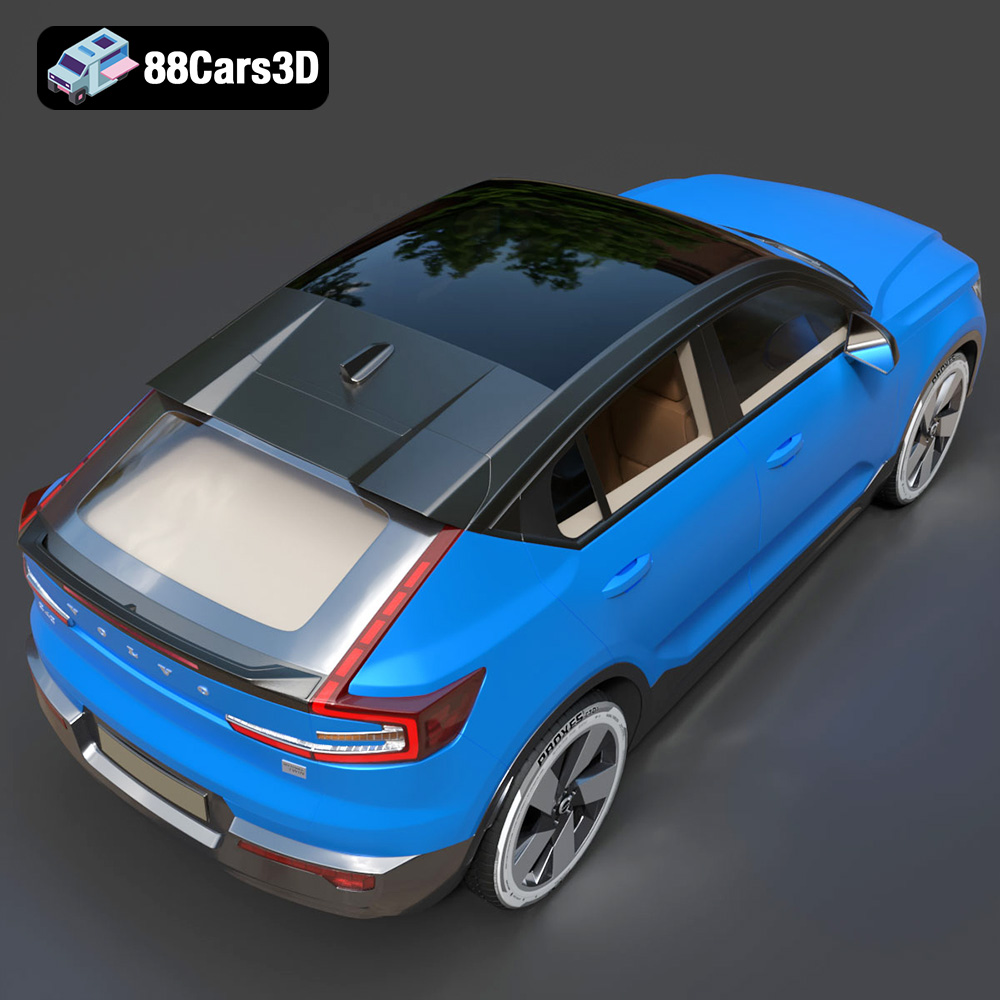
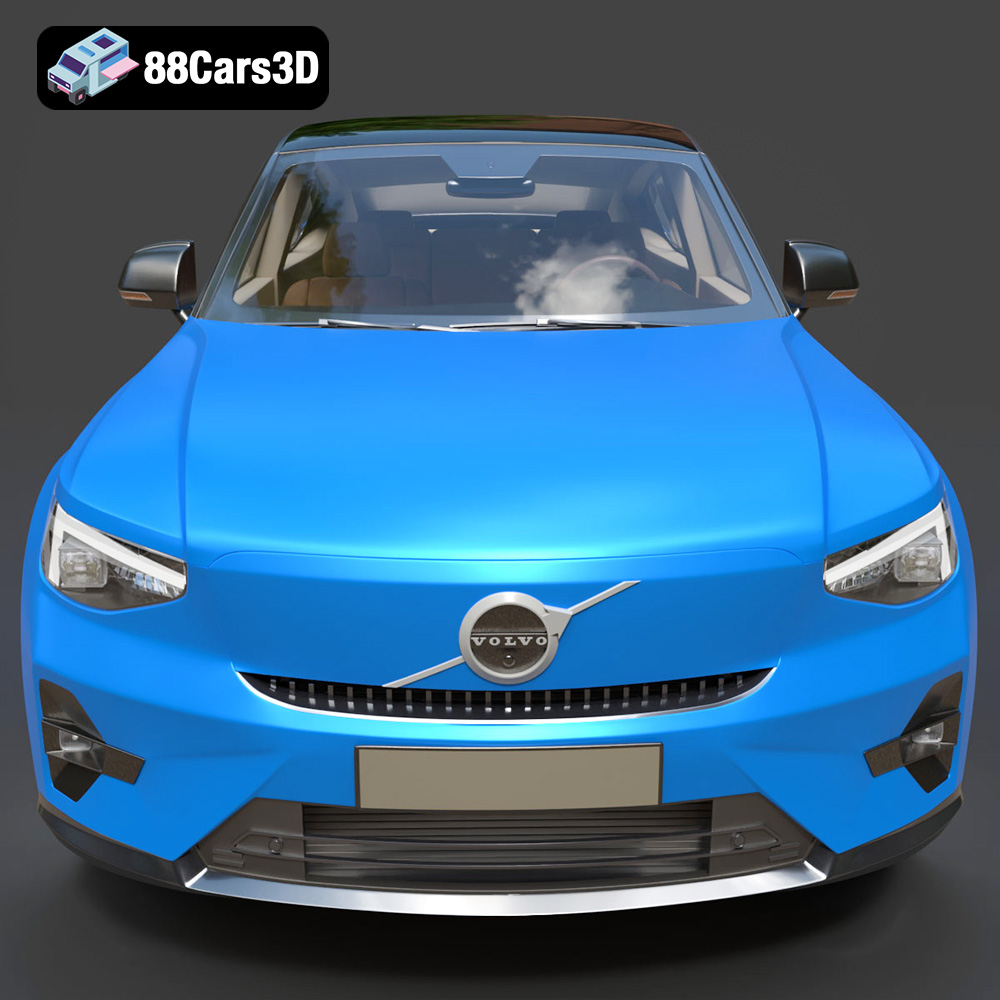
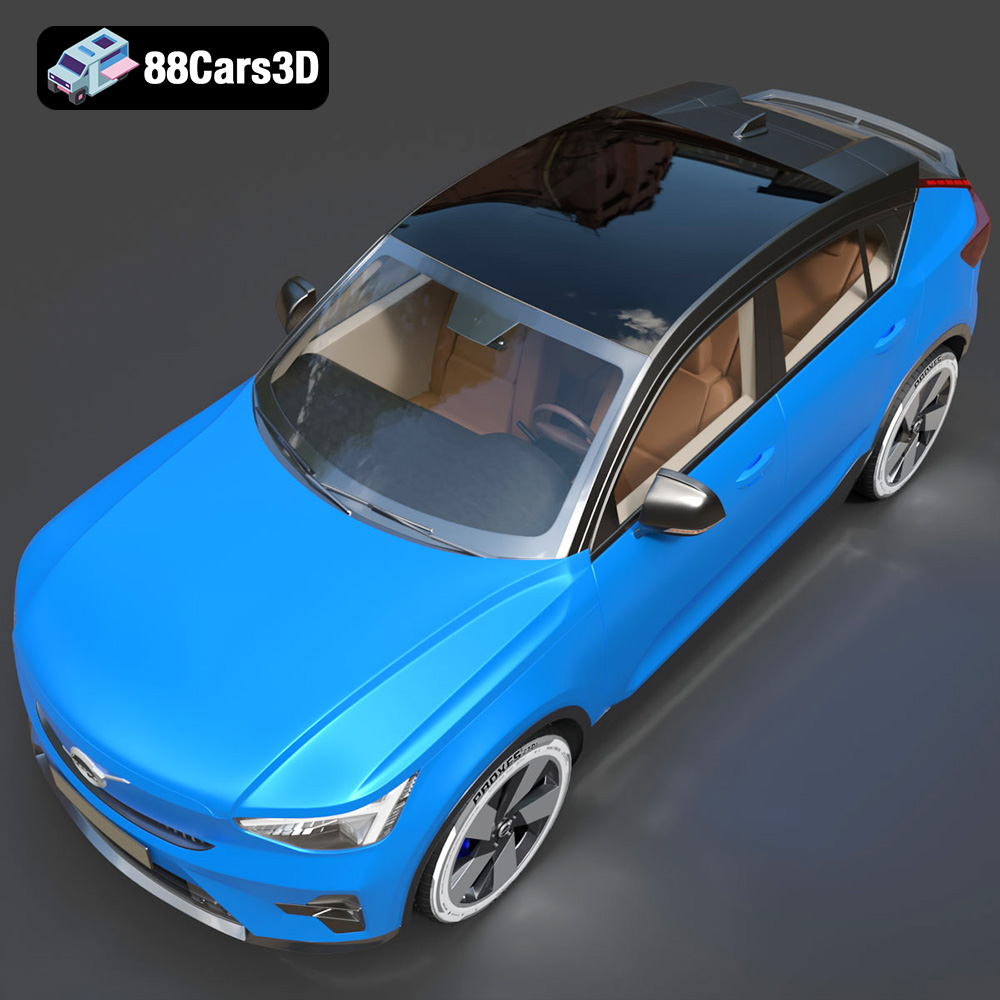
The Volvo C40 Recharge, with its sleek lines and modern electric crossover design, is a fantastic subject for 3D printing. Whether you’re a car enthusiast, a model maker, or simply looking for a cool project, this guide will walk you through the process of successfully 3D printing the Volvo C40 Recharge 3D Model available at 88cars3d.com. We’ll cover everything from pre-print preparation to post-processing, ensuring you achieve a stunning final product.
The first step in bringing your digital Volvo C40 Recharge to life is selecting the appropriate 3D printing technology. Two primary options are commonly used: Fused Deposition Modeling (FDM) and Stereolithography (SLA), also known as resin printing.
FDM printing involves extruding a thermoplastic filament, layer by layer, to build the object. It’s a cost-effective and accessible technology, suitable for larger prints and functional parts.
* **Pros:** Affordable, wide range of materials (PLA, PETG, ABS), good for larger models.
* **Cons:** Layer lines are visible, lower detail compared to SLA, requires support structures for overhangs.
SLA printing uses a laser or projector to cure liquid resin, creating highly detailed and smooth objects. It’s ideal for intricate designs and achieving a premium finish.
* **Pros:** High detail, smooth surface finish, minimal layer lines.
* **Cons:** More expensive than FDM, limited material options, smaller build volume, requires post-curing.
For the Volvo C40 Recharge 3D Model, SLA printing is generally recommended if you prioritize detail and a smooth surface. However, FDM printing can still produce excellent results with careful settings and post-processing.
Choosing the right file format is crucial for a smooth 3D printing workflow. The Volvo C40 Recharge 3D Model from 88cars3d.com is available in several formats, each with its own strengths and weaknesses. Understanding these formats will help you select the best option for your needs.
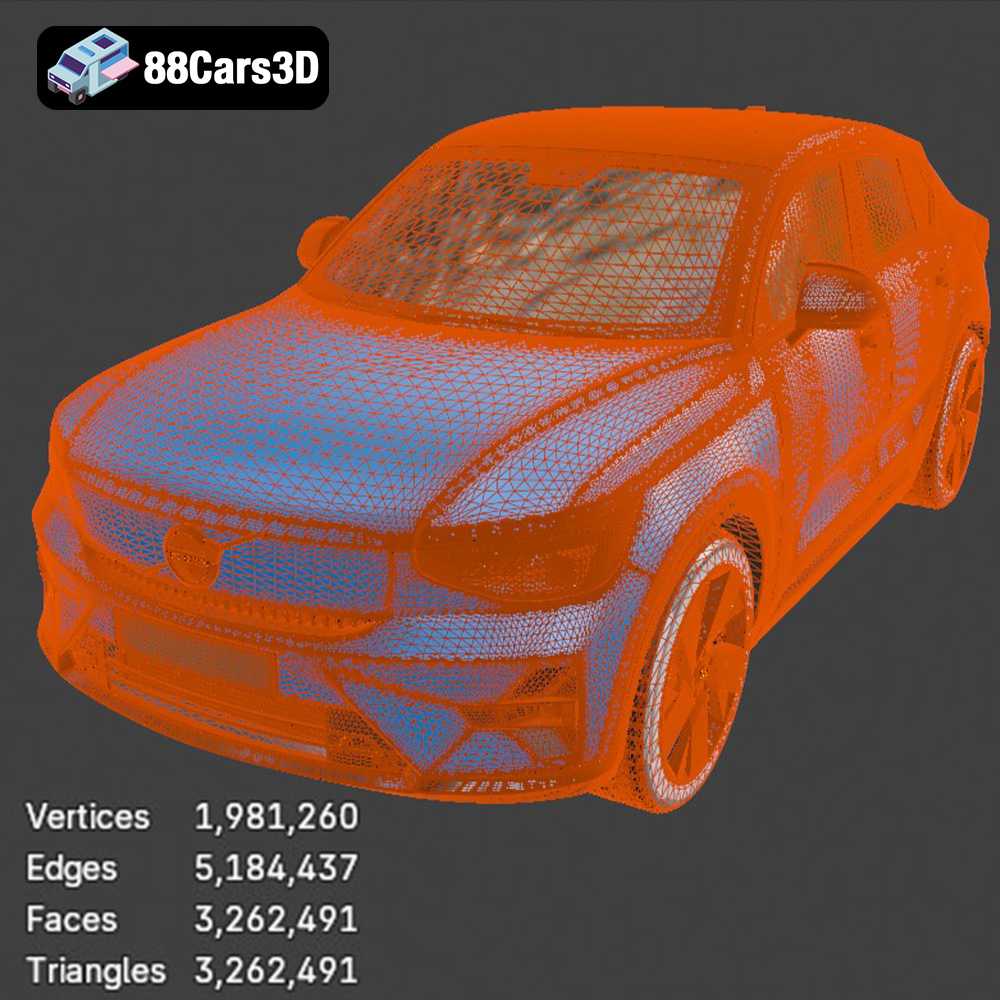
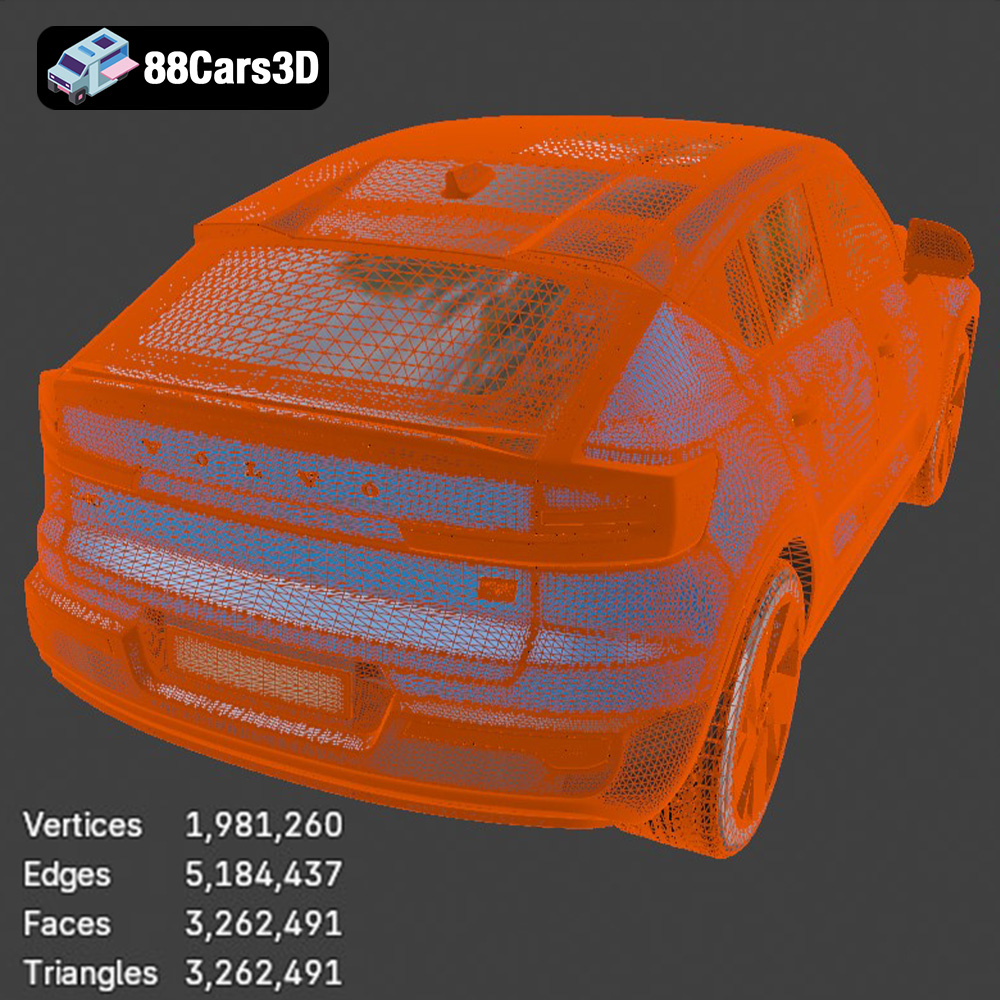
The STL (Stereolithography) format is the most widely used file type in 3D printing. It represents the surface geometry of a 3D object as a collection of triangles. This simplicity makes it highly compatible with virtually all 3D printers and slicing software. However, STL files only contain mesh data; they do not store information about color, texture, or materials. When preparing an STL file, pay close attention to the mesh quality. A higher triangle count results in a smoother surface but increases the file size and processing time. Conversely, a low triangle count can lead to faceted surfaces, which are undesirable for models like the Volvo C40 Recharge where smooth curves are essential. Most slicing software allows you to adjust the mesh resolution during import or within the slicer settings, balancing detail and printability. For complex models with fine details, consider using a more refined mesh to capture intricate features accurately. Repairing STL files is often necessary, as imperfections can cause printing errors. Software like MeshMixer or Netfabb can identify and fix issues such as non-manifold edges, holes, and inverted normals, ensuring a successful print. The STL format is the primary choice for 3D printing due to its universality and simplicity.
OBJ is a more versatile format than STL, as it can store color and texture information in addition to the 3D geometry. This makes it suitable for printing models with multiple colors or textures, although this requires a printer capable of multi-material printing.
PLY (Polygon File Format) is designed for storing 3D data acquired from 3D scanners. It can represent surfaces as a collection of polygons (including triangles, quads, and more complex shapes) and supports color information. It’s often used for high-resolution meshes.
BLEND files are the native format for Blender, a popular open-source 3D modeling software. If you plan to customize the Volvo C40 Recharge model before printing, working with the BLEND file allows you to make modifications to the geometry, materials, and textures directly in Blender.
FBX (Filmbox) is a proprietary format developed by Autodesk, commonly used for exchanging data between different 3D software packages. It supports geometry, textures, materials, and animation data.
GLB is a binary file format that represents 3D models in a compact and efficient manner. It’s often used for displaying 3D models on the web and in AR/VR applications.
MAX files are the native format for 3ds Max, another popular 3D modeling software. Similar to BLEND files, using the MAX file allows you to modify the Volvo C40 Recharge model within 3ds Max before exporting it for 3D printing.
For 3D printing, the **.stl** format is generally the best choice because it is universally compatible with slicing software and 3D printers. If you need to print in color or with textures, consider using **.obj** and a printer that supports multi-material printing.
Once you’ve chosen the right file format and printing technology, the next step is to prepare the model for printing using slicing software. This software converts the 3D model into a series of layers that the 3D printer can understand.
Several excellent slicing software options are available, both free and paid. Popular choices include:
* **Cura:** A free and open-source slicer with a user-friendly interface and extensive settings.
* **PrusaSlicer:** Another free slicer, known for its advanced features and excellent print quality.
* **Simplify3D:** A paid slicer with advanced customization options and support for multiple printers.
Proper model orientation is crucial for successful 3D printing. Consider the following factors:
* **Minimize Overhangs:** Position the model to reduce the need for support structures, which can be difficult to remove and can affect the surface finish.
* **Surface Quality:** Place the most critical surfaces facing upwards, as they will have the best surface finish.
* **Strength:** Orient the model to align with the direction of stress, if applicable.
For the Volvo C40 Recharge, consider printing the body with the roof facing upwards to minimize overhangs on the sides. The wheels can be printed separately and attached later.
Support structures are often necessary to support overhangs and bridges. Choose a support structure type that is easy to remove and doesn’t damage the model’s surface. Tree supports are a good option for complex geometries like car models.
The slicing settings will significantly impact the print quality, strength, and print time. Here are some key settings to consider:
* **Layer Height:** A smaller layer height (e.g., 0.1mm – 0.2mm) results in a smoother surface finish but increases the print time.
* **Infill Density:** Infill density affects the strength and weight of the model. A higher infill density (e.g., 20% – 30%) provides greater strength but increases the print time and material usage.
* **Print Speed:** A slower print speed generally results in better print quality, especially for complex geometries.
* **Temperature:** Adjust the printing temperature according to the material manufacturer’s recommendations.
* **Retraction:** Proper retraction settings are essential to prevent stringing between parts.
For the Volvo C40 Recharge, start with a layer height of 0.15mm to 0.2mm, an infill density of 20%, and a print speed of 40-60mm/s. Adjust these settings based on your printer and material.
The choice of material plays a significant role in the final look and feel of your 3D printed Volvo C40 Recharge. Here are some popular options:
* **Pros:** Easy to print, biodegradable, wide range of colors.
* **Cons:** Low heat resistance, can warp easily, less durable than other materials.
PLA is a good choice for beginners and for models that don’t require high strength or heat resistance.
* **Pros:** Strong, durable, good heat resistance, less prone to warping than PLA.
* **Cons:** Can be more challenging to print than PLA, requires higher printing temperatures.
PETG is a versatile material that offers a good balance of strength, durability, and ease of printing. It’s a great option for the Volvo C40 Recharge if you want a model that can withstand some wear and tear.
* **Pros:** Strong, durable, high heat resistance.
* **Cons:** More challenging to print than PLA or PETG, prone to warping, requires a heated bed and enclosure.
ABS is a good choice for functional parts that require high strength and heat resistance. However, it’s not recommended for beginners due to its printing challenges.
* **Pros:** High detail, smooth surface finish.
* **Cons:** Brittle, requires post-curing, limited material options.
Resin is the best choice if you prioritize detail and a smooth surface finish. However, resin prints are typically more brittle than FDM prints and require post-curing.
For the Volvo C40 Recharge, PETG is a good all-around choice for FDM printing, while resin is ideal for SLA printing if you want the highest level of detail.
Post-processing is the final step in bringing your 3D printed Volvo C40 Recharge to life. It involves cleaning up the print, removing support structures, and applying finishing touches to achieve a professional look.
Carefully remove support structures using pliers, a hobby knife, or other suitable tools. Take your time to avoid damaging the model’s surface. For PLA, you can try dissolving the supports in warm water.
Sanding is essential for achieving a smooth surface finish, especially for FDM prints. Start with coarse sandpaper (e.g., 220 grit) and gradually move to finer grits (e.g., 400, 600, 800 grit). Wet sanding can help to reduce dust and achieve a smoother finish.
Apply a primer to the model to create a smooth and uniform surface for painting. Choose a primer that is compatible with the material you used for printing. After the primer has dried, apply multiple thin coats of paint, allowing each coat to dry completely before applying the next. Use masking tape to create clean lines and separate different colors.
If you printed the Volvo C40 Recharge in multiple parts, assemble them using glue or other suitable adhesives. Ensure that the parts are properly aligned before applying the glue.
Apply a clear coat to protect the paint and give the model a glossy finish. Choose a clear coat that is compatible with the paint you used.
Even with careful preparation, 3D printing can sometimes present challenges. Here are some common issues and how to troubleshoot them:
* **Warping:** Warping occurs when the corners of the print lift off the build plate. To prevent warping, use a heated bed, apply an adhesive to the build plate, and ensure that the bed is properly leveled.
* **Stringing:** Stringing is the formation of thin strands of plastic between parts. To prevent stringing, adjust the retraction settings in your slicing software.
* **Layer Shifting:** Layer shifting occurs when the print head suddenly moves to a different position. To prevent layer shifting, tighten the belts and screws on your printer and ensure that the build plate is stable.
* **Under-Extrusion:** Under-extrusion occurs when the printer doesn’t extrude enough plastic. To fix under-extrusion, increase the printing temperature, increase the flow rate, and ensure that the nozzle is not clogged.
By understanding these common issues and how to troubleshoot them, you can overcome challenges and achieve successful 3D prints.
The Volvo C40 Recharge 3D Model from 88cars3d.com offers a fantastic opportunity to create a stunning replica of this modern electric crossover. By following the steps outlined in this guide, you can confidently tackle this project and achieve a professional-quality result.
Discover the exceptional realism of the Volvo C40 Recharge 3D Model. Carefully crafted to mirror the actual vehicle, this 3D asset provides incredibly accurate proportions, sleek styling, and realistic textures ideal for any digital environment.
$19.99
.arvr
.blend
.c40
.car3dmodel
.crossover
.electriccar
.ev
.fbx
.gameasset
.glb
.max
.obj
.ply
.recharge
.rendering
.simulation
.stl
.unreal
.volvo
SUV