Get 50% OFF All Premium 3D & STL Models!

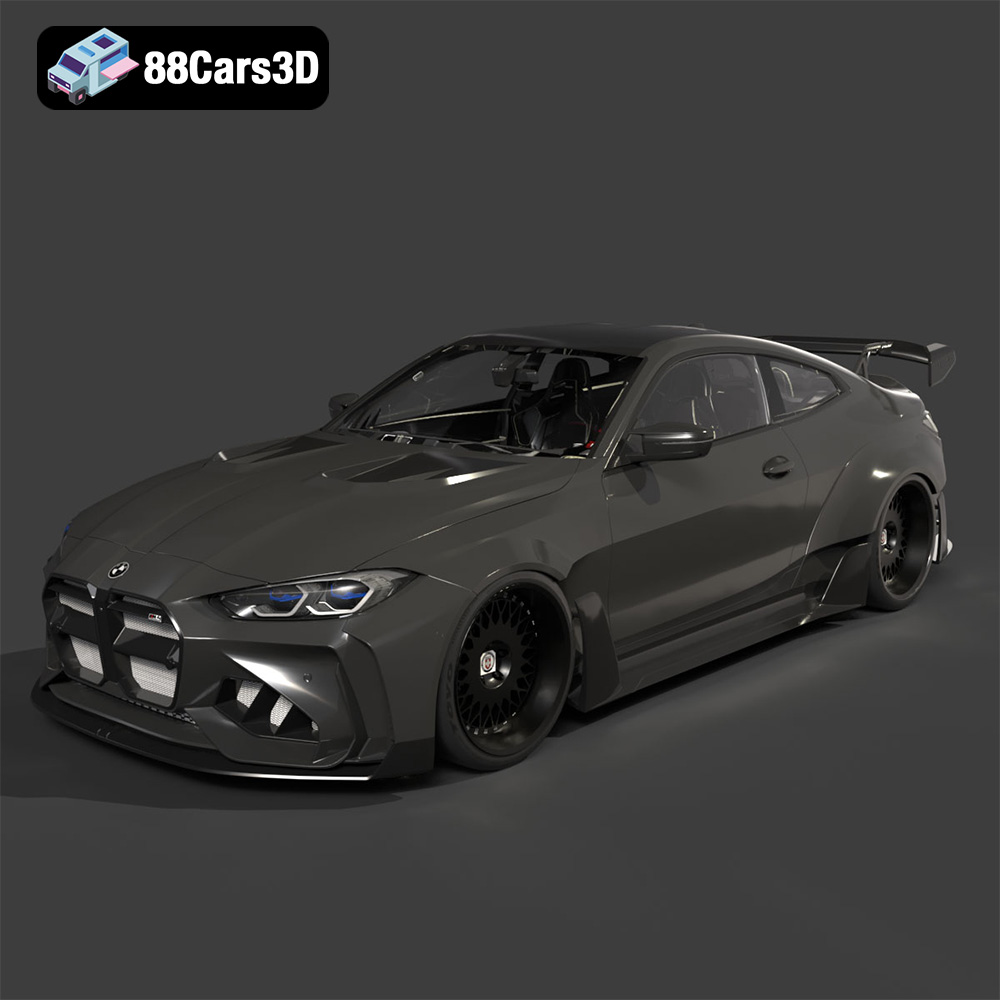
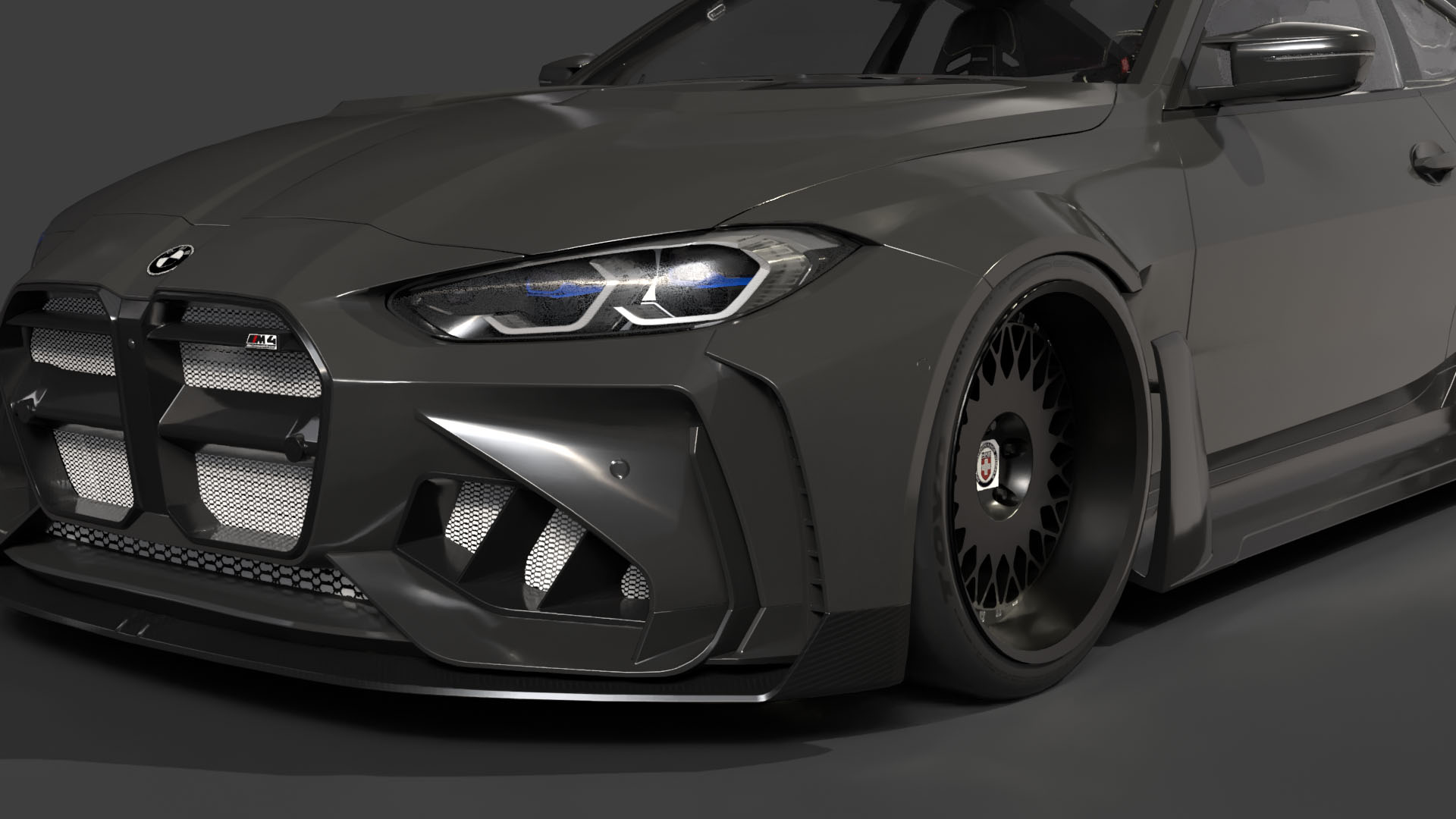
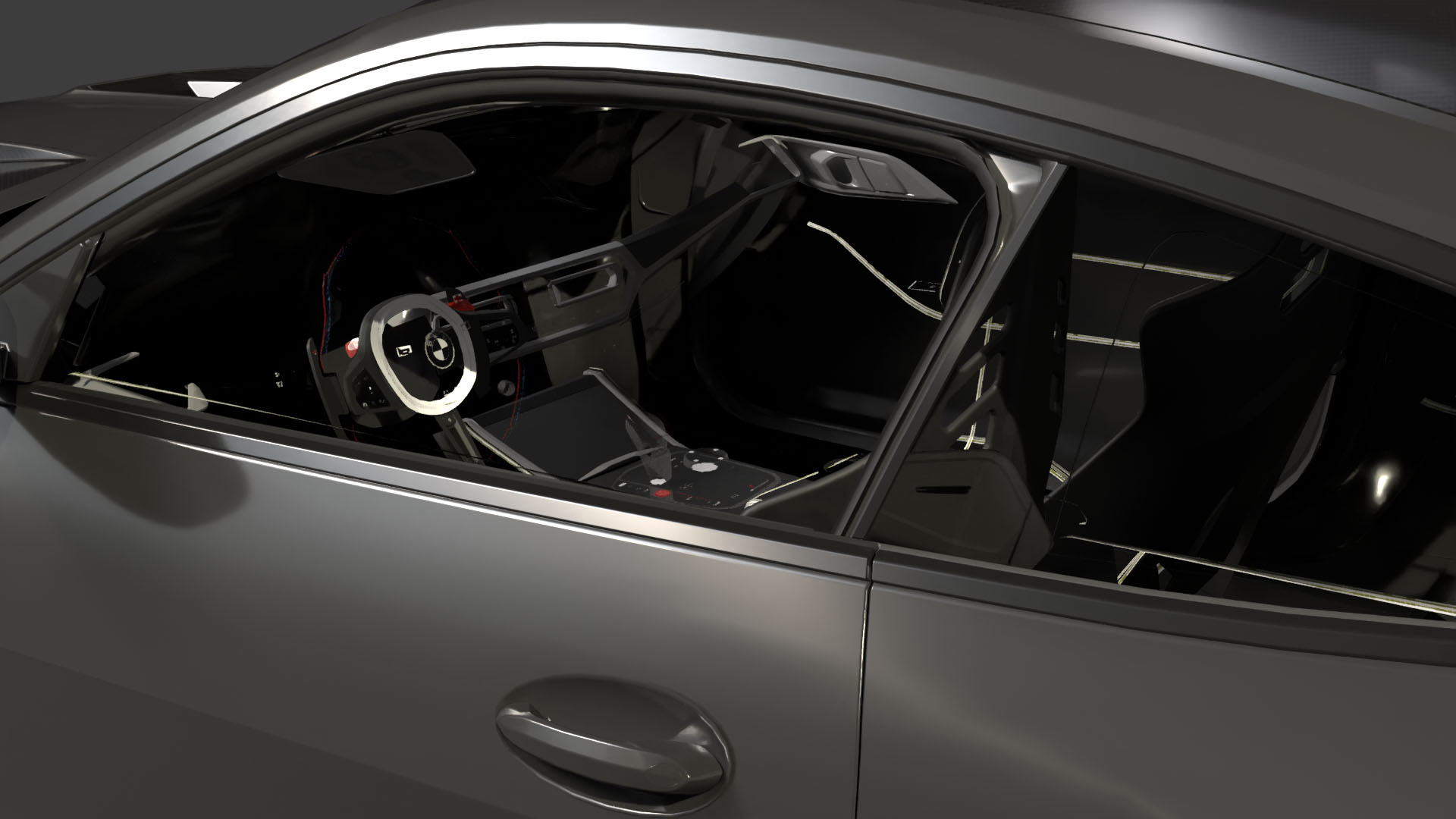
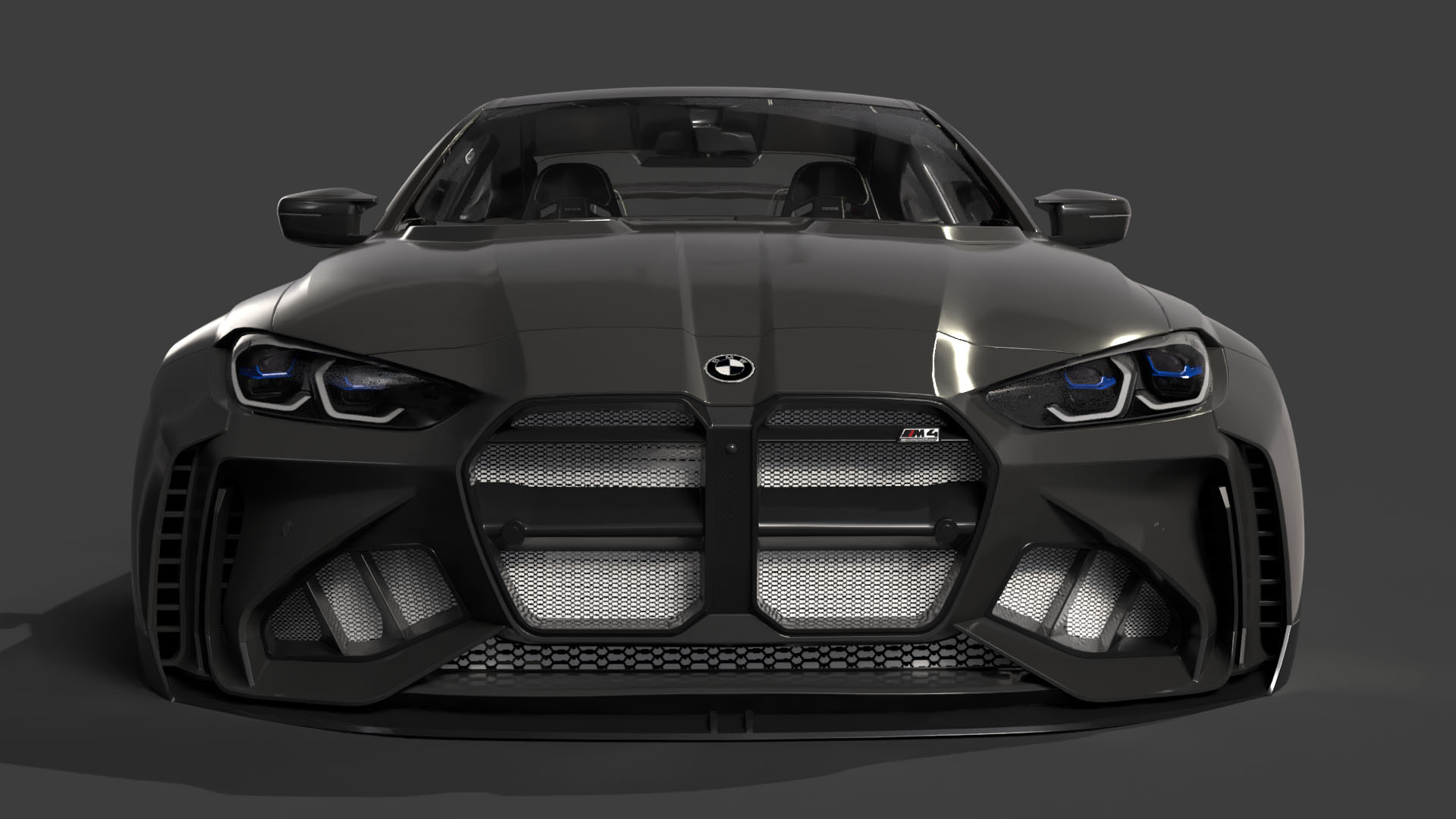
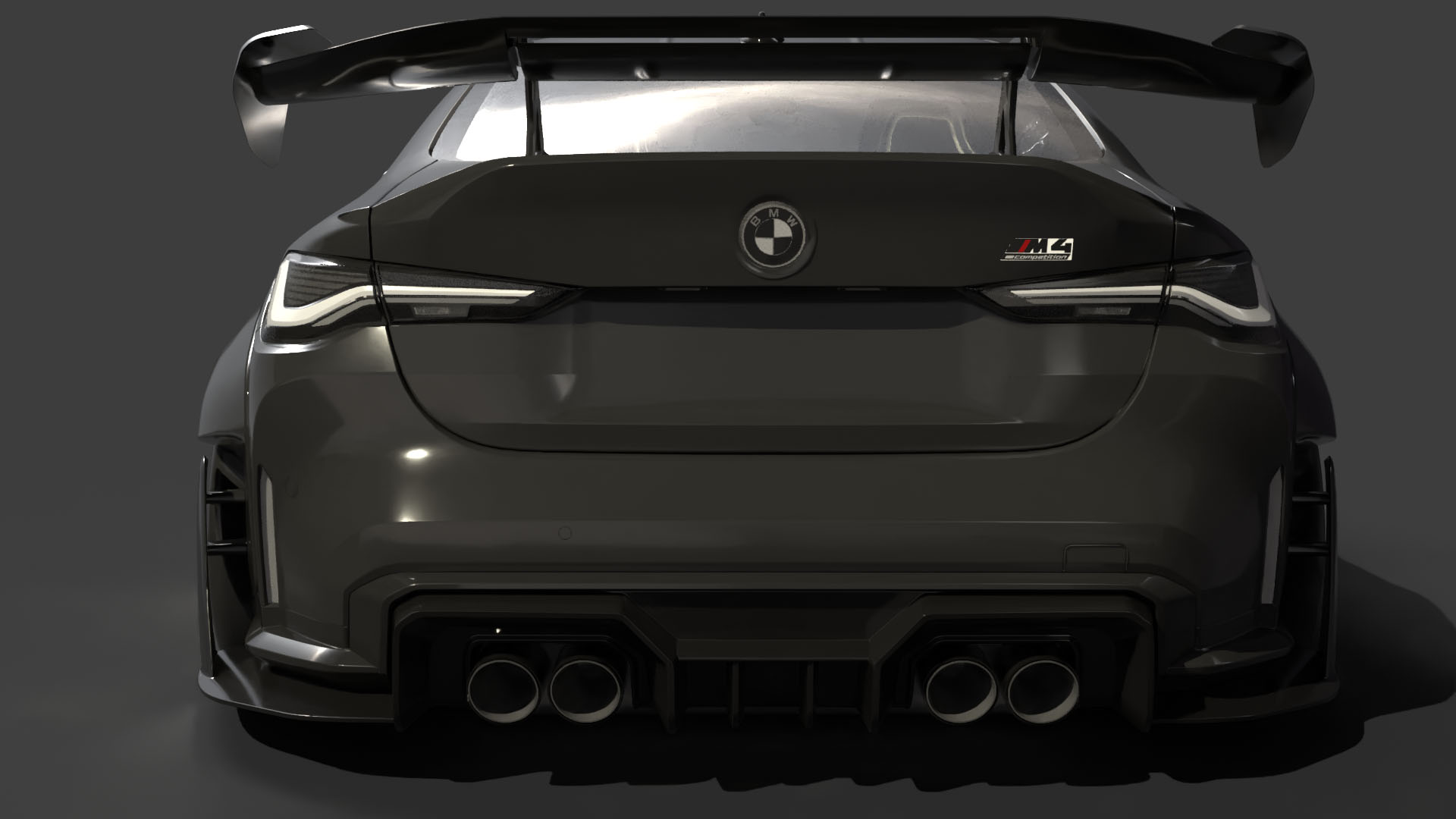
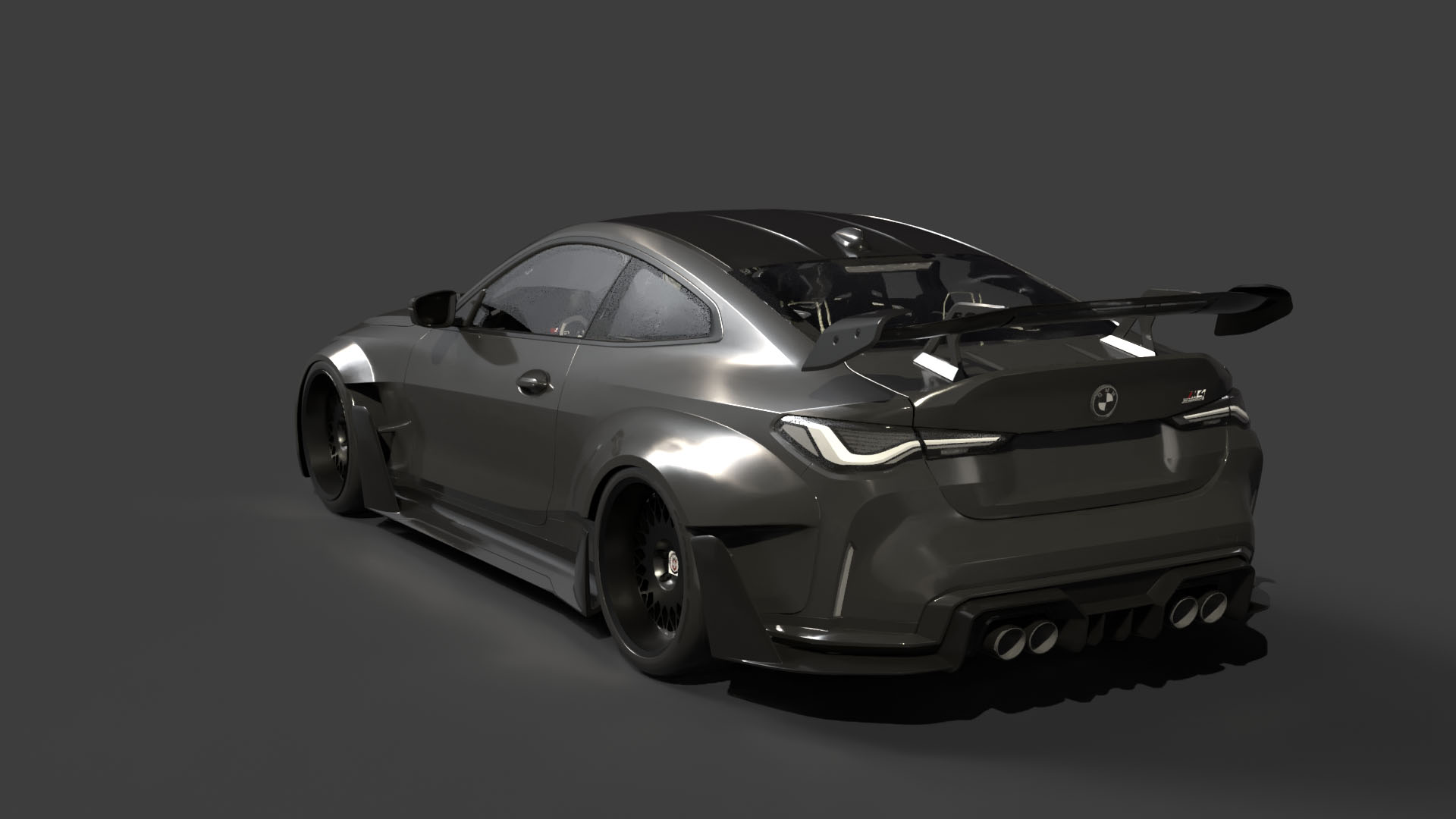
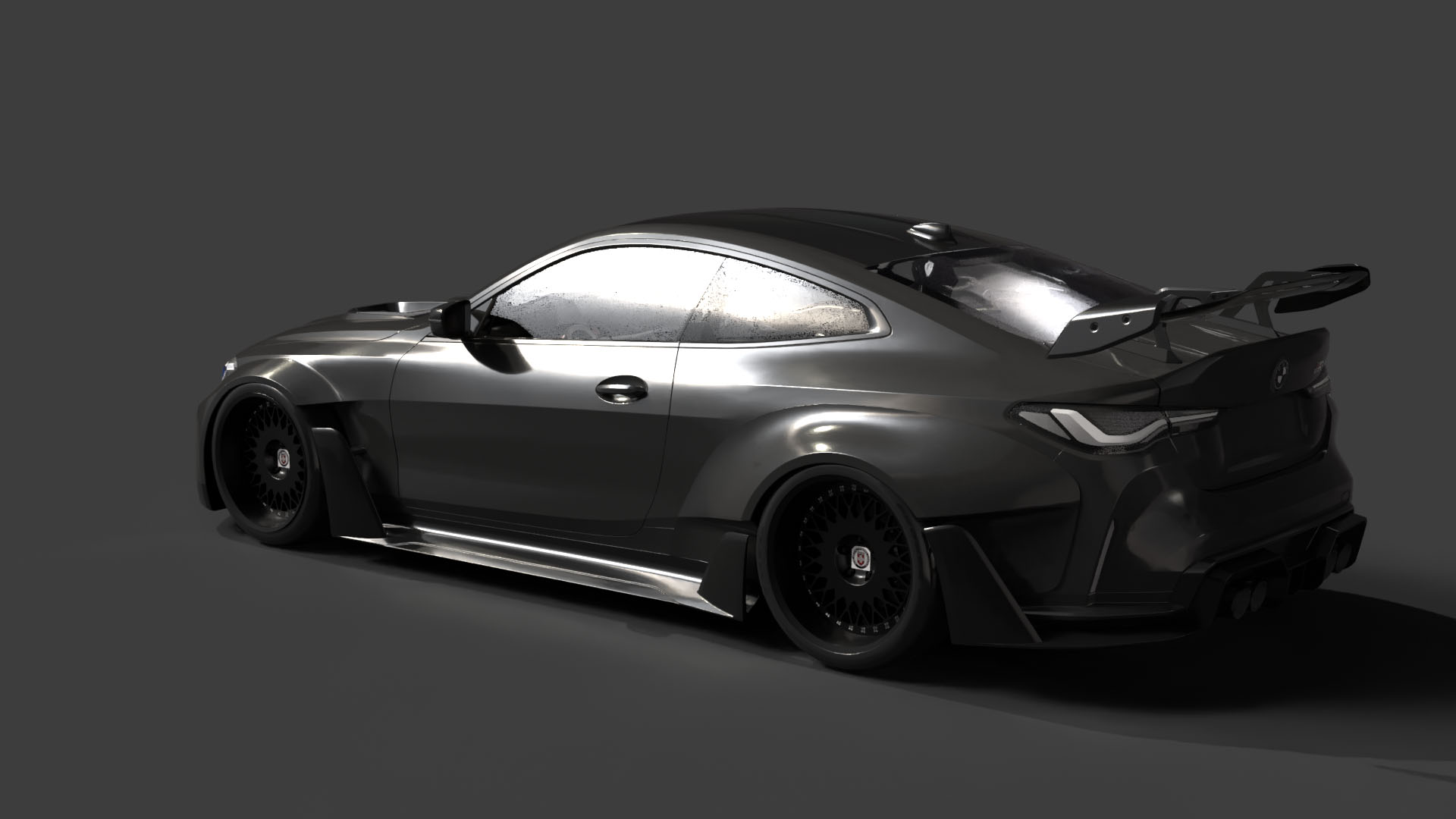
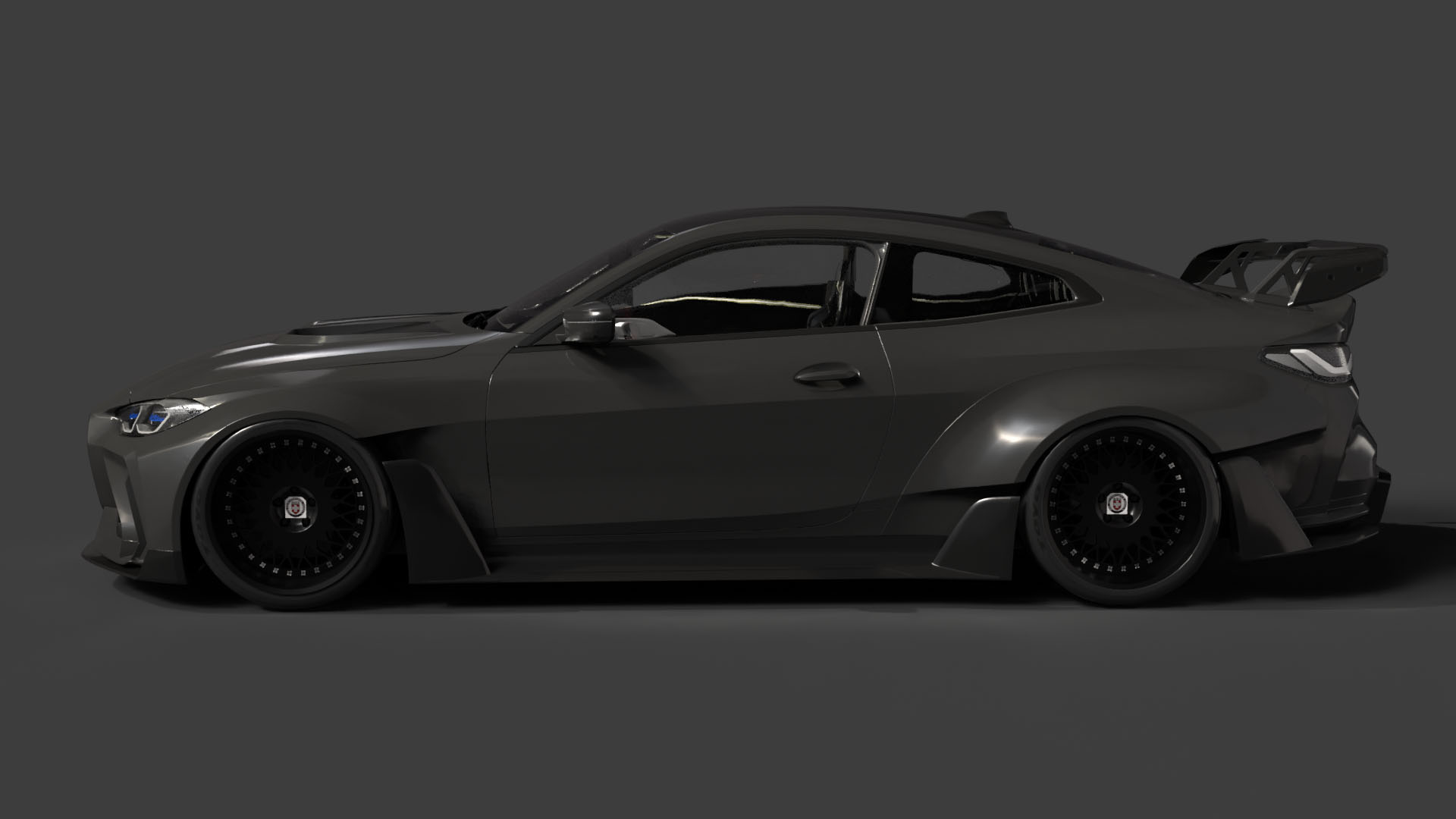
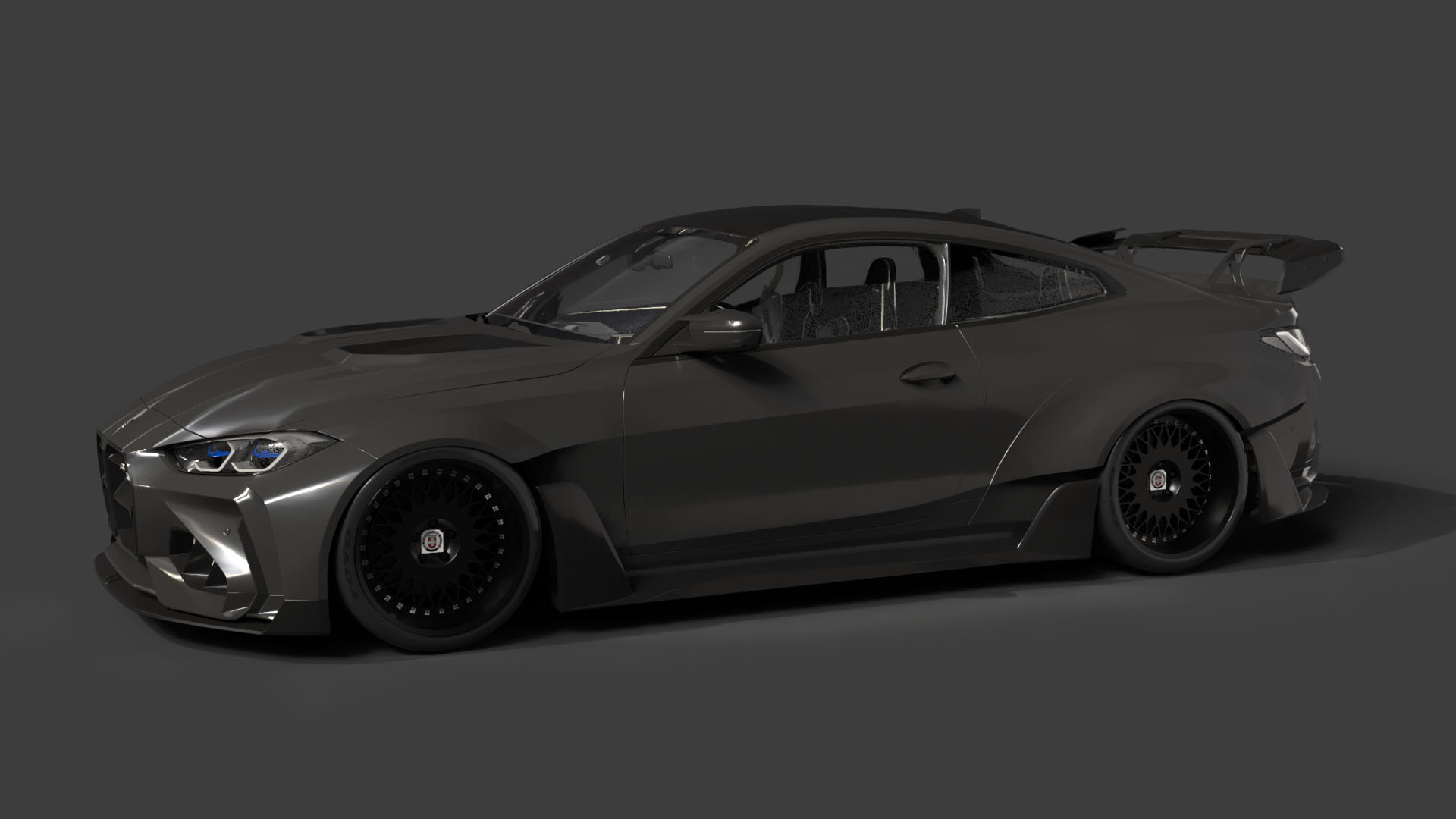
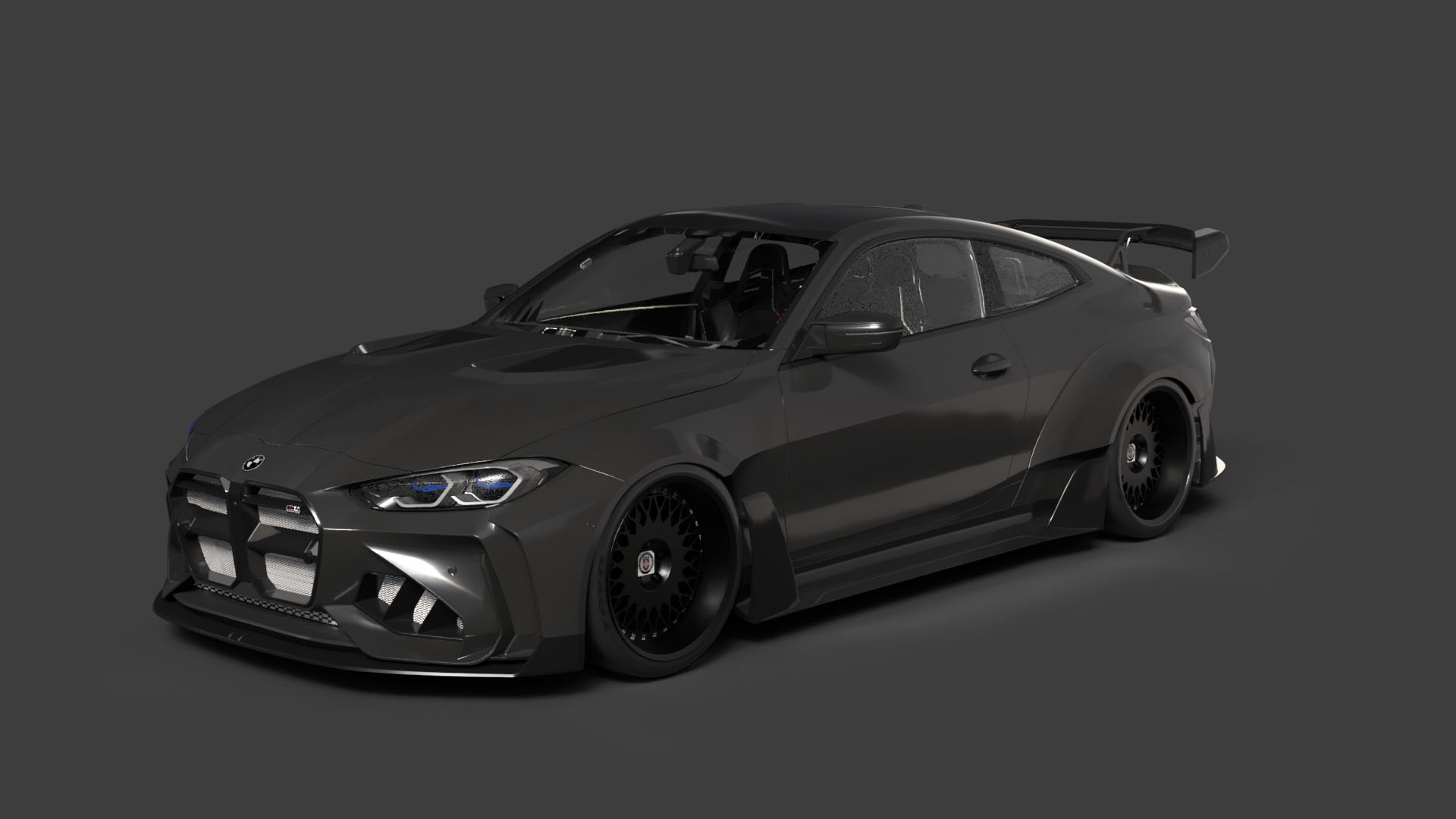
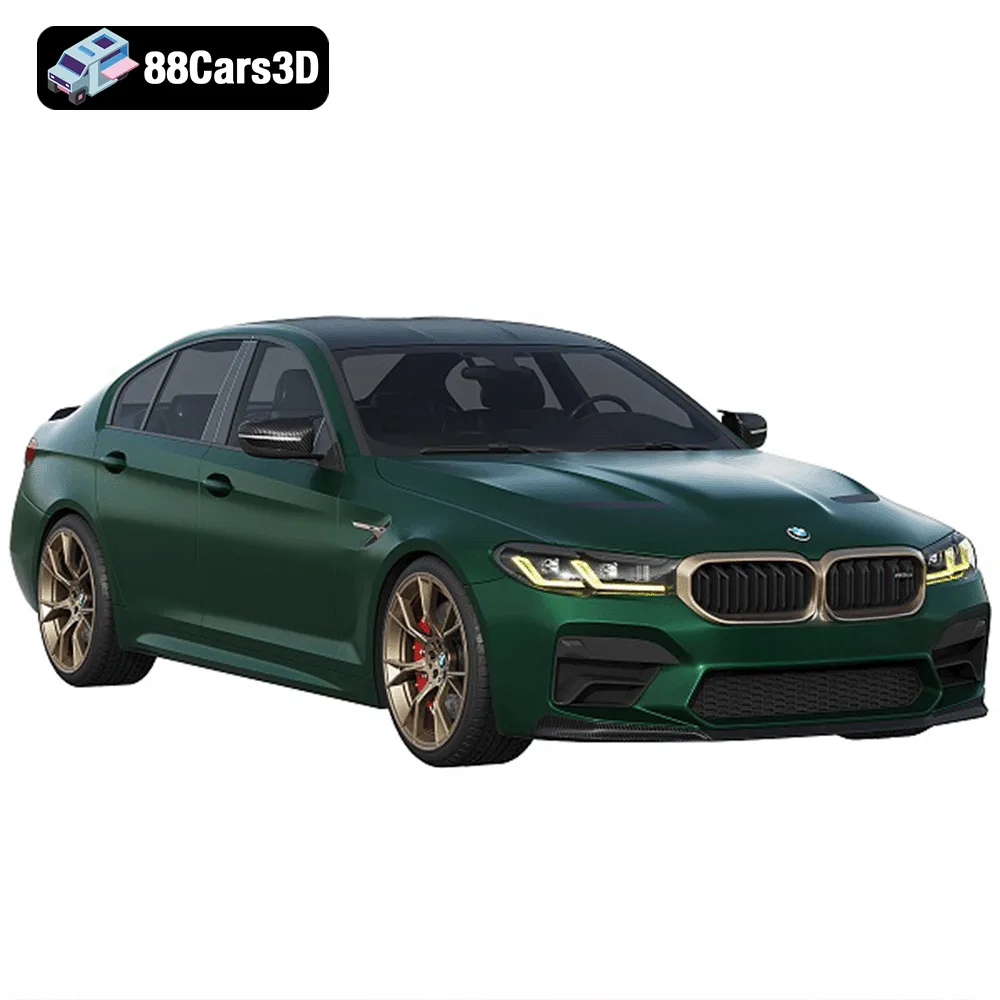
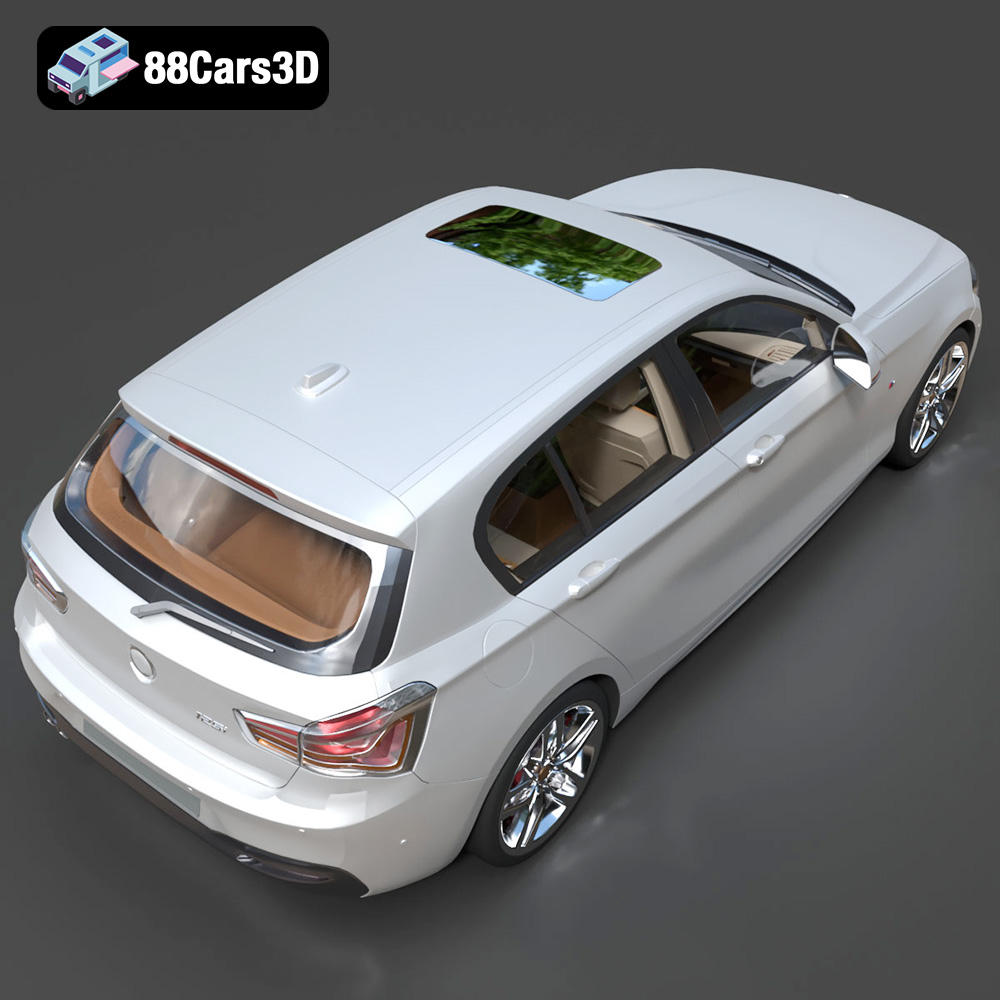
The allure of German automotive engineering is undeniable. The blend of luxury, performance, and iconic design has captivated enthusiasts for decades. Now, thanks to the 3D printing revolution, you can bring a piece of that automotive excellence to your desk, shelf, or gaming table with the German Luxury & Performance Bundle from 88cars3d.com. This collection of meticulously crafted 3D models, featuring iconic vehicles from BMW and Mercedes-Benz, is designed to be 3D printed, rendered, and integrated into various digital environments. This article dives deep into the technical aspects of 3D printing these models, providing you with the knowledge and tips necessary to achieve stunning results. Whether you’re a seasoned 3D printing enthusiast or just starting out, this guide will walk you through the entire process, from pre-print preparation to post-processing finishing touches.
Before diving into the specifics of printing the German Luxury & Performance Bundle, it’s crucial to understand the different file formats commonly used in 3D printing and how they impact the printing process. This knowledge will help you choose the right format and prepare your models for optimal results.
The STL (Stereolithography) file format is the undisputed king of 3D printing. It represents the surface geometry of a 3D object as a collection of triangles. This simplicity makes it universally compatible with almost all 3D printing software and printers. When you download the German Luxury & Performance Bundle, you’ll likely be working primarily with STL files. The key advantage of STL is its widespread support. However, STL files only contain mesh data; they don’t include information about color, texture, or materials. This means that if you want to print a multi-colored object, you’ll need to either paint it after printing or use a printer capable of multi-material printing and assign different STL files to different extruders.
When working with STL files, it’s crucial to ensure the mesh quality is high enough to capture the details of the model, particularly the intricate designs of the BMW and Mercedes-Benz vehicles in this bundle. Low-resolution STL files can result in a faceted, pixelated appearance on the final print. Slicing software allows you to adjust the facet resolution, but keep in mind that higher resolution means larger file sizes and potentially longer processing times.
OBJ files, unlike STL, can store color and texture information along with the 3D geometry. This makes them suitable for 3D printing models with pre-defined colors or textures, although compatibility can vary depending on the printer and slicing software. If the German Luxury & Performance Bundle includes OBJ files with texture information, you might be able to achieve more visually complex prints, but you need to verify the printer supports printing colors from OBJ data.
PLY (Polygon File Format) is designed to store 3D data obtained from 3D scanners. It supports various data types, including color, normals, and texture coordinates, and often is used for high-detail scans. If a PLY file is available for one of the cars in the bundle, it might offer a more accurate representation of the original vehicle, but it might also require more processing power to slice and print.
.BLEND files are the native format for Blender, a popular open-source 3D modeling software. Including .BLEND files in the German Luxury & Performance Bundle allows you to customize the models before exporting them for 3D printing. You can modify the design, add details, or even create variations of the vehicles. If you plan to heavily modify the models, Blender is your best starting point. After modifications, be sure to export to STL for 3D printing.
FBX (Filmbox) is a proprietary file format developed by Autodesk. It’s commonly used for exchanging 3D data between different software packages, including game engines and 3D modeling applications. FBX files can store geometry, textures, materials, and animation data. While FBX files aren’t directly used for 3D printing, they’re valuable for importing the models into slicing software with material information preserved. This could potentially streamline the process of assigning different materials to different parts of the model if your printer supports multi-material printing.
GLB is a binary file format that represents 3D models in the glTF (GL Transmission Format) format. It’s designed for efficient transmission and loading of 3D scenes and models, particularly in web and mobile applications. The main advantage of GLB is its ability to preview the model in augmented reality (AR) before printing. This allows you to visualize how the 3D printed model will look in the real world. While not directly related to 3D printing, GLB files are valuable for ensuring the scale and proportions of the model are correct before committing to a print.
In conclusion, while the German Luxury & Performance Bundle might include various file formats, STL remains the primary format for 3D printing. Ensure your slicing software is up-to-date to properly handle the mesh complexity of these high-end models.
Before sending those sleek German cars to your 3D printer, some crucial pre-print preparation is in order. This stage determines the success and quality of your final print.
First, import the STL files into your slicing software of choice (Cura, Simplify3D, PrusaSlicer, etc.). Carefully inspect the model for any errors, such as non-manifold geometry, holes, or intersecting faces. These errors can cause printing failures. Many slicing programs have built-in repair tools that can automatically fix common issues. Programs like MeshMixer and Netfabb are also excellent for advanced model repair. The high-quality models from 88cars3d.com are likely already optimized, but a quick check is always recommended.
Consider the scale you want for your 3D printed car. The product description recommends scales like 1:24, 1:32, or 1:43. Choose a scale that balances detail and print size. Smaller scales will require finer layer heights and potentially resin printing for optimal results.
Orientation is critical. The product details suggest angling the body for a smooth surface finish. Experiment with different orientations in your slicing software to minimize the need for supports on visible surfaces. For example, rotating the car body slightly backward can reduce the support needed on the hood. Wheels should ideally be printed separately, possibly laying flat to maximize bed adhesion.
Supports are essential for overhangs and complex geometries. The product description specifically mentions needing supports for side mirrors, wheel arches, and the rear roof spoiler. Use your slicing software to generate supports intelligently. Consider using tree supports or manually placed supports to minimize material usage and improve surface finish. Ensure the supports are easily removable without damaging the model.
The choice of material significantly impacts the final appearance, strength, and detail of your 3D printed German luxury cars.
For FDM (Fused Deposition Modeling) printing, PLA (Polylactic Acid) is a popular choice due to its ease of use, biodegradability, and wide range of colors. However, PLA can be brittle and may not be suitable for functional parts or models exposed to high temperatures. PETG (Polyethylene Terephthalate Glycol-modified) is a more durable and heat-resistant alternative to PLA. It’s also more flexible, making it less prone to cracking. ABS (Acrylonitrile Butadiene Styrene) is another option, known for its strength and heat resistance, but it requires a heated bed and good ventilation due to its fumes.
For the German Luxury & Performance Bundle, PETG is a good all-around choice for most parts, offering a balance of strength, durability, and ease of printing. PLA can be used for aesthetic parts that don’t require high strength. Consider using flexible filaments like TPU for tires to add a realistic touch.
Resin printing (SLA/DLP/MSLA) is ideal for capturing the fine details of the vehicles, especially at smaller scales. Resin printers use liquid photopolymer resin that is cured by UV light. This results in incredibly detailed prints with smooth surfaces. However, resin printing can be more expensive than FDM, and the resins can be toxic and require careful handling.
If you’re printing the cars at scales like 1:43 or smaller, resin printing is highly recommended. The product description even mentions resin printing for smaller scale details. Use a high-quality resin designed for detailed prints.
Regardless of the material you choose, consider the colors of the original vehicles. BMW and Mercedes-Benz offer a wide range of stunning colors. Research the factory colors for each model and choose filaments or resins that closely match. Post-processing painting can also achieve excellent results.
Achieving a high-quality 3D printed model requires careful tuning of your printer settings. These settings will vary depending on your printer, material, and desired level of detail.
Layer height is the thickness of each layer of material deposited by the printer. Lower layer heights result in smoother surfaces and finer details but increase print time. The product description recommends layer heights of 0.04–0.12 mm. For FDM printing, start with 0.1 mm for detailed parts and 0.15-0.2mm for less detailed parts. For resin printing, you can go even lower, down to 0.025mm or even 0.01mm for ultra-fine details.
Infill is the internal structure of the 3D printed object. Higher infill densities increase strength and weight but also increase print time and material usage. The product description recommends infill densities of 15–25%. For car bodies, 20% infill is generally sufficient. For wheels, consider using a higher infill density (30-40%) for added strength. Experiment with different infill patterns like gyroid, cubic, or honeycomb to optimize strength and weight.
Print speed and temperature depend on the material you’re using. Consult the filament or resin manufacturer’s recommendations for optimal settings. Generally, slower print speeds result in better print quality. For PLA, a nozzle temperature of 200-220°C and a bed temperature of 60°C are typical. For PETG, a nozzle temperature of 230-250°C and a bed temperature of 70-80°C are common. For resin printing, follow the resin manufacturer’s instructions for exposure time and lift speed.
Optimize your support settings for easy removal and minimal impact on surface finish. Experiment with different support patterns and densities. Use support blockers to prevent supports from generating in areas where they’re not needed. Adjust the support interface settings to improve adhesion to the model and reduce scarring.
Once your 3D print is complete, post-processing is essential to achieve a professional finish. This involves removing supports, sanding, priming, painting, and assembling the various parts.
Carefully remove the supports using pliers or a hobby knife. Be gentle to avoid damaging the model. Sand down any remaining support marks and smooth out the surface. Start with coarse sandpaper (150-220 grit) and gradually move to finer grits (400-600 grit) for a smooth finish. Wet sanding can help reduce dust and improve the sanding process.
Apply a primer to the model to create a smooth, even surface for painting. Primer also helps the paint adhere better. Choose a primer that is compatible with your chosen paint. Apply thin, even coats of primer, allowing each coat to dry completely before applying the next. Once the primer is dry, sand it lightly with fine-grit sandpaper.
Paint the model with high-quality acrylic paints or automotive paints. Use masking tape to create clean lines and prevent overspray. Apply thin, even coats of paint, allowing each coat to dry completely before applying the next. Consider using an airbrush for a more professional finish. The product description recommends modern Volvo factory colors, but you can choose any color that suits your taste.
Assemble the various parts of the car, such as the body, wheels, and mirrors, using glue or small screws. Add any final details, such as decals, badges, or clear coats, to complete the model.
Even with careful preparation, 3D printing can sometimes present challenges. Here are some common issues and how to troubleshoot them:
Warping occurs when the corners of the print lift off the build plate. This is often caused by poor bed adhesion or uneven heating. Ensure your build plate is clean and level. Use a heated bed and adjust the bed temperature as needed. Apply an adhesive like glue stick or hairspray to the build plate.
Stringing is when thin strands of plastic are left between different parts of the print. This is often caused by excessive nozzle temperature or retraction settings. Lower the nozzle temperature and increase the retraction distance and speed.
Layer separation occurs when the layers of the print don’t adhere properly to each other. This can be caused by low nozzle temperature, insufficient cooling, or poor layer adhesion. Increase the nozzle temperature, reduce the cooling fan speed, and ensure the first layer is properly adhered to the build plate.
Elephant’s foot is when the first layer of the print is wider than the other layers. This can be caused by excessive bed temperature or over-extrusion. Lower the bed temperature and reduce the first layer flow rate.
By understanding these common issues and how to troubleshoot them, you’ll be well-equipped to overcome any challenges and achieve stunning 3D printed models from the German Luxury & Performance Bundle. Remember to consult online communities and forums for additional tips and advice.
The German Luxury & Performance Bundle is a masterfully curated collection of Germany’s most iconic and sought-after vehicles. This bundle brings together the perfect synergy of aggressive sport aesthetics, executive elegance, and everyday versatility. Featuring a selection of industry-leading models from BMW and Mercedes-Benz, this collection is designed specifically for artists who refuse to compromise between high-fidelity detail and engine performance.
$119
.bmw
.bodykit
.e-class
.mercedes
3d-car-bundle
archviz-cars
automotive-design
corona-renderer
game-ready-cars
german-cars
luxury-sedan
m4-g82
m5-cs
SUV
vray-ready