Get 50% OFF All Premium 3D & STL Models!

“`html
3D printing has revolutionized the automotive hobbyist world, offering unprecedented access to create custom wheels, tires, and a whole host of car parts. For enthusiasts looking to bring their dream builds to life, mastering the nuances of 3D printing STL files is essential. This guide delves into the intricacies of printing wheels, tires, and car parts, equipping you with the knowledge to achieve professional-quality results. We’ll cover everything from STL file structure and slicing parameters to material selection and post-processing techniques. Whether you’re aiming for functional prototypes or detailed scale models, this comprehensive guide will steer you in the right direction. From optimizing your 3D printer settings to mastering support structure removal, this is your roadmap to 3D printing success.
In this guide, you will learn:
The STL (Stereolithography) file format is the backbone of 3D printing, representing the surface geometry of a 3D object as a collection of triangles. Understanding its structure and limitations is crucial for successful printing. The quality of the STL file directly impacts the final print quality, so it’s essential to start with well-designed and properly prepared files. When downloading models from marketplaces such as 88cars3d.com, ensure the STL files are optimized for 3D printing.
The number of triangles used to represent the object’s surface determines the resolution of the STL file. Higher triangle counts result in smoother, more detailed surfaces but also increase file size and processing time. For wheels, tires, and curved car parts, a higher triangle count is generally desirable to avoid faceting or a “stair-stepping” effect on the final print. Aim for a balance between detail and manageability. A good starting point for car models is to ensure that the mesh is smooth at a viewing distance of approximately 30cm. If individual triangles are visible, the resolution is likely too low.
Specifically, when printing wheels, the curved surfaces require a significantly higher triangle count compared to more planar car body panels. Tire treads, with their intricate details, also demand high resolution. For example, a wheel with a diameter of 50mm might require an STL file with at least 500,000 triangles to achieve a smooth, realistic appearance.
A “manifold” mesh is a closed, watertight surface without any holes, self-intersections, or non-manifold edges. 3D printers require manifold meshes to accurately interpret the object’s geometry. Non-manifold meshes can lead to slicing errors, printing failures, or incomplete prints. Before printing, it’s crucial to inspect and repair STL files using software like Meshmixer, Netfabb, or Blender. These tools can automatically detect and fix common mesh errors, such as:
In Meshmixer, the “Make Solid” tool is particularly useful for repairing STL files. It automatically fills holes, collapses small features, and optimizes the mesh for 3D printing. Similarly, Netfabb offers advanced mesh analysis and repair capabilities, including boolean operations and surface smoothing. Blender’s sculpting tools can be used for more intricate mesh editing, although it requires a steeper learning curve.
Slicing software converts the STL file into a series of instructions (G-code) that the 3D printer can understand. Optimizing slicing parameters is critical for achieving the desired print quality, strength, and accuracy. Key parameters include layer height, infill density, print speed, temperature, and support settings. The ideal settings will vary depending on the material, printer type (FDM or resin), and the specific geometry of the wheel, tire, or car part.
Layer height determines the vertical resolution of the print. Lower layer heights result in smoother surfaces and finer details but increase print time. For wheels and tires, where surface finish is important, a layer height of 0.1mm to 0.15mm is generally recommended. For larger car body panels, a slightly higher layer height of 0.2mm to 0.25mm may be acceptable to reduce print time. The first layer height is often set slightly higher (e.g., 0.2mm) to improve bed adhesion.
Consider these layer height examples:
Infill refers to the internal structure of the 3D printed part. Infill density determines the percentage of the part’s volume that is filled with material. Higher infill densities increase strength and weight but also increase print time and material consumption. The infill pattern affects the part’s structural integrity and flexibility. Common infill patterns include:
For wheels and structural car parts, an infill density of 20% to 30% with a honeycomb or gyroid pattern is recommended. For tires, which need to be flexible, a lower infill density of 10% to 15% with a gyroid pattern may be more suitable. Car body panels can often be printed with a lower infill density of 15-20% using a grid pattern to save time and material.
Support structures are temporary structures that support overhanging features during 3D printing. They prevent the printed material from collapsing or warping due to gravity. Generating and removing support structures effectively is crucial for achieving clean, accurate prints, especially for complex geometries like wheels and car bodies. Choosing the correct support type, density, and placement is critical.
There are two main types of support structures: linear supports and tree supports. Linear supports are simple vertical structures that provide uniform support to overhanging areas. Tree supports are branching structures that minimize material usage and contact area with the printed part. The best choice depends on the geometry of the part and the desired surface finish.
For wheels, tree supports are generally preferred to minimize scarring on the curved surfaces. For car body panels with large overhangs, a combination of linear and tree supports may be necessary. Correct support placement is vital. Focus on areas with overhangs greater than 45 degrees. Avoid placing supports on critical surfaces that require a smooth finish.
Removing support structures without damaging the printed part requires patience and the right tools. Common tools include:
When removing supports, start with the larger, easily accessible pieces. Use flush cutters to carefully snip away the support structures as close to the part as possible. Avoid pulling or twisting the supports, as this can damage the printed part. After removing the bulk of the support material, use needle-nose pliers to remove any remaining small pieces. Finally, use sandpaper to smooth any remaining support marks. For dissolvable support materials (e.g., HIPS with ABS), immerse the print in a solvent bath (e.g., limonene) to dissolve the supports.
The choice of material significantly impacts the properties and appearance of the printed wheel, tire, or car part. Common 3D printing materials include PLA, PETG, flexible filaments (TPU, TPE), and resin. Each material has its own advantages and disadvantages in terms of strength, flexibility, temperature resistance, and ease of printing. Choosing the right material depends on the intended application and desired properties.
PLA (Polylactic Acid) is a biodegradable thermoplastic known for its ease of printing and smooth surface finish. It’s a good choice for aesthetic car parts and scale models. However, PLA has low heat resistance and can warp or deform in hot environments (e.g., inside a car on a sunny day). PETG (Polyethylene Terephthalate Glycol-modified) offers improved heat resistance, strength, and flexibility compared to PLA. It’s a better choice for functional car parts that need to withstand higher temperatures or stresses. PETG is also more impact resistant than PLA, making it suitable for parts that may be subjected to occasional bumps or impacts.
Flexible filaments, such as TPU (Thermoplastic Polyurethane) and TPE (Thermoplastic Elastomer), are used to print tires and other flexible car parts. These materials offer excellent elasticity, durability, and abrasion resistance. TPU is generally easier to print than TPE, as it has better bed adhesion and less warping. The Shore hardness of the filament determines its flexibility. Lower Shore hardness values indicate greater flexibility. For tires, a Shore hardness of 85A to 95A is typically recommended. Slow print speeds are crucial when printing with flexible filaments to prevent jamming and ensure proper layer adhesion. Speeds of 20-30mm/s are often necessary.
Tips for printing flexible filaments:
Resin printing (SLA/DLP/LCD) offers superior detail and surface finish compared to FDM printing. It’s ideal for printing small, intricate parts like wheels, badges, and interior trim. However, resin parts are generally more brittle and less heat resistant than FDM parts. Different types of resin are available, including standard resin, tough resin, and high-temperature resin. Tough resin offers improved impact resistance, while high-temperature resin can withstand higher temperatures. Resin printing requires post-processing steps, such as washing and curing, to fully harden the parts and remove any residual resin.
Post-processing techniques enhance the appearance, strength, and functionality of 3D printed wheels, tires, and car parts. Common post-processing steps include sanding, painting, assembling multi-part models, and applying coatings. Mastering these techniques can transform a raw 3D print into a professional-quality finished product.
Sanding removes layer lines and imperfections from the surface of the 3D printed part. Start with coarse-grit sandpaper (e.g., 220 grit) to remove any major imperfections, then gradually move to finer grits (e.g., 400, 600, 800 grit) to achieve a smooth surface. Wet sanding can help to reduce dust and improve the surface finish. For resin prints, sanding should be done with wet sandpaper to prevent resin dust from becoming airborne. After sanding, use a polishing compound to further smooth the surface and enhance the shine.
Sanding workflow:
Painting adds color, depth, and realism to the 3D printed part. Start with a primer to improve paint adhesion and create a uniform surface. Apply multiple thin coats of paint, allowing each coat to dry completely before applying the next. Use masking tape to create clean lines and sharp edges. For detailed parts, use fine-tipped brushes or airbrushes to apply paint to small areas. Clear coat protects the paint from scratches and UV damage. Multiple coats of clear coat can be applied for a deeper, more durable finish.
Painting tips:
Many 3D printed car models consist of multiple parts that need to be assembled. Use glue or epoxy to join the parts together. Ensure that the parts are properly aligned before applying the adhesive. Clamps or rubber bands can be used to hold the parts in place while the adhesive cures. For interlocking parts, check the fit before applying glue. If necessary, sand or file the parts to ensure a smooth, snug fit. Platforms like 88cars3d.com offer print-ready STL files which are designed to fit together seamlessly after printing.
Even with careful preparation and optimized settings, 3D printing issues can still arise. Understanding common problems and their solutions is crucial for a smooth and successful printing experience. This section covers some of the most frequent issues encountered when printing wheels, tires, and car parts, along with troubleshooting tips and solutions.
Warping occurs when the printed part detaches from the build plate during printing. This is often caused by uneven cooling, which creates stress within the part. Common solutions include:
Stringing refers to thin strands of filament that are left behind when the nozzle moves between different parts of the print. Blobs are small accumulations of material that can occur at the start or end of a print move. These issues are often caused by incorrect retraction settings, temperature issues, or loose belts on the printer.
Solutions for stringing and blobs:
Under-extrusion occurs when the printer is not extruding enough material, resulting in weak layers and gaps in the print. Over-extrusion occurs when the printer is extruding too much material, resulting in blobs, rough surfaces, and poor dimensional accuracy.
Troubleshooting under-extrusion and over-extrusion:
Mastering the art of 3D printing wheels, tires, and car parts in STL format requires a combination of technical knowledge, practical experience, and attention to detail. By understanding STL file structures, optimizing slicing parameters, generating effective support structures, choosing the right materials, and mastering post-processing techniques, you can achieve professional-quality results and bring your automotive visions to life. Remember to start with high-quality STL files, such as those offered on 88cars3d.com, and experiment with different settings and techniques to find what works best for your specific printer, materials, and desired outcomes. With practice and patience, you’ll be well on your way to creating stunning 3D printed automotive masterpieces.
Your next steps:
“`

Texture: Yes
Material: Yes
Download the Infiniti QX50 2019 3D Model featuring clean geometry, realistic detailing, and a fully modeled interior. Includes .blend, .fbx, .obj, .glb, .stl, .ply, .unreal, and .max formats for rendering, simulation, and game development.
Price: $19.99

Texture: Yes
Material: Yes
Download the Hyundai i40 Wagon 2015 3D Model featuring clean geometry, realistic detailing, and a fully modeled interior. Includes .blend, .fbx, .obj, .glb, .stl, .ply, .unreal, and .max formats for rendering, simulation, and game development.
Price: $19.99

Texture: Yes
Material: Yes
Download the Honda NSX 2017 3D Model featuring clean geometry, realistic detailing, and a fully modeled interior. Includes .blend, .fbx, .obj, .glb, .stl, .ply, .unreal, and .max formats for rendering, simulation, and game development.
Price: $19.99
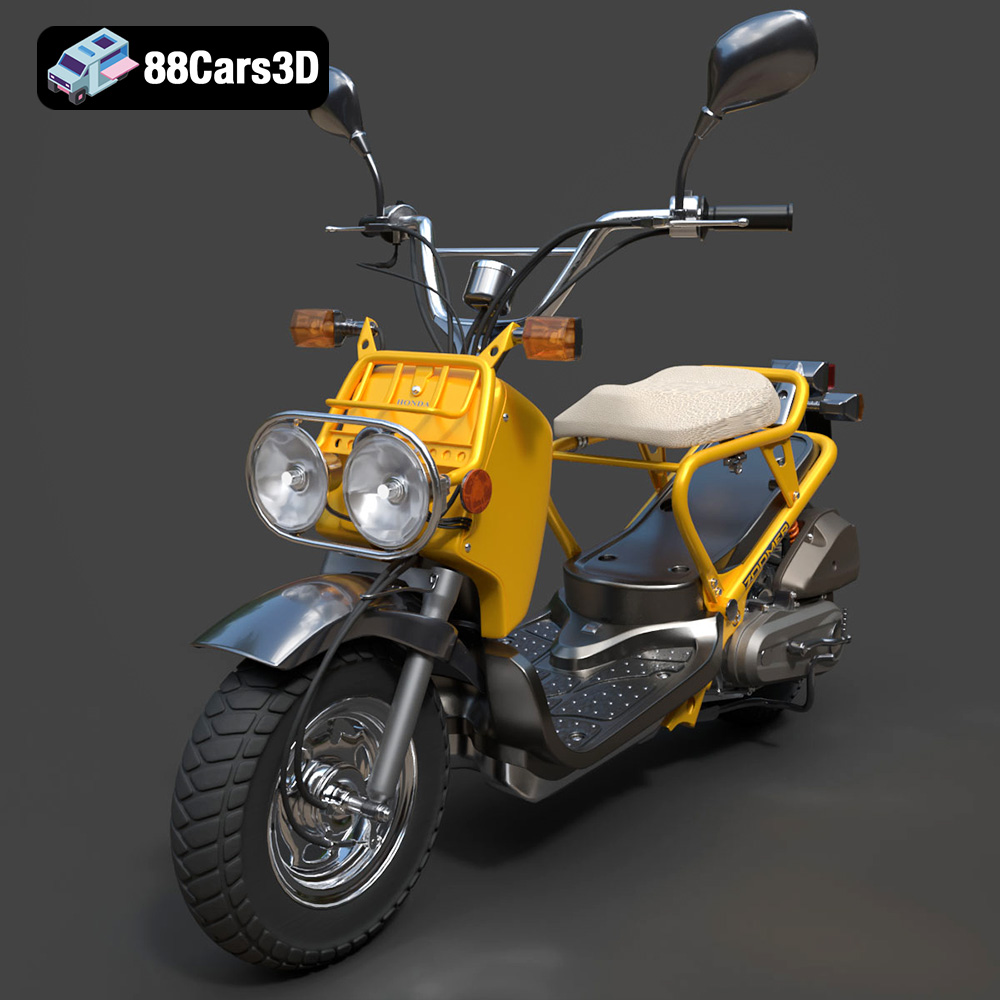
Texture: Yes
Material: Yes
Download the Honda Zoomer 50 2005 3D Model featuring clean geometry, realistic detailing, and a fully modeled interior. Includes .blend, .fbx, .obj, .glb, .stl, .ply, .unreal, and .max formats for rendering, simulation, and game development.
Price: $19.99

Texture: Yes
Material: Yes
Download the Honda Valkyrie GL1800C 2015 3D Model featuring clean geometry, realistic detailing, and a fully modeled interior. Includes .blend, .fbx, .obj, .glb, .stl, .ply, .unreal, and .max formats for rendering, simulation, and game development.
Price: $19.99
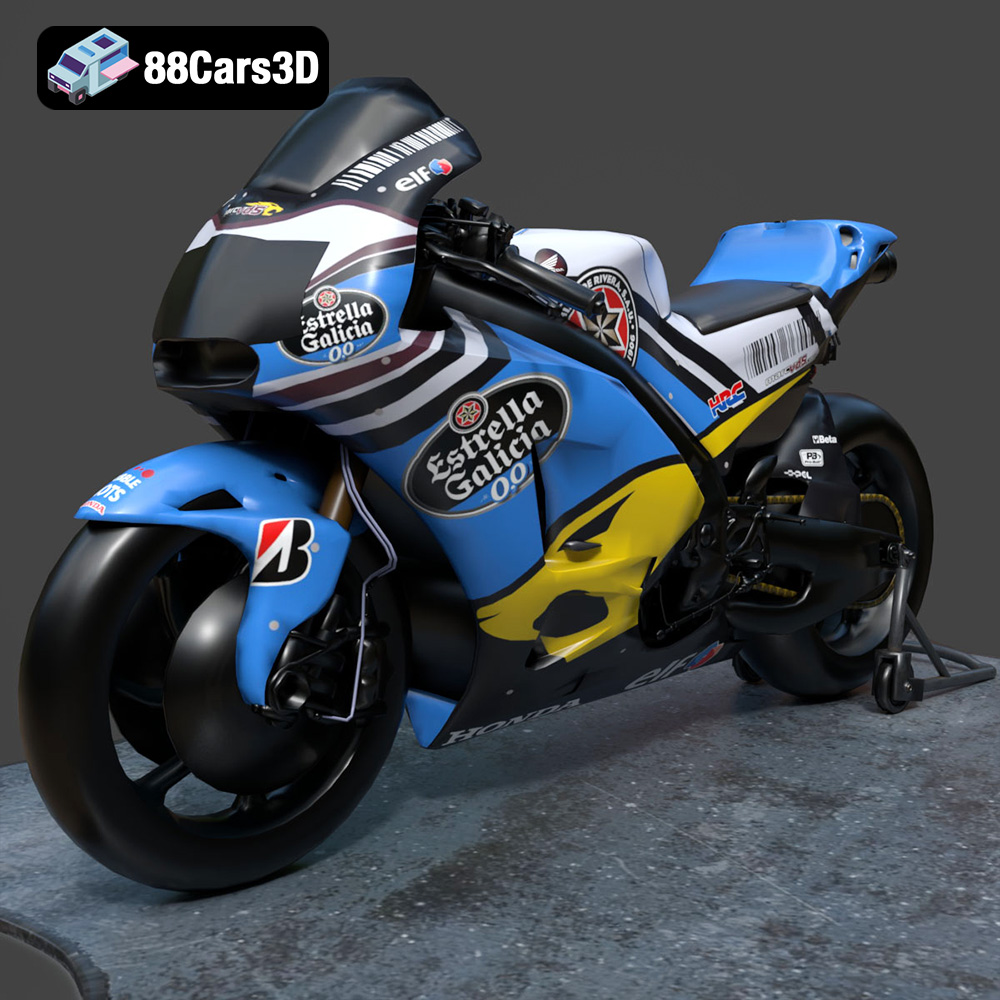
Texture: Yes
Material: Yes
Download the Honda RCV-213-001 3D Model featuring clean geometry, realistic detailing, and a fully modeled interior. Includes .blend, .fbx, .obj, .glb, .stl, .ply, .unreal, and .max formats for rendering, simulation, and game development.
Price: $19.99
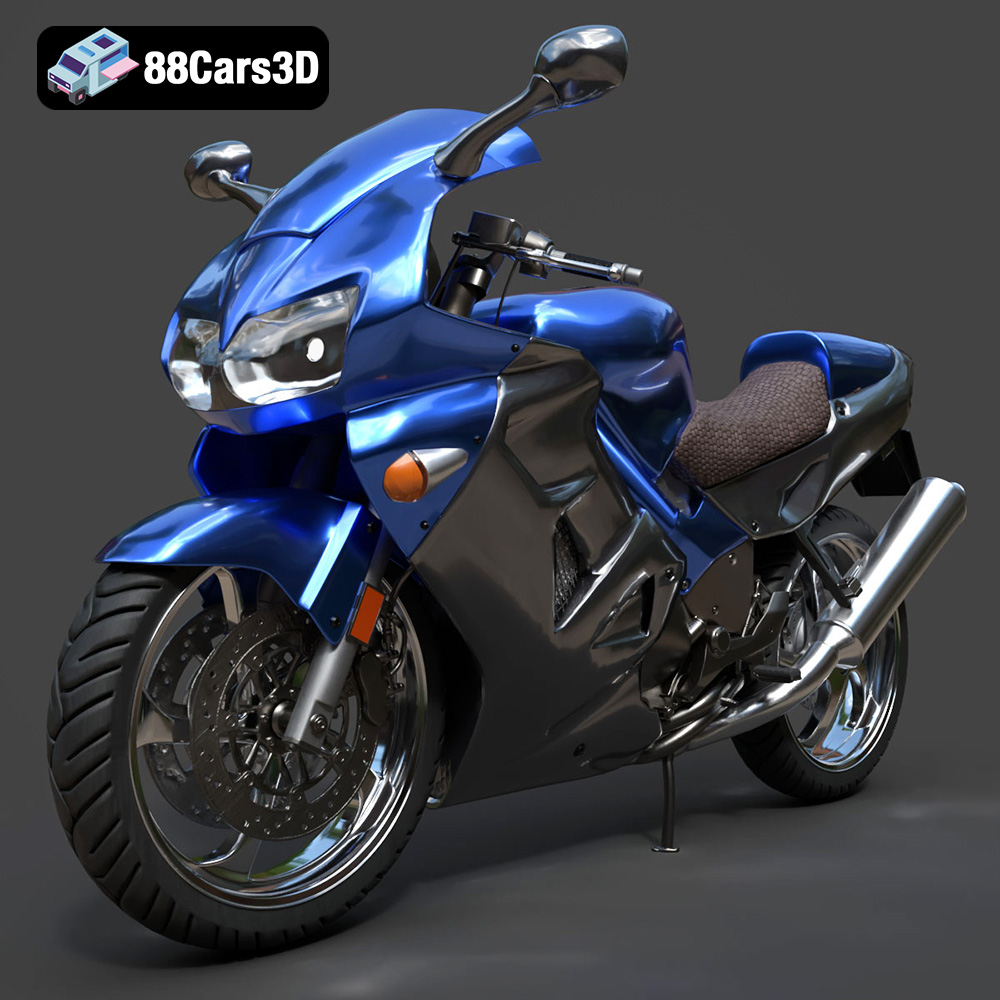
Texture: Yes
Material: Yes
Download the Honda VFR 801-002 3D Model featuring clean geometry, realistic detailing, and a fully modeled interior. Includes .blend, .fbx, .obj, .glb, .stl, .ply, .unreal, and .max formats for rendering, simulation, and game development.
Price: $19.99
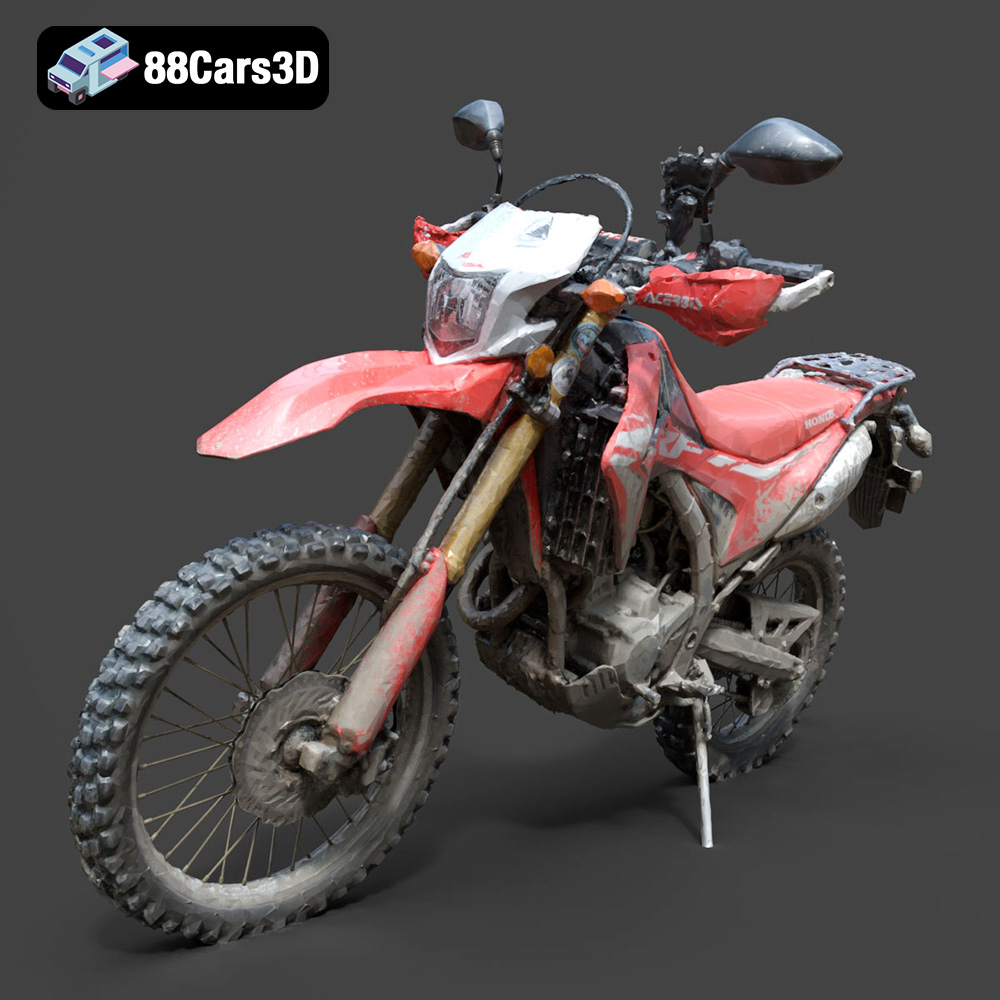
Texture: Yes
Material: Yes
Download the Honda Motorcycle-001 3D Model featuring clean geometry, realistic detailing, and a fully modeled interior. Includes .blend, .fbx, .obj, .glb, .stl, .ply, .unreal, and .max formats for rendering, simulation, and game development.
Price: $19.99

Texture: Yes
Material: Yes
Download the Honda Monkey 125 2019 3D Model featuring clean geometry, realistic detailing, and a fully modeled interior. Includes .blend, .fbx, .obj, .glb, .stl, .ply, .unreal, and .max formats for rendering, simulation, and game development.
Price: $19.99
Texture: Yes
Material: Yes
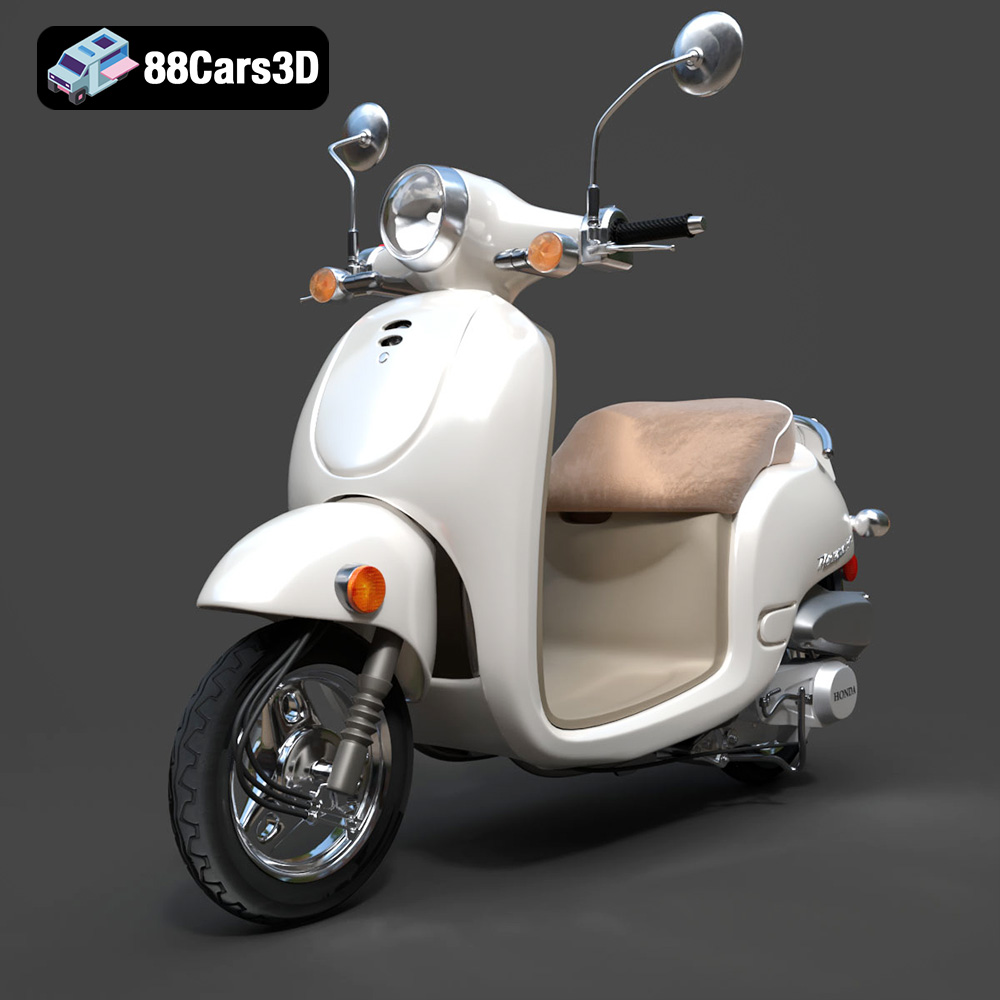
Download the Honda Metropolitan 2013 3D Model featuring clean geometry, realistic detailing, and a fully modeled interior. Includes .blend, .fbx, .obj, .glb, .stl, .ply, .unreal, and .max formats for rendering, simulation, and game development.
Price: $19.99

