Get 50% OFF All Premium 3D & STL Models!

“`html
The world of 3D printing relies heavily on the STL (Stereolithography) file format. Whether you’re a hobbyist printing miniatures or an engineer prototyping automotive parts, understanding STL files is crucial for successful prints. This article dives deep into the structure, characteristics, and intricacies of STL files, focusing specifically on their application to printable car models available on platforms like 88cars3d.com. We’ll explore the mesh topology, triangle-based representation, precision limitations, and the critical steps for preparing STL files for optimal 3D printing. By the end of this guide, you’ll have a comprehensive understanding of how STL files function and how to optimize them for your 3D printing projects.
Specifically, we’ll cover:
At its heart, an STL file is a surface representation of a 3D object constructed from interconnected triangles. Think of it like a digital sculpture made of countless tiny facets. Each triangle is defined by three vertices (points in 3D space) and a normal vector (a vector perpendicular to the surface of the triangle, indicating its orientation). This seemingly simple structure is the foundation for representing complex geometries in the 3D printing world.
STL files come in two main flavors: ASCII and Binary. ASCII STL files are human-readable, containing the coordinates of each vertex and the components of the normal vector in plain text. This makes them easy to inspect and debug, but they are significantly larger in file size compared to their binary counterparts. Binary STL files store the same information in a compressed, binary format, resulting in smaller file sizes and faster processing. For large, complex models, such as detailed printable car models found on 88cars3d.com, the binary format is almost always preferred due to its efficiency.
A common analogy for understanding STL files is the “triangle soup.” Imagine a container filled with numerous individual triangles floating around. The STL file essentially defines the shape of the object by specifying the size, position, and orientation of each triangle in this soup. The slicer software then interprets this data to generate the toolpath for the 3D printer. The more triangles used to represent a curved surface, the smoother the final printed result will be. However, more triangles also mean a larger file size and potentially longer processing times.
The density of triangles in an STL file directly affects the smoothness and accuracy of the 3D printed object. Low-resolution STL files, with fewer triangles, can result in noticeable faceting or a “stair-stepping” effect on curved surfaces. This is particularly noticeable when printing complex shapes like car bodies. Conversely, high-resolution STL files, with a large number of triangles, can capture finer details and produce smoother surfaces, but they also come with increased file sizes and computational demands. Striking a balance between resolution and file size is crucial for efficient 3D printing.
The degree of faceting is directly related to the chordal deviation, which is the maximum distance between the actual curved surface and the flat triangle approximating it. Reducing the chordal deviation requires increasing the triangle density. Most CAD software allows you to control the tessellation parameters, which determine the level of detail in the STL export. Experimenting with these parameters is essential to find the optimal balance between print quality and file size. Aim for a chordal deviation that is smaller than your layer height to minimize visible faceting.
Advanced meshing techniques, such as adaptive meshing, can intelligently allocate triangles based on the curvature of the surface. This means that areas with high curvature, like the edges of a car model, will have a higher triangle density, while flatter surfaces will have a lower density. This approach can significantly reduce file size without sacrificing detail in critical areas. Some CAD software packages offer adaptive meshing algorithms during STL export.
Before sending an STL file to the 3D printer, it’s often necessary to perform some pre-processing steps to ensure printability. This involves checking for common issues like non-manifold geometry, flipped normals, and holes in the mesh. These imperfections can lead to printing errors or even prevent the slicer from generating a valid toolpath. Several software tools are available for repairing and optimizing STL files, including Meshmixer, Netfabb, and Blender.
Meshmixer is a free and powerful tool for repairing and editing STL files. It offers a variety of features, including automatic mesh repair, which can identify and fix common problems like holes, flipped normals, and intersecting faces. To use the automatic repair function in Meshmixer, simply import the STL file and select “Edit” -> “Make Solid.” Meshmixer will then attempt to fix any detected issues. Manually inspecting the repaired mesh is crucial to ensure that the repairs haven’t introduced any new problems.
The orientation of the model on the build plate is another crucial factor for successful 3D printing. Choosing the right orientation can minimize the need for support structures, reduce print time, and improve surface quality. Overhanging features require support structures to prevent them from collapsing during printing. However, support structures can also leave marks on the printed surface and require post-processing to remove. Optimize the orientation to minimize overhangs while considering the aesthetic impact on the final product. STL models of cars, such as those available from 88cars3d.com, may benefit from printing the body at an angle to minimize support on the curved surfaces.
The slicer software plays a critical role in translating the STL file into a set of instructions that the 3D printer can understand. It divides the 3D model into thin horizontal layers and generates a toolpath that specifies the movement of the print head. The slicing parameters, such as layer height, infill density, and print speed, directly affect the print quality, strength, and printing time. Understanding how these parameters interact with the STL mesh is crucial for achieving optimal results.
Layer height is one of the most important slicing parameters. A smaller layer height results in a smoother surface finish but also increases printing time. A larger layer height results in a faster print but may compromise surface quality. A common starting point for FDM printing is a layer height of 0.2mm, but this can be adjusted depending on the desired level of detail. For resin printing, layer heights are typically much smaller, often in the range of 0.025mm to 0.05mm, resulting in significantly higher resolution prints.
Infill density determines the amount of material used inside the 3D printed object. A higher infill density increases the strength and weight of the object but also increases printing time and material consumption. A lower infill density results in a lighter and faster print but may compromise structural integrity. For most applications, an infill density of 20% to 30% is sufficient. However, for parts that need to withstand significant stress, such as functional automotive parts, a higher infill density may be necessary. Slicers like Cura and PrusaSlicer offer a variety of infill patterns, each with its own unique properties in terms of strength, weight, and printing time.
Even with careful preparation, 3D printing can sometimes present challenges. Common issues include warping, layer adhesion problems, stringing, and elephant’s foot. Understanding the causes of these issues and how to address them is essential for achieving successful prints. Many of these issues can be traced back to either the STL file itself or the slicer settings used to process it.
Warping occurs when the corners of the 3D printed object lift off the build plate during printing. This is often caused by uneven cooling or insufficient bed adhesion. To prevent warping, ensure that the build plate is clean and properly leveled. Applying an adhesive, such as glue stick or hairspray, can also improve bed adhesion. For materials like ABS, which are particularly prone to warping, an enclosed printer with a heated chamber is often necessary. Increasing the bed temperature and using a brim or raft can also help to prevent warping.
Stringing occurs when thin strands of plastic are left behind as the print head moves between different parts of the model. This is often caused by excessive oozing of the filament. To reduce stringing, adjust the retraction settings in the slicer software. Retraction involves pulling the filament back into the nozzle when the print head is not actively extruding. Increasing the retraction distance and speed can help to prevent oozing. Also, ensure that the nozzle temperature is not too high, as this can also contribute to stringing.
The choice of material plays a significant role in the final outcome. PLA, PETG, and ABS are common FDM filaments, each with its own properties. Similarly, various resin types exist for resin printing. Proper printer calibration is paramount for optimal performance, including bed leveling, temperature settings, and extrusion calibration.
PLA (Polylactic Acid) is a biodegradable thermoplastic that is easy to print and produces high-quality results. It is a good choice for beginners and for printing decorative objects. However, PLA is not very heat-resistant and can warp or deform at high temperatures. ABS (Acrylonitrile Butadiene Styrene) is a stronger and more heat-resistant thermoplastic than PLA. It is a good choice for functional parts that need to withstand high temperatures or stress. However, ABS is more difficult to print than PLA and requires a heated bed and often an enclosed printer to prevent warping. PETG (Polyethylene Terephthalate Glycol-modified) is a good compromise between PLA and ABS. It is relatively easy to print, strong, and heat-resistant. It is a good choice for a wide range of applications.
Resin printing uses liquid photopolymer resins that are cured by UV light. Resin printing offers significantly higher resolution than FDM printing and is capable of producing very fine details. However, resin printing also has its limitations. Resin printers are typically more expensive than FDM printers, and the resins themselves can be costly and require careful handling. Resin prints also require post-processing, including washing and curing, to remove uncured resin and fully harden the part.
Understanding STL files is fundamental to successful 3D printing. By grasping the concepts of mesh topology, triangle resolution, file preparation, slicing parameters, and troubleshooting techniques, you can significantly improve the quality and reliability of your prints. Whether you’re downloading printable car models from platforms like 88cars3d.com or designing your own 3D objects, the knowledge gained from this guide will empower you to overcome common challenges and achieve exceptional results. Experiment with different settings, explore advanced techniques, and continuously refine your workflow to unlock the full potential of 3D printing.
Next steps to improve your STL skills:
“`

Texture: Yes
Material: Yes
Download the Jaguar XFR-S 2014 3D Model featuring clean geometry, realistic detailing, and a fully modeled interior. Includes .blend, .fbx, .obj, .glb, .stl, .ply, .unreal, and .max formats for rendering, simulation, and game development.
Price: $19.99

Texture: Yes
Material: Yes
Download the Infiniti QX50 2019 3D Model featuring clean geometry, realistic detailing, and a fully modeled interior. Includes .blend, .fbx, .obj, .glb, .stl, .ply, .unreal, and .max formats for rendering, simulation, and game development.
Price: $19.99

Texture: Yes
Material: Yes
Download the Hyundai i40 Wagon 2015 3D Model featuring clean geometry, realistic detailing, and a fully modeled interior. Includes .blend, .fbx, .obj, .glb, .stl, .ply, .unreal, and .max formats for rendering, simulation, and game development.
Price: $19.99

Texture: Yes
Material: Yes
Download the Honda NSX 2017 3D Model featuring clean geometry, realistic detailing, and a fully modeled interior. Includes .blend, .fbx, .obj, .glb, .stl, .ply, .unreal, and .max formats for rendering, simulation, and game development.
Price: $19.99
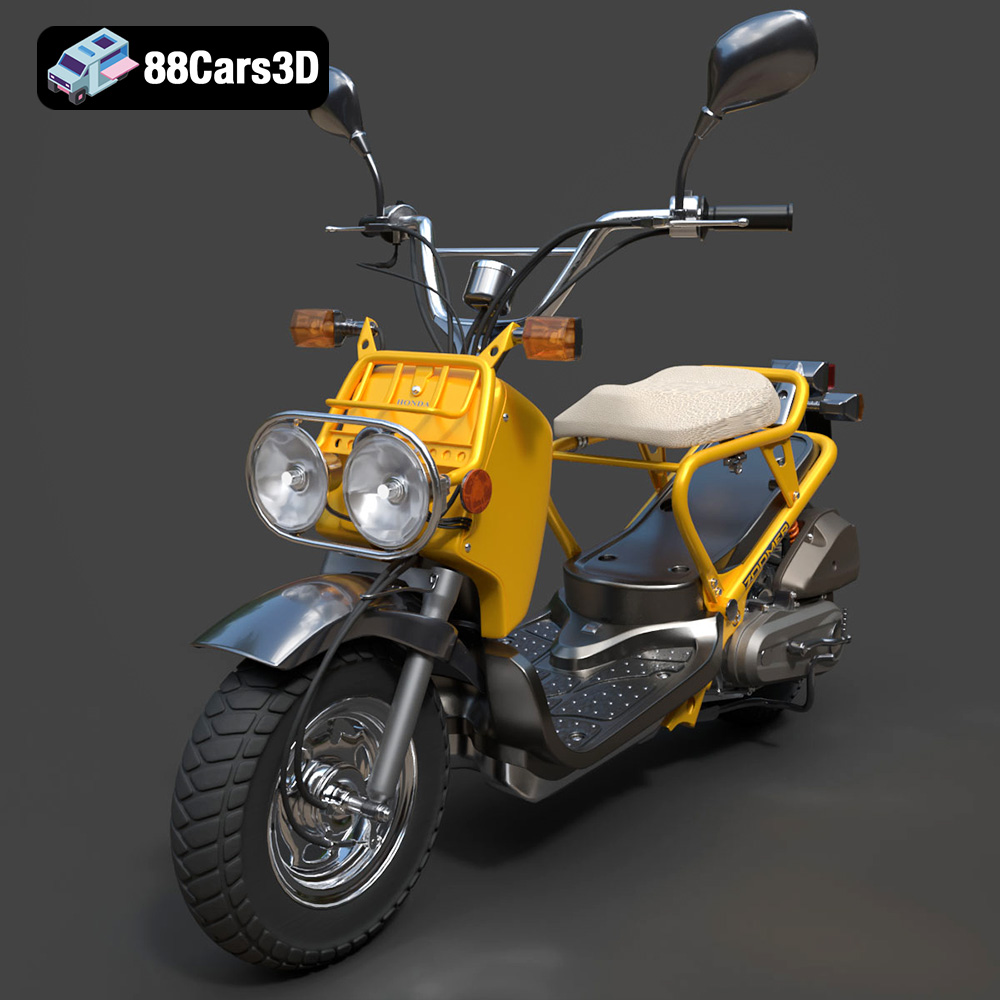
Texture: Yes
Material: Yes
Download the Honda Zoomer 50 2005 3D Model featuring clean geometry, realistic detailing, and a fully modeled interior. Includes .blend, .fbx, .obj, .glb, .stl, .ply, .unreal, and .max formats for rendering, simulation, and game development.
Price: $19.99

Texture: Yes
Material: Yes
Download the Honda Valkyrie GL1800C 2015 3D Model featuring clean geometry, realistic detailing, and a fully modeled interior. Includes .blend, .fbx, .obj, .glb, .stl, .ply, .unreal, and .max formats for rendering, simulation, and game development.
Price: $19.99
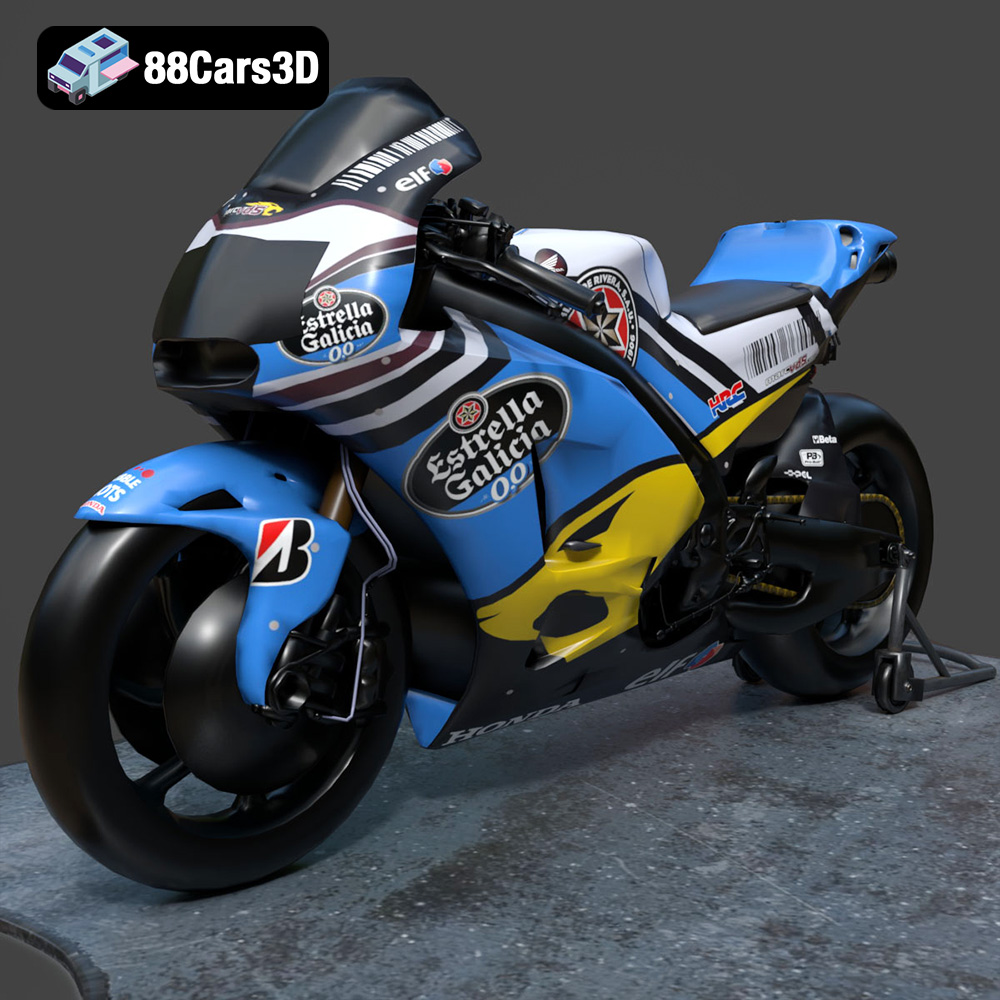
Texture: Yes
Material: Yes
Download the Honda RCV-213-001 3D Model featuring clean geometry, realistic detailing, and a fully modeled interior. Includes .blend, .fbx, .obj, .glb, .stl, .ply, .unreal, and .max formats for rendering, simulation, and game development.
Price: $19.99
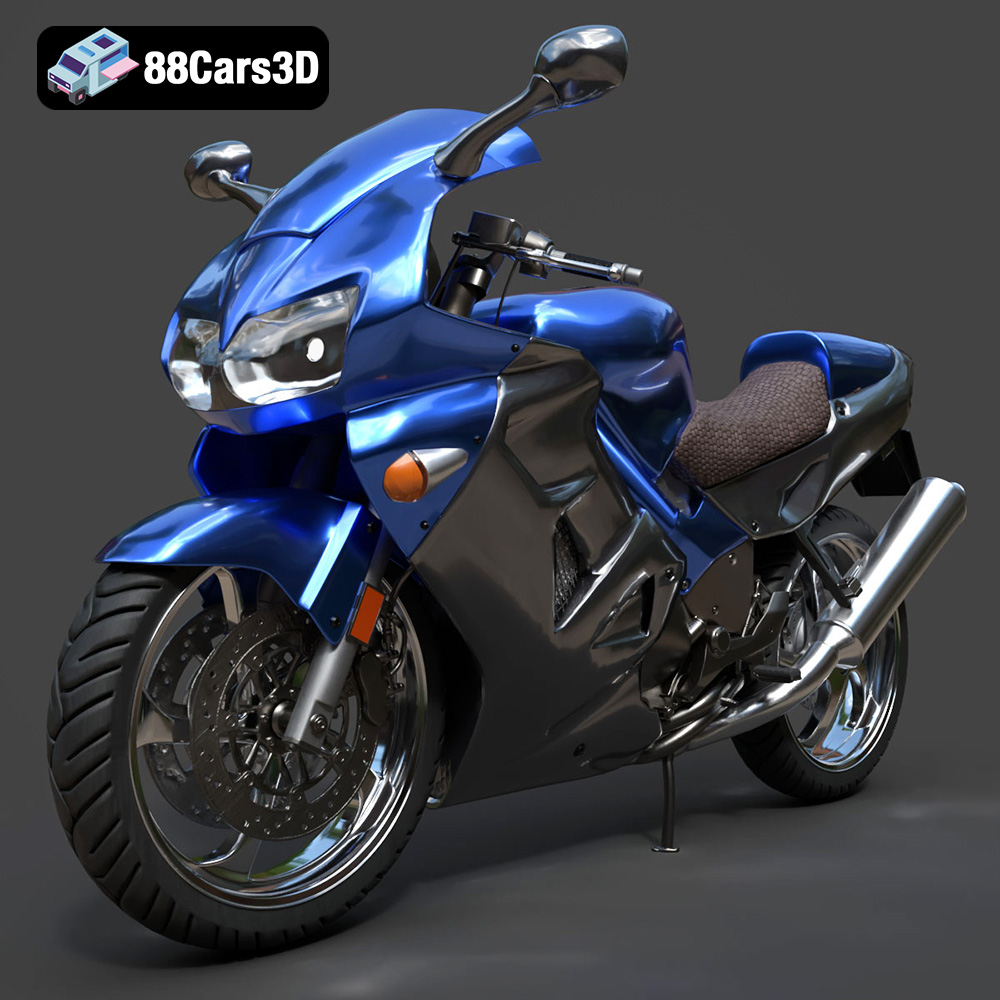
Texture: Yes
Material: Yes
Download the Honda VFR 801-002 3D Model featuring clean geometry, realistic detailing, and a fully modeled interior. Includes .blend, .fbx, .obj, .glb, .stl, .ply, .unreal, and .max formats for rendering, simulation, and game development.
Price: $19.99
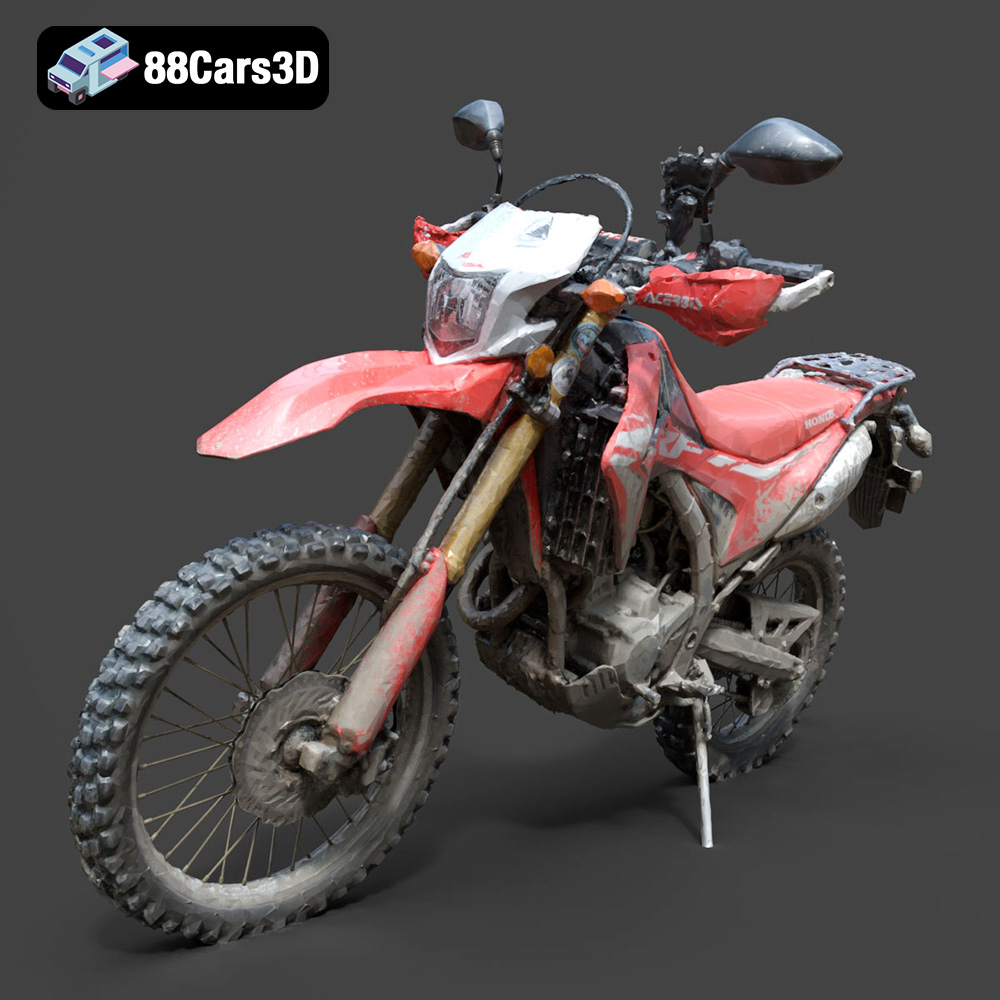
Texture: Yes
Material: Yes
Download the Honda Motorcycle-001 3D Model featuring clean geometry, realistic detailing, and a fully modeled interior. Includes .blend, .fbx, .obj, .glb, .stl, .ply, .unreal, and .max formats for rendering, simulation, and game development.
Price: $19.99

Texture: Yes
Material: Yes
Download the Honda Monkey 125 2019 3D Model featuring clean geometry, realistic detailing, and a fully modeled interior. Includes .blend, .fbx, .obj, .glb, .stl, .ply, .unreal, and .max formats for rendering, simulation, and game development.
Price: $19.99

