Get 50% OFF All Premium 3D & STL Models!

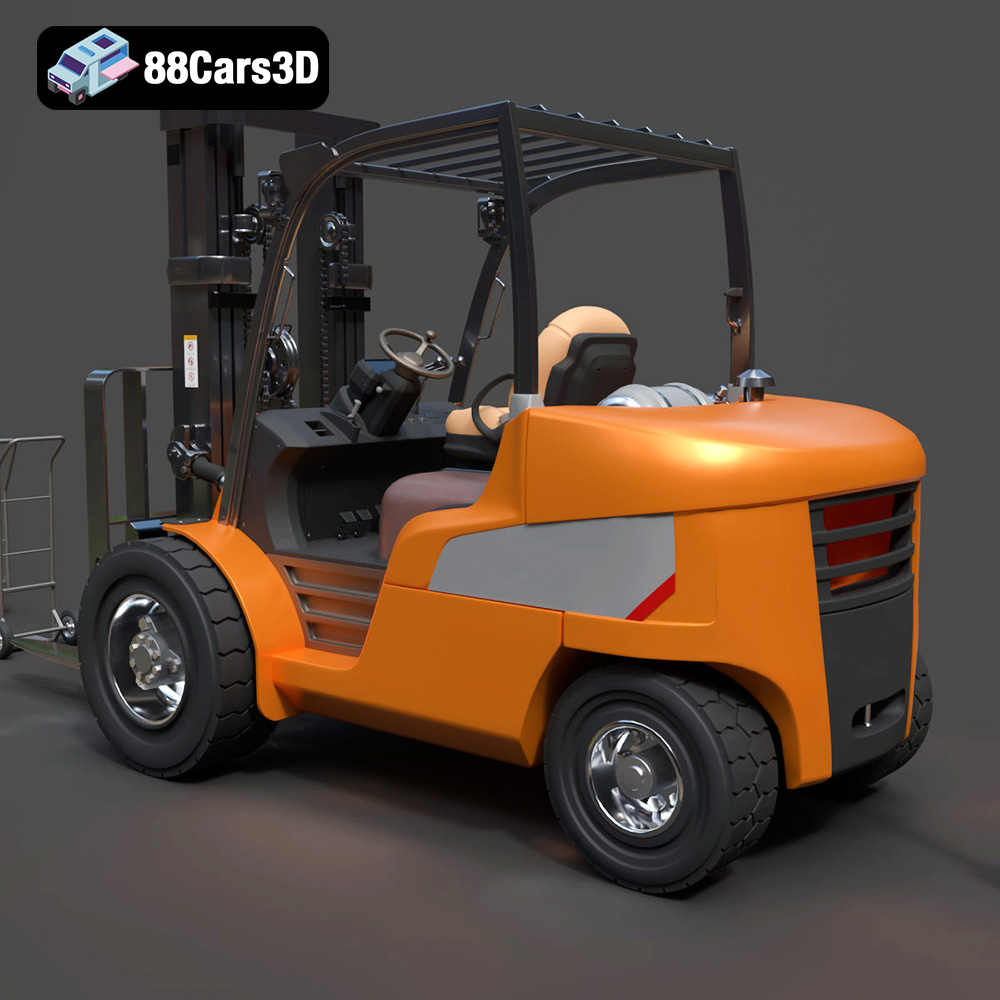
The CAT Forklift Manual Loader & Warehouse Carts Kit 3D Model from 88cars3d.com is an incredibly detailed digital asset, offering a fantastic opportunity for hobbyists, diorama builders, and scale model enthusiasts to bring realistic industrial equipment to life. While designed for rendering and visualization, its high level of detail makes it a prime candidate for 3D printing, especially for creating stunning scale models. This guide will walk you through the entire process, from pre-print preparation to post-processing, ensuring you achieve the best possible results. We’ll cover everything from selecting the right materials and printer settings to troubleshooting common issues and adding finishing touches.
Choosing the right file format is a crucial first step in the 3D printing process. The CAT Forklift Manual Loader & Warehouse Carts Kit 3D Model comes in several formats, each with its own strengths and weaknesses. Understanding these differences will help you select the format best suited for your needs and printing setup.
The .stl (stereolithography) file format is the undisputed king of 3D printing. It represents the geometry of a 3D object as a collection of triangles, forming a mesh. This simplicity makes it universally compatible with virtually all 3D printing software and hardware. For the CAT Forklift model, the .stl format is the recommended starting point for 3D printing.
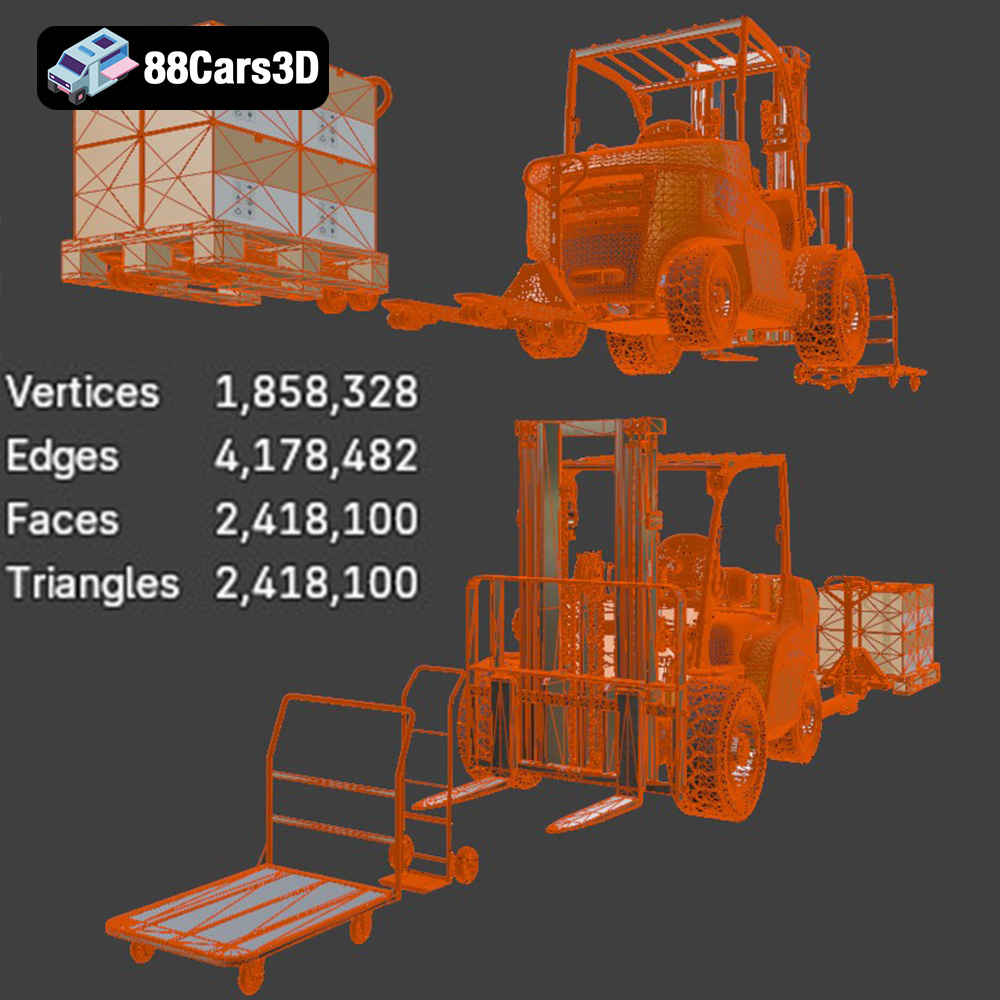
When working with .stl files, it’s important to consider mesh quality. A higher triangle count results in a smoother surface finish but also increases file size and processing time. The CAT Forklift model boasts over 2.4 million triangles, which is incredibly high-poly, ensuring excellent detail. However, this can also be taxing on your slicing software and printer’s processing power. If you encounter performance issues, you might consider using mesh simplification tools (available in most 3D modeling software) to reduce the triangle count while preserving the essential details. It is important to retain all the details of the hydraulic valves and steering levers.
Slicing software compatibility is a non-issue with .stl files. Programs like Cura, PrusaSlicer, Simplify3D, and others all readily accept .stl files. You simply import the file, configure your print settings, and generate the G-code that your printer understands.
The .obj (object) file format is another popular option, especially when dealing with models that have color and texture information. Unlike .stl, which only stores geometry, .obj files can store vertex colors, texture coordinates, and material definitions. If the CAT Forklift model included detailed color textures, the .obj format would be useful. However, since the primary focus for 3D printing is often on creating a physical model that is then painted, .stl is typically preferred for its simplicity and widespread compatibility.
The .ply (polygon) file format is designed for storing 3D data acquired from 3D scanners. It’s known for its ability to represent high-detail meshes with accurate color information. While less common than .stl or .obj in the general 3D printing world, .ply can be valuable when dealing with highly complex geometries. It has similar usage to .obj but with a greater focus on raw scan data.
The .blend (Blender), .fbx (Filmbox), .glb (GL Transmission Format), and .max (3ds Max) formats are native file formats for specific 3D modeling software packages. These formats are primarily useful for users who want to modify the CAT Forklift model before 3D printing it. For example, you might want to separate individual components, add custom details, or optimize the model for a specific printing process.
* **.blend:** This is the native format for Blender, a free and open-source 3D creation suite.
* **.fbx:** This is a widely used format developed by Autodesk, commonly used for exchanging 3D data between different software packages. It supports geometry, textures, and animations.
* **.glb:** This format is designed for efficient transmission and loading of 3D scenes and models. It’s often used for web-based applications and AR/VR experiences, and also has capabilities for previewing models.
* **.max:** This is the native format for 3ds Max, another popular 3D modeling software package developed by Autodesk.
If you plan to print the model as-is, you don’t need to work with these formats. However, if you want to customize the model, having access to the .blend or .max file can be extremely beneficial.
Once you have your .stl file ready, the next step is to prepare it for 3D printing using slicing software. This software converts the 3D model into a series of layers that your printer can understand and build. Popular slicing software options include Cura, PrusaSlicer, Simplify3D, and Chitubox (for resin printing).
The best slicing software for you will depend on your printer type (FDM or resin) and your level of experience. Cura and PrusaSlicer are excellent choices for beginners, offering a user-friendly interface and a wide range of customizable settings. Simplify3D is a more advanced option with greater control over the printing process. For resin printers, Chitubox is a popular and powerful choice, specifically designed for optimizing resin prints.
Model orientation is critical for achieving a successful print. For the CAT Forklift model, consider the following:
* **Main Fork Body:** Printing the main fork body flat on the build plate will minimize the need for supports and ensure a strong, stable base.
* **Handle and Pump Mechanism:** These parts should be printed separately, ideally oriented to minimize the number of supports required. Consider printing the handle vertically to preserve details.
* **Wheels:** These can be printed flat on the build plate.
Support structures are essential for printing overhangs and complex geometries. The CAT Forklift model will require supports for the handle, forks, and undercarriage wheel housings. In your slicing software, carefully configure the support settings to ensure adequate support without being excessive. Consider using tree supports or light supports to minimize material usage and improve surface finish.
The recommended scales for this model are 1:35, 1:24, and 1:14, common scales for RC construction sites and dioramas. Scale the model appropriately in your slicing software before proceeding.
Before slicing, it’s also a good idea to check the model for any errors or imperfections. Mesh repair tools, available in most slicing software, can automatically fix common issues like non-manifold edges and holes.
The choice of material will significantly impact the final appearance, strength, and durability of your 3D printed CAT Forklift model.
PLA (polylactic acid) is a popular, biodegradable thermoplastic that is easy to print and produces excellent results. It’s a good choice for beginners and for creating models that don’t require high strength or heat resistance. PLA is available in a wide range of colors, making it easy to achieve the desired aesthetic.
PETG (polyethylene terephthalate glycol-modified) offers a good balance of strength, durability, and ease of printing. It’s more heat-resistant than PLA and less prone to warping, making it a good choice for parts that need to withstand some stress.
For the CAT Forklift model, the product description strongly recommends resin printing to capture the tiny hydraulic valves and steering levers. Resin printers use liquid photopolymer resin that is cured by UV light, allowing for extremely high resolution and intricate details. If you want to achieve the highest level of detail and accuracy, resin printing is the way to go. However, resin printing requires more specialized equipment and post-processing steps compared to FDM printing.
* **Detail Level:** If capturing fine details is your top priority, resin is the best choice.
* **Strength and Durability:** If you need a strong and durable model, PETG is a good option.
* **Ease of Printing:** PLA is the easiest material to print, making it ideal for beginners.
* **Post-Processing:** Resin prints require more post-processing than FDM prints, including washing and curing.
Achieving a successful 3D print requires careful attention to printer settings. The optimal settings will vary depending on your printer, material, and desired level of detail.
Layer height is a critical parameter that affects both print quality and print time. A lower layer height results in a smoother surface finish but also increases print time. For the CAT Forklift model, the recommended layer height is 0.04–0.08 mm, especially when printing with resin to capture the fine details. With FDM printing, you may need to adjust this slightly based on your nozzle size and material.
Infill density determines the amount of material inside the model. A higher infill density increases strength but also increases print time and material usage. For the CAT Forklift model, a 20–30% infill density is generally sufficient, providing a good balance of strength and efficiency.
Wall thickness refers to the thickness of the outer walls of the model. A thicker wall provides greater strength and rigidity. The recommended wall thickness for this model is solid or 1.5–2.0 mm.
Print speed affects both print quality and print time. A slower print speed generally results in better quality but increases print time. Start with a moderate print speed and adjust as needed based on your printer and material.
The optimal temperature settings will vary depending on the material you are using. Consult the material manufacturer’s recommendations for the appropriate nozzle and bed temperatures.
Once your 3D print is complete, post-processing is essential for achieving a professional finish.
Carefully remove the support structures from the model. Use sharp tools like pliers, hobby knives, and sandpaper to avoid damaging the model.
Sanding is essential for smoothing out layer lines and imperfections. Start with coarse sandpaper and gradually move to finer grits to achieve a smooth surface. Wet sanding can also help to reduce dust.
Apply a primer to the model to create a smooth, uniform surface for painting. Choose a primer that is compatible with your chosen paint. Once the primer is dry, apply multiple thin coats of paint, allowing each coat to dry completely before applying the next. For the CAT Forklift model, use classic Caterpillar Yellow paint to match the authentic industrial appearance.
To add realism to your model, consider adding details like weathering, rust, and grime. Use washes, dry brushing, and other techniques to create a worn and weathered appearance.
If you printed the model in multiple parts, carefully assemble them using glue or other fasteners. Ensure that all parts are properly aligned and securely attached.
Despite careful preparation, you may encounter some common 3D printing issues.
Warping occurs when the corners of the model lift off the build plate. This is often caused by poor bed adhesion or temperature fluctuations. To prevent warping, ensure that your bed is properly leveled and heated. You can also use a brim or raft to improve bed adhesion.
Stringing occurs when thin strands of filament are left between different parts of the model. This is often caused by excessive nozzle temperature or retraction settings. To prevent stringing, reduce the nozzle temperature and increase the retraction distance.
Layer shifting occurs when the layers of the model are misaligned. This is often caused by loose belts or motors. To prevent layer shifting, tighten the belts and ensure that the motors are properly calibrated.
Elephant’s foot is the term for the bottom layers of a print expanding outwards, resembling, well, an elephant’s foot. This occurs due to the weight of the print and the heat of the bed. Reduce the bed temperature slightly or adjust the initial layer settings in your slicing software.
3D printing the CAT Forklift Manual Loader & Warehouse Carts Kit 3D Model from 88cars3d.com is a rewarding project that allows you to create a highly detailed and realistic scale model. By following the steps outlined in this guide, you can ensure a successful print and bring this iconic piece of industrial equipment to life. Remember to experiment with different materials and settings to find what works best for your printer and your desired level of detail. With patience and practice, you can create a stunning addition to your collection or diorama. Remember to share your finished prints with the 88cars3d.com community!
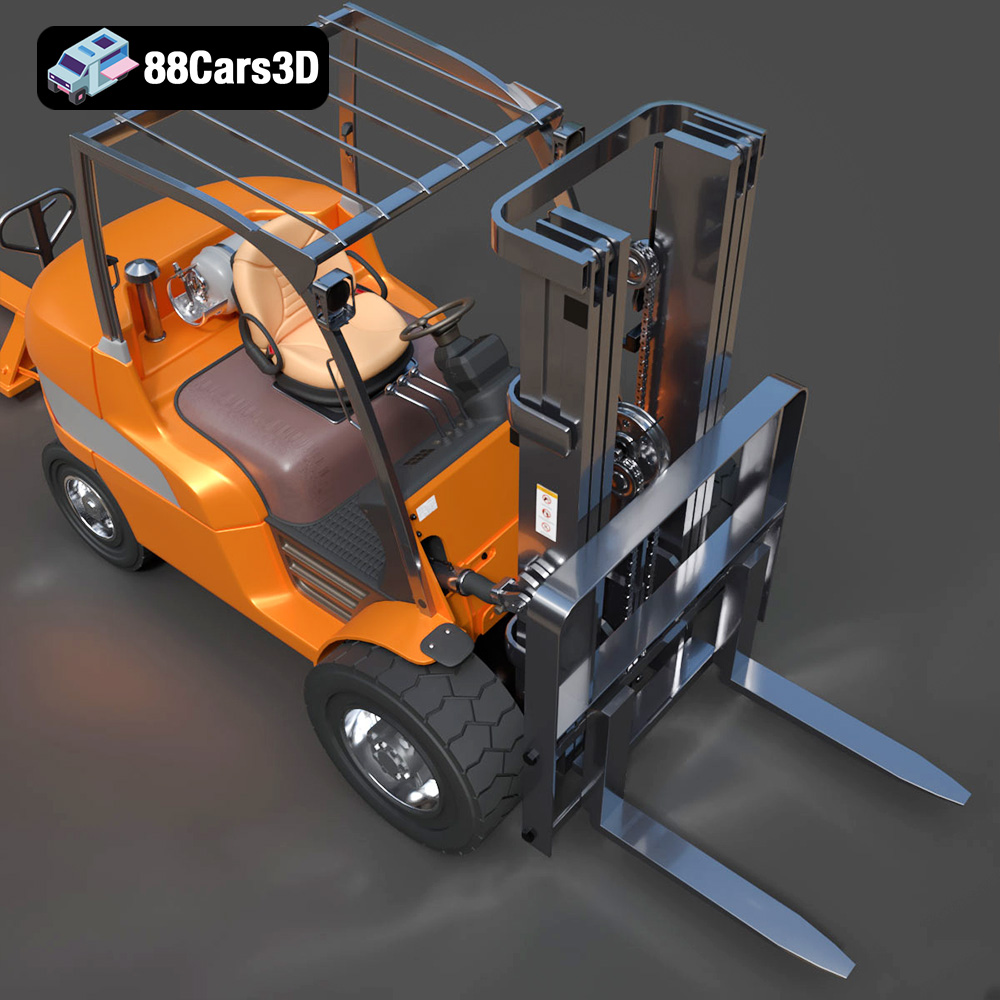
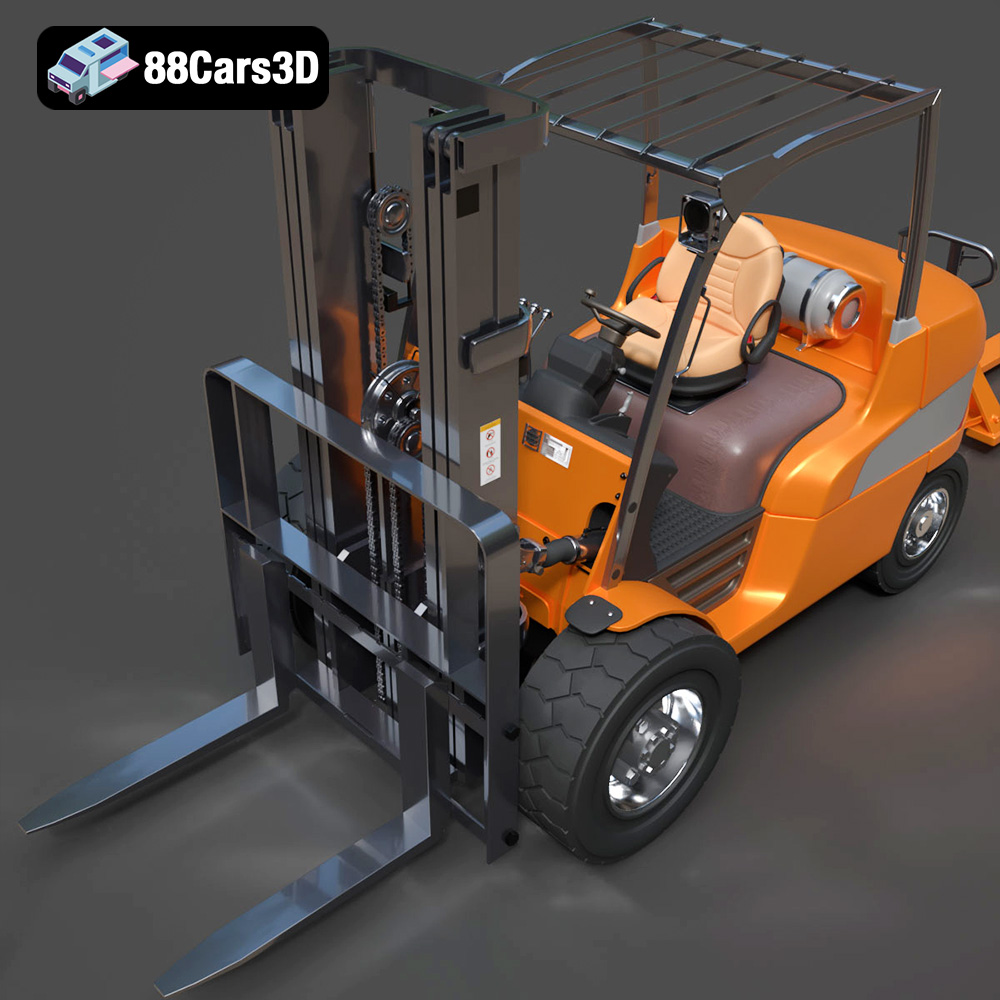
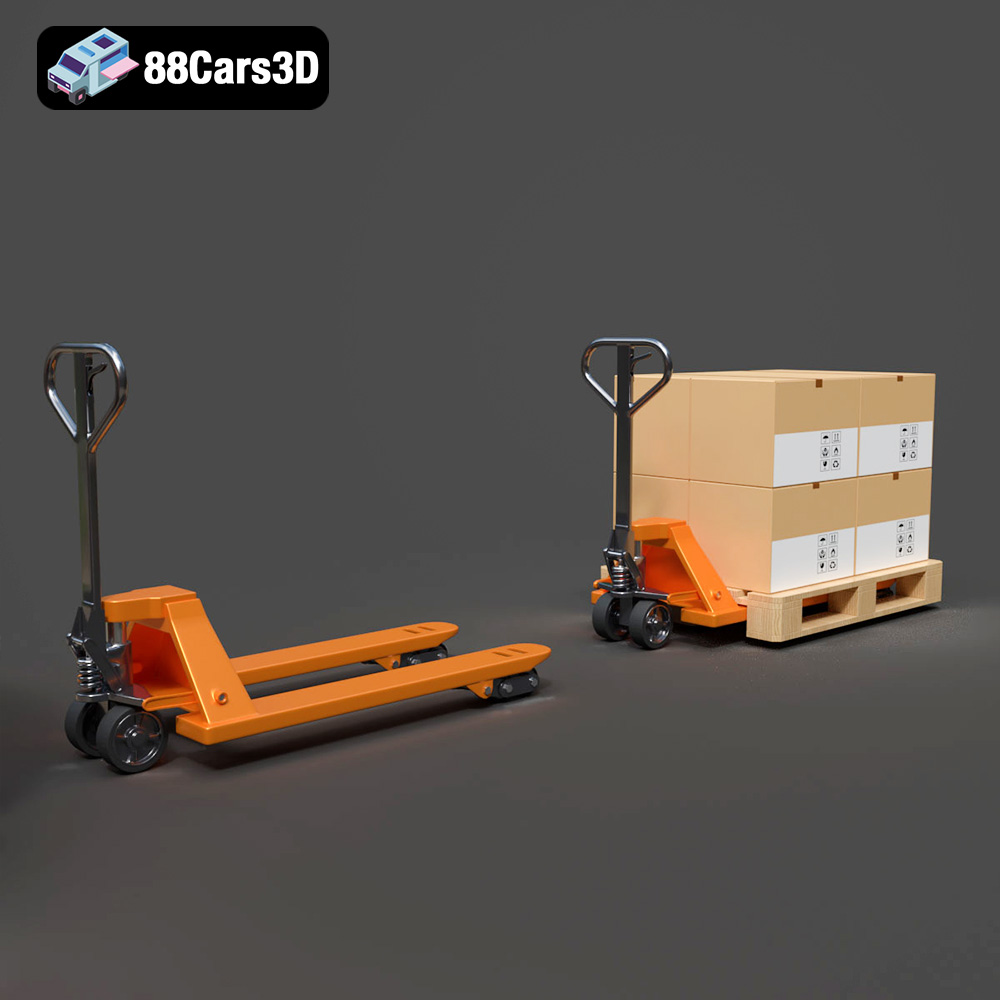
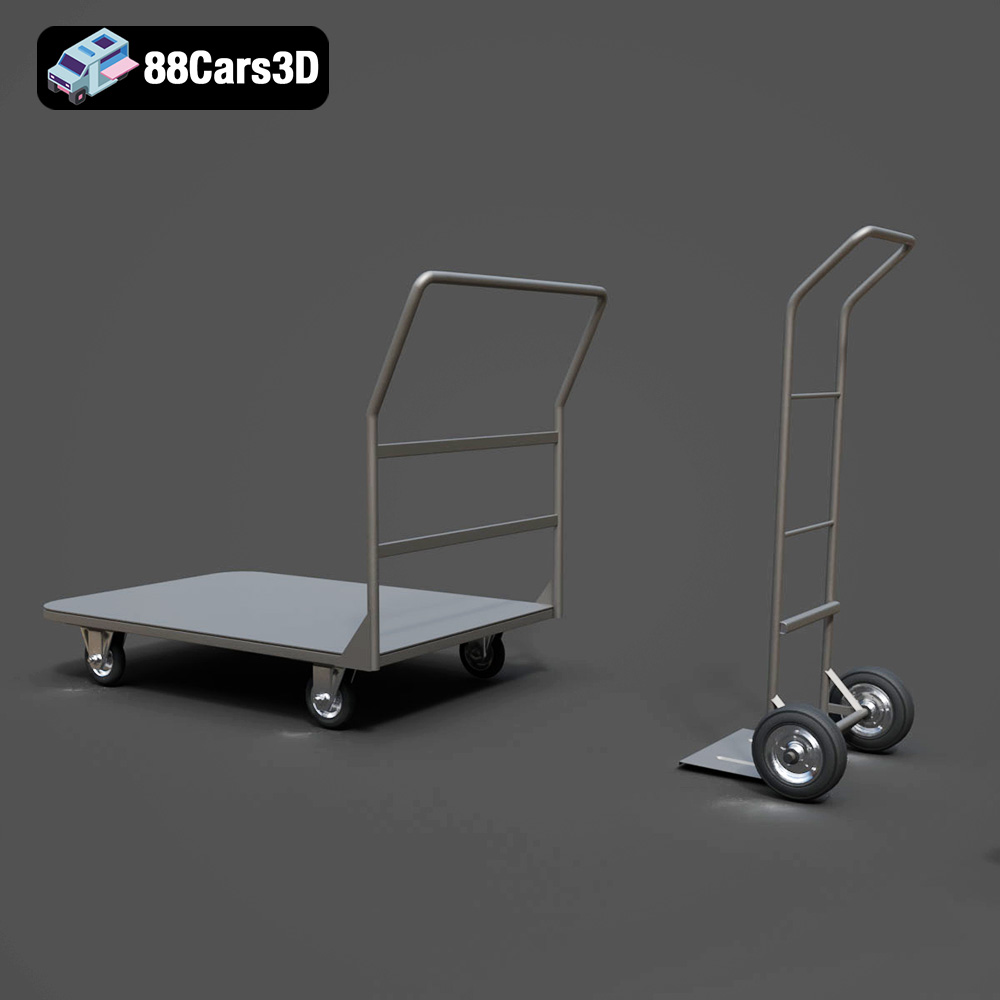
The CAT Forklift Manual Loader & Warehouse Carts Kit 3D Model is an incredibly detailed, professional-grade digital asset pack designed to bring absolute realism to industrial and logistical environments. At the heart of this kit is a meticulously modeled Caterpillar (CAT) manual pallet jack, accompanied by versatile warehouse transport carts. This 3D model kit captures the rugged, heavy-duty nature of real-world warehouse equipment.
$19.99
.archviz
.blend
.caterpillar
.fbx
.forklift
.industrial
.logistics
.obj
.rendering
cat
factory-3d-model
hand-truck
high poly
manual-loader
pallet-jack
warehouse-equipment