Get 50% OFF All Premium 3D & STL Models!

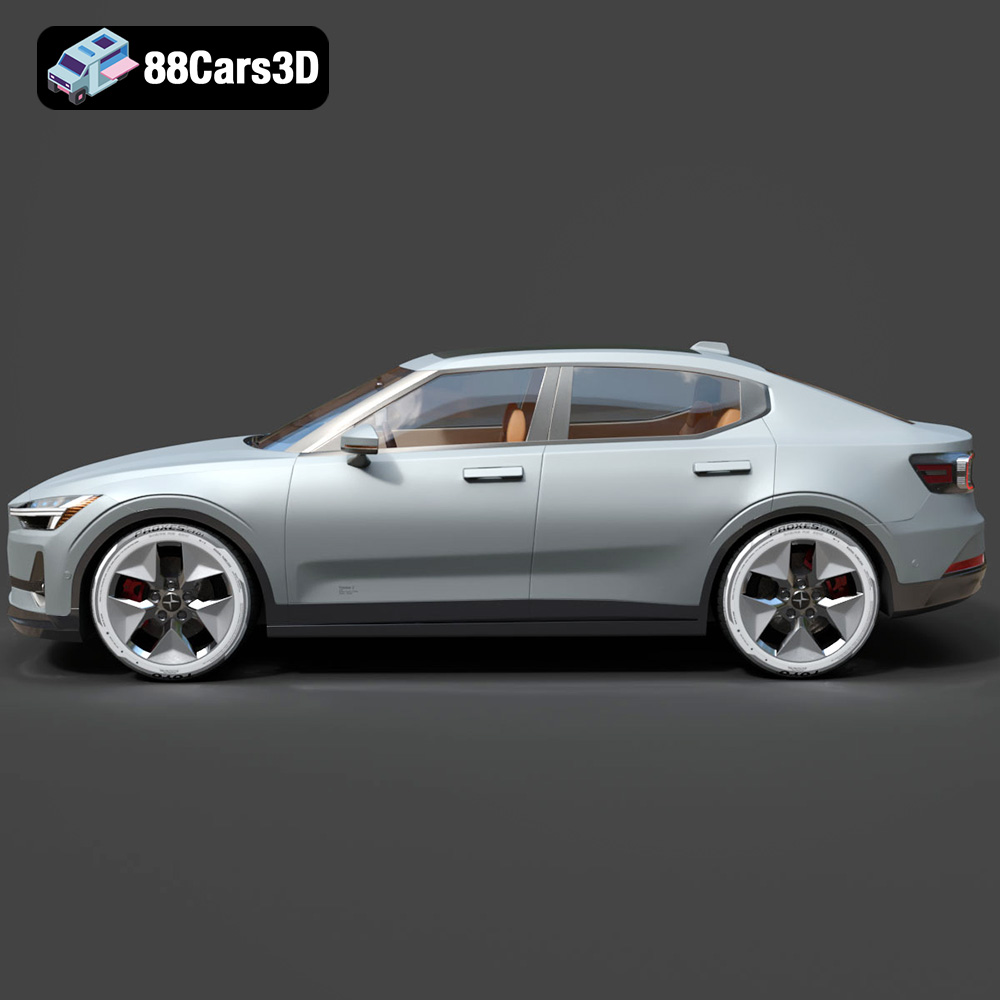
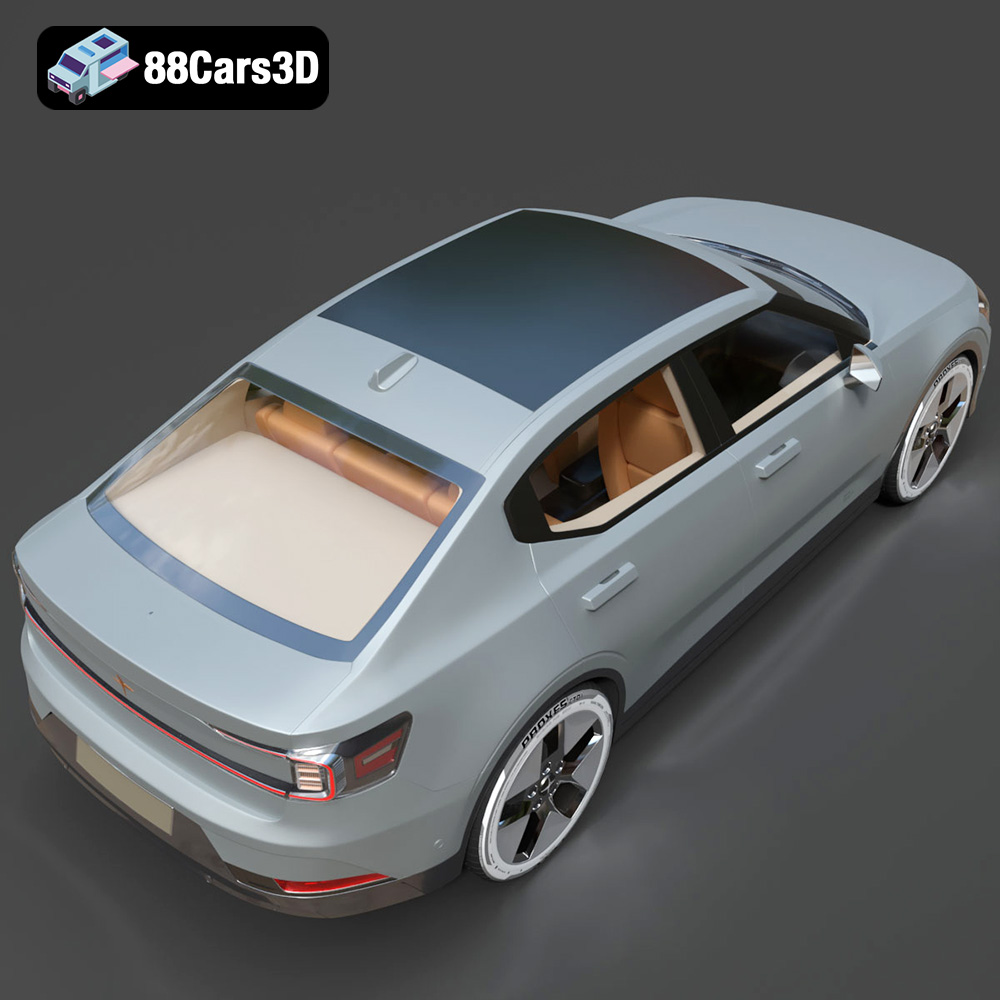
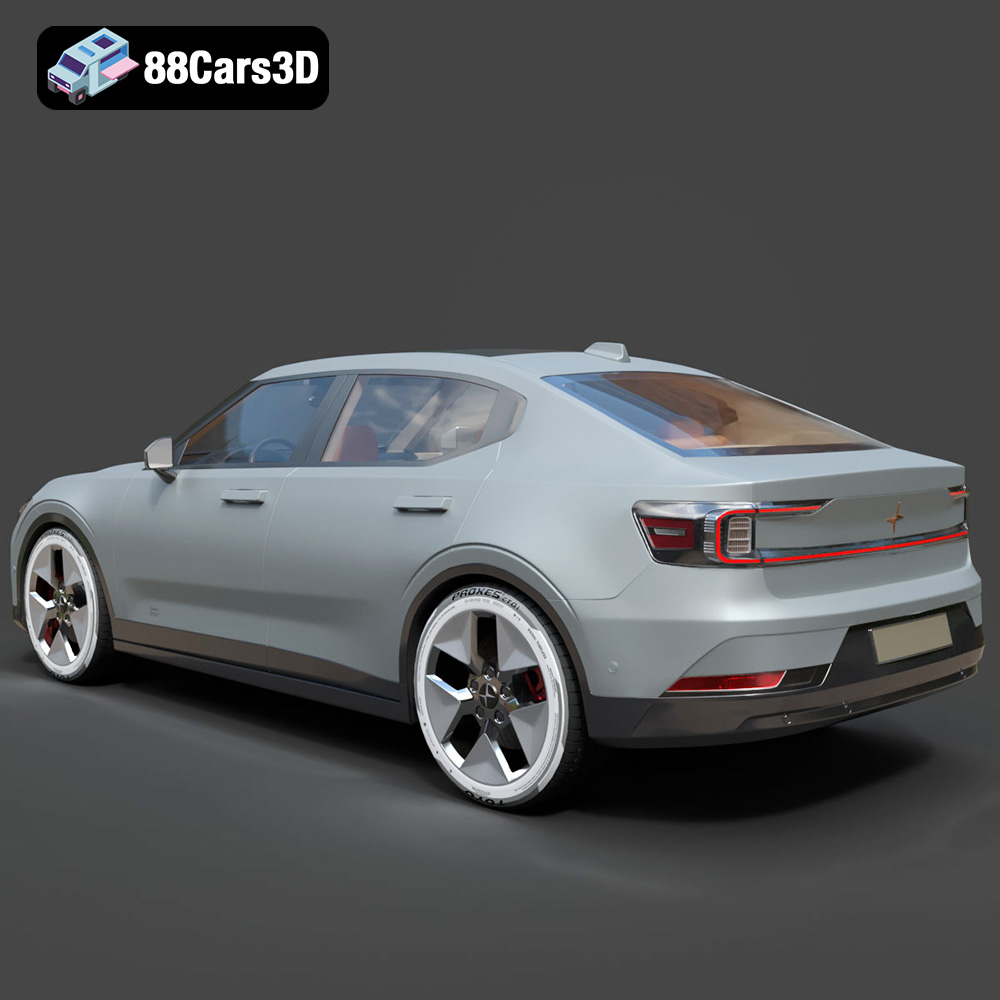
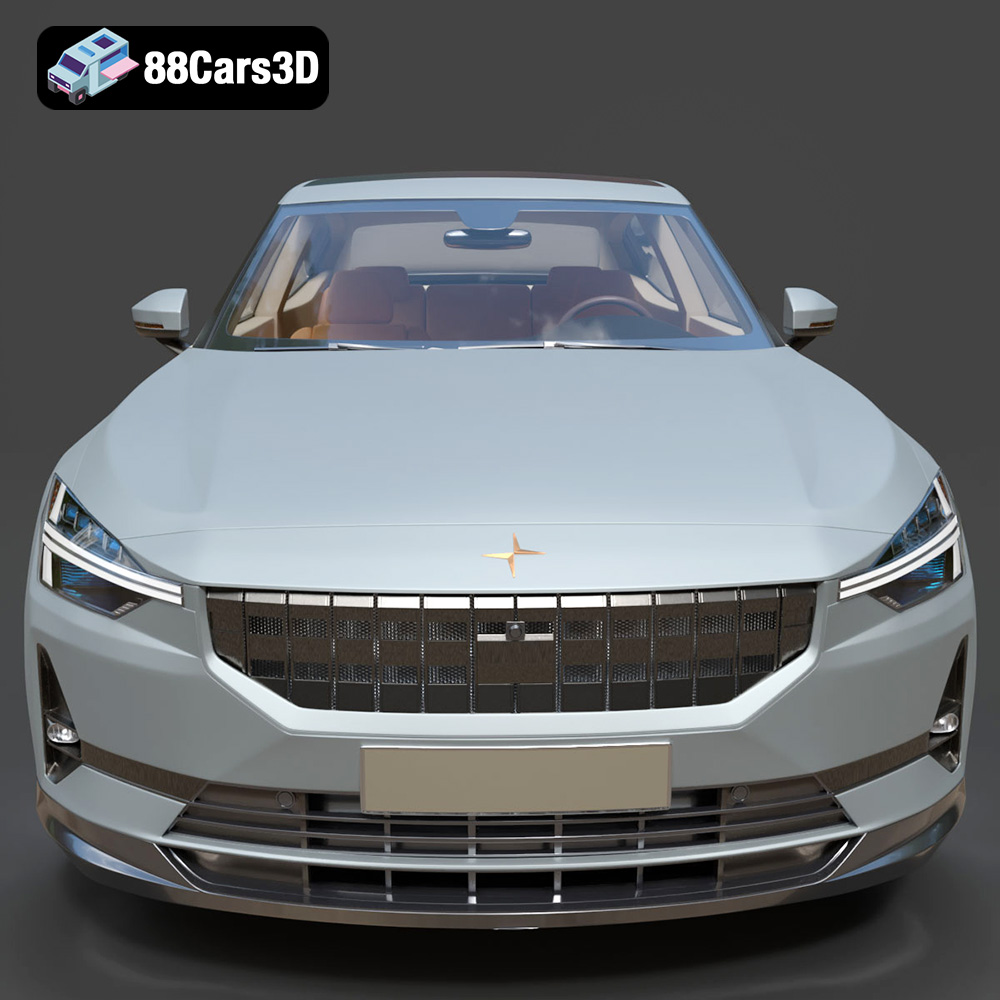
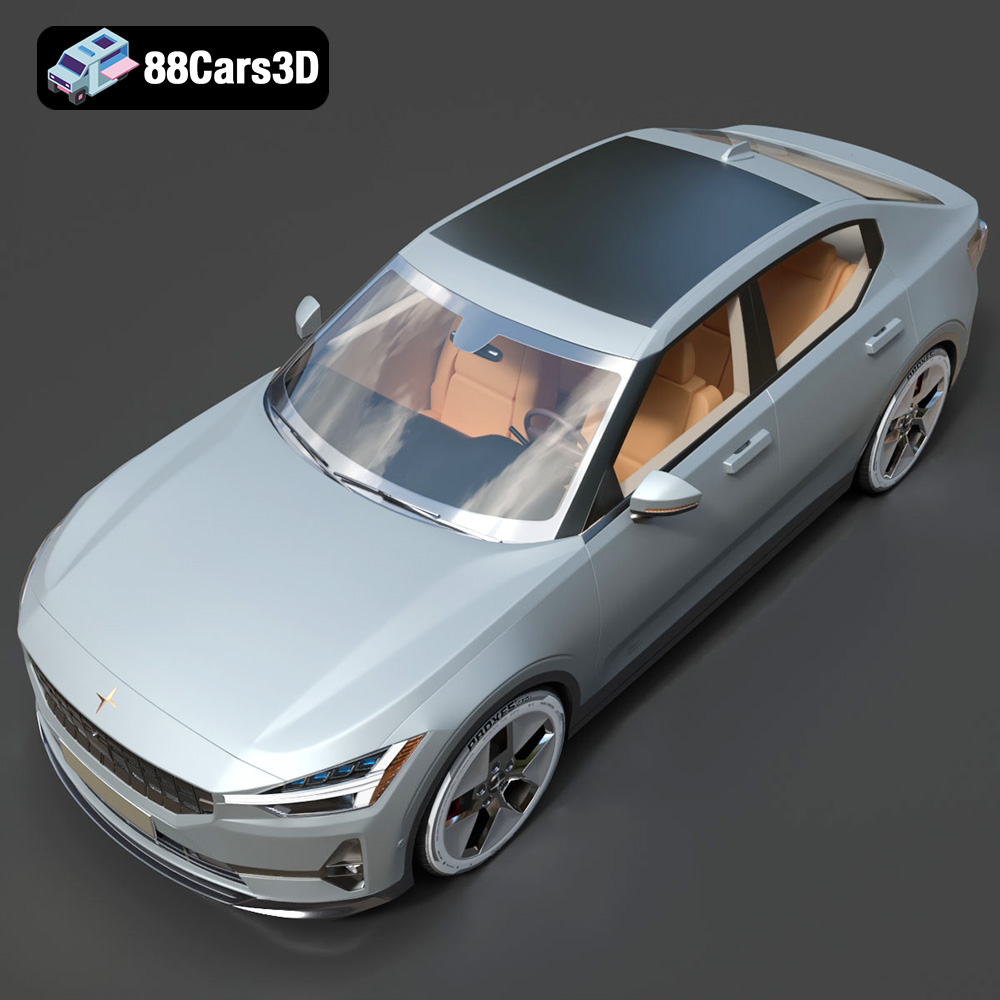
The Polestar 2 2023, with its sleek Scandinavian design and electric powertrain, is a modern marvel. Now, thanks to 3D printing technology, you can bring a miniature version of this impressive fastback to life. This article provides a comprehensive guide to 3D printing the Polestar 2 2023 model, covering everything from pre-print preparation to post-processing techniques, ensuring a successful and satisfying additive manufacturing experience. You can find high-quality 3D models, like this one, at online marketplaces such as 88cars3d.com.
Before you even think about hitting “print,” meticulous preparation is crucial. This involves inspecting the STL file, making necessary repairs, and choosing the optimal orientation for printing.
* **Why it matters:** STL files, while widely used, can sometimes contain errors such as non-manifold geometry, holes, or flipped normals. These errors can lead to printing failures or a flawed final product.
* **Tools and techniques:** Use software like MeshLab, Netfabb, or even the repair tools built into your slicing software (e.g., Cura, PrusaSlicer) to identify and fix these issues. Look for options like “remove duplicate vertices,” “fill holes,” and “recalculate normals.”
* **Specific to the Polestar 2 2023:** Pay close attention to areas with fine details, such as the side mirrors, the intricate headlight design, and the thin pillars of the roof. These are prone to errors and require careful inspection.
* **Minimizing support structures:** The goal is to orient the model in a way that minimizes the need for support structures, which can be time-consuming to remove and may leave blemishes on the surface.
* **Consider overhangs:** Analyze the model for overhangs – areas that print unsupported. The Polestar 2 2023 has several potential overhangs, including the rear spoiler, the side mirrors, and parts of the front fascia.
* **Optimizing surface finish:** The orientation also affects the surface finish. Surfaces that are printed facing upwards will generally have a smoother finish than those printed on support structures. For the Polestar 2, consider printing the body shell with the roof facing upwards to achieve the best possible finish.
Choosing the right file format is essential for a seamless 3D printing experience. While several formats exist, some are better suited for additive manufacturing than others.
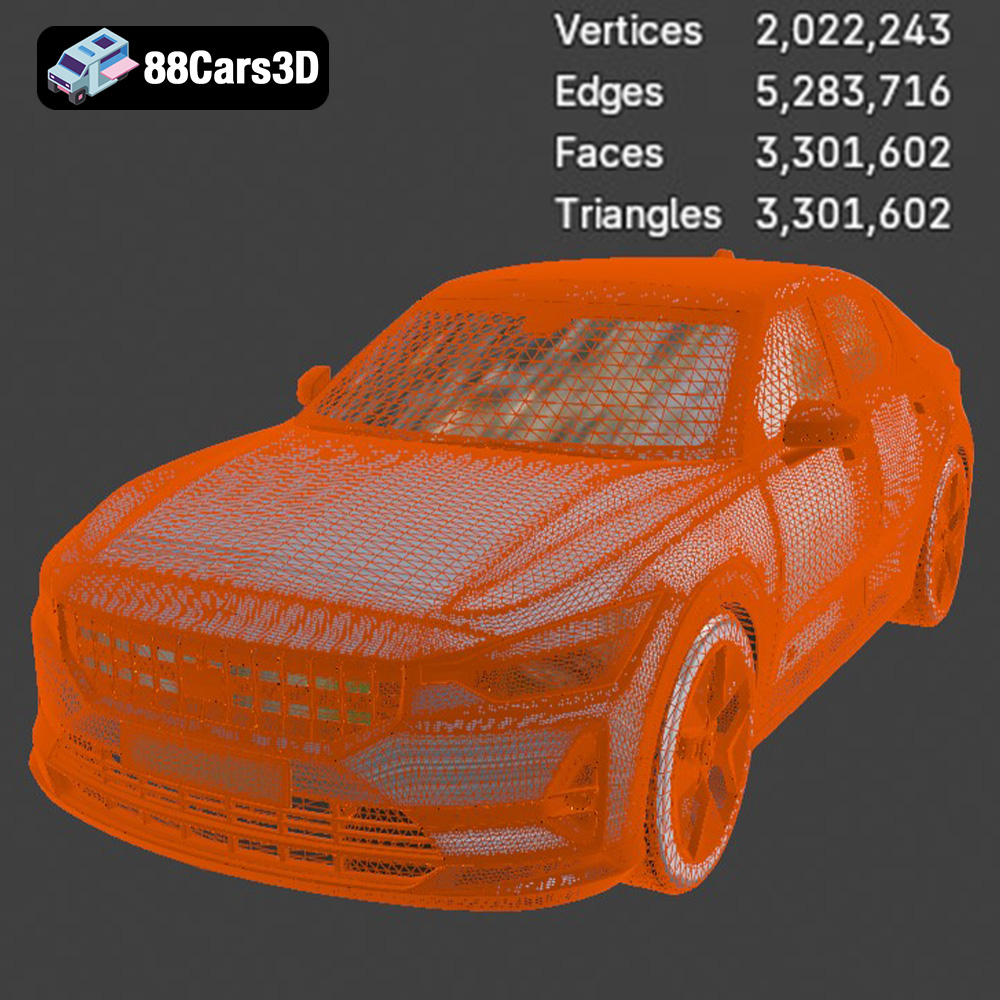
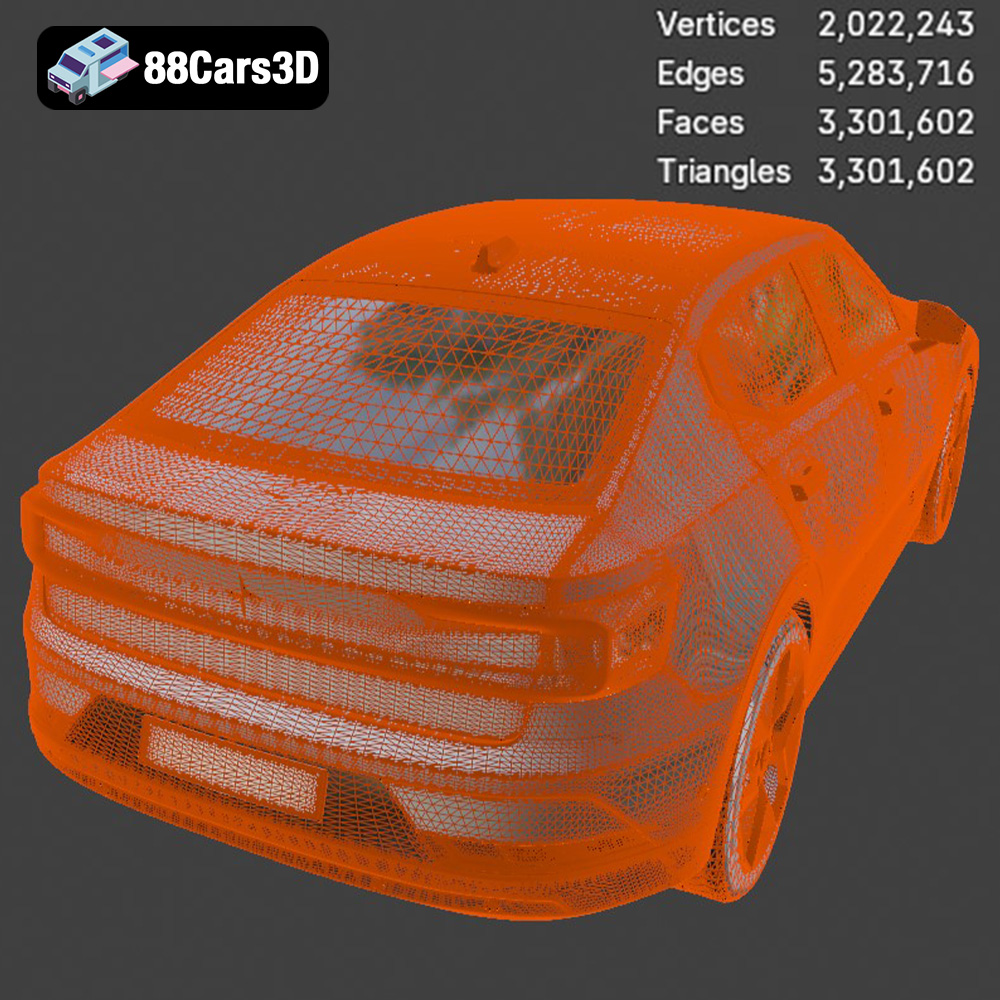
The .stl (Stereolithography) format is the workhorse of 3D printing. It represents the surface geometry of a 3D object using a collection of triangles. This simplicity makes it universally compatible with almost all 3D printers and slicing software. However, STL files only store information about the object’s shape; they don’t include color, texture, or material properties. The quality of an STL file is determined by the number of triangles used to represent the surface. A higher triangle count results in a smoother, more detailed model but also increases the file size and processing time. For the Polestar 2 2023, using an STL file with a sufficiently high triangle count will ensure that its sleek curves and subtle details are accurately captured in the printed model. When exporting to STL, make sure to select a reasonable resolution (e.g., “high” or “fine”) to avoid a faceted appearance. Slicing software compatibility is almost guaranteed with STL files, making it the safest choice for 3D printing. Keep in mind that the original Polestar 2 2023 model file might be in another format, such as .blend (Blender) or .max (3ds Max), requiring you to export it to STL format before printing.
.obj (Object) files are more versatile than STLs, as they can store color and texture information in addition to the geometry. This makes them suitable for colored 3D printing, although this typically requires specialized printers and materials.
.ply (Polygon File Format or Stanford Triangle Format) is designed to store 3D data acquired from 3D scanners. It excels at representing complex and highly detailed meshes, making it suitable for applications where precision is paramount.
.blend files are native to Blender, a popular open-source 3D modeling software. They contain the entire Blender scene, including the model, materials, textures, lighting, and animations. This allows for extensive customization before exporting the model to a printable format like STL.
.fbx (Filmbox) is a proprietary file format developed by Autodesk. It’s commonly used in game development and animation due to its ability to store complex scene data, including geometry, textures, animations, and skeletal rigs.
.glb (GL Transmission Format Binary) is a binary file format designed for efficient transmission and loading of 3D models in web-based applications and augmented reality (AR) experiences. It’s a compact and self-contained format that includes all necessary data, such as geometry, textures, and animations.
.max files are native to 3ds Max, another professional 3D modeling software. Similar to .blend files, they contain the entire scene and allow for extensive editing before exporting to a printable format.
The choice of 3D printing technology and material will significantly impact the final result. For the Polestar 2 2023 model, both Fused Deposition Modeling (FDM) and Stereolithography (SLA) are viable options, each with its own advantages and disadvantages.
* **Pros:** FDM printers are relatively affordable and easy to use. Materials like PLA (Polylactic Acid) are biodegradable and readily available in a wide range of colors. PETG offers increased strength and temperature resistance compared to PLA.
* **Cons:** FDM prints typically have visible layer lines, which may detract from the overall aesthetic of the Polestar 2 2023. Achieving fine details can be challenging. ABS requires a heated bed and enclosure to prevent warping.
* **Recommended Materials for the Polestar 2 2023:**
* **PLA:** Ideal for prototyping and non-functional parts. Easy to print and offers good dimensional accuracy.
* **PETG:** A good compromise between PLA and ABS, offering decent strength, temperature resistance, and ease of printing.
* **Settings Considerations:**
* **Layer Height:** 0.1mm – 0.2mm for a good balance between print time and detail.
* **Infill:** 15-20% for structural integrity.
* **Supports:** Enable supports for overhangs (e.g., rear spoiler, side mirrors).
* **Print Speed:** 40-60 mm/s for optimal quality.
* **Pros:** SLA printers produce incredibly detailed prints with smooth surfaces. Resin materials offer a wide range of properties, including high strength, flexibility, and temperature resistance.
* **Cons:** SLA printers are generally more expensive than FDM printers. Resin materials can be brittle and require careful handling. Post-processing (washing and curing) is necessary.
* **Recommended Materials for the Polestar 2 2023:**
* **Standard Resin:** Offers excellent detail and surface finish.
* **Tough Resin:** Provides increased impact resistance, making it suitable for parts that may be subject to stress.
* **Settings Considerations:**
* **Layer Height:** 0.025mm – 0.05mm for maximum detail.
* **Exposure Time:** Follow the resin manufacturer’s recommendations.
* **Supports:** Generate supports to hold the model during printing.
Slicing software converts the 3D model into a set of instructions that the printer can understand. Optimizing the slicing settings is crucial for achieving a high-quality print.
* **FDM:** A layer height of 0.1mm to 0.2mm is a good starting point. Lower layer heights result in smoother surfaces but increase print time.
* **SLA:** Layer heights can be as low as 0.025mm for incredibly detailed prints.
* **Considerations for the Polestar 2 2023:** For intricate details like the headlights and taillights, using a lower layer height is recommended.
* **Purpose:** Infill provides internal support for the model.
* **Recommendations:** For the Polestar 2 2023, an infill density of 15-20% is usually sufficient. Choose an infill pattern like gyroid or honeycomb for strength and lightweight properties.
* **Types of supports:** Tree supports, linear supports.
* **Placement:** Carefully position supports to minimize their impact on the surface finish. Focus on supporting overhangs and bridges.
* **Considerations for the Polestar 2 2023:** The rear spoiler, side mirrors, and the underside of the chassis will likely require support structures.
Once the print is complete, post-processing is essential to remove support structures, smooth the surface, and add finishing touches.
* **Tools:** Flush cutters, pliers, hobby knife.
* **Technique:** Carefully cut away the support structures, being mindful not to damage the model. For SLA prints, the supports are typically more brittle and easier to remove.
* **Considerations for the Polestar 2 2023:** Exercise caution when removing supports from delicate areas like the side mirrors and the headlight recesses.
* **Sanding:** Start with a coarse grit sandpaper (e.g., 220) to remove any imperfections and gradually move to finer grits (e.g., 400, 600, 800) for a smooth surface. Wet sanding can help to reduce dust and improve the finish.
* **Smoothing:** Chemical smoothing (using acetone for ABS or other solvents for PLA) can further reduce layer lines. However, this should be done with caution and proper ventilation.
* **Considerations for the Polestar 2 2023:** Focus on smoothing the body panels to achieve a realistic look.
* **Priming:** Apply a primer coat to provide a smooth surface for painting.
* **Painting:** Use acrylic paints or spray paints to achieve the desired color. Multiple thin coats are better than one thick coat.
* **Detailing:** Add fine details like window trim, logos, and lights using paint pens or decals.
* **Considerations for the Polestar 2 2023:** Use masking tape to create clean lines and sharp edges.
Even with careful preparation, 3D printing can sometimes present challenges. Here are some common issues and their solutions:
* **Cause:** Uneven cooling of the print, causing it to detach from the build plate.
* **Solution:** Use a heated bed, apply adhesive (e.g., glue stick, hairspray) to the build plate, reduce print speed, or use an enclosure.
* **Cause:** Poor layer adhesion, insufficient exposure time (SLA), or incorrect temperature settings (FDM).
* **Solution:** Increase print temperature (FDM), increase exposure time (SLA), ensure proper bed adhesion, or reduce print speed.
* **Cause:** Excessive retraction, high print temperature, or wet filament.
* **Solution:** Adjust retraction settings, lower print temperature, dry the filament, or increase travel speed.
* **Cause:** Bed not level, incorrect Z offset, build plate contamination.
* **Solution:** Re-level the bed, adjust Z offset, clean the build plate with isopropyl alcohol.
Before starting the print, it’s helpful to estimate the print time and material costs.
* **Factors:** Model size, layer height, infill density, print speed, support structures.
* **Slicing Software:** Most slicing software provides an estimated print time based on the chosen settings.
* **Considerations for the Polestar 2 2023:** A detailed model like the Polestar 2 2023 can take several hours to print, especially with fine layer heights and support structures.
* **Factors:** Material type, model volume, infill density.
* **Slicing Software:** Slicing software can also estimate the amount of material required for the print.
* **Considerations for the Polestar 2 2023:** The material cost will depend on the size of the model and the chosen infill density. A larger model with a higher infill density will obviously require more material. You can find a wide range of 3D models available at 88cars3d.com.
Experience exceptional realism with the Polestar 2 2023 3D Model, meticulously crafted to replicate the sleek, modern design of this cutting-edge electric fastback. Every curve and detail has been modeled to provide an authentic digital representation. This model features clean topology and accurate geometry, ensuring optimal performance across various applications. With realistic materials and a carefully detailed exterior and interior, it offers a professional-grade asset ready for immediate integration into your projects. Perfect for a wide range of uses, this 3D asset excels in game development, automotive rendering, augmented and virtual reality (AR/VR) experiences, and architectural visualizations. Its versatile nature makes it an excellent choice for animators, developers, and designers.
$19.99
3D printing the Polestar 2 2023 model offers a rewarding experience for enthusiasts and makers alike. By carefully preparing the STL file, choosing the appropriate 3D printing technology and material, optimizing slicing settings, and employing post-processing techniques, you can create a stunning replica of this modern electric fastback. Remember to troubleshoot common issues and estimate print time and material costs to ensure a smooth and successful additive manufacturing journey. The Polestar 2 2023 is a testament to modern automotive design, and bringing it to life through 3D printing is a fantastic way to appreciate its beauty and innovation.
.2
.arvr
.blend
.car3dmodel
.electricvehicle
.ev
.fastback
.fbx
.gameasset
.glb
.max
.obj
.ply
.polestar
.polestar2
.rendering
.sedan
.simulation
.stl
.unreal