Get 50% OFF All Premium 3D & STL Models!

“`html
In the dynamic world of 3D printing, where technology advances at breakneck speed, one file format has stood the test of time and continues to reign supreme: the STL (Stereolithography) file. From hobbyists crafting intricate figurines to engineers prototyping complex automotive components, STL files are the workhorse of additive manufacturing. But why, in an era of more advanced formats, does STL still hold such sway? This comprehensive guide will delve into the anatomy of STL files, exploring their strengths, limitations, and the reasons behind their enduring popularity. We’ll examine the critical role they play in 3D printing, particularly in the context of printable car models available on platforms like 88cars3d.com. Whether you’re a seasoned 3D printing enthusiast or just starting your journey, understanding STL files is essential for achieving high-quality, successful prints.
At its core, an STL file is a simple yet powerful representation of a 3D object’s surface. It achieves this by dividing the surface into a mesh of triangles, each defined by its vertices and normal vector (which indicates the triangle’s orientation). This tessellation process allows the STL format to approximate any 3D shape, regardless of its complexity. However, this simplicity also comes with certain limitations that we’ll address later.
An STL file typically exists in two formats: ASCII and binary. The ASCII format is human-readable but verbose, while the binary format is more compact and efficient. Both formats contain the same essential information – the coordinates of the triangle vertices and the normal vector for each triangle.
The accuracy of an STL file’s representation depends directly on the number of triangles used to tessellate the surface. A higher triangle count results in a smoother, more detailed representation, but it also increases the file size and the processing load on the slicing software and 3D printer. Finding the right balance between accuracy and file size is crucial for optimal print quality and performance. For complex models like the printable car models offered on 88cars3d.com, a well-optimized mesh density ensures both detail and manageable file sizes.
Despite the emergence of newer, more sophisticated file formats, STL remains the de facto standard for 3D printing for several compelling reasons. Its simplicity, widespread compatibility, and ease of use have cemented its position in the additive manufacturing ecosystem. While other formats offer advanced features, STL’s straightforward nature makes it a reliable and universally accepted choice.
One of the biggest advantages of STL is its universal compatibility. Virtually every 3D printer and slicing software supports the STL format. This means that you can download an STL file from one source and be confident that you can open and print it on almost any 3D printing setup. This universality is particularly important in collaborative environments where different users may be using different software and hardware.
The simplicity of the STL format makes it easy to generate, manipulate, and understand. This is a significant advantage for both beginners and experienced users. Slicing software can quickly process STL files, and even complex models can be handled efficiently. This ease of use contributes to a faster and more streamlined 3D printing workflow. When downloading models from marketplaces such as 88cars3d.com, users can expect readily usable STL files that require minimal pre-processing.
The long history of the STL format has resulted in a vast ecosystem of tools, tutorials, and resources. Numerous software packages are available for creating, editing, and repairing STL files. This abundance of resources makes it easier to learn about and troubleshoot issues related to STL files. Furthermore, many online communities and forums are dedicated to 3D printing, providing support and guidance for working with STL files.
The slicing process is where the digital world of the STL file meets the physical reality of 3D printing. Slicing software takes the STL file and divides it into a series of horizontal layers, generating a toolpath for the 3D printer to follow. The slicing parameters you choose have a direct impact on the print quality, strength, and overall success of the print. Understanding these parameters and how they interact is crucial for achieving optimal results.
Several key slicing parameters need careful consideration:
Popular slicing software packages like Cura and PrusaSlicer offer a wide range of advanced features and customization options. These include:
By mastering these software-specific techniques, you can fine-tune your slicing parameters and achieve exceptional print quality.
While STL is a versatile format, it does have limitations. The tessellated nature of STL files can lead to issues such as gaps, overlaps, and self-intersections in the mesh. These errors can cause problems during slicing and printing, resulting in failed prints or poor quality. Fortunately, various tools and techniques are available to repair and optimize STL files before printing.
Common mesh errors in STL files include:
Software like Meshmixer, Netfabb, and online services like MakePrintable can automatically detect and repair these errors. These tools use algorithms to fill gaps, correct normals, and remove self-intersections, ensuring that the STL file is suitable for 3D printing.
In addition to repairing errors, it’s also important to optimize STL files for printability. This involves:
The choice between Fused Deposition Modeling (FDM) and resin-based 3D printing technologies significantly impacts how STL files are handled and optimized. FDM printing, which extrudes melted plastic filament, requires considerations different from resin printing, which uses UV light to cure liquid resin. Understanding these differences is crucial for achieving optimal results with each technology.
For FDM printing, the orientation of the STL file is paramount. Orienting the model to minimize overhangs reduces the need for support structures, which can be time-consuming to remove and may leave blemishes on the printed surface. Layer adhesion is also a critical factor, so choosing an orientation that maximizes the contact area between layers can improve the strength of the print. When printing models like cars from 88cars3d.com on an FDM printer, consider laying the chassis flat to enhance bed adhesion and minimize support for the body.
Resin printing excels at producing highly detailed parts, but it also requires careful consideration of support structures. Unlike FDM printing, resin printing often requires extensive support to prevent parts from detaching from the build plate or deforming during the printing process. The orientation of the model can also affect the surface finish, as the bottom layers tend to be less smooth than the top layers. Platforms like 88cars3d.com that provide models optimized for resin printing often include pre-supported STL files, saving users time and effort.
Post-processing is an essential step in transforming a raw 3D print into a finished product. Whether you’re sanding away support marks, painting a model car, or assembling multiple parts, post-processing enhances the appearance, functionality, and durability of your 3D prints. The specific techniques you use will depend on the material, printing technology, and desired finish.
Sanding is a common technique for smoothing the surfaces of FDM prints and removing support marks. Start with coarse-grit sandpaper (e.g., 120 grit) to remove large imperfections, then gradually move to finer grits (e.g., 400 grit, 600 grit) to achieve a smooth finish. Wet sanding can help to reduce dust and prevent the sandpaper from clogging. For resin prints, sanding is often less necessary due to the smoother surface finish, but it can still be used to remove support marks and fine-tune the surface.
Painting is a great way to add color, detail, and realism to your 3D prints. Acrylic paints are a popular choice for 3D printing due to their versatility, ease of use, and wide range of colors. Use masking tape to create clean lines and protect areas that you don’t want to paint. For intricate details, use fine-tipped brushes or airbrushes. Automotive models from 88cars3d.com can be brought to life with realistic paint schemes and weathering effects.
While newer file formats offer advanced features, the STL file format remains the bedrock of 3D printing due to its simplicity, universal compatibility, and established ecosystem. Understanding the nuances of STL files, from their structure to their slicing parameters, is crucial for achieving high-quality, successful prints. By addressing the limitations of STL through mesh repair and optimization, and by tailoring your approach to the specific 3D printing technology you’re using, you can unlock the full potential of this versatile file format. Whether you’re printing intricate car models from platforms like 88cars3d.com or creating functional prototypes, mastering STL files will empower you to bring your digital designs to life.
As you continue your 3D printing journey, remember to experiment with different settings, explore advanced techniques, and leverage the wealth of resources available online. The world of 3D printing is constantly evolving, but the fundamentals of STL files will continue to be relevant for years to come. So, embrace the power of STL, and happy printing!
“`

Texture: Yes
Material: Yes
Download the Jaguar XFR-S 2014 3D Model featuring clean geometry, realistic detailing, and a fully modeled interior. Includes .blend, .fbx, .obj, .glb, .stl, .ply, .unreal, and .max formats for rendering, simulation, and game development.
Price: $19.99

Texture: Yes
Material: Yes
Download the Infiniti QX50 2019 3D Model featuring clean geometry, realistic detailing, and a fully modeled interior. Includes .blend, .fbx, .obj, .glb, .stl, .ply, .unreal, and .max formats for rendering, simulation, and game development.
Price: $19.99

Texture: Yes
Material: Yes
Download the Hyundai i40 Wagon 2015 3D Model featuring clean geometry, realistic detailing, and a fully modeled interior. Includes .blend, .fbx, .obj, .glb, .stl, .ply, .unreal, and .max formats for rendering, simulation, and game development.
Price: $19.99

Texture: Yes
Material: Yes
Download the Honda NSX 2017 3D Model featuring clean geometry, realistic detailing, and a fully modeled interior. Includes .blend, .fbx, .obj, .glb, .stl, .ply, .unreal, and .max formats for rendering, simulation, and game development.
Price: $19.99
Texture: Yes
Material: Yes
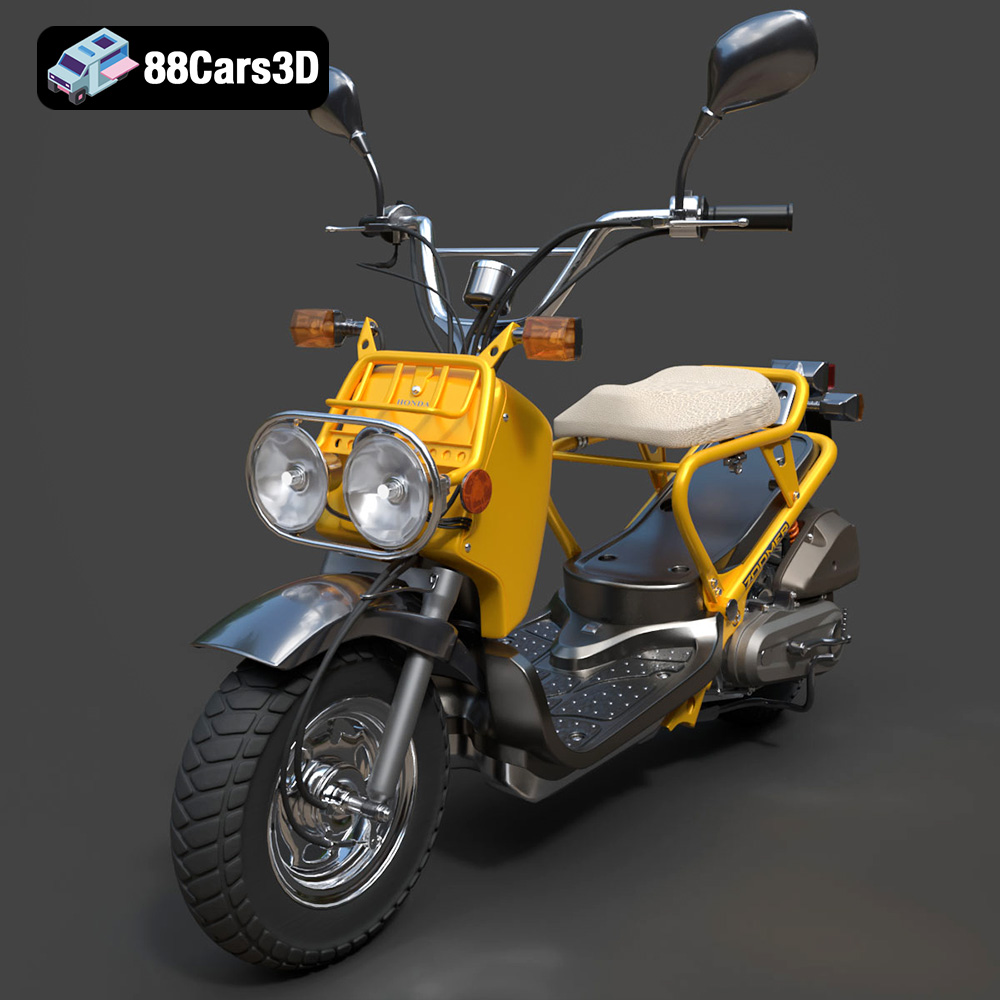
Download the Honda Zoomer 50 2005 3D Model featuring clean geometry, realistic detailing, and a fully modeled interior. Includes .blend, .fbx, .obj, .glb, .stl, .ply, .unreal, and .max formats for rendering, simulation, and game development.
Price: $19.99

Texture: Yes
Material: Yes
Download the Honda Valkyrie GL1800C 2015 3D Model featuring clean geometry, realistic detailing, and a fully modeled interior. Includes .blend, .fbx, .obj, .glb, .stl, .ply, .unreal, and .max formats for rendering, simulation, and game development.
Price: $19.99
Texture: Yes
Material: Yes
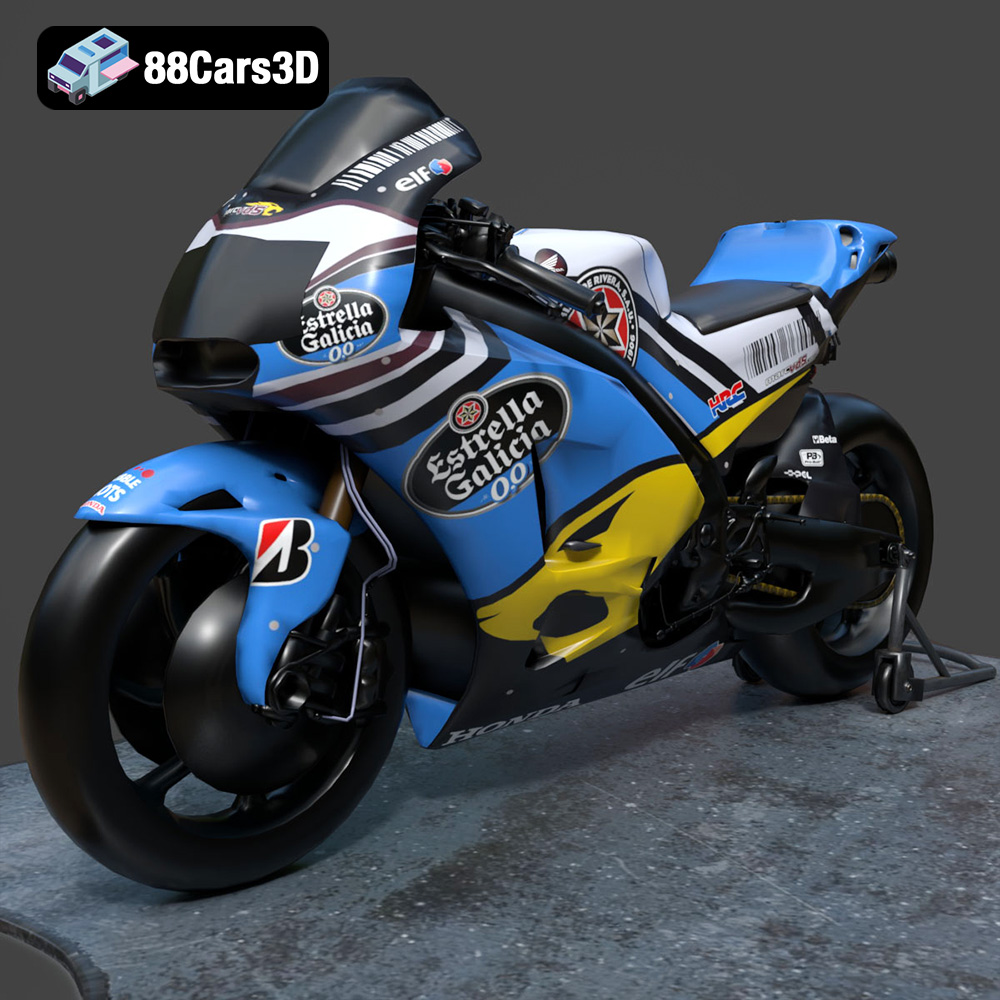
Download the Honda RCV-213-001 3D Model featuring clean geometry, realistic detailing, and a fully modeled interior. Includes .blend, .fbx, .obj, .glb, .stl, .ply, .unreal, and .max formats for rendering, simulation, and game development.
Price: $19.99
Texture: Yes
Material: Yes
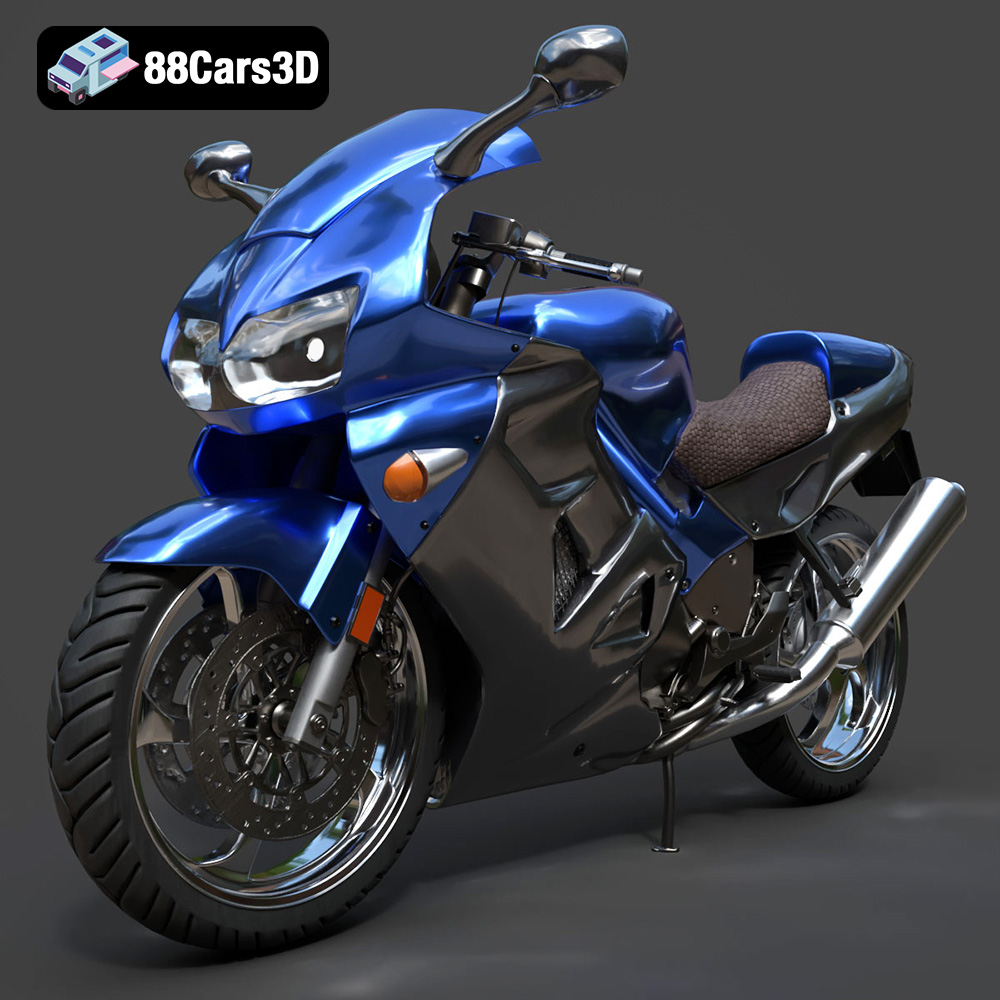
Download the Honda VFR 801-002 3D Model featuring clean geometry, realistic detailing, and a fully modeled interior. Includes .blend, .fbx, .obj, .glb, .stl, .ply, .unreal, and .max formats for rendering, simulation, and game development.
Price: $19.99
Texture: Yes
Material: Yes
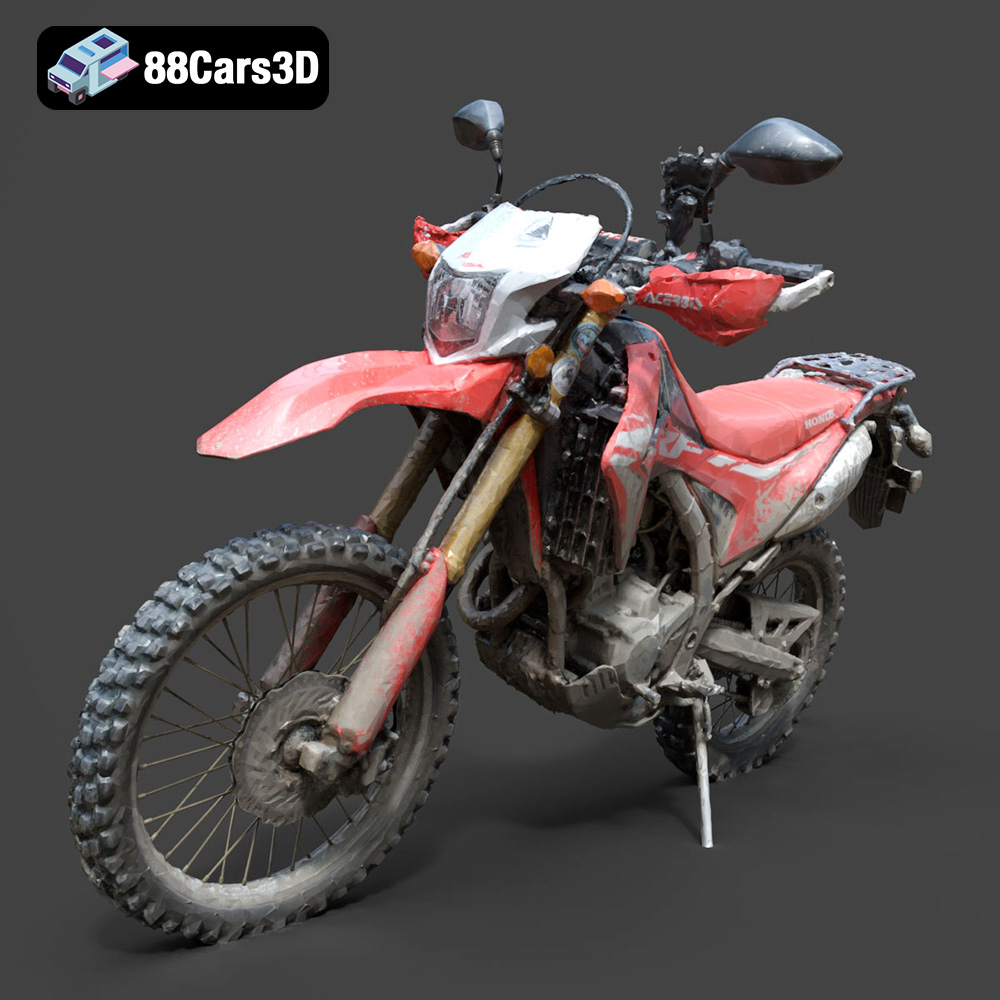
Download the Honda Motorcycle-001 3D Model featuring clean geometry, realistic detailing, and a fully modeled interior. Includes .blend, .fbx, .obj, .glb, .stl, .ply, .unreal, and .max formats for rendering, simulation, and game development.
Price: $19.99

Texture: Yes
Material: Yes
Download the Honda Monkey 125 2019 3D Model featuring clean geometry, realistic detailing, and a fully modeled interior. Includes .blend, .fbx, .obj, .glb, .stl, .ply, .unreal, and .max formats for rendering, simulation, and game development.
Price: $19.99

