Get 50% OFF All Premium 3D & STL Models!

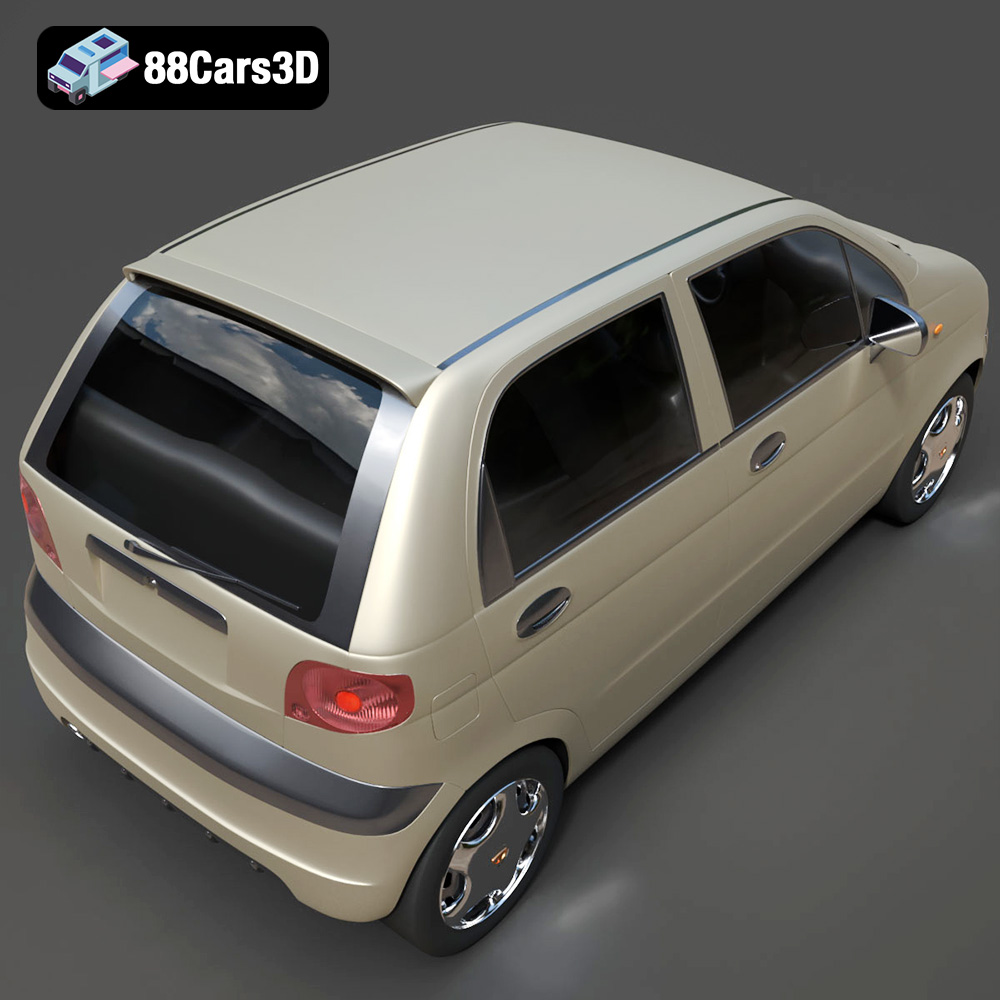
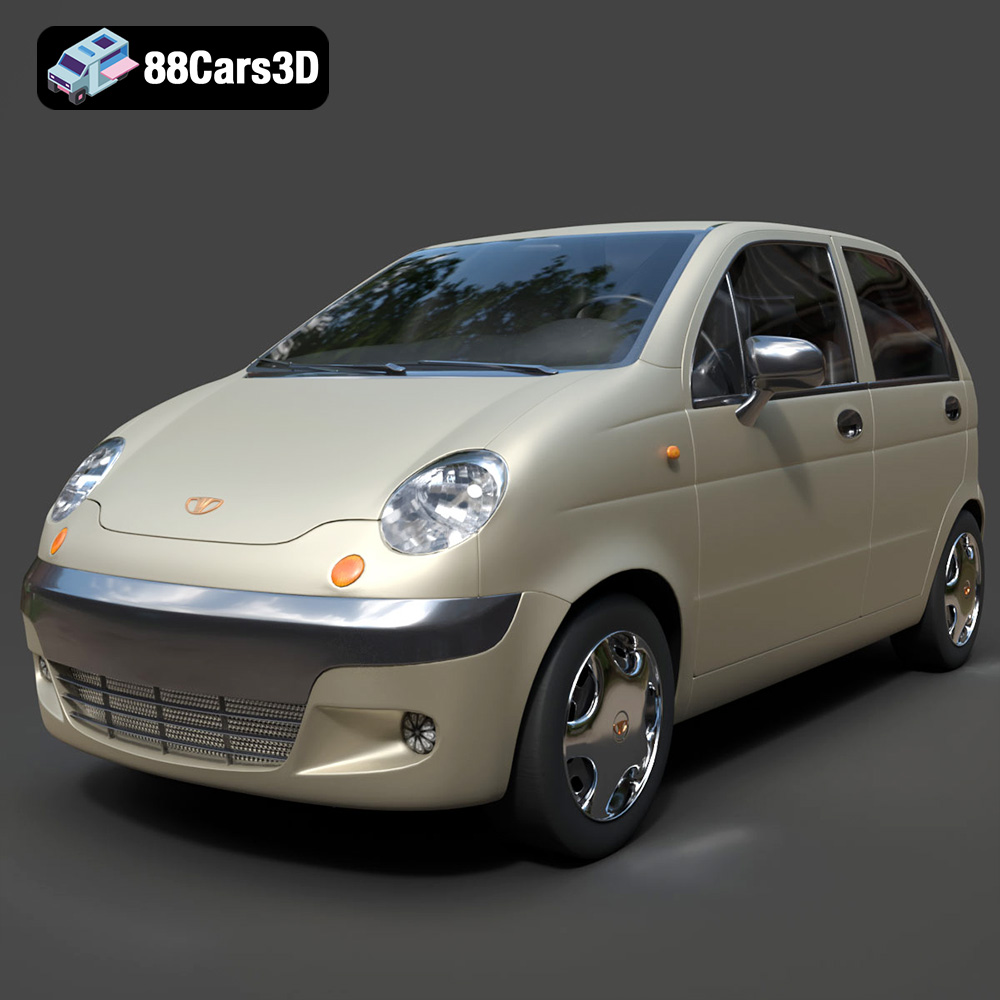
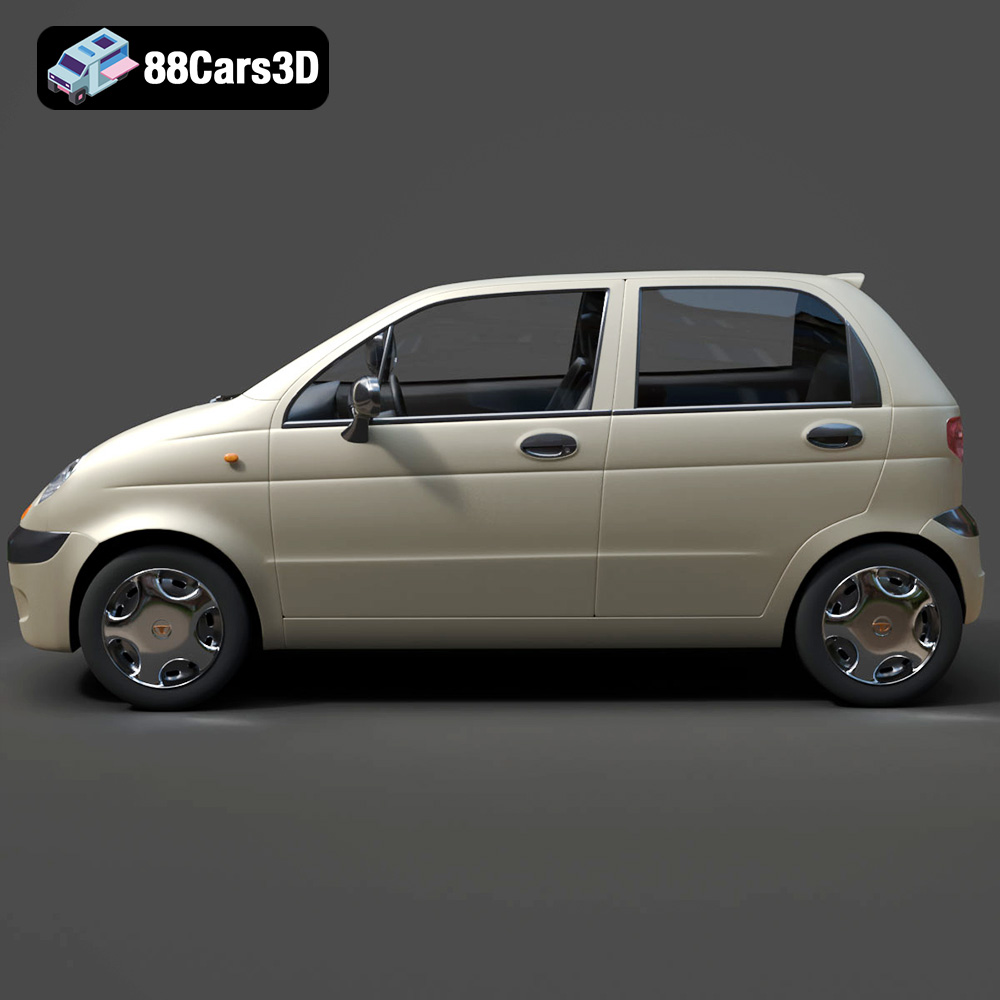
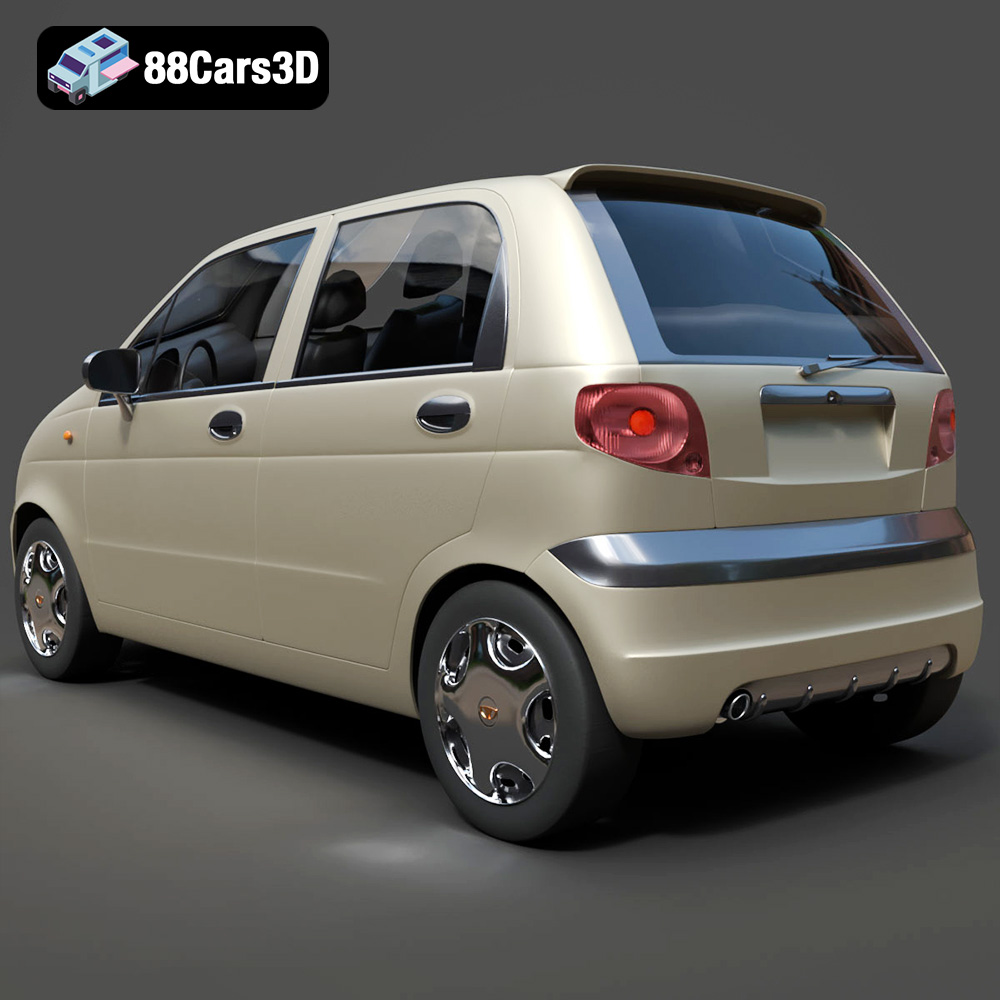
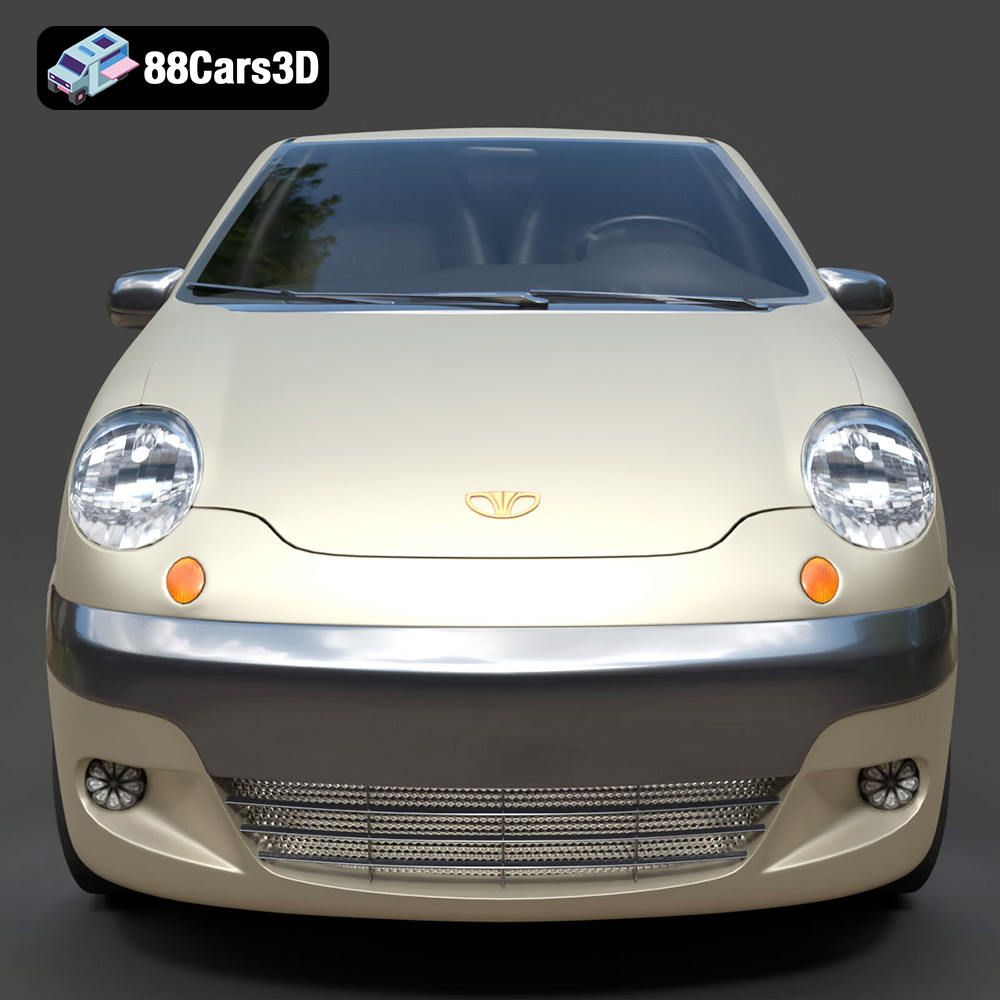
The Daewoo Damas Microvan, a symbol of efficient urban transport across South Korea, Central Asia, and the Middle East, can now grace your desk or diorama thanks to the power of 3D printing. This isn’t just about printing a model; it’s about bringing a piece of global automotive culture to life. The 3D model available at 88cars3d.com is meticulously crafted, optimized for various applications, including 3D printing. This guide will walk you through the entire process, from preparing the STL files to applying the final coat of paint, ensuring you achieve a stunning replica of this ubiquitous microvan.
Selecting the appropriate 3D printing technology is crucial for achieving the desired level of detail and accuracy for your Daewoo Damas model. Two primary technologies are commonly used: Fused Deposition Modeling (FDM) and Stereolithography (SLA) or resin printing.
FDM printers, which use filaments of thermoplastic materials like PLA or PETG, are a cost-effective option for larger models. However, due to the layer-by-layer deposition process, FDM prints often exhibit visible layer lines, which may detract from the smoothness of the Damas’ body panels.
* **Pros:** Affordable, widely accessible, large build volume.
* **Cons:** Lower detail resolution, visible layer lines, requires more post-processing.
* **Material Recommendations:** PLA, PETG. PLA is easier to print, while PETG offers better durability.
Resin printers, utilizing light-curing liquid resins, offer significantly higher resolution and can capture finer details, making them ideal for smaller scales and intricate features like the door handles, wipers, and panel gaps on the Damas model.
* **Pros:** High detail resolution, smooth surface finish, excellent for small parts.
* **Cons:** More expensive than FDM, smaller build volume, requires more complex post-processing (resin washing and curing).
* **Material Recommendations:** Standard resin, ABS-like resin (for increased durability).
The product description highlights resin printing as ideal for smaller-scale details. If you are printing at a 1:43 or smaller scale, consider resin printing.
The Daewoo Damas 3D model is available in various file formats, each designed for different applications. Understanding these formats is key to a successful 3D printing experience.
The STL (Stereolithography) file format is the workhorse of 3D printing. It represents the surface geometry of a 3D object as a collection of triangles, defining the shape and contours. STL files are universally compatible with slicing software, which converts the 3D model into a set of instructions for the 3D printer.
For 3D printing, the STL format is often the most straightforward choice. However, it’s crucial to ensure the STL file is properly prepared:
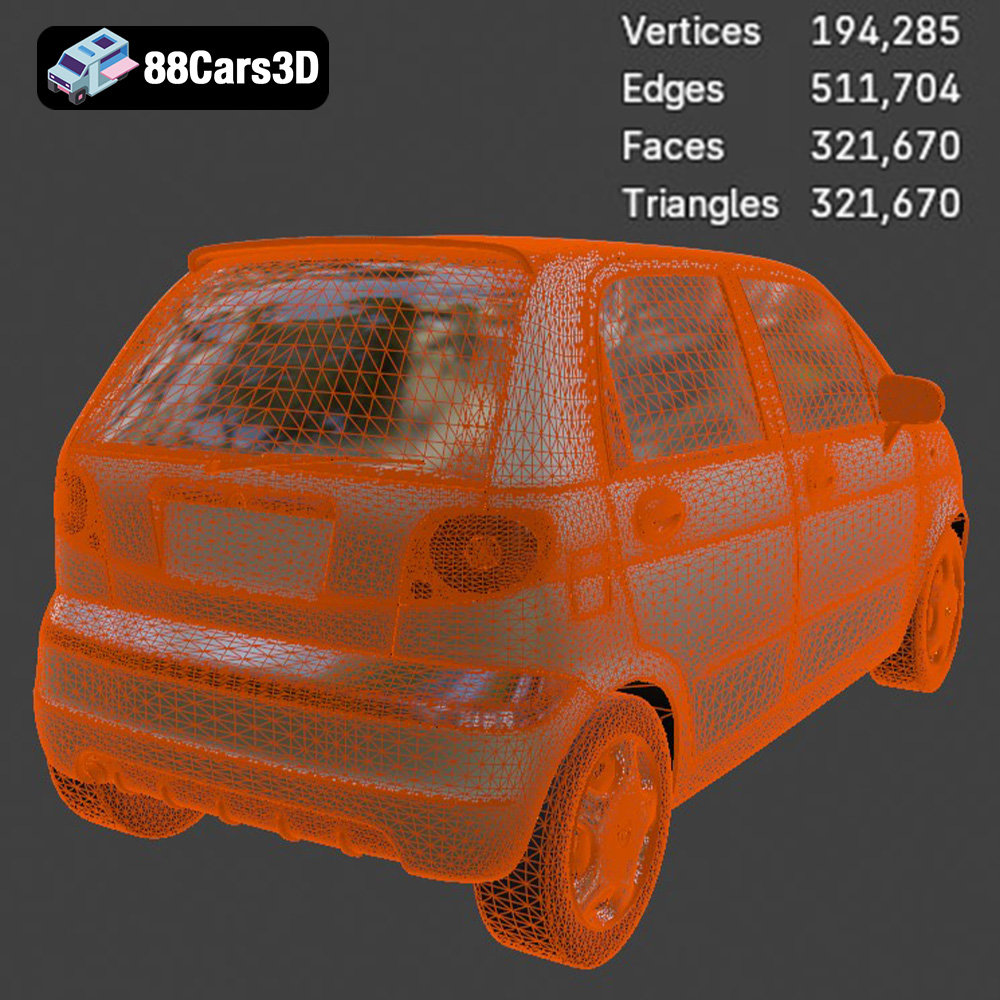
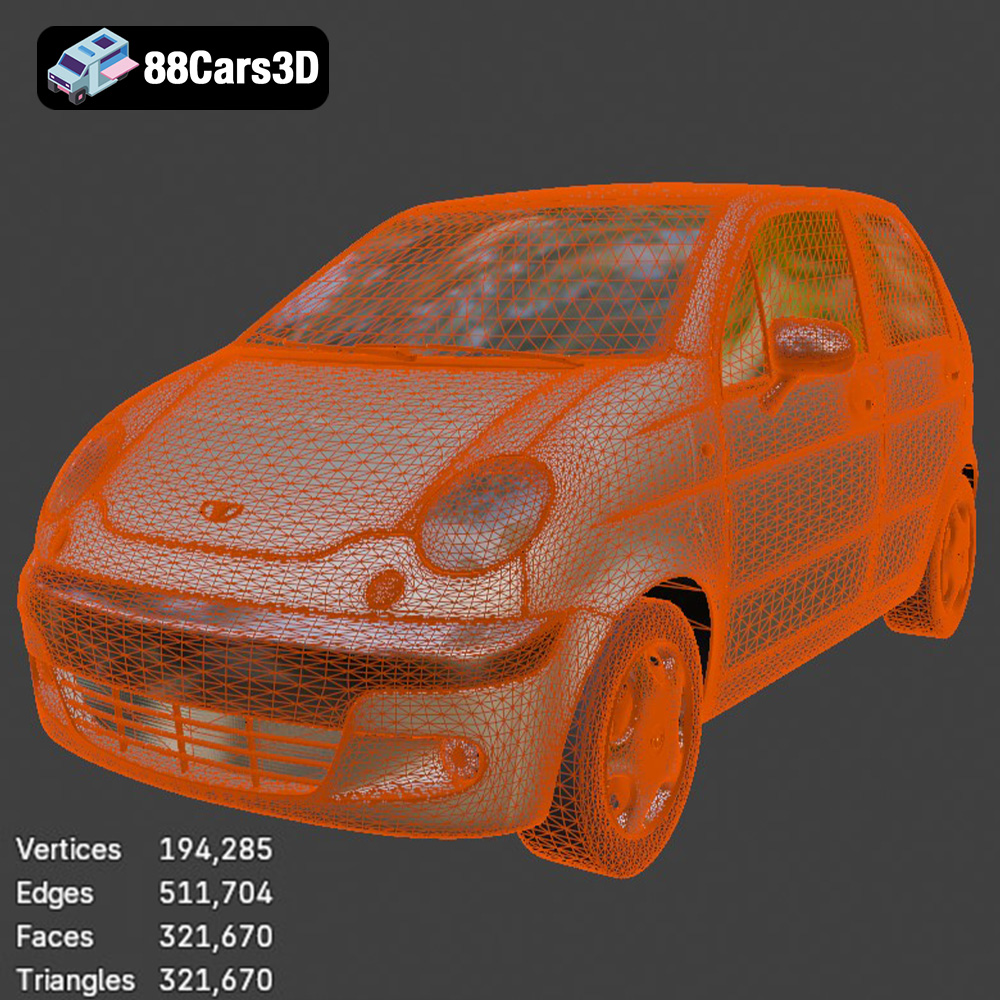
* **Mesh Quality:** A high-quality STL file contains a dense mesh with a large number of triangles, resulting in a smoother surface finish on the printed model. However, excessive mesh density can lead to larger file sizes and slower processing times.
* **Water-tightness:** The STL file must be “water-tight,” meaning it has no holes or gaps in the mesh. Non-manifold geometry (where edges connect to more than two faces) can also cause printing issues. Slicing software typically includes tools for repairing minor mesh errors, but more significant issues may require manual editing in a 3D modeling program.
The OBJ (Object) file format is another common 3D model format, similar to STL but with the added ability to store color and texture information. While primarily used for rendering and visualization, OBJ files can be 3D printed, especially if you’re aiming for a multi-color print using specialized printers. However, compatibility can vary between slicing software.
The PLY (Polygon File Format) is designed to store 3D data acquired from 3D scanners. It’s a highly precise mesh format suitable for capturing complex details. While not as universally supported as STL, PLY files can be used for 3D printing if your slicing software supports it.
The .blend file is the native format for Blender, a free and open-source 3D creation suite. This format is incredibly valuable if you want to customize the Daewoo Damas model before printing. You can modify the geometry, add details, or even create variations of the design. Once you’ve made your changes, you’ll need to export the model as an STL file for 3D printing.
FBX (Filmbox) is a proprietary file format developed by Autodesk for interoperability between different 3D software packages. It can store geometry, materials, textures, and animation data. While some slicing software supports FBX import, it’s primarily used for transferring assets between different stages of the 3D content creation pipeline.
GLB (GL Transmission Format Binary) is a binary file format that represents 3D models in a compact and efficient manner. It’s commonly used for web-based 3D viewers and augmented reality (AR) applications. You can use GLB files to preview the Daewoo Damas model in AR to get a sense of its size and appearance in the real world before committing to printing.
Similar to .blend, the .max file is the native format for Autodesk 3ds Max, a professional 3D modeling and animation software. If you have access to 3ds Max, you can use this file to make advanced modifications to the Daewoo Damas model before exporting it for 3D printing.
In summary, for 3D printing the Daewoo Damas, the **STL format** is the most commonly used and widely compatible option. The other formats are valuable for customization or visualization before the final STL export.
Once you’ve chosen your printing technology and file format, the next step is to prepare the model for printing using slicing software. This software converts the 3D model into a series of layers that the printer can understand. Popular slicing software options include Cura, PrusaSlicer, Simplify3D, and Chitubox (for resin printers).
The orientation of the model on the build plate significantly affects print quality, support requirements, and print time. For the Daewoo Damas, the product description recommends printing the body angled to achieve a smooth surface finish. This minimizes the visibility of layer lines on the large, flat panels.
* **FDM:** Consider orienting the body with the roof facing up, requiring supports only for the side mirrors, wheel arches, and bumper overhangs. Experiment to minimize support contact points on visible surfaces.
* **Resin:** Angling the model at approximately 45 degrees can help reduce the suction forces during printing and improve detail resolution. Supports will be needed for overhangs, but resin printers can typically handle finer support structures.
The wheels should be printed separately, ideally oriented vertically to minimize support requirements and ensure a round profile.
The slicing settings will vary depending on your printer, material, and desired print quality. Here are some general guidelines:
* **Layer Height:** For FDM, a layer height of 0.1mm to 0.2mm is a good starting point. For resin, aim for 0.05mm or lower for maximum detail. The product description specifies 0.04-0.12mm, so aim for the lower end for resin.
* **Wall Thickness:** The product description recommends 1.2-2.0mm. This provides adequate strength and stiffness to the printed parts.
* **Infill:** A low infill density (15-25%) is sufficient for most parts, as the primary purpose is to provide internal support and prevent warping. Increase infill for parts that require higher strength, such as the wheel axles.
* **Supports:** Use automatic support generation in your slicing software, but carefully review and edit the support placement to minimize contact with visible surfaces. Ensure supports are strong enough to prevent sagging during printing.
Before slicing, it’s essential to inspect the 3D model for any errors, such as non-manifold geometry or holes in the mesh. Most slicing software includes tools for automatically repairing minor errors.
The product description recommends scales of 1:24, 1:32, and 1:43, making it suitable for urban dioramas. Choose the scale that best fits your needs and adjust the model size in your slicing software accordingly.
Choosing the right material is essential for achieving the desired aesthetic and functional properties for your 3D printed Daewoo Damas.
* **PLA (Polylactic Acid):** A biodegradable thermoplastic derived from renewable resources. PLA is easy to print, offers good detail resolution, and is available in a wide range of colors. However, it is less durable and heat-resistant than PETG.
* **Printing Temperature:** 190-220°C
* **Bed Temperature:** 60-70°C
* **Pros:** Easy to print, good detail, wide color selection.
* **Cons:** Low heat resistance, less durable.
* **PETG (Polyethylene Terephthalate Glycol-modified):** A more durable and heat-resistant thermoplastic than PLA. PETG offers better layer adhesion and is less prone to warping. However, it can be more challenging to print and may require higher printing temperatures.
* **Printing Temperature:** 220-250°C
* **Bed Temperature:** 70-80°C
* **Pros:** Durable, heat-resistant, good layer adhesion.
* **Cons:** Can be stringy, requires precise temperature control.
* **Standard Resin:** Offers excellent detail resolution and is available in various colors. However, it can be brittle and prone to cracking.
* **Exposure Time:** Varies depending on the resin and printer. Consult the resin manufacturer’s recommendations.
* **Pros:** High detail, wide color selection.
* **Cons:** Brittle, prone to cracking.
* **ABS-like Resin:** Offers improved durability and impact resistance compared to standard resin. It is a good choice for parts that will be handled frequently.
* **Exposure Time:** Varies depending on the resin and printer. Consult the resin manufacturer’s recommendations.
* **Pros:** Durable, impact-resistant.
* **Cons:** Can be more difficult to print, may require longer exposure times.
Post-processing is a crucial step in achieving a professional-looking finish for your 3D printed Daewoo Damas.
Carefully remove the support structures using pliers or a sharp knife. Be gentle to avoid damaging the model. Sand the surfaces with progressively finer grits of sandpaper (e.g., 220, 400, 600 grit) to remove layer lines and smooth out any imperfections.
Apply a coat of primer to the model to create a uniform surface for painting. Use spray paint or an airbrush to apply the desired colors. The product description suggests classic commercial colors like Factory White, Light Blue, or Taxi Yellow. Consider using masking tape to create clean lines for multi-color paint jobs.
Assemble the separate parts (body, wheels) using glue or screws. Ensure proper alignment and secure connections.
Add additional details to enhance the realism of the model, such as:
* Painting the interior details (dashboard, seats)
* Adding decals or stickers (company logos, license plates)
* Applying weathering effects (dust, rust)
Even with careful planning, you may encounter some common 3D printing issues. Here are some tips for troubleshooting:
* **Warping:** Ensure the build plate is properly leveled and heated. Use a brim or raft to improve adhesion.
* **Stringing:** Reduce the printing temperature and retraction settings.
* **Layer Shifting:** Check the belt tension and stepper motor drivers.
* **Poor Bed Adhesion:** Clean the build plate with isopropyl alcohol. Use a bed adhesive.
* **Support Failure:** Increase support density or adjust support placement.
The print time and material costs will vary depending on the size of the model, the printing technology, the slicing settings, and the material used.
* **FDM:** A 1:24 scale Daewoo Damas body could take 12-24 hours to print, using approximately 100-200 grams of filament.
* **Resin:** A 1:43 scale model could take 4-8 hours to print, using approximately 50-100 ml of resin.
Material costs are relatively low for both FDM and resin printing. PLA filament typically costs around $20-30 per kilogram, while standard resin costs around $30-50 per liter.
With careful planning and execution, you can 3D print a stunning replica of the Daewoo Damas Microvan, bringing a piece of automotive history to life. The optimized 3D model available at 88cars3d.com provides an excellent starting point for your project.
The Daewoo Damas 3D Model is an incredibly accurate, highly optimized digital recreation of the legendary compact commercial microvan. Based on the classic kei-van architecture, the Damas is a ubiquitous and unstoppable workhorse recognized globally—serving as the ultimate urban delivery vehicle, taxi, and daily commuter, particularly across South Korea, Central Asia (such as Uzbekistan), and the Middle East.
$9.99