Get 50% OFF All Premium 3D & STL Models!

“`html
The allure of 3D printing extends far beyond simple prototyping; it’s about bringing intricate designs to life. For automotive enthusiasts and model makers, the ability to 3D print detailed car models is particularly captivating. However, achieving a smooth, paint-ready surface on these models, especially when dealing with the complexities of STL files and various 3D printing technologies, can be a challenging endeavor. This guide delves into the technical nuances of optimizing your 3D printing process to achieve flawlessly smooth surfaces on your printed car models. We’ll explore everything from STL file preparation and slicing parameters to material selection and post-processing techniques, equipping you with the knowledge to transform your prints into stunning replicas.
In this comprehensive guide, you will learn:
The journey to a smooth 3D printed surface begins with understanding the underlying structure of your model. STL (Stereolithography) files represent 3D objects as a collection of interconnected triangles. The density and arrangement of these triangles, collectively known as the mesh topology, directly influence the smoothness of the final print. A low-resolution STL file, characterized by larger, fewer triangles, will result in a visibly faceted surface, especially on curved areas. Conversely, a high-resolution STL, with a denser mesh, offers a smoother approximation of the original design.
Mesh resolution refers to the number of triangles used to represent the 3D model. Lower resolution STL files can lead to a “stair-stepping” effect, particularly noticeable on curved surfaces. To mitigate this, ensure your STL files have a sufficiently high resolution. Many 3D modeling software packages allow you to adjust the export settings to increase the triangle count. Aim for a resolution where individual triangles are barely perceptible when zoomed in.
A manifold mesh is a closed, watertight surface – essential for successful 3D printing. Non-manifold geometry includes issues like open edges, intersecting faces, and reversed normals. These errors can confuse slicing software and lead to print failures or surface defects. Software like Meshmixer or Netfabb can automatically detect and repair these issues. Netfabb, in particular, is a powerful tool used in professional additive manufacturing workflows for comprehensive mesh analysis and correction. When downloading models from marketplaces such as 88cars3d.com, you can typically expect these issues to be resolved, but it’s always good practice to double-check before printing.
Beyond the STL file, the configuration of your 3D printer is paramount. Key settings such as layer height, print speed, and temperature directly influence the surface quality of your prints. Fine-tuning these parameters can significantly reduce the visibility of layer lines and improve overall smoothness.
Layer height is the thickness of each individual layer of plastic deposited during printing. A smaller layer height results in finer details and smoother surfaces but increases print time. A common recommendation is to start with a layer height that is 25-50% of your nozzle diameter. For example, with a 0.4mm nozzle, a layer height of 0.1mm to 0.2mm is a good starting point. Experiment with different layer heights to find the optimal balance between print time and surface quality. Some advanced slicers offer variable layer height options, allowing you to use finer layers on critical areas like the car’s body and coarser layers on less visible sections like the chassis.
Excessive print speeds can lead to vibrations, ringing artifacts, and uneven layer deposition, all of which negatively impact surface finish. Reducing print speed, especially for the outer walls, can significantly improve surface quality. Aim for a speed of 30-50 mm/s for the outer shell. Ensure your printer is properly calibrated and placed on a stable surface to minimize vibrations. Furthermore, consider using a slicer feature like “jerk control” and “acceleration control” to smooth out movements and further reduce vibrations.
Slicing software is the bridge between your 3D model and your printer. Mastering advanced slicing techniques allows you to strategically control how the model is built, optimizing for both aesthetics and structural integrity. This is especially important for curved surfaces and overhanging features commonly found on car models.
Supports are temporary structures used to prop up overhanging features during printing. However, the interface between the support and the model can often leave blemishes on the surface. To minimize this, experiment with different support structures like tree supports (also known as organic supports), which tend to be easier to remove and leave fewer marks. Adjust the support density and interface settings (e.g., support interface thickness and density) to find the right balance between support strength and ease of removal. Consider using soluble support materials (e.g., PVA for PLA printing) for a completely clean surface finish on complex overhangs.
The Z-seam is the point where each layer starts and ends, often resulting in a visible vertical line on the print. Most slicing software allows you to control the placement of the Z-seam. Strategically placing the seam in less visible areas, such as the rear of the car model or along sharp edges, can minimize its visual impact. Some slicers also offer “seam hiding” features, which attempt to randomize or blend the seam, making it less noticeable. Experiment with different seam placement options to find the best solution for your specific model.
The material you choose has a significant impact on the final surface finish. Different materials have varying shrinkage rates, printing temperatures, and inherent surface properties. Understanding these characteristics allows you to select the best material for your desired outcome.
PLA (Polylactic Acid) is a popular choice for beginners due to its ease of printing and low shrinkage. However, it tends to be more brittle and less heat-resistant than other materials. ABS (Acrylonitrile Butadiene Styrene) offers higher strength and heat resistance but requires a heated bed and enclosed printer to prevent warping. PETG (Polyethylene Terephthalate Glycol-modified) strikes a balance between PLA and ABS, offering good strength, heat resistance, and ease of printing. For car models requiring high detail and a smooth surface, PETG is often a good choice. When using ABS, consider using an enclosure to maintain a consistent temperature and reduce the risk of warping, which can significantly impact surface quality. For resin printing, a variety of resins are available, including those specifically formulated for high detail and smooth surfaces.
Resin printing, using technologies like SLA (Stereolithography) or DLP (Digital Light Processing), offers significantly smoother surfaces and higher detail compared to FDM (Fused Deposition Modeling) printing. Resin printers use liquid resin cured by UV light, allowing for much finer layer heights (typically 0.025-0.05mm) and eliminating the layer lines characteristic of FDM printing. While resin printing typically requires more post-processing (e.g., washing and curing), the resulting surface finish is often far superior, making it an excellent choice for intricate car models where surface smoothness is paramount. Consider the extra cost and potentially hazardous nature of handling resin when selecting your printing method. Platforms like 88cars3d.com offer print-ready STL files suitable for both FDM and resin printers, allowing you to choose the best option for your needs.
Even with optimized printing settings, some post-processing is often necessary to achieve a truly flawless surface finish. Techniques like sanding, filling, and painting can transform your 3D printed car model into a masterpiece.
Sanding is the process of smoothing the surface by removing material with abrasive paper. Start with a coarser grit sandpaper (e.g., 200-400 grit) to remove major imperfections and layer lines, then gradually move to finer grits (e.g., 600-800, 1000-1200, and even higher) to achieve a smooth, polished surface. For deeper imperfections or gaps, use a filler primer or modeling putty to fill them in. Allow the filler to dry completely, then sand it smooth. Remember to wear a dust mask and work in a well-ventilated area when sanding.
Priming is a crucial step before painting, as it provides a uniform surface for the paint to adhere to. Use a high-quality primer specifically designed for plastic models. Apply thin, even coats, allowing each coat to dry completely before applying the next. After priming, you can apply your chosen paint. Use acrylic paints for detailed work or spray paints for larger areas. Multiple thin coats are better than one thick coat, as they reduce the risk of drips and runs. Consider using clear coats to protect the paint and add a glossy or matte finish. For automotive models, consider using automotive-grade paints and clear coats for a more realistic and durable finish.
Despite your best efforts, you may still encounter some common surface imperfections. Understanding the causes and solutions for these issues is crucial for achieving a flawless finish.
Warping occurs when the corners of the print lift off the build plate, often due to uneven cooling or poor bed adhesion. To prevent warping, ensure your build plate is properly leveled and heated. Use a bed adhesive like glue stick, hairspray, or painter’s tape to improve adhesion. Enclosing the printer can also help maintain a consistent temperature and reduce warping. If warping does occur, you may need to reprint the model with adjusted settings.
Stringing occurs when molten plastic oozes from the nozzle during travel moves, leaving thin strands of material between parts of the print. Blobs, also known as zits, are small accumulations of plastic on the surface. To reduce stringing and blobs, optimize your retraction settings (retraction distance and speed) and reduce printing temperature. Ensure your filament is dry, as moisture can contribute to these issues. Consider using a “combing” setting in your slicer to keep the nozzle within the printed area during travel moves.
Achieving smooth surfaces on 3D printed car models requires a combination of careful STL file preparation, optimized 3D printer settings, advanced slicing techniques, strategic material selection, and meticulous post-processing. By understanding the interplay of these factors and implementing the techniques described in this guide, you can transform your 3D prints into stunning replicas with a professional-quality finish.
Take these actionable steps to improve your next print:
By following these guidelines and continuously experimenting with different techniques, you can unlock the full potential of 3D printing and create truly exceptional car models. Remember to continuously refine your process based on your results, documenting your successes and failures to build your own best practices guide. The journey to perfect prints is a continuous learning experience, but the rewards are well worth the effort.
“`

Texture: Yes
Material: Yes
Download the Jaguar XFR-S 2014 3D Model featuring clean geometry, realistic detailing, and a fully modeled interior. Includes .blend, .fbx, .obj, .glb, .stl, .ply, .unreal, and .max formats for rendering, simulation, and game development.
Price: $19.99

Texture: Yes
Material: Yes
Download the Infiniti QX50 2019 3D Model featuring clean geometry, realistic detailing, and a fully modeled interior. Includes .blend, .fbx, .obj, .glb, .stl, .ply, .unreal, and .max formats for rendering, simulation, and game development.
Price: $19.99

Texture: Yes
Material: Yes
Download the Hyundai i40 Wagon 2015 3D Model featuring clean geometry, realistic detailing, and a fully modeled interior. Includes .blend, .fbx, .obj, .glb, .stl, .ply, .unreal, and .max formats for rendering, simulation, and game development.
Price: $19.99

Texture: Yes
Material: Yes
Download the Honda NSX 2017 3D Model featuring clean geometry, realistic detailing, and a fully modeled interior. Includes .blend, .fbx, .obj, .glb, .stl, .ply, .unreal, and .max formats for rendering, simulation, and game development.
Price: $19.99
Texture: Yes
Material: Yes
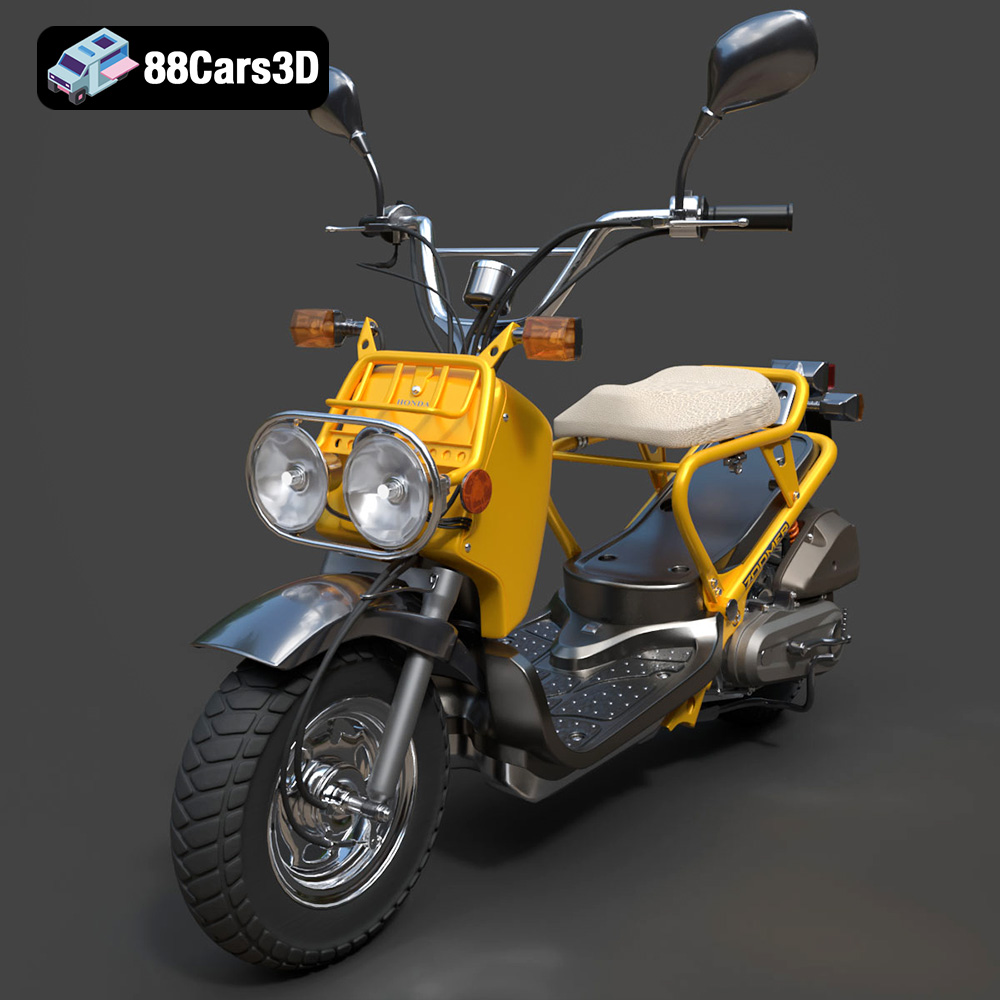
Download the Honda Zoomer 50 2005 3D Model featuring clean geometry, realistic detailing, and a fully modeled interior. Includes .blend, .fbx, .obj, .glb, .stl, .ply, .unreal, and .max formats for rendering, simulation, and game development.
Price: $19.99

Texture: Yes
Material: Yes
Download the Honda Valkyrie GL1800C 2015 3D Model featuring clean geometry, realistic detailing, and a fully modeled interior. Includes .blend, .fbx, .obj, .glb, .stl, .ply, .unreal, and .max formats for rendering, simulation, and game development.
Price: $19.99
Texture: Yes
Material: Yes
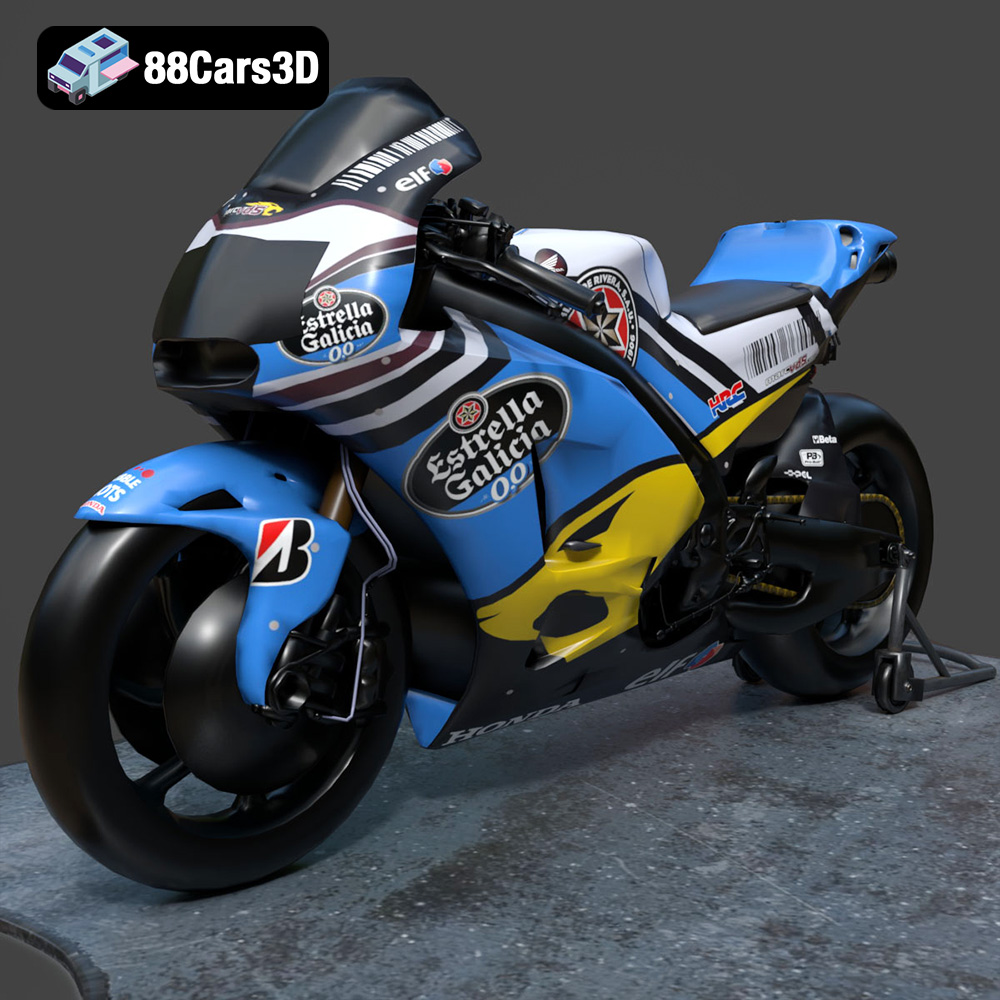
Download the Honda RCV-213-001 3D Model featuring clean geometry, realistic detailing, and a fully modeled interior. Includes .blend, .fbx, .obj, .glb, .stl, .ply, .unreal, and .max formats for rendering, simulation, and game development.
Price: $19.99
Texture: Yes
Material: Yes
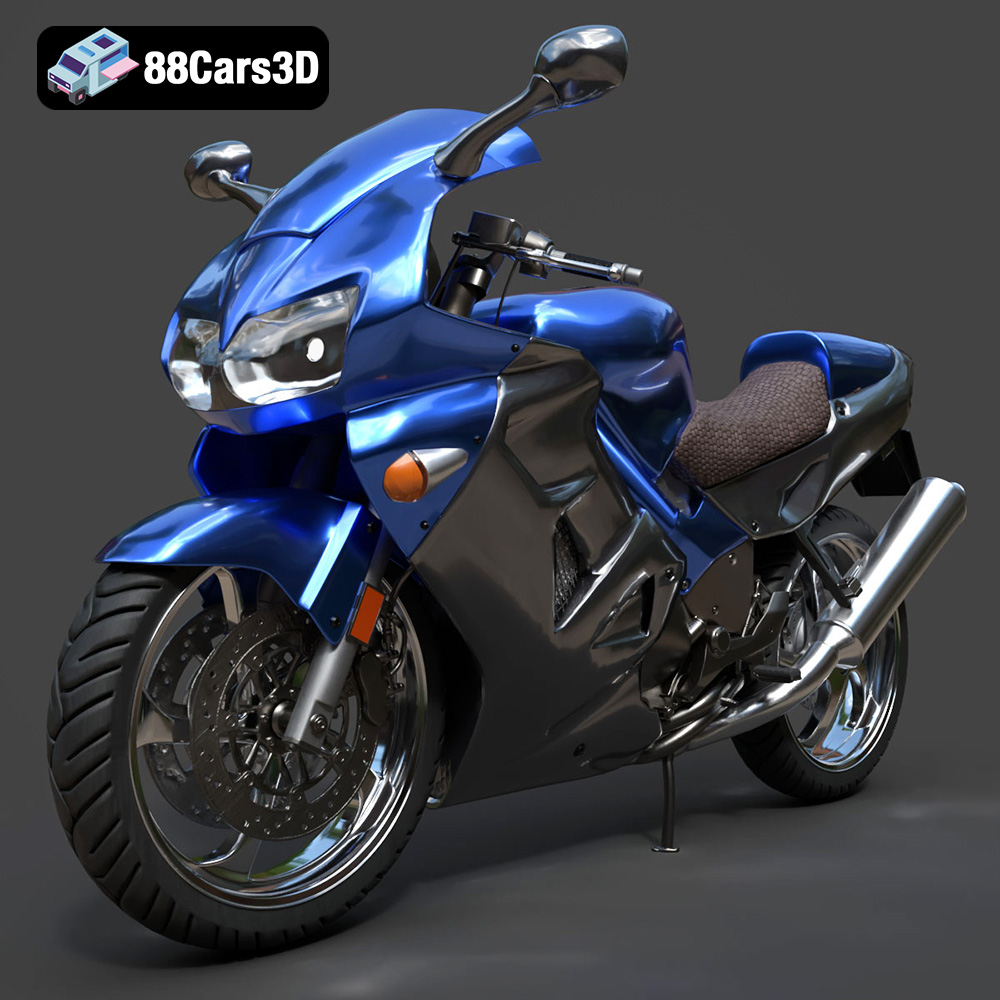
Download the Honda VFR 801-002 3D Model featuring clean geometry, realistic detailing, and a fully modeled interior. Includes .blend, .fbx, .obj, .glb, .stl, .ply, .unreal, and .max formats for rendering, simulation, and game development.
Price: $19.99
Texture: Yes
Material: Yes
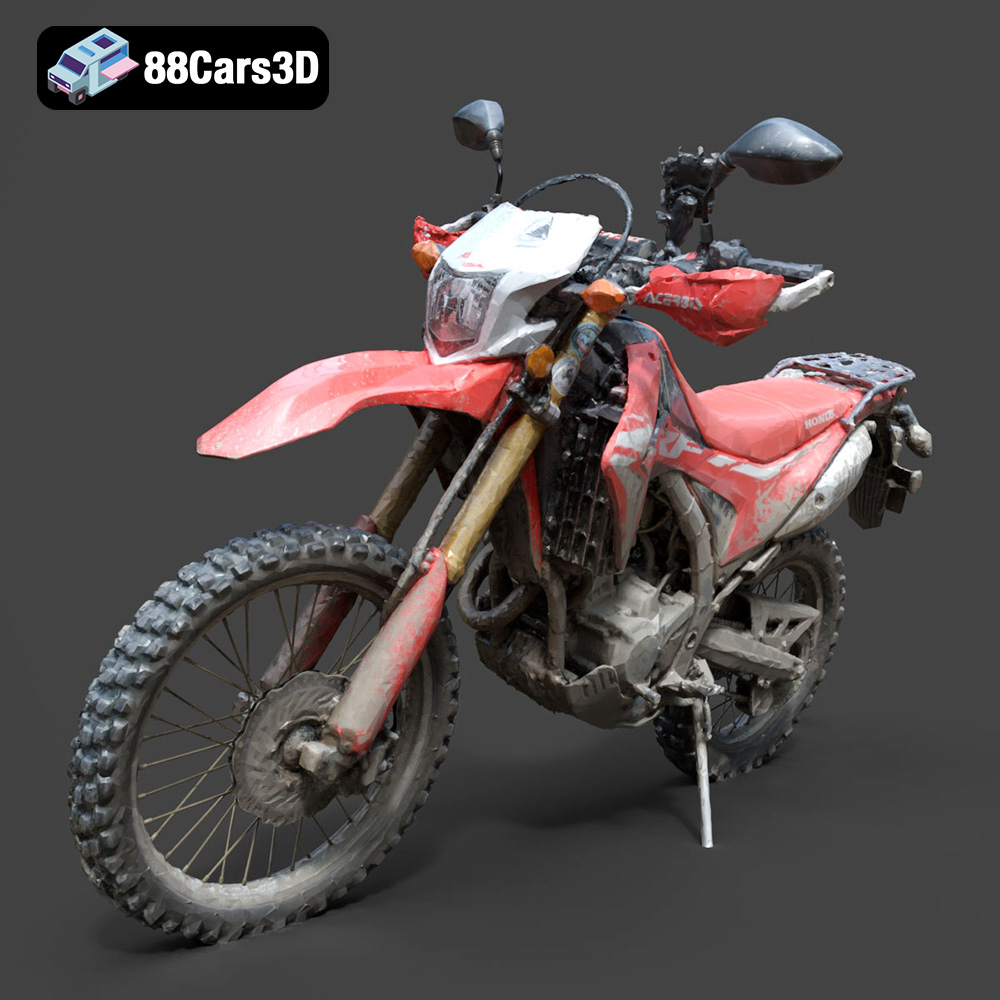
Download the Honda Motorcycle-001 3D Model featuring clean geometry, realistic detailing, and a fully modeled interior. Includes .blend, .fbx, .obj, .glb, .stl, .ply, .unreal, and .max formats for rendering, simulation, and game development.
Price: $19.99

Texture: Yes
Material: Yes
Download the Honda Monkey 125 2019 3D Model featuring clean geometry, realistic detailing, and a fully modeled interior. Includes .blend, .fbx, .obj, .glb, .stl, .ply, .unreal, and .max formats for rendering, simulation, and game development.
Price: $19.99

