Get 50% OFF All Premium 3D & STL Models!

“`html
The world of 3D printing has revolutionized model making, especially for automotive enthusiasts. The ability to bring meticulously detailed car models to life from digital STL files is now within reach of hobbyists and professionals alike. This comprehensive guide will walk you through every stage of the process, from selecting the right STL file and optimizing it for printing, to choosing the ideal 3D printer settings, mastering post-processing techniques, and troubleshooting common issues. Whether you’re aiming to create a stunning display piece, a functional prototype, or an educational tool, this guide will equip you with the knowledge to produce breathtakingly realistic 3D printed car models.
We’ll delve into the intricacies of STL file structure, explore slicing parameters crucial for optimal print quality, demystify support generation and removal, and offer expert advice on material selection. Get ready to unlock the full potential of your 3D printer and transform digital designs into tangible masterpieces.
The foundation of any successful 3D printed car model lies in the quality of the STL file. STL (Stereolithography) is a file format that represents 3D surfaces as a collection of triangles. A well-designed STL file for a car model should have a high enough triangle count to capture intricate details without being excessively large and unwieldy. Clean mesh topology is also crucial, minimizing errors and ensuring a smooth printing process.
Before you even think about slicing, it’s paramount to inspect your STL file for potential issues. Look for non-manifold edges (edges shared by more than two triangles), holes in the mesh, and self-intersecting faces. These errors can lead to printing failures or a significantly degraded final product. Software like Meshmixer and Netfabb can be used to identify and automatically repair these issues. A simple visual inspection within these programs can reveal obvious problems, such as missing sections or distorted surfaces.
The level of detail in your STL file directly impacts the final quality of the printed car model. A higher resolution STL file will capture finer details, such as panel lines, emblems, and intricate curves. However, increasing the resolution also increases the file size and printing time. Finding the right balance is key. Platforms like 88cars3d.com offer a variety of models with different levels of detail, allowing you to choose one that suits your needs and printer capabilities.
Slicing is the process of converting a 3D model into a series of layers that the 3D printer can understand and execute. The slicer software allows you to control various parameters that significantly impact the print quality, strength, and appearance of your car model. Key parameters include layer height, infill density, print speed, and temperature.
Layer height is arguably the most influential setting in determining the surface finish of your 3D printed car model. A smaller layer height results in smoother surfaces and more detail, but it also increases the printing time. A larger layer height prints faster but sacrifices surface quality. For car models, a layer height between 0.08mm and 0.16mm is often recommended for achieving a good balance between detail and speed. Experiment with different layer heights to find the sweet spot for your specific printer and model.
Infill refers to the internal structure of the 3D printed model. The infill density determines how much material is used inside the model, affecting its strength and weight. For car models, a balance between strength and material usage is desired. An infill density of 15-25% is typically sufficient for most models. Consider increasing the infill density for parts that need extra strength, such as axles or suspension components (if printing functional parts). Different infill patterns, such as grid, honeycomb, or gyroid, can also affect the strength and weight distribution. Gyroid infill, in particular, offers excellent strength in all directions while minimizing material usage.
Support structures are essential for printing car models with overhangs and intricate geometries. These temporary structures provide a foundation for the printer to build upon, preventing the model from collapsing during printing. Generating the right type and amount of support is crucial for a successful print. Incorrect support settings can lead to print failures, poor surface quality, and difficult removal.
There are several types of support structures, each with its own advantages and disadvantages. Tree supports, for example, are often preferred for their minimal material usage and ease of removal. Linear supports, on the other hand, provide more robust support for large overhangs but can be more difficult to remove and may leave behind more noticeable marks. Experimenting with different support types is key to finding the best solution for your specific car model. Software like Cura and PrusaSlicer offer advanced support generation options, allowing you to customize the support type, density, and placement.
The placement and settings of support structures are just as important as the type. You want to ensure that supports are placed strategically to provide adequate support without interfering with the surface quality of the model. Adjusting the support density, overhang angle, and support interface settings can significantly improve the print quality and ease of removal. A support interface creates a thin, easily breakable layer between the support and the model, making removal cleaner and minimizing damage to the model’s surface. When downloading models from marketplaces such as 88cars3d.com, check if the creator provides recommended support settings or pre-supported files for ease of use.
The choice of material plays a critical role in the final appearance, strength, and durability of your 3D printed car model. Each material has its own unique properties, advantages, and disadvantages. The most common materials for 3D printing car models are PLA, PETG, ABS, and resin.
PLA (Polylactic Acid) is a biodegradable thermoplastic that is easy to print and offers good detail. It’s a great option for purely aesthetic models that don’t require high heat resistance or impact strength. PETG (Polyethylene Terephthalate Glycol-modified) is a stronger and more durable alternative to PLA, offering better heat resistance and impact strength. It’s a good choice for models that may be subjected to some wear and tear. ABS (Acrylonitrile Butadiene Styrene) is a strong and heat-resistant plastic that is commonly used in automotive applications. It’s a good choice for functional prototypes or models that need to withstand high temperatures, but it requires a heated bed and an enclosure to prevent warping.
Resin printing, using technologies like SLA (Stereolithography) or DLP (Digital Light Processing), offers significantly higher detail and smoother surfaces compared to FDM printing. Resin is a liquid photopolymer that is cured by UV light. Resin printing is ideal for producing highly detailed car models with intricate features and smooth curves. However, resin prints tend to be more brittle than FDM prints and may require post-curing and painting to achieve the desired finish. When opting for resin, ensure proper ventilation and safety precautions are followed, as the resin can be harmful.
Post-processing is an essential step in achieving a realistic and professional-looking 3D printed car model. Post-processing techniques include sanding, filling, priming, painting, and assembly. These techniques help to remove imperfections, smooth surfaces, and add color and detail to the model.
Sanding is used to remove layer lines and smooth the surface of the 3D printed model. Start with coarse sandpaper (e.g., 220 grit) and gradually move to finer grits (e.g., 400, 600, 800, 1000 grit) to achieve a smooth finish. For larger imperfections or gaps, use a filler primer or putty to fill the gaps and then sand smooth. Be patient and take your time, as this step is crucial for achieving a professional-looking finish.
Painting is used to add color and detail to the 3D printed car model. Start with a primer to create a smooth and even surface for the paint to adhere to. Use high-quality acrylic paints or automotive paints for a durable and realistic finish. Consider using masking tape to create clean lines and separate different colored areas. Apply multiple thin coats of paint rather than one thick coat to avoid drips and runs. After painting, apply a clear coat to protect the paint and add a glossy or matte finish. Detailing can be achieved with fine brushes, decals, and weathering techniques.
Even with careful planning and optimized settings, 3D printing can sometimes present challenges. Common issues include warping, bed adhesion problems, stringing, and layer shifting. Understanding the causes of these issues and knowing how to troubleshoot them is essential for achieving successful prints.
Warping occurs when the corners or edges of the 3D printed model lift off the print bed. This is often caused by temperature differences between the printed part and the environment. To prevent warping, ensure that the print bed is properly leveled and heated. Use a bed adhesion aid, such as glue stick, hairspray, or painter’s tape, to improve adhesion. For materials like ABS, using an enclosure to maintain a consistent temperature can also help prevent warping.
Stringing occurs when thin strands of plastic are left between different parts of the 3D printed model. This is usually caused by the nozzle oozing plastic while traveling between different parts. To reduce stringing, adjust the retraction settings in your slicer software. Layer shifting occurs when the layers of the 3D printed model are misaligned. This can be caused by loose belts, stepper motor issues, or vibrations. Ensure that all belts are properly tensioned and that the printer is placed on a stable surface.
3D printing realistic car models from STL files is a rewarding and creative process. By understanding the intricacies of STL file structure, optimizing slicing parameters, mastering support structures, choosing the right materials, and employing post-processing techniques, you can transform digital designs into stunning tangible creations. Platforms like 88cars3d.com offer print-ready STL files that can significantly simplify the process, providing high-quality models optimized for 3D printing.
Remember that experimentation and practice are key to mastering the art of 3D printing. Don’t be afraid to try different settings, materials, and techniques to find what works best for you. With patience and perseverance, you’ll be able to create breathtakingly realistic 3D printed car models that will impress even the most discerning automotive enthusiasts. Take the next step, download an STL file, and start your 3D printing journey today!
“`
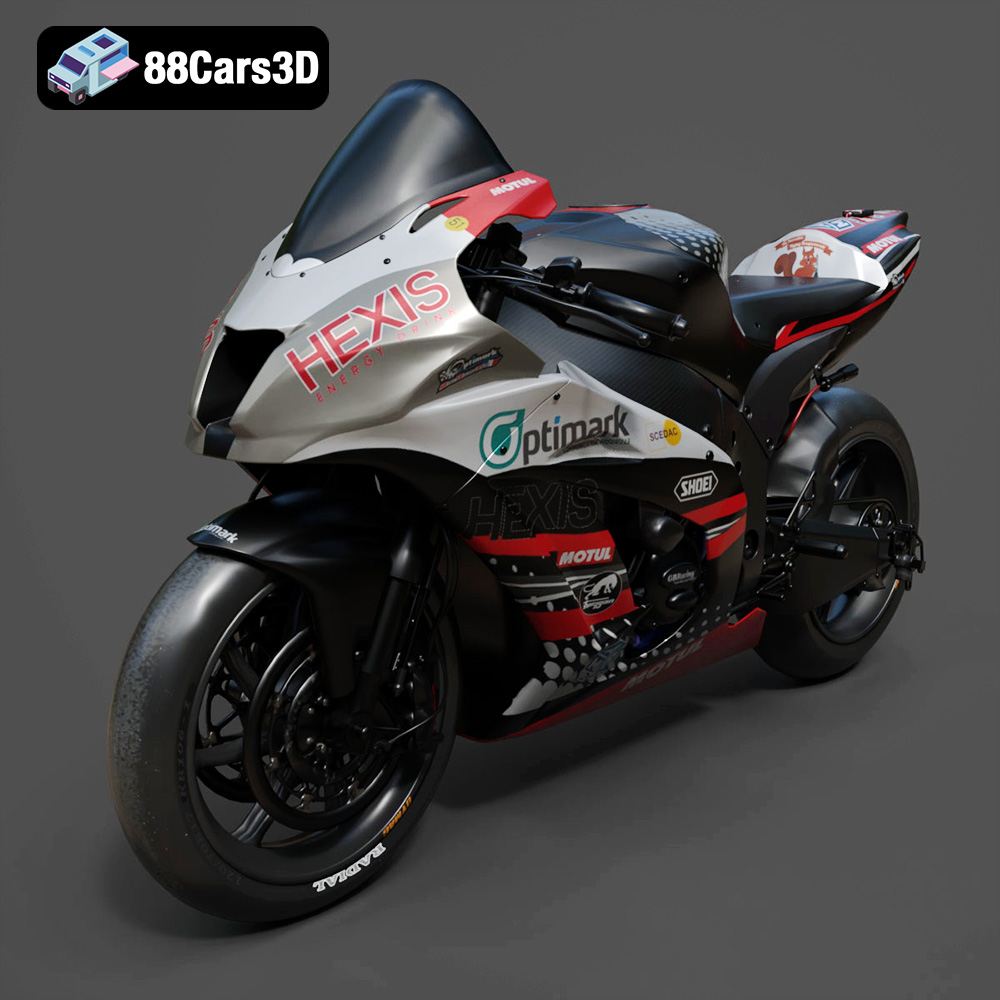
Texture: Yes
Material: Yes
Download the Kawasaki ZX-10R 3D Model featuring clean geometry, realistic detailing, and a fully modeled interior. Includes .blend, .fbx, .obj, .glb, .stl, .ply, .unreal, and .max formats for rendering, simulation, and game development.
Price: $19.99
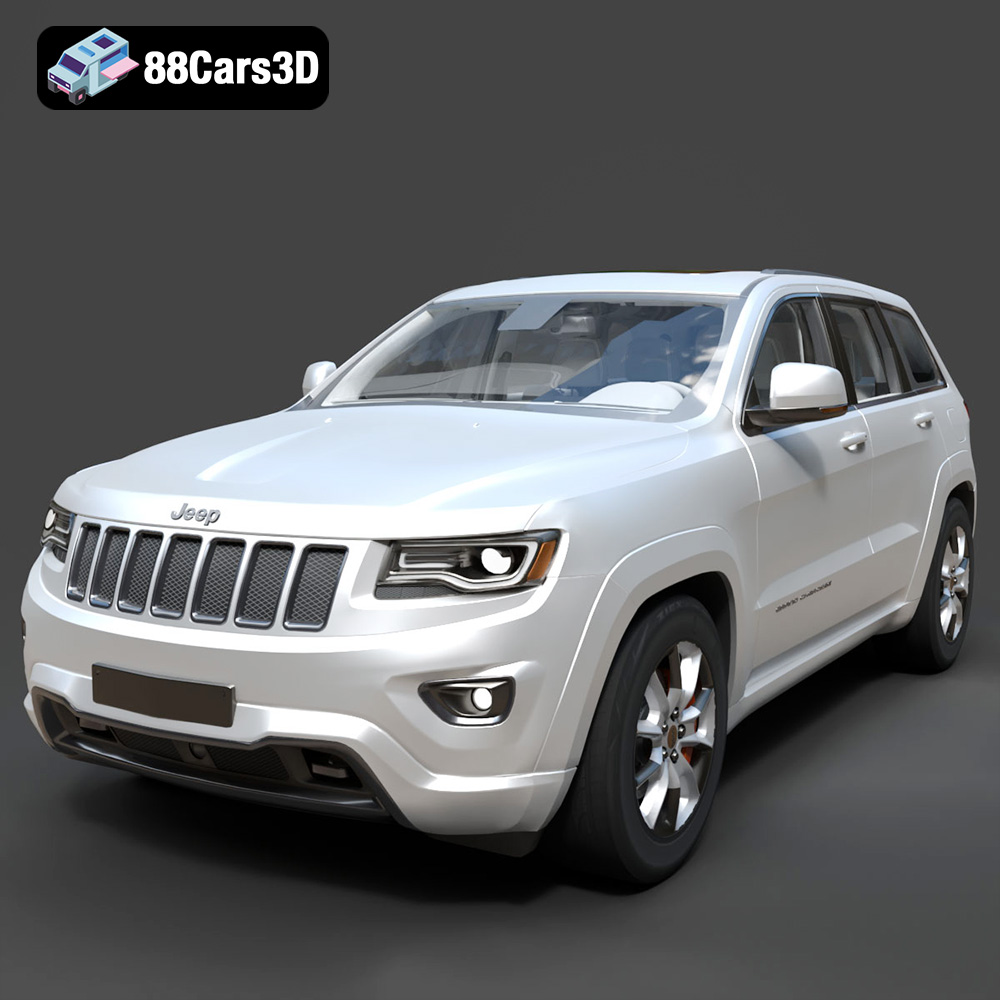
Texture: Yes
Material: Yes
Download the Jeep Grand Cherokee Limited 2017 3D Model featuring clean geometry, realistic detailing, and a fully modeled interior. Includes .blend, .fbx, .obj, .glb, .stl, .ply, .unreal, and .max formats for rendering, simulation, and game development.
Price: $19.99
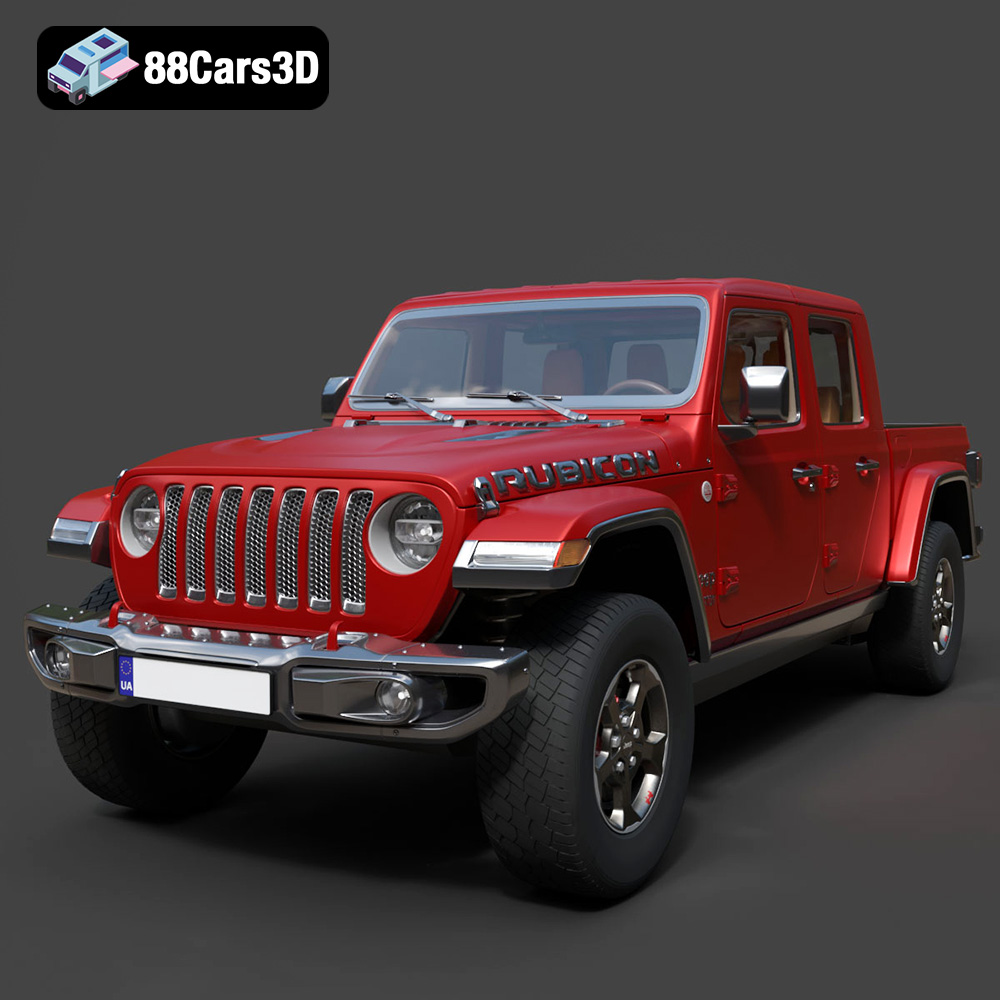
Texture: Yes
Material: Yes
Download the Jeep Gladiator Rubicon 2020 3D Model featuring clean geometry, realistic detailing, and a fully modeled interior. Includes .blend, .fbx, .obj, .glb, .stl, .ply, .unreal, and .max formats for rendering, simulation, and game development.
Price: $19.99

Texture: Yes
Material: Yes
Download the Jaguar C-X75 2014 3D Model featuring clean geometry, realistic detailing, and a fully modeled interior. Includes .blend, .fbx, .obj, .glb, .stl, .ply, .unreal, and .max formats for rendering, simulation, and game development.
Price: $19.99

Texture: Yes
Material: Yes
Download the Jaguar XFR-S 2014 3D Model featuring clean geometry, realistic detailing, and a fully modeled interior. Includes .blend, .fbx, .obj, .glb, .stl, .ply, .unreal, and .max formats for rendering, simulation, and game development.
Price: $19.99

Texture: Yes
Material: Yes
Download the Infiniti QX50 2019 3D Model featuring clean geometry, realistic detailing, and a fully modeled interior. Includes .blend, .fbx, .obj, .glb, .stl, .ply, .unreal, and .max formats for rendering, simulation, and game development.
Price: $19.99
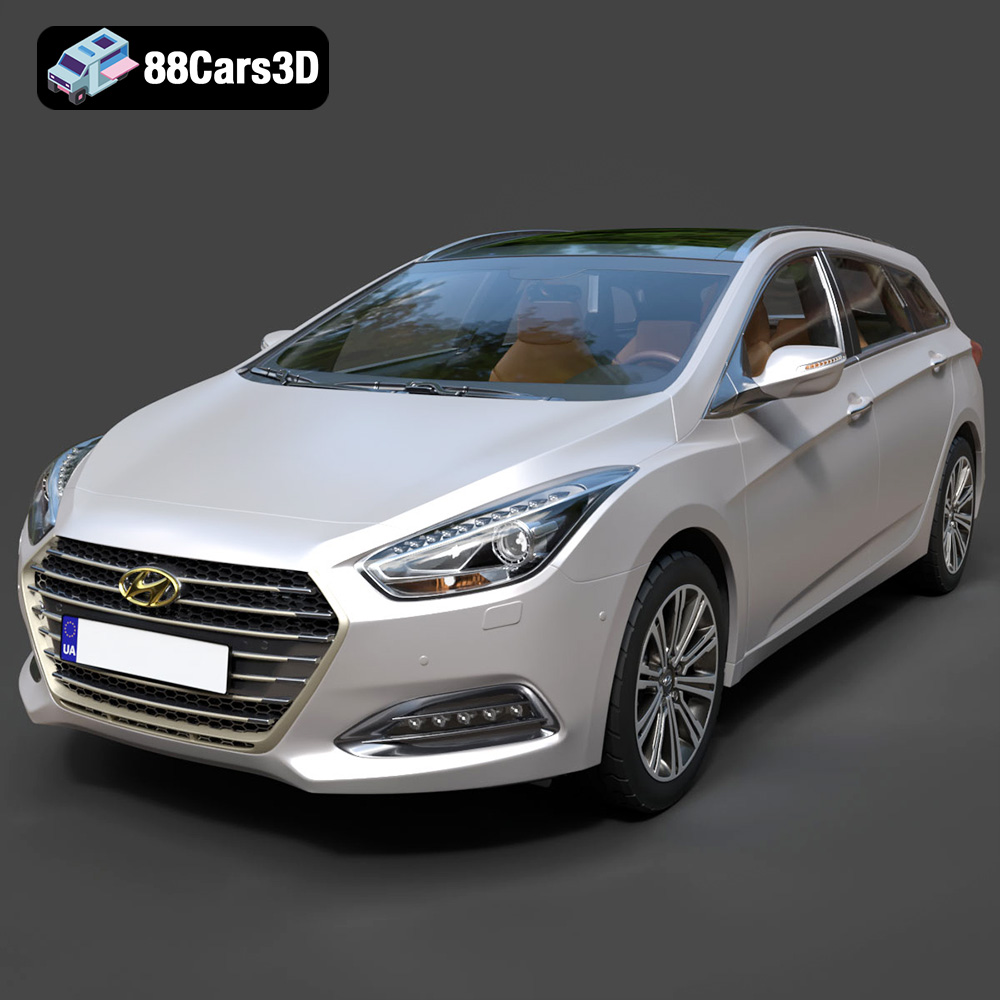
Texture: Yes
Material: Yes
Download the Hyundai i40 Wagon 2015 3D Model featuring clean geometry, realistic detailing, and a fully modeled interior. Includes .blend, .fbx, .obj, .glb, .stl, .ply, .unreal, and .max formats for rendering, simulation, and game development.
Price: $19.99

Texture: Yes
Material: Yes
Download the Honda NSX 2017 3D Model featuring clean geometry, realistic detailing, and a fully modeled interior. Includes .blend, .fbx, .obj, .glb, .stl, .ply, .unreal, and .max formats for rendering, simulation, and game development.
Price: $19.99
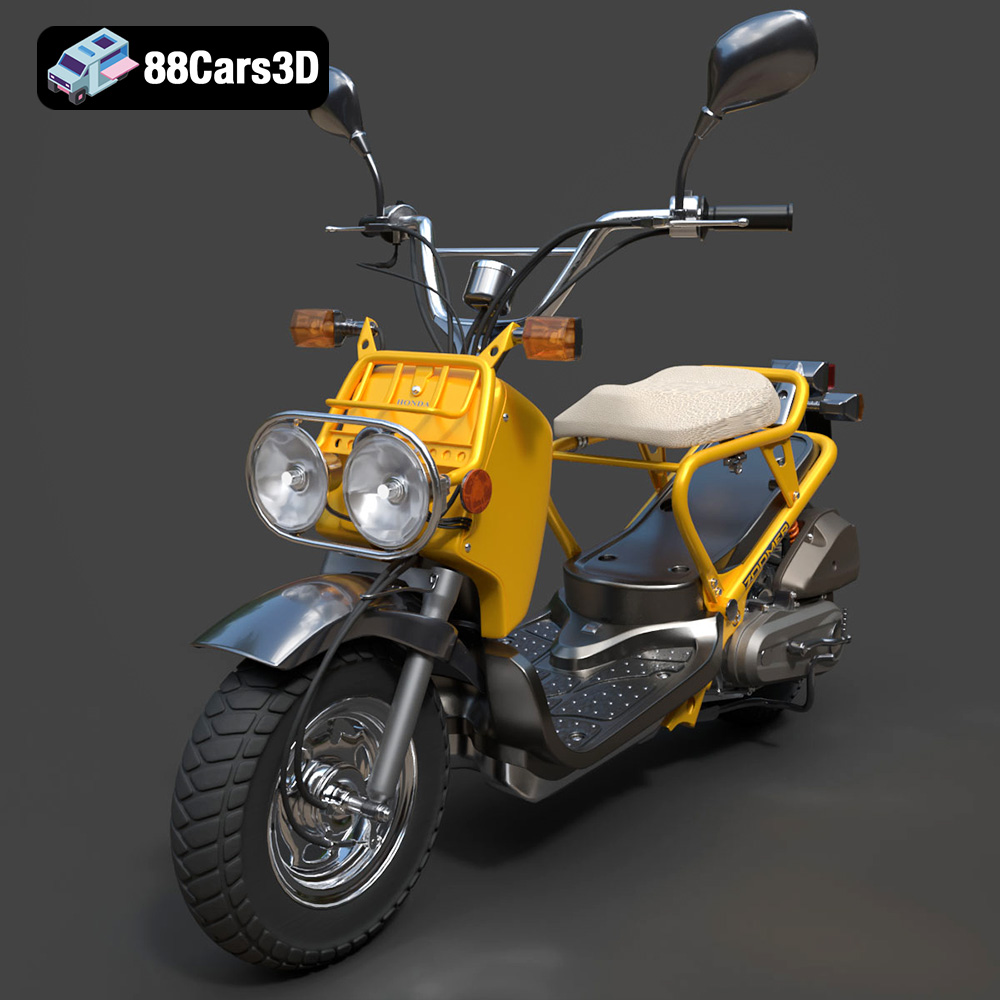
Texture: Yes
Material: Yes
Download the Honda Zoomer 50 2005 3D Model featuring clean geometry, realistic detailing, and a fully modeled interior. Includes .blend, .fbx, .obj, .glb, .stl, .ply, .unreal, and .max formats for rendering, simulation, and game development.
Price: $19.99

Texture: Yes
Material: Yes
Download the Honda Valkyrie GL1800C 2015 3D Model featuring clean geometry, realistic detailing, and a fully modeled interior. Includes .blend, .fbx, .obj, .glb, .stl, .ply, .unreal, and .max formats for rendering, simulation, and game development.
Price: $19.99

