Get 50% OFF All Premium 3D & STL Models!

“`html
The world of 3D printing offers incredible possibilities, from crafting intricate miniature car models to prototyping complex mechanical parts. But one common hurdle that every maker faces is print time. A seemingly simple model can take hours, even days, to materialize. Luckily, there are powerful techniques to dramatically reduce print times without sacrificing quality. This guide delves into the art of scaling, hollowing, and optimizing STL models, focusing specifically on how these strategies apply to printing detailed car models like those found on 88cars3d.com. Whether you’re a seasoned pro or just starting, mastering these techniques will unlock a new level of efficiency in your 3D printing journey. We’ll cover everything from understanding STL file structure to advanced slicing parameters, ensuring you get the best possible results.
Before diving into the specifics, it’s crucial to understand why optimization is so important. Smaller file sizes lead to faster slicing times, reduced printer processing load, and ultimately, quicker print completion. Optimizing also contributes to material savings, which can be significant over time. Moreover, a well-optimized model is less prone to printing errors and boasts improved structural integrity, particularly when hollowing.
At the heart of 3D printing lies the STL (Stereolithography) file format. Understanding its structure is the foundation for effective optimization. STL files represent 3D models as a collection of interconnected triangles forming a mesh. The density and arrangement of these triangles directly impact print quality and file size. A higher triangle count results in a smoother surface but also a larger file and increased processing time. For printable car models, striking the right balance between detail and efficiency is key.
An STL file essentially lists the vertices (points in 3D space) and normals (vectors perpendicular to the surface) of each triangle. There are two main types of STL files: ASCII and binary. Binary files are generally smaller and faster to process. The crucial aspect is ensuring the mesh is “manifold,” meaning it’s a closed, watertight surface. Non-manifold meshes can lead to slicing errors and failed prints. When downloading models from marketplaces such as 88cars3d.com, you can generally trust that these issues have been addressed, but it’s still good practice to verify.
The number of polygons (triangles) in your STL file directly affects its size and the complexity of the printing process. Reducing the polygon count, also known as mesh decimation, can significantly speed up printing. Software like MeshLab, Blender, and even some slicers offer polygon reduction tools. However, be cautious not to reduce the count too drastically, as this can lead to a loss of detail, especially on curved surfaces of car models. A good starting point is to aim for a 10-20% reduction and visually inspect the model for any noticeable degradation.
Scaling your 3D model is a simple yet powerful way to influence print time and material usage. Smaller models naturally print faster and require less filament or resin. However, there’s a limit to how much you can scale down before losing crucial details. For intricate car models, consider the intended use case. Is it for a static display, a functional toy, or a prototype? The answer will guide your scaling decisions. For example, a display model can often be printed at a smaller scale without compromising visual appeal.
Before scaling, analyze the smallest features of your model. Are there fine details like door handles, vents, or intricate grill patterns? These features will define the lower limit of your scaling. Consider the resolution of your 3D printer. A printer with higher resolution can reproduce finer details at smaller scales. As a rule of thumb, aim for a feature size that is at least twice the layer height of your print. For example, if you’re printing at 0.1mm layer height, ensure that the smallest feature is at least 0.2mm in size.
In some cases, you might want to scale the model non-uniformly, stretching it along one axis more than others. This can be useful for optimizing print orientation and minimizing support material. For example, if a car model is particularly long, you might slightly elongate it along the Z-axis to reduce the need for extensive supports underneath the body. However, be aware that non-uniform scaling can distort the overall proportions of the model, so use it judiciously.
Hollowing is a game-changer for reducing print time and material consumption, particularly when dealing with larger models. The basic principle is to remove the internal material of the model, leaving a hollow shell. This dramatically reduces the amount of plastic or resin required and, consequently, the print duration. However, hollowing requires careful planning and the addition of strategically placed drain holes to prevent trapped resin or filament from causing issues.
Software like Meshmixer offers dedicated hollowing tools. The typical workflow involves importing your STL file, using the “Edit” -> “Hollow” function, and adjusting parameters like wall thickness and offset distance. For FDM printing, a wall thickness of 1.2mm to 2mm is generally sufficient for structural integrity. For resin printing, a wall thickness of 1mm to 1.5mm is usually adequate. Remember to add drain holes to allow excess resin to escape after printing. Position these holes in inconspicuous locations, such as the underside of the model.
Strategic placement of drain holes is critical for successful hollowing. Consider the orientation of the model during printing and ensure that the drain holes are positioned at the lowest points to allow for complete drainage. For complex models, multiple drain holes may be necessary. Aim for a diameter of at least 3mm for drain holes. After printing, thoroughly clean the inside of the hollowed model to remove any remaining resin or filament. You can use isopropyl alcohol (IPA) for resin prints and a vacuum cleaner for FDM prints.
The slicing process is where your STL file is translated into instructions for your 3D printer. The slicing software divides the model into thin layers and generates the toolpaths that the printer will follow. Optimizing slicing parameters is essential for achieving the desired balance between print speed and quality. Key parameters include layer height, infill density, print speed, and support settings.
Layer height is a crucial parameter that directly impacts print time and surface finish. Lower layer heights (e.g., 0.1mm) result in smoother surfaces but take longer to print. Higher layer heights (e.g., 0.2mm or 0.3mm) print faster but may exhibit noticeable layer lines. For car models, a layer height of 0.15mm to 0.2mm is a good compromise for balancing speed and aesthetics. Experiment with different layer heights to find the sweet spot for your specific printer and model.
Infill refers to the internal structure of your 3D print. While a solid infill provides maximum strength, it also significantly increases print time and material usage. For most car models, a low to medium infill density (10-25%) is sufficient, especially after hollowing. Experiment with different infill patterns like gyroid, honeycomb, or rectilinear. Gyroid infill offers a good balance of strength and speed, while rectilinear infill is faster but less isotropic. For areas requiring extra strength, such as mounting points or axles, consider increasing the infill density locally.
Print speed is another critical factor influencing overall print time. However, increasing the print speed too much can lead to quality issues like warping, stringing, and poor layer adhesion. The optimal print speed depends on your printer, material, and model complexity. Start with the recommended settings for your filament or resin and gradually increase the speed in small increments (e.g., 5-10mm/s). Monitor the print closely for any signs of degradation. If you observe issues like excessive vibration or poor surface finish, reduce the speed accordingly.
Support structures are temporary scaffolding that holds up overhanging parts of your 3D model during printing. While necessary for many models, supports consume material and add to the overall print time. Optimizing support placement, density, and type can significantly improve print efficiency. For printing printable car models, clever support strategies are critical to maintain details like side mirrors, spoilers, and wheel wells.
Most slicing software offers automatic support generation. While convenient, automatic supports often over-support the model, leading to wasted material and longer print times. Manual support placement allows you to strategically add supports only where they are needed, minimizing material usage and print time. Software like Meshmixer and PrusaSlicer offer excellent manual support editing tools.
Support density refers to the amount of material used to create the support structure. A lower support density reduces print time and material consumption but may compromise the stability of the overhang. Experiment with different support densities to find the optimal balance. Interface layers are thin layers added between the support structure and the model surface. These layers make it easier to remove the supports after printing without damaging the model. Adjusting the interface layer thickness and density can further optimize support removal.
Removing support structures can be a delicate process. Use appropriate tools like pliers, cutters, or a deburring tool to carefully remove the supports without damaging the model. For FDM prints, you can use a heat gun to soften the supports before removal. For resin prints, you can soak the model in warm water to make the supports more brittle. Always wear safety glasses and gloves when removing supports.
Even with optimized settings, some post-processing is often necessary to achieve a flawless finish. Common post-processing techniques include sanding, filling, priming, and painting. These steps can remove layer lines, smooth surfaces, and add a professional touch to your 3D printed car models. The techniques vary slightly depending on whether you are using FDM or resin printing methods. For FDM, the process usually begins with removing support structures, and sanding down rough edges, then applying filler primer. For resin, a thorough wash in isopropyl alcohol is critical. After curing, sanding and polishing are used to refine the surface.
Sanding is essential for removing layer lines and smoothing the surface of your 3D printed models. Start with a coarse grit sandpaper (e.g., 120 grit) to remove any major imperfections, then gradually move to finer grits (e.g., 220, 400, 600 grit) to achieve a smooth finish. For larger gaps or imperfections, use a filler putty or epoxy. Apply the filler in thin layers and allow it to dry completely before sanding.
Priming provides a uniform surface for painting and helps the paint adhere better to the plastic. Apply several thin coats of primer, allowing each coat to dry completely before applying the next. After the primer has dried, sand it lightly with fine-grit sandpaper (e.g., 600 grit) to remove any imperfections. Use high-quality acrylic or enamel paints for the final coat. Apply the paint in thin, even layers, allowing each layer to dry completely before applying the next. Consider using an airbrush for a smoother and more professional finish.
Scaling, hollowing, and optimizing STL files are essential skills for any 3D printing enthusiast. By understanding the intricacies of STL file structure, mastering slicing parameters, and employing strategic support generation techniques, you can significantly reduce print times and material consumption without compromising the quality of your creations. Remember to experiment with different settings and techniques to find what works best for your printer, material, and model. Platforms like 88cars3d.com offer print-ready STL files that serve as a great starting point for practicing these skills. So, dive in, experiment, and unleash the full potential of your 3D printer. Happy printing!
“`
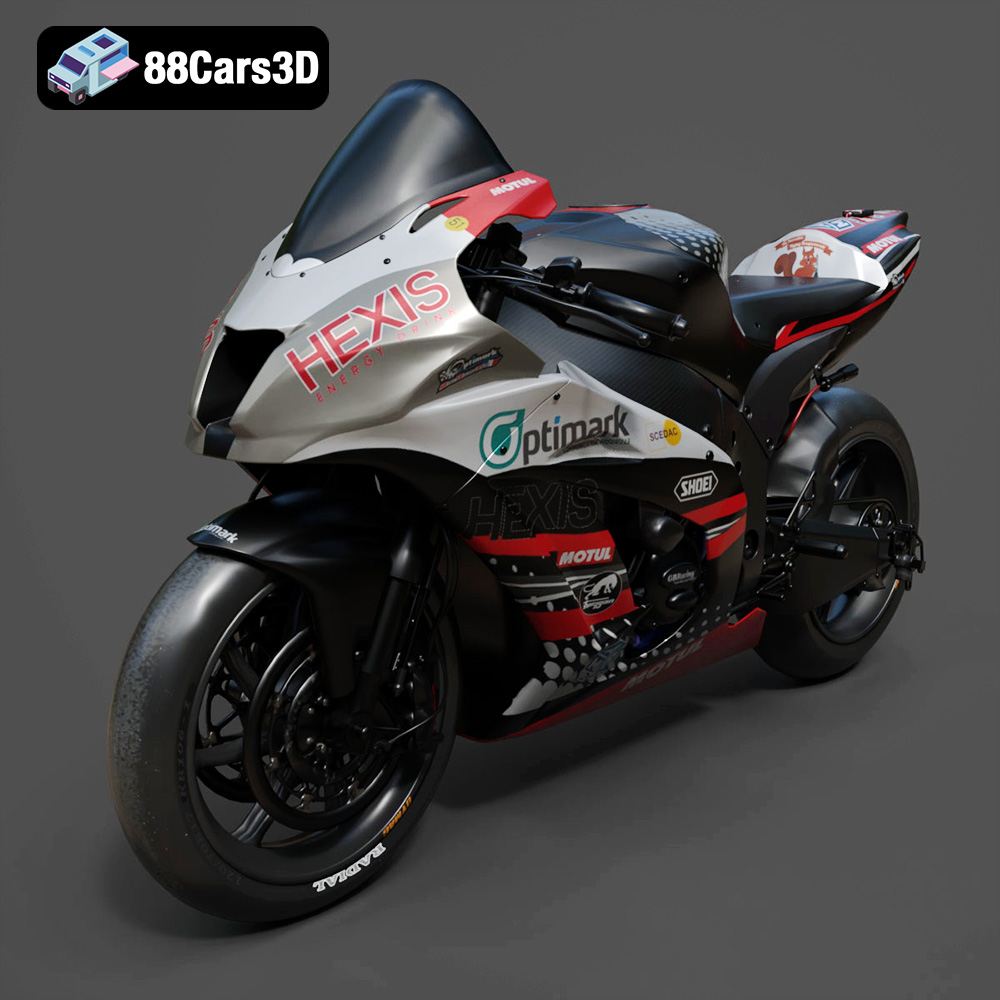
Texture: Yes
Material: Yes
Download the Kawasaki ZX-10R 3D Model featuring clean geometry, realistic detailing, and a fully modeled interior. Includes .blend, .fbx, .obj, .glb, .stl, .ply, .unreal, and .max formats for rendering, simulation, and game development.
Price: $19.99
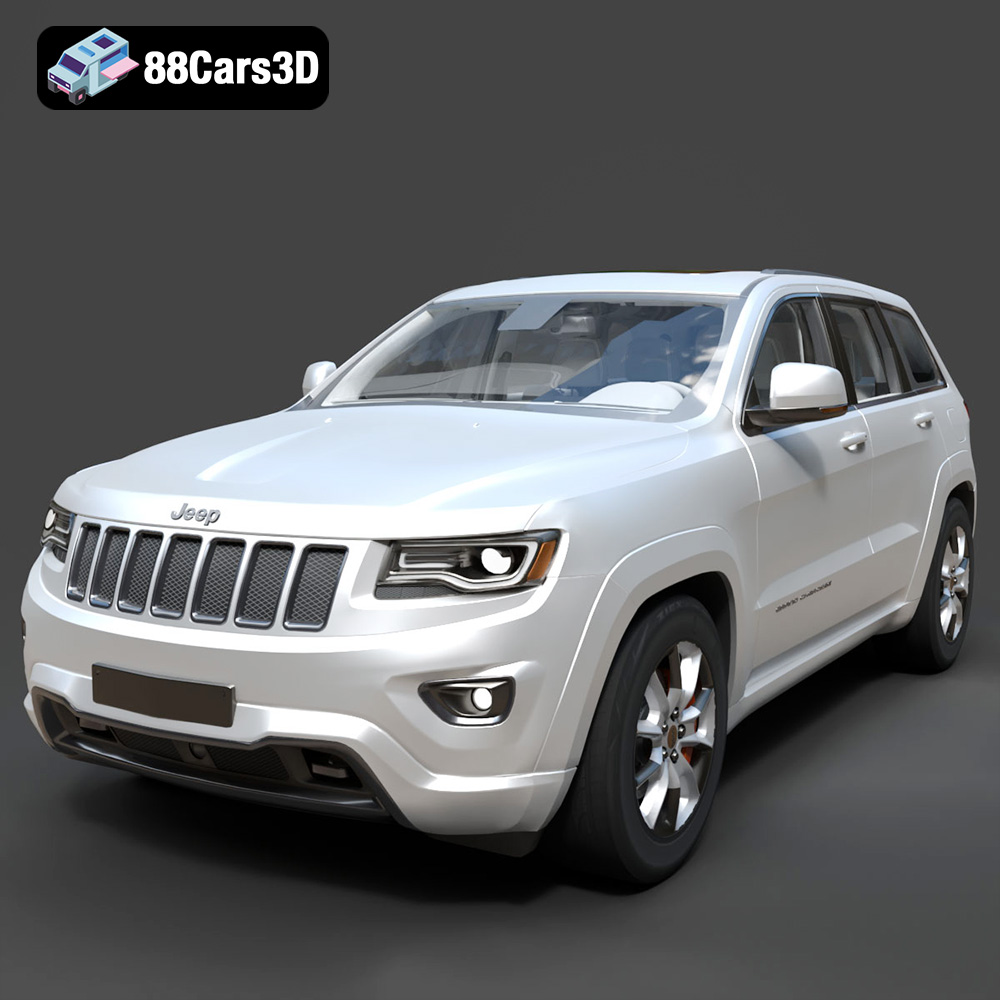
Texture: Yes
Material: Yes
Download the Jeep Grand Cherokee Limited 2017 3D Model featuring clean geometry, realistic detailing, and a fully modeled interior. Includes .blend, .fbx, .obj, .glb, .stl, .ply, .unreal, and .max formats for rendering, simulation, and game development.
Price: $19.99
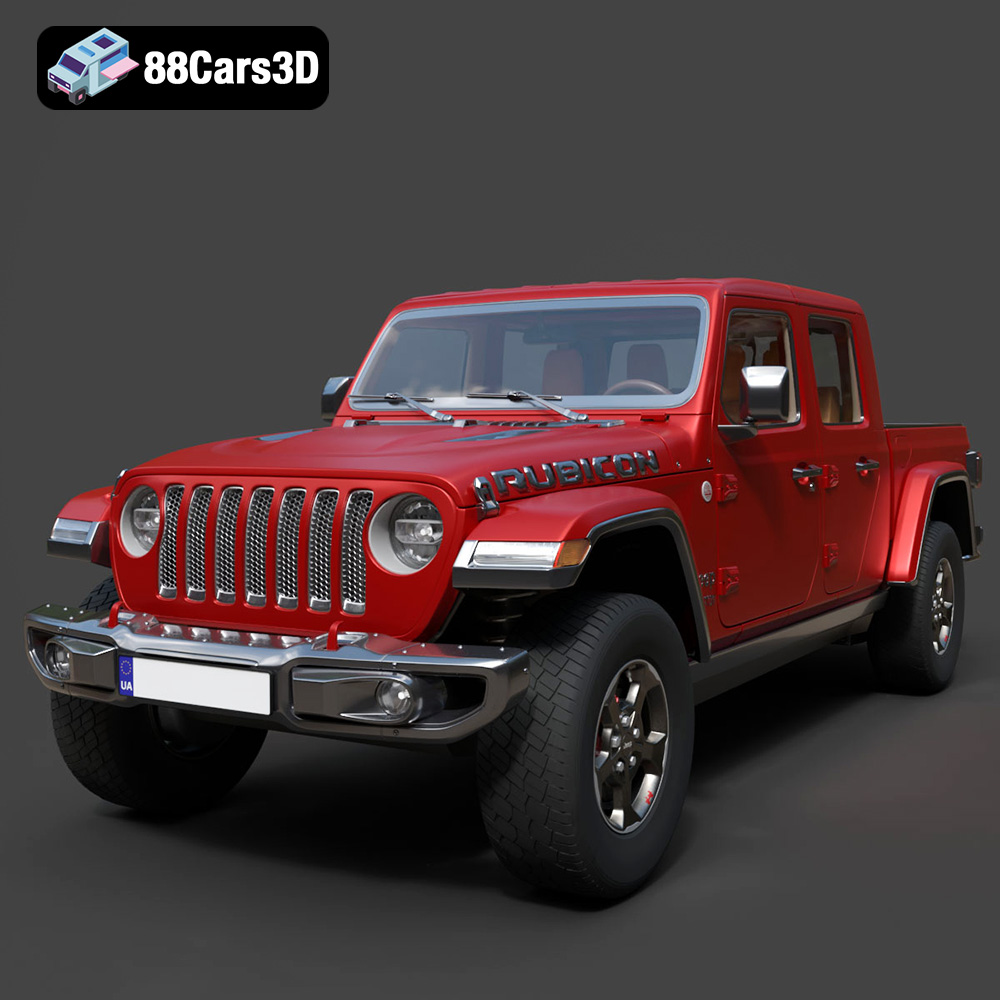
Texture: Yes
Material: Yes
Download the Jeep Gladiator Rubicon 2020 3D Model featuring clean geometry, realistic detailing, and a fully modeled interior. Includes .blend, .fbx, .obj, .glb, .stl, .ply, .unreal, and .max formats for rendering, simulation, and game development.
Price: $19.99

Texture: Yes
Material: Yes
Download the Jaguar C-X75 2014 3D Model featuring clean geometry, realistic detailing, and a fully modeled interior. Includes .blend, .fbx, .obj, .glb, .stl, .ply, .unreal, and .max formats for rendering, simulation, and game development.
Price: $19.99

Texture: Yes
Material: Yes
Download the Jaguar XFR-S 2014 3D Model featuring clean geometry, realistic detailing, and a fully modeled interior. Includes .blend, .fbx, .obj, .glb, .stl, .ply, .unreal, and .max formats for rendering, simulation, and game development.
Price: $19.99

Texture: Yes
Material: Yes
Download the Infiniti QX50 2019 3D Model featuring clean geometry, realistic detailing, and a fully modeled interior. Includes .blend, .fbx, .obj, .glb, .stl, .ply, .unreal, and .max formats for rendering, simulation, and game development.
Price: $19.99

Texture: Yes
Material: Yes
Download the Hyundai i40 Wagon 2015 3D Model featuring clean geometry, realistic detailing, and a fully modeled interior. Includes .blend, .fbx, .obj, .glb, .stl, .ply, .unreal, and .max formats for rendering, simulation, and game development.
Price: $19.99

Texture: Yes
Material: Yes
Download the Honda NSX 2017 3D Model featuring clean geometry, realistic detailing, and a fully modeled interior. Includes .blend, .fbx, .obj, .glb, .stl, .ply, .unreal, and .max formats for rendering, simulation, and game development.
Price: $19.99
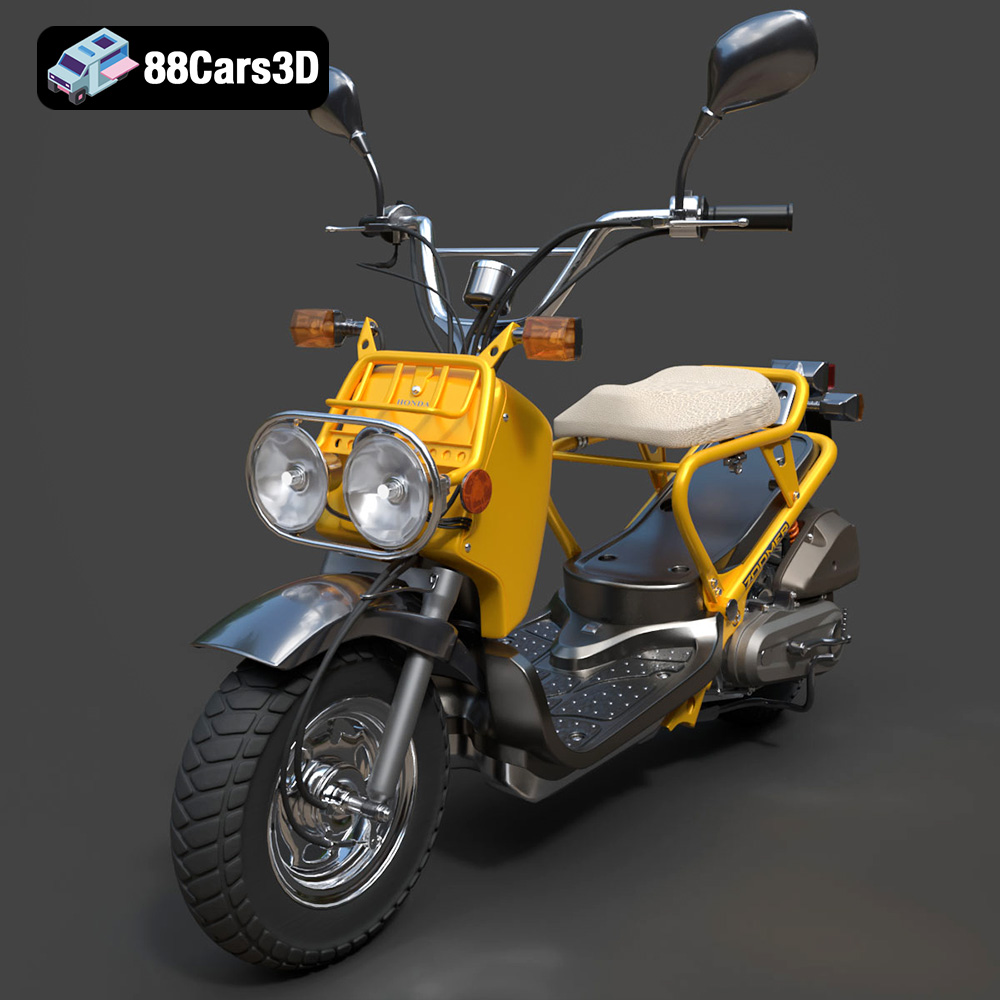
Texture: Yes
Material: Yes
Download the Honda Zoomer 50 2005 3D Model featuring clean geometry, realistic detailing, and a fully modeled interior. Includes .blend, .fbx, .obj, .glb, .stl, .ply, .unreal, and .max formats for rendering, simulation, and game development.
Price: $19.99

Texture: Yes
Material: Yes
Download the Honda Valkyrie GL1800C 2015 3D Model featuring clean geometry, realistic detailing, and a fully modeled interior. Includes .blend, .fbx, .obj, .glb, .stl, .ply, .unreal, and .max formats for rendering, simulation, and game development.
Price: $19.99

