Get 50% OFF All Premium 3D & STL Models!

“`html
The world of 3D printing has revolutionized model making, allowing enthusiasts and professionals alike to bring their visions to life with incredible detail and accuracy. One of the most captivating applications is the creation of realistic car models from STL files. Whether you’re a seasoned 3D printing expert or just starting out, this comprehensive guide will walk you through the entire process, from understanding STL file structure to mastering advanced printing and post-processing techniques. We’ll cover essential software, optimal printer settings, material selection, and troubleshooting common issues, equipping you with the knowledge to create stunning, high-quality car models that will impress any automotive aficionado. Get ready to delve into the exciting realm of 3D printed automotive artistry!
The foundation of any successful 3D print lies in the quality of the STL file. STL, short for Stereolithography, is a file format that represents a 3D object’s surface geometry using a collection of triangles. The denser the mesh (the more triangles), the smoother and more detailed the final print will be. However, excessively dense meshes can lead to larger file sizes and increased processing time. A well-prepared STL file is crucial for achieving a realistic and accurate car model.
STL files consist of a series of facets, each defined by three vertices (points in 3D space) and a normal vector (indicating the direction the facet is facing). The resolution of an STL file directly impacts the smoothness of curved surfaces. Low-resolution files will exhibit visible faceting, while high-resolution files will appear smoother. When downloading models from marketplaces such as 88cars3d.com, pay attention to the file’s polygon count. A higher polygon count generally indicates a more detailed and smoother model. For car models, aim for STL files with sufficient detail to capture intricate features like body lines, vents, and grills without being unnecessarily dense.
Mesh errors are common in STL files and can lead to printing problems. These errors include non-manifold geometry (edges shared by more than two triangles), holes in the mesh, and self-intersecting triangles. Before printing, it’s essential to inspect and repair any errors. Software like Meshmixer, Netfabb, and Blender offer tools for automatic and manual mesh repair. Meshmixer’s “Make Solid” tool is particularly effective for repairing non-manifold geometry, while Netfabb provides advanced analysis and repair features. For instance, if a model has a small hole, Netfabb can automatically close it by adding new triangles to fill the gap. Ensuring a watertight, error-free mesh is critical for successful 3D printing, especially with resin printers where even tiny holes can cause resin leakage.
Slicing software transforms your 3D model into a set of instructions that your 3D printer can understand. It divides the model into thin horizontal layers and generates the toolpaths for the printer to follow. The slicer allows you to control various printing parameters that significantly impact the final print quality. Cura, PrusaSlicer, Simplify3D, and Chitubox are popular slicing programs, each offering unique features and capabilities.
Several slicing parameters are crucial for achieving realistic car models. Layer height determines the vertical resolution of the print. Lower layer heights (e.g., 0.1mm or 0.05mm) produce smoother surfaces and finer details, but they also increase print time. For FDM printing, a layer height of 0.15mm to 0.2mm is a good starting point for detailed car models. Infill density affects the internal strength and weight of the print. For aesthetic models, a lower infill density (e.g., 10-20%) is sufficient. Support structures are essential for printing overhangs and complex geometries. The type, placement, and density of supports significantly impact the print quality and ease of removal. Experiment with different support settings to find the optimal balance between support strength and surface finish. Consider using tree supports or light supports for easier removal and minimal scarring on the model.
FDM (Fused Deposition Modeling) and resin printing require different slicing settings. For FDM, focus on parameters like print speed, temperature, and retraction settings to minimize stringing and warping. A print speed of 40-60mm/s is generally recommended for detailed models. Adjust the nozzle temperature and bed temperature based on the filament type. PLA typically prints at 200-220°C with a bed temperature of 60°C, while ABS requires higher temperatures (230-250°C and 80-110°C, respectively). Resin printing involves parameters like exposure time, lift speed, and bottom layer count. Optimize exposure time to ensure proper curing of each layer. Too little exposure will result in weak prints, while too much exposure can lead to over-curing and loss of detail. A typical exposure time for standard resin is 6-8 seconds per layer. Lift speed affects the speed at which the build plate moves up after each layer. Lower lift speeds reduce stress on the print and improve layer adhesion. Platforms like 88cars3d.com offer print-ready STL files, but optimizing your slicer settings is still crucial for the best results.
The choice of 3D printer and material significantly impacts the final appearance and properties of your car model. FDM and resin printers offer distinct advantages and disadvantages. FDM printers are more affordable and versatile, while resin printers produce higher resolution and smoother surfaces. Material selection depends on the desired properties, such as strength, flexibility, and heat resistance.
FDM printing is ideal for larger car models or functional prototypes where strength and durability are important. PLA, PETG, and ABS are common FDM filaments. PLA is easy to print and biodegradable, but it’s less heat-resistant. PETG offers improved strength and heat resistance compared to PLA. ABS is known for its high strength and impact resistance, but it requires a heated bed and good ventilation due to its fumes. Resin printing excels at producing highly detailed and smooth car models. Standard resin, ABS-like resin, and flexible resin are common resin types. Standard resin is ideal for aesthetic models. ABS-like resin offers improved strength and impact resistance. Flexible resin allows for printing parts with rubber-like properties. For extremely detailed models, consider using a high-resolution resin printer with a small layer height (e.g., 25-50 microns).
When selecting a material, consider factors like strength, flexibility, heat resistance, and surface finish. For car models that will be displayed indoors, PLA or standard resin may be sufficient. For models that will be exposed to sunlight or high temperatures, PETG or ABS-like resin are better choices. If you need parts with flexible properties, such as tires or suspension components, consider using flexible resin or TPU filament. The color and finish of the material also play a role. Some materials offer a matte finish, while others have a glossy appearance. You can also paint the model after printing to achieve the desired color and finish.
Support structures are temporary structures that hold up overhangs and complex geometries during the 3D printing process. They are essential for printing car models with intricate details and complex shapes. The type, placement, and density of supports significantly impact the print quality and ease of removal. Improperly designed supports can lead to print failures, surface defects, and difficulty in removal.
Several types of support structures are available, each with its own advantages and disadvantages. Linear supports are the most common type, providing a simple and reliable way to support overhangs. Tree supports offer a more efficient and less intrusive way to support complex geometries. They branch out from the build plate like a tree, minimizing the contact area with the model and reducing the risk of surface defects. Hybrid supports combine linear and tree supports, offering a balance between strength and ease of removal. The choice of support type depends on the complexity of the model and the desired surface finish. For car models with many overhangs, tree supports or light supports are often preferred to minimize scarring.
Several settings can be adjusted to optimize support structures for easy removal and minimal scarring. Support density determines the amount of material used for the supports. Lower density supports are easier to remove but may not provide sufficient support for heavy overhangs. Support interface layers create a smooth interface between the supports and the model, reducing the risk of surface defects. Support Z distance controls the gap between the supports and the model. A larger Z distance makes the supports easier to remove but can also lead to sagging of the overhangs. Experiment with different support settings to find the optimal balance between support strength and surface finish. Consider using a support removal tool, such as a small chisel or pliers, to carefully remove the supports without damaging the model.
Post-processing is the final step in creating a realistic car model. It involves removing support structures, sanding the surface, filling gaps, and painting the model to achieve a professional finish. Mastering post-processing techniques can transform a good print into a truly stunning work of art.
The first step in post-processing is to carefully remove the support structures. Use a support removal tool to gently detach the supports from the model. Avoid using excessive force, as this can damage the surface of the model. After removing the supports, sand the surface to remove any remaining support marks and smooth out imperfections. Start with a coarse grit sandpaper (e.g., 220 grit) and gradually move to finer grits (e.g., 400 grit, 600 grit, 800 grit) to achieve a smooth surface. If there are any gaps or imperfections in the model, fill them with a suitable filler, such as epoxy putty or acrylic filler. Sand the filler after it has dried to blend it seamlessly with the surrounding surface.
Painting is the final step in achieving a realistic car model. Prime the model with a suitable primer to create a smooth and uniform surface for painting. Apply multiple thin coats of paint, allowing each coat to dry completely before applying the next. Use automotive-grade paint for a durable and realistic finish. Consider using masking tape to create clean lines and separate different colors. After painting, apply a clear coat to protect the paint and add a glossy finish. Polishing the clear coat can further enhance the shine and depth of the paint. For added realism, consider adding details like decals, chrome accents, and window tint. With careful attention to detail and proper post-processing techniques, you can create car models that look like they came straight from a professional model shop. When downloading models from marketplaces such as 88cars3d.com, remember that post-processing is key to achieving a truly realistic finish.
3D printing can be challenging, and it’s common to encounter issues during the printing process. Understanding common problems and their solutions is essential for achieving successful prints. Issues like warping, stringing, layer adhesion problems, and elephant’s foot can be frustrating, but they can often be resolved with simple adjustments to printer settings or file preparation.
Warping occurs when the corners of the print lift off the build plate due to uneven cooling. To prevent warping, ensure that the bed is properly leveled and heated. Use a brim or raft to increase the adhesion between the print and the build plate. Stringing is caused by excess filament oozing from the nozzle during travel moves. To minimize stringing, adjust the retraction settings and travel speed in your slicer. Layer adhesion problems occur when the layers of the print don’t bond properly. To improve layer adhesion, increase the printing temperature and reduce the layer height. Ensure that the first layer is properly adhered to the build plate.
Elephant’s foot is a common issue in FDM printing where the bottom layers of the print are wider than the rest of the model. This is often caused by excessive bed adhesion or a too-high bed temperature. To resolve elephant’s foot, reduce the bed temperature and adjust the Z offset. Other print defects, such as gaps, blobs, and zits, can be caused by various factors, including inconsistent filament extrusion, vibration, and improper slicer settings. Diagnose the cause of the defect and adjust the appropriate settings to resolve the issue.
Creating realistic car models from STL files is a rewarding and challenging endeavor. By understanding STL file structure, mastering slicing parameters, choosing the right printer and materials, optimizing support structures, and perfecting post-processing techniques, you can create stunning models that showcase your passion for automotive design and 3D printing. Remember to experiment with different settings and techniques to find what works best for your printer and desired results. Practice makes perfect, so don’t be discouraged by initial failures. Each print is a learning opportunity that brings you closer to mastering the art of 3D printed car models. Armed with the knowledge and skills you’ve gained from this guide, you’re now well-equipped to bring your automotive visions to life with incredible detail and accuracy. So, fire up your 3D printer, grab your favorite STL file (perhaps from 88cars3d.com!), and start creating!
“`
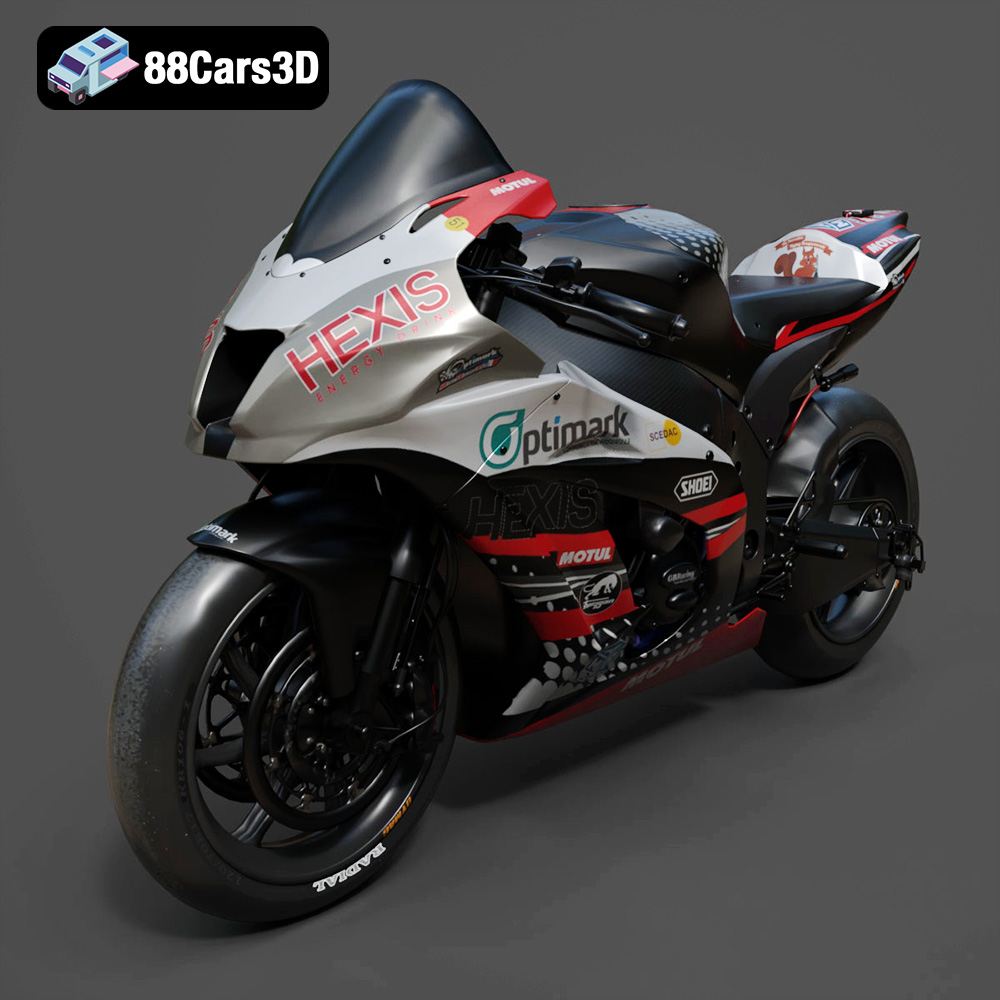
Texture: Yes
Material: Yes
Download the Kawasaki ZX-10R 3D Model featuring clean geometry, realistic detailing, and a fully modeled interior. Includes .blend, .fbx, .obj, .glb, .stl, .ply, .unreal, and .max formats for rendering, simulation, and game development.
Price: $19.99
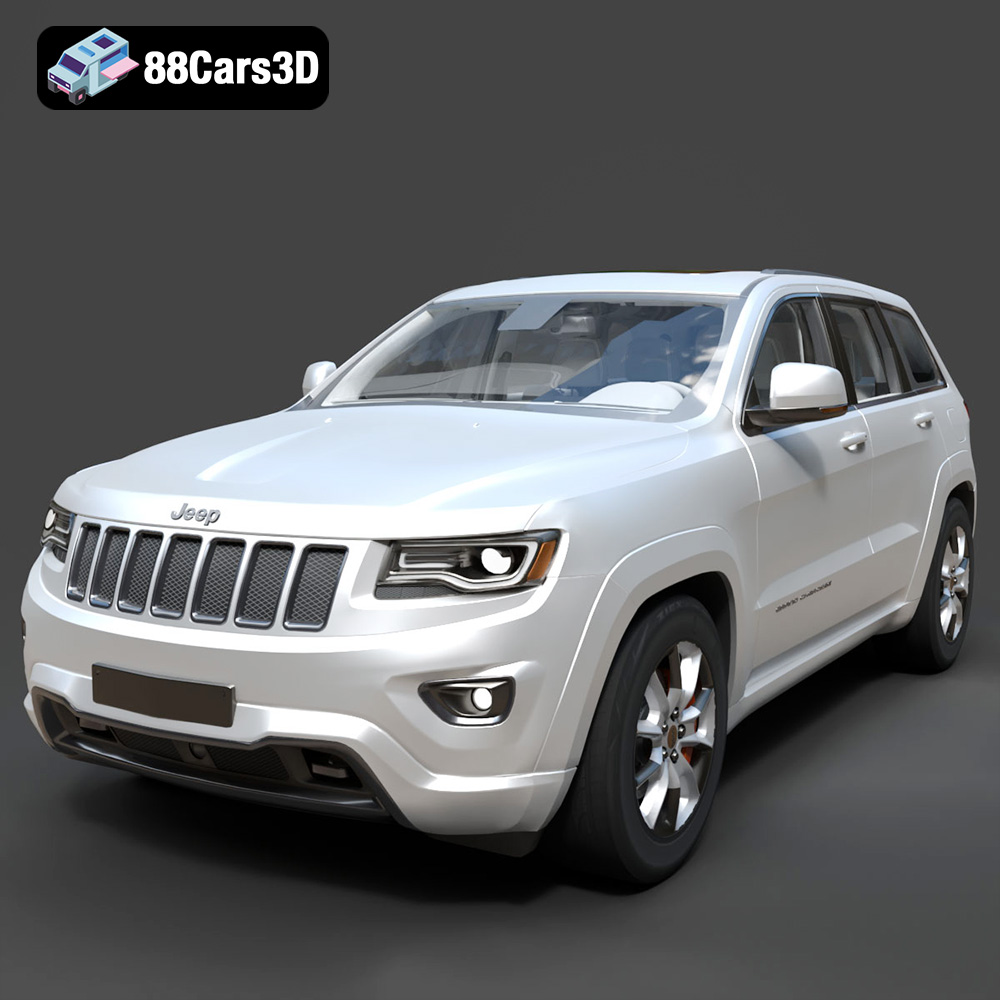
Texture: Yes
Material: Yes
Download the Jeep Grand Cherokee Limited 2017 3D Model featuring clean geometry, realistic detailing, and a fully modeled interior. Includes .blend, .fbx, .obj, .glb, .stl, .ply, .unreal, and .max formats for rendering, simulation, and game development.
Price: $19.99
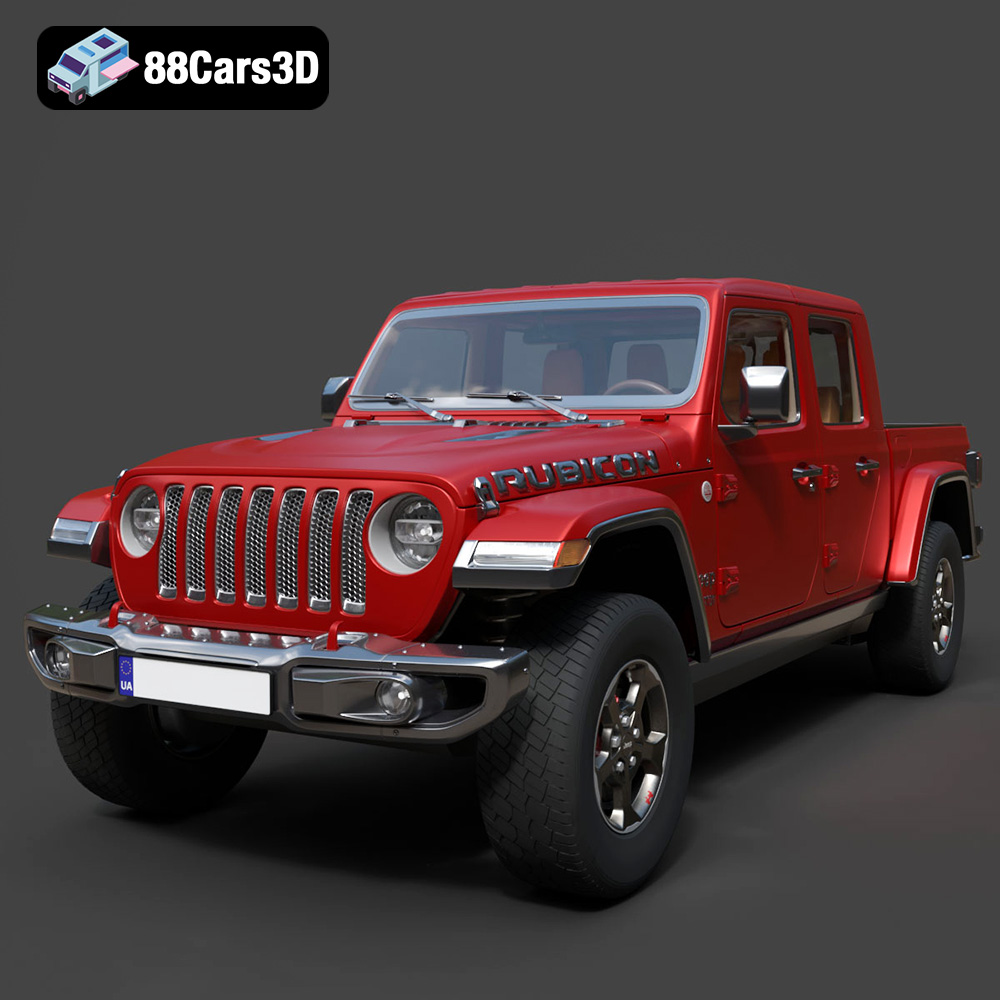
Texture: Yes
Material: Yes
Download the Jeep Gladiator Rubicon 2020 3D Model featuring clean geometry, realistic detailing, and a fully modeled interior. Includes .blend, .fbx, .obj, .glb, .stl, .ply, .unreal, and .max formats for rendering, simulation, and game development.
Price: $19.99

Texture: Yes
Material: Yes
Download the Jaguar C-X75 2014 3D Model featuring clean geometry, realistic detailing, and a fully modeled interior. Includes .blend, .fbx, .obj, .glb, .stl, .ply, .unreal, and .max formats for rendering, simulation, and game development.
Price: $19.99

Texture: Yes
Material: Yes
Download the Jaguar XFR-S 2014 3D Model featuring clean geometry, realistic detailing, and a fully modeled interior. Includes .blend, .fbx, .obj, .glb, .stl, .ply, .unreal, and .max formats for rendering, simulation, and game development.
Price: $19.99

Texture: Yes
Material: Yes
Download the Infiniti QX50 2019 3D Model featuring clean geometry, realistic detailing, and a fully modeled interior. Includes .blend, .fbx, .obj, .glb, .stl, .ply, .unreal, and .max formats for rendering, simulation, and game development.
Price: $19.99

Texture: Yes
Material: Yes
Download the Hyundai i40 Wagon 2015 3D Model featuring clean geometry, realistic detailing, and a fully modeled interior. Includes .blend, .fbx, .obj, .glb, .stl, .ply, .unreal, and .max formats for rendering, simulation, and game development.
Price: $19.99

Texture: Yes
Material: Yes
Download the Honda NSX 2017 3D Model featuring clean geometry, realistic detailing, and a fully modeled interior. Includes .blend, .fbx, .obj, .glb, .stl, .ply, .unreal, and .max formats for rendering, simulation, and game development.
Price: $19.99
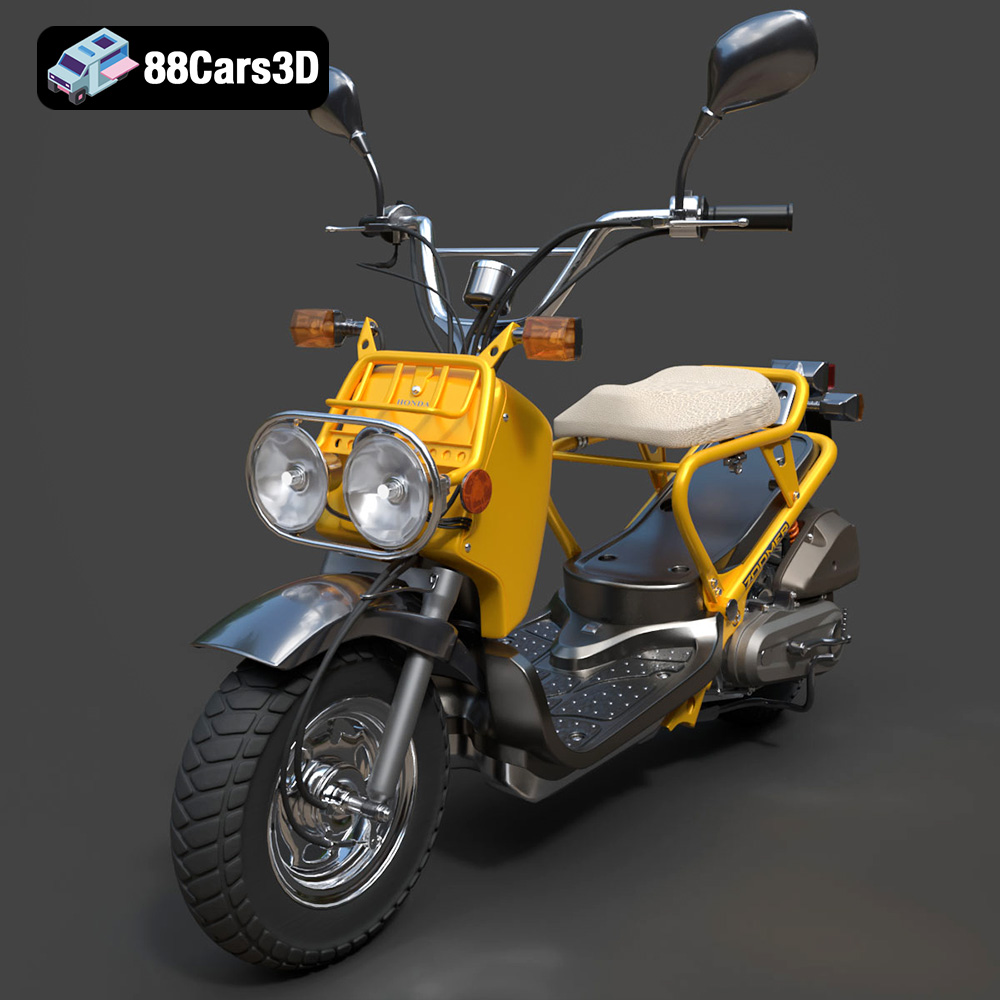
Texture: Yes
Material: Yes
Download the Honda Zoomer 50 2005 3D Model featuring clean geometry, realistic detailing, and a fully modeled interior. Includes .blend, .fbx, .obj, .glb, .stl, .ply, .unreal, and .max formats for rendering, simulation, and game development.
Price: $19.99

Texture: Yes
Material: Yes
Download the Honda Valkyrie GL1800C 2015 3D Model featuring clean geometry, realistic detailing, and a fully modeled interior. Includes .blend, .fbx, .obj, .glb, .stl, .ply, .unreal, and .max formats for rendering, simulation, and game development.
Price: $19.99

