Get 50% OFF All Premium 3D & STL Models!

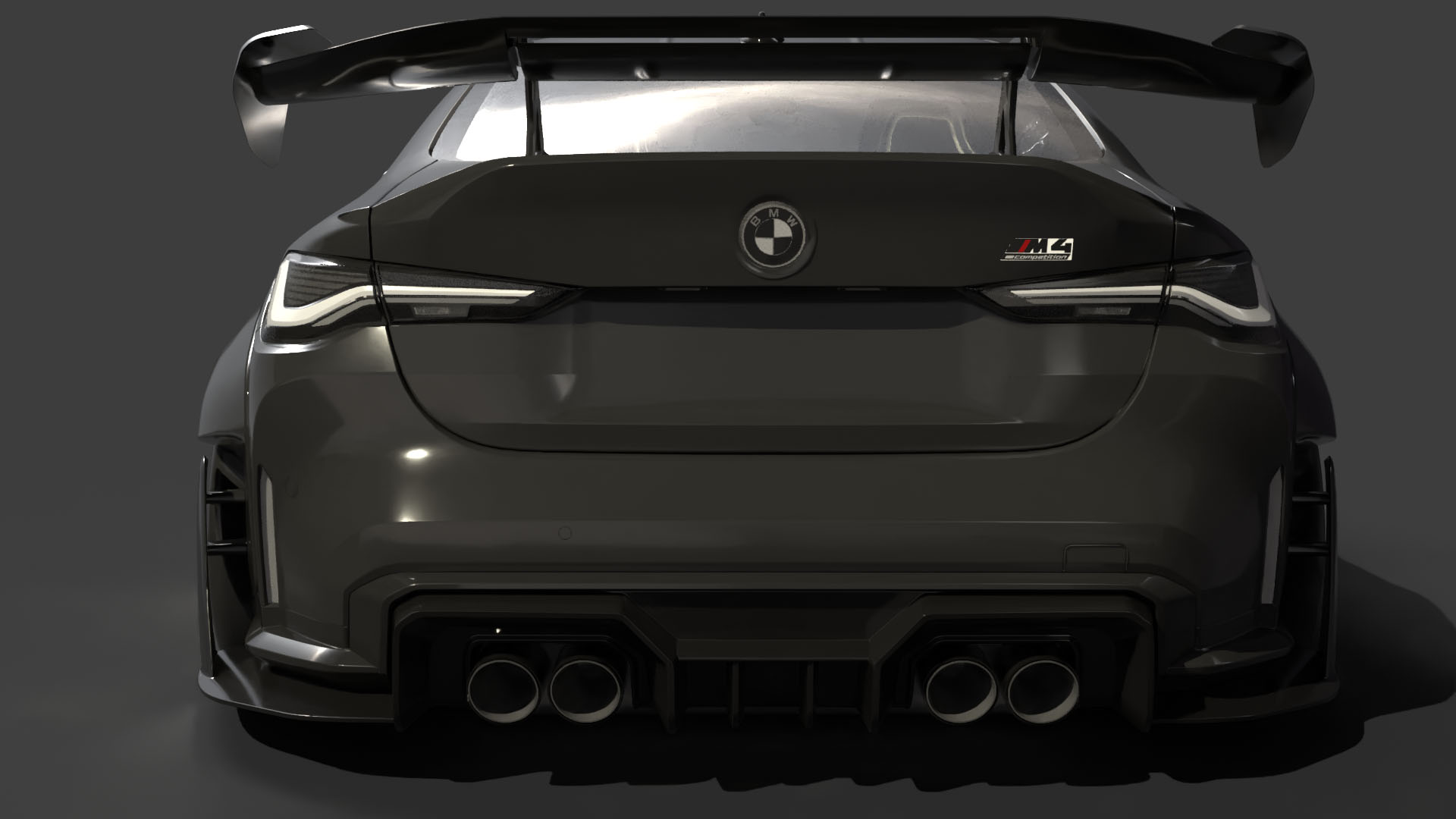
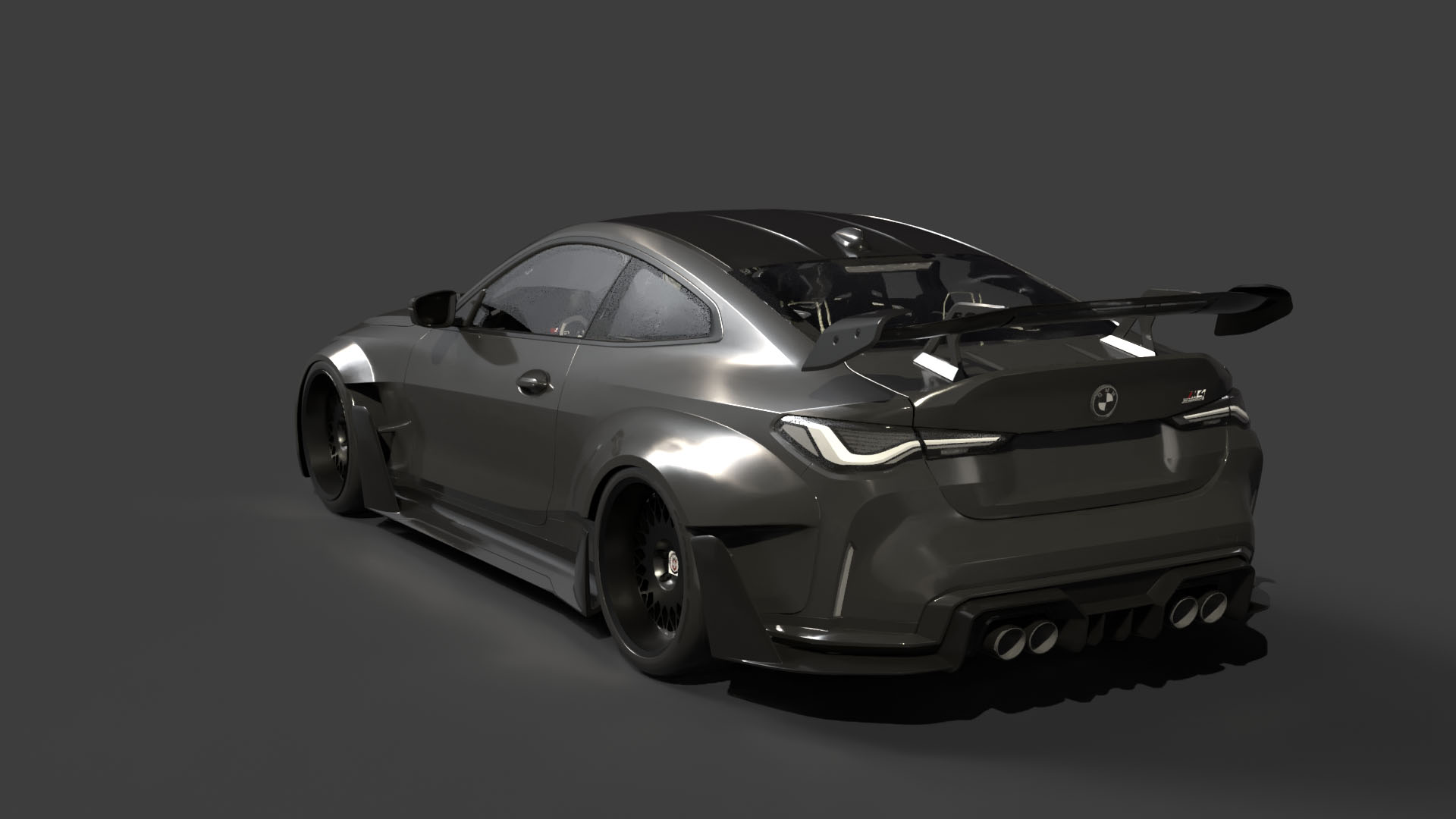
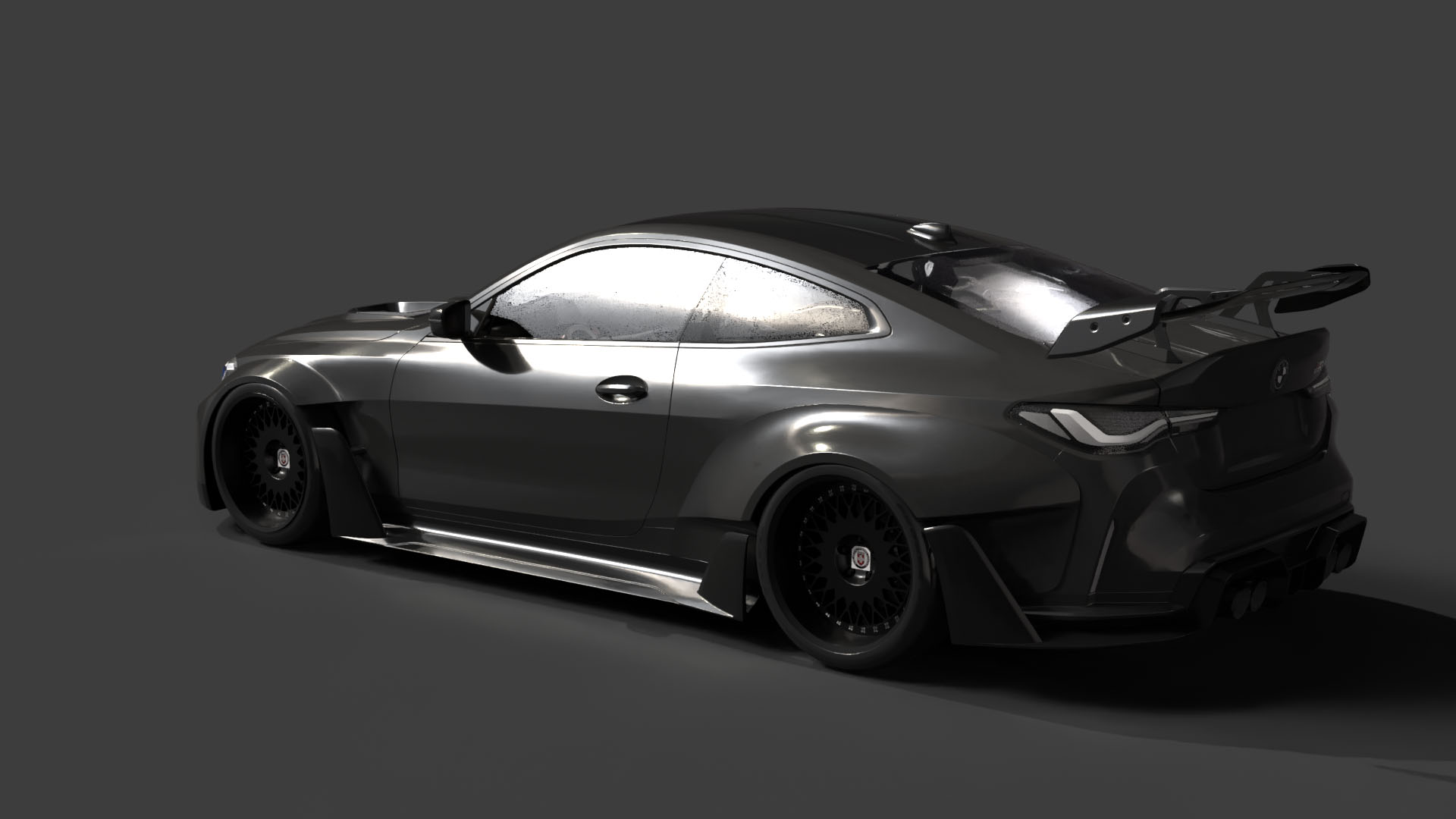
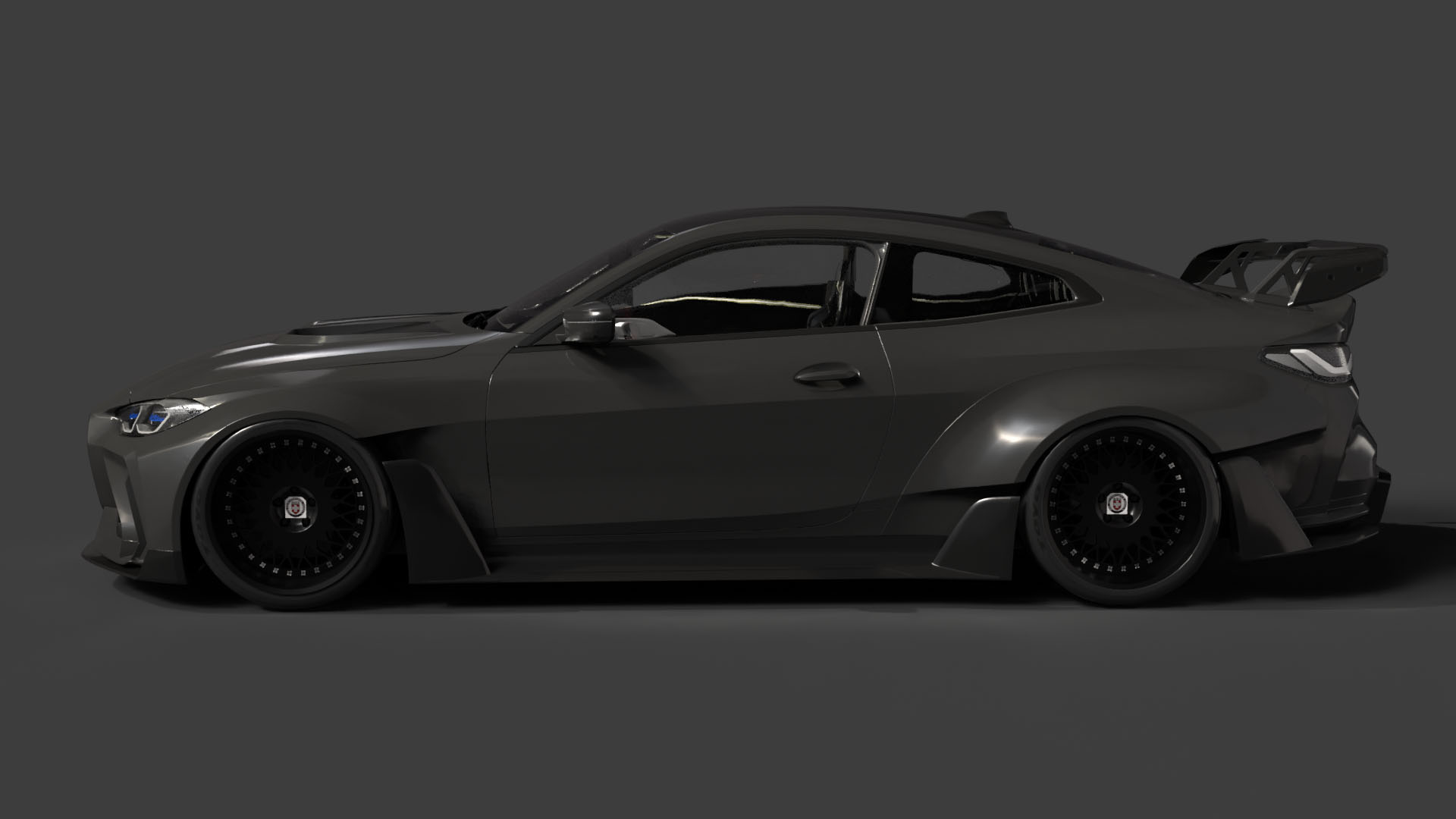
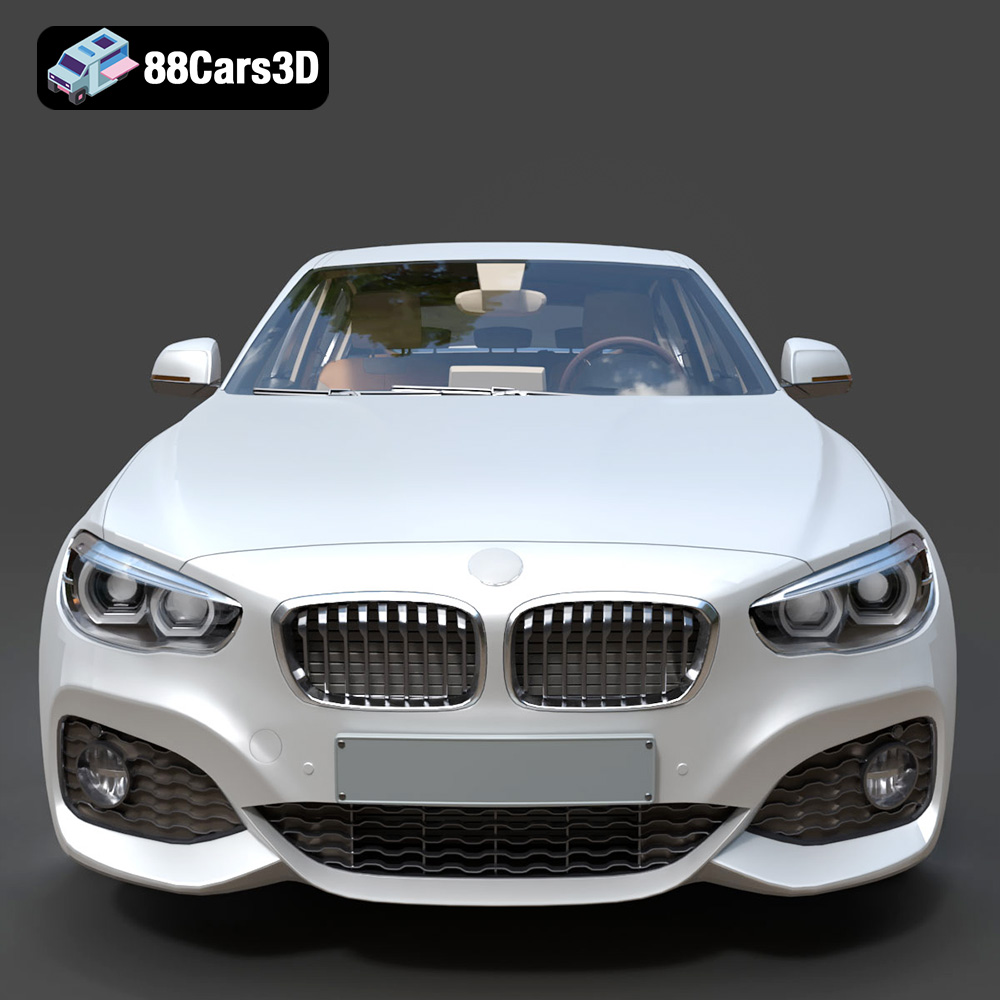
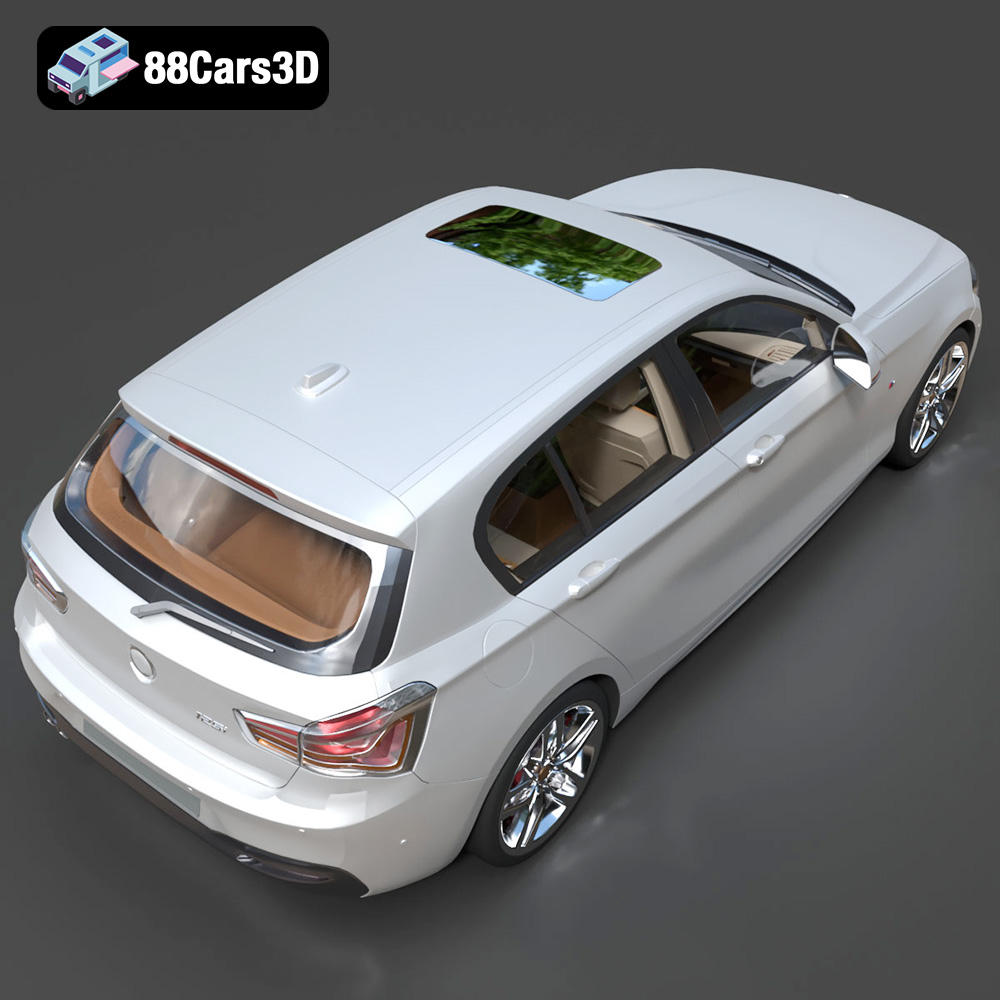
The allure of German automotive engineering is undeniable. The sleek lines, powerful engines, and luxurious interiors have captivated car enthusiasts for generations. Now, thanks to the “German Luxury & Performance Bundle” available on 88cars3d.com, you can bring a piece of this automotive excellence into your own home through the magic of 3D printing. This collection, featuring iconic BMW and Mercedes-Benz models, offers a fantastic opportunity to create stunning scale models. This comprehensive guide will walk you through the process of successfully 3D printing these high-end vehicles, covering everything from pre-print preparation to post-processing techniques.
The quality of your 3D printed car models heavily depends on the type of 3D printer you use. Two primary technologies dominate the hobbyist and professional space: Fused Deposition Modeling (FDM) and Stereolithography (SLA) or resin printing.
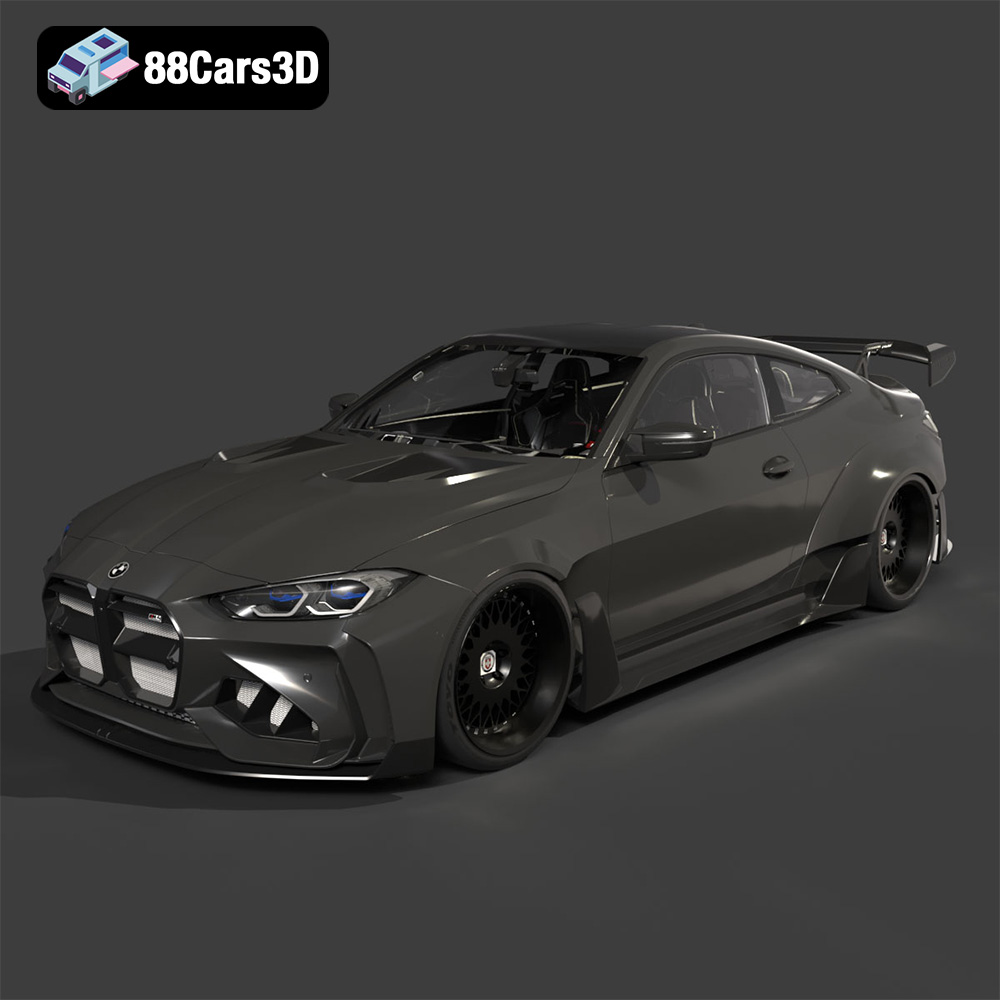
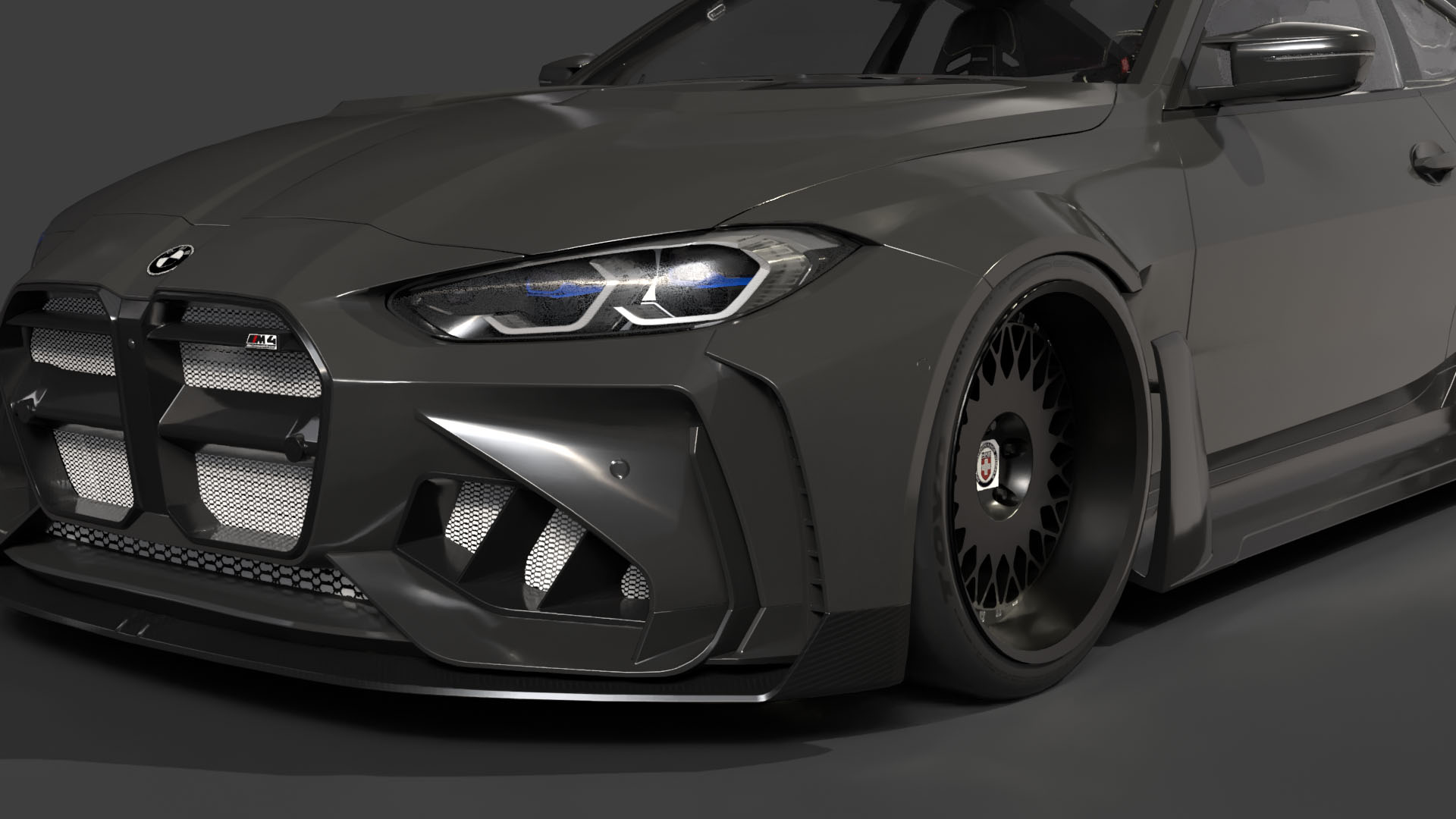
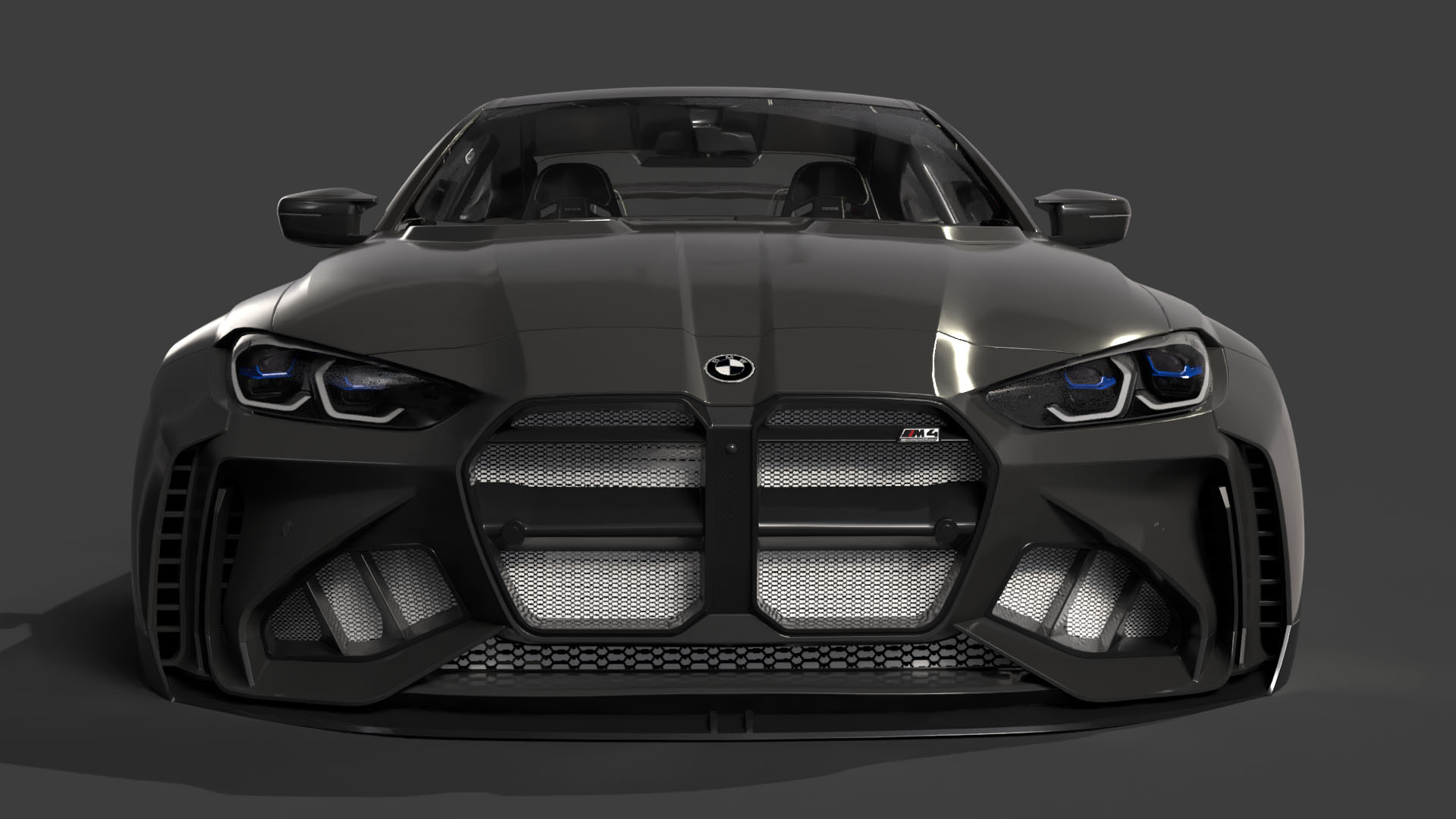
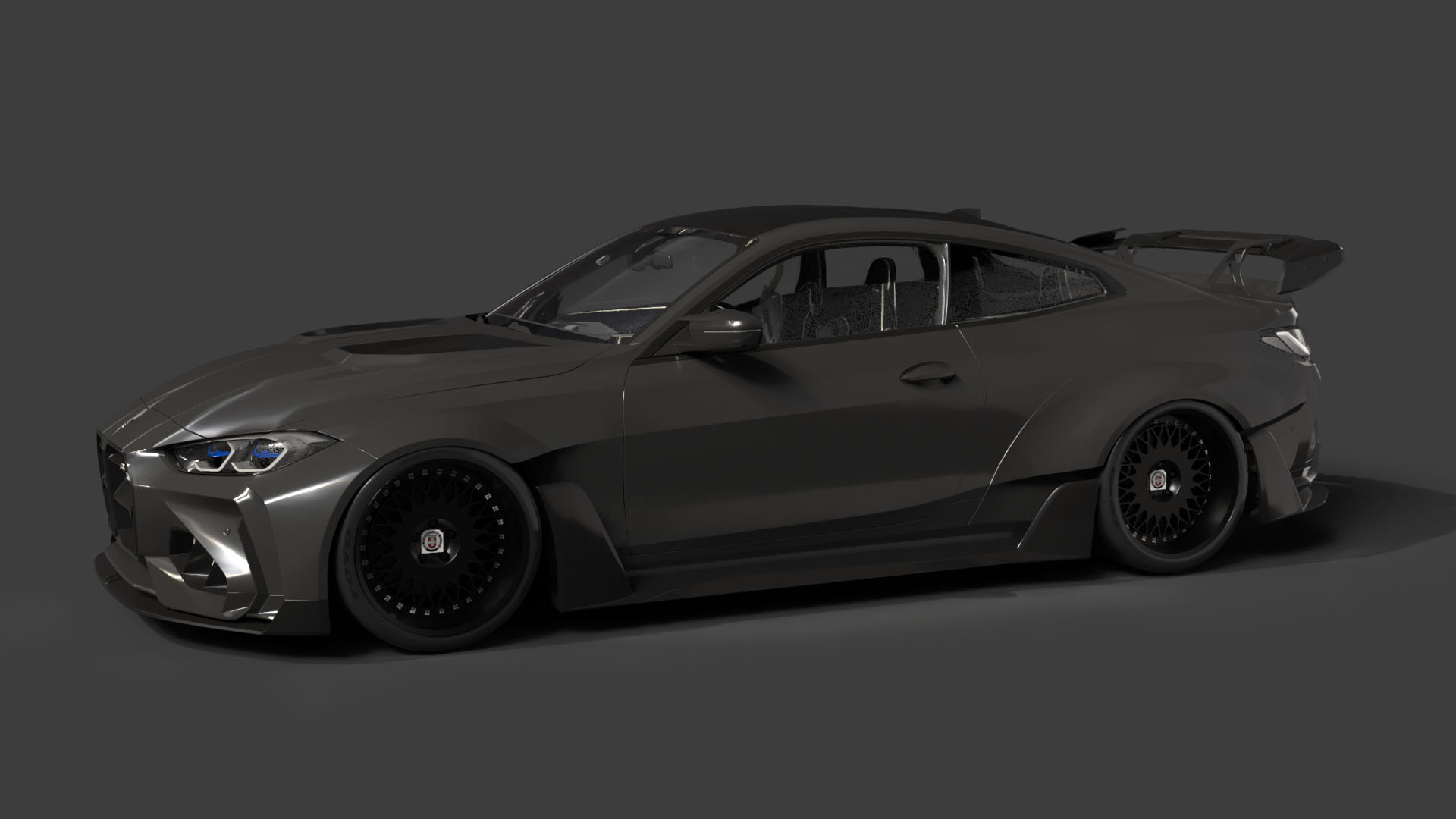
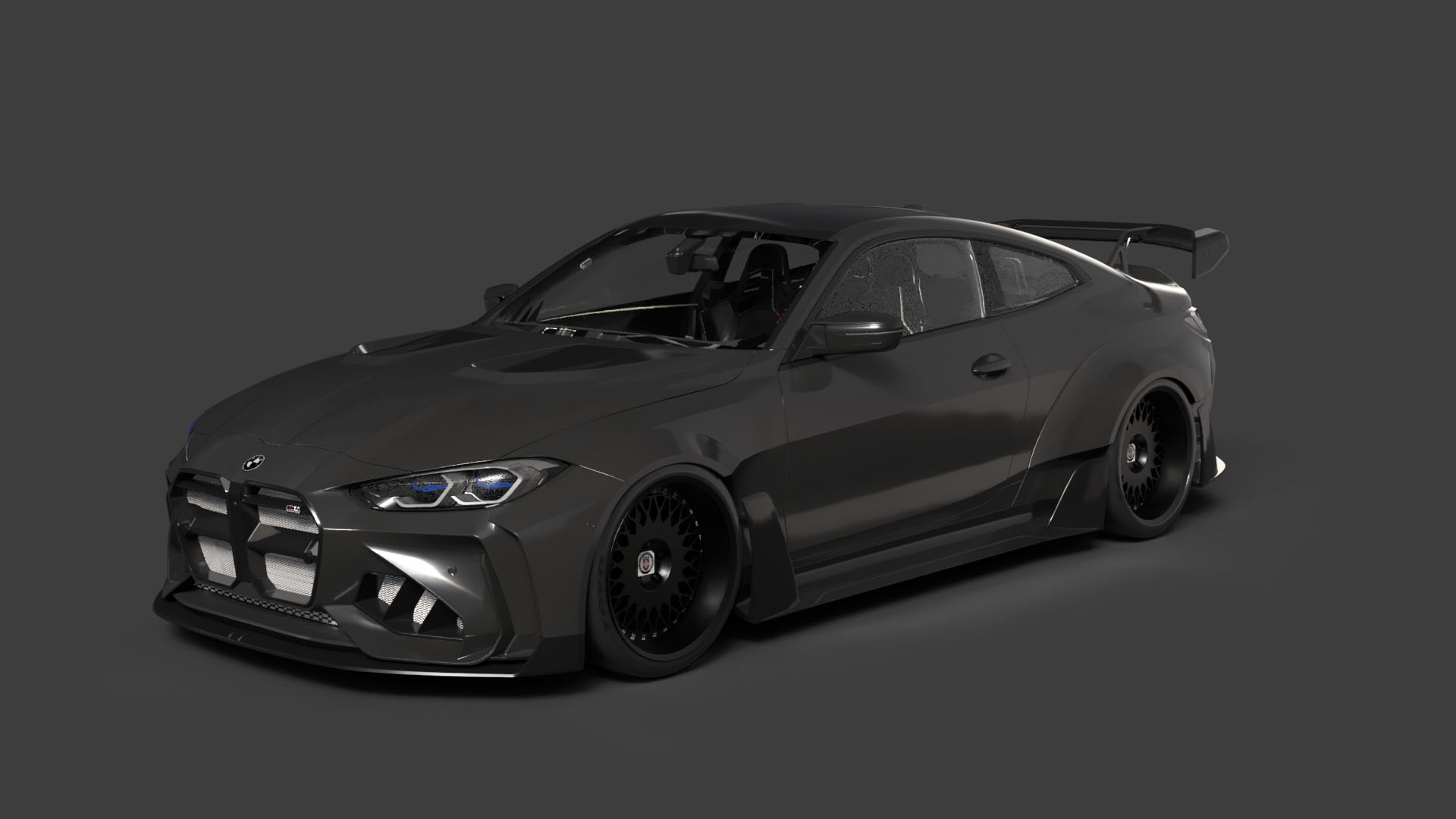
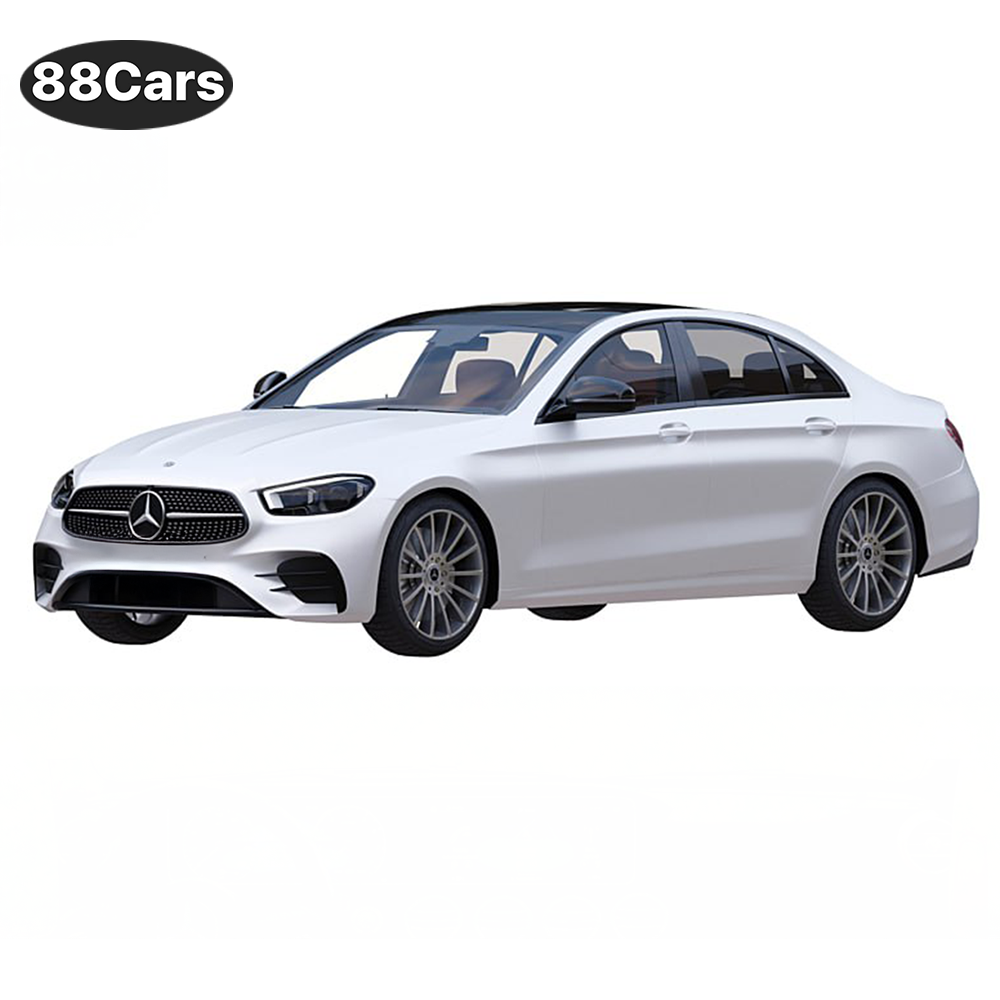
FDM printers are known for their affordability and the wide range of materials they can handle. They work by extruding melted plastic filament layer by layer. While FDM printers can produce impressive results, achieving the intricate details of a BMW M4 G82 or the elegant curves of a Mercedes-Benz E-Class AMG Line can be challenging.
* **Pros:** Affordable, wide material selection (PLA, PETG, ABS, etc.), larger build volumes.
* **Cons:** Lower resolution compared to resin printing, visible layer lines, may require more post-processing.
* **Material Recommendation:** PETG offers a good balance of strength and ease of printing for larger parts like the car bodies. PLA is a more eco-friendly option, but may be less durable.
Resin printers utilize liquid resin cured by UV light to create incredibly detailed parts. This technology is ideal for capturing the subtle nuances of the German Luxury & Performance Bundle, especially for smaller-scale models. The smooth surface finish and high resolution make resin printing the preferred choice for model car enthusiasts seeking maximum realism.
* **Pros:** High resolution, smooth surface finish, excellent for intricate details.
* **Cons:** More expensive than FDM printers, limited build volume, requires careful handling of resin and proper ventilation.
* **Material Recommendation:** Standard resin is a good starting point, but consider using a tough resin blend for improved durability and impact resistance, especially for components like wheels and mirrors.
Before you can bring these automotive masterpieces to life, understanding the different file formats associated with 3D models is crucial. The “German Luxury & Performance Bundle” includes various formats, but not all are equally suited for 3D printing.
The STL (Stereolithography) file format is the workhorse of 3D printing. It represents the surface geometry of a 3D object as a collection of triangles. This simple yet effective format is universally compatible with slicing software and 3D printers, making it the ideal choice for preparing your models for printing. The STL files included in the 88cars3d.com bundle are specifically designed for 3D printing, ensuring optimal compatibility and printability. It is essential to check STL files for manifold geometry as this creates water tight models. Slicers can then see the inside from the outside.
OBJ files are more versatile than STLs, as they can store color and texture information in addition to the 3D geometry. While this can be useful for rendering and visualization, it’s less relevant for most 3D printing applications, as most printers only print in a single color at a time. If you intend to paint your 3D printed models, the texture information in an OBJ file is not necessary.
PLY files are designed to store 3D data acquired from 3D scanners. They can represent both the geometry and the color of an object with high precision. While potentially useful for highly detailed models, PLY files are not as widely supported by slicing software as STL files.
Blender is a popular open-source 3D modeling software. The .blend file format is Blender’s native format, containing all the information about the scene, including the 3D models, materials, textures, and lighting. This format is excellent for customization and modification before exporting to a 3D printable format. For example, someone might want to adjust the wheel width on the BMW M4 G82 before printing.
FBX is a proprietary file format developed by Autodesk. It’s widely used for exchanging 3D data between different applications, including 3D modeling software, game engines, and animation tools. While FBX files can store material information, they’re primarily used for transferring 3D geometry and animation data, not necessarily for 3D printing directly.
GLB is a binary file format representing 3D models, often used for sharing 3D content online and in augmented reality (AR) applications. It’s efficient for transmitting and displaying 3D models, but it’s not directly used for 3D printing.
.max files are native to 3ds Max, another industry-standard 3D modeling and rendering software from Autodesk. Similar to .blend files, .max files contain the complete scene data, including the 3D models, materials, lighting, and rendering settings. If you use 3ds Max, this format allows you to customize the models extensively before exporting them to a 3D printable format like STL.
**Which Format to Use for 3D Printing?** For the best results, stick with the STL files provided in the German Luxury & Performance Bundle for printing. Ensure the models are manifold (watertight) and properly scaled before slicing.
Once you’ve chosen your printer and understand the file formats, the next step is preparing the 3D model for printing using slicing software. Popular options include Cura, PrusaSlicer, Simplify3D, and Chitubox (for resin printers).
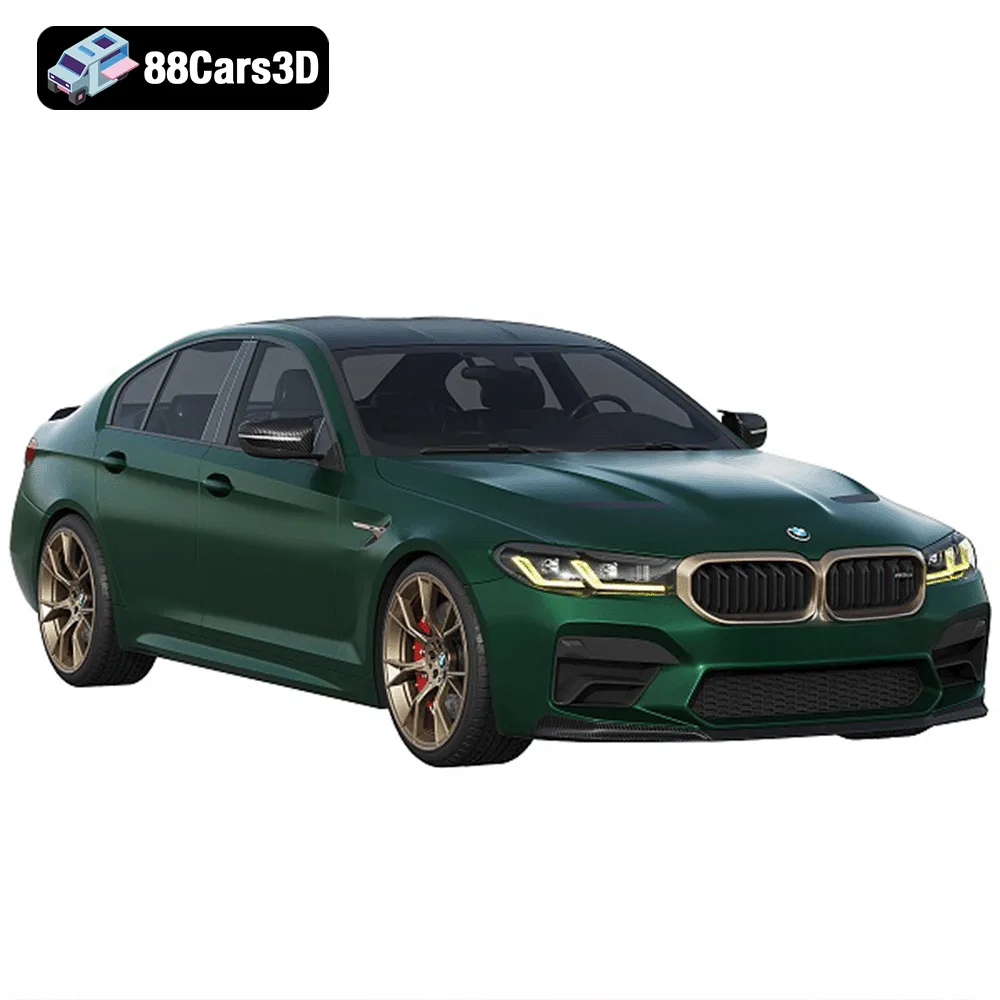
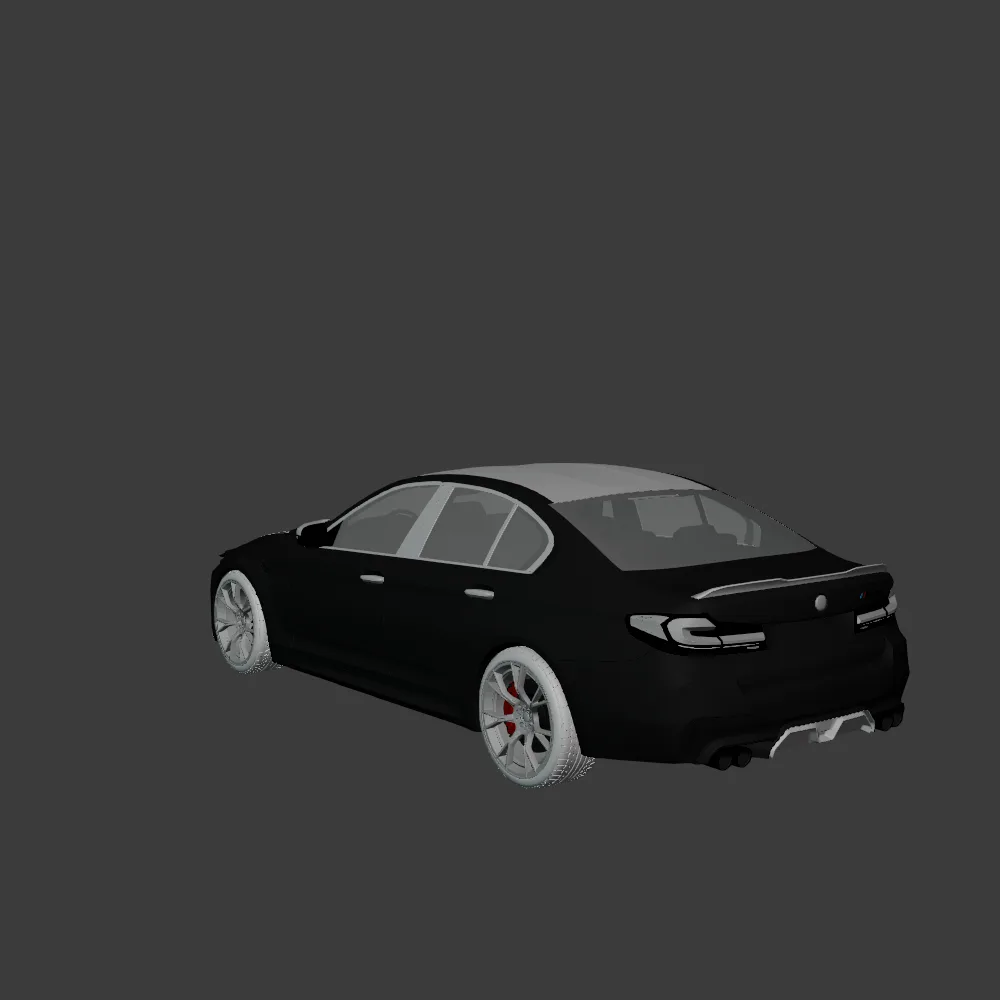
Import the STL files for your chosen car model (e.g., the BMW M5 CS) into your slicing software. Pay close attention to the orientation of the model on the build plate.
* **Body:** Printing the car body at an angle (around 45 degrees) can minimize the need for supports on the roof and hood, resulting in a smoother surface finish.
* **Wheels:** Print wheels separately, ideally laying flat on the build plate for maximum adhesion.
* **Mirrors and Other Small Parts:** These components often require careful support placement to ensure they print successfully.
The ideal print settings depend on your printer, material, and desired level of detail. Here are some general guidelines:
* **Layer Height:** For FDM printing, a layer height of 0.1mm to 0.2mm is a good starting point. For resin printing, aim for layer heights between 0.025mm and 0.05mm for maximum detail.
* **Infill:** A low infill percentage (15-25%) is sufficient for most car models, as the primary focus is on the exterior aesthetics. Increase infill for structural components like chassis parts if you intend to make the model functional.
* **Supports:** Carefully place supports under overhangs and areas that would otherwise print in mid-air (e.g., side mirrors, spoilers, and wheel arches). Use a support density that allows for easy removal without damaging the model.
* **Wall Thickness:** A wall thickness of 1.2mm to 2.0mm provides a good balance of strength and print time.
* **Print Speed:** Reduce print speed for the first layer to improve adhesion. Slower speeds also help to improve the quality of intricate details.
The “German Luxury & Performance Bundle” can be scaled to various sizes, depending on your preference. Common scales for model cars include 1:24, 1:32, and 1:43. Ensure all parts are scaled uniformly to maintain accurate proportions.
The choice of material directly impacts the appearance, durability, and overall quality of your 3D printed car models.
PLA (Polylactic Acid) is a popular thermoplastic known for its ease of printing and biodegradable properties. It’s a great choice for beginners and for models that don’t require high heat resistance or impact strength.
* **Pros:** Easy to print, low warping, wide range of colors, biodegradable.
* **Cons:** Lower heat resistance, less durable than other materials, can be brittle.
PETG (Polyethylene Terephthalate Glycol-modified) offers a good balance of strength, durability, and ease of printing. It’s more heat-resistant than PLA and less prone to warping than ABS, making it a versatile choice for a wide range of applications.
* **Pros:** Stronger and more durable than PLA, good heat resistance, low warping.
* **Cons:** Can be stringy during printing, may require higher printing temperatures.
ABS (Acrylonitrile Butadiene Styrene) is a strong and heat-resistant thermoplastic commonly used in automotive parts. It’s a good choice for models that will be exposed to high temperatures or require high impact strength.
* **Pros:** High strength, good heat resistance, durable.
* **Cons:** Prone to warping, requires a heated bed, emits fumes during printing.
Resin offers the highest level of detail and surface finish, making it the ideal choice for intricate car models.
* **Pros:** Exceptional detail, smooth surface finish, high resolution.
* **Cons:** More expensive than filament, requires careful handling, limited material options.
Post-processing is essential for achieving a professional-looking finish on your 3D printed car models.
Carefully remove supports using pliers or a sharp knife. Sand down any remaining support marks or imperfections using sandpaper of varying grits (starting with a coarser grit and gradually moving to finer grits).
Sand the entire model to smooth out layer lines and create a uniform surface. Apply a primer coat to fill in any remaining imperfections and provide a better surface for paint adhesion.
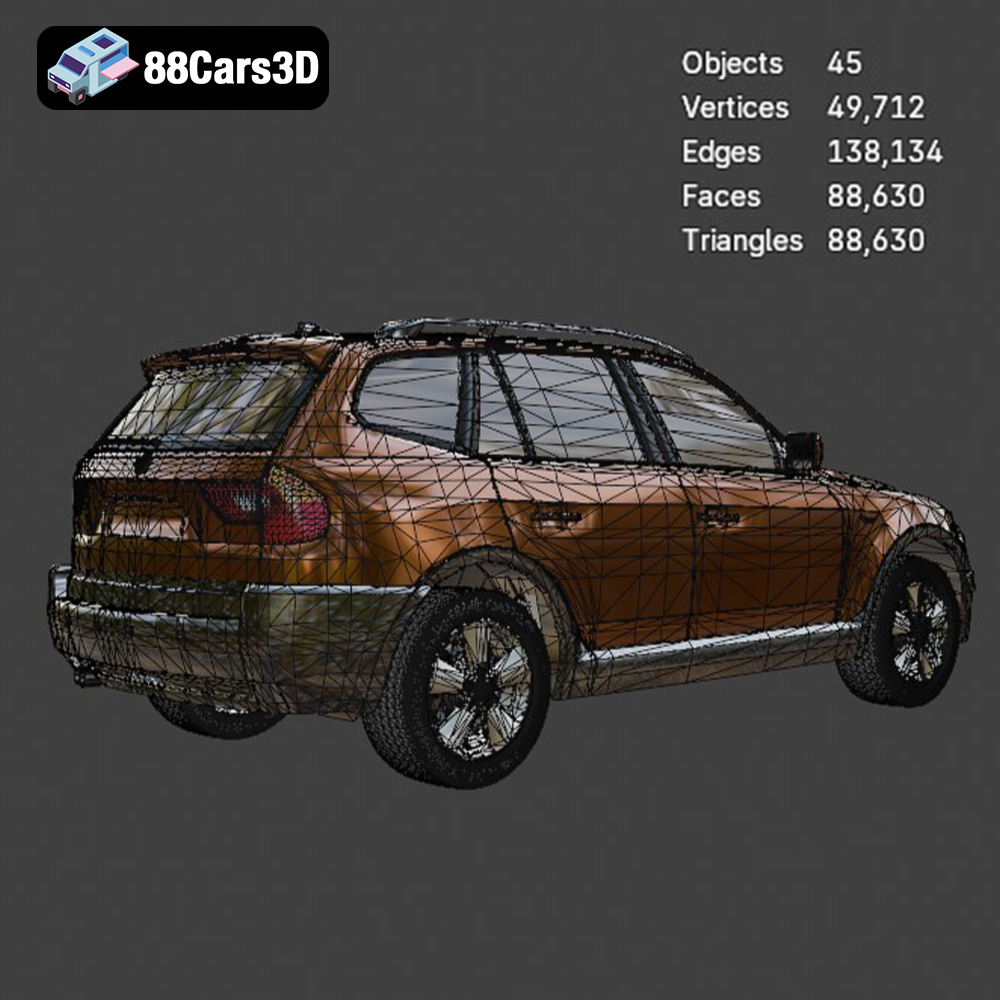
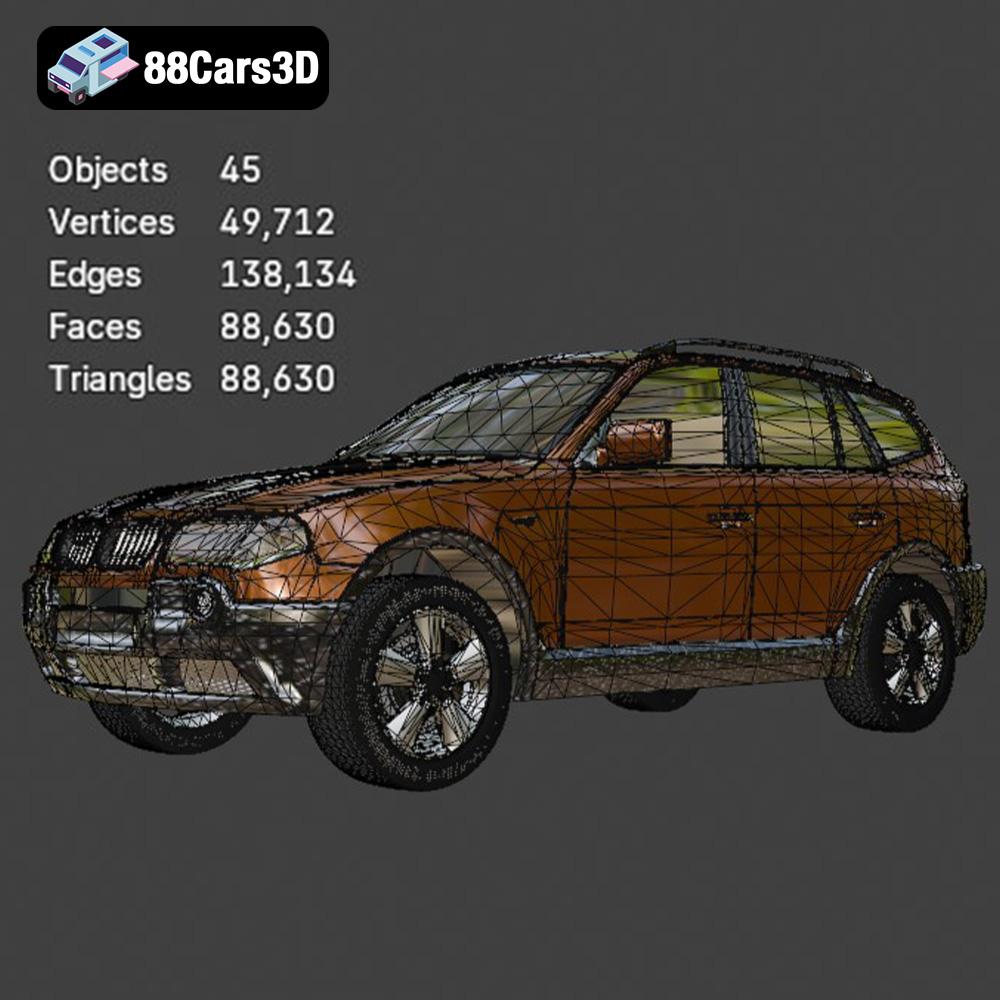
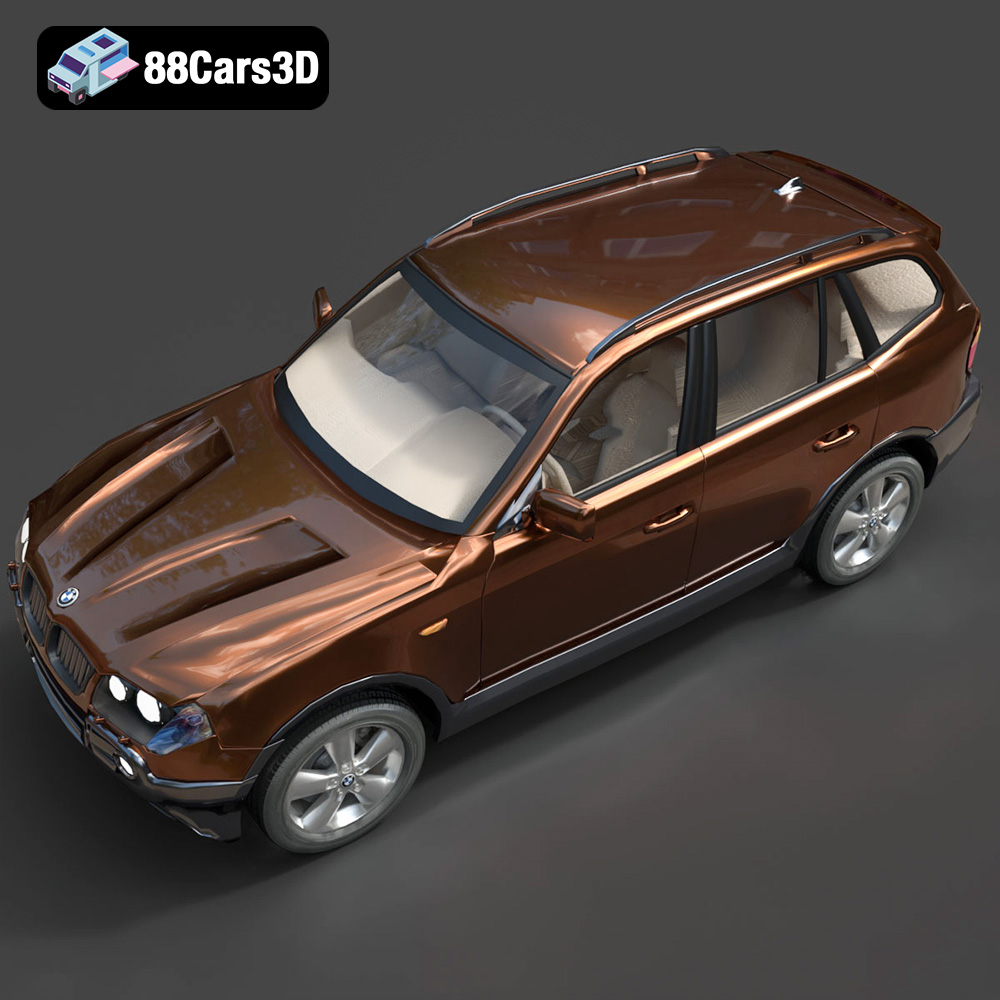
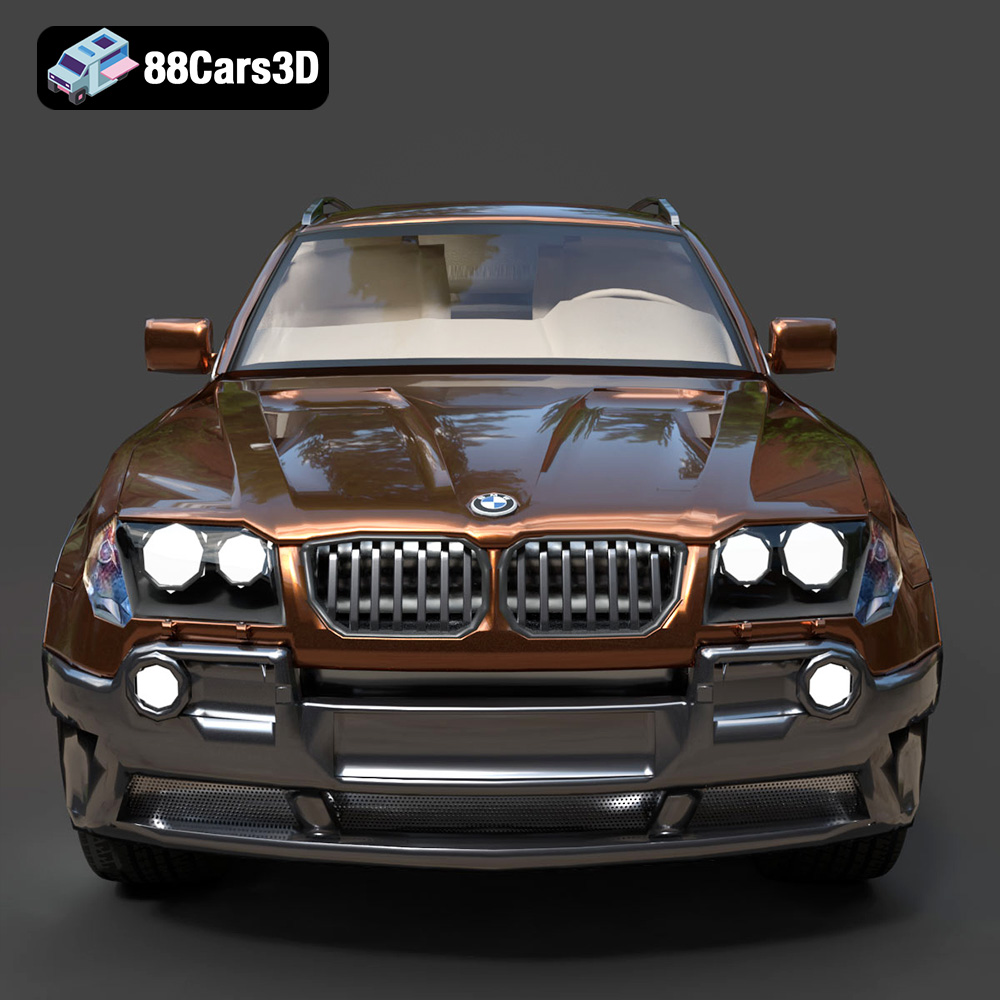
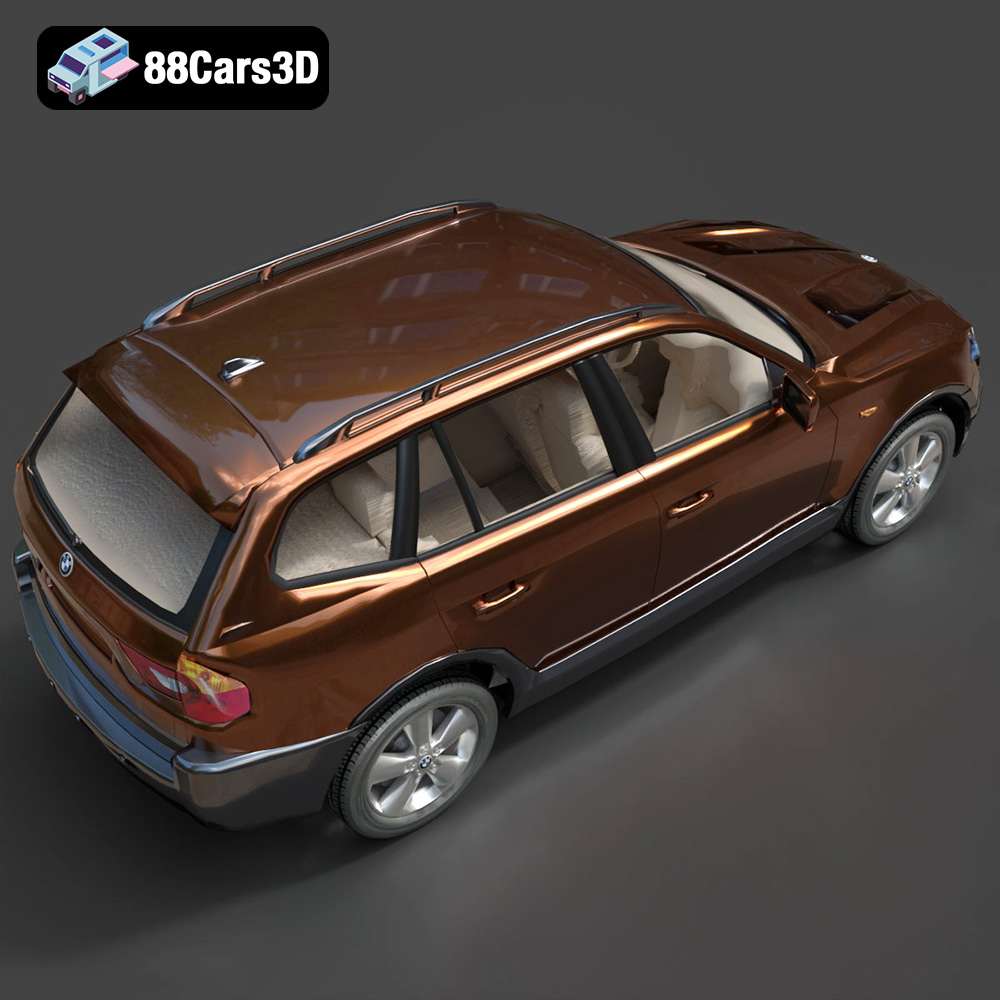
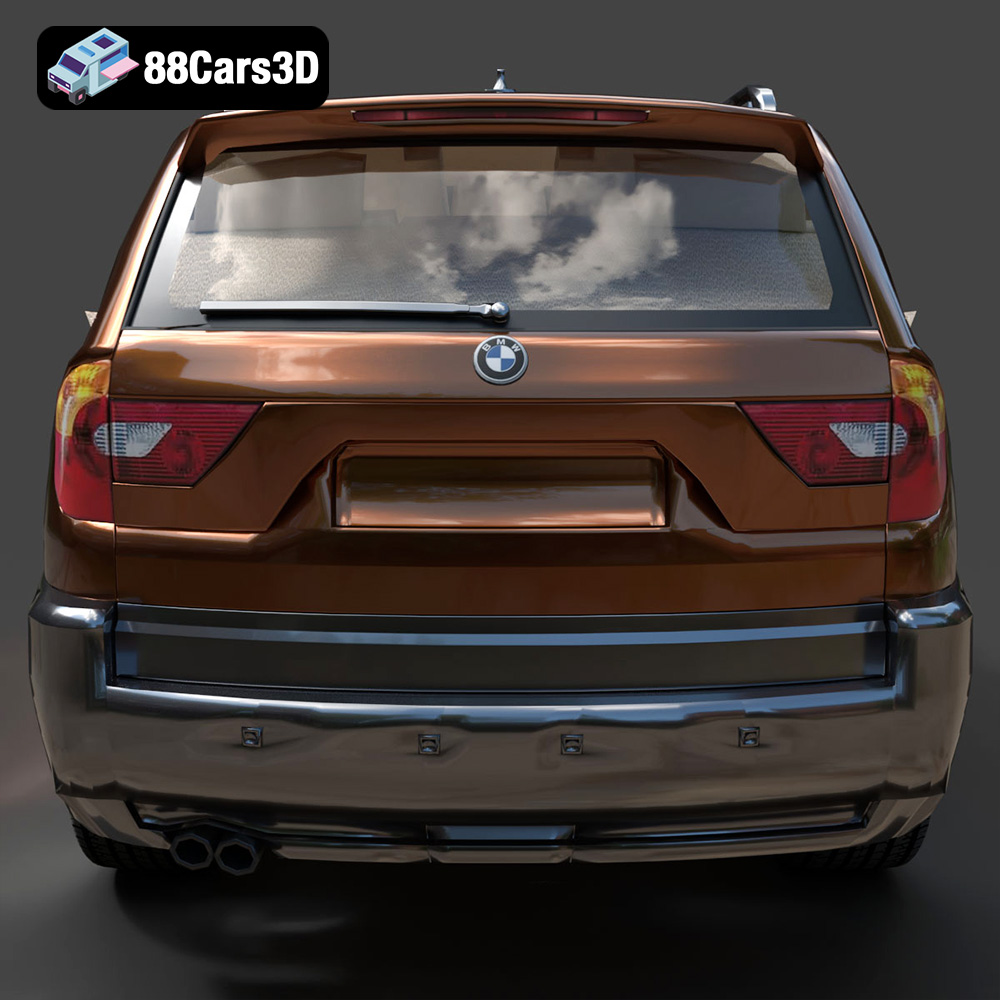
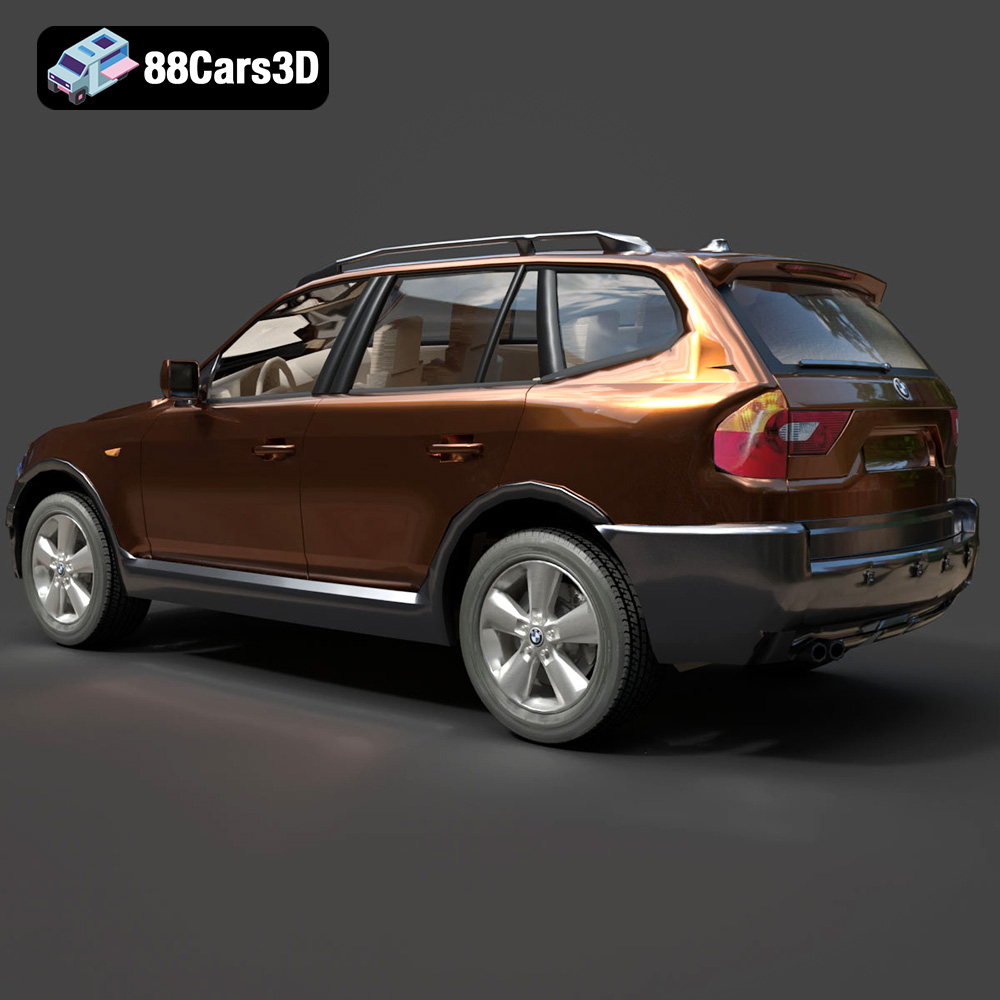
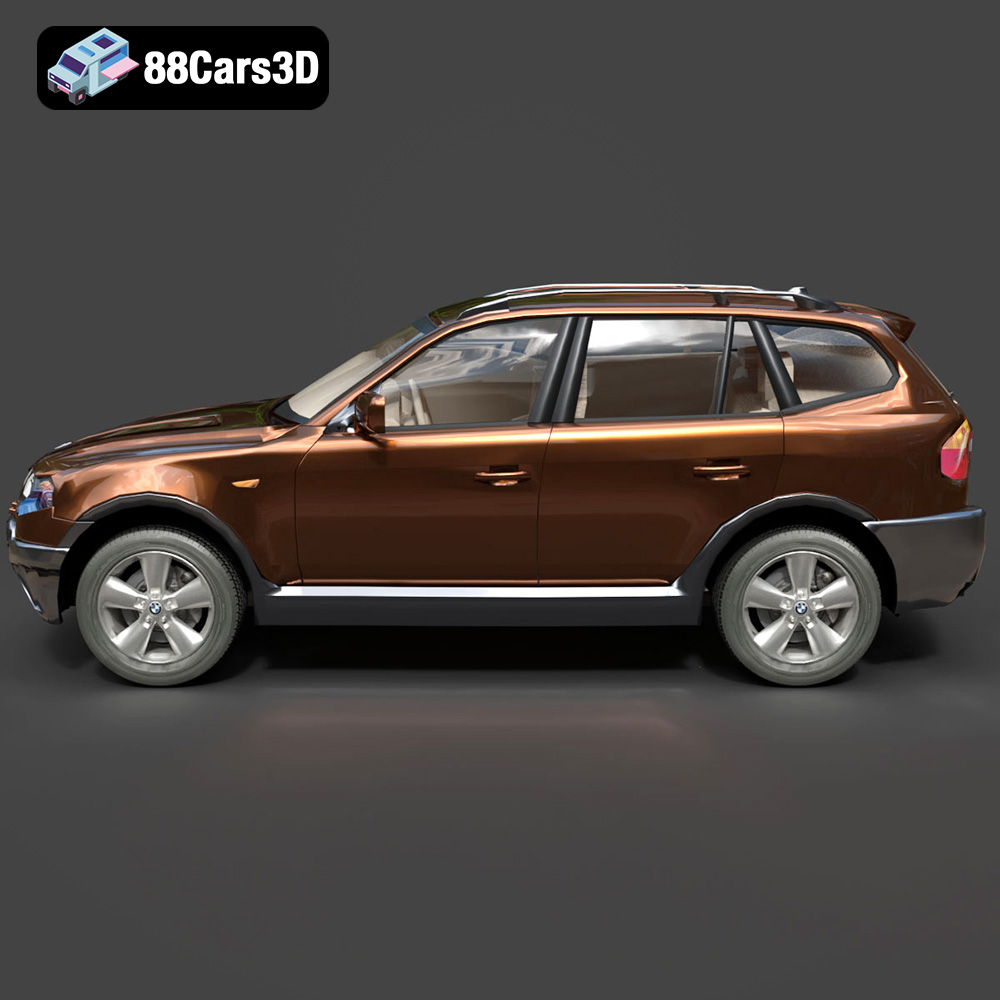
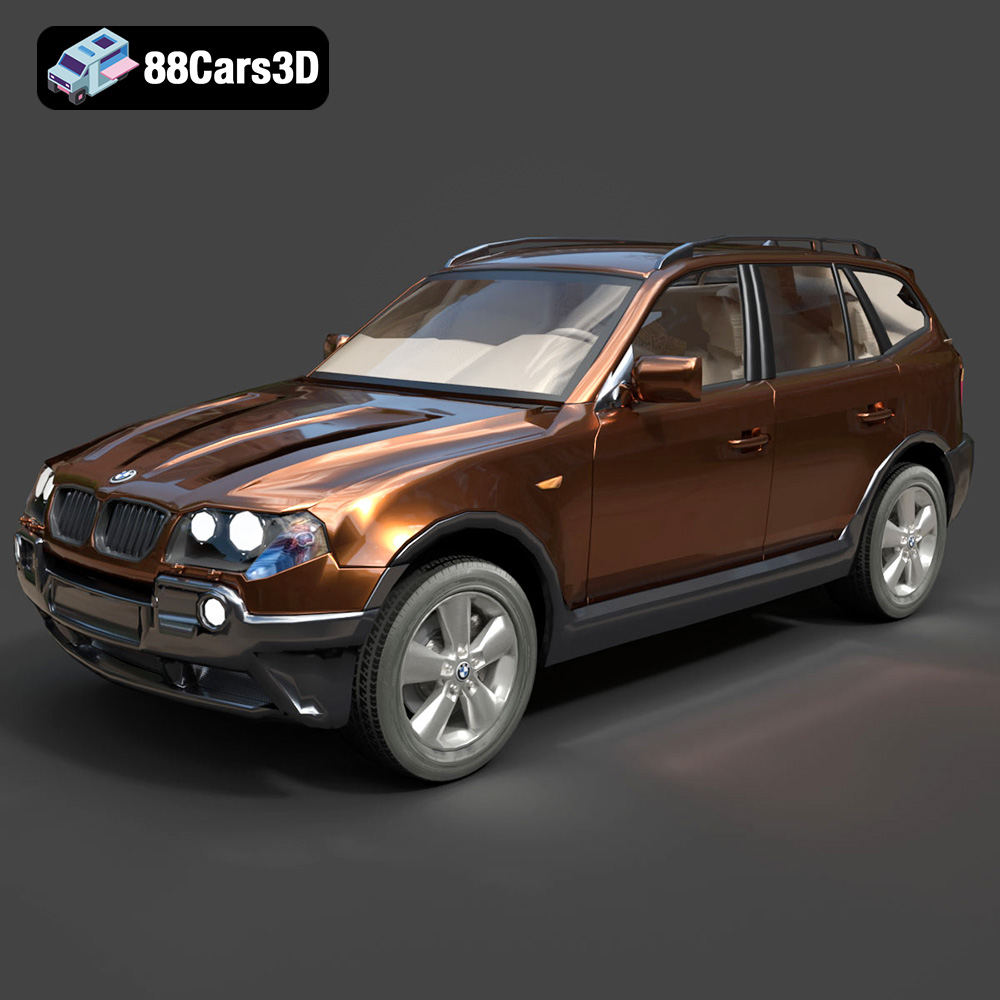
Paint the model using automotive-grade paints for a realistic finish. Apply multiple thin coats for best results. Use masking tape to create clean lines and details. Add details such as headlights, taillights, and emblems using fine-tipped brushes or decals. For replicating factory colors for models like the BMW X3, research color codes like Glacier Silver Metallic or Phytonic Blue Metallic.
Assemble the various parts of the car model, such as the body, wheels, and mirrors, using glue or small screws. Ensure all parts are securely attached and aligned properly.
Even with careful preparation, you may encounter some common 3D printing issues. Here are some tips for troubleshooting:
* **Warping:** Ensure your print bed is properly leveled and heated. Use a brim or raft to improve adhesion.
* **Stringing:** Adjust retraction settings in your slicing software. Lower the printing temperature slightly.
* **Poor Layer Adhesion:** Increase the printing temperature and reduce the print speed.
* **Support Issues:** Adjust support density and placement. Ensure supports are properly attached to the model and the build plate.
By following these guidelines, you can successfully 3D print the German Luxury & Performance Bundle and create stunning scale models of your favorite German cars. The detailed models available on 88cars3d.com, combined with your 3D printing expertise, will result in impressive additions to any car enthusiast’s collection.
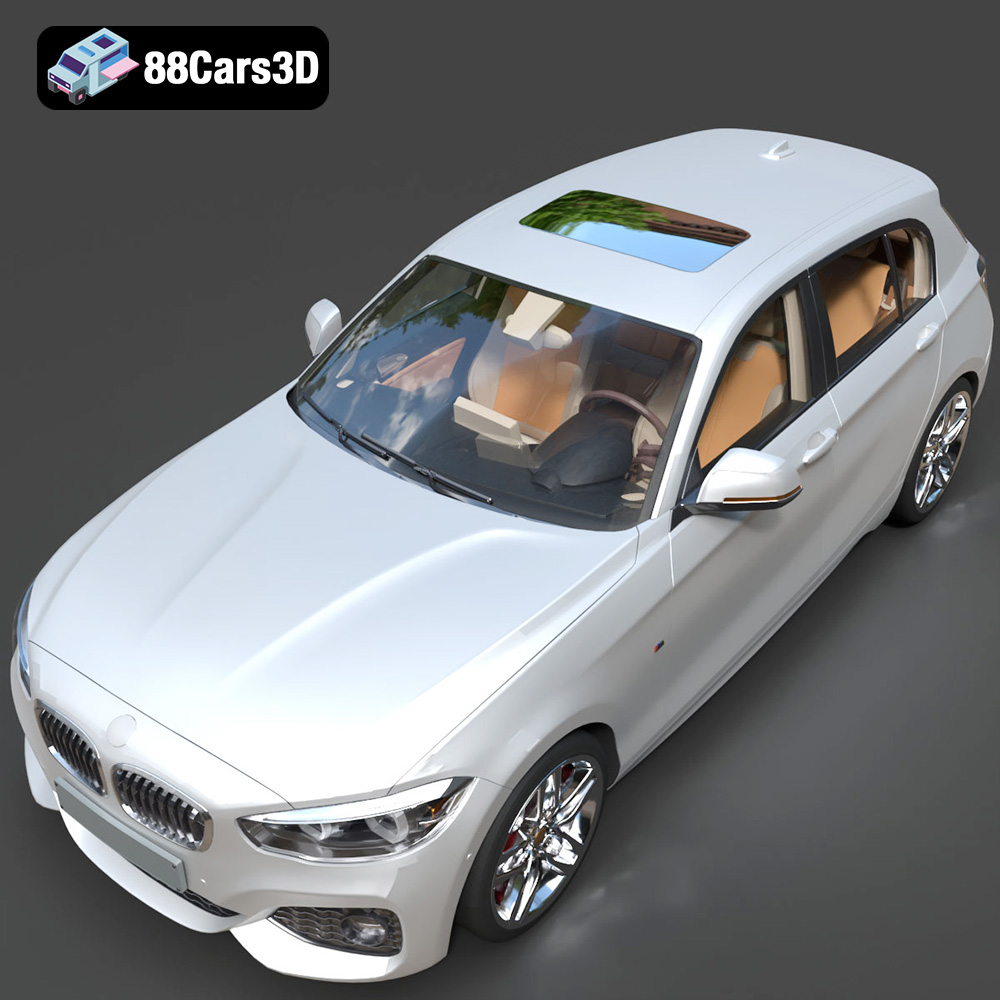
The German Luxury & Performance Bundle is a masterfully curated collection of Germany’s most iconic and sought-after vehicles. This bundle brings together the perfect synergy of aggressive sport aesthetics, executive elegance, and everyday versatility. Featuring a selection of industry-leading models from BMW and Mercedes-Benz, this collection is designed specifically for artists who refuse to compromise between high-fidelity detail and engine performance.
$119
.bmw
.bodykit
.e-class
.mercedes
3d-car-bundle
archviz-cars
automotive-design
corona-renderer
game-ready-cars
german-cars
luxury-sedan
m4-g82
m5-cs
SUV
vray-ready