Get 50% OFF All Premium 3D & STL Models!

The Lamborghini Huracán Performante LP 640-4 is a marvel of Italian engineering, a track-focused beast sculpted for speed and precision. Now, thanks to the detailed 3D model available at 88cars3d.com, you can bring a piece of this automotive excellence into your own home. This guide will walk you through the process of 3D printing your own miniature Lamborghini Huracán Performante, covering everything from choosing the right materials and settings to post-processing techniques for a stunning final result. Whether you’re a seasoned 3D printing enthusiast or just starting out, this article will provide the knowledge you need to successfully create your own scaled-down version of this iconic supercar.
Selecting the appropriate 3D printing technology is crucial for achieving a high-quality Lamborghini Huracán Performante model. The two primary technologies to consider are Fused Deposition Modeling (FDM) and Stereolithography (SLA) or resin printing.
FDM printing is a popular and relatively inexpensive method that uses filaments of thermoplastic materials like PLA or PETG. While FDM printers are more affordable, they typically produce parts with visible layer lines. To minimize this effect when printing the Huracán Performante, a smaller layer height (0.1mm or less) is recommended. However, even with optimized settings, achieving the same level of detail as resin printing can be challenging, especially for intricate features like the ALA rear wing and wheel spokes.
Resin printing, using technologies like SLA or DLP, offers superior resolution and is highly recommended for capturing the intricate details of the Huracán Performante. The layer height can be significantly lower than FDM, often down to 0.02mm or even less, resulting in a smoother surface finish and sharper details. This is particularly beneficial for printing smaller scale models (1:24 or smaller) where every detail counts. Resin printers are generally more expensive than FDM printers, and the resin material itself is also pricier. However, the increased detail and smoother finish make it a worthwhile investment for achieving a truly impressive 3D printed model of this supercar.
When it comes to 3D printing, the file format you choose plays a critical role in the final outcome of your printed Lamborghini Huracán Performante. Different formats offer varying levels of detail, compatibility, and suitability for specific applications. Let’s explore some of the most common file formats and how they relate to 3D printing:
The .stl (Stereolithography) file format is the workhorse of 3D printing. It represents the surface geometry of a 3D object as a collection of triangles. This simplicity makes it universally compatible with virtually all slicing software and 3D printers. The Huracán Performante model available from 88cars3d.com includes an STL file, ensuring immediate usability. However, STL files only store the mesh data; they don’t contain information about color, texture, or materials.
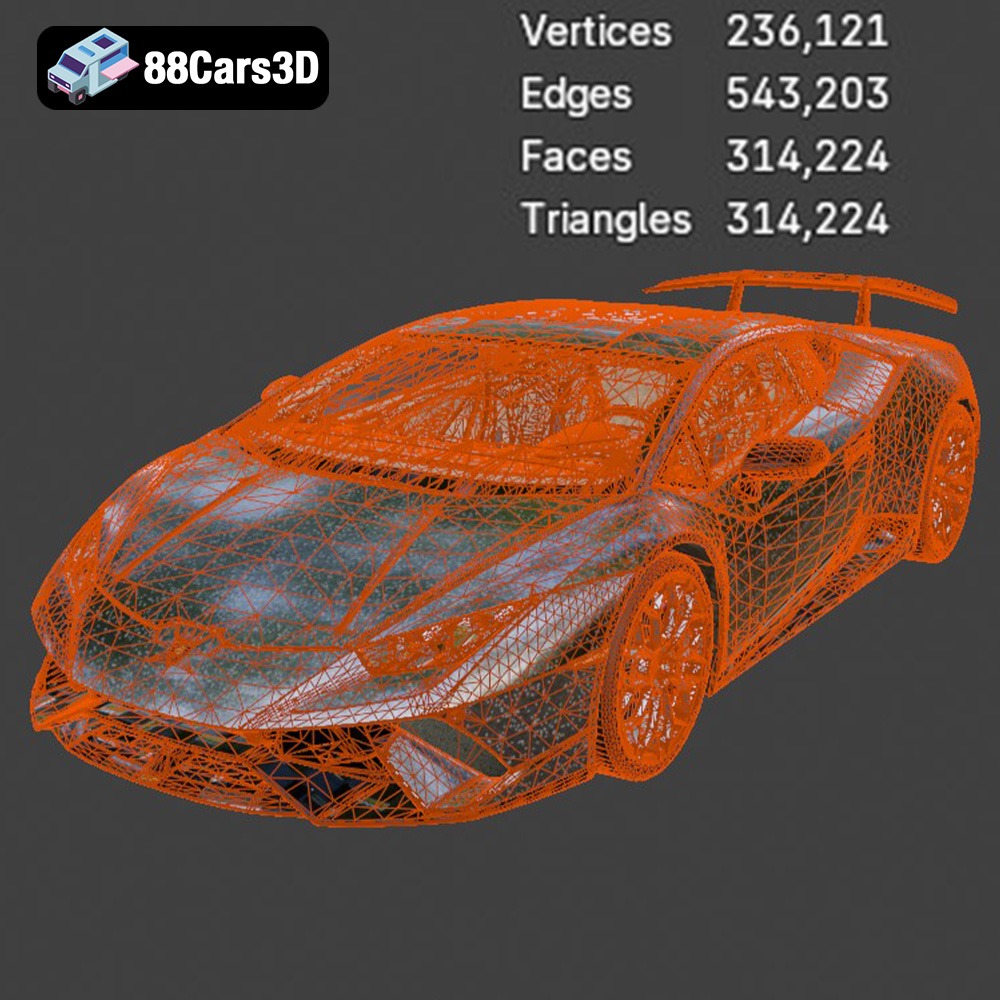
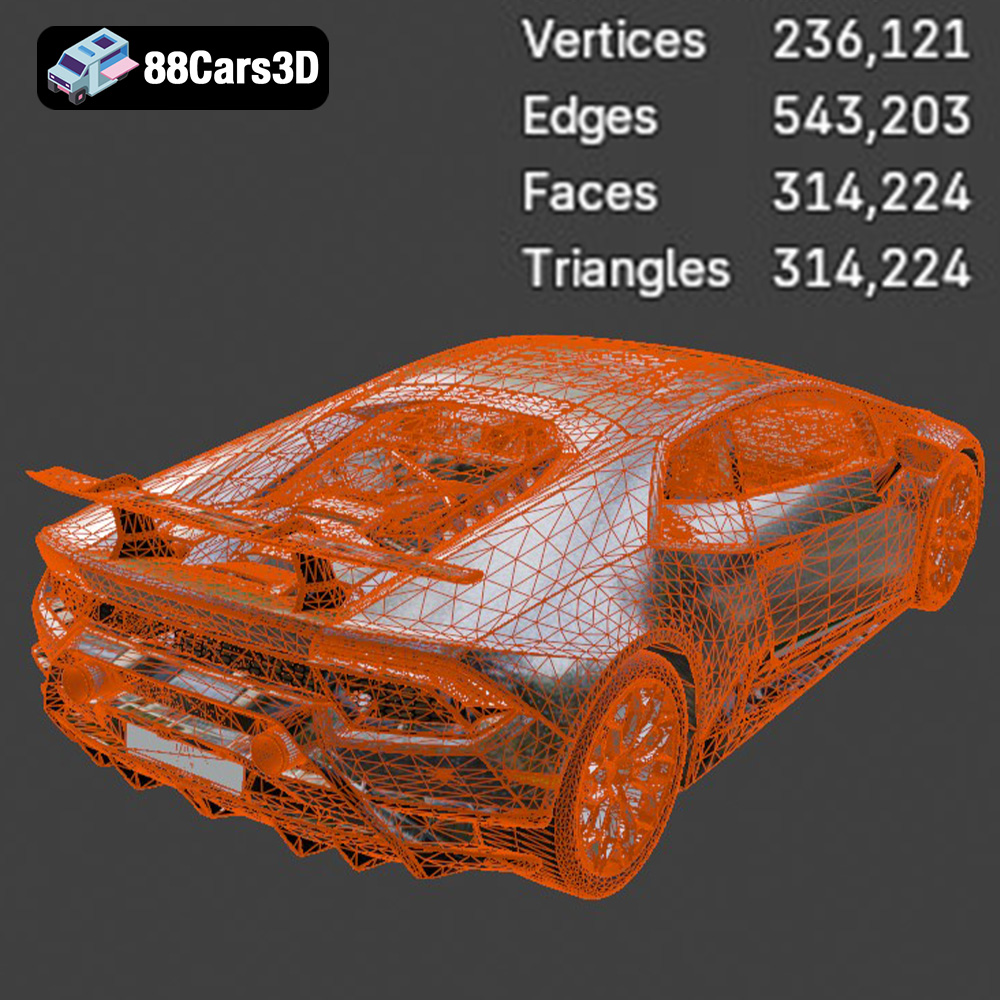
When working with STL files, mesh quality is paramount. A high-resolution mesh (more triangles) will capture finer details of the Huracán Performante, such as the complex curves of the body and the intricate design of the wheels. However, a very high-resolution mesh can result in a large file size and increased processing time in your slicing software. Conversely, a low-resolution mesh will be faster to process but may result in a faceted or blocky appearance on the final print. Slicing software parameters will also determine the printed resolution.
Before printing, it’s crucial to inspect the STL file for any errors, such as non-manifold geometry (edges that are connected to more than two faces) or holes in the mesh. These errors can cause problems during slicing and printing. Many slicing software packages include tools to automatically repair these issues.
The .obj (Wavefront Object) format is another widely used format for 3D models. Unlike STL, OBJ files can store color and texture information, allowing for more visually rich models. However, this added complexity can sometimes make OBJ files less ideal for 3D printing, as many printers and slicing software packages primarily focus on geometry rather than color. If you intend to paint your 3D printed Huracán Performante, the OBJ format’s texture capabilities are less critical.
The .ply (Polygon File Format) format is designed for storing 3D data acquired from scanning devices. It is known for its ability to accurately represent complex geometries with high precision. While not as universally supported as STL or OBJ, PLY can be a good choice for 3D printing highly detailed models like the Huracán Performante, especially if you require the preservation of fine details.
The .blend file format is the native format for Blender, a popular open-source 3D modeling software. This format contains the entire Blender scene, including the model’s geometry, textures, materials, lighting, and animations. Having the .blend file allows for extensive customization of the Huracán Performante model before exporting it to a 3D printable format like STL. You can modify the model’s shape, add details, or even create variations of the design. However, you will need to have Blender installed to work with .blend files.
The .fbx (Filmbox) format is a proprietary format developed by Autodesk. It’s commonly used for exchanging 3D data between different software applications, particularly in the gaming and animation industries. FBX files can store geometry, textures, materials, and animation data. While FBX files can be imported into some slicing software, they are not primarily designed for 3D printing. The material information may not be accurately translated, and the focus remains on geometric representation.
The .glb (GL Transmission Format Binary) format is designed for efficient transmission and loading of 3D models, particularly in web and mobile applications. GLB files can contain geometry, textures, materials, and animations, all packaged into a single file. While GLB is not a direct 3D printing format, it’s excellent for previewing the Huracán Performante model in Augmented Reality (AR) before committing to a print. This allows you to visualize the model in a real-world environment and assess its size and appearance.
The .max file format is the native format for 3ds Max, another professional 3D modeling software package. Similar to .blend, it contains the entire 3ds Max project, allowing for comprehensive editing and customization of the Huracán Performante model. You’ll need 3ds Max installed to work with .max files, but it provides a powerful way to modify the model before exporting it to a 3D printable format.
Once you’ve chosen your printing technology and examined the STL file, you need to prepare the model for printing using slicing software. This software converts the 3D model into a series of instructions (G-code) that the 3D printer can understand. Proper orientation and support placement are essential for a successful print.
The orientation of the Huracán Performante on the print bed significantly impacts the surface finish and the need for supports. For the body, angling it slightly (around 30-45 degrees) can help minimize the staircase effect, resulting in a smoother surface, especially on curved areas. However, this orientation will likely require more supports.
Wheels should generally be printed separately, either flat on the build plate or slightly angled. Printing them flat can result in a cleaner top surface but might require supports for the wheel wells if they are detailed.
The Huracán Performante features several complex geometries that require support structures, including the side mirrors, the aggressive front splitter, and, most importantly, the ALA rear wing. Supports can be generated automatically by most slicing software, but manual adjustments are often necessary for optimal results.
For FDM printing, consider using tree-like supports, which use less material and are easier to remove. For resin printing, fine-tipped supports are recommended to minimize scarring on the model’s surface. Pay close attention to the support placement on the rear wing, as it is a delicate feature. It may be necessary to add manual supports to ensure its stability during printing.
Fine-tuning your printer settings is crucial for achieving a high-quality 3D printed Lamborghini Huracán Performante.
Layer height is a critical setting that balances detail and printing time. For FDM printing, a layer height between 0.08mm and 0.12mm is a good starting point. Lowering the layer height will increase the print time but result in a smoother surface finish. For resin printing, a layer height between 0.02mm and 0.05mm is recommended to capture the finer details.
Infill density determines the internal structure of the 3D printed model. A higher infill density results in a stronger but heavier print. For a display model of the Huracán Performante, an infill density of 15-25% is generally sufficient. Choose a gyroid or honeycomb infill pattern for a good balance of strength and weight.
Print speed affects both the quality and the duration of the print. A slower print speed generally results in a higher quality print, as it allows the material to cool properly and reduces the risk of warping or other defects. For FDM printing, a print speed of 40-60mm/s is a good starting point. For resin printing, the recommended exposure time will depend on the resin used and the printer’s specifications.
The choice of material significantly impacts the final appearance and durability of your 3D printed Huracán Performante.
PLA (Polylactic Acid) is a biodegradable thermoplastic that is easy to print and available in a wide range of colors. It’s a good choice for beginners, but it is not as durable or heat-resistant as other materials.
PETG (Polyethylene Terephthalate Glycol-modified) is a stronger and more durable alternative to PLA. It is also more heat-resistant and less prone to warping. PETG is a good choice for parts that need to withstand some stress or heat.
ABS (Acrylonitrile Butadiene Styrene) is a strong and heat-resistant thermoplastic that is commonly used in automotive applications. However, it is more difficult to print than PLA or PETG and requires a heated bed and an enclosed printing environment to prevent warping.
For resin printing, a standard photopolymer resin is a good starting point. However, consider using a high-resolution resin for even finer details. There are also specialized resins available that offer increased strength, flexibility, or heat resistance.
Post-processing is essential for achieving a professional-looking finish on your 3D printed Lamborghini Huracán Performante.
Sanding is necessary to remove layer lines and support marks. Start with a coarse grit sandpaper (e.g., 220 grit) and gradually move to finer grits (e.g., 400, 600, 800, and 1000 grit) to achieve a smooth surface. Wet sanding can help to reduce dust and improve the finish.
After sanding, apply a primer to the model to create a smooth and uniform surface for painting. Choose a primer that is compatible with the material you used for printing. Once the primer is dry, you can paint the model using acrylic paints or spray paints. For an authentic Lamborghini look, research the factory colors offered for the Huracán Performante, such as Verde Mantis, Arancio Anthaeus, or Giallo Inti. Apply multiple thin coats of paint for best results. Consider using stencils or masking tape to create accurate details. After painting, apply a clear coat to protect the paint and add a glossy finish.
If you printed the wheels, doors, and other components separately, assemble them carefully using glue or epoxy. Add any additional details, such as decals, badges, or window tint, to complete the model.
Even with careful preparation, you may encounter some challenges during the 3D printing process. Here are some common issues and their solutions:
* **Warping:** This occurs when the corners of the print lift off the build plate due to uneven cooling. To prevent warping, use a heated bed, apply an adhesive to the build plate, and ensure that the printing environment is free from drafts.
* **Stringing:** This occurs when thin strands of material are left between different parts of the print. To prevent stringing, reduce the printing temperature, increase the retraction distance, and decrease the travel speed.
* **Layer Shifting:** This occurs when the layers of the print are misaligned. To prevent layer shifting, ensure that the belts and screws on your printer are properly tightened and lubricated.
* **Support Failure:** If supports fail during printing, the supported areas may collapse. To prevent support failure, increase the support density, increase the support thickness, and ensure that the supports are properly attached to the model.
The print time and material costs will vary depending on the size of the model, the printing technology used, and the printer settings. However, here are some general estimates:
* **Print Time:** A 1:24 scale model printed on an FDM printer could take 12-24 hours. A resin print of the same model could take 8-16 hours.
* **Material Costs:** A 1:24 scale model printed with PLA could cost $5-10 in material. A resin print of the same model could cost $15-30 in resin.
These are just estimates, and the actual print time and material costs may vary.
3D printing the Lamborghini Huracán Performante LP 640-4 is a rewarding project that allows you to own a miniature version of this iconic supercar. By carefully selecting your printing technology, preparing the model, and fine-tuning your printer settings, you can achieve a stunning result. Remember to take your time with the post-processing steps to ensure a smooth and professional finish. Visit 88cars3d.com to download the high-quality 3D model and start your 3D printing journey today! With a little patience and effort, you’ll have a beautiful 3D printed Lamborghini Huracán Performante to display and admire.
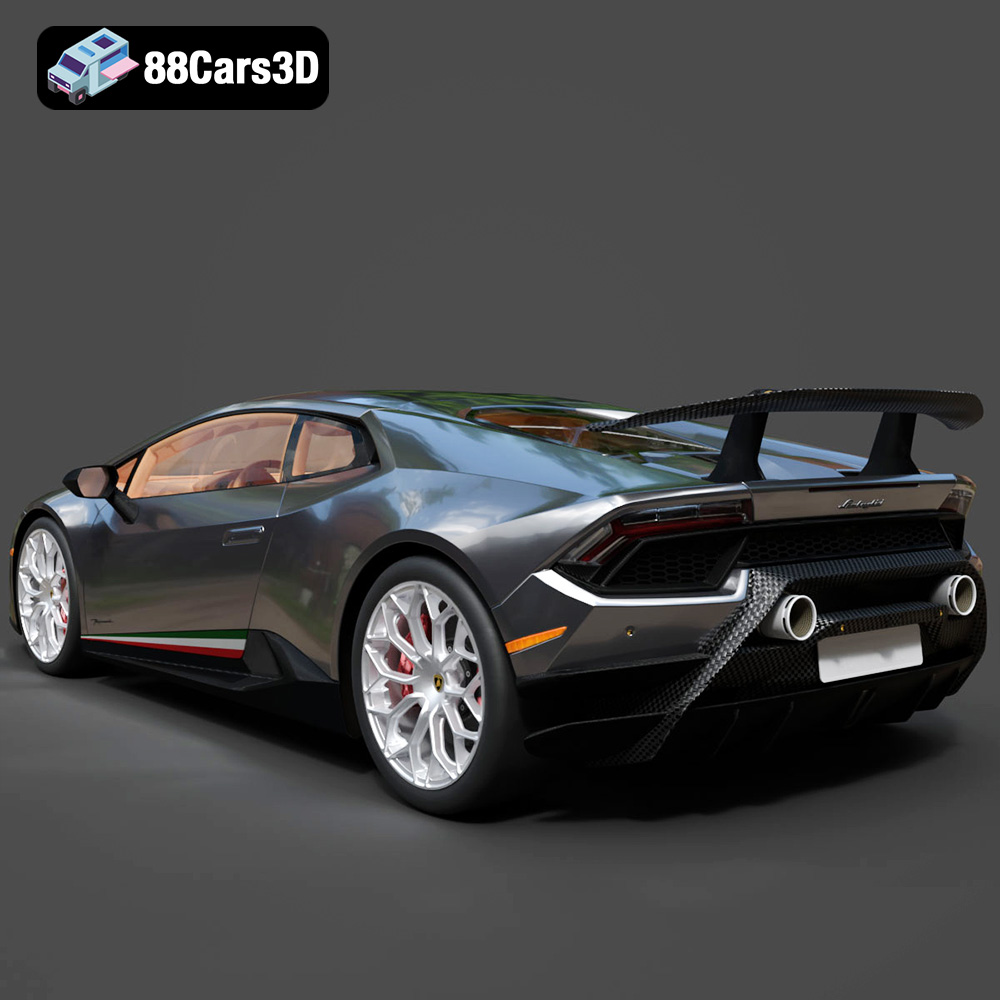
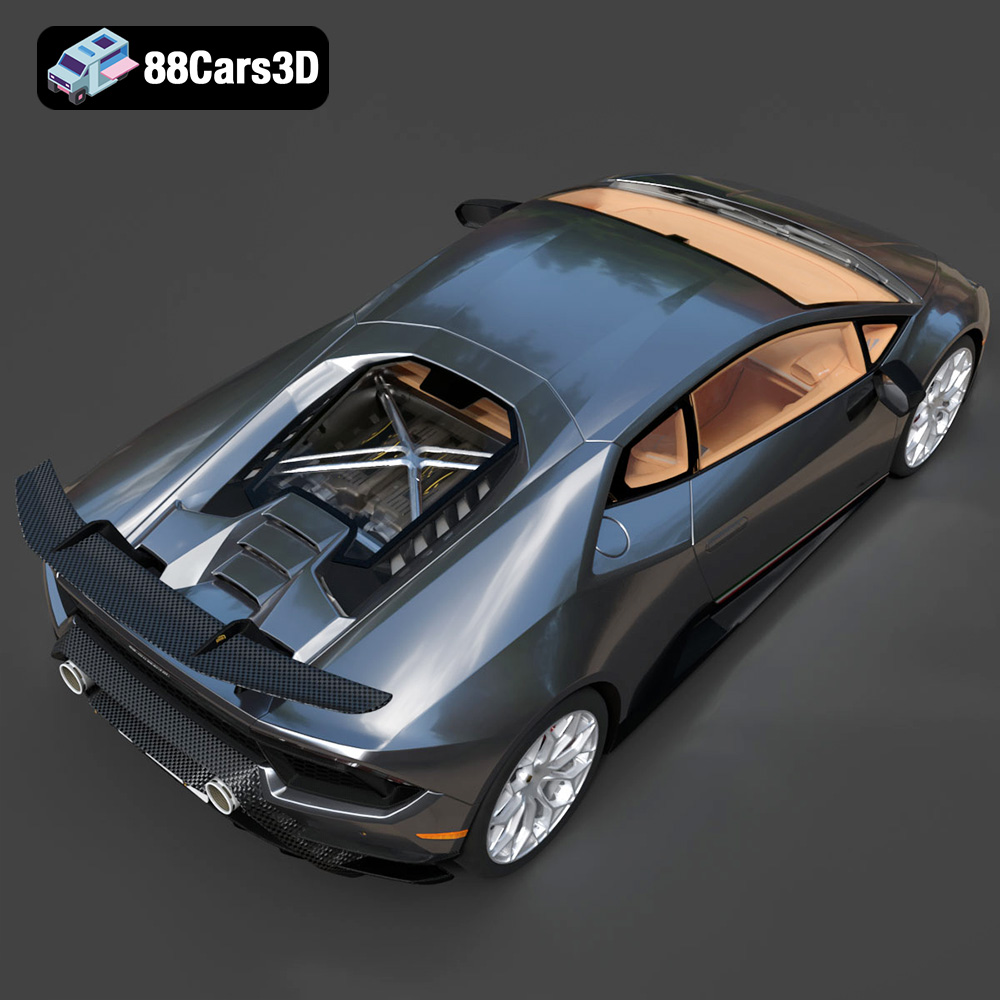
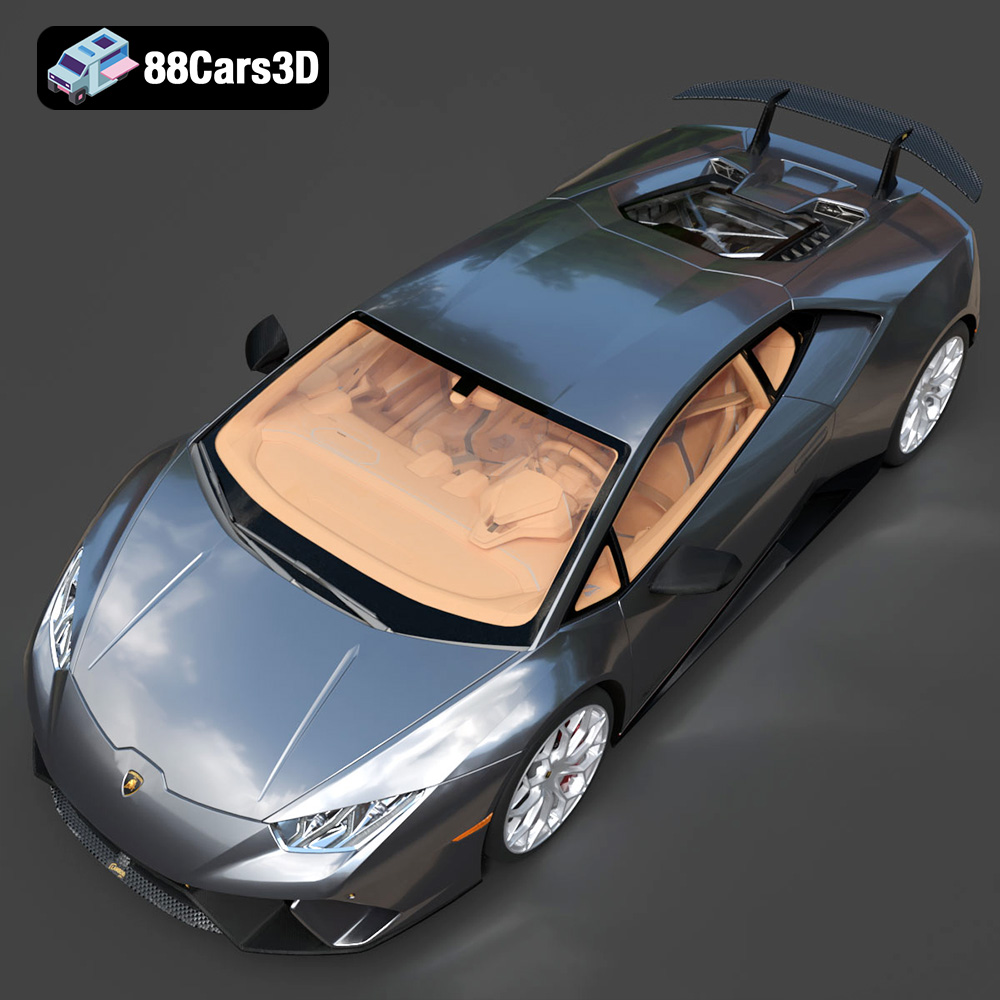
The Lamborghini Huracán Performante LP 640-4 (2017) 3D Model is a meticulously optimized digital recreation of the track-focused Italian supercar. Born to dominate the Nürburgring, the Performante takes the dramatic styling of the standard Huracán and injects it with aggressive, motorsport-derived aerodynamics. Perfect for high-speed racing simulators, luxury automotive galleries, high-end commercial visualizations, and AR/VR supercar showrooms.
$9.99
.automotive
.blend
.fbx
.huracan
.lamborghini
.rendering
.sports car
.stl
.supercar
.v10
3D Print Model
3D Printable
and modern Volvo factory colors (like Sage Green
Automotive Collectible
Car Prototype
car-3d-model
Digital Manufacture
FDM Ready
game-ready
Glacier Silver
lp640-4
Manifold Geometry.
mid-poly
Miniature Car
or Crystal White) paired with a gloss black roof.3D Printing
performante
Physical Asset
primer
Resin Print
Scale Model
SLA
Tabletop Display
track-car
VR/AR
wheel arches