Get 50% OFF All Premium 3D & STL Models!

“`html
For automotive enthusiasts and 3D printing aficionados alike, the prospect of creating detailed, custom car parts is incredibly appealing. Whether you’re restoring a classic model, designing a futuristic concept car, or simply looking to add a unique touch to your existing collection, 3D printing offers unparalleled possibilities. This comprehensive guide dives deep into the intricacies of 3D printing wheels, tires, and other car parts using STL files, covering everything from file preparation to post-processing. You’ll learn the essential techniques, software settings, and material choices necessary to achieve professional-quality results. Get ready to transform your digital designs into tangible automotive masterpieces!
In this guide, we’ll cover:
The STL (Stereolithography) file format is the industry standard for 3D printing, representing a 3D object’s surface as a collection of triangles. For car parts, particularly those with intricate details like wheels and tires, the quality of the STL file is paramount. A well-constructed STL ensures a smooth, accurate print. Poorly designed STL files can lead to various printing issues, including stair-stepping, gaps, and structural weaknesses. Platforms like 88cars3d.com offer print-ready STL files specifically designed for 3D printing car models, ensuring quality and ease of use.
Mesh density refers to the number of triangles used to represent the object’s surface. Higher mesh density results in a smoother, more detailed surface but also increases file size and processing time. A lower mesh density reduces file size but can lead to a faceted appearance, especially on curved surfaces. For car parts, a balance must be struck between detail and practicality. For example, wheels and tires benefit from higher mesh density to capture intricate tread patterns and smooth curves, while larger body panels can often be printed with lower density without significant loss of detail. A good starting point for curved surfaces is a maximum deviation setting of 0.01mm during STL export from your CAD software.
A “manifold” mesh is a watertight, closed surface. Non-manifold geometry, such as holes, self-intersections, or disconnected faces, can cause serious problems during slicing. Before printing any STL file, it’s crucial to check for and repair any non-manifold errors. Software like MeshMixer and Netfabb offer powerful tools for automatically detecting and repairing these issues. In MeshMixer, the “Make Solid” function is particularly useful for closing gaps and creating a watertight mesh. Netfabb provides more advanced repair options, including triangle reduction and smoothing. A common workflow is to import the STL, run the automatic repair script, and then visually inspect the model for any remaining issues.
Slicing is the process of converting the STL file into a set of instructions that the 3D printer can understand. The slicing software divides the 3D model into thin layers and generates a toolpath that dictates the printer’s movements. Slicing parameters significantly impact the print’s quality, strength, and speed. Correctly configuring these parameters is essential for achieving optimal results when printing wheels, tires, and car bodies.
Layer height is the thickness of each individual layer of the print. Lower layer heights result in smoother surfaces and finer details but increase print time. Higher layer heights reduce print time but can lead to visible layer lines. For car parts, especially those requiring a high level of detail, such as wheels, a lower layer height is generally recommended. For FDM printing, a layer height of 0.1mm to 0.15mm is a good starting point for detailed parts, while larger parts can be printed at 0.2mm to 0.3mm. For resin printing, layer heights can be significantly lower, often in the range of 0.025mm to 0.05mm, resulting in exceptional detail.
Infill refers to the internal structure of the 3D printed object. Infill density determines the amount of material used to fill the interior, affecting the part’s strength and weight. A higher infill density increases strength but also increases material consumption and print time. Infill patterns, such as grid, honeycomb, or gyroid, also affect the part’s properties. For car parts, infill density should be chosen based on the part’s function. Wheels and tires, which are subjected to stress, require higher infill densities (20-50%), while purely aesthetic parts can be printed with lower densities (10-20%). Gyroid infill is often preferred for its isotropic strength and efficient material usage. Consider using concentric infill for tires to allow some flexibility.
Print speed and temperature are crucial factors affecting print quality. Excessive print speeds can lead to under-extrusion, poor layer adhesion, and dimensional inaccuracies. Insufficient or excessive temperature can cause warping, stringing, and other defects. The optimal print speed and temperature depend on the material being used. For PLA, a print speed of 40-60 mm/s and a temperature of 200-220°C are generally recommended. For ABS, a print speed of 30-50 mm/s and a temperature of 230-250°C are more suitable. PETG typically prints well at 50-70 mm/s and 230-250°C. Always refer to the material manufacturer’s recommendations for specific settings.
Support structures are temporary structures used to support overhanging features during 3D printing. Without supports, these features would collapse under their own weight. Generating effective support structures and removing them cleanly without damaging the part is a crucial skill for 3D printing car parts, especially those with complex geometries. When downloading models from marketplaces such as 88cars3d.com, consider if the model has pre-generated supports or will require you to add them yourself.
There are several types of support structures, including linear supports, tree supports, and interface layers. Linear supports are simple vertical structures that are easy to generate but can leave noticeable marks on the printed part. Tree supports are more complex, branching structures that use less material and are easier to remove. Interface layers are thin layers of material placed between the support structure and the part, making it easier to separate the two. For car parts, tree supports are often preferred for their ease of removal and minimal impact on surface quality. In Cura, the “Support Placement” setting can be adjusted to “Touching Buildplate” to minimize support generation on visible surfaces.
The placement and orientation of support structures significantly impact print quality and ease of removal. Strategically placing supports in areas that are less visible or easier to access can minimize the need for extensive post-processing. Orienting the part to minimize the number of overhanging features can also reduce the amount of support required. For example, printing a car body with the roof facing down can eliminate the need for supports inside the cabin. In PrusaSlicer, the “Manual Supports” feature allows for precise placement of support structures, giving you greater control over the printing process.
Removing support structures cleanly without damaging the printed part requires patience and the right tools. Start by using pliers or cutters to carefully remove the bulk of the support structure. For finer details, use a sharp hobby knife or sandpaper to gently remove any remaining support material. Heat guns can also be used to soften the support material, making it easier to remove. For soluble support materials like HIPS (used with ABS), the part can be submerged in a solvent bath to dissolve the support structure completely.
The choice of material is critical for the performance and appearance of 3D printed car parts. Different materials offer varying degrees of strength, flexibility, temperature resistance, and aesthetic properties. Understanding the characteristics of common 3D printing materials is essential for selecting the right material for your specific application.
PLA (Polylactic Acid) is a biodegradable thermoplastic known for its ease of printing and excellent surface finish. It’s a good choice for aesthetic parts and prototypes but has limited temperature resistance and can warp under heat. ABS (Acrylonitrile Butadiene Styrene) is a stronger, more durable plastic with better temperature resistance than PLA. It’s suitable for functional parts that need to withstand higher temperatures, but it’s more prone to warping during printing. PETG (Polyethylene Terephthalate Glycol-modified) combines the best features of PLA and ABS, offering good strength, flexibility, and temperature resistance. It’s a versatile material suitable for a wide range of car parts. For example, PLA could be used for interior trim pieces, ABS for engine components (away from direct heat), and PETG for exterior body panels.
Resin printing offers exceptional detail and surface finish, making it ideal for intricate car parts like wheels and tires. Standard resins are suitable for aesthetic parts and prototypes. Tough resins offer increased strength and impact resistance, making them suitable for functional parts that need to withstand stress. Flexible resins are designed to be pliable and elastic, making them ideal for tires and other parts that need to deform. When printing tires with flexible resin, consider the Shore hardness rating. A lower Shore hardness will result in a softer, more pliable tire. A higher Shore hardness will result in a firmer, more rigid tire. Experiment with different Shore hardness ratings to find the optimal balance of flexibility and durability.
The ideal material depends on the specific part being printed. For wheels, a tough resin or a high-strength FDM material like nylon or carbon fiber-reinforced filament is recommended to withstand stress and impact. For tires, a flexible resin or TPU (Thermoplastic Polyurethane) is ideal for providing the necessary elasticity and grip. For body panels, PETG or ABS are good choices for their balance of strength, temperature resistance, and printability. Consider using ASA (Acrylonitrile Styrene Acrylate) for exterior parts requiring UV resistance. ASA is similar to ABS but offers superior resistance to fading and degradation from sunlight.
Post-processing is the set of techniques used to refine and enhance the appearance of 3D printed parts after they have been printed. These techniques can include sanding, filling, painting, and assembly. Proper post-processing can transform a raw 3D print into a professional-quality part.
Sanding is used to remove layer lines and other imperfections from the surface of the printed part. Start with coarse-grit sandpaper (120-180 grit) to remove significant imperfections, then gradually move to finer grits (220-400 grit) to smooth the surface. Wet sanding can help to reduce dust and improve the finish. For resin prints, sanding is often unnecessary due to the smooth surface finish. However, if sanding is required, use wet sanding with fine-grit sandpaper. After sanding, consider using a filler primer to further smooth the surface and fill in any remaining imperfections. Automotive body filler can also be used for larger gaps or imperfections.
Painting is used to add color and protection to the printed part. Before painting, clean the part thoroughly to remove any dust or debris. Apply a primer coat to improve adhesion and provide a uniform surface for the paint. Use multiple thin coats of paint for best results, allowing each coat to dry completely before applying the next. Automotive-grade paints and clear coats offer excellent durability and resistance to fading. Consider using an airbrush for a smoother, more professional finish. After painting, apply a clear coat to protect the paint and add a glossy or matte finish.
Many car parts consist of multiple components that need to be assembled after printing. Use appropriate adhesives, such as super glue or epoxy, to bond the parts together. Ensure that the parts are aligned correctly before the adhesive sets. Add detailing elements, such as decals, chrome trim, or miniature lights, to enhance the realism of the finished model. For complex assemblies, create a detailed assembly diagram to ensure that all parts are assembled in the correct order. Consider using threaded inserts for parts that need to be repeatedly assembled and disassembled.
3D printing wheels, tires, and car parts in STL format offers a world of creative possibilities for automotive enthusiasts. By understanding the nuances of STL files, slicing parameters, support structures, material selection, and post-processing techniques, you can create stunning, custom car parts that rival professionally manufactured components. Remember to carefully prepare your STL files, optimize your slicing settings for the chosen material, and take the time to properly post-process your prints. With practice and experimentation, you’ll be able to transform your digital designs into tangible automotive masterpieces. Explore the vast selection of printable car models available on platforms like 88cars3d.com to kickstart your next 3D printing project and bring your automotive visions to life.
Next Steps:
“`
Texture: Yes
Material: Yes
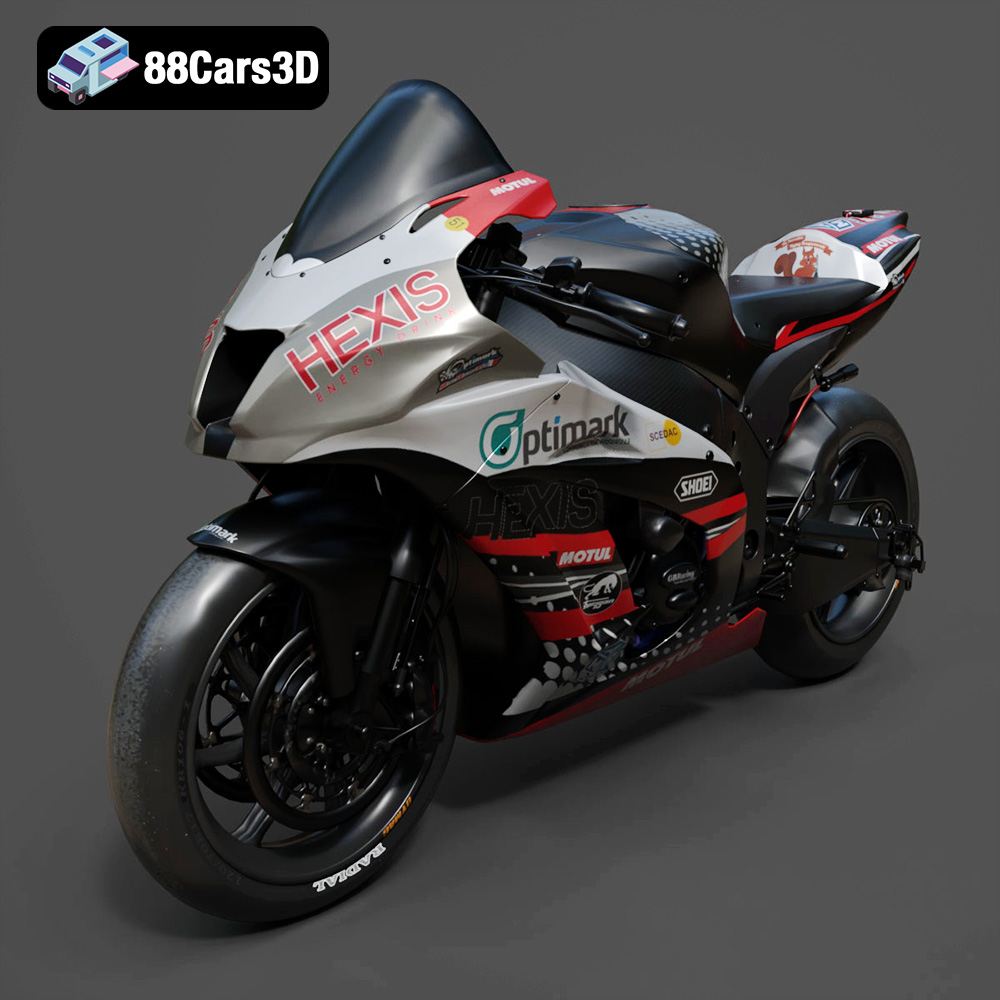
Download the Kawasaki ZX-10R 3D Model featuring clean geometry, realistic detailing, and a fully modeled interior. Includes .blend, .fbx, .obj, .glb, .stl, .ply, .unreal, and .max formats for rendering, simulation, and game development.
Price: $19.99

Texture: Yes
Material: Yes
Download the Jeep Grand Cherokee Limited 2017 3D Model featuring clean geometry, realistic detailing, and a fully modeled interior. Includes .blend, .fbx, .obj, .glb, .stl, .ply, .unreal, and .max formats for rendering, simulation, and game development.
Price: $19.99
Texture: Yes
Material: Yes
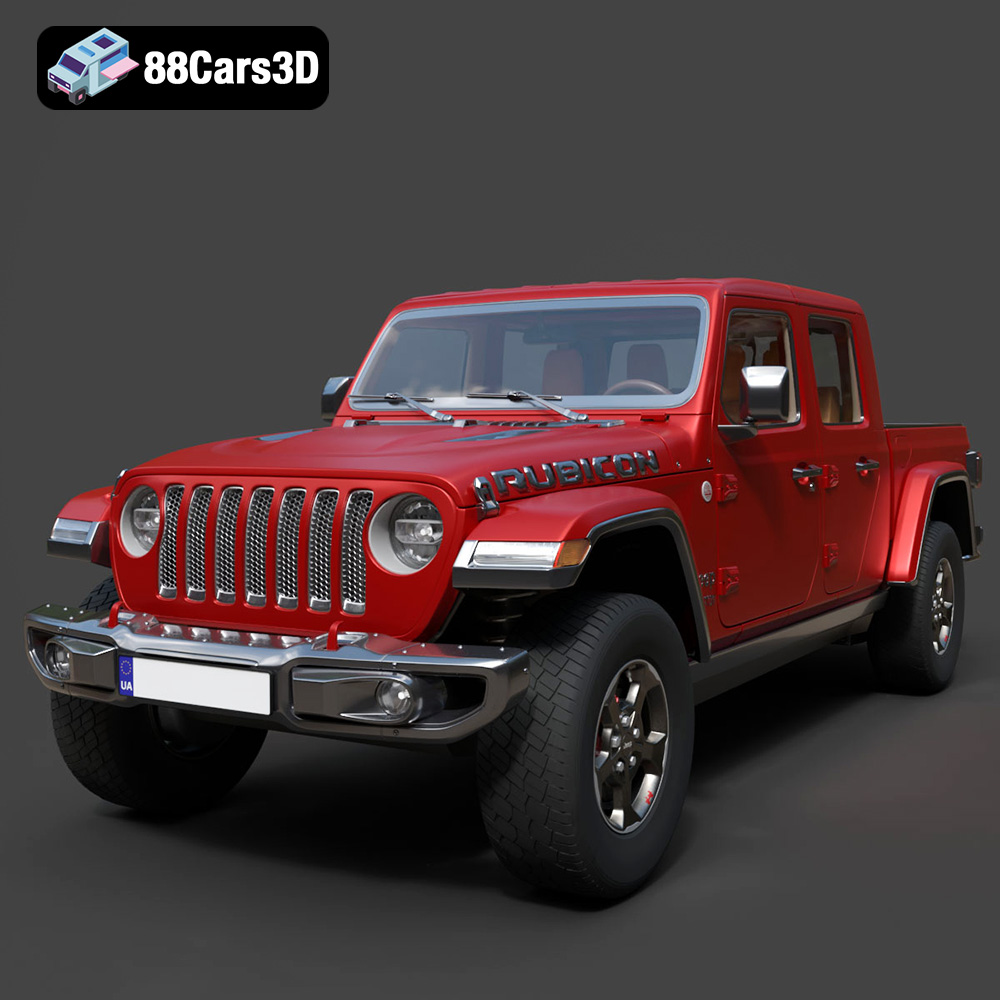
Download the Jeep Gladiator Rubicon 2020 3D Model featuring clean geometry, realistic detailing, and a fully modeled interior. Includes .blend, .fbx, .obj, .glb, .stl, .ply, .unreal, and .max formats for rendering, simulation, and game development.
Price: $19.99

Texture: Yes
Material: Yes
Download the Jaguar C-X75 2014 3D Model featuring clean geometry, realistic detailing, and a fully modeled interior. Includes .blend, .fbx, .obj, .glb, .stl, .ply, .unreal, and .max formats for rendering, simulation, and game development.
Price: $19.99

Texture: Yes
Material: Yes
Download the Jaguar XFR-S 2014 3D Model featuring clean geometry, realistic detailing, and a fully modeled interior. Includes .blend, .fbx, .obj, .glb, .stl, .ply, .unreal, and .max formats for rendering, simulation, and game development.
Price: $19.99

Texture: Yes
Material: Yes
Download the Infiniti QX50 2019 3D Model featuring clean geometry, realistic detailing, and a fully modeled interior. Includes .blend, .fbx, .obj, .glb, .stl, .ply, .unreal, and .max formats for rendering, simulation, and game development.
Price: $19.99

Texture: Yes
Material: Yes
Download the Hyundai i40 Wagon 2015 3D Model featuring clean geometry, realistic detailing, and a fully modeled interior. Includes .blend, .fbx, .obj, .glb, .stl, .ply, .unreal, and .max formats for rendering, simulation, and game development.
Price: $19.99

Texture: Yes
Material: Yes
Download the Honda NSX 2017 3D Model featuring clean geometry, realistic detailing, and a fully modeled interior. Includes .blend, .fbx, .obj, .glb, .stl, .ply, .unreal, and .max formats for rendering, simulation, and game development.
Price: $19.99
Texture: Yes
Material: Yes
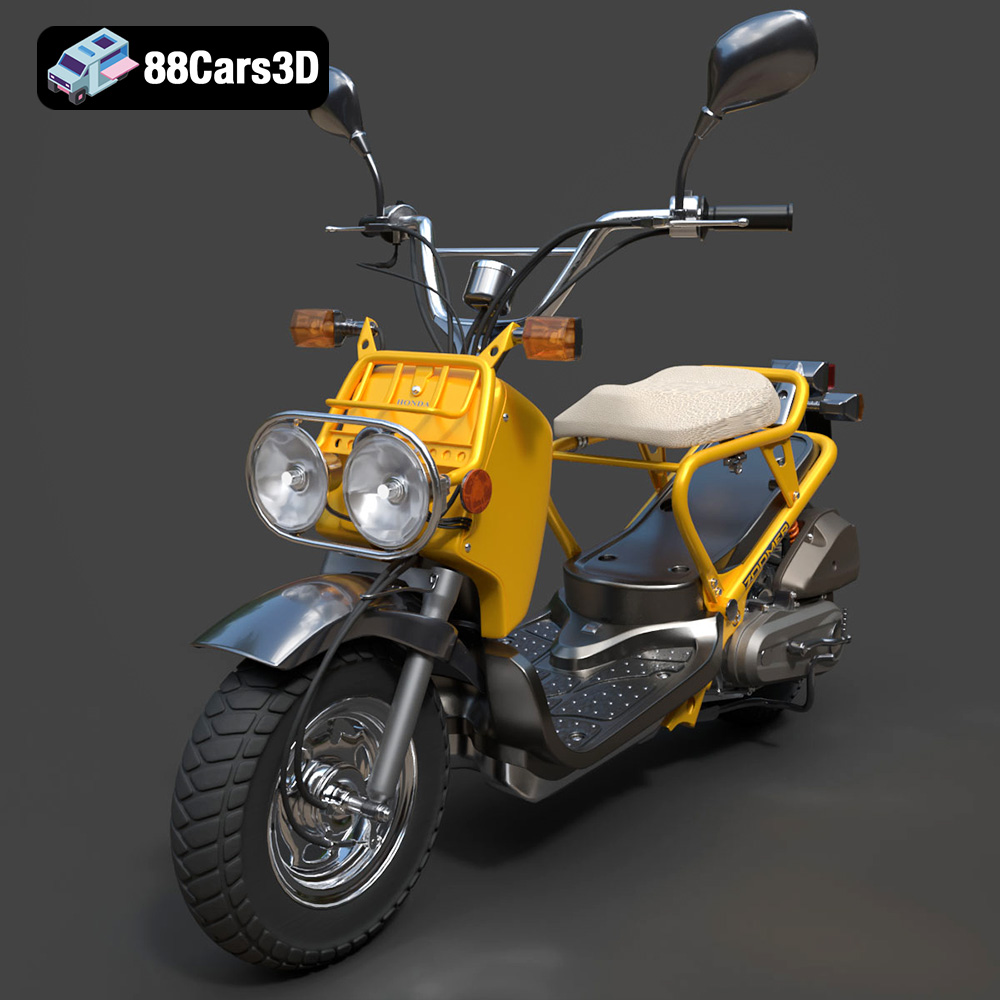
Download the Honda Zoomer 50 2005 3D Model featuring clean geometry, realistic detailing, and a fully modeled interior. Includes .blend, .fbx, .obj, .glb, .stl, .ply, .unreal, and .max formats for rendering, simulation, and game development.
Price: $19.99

Texture: Yes
Material: Yes
Download the Honda Valkyrie GL1800C 2015 3D Model featuring clean geometry, realistic detailing, and a fully modeled interior. Includes .blend, .fbx, .obj, .glb, .stl, .ply, .unreal, and .max formats for rendering, simulation, and game development.
Price: $19.99

