Get 50% OFF All Premium 3D & STL Models!

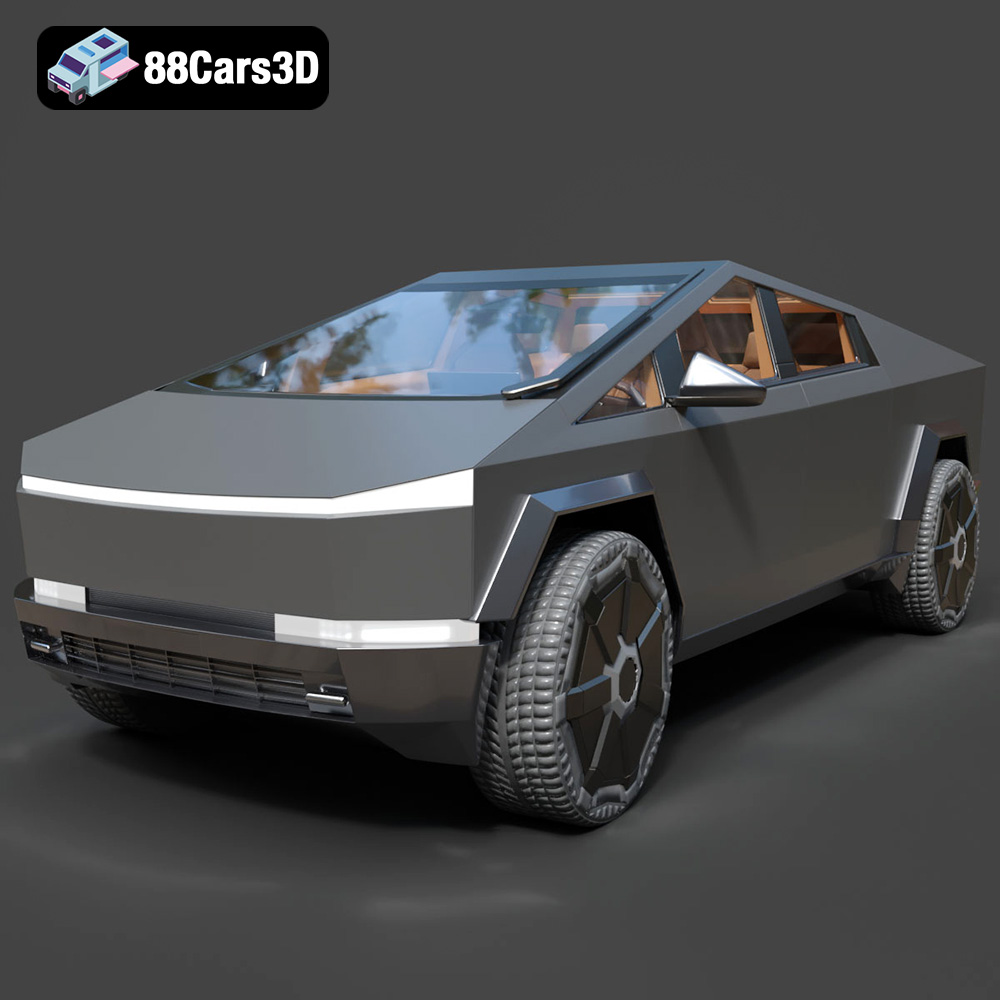
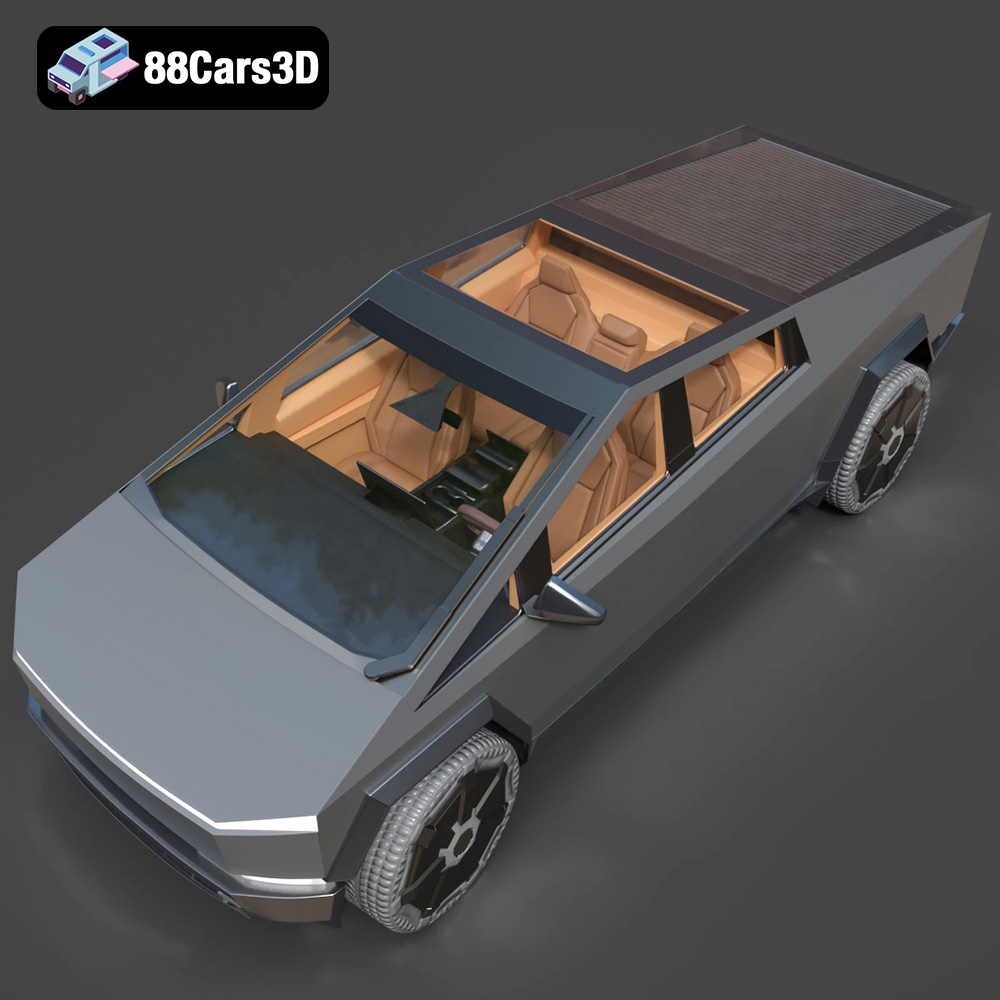
The Tesla Cybertruck 2024 has captivated the world with its radical design and promises of futuristic utility. Now, thanks to 3D printing, you can bring a miniature version of this iconic vehicle into your own reality. The 3D model available on 88cars3d.com offers a detailed representation of the Cybertruck, perfect for hobbyists, collectors, and anyone fascinated by cutting-edge automotive design. This article will guide you through the process of successfully 3D printing the Tesla Cybertruck 2024 model, covering everything from pre-print preparation to post-processing techniques. Whether you’re a seasoned 3D printing enthusiast or a beginner, this comprehensive guide will equip you with the knowledge and skills to create a stunning replica.
Before diving into the specifics of printing the Tesla Cybertruck model, it’s crucial to understand the various file formats available and their implications for 3D printing. The right file format can significantly impact print quality, ease of use, and overall success.
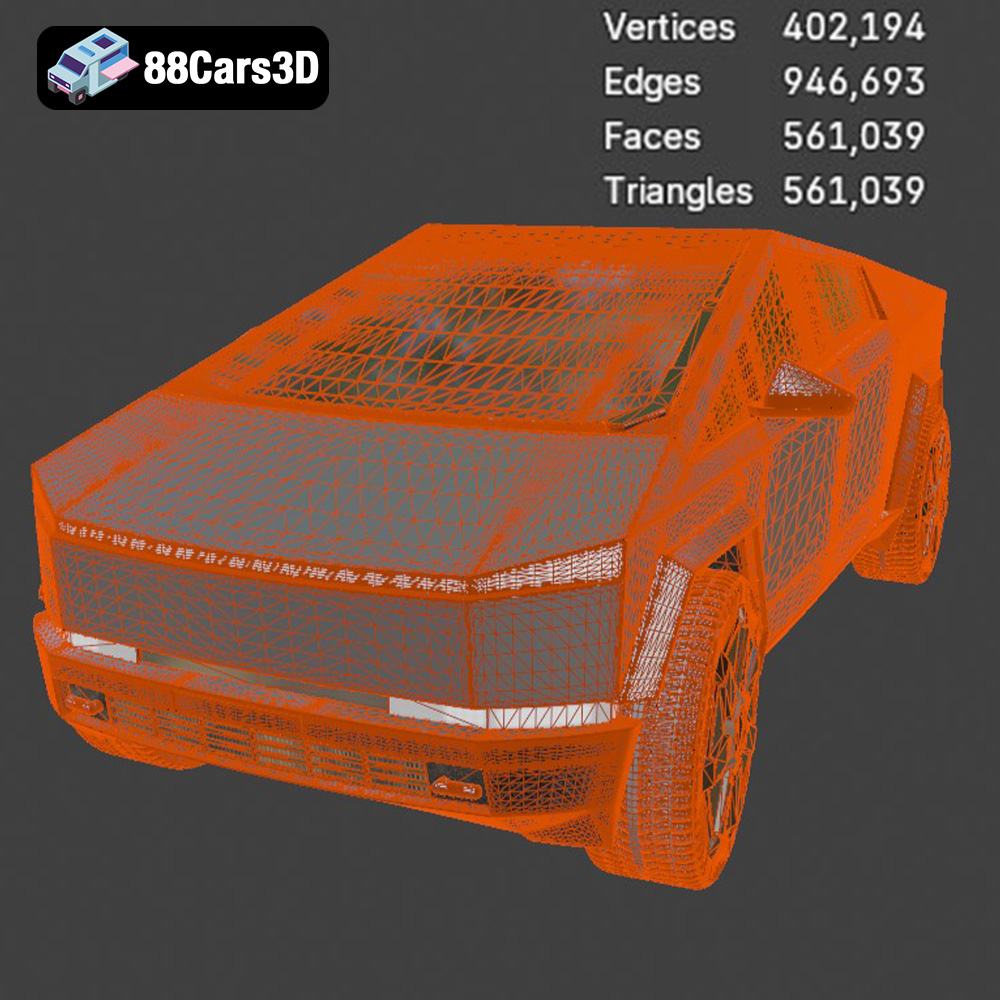
The .stl (stereolithography) file format is the workhorse of 3D printing. It represents the surface geometry of a 3D object as a collection of triangles. This simplicity makes it universally compatible with virtually all 3D printers and slicing software. However, .stl files only contain mesh data, lacking information about color, texture, or materials. For the Tesla Cybertruck model from 88cars3d.com, the .stl file provides a solid foundation for 3D printing, allowing you to focus on optimizing printer settings for the best possible result. When working with .stl files, it’s important to check for mesh errors like non-manifold edges or holes, which can cause issues during slicing. Mesh repair tools, available in most slicing software, can automatically fix these problems. Furthermore, the resolution of the .stl file, determined by the size and number of triangles, affects the smoothness of the final print. Higher resolution .stl files generally produce more detailed prints but require more processing power and can increase file size.
The .obj (object) file format is another widely used format in 3D modeling. Unlike .stl, .obj files can store color and texture information, making them suitable for printing multi-colored objects on specialized 3D printers. While not as prevalent as .stl for basic 3D printing, .obj can be useful if you plan to add custom textures or colors to your Cybertruck model after printing.
The .ply (polygon) file format is designed for storing 3D data acquired from 3D scanners. It offers high precision and can represent complex geometries with a large number of polygons. While .ply files can be used for 3D printing, they are often overkill for models like the Cybertruck, where the .stl format provides a good balance between detail and file size.
The .blend file is the native format for Blender, a popular open-source 3D modeling software. This file format contains the entire scene, including the model geometry, materials, textures, lighting, and camera settings. The Tesla Cybertruck model on 88cars3d.com includes a .blend file, allowing you to customize the model before exporting it to a printable format like .stl. You can modify the design, add details, or adjust the scale to suit your specific needs.
The .fbx (Filmbox) file format is primarily used for exchanging 3D data between different software applications. It supports a wide range of features, including geometry, materials, textures, animations, and skeletal rigging. While .fbx files can be imported into some slicing software, they are not typically used directly for 3D printing. Instead, they are more commonly used for preparing models for game engines or animation software.
The .glb (GL Transmission Format Binary) file format is designed for efficient transmission and loading of 3D models in web applications and augmented reality (AR) experiences. It is a binary format that includes all the necessary data, such as geometry, textures, and animations, in a single file. While .glb files are not directly used for 3D printing, they can be useful for previewing the Tesla Cybertruck model in AR before committing to a print. This allows you to visualize the model in a real-world environment and get a sense of its size and scale.
The .max file is the native format for 3ds Max, a professional 3D modeling and animation software. This file format contains the entire project, including the model geometry, materials, textures, lighting, and animation data. If you have access to 3ds Max, you can use the .max file included with the Tesla Cybertruck model to customize the model before exporting it to a printable format like .stl.
For 3D printing, the .stl format remains the most reliable and widely supported choice. The other formats offer opportunities for customization and previewing, but ultimately, you’ll need to convert the model to .stl before slicing and printing.
Once you’ve chosen the appropriate file format (likely .stl), it’s time to prepare the model for 3D printing. This involves several steps, including inspecting the model, scaling it to the desired size, and adding supports.
Before slicing the model, it’s crucial to inspect it for any errors that could cause printing problems. Use your slicing software’s built-in tools to check for non-manifold edges, holes, or intersecting faces. These issues can often be automatically repaired with a single click. Ensure that the model is a closed, watertight object, as this is essential for successful 3D printing.
The Tesla Cybertruck 2024 model from 88cars3d.com can be scaled to your desired size. Consider the capabilities of your 3D printer and the level of detail you want to achieve. Smaller scales may result in loss of fine details, while larger scales require more material and print time. Carefully consider the orientation of the model on the print bed. The Cybertruck’s angular design presents a challenge, and choosing the right orientation can minimize the need for supports and improve surface finish. Experiment with different orientations in your slicing software to find the optimal position.
Due to the Cybertruck’s complex geometry, supports are likely necessary to print overhanging features. Use your slicing software to automatically generate supports, or manually add them in specific areas where needed. Consider the type of support structure (e.g., tree supports, linear supports) and adjust the support density and overhang angle to optimize support removal and minimize surface damage.
The choice of material significantly impacts the final appearance, strength, and durability of your 3D printed Tesla Cybertruck 2024 model. Here are some popular options:
PLA is a biodegradable thermoplastic polymer derived from renewable resources, such as cornstarch or sugarcane. It is one of the most popular materials for 3D printing due to its ease of use, low printing temperature, and wide availability. PLA is a good choice for the Cybertruck model if you prioritize ease of printing and a smooth surface finish. However, it is not as strong or heat-resistant as other materials.
PETG is a durable and versatile thermoplastic that combines the strength of ABS with the ease of printing of PLA. It is more flexible and impact-resistant than PLA, making it a good choice for functional parts or models that will be subjected to stress. PETG also offers good chemical resistance and is relatively easy to paint.
Resin 3D printing, also known as stereolithography (SLA) or digital light processing (DLP), uses liquid resin that is cured by a UV light source. Resin printing can produce highly detailed models with smooth surfaces, making it an excellent choice for the Tesla Cybertruck model if you want to capture every intricate detail. However, resin prints are typically more brittle than FDM prints and may require more post-processing.
Achieving a high-quality 3D print of the Cybertruck model requires careful attention to printer settings. Here are some key parameters to consider:
Layer height affects the resolution and print time of your model. Lower layer heights (e.g., 0.1mm) result in smoother surfaces and finer details but increase print time. Higher layer heights (e.g., 0.2mm) print faster but may result in more visible layer lines. A good starting point for the Cybertruck model is a layer height of 0.15mm, which balances detail and print speed.
Infill density determines the amount of material used inside the model. Higher infill densities increase strength and weight but also increase print time and material consumption. For a decorative model like the Cybertruck, a low infill density (e.g., 15-20%) is usually sufficient. If you plan to use the model for functional purposes, consider increasing the infill density for added strength.
Print speed affects the quality and print time of your model. Slower print speeds generally result in better surface finish and fewer errors, but they also increase print time. Experiment with different print speeds to find the optimal balance between quality and speed for your printer and material.
The ideal printing temperature depends on the material you are using. Consult the manufacturer’s recommendations for the optimal temperature range. Too low of a temperature can lead to poor layer adhesion, while too high of a temperature can cause warping or stringing.
After printing the Tesla Cybertruck 2024 model, you may want to perform some post-processing to improve its appearance and durability.
Carefully remove the supports using pliers or a sharp knife. Be gentle to avoid damaging the model’s surface. You can use sandpaper or a file to smooth any remaining support marks.
Sanding the model can smooth out layer lines and imperfections. Start with coarse grit sandpaper (e.g., 220 grit) and gradually move to finer grits (e.g., 400, 600, 800 grit) for a polished finish. Wet sanding can help to reduce dust and improve the smoothness of the surface.
Painting the model can add color and realism. Use a primer to prepare the surface for paint and apply multiple thin coats of paint for a smooth, even finish. Consider using automotive paints for a durable and realistic look. You can also apply a clear coat to protect the paint and add gloss or matte finish.
Even with careful preparation, you may encounter issues during the 3D printing process. Here are some common problems and their solutions:
Warping occurs when the corners of the model lift off the print bed. This is often caused by poor bed adhesion or uneven cooling. To prevent warping, ensure that your print bed is level and clean, use a bed adhesive such as glue stick or hairspray, and avoid drafts in the printing environment.
Stringing occurs when thin strands of plastic are left between different parts of the model. This is often caused by excessive retraction or too high of a printing temperature. To reduce stringing, adjust your retraction settings, lower the printing temperature, and ensure that your filament is dry.
Poor layer adhesion occurs when the layers of the model do not stick together properly. This can be caused by too low of a printing temperature, inadequate cooling, or a dirty nozzle. To improve layer adhesion, increase the printing temperature, reduce cooling fan speed, and clean or replace your nozzle.
Based on experience, printing the Tesla Cybertruck 2024 model at a scale suitable for desktop display (approximately 20cm in length) with the settings described above will likely take between 15-25 hours. The material cost will vary depending on the filament used, but expect to use around 100-200 grams of filament, translating to roughly $5-$15 in material costs.
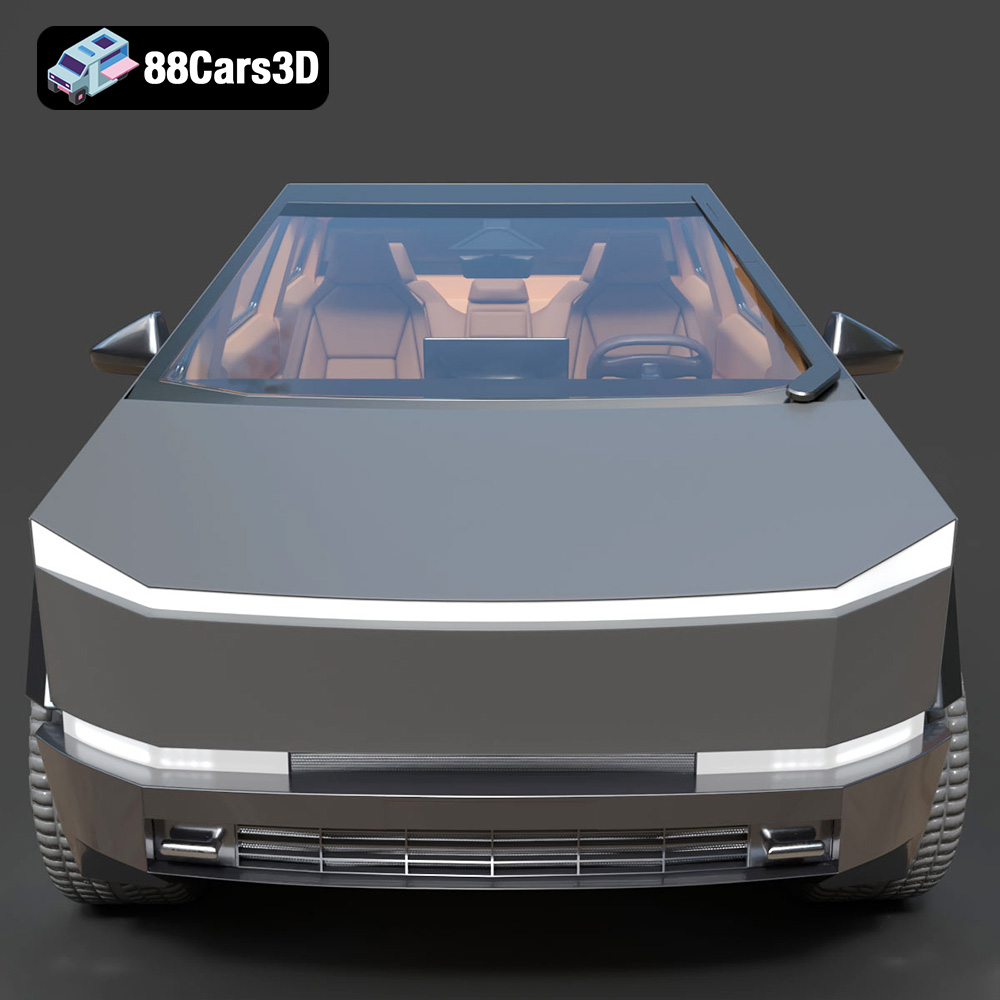
Experience the futuristic design of the Tesla Cybertruck 2024 with this exceptionally realistic 3D model. Built to precise proportions, this asset captures the distinctive angular exoskeleton and advanced aesthetic of the iconic electric pickup truck, ensuring a striking presence in any digital environment.
$19.99
3D printing the Tesla Cybertruck 2024 model is a rewarding project that allows you to experience the future of automotive design firsthand. By carefully preparing the model, choosing the right material, optimizing printer settings, and applying post-processing techniques, you can create a stunning replica that showcases the Cybertruck’s unique aesthetic. Remember to consult the model’s information on 88cars3d.com for specific details and recommendations. With patience and attention to detail, you’ll be able to proudly display your own 3D printed Cybertruck.
.arvr
.blend
.car3dmodel
.cybertruck
.electricvehicle
.fbx
.gameasset
.glb
.max
.obj
.pickup
.ply
.rendering
.simulation
.stl
.tesla
.truck
.unreal