Get 50% OFF All Premium 3D & STL Models!

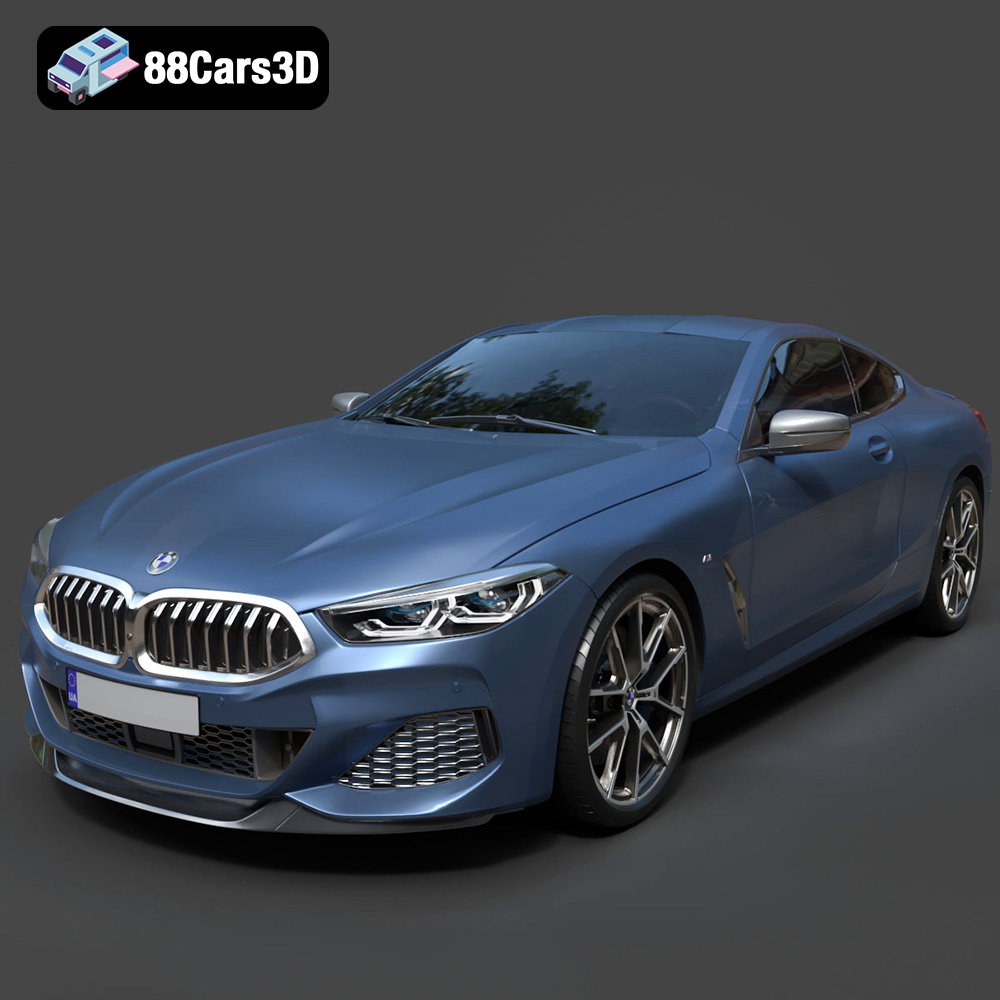
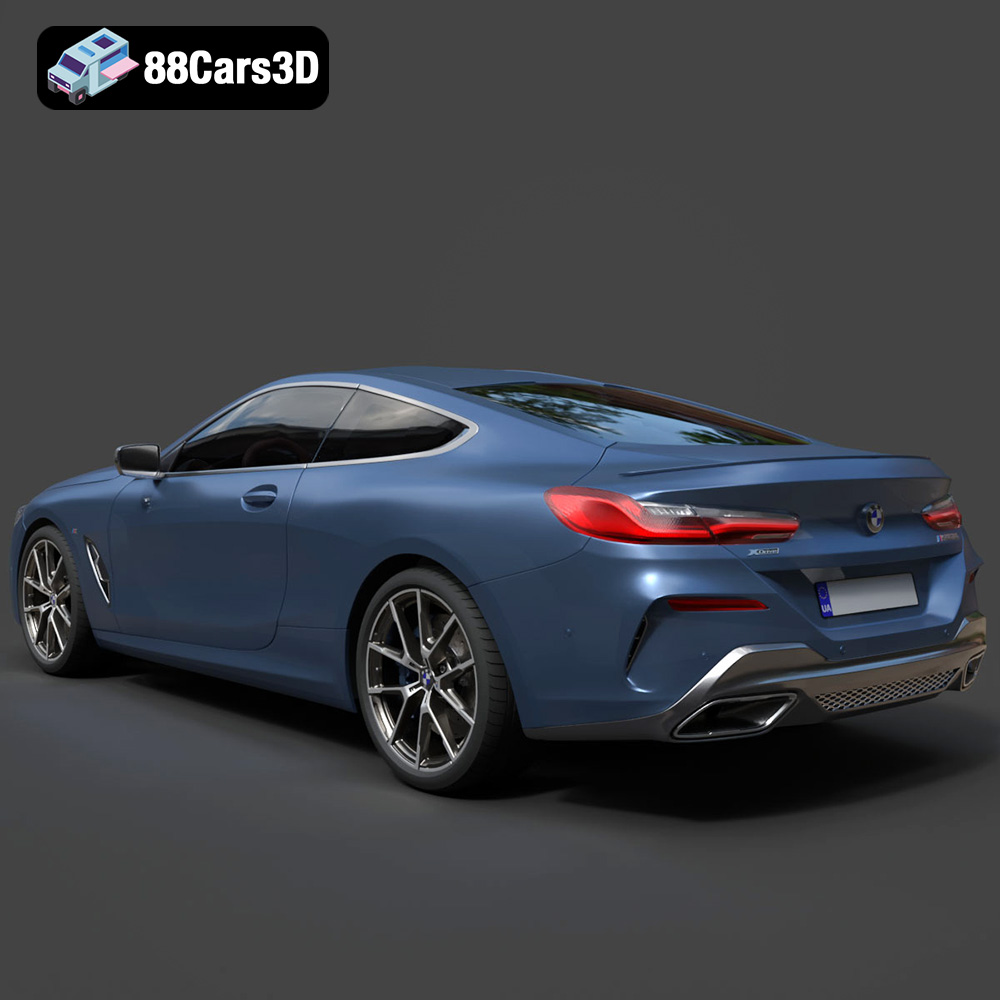
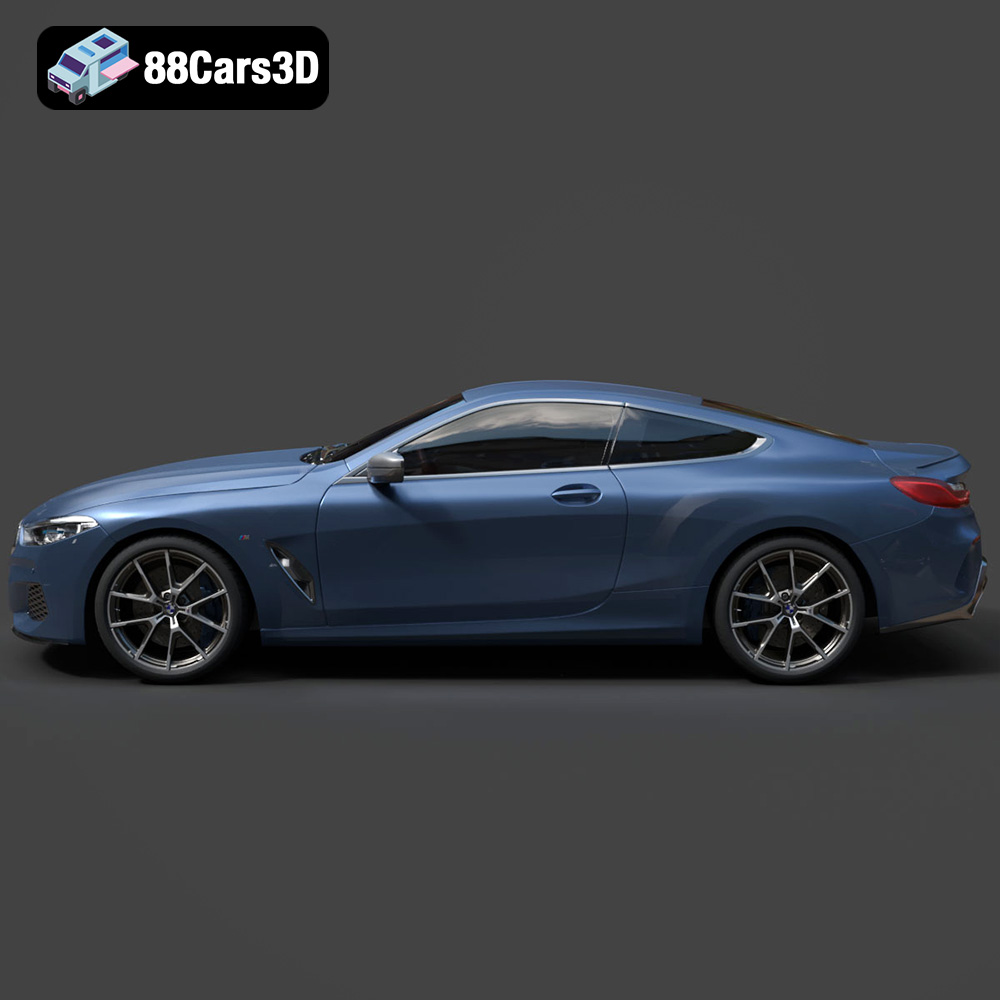
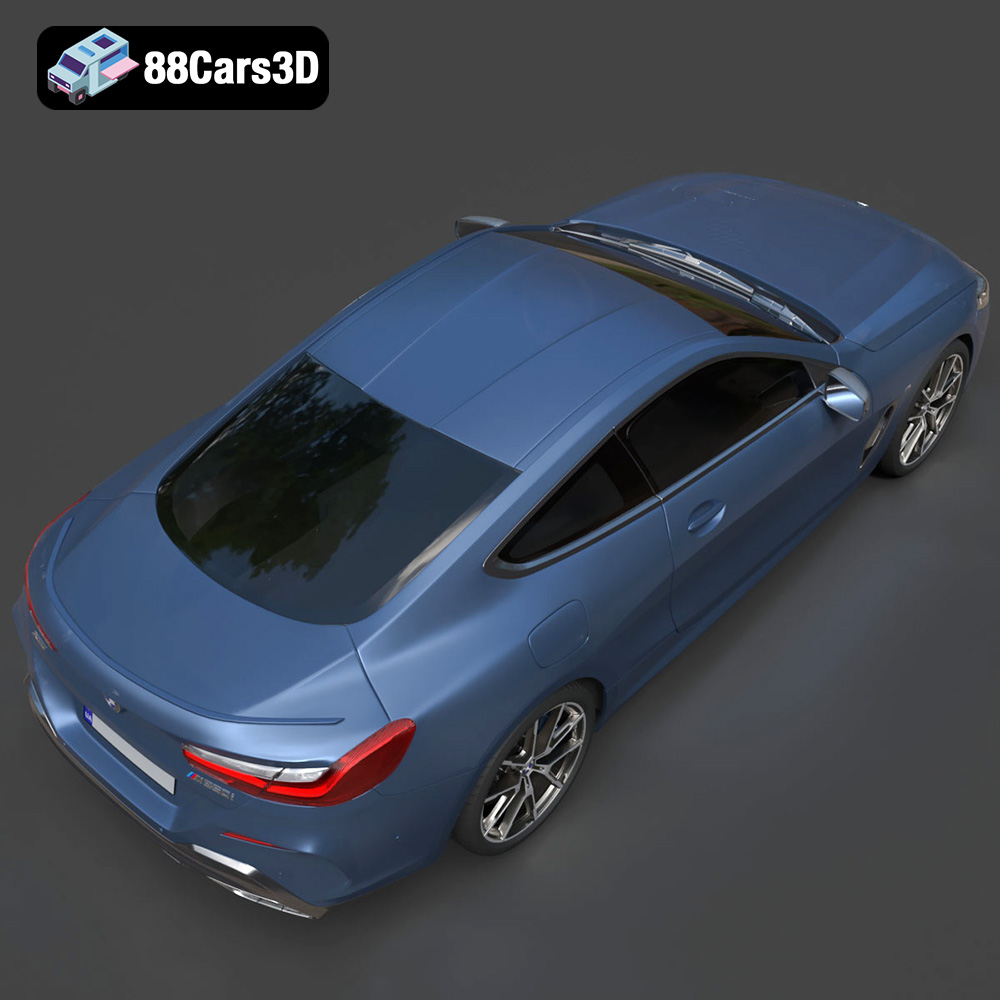
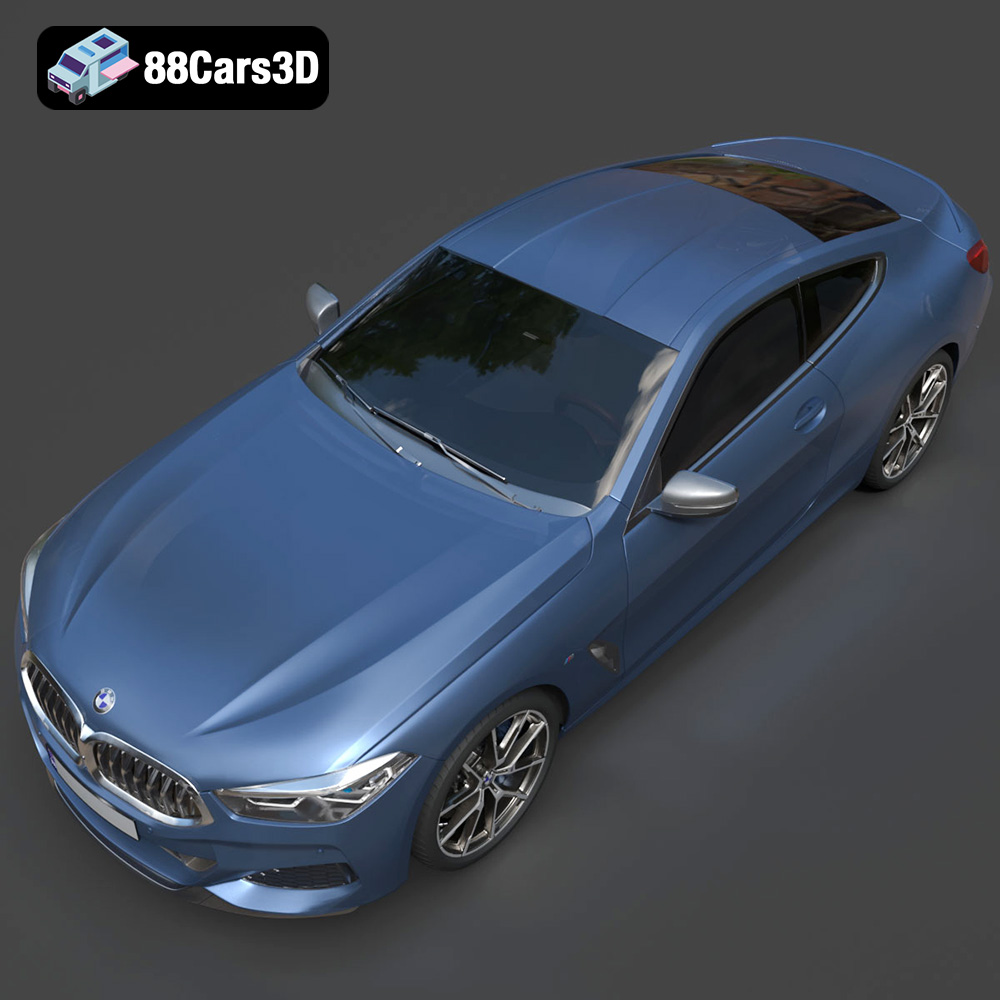
The BMW 8-Series M850i G15 Coupe is a symbol of luxury and performance, and now, thanks to 3D printing, you can bring a miniature version of this iconic vehicle to life. This comprehensive guide will walk you through the process of 3D printing the BMW 8-Series M850i G15 Coupe 2019 3D model, covering everything from pre-print preparation to post-processing techniques. Whether you’re a seasoned 3D printing enthusiast or a beginner looking for a rewarding project, this guide will provide the knowledge and steps necessary to achieve a stunning result. This high-quality 3D model, available on 88cars3d.com, is optimized for additive manufacturing, ensuring a smooth and satisfying printing experience.
Choosing the right file format is crucial for a successful 3D printing project. Several formats exist, each with its strengths and weaknesses. Understanding these differences is essential to ensure compatibility with your slicing software and achieve the desired print quality.
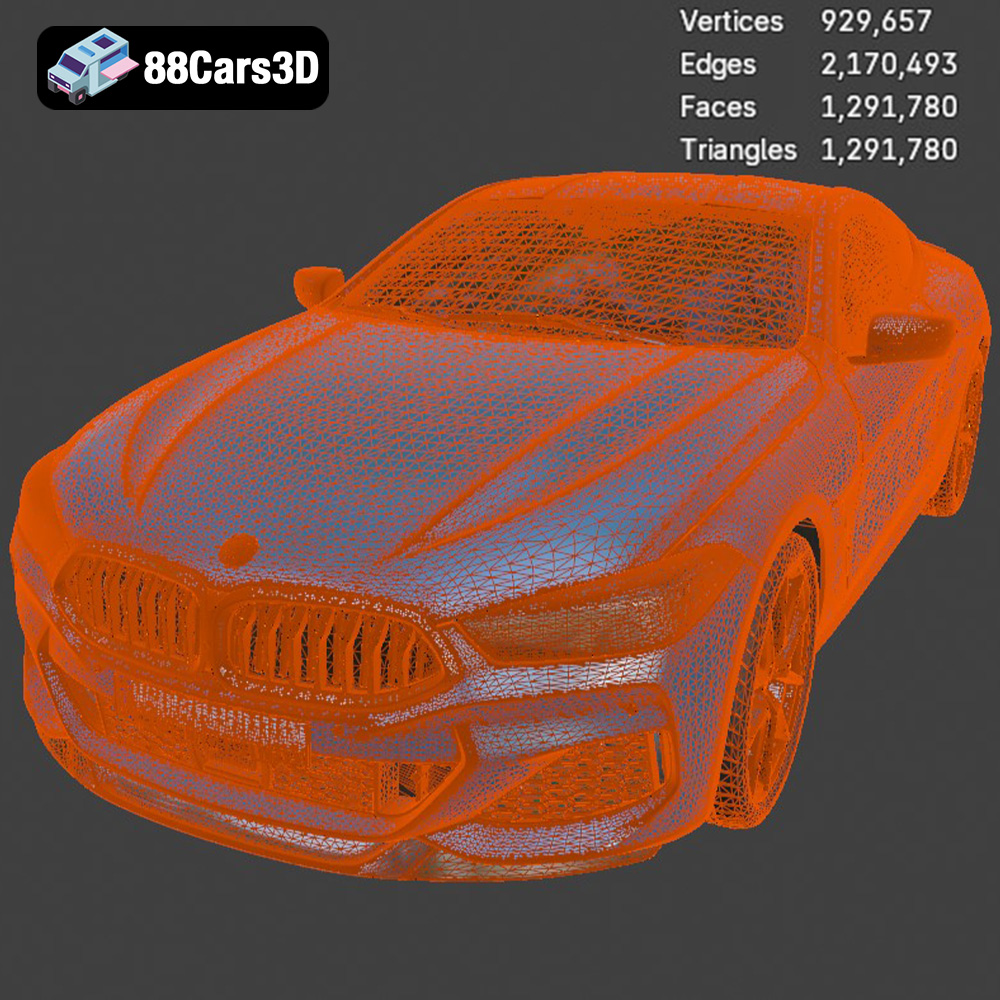
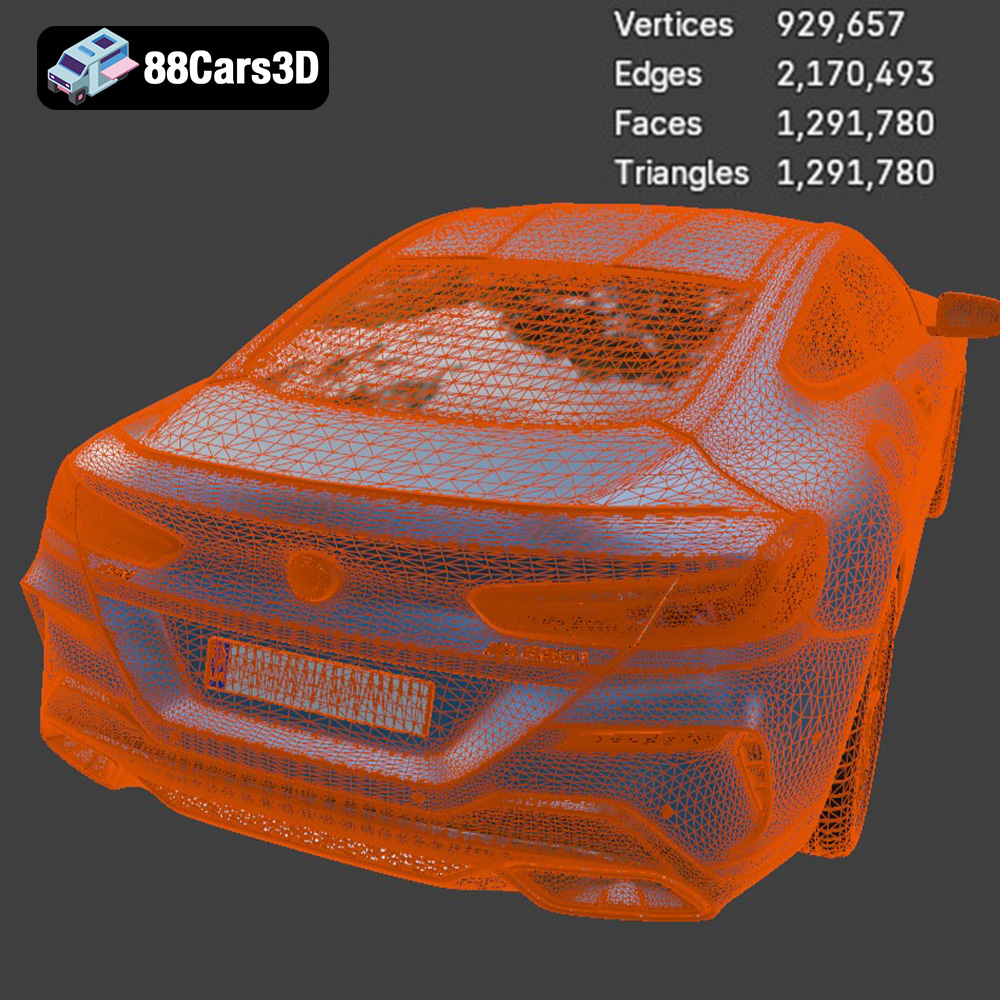
The STL (Stereolithography) file format is the most widely used format in 3D printing. It represents the surface geometry of a 3D object as a collection of triangles. This simplicity makes it universally compatible with virtually all 3D printing software and hardware.
* **Pros:** Near-universal compatibility, simple representation, small file size compared to other formats.
* **Cons:** Does not store color or texture information, can result in faceted surfaces on curved objects if the mesh resolution is too low.
For 3D printing the BMW 8-Series M850i G15 Coupe 2019 3D model, the STL format is an excellent choice. The model from 88cars3d.com is specifically designed for 3D printing and includes an STL file, ensuring a seamless transition from digital model to physical object.
OBJ files are a more versatile format compared to STL. They can store color and texture information, making them suitable for colored 3D prints (although this requires a printer capable of multi-material printing). OBJ files also represent geometry using polygons (typically triangles or quadrilaterals), similar to STL.
* **Pros:** Supports color and texture, wider range of software compatibility than proprietary formats.
* **Cons:** Larger file sizes compared to STL, color/texture information might not be compatible with all 3D printing workflows.
PLY (Polygon File Format) is designed to store 3D data acquired from 3D scanners. It can represent surfaces using polygons or point clouds and supports color and texture information. PLY is often used for applications where high detail and accuracy are paramount.
* **Pros:** High-detail representation, suitable for scanned data, supports color and texture.
* **Cons:** Larger file sizes, less common in 3D printing compared to STL and OBJ.
.blend files are native to Blender, a free and open-source 3D creation suite. These files contain the entire Blender scene, including the model geometry, materials, textures, lighting, and animation data. While not directly printable, .blend files are invaluable for customizing the model before exporting to a printable format like STL.
* **Pros:** Full access to the original model data for modification, includes materials and lighting setup.
* **Cons:** Requires Blender to open and edit, not directly compatible with slicing software.
FBX (Filmbox) is a popular format for exchanging 3D data between different software applications. It supports geometry, materials, textures, animation, and other scene data. While some slicing software can import FBX files, the material information might not be directly translated to 3D printing settings.
* **Pros:** Versatile format for data exchange, supports materials and animation.
* **Cons:** Material information might not be directly usable in 3D printing, can be more complex to handle than STL.
GLB (GL Transmission Format Binary) is a binary file format that represents 3D models in a compact and efficient manner. It is commonly used for displaying 3D models in web browsers and augmented reality (AR) applications. GLB files can contain geometry, textures, and animations.
* **Pros:** Optimized for web and AR applications, compact file size.
* **Cons:** Not directly used for 3D printing, primarily for visualization.
.max files are native to Autodesk 3ds Max, a professional 3D modeling, animation, and rendering software. Similar to .blend files, .max files contain the entire scene data and are used for editing and customizing the model before exporting to a printable format.
* **Pros:** Full access to the original model data for modification in 3ds Max.
* **Cons:** Requires 3ds Max to open and edit, not directly compatible with slicing software.
**For 3D printing, the STL format remains the gold standard.** While other formats like OBJ and PLY offer advantages in terms of color, texture, and detail, STL’s simplicity and near-universal compatibility make it the most reliable choice. The BMW 8-Series M850i G15 Coupe 2019 3D model available on 88cars3d.com includes an STL file, ensuring a smooth 3D printing experience. When working with other formats, always export to STL before slicing to ensure compatibility and optimal results.
Before you can start 3D printing your BMW 8-Series M850i G15 Coupe, you need to prepare the STL file using slicing software. This process involves converting the 3D model into a series of instructions that the 3D printer can understand.
Choosing the right slicing software is crucial. Popular options include:
* **Cura:** A free and user-friendly option with a wide range of settings.
* **PrusaSlicer:** Known for its advanced features and excellent print profiles.
* **Simplify3D:** A paid software with advanced customization options.
For beginners, Cura or PrusaSlicer are excellent choices due to their ease of use and comprehensive feature sets.
The orientation of the model on the build plate significantly impacts print quality and the amount of support material required.
* **Minimize overhangs:** Orient the model to reduce the need for supports, especially on intricate details like the side mirrors or the rear spoiler.
* **Consider aesthetics:** Position the model to hide the layer lines on the most visible surfaces.
* **Support placement:** Use automatic support generation or manually add supports to overhangs and bridging areas. Tree supports can be a good option to minimize material usage and improve surface finish.
For the BMW 8-Series M850i G15 Coupe 2019 3D model, printing the model with the bottom facing down will require a lot of support material and could potentially damage the bottom surface. Orienting the model at a slight angle (around 45 degrees) can help minimize support requirements and improve overall print quality.
The choice of material depends on your desired outcome and the capabilities of your 3D printer.
PLA is a biodegradable thermoplastic derived from renewable resources. It’s easy to print with, making it a popular choice for beginners.
* **Pros:** Easy to print, low odor, wide range of colors, biodegradable.
* **Cons:** Low heat resistance, can be brittle, not suitable for outdoor use.
For a display model of the BMW 8-Series M850i G15 Coupe, PLA is a suitable choice. Its ease of printing and wide availability make it a convenient option.
PETG is a stronger and more durable alternative to PLA. It offers better heat resistance and impact strength.
* **Pros:** Stronger than PLA, good heat resistance, durable.
* **Cons:** Can be stringy, requires higher printing temperatures, less biodegradable.
If you plan to handle the 3D printed BMW 8-Series M850i G15 Coupe frequently, PETG is a better option due to its increased durability.
Resin printing offers incredibly high detail and smooth surfaces, ideal for showcasing the intricate details of the BMW 8-Series M850i G15 Coupe.
* **Pros:** Exceptional detail, smooth surfaces, high precision.
* **Cons:** Requires post-processing (washing and curing), can be brittle, requires careful handling due to toxicity.
If your goal is to achieve the highest possible level of detail and surface finish, resin printing is the way to go. However, be prepared for the additional steps of washing and curing the print.
Fine-tuning your printer settings is essential for achieving optimal print quality.
Layer height determines the resolution of your print. Lower layer heights result in smoother surfaces but increase print time.
* **0.1mm – 0.2mm:** Ideal for high-detail prints.
* **0.2mm – 0.3mm:** A good balance between quality and speed.
For the BMW 8-Series M850i G15 Coupe 2019 3D model, a layer height of 0.15mm to 0.2mm is recommended for a good balance between detail and print time.
Infill density affects the strength and weight of the print.
* **10-20%:** Suitable for decorative models.
* **20-50%:** Provides a good balance between strength and weight.
For a display model, an infill density of 20% is sufficient. If you want a more robust model, increase the infill to 30-40%.
Print speed affects both print time and quality. Slower speeds generally result in better quality but increase print time.
* **40-60mm/s:** A good starting point for most materials.
* **Adjust based on material and printer capabilities.**
Start with a print speed of 50mm/s and adjust as needed based on the material and your printer’s performance.
* **PLA:** 200-220°C nozzle temperature, 60°C bed temperature.
* **PETG:** 230-250°C nozzle temperature, 70-80°C bed temperature.
* **Resin:** Follow the resin manufacturer’s recommendations.
Always consult the filament manufacturer’s recommendations for optimal temperature settings.
Post-processing can significantly enhance the appearance of your 3D printed BMW 8-Series M850i G15 Coupe.
Carefully remove the support structures using pliers or a sharp knife. Be gentle to avoid damaging the model.
Sand the surface of the model to remove layer lines and imperfections. Start with coarse sandpaper (e.g., 220 grit) and gradually move to finer grits (e.g., 400, 600, 800 grit) for a smooth finish.
Apply a primer to the model to create a uniform surface for painting. This will also help the paint adhere better.
Use acrylic paints or spray paints to add color to the model. Apply multiple thin coats for best results.
If the model is printed in multiple parts, carefully assemble them using glue or other adhesives.
Even with careful preparation, you may encounter some common 3D printing issues.
Warping occurs when the corners of the print lift off the build plate.
* **Solution:** Use a heated bed, apply adhesive to the build plate, or enclose the printer.
Stringing occurs when thin strands of plastic are left between different parts of the print.
* **Solution:** Reduce printing temperature, increase retraction distance, or adjust travel speed.
Layer shifting occurs when the layers of the print are misaligned.
* **Solution:** Check belt tension, reduce printing speed, or ensure the printer is stable.
By understanding these common issues and their solutions, you can overcome challenges and achieve a successful 3D print of your BMW 8-Series M850i G15 Coupe.
The print time and material cost will vary depending on the size of the model, the settings used, and the material chosen. As a general estimate:
* **PLA:** A model of approximately 20cm in length with 20% infill and 0.2mm layer height might take 10-15 hours to print and cost $5-10 in material.
* **PETG:** Similar settings will result in a comparable print time and cost, with a slightly higher material cost.
* **Resin:** Print time is generally faster, but the cost of resin can be higher.
The BMW 8-Series M850i G15 Coupe 2019 3D model from 88cars3d.com is designed for efficient printing, helping to minimize both print time and material usage.
Experience unparalleled realism with the BMW 8-Series M850i G15 Coupe 2019 3D Model. Designed to meet professional standards, this model captures the sleek proportions and aggressive styling of the iconic luxury sports coupe, ensuring exceptional visual fidelity for any digital project.
$19.99
3D printing the BMW 8-Series M850i G15 Coupe 2019 3D model is a rewarding project that combines technology and artistry. By carefully selecting the right materials, optimizing printer settings, and applying post-processing techniques, you can create a stunning miniature replica of this iconic vehicle. Remember to start with a high-quality STL file from a reputable source like 88cars3d.com, and don’t be afraid to experiment with different settings and materials to achieve your desired outcome. Happy printing!
.8series
.arvr
.blend
.bmw
.car3dmodel
.coupe
.fbx
.g15
.gameasset
.glb
.luxurycar
.m850i
.max
.obj
.ply
.rendering
.simulation
.sportsCar
.stl
.unreal