Get 50% OFF All Premium 3D & STL Models!

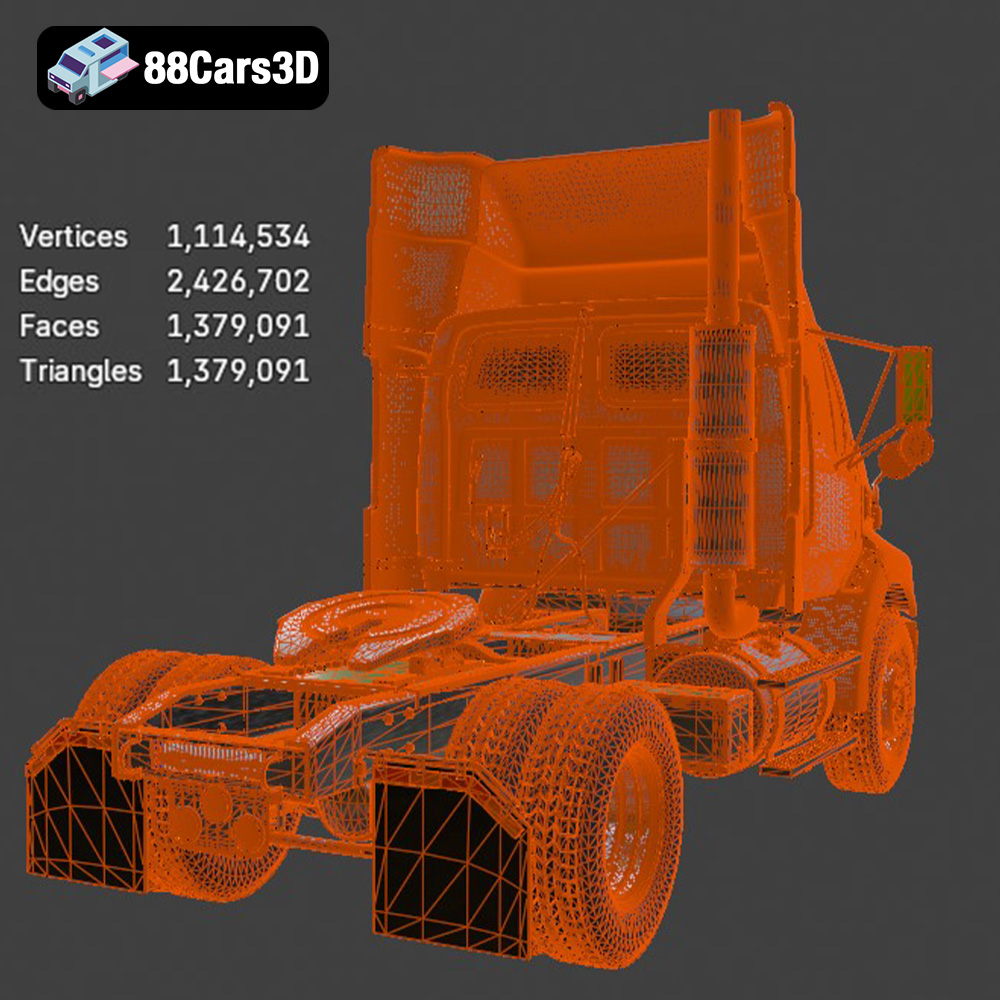
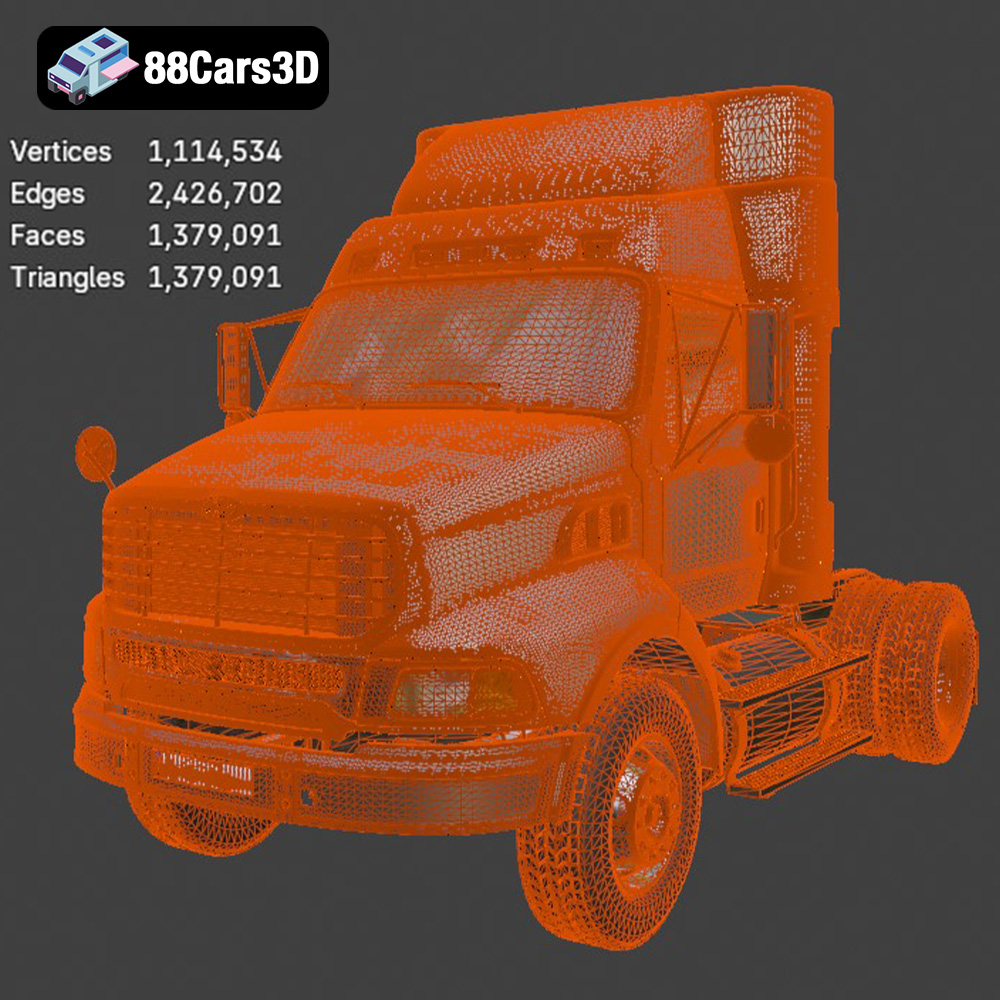
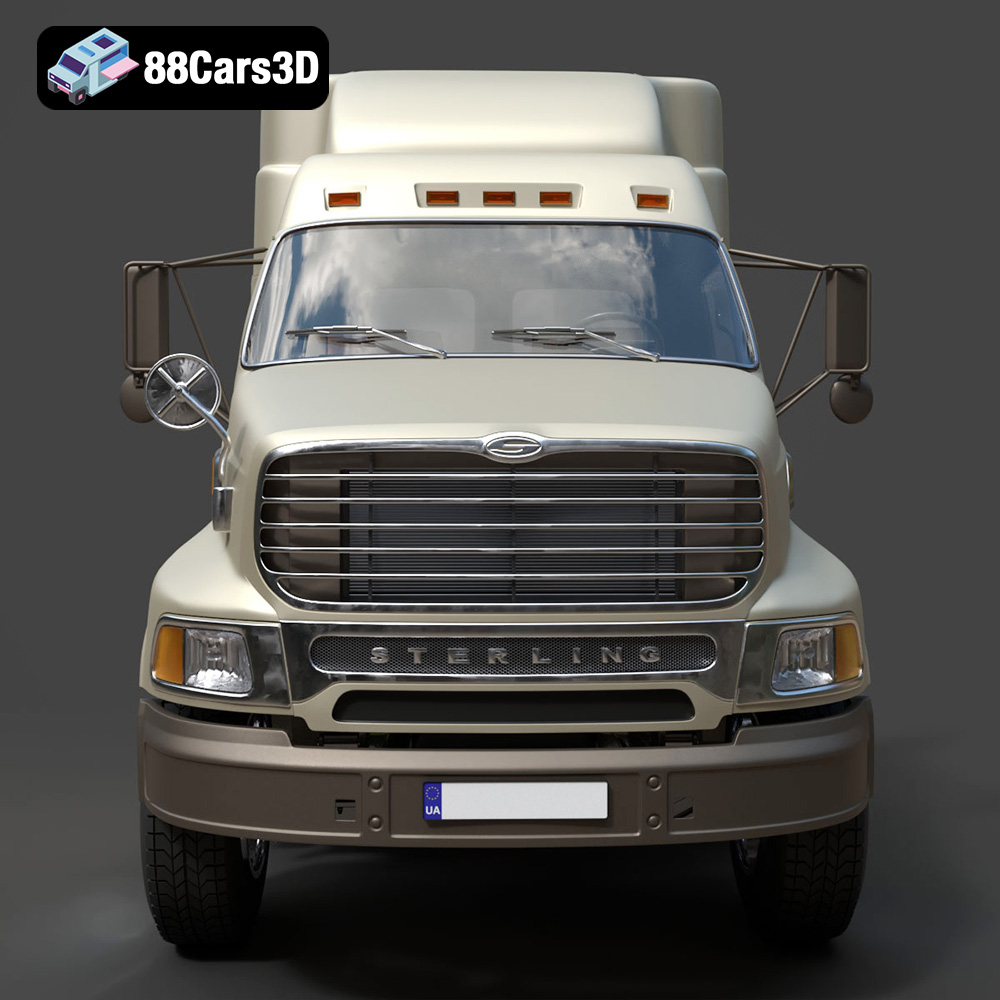
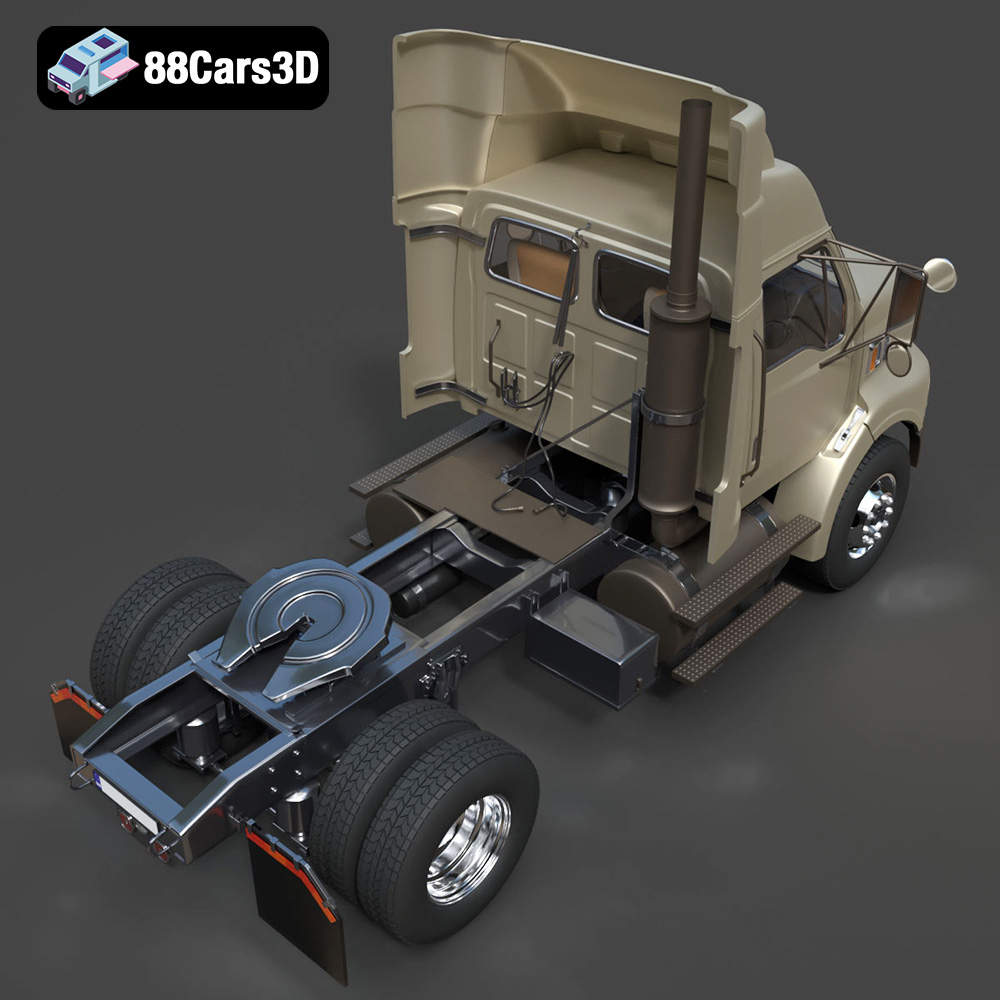
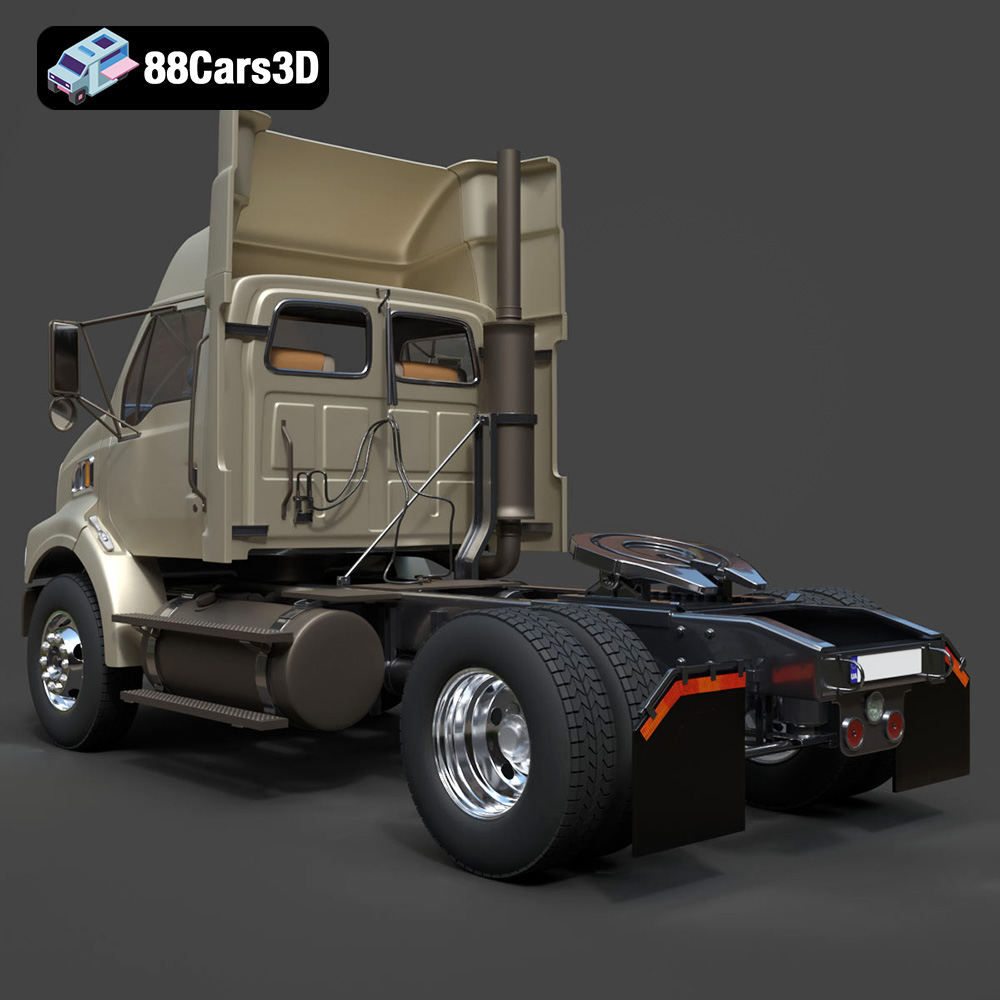
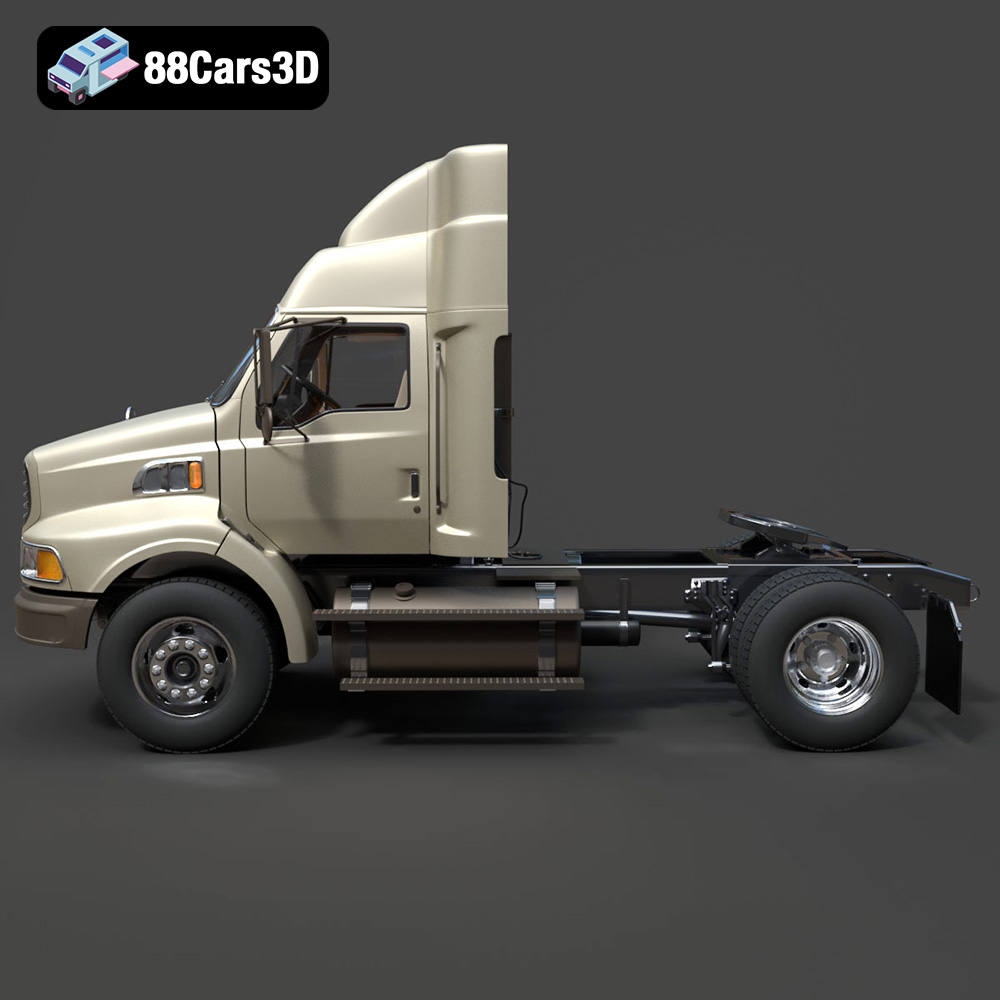
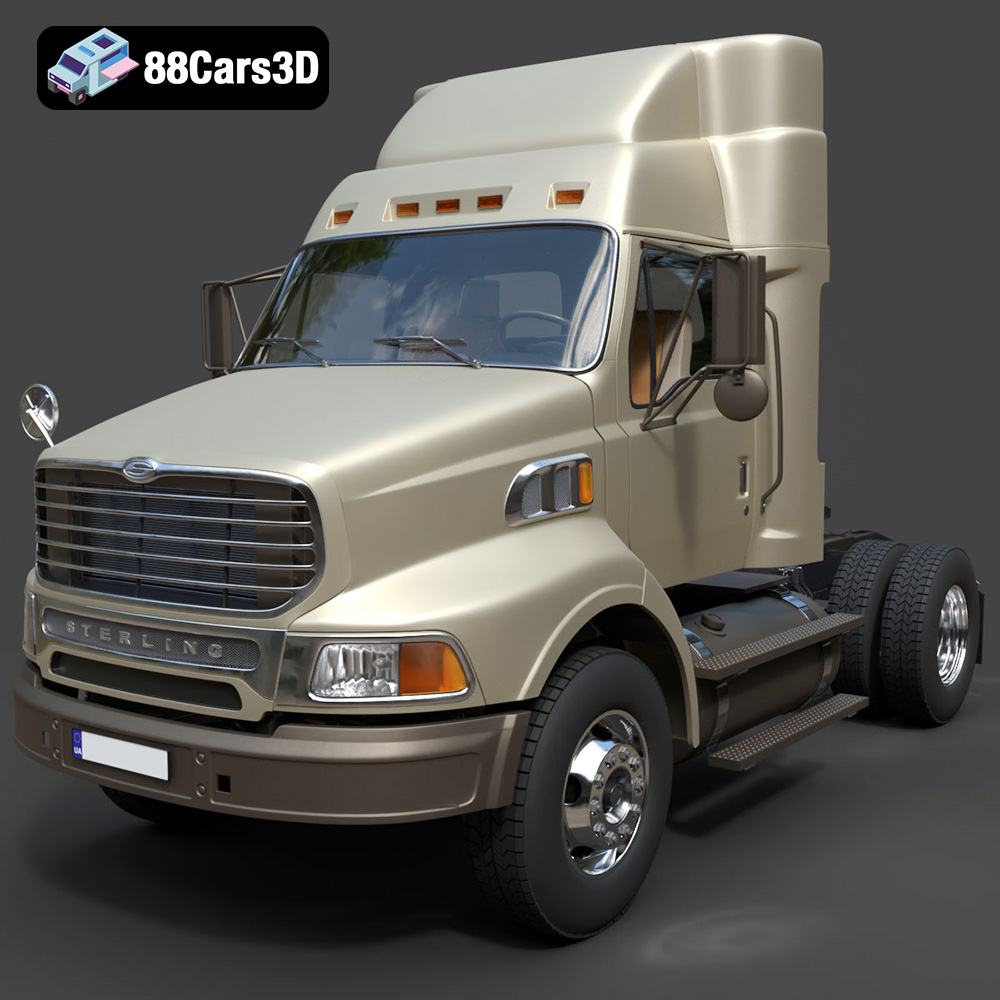
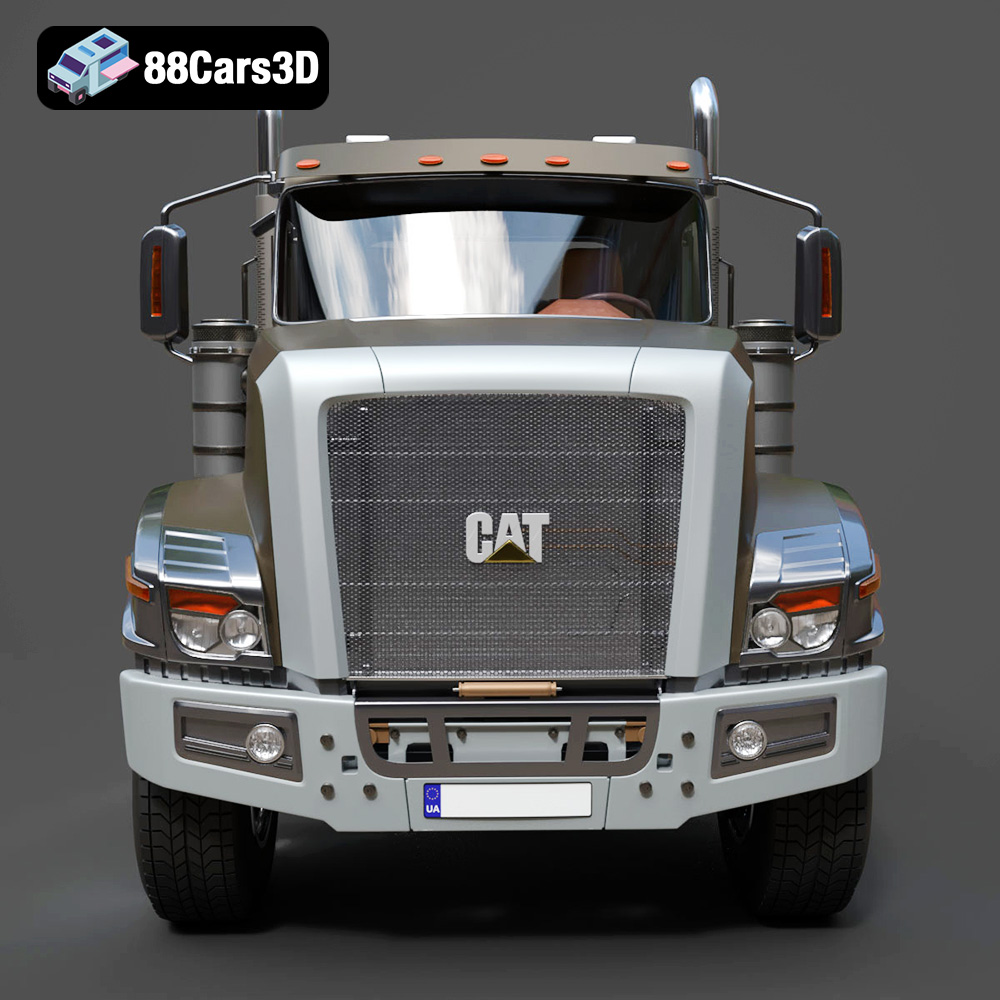
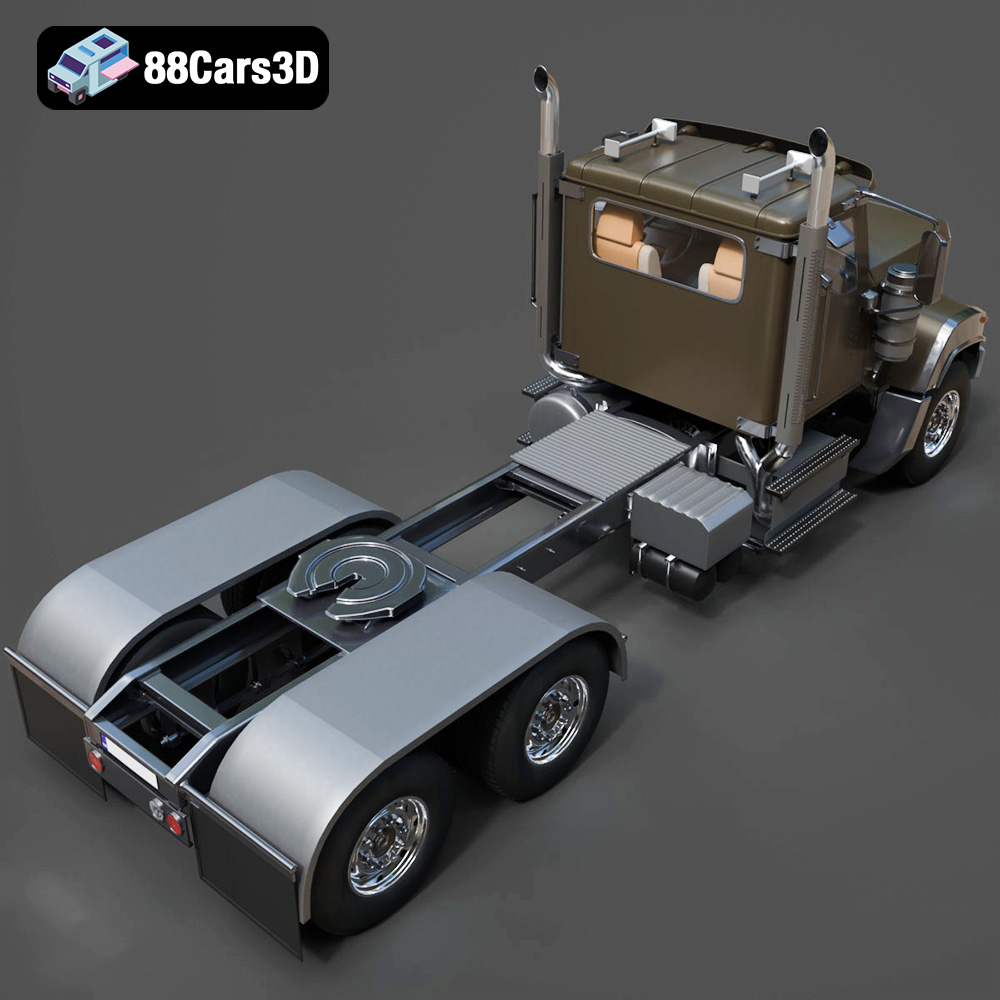
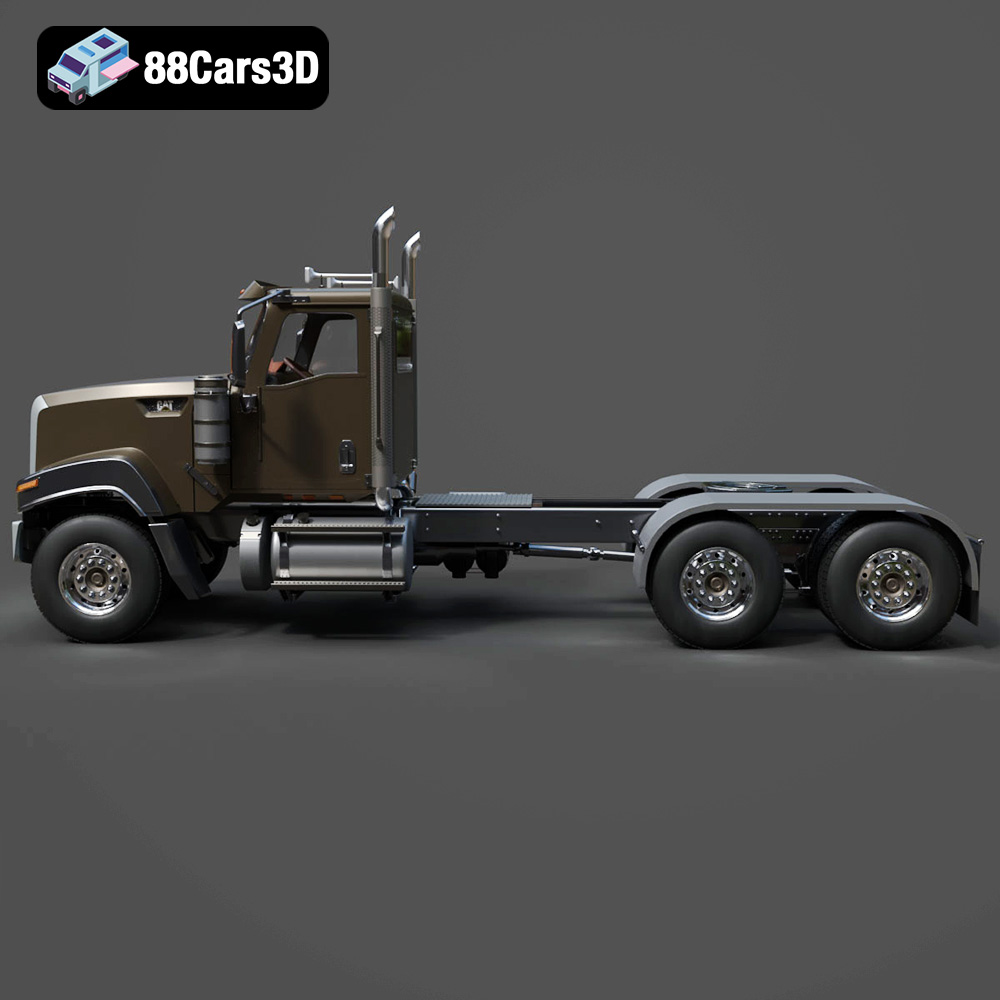
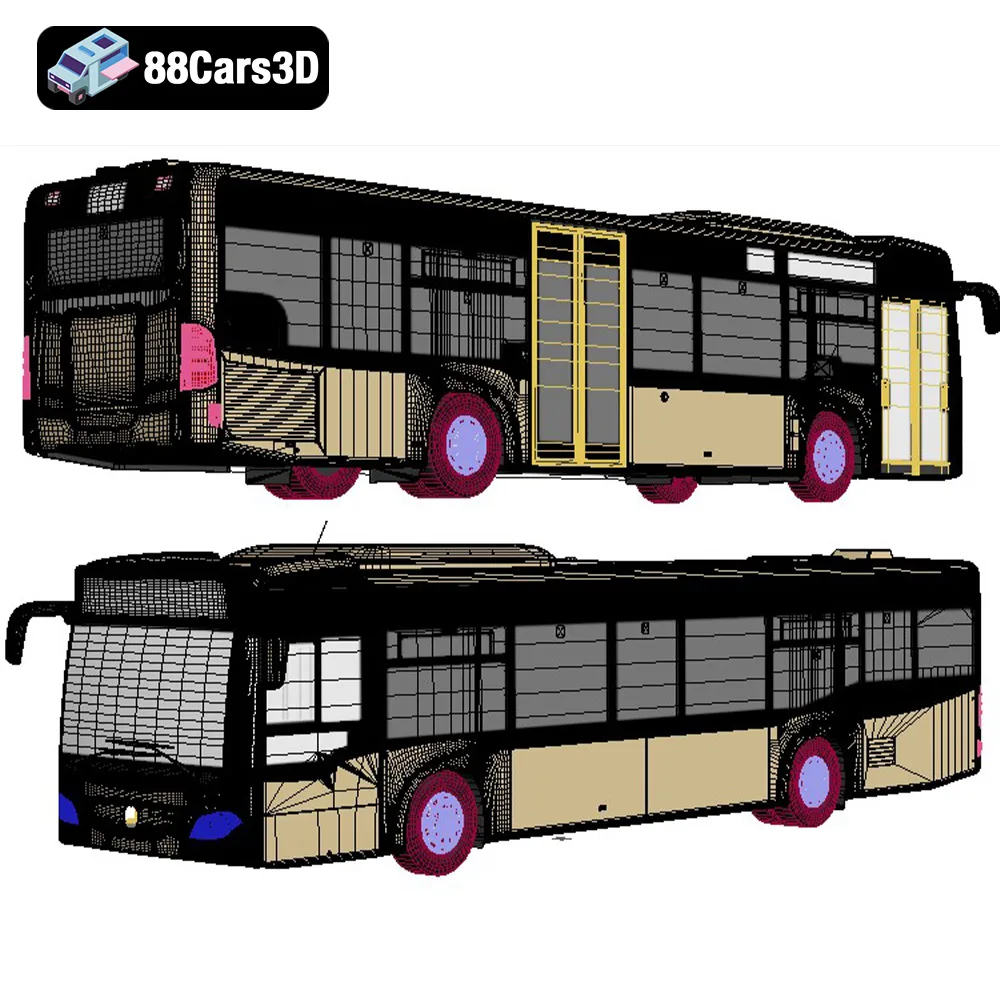
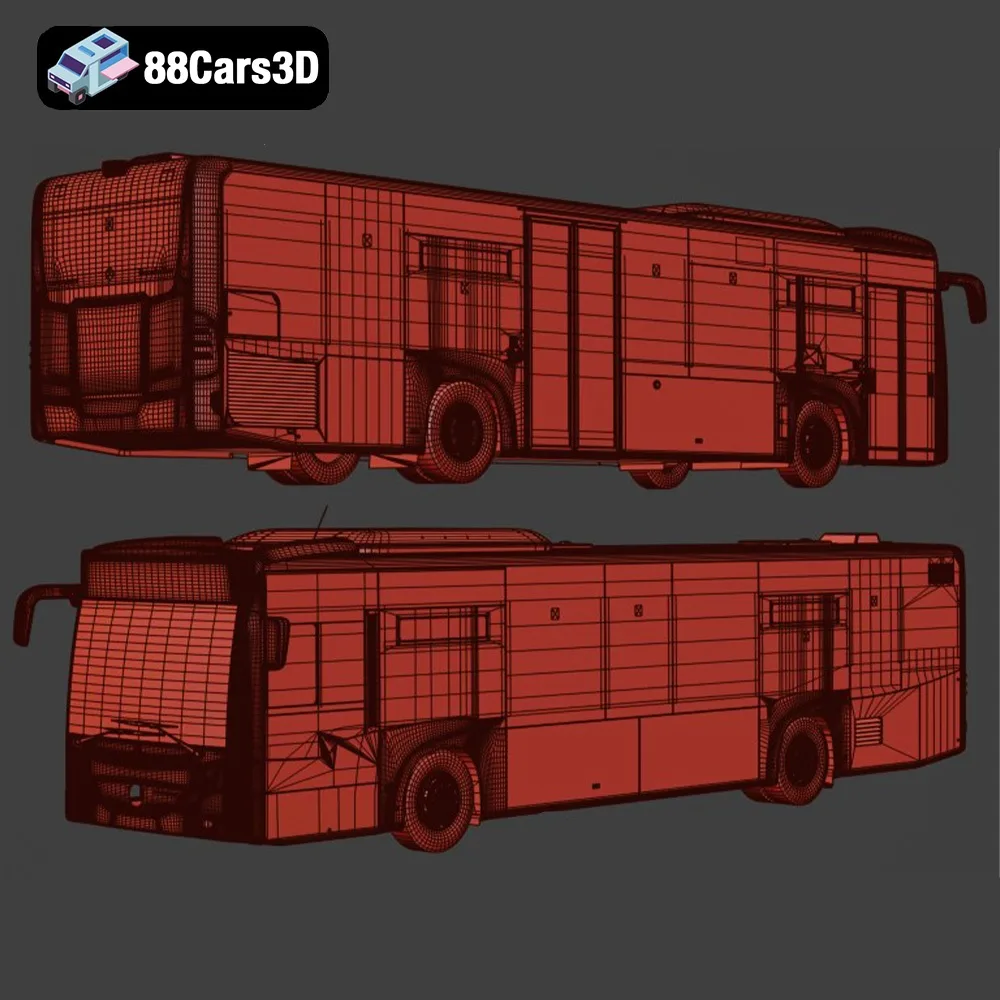
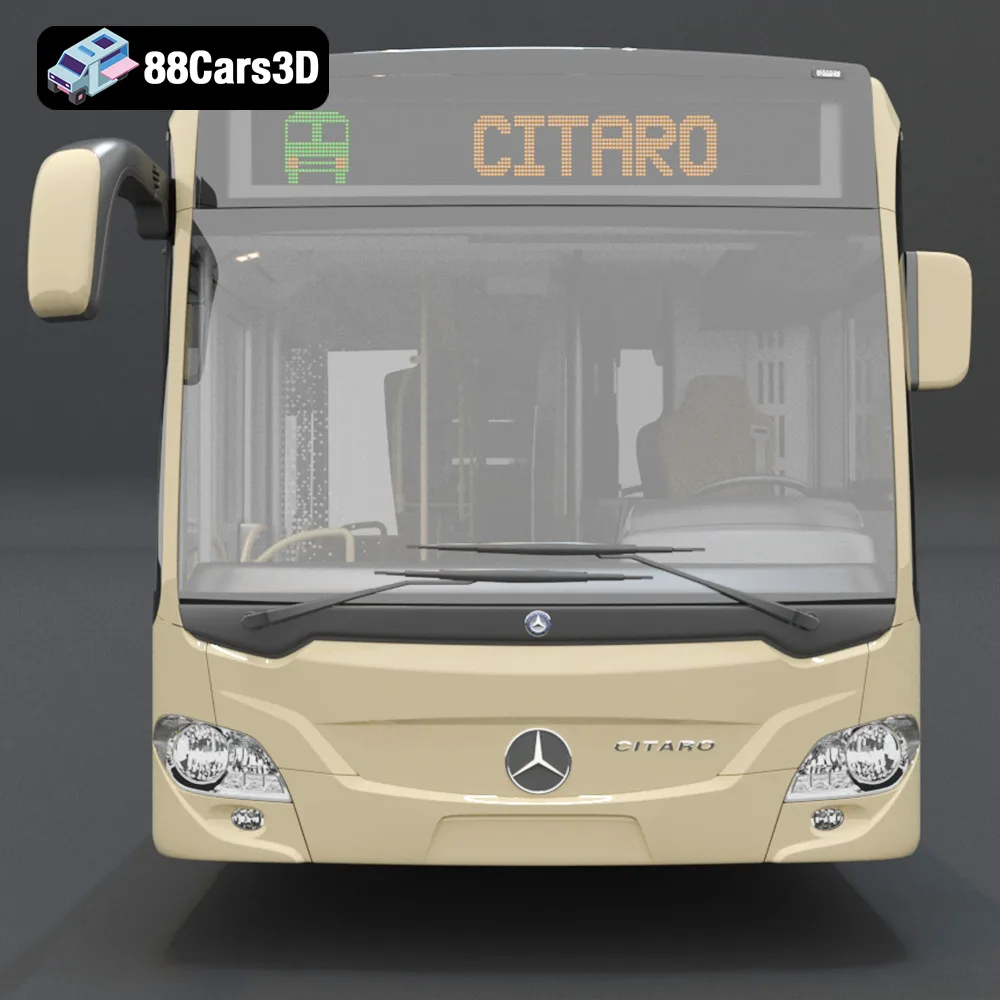
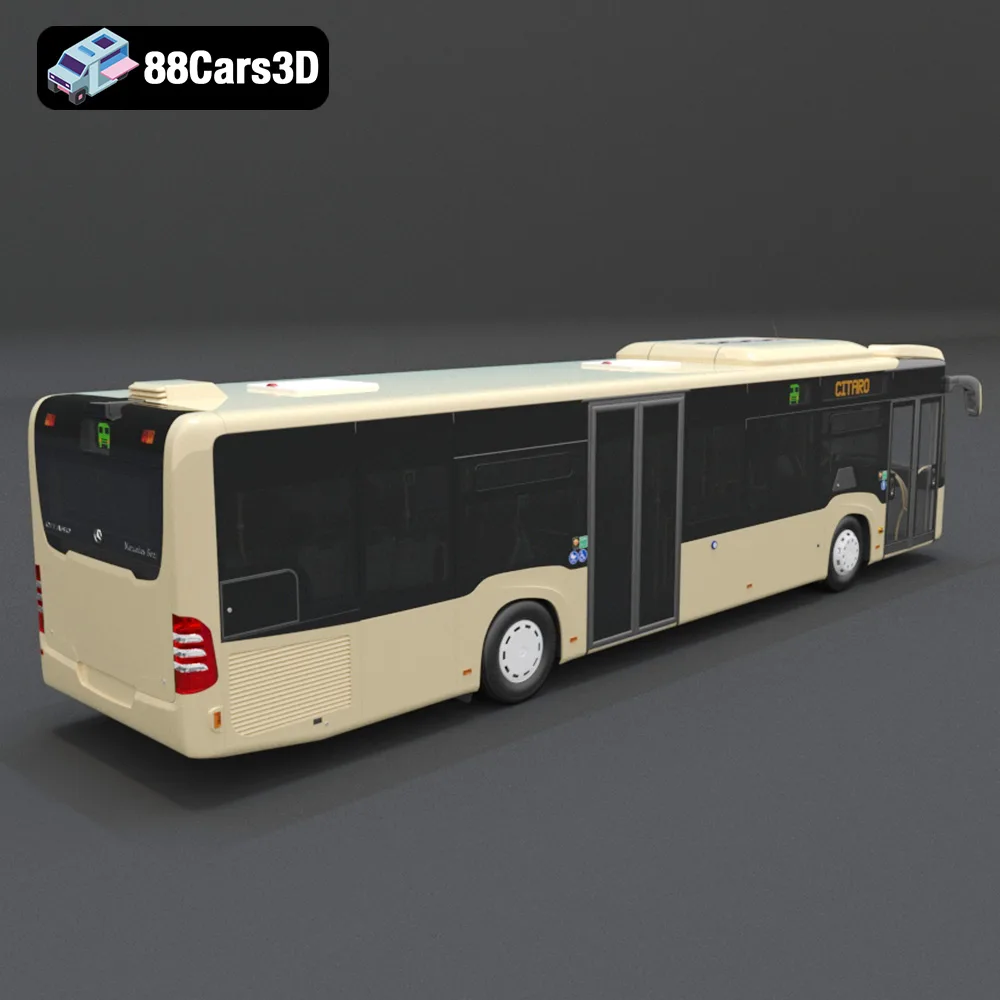
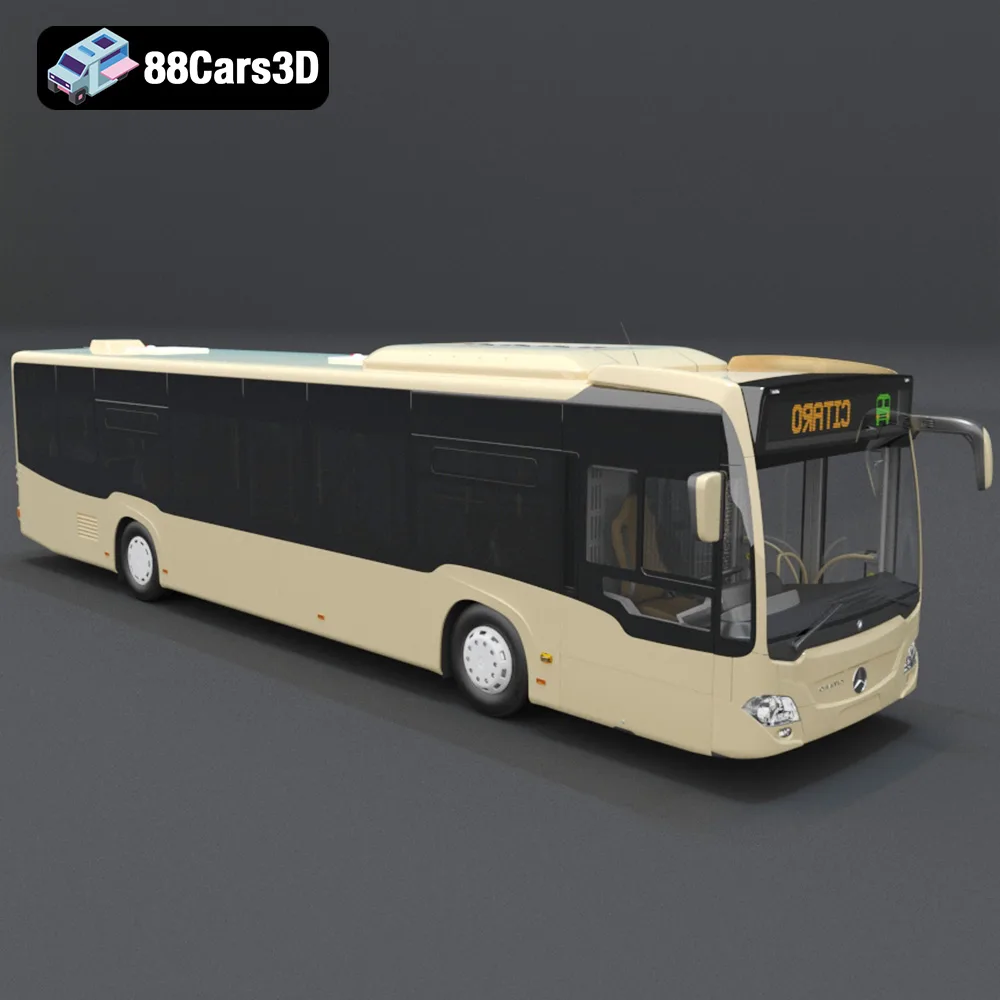
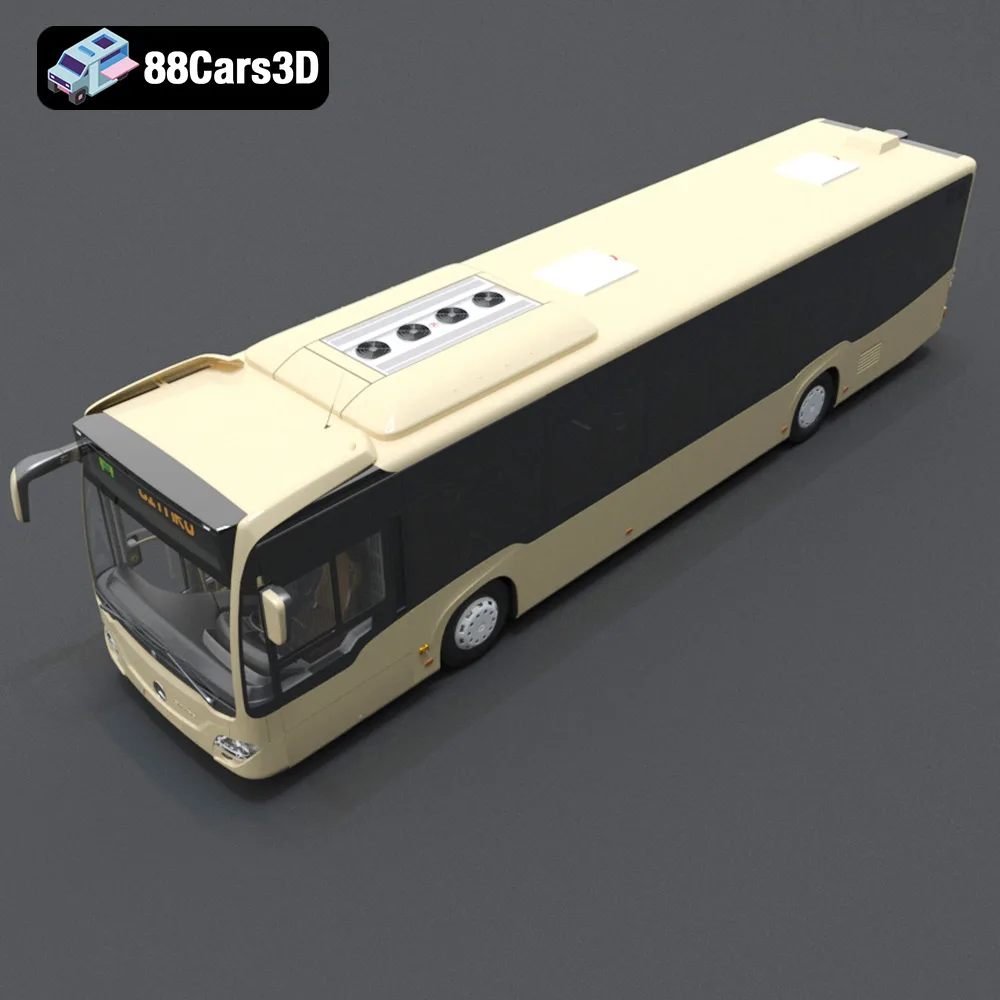
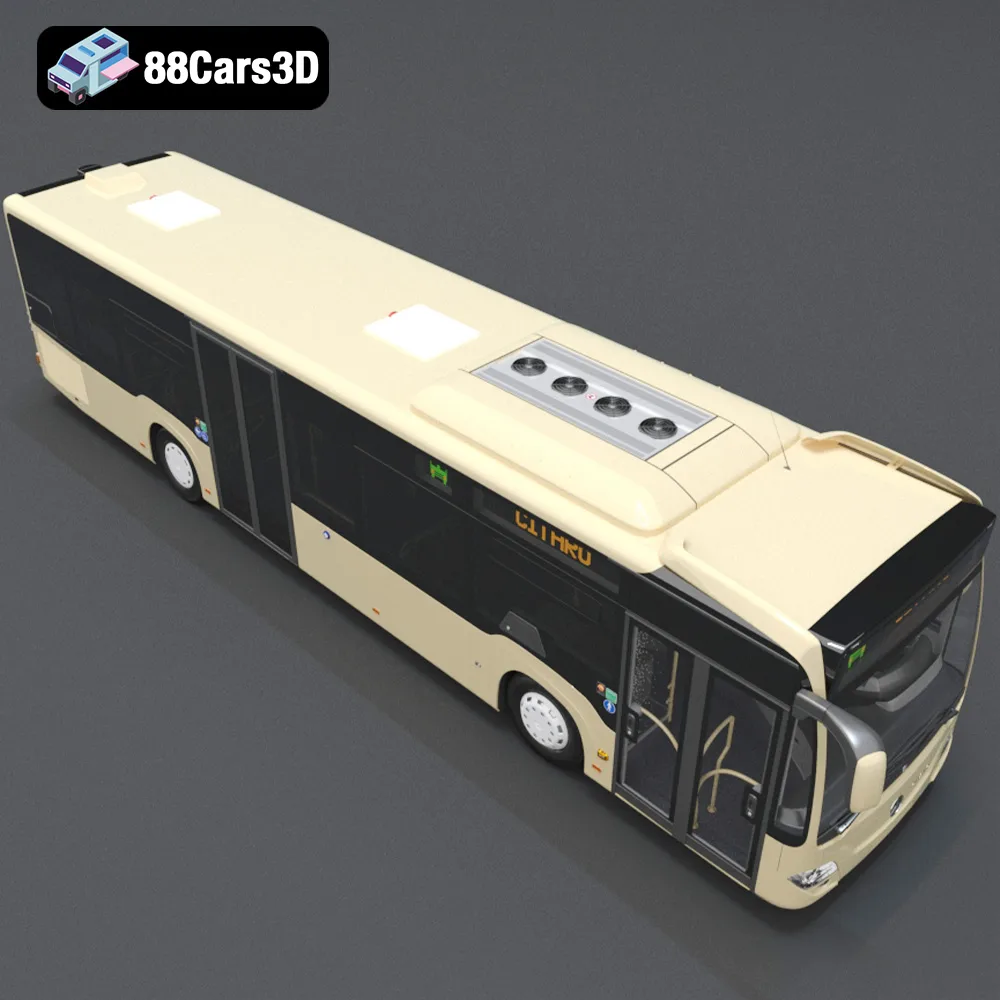
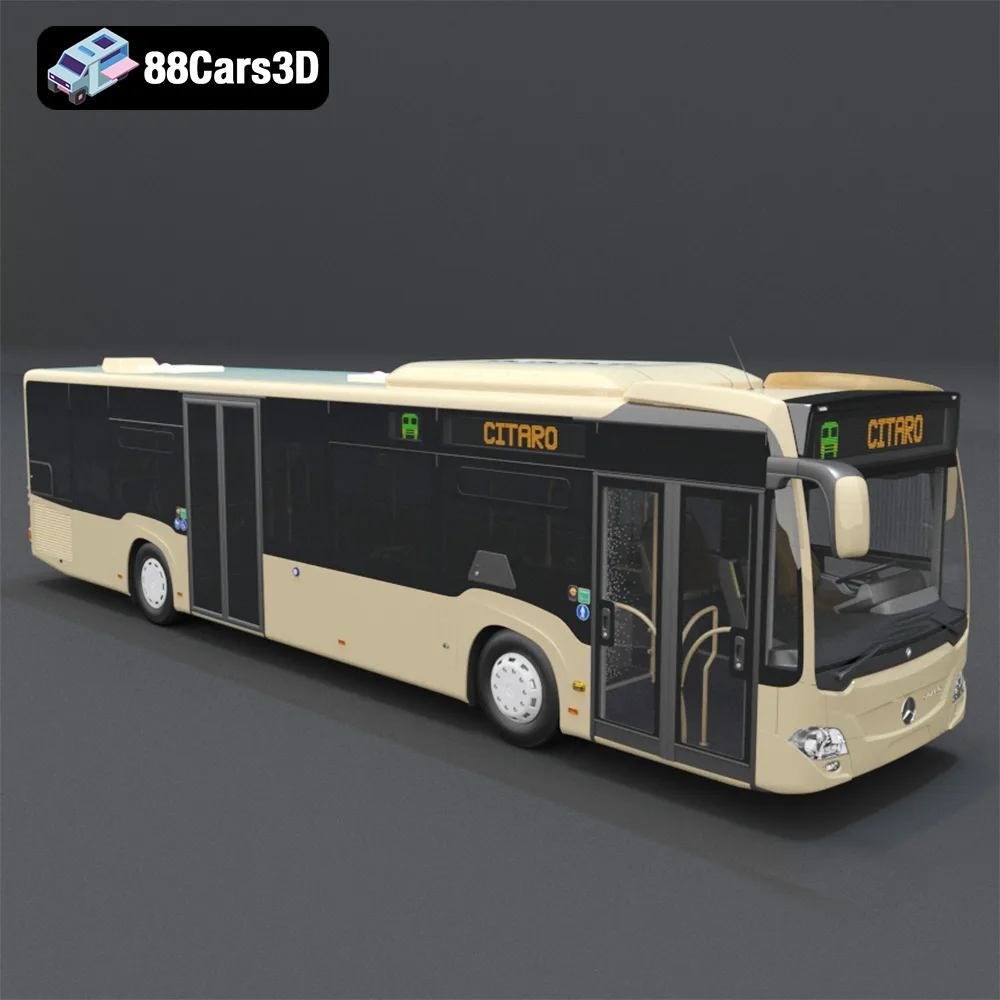
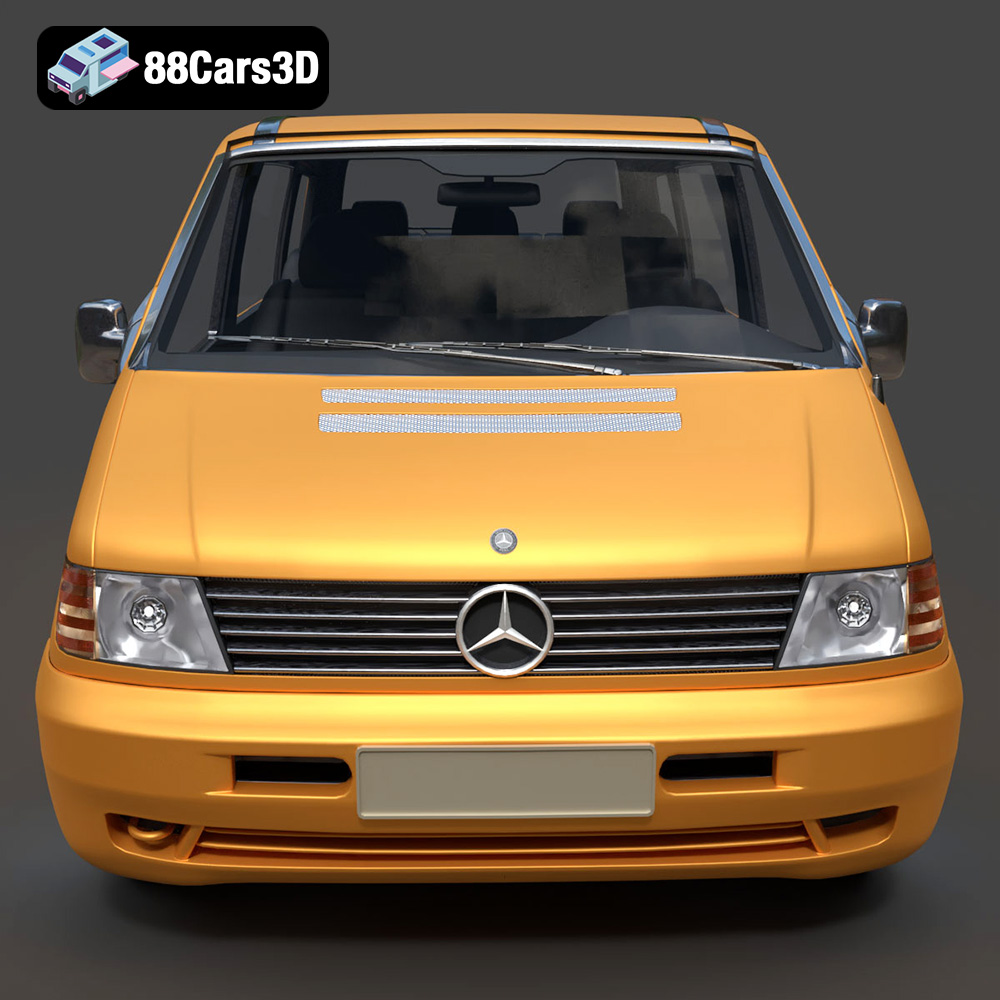
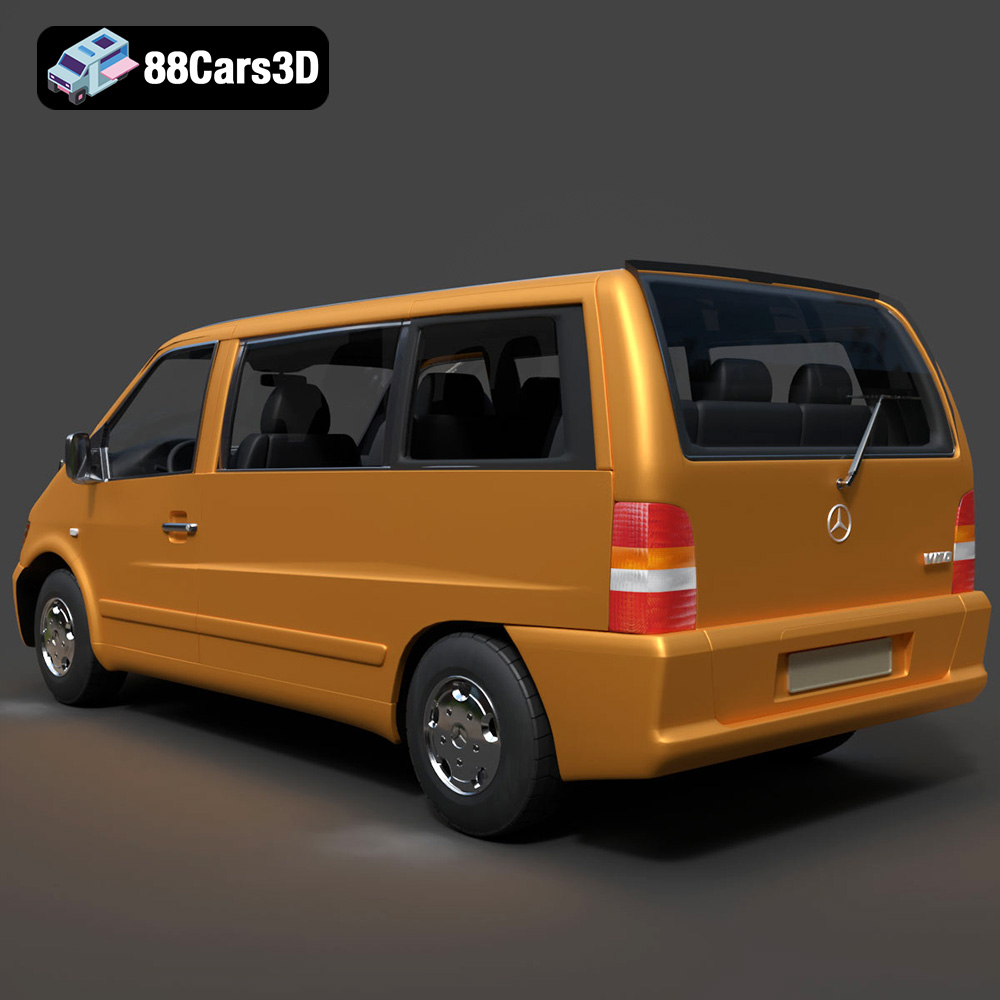
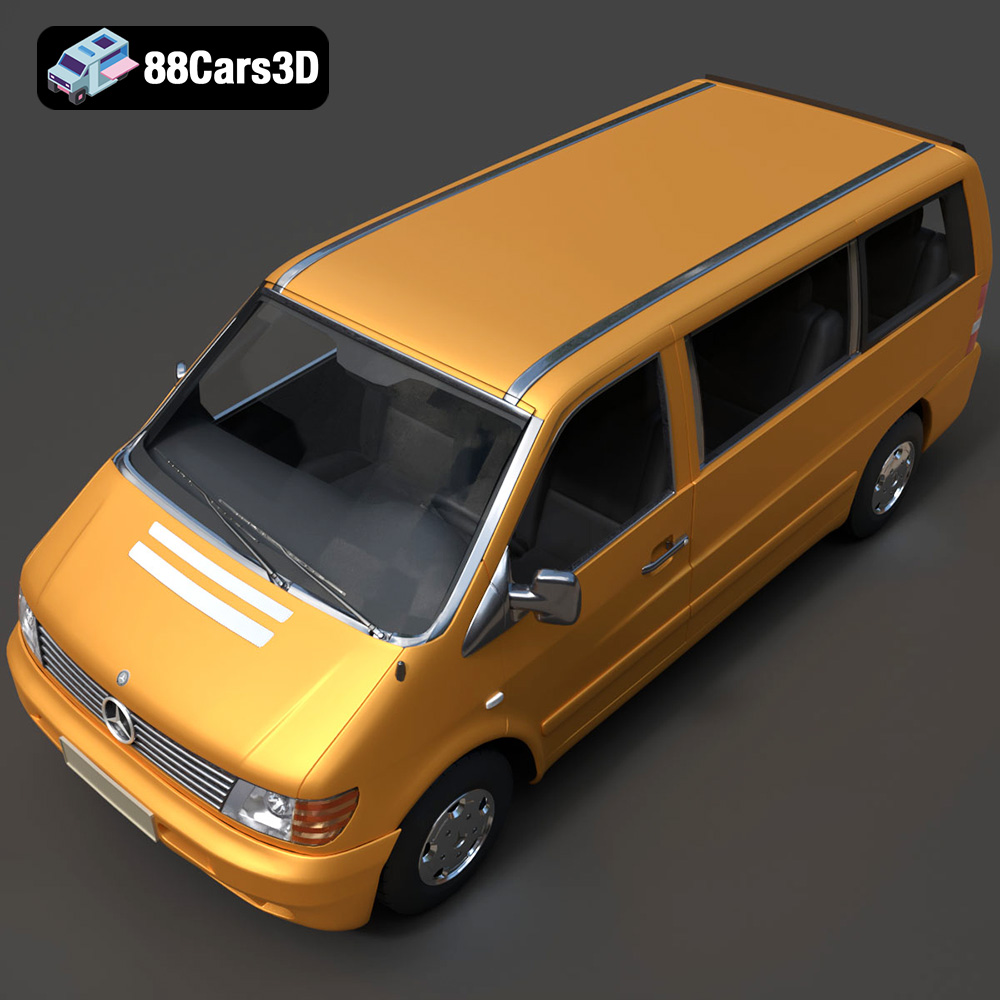
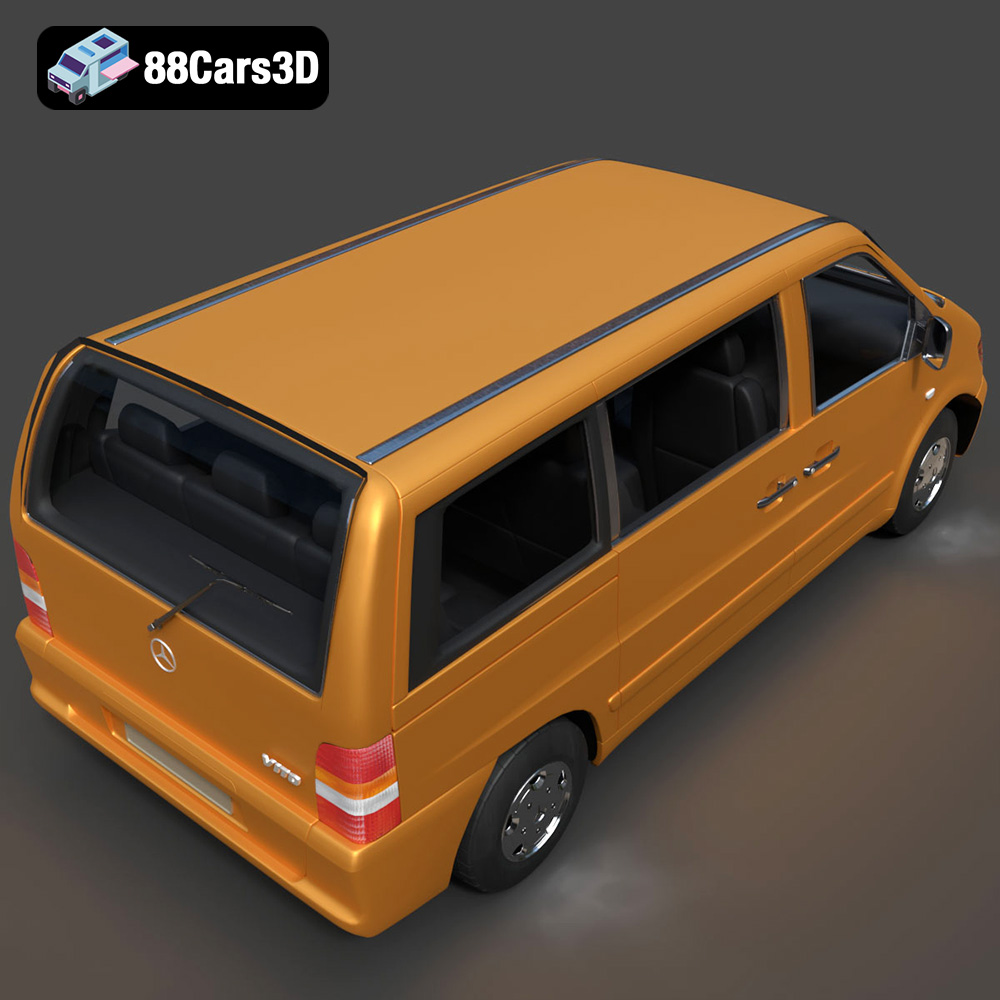
The Heavy Duty & Commercial Logistics 3D Models Bundle from 88cars3d.com offers a fantastic opportunity for enthusiasts to bring realistic, industrial-grade vehicles to life through 3D printing. This 4-in-1 pack, featuring the Ford Sterling A9500 Tractor Truck, Caterpillar CT680 Tractor Truck, Mercedes Citaro NGT Modern City Bus, and Mercedes-Benz Vito Passenger Van, presents a diverse range of printing challenges and rewarding results. This guide will walk you through the process, from selecting the right materials and preparing the STL files to fine-tuning printer settings and post-processing for a professional finish. Whether you’re a scale model builder, a diorama enthusiast, or simply looking to expand your 3D printing skills, this bundle provides a wealth of options.
Choosing the correct file format is crucial for successful 3D printing. The Heavy Duty & Commercial Logistics 3D Models Bundle from 88cars3d.com includes several formats, but some are better suited for 3D printing than others. Here’s a breakdown:
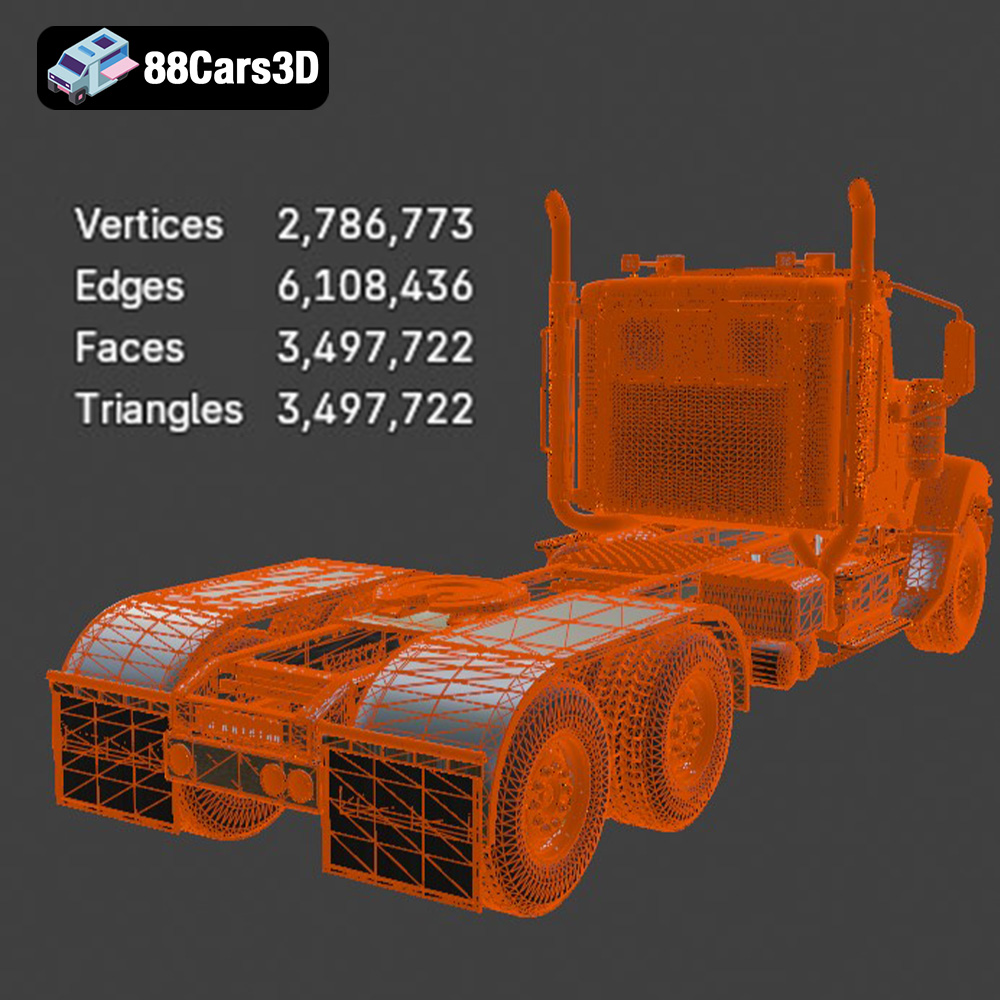
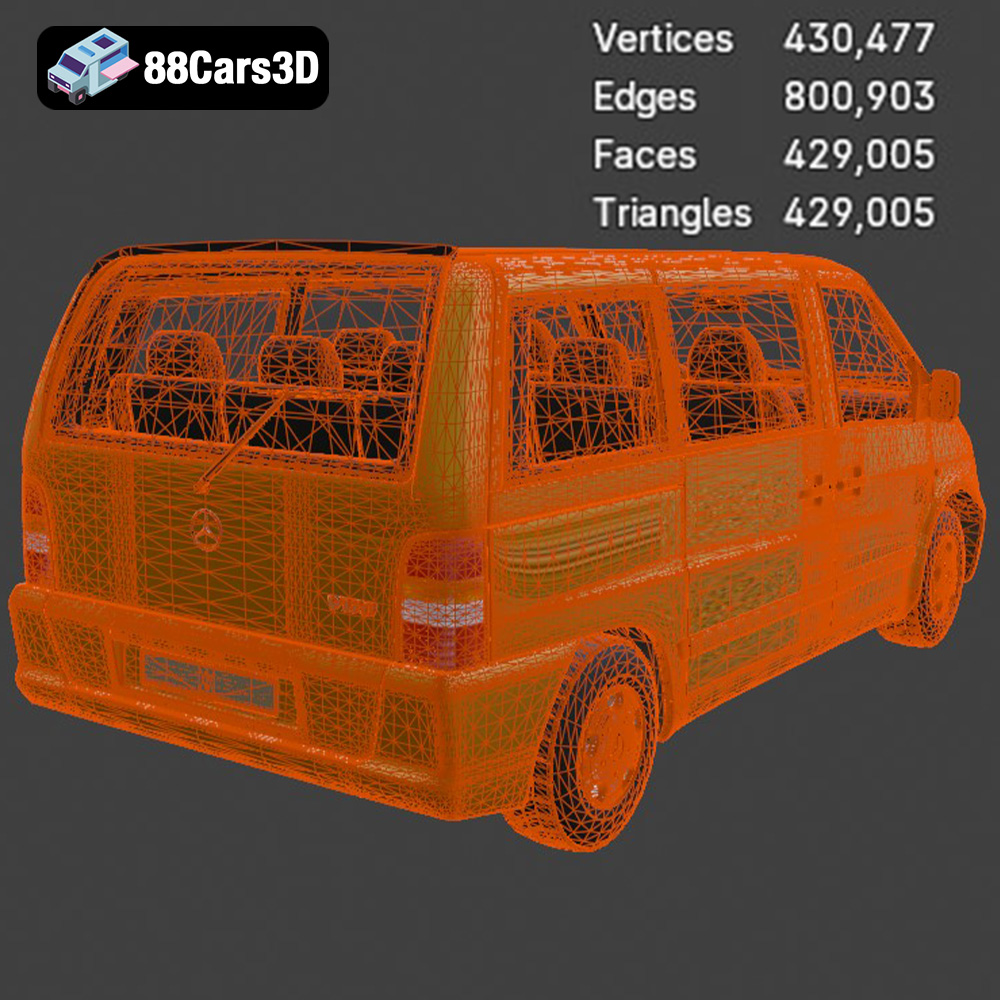
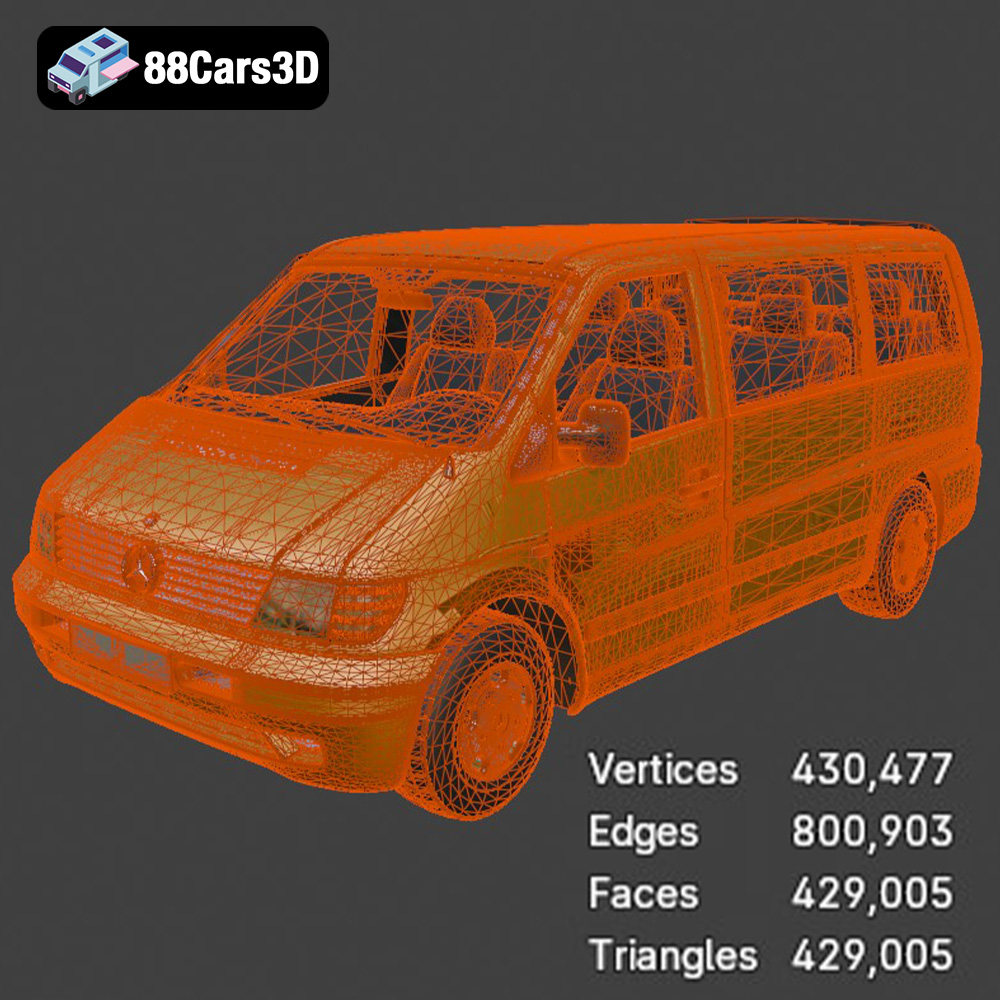
The STL (stereolithography) format is the workhorse of 3D printing. It represents the surface geometry of a 3D object as a collection of triangles. This format is universally compatible with slicing software, making it ideal for preparing models for printing. However, STL files only store the mesh data – they do not contain information about color, texture, or materials. When working with STL files, ensure the mesh is “watertight,” meaning it has no holes or gaps. Non-watertight meshes can cause problems during slicing and lead to failed prints. The resolution of the STL file also matters. A low-resolution STL will have visible facets, while a high-resolution STL will be smoother but larger in file size. For detailed models like those in the Heavy Duty & Commercial Logistics Bundle, a medium to high resolution is generally recommended to capture fine details like grilles and chassis components.
OBJ (object) files are another common 3D model format. Unlike STL, OBJ files can store color and texture information, alongside the mesh geometry. This makes them suitable for applications where color is important. However, most 3D printers only support single-color printing, so the color data in an OBJ file is often ignored during the slicing process. Some advanced printers and techniques, like multi-material printing, can utilize OBJ files with color data. OBJ files are also supported by most slicing software, but they may require more processing power than STL files due to the additional data they contain.
PLY (polygon file format), sometimes called Stanford Triangle Format, is designed for storing 3D data acquired from 3D scanners. It is known for its ability to store color, normals, and other properties per vertex, making it suitable for high-detail models. While not as universally supported as STL, PLY files can be used for 3D printing if your slicing software supports them. Similar to OBJ, the color information might not be utilized unless you have a printer capable of multi-color printing.
BLEND files are native to Blender, a popular open-source 3D modeling software. This format is not directly compatible with 3D printers or slicing software. However, it’s incredibly valuable because it allows you to fully customize the models before exporting them to a printable format like STL. You can modify the mesh, add details, split the model into printable parts, and optimize it for 3D printing within Blender. This is particularly useful for the Heavy Duty & Commercial Logistics Bundle, as you might want to separate components for easier printing and assembly.
FBX (Filmbox) is a proprietary file format developed by Autodesk. It is primarily used for exchanging data between different 3D software packages. FBX files can store mesh data, textures, materials, animations, and other scene information. While some slicing software can import FBX files, the material and animation data are typically ignored. The primary benefit of FBX is its ability to preserve complex scene hierarchies, which can be useful if the models in the bundle are organized into separate objects.
GLB (GL Transmission Format Binary) is a binary file format that represents 3D models in a compact and efficient manner. It’s designed for fast loading and rendering, making it ideal for web-based applications and augmented reality (AR) experiences. While not directly used for 3D printing, GLB files can be helpful for previewing the models in AR before committing to a print. This allows you to visualize the scale and details of the vehicles in a real-world environment.
In summary, for 3D printing the Heavy Duty & Commercial Logistics Bundle, the STL format is the most practical and widely supported option. If you need to make modifications to the models, use the .blend files in Blender, and then export them as STL for printing.
Choosing the right material is crucial for achieving the desired look, feel, and functionality of your 3D printed vehicles. Different materials offer varying levels of strength, flexibility, detail resolution, and aesthetic appeal.
PLA is a popular, biodegradable thermoplastic known for its ease of use and wide availability. It’s an excellent choice for beginners and for printing models that don’t require high heat resistance or significant strength. PLA is ideal for printing the bodies of the trucks, buses, and vans in the Heavy Duty & Commercial Logistics Bundle, especially for larger components. Its low warping tendency makes it suitable for printing large, flat surfaces. However, PLA can be brittle and may not be the best choice for parts that will be subjected to stress or impact.
PETG combines the ease of printing of PLA with the increased strength and heat resistance of ABS. It’s a great all-around material for 3D printing, offering good layer adhesion and a glossy finish. PETG is a good option for printing parts that need to be more durable than PLA, such as chassis components, wheels, and axles. It’s also more resistant to UV light and moisture, making it a better choice for models that will be displayed outdoors.
Resin printing, using technologies like SLA (stereolithography) or DLP (digital light processing), offers the highest level of detail and precision. Resin is ideal for printing small, intricate parts like grilles, mirrors, and detailed interior components of the Heavy Duty & Commercial Logistics Bundle. The layer resolution achievable with resin printers is significantly higher than with FDM printers, allowing for incredibly smooth surfaces and sharp edges. However, resin prints are typically more brittle than FDM prints and require post-processing steps like washing and curing. Also, consider the price and potential fumes of resin.
ABS is a strong, durable thermoplastic known for its high impact resistance and heat resistance. It’s commonly used in automotive and industrial applications. ABS is a good option for printing functional parts that need to withstand stress and high temperatures, such as axles, gears, and other mechanical components. However, ABS is more challenging to print than PLA due to its tendency to warp and shrink during cooling. It requires a heated bed and an enclosed printer to achieve optimal results. Due to the potential for warping, ABS might not be the best choice for large parts of the vehicles in the bundle.
Before you can start printing, you need to prepare the 3D models using slicing software. This involves importing the STL files, orienting them correctly, generating support structures, and setting the appropriate printing parameters.
The orientation of the model on the print bed can significantly impact the print quality, strength, and the amount of support material required. For the vehicles in the Heavy Duty & Commercial Logistics Bundle, consider printing the bodies at an angle to minimize the need for supports on curved surfaces. Orient the chassis with the flattest side down to improve adhesion. Wheels should be printed separately, ideally with the flat side down, using supports for any overhangs.
Support structures are necessary to support overhanging features and prevent them from collapsing during printing. Use a slicer like Cura, Simplify3D, or PrusaSlicer to generate supports automatically. Experiment with different support densities and patterns to find the optimal balance between support strength and ease of removal. For resin printing, orient parts to minimize suction forces and use strategically placed supports to prevent warping.
The slicing software settings determine how the 3D printer will deposit the material to create the object. Key settings include:
* **Layer Height:** Smaller layer heights result in smoother surfaces but increase print time. For FDM printing, a layer height of 0.1-0.2 mm is a good starting point. For resin printing, layer heights of 0.025-0.05 mm are common.
* **Infill Density:** Infill density affects the strength and weight of the print. A higher infill density results in a stronger, heavier print but also increases material consumption and print time. For most parts in the Heavy Duty & Commercial Logistics Bundle, an infill density of 15-25% is sufficient.
* **Print Speed:** Print speed affects the print quality and the likelihood of errors. Slower print speeds generally result in better print quality but increase print time. Experiment with different print speeds to find the optimal balance for your printer and material.
* **Temperature:** The printing temperature depends on the material being used. Refer to the material manufacturer’s recommendations for the optimal printing temperature.
The Heavy Duty & Commercial Logistics 3D Models Bundle is designed with real-world scale accuracy. Before printing, decide on the desired scale for your models. The product description recommends scales like 1:43 or 1:50 for diecast model compatibility. Adjust the scale in your slicing software before generating toolpaths.
Consider how the individual parts will be assembled after printing. Design features like pegs and holes for easy alignment and gluing. Test-fit the parts before applying glue to ensure a proper fit.
Each 3D printer and material combination requires specific settings to achieve optimal results. Fine-tuning these settings is essential for printing high-quality models from the Heavy Duty & Commercial Logistics Bundle.
* **Nozzle Temperature:** 200-220°C
* **Bed Temperature:** 60°C (optional, but recommended for better adhesion)
* **Print Speed:** 40-60 mm/s
* **Retraction Distance:** 4-6 mm
* **Retraction Speed:** 25-40 mm/s
* **Cooling:** 100% fan speed after the first few layers
For PLA, good cooling is essential to prevent warping and ensure sharp details. Use a brim or raft for the first layer to improve adhesion, especially for larger parts.
* **Nozzle Temperature:** 230-250°C
* **Bed Temperature:** 70-80°C
* **Print Speed:** 30-50 mm/s
* **Retraction Distance:** 6-8 mm
* **Retraction Speed:** 30-45 mm/s
* **Cooling:** 50-75% fan speed
PETG is more prone to stringing than PLA, so proper retraction settings are crucial. Avoid over-cooling, as this can lead to layer adhesion issues.
Resin printing parameters depend heavily on the specific resin and printer being used. Consult the resin manufacturer’s recommendations for the optimal exposure time, lift speed, and other settings. Generally, lower layer heights and longer exposure times will result in finer details and smoother surfaces.
* **Layer Height:** 0.025-0.05 mm
* **Normal Exposure Time:** 6-12 seconds (depending on resin)
* **Bottom Layer Exposure Time:** 40-60 seconds
* **Lift Speed:** 60-80 mm/min
Ensure the resin is properly mixed and free of bubbles before printing. Use appropriate safety precautions when handling resin, including gloves and eye protection.
Regardless of the material used, optimizing support structures is critical for successful prints.
* **Support Density:** Adjust the support density based on the complexity of the overhanging features. Higher densities provide more support but are harder to remove.
* **Support Placement:** Manually place supports in areas where they are needed most, such as under bridges and overhangs. Avoid placing supports on critical surfaces that will be visible in the final model.
* **Support Interface:** Use a support interface layer to improve the adhesion between the support structure and the model. This makes the supports easier to remove without damaging the model surface.
Post-processing is the process of cleaning, refining, and finishing 3D printed models to achieve a professional look. It involves removing support structures, sanding surfaces, filling gaps, and applying paint or coatings.
Carefully remove support structures using pliers, a hobby knife, or other appropriate tools. Take care not to damage the model surface during removal. For resin prints, use isopropyl alcohol (IPA) to wash away any uncured resin. For FDM prints, remove any remaining strings or blobs of plastic using a sharp blade or sandpaper.
Sanding is essential for smoothing out rough surfaces and removing layer lines. Start with a coarse grit sandpaper (e.g., 220 grit) and gradually move to finer grits (e.g., 400, 600, 800 grit) to achieve a smooth finish. Use wet sanding techniques to minimize dust and improve the sanding results. For resin prints, be careful not to sand too aggressively, as the material can be easily damaged.
If there are any gaps or seams in the model, use a filler material to fill them in. Epoxy putty, acrylic putty, or even a thick primer can be used for this purpose. Apply the filler material to the gaps and seams, let it dry completely, and then sand it smooth.
Priming is essential for creating a uniform surface for painting and improving paint adhesion. Apply several thin coats of primer, allowing each coat to dry completely before applying the next. Sand the primer lightly between coats to remove any imperfections. Once the primer is dry, apply the desired paint colors using an airbrush or spray paint. Consider using masking tape to create clean lines and apply multiple colors. For the Heavy Duty & Commercial Logistics Bundle, consider using authentic automotive paints to replicate the factory finishes of the vehicles.
3D printing can be challenging, and it’s common to encounter issues like warping, stringing, layer adhesion problems, and failed prints. Here are some troubleshooting tips:
Warping occurs when the corners of the print lift off the print bed due to uneven cooling. To prevent warping:
* Use a heated bed and ensure it is properly leveled.
* Apply a layer of adhesive, such as glue stick or blue painter’s tape, to the print bed.
* Enclose the printer to maintain a consistent temperature.
* Reduce the printing speed for the first few layers.
* Use a brim or raft to increase the surface area of the first layer.
Stringing occurs when the nozzle oozes material while moving between different parts of the print. To prevent stringing:
* Increase the retraction distance and speed.
* Decrease the printing temperature.
* Increase the travel speed.
* Enable coasting or wiping in the slicer settings.
Layer adhesion problems occur when the layers of the print do not bond together properly. To improve layer adhesion:
* Increase the printing temperature.
* Decrease the printing speed.
* Ensure the nozzle is properly calibrated and not too far from the print bed.
* Increase the layer height slightly.
Failed prints can be caused by a variety of factors, including:
* Insufficient bed adhesion.
* Clogged nozzle.
* Incorrect printing parameters.
* Model errors.
Carefully examine the failed print to identify the cause of the problem and adjust the printing settings accordingly.
3D printing the Heavy Duty & Commercial Logistics 3D Models Bundle offers a rewarding and challenging experience. By carefully selecting materials, optimizing printer settings, and employing appropriate post-processing techniques, you can create stunning, realistic models of these iconic vehicles. Remember to pay attention to detail, experiment with different settings, and don’t be afraid to troubleshoot problems along the way. With patience and perseverance, you can bring these industrial masterpieces to life and add them to your collection or use them in your projects. This incredible bundle, available at 88cars3d.com, provides everything you need to get started on your 3D printing journey.
The Heavy Duty & Commercial Logistics 3D Models Bundle is the ultimate asset collection for industrial architectural visualization, logistics animations, and simulator game development. While sports cars are common, highly detailed commercial and heavy-duty vehicles are incredibly rare and time-consuming to model. Whether you are building a bustling cargo port, a modern warehouse loading dock, or an open-world truck simulator, this pack provides the massive scale and industrial realism your project needs.
$109.99
caterpillar-ct680
commercial-vehicles
ford-sterling
heavy-duty-truck
industrial-archviz
logistics-3d-models
mercedes-citaro-bus
simulator-ready
truck-3d-model
vehicle-bundle