Get 50% OFF All Premium 3D & STL Models!

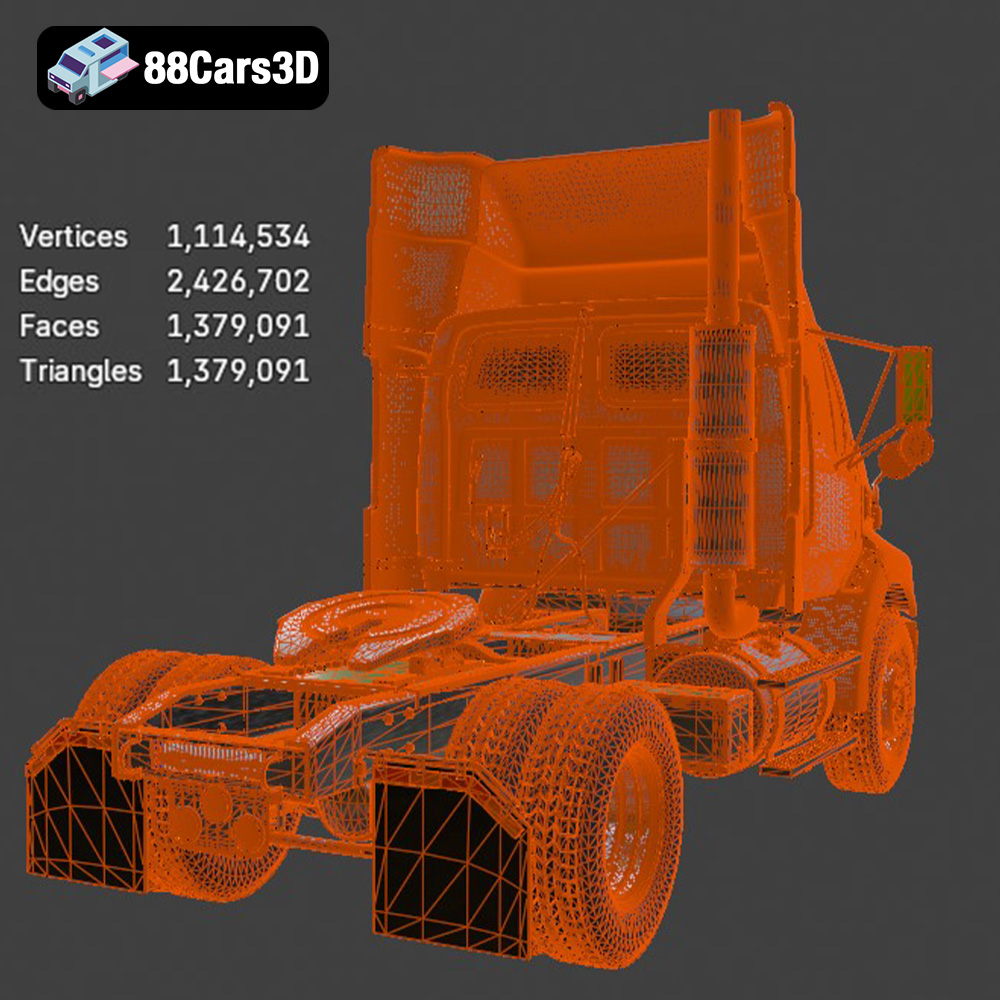
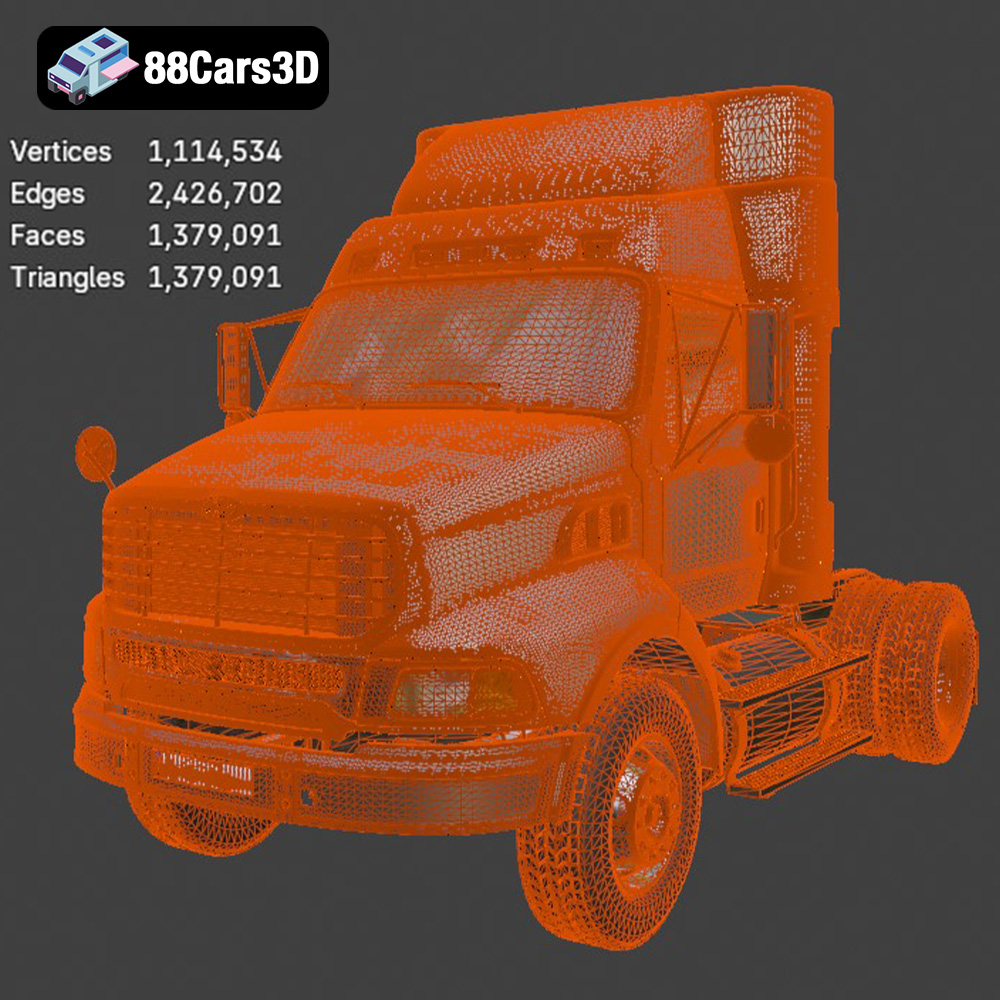
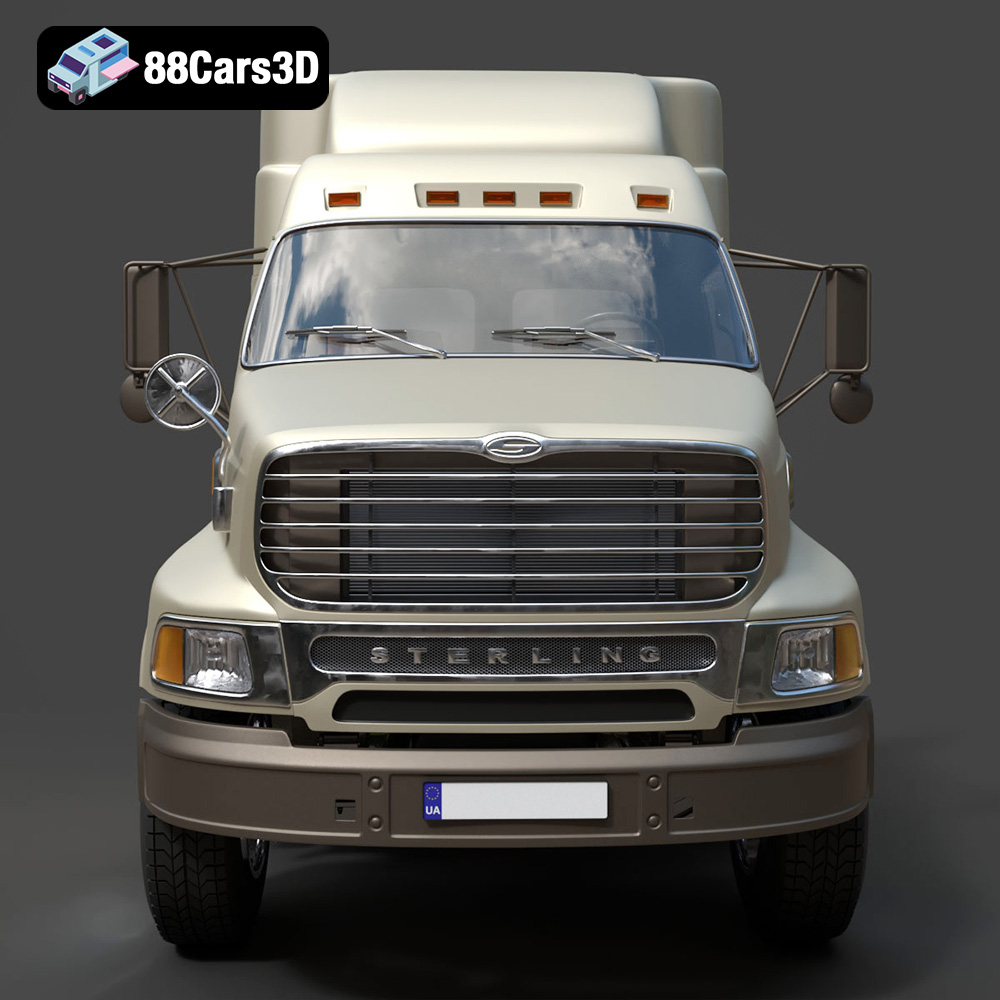
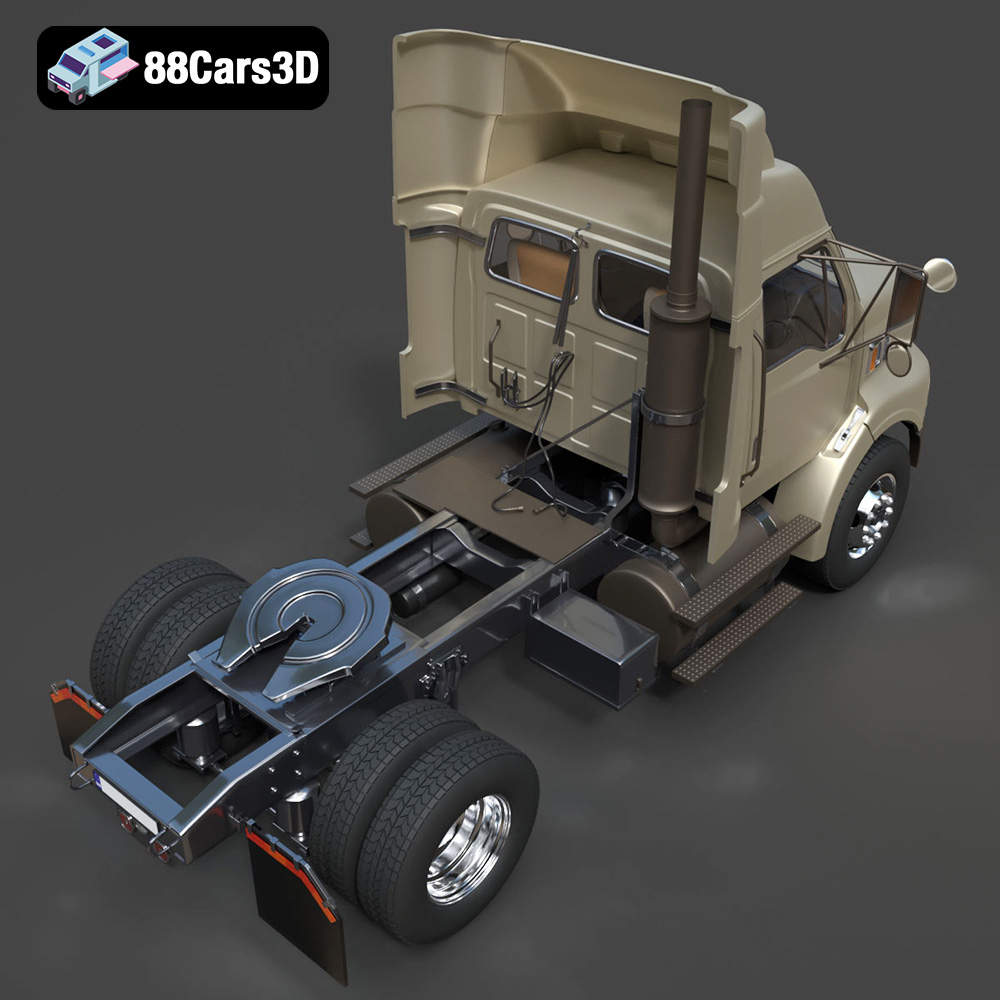
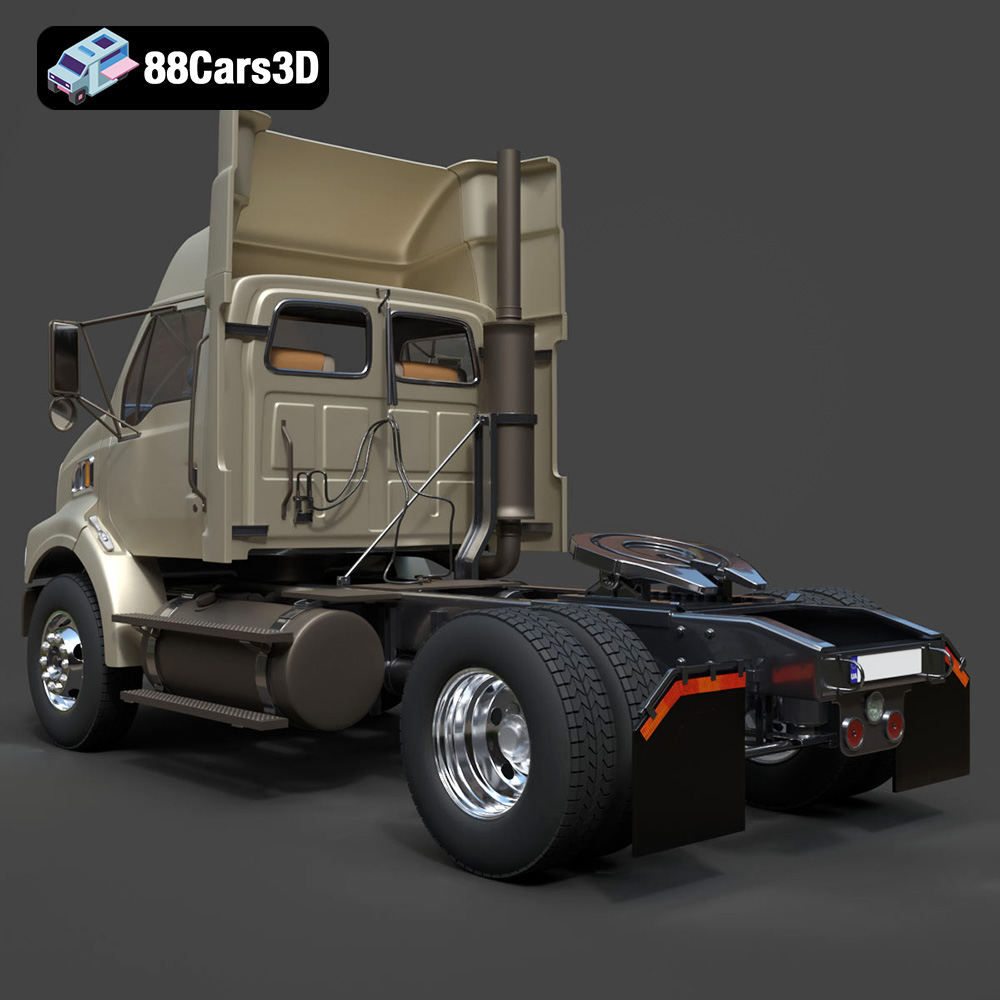
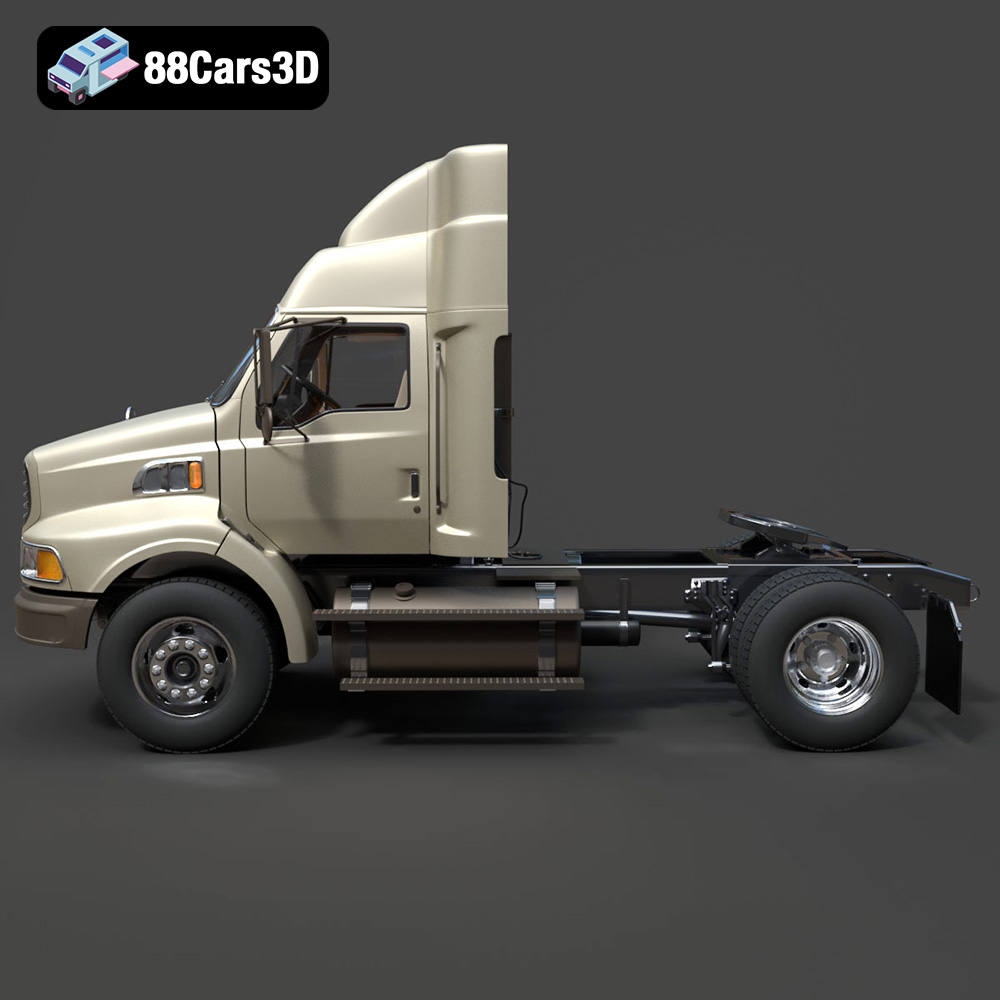
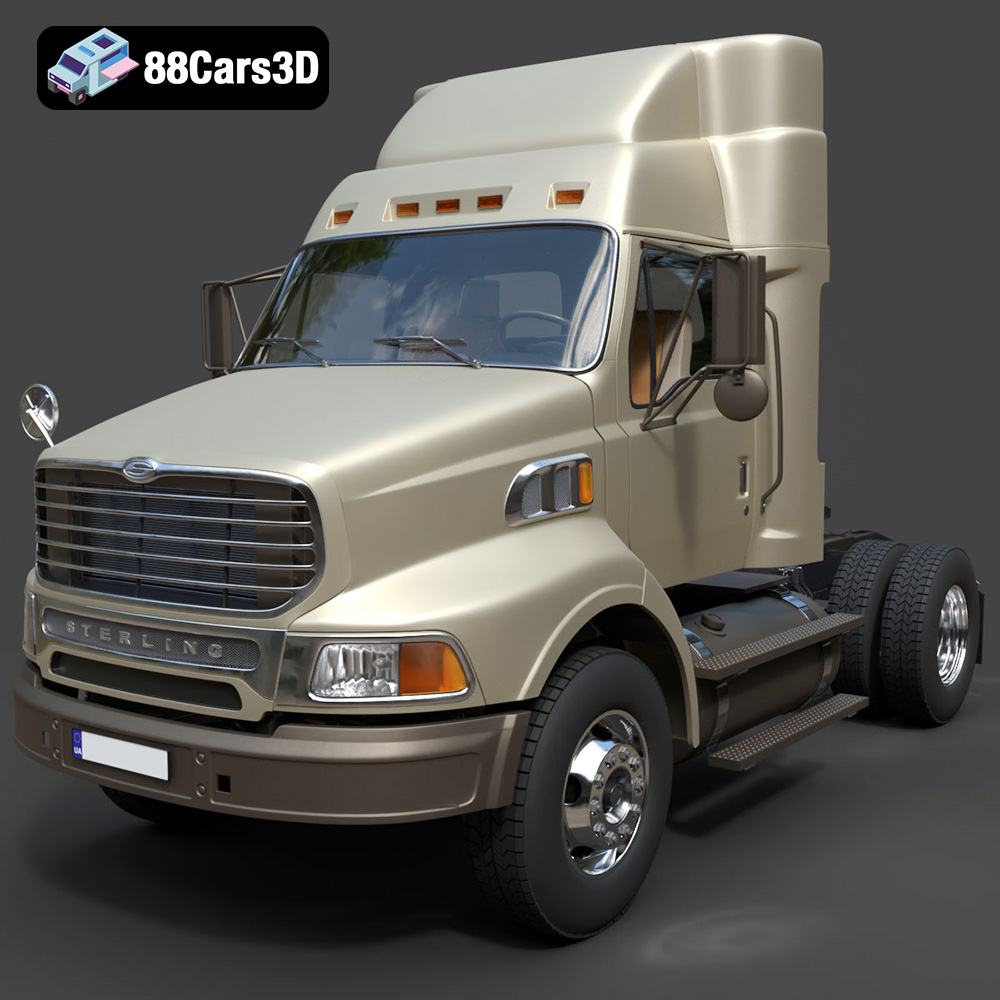
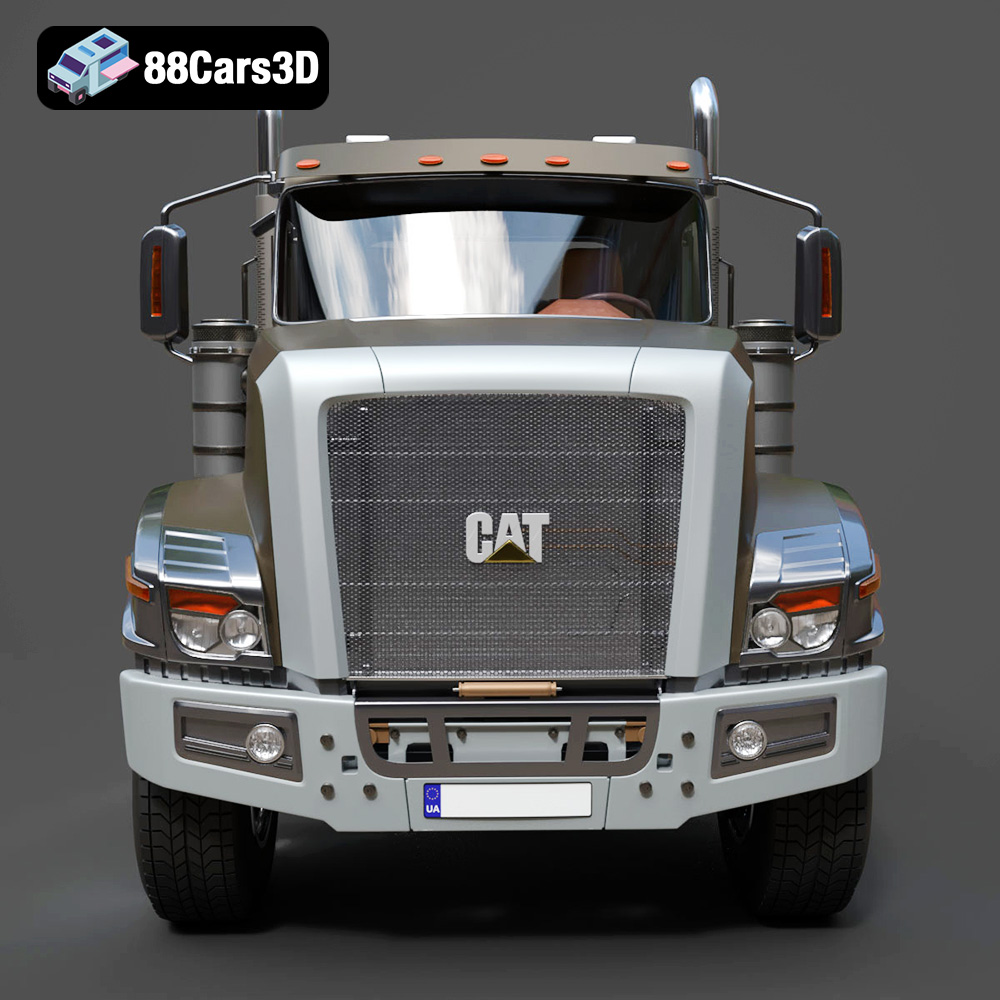
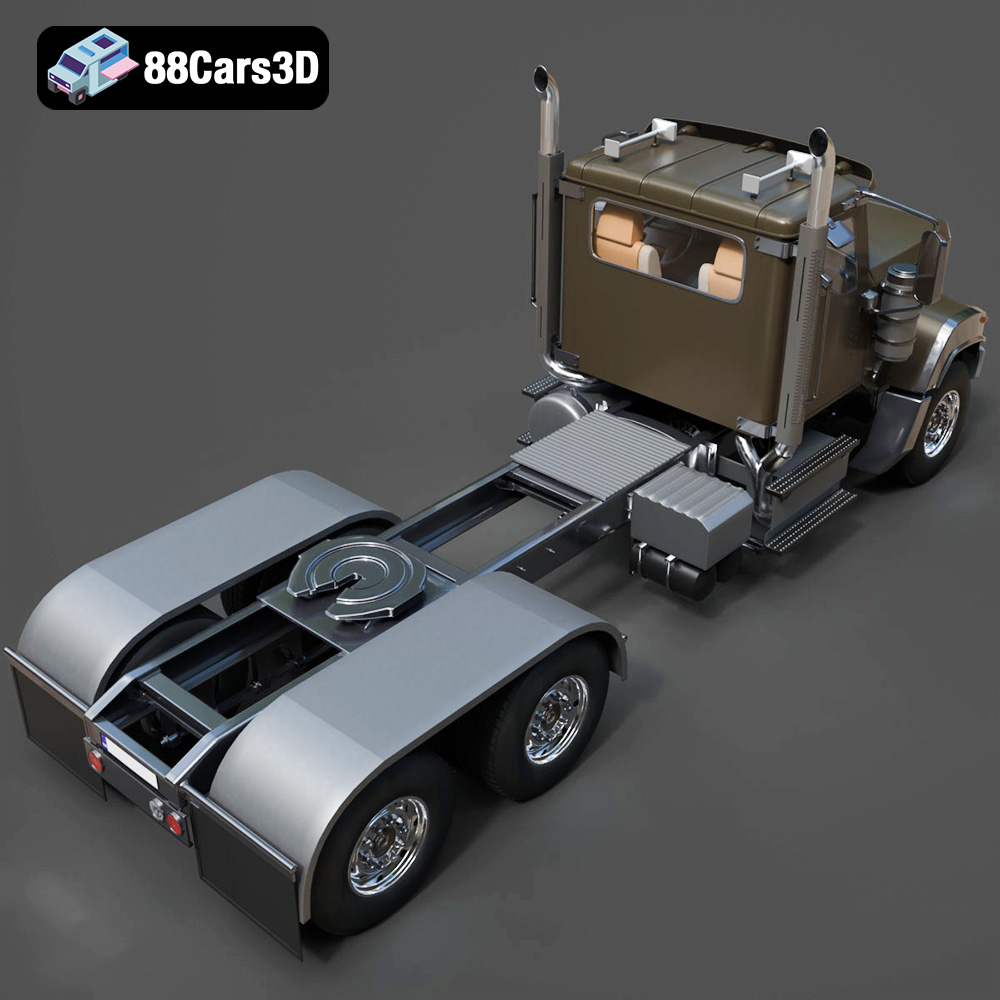
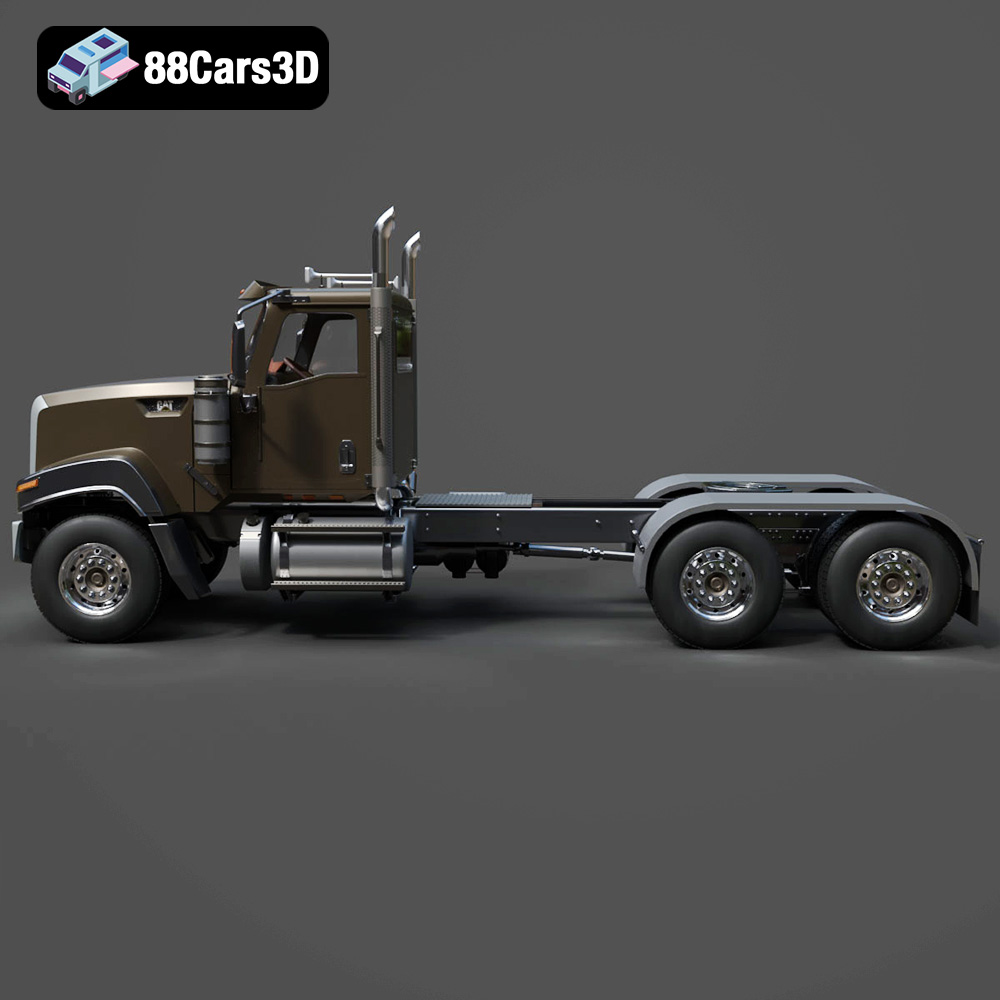
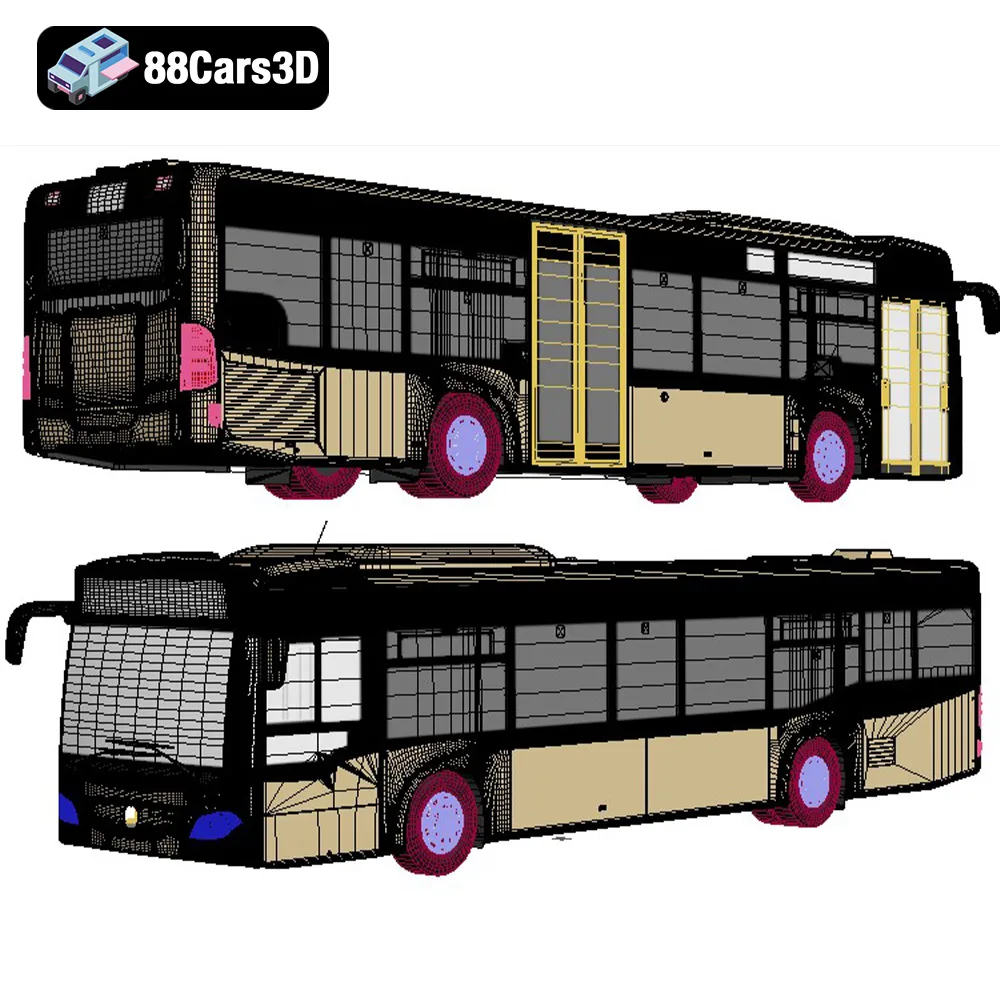
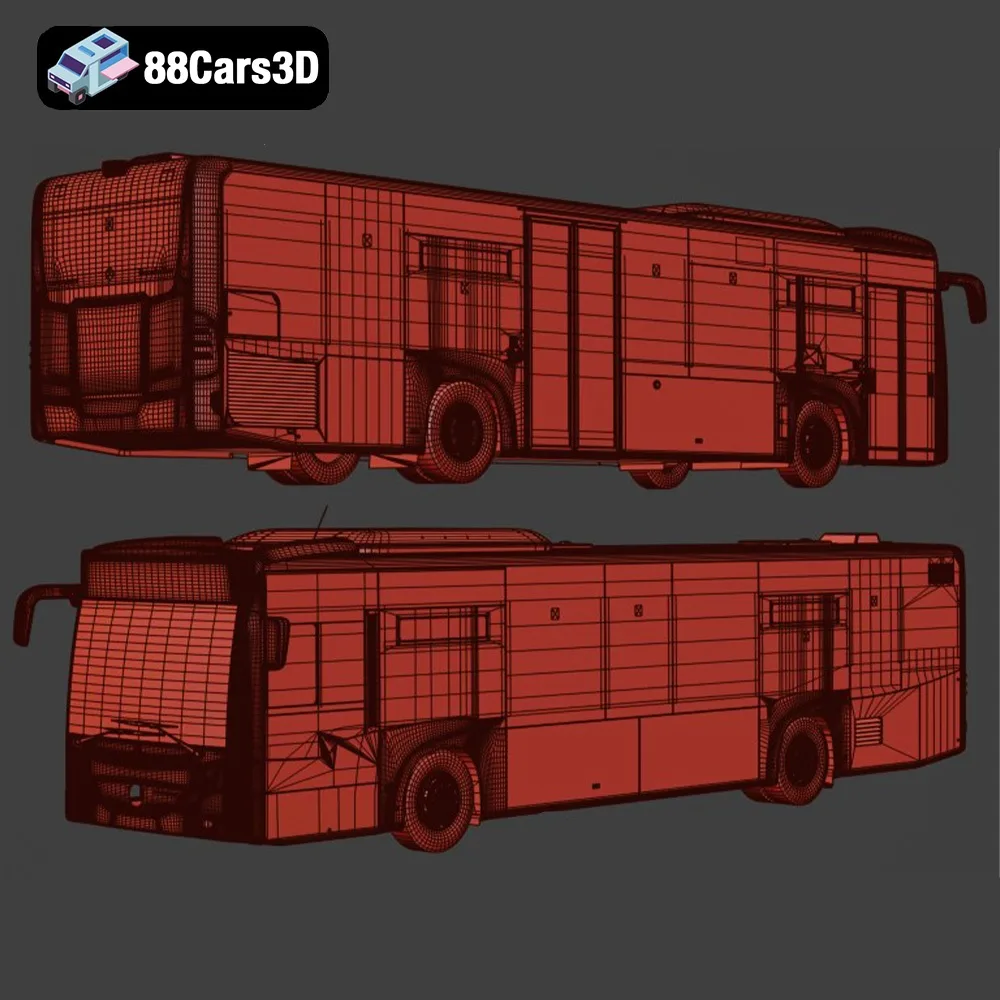
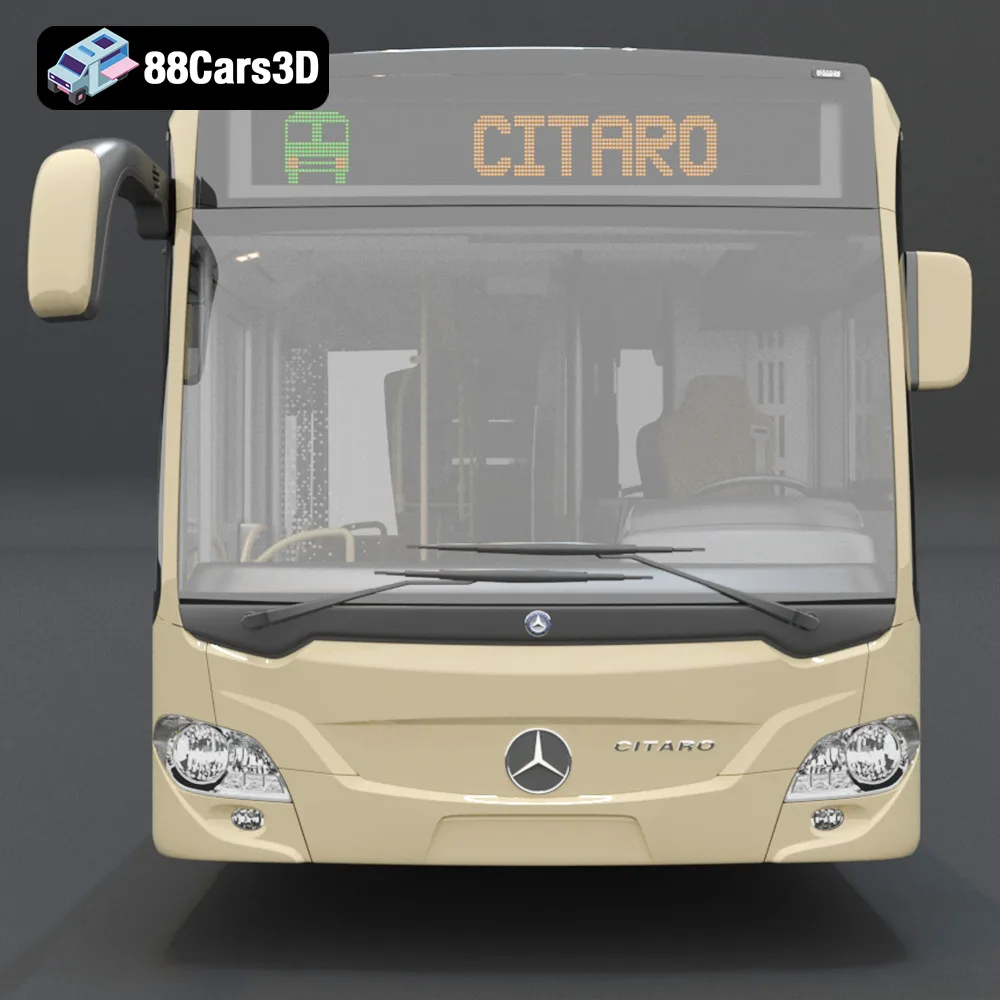
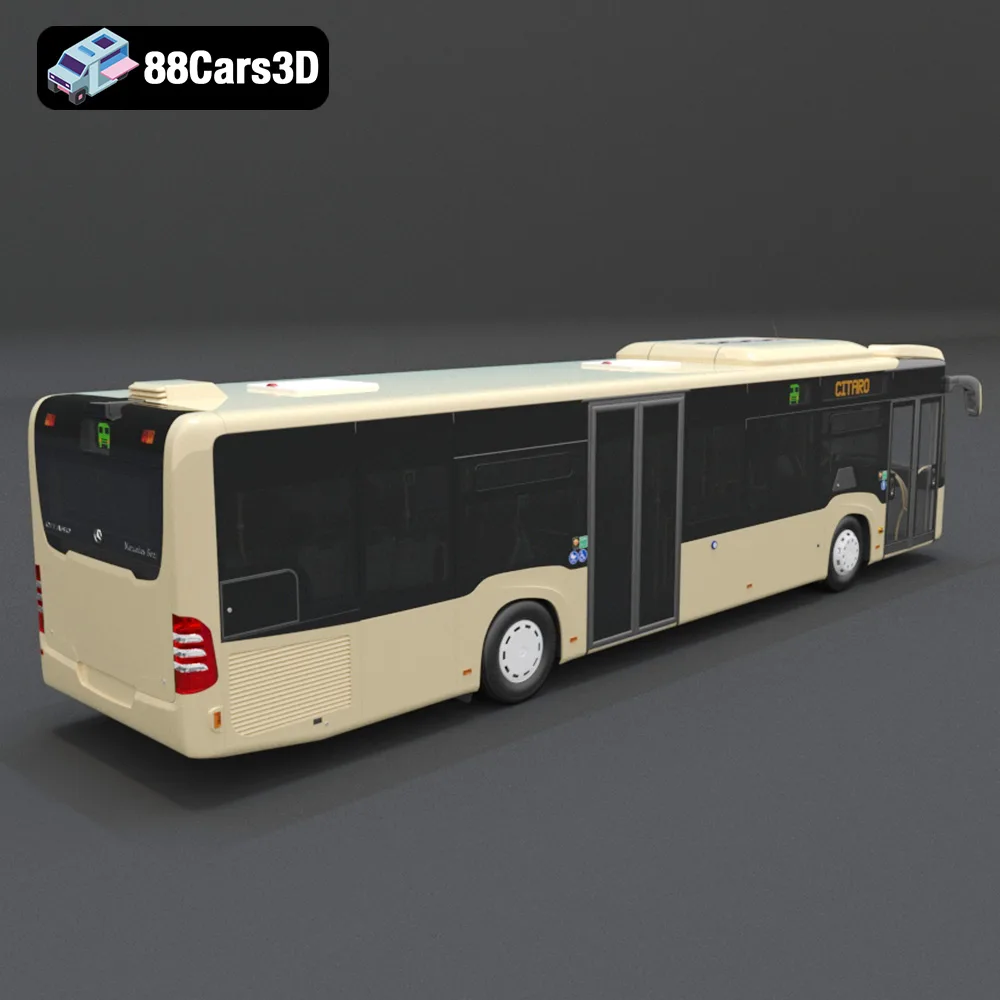
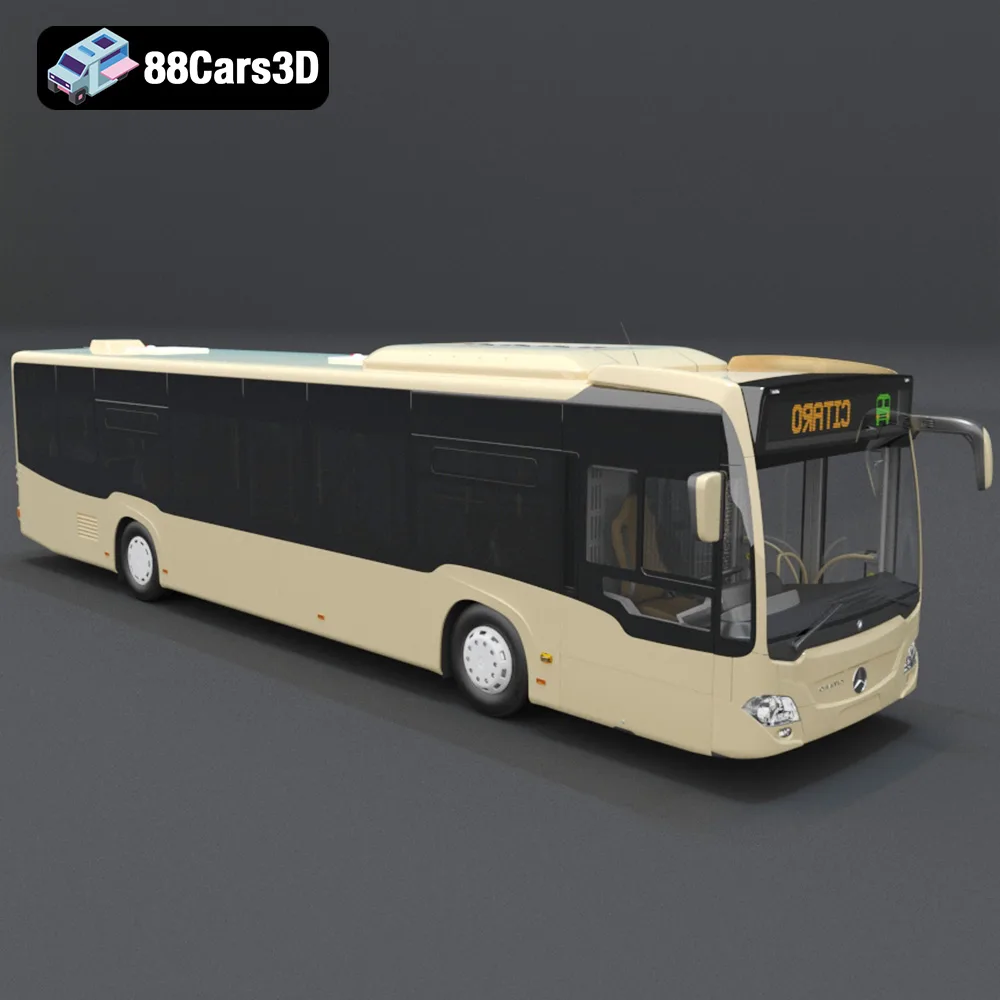
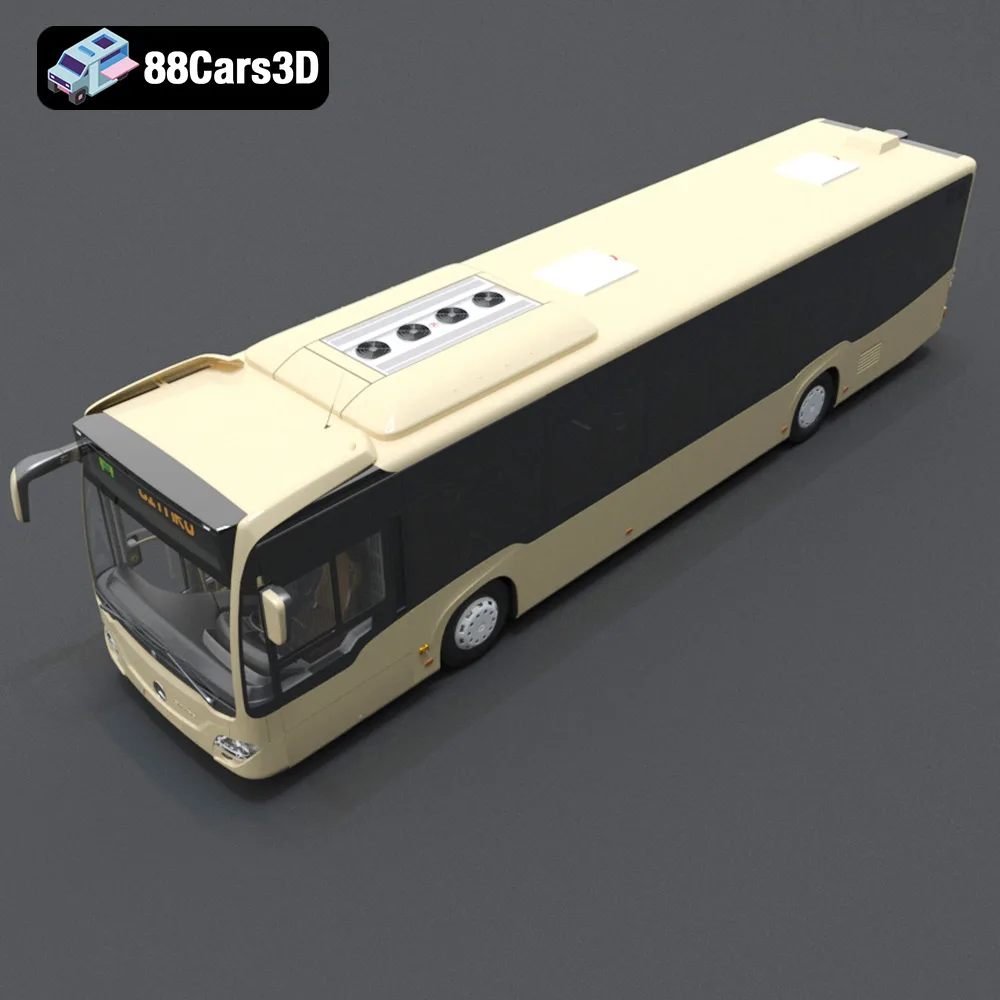
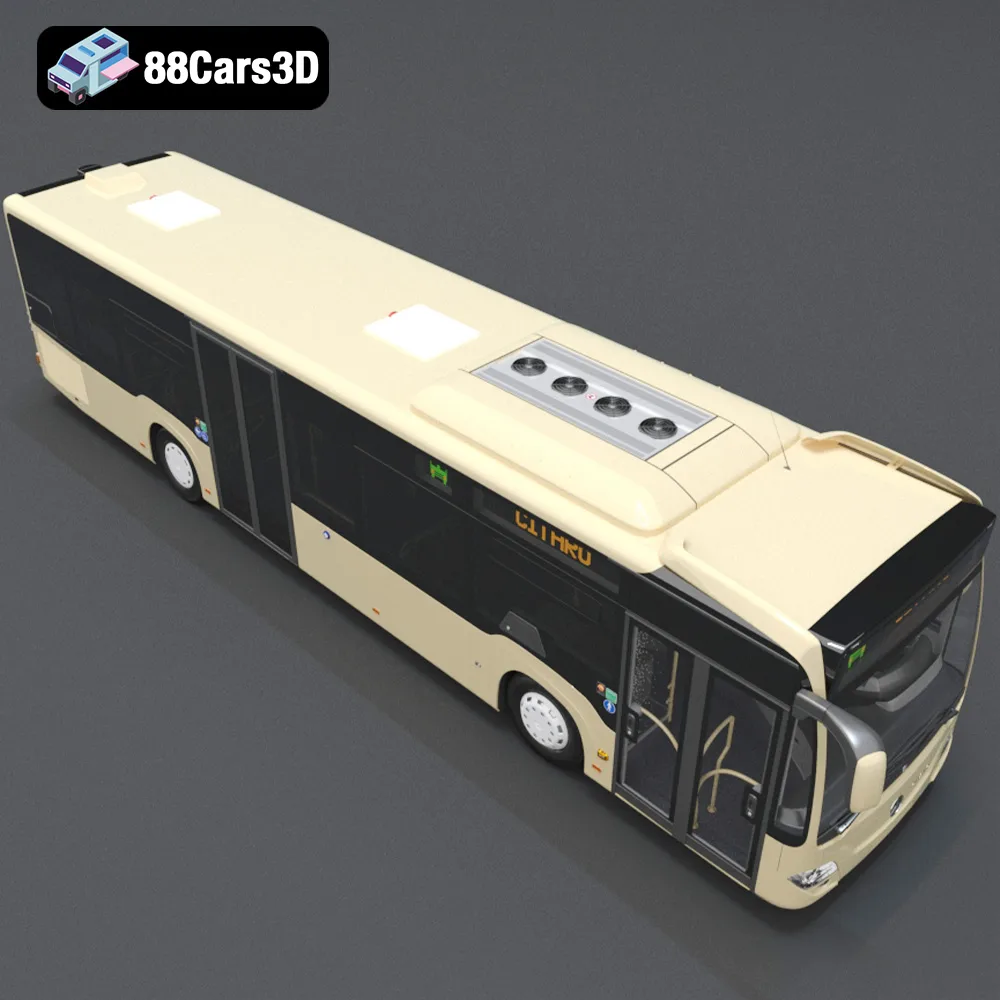
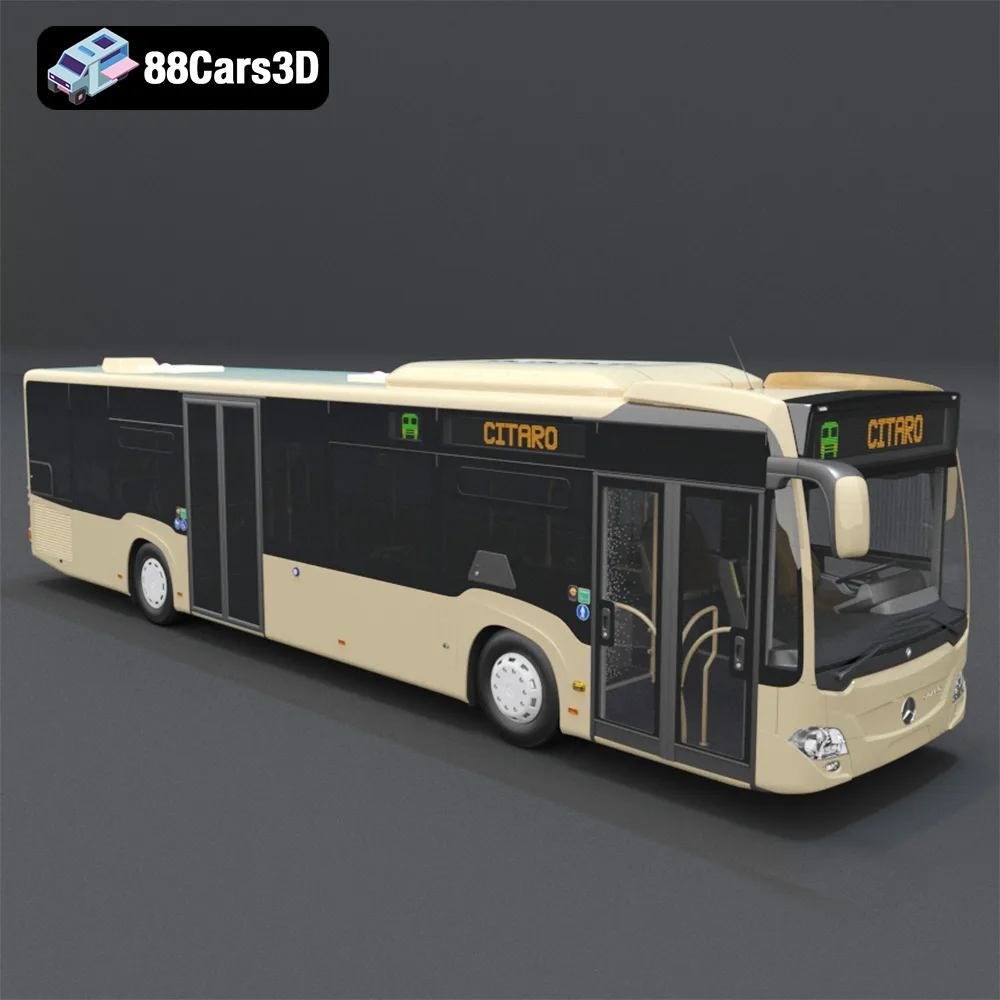
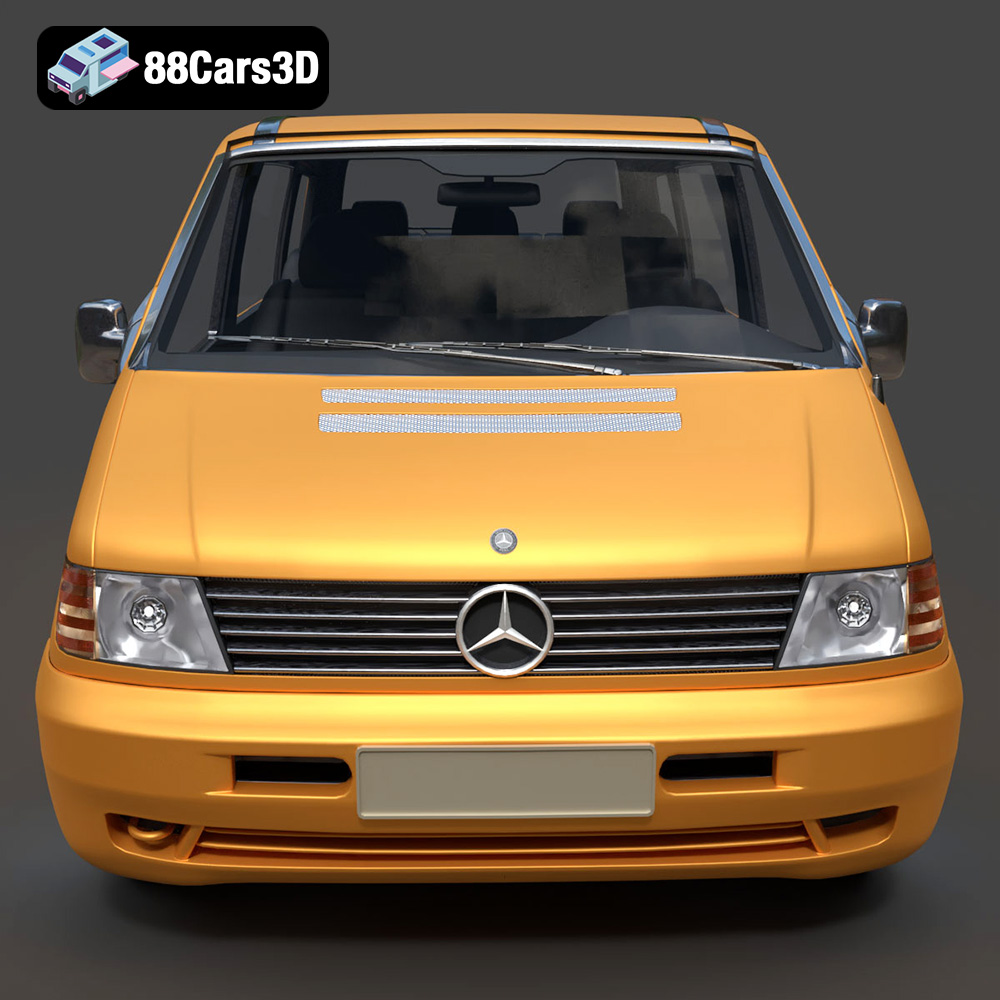
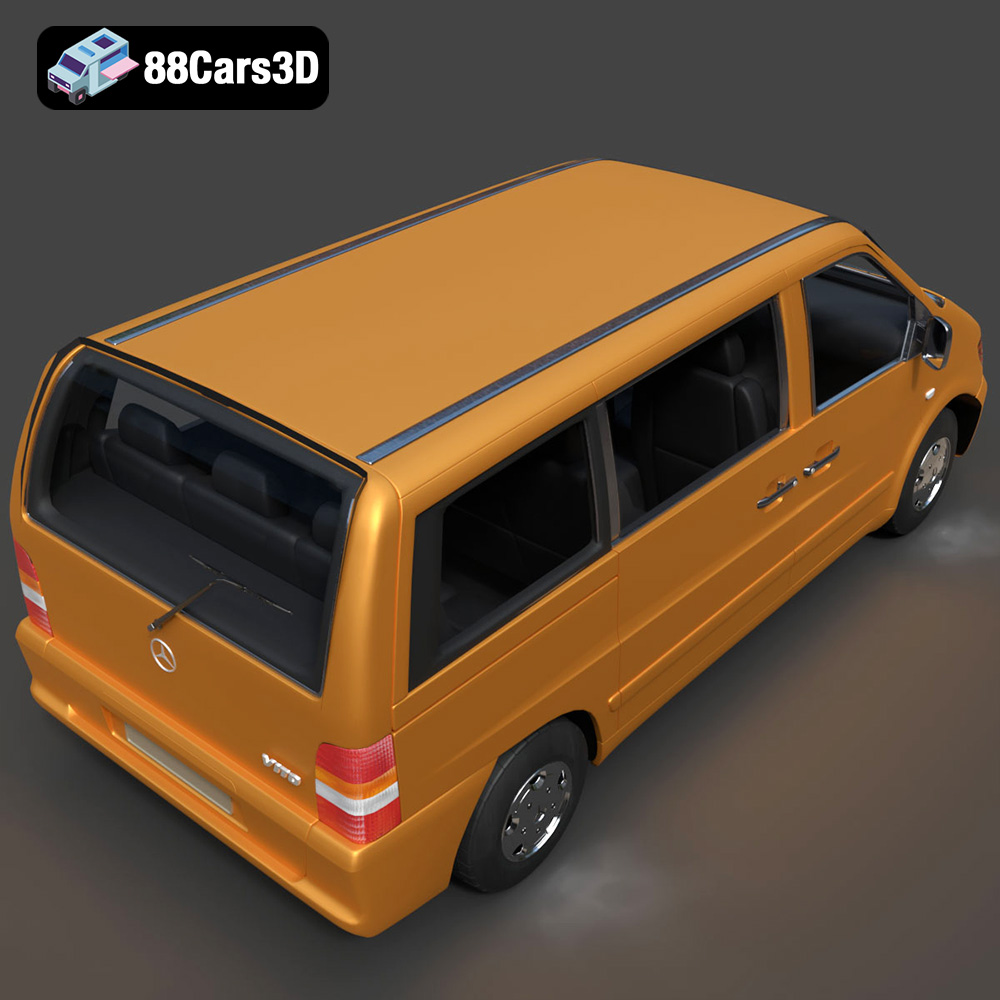
The Heavy Duty & Commercial Logistics 3D Models Bundle from 88cars3d.com offers a fantastic opportunity to bring a fleet of realistic commercial vehicles to life through 3D printing. This 4-in-1 pack, including the Ford Sterling A9500 Tractor Truck, Caterpillar CT680 Tractor Truck, Mercedes Citaro NGT Modern City Bus, and Mercedes-Benz Vito Passenger Van, provides a diverse range of models perfect for scale model enthusiasts, diorama builders, and anyone interested in showcasing the power and detail of modern logistics vehicles. This guide will walk you through the process of 3D printing these models, covering everything from selecting the right materials and printer settings to post-processing techniques for a professional finish.
Choosing the right file format is crucial for successful 3D printing. The Heavy Duty & Commercial Logistics 3D Models Bundle includes a variety of formats to cater to different software and applications. Understanding the strengths and weaknesses of each will ensure a smooth printing experience.
The .stl (Stereolithography) format is the industry standard for 3D printing. It represents the surface geometry of a 3D object as a collection of triangles. This simplicity makes it universally compatible with slicing software and 3D printers. When working with the models from 88cars3d.com, the .stl files are your go-to choice for printing. However, .stl files only contain mesh data; they don’t store color, texture, or material information.
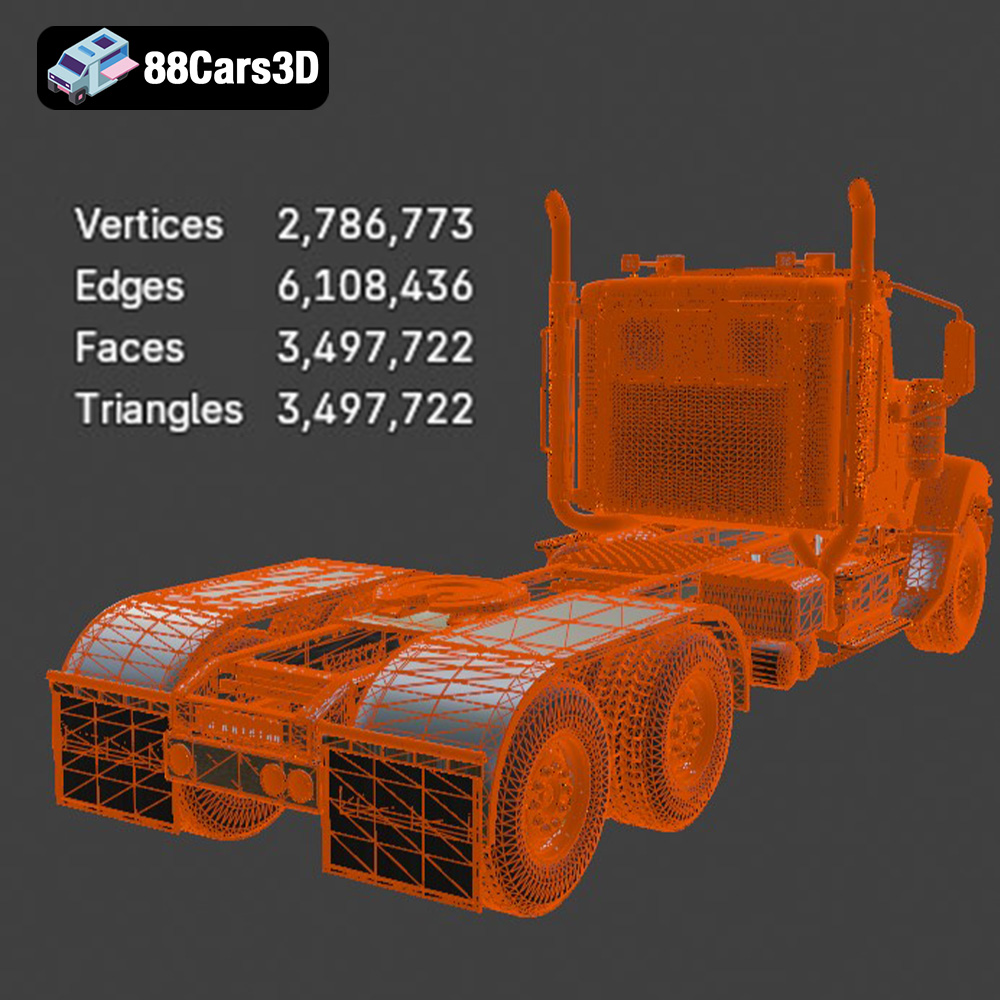
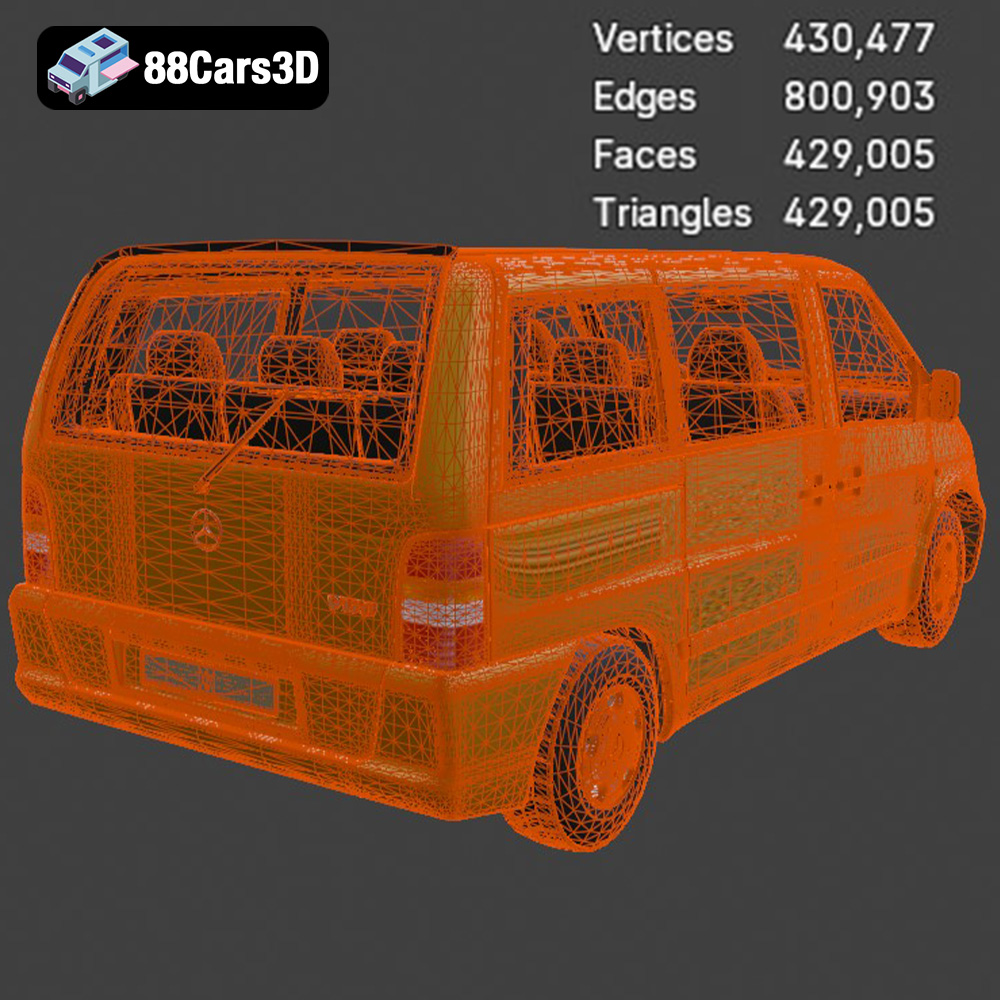
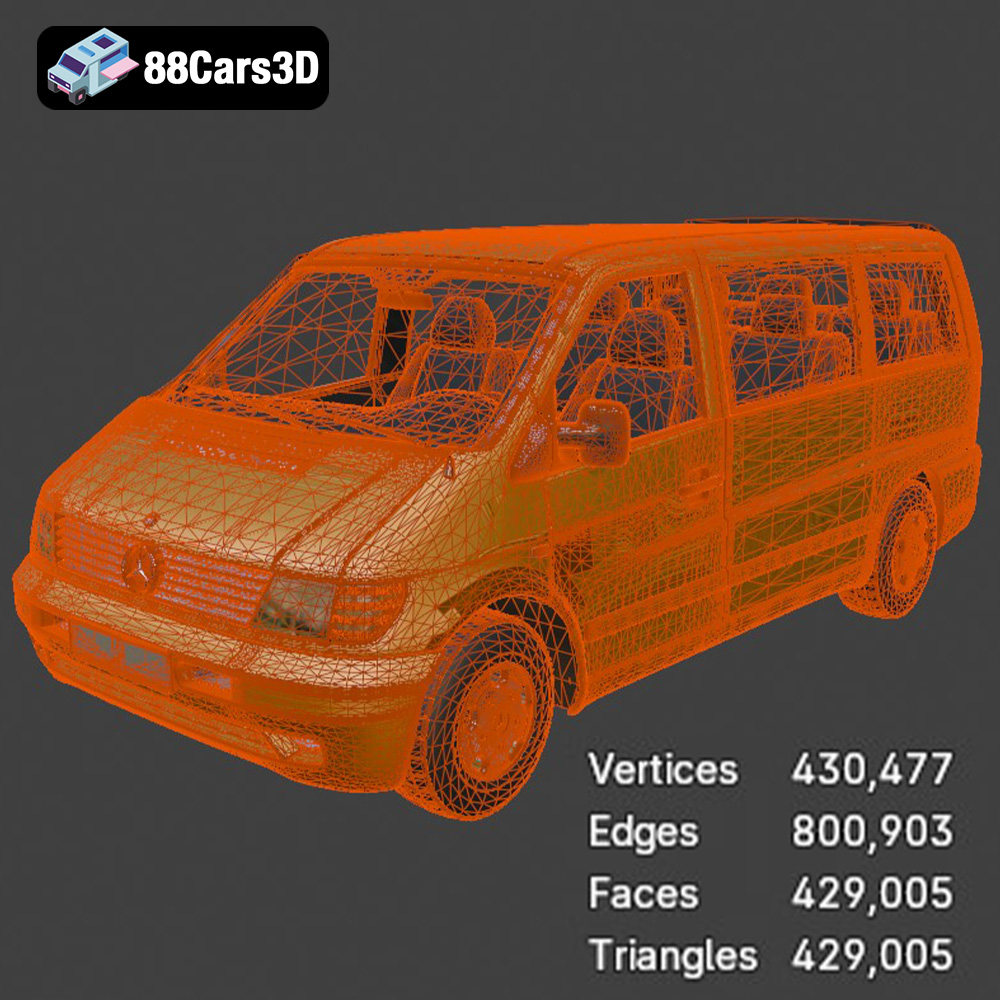
The quality of an .stl file depends heavily on the mesh resolution. A higher resolution means more triangles, resulting in a smoother surface and more accurate representation of the original model. However, a high-resolution mesh also increases file size and processing time in slicing software. Finding the right balance between detail and file size is essential. The .stl files available at 88cars3d.com are optimized to provide a good balance between detail and printability.
The .obj (Object) format is another widely used file format for 3D models. Unlike .stl, .obj files can store color and texture information, which is useful if you plan to paint or apply decals to your 3D printed models. Some advanced 3D printers can even print in multiple colors, taking advantage of the color data stored in .obj files. However, when preparing the models for 3D printing, you’ll typically convert the .obj files to .stl within your slicing software.
The .ply (Polygon File Format) is designed for storing 3D data acquired from 3D scanners. It’s capable of representing complex meshes with high precision. While not as commonly used for 3D printing as .stl or .obj, .ply files can be useful for very detailed models where accuracy is paramount.
.blend files are native to Blender, a popular open-source 3D modeling software. If you want to customize the models before printing, such as adding details or modifying the geometry, having the .blend file is a huge advantage. You can make your desired changes in Blender and then export the modified model as an .stl file for printing.
The .fbx (Filmbox) format is widely used for exchanging 3D data between different software applications, especially in game development. It can store geometry, textures, materials, and animation data. While not directly used for 3D printing, having .fbx files can be useful if you want to import the models into a 3D modeling or rendering program for further customization before exporting as an .stl file.
The .glb format is designed for efficient delivery and loading of 3D models, particularly in augmented reality (AR) applications. It’s a binary format that packages the 3D model and its associated textures into a single file. You can use .glb files to preview the models in AR on your smartphone or tablet before printing, allowing you to visualize the size and scale of the printed models in your real-world environment.
.max files are native to 3ds Max, a professional 3D modeling and animation software. Similar to .blend files, .max files allow you to edit and customize the models before exporting them as .stl files for 3D printing. This is beneficial if you need to make significant changes to the model’s geometry or add custom details.
When it comes to 3D printing the Heavy Duty & Commercial Logistics 3D Models Bundle, the .stl format is the most practical choice. Ensure that your slicing software is compatible with .stl files and that you understand how to adjust the mesh resolution for optimal printing results.
Before you can start printing, you need to prepare the 3D models using slicing software. This involves importing the STL files, adjusting the model’s orientation, adding supports if necessary, and setting the appropriate print parameters.
Popular slicing software options include Cura, PrusaSlicer, Simplify3D, and Chitubox (for resin printing). Each has its strengths and weaknesses, so experiment to find the one that best suits your needs and printer. Consider factors like ease of use, advanced features, and compatibility with your 3D printer. For complex models like the Caterpillar CT680, a slicer with good support generation is crucial.
The orientation of the model on the print bed significantly impacts print quality and the amount of support material needed. For the Ford Sterling A9500 Tractor Truck, orienting the cabin at a slight angle can minimize the need for supports on the front. The wheels should be printed separately, lying flat on the bed, to ensure a smooth, round finish. Examine each model closely and identify areas that might require support, such as overhanging structures like side mirrors or the Mercedes Citaro NGT Modern City Bus’s roof. Strategically place supports to minimize their impact on the visible surfaces of the model.
The Heavy Duty & Commercial Logistics 3D Models Bundle is designed with real-world scale accuracy. If you’re printing scale models, consider the recommended scales of 1:43 or 1:50. Scaling the models appropriately within your slicing software is essential. For resin printing, hollowing out the models can significantly reduce material usage and print time. Ensure you add drain holes to allow resin to escape during printing.
Selecting the right material is crucial for achieving the desired look and durability for your 3D printed commercial vehicles.
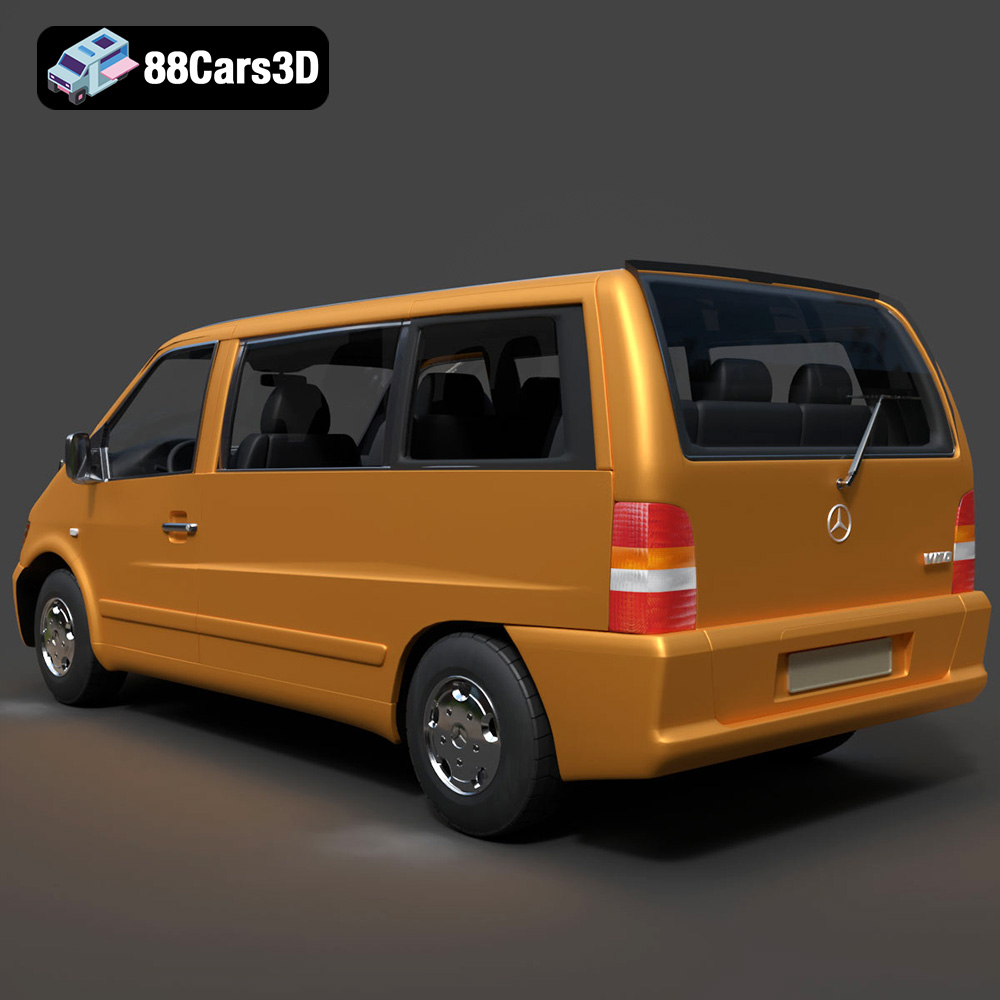
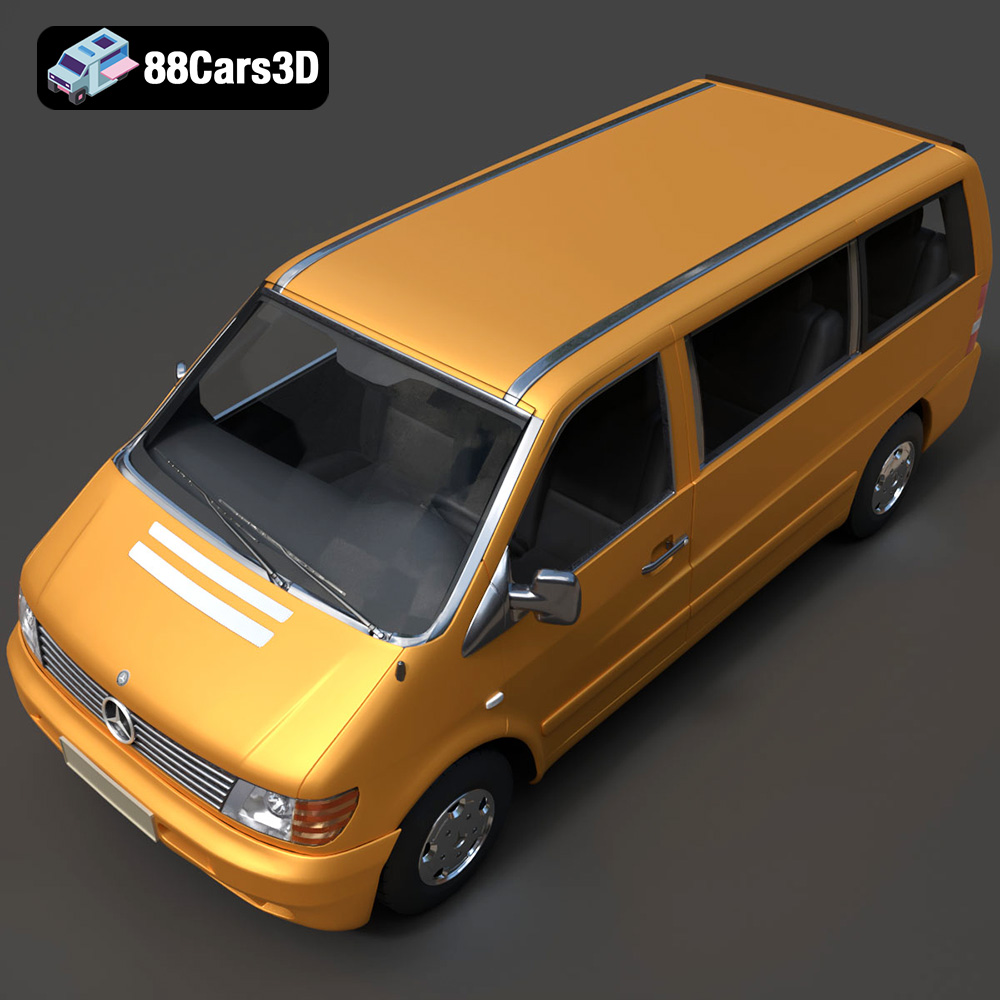
PLA (Polylactic Acid) is a popular, biodegradable thermoplastic known for its ease of printing and affordability. It’s a good choice for creating display models or prototypes of the Mercedes-Benz Vito Passenger Van. However, PLA has relatively low heat resistance and can become brittle over time, making it less suitable for functional parts or models that will be exposed to high temperatures.
PETG (Polyethylene Terephthalate Glycol-modified) offers a good balance of strength, flexibility, and heat resistance. It’s a better option than PLA for parts that need to withstand some stress or exposure to sunlight. Consider using PETG for printing the chassis of the Ford Sterling A9500 Tractor Truck or the wheels of the Caterpillar CT680 Tractor Truck.
For the highest level of detail, resin printing is the recommended choice, especially for smaller scale models. Resin printers use liquid photopolymer resin that is cured by UV light, resulting in incredibly fine details and smooth surfaces. This is particularly important for capturing the intricate features of the Mercedes Citaro NGT Modern City Bus’s grille or the complex chassis details of the tractor trucks. However, resin prints are typically more brittle than FDM prints and may require post-curing.
The ideal printer settings will depend on the material you choose and the level of detail you want to achieve. Here are some general guidelines:
For FDM printing with PLA or PETG, a layer height of 0.1mm to 0.2mm is a good starting point. Lower layer heights will produce smoother surfaces but will also increase print time. For resin printing, layer heights of 0.04mm to 0.05mm are recommended to capture the finest details.
Infill density determines the internal structure of the 3D printed part. For display models, a low infill density of 15-25% is usually sufficient. For parts that need to be stronger, increase the infill density to 50% or higher. The chassis components of the trucks might benefit from higher infill for added rigidity.
Printing at a moderate speed will generally produce better results. A print speed of 40-60mm/s is a good starting point for FDM printing. For resin printing, follow the manufacturer’s recommended settings for your resin.
Use a support pattern that is easy to remove without damaging the model. Tree supports are often a good option for complex shapes. Adjust the support density and overhang angle to optimize support strength and minimize material usage.
After printing, some post-processing is usually required to achieve a professional finish.
Carefully remove the supports using pliers or a sharp knife. Be gentle to avoid damaging the model’s surface.
Sand the model to smooth out any imperfections or layer lines. Start with coarse sandpaper and gradually move to finer grits. Use filler putty to fill any gaps or imperfections. For resin prints, you might need to remove any remaining uncured resin by washing the model in isopropyl alcohol.
Apply a primer to the model to create a smooth surface for painting. Use high-quality model paints and apply them in thin, even coats. Consider using an airbrush for a professional finish. Research the actual colors used on the Ford Sterling, Caterpillar, Mercedes Citaro, and Mercedes Vito to ensure accurate color representation.
The Heavy Duty & Commercial Logistics 3D Models Bundle is designed to be printed in separate parts for ease of printing and painting. Assemble the parts using glue or screws. Ensure that the parts fit together properly before applying glue.
Even with careful preparation, you may encounter some issues during the 3D printing process.
Warping occurs when the corners of the model lift off the print bed. This is often caused by poor bed adhesion or temperature fluctuations. Ensure that your print bed is properly leveled and heated. Use a bed adhesive like glue stick or hairspray to improve adhesion.
Stringing occurs when thin strands of plastic are left between different parts of the model. This is often caused by excessive retraction or printing at too high a temperature. Adjust your retraction settings and lower the printing temperature.
Layer shifting occurs when the layers of the model are misaligned. This can be caused by loose belts, vibrations, or a clogged nozzle. Check that your printer’s belts are properly tightened and that the printer is placed on a stable surface. Clean or replace the nozzle if necessary.
By following these guidelines, you can successfully 3D print the Heavy Duty & Commercial Logistics 3D Models Bundle from 88cars3d.com and create stunning scale models of these iconic commercial vehicles.
The Heavy Duty & Commercial Logistics 3D Models Bundle is the ultimate asset collection for industrial architectural visualization, logistics animations, and simulator game development. While sports cars are common, highly detailed commercial and heavy-duty vehicles are incredibly rare and time-consuming to model. Whether you are building a bustling cargo port, a modern warehouse loading dock, or an open-world truck simulator, this pack provides the massive scale and industrial realism your project needs.
$109.99
caterpillar-ct680
commercial-vehicles
ford-sterling
heavy-duty-truck
industrial-archviz
logistics-3d-models
mercedes-citaro-bus
simulator-ready
truck-3d-model
vehicle-bundle