Get 50% OFF All Premium 3D & STL Models!

“`html
3D printing has revolutionized the way we create, allowing enthusiasts and professionals alike to bring digital designs to life. For hobbyists passionate about automotive models, 3D printing offers an unparalleled opportunity to create detailed and personalized replicas. Platforms like 88cars3d.com provide a wide range of high-quality STL files perfect for this purpose. However, achieving stunning results requires a deep understanding of your 3D printer’s capabilities, particularly the nozzle size and bed size. Choosing the correct combination significantly impacts print quality, speed, and the overall feasibility of your projects. This comprehensive guide will delve into the technical aspects of nozzle and bed size selection, providing you with the knowledge to optimize your 3D printing workflow and bring your favorite car models to life with precision and efficiency.
In this guide, we’ll explore the influence of nozzle size on print resolution, speed, and material compatibility. We will also discuss the critical relationship between bed size and model dimensions, covering strategies for printing large car models and optimizing build plate usage. You’ll learn how to select the best nozzle and bed size combination for various applications, from detailed scale models to functional prototypes. Whether you’re a beginner or an experienced 3D printing enthusiast, this guide will equip you with the expertise to make informed decisions and achieve outstanding results.
The nozzle is a critical component of any FDM (Fused Deposition Modeling) 3D printer. It’s the gateway through which molten filament is extruded, forming each layer of your 3D printed object. The diameter of the nozzle directly influences several key aspects of the printing process, including resolution, speed, and structural integrity. Selecting the appropriate nozzle size is crucial for optimizing print quality and efficiency, especially when working with intricate car models from platforms like 88cars3d.com, where detail is paramount.
The smaller the nozzle diameter, the higher the potential print resolution. A smaller nozzle allows for finer layer lines and the ability to reproduce intricate details, such as the subtle curves and sharp edges found in detailed car models. For example, a 0.25mm nozzle can achieve significantly finer details compared to a standard 0.4mm nozzle. However, this comes at the cost of increased print time, as each layer requires more passes to cover the same area. When printing highly detailed parts of a car model, like grilles or emblems, consider using a smaller nozzle to capture those finer details. Conversely, larger nozzles, such as 0.6mm or 0.8mm, are better suited for printing larger, less detailed parts like the chassis or body panels, as they offer faster print times and increased structural strength.
Nozzle size directly impacts the print speed. Larger nozzles can extrude more material per unit time, leading to faster print times. However, the layer height must be adjusted accordingly. Generally, the maximum recommended layer height is around 80% of the nozzle diameter. For instance, a 0.4mm nozzle typically works well with layer heights between 0.1mm and 0.32mm. Using a larger layer height with a smaller nozzle can result in poor layer adhesion and reduced print quality. Experimenting with different layer heights and print speeds is crucial for finding the optimal balance between print quality and efficiency for your specific filament and model. Slicing software like Cura or PrusaSlicer allows you to adjust these parameters easily.
Certain filaments are more prone to clogging than others, and nozzle size plays a role in this. Filaments containing additives like carbon fiber or wood are generally better suited for larger nozzles (0.6mm or larger) to prevent clogging. These materials often contain small particles that can easily obstruct smaller nozzle openings. Standard PLA or PETG filaments can be used with smaller nozzles (0.25mm to 0.4mm) without significant issues. Regular cleaning and maintenance of your nozzle are essential, regardless of the filament used. Cold pulls and cleaning filaments are effective methods for removing blockages. Also, be mindful of the recommended temperature ranges for each filament type, as incorrect temperatures can contribute to clogging.
The build plate, or bed, of your 3D printer is the foundation upon which your prints are created. Its size dictates the maximum dimensions of the objects you can print in a single piece. When printing car models, especially larger or more complex designs, the bed size becomes a critical factor. Understanding its limitations and employing strategies to work around them is essential for successful prints.
Before initiating a print, ensure that the model’s dimensions are within the printable area of your 3D printer’s bed. Consider the X, Y, and Z axes. Slicing software such as Cura or PrusaSlicer clearly displays the model’s dimensions and allows you to scale the model accordingly. However, scaling down a model excessively can compromise detail. A better approach is to split the model into smaller parts that can be printed individually and then assembled. This allows you to maintain detail while still fitting within the bed’s limitations. For example, a large car body can be divided into multiple sections, such as the front, rear, and side panels. These sections can then be glued or otherwise joined together after printing.
If you’re printing multiple smaller parts simultaneously, strategically arranging them on the build plate can significantly improve efficiency. Most slicing software offers features for automatically arranging parts to maximize bed utilization. Ensure that there’s adequate spacing between parts to prevent collisions during printing and to allow for proper cooling. Consider orienting parts to minimize support structures, which can save material and reduce post-processing effort. Furthermore, check the first layer adhesion for each part. If some parts consistently fail to adhere, consider using a brim or raft to improve adhesion. When downloading models from marketplaces such as 88cars3d.com, consider downloading complete kits of parts that are already optimized for printability and bed usage.
Large prints are particularly susceptible to warping and poor bed adhesion, especially when using materials like ABS. Ensuring proper bed adhesion is crucial for successful prints. Several techniques can be employed to improve adhesion, including using a heated bed, applying adhesive substances such as glue stick or hairspray, and using build plate surfaces designed for adhesion, such as PEI sheets or glass beds. A heated bed helps maintain a consistent temperature, reducing thermal stress and warping. Adjusting the bed temperature according to the recommended settings for your filament is essential. A brim or raft can also significantly improve adhesion by providing a larger surface area in contact with the bed. For filaments prone to warping, an enclosure can help maintain a stable ambient temperature, further reducing the risk of warping.
The level of detail in your car model directly impacts the optimal nozzle size. Consider the complexity of features like grilles, lights, emblems, and interior components when making your selection. Different nozzle sizes excel at different aspects of model printing.
For incredibly detailed car models, particularly those with intricate grilles, complex emblems, or finely textured surfaces, a smaller nozzle size is essential. Nozzles in the range of 0.25mm to 0.3mm allow for the reproduction of minute details that would be lost with larger nozzles. These smaller nozzles create finer layer lines and can accurately render the sharp edges and intricate curves that define a high-quality model. While the print time will increase, the resulting level of detail is often worth the extra time investment. When using small nozzles, be extra diligent about bed adhesion and filament quality, as even minor imperfections can lead to print failures.
For structural components like the chassis, body panels, and internal supports, a larger nozzle size (0.6mm to 0.8mm) is generally more efficient. Larger nozzles allow for faster print times and increased structural strength due to thicker layer lines and stronger layer adhesion. These parts often don’t require the same level of detail as the exterior features, so the trade-off between speed and detail is generally worthwhile. When printing with larger nozzles, ensure that your printer’s hot end can adequately melt and extrude the filament at the required flow rate to avoid under-extrusion. Also, consider increasing the infill percentage for structural parts to further enhance their strength and rigidity.
The 0.4mm nozzle is often considered the “sweet spot” for general-purpose 3D printing. It offers a good balance between print speed and detail, making it suitable for a wide range of car model projects. This nozzle size can handle reasonably intricate details while maintaining a respectable print speed. If you’re unsure which nozzle size to start with, the 0.4mm is a safe and versatile option. It’s also the most commonly used nozzle size, so you’ll find a wealth of information and troubleshooting resources available online. Experiment with different layer heights and print speeds to fine-tune your results with the 0.4mm nozzle.
Simply changing the nozzle size isn’t enough to achieve optimal results. You need to adjust your 3D printer settings accordingly. Key parameters like layer height, print speed, flow rate, and temperature must be recalibrated for each nozzle size.
As mentioned earlier, the layer height should be proportional to the nozzle diameter. A general rule of thumb is to keep the layer height between 25% and 80% of the nozzle diameter. For example, with a 0.25mm nozzle, a layer height of 0.06mm to 0.2mm would be appropriate. With a 0.8mm nozzle, a layer height of 0.2mm to 0.64mm would be suitable. Using a layer height outside of this range can lead to poor layer adhesion or excessive print times. Experiment with different layer heights within the recommended range to find the optimal balance between detail and speed for your specific model and filament.
Larger nozzles can extrude more material faster, so you can increase the print speed and flow rate accordingly. Smaller nozzles, on the other hand, require slower print speeds and lower flow rates to avoid under-extrusion. Adjust the print speed and flow rate in your slicing software based on the nozzle size and filament type. Start with the recommended settings for your filament and then fine-tune them based on your observations during printing. Watch for signs of under-extrusion (gaps between layers) or over-extrusion (excess material buildup) and adjust the flow rate accordingly. Increasing the temperature slightly can also help improve flow, but be careful not to exceed the recommended temperature range for your filament.
The optimal printing temperature depends on the filament type and nozzle size. Generally, larger nozzles require slightly higher temperatures to ensure proper melting and flow of the filament. Smaller nozzles may require slightly lower temperatures to prevent stringing and oozing. Perform a temperature tower test to determine the optimal temperature for your specific filament and nozzle size. Also, adjust the retraction settings to minimize stringing. Retraction settings control how much filament is pulled back into the nozzle when the printer moves between different parts of the model. Increasing the retraction distance or speed can help reduce stringing, but excessive retraction can lead to clogs. Finding the right balance is crucial for achieving clean and accurate prints.
Even with the perfect nozzle and bed size settings, post-processing is often necessary to achieve a professional finish on your 3D printed car models. Techniques like sanding, filling, priming, and painting can significantly enhance the appearance and durability of your prints.
Sanding is a crucial step in removing layer lines and smoothing the surface of your 3D printed car models. Start with a coarse grit sandpaper (e.g., 220 grit) to remove the most prominent layer lines and imperfections. Then, gradually move to finer grits (e.g., 400, 600, 800 grit) to achieve a smooth finish. Wet sanding can help reduce dust and improve the smoothness of the surface. Use a sanding block or sponge to ensure even pressure and avoid creating flat spots. For hard-to-reach areas, use small sanding sticks or rotary tools with sanding attachments. Be careful not to over-sand, as this can remove details and alter the shape of the model.
Even with careful printing and sanding, small gaps and imperfections may still be present in your 3D printed car models. These can be filled with various types of fillers, such as epoxy putty, acrylic putty, or specialized 3D printing fillers. Apply the filler sparingly and allow it to dry completely before sanding it smooth. Multiple thin layers of filler are generally better than one thick layer, as they are less likely to crack or shrink. For larger gaps, consider using a reinforcing mesh or fabric to provide additional support. Choose a filler that is compatible with the material of your 3D print and that can be easily sanded and painted.
Priming is an essential step in preparing your 3D printed car models for painting. Primer helps to create a smooth, uniform surface that the paint can adhere to. Choose a primer that is compatible with the material of your 3D print and that is designed for use with automotive paints. Apply the primer in thin, even coats, allowing each coat to dry completely before applying the next. Sand the primer lightly between coats to remove any imperfections. Once the primer is dry and smooth, you can apply the paint. Use high-quality automotive paints and apply them in thin, even coats. Consider using an airbrush for a more professional finish. Clear coating can protect the paint and add a glossy finish.
Even with careful planning and execution, 3D printing can sometimes present challenges. Understanding common issues related to nozzle and bed size and how to troubleshoot them is essential for a smooth printing experience.
Warping is a common issue, especially with large prints and certain materials like ABS. It occurs when the corners of the print lift off the bed due to thermal stress. To troubleshoot warping, ensure that your bed is properly leveled and heated. Apply an adhesive substance like glue stick or hairspray to the bed. Use a brim or raft to increase the surface area in contact with the bed. Enclose the printer to maintain a stable ambient temperature. Reduce the print speed for the first few layers. If the problem persists, try using a different filament or adjusting the printing temperature.
Clogging occurs when filament gets stuck in the nozzle, preventing it from extruding properly. This can lead to under-extrusion, which results in gaps between layers and weak prints. To troubleshoot clogging, first try a cold pull. Heat the nozzle to the printing temperature, then manually push filament through until it starts to flow. Then, quickly pull the filament out of the nozzle. This can often remove any debris that is causing the clog. If the cold pull doesn’t work, try using a cleaning filament. Disassemble the hot end and clean the nozzle with a small wire or needle. Ensure that your filament is dry and free of contaminants. Use a larger nozzle if you are printing with filaments that contain additives like carbon fiber or wood.
Stringing and oozing occur when filament leaks out of the nozzle during travel moves. This can leave unsightly strings between different parts of the model. To troubleshoot stringing and oozing, adjust the retraction settings in your slicing software. Increase the retraction distance and speed. Lower the printing temperature. Increase the travel speed. Ensure that your nozzle is clean and free of clogs. Use a filament that is less prone to stringing.
Choosing the right nozzle and bed size is crucial for achieving high-quality 3D prints of your favorite car models. Understanding the relationship between nozzle size, print resolution, speed, and material compatibility allows you to optimize your 3D printing workflow. Similarly, considering the bed size limitations and employing strategies for printing large models, optimizing bed usage, and ensuring proper bed adhesion are essential for successful prints. By carefully adjusting your 3D printer settings and mastering post-processing techniques, you can transform digital designs into stunning physical replicas.
Remember to experiment with different nozzle sizes, layer heights, print speeds, and temperatures to find the optimal settings for your specific printer, filament, and model. Don’t be afraid to try new techniques and learn from your mistakes. The 3D printing community is a valuable resource, so don’t hesitate to ask for help and share your experiences. With practice and patience, you’ll be able to consistently produce high-quality 3D printed car models that you can be proud of. Now that you’re armed with this knowledge, head over to 88cars3d.com, choose your favorite STL files, and start printing!
“`
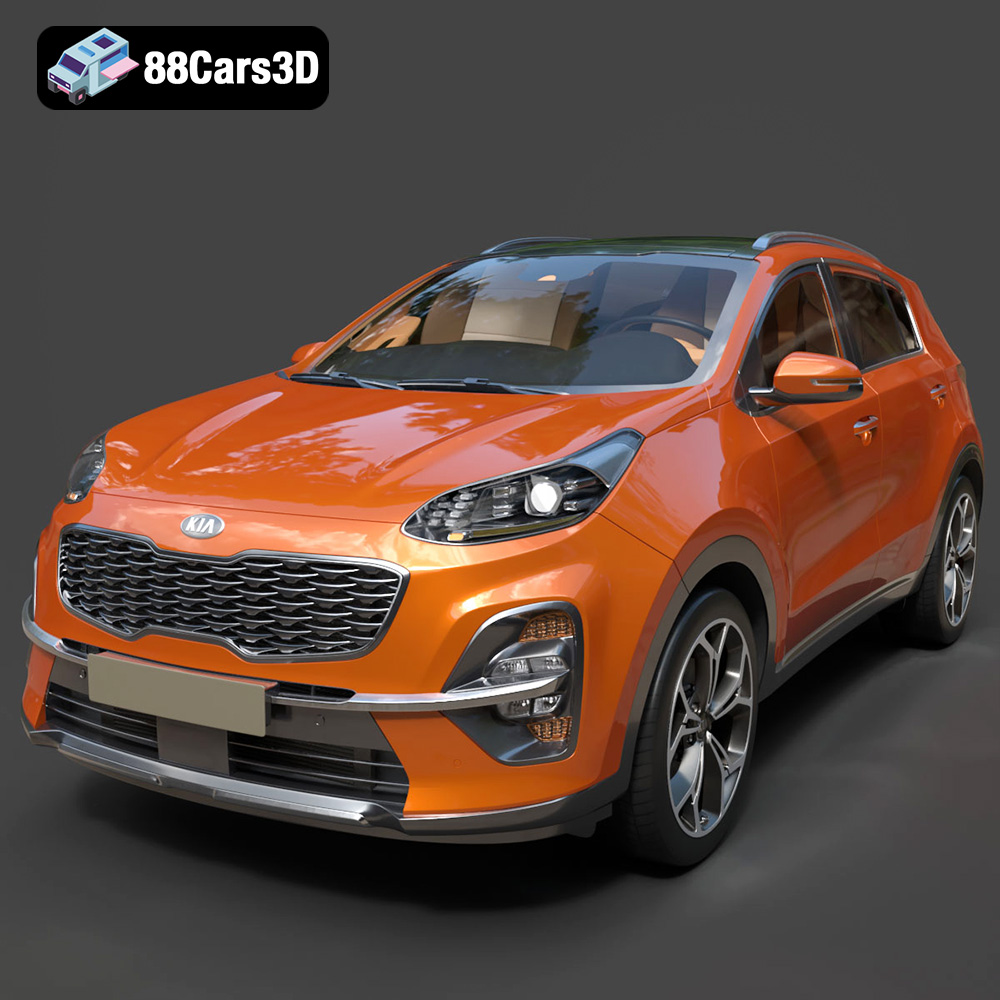
Texture: Yes
Material: Yes
Download the Kia Sportage 2019 3D Model featuring clean geometry, realistic detailing, and a fully modeled interior. Includes .blend, .fbx, .obj, .glb, .stl, .ply, .unreal, and .max formats for rendering, simulation, and game development.
Price: $19.99
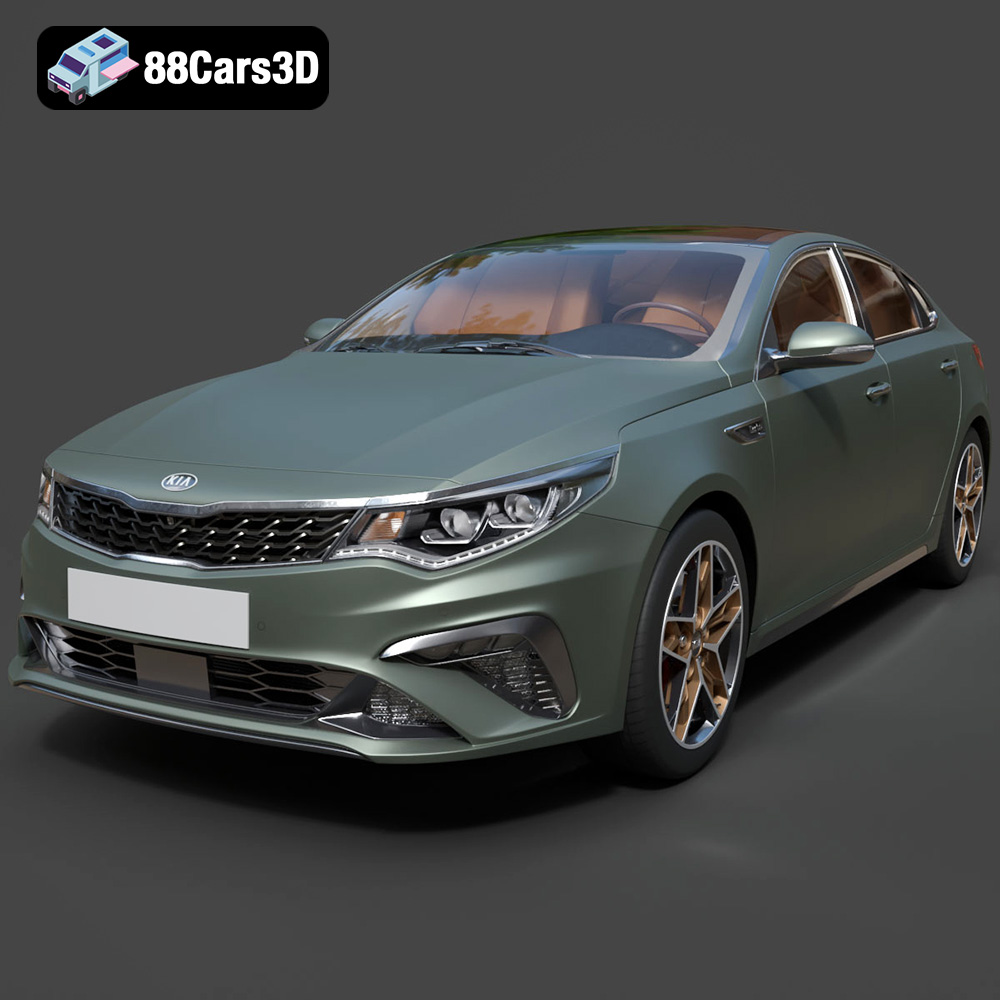
Texture: Yes
Material: Yes
Download the Kia Optima 2019 3D Model featuring clean geometry, realistic detailing, and a fully modeled interior. Includes .blend, .fbx, .obj, .glb, .stl, .ply, .unreal, and .max formats for rendering, simulation, and game development.
Price: $19.99
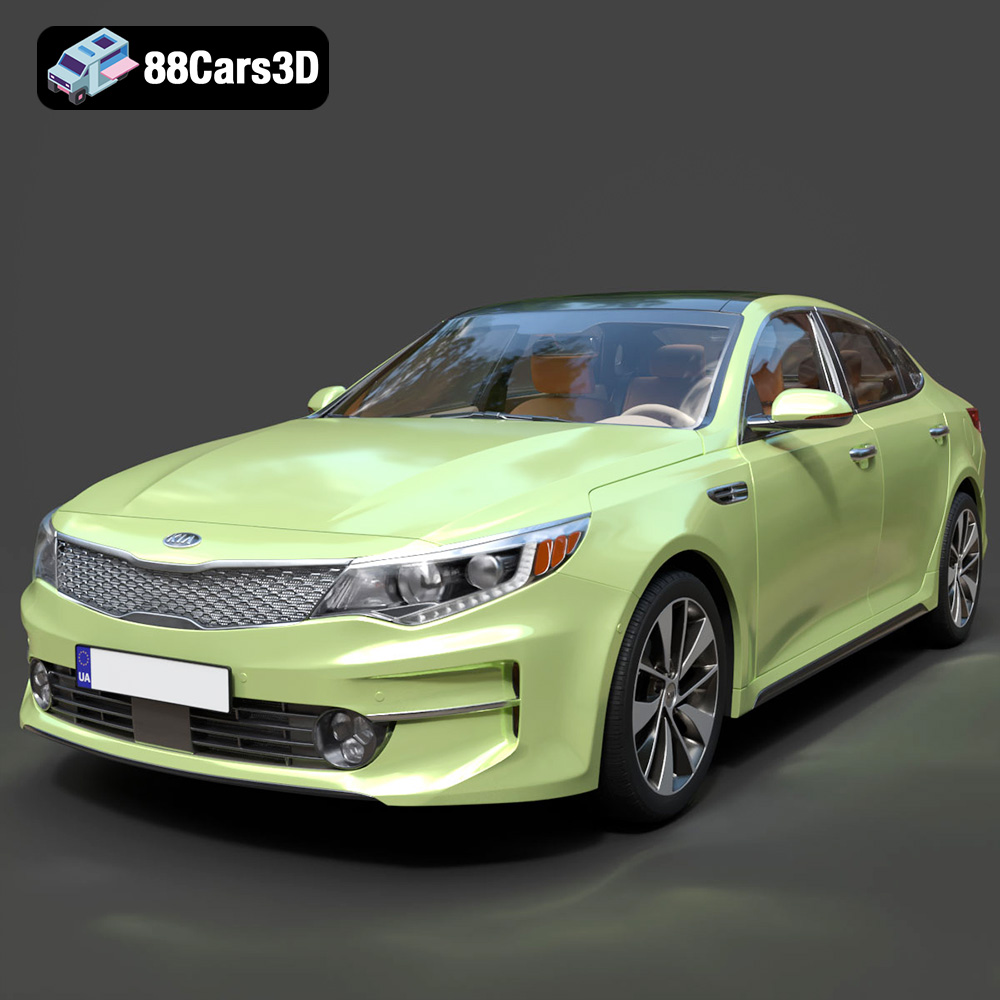
Texture: Yes
Material: Yes
Download the Kia K5 MX 2016 3D Model featuring clean geometry, realistic detailing, and a fully modeled interior. Includes .blend, .fbx, .obj, .glb, .stl, .ply, .unreal, and .max formats for rendering, simulation, and game development.
Price: $19.99
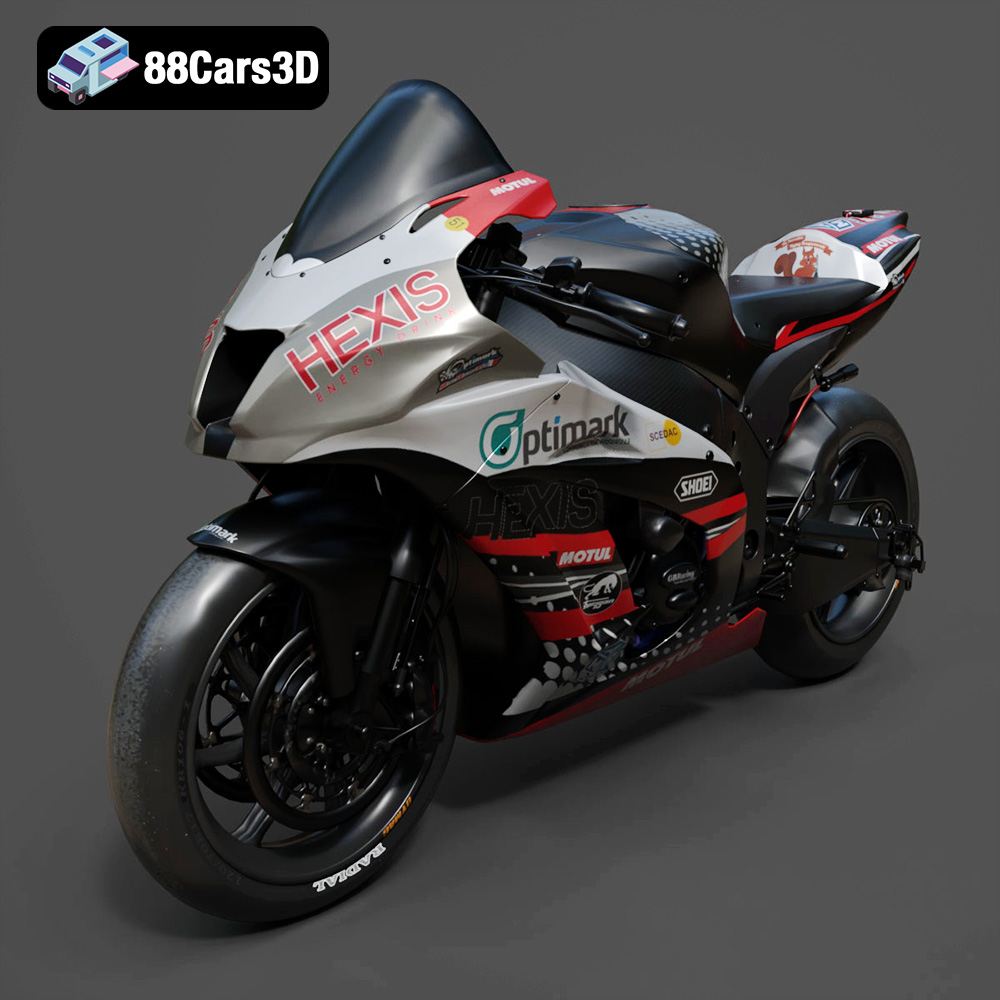
Texture: Yes
Material: Yes
Download the Kawasaki ZX-10R 3D Model featuring clean geometry, realistic detailing, and a fully modeled interior. Includes .blend, .fbx, .obj, .glb, .stl, .ply, .unreal, and .max formats for rendering, simulation, and game development.
Price: $19.99
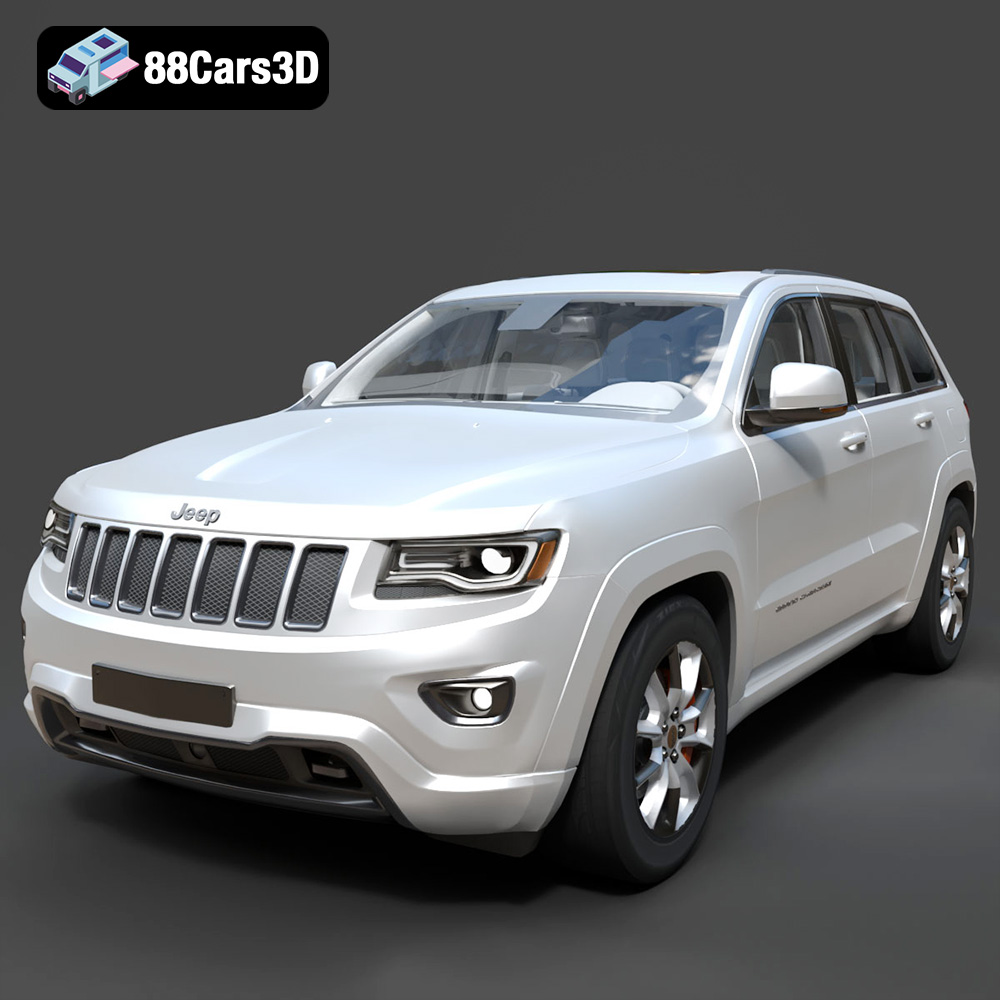
Texture: Yes
Material: Yes
Download the Jeep Grand Cherokee Limited 2017 3D Model featuring clean geometry, realistic detailing, and a fully modeled interior. Includes .blend, .fbx, .obj, .glb, .stl, .ply, .unreal, and .max formats for rendering, simulation, and game development.
Price: $19.99
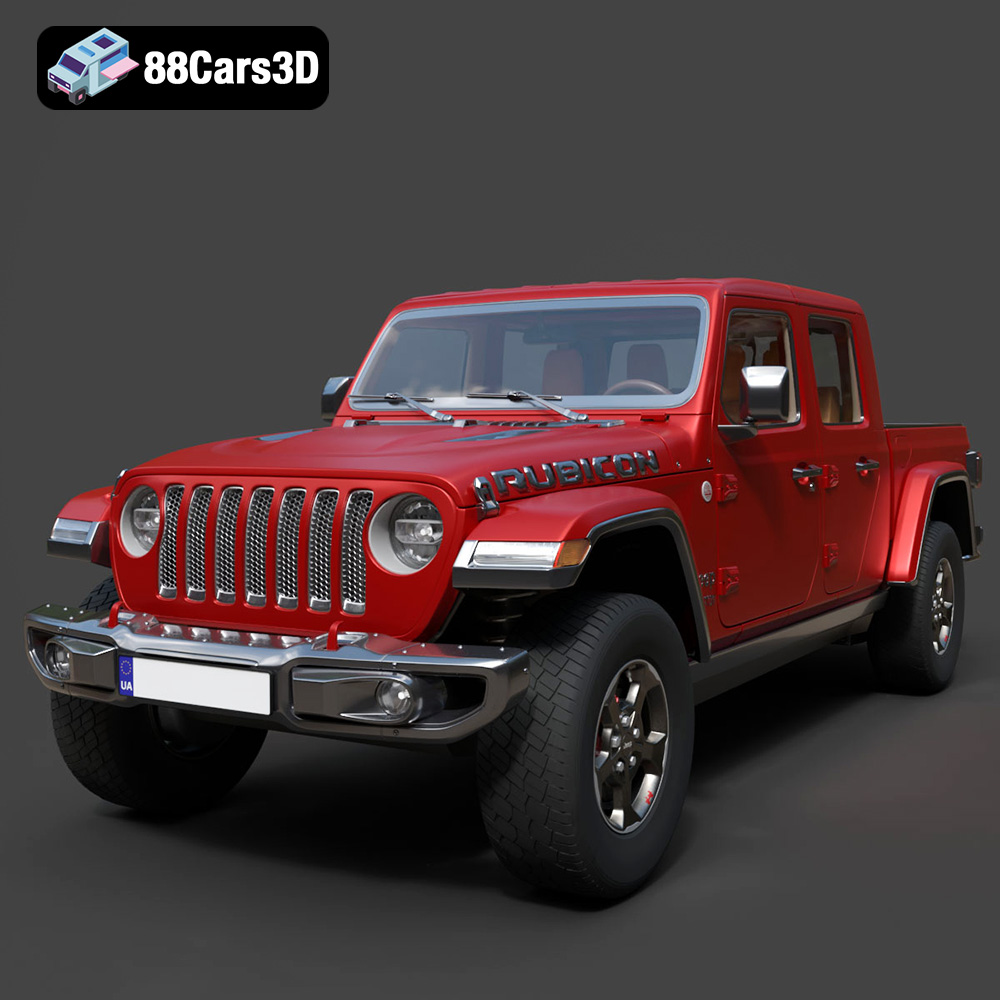
Texture: Yes
Material: Yes
Download the Jeep Gladiator Rubicon 2020 3D Model featuring clean geometry, realistic detailing, and a fully modeled interior. Includes .blend, .fbx, .obj, .glb, .stl, .ply, .unreal, and .max formats for rendering, simulation, and game development.
Price: $19.99

Texture: Yes
Material: Yes
Download the Jaguar C-X75 2014 3D Model featuring clean geometry, realistic detailing, and a fully modeled interior. Includes .blend, .fbx, .obj, .glb, .stl, .ply, .unreal, and .max formats for rendering, simulation, and game development.
Price: $19.99

Texture: Yes
Material: Yes
Download the Jaguar XFR-S 2014 3D Model featuring clean geometry, realistic detailing, and a fully modeled interior. Includes .blend, .fbx, .obj, .glb, .stl, .ply, .unreal, and .max formats for rendering, simulation, and game development.
Price: $19.99

Texture: Yes
Material: Yes
Download the Infiniti QX50 2019 3D Model featuring clean geometry, realistic detailing, and a fully modeled interior. Includes .blend, .fbx, .obj, .glb, .stl, .ply, .unreal, and .max formats for rendering, simulation, and game development.
Price: $19.99
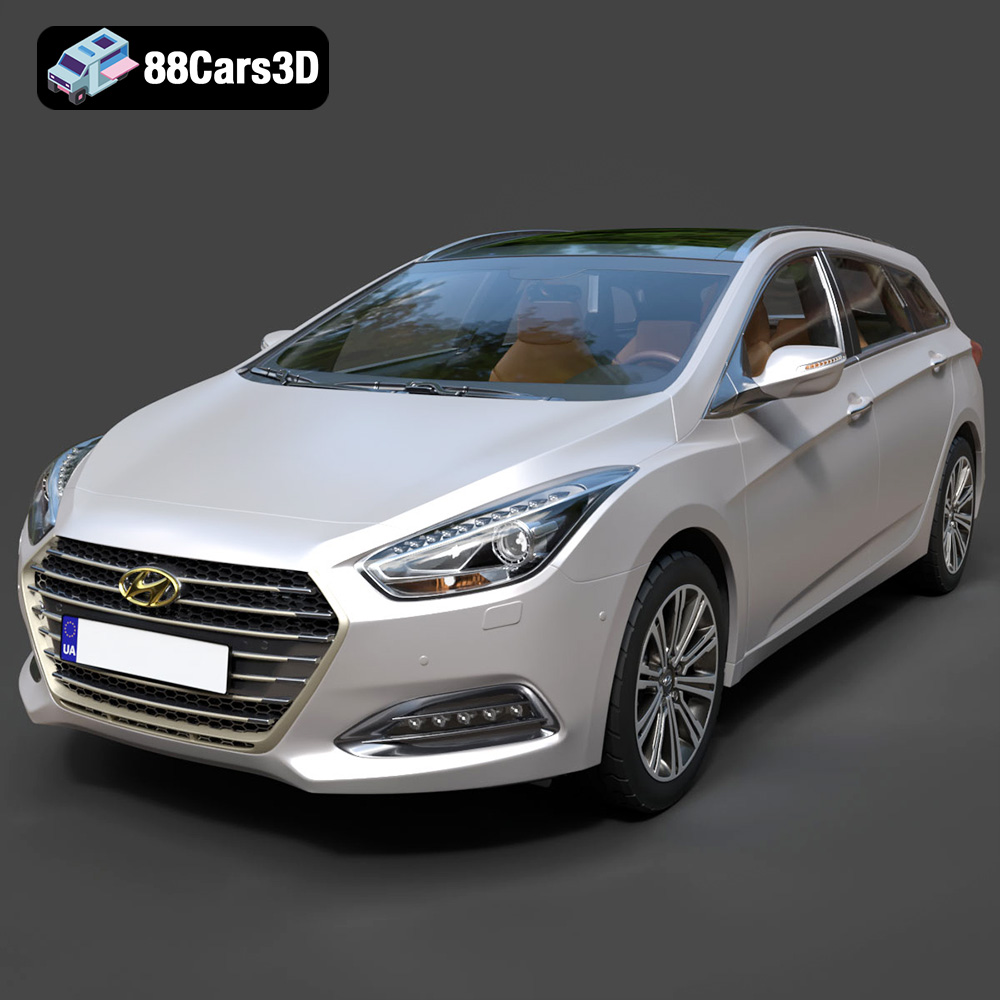
Texture: Yes
Material: Yes
Download the Hyundai i40 Wagon 2015 3D Model featuring clean geometry, realistic detailing, and a fully modeled interior. Includes .blend, .fbx, .obj, .glb, .stl, .ply, .unreal, and .max formats for rendering, simulation, and game development.
Price: $19.99

