Get 50% OFF All Premium 3D & STL Models!

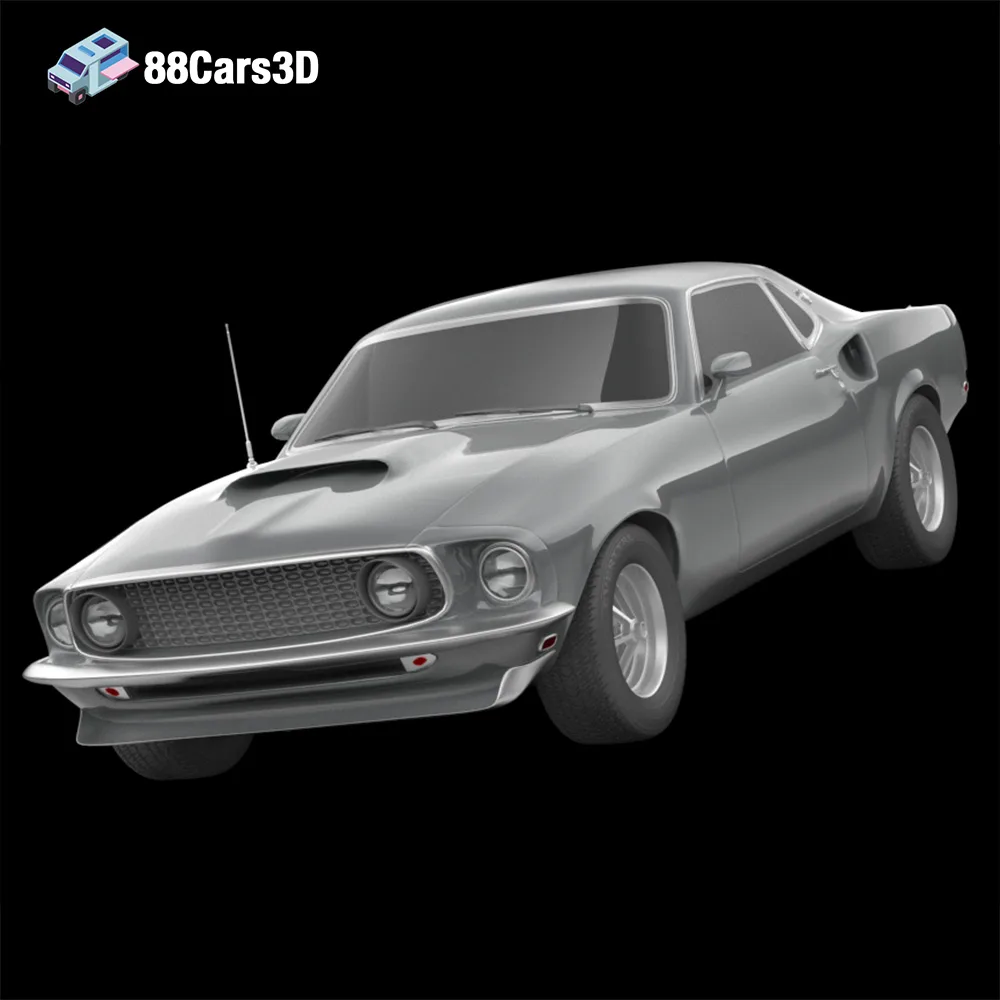
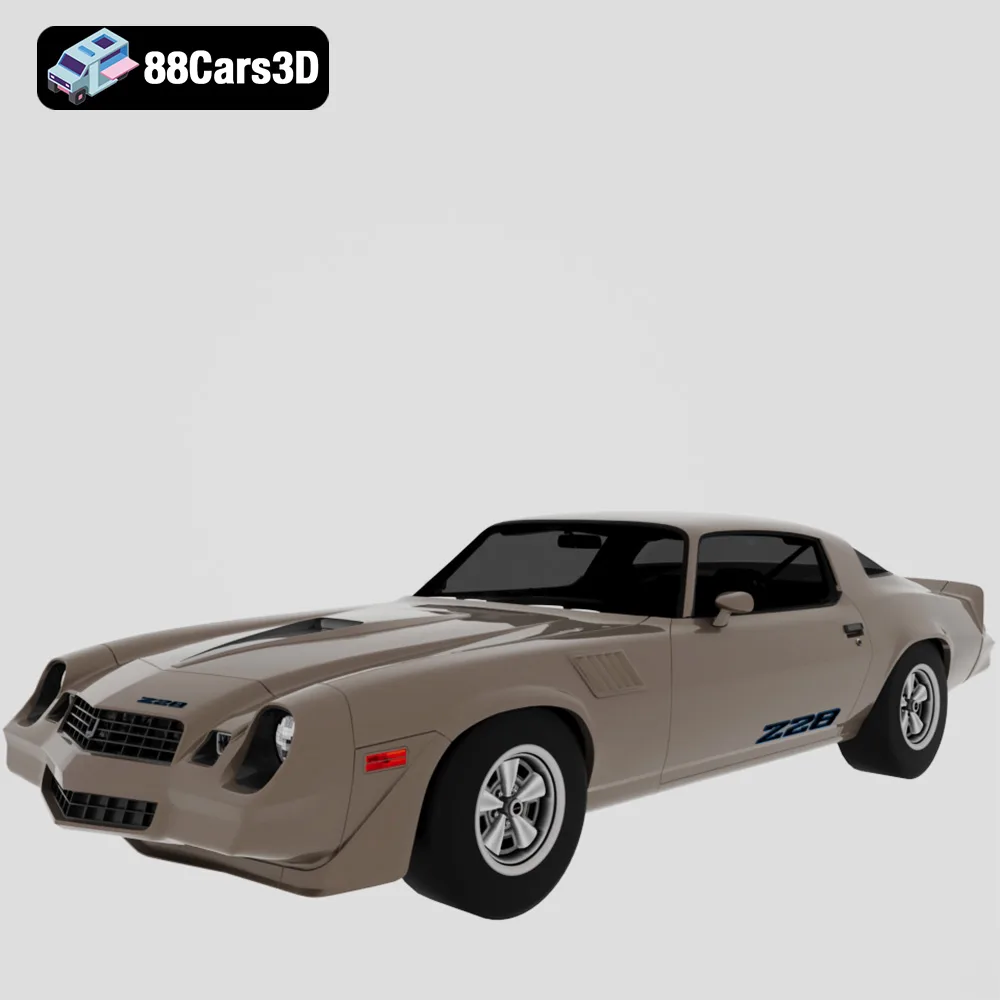
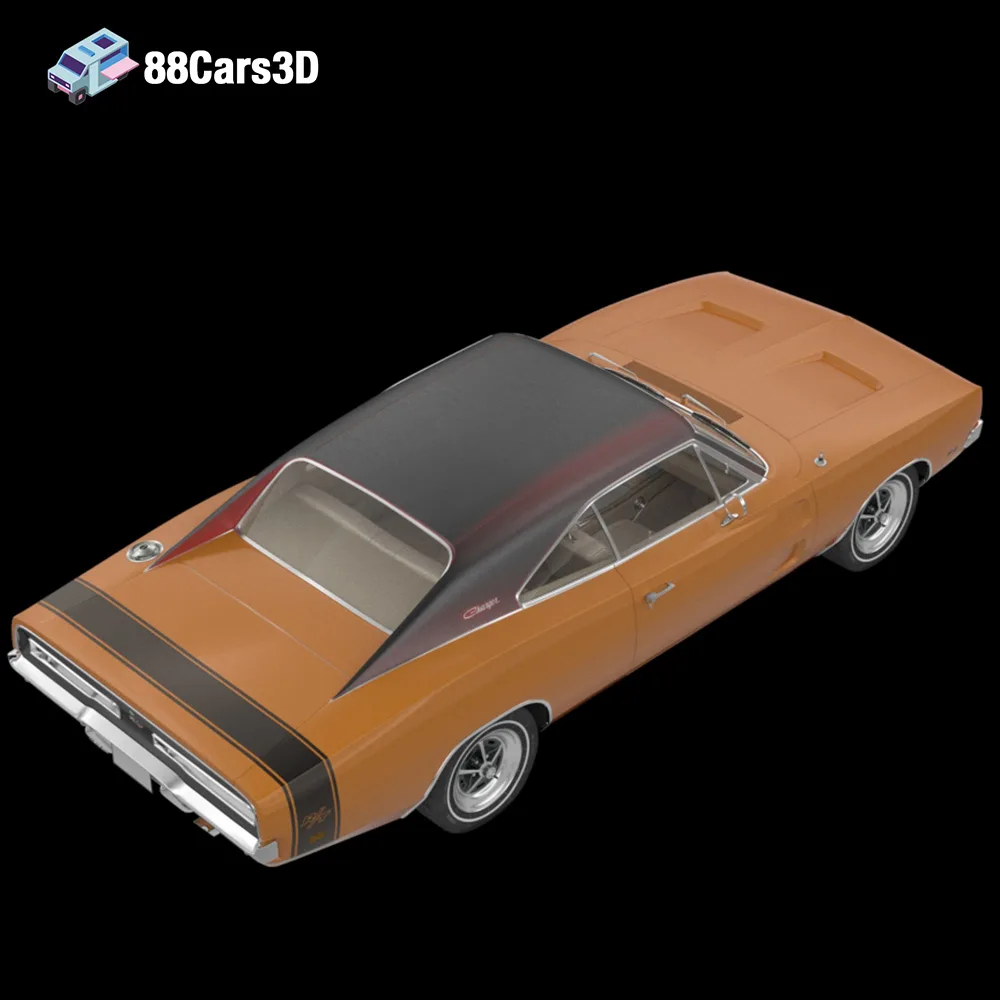
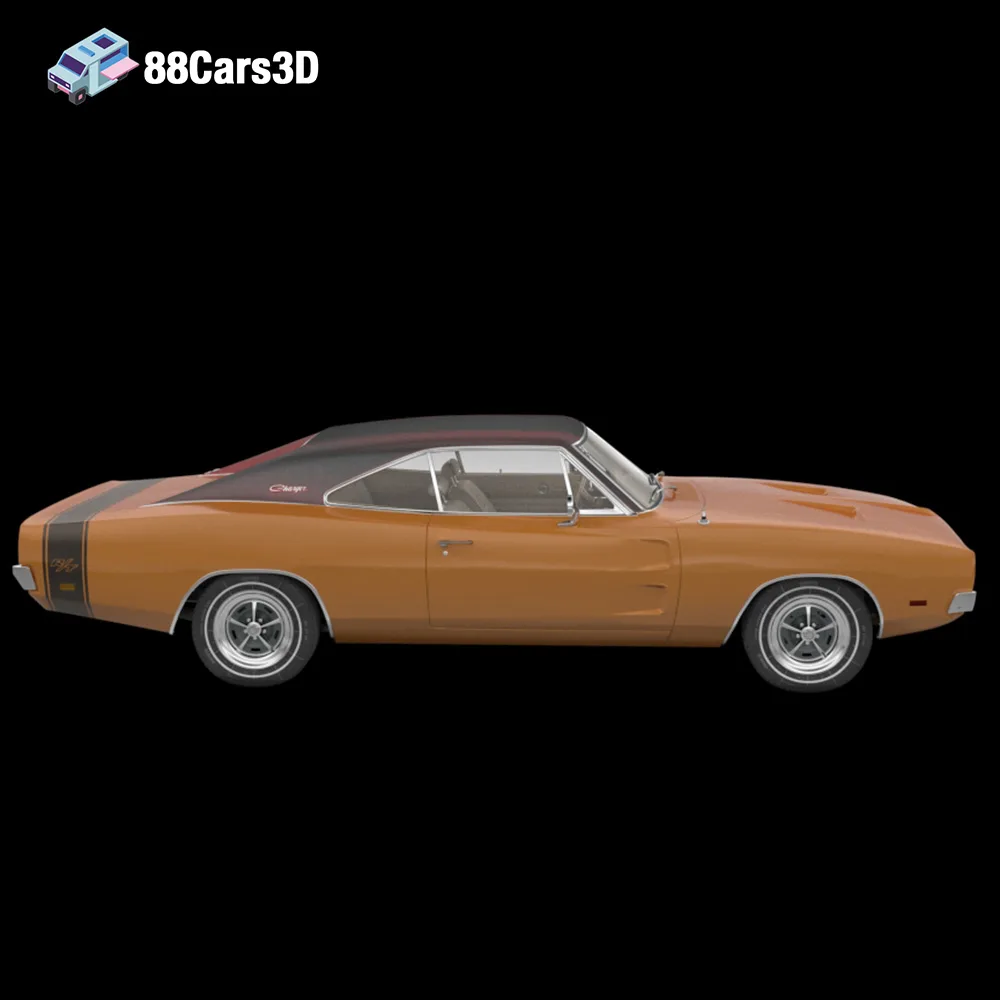
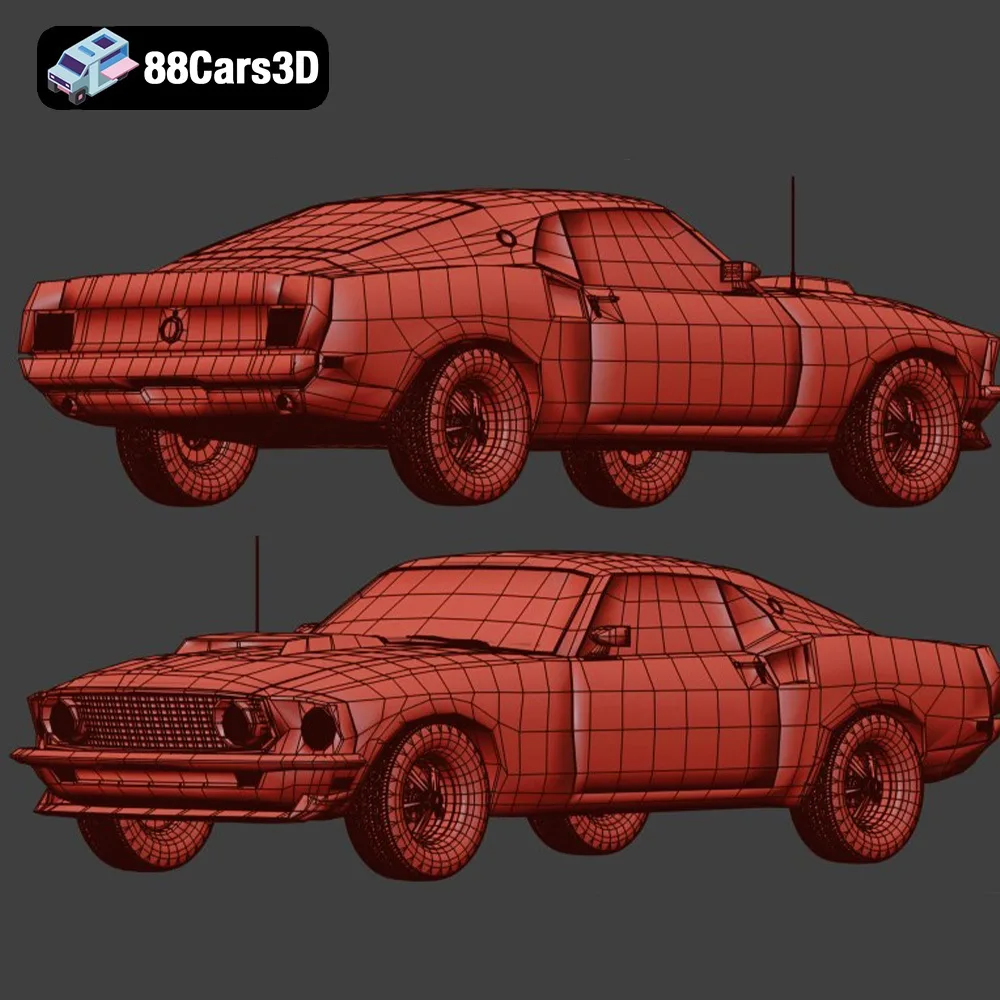
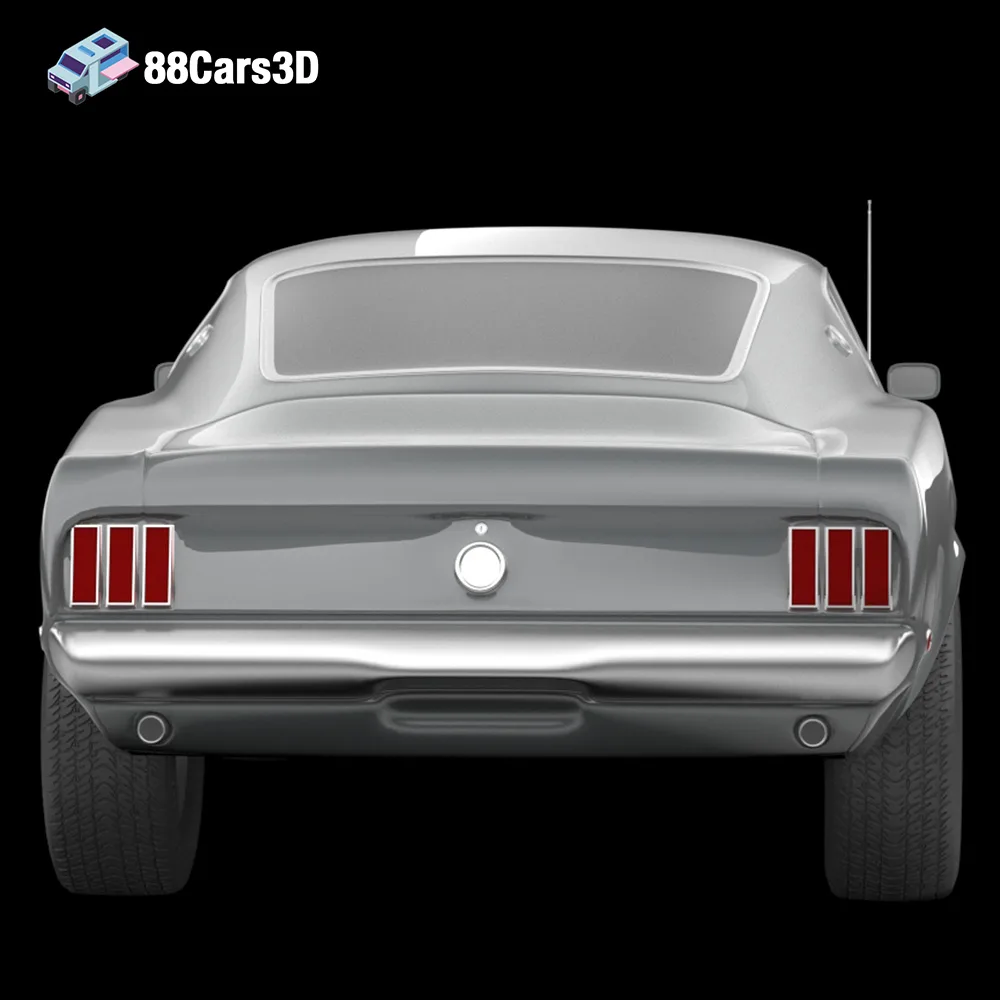
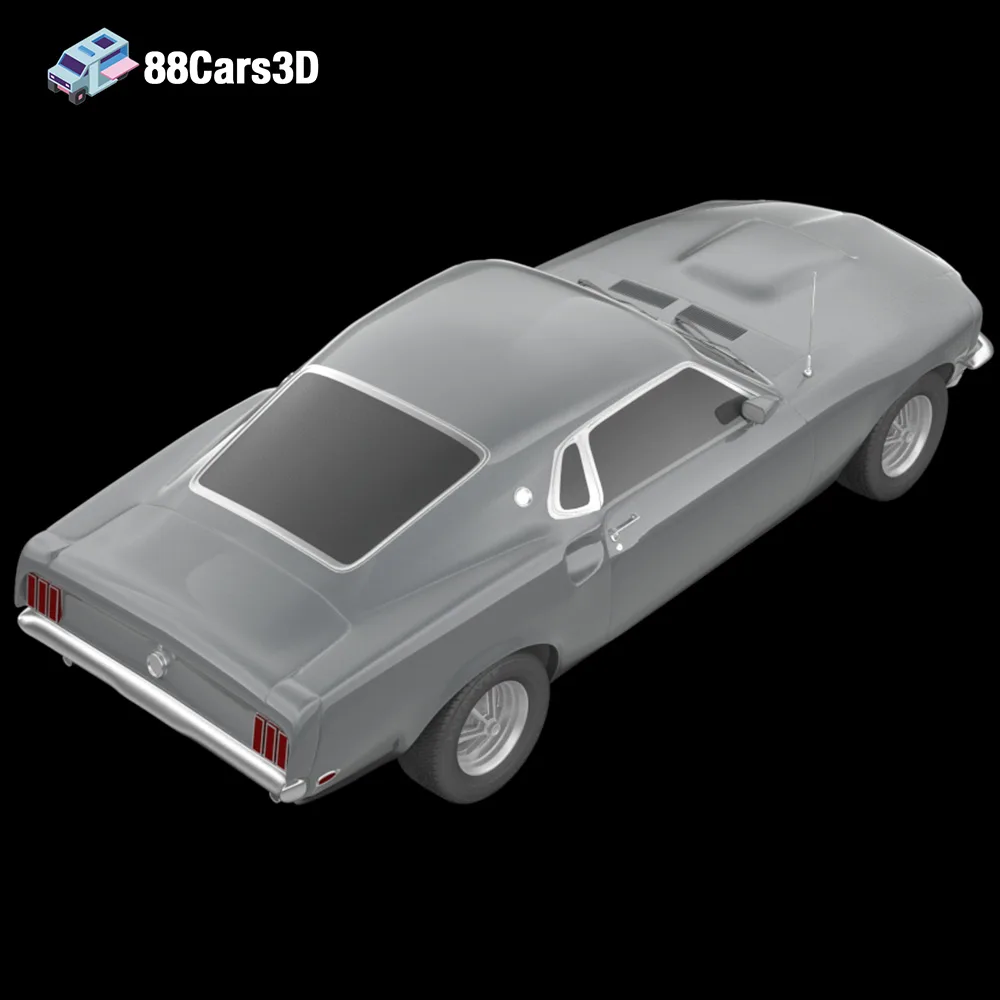
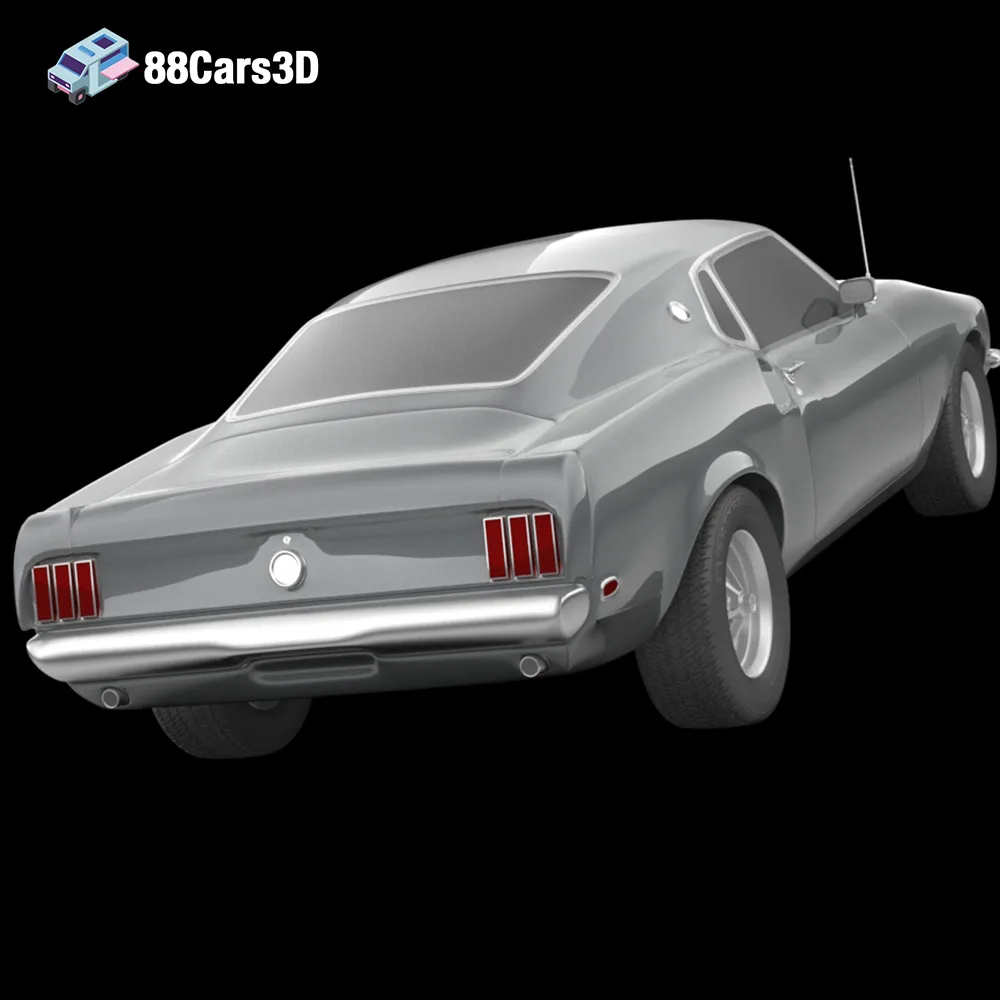
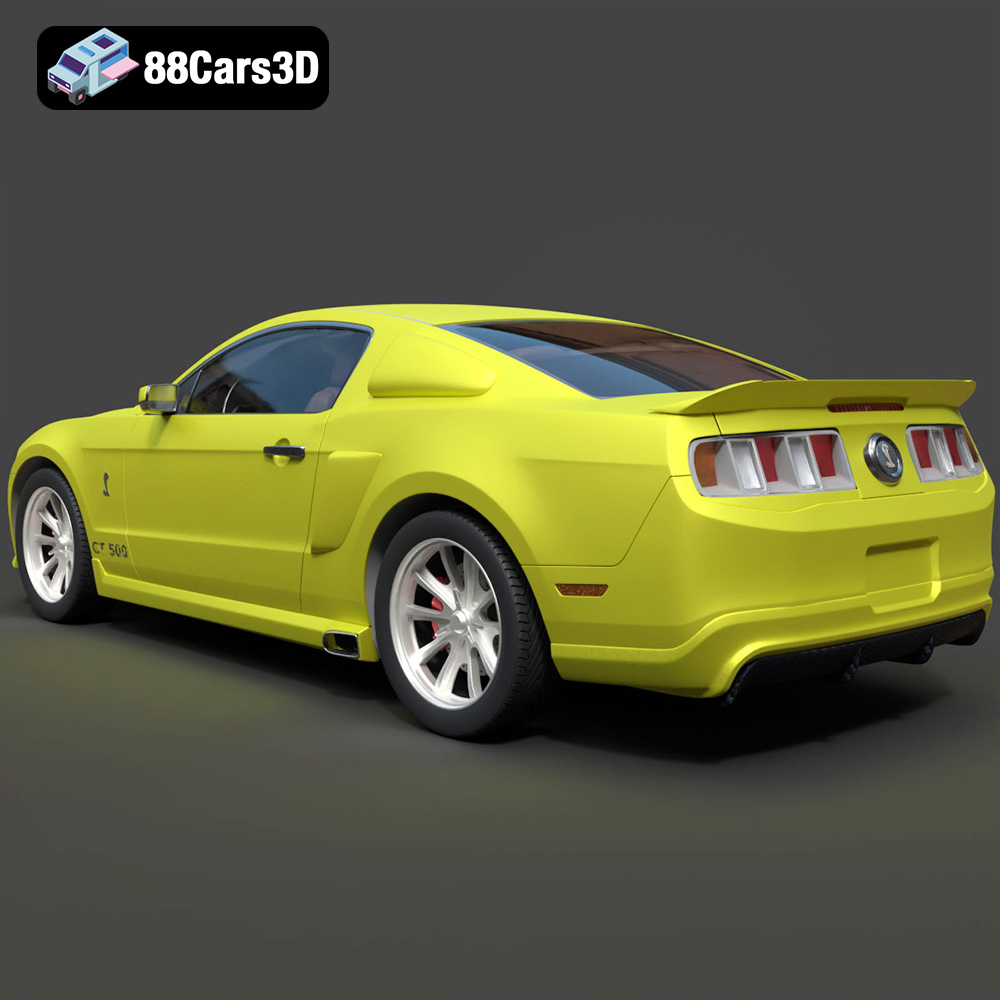
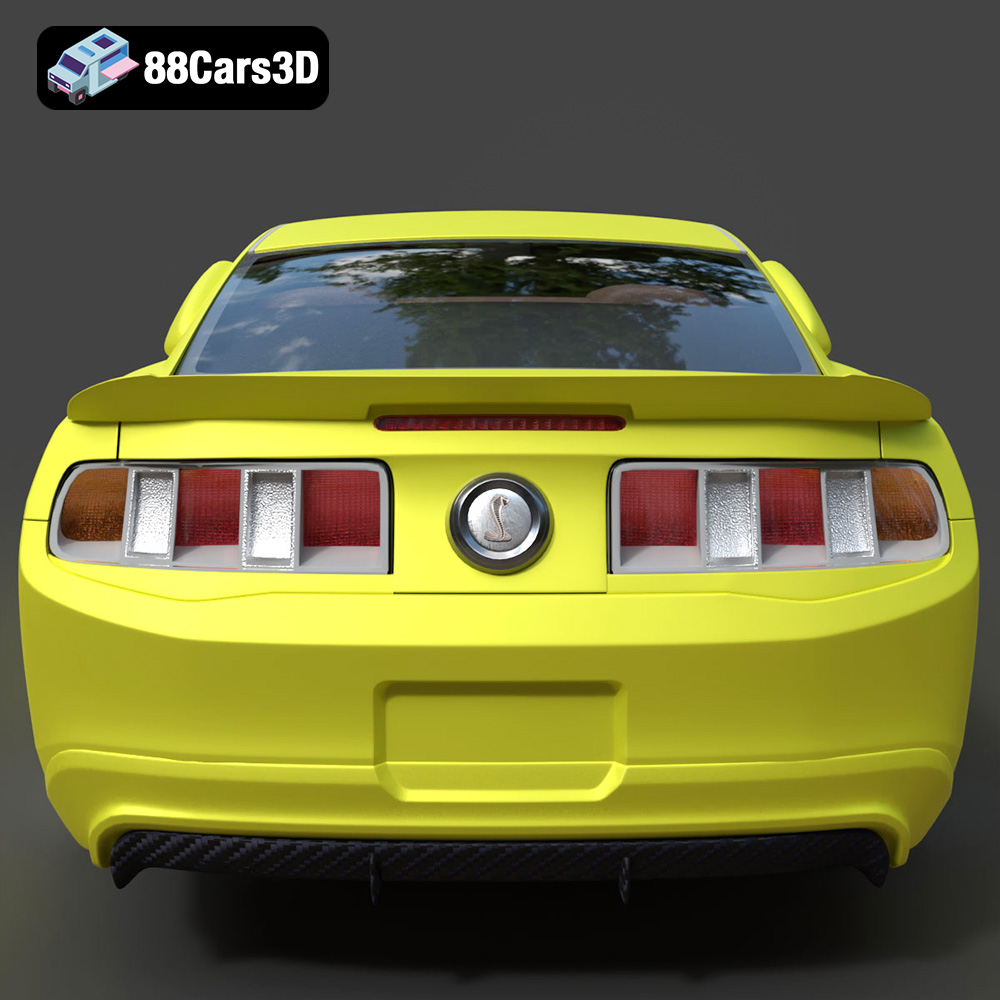
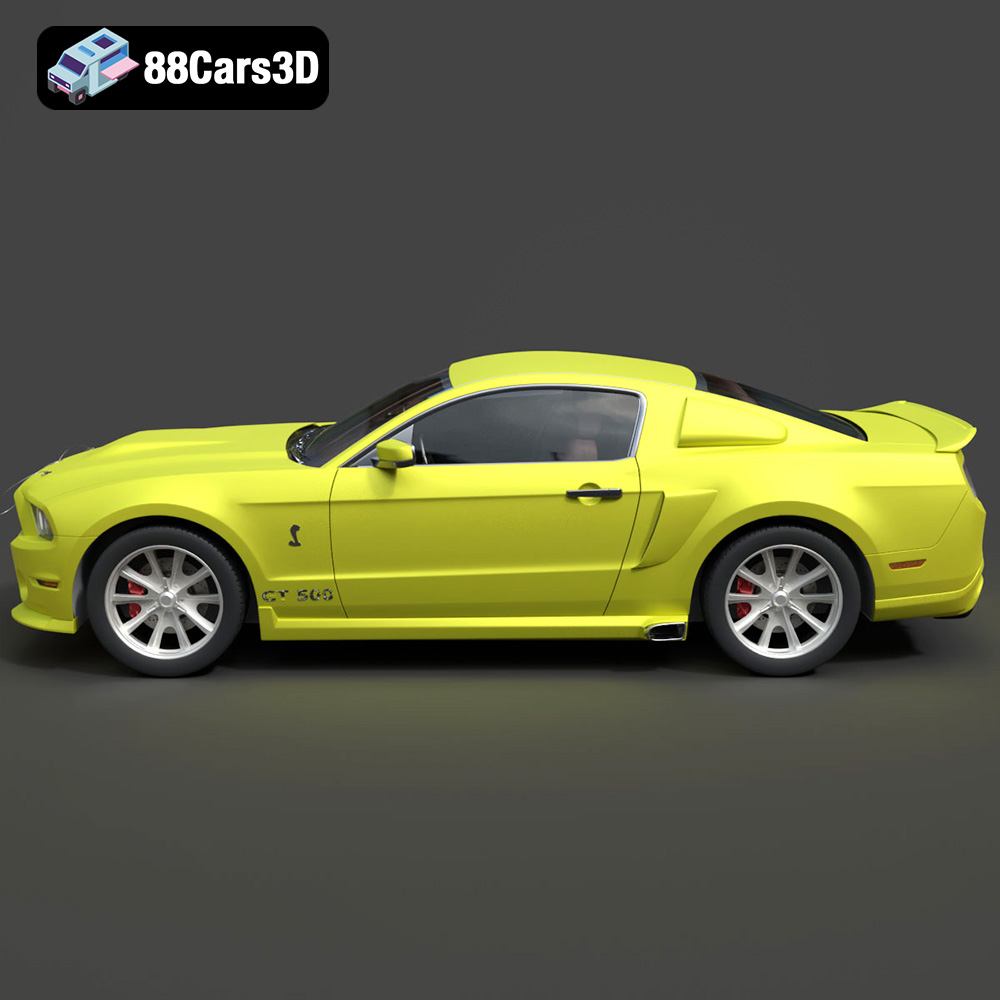
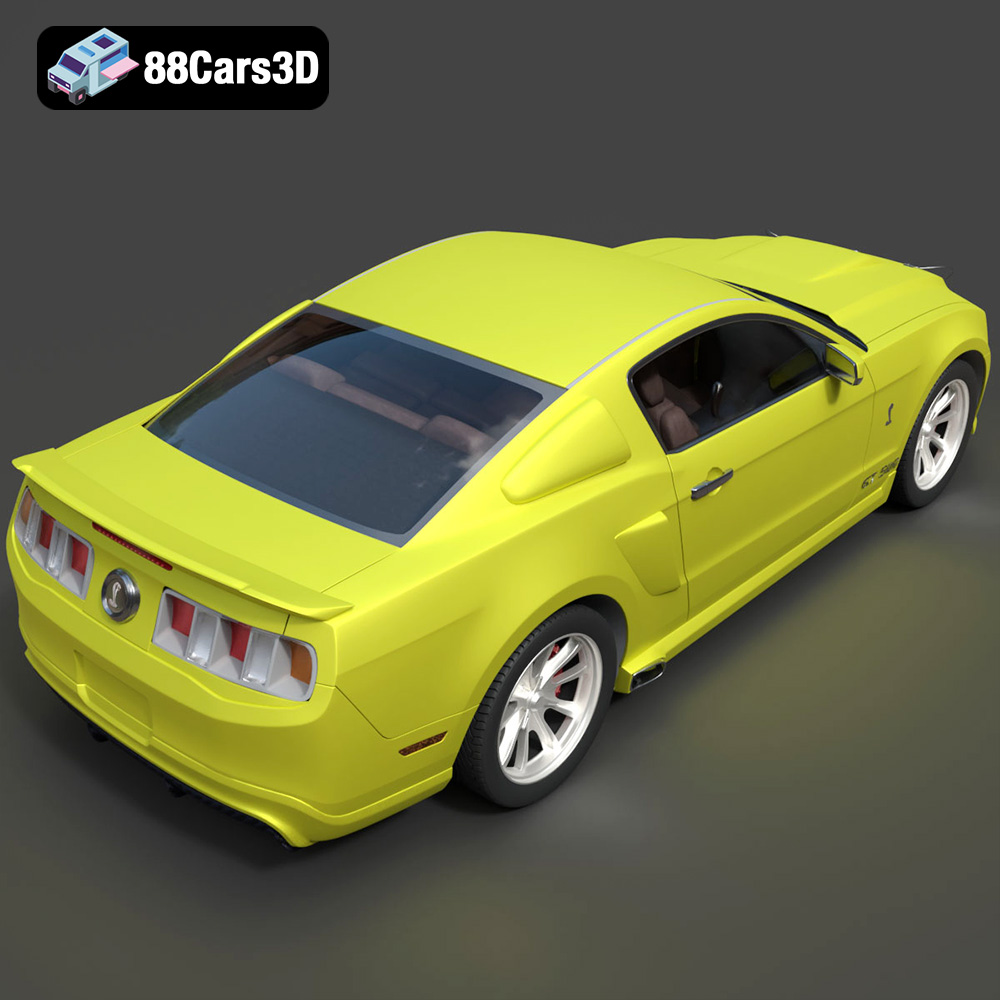
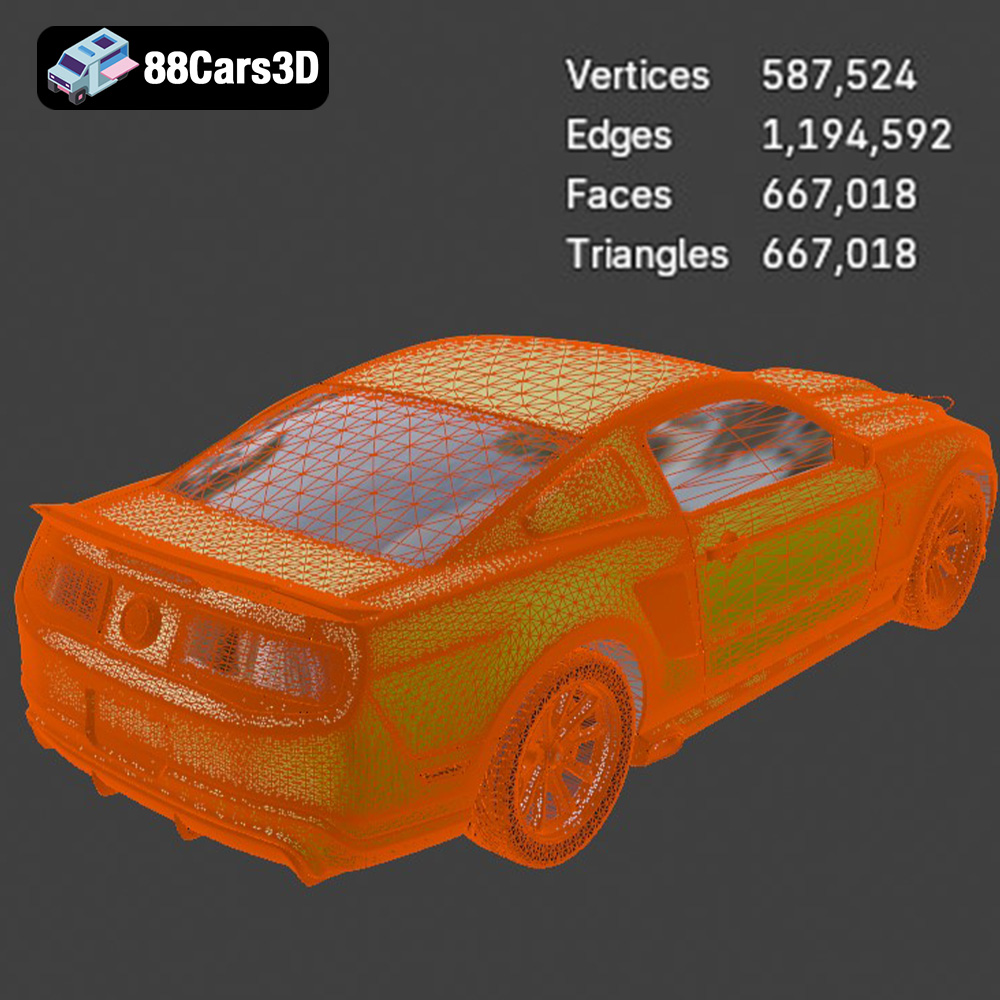
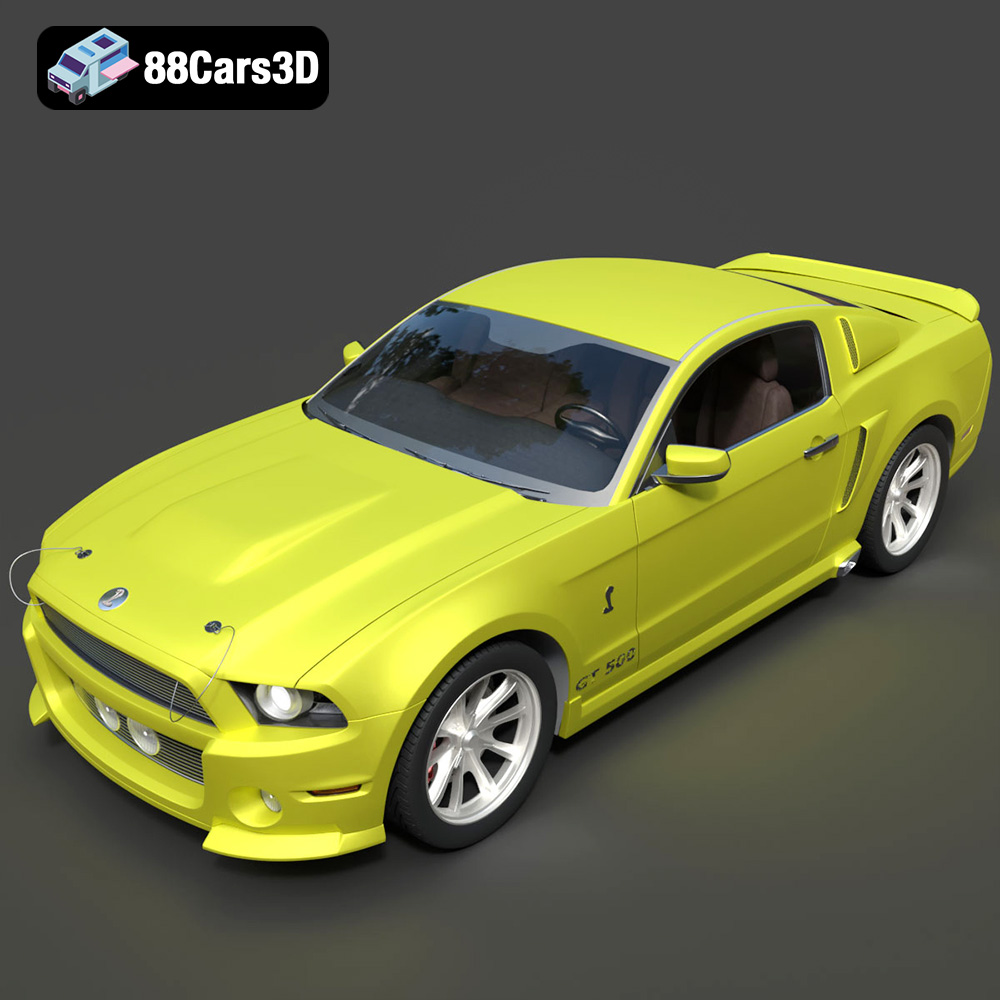
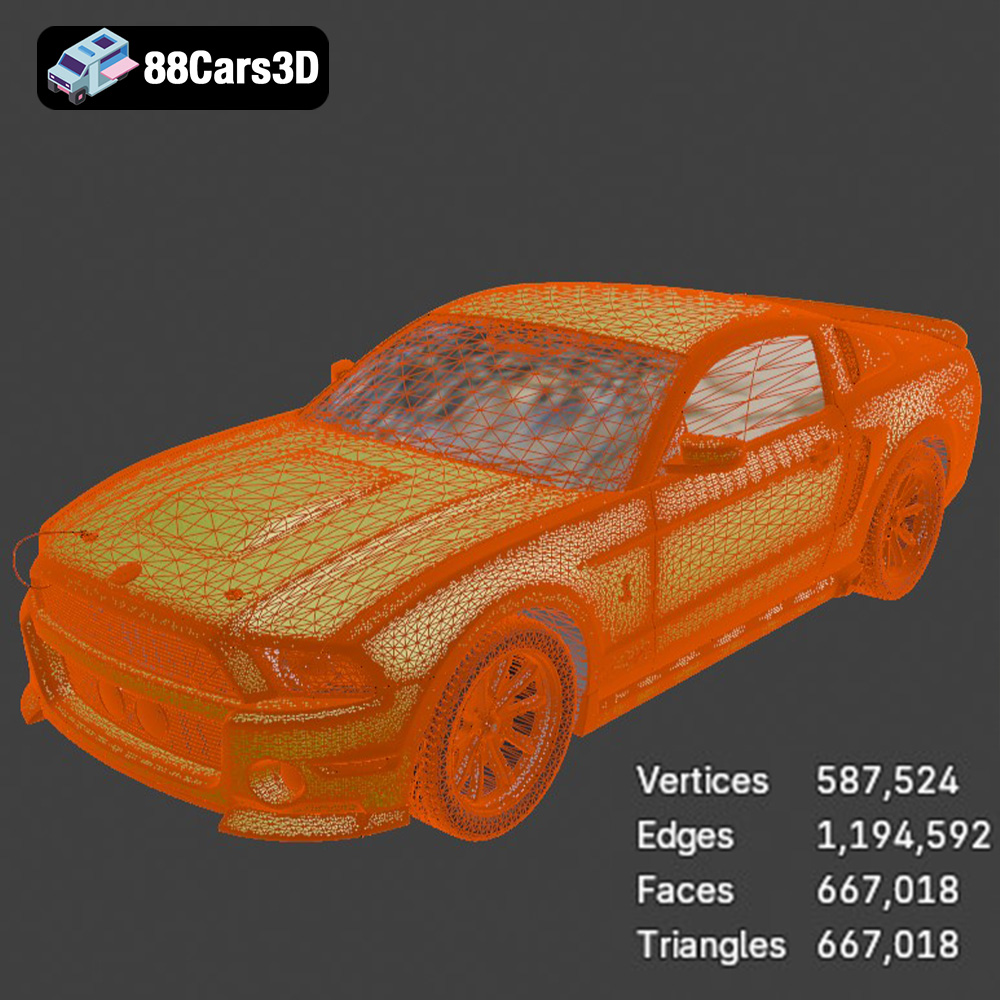
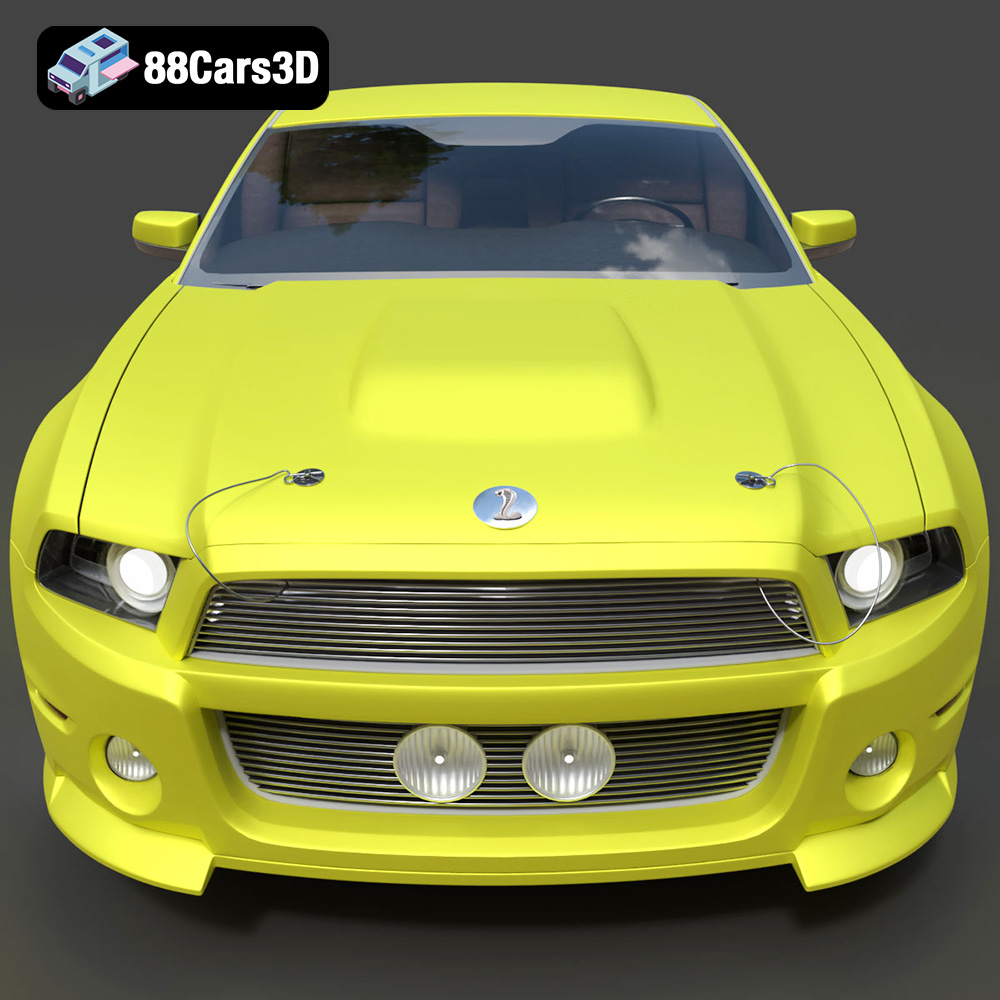
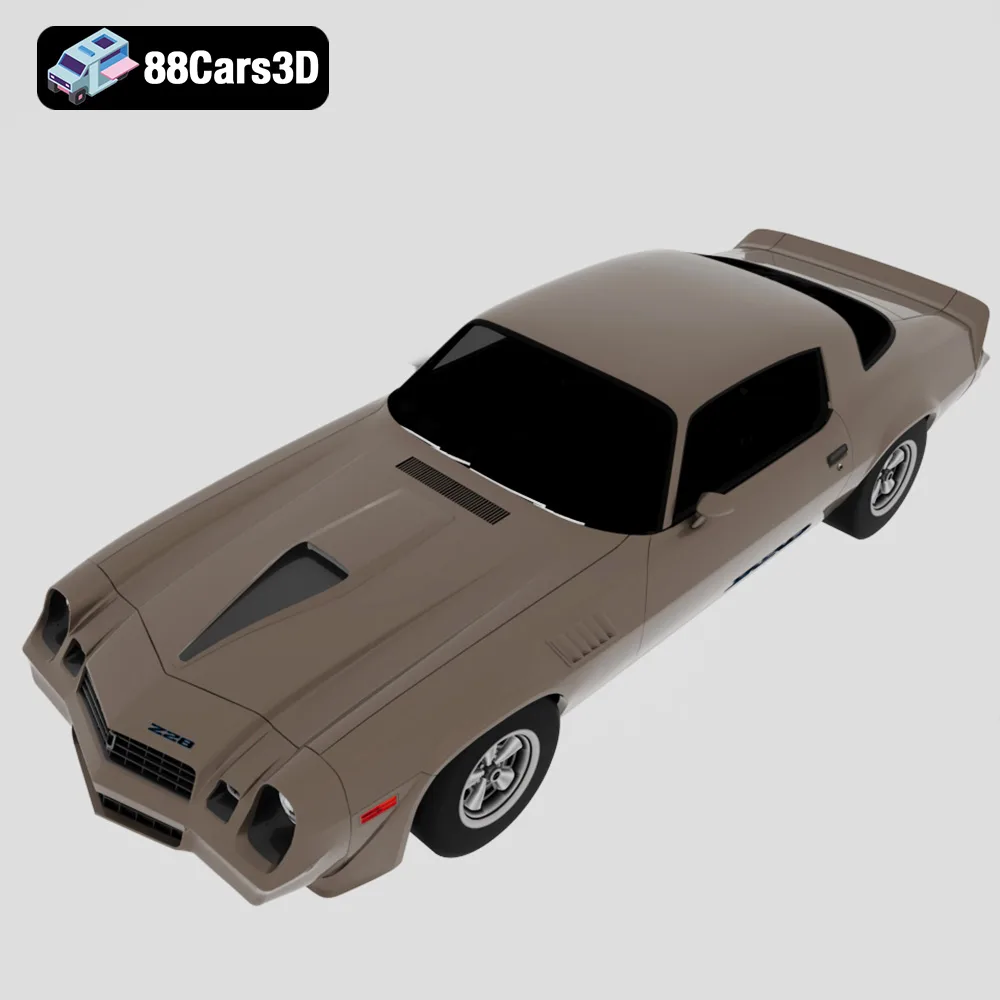
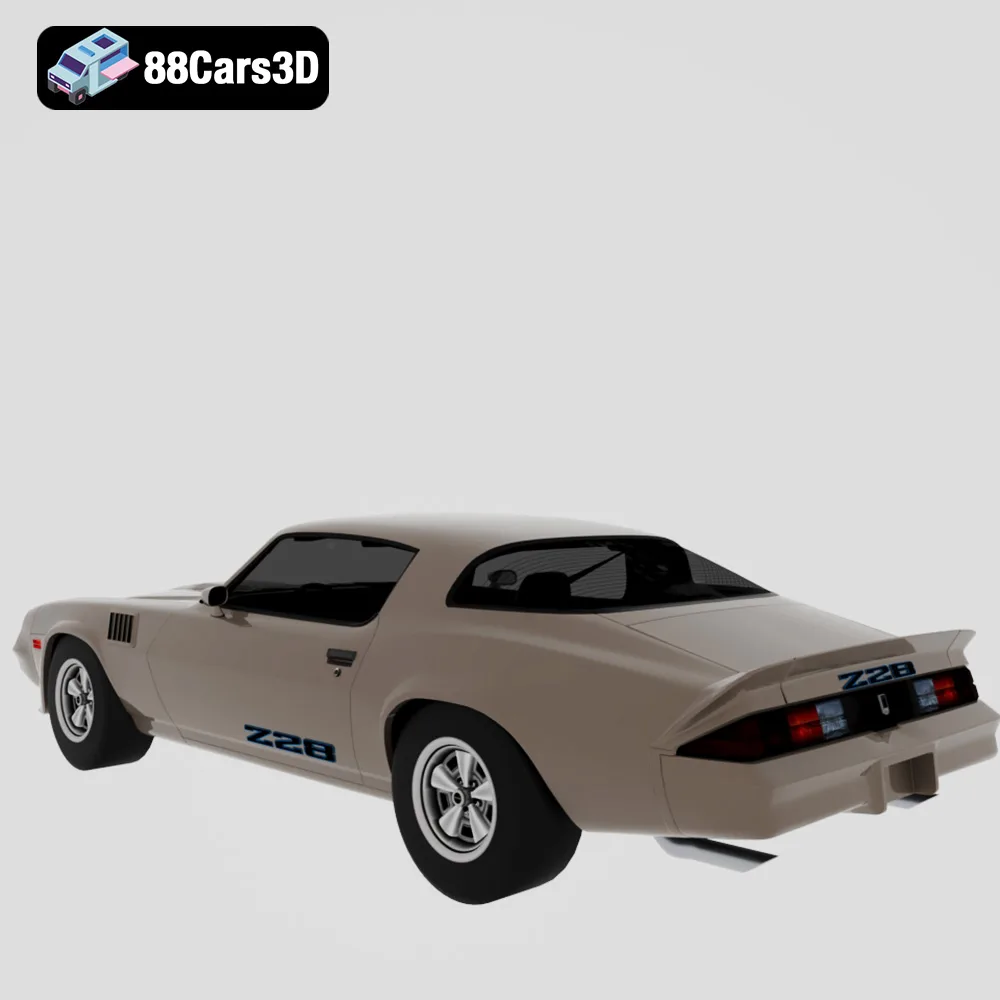
The allure of classic American muscle cars is undeniable. Their powerful engines, iconic designs, and cultural significance have captivated generations. Now, thanks to 3D printing, you can bring these legends to life in miniature form. The “American Muscle & Classics Pack 4 in 1 Ford Dodge Chevrolet 3D Printable STL,” available at 88cars3d.com, offers a fantastic opportunity to own digital models of automotive icons like the Dodge Charger ’68, Ford Mustang Eleanor GT500, Chevrolet Camaro Z28 ’79, and a custom ’69 Mustang Restomod. This article dives into the technical aspects of 3D printing this incredible pack, covering everything from file preparation to post-processing techniques, ensuring you achieve stunning results.
When it comes to 3D printing intricate models like these muscle cars, the choice of technology significantly impacts the final product. While both Fused Deposition Modeling (FDM) and Stereolithography (SLA) or resin printing can be used, each has its own advantages and disadvantages.
FDM 3D printing involves melting and extruding thermoplastic filaments, such as PLA or PETG, layer by layer. It’s a more accessible and cost-effective option. For larger scale models (1:18 or bigger), FDM can produce decent results. However, the layer lines inherent in FDM printing can be visible, especially on curved surfaces.
* Material Choice: PLA is a good starting point due to its ease of use and biodegradability. PETG offers increased strength and temperature resistance.
* Printer Settings: A smaller nozzle (0.4mm or even 0.25mm) and lower layer height (0.1mm-0.15mm) are crucial to minimize layer lines.
* Post-Processing: Extensive sanding and filling may be required to achieve a smooth finish suitable for painting.
Resin printing, using technologies like SLA or DLP, utilizes liquid resin cured by UV light. This method produces significantly higher resolution prints with much finer details and smoother surfaces. As the product description suggests, resin printing is highly recommended for capturing the intricate grilles and classic rims, especially at smaller scales like 1:24 or 1:32.
* Resin Choice: Standard resin is suitable for general use, while tough resin offers increased durability. ABS-like resin combines strength and detail.
* Printer Settings: Layer heights between 0.03mm and 0.05mm are ideal for capturing fine details.
* Post-Processing: Requires washing the printed parts in isopropyl alcohol (IPA) and curing them under UV light. Support removal is also necessary.
The “American Muscle & Classics Pack” from 88cars3d.com includes various file formats to cater to different needs, but understanding which formats are best suited for 3D printing is crucial. Here’s a breakdown:
The STL (Stereolithography) format is the workhorse of 3D printing. It represents the surface geometry of a 3D object as a collection of triangles. This simplicity makes it universally compatible with almost all 3D printing software and printers. However, STL files only contain information about the shape of the object; they do not include color, texture, or material properties. For 3D printing, STL is generally the preferred format due to its widespread support and streamlined nature. Slicing software readily accepts STL files, allowing you to prepare the model for printing by setting parameters like layer height, infill density, and support structures. The mesh quality of the STL file is paramount. A high-resolution mesh, with a greater number of smaller triangles, will result in a smoother, more detailed print. However, excessively high resolution can lead to larger file sizes and increased processing time. Finding the right balance between detail and file size is key. For these intricate car models, ensure the STL files are generated with sufficient resolution to capture the curves and fine details without overwhelming your printer.
OBJ files, in contrast to STL, can store color and texture information along with the geometry. This makes them suitable for full-color 3D printing, although this capability depends on having a printer that supports multi-material printing.
PLY (Polygon File Format) is another format that supports color and texture data. It’s often used for storing data from 3D scanners, offering a high level of precision.
BLEND files are native to Blender, a popular open-source 3D modeling software. This format allows you to directly edit the 3D models before exporting them to a printable format like STL. If you want to customize the muscle cars, add your own design elements, or modify the existing geometry, using Blender and the BLEND file is a great option.
FBX (Filmbox) is a proprietary file format developed by Autodesk. It’s widely used in game development and animation and supports complex scene data, including materials, textures, and animations. While some slicing software can import FBX files, it’s not the ideal format for direct 3D printing. You would typically need to convert the FBX file to STL after making any necessary adjustments in a 3D modeling program.
GLB (GL Transmission Format Binary) is a binary file format that represents 3D models in a compact and efficient way. It’s commonly used for displaying 3D models in web browsers and augmented reality (AR) applications. While not directly used for 3D printing, GLB files allow you to preview the model in a real-world setting before committing to a print.
.MAX files are associated with 3ds Max, another professional 3D modeling, rendering, and animation software package. Similar to .blend files, .max files allow for complete editing of the 3D model within 3ds Max.
For the “American Muscle & Classics Pack,” the provided STL files are your primary resource for 3D printing. If you wish to modify the models, you can leverage the BLEND or MAX files, but you’ll ultimately need to export the final result as an STL file for slicing and printing. The OBJ format might be relevant if you intend to explore multi-material or full-color 3D printing capabilities. Always ensure that the STL files are clean, free of errors, and optimized for the specific printing technology you’re using.
Once you’ve chosen your 3D printing technology and understand the file formats, the next step is preparing the 3D models for printing. This involves using slicing software to convert the 3D model into a set of instructions that the printer can understand.
Popular slicing software options include Cura, Simplify3D, PrusaSlicer, and Chitubox (specifically for resin printers). Each offers a range of features and settings that allow you to fine-tune the printing process.
* Cura: A free and open-source option with a user-friendly interface and a wide range of customizable settings.
* Simplify3D: A commercial software known for its advanced features, such as customizable support structures and optimized toolpaths.
* PrusaSlicer: Another excellent free option, based on Slic3r, with a strong focus on print quality and accuracy.
* Chitubox: Specifically designed for resin printers, offering advanced support generation and slicing capabilities.
The orientation of the model on the print bed significantly impacts print quality and support requirements. For the “American Muscle & Classics Pack,” the product description recommends printing the bodies angled backwards to ensure flawless hoods. This minimizes the need for supports on the front of the car and improves the surface finish.
* FDM Printing: Consider orienting the model to minimize overhangs and the need for support structures. Supports can leave marks on the surface of the print, requiring additional post-processing.
* Resin Printing: Angling the model at 45 degrees is generally recommended to reduce the cross-sectional area and minimize stress on the build plate. Utilize the slicing software’s support generation features to create sturdy and easily removable supports.
Scaling the model to your desired size is a crucial step. The product description suggests scales of 1:18 and 1:24 for diecast builders.
* Scaling: Ensure that all parts are scaled uniformly to maintain accurate proportions.
* Hollowing (Resin Printing): For resin printing, hollowing the model is essential to reduce resin consumption and printing time. Remember to add drain holes to allow resin to escape.
The specific parameters you choose in your slicing software will greatly influence the final quality of your 3D printed muscle cars.
Layer height determines the thickness of each layer of plastic or resin. Lower layer heights result in smoother surfaces and finer details, but also increase printing time.
* FDM Printing: A layer height of 0.1mm-0.15mm is a good balance between print quality and speed.
* Resin Printing: A layer height of 0.03mm-0.05mm is recommended for capturing intricate details.
Infill density determines the amount of material inside the model. Higher infill densities increase strength but also increase printing time and material consumption.
* Infill Density: 15%-25% infill is generally sufficient for models that are primarily for display.
* Infill Pattern: Gyroid or cubic infill patterns provide a good balance of strength and print speed.
Proper support settings are crucial for successful printing, especially for models with overhangs or intricate details.
* FDM Printing: Experiment with different support patterns and densities to find the optimal balance between support strength and ease of removal.
* Resin Printing: Use the slicing software’s automatic support generation feature, and manually add or adjust supports as needed.
Once the printing process is complete, post-processing is necessary to refine the appearance and functionality of the 3D printed muscle cars.
Carefully remove the support structures from the printed parts.
* FDM Printing: Use pliers or a sharp knife to remove supports. Be careful not to damage the model’s surface.
* Resin Printing: Soak the printed parts in warm water to soften the supports before removing them.
After support removal, clean the parts to remove any residual material.
* FDM Printing: Use a brush to remove any loose plastic strands.
* Resin Printing: Wash the printed parts in isopropyl alcohol (IPA) to remove uncured resin.
Sanding is essential for smoothing out layer lines and imperfections.
* Sanding: Start with coarse grit sandpaper (e.g., 220 grit) and gradually move to finer grits (e.g., 400, 600, 800 grit).
* Filling: Use putty or filler to fill in any gaps or imperfections.
* Priming: Apply a primer coat to create a smooth surface for painting.
Painting brings the 3D printed muscle cars to life.
* Painting: Use acrylic paints or model paints for best results. Apply multiple thin coats for a smooth and even finish.
* Detailing: Add fine details using paint brushes, decals, or other detailing tools.
Even with careful planning, issues can arise during the 3D printing process. Here are some common problems and their solutions:
Warping occurs when the corners of the print lift off the print bed.
* Solution: Use a heated bed, apply an adhesive to the print bed, or enclose the printer.
Layer separation occurs when the layers of the print do not adhere properly.
* Solution: Increase the printing temperature, reduce the printing speed, or increase the layer height.
If the resin is not curing properly, the print may be soft or incomplete.
* Solution: Increase the exposure time, replace the resin, or check the UV light source.
If the supports fail during printing, the model may collapse.
* Solution: Increase the support density, increase the support thickness, or adjust the support angle.
By carefully considering these factors and experimenting with different settings, you can successfully 3D print the stunning American muscle car models from 88cars3d.com.
The American Muscle & Cinematic Classics 3D Models Bundle is a high-octane, premium collection built for automotive rendering artists, game developers, and cinematic VFX studios. This 4-in-1 bundle gives you an irresistible opportunity to own four of the most iconic, highly detailed American muscle cars in digital history at a massive discount.
$149.99
american-muscle-bundle
camaro-z28
car-pack
classic-car-3d
dodge-charger-1968
ford-mustang-69
game-ready-cars
muscle-car-3d-model
mustang-eleanor
retro-cars
vfx-vehicles