Get 50% OFF All Premium 3D & STL Models!

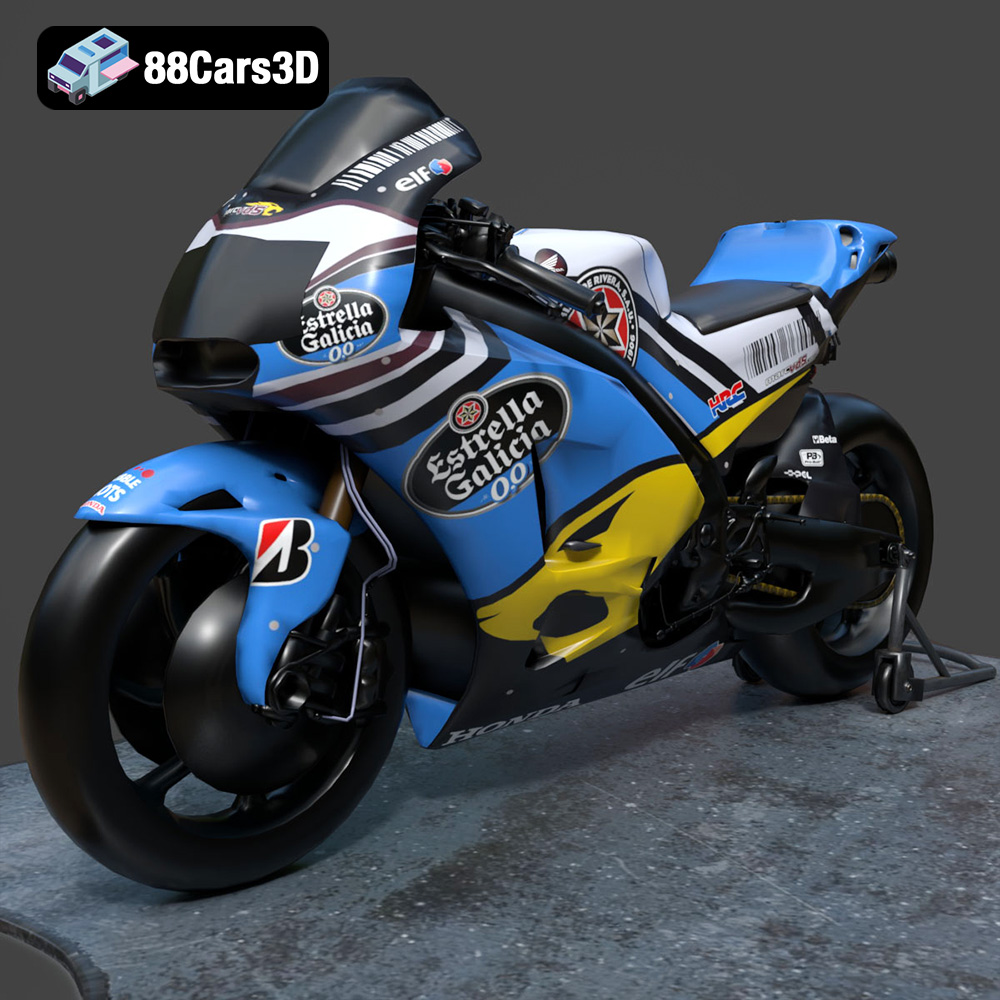
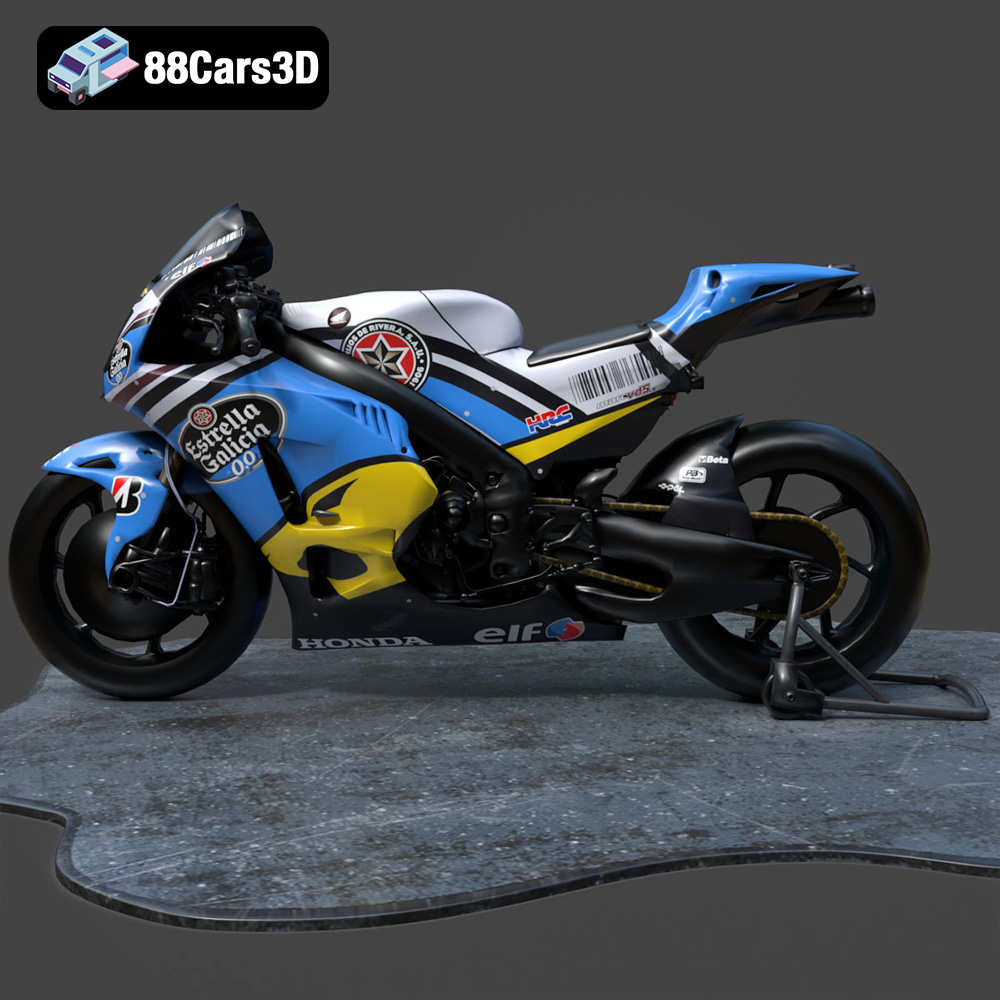
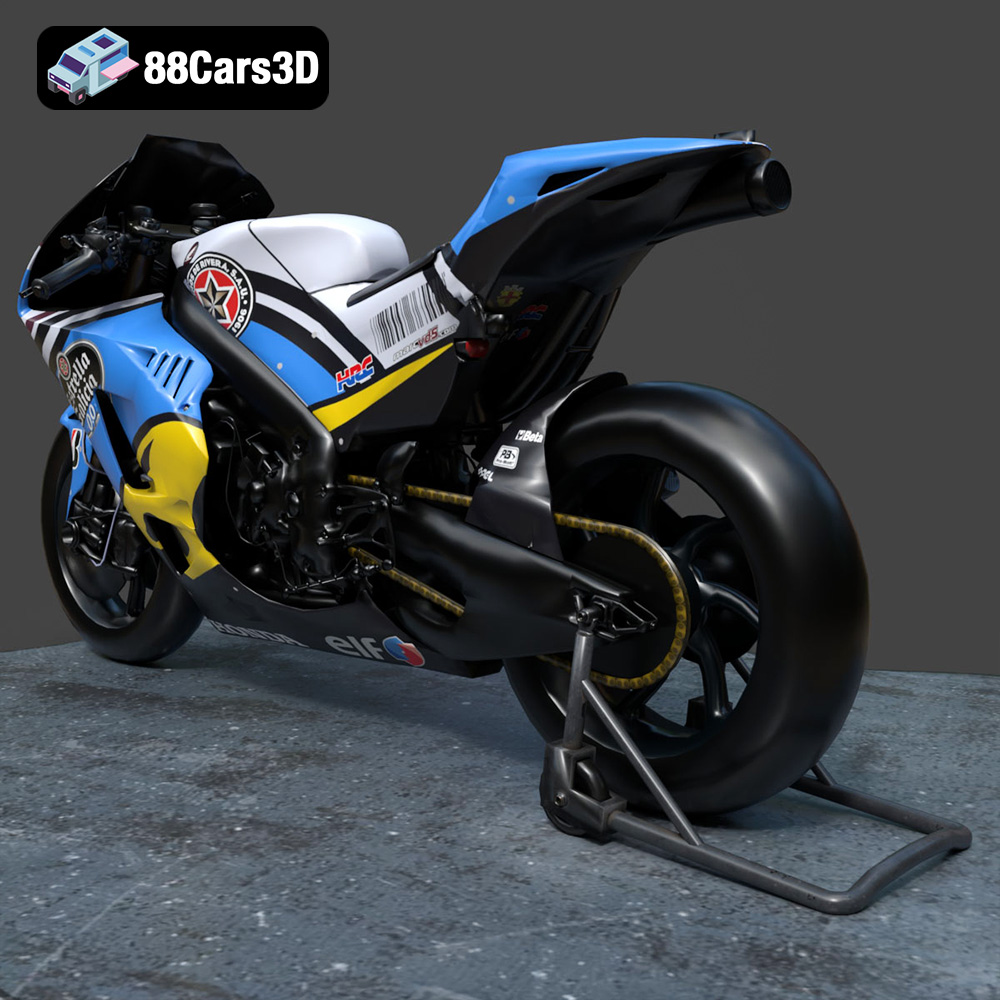
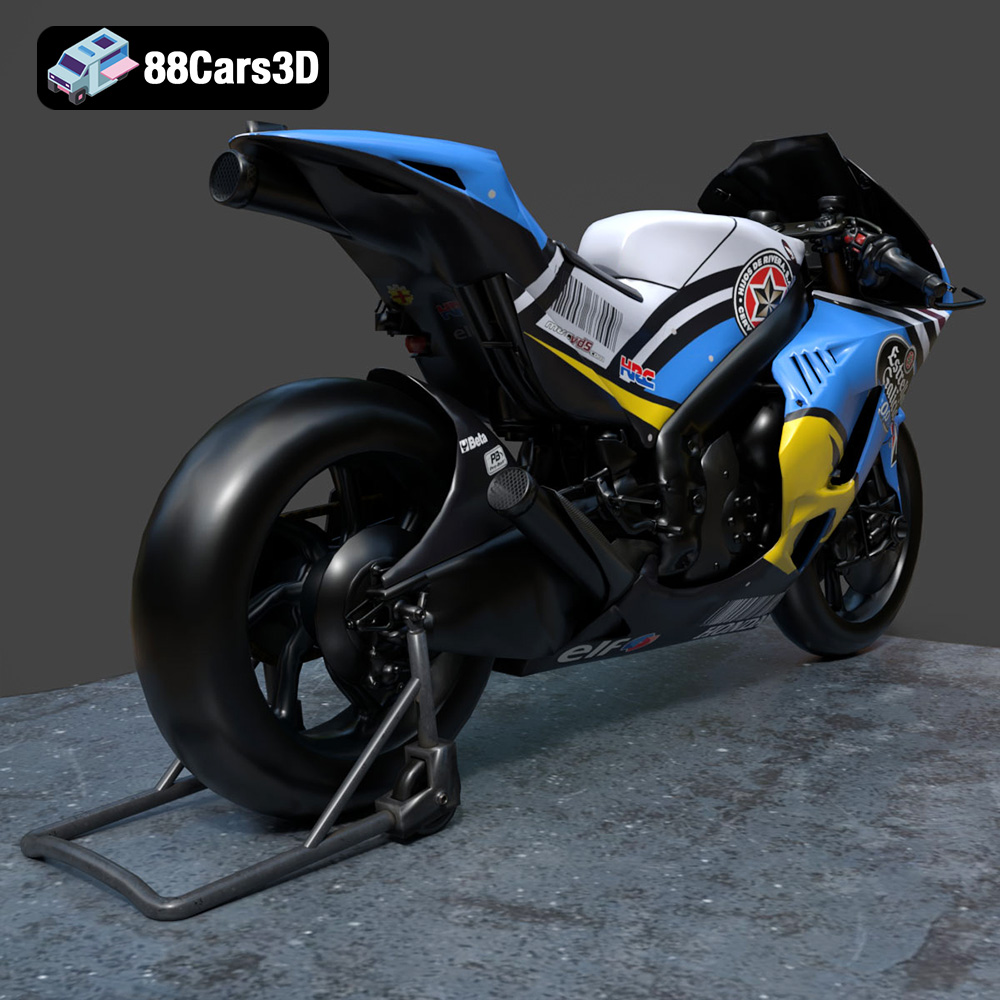
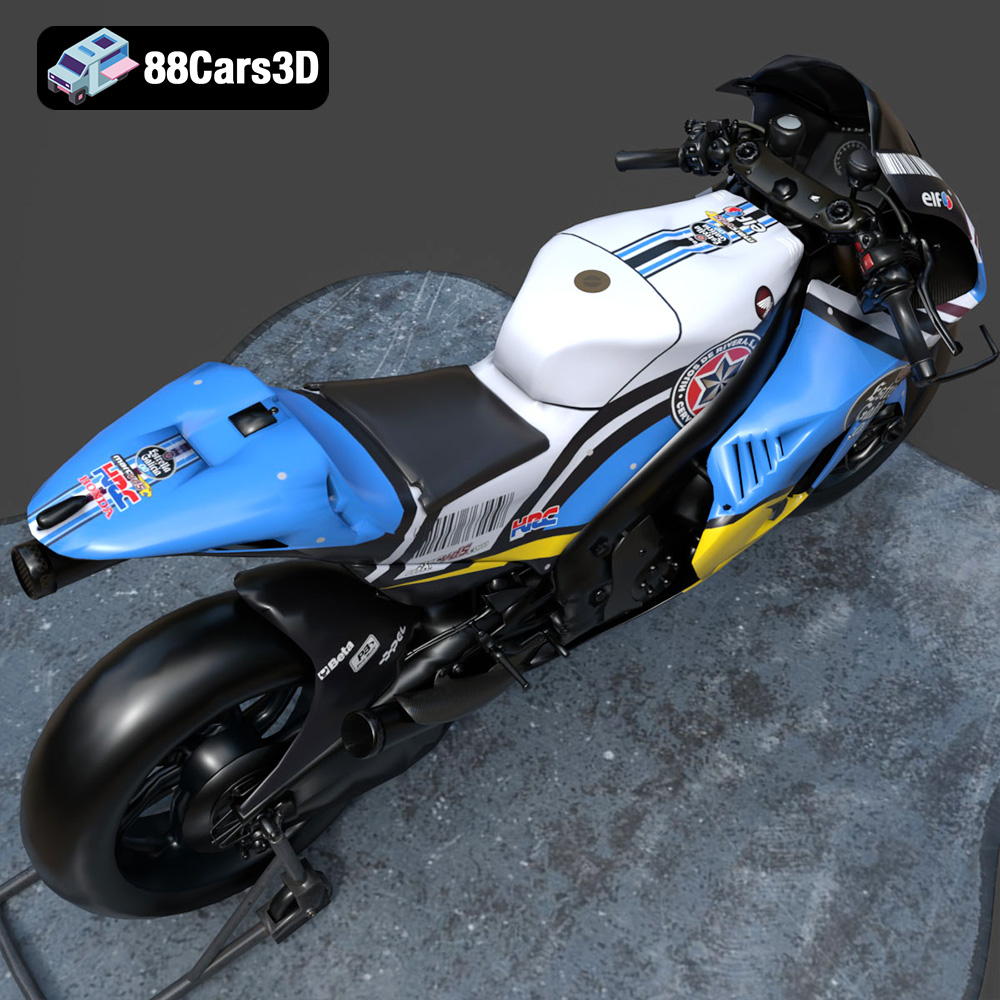
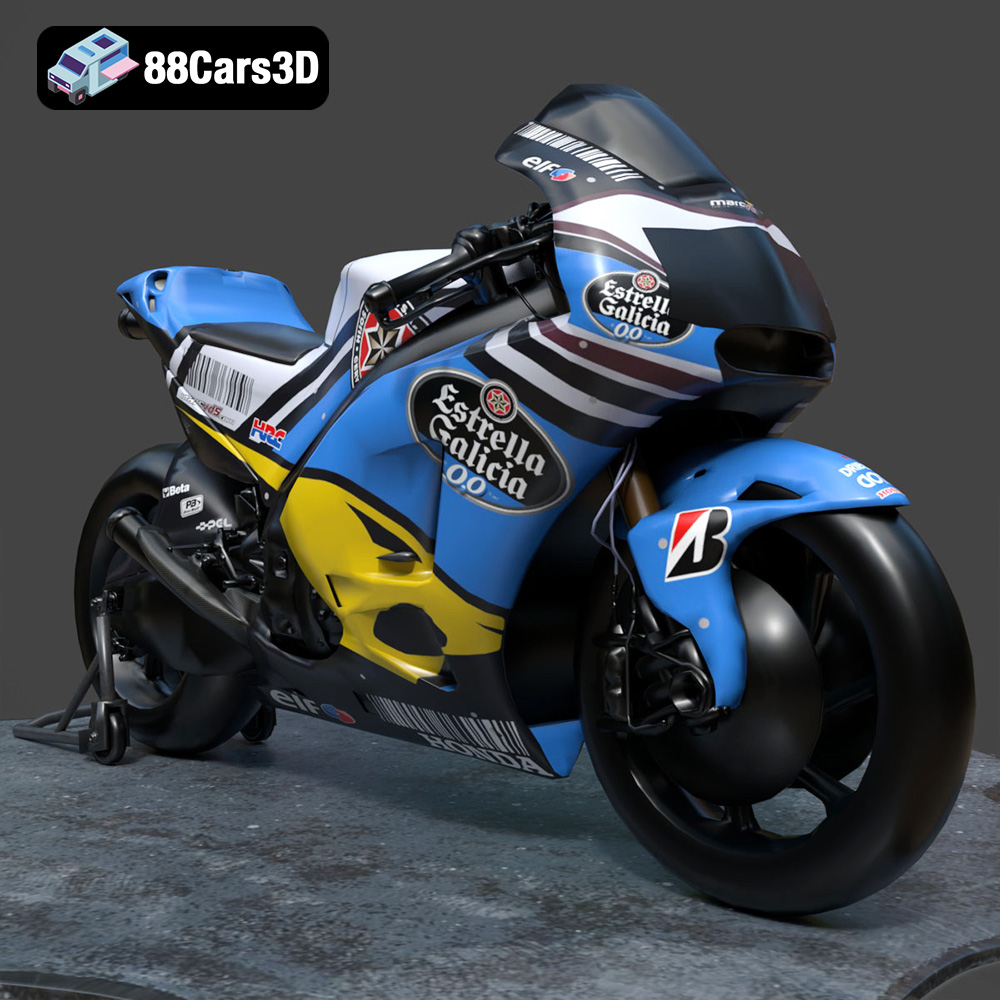
The Honda RCV-213-001 is an iconic racing motorcycle, and now you can bring it to life with 3D printing. This guide will walk you through the process of 3D printing the Honda RCV-213-001 3D model, available from 88cars3d.com, covering everything from pre-print preparation to post-processing techniques. Whether you’re a seasoned 3D printing enthusiast or just starting, this comprehensive guide will help you achieve stunning results. The detail and accuracy of the model makes it a rewarding, albeit potentially challenging, print.
Before diving into the specifics of printing the Honda RCV-213-001, it’s crucial to understand the different file formats provided and which ones are best suited for 3D printing. The available formats include .stl, .obj, .ply, .blend, .fbx, .glb, and .max, each designed for various applications from editing to rendering and visualization. However, when it comes to 3D printing, the .stl format stands out as the industry standard.
The .stl (stereolithography) format is the most widely used file type for 3D printing. It represents the surface geometry of a 3D object as a collection of triangles. This simplicity makes it universally compatible with slicing software, which prepares the model for printing by dividing it into layers.
* **Slicing Software Compatibility:** Almost all 3D printer slicing software, such as Cura, Simplify3D, PrusaSlicer, and others, readily accept .stl files. This widespread compatibility makes it easy to transfer your model from 88cars3d.com to your 3D printer.
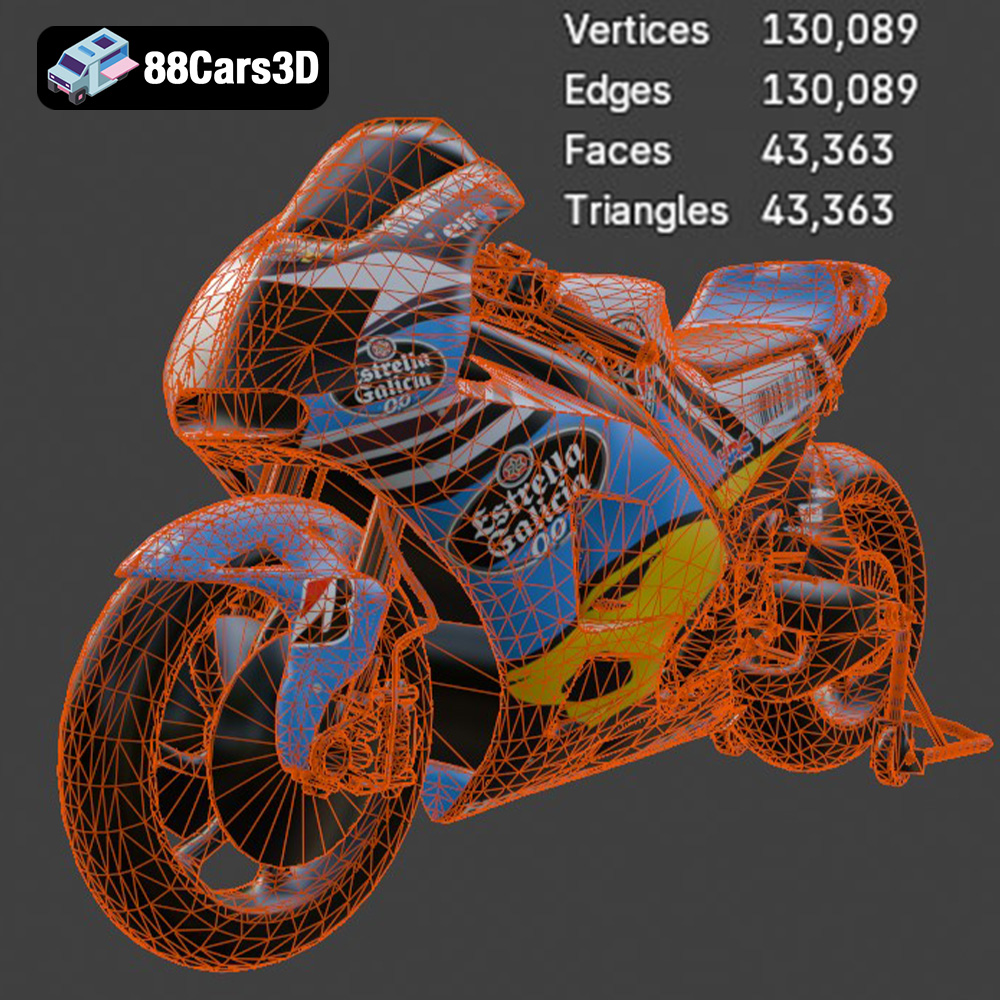
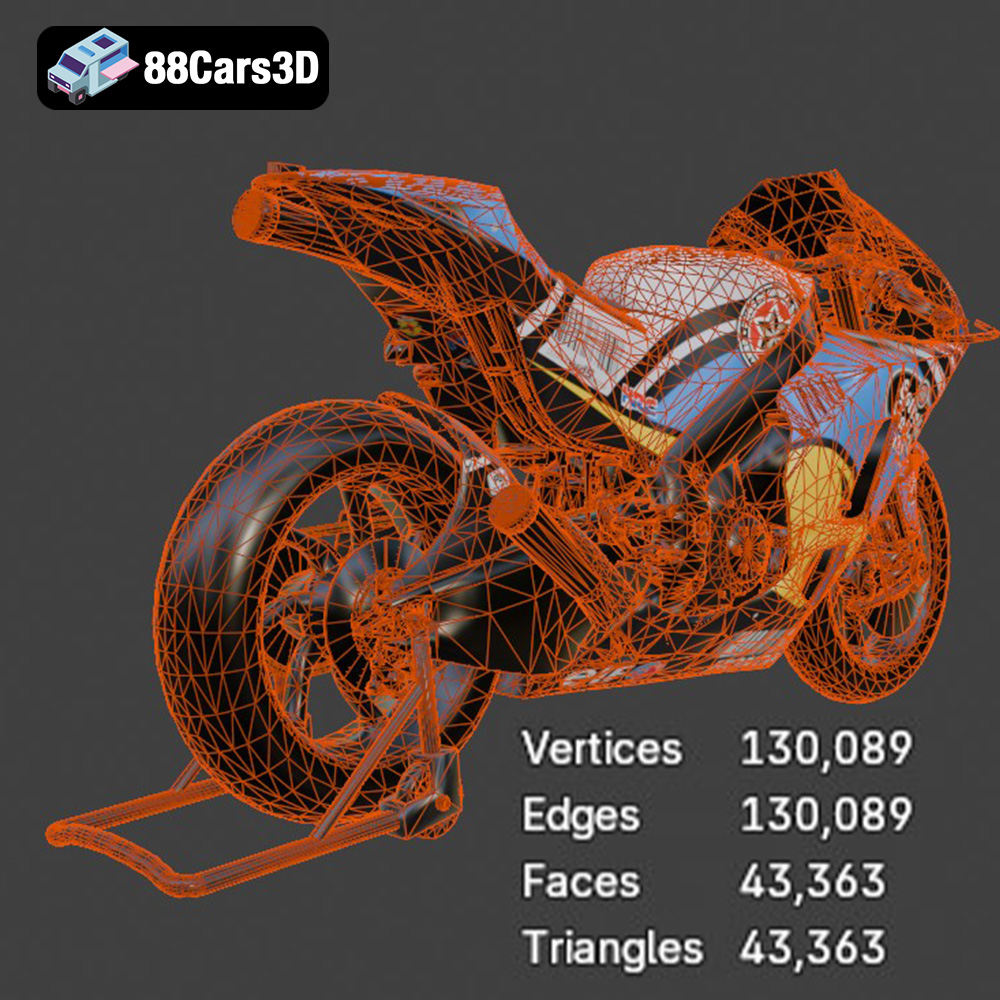
* **Mesh Quality:** The quality of the .stl file directly impacts the final print. A high-resolution .stl file contains more triangles, resulting in a smoother surface and finer details. However, a very high-resolution model can also increase file size and processing time. Conversely, a low-resolution .stl will have visible facets or a “stair-stepping” effect. The Honda RCV-213-001 model from 88cars3d.com is designed with an optimal balance of detail and printability.
While .stl is the primary format for 3D printing, understanding the other formats can be beneficial for customization and advanced workflows.
* **.obj:** This format supports color and texture information, unlike .stl which only contains geometric data. If you plan on printing in multiple colors using a printer that supports it, or if you intend to apply textures after printing, the .obj format can be useful (though you’ll still likely need to convert to .stl for the final slicing).
* **.ply:** Similar to .obj, .ply supports color and vertex properties. It is often used for storing data from 3D scanners and can represent models with high precision. This is not generally needed for 3D printing, but the high precision mesh can sometimes provide a good starting point if you are attempting to generate an STL with very fine details.
* **.blend:** This is the native file format for Blender, a popular open-source 3D modeling software. If you want to modify the Honda RCV-213-001 model before printing, having access to the .blend file allows for extensive customization.
* **.fbx:** Commonly used in game development, .fbx supports animations, textures, and other complex data. It’s primarily useful for importing the model into game engines, but not directly for 3D printing.
* **.glb:** Designed for AR/VR and web-based applications, .glb is a compact and efficient format that includes both geometry and textures. It’s great for previewing the model but not suited for 3D printing.
* **.max:** This is the native format for 3ds Max, another professional 3D modeling software. Like .blend, it’s valuable for customizing the model before exporting to .stl for printing.
In summary, for 3D printing the Honda RCV-213-001, start with the .stl file. If you need to modify the model, use the .blend or .max file in their respective software and then export to .stl.
The optimal 3D printing technology depends on your budget, desired level of detail, and material requirements. The two most common technologies for hobbyists and professionals are Fused Deposition Modeling (FDM) and Stereolithography (SLA) printing.
FDM printers use a filament, typically made of plastics like PLA, ABS, or PETG, which is melted and extruded through a nozzle to build the object layer by layer.
* **Pros:** FDM printers are relatively affordable, easy to use, and can print with a wide range of materials.
* **Cons:** The layer-by-layer process can result in visible layer lines, and finer details may be difficult to achieve without post-processing.
For the Honda RCV-213-001, FDM printing is a viable option, especially for larger parts. Consider using a smaller nozzle size (0.4mm or even 0.25mm) and lower layer heights (0.1mm or less) to improve detail resolution.
SLA printers use a liquid resin that is cured by a laser or projector to create each layer.
* **Pros:** SLA printers produce highly detailed prints with smooth surfaces, making them ideal for intricate models like the Honda RCV-213-001.
* **Cons:** SLA printers are generally more expensive than FDM printers, and the resin materials can be more costly and require careful handling.
For the Honda RCV-213-001, SLA printing will capture the finest details of the model, such as the aerodynamic fairings and intricate mechanical components.
Before sending the Honda RCV-213-001 .stl file to your 3D printer, you need to prepare it using slicing software. Slicing software converts the 3D model into a series of layers and generates the G-code instructions for your printer.
Choosing the right orientation is crucial for minimizing support structures and maximizing print quality.
* **Orientation:** Experiment with different orientations in your slicing software to find the one that requires the least amount of support material. For the Honda RCV-213-001, consider printing the frame and body in separate parts. Orient the body panels with the flattest surface facing down to minimize the need for supports on the visible exterior.
* **Support Structures:** Support structures are necessary to support overhanging parts of the model. Use support settings that are easily removable without damaging the printed surface. In Cura or Simplify3D, adjust the support density, support angle, and support placement settings. Consider using tree supports, which often provide better support with less material and easier removal.
The optimal slicing settings depend on your printer, material, and desired print quality. Here are some recommended settings for printing the Honda RCV-213-001:
* **Layer Height:** For FDM, use a layer height of 0.1mm to 0.15mm for detailed prints. For SLA, use the recommended layer height for your resin (typically between 0.025mm and 0.05mm).
* **Infill Density:** Use an infill density of 15% to 25% for most parts. Increase the infill density for parts that require more strength, such as the wheels or axles.
* **Print Speed:** Use a print speed of 40mm/s to 60mm/s for FDM and the recommended speed for your resin printer.
* **Temperature:** Follow the manufacturer’s recommended temperature settings for your chosen material.
The choice of material affects the strength, durability, and appearance of your 3D printed Honda RCV-213-001.
PLA is a biodegradable thermoplastic polymer derived from renewable resources, such as corn starch or sugarcane.
* **Pros:** PLA is easy to print, has low warping, and is available in a wide range of colors.
* **Cons:** PLA is not as strong or heat-resistant as other materials.
PLA is a good option for prototyping and printing parts that don’t require high strength or heat resistance.
PETG is a thermoplastic polymer that is more durable and heat-resistant than PLA.
* **Pros:** PETG is stronger, more flexible, and has better heat resistance than PLA. It also has good layer adhesion.
* **Cons:** PETG can be more challenging to print than PLA, and it may require higher temperatures and slower print speeds.
PETG is a good choice for parts that require more strength and durability, such as the frame and suspension components.
Resin materials are used in SLA printers and come in various formulations, including standard, tough, and flexible resins.
* **Pros:** Resin materials offer excellent detail and surface finish. They are ideal for printing intricate parts with fine features.
* **Cons:** Resin materials can be brittle and require careful handling. They also require post-curing to achieve their final properties.
Resin is the best choice for printing the body panels and other parts that require high detail and smooth surfaces.
After printing the Honda RCV-213-001, you may need to perform some post-processing to achieve the desired finish.
* **Support Removal:** Carefully remove the support structures using pliers, cutters, or a sharp knife. Be gentle to avoid damaging the printed surface.
* **Sanding:** Sand the printed surface to remove any imperfections and smooth out layer lines. Start with a coarse grit sandpaper (e.g., 220 grit) and gradually move to finer grits (e.g., 400 grit, 600 grit, 800 grit). Wet sanding can help to reduce dust and improve the surface finish.
* **Painting:** Prime the sanded surface with a plastic primer before painting. Use acrylic paints or spray paints to achieve the desired color and finish. Apply multiple thin coats for best results.
* **Assembly:** Assemble the different parts of the Honda RCV-213-001 using glue, screws, or other fasteners. Refer to the original 3D model or reference images to ensure proper alignment and fit.
Even with careful preparation, you may encounter some common issues during 3D printing.
Warping occurs when the printed part lifts off the build plate due to uneven cooling.
* **Solution:** Ensure that your build plate is properly leveled and heated. Use a brim or raft to increase adhesion. Adjust the printing temperature and fan speed.
Stringing occurs when the printer extrudes material while moving between different parts of the model.
* **Solution:** Increase retraction settings in your slicing software. Lower the printing temperature. Ensure that the filament is dry.
Layer shifting occurs when the printer suddenly moves out of alignment during printing.
* **Solution:** Check that your printer belts are properly tensioned. Reduce the printing speed. Ensure that the printer is stable and not vibrating.
By following these tips and techniques, you can successfully 3D print the Honda RCV-213-001 3D model and create a stunning replica of this iconic racing motorcycle. Remember to experiment with different settings and materials to find what works best for your printer and desired outcome. The detailed Honda RCV-213-001 model available at 88cars3d.com offers a rewarding 3D printing experience for enthusiasts and professionals alike.
Experience true realism with the Honda RCV-213-001 3D Model, meticulously crafted to represent the iconic racing motorcycle. This model is engineered to provide stunning visual fidelity, making it an exceptional choice for automotive enthusiasts and digital creators.
$19.99
.arvr
.blend
.car3dmodel
.fbx
.gameasset
.glb
.honda
.max
.motorcycle
.obj
.ply
.racingbike
.rcv213001
.rendering
.simulation
.stl
.unreal