Get 50% OFF All Premium 3D & STL Models!

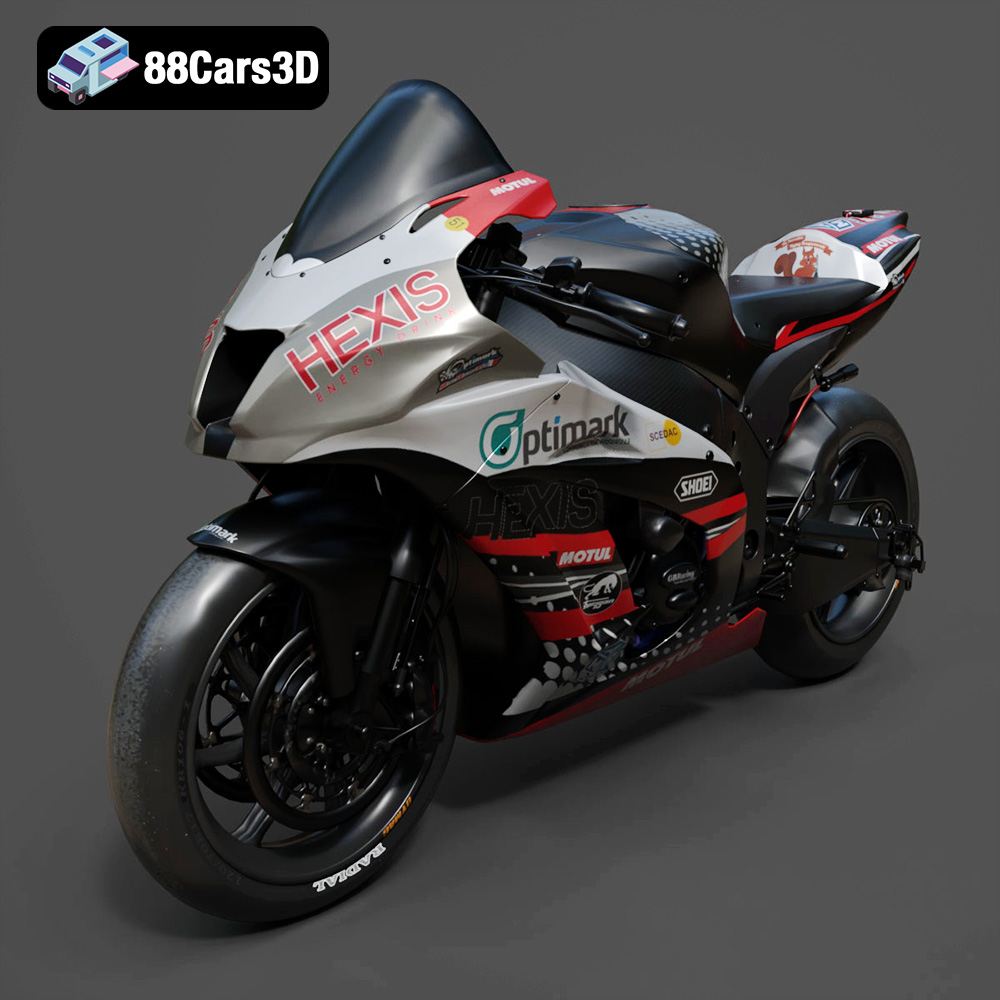
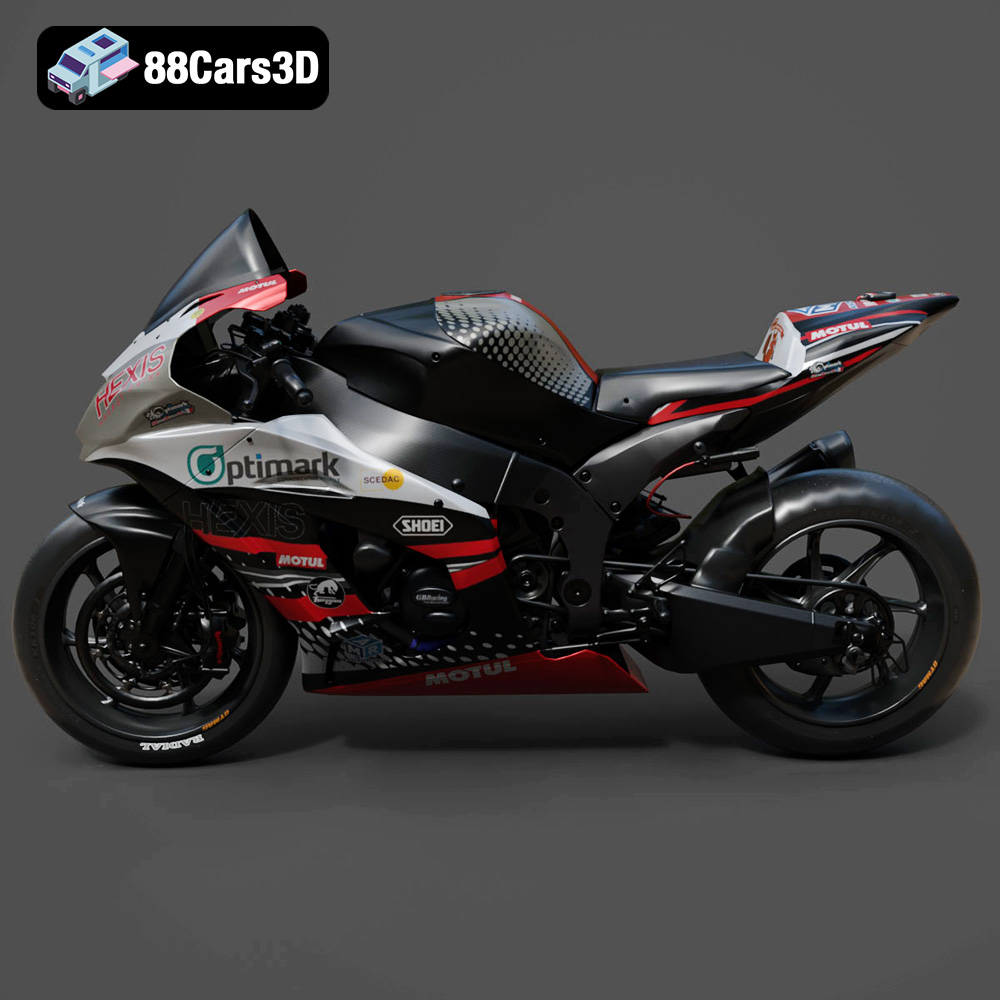
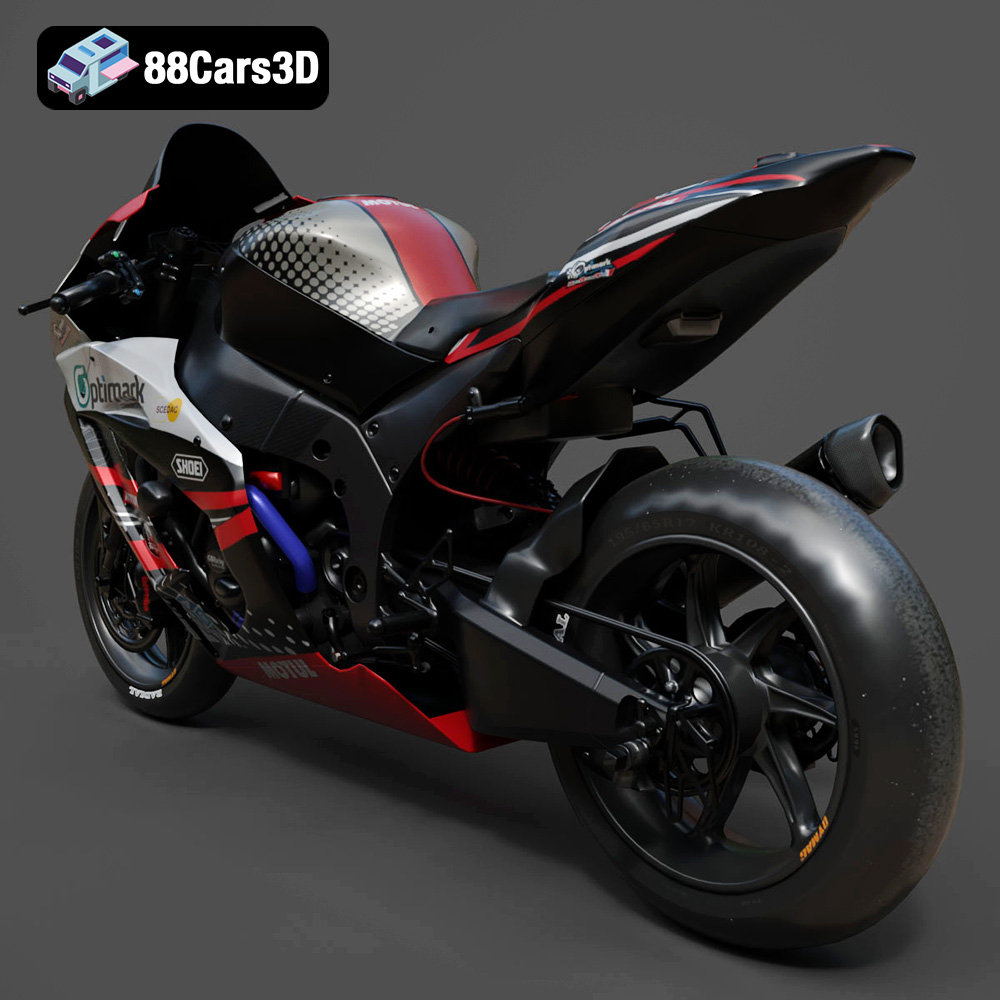
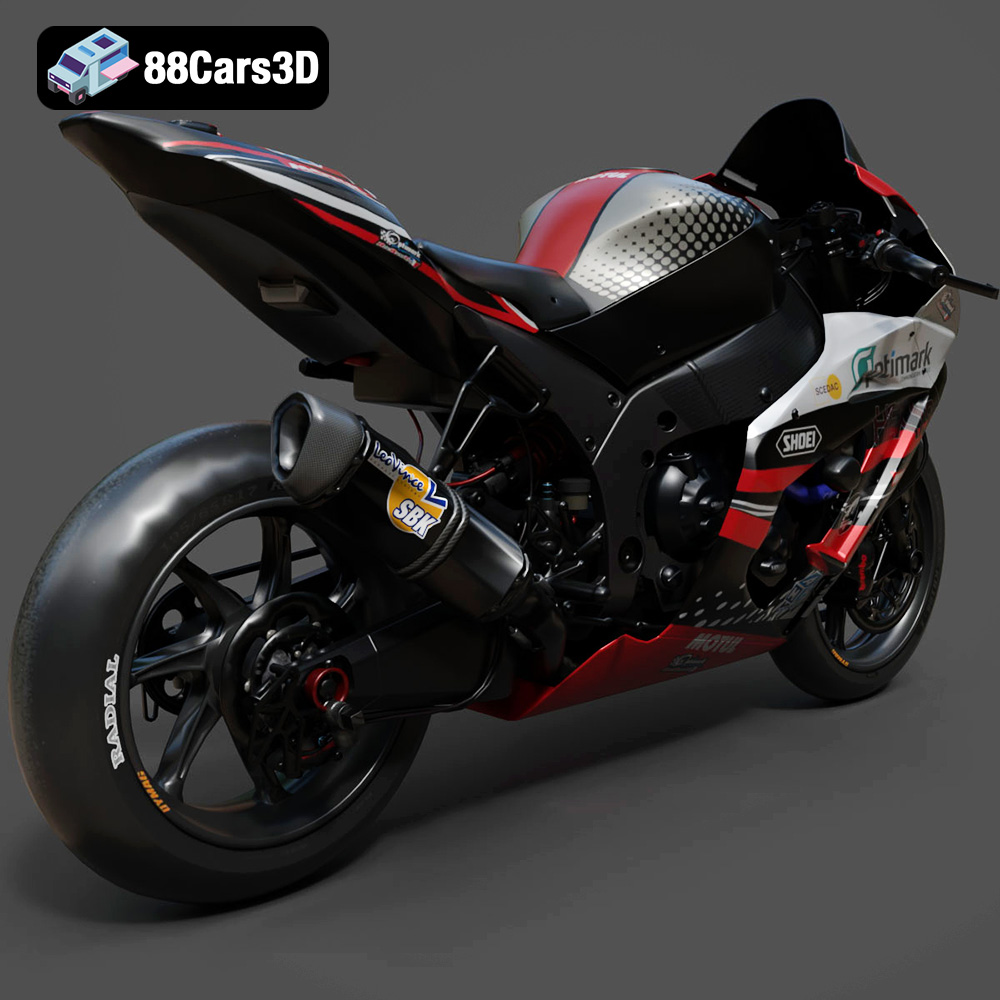
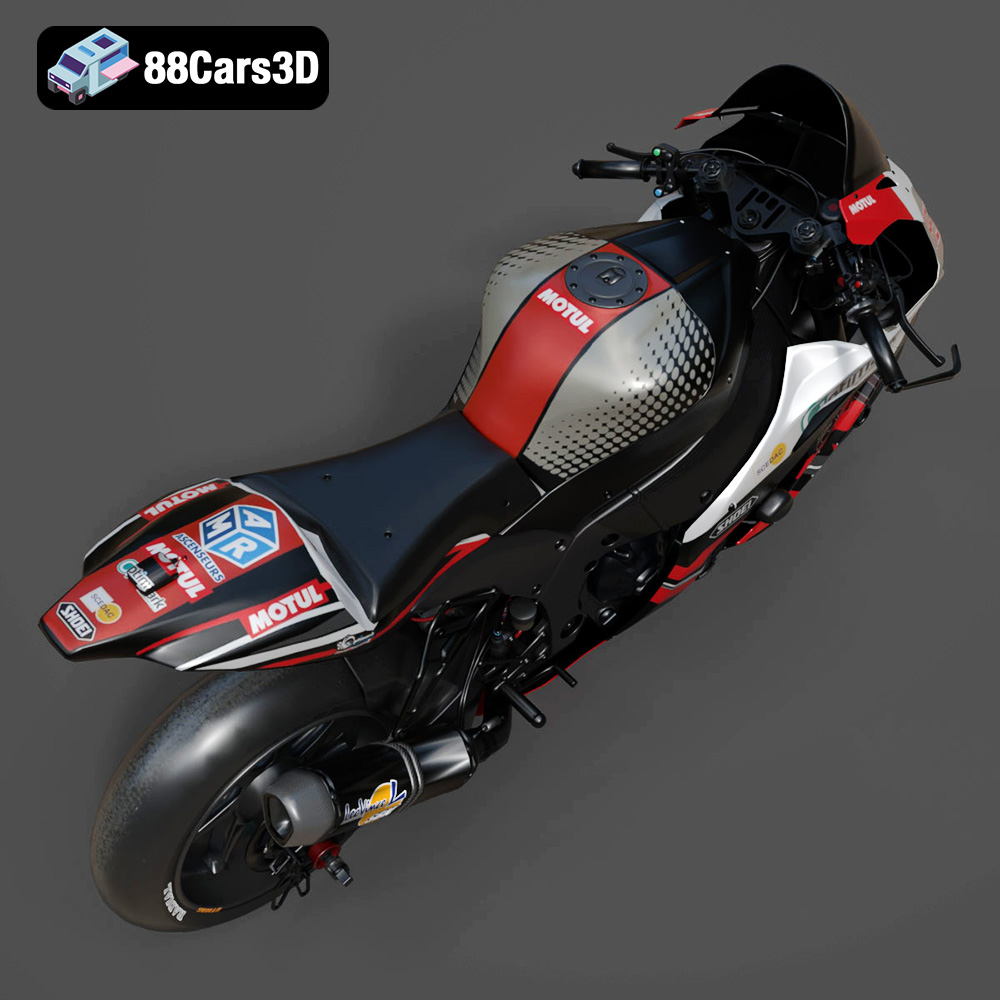
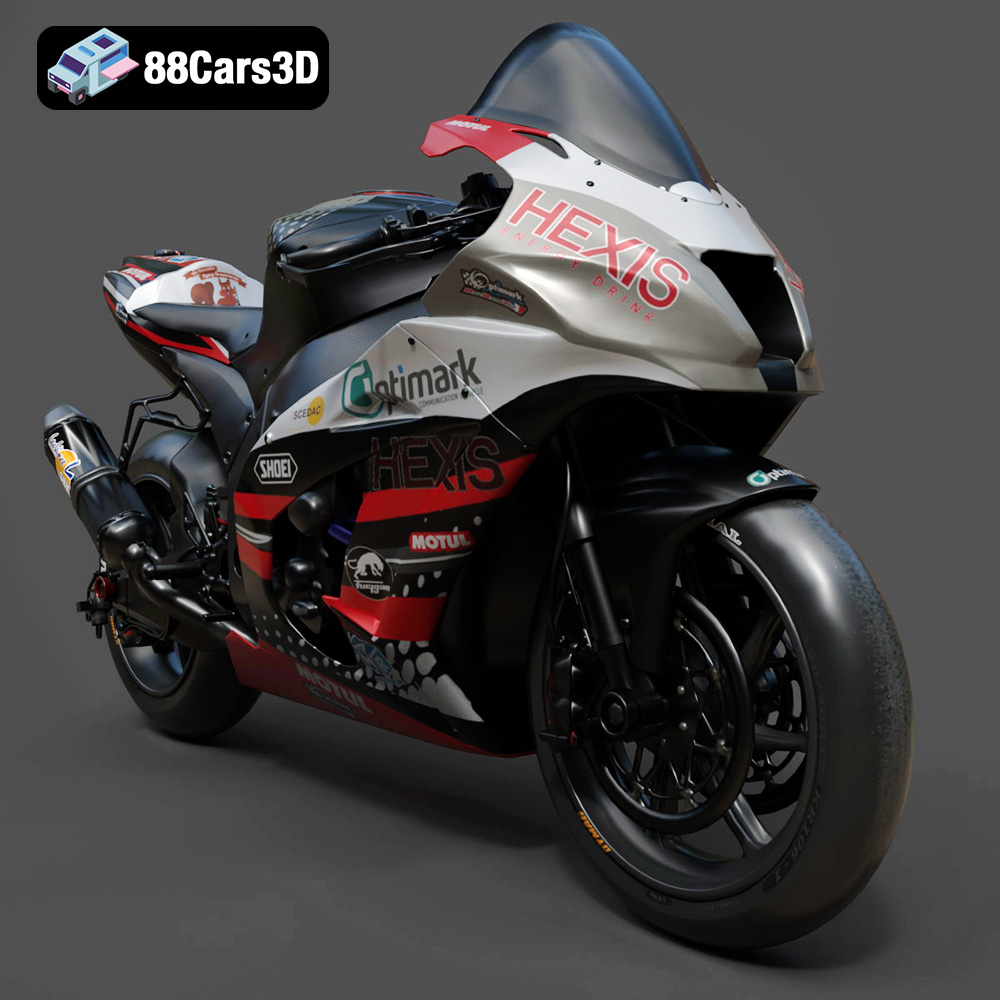
The Kawasaki ZX-10R is a legendary superbike, renowned for its aggressive styling and blistering performance. Now, thanks to the detailed 3D model available at 88cars3d.com, you can bring this iconic machine to life on your 3D printer. This blog post will guide you through the entire process of 3D printing the Kawasaki ZX-10R model, from pre-print preparation to post-processing, ensuring a stunning final result. We’ll cover material selection, optimal printer settings, and troubleshooting common issues, empowering you to create your own miniature ZX-10R masterpiece. Whether you’re a seasoned 3D printing enthusiast or a beginner, this guide will provide the knowledge and techniques necessary to achieve a high-quality print.
Before diving into the specifics of printing the Kawasaki ZX-10R, it’s crucial to understand the various file formats available and their suitability for 3D printing. The model from 88cars3d.com comes with a range of formats designed for different applications, but for 3D printing, the STL file is your primary tool. Let’s explore the key formats:
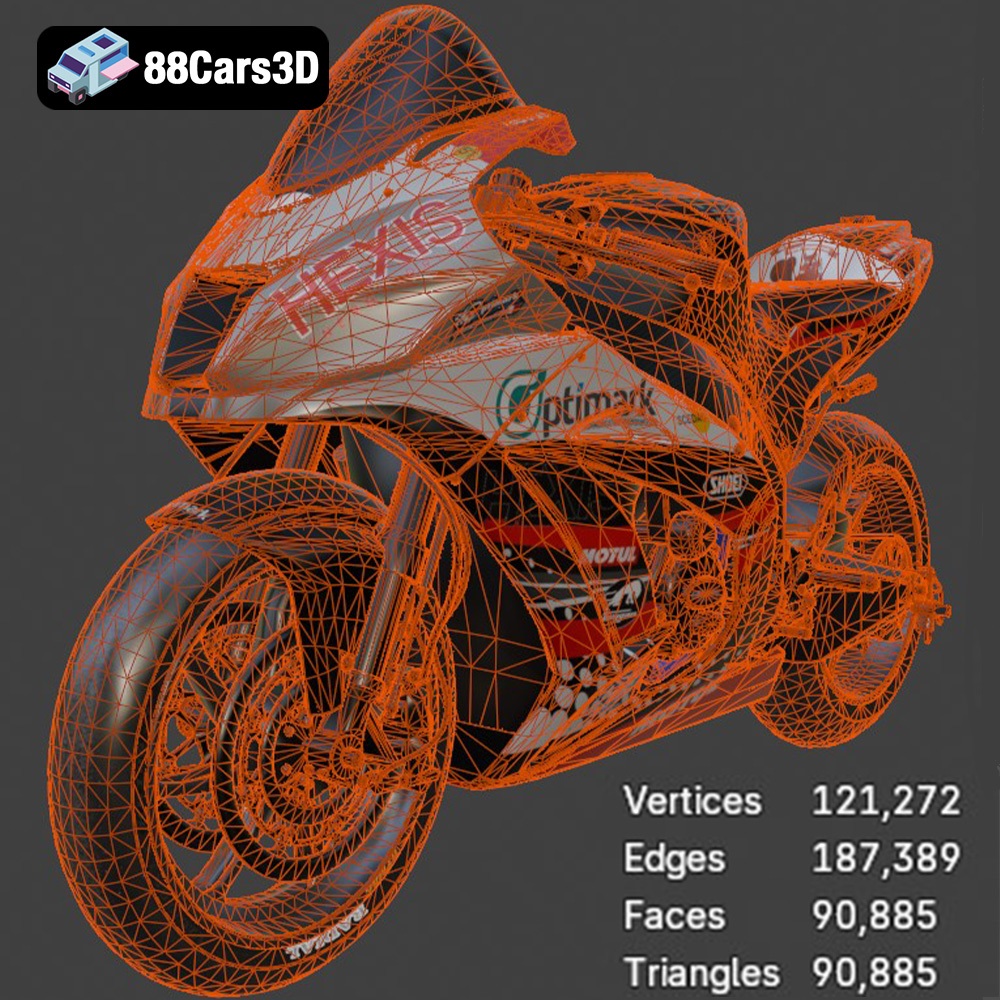
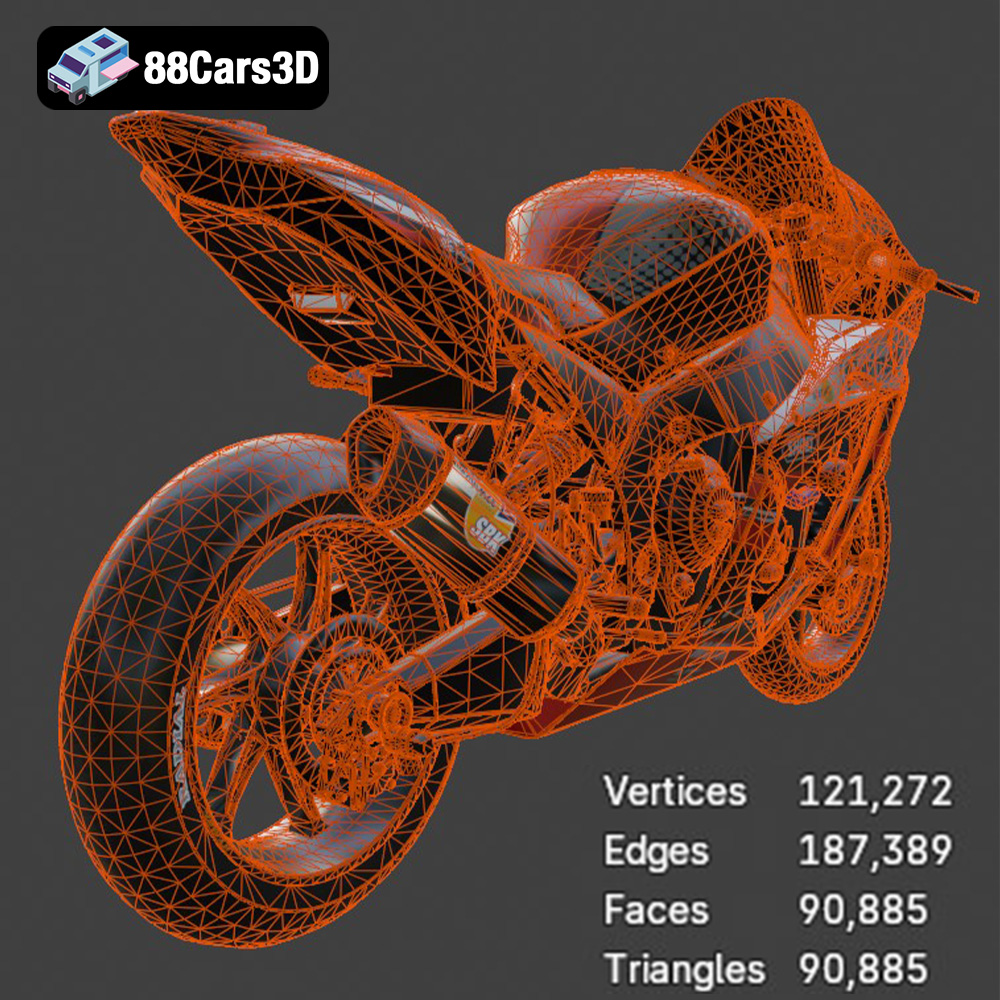
The STL (Stereolithography) format is the workhorse of 3D printing. It represents a 3D model’s surface as a collection of triangles, forming a mesh. This simplicity makes it universally compatible with almost all slicing software and 3D printers. However, STL files only contain geometric data; they don’t store color, texture, or material information. This means that any 3D printed model from an STL file will be a single color (determined by the filament you use). When working with STL files, pay attention to the mesh quality. A low-resolution mesh will result in a faceted, blocky print, while a high-resolution mesh can significantly increase file size and processing time. Slicing software allows you to adjust the resolution of the STL during processing, allowing you to balance detail with print time. Always inspect your STL file in a mesh viewer before slicing to ensure there are no errors like holes, non-manifold edges, or flipped normals, as these can lead to printing failures. Software like MeshMixer and Netfabb are excellent for repairing and optimizing STL files before printing.
The OBJ format is another widely supported 3D model format, but unlike STL, it can store color and texture information. This makes it suitable for applications where visual appearance is crucial, such as rendering and game development. While some advanced 3D printers can handle color information from OBJ files, most desktop 3D printers are limited to single-color prints. Therefore, if you’re planning to 3D print the Kawasaki ZX-10R model, you’ll likely convert it to STL for optimal compatibility.
The PLY format is designed to store 3D data acquired from 3D scanners. It can represent both the geometry and the color of an object with high precision. While PLY files can be used for 3D printing, they are less common than STL files. The large file sizes and potential complexity of PLY data can pose challenges for some slicing software.
The BLEND format is the native file format for Blender, a popular open-source 3D modeling software. This is incredibly useful for the Kawasaki ZX-10R model, allowing you to modify the design before exporting it to STL for printing. You can adjust the geometry, add details, or split the model into smaller parts for easier printing and assembly.
FBX (Filmbox) is a proprietary file format developed by Autodesk, primarily used for exchanging data between different 3D software packages. While it can store material information, its primary purpose isn’t 3D printing. You might use FBX to import the model into Blender or another 3D modeling program, make modifications, and then export it as an STL file for 3D printing.
GLB is a binary file format that represents 3D models in a compact and efficient manner. It’s commonly used for augmented reality (AR) and virtual reality (VR) applications. While not directly used for 3D printing, GLB files can be helpful for previewing the Kawasaki ZX-10R model in a real-world environment before committing to a print.
MAX is the native file format for 3ds Max, another professional 3D modeling software from Autodesk. Similar to the BLEND format, MAX files allow you to fully edit and customize the Kawasaki ZX-10R model before exporting it for 3D printing. This format gives advanced users the most flexibility in manipulating the model to their exact specifications.
In conclusion, for 3D printing the Kawasaki ZX-10R model, the STL format is the recommended choice. Its widespread compatibility and simplicity make it ideal for most 3D printers and slicing software. However, the other formats (BLEND and MAX in particular) offer powerful customization options before converting to STL for the final print.
The choice of material significantly impacts the final appearance, strength, and durability of your 3D printed Kawasaki ZX-10R model. Here’s a breakdown of popular materials and their suitability:
PLA is a biodegradable thermoplastic derived from renewable resources. It’s known for its ease of use, low printing temperature, and minimal warping. PLA is an excellent choice for beginners and for models where aesthetics are more important than strength. It’s ideal for creating a display model of the ZX-10R. However, PLA is not very heat-resistant and can become brittle over time, so it’s not recommended for parts that will be exposed to high temperatures or stress.
PETG combines the strength and durability of ABS with the ease of printing of PLA. It offers good impact resistance, chemical resistance, and temperature resistance. PETG is a versatile material suitable for a wide range of applications, including parts that require some flexibility and durability. If you plan to handle your Kawasaki ZX-10R model frequently or want it to withstand minor bumps and knocks, PETG is a good choice.
ABS is a strong, durable, and heat-resistant thermoplastic commonly used in automotive parts and other demanding applications. However, ABS is more challenging to print than PLA and PETG due to its higher printing temperature and tendency to warp. It requires a heated bed and an enclosed printer to prevent warping and cracking. If you’re aiming for the highest possible strength and heat resistance for your ZX-10R model, and you have experience with ABS, it’s a viable option.
Resin 3D printing (SLA/DLP) uses liquid resin cured by UV light to create incredibly detailed and smooth parts. Resin is ideal for intricate models like the Kawasaki ZX-10R, where capturing fine details is crucial. However, resin prints tend to be more brittle than filament prints, and they require post-processing steps like washing and curing. Resin printing also involves handling potentially hazardous chemicals, so proper safety precautions are essential. If you prioritize detail and surface finish above all else, and you’re comfortable with the complexities of resin printing, it’s an excellent choice for the ZX-10R model.
For the Kawasaki ZX-10R model, consider the intended use. If it’s purely for display, PLA or PETG are good options. If you want a more durable model that can withstand handling, PETG or ABS are better choices. If you prioritize exceptional detail and surface finish, resin printing is the way to go, even if it’s more complex. Remember to research the specific properties of each material before making your final decision.
Proper pre-print preparation is essential for a successful 3D print. This involves using slicing software to convert the 3D model into instructions for your printer and optimizing the model for printing.
Slicing software takes the STL file of your Kawasaki ZX-10R model and converts it into a series of layers that your 3D printer can understand. Popular slicing software options include Cura, Simplify3D, PrusaSlicer, and IdeaMaker. Each software has its own strengths and weaknesses, so experiment to find the one that best suits your needs and printer. Within the slicing software, you’ll adjust various settings, such as layer height, infill density, support structures, and printing speed.
The orientation of the Kawasaki ZX-10R model on the print bed significantly affects the strength, detail, and support requirements of the print. Consider orienting the model to minimize the need for supports, especially on delicate areas like the exhaust pipes and fairings. However, also consider the impact on surface finish. Areas printed directly on the build plate will typically have a smoother finish than those printed on supports. Experiment with different orientations to find the best balance between support requirements and surface quality. Angling the model slightly can often reduce the need for supports and improve the overall appearance.
Support structures are essential for printing overhangs and complex geometries. For the Kawasaki ZX-10R model, you’ll likely need supports under the fairings, the seat, and potentially the wheels, depending on the orientation. There are different types of support structures, such as tree supports and linear supports. Tree supports are generally easier to remove and leave a cleaner surface finish. Experiment with different support settings in your slicing software to find the optimal configuration for your model. Ensure that the support structures are strong enough to support the model during printing but also easy to remove without damaging the printed part.
Before slicing, it’s crucial to inspect the STL file for errors and repair them if necessary. As mentioned earlier, software like MeshMixer and Netfabb can identify and fix common issues like holes, non-manifold edges, and flipped normals. These errors can lead to printing failures or unexpected results. It’s always a good practice to run your model through a repair tool before slicing, even if you don’t suspect any problems.
The slicing software allows you to scale the Kawasaki ZX-10R model to your desired size. Consider the limitations of your printer’s build volume when scaling the model. Also, be aware that scaling the model up too much can exacerbate any imperfections in the mesh. Conversely, scaling it down too much can make it difficult to print fine details.
The right printer settings are crucial for achieving a high-quality 3D print of the Kawasaki ZX-10R model. These settings will vary depending on your printer, material, and desired outcome, but here are some general guidelines:
Layer height is the thickness of each layer of plastic deposited by the printer. A smaller layer height results in finer details and smoother surfaces but increases print time. A larger layer height results in faster printing but sacrifices detail. For the Kawasaki ZX-10R model, a layer height of 0.1mm to 0.2mm is a good starting point for PLA and PETG. For resin printing, layer heights can be even smaller, down to 0.025mm, for exceptional detail. Experiment with different layer heights to find the best balance between detail and print time for your specific printer and material.
Infill density refers to the amount of material inside the model. A higher infill density results in a stronger and heavier model, while a lower infill density results in a weaker and lighter model. For a display model of the Kawasaki ZX-10R, an infill density of 15% to 25% is usually sufficient. For parts that require more strength, such as wheels or axles, increase the infill density to 50% or higher. The infill pattern also affects the strength and weight of the model. Common infill patterns include grid, honeycomb, and gyroid. Gyroid infill provides excellent strength-to-weight ratio.
Printing speed affects both the print quality and the print time. Printing too fast can lead to poor layer adhesion, warping, and other issues. Printing too slow can increase print time unnecessarily. The optimal printing speed depends on your printer, material, and layer height. A good starting point for PLA and PETG is 40mm/s to 60mm/s. You may need to adjust the speed based on your observations.
The printing temperature is crucial for proper layer adhesion. The optimal temperature depends on the material you’re using. Refer to the filament manufacturer’s recommendations for the recommended printing temperature. For PLA, a temperature of 200°C to 220°C is typically recommended. For PETG, a temperature of 230°C to 250°C is recommended. It is also important to maintain proper bed adhesion. For PLA, a bed temperature of 60°C is recommended. For PETG, a bed temperature of 70°C to 80°C is recommended.
Retraction settings control how much filament is pulled back into the nozzle when the printer moves between different parts of the model. Proper retraction settings can minimize stringing and improve the overall print quality. Experiment with different retraction distances and speeds to find the optimal settings for your printer and material.
After printing, the Kawasaki ZX-10R model may require some post-processing to achieve the desired finish.
Carefully remove the support structures from the model. Use pliers, a hobby knife, or other tools to gently detach the supports without damaging the printed part. Take your time and be patient, especially when removing supports from delicate areas. If the supports are difficult to remove, try soaking the model in warm water or using a heat gun to soften the plastic.
Sanding can smooth out any imperfections on the surface of the model, such as layer lines and support marks. Start with a coarse grit sandpaper (e.g., 220 grit) to remove any major imperfections and then gradually move to finer grit sandpaper (e.g., 400 grit, 600 grit, 800 grit) to achieve a smooth finish. Wet sanding can help to reduce dust and improve the sanding process.
Painting can bring your 3D printed Kawasaki ZX-10R model to life and add realism. Start by applying a primer to the model to create a smooth and uniform surface for the paint to adhere to. Then, apply multiple thin coats of paint, allowing each coat to dry completely before applying the next. Use masking tape to create clean lines and avoid overspray. Consider using an airbrush for a professional finish.
The Kawasaki ZX-10R model may be printed in multiple parts for easier printing or to allow for different colors or materials. Use glue or other adhesives to assemble the parts. Ensure that the parts are properly aligned before the glue dries. Consider using clamps or other tools to hold the parts together while the glue is drying.
Add any finishing touches to your Kawasaki ZX-10R model, such as decals, stickers, or clear coat. These details can enhance the realism and appearance of the model.
3D printing isn’t always smooth sailing. Here are some common issues you might encounter when printing the Kawasaki ZX-10R model and how to address them:
Warping occurs when the corners of the model lift off the build plate during printing. This is often caused by poor bed adhesion or uneven cooling. To prevent warping, ensure that your bed is properly leveled and that you’re using the correct bed temperature for your material. Applying a bed adhesive, such as glue stick or hairspray, can also improve bed adhesion. Enclosing the printer can help to maintain a more consistent temperature and reduce warping.
Stringing occurs when the printer nozzle leaves behind thin strands of plastic as it moves between different parts of the model. This is often caused by incorrect retraction settings. Experiment with different retraction distances and speeds to find the optimal settings for your printer and material. Lowering the printing temperature can also help to reduce stringing.
Poor layer adhesion occurs when the layers of the model don’t bond properly together. This can result in weak or brittle parts. To improve layer adhesion, ensure that you’re using the correct printing temperature for your material. Increasing the printing temperature slightly can also help. Slowing down the printing speed can also improve layer adhesion.
Support issues can include supports that are too weak to support the model or supports that are difficult to remove. Experiment with different support settings in your slicing software to find the optimal configuration for your model. Increasing the support density or adding more support connections can strengthen the supports. Using tree supports can make it easier to remove the supports.
By understanding these common issues and their solutions, you can overcome challenges and achieve successful 3D prints of the Kawasaki ZX-10R model.
Bring dynamic realism to your digital projects with the Kawasaki ZX-10R 3D Model. This exceptionally detailed replica captures the aggressive styling, aerodynamic profile, and intricate mechanical components of the legendary superbike, making it an essential asset for digital environments requiring absolute precision.
$19.99
.arvr
.blend
.car3dmodel
.fbx
.gameasset
.glb
.kawasaki
.max
.motorcycle
.obj
.ply
.rendering
.simulation
.sportbike
.stl
.superbike
.unreal
zx10r