Get 50% OFF All Premium 3D & STL Models!

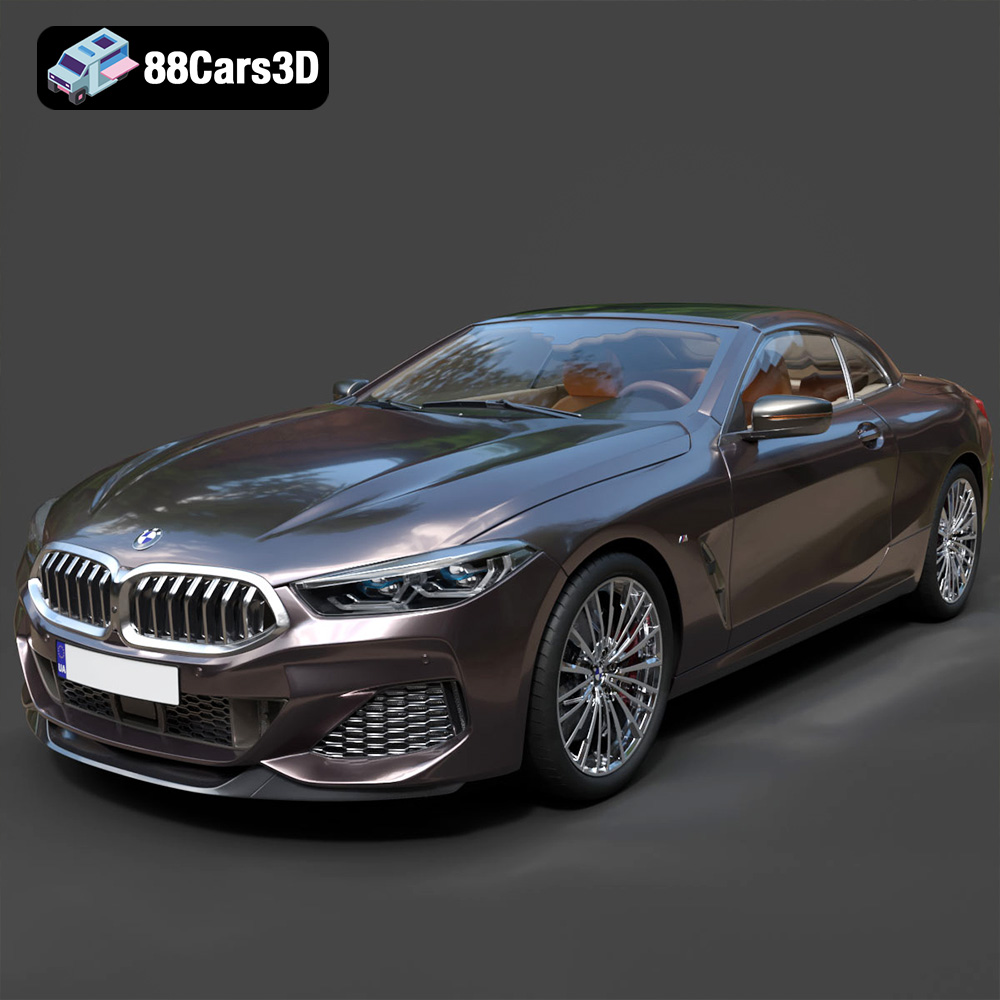
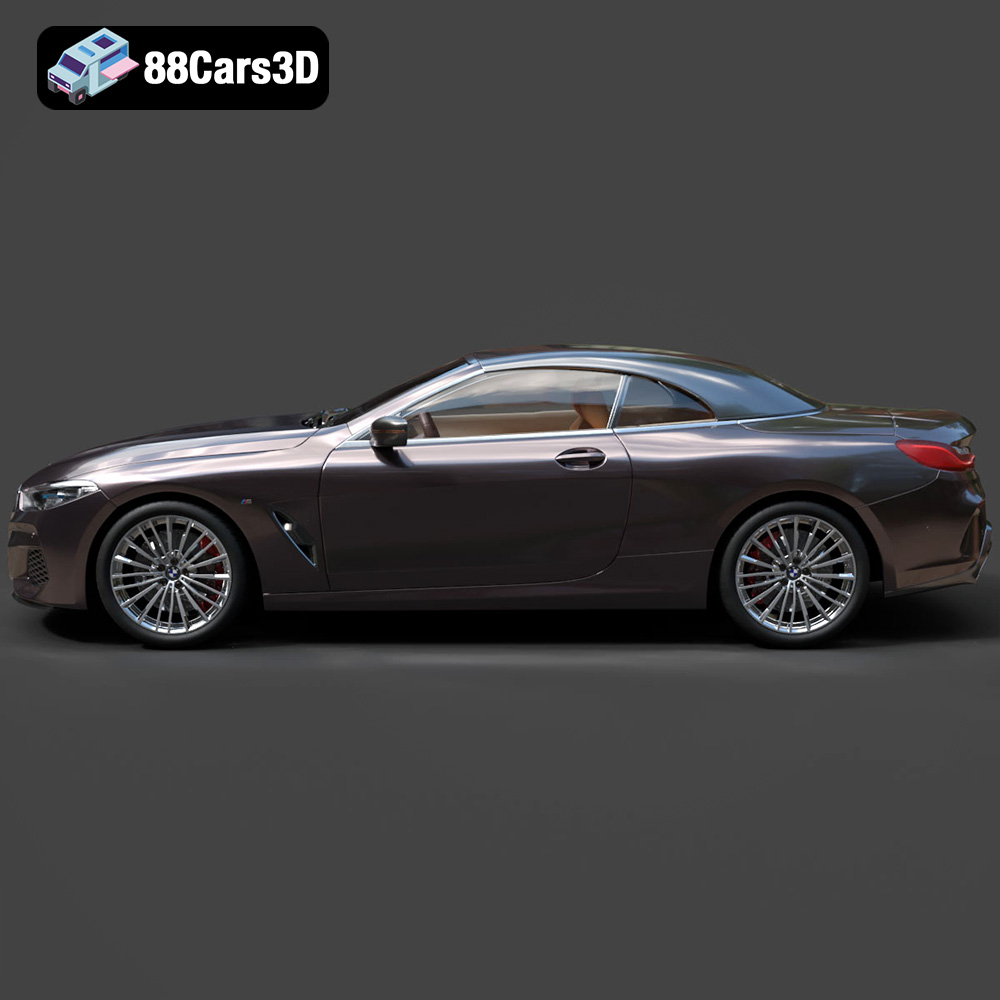
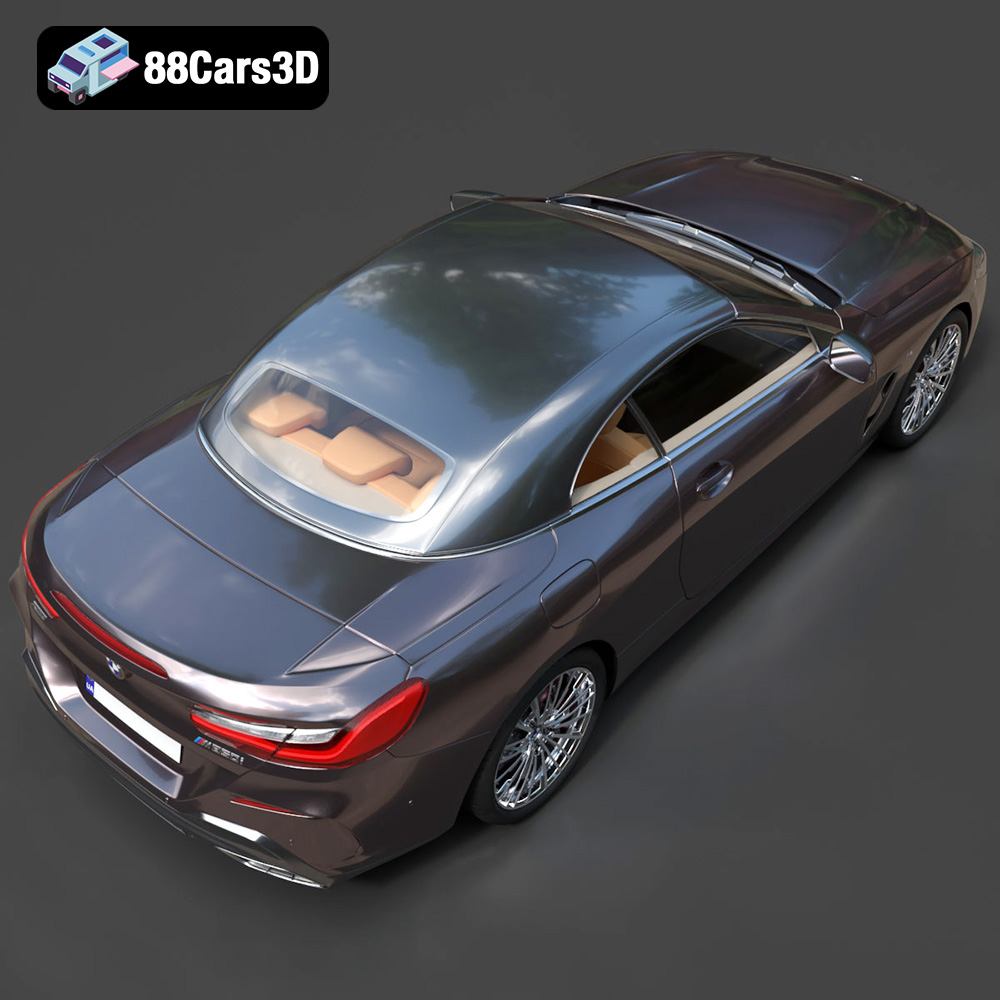
The BMW 8-Series G14 Convertible M850i 2019 is a masterpiece of automotive engineering and design. Now, thanks to the detailed 3D model available at 88cars3d.com, you can bring this iconic vehicle to life through the magic of 3D printing. This blog post will guide you through the entire process, from selecting the right materials and settings to post-processing techniques that will make your 3D printed BMW stand out. Whether you’re a seasoned 3D printing enthusiast or a newcomer to the world of additive manufacturing, this guide will provide you with the knowledge and skills necessary to create a stunning replica of this luxury sports car.
Before diving into the specifics of printing the BMW 8-Series G14 Convertible M850i 2019 model, it’s crucial to understand the different file formats available and their suitability for 3D printing. The model from 88cars3d.com is available in several formats, each catering to specific applications, but some are far better suited for 3D printing than others.
The .stl (Stereolithography) file format is the industry standard for 3D printing. It represents the 3D model’s surface geometry as a collection of triangles, forming a mesh. This simplicity makes it universally compatible with virtually all 3D printing software and hardware. When preparing the BMW 8-Series model for printing, the .stl format is your best bet.
The key to a successful .stl print lies in the mesh quality. A higher triangle count results in a smoother surface and more accurate representation of the original model’s curves and details. However, a very high triangle count can lead to larger file sizes and increased processing time in your slicing software. Finding the right balance is crucial. Most slicing software allows you to adjust the mesh resolution during the import or repair process. Aim for a resolution that captures the car’s sleek lines without creating an excessively large file.
The .obj (Object) file format is another popular choice for 3D models, and it offers an advantage over .stl in that it can store color and texture information. While most common 3D printers print in a single color, some advanced machines can handle multi-color printing using multiple extruders. If you plan to explore color 3D printing for your BMW 8-Series model, the .obj format, along with appropriate texture files, would be the way to go.
However, .obj files can be more complex to handle in slicing software compared to .stl, especially if the model has intricate textures. Ensure your slicing software supports .obj with textures and that your printer is capable of multi-color printing.
The .ply (Polygon File Format) is designed to store 3D data acquired from 3D scanners. It can represent models with extremely high levels of detail and is often used in applications like reverse engineering and scientific visualization. While the BMW 8-Series model from 88cars3d.com is unlikely to be a direct scan, the .ply format might be an option if the provided model has an exceptionally detailed mesh.
Keep in mind that printing a .ply model with an extremely high polygon count can be computationally demanding and may require a powerful computer and advanced slicing software.
Formats like .blend (Blender), .fbx, .glb, and .max (3ds Max) are primarily used for creating and manipulating 3D models in software applications. They contain information about the model’s structure, materials, textures, and animations. While these formats are not directly used for 3D printing, they can be incredibly useful for pre-print customization.
For example, you could open the .blend file in Blender to modify the model, add details, or separate parts for easier printing. Once you’ve made the desired changes, you can export the model as an .stl file for 3D printing. The .fbx format is particularly useful for importing the model into game engines or other 3D applications, allowing you to visualize it in a virtual environment before printing. The .glb is optimized for AR/VR applications, providing a way to preview the model in augmented reality before committing to a physical print.
In summary, for 3D printing the BMW 8-Series G14 Convertible M850i 2019 model, prioritize using the .stl format. If you intend to print in multiple colors, explore the .obj format with texture support. Use the other formats (.blend, .fbx, .glb, .max) for pre-print customization and visualization before exporting to .stl.
Before you can start printing your BMW 8-Series G14 Convertible M850i 2019, you need to prepare the .stl file using slicing software. This software converts the 3D model into a series of instructions that the 3D printer can understand. Popular slicing software options include Cura, Simplify3D, PrusaSlicer, and IdeaMaker.
One of the most crucial decisions you’ll make during pre-print preparation is the model’s orientation on the build plate. The orientation significantly affects the print quality, the amount of support material required, and the overall print time.
For the BMW 8-Series convertible, consider orienting the model with the roof facing upwards. This minimizes the need for supports on the car’s exterior surfaces, preserving the smooth lines and intricate details. However, this orientation will likely require extensive support structures inside the car’s cabin. Alternatively, you could orient the model with one of its sides facing down. This reduces the need for internal supports but may require supports on the outer surfaces.
Regardless of the orientation you choose, you’ll likely need to generate support structures. Support structures are temporary structures that provide a foundation for overhanging parts of the model. Most slicing software offers automatic support generation, but you can also manually add or remove supports to optimize the printing process. Experiment with different support settings, such as support density, support angle, and support interface, to find the optimal balance between print quality and support material usage.
Before slicing, decide on the scale of your 3D printed BMW. Consider the size of your printer’s build plate and the level of detail you want to achieve. A larger scale allows for finer details but requires more material and a longer print time. A smaller scale is faster and more economical but may sacrifice some detail.
It’s also essential to inspect the .stl file for any errors or imperfections. Sometimes, 3D models can have non-manifold geometry, holes, or self-intersecting faces. These errors can cause problems during slicing and printing. Many slicing software programs have built-in tools for repairing minor mesh issues. For more complex repairs, you might need to use dedicated mesh editing software like MeshMixer or Netfabb.
The choice of material plays a significant role in the final appearance, strength, and durability of your 3D printed BMW 8-Series. Several materials are suitable for this project, each with its own advantages and disadvantages.
PLA (Polylactic Acid) is a popular thermoplastic known for its ease of use and biodegradability. It’s a great choice for beginners due to its low printing temperature, minimal warping, and wide availability. PLA produces parts with good surface detail, making it ideal for replicating the intricate features of the BMW 8-Series.
However, PLA is not as strong or heat-resistant as other materials. It can become brittle over time and is not suitable for parts that will be exposed to high temperatures or stress.
PETG (Polyethylene Terephthalate Glycol-modified) offers a good balance of strength, flexibility, and ease of printing. It’s more durable and heat-resistant than PLA, making it a better choice for parts that need to withstand some wear and tear. PETG also has good layer adhesion, reducing the risk of delamination.
PETG can be slightly more challenging to print than PLA, as it requires higher printing temperatures and careful adjustment of retraction settings to prevent stringing.
For incredibly detailed prints, resin 3D printing is an excellent option. Resin printers use liquid photopolymer resins that are cured by UV light. This process allows for much higher resolution and finer detail compared to FDM (Fused Deposition Modeling) printers that use filament. If you want to capture every curve and crease of the BMW 8-Series with exceptional accuracy, resin printing is the way to go.
However, resin printing has its drawbacks. Resin printers are typically more expensive than FDM printers, and the resins themselves can be costly. Resin printing also requires careful handling and post-processing, including washing and curing the printed parts.
Once you’ve chosen your material and prepared the model, it’s time to fine-tune your printer settings. The ideal settings will depend on your specific printer, material, and desired print quality.
Layer height is the thickness of each layer of plastic that the printer deposits. A lower layer height results in smoother surfaces and finer details, but it also increases the print time. For the BMW 8-Series, a layer height of 0.1mm to 0.2mm is a good starting point for PLA and PETG. For resin printing, layer heights can be even lower, down to 0.025mm or less.
Infill density determines the amount of material inside the printed part. A higher infill density increases the part’s strength and weight but also consumes more material and increases print time. For a decorative model like the BMW 8-Series, an infill density of 15% to 25% is usually sufficient.
Print speed affects the print quality and the overall print time. Slower print speeds generally result in better surface finish and fewer errors. For PLA, a print speed of 40mm/s to 60mm/s is recommended. For PETG, you may need to reduce the print speed to 30mm/s to 50mm/s to prevent stringing.
The optimal printing temperature depends on the material you’re using. PLA typically prints at around 200°C to 220°C, while PETG requires temperatures of 230°C to 250°C. Always consult the material manufacturer’s recommendations for the best results.
After the print is complete, some post-processing is usually necessary to achieve a professional finish.
The first step is to carefully remove the support structures. Use a sharp knife or pliers to gently detach the supports from the model. Be careful not to damage the surface of the car.
Once the supports are removed, you can start sanding the model to smooth out any imperfections and layer lines. Start with a coarse grit sandpaper (e.g., 220 grit) and gradually move to finer grits (e.g., 400 grit, 600 grit, 800 grit) to achieve a smooth, polished surface. Wet sanding can help to reduce dust and improve the sanding results.
Painting is a crucial step in bringing your 3D printed BMW 8-Series to life. Start by applying a primer to the model to create a smooth, even surface for the paint to adhere to. Then, apply several thin coats of your desired paint color, allowing each coat to dry completely before applying the next.
For added realism, you can use masking tape to create crisp lines and paint different parts of the car in different colors. You can also add details like headlights, taillights, and emblems using paint pens or decals.
Even with careful preparation and optimized settings, you may still encounter some common 3D printing issues.
Warping occurs when the printed part lifts off the build plate during printing. This is often caused by poor bed adhesion or uneven cooling. To prevent warping, ensure your build plate is clean and level. You can also use a bed adhesive like glue stick or hairspray to improve adhesion. Enclosing the printer can also help to maintain a more consistent temperature and prevent warping.
Stringing occurs when the printer extrudes small strands of plastic between different parts of the model. Blobs are small, unwanted deposits of plastic on the surface of the print. These issues are often caused by incorrect retraction settings or printing temperatures. Adjusting these settings can usually resolve these problems.
Layer shifting occurs when the printer head suddenly shifts position during printing, resulting in misaligned layers. This can be caused by loose belts, stepper motor issues, or vibrations. Check the tension of your printer’s belts and ensure that the printer is placed on a stable surface.
By following these guidelines, you can successfully 3D print the BMW 8-Series G14 Convertible M850i 2019 model from 88cars3d.com and create a stunning replica of this iconic sports car. Remember to experiment with different materials, settings, and post-processing techniques to find what works best for you. With patience and practice, you’ll be able to produce high-quality 3D printed models that you can be proud of.
Experience unmatched realism and precision with the BMW 8-Series G14 Convertible M850i 2019 3D Model. Designed for professionals and enthusiasts, this exceptionally detailed vehicle replica captures the sleek, aggressive lines and luxurious open-top profile of the iconic sports car. From its meticulously crafted exterior to a fully modeled interior, every element reflects the sophisticated engineering of the original design.
$19.99