Get 50% OFF All Premium 3D & STL Models!

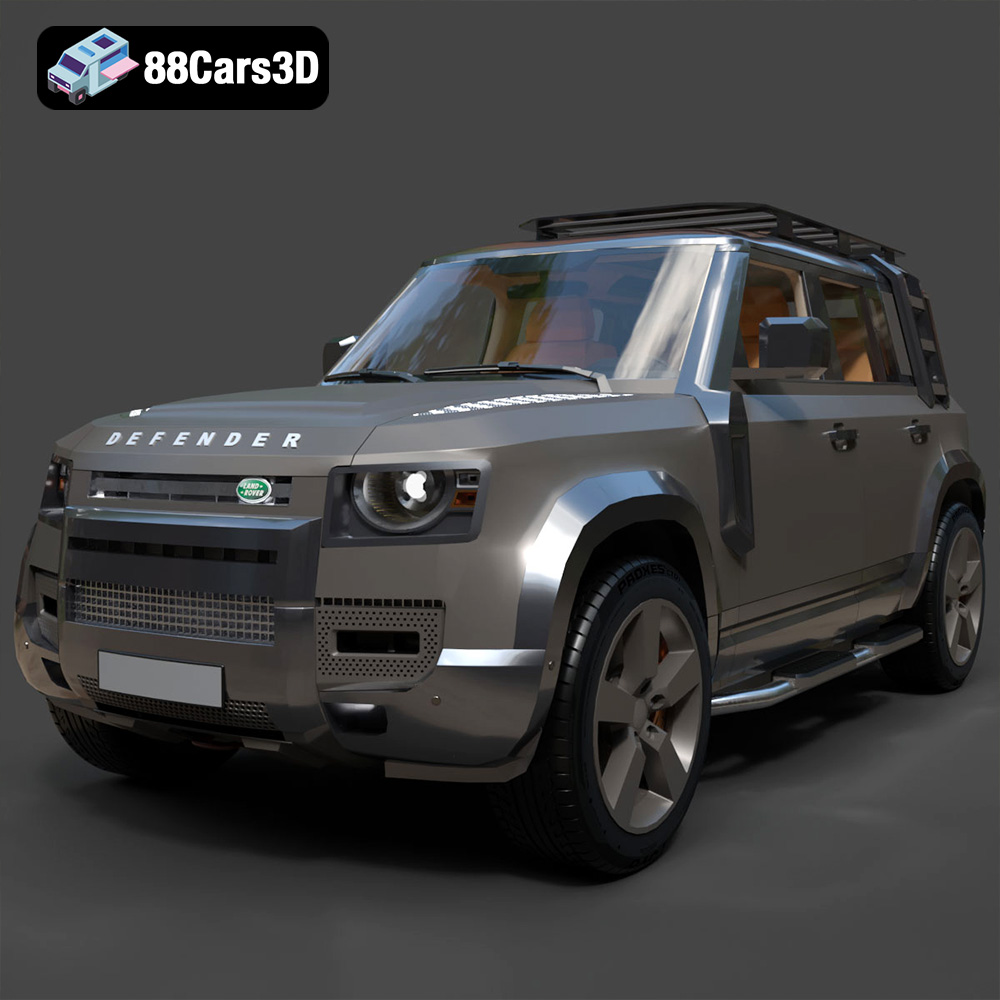
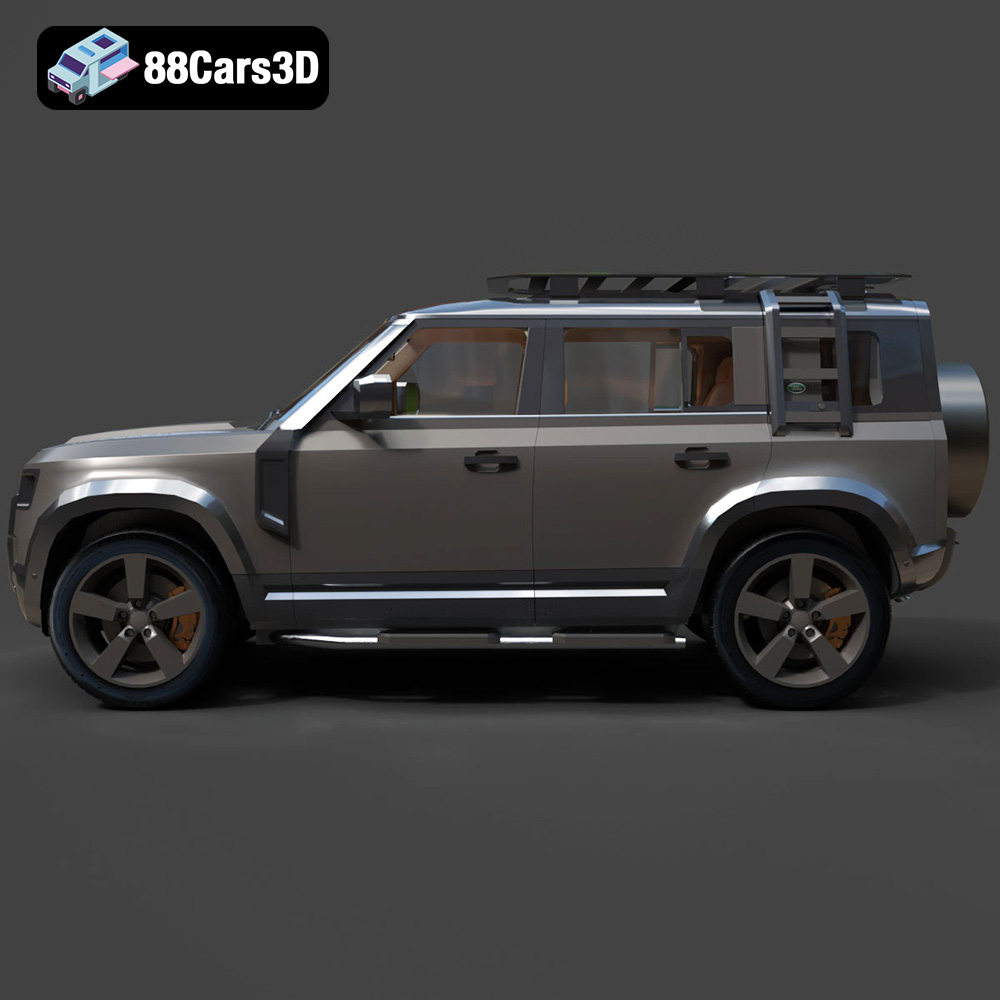
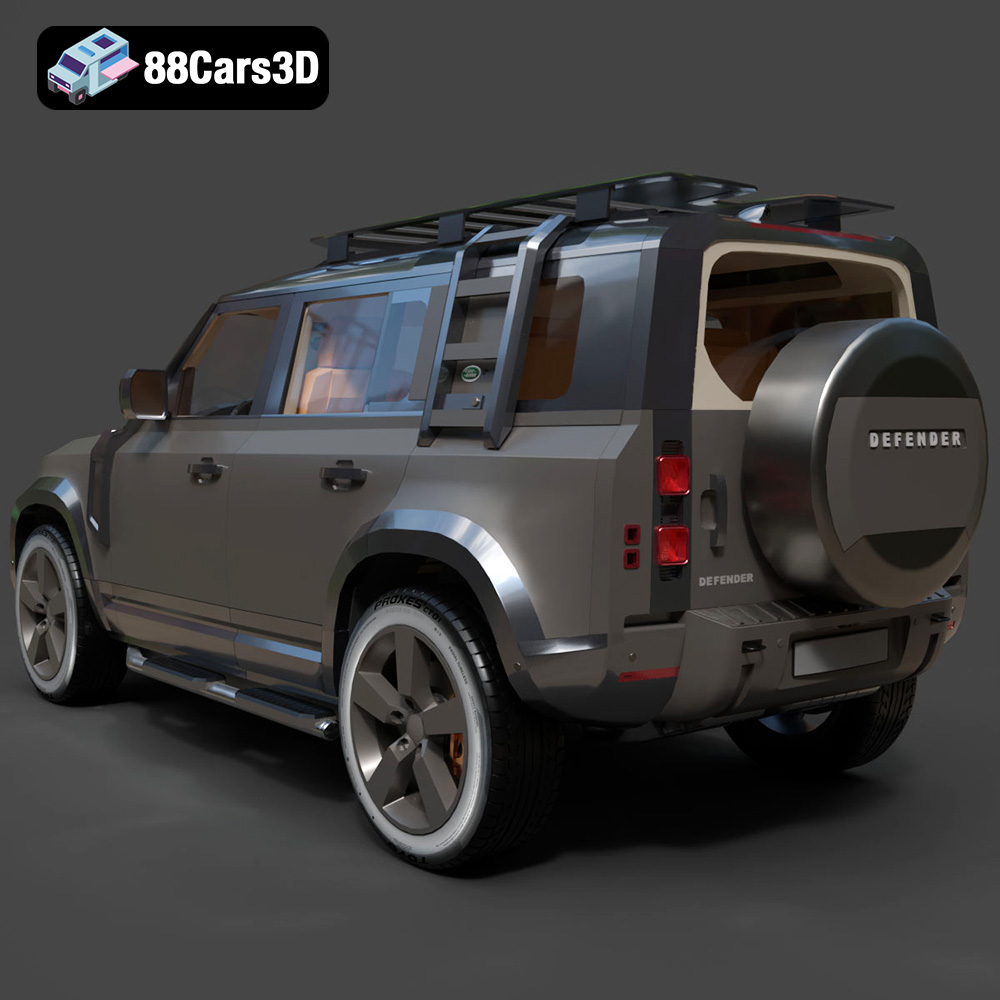
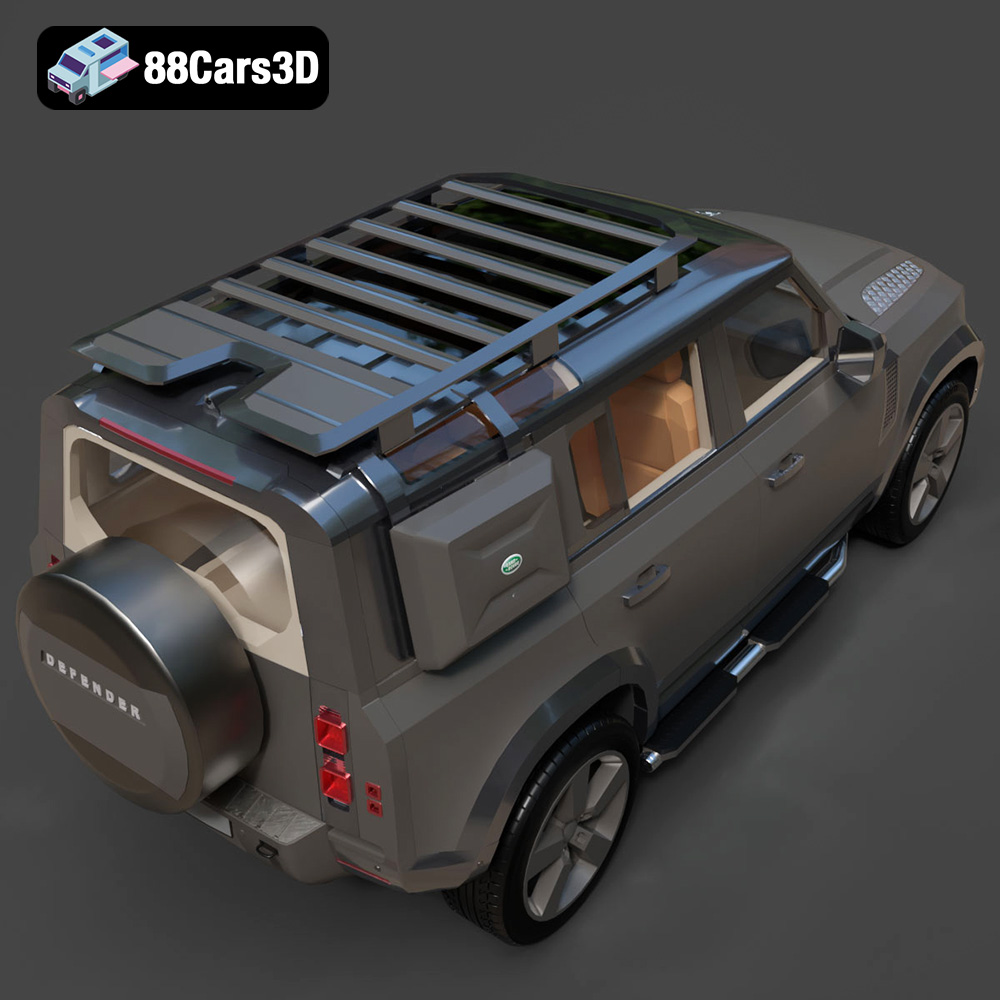
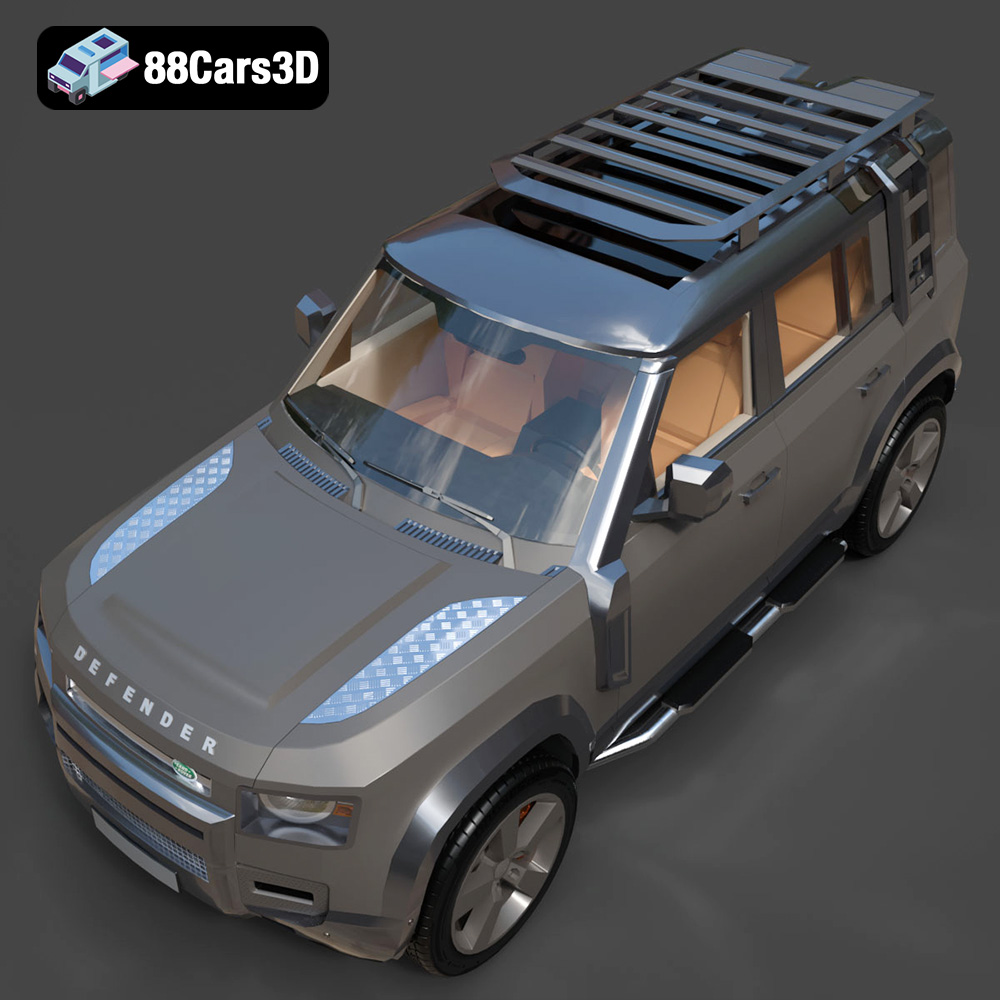
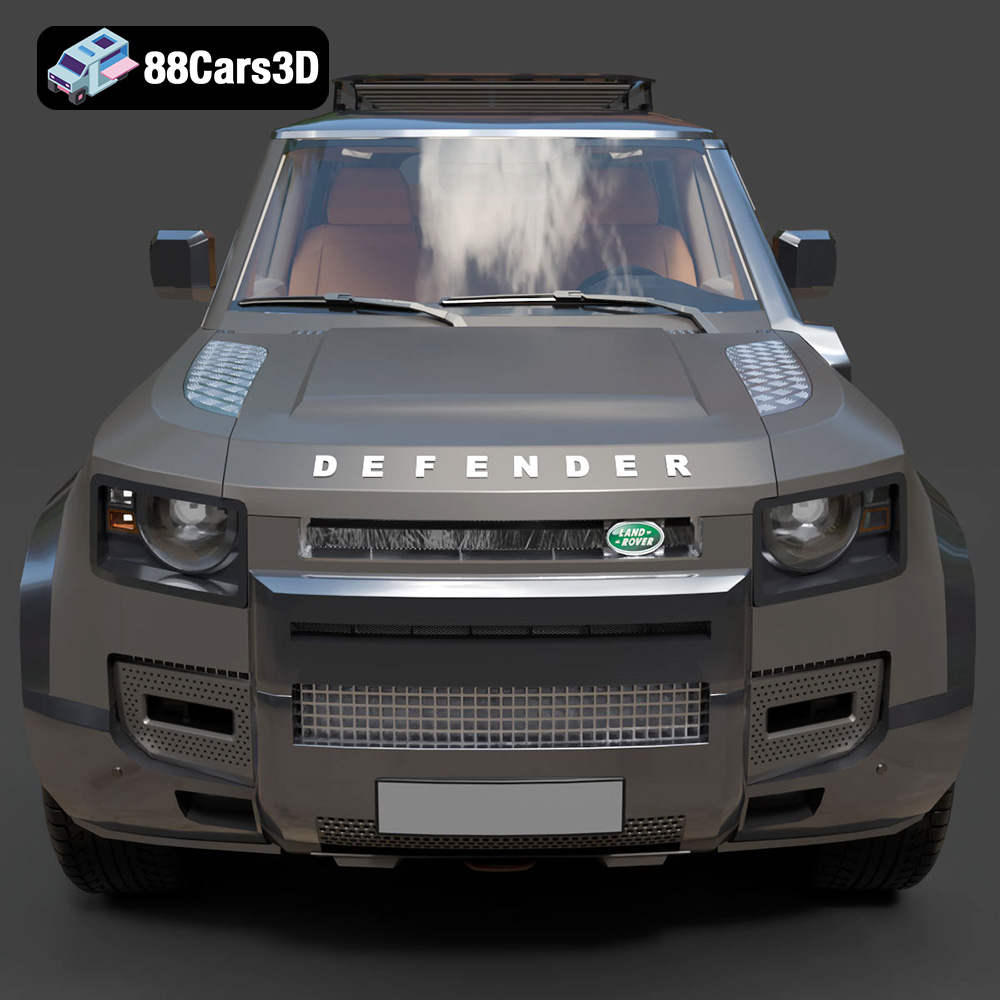
The Land Rover Defender is an iconic vehicle, known for its ruggedness and off-road capabilities. Now, thanks to 88cars3d.com, you can bring this legend to life with a detailed 3D printed model. The Land Rover Defender EXPLORER PACK-001 3D Model available on their site is meticulously crafted and optimized for various applications, including 3D printing. This article will guide you through the entire 3D printing process, from preparing the STL files to post-processing your finished model, ensuring a successful and rewarding project.
Choosing the right 3D printer and filament is crucial for achieving optimal results when printing the Land Rover Defender EXPLORER PACK-001. The level of detail in this model demands a printer capable of fine resolution and consistent performance.
* **FDM (Fused Deposition Modeling):** FDM printers are a popular choice for their affordability and ease of use. While they may not capture the finest details as well as resin printers, they are well-suited for larger parts of the Defender model, such as the chassis and body panels. PLA and PETG are excellent filament choices for FDM printing, offering a good balance of strength, printability, and cost.
* **Resin Printing (SLA/DLP):** Resin printers excel at producing highly detailed and accurate prints. They are ideal for smaller, intricate parts of the Defender, such as the wheels, lights, and interior components. Resin printing can capture the subtle curves and fine details that would be lost with FDM. However, resin printing requires more careful handling of materials and post-processing.
* **PLA (Polylactic Acid):** PLA is a biodegradable thermoplastic that is easy to print with and offers good dimensional accuracy. It is a great choice for beginners and for parts that don’t require high heat resistance or flexibility. Consider using a high-quality PLA for a smoother surface finish.
* **PETG (Polyethylene Terephthalate Glycol-modified):** PETG is a more durable and heat-resistant alternative to PLA. It offers good strength and flexibility, making it suitable for functional parts of the Defender model. PETG can be slightly more challenging to print than PLA, requiring careful temperature and speed adjustments.
* **ABS (Acrylonitrile Butadiene Styrene):** ABS is a strong and heat-resistant plastic commonly used in automotive parts. It is a good choice for the Defender model if you require high durability and heat resistance. However, ABS is more prone to warping and requires a heated bed and enclosure for successful printing.
The Land Rover Defender EXPLORER PACK-001 3D Model comes with a variety of file formats to suit different purposes, from game development to 3D printing. Understanding these formats is essential for choosing the right file for your specific application.
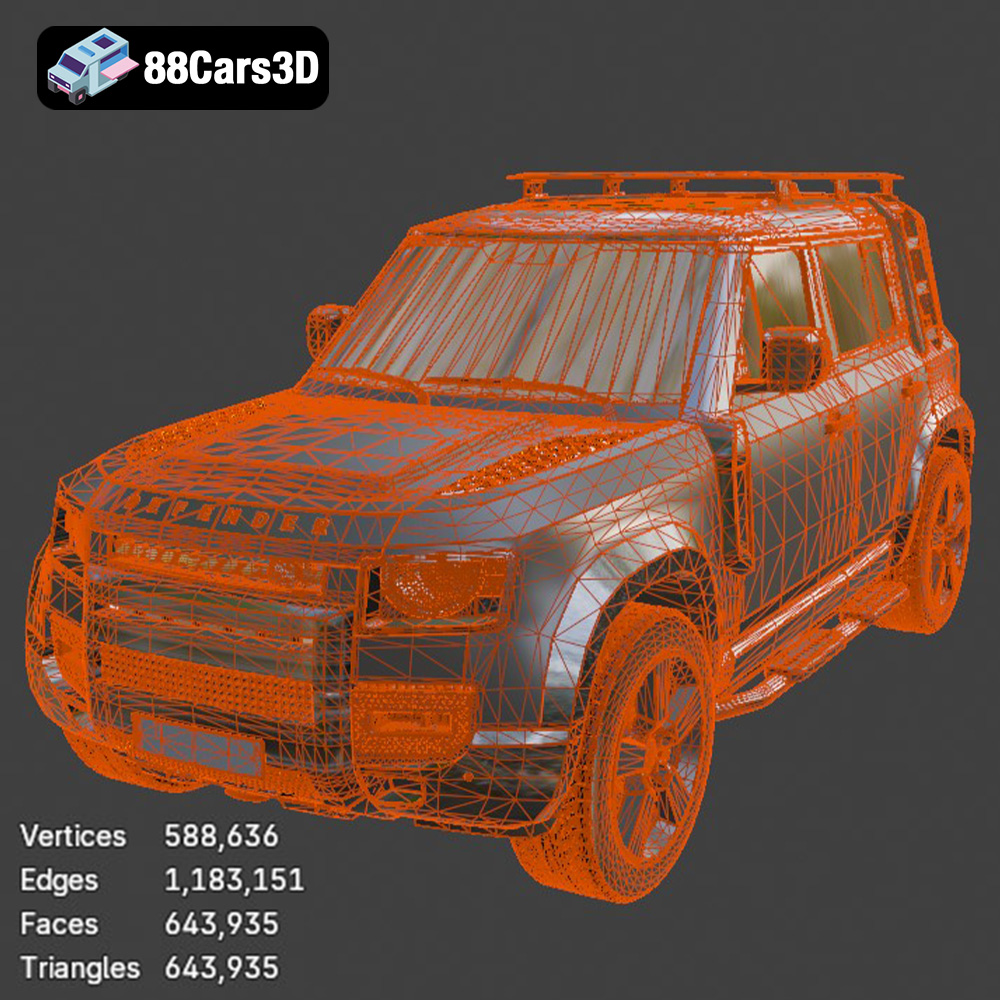
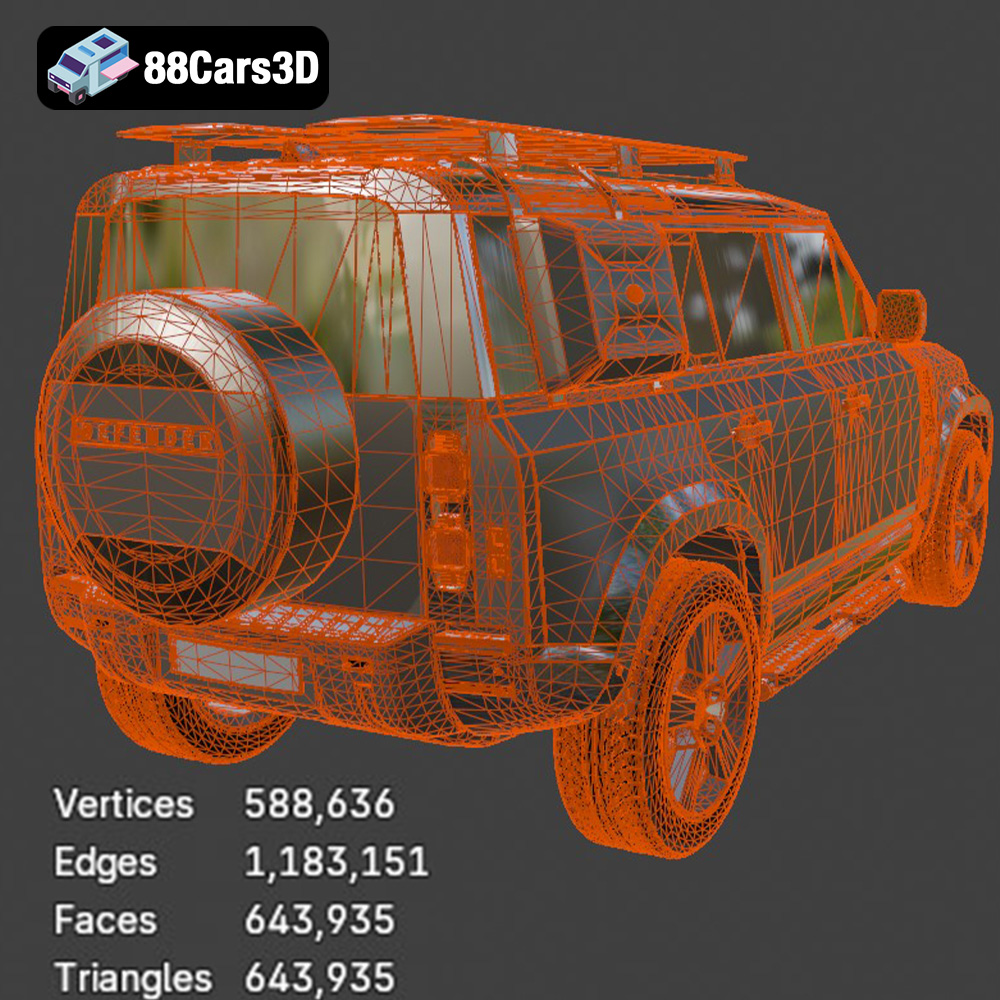
The .stl (stereolithography) file format is the de facto standard for 3D printing. It represents the surface geometry of a 3D object as a collection of triangles. STL files are widely supported by slicing software and 3D printers, making them the most compatible option for 3D printing the Land Rover Defender EXPLORER PACK-001. However, STL files only contain information about the shape of the object and do not include color or texture data. When preparing your STL file for printing, ensure the mesh is watertight (no holes or gaps) and that the triangles are oriented correctly to avoid printing errors. The resolution of the STL mesh also affects the print quality; a higher resolution mesh will result in a smoother surface finish but will also increase the file size and printing time.
The .obj (object) file format is another popular 3D model format that is more versatile than STL. Unlike STL, OBJ files can store color and texture information, making them suitable for 3D printing with multi-material printers or for applying textures in post-processing. However, OBJ files can be more complex than STL files, which may lead to longer processing times in slicing software.
The .ply (polygon) file format is designed for storing 3D data acquired from 3D scanners. It supports various data types, including color, texture, and surface normals, making it suitable for high-detail 3D printing. However, PLY files are not as widely supported as STL or OBJ files, so you may need to convert them to STL before printing.
The .blend file format is the native format for Blender, a free and open-source 3D modeling software. It contains the entire scene, including the model, materials, textures, and lighting setup. If you want to customize the Land Rover Defender EXPLORER PACK-001 before printing, you can open the .blend file in Blender and make modifications. Once you are satisfied with the changes, you can export the model as an STL file for 3D printing.
The .fbx (Filmbox) file format is a proprietary format developed by Autodesk for exchanging 3D data between different software applications. It supports various data types, including geometry, materials, textures, and animations. While FBX files are not directly used for 3D printing, they can be imported into some slicing software that supports material assignments for multi-material printing.
The .glb (GL Transmission Format Binary) file format is designed for efficient transmission and loading of 3D models on the web and in augmented reality (AR) applications. It is a binary format that includes all the necessary data, such as geometry, textures, and animations, in a single file. You can use the .glb file to preview the Land Rover Defender EXPLORER PACK-001 in AR before printing to get a sense of its size and appearance in the real world.
Similar to .blend, the .max format is the native file type for 3ds Max. It can be used to edit the file before 3D printing, however 3ds Max is not free and requires a paid license.
For 3D printing, the **.stl** format is the most reliable and widely supported option. Ensure that the STL file is properly prepared with a watertight mesh and appropriate resolution before importing it into your slicing software.
Before you can start printing the Land Rover Defender EXPLORER PACK-001, you need to prepare the STL files using slicing software. This process involves importing the STL file, orienting the model, adding supports, and generating the G-code that your 3D printer will use to build the object.
* **Ultimaker Cura:** Cura is a free and open-source slicing software that is popular for its ease of use and versatility. It supports a wide range of 3D printers and offers a variety of settings to fine-tune the printing process.
* **PrusaSlicer:** PrusaSlicer is another free and open-source slicing software that is known for its advanced features and accurate print predictions. It is a great choice for experienced users who want to optimize their printing settings.
* **Simplify3D:** Simplify3D is a commercial slicing software that offers a comprehensive set of features and advanced customization options. It is a popular choice for professionals and users who demand the highest level of control over the printing process.
* **Orientation:** The orientation of the model on the build plate can significantly affect the print quality and the amount of support material required. Experiment with different orientations to minimize overhangs and optimize the surface finish. For the Land Rover Defender EXPLORER PACK-001, consider printing the body panels with the flat surfaces facing down to minimize the need for supports on the visible areas.
* **Support Structures:** Support structures are necessary to support overhangs and bridges during printing. Choose a support structure type that is easy to remove and minimizes scarring on the printed surface. Consider using tree supports for complex geometries, as they offer better support and are easier to remove than linear supports. Adjust support density and placement to optimize support performance and minimize material usage.
* **Layer Height:** Layer height determines the resolution of the print. A lower layer height will result in a smoother surface finish but will also increase the printing time. For the Land Rover Defender EXPLORER PACK-001, a layer height of 0.1-0.2mm is recommended for achieving a good balance of detail and printing speed.
* **Infill:** Infill is the internal structure of the printed object. A higher infill percentage will result in a stronger and more rigid object but will also increase the printing time and material usage. For the Land Rover Defender EXPLORER PACK-001, an infill percentage of 15-20% is sufficient for most parts. Consider increasing the infill percentage for parts that require high strength, such as the chassis.
* **Speed Settings:** Printing speed affects the print quality and the overall printing time. Slower printing speeds generally result in better print quality, especially for intricate details. Experiment with different speed settings to find the optimal balance between print quality and printing time. A printing speed of 40-60mm/s is a good starting point for the Land Rover Defender EXPLORER PACK-001.
Achieving a high-quality 3D print of the Land Rover Defender EXPLORER PACK-001 requires careful tuning of your printer settings. This section will cover some key settings to optimize for this specific model.
* **Nozzle Temperature:** The optimal nozzle temperature will depend on the filament you are using. Consult the filament manufacturer’s recommendations for the ideal temperature range. Generally, PLA prints well at 200-220°C, PETG at 220-240°C, and ABS at 230-250°C.
* **Bed Temperature:** A heated bed is essential for printing with ABS and can also improve adhesion with PLA and PETG. A bed temperature of 60-70°C is recommended for PLA, 70-80°C for PETG, and 100-110°C for ABS.
* **PLA:** PLA benefits from active cooling, as it helps to solidify the plastic quickly and prevent warping. Use a cooling fan speed of 50-100% for PLA.
* **PETG:** PETG is more sensitive to cooling than PLA. Excessive cooling can lead to layer adhesion issues. Use a cooling fan speed of 20-50% for PETG.
* **ABS:** ABS generally does not require cooling, as it can cause warping. Turn off the cooling fan completely when printing with ABS.
* **Retraction Distance and Speed:** Retraction settings control how much filament is retracted from the nozzle when the printer moves between different parts of the print. Proper retraction settings are essential for minimizing stringing and blobs. Experiment with different retraction distances and speeds to find the optimal settings for your printer and filament. A retraction distance of 4-6mm and a speed of 40-60mm/s are good starting points.
Once the 3D printing is complete, the Land Rover Defender EXPLORER PACK-001 model will likely require some post-processing to achieve the desired finish. This may include removing support structures, sanding, filling gaps, and painting.
* **Support Removal:** Carefully remove the support structures using pliers or a sharp knife. Be careful not to damage the printed surface.
* **Sanding:** Sand the printed surface with progressively finer grits of sandpaper to smooth out any imperfections and layer lines. Start with a coarse grit (e.g., 220) and gradually move to finer grits (e.g., 400, 600, 800) until the surface is smooth. Wet sanding can help to reduce dust and improve the surface finish.
* **Filling Gaps:** Use a filler primer or putty to fill any gaps or imperfections in the printed surface. Sand the filler after it has dried to create a smooth surface.
* **Painting:** Apply a primer coat to the model to improve paint adhesion and create a uniform base. Then, apply multiple thin coats of paint, allowing each coat to dry completely before applying the next. Use masking tape to create clean lines and protect areas that you don’t want to paint. Consider using an airbrush for a smoother and more professional finish.
* The Land Rover Defender EXPLORER PACK-001 model may consist of multiple parts that need to be assembled after printing. Use adhesive or screws to join the parts together. Ensure that the parts are aligned correctly before joining them.
Even with careful preparation and optimized settings, you may encounter some common 3D printing issues. This section provides some troubleshooting tips to help you overcome these challenges.
* **Warping:** Warping occurs when the printed object lifts off the build plate, especially during ABS printing. To prevent warping, ensure that the bed is properly leveled and heated, use a raft or brim, and enclose the printer to maintain a consistent temperature.
* **Bed Adhesion:** Poor bed adhesion can cause the print to detach from the build plate. To improve bed adhesion, clean the build plate with isopropyl alcohol, use a bed adhesive such as glue stick or hairspray, and adjust the Z-offset to ensure that the nozzle is close enough to the bed.
* **Stringing:** Stringing occurs when thin strands of filament are left between different parts of the print. To reduce stringing, increase the retraction distance and speed, decrease the printing temperature, and increase the travel speed.
* **Blobs:** Blobs are small bumps or imperfections on the printed surface. To reduce blobs, optimize the retraction settings, decrease the printing temperature, and ensure that the filament is dry.
* **Layer Shifting:** Layer shifting occurs when the printer’s X or Y axis shifts during printing. To prevent layer shifting, ensure that the belts are properly tensioned, the motors are not overheating, and the printing speed is not too high.
* **Under-Extrusion:** Under-extrusion occurs when the printer is not extruding enough filament. To fix under-extrusion, increase the printing temperature, increase the flow rate, and ensure that the nozzle is not clogged.
By following these guidelines, you can successfully 3D print the Land Rover Defender EXPLORER PACK-001 3D Model from 88cars3d.com and create a stunning replica of this iconic vehicle. Remember to experiment with different settings and techniques to find what works best for your printer and filament. Happy printing!
Explore the detailed Land Rover Defender EXPLORER PACK-001 3D Model, meticulously crafted for realism and accuracy. This model features clean geometry, allowing for seamless integration into any project. High-resolution textures and realistic materials enhance the visual fidelity, providing a professional-quality asset suitable for various applications. This 3D model is perfect for game development, architectural visualization, rendering projects, augmented reality (AR), virtual reality (VR), and simulations. Its versatility and attention to detail make it an invaluable addition to any 3D artist’s toolkit.
$19.99
.arvr
.blend
.car3dmodel
.defender
.explorerpack
.explorerrpack001
.fbx
.gameasset
.glb
.landrover
.max
.obj
.ply
.rendering
.simulation
.stl
.unreal
SUV