Get 50% OFF All Premium 3D & STL Models!

The German Luxury & Performance Bundle from 88cars3d.com offers a fantastic opportunity to bring some of Germany’s most iconic vehicles to life through 3D printing. This collection, featuring BMW and Mercedes-Benz models, is designed for detail and accuracy, making it perfect for hobbyists and professionals alike. This guide will walk you through the process of 3D printing these stunning vehicles, from pre-print preparation to post-processing techniques, ensuring you achieve the best possible results.
Before diving into the 3D printing process, let’s take a closer look at the models included in this bundle. The bundle comprises five distinct vehicles:
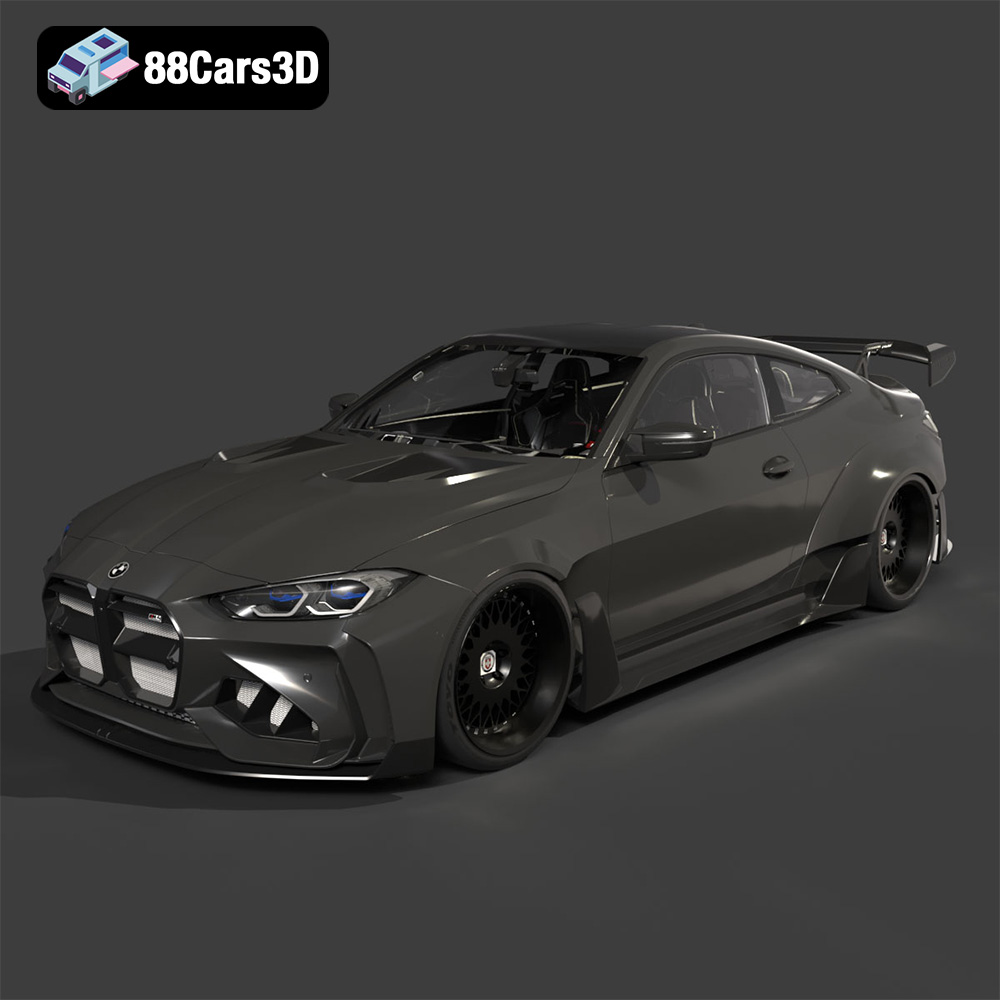
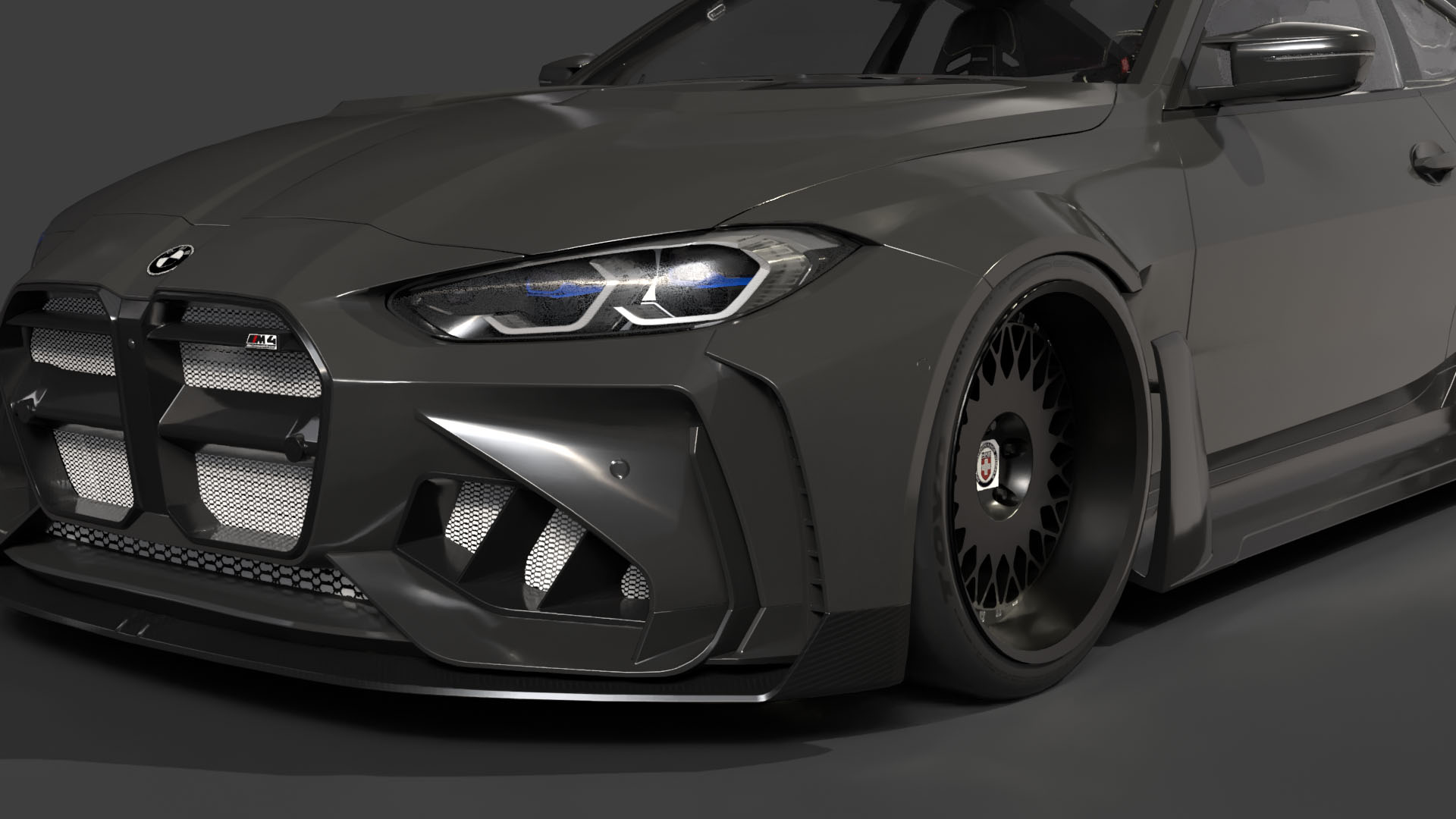
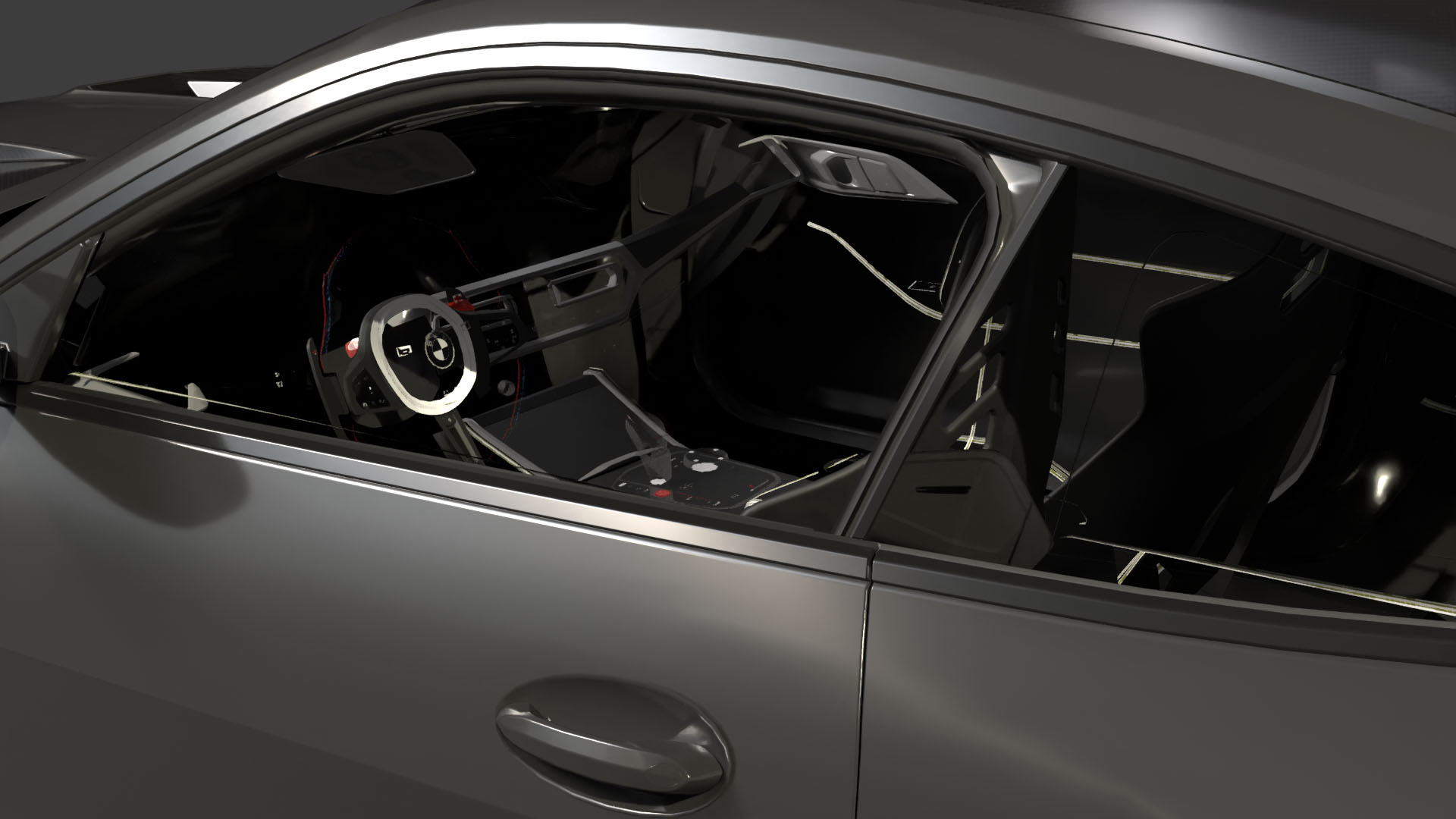
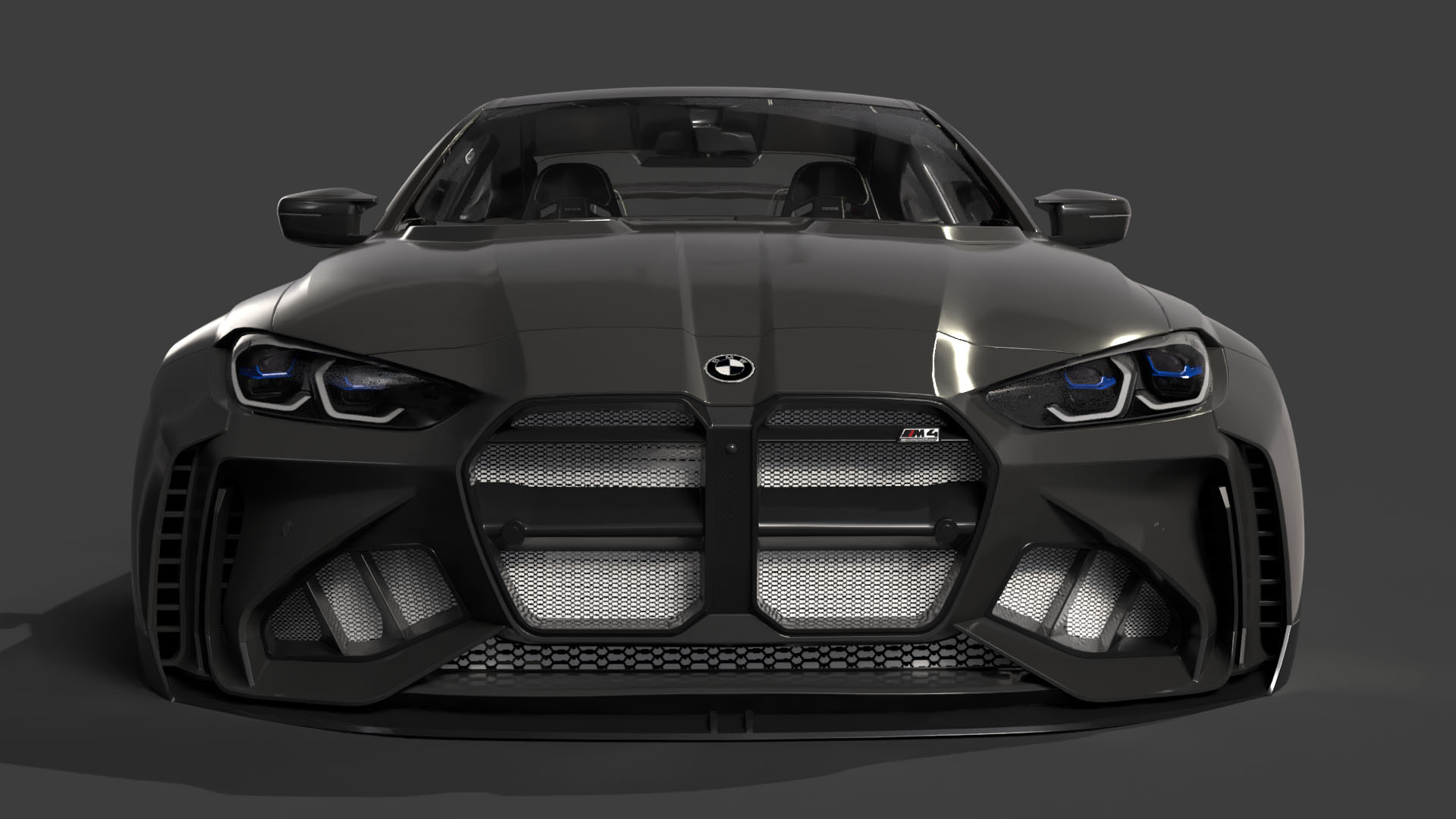
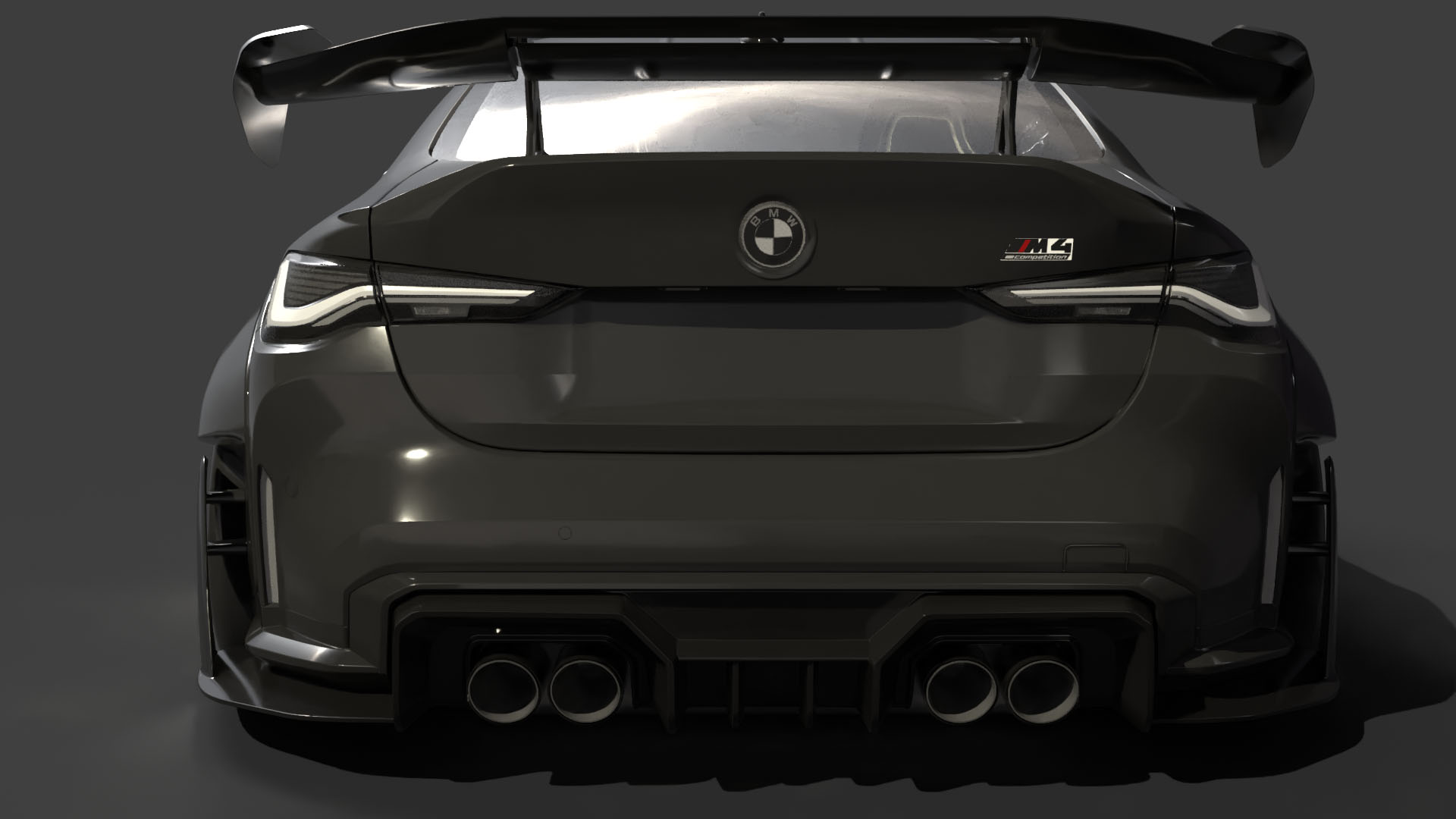
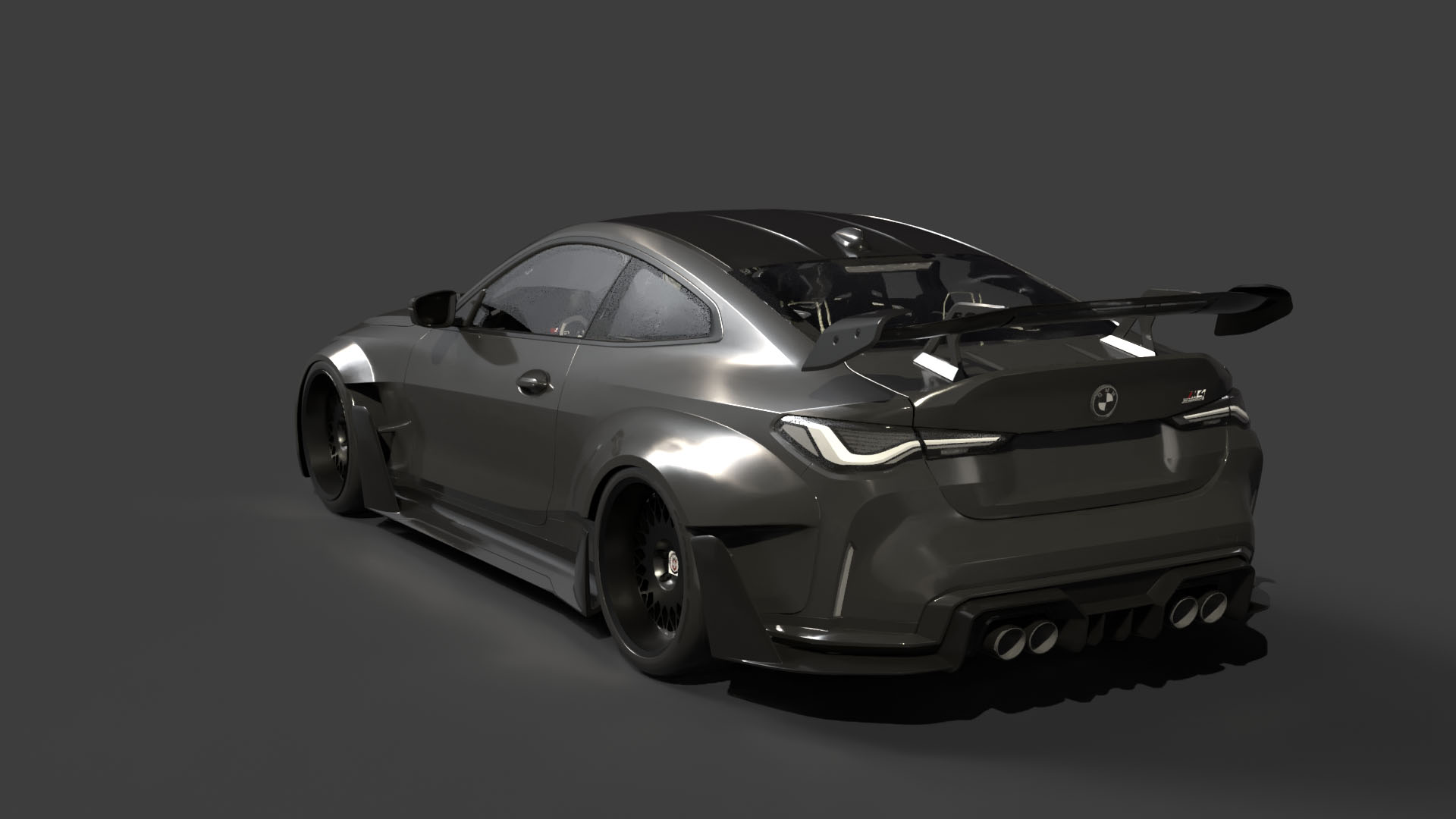
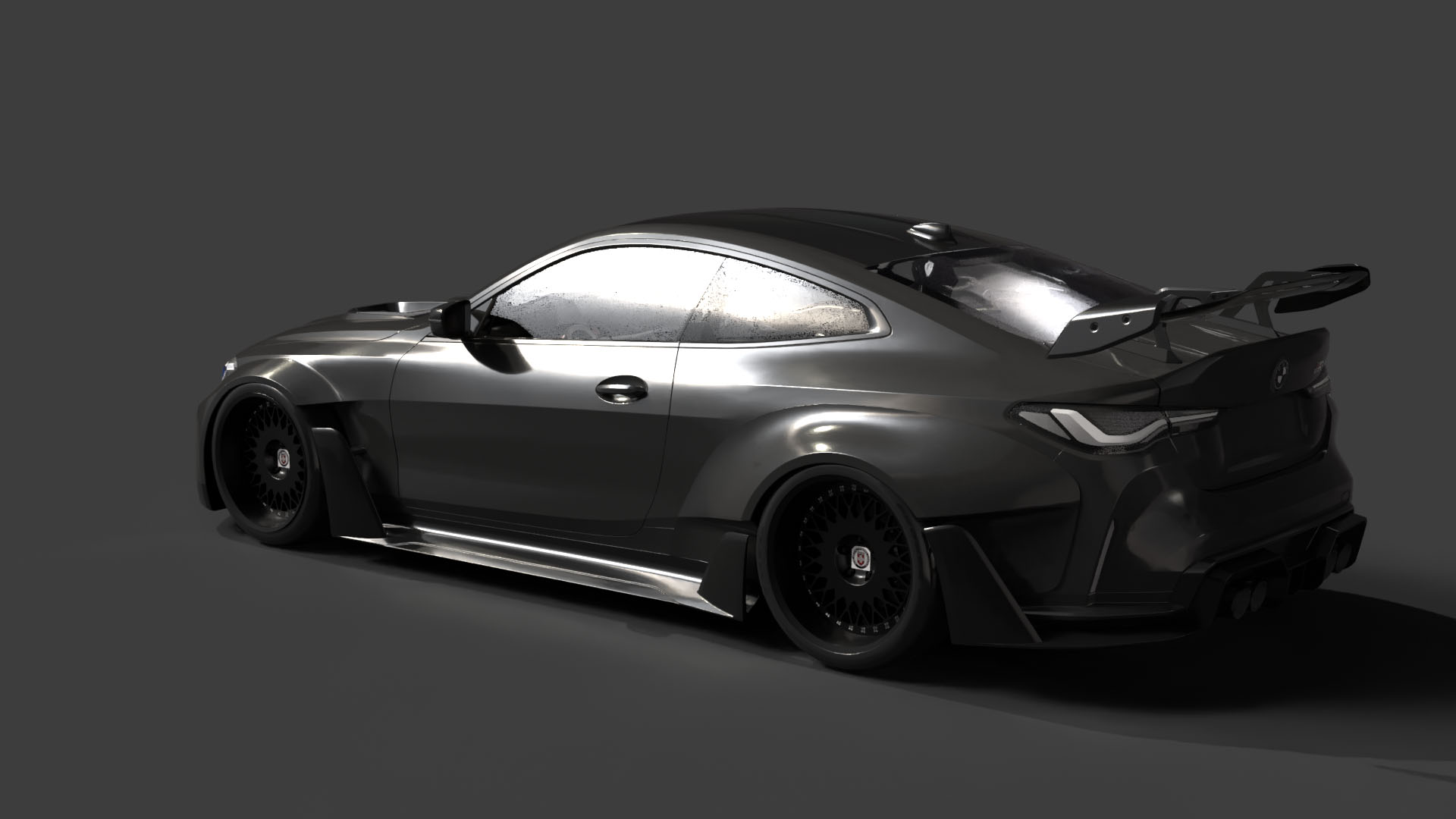
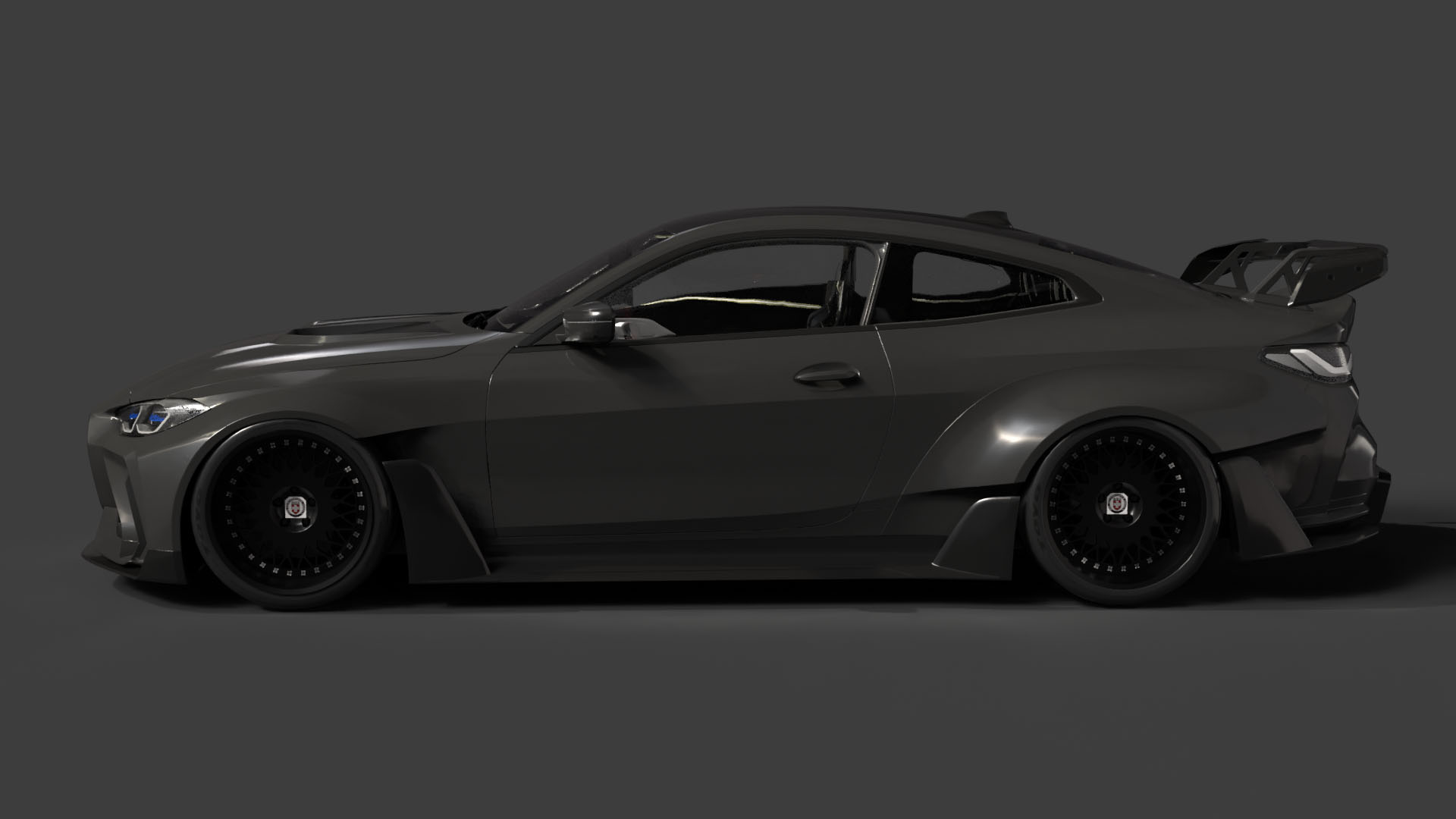
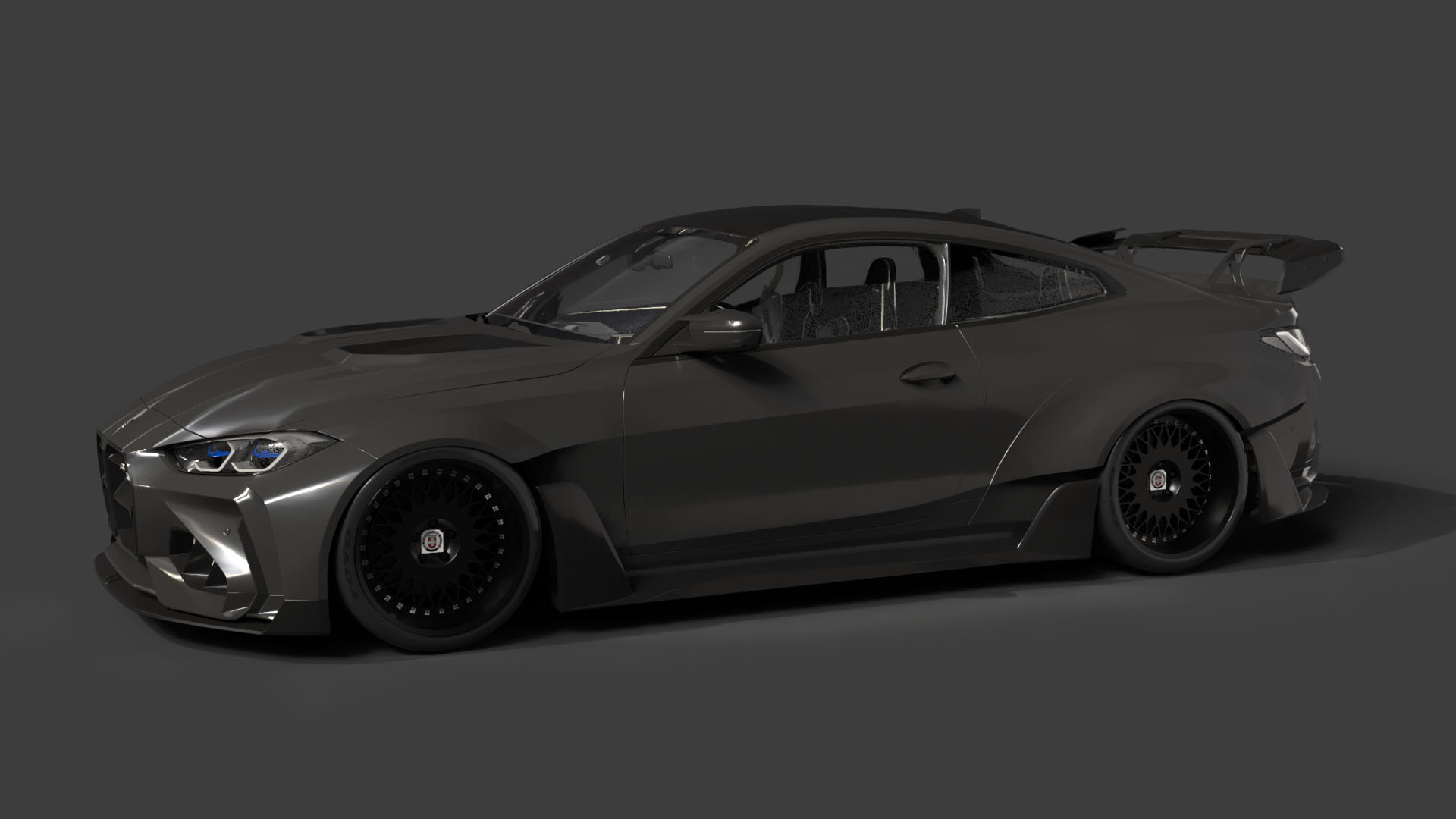
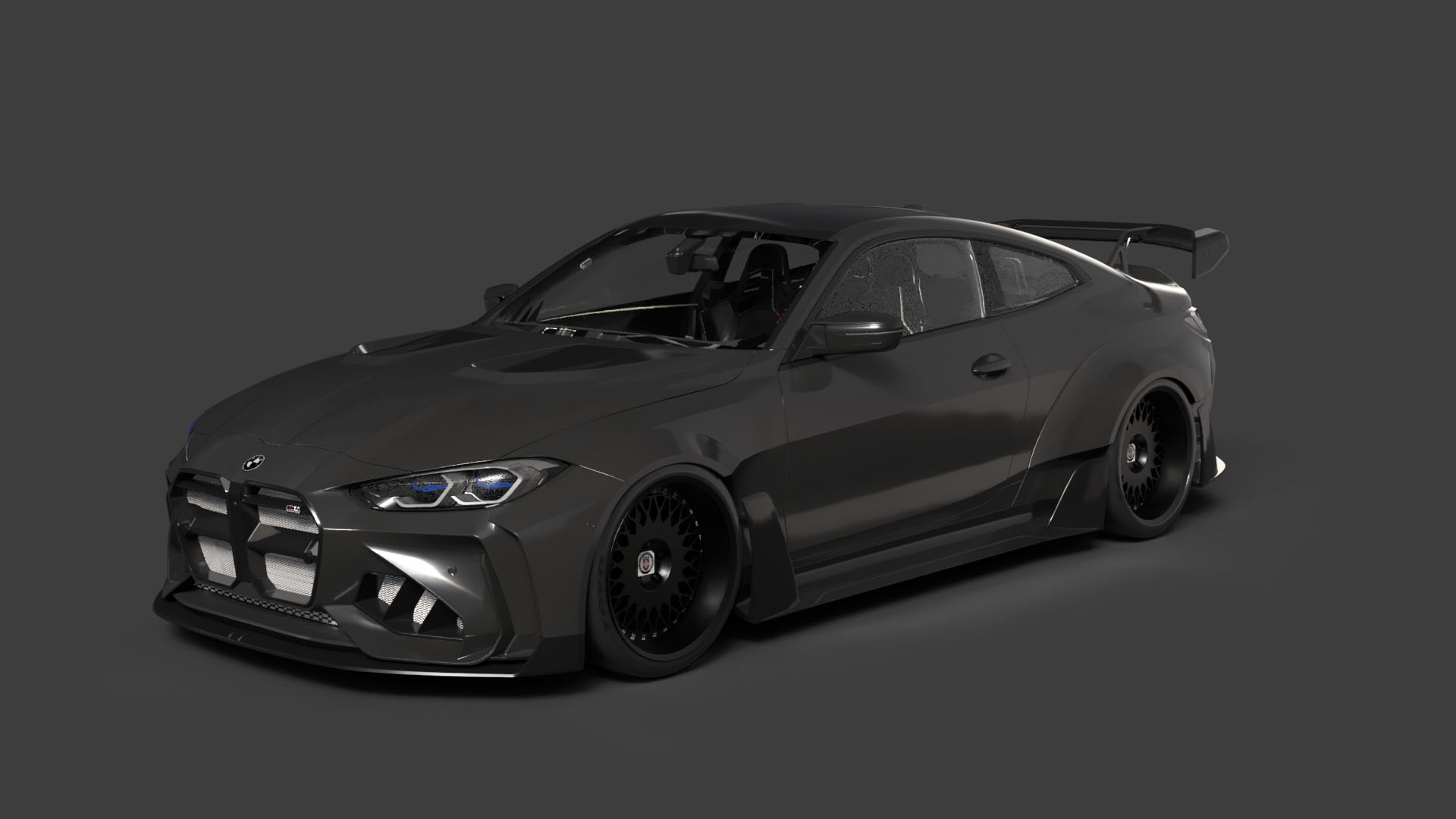
* **BMW G82 M4 with Custom Bodykit:** This is the “hero” car, featuring an aggressive wide-body aesthetic that demands attention.
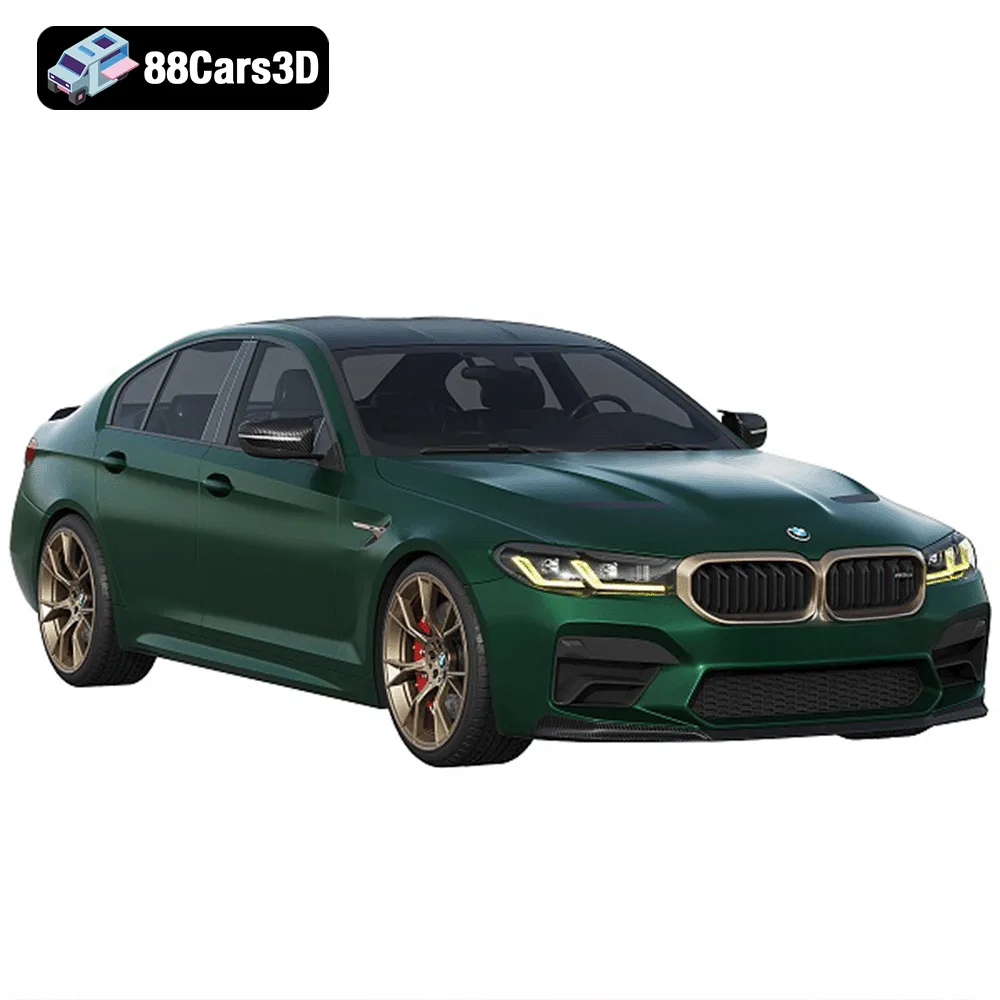
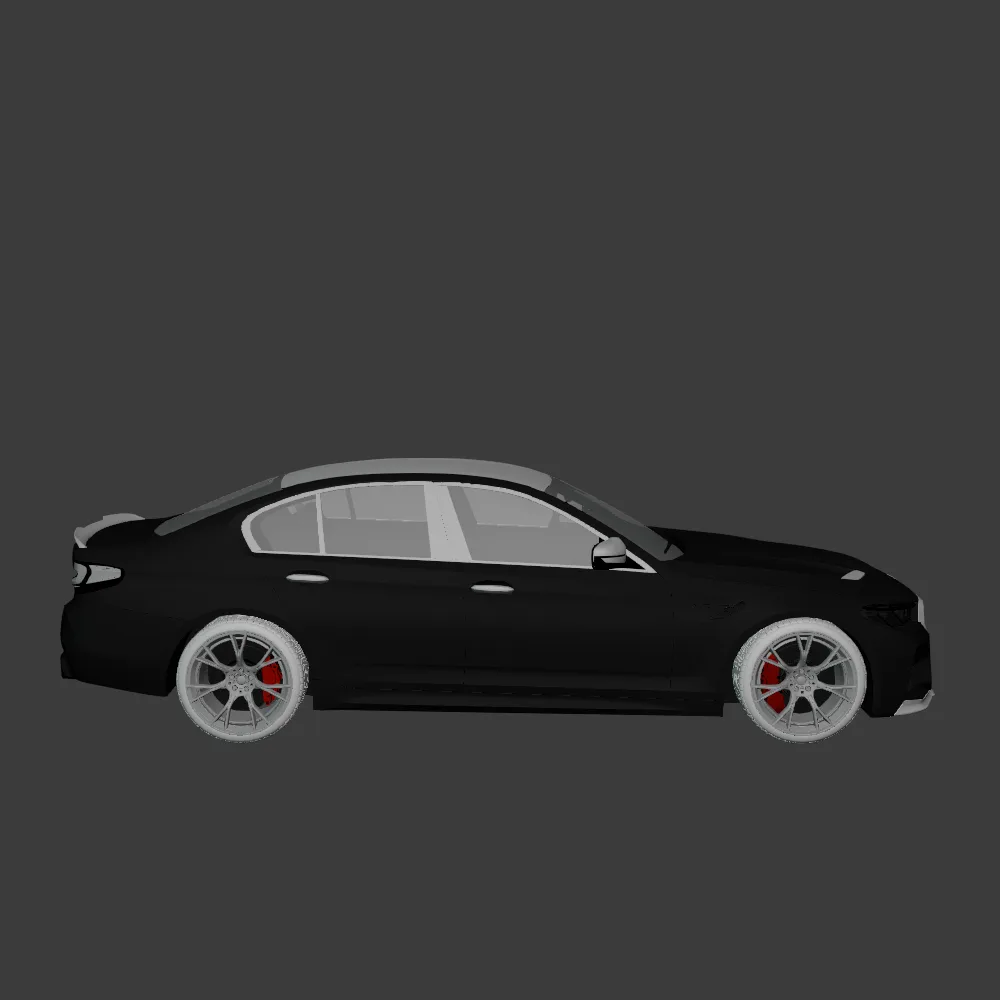
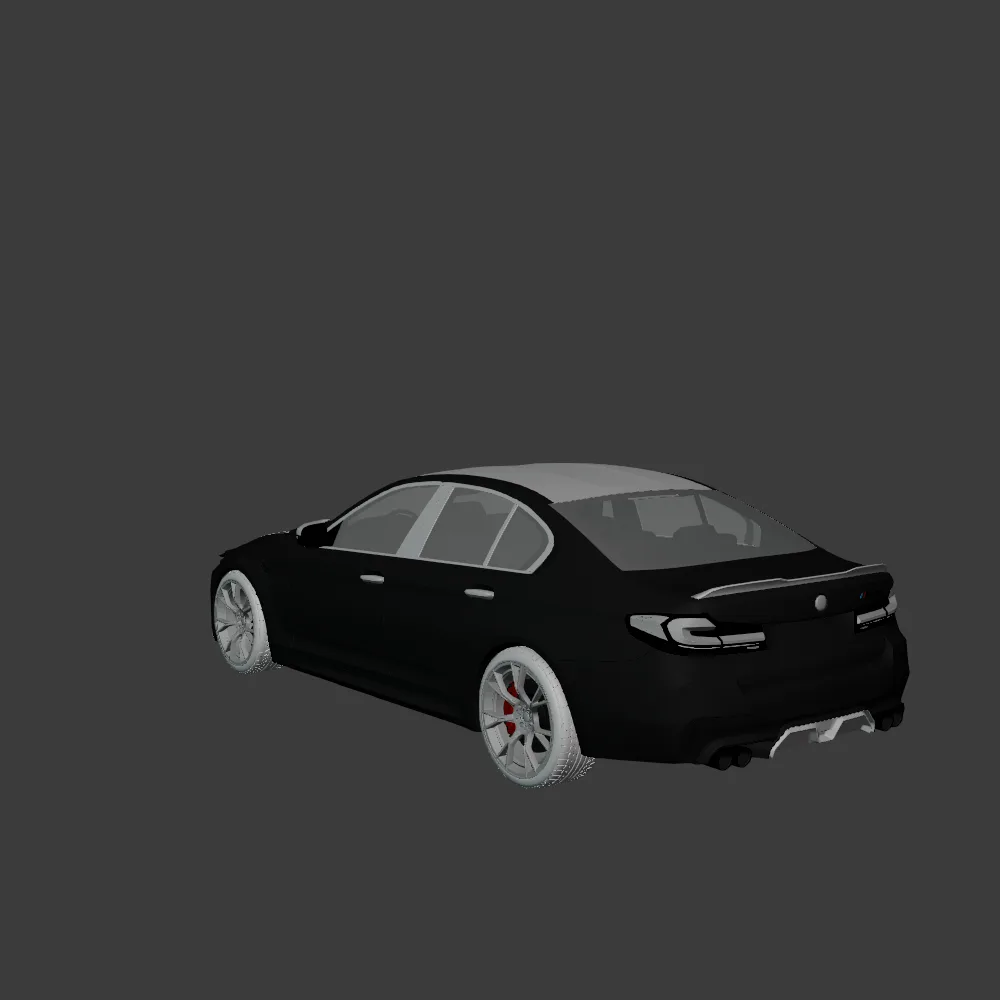
* **BMW M5 CS:** A luxury sport sedan that perfectly balances performance and elegance.
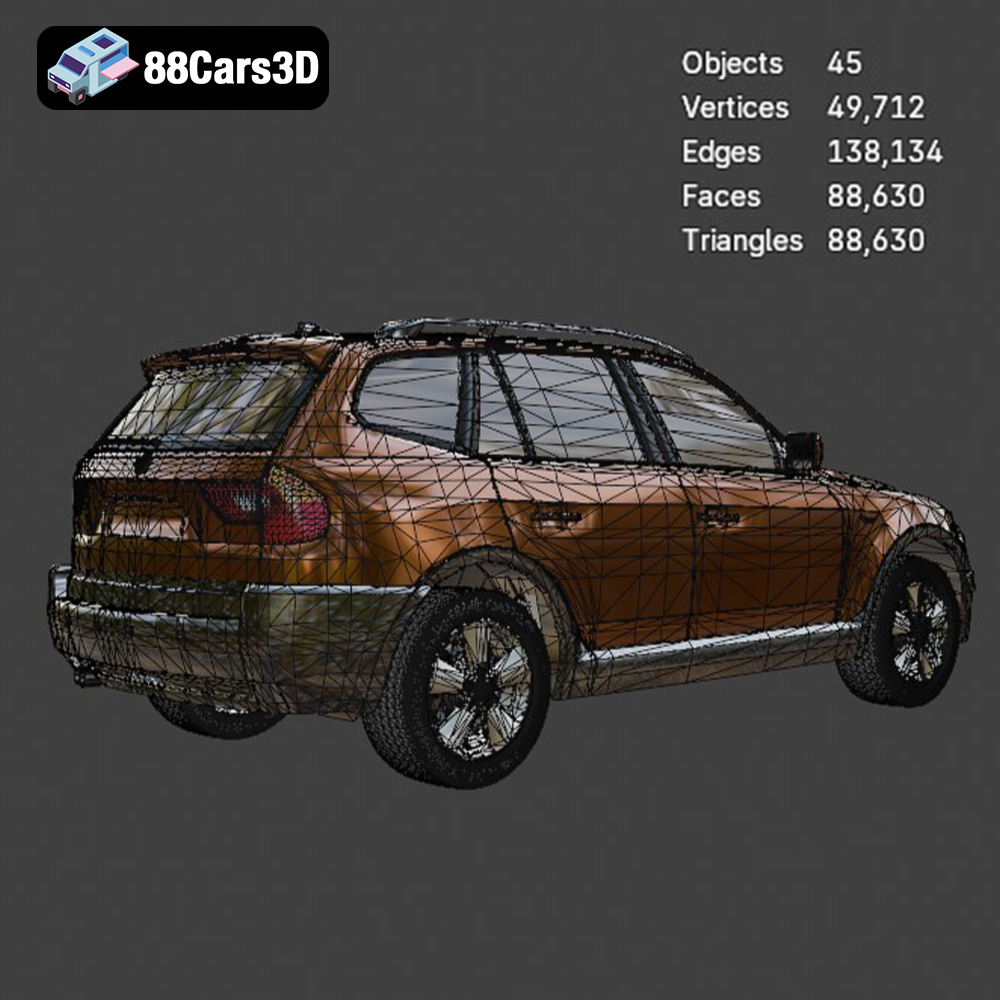
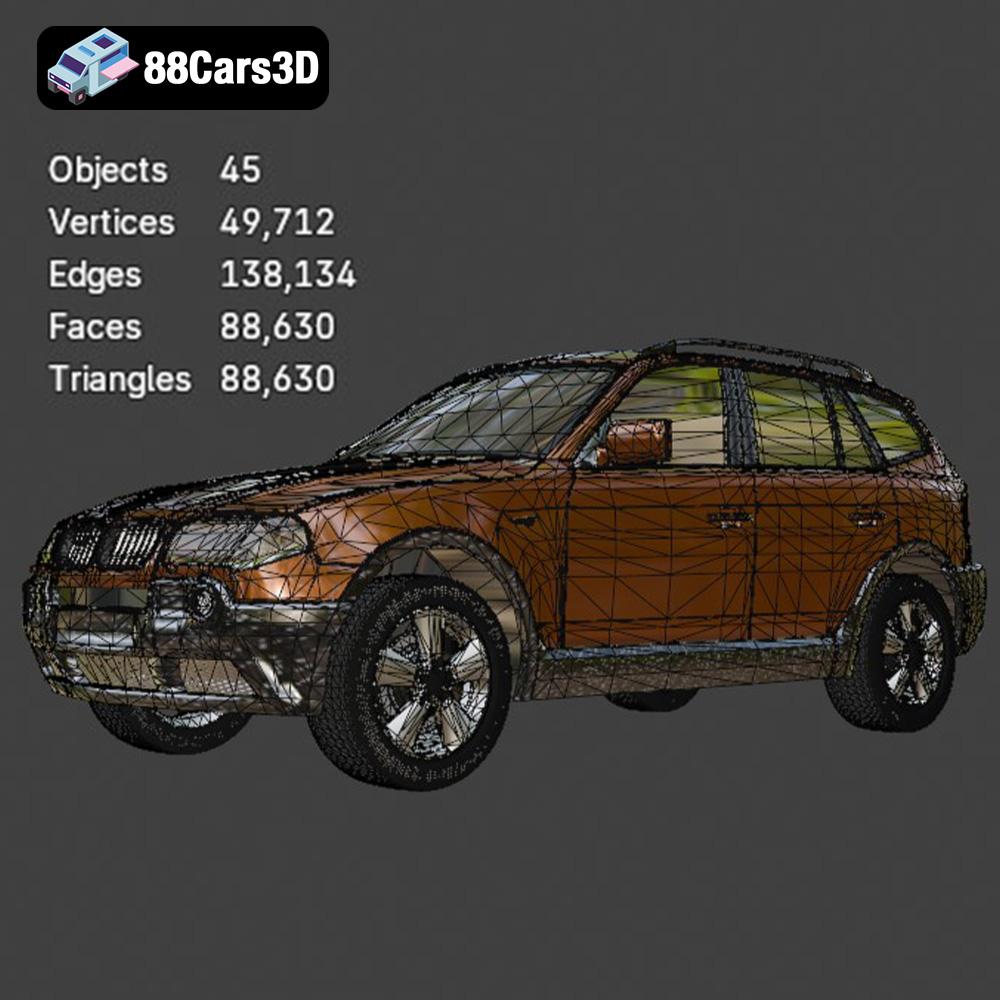
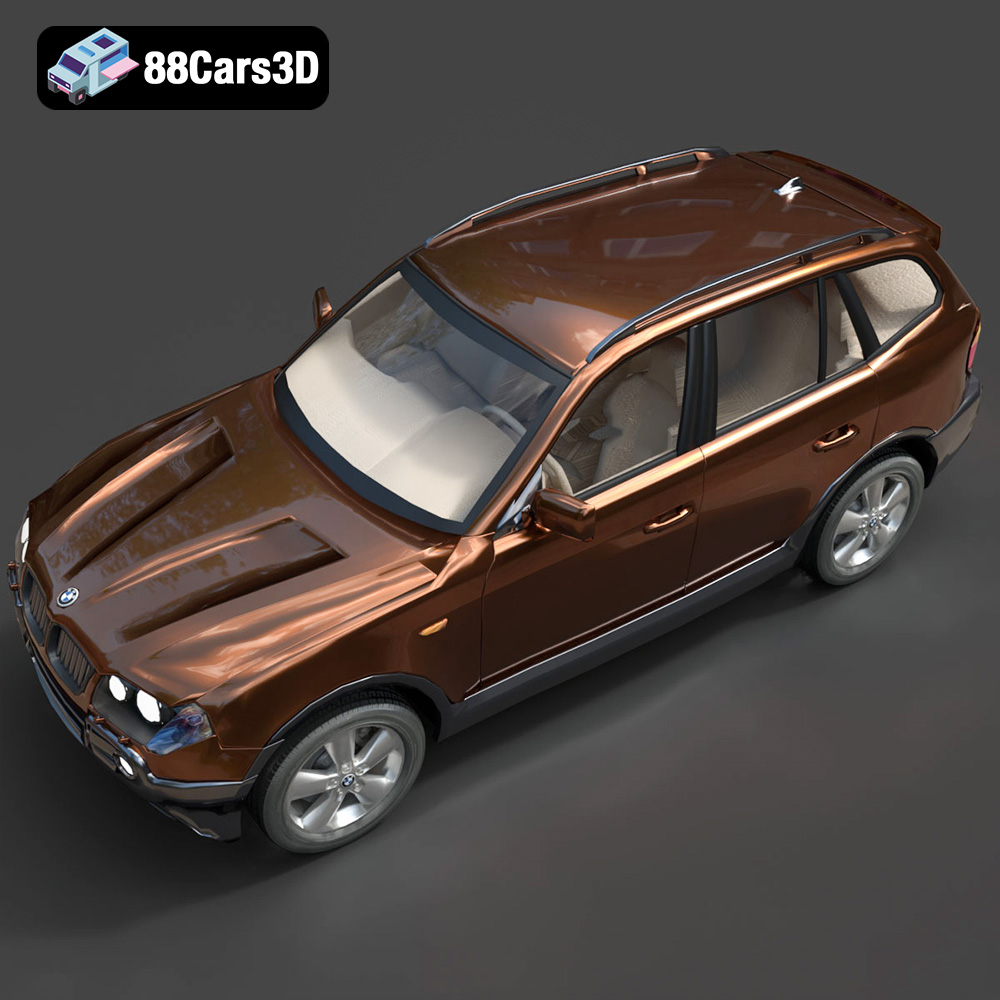
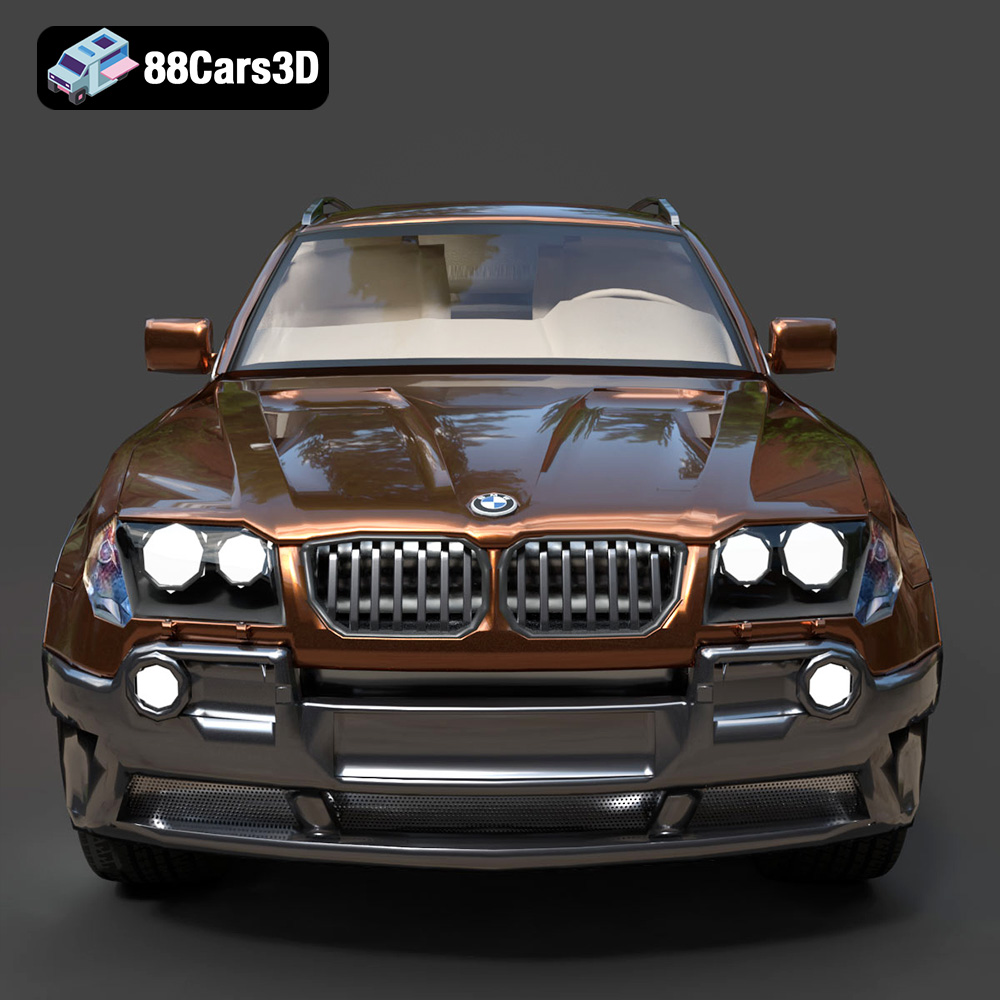
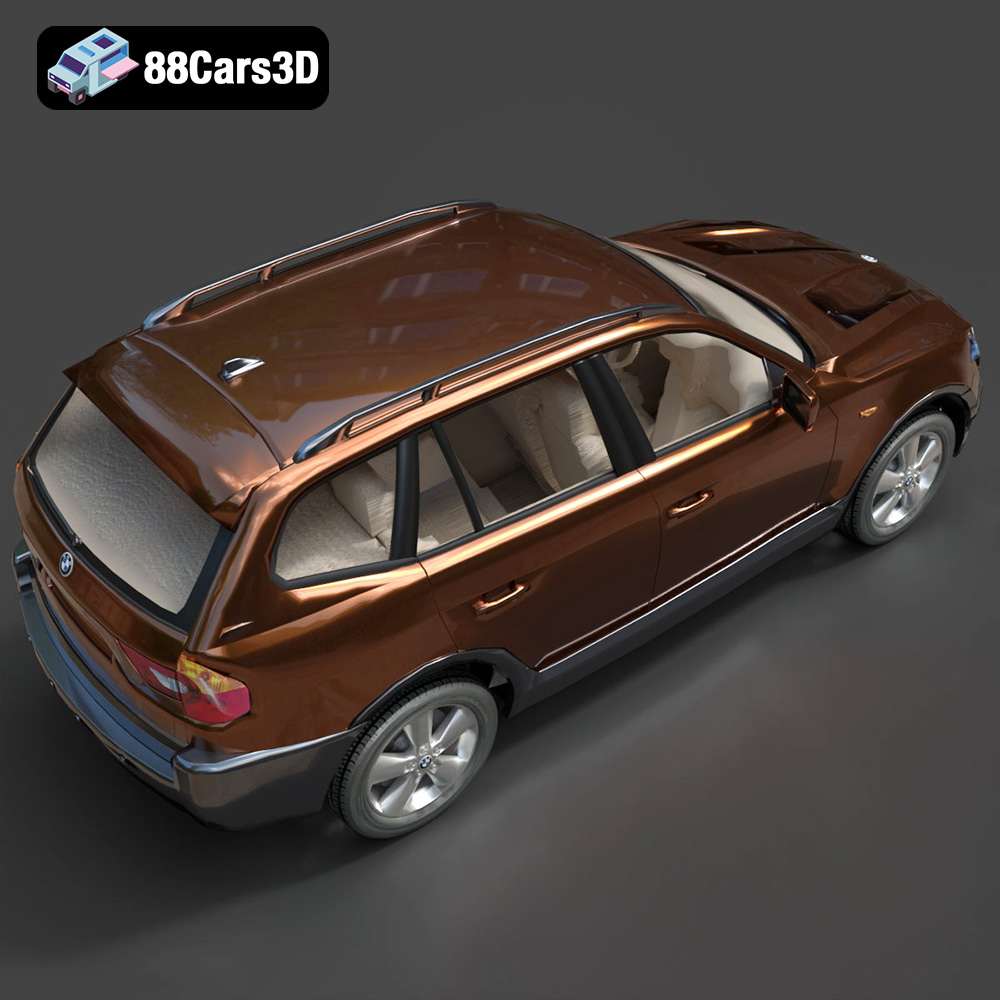
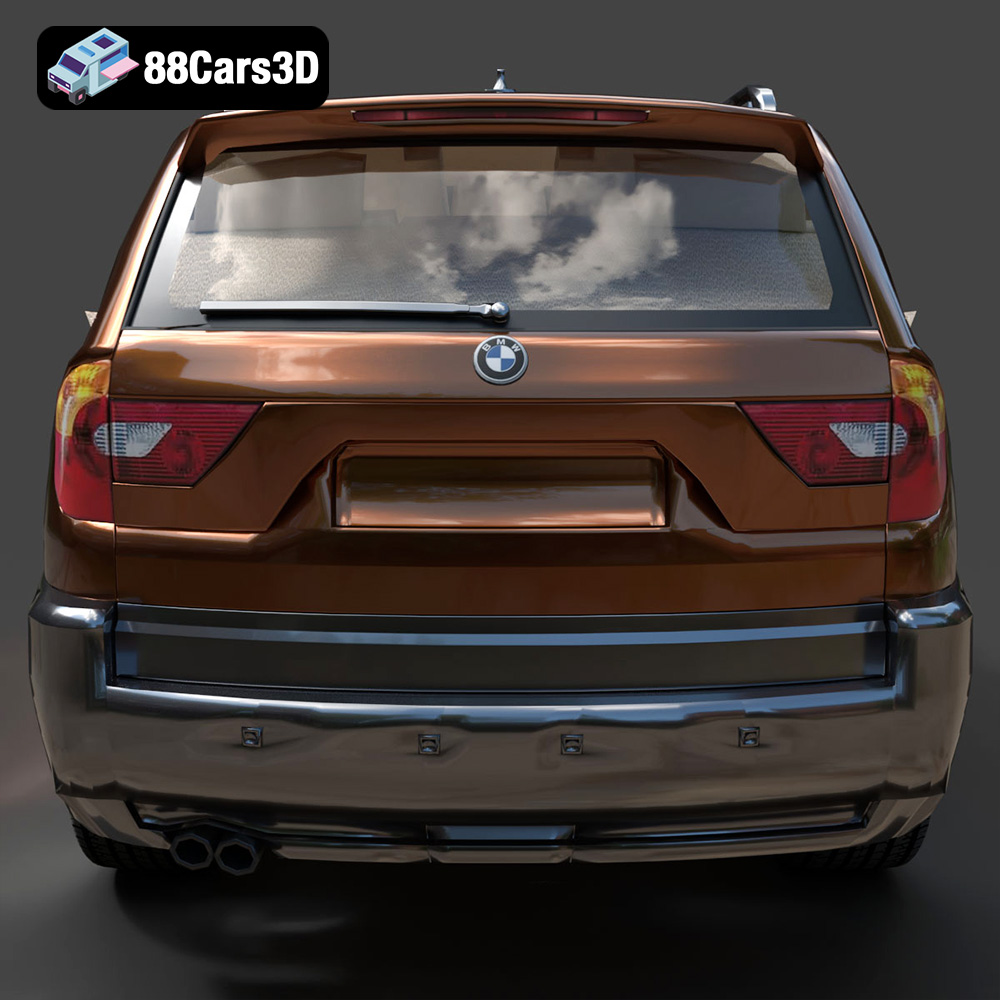
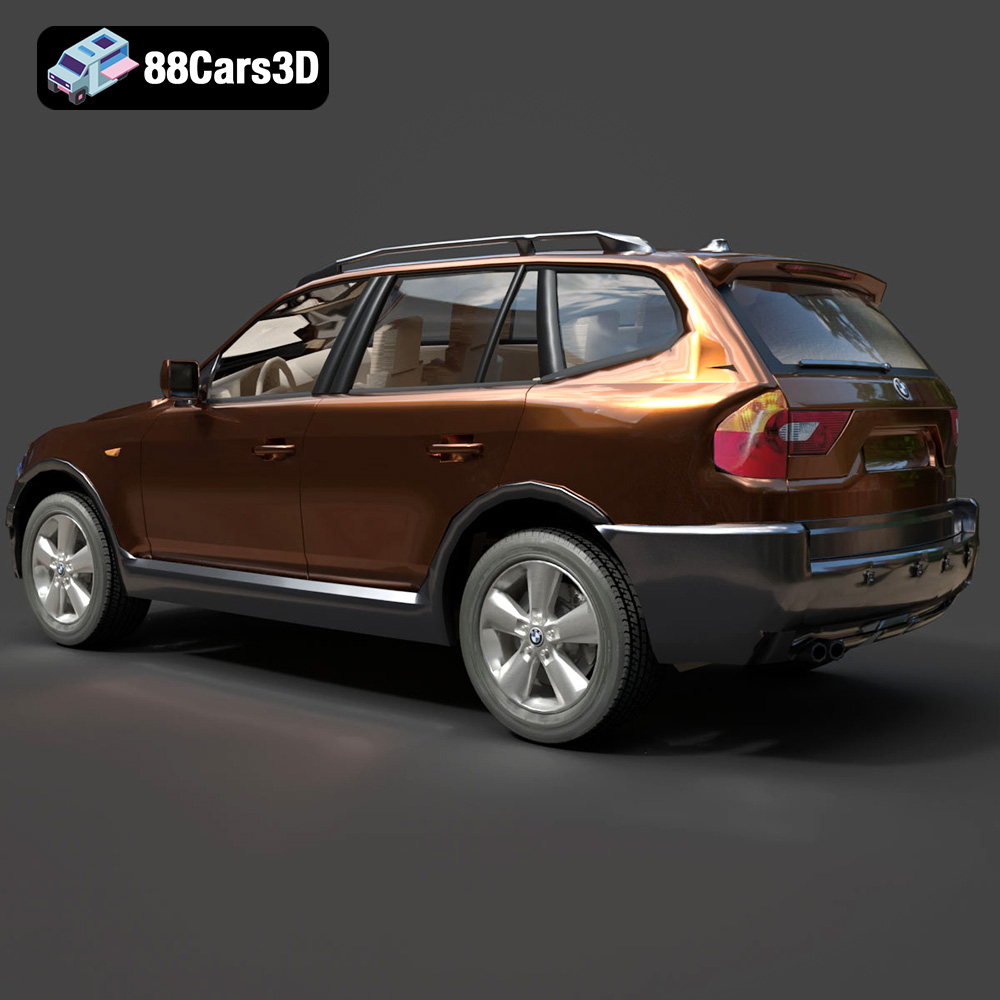
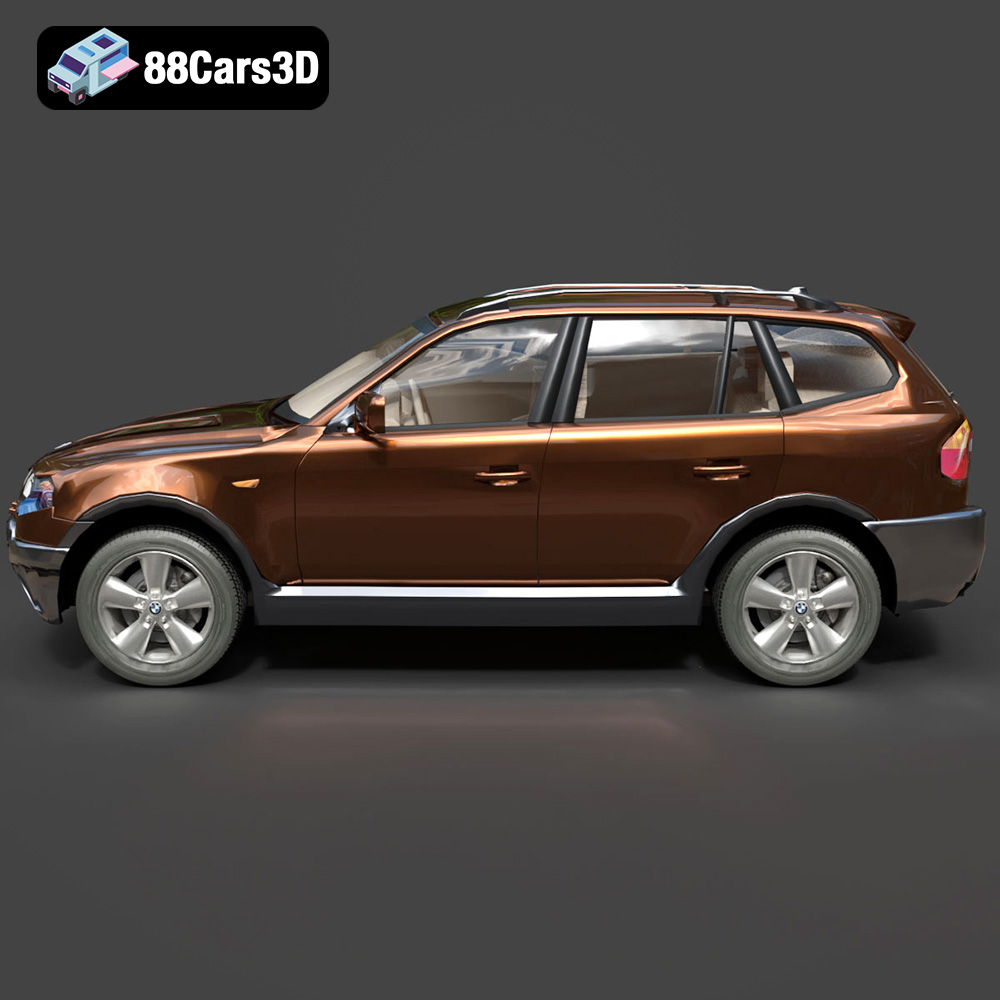
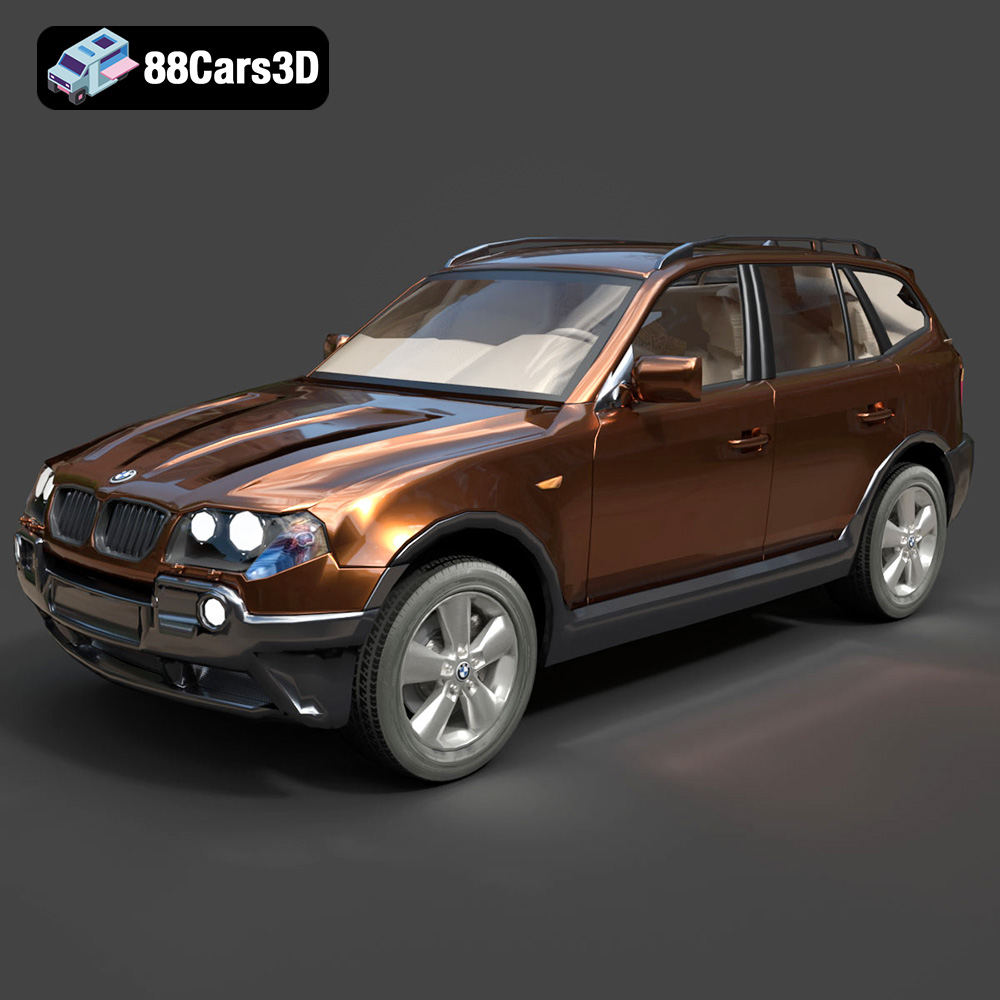
* **BMW X3 SUV:** A premium crossover ideal for realistic urban and family scenes.
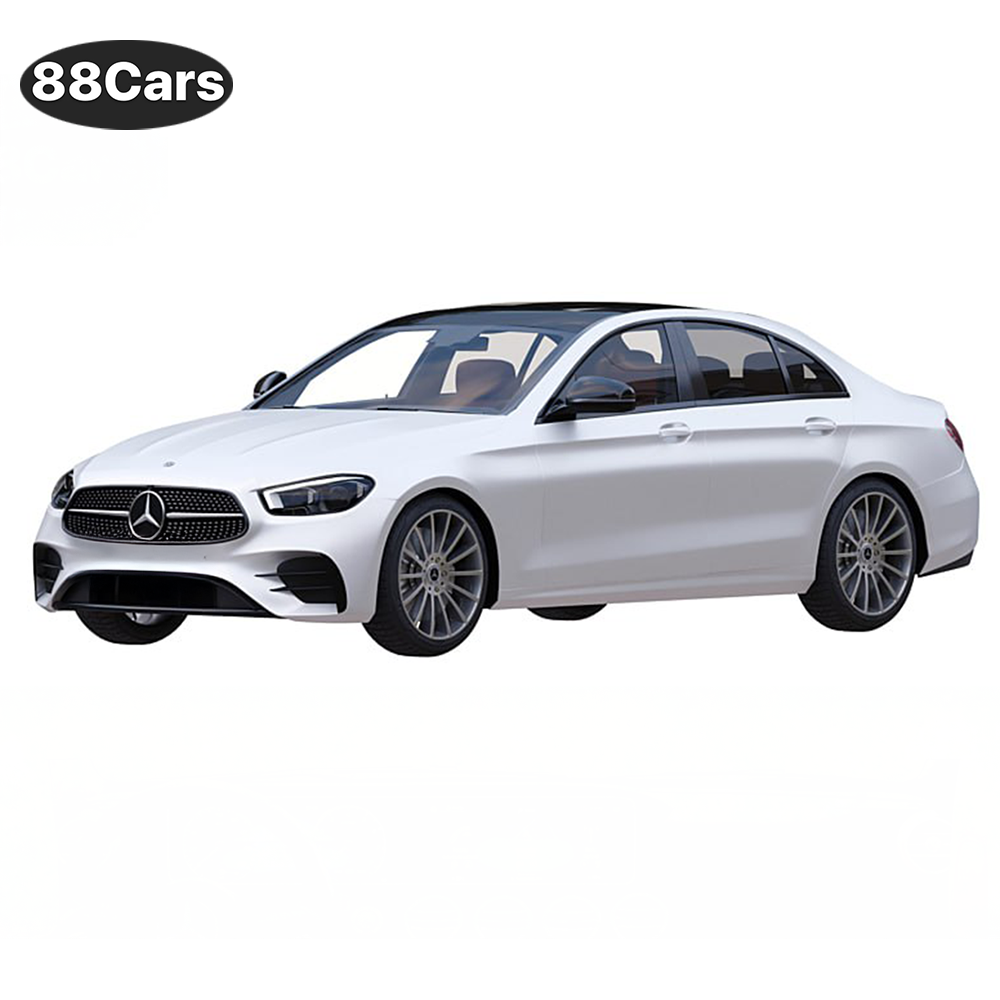
* **Mercedes-Benz E-Class AMG Line:** The gold standard of executive elegance and corporate sophistication.
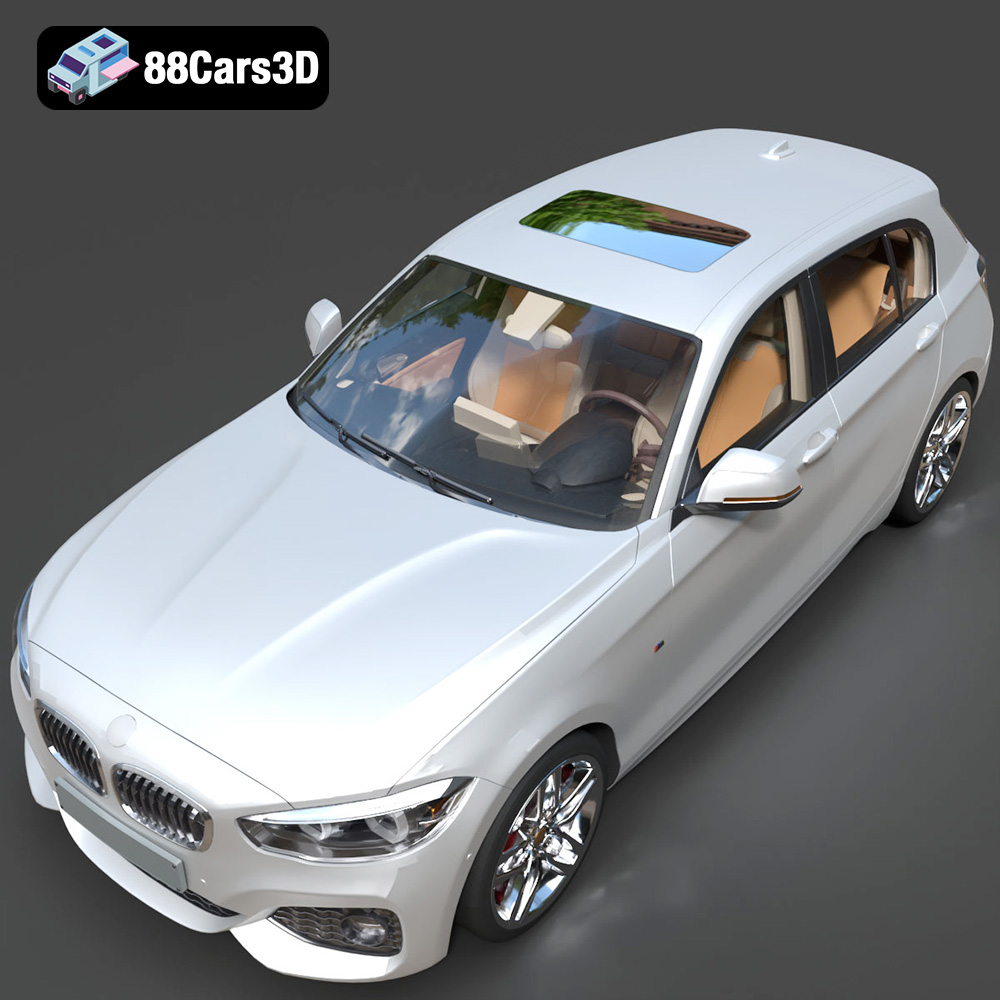
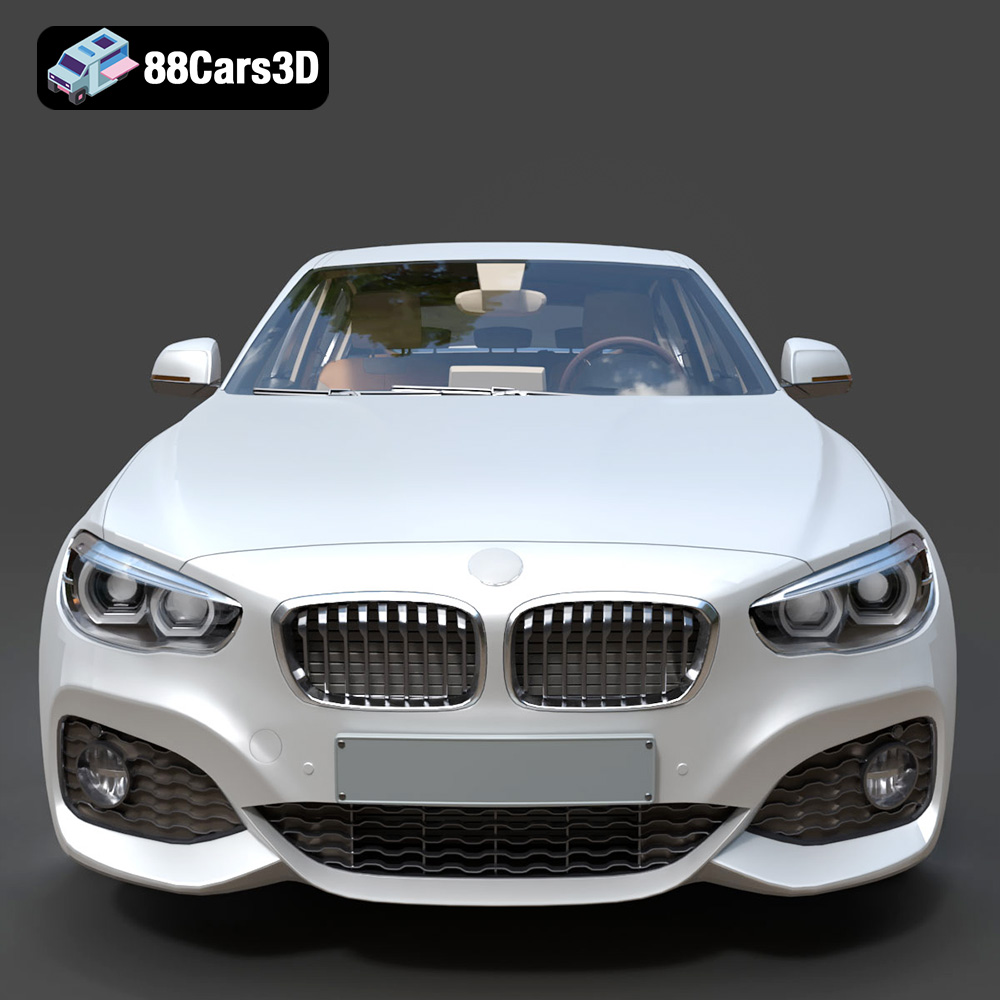
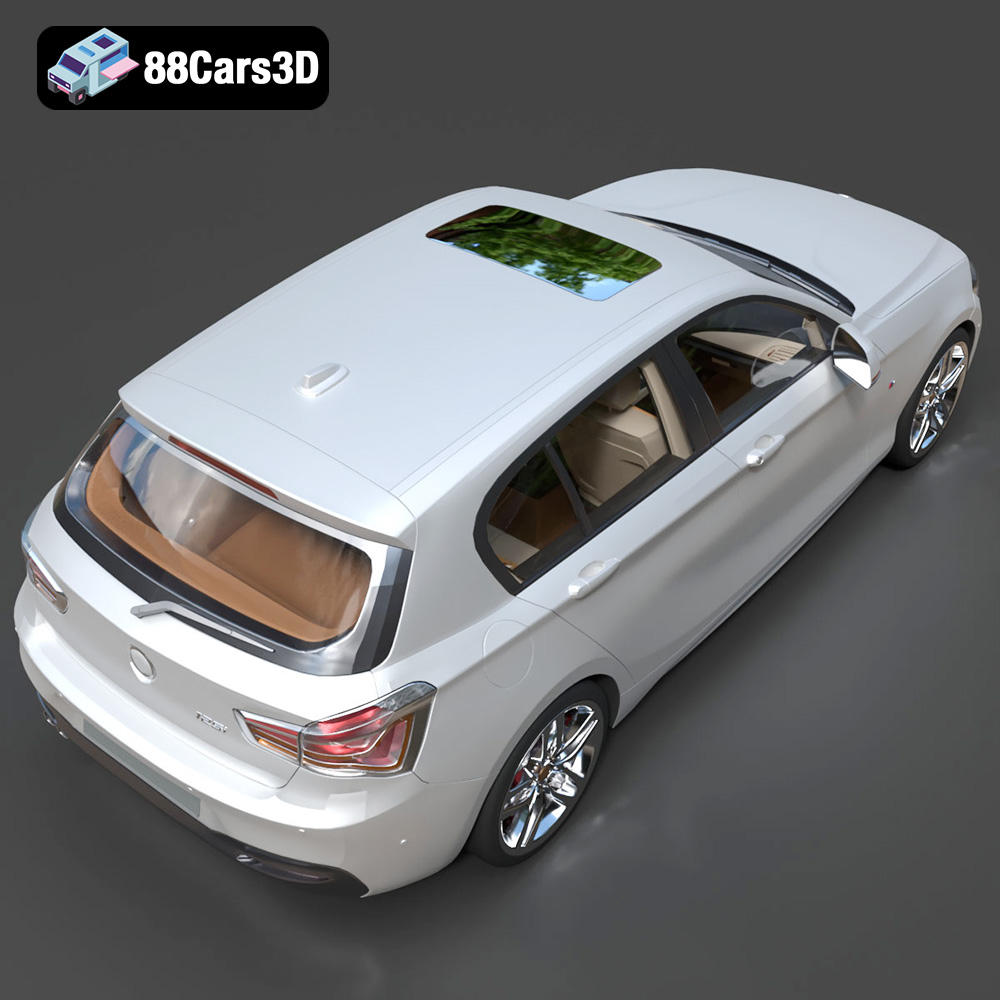
* **BMW 1 Series 5-Door (2016):** A versatile hatchback perfect for populating city environments.
Each model presents unique challenges and opportunities for 3D printing, from intricate body details to the complexities of wheel design. Understanding these nuances will help you optimize your printing process and achieve stunning results.
Choosing the right file format is crucial for successful 3D printing. The German Luxury & Performance Bundle includes several file formats, each with its own strengths and weaknesses. Let’s explore the most common formats and their suitability for 3D printing, with a particular focus on the STL format.
The STL (Stereolithography) format is the workhorse of 3D printing. It represents a 3D object’s surface as a collection of triangles, forming a mesh. This simplicity makes it universally compatible with slicing software and 3D printers. The STL format only stores the geometry of the model; it does not contain color, texture, or material information.
For the German Luxury & Performance Bundle, the STL format will be your primary choice for 3D printing. When exporting to STL, pay close attention to the resolution. A higher resolution STL file will result in a smoother surface finish on your 3D print, but it will also increase the file size and processing time. Aim for a balance between detail and practicality. Slicing software compatibility is almost guaranteed with STL files. Most slicers readily import and process STL files. Mesh quality is paramount. Ensure your STL file is free of errors such as non-manifold edges, holes, and self-intersections. These errors can cause problems during slicing and printing, leading to failed prints or artifacts on the final model.
OBJ is a more versatile format than STL, as it can store color and texture information in addition to geometry. This makes it suitable for 3D printing models with multiple colors or textures. However, not all 3D printers support color 3D printing, so the benefits of OBJ may not always be realized. Slicing software compatibility with OBJ files is generally good, but some slicers may not fully support texture information.
PLY (Polygon File Format) is designed for storing 3D data acquired from 3D scanners. It can represent both geometry and color information and is often used for high-resolution models. While PLY can be used for 3D printing, it’s less common than STL or OBJ. Slicing software support for PLY is generally available, but it may not be as well-optimized as for STL.
The .blend format is the native file format for Blender, a popular open-source 3D modeling software. If you want to modify the German Luxury & Performance Bundle models before printing, the .blend file will allow you to do so. You can adjust the geometry, add details, or customize the models to your liking. However, you will need Blender to open and edit .blend files. You’ll need to export the model to STL after editing for 3D printing.
FBX (Filmbox) is a proprietary format developed by Autodesk. It supports geometry, textures, materials, and animation data. FBX is commonly used for exchanging 3D data between different software packages. While FBX can be imported into some slicing software, it’s not the ideal format for 3D printing. The material information may not be fully supported, and it’s generally recommended to convert FBX files to STL before printing.
GLB (GL Transmission Format Binary) is a file format designed for efficient transmission and loading of 3D models. It’s commonly used for displaying 3D models in web browsers and augmented reality (AR) applications. GLB files are not directly used for 3D printing; however, they can be useful for previewing the models before you commit to printing.
Similar to .blend for Blender, .max is the file format native to 3ds Max. It allows for extensive editing and modification of the 3D models, but you must have 3ds Max installed to use it. Once you have modified the model, you need to export as STL for slicing.
In summary, while the German Luxury & Performance Bundle comes with various file formats, the STL format will be your primary choice for 3D printing. Ensure the STL files are of high quality and free of errors before proceeding to the slicing stage.
Once you’ve chosen your desired model and file format (ideally STL), the next step is to prepare it for 3D printing. This involves using slicing software to convert the 3D model into a set of instructions that your 3D printer can understand. Popular slicing software options include Cura, PrusaSlicer, Simplify3D, and others.
Within your chosen slicing software, several key settings will influence the quality and strength of your 3D printed model. Here are some recommendations specific to the German Luxury & Performance Bundle:
* **Layer Height:** For detailed models like these cars, a layer height of 0.04-0.12mm is recommended, especially if you are using resin printing. This will capture finer details and result in a smoother surface finish. For FDM printing, you might need to experiment a little with these values.
* **Infill Density:** An infill density of 15-25% should provide sufficient structural support without adding excessive weight or material cost. Choose a gyroid or cubic infill pattern for a good balance of strength and print time.
* **Wall Thickness:** A wall thickness of 1.2-2.0mm will provide a solid outer shell for the models. This is particularly important for areas like the wheel arches and body panels, which need to be strong and durable.
* **Support Structures:** Support structures are essential for overhangs and complex geometries. Pay close attention to areas like side mirrors, wheel arches, and the subtle rear roof spoilers. Ensure that the supports are easily removable without damaging the model’s surface.
* **Print Orientation:** The orientation of the model on the print bed can significantly impact the final result. For the car bodies, an angled orientation is generally recommended to minimize the need for supports on the visible surfaces. Wheels should be printed separately for optimal detail and ease of post-processing.
Before slicing, it’s crucial to inspect the 3D model for any errors or imperfections. Slicing software often includes basic repair tools, but more advanced mesh editing software like MeshMixer or Blender may be necessary for complex repairs.
The German Luxury & Performance Bundle recommends scales of 1:24, 1:32, or 1:43. Choosing the right scale depends on your printer’s build volume and the level of detail you want to achieve. Smaller scales will require finer layer heights and more precise printing, while larger scales will allow for greater detail and easier post-processing.
The choice of material is another critical factor in achieving successful 3D prints. For the German Luxury & Performance Bundle, several materials are well-suited, each with its own advantages and disadvantages.
PLA is a popular, biodegradable thermoplastic known for its ease of use and relatively low printing temperature. It’s a good choice for beginners and for models where strength and heat resistance are not critical. PLA produces parts with good detail and a smooth surface finish, making it suitable for the car bodies.
PETG is a stronger and more heat-resistant alternative to PLA. It’s also more flexible, making it less prone to cracking or breaking. PETG is a good choice for parts that require greater durability, such as wheels and chassis components.
Resin printing, using technologies like SLA (Stereolithography) or DLP (Digital Light Processing), offers the highest level of detail and surface finish. Resin is ideal for printing small, intricate parts like headlights, grilles, and other fine details. However, resin prints tend to be more brittle than FDM prints and require careful post-processing.
* **BMW G82 M4 with Custom Bodykit:** PLA or PETG for the body, resin for fine details like the bodykit components.
* **BMW M5 CS:** PLA or PETG for the body, PETG or ABS for wheels.
* **BMW X3 SUV:** PETG for the body and chassis, PLA for interior details.
* **Mercedes-Benz E-Class AMG Line:** PLA or PETG for the body, resin for badges and trim.
* **BMW 1 Series 5-Door (2016):** PLA or PETG for the body, PETG for durable components.
Once you’ve prepared your model and chosen your material, it’s time to start printing. Monitor the printing process closely, especially during the first few layers, to ensure proper adhesion and layer alignment.
Here are some general printer settings to consider:
* **Nozzle Temperature:** Follow the manufacturer’s recommendations for your chosen material. PLA typically prints at 200-220°C, while PETG prints at 230-250°C. Resin printing settings vary depending on the resin and printer.
* **Bed Temperature:** PLA usually requires a bed temperature of 60-70°C, while PETG benefits from a slightly higher temperature of 70-80°C. Resin printing typically does not require a heated bed.
* **Print Speed:** A moderate print speed of 40-60mm/s is recommended for optimal detail and adhesion. You may need to adjust the speed depending on your printer and material.
* **Retraction Settings:** Proper retraction settings are crucial for preventing stringing and blobs. Experiment with retraction distance and speed to find the optimal settings for your printer and material.
During the printing process, keep a close eye on the first few layers to ensure they are adhering properly to the build plate. If you notice any issues, such as warping or poor adhesion, pause the print and make adjustments to the bed temperature, print speed, or leveling. For resin printing, ensure that the build plate is properly calibrated and that the resin is well-mixed.
After the 3D printing is complete, post-processing is essential for achieving a professional-looking finish. This involves removing support structures, sanding imperfections, painting, and assembling the various parts.
Carefully remove the support structures using pliers, a hobby knife, or other suitable tools. Take your time and avoid damaging the model’s surface. For resin prints, you may need to soak the model in warm water to soften the supports before removing them.
Sanding is crucial for smoothing out any imperfections and layer lines on the 3D printed surface. Start with a coarse grit sandpaper (e.g., 220 grit) and gradually move to finer grits (e.g., 400, 600, 800 grit) to achieve a smooth finish. For resin prints, wet sanding is recommended to prevent dust from becoming airborne.
Once the surface is smooth, you can apply a primer to prepare the model for painting. Choose a primer that is compatible with your chosen material. Apply thin, even coats of primer and allow it to dry completely before sanding lightly with fine-grit sandpaper.
Next, apply your desired paint colors using spray paint, airbrush, or hand-painting techniques. The German Luxury & Performance Bundle suggests using modern Volvo factory colors like Sage Green, Glacier Silver, or Crystal White, paired with a gloss black roof. Apply multiple thin coats of paint for a smooth and even finish.
Finally, apply a clear coat to protect the paint and add a glossy or matte finish. Allow the clear coat to dry completely before handling the model.
The German Luxury & Performance Bundle models have separated components like wheels, steering, and doors, which need to be assembled after painting. Use glue or other suitable adhesives to attach the parts together. Ensure that the parts are properly aligned before the glue sets.
Even with careful preparation, you may encounter some common 3D printing issues. Here are some troubleshooting tips:
* **Warping:** Warping occurs when the first layer of the print detaches from the build plate. To prevent warping, ensure that the bed is properly leveled, use a heated bed, and apply an adhesive like hairspray or glue stick.
* **Stringing:** Stringing occurs when the printer nozzle leaves thin strands of material between different parts of the print. To prevent stringing, adjust the retraction settings, lower the printing temperature, and increase the travel speed.
* **Layer Shifting:** Layer shifting occurs when the layers of the print become misaligned. To prevent layer shifting, ensure that the belts and pulleys are properly tightened, reduce the print speed, and avoid vibrations.
* **Support Issues:** If supports are difficult to remove or leave behind blemishes, try adjusting the support density, support angle, or support interface settings.
The print time and material cost will vary depending on the model, scale, material, and printer settings. As a general estimate, printing a single car body at a scale of 1:32 with PLA could take 10-20 hours and cost $5-10 in material. Wheels and other smaller parts will take less time and material. Resin prints will generally take less time than FDM prints but may be more expensive due to the cost of resin.
Each car model in the bundle will have unique areas that need special consideration. The BMW G82 M4 with its custom body kit will need extra support structure attention. The Mercedes E-Class AMG Line has very fine details on the front grill, so a slower print speed and a smaller nozzle may be needed.
The German Luxury & Performance Bundle is a masterfully curated collection of Germany’s most iconic and sought-after vehicles. This bundle brings together the perfect synergy of aggressive sport aesthetics, executive elegance, and everyday versatility. Featuring a selection of industry-leading models from BMW and Mercedes-Benz, this collection is designed specifically for artists who refuse to compromise between high-fidelity detail and engine performance.
$119
3D printing the German Luxury & Performance Bundle from 88cars3d.com is a rewarding project that combines technical skill with artistic creativity. By carefully preparing your models, choosing the right materials and settings, and mastering post-processing techniques, you can create stunning replicas of these iconic vehicles. Remember to experiment, learn from your mistakes, and enjoy the process of bringing German automotive excellence to life, one layer at a time.
.bmw
.bodykit
.e-class
.mercedes
3d-car-bundle
archviz-cars
automotive-design
corona-renderer
game-ready-cars
german-cars
luxury-sedan
m4-g82
m5-cs
SUV
vray-ready