Get 50% OFF All Premium 3D & STL Models!

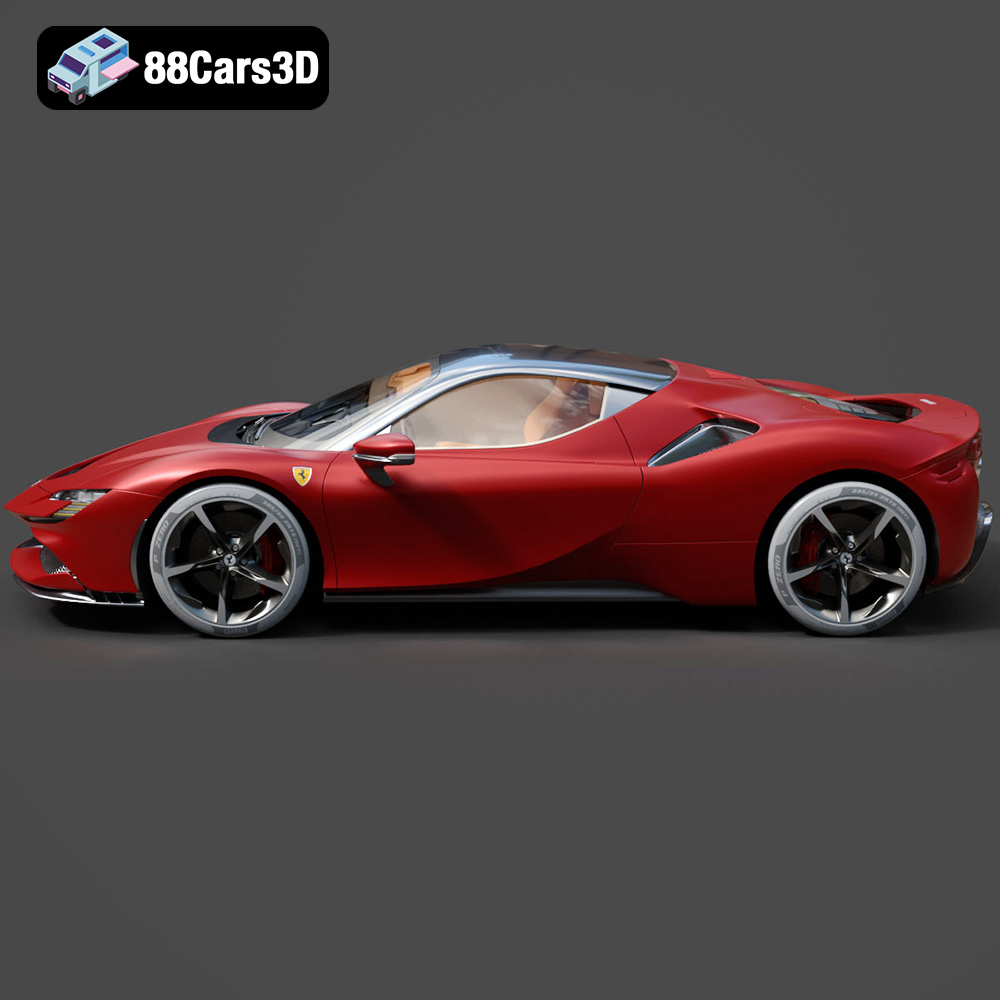
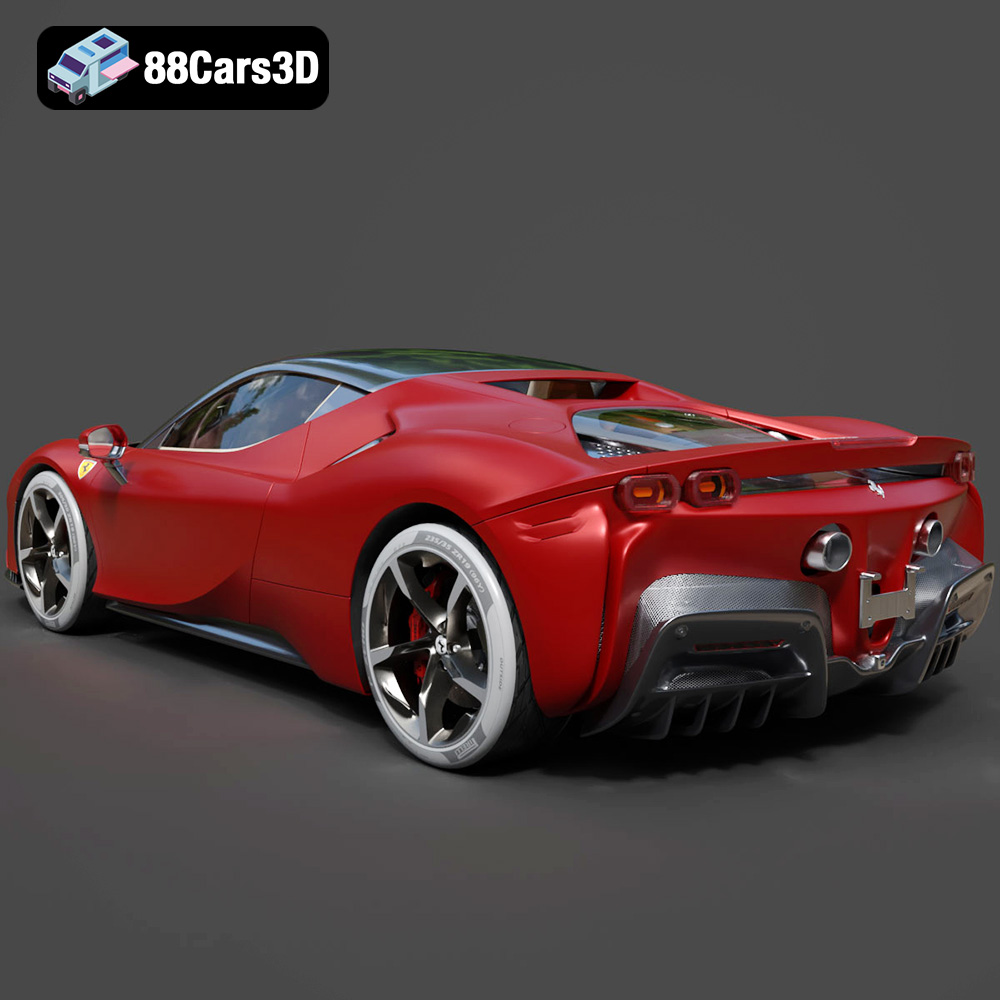
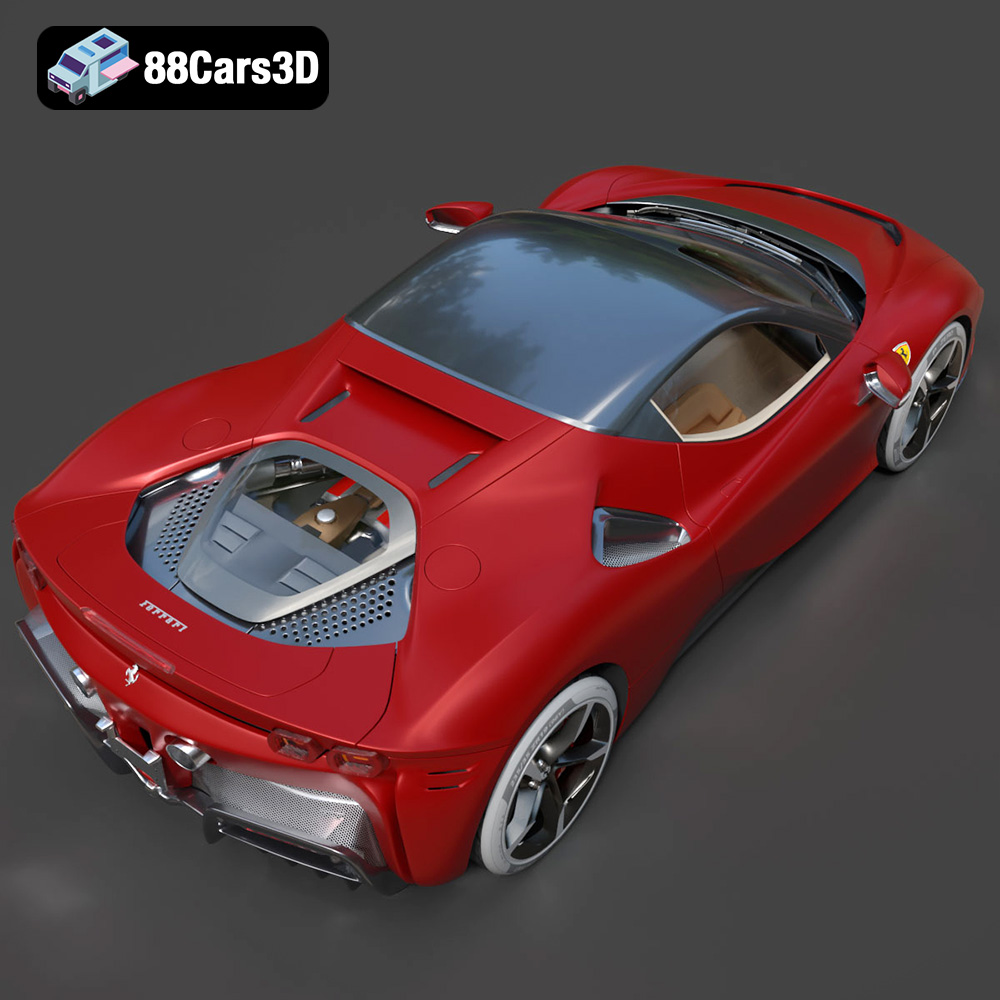
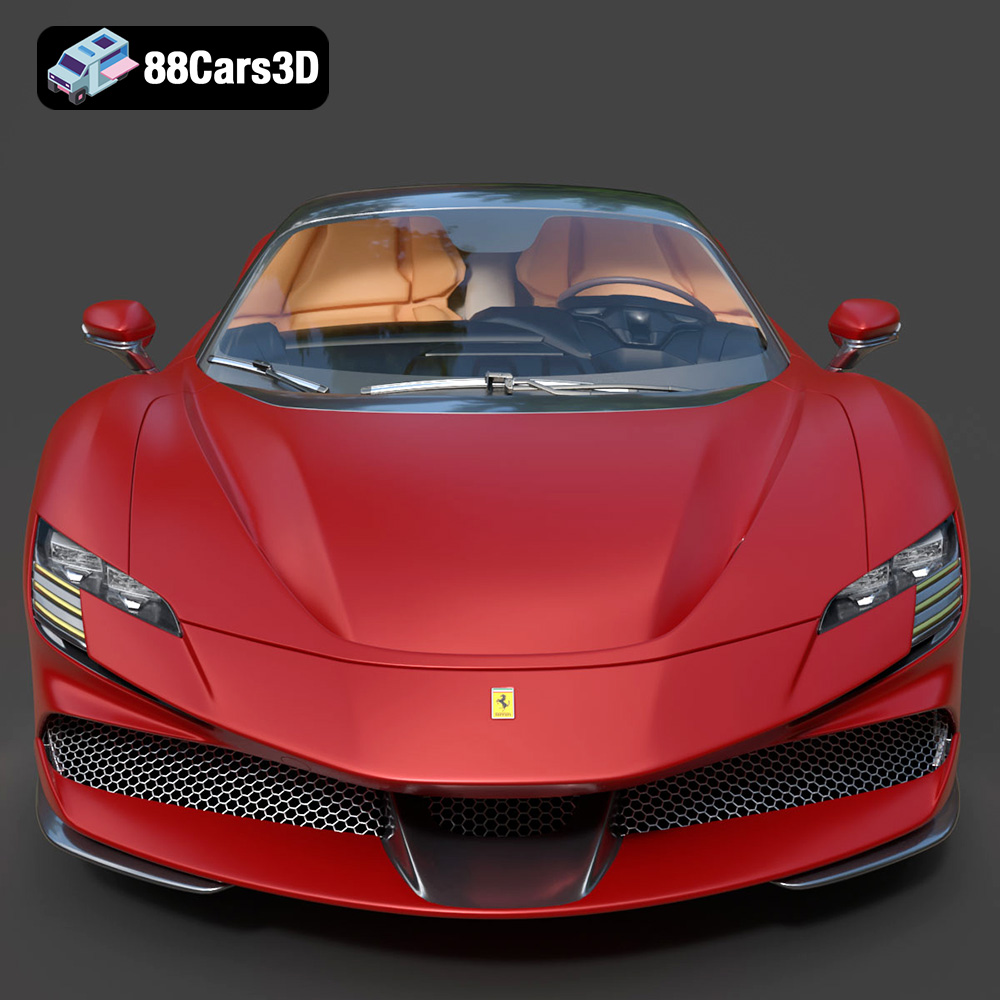
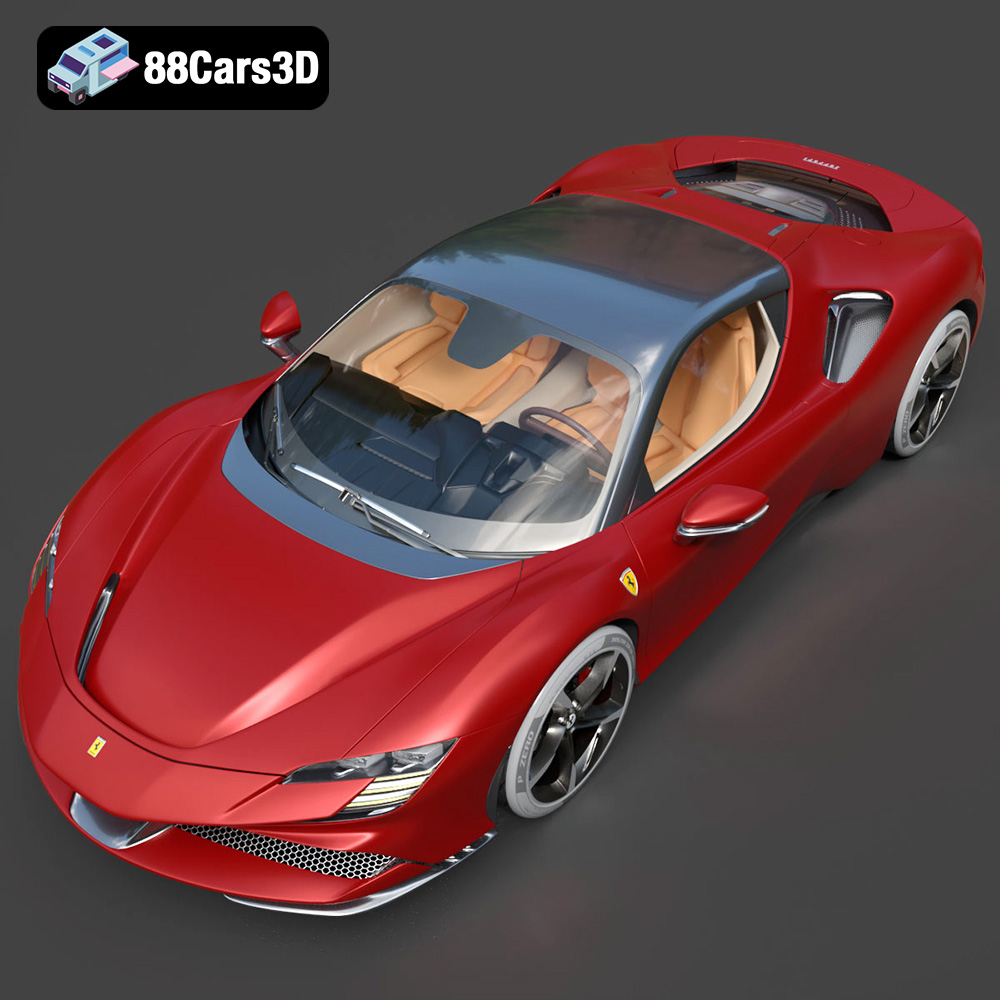
The Ferrari SF90 Stradale, a breathtaking fusion of Italian design and hybrid performance, is now within reach for 3D printing enthusiasts. This blog post delves into the intricacies of 3D printing the meticulously crafted Ferrari SF90 Stradale 2020 model available on 88cars3d.com. We’ll explore everything from pre-print preparation and slicing strategies to material selection and post-processing techniques, ensuring you can bring this iconic hypercar to life in stunning detail.
Before you even think about hitting the print button, meticulous preparation is key to achieving a high-quality 3D printed model of the SF90 Stradale. This involves inspecting the STL file, making any necessary repairs, and strategically orienting the model for optimal printing.
The STL file, the backbone of 3D printing, needs to be flawless. The 3D model of the Ferrari SF90 Stradale available on 88cars3d.com is designed with clean geometry, but it’s always wise to double-check for potential issues. Use software like Meshmixer, Netfabb, or even the repair tools within your slicing software to identify and fix problems such as:
* **Non-manifold edges:** These are edges that are connected to more than two faces, which can cause slicing errors.
* **Inverted normals:** These occur when the faces of the model are pointing in the wrong direction, leading to printing inconsistencies.
* **Holes in the mesh:** These are gaps in the model that need to be closed to create a watertight object.
Software like Meshmixer has automated repair tools that can often fix these issues with a single click. Properly repairing the model ensures a smooth and successful print.
Orientation is critical for print quality, support usage, and overall print time. For the Ferrari SF90 Stradale, consider these factors:
* **Minimize overhangs:** Overhangs require supports, which can leave blemishes on the final print. Orient the model to reduce the number and size of overhangs. Consider printing the body of the car with the roof facing down to minimize the need for supports on the sleek, curved surfaces.
* **Maximize bed adhesion:** A large, flat surface area in contact with the print bed ensures good adhesion and prevents warping. Experiment with different orientations to find a stable base.
* **Consider layer lines:** The direction of the layer lines can affect the appearance of the final print. For example, printing the car vertically might result in more visible layer lines along the body, while printing it horizontally might lead to more visible layer lines on the roof.
Choosing the right file format is crucial for a successful 3D printing experience. The Ferrari SF90 Stradale 2020 3D model from 88cars3d.com comes in multiple formats, but understanding their strengths and weaknesses is essential.
The .stl (stereolithography) format is the undisputed champion for 3D printing. It represents the 3D model as a collection of interconnected triangles, forming a mesh that defines the object’s surface. This format is universally supported by slicing software, making it incredibly versatile. However, .stl files only store geometric data; they don’t contain information about color, texture, or materials. This makes them ideal for monochrome prints.
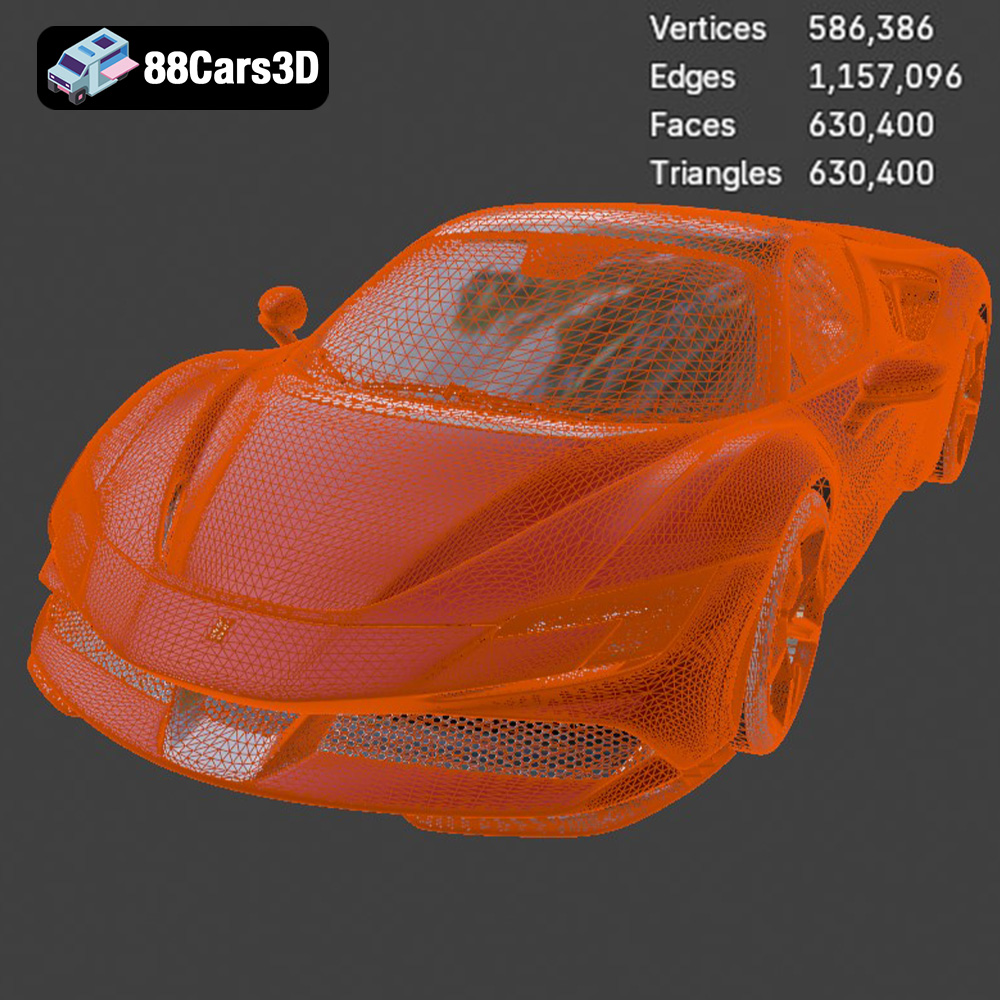
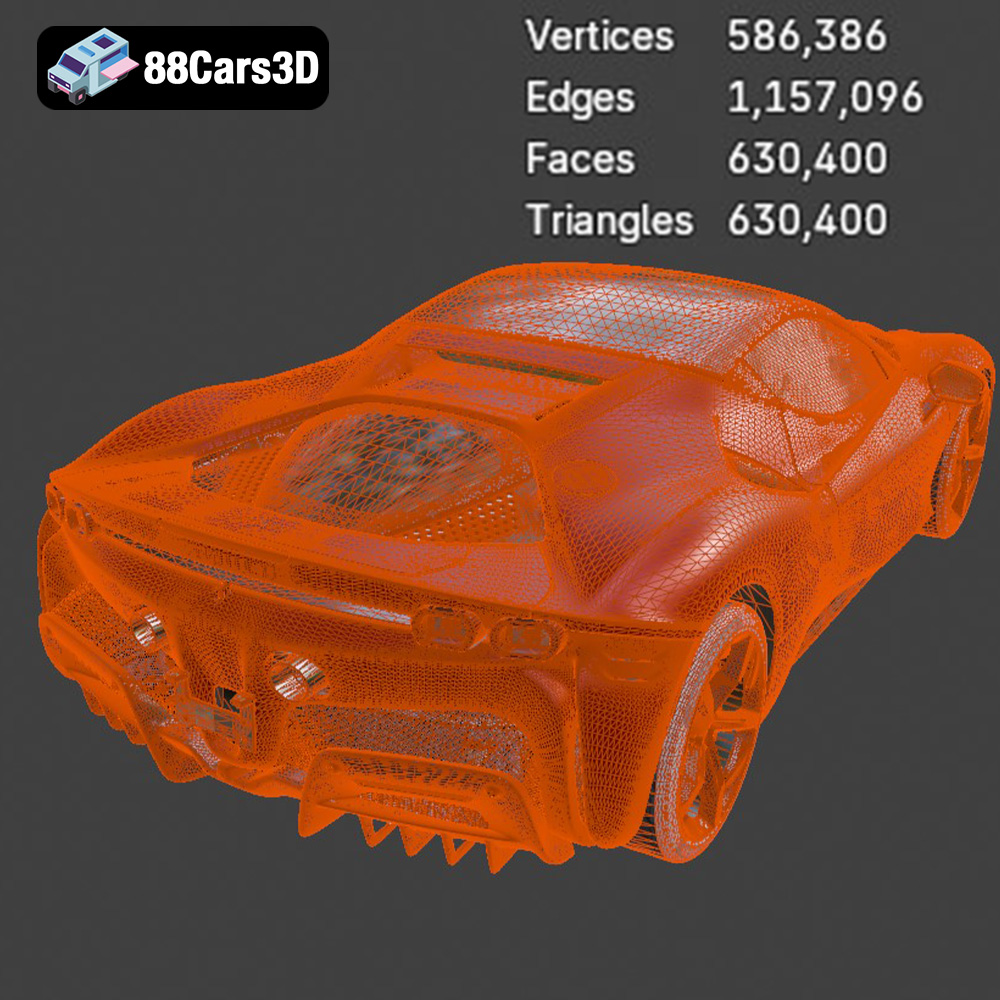
The quality of an STL file directly impacts the final print. A high-resolution STL file contains a greater number of smaller triangles, resulting in a smoother surface. Conversely, a low-resolution STL file will exhibit noticeable facets. When preparing the Ferrari SF90 Stradale model for printing, ensure the STL file has sufficient resolution to capture the intricate details of the car’s design. This may involve adjusting the export settings in the original modeling software.
Slicing software compatibility with .stl files is almost guaranteed. Most slicers allow you to adjust various parameters that affect the final print, such as layer height, infill density, and support structures. Using a well-optimized .stl file ensures that the slicing process is efficient and accurate.
.obj (object) files, unlike .stl, can store color and texture information in addition to the mesh data. This makes them suitable for full-color 3D printing, although this functionality is less common than monochrome printing. .obj files also tend to be larger than .stl files due to the extra data they contain.
.ply (polygon) files are known for their ability to represent complex shapes with high precision. They can store a wide range of data, including color, texture coordinates, and surface normals. This format is often used in applications like 3D scanning and reverse engineering, where accuracy is paramount.
.blend files are native to Blender, a popular open-source 3D modeling software. This format contains the entire Blender scene, including the model, materials, textures, lighting, and camera settings. If you want to modify the Ferrari SF90 Stradale model before printing, the .blend file is the way to go. You can adjust the geometry, add details, or even create custom variations of the car. Once you’re satisfied with your changes, you can export the model as an .stl file for 3D printing.
.fbx (Filmbox) is a proprietary file format developed by Autodesk. It’s widely used in the game development and animation industries because it supports a wide range of data, including geometry, materials, textures, and animation. While .fbx files can be imported into some slicing software, they are not primarily intended for 3D printing. Their main advantage is retaining material information, which can be useful for visualization.
.glb (GL Transmission Format Binary) is designed for efficient transmission and loading of 3D models, especially in web-based applications. It’s often used for AR (Augmented Reality) applications, allowing users to preview the model in their real-world environment. While not directly used for 3D printing, .glb files provide a convenient way to visualize the Ferrari SF90 Stradale model before committing to a print.
Similar to .blend for Blender, .max files contain the complete 3ds Max project. This format is ideal for users who prefer 3ds Max for modeling and customization. You can modify the Ferrari SF90 Stradale model in 3ds Max and then export it as an .stl file for 3D printing.
The choice of 3D printing technology and materials significantly impacts the final outcome. For the Ferrari SF90 Stradale, consider these options:
FDM is the most common and affordable 3D printing technology. It involves melting and extruding a thermoplastic filament layer by layer.
* **Materials:** PLA, PETG, ABS, ASA. PLA is a good starting point due to its ease of use and biodegradability. PETG offers greater strength and temperature resistance. ABS and ASA are suitable for functional parts that require high durability, but they can be more challenging to print due to warping.
* **Printer Settings:** Layer height: 0.1mm – 0.2mm for good detail. Infill: 15-25% for structural integrity. Supports: Required for overhangs. Bed adhesion: Use a heated bed and adhesive to prevent warping.
* **Pros:** Affordable, wide range of materials, relatively easy to use.
* **Cons:** Layer lines are visible, can be challenging to print complex geometries without supports.
SLA and DLP use a liquid resin that is cured by a laser or projector. These technologies offer higher resolution and smoother surfaces than FDM.
* **Materials:** Standard resin, tough resin, flexible resin.
* **Printer Settings:** Layer height: 0.025mm – 0.05mm for exceptional detail. Supports: Essential for all prints.
* **Pros:** High resolution, smooth surfaces, excellent for intricate details.
* **Cons:** More expensive than FDM, limited material options, resins can be brittle.
For the Ferrari SF90 Stradale, SLA or DLP would be ideal for capturing the fine details of the body and interior. However, FDM can still produce excellent results with careful tuning of the printer settings and post-processing.
Slicing software transforms the 3D model into instructions that the 3D printer can understand. Popular options include Cura, Simplify3D, and PrusaSlicer. Here’s how to optimize your slicing settings for the Ferrari SF90 Stradale:
* **Layer Height:** A lower layer height (0.1mm or less) results in smoother surfaces and finer details, but it also increases print time. Experiment to find the right balance between quality and speed.
* **Infill Density:** Infill affects the strength and weight of the model. For a display model, 15-25% infill is usually sufficient. For functional parts, increase the infill density to 50% or higher. Consider using a gyroid infill pattern for a good balance of strength and weight.
* **Support Structures:** Carefully plan the placement of supports to minimize their impact on the final print. Use tree supports or adaptive supports to reduce material consumption and improve surface quality. Ensure that the supports are strong enough to support the overhangs without collapsing.
* **Print Speed:** A slower print speed generally results in better quality, especially for intricate details. Reduce the print speed for the first few layers to ensure good bed adhesion.
* **Temperature:** Adjust the printing temperature according to the material manufacturer’s recommendations.
The Ferrari SF90 Stradale has many complex curves and overhangs that require support structures. Here are some tips for optimizing your support strategy:
* **Manual Support Placement:** Manually adding and removing supports allows for more control over their placement and minimizes their impact on the final print.
* **Support Interface:** Use a support interface layer to improve the surface quality of the supported areas. This creates a thin, easily removable layer between the support and the model.
* **Support Density:** Reduce the support density to make them easier to remove. However, ensure that the supports are still strong enough to provide adequate support.
* **Support Angle:** Adjust the support angle to minimize the number of supports required.
Post-processing is the final stage of the 3D printing process, where you refine the printed model to achieve the desired appearance and functionality.
Carefully remove the support structures using pliers or a sharp knife. Be patient and avoid damaging the model. Once the supports are removed, sand the surface to smooth out any imperfections and layer lines. Start with coarse sandpaper (e.g., 220 grit) and gradually move to finer grits (e.g., 400, 600, 800 grit) to achieve a smooth, polished surface.
Apply a primer to the sanded surface to create a uniform base for the paint. Choose a primer that is compatible with the material used for printing. Once the primer is dry, apply several thin coats of paint, allowing each coat to dry completely before applying the next. Consider using an airbrush for a smooth, even finish. For the Ferrari SF90 Stradale, replicating the iconic Rosso Corsa (red) color would be a fitting tribute.
If the model consists of multiple parts, assemble them carefully using glue or other adhesives. Add any final details, such as decals, badges, or clear coats, to complete the model. Consider using polishing compounds to enhance the shine of the painted surfaces.
Even with careful preparation, 3D printing can sometimes present challenges. Here are some common issues and their solutions:
Warping occurs when the corners of the print lift off the print bed due to uneven cooling. To prevent warping:
* Use a heated bed.
* Apply an adhesive to the print bed.
* Enclose the printer to maintain a consistent temperature.
* Increase the bed adhesion settings in your slicing software.
Stringing occurs when the printer extrudes material while moving between different parts of the print. To prevent stringing:
* Reduce the printing temperature.
* Increase the retraction distance and speed.
* Enable coasting or wiping in your slicing software.
* Dry the filament before printing.
Layer shifting occurs when the printer suddenly shifts position during the print, resulting in misaligned layers. To prevent layer shifting:
* Tighten the belts and screws on your printer.
* Reduce the printing speed.
* Ensure that the printer is stable and not vibrating.
* Check the stepper motor drivers for overheating.
Printing the Ferrari SF90 Stradale 2020 3D model from 88cars3d.com can present unique challenges, but with careful preparation and attention to detail, a stunning result is achievable.
3D printing the Ferrari SF90 Stradale 2020 model is a rewarding endeavor that combines technical skill with a passion for automotive design. By carefully preparing the STL file, selecting the right materials and printer settings, and employing effective post-processing techniques, you can create a stunning replica of this iconic hypercar. Remember to visit 88cars3d.com for high-quality 3D models optimized for printing and other applications. The key takeaways for a successful print include meticulous pre-print checks, strategic orientation, optimized slicing parameters, and patient post-processing. Embrace the challenge, and you’ll soon have a 3D printed masterpiece that embodies the spirit of Ferrari.
Experience the pinnacle of automotive engineering with our meticulously crafted 3D model of the Ferrari SF90 Stradale. This model embodies the perfect fusion of hypercar performance and cutting-edge technology, capturing every detail of the iconic Italian masterpiece with stunning accuracy.
$19.99
.arvr
.blend
.car3dmodel
.fbx
.ferrari
.gameasset
.glb
.max
.obj
.ply
.rendering
.sf90
.sf90stradale
.simulation
.sportsCar
.stl
.stradale
.unreal