Get 50% OFF All Premium 3D & STL Models!

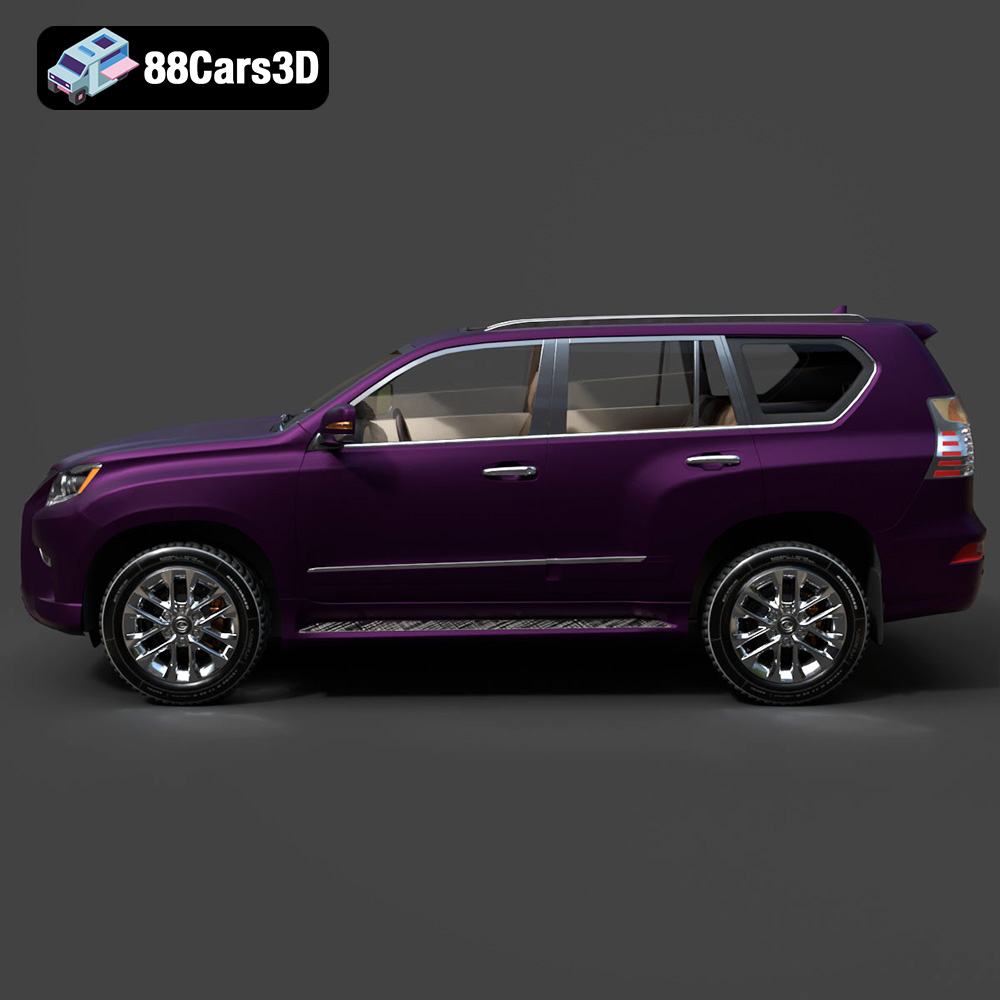
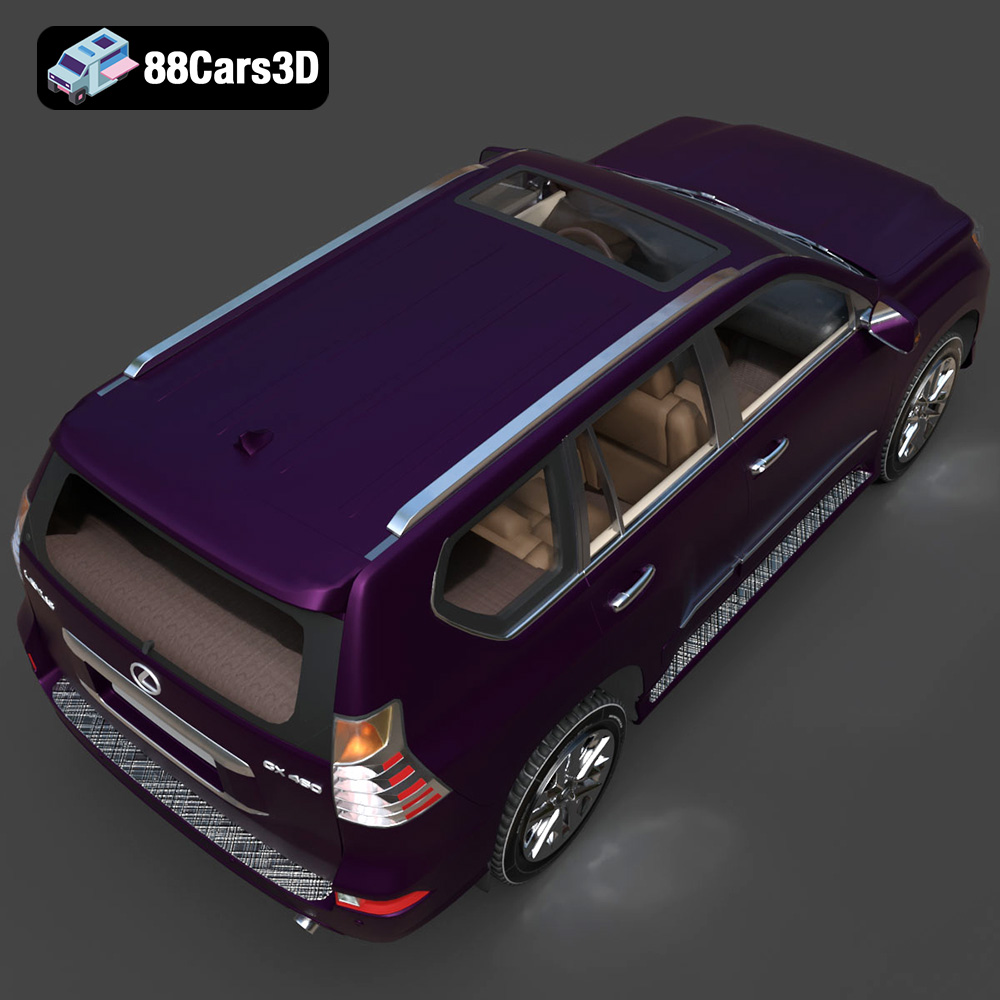
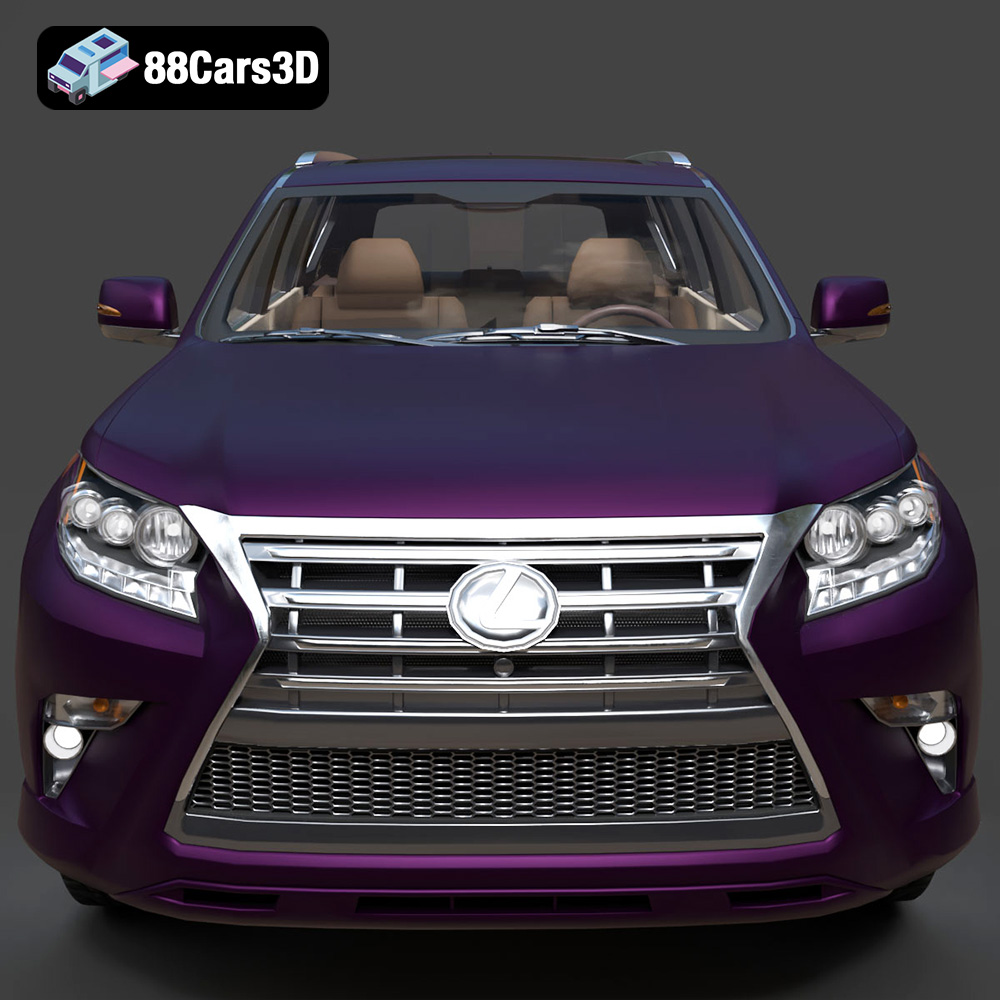
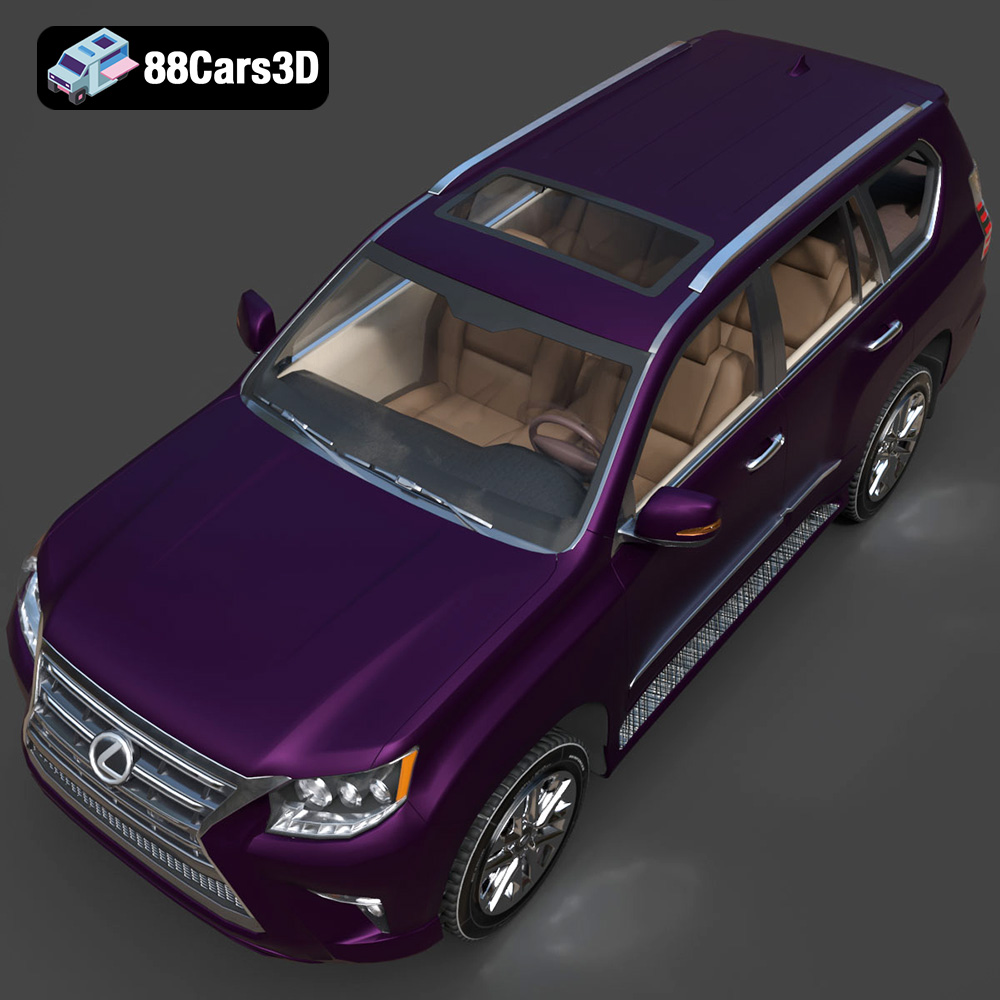
The Lexus GX460, a symbol of luxury and off-road capability, can now grace your desk or become a centerpiece in your collection thanks to the power of 3D printing. The meticulously crafted Lexus GX460 2014 3D Model available at 88cars3d.com offers enthusiasts and model makers alike the chance to bring this iconic SUV to life. This comprehensive guide will walk you through every stage of the 3D printing process, from initial preparation to final finishing, ensuring a successful and rewarding experience.
Before diving into the specifics of printing the Lexus GX460 3D model, it’s crucial to understand the various file formats it comes in and which are most suitable for 3D printing. While the model is provided in several formats catering to different applications, the .stl format is the gold standard for additive manufacturing.
The .stl (Stereolithography) file format is the workhorse of 3D printing. It represents the surface geometry of a 3D object as a collection of triangles. This simplicity makes it universally compatible with almost all 3D printers and slicing software. However, it’s essential to understand that STL files only contain mesh data; they don’t store color, texture, or material information. When you download the Lexus GX460 model from 88cars3d.com, the STL file(s) are designed for optimal printability, striking a balance between detail and manageable file size. Mesh quality is paramount; a poorly optimized STL can lead to faceted surfaces and printing artifacts. Slicing software will use the STL file to generate the G-code instructions that control your 3D printer’s movements.
While STL is primary for printing, other formats included with the Lexus GX460 3D model serve different purposes:
* **.obj:** This format is more versatile than STL, as it can store color and texture information. While some advanced 3D printers can handle OBJ files with color data, it’s not as widely supported as STL. OBJ can be useful if you plan to render the model after printing and need to apply detailed textures.
* **.ply:** PLY files are designed for storing 3D data acquired from 3D scanners. They support color and vertex properties. While PLY can be used for 3D printing, STL is generally preferred due to its simplicity and wide compatibility.
* **.blend:** This is the native file format for Blender, a popular open-source 3D modeling software. It contains the entire scene, including the model, materials, lighting, and camera settings. It’s incredibly useful for modifying the Lexus GX460 model before exporting it as an STL for printing.
* **.fbx:** Filmbox files are great because they support animations, textures, and material properties. They are primarily used for exporting to game engines like Unreal Engine or Unity, however, some slicers can import FBX files that contain the base mesh data.
* **.glb:** GL Transmission Format, also known as GLB is a 3D file format that stores 3D models in the binary format. It is great for previewing models in AR before printing since it is more portable than OBJ.
* **.max:** Similar to .blend, this is the native file format for 3ds Max, another professional 3D modeling software. Use this to modify the model for printing.
Regardless of the initial file format, your slicing software will ultimately convert the model into G-code, the language that your 3D printer understands. All major slicing software packages, such as Cura, PrusaSlicer, Simplify3D, and others, fully support STL files. Some may offer limited support for other formats like OBJ, but STL remains the most reliable choice.
Before you even think about hitting the “print” button, thorough preparation is crucial. This stage involves several steps to ensure the Lexus GX460 3D model is optimized for your specific printer and desired outcome.
Even high-quality 3D models can sometimes have minor imperfections that can cause problems during printing. Use software like MeshMixer, Netfabb, or even the built-in repair tools in your slicing software to check for issues such as:
* **Non-manifold edges:** These are edges that are connected to more than two faces, which can confuse the slicer.
* **Inverted normals:** Normals define the direction a surface is facing. Inverted normals can cause the slicer to interpret the geometry incorrectly.
* **Gaps and holes:** These can lead to printing errors and weak points in the final model.
These tools can automatically detect and repair many of these common issues, ensuring a clean and printable model.
The orientation of the Lexus GX460 model on the build plate is critical. Consider the following:
* **Minimize support material:** The more support material you need, the more time and filament you’ll waste, and the more post-processing will be required. Orient the model to minimize overhangs.
* **Surface finish:** The bottom-most surface will likely be less smooth than other areas. Decide which parts of the model are most visible and orient them accordingly. For the Lexus GX460, consider printing the body with the roof facing down to preserve the clean lines and finish on the hood and sides.
* **Strength:** If the model will be subject to any stress, orient it so that the layers are aligned in the direction of the force.
Once you’ve chosen an orientation, you’ll need to add support material to areas with overhangs. Use the support generation tools in your slicing software to add supports where needed. Experiment with different support settings to find the optimal balance between support strength and ease of removal.
Consider the size of your printer’s build volume when scaling the Lexus GX460 model. If you want to print a larger version, make sure it will fit within the printable area. If you’re printing with resin, consider hollowing out the model to reduce material usage and printing time. Hollowing can also be beneficial for FDM printing, but it requires careful consideration of internal support structures.
The choice of material significantly impacts the final appearance, strength, and durability of your 3D printed Lexus GX460 model.
PLA (Polylactic Acid) is a popular choice for 3D printing due to its ease of use, low printing temperature, and wide availability. It’s a good option for creating visually appealing models that don’t require high strength or heat resistance. PLA is also biodegradable, making it an environmentally friendly choice. However, PLA is brittle and can warp in high-temperature environments.
PETG (Polyethylene Terephthalate Glycol-modified) offers a better balance of strength, durability, and heat resistance compared to PLA. It’s also more flexible, making it less prone to cracking. PETG is a good choice for printing functional parts or models that will be exposed to moderate temperatures.
ABS (Acrylonitrile Butadiene Styrene) is a strong and heat-resistant thermoplastic that is commonly used in engineering applications. It’s a good choice for printing parts that require high strength and durability, but it’s more challenging to print than PLA or PETG due to its higher printing temperature and tendency to warp.
For exceptionally detailed models, resin printing is the way to go. Resin printers use liquid photopolymers that are cured by UV light, resulting in parts with incredibly smooth surfaces and fine details. Resin is a good choice for printing miniatures, jewelry, and other objects where detail is paramount. However, resin printers are typically more expensive than FDM printers, and resin materials can be brittle and require careful handling.
Once you’ve chosen your material, you’ll need to adjust your printer settings to optimize for that material and the Lexus GX460 model.
Layer height determines the resolution of your print. Lower layer heights result in smoother surfaces and finer details, but they also increase printing time. A good starting point for the Lexus GX460 model is a layer height of 0.1mm to 0.2mm for FDM printing and 0.05mm for resin printing. Print speed also affects print quality. Slower print speeds generally result in better layer adhesion and fewer artifacts. Experiment with different print speeds to find the optimal balance between quality and speed.
Infill density determines the internal strength and weight of your model. Higher infill densities result in stronger but heavier models. For the Lexus GX460 model, a moderate infill density of 15-25% is generally sufficient. The infill pattern also affects strength and weight. Common infill patterns include grid, honeycomb, and gyroid. Gyroid infill is particularly strong and lightweight.
Proper temperature settings are crucial for successful 3D printing. Refer to the material manufacturer’s recommendations for the optimal printing temperature and bed temperature. Good bed adhesion is essential to prevent warping and ensure that the model sticks to the build plate. Use a bed adhesive such as glue stick, hairspray, or painter’s tape to improve bed adhesion.
Adjust the support settings in your slicing software to optimize for your chosen material and the Lexus GX460 model. Consider the following:
* **Support density:** Higher support densities provide more support but can be more difficult to remove.
* **Support overhang angle:** This determines the angle at which supports are generated.
* **Support interface:** Adding an interface layer between the support and the model can make the supports easier to remove.
Once the printing is complete, the real work begins. Post-processing is the process of refining the 3D printed model to achieve the desired appearance and functionality.
The first step in post-processing is removing the support material. Use pliers, cutters, or a sharp knife to carefully remove the supports. Be careful not to damage the model during this process. Once the supports are removed, use sandpaper to smooth any rough edges or imperfections. Start with a coarse grit sandpaper (e.g., 220 grit) and gradually move to finer grits (e.g., 400 grit, 600 grit, 800 grit) to achieve a smooth finish.
Priming is an essential step before painting. It helps to fill in any remaining imperfections and provides a smooth surface for the paint to adhere to. Apply several thin coats of primer, allowing each coat to dry completely before applying the next. Once the primer is dry, you can paint the model with your desired colors. Use acrylic paints or model paints for best results. Apply several thin coats of paint, allowing each coat to dry completely before applying the next.
The Lexus GX460 3D model may consist of multiple parts that need to be assembled. Use glue or epoxy to attach the parts together. Once the model is assembled, you can add details such as decals, chrome accents, or weathering effects to enhance its realism.
Even with careful preparation, 3D printing can sometimes present challenges. Here are some common issues and how to troubleshoot them:
* **Warping:** Warping occurs when the model lifts off the build plate during printing. This can be caused by poor bed adhesion, insufficient bed temperature, or drafts. To prevent warping, ensure that your bed is properly leveled and heated, use a bed adhesive, and enclose your printer.
* **Stringing:** Stringing occurs when the printer extrudes filament while moving between different parts of the model. This can be caused by high printing temperature, slow retraction speed, or excessive travel moves. To prevent stringing, lower the printing temperature, increase the retraction speed, and enable retraction during travel moves.
* **Layer separation:** Layer separation occurs when the layers of the model don’t adhere properly to each other. This can be caused by low printing temperature, insufficient cooling, or poor layer adhesion. To prevent layer separation, increase the printing temperature, reduce the cooling fan speed, and use a material with good layer adhesion properties.
* **Elephant’s foot:** Elephant’s foot occurs when the bottom layers of the model are squished outwards. This can be caused by excessive bed temperature or incorrect Z-offset. To prevent elephant’s foot, lower the bed temperature and adjust the Z-offset.
The print time and material cost for the Lexus GX460 3D model will depend on several factors, including the size of the model, the layer height, the infill density, and the material used. As a general estimate, printing a medium-sized Lexus GX460 model with PLA at a layer height of 0.2mm and an infill density of 20% could take anywhere from 10 to 20 hours and cost between $5 and $10 in material. Resin prints will generally be a bit pricier since the material is more expensive, but the final product is more polished.
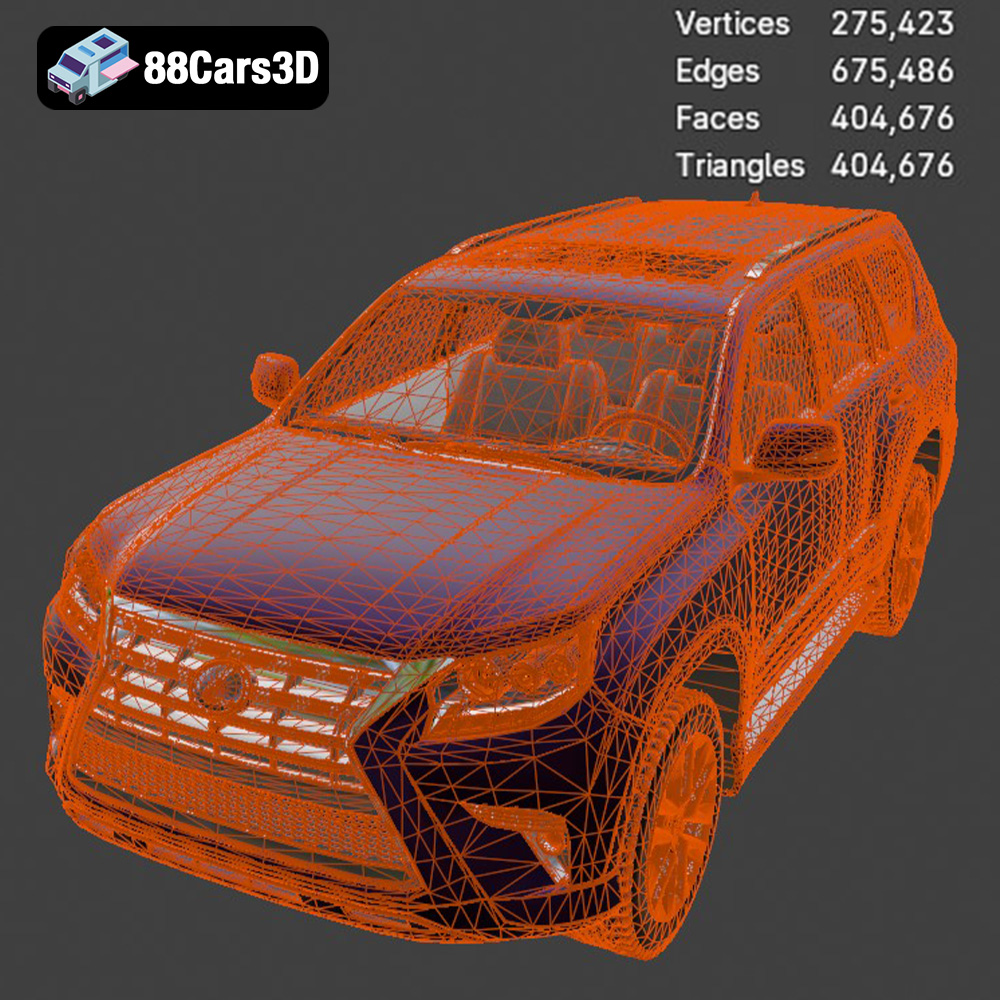
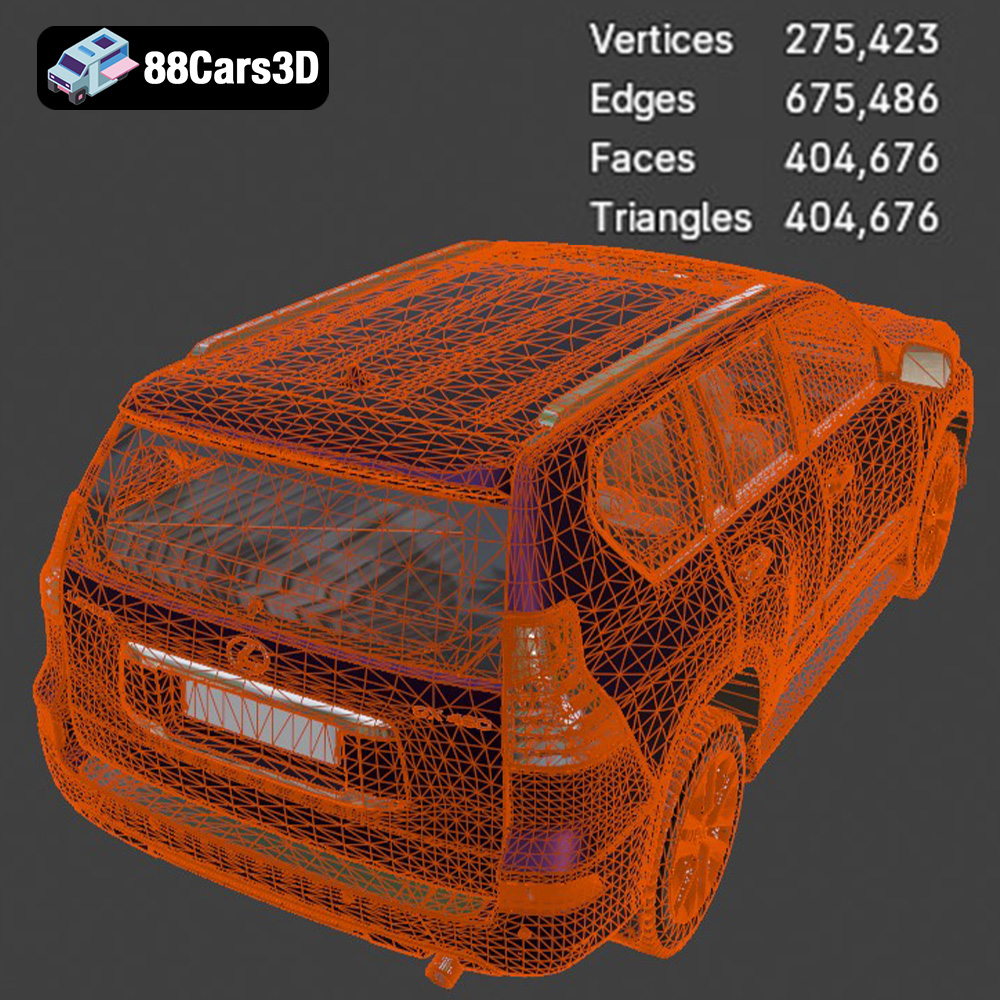
Discover the exceptional realism and precision of the Lexus GX460 2014 3D Model. Crafted with meticulous attention to detail, this digital asset perfectly replicates the powerful stance and luxurious design of the iconic SUV, making it an outstanding addition to your digital library. Designed for optimal performance, this model features clean geometry, realistic materials, and an optimized polygon count. Every exterior curve and interior element has been modeled to deliver professional quality results. The asset is fully textured and ready for immediate deployment in your chosen software. Whether you are developing an immersive video game, creating photorealistic architectural visualizations, producing interactive AR/VR experiences, or conducting automotive simulations, this versatile 3D model adapts seamlessly to any demanding production environment.
$19.99
3D printing the Lexus GX460 2014 3D model from 88cars3d.com is a rewarding project that combines technical skill with creative expression. By understanding the nuances of 3D printing, material selection, and post-processing techniques, you can create a stunning replica of this iconic SUV. Remember to prioritize pre-print preparation, fine-tune your printer settings, and be patient with the post-processing steps. With a little practice and attention to detail, you’ll be able to proudly display your 3D printed Lexus GX460 for all to admire. Happy printing!
.arvr
.blend
.car3dmodel
.fbx
.gameasset
.glb
.gx460
.lexus
.luxury
.max
.obj
.offroad
.ply
.rendering
.simulation
.stl
.unreal
SUV