Get 50% OFF All Premium 3D & STL Models!

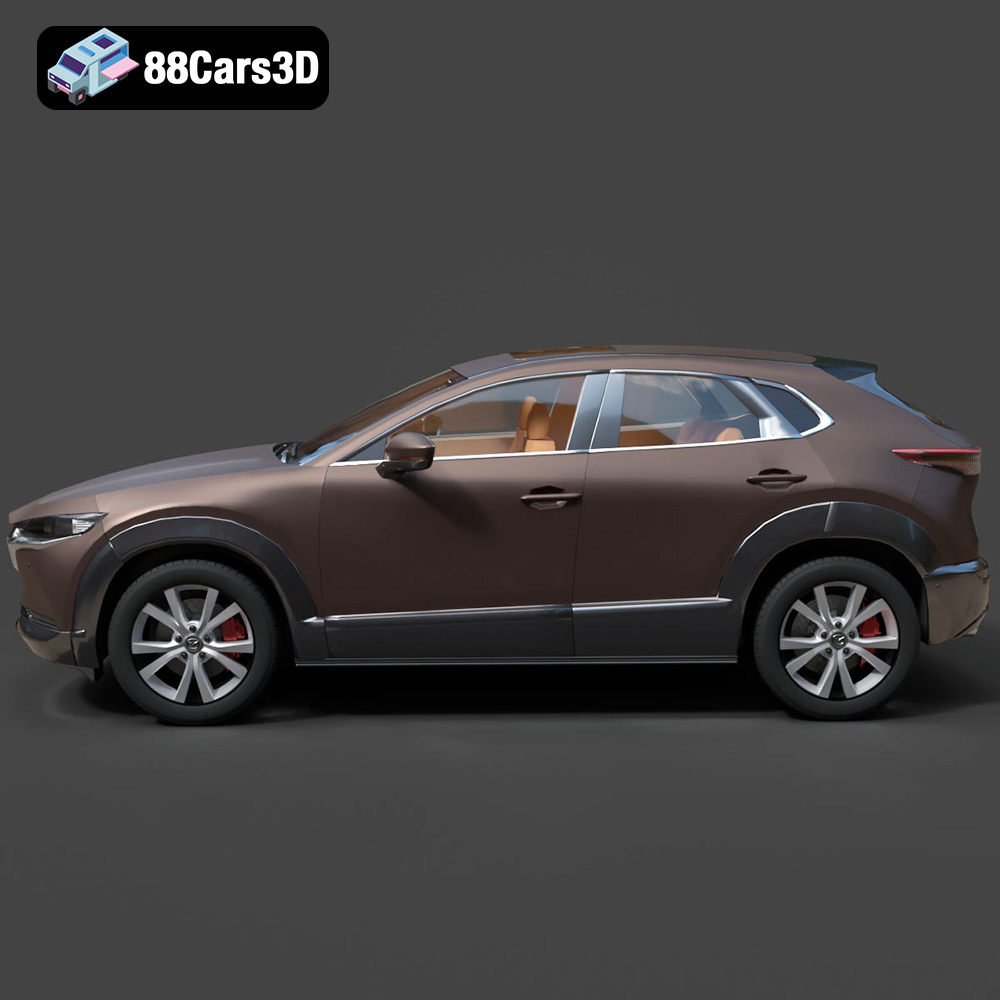
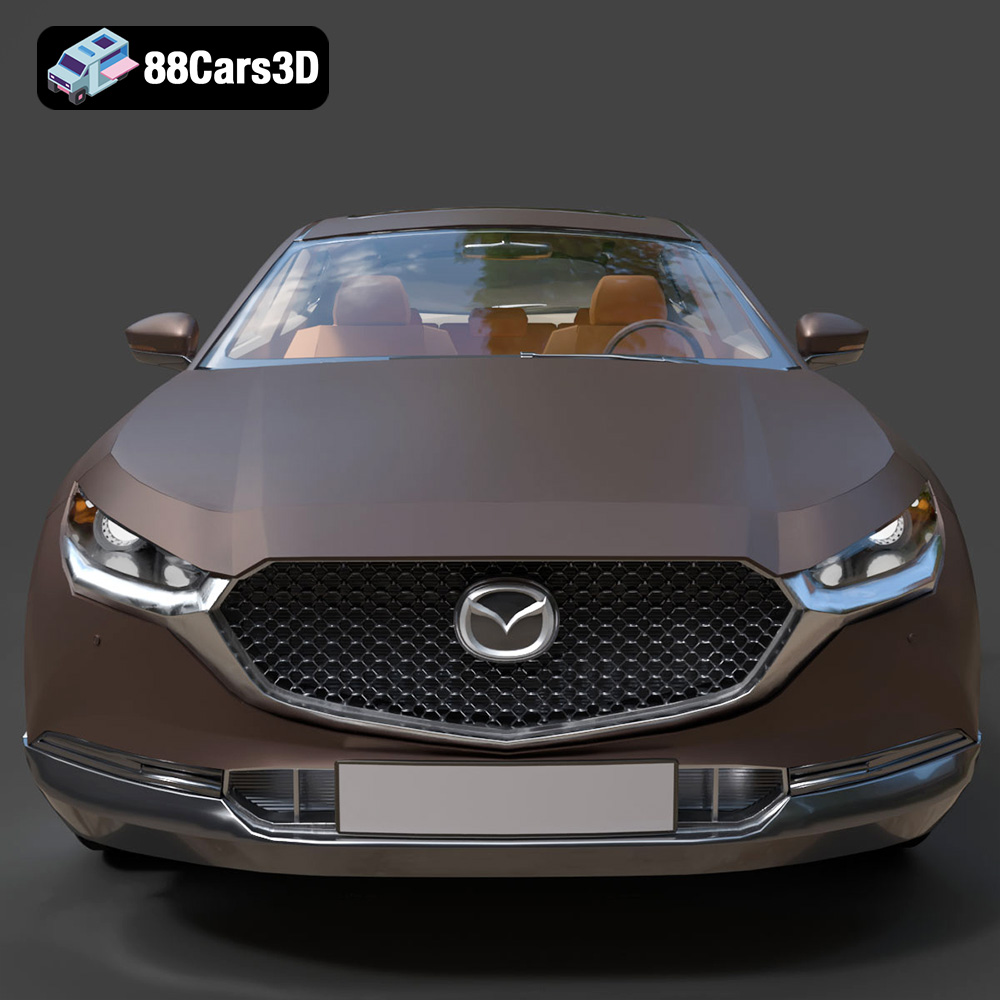
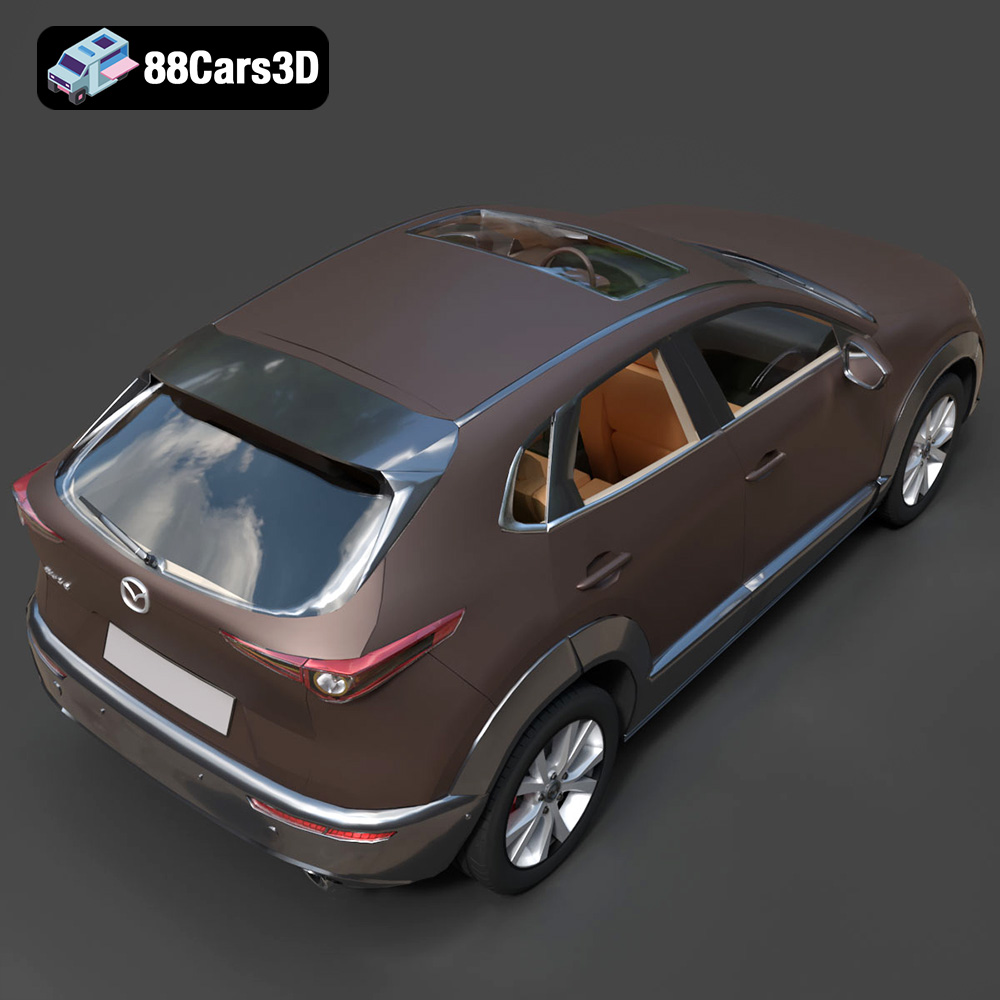
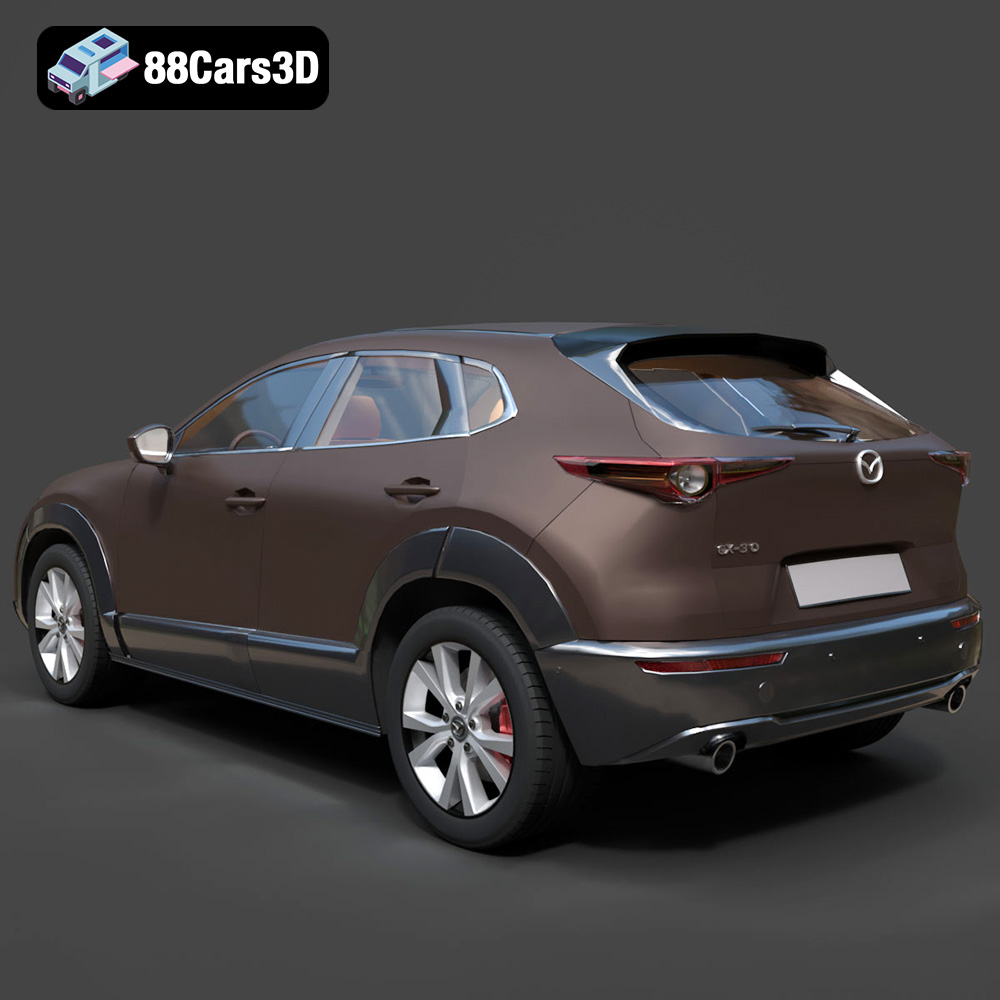
The Mazda CX-30 is a stunning example of modern automotive design, blending the sleekness of a hatchback with the practicality of an SUV. Thanks to 88cars3d.com, enthusiasts and hobbyists can now bring this iconic vehicle to life through 3D printing. This guide will walk you through the entire process of 3D printing the Mazda CX-30 3D model, from initial preparation to final post-processing, ensuring a satisfying and high-quality result. This model, available on 88cars3d.com, is optimized for various applications, and with the right approach, you can achieve excellent results with 3D printing.
Selecting the appropriate 3D printing technology is crucial for achieving a detailed and accurate replica of the Mazda CX-30. The two primary options are Fused Deposition Modeling (FDM) and Stereolithography (SLA) or resin printing.
FDM printing involves extruding a thermoplastic filament layer by layer to build the model. While FDM printers are more accessible and affordable, achieving the intricate details of the CX-30, such as the complex grille and fine body lines, can be challenging. Consider using a high-resolution FDM printer with a small nozzle size (0.4mm or smaller) for better detail.
* Material Recommendations: PLA is a common and easy-to-use material for FDM printing. However, for better durability and heat resistance, consider using PETG. ABS is another option but requires a heated enclosure to prevent warping.
* Printer Settings: A layer height of 0.1mm to 0.15mm is recommended to capture finer details. Use a bed temperature of 60°C and an extruder temperature of 200-220°C for PLA, adjusting based on the specific filament.
Resin printing, using SLA or similar technologies like DLP, offers significantly higher resolution and is better suited for capturing the intricate details of the Mazda CX-30 model. This method uses a liquid resin that is cured by UV light, creating highly detailed parts.
* Material Recommendations: Standard resin is suitable for display models, while tougher resins are recommended for parts that require more durability.
* Printer Settings: Layer heights of 0.04mm to 0.08mm are ideal for resin printing, providing excellent detail. Exposure times will vary depending on the resin used, so refer to the manufacturer’s recommendations.
Choosing the correct file format is paramount for a successful 3D printing endeavor. The Mazda CX-30 3D model from 88cars3d.com comes in various formats, each suited for different purposes. Understanding these formats is essential for preparing the model for printing.
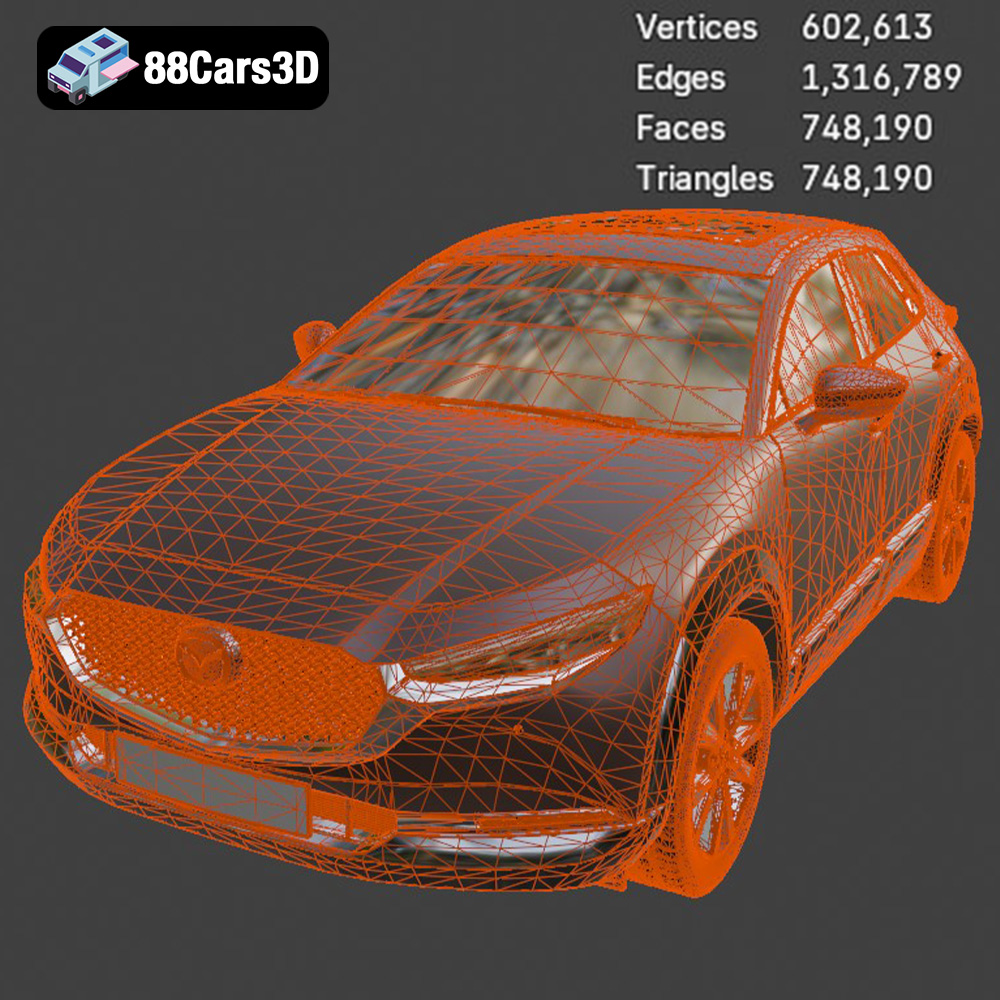
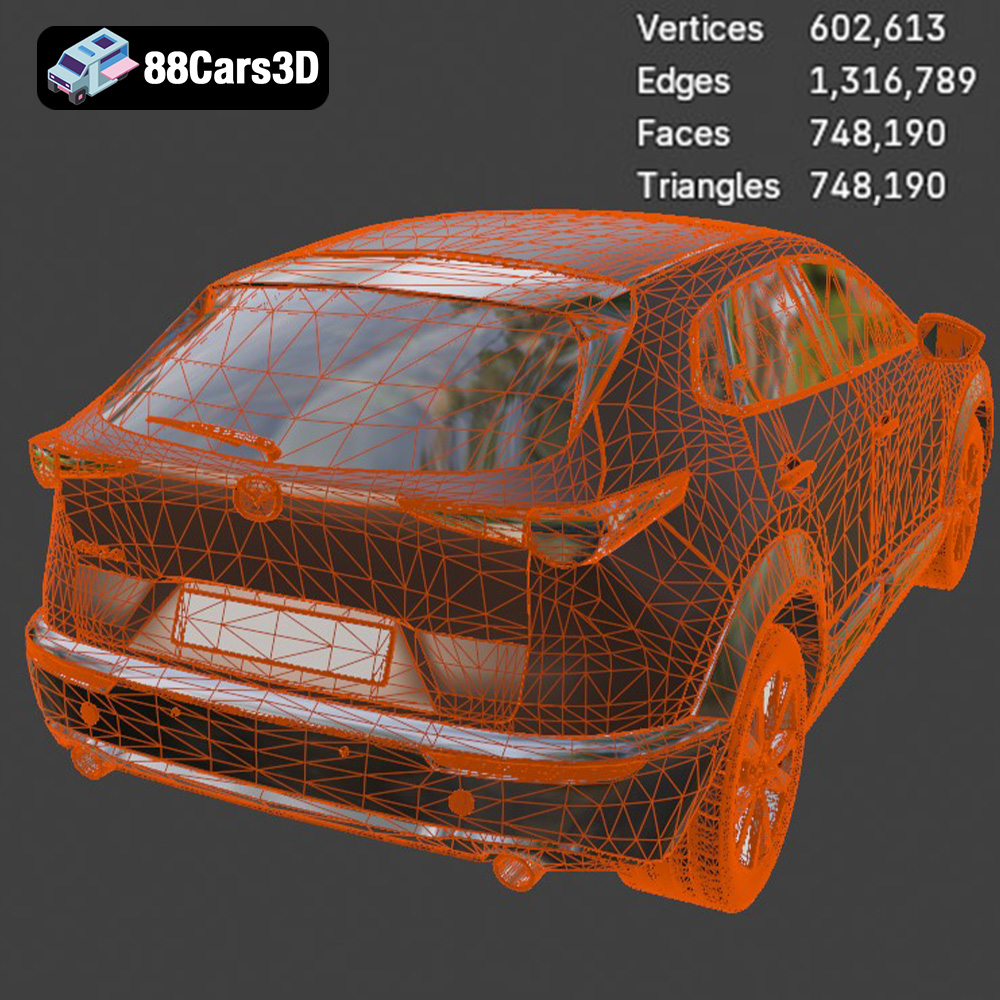
The .stl (stereolithography) file format is the de facto standard for 3D printing. It represents the 3D model’s surface geometry as a collection of triangles. This mesh-only format contains no color, texture, or material information. Slicing software relies on the .stl file to generate toolpaths for the 3D printer. Because of its simplicity and widespread compatibility, .stl is the most reliable choice for printing. Mesh quality is crucial for .stl files; a denser mesh (more triangles) will result in a smoother surface, but also a larger file size and longer processing times. Conversely, a sparse mesh can lead to faceted surfaces. When exporting to .stl, ensure your software provides options to control mesh resolution and deviation tolerance, striking a balance between detail and file size.
The .obj (object) file format is another widely supported format, but it differs from .stl by including support for color and texture information. This makes it suitable for 3D models intended for rendering or visualization, where appearance is critical. However, for 3D printing, the texture information is often irrelevant unless you are using a multi-material printer capable of reproducing colors. Slicing software can typically import .obj files, but it’s essential to ensure the slicer properly interprets the geometry. Like .stl, .obj files represent geometry as a mesh, so mesh quality remains important.
The .ply (polygon) file format is designed for storing 3D data acquired from 3D scanners. It can represent geometry as a collection of polygons (not just triangles) and can store color, texture, and other properties associated with each vertex. This format is known for its precision and ability to capture high-detail information. While .ply files can be used for 3D printing, they are less common than .stl and .obj. Ensure your slicing software supports .ply files and that the mesh is appropriately optimized for printing (i.e., watertight and free of self-intersections).
The .blend file format is the native format for Blender, a free and open-source 3D creation suite. This format contains the entire Blender scene, including the model’s geometry, materials, textures, lighting, and animation data. While .blend files are not directly printable, they are incredibly valuable for customizing the Mazda CX-30 model before exporting it to a printable format like .stl. You can use Blender to modify the model’s geometry, add details, separate parts, or optimize the mesh for 3D printing.
The .fbx (Filmbox) file format is a proprietary format developed by Autodesk for interoperability between different 3D software packages. It supports geometry, materials, textures, animation, and scene information. While some slicing software can import .fbx files, the primary use of this format is for transferring the model between different 3D applications. For 3D printing, it’s generally best to convert the .fbx file to .stl after making any necessary modifications in a 3D modeling program.
The .glb (GL Transmission Format Binary) file format is designed for efficient transmission and loading of 3D models in web applications and augmented reality (AR) environments. It is a binary format that includes geometry, textures, and animations in a single file, making it ideal for real-time rendering. While not directly used for 3D printing, .glb files can be helpful for previewing the model in AR before committing to a print, allowing you to assess its size and appearance in a real-world context.
The .max file format is the native format for Autodesk 3ds Max, a professional 3D modeling, animation, and rendering software. Similar to .blend, .max files contain the entire scene setup, including geometry, materials, textures, lighting, and animation data. This format is ideal for users who prefer 3ds Max for modifying and preparing the Mazda CX-30 model before exporting it to a printable format like .stl.
In conclusion, for 3D printing the Mazda CX-30 model, the .stl format is the most reliable and widely compatible choice. Ensure the .stl file has a sufficient mesh density for the desired level of detail, and always check for errors or imperfections before slicing. While other formats like .obj, .ply, .blend, .fbx, .glb, and .max offer additional features and capabilities, they ultimately need to be converted to .stl for the actual printing process.
Before sending the Mazda CX-30 model to your 3D printer, careful preparation in slicing software is essential. This involves setting appropriate parameters, orienting the model correctly, and adding necessary supports.
Popular slicing software options include Cura, PrusaSlicer, Simplify3D, and Chitubox (for resin printing). Each slicer has its strengths, so choose one that suits your printer and workflow. Import the .STL file into the slicing software.
The orientation of the Mazda CX-30 model on the print bed significantly impacts the print quality, support requirements, and overall success. For FDM printing, consider angling the body at 45 degrees to minimize the need for supports on the curved surfaces. This also helps to distribute the layer lines more evenly. For resin printing, orient the model to minimize cross-sectional area, reducing the force required to peel each layer from the build plate. Angling the model can also help to prevent suction cups.
The Mazda CX-30 model has several overhanging features, such as the side mirrors, wheel arches, and rear roof spoiler, which require support structures. In your slicing software, enable support generation and customize the settings to provide adequate support without being overly aggressive. For FDM printing, consider using tree supports, which are more efficient and easier to remove than traditional linear supports. For resin printing, use light supports with small contact points to minimize scarring on the model’s surface.
Choosing the right material and configuring appropriate print settings are crucial for achieving a high-quality 3D print of the Mazda CX-30.
* PLA: An excellent choice for beginners due to its ease of use and minimal warping. Suitable for display models.
* PETG: Offers better durability and heat resistance than PLA, making it ideal for parts that may be subject to wear and tear.
* ABS: A strong and heat-resistant material, but requires a heated enclosure to prevent warping.
* Resin: Provides the highest level of detail and surface finish, making it perfect for intricate parts like the grille and wheels.
* Layer Height: 0.1mm to 0.15mm for FDM, 0.04mm to 0.08mm for resin.
* Infill Density: 15-25% for FDM, solid infill not necessary for resin.
* Wall Thickness: 1.2mm to 2.0mm for FDM.
* Print Speed: 40-60mm/s for FDM, adjust based on the material and printer.
* Support Settings: Optimize support placement and density to provide adequate support while minimizing material usage and removal difficulty.
Post-processing is an essential step in achieving a professional-looking 3D printed Mazda CX-30 model. This involves removing supports, sanding, priming, and painting.
Carefully remove the support structures using pliers or a sharp knife. Take your time to avoid damaging the model. For FDM prints, sanding is necessary to smooth out layer lines and imperfections. Start with coarse sandpaper (220 grit) and gradually move to finer grits (400, 600, and 800 grit) for a smooth surface. For resin prints, sanding is often less necessary due to the higher surface finish, but may still be required to remove support marks.
Apply a primer coat to the model to create a uniform surface for painting. This also helps the paint adhere better. Choose a primer that is compatible with your chosen material. Once the primer is dry, sand it lightly with fine-grit sandpaper (800 grit). Apply several thin coats of paint, allowing each coat to dry completely before applying the next. For an authentic Mazda CX-30 look, consider using the official Mazda paint colors, such as Soul Red Crystal, Polymetal Gray, or Snowflake White Pearl.
The Mazda CX-30 model may consist of multiple parts, such as the body, wheels, and interior components. Assemble the parts carefully using glue or adhesive. Add finer details, such as painting the interior, adding clear coats for shine, and applying decals or badges for a more realistic appearance.
Even with careful preparation, 3D printing can sometimes present challenges. Here are some common issues and their solutions:
Warping occurs when the printed part lifts off the print bed due to uneven cooling. To prevent warping, ensure the print bed is properly leveled and heated. Use a brim or raft to increase adhesion. For ABS, use a heated enclosure.
Stringing happens when small strands of filament are left between different parts of the print. This is usually caused by excessive extruder temperature or retraction settings. Adjust the temperature and retraction settings in your slicing software.
Layer shifting occurs when the layers of the print are misaligned. This can be caused by loose belts, stepper motor issues, or excessive print speed. Tighten the belts, check the stepper motors, and reduce the print speed.
If supports are too difficult to remove or leave excessive scarring, adjust the support density, contact point size, and support material. Experiment with different support structures, such as tree supports.
3D printing the Mazda CX-30 is a rewarding project that combines technical skills with creative expression. By carefully selecting the right 3D printing technology, preparing the model in slicing software, choosing appropriate materials and print settings, and employing post-processing techniques, you can create a stunning replica of this iconic vehicle. Remember to consult resources like 88cars3d.com for high-quality 3D models and inspiration. With patience and attention to detail, you can overcome challenges and achieve a flawless 3D printed Mazda CX-30 model that you’ll be proud to display.
The Mazda CX-30 3D Model is an exceptionally accurate digital recreation of the highly acclaimed compact crossover. Embodying Mazda’s renowned “Kodo: Soul of Motion” design philosophy, the CX-30 artfully blends the athletic stance of a sporty hatchback with the rugged practicality and raised driving position of an SUV.
$19.99
.archviz
.blend
.crossover
.fbx
.mazda
.obj
.rendering
car-3d-model
compact-suv
cx-30
cx30
game-ready
kodo-design
mazda-cx30
mid-poly
traffic-car