Get 50% OFF All Premium 3D & STL Models!

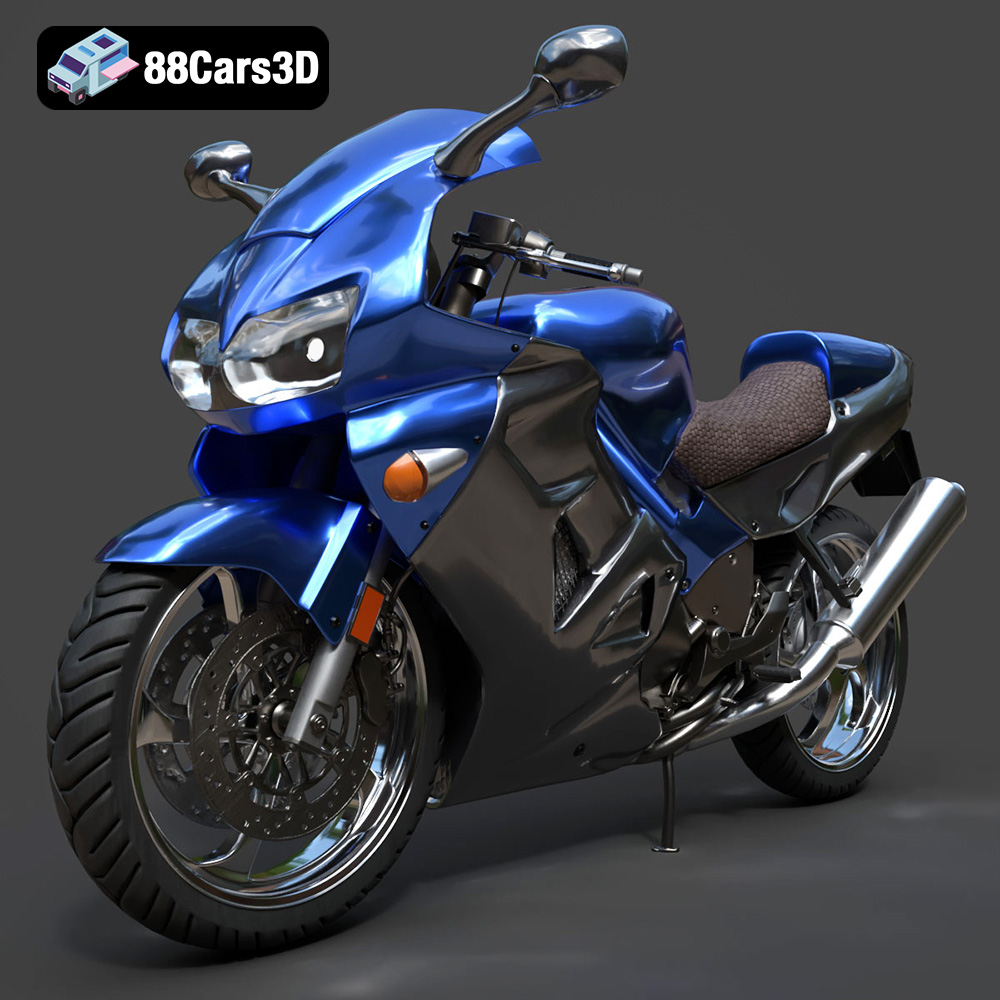
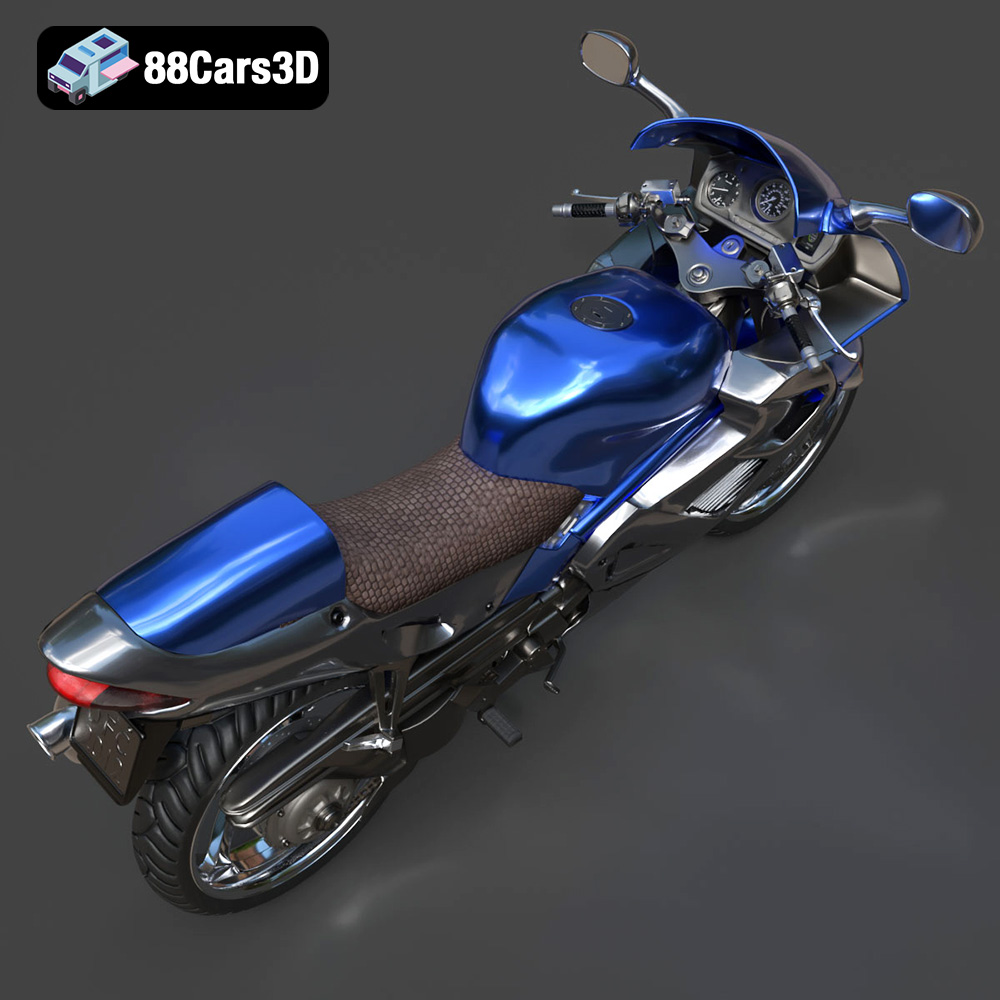
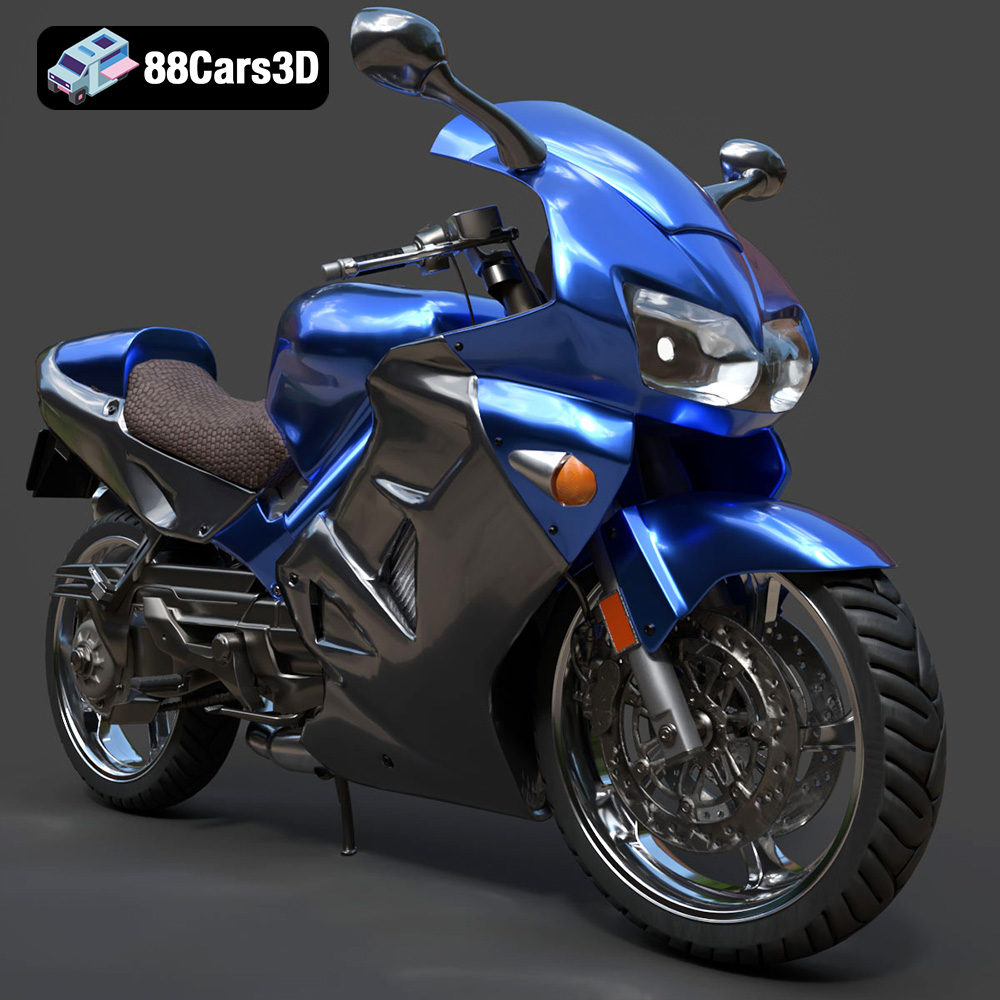
The Honda VFR 801, a true icon of sportbike engineering, is now within reach in the world of 3D printing. Thanks to meticulously crafted 3D models available on platforms like 88cars3d.com, enthusiasts and modelers alike can bring this legendary motorcycle to life. This article will guide you through the entire 3D printing process, from selecting the right materials and preparing the STL files to post-processing techniques that will make your 3D printed Honda VFR 801 truly stand out. Whether you’re a seasoned 3D printing expert or just starting out, this guide will equip you with the knowledge and insights needed to achieve outstanding results.
The first step in successfully 3D printing the Honda VFR 801 model is to select the appropriate 3D printing technology. There are several options available, each with its own strengths and weaknesses.
FDM is the most common and affordable 3D printing technology. It works by extruding molten plastic filament layer by layer to build the object.
* **Pros:** Low cost, wide range of materials available (PLA, ABS, PETG, etc.), relatively easy to use.
* **Cons:** Lower resolution compared to other technologies, visible layer lines, may require significant post-processing.
* **Recommendation:** A good starting point for larger parts of the Honda VFR 801 model, like the chassis or fairings. PLA and PETG are recommended for their ease of use and durability.
SLA and DLP are resin-based 3D printing technologies that use UV light to cure liquid resin layer by layer.
* **Pros:** High resolution and detail, smooth surface finish, ideal for small and intricate parts.
* **Cons:** Higher cost compared to FDM, limited material options (resins), requires careful post-processing (cleaning and curing).
* **Recommendation:** Excellent for smaller, more detailed components like the engine, wheels, or intricate body panels. Consider using a high-quality resin for best results.
SLS is a powder-based 3D printing technology that uses a laser to fuse powdered material together.
* **Pros:** High strength and durability, no support structures required, allows for complex geometries.
* **Cons:** High cost, limited material options (typically nylon-based), rough surface finish.
* **Recommendation:** While SLS offers excellent strength, it’s generally not the most practical choice for a detailed model like the Honda VFR 801 due to cost and surface finish limitations.
Choosing the right file format is essential for a smooth 3D printing experience. The Honda VFR 801 model from 88cars3d.com includes several file formats, each designed for specific purposes. Understanding these formats will help you optimize your workflow.
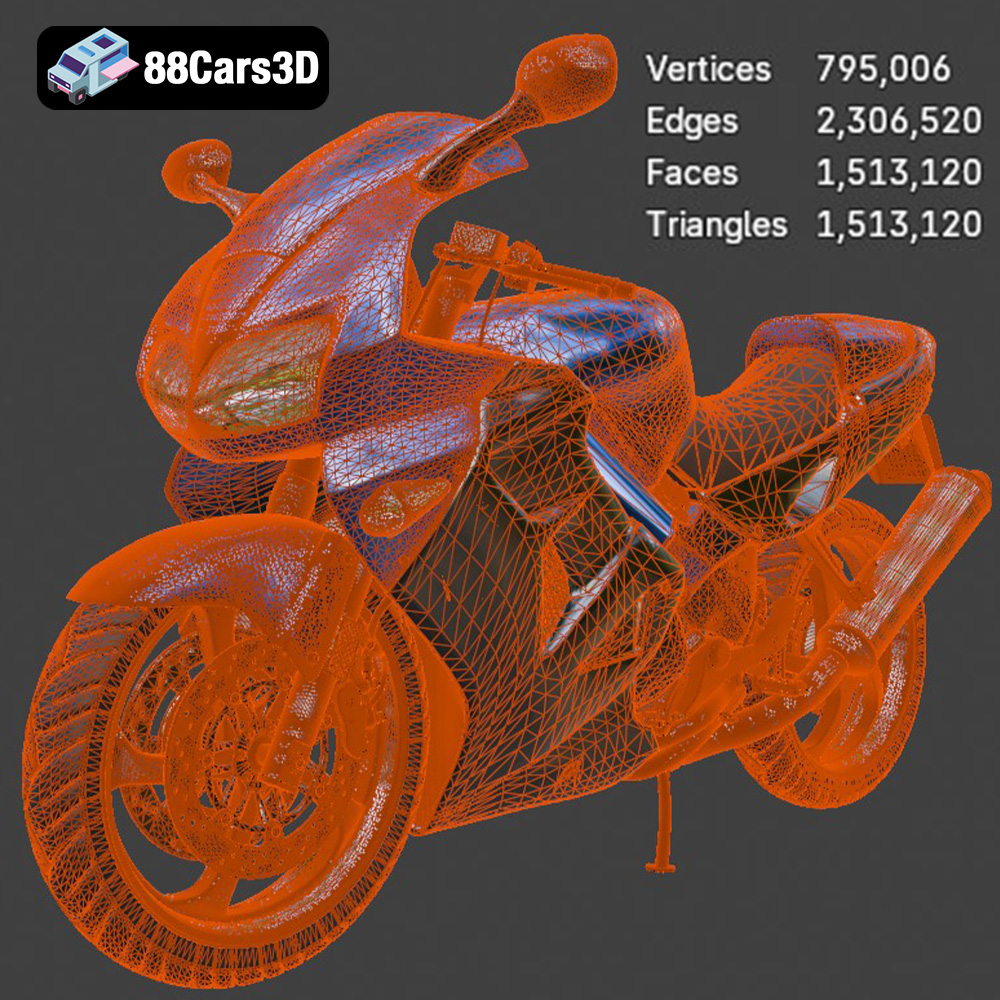
The STL (Stereolithography) format is the workhorse of 3D printing. It represents the 3D model’s surface geometry as a collection of triangles, creating a mesh. Its simplicity and widespread compatibility make it the go-to format for almost all 3D printing applications. STL files lack color or texture information; they solely define the shape. When preparing an STL file for printing, ensure the mesh is watertight (no holes) and that the triangle density is sufficient to capture the model’s details without creating unnecessarily large file sizes. Most slicing software readily imports and processes STL files. If your STL file has errors, Netfabb Basic is a free and excellent tool for repairing mesh issues before slicing. Optimizing your STL file will significantly improve your print quality and reduce the risk of printing errors.
OBJ files are more versatile than STL files, as they can store color and texture information along with the 3D geometry. This makes them suitable for applications where visual appearance is crucial, such as rendering or game development. While some 3D printers can handle OBJ files with color information, it’s less common for standard FDM printers. OBJ files can be larger and more complex than STL files, potentially requiring more processing power from your slicing software. For printing the Honda VFR 801, the OBJ format is best used if you plan to incorporate color or textures using specialized printing techniques or post-processing.
PLY (Polygon File Format) is another format that can store color and texture data, but it’s primarily known for its ability to represent highly detailed meshes with greater precision than STL. This makes it suitable for capturing complex geometries and fine details. However, PLY files can be very large, and not all slicing software supports them natively. If you’re aiming for the highest possible detail in your 3D print, and your software supports it, PLY can be a good option. But be prepared for potentially longer processing times.
The .blend file is the native format for Blender, a powerful and free 3D modeling software. This format contains the entire scene, including the model, materials, textures, lighting, and camera setups. Having the .blend file for the Honda VFR 801 allows you to make modifications to the model before exporting it for 3D printing. You can adjust the geometry, add details, or even separate parts for easier printing. This format is ideal for users who want to customize the model extensively before printing.
FBX (Filmbox) is a proprietary file format developed by Autodesk. It’s widely used in the game development and animation industries because it supports the transfer of models, animations, and materials between different software packages. While some advanced slicing software might support importing FBX files with material information, it’s more commonly used for transferring the model’s geometry. For the Honda VFR 801, the FBX file is useful if you’re working with game engines or other 3D applications and need to transfer the model while preserving its structure.
GLB is a binary file format that represents 3D models in a compact and efficient manner. It’s particularly well-suited for AR (Augmented Reality) and web-based visualization because it can be easily loaded and displayed in browsers and mobile devices. The GLB format typically includes the model’s geometry, textures, and animations. While not directly used for 3D printing, the GLB file allows you to preview the Honda VFR 801 model in AR to get a sense of its size and appearance before committing to a print.
Similar to the .blend format, .max is the native file format for 3ds Max, another professional 3D modeling software. It contains the entire scene setup, allowing you to modify the model, materials, and lighting. If you’re a 3ds Max user, having the .max file gives you complete control over the Honda VFR 801 model before exporting it for 3D printing.
Once you’ve chosen the right 3D printing technology and file format (typically STL), the next crucial step is pre-print preparation. This involves using slicing software to convert the 3D model into instructions that your printer can understand. Orientation and support generation are key to a successful print.
Slicing software like Cura, PrusaSlicer, Simplify3D, or Chitubox (for resin printers) takes your 3D model and divides it into thin layers. You can adjust various settings such as layer height, infill density, print speed, and support structures. Experiment with these settings to find the optimal balance between print quality, speed, and material usage.
The orientation of your model on the print bed can significantly impact print quality, support requirements, and overall success. For the Honda VFR 801, consider these factors:
* **Minimizing Support Structures:** Orient the model to reduce the amount of support material needed. Complex shapes might require more supports, which can be difficult to remove and leave surface imperfections.
* **Layer Lines:** Consider how layer lines will appear on the final model. Orienting parts with curved surfaces vertically can minimize the stair-stepping effect.
* **Strength:** If certain parts of the model require higher strength, orient them so that the layers are aligned in the direction of the stress.
Support structures are necessary for overhangs and bridging sections of the model. There are different types of supports, such as tree supports and linear supports. Tree supports are generally easier to remove and leave fewer marks on the surface. Experiment with support settings in your slicing software to optimize their placement and density.
The choice of material plays a crucial role in the final appearance, strength, and durability of your 3D printed Honda VFR 801 model.
PLA (Polylactic Acid) is a biodegradable thermoplastic that is easy to print and offers good detail. It’s a great option for beginners and for parts that don’t require high strength or heat resistance.
* **Pros:** Easy to print, low odor, wide range of colors, biodegradable.
* **Cons:** Low heat resistance, can be brittle, not suitable for outdoor use.
* **Recommended Settings:** Nozzle temperature: 200-220°C, Bed temperature: 60°C, Print speed: 40-60 mm/s.
PETG (Polyethylene Terephthalate Glycol-modified) offers a good balance of strength, flexibility, and ease of printing. It’s more durable and heat-resistant than PLA, making it a versatile choice for many applications.
* **Pros:** High strength, good flexibility, heat-resistant, recyclable.
* **Cons:** Can be stringy during printing, requires good bed adhesion.
* **Recommended Settings:** Nozzle temperature: 230-250°C, Bed temperature: 70-80°C, Print speed: 40-60 mm/s.
ABS (Acrylonitrile Butadiene Styrene) is a strong and heat-resistant plastic commonly used in automotive and industrial applications. However, it’s more challenging to print than PLA and PETG due to its tendency to warp.
* **Pros:** High strength, heat-resistant, durable.
* **Cons:** Prone to warping, requires a heated bed and enclosure, strong odor.
* **Recommended Settings:** Nozzle temperature: 230-250°C, Bed temperature: 90-110°C, Print speed: 40-60 mm/s, Enclosure recommended.
For resin-based 3D printers (SLA/DLP), you’ll need to choose a resin that is compatible with your printer. There are different types of resins available, such as standard resins, tough resins, and flexible resins.
* **Pros:** High detail, smooth surface finish.
* **Cons:** Requires careful handling, can be brittle, limited color options, requires post-curing.
* **Recommended Settings:** Follow the resin manufacturer’s recommendations for exposure time, layer height, and post-curing time.
Fine-tuning your print settings is crucial for achieving optimal results. Here are some key settings to consider:
A lower layer height results in finer details and a smoother surface finish, but it also increases print time. A higher layer height prints faster but sacrifices detail. For the Honda VFR 801, a layer height of 0.1-0.2 mm is a good starting point for FDM printing, and 0.025-0.05 mm for resin printing.
Infill density determines the amount of material inside the model. A higher infill density increases strength but also increases print time and material usage. For most parts of the Honda VFR 801, an infill density of 15-25% is sufficient. For parts that require higher strength, such as the chassis, consider increasing the infill density to 50% or more.
A slower print speed generally results in better print quality, especially for intricate details. However, it also increases print time. Experiment with different print speeds to find the optimal balance between quality and speed. A print speed of 40-60 mm/s is a good starting point for FDM printing.
The optimal nozzle and bed temperatures depend on the material you’re using. Refer to the material manufacturer’s recommendations for the best results.
After printing, some post-processing is usually required to achieve the desired finish.
Carefully remove support structures using pliers, cutters, or a sharp knife. Be patient and avoid damaging the model.
Sanding can smooth out layer lines and surface imperfections. Start with coarse sandpaper and gradually move to finer grits. For resin prints, wet sanding is often recommended.
Painting can add color and realism to your 3D printed Honda VFR 801 model. Use a primer to prepare the surface for paint, and apply multiple thin coats of paint for best results.
If the model consists of multiple parts, carefully assemble them using glue or other fasteners.
Even with careful preparation, you may encounter some common 3D printing issues.
Warping occurs when the plastic cools and contracts, causing the corners of the model to lift off the print bed. To prevent warping, use a heated bed, apply an adhesive to the print bed, and use an enclosure.
Stringing occurs when small strands of plastic are left between different parts of the model. To prevent stringing, reduce the nozzle temperature, increase retraction settings, and ensure the filament is dry.
Layer shifting occurs when the printer’s axes shift during printing, resulting in misaligned layers. To prevent layer shifting, tighten belts and screws, reduce print speed, and ensure the printer is stable.
By following these tips and techniques, you can successfully 3D print a stunning Honda VFR 801 model. Remember to experiment with different settings and materials to find what works best for your printer and your desired outcome. And don’t hesitate to explore the wide range of high-quality 3D models available at 88cars3d.com for your next project.
Experience unmatched realism with the Honda VFR 801-002 3D Model. Constructed with meticulous attention to detail, this professional 3D asset captures the dynamic essence and engineering precision of the iconic Honda VFR. It is designed to elevate your visual projects with accurate scaling and true-to-life aesthetics.
$19.99
.arvr
.blend
.car3dmodel
.fbx
.gameasset
.glb
.honda
.max
.motorcycle
.obj
.ply
.rendering
.simulation
.sportbike
.stl
.twowheeler
.unreal
.vfr