Get 50% OFF All Premium 3D & STL Models!

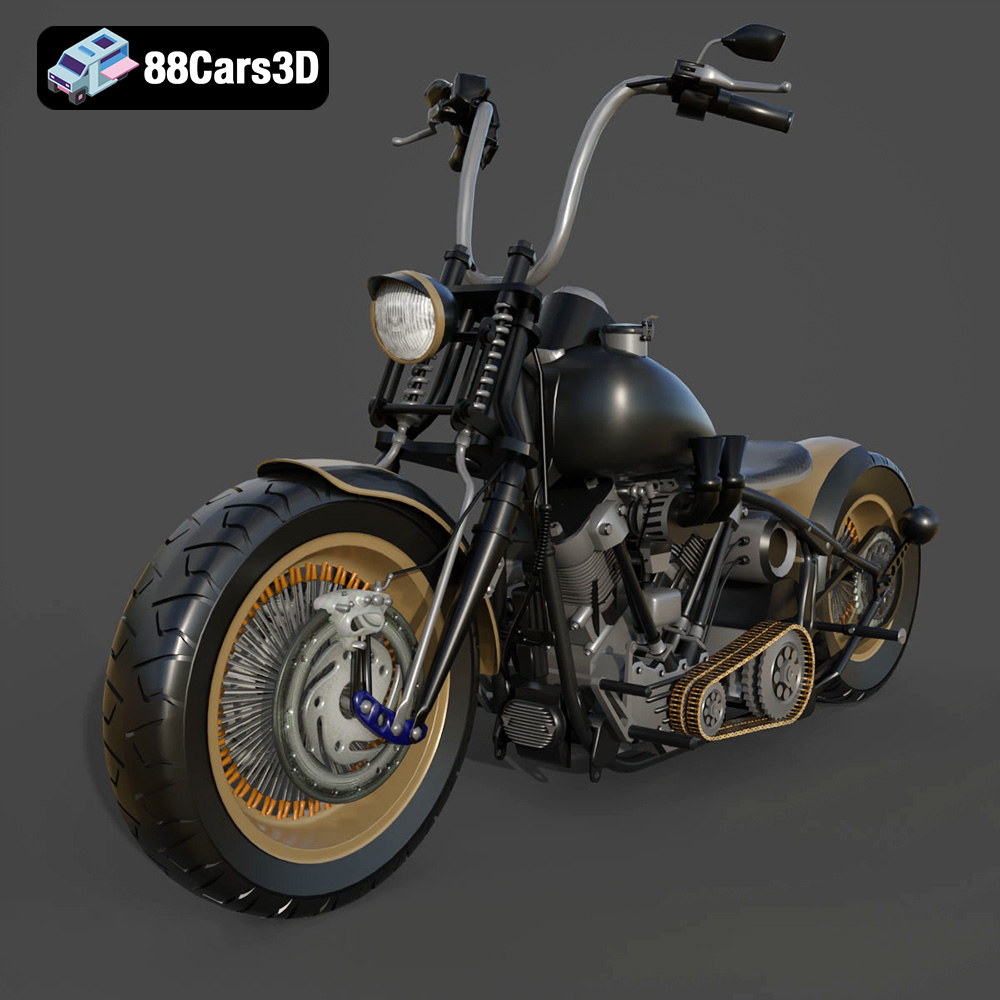
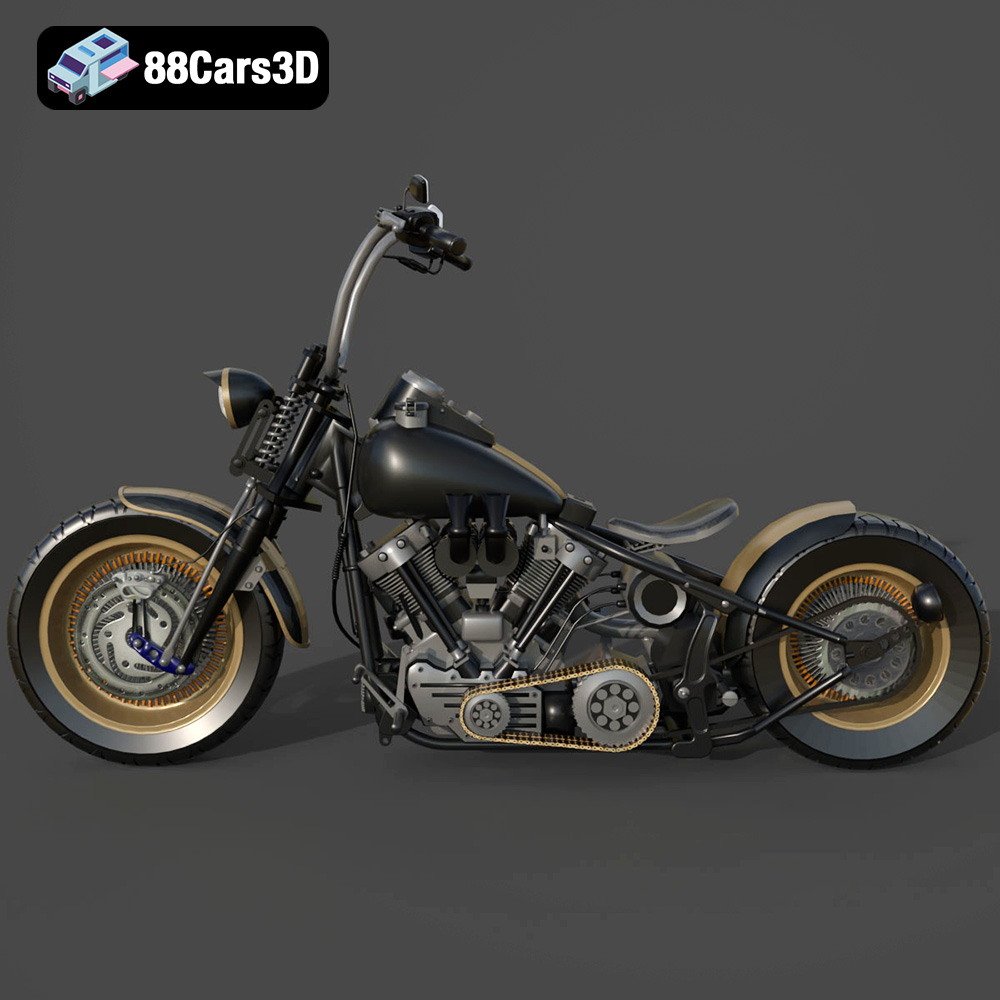
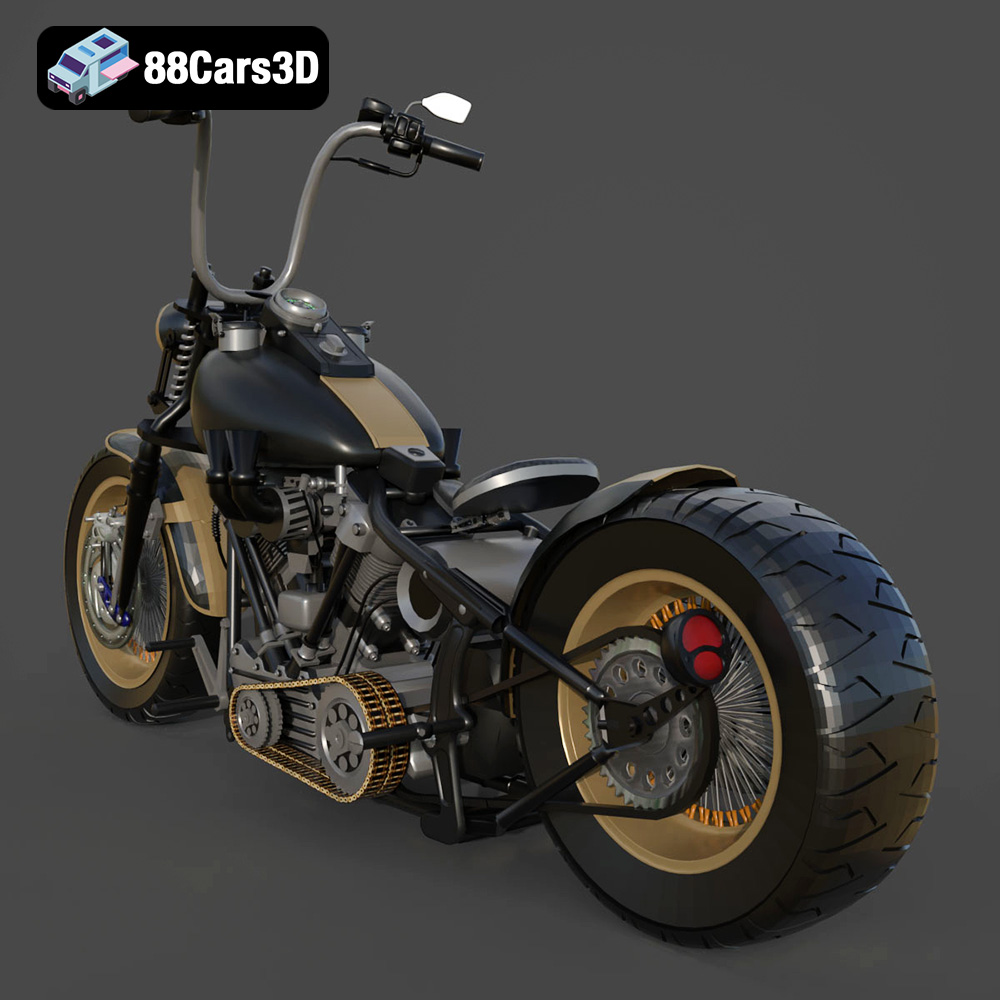
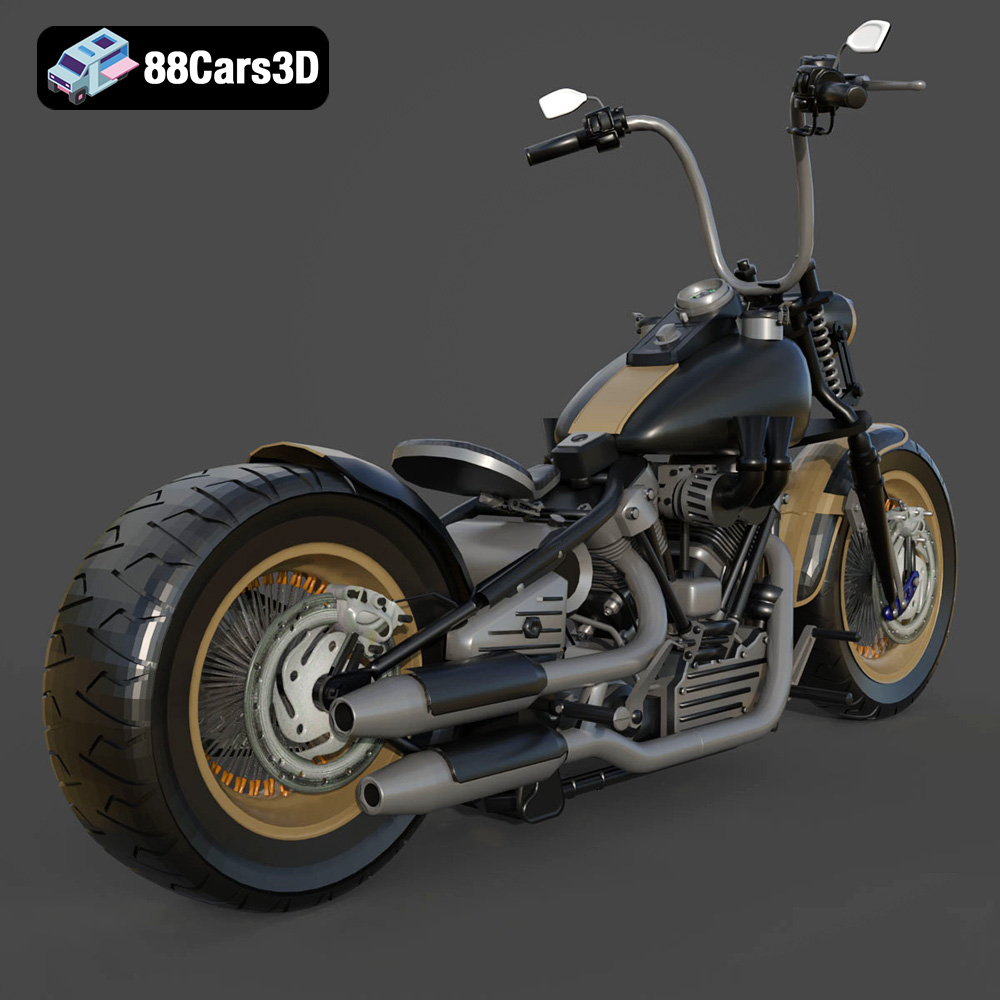
The Harley Davidson Knucklehead. Just the name conjures images of chrome, roaring engines, and the open road. Now, thanks to 88cars3d.com, you can bring this classic American motorcycle to life with 3D printing. This guide will walk you through every step of the process, from preparing your STL files to post-processing your finished 3D printed model, ensuring a successful and satisfying project. Whether you’re a seasoned 3D printing enthusiast or just starting out, you’ll find valuable tips and techniques to create a stunning replica of this legendary machine.
Before diving into the specifics of 3D printing the Harley Davidson Knucklehead, it’s crucial to understand the different file formats available and their suitability for additive manufacturing. While 88cars3d.com provides a range of formats to suit various applications, not all are equally ideal for 3D printing.
The .stl (stereolithography) file format is the undisputed industry standard for 3D printing. It represents the surface geometry of a 3D object as a collection of triangles. This simplicity makes it universally compatible with virtually all 3D printing software and hardware. When you download the Harley Davidson Knucklehead model, the .stl file will be your primary format for 3D printing.
However, it’s essential to understand the limitations of .stl files. They only store the surface geometry, meaning they don’t contain information about color, texture, or materials. All of that will need to be added in the post-processing phase, unless your 3D printer is capable of multi-material or color printing with other formats.
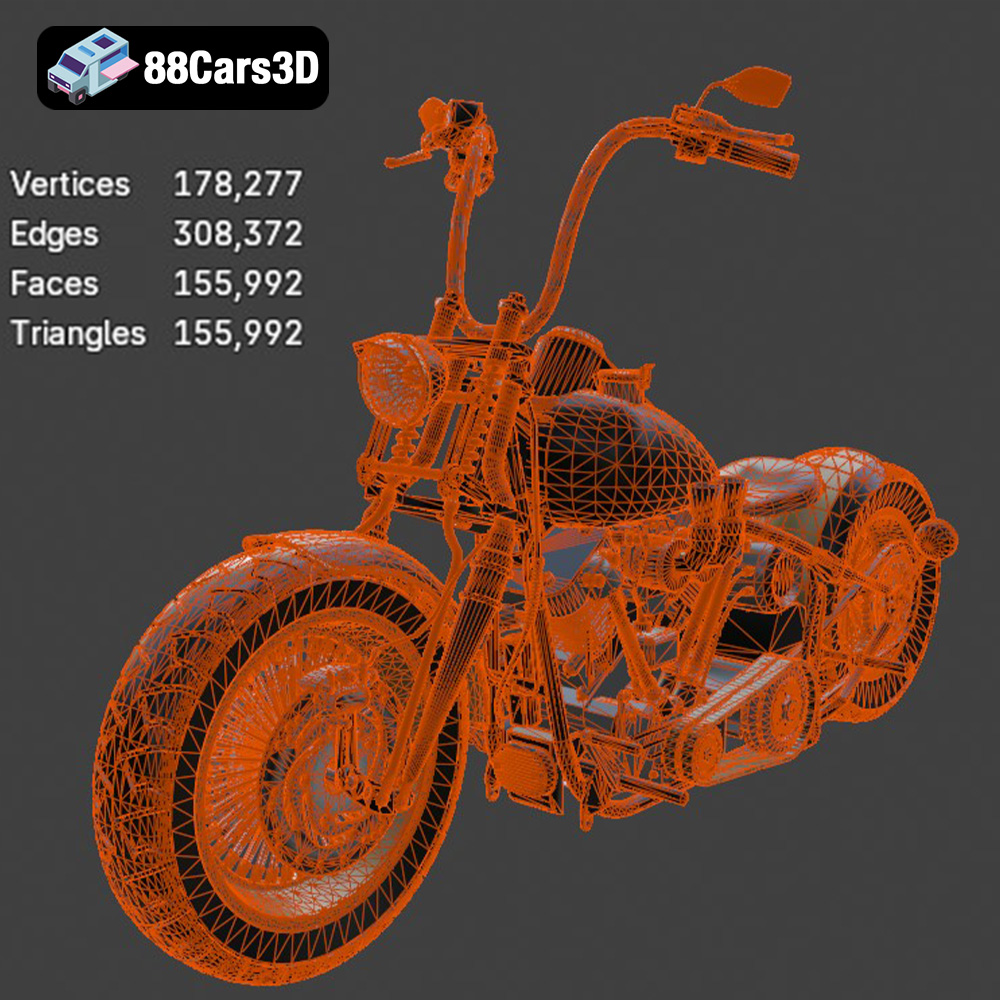
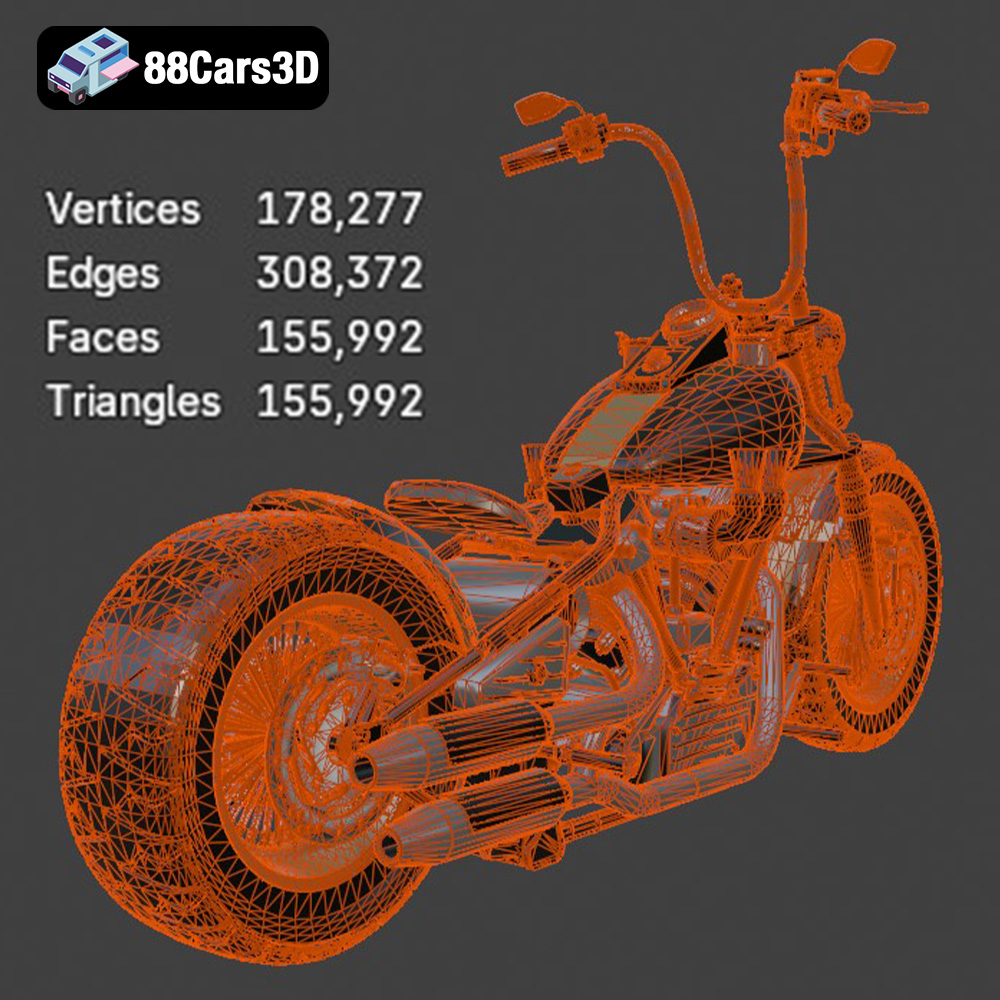
The quality of the .stl file directly impacts the quality of your 3D print. A high-resolution .stl file will contain a larger number of smaller triangles, resulting in a smoother and more detailed final product. Conversely, a low-resolution .stl file will have fewer, larger triangles, leading to a faceted or blocky appearance.
When preparing the Harley Davidson Knucklehead .stl file for printing, ensure that the mesh is watertight (no holes or gaps) and that the normals are oriented correctly. Mesh errors can lead to printing failures or unexpected results. Slicing software typically includes tools for repairing minor mesh issues, but more complex problems may require using dedicated mesh editing software.
The .obj (object) file format is another common 3D model format that supports both geometry and texture information. Unlike .stl, .obj files can store color and texture data, making them suitable for colored 3D prints (if your printer supports it). However, .obj files are generally larger than .stl files and may not be as universally supported by all slicing software. If you plan on adding textures to your 3D printed Harley Davidson Knucklehead, the .obj format could be useful as a reference, but the actual print will still likely be based on an .stl export.
The .ply (polygon) file format is designed for storing high-detail 3D models with complex geometries. It can store not only surface geometry but also color, texture, and even vertex normals. This makes .ply suitable for capturing highly detailed scans of real-world objects. While .ply files can be used for 3D printing, their large file sizes and complex data structures can make them less practical than .stl files, especially for consumer-grade 3D printers.
The .blend file is the native format for Blender, a popular open-source 3D modeling software. This file contains the entire Blender scene, including the model geometry, materials, textures, lighting, and camera settings. The .blend file for the Harley Davidson Knucklehead allows you to customize the model before exporting it to a 3D printable format like .stl. You can modify the model’s shape, add details, or even split it into smaller parts for easier printing.
The .fbx (Filmbox) file format is a proprietary format developed by Autodesk. It is commonly used for exchanging 3D models between different software applications, particularly in the game development and animation industries. The .fbx format can store geometry, materials, textures, animations, and other scene data. While some slicing software supports importing .fbx files, it’s typically used for retaining material and animation data during transfer, not necessarily for the 3D printing process itself. Exporting as .stl will be your final step for printing.
The .glb (GL Transmission Format Binary) file format is designed for efficient transmission and loading of 3D models on the web. It is commonly used for displaying 3D models in AR (augmented reality) applications. The .glb format is optimized for real-time rendering and can store geometry, materials, textures, and animations in a single file. It allows you to preview the Harley Davidson Knucklehead model in a real-world environment using your smartphone or tablet before committing to 3D printing.
Similar to the .blend file, the .max file is the native format for 3ds Max, another popular 3D modeling software. It contains the complete project data, allowing for extensive modifications and customizations of the 3D model before exporting it to a 3D printable format.
In conclusion, while 88cars3d.com provides multiple formats for the Harley Davidson Knucklehead model, the .stl format remains the most suitable for 3D printing due to its universal compatibility and simplicity. Other formats like .blend or .max can be used for customization, but ultimately, you’ll need to export the model as an .stl file for slicing and printing.
Once you’ve downloaded the Harley Davidson Knucklehead model in .stl format from 88cars3d.com, the next step is to prepare it for 3D printing using slicing software. Slicing software takes your 3D model and converts it into a series of instructions (G-code) that your 3D printer can understand. It’s where you define crucial parameters like layer height, infill density, support structures, and print speed.
Numerous slicing software options are available, each with its strengths and weaknesses. Popular choices include:
* **Cura:** A free and user-friendly option, ideal for beginners.
* **PrusaSlicer:** Another excellent free option with advanced features for experienced users.
* **Simplify3D:** A paid software with a wide range of customization options and advanced support generation.
Consider your experience level and the features you need when selecting slicing software. For the Harley Davidson Knucklehead model, software with good support generation capabilities is essential, given the model’s complex geometry.
The orientation of your 3D model on the build plate significantly impacts print quality, support requirements, and overall print time. For the Harley Davidson Knucklehead, consider these factors:
* **Minimize overhangs:** Orient the model to reduce the amount of unsupported overhangs, which require support structures.
* **Maximize detail:** Position the model to ensure that the most detailed features are printed with the best possible resolution.
* **Print bed adhesion:** Ensure a large and stable contact area with the print bed to prevent warping or detachment during printing.
Experiment with different orientations to find the optimal balance between print quality, support requirements, and print time. It might be advantageous to print the model in separate parts and then assemble them after printing.
The Harley Davidson Knucklehead model from 88cars3d.com is likely designed to a specific scale. Before printing, consider whether you want to adjust the size of the model. Scaling up the model will increase print time and material usage, but it can also improve the level of detail. Scaling down the model will reduce print time and material usage, but it may also sacrifice some fine details. Ensure that your chosen scale is appropriate for your printer’s build volume and the level of detail you desire.
The choice of 3D printing material significantly affects the final appearance, strength, and durability of your Harley Davidson Knucklehead model. Several popular materials are suitable for this project, each with its own set of characteristics.
PLA is a biodegradable thermoplastic derived from renewable resources like cornstarch or sugarcane. It is easy to print, has low warping, and produces excellent surface details. PLA is a great choice for creating visually appealing models, but it’s not as strong or heat-resistant as other materials. PLA is a good option for display models of the Harley Davidson Knucklehead that won’t be subjected to high temperatures or stress.
PETG combines the best qualities of PLA and ABS. It is stronger and more flexible than PLA, with better heat resistance. PETG is also relatively easy to print and has good layer adhesion. PETG is a versatile material suitable for printing functional parts of the Harley Davidson Knucklehead model, such as the chassis or wheels, where some degree of strength and flexibility are required.
ABS is a strong and durable thermoplastic commonly used in engineering applications. It has good impact resistance and heat resistance, making it suitable for parts that will be subjected to stress or high temperatures. However, ABS is more challenging to print than PLA or PETG, as it is prone to warping and requires a heated bed and enclosure. ABS is an option for printing highly durable parts of the Harley Davidson Knucklehead model, but it requires more advanced printing skills and equipment.
Resin 3D printing, using technologies like SLA or DLP, offers incredibly high detail and smooth surface finishes. This could be ideal for smaller, more intricate parts of the Harley Davidson Knucklehead. However, resin prints tend to be more brittle than filament-based prints.
Achieving a high-quality 3D print of the Harley Davidson Knucklehead model requires careful adjustment of your printer settings. These settings will depend on your chosen material, printer type, and desired level of detail.
Layer height determines the resolution of your 3D print. A smaller layer height (e.g., 0.1mm) will produce smoother surfaces and finer details but will also increase print time. A larger layer height (e.g., 0.2mm) will print faster but may result in a more noticeable layer stepping effect. For the Harley Davidson Knucklehead model, a layer height of 0.1mm to 0.15mm is recommended to capture the intricate details of the motorcycle.
Infill density determines the internal structure of your 3D print. A higher infill density (e.g., 50%) will make the model stronger and more solid but will also increase print time and material usage. A lower infill density (e.g., 15%) will print faster and use less material but will result in a weaker model. For the Harley Davidson Knucklehead model, an infill density of 20% to 30% is generally sufficient for most parts, unless structural integrity is a primary concern.
Support structures are essential for printing overhangs and complex geometries. Slicing software automatically generates support structures, but you can customize their type, density, and placement. For the Harley Davidson Knucklehead model, consider using tree supports or light supports to minimize material usage and facilitate removal. Ensure that the support structures are strong enough to support the overhangs but easy enough to remove without damaging the model.
Print speed affects both print time and print quality. A slower print speed (e.g., 40mm/s) will generally produce higher-quality prints with fewer defects but will also increase print time. A faster print speed (e.g., 60mm/s) will print faster but may result in lower-quality prints with more defects. For the Harley Davidson Knucklehead model, a print speed of 40mm/s to 50mm/s is a good starting point.
Once your 3D print is complete, the post-processing phase is where you transform it from a raw print into a polished showpiece. This may involve removing support structures, sanding, filling, priming, and painting.
Carefully remove the support structures using pliers, a hobby knife, or other suitable tools. Take care not to damage the model during support removal. For difficult-to-remove supports, try using heat or soaking the model in warm water to soften the support material.
Sanding is used to smooth out the surface of the 3D print and remove any layer lines or imperfections. Start with coarse sandpaper (e.g., 200 grit) and gradually work your way up to finer sandpaper (e.g., 400, 600, 800 grit) for a smooth finish. Filling can be used to fill in any gaps or imperfections in the model. Use a suitable filler material, such as epoxy putty or automotive body filler, and sand it smooth after it has dried.
Priming provides a smooth and uniform surface for painting. Apply several thin coats of primer, allowing each coat to dry completely before applying the next. After the primer has dried, sand it lightly with fine sandpaper to remove any imperfections. Painting brings your 3D printed Harley Davidson Knucklehead to life. Use high-quality paints designed for plastic models and apply several thin coats for the best results. Consider using masking techniques to create intricate paint schemes and add realistic details.
Even with careful preparation and optimized settings, you may encounter some common 3D printing issues. Here are some troubleshooting tips:
* **Warping:** Warping occurs when the corners of the print lift off the build plate. To prevent warping, ensure a heated bed, use a brim or raft, and reduce cooling fan speed.
* **Layer adhesion:** Poor layer adhesion can cause the print to separate between layers. To improve layer adhesion, increase the nozzle temperature, decrease print speed, and ensure proper bed leveling.
* **Stringing:** Stringing occurs when small strands of filament are left between different parts of the print. To reduce stringing, decrease the nozzle temperature, increase retraction distance, and adjust travel speed.
* **Elephant’s foot:** Elephant’s foot is when the first layer is too squished and flares out. Adjust your Z offset to correct this.
By carefully monitoring your 3D prints and addressing any issues promptly, you can achieve consistently high-quality results.
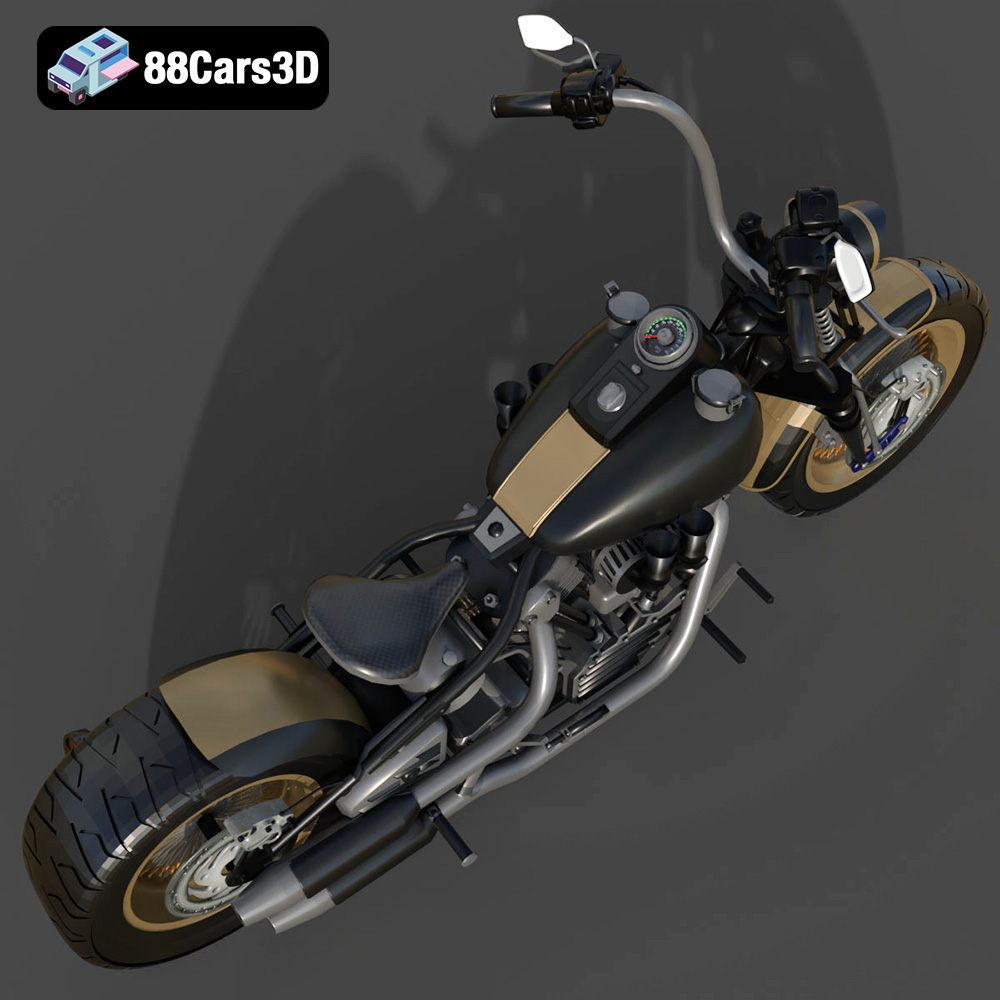
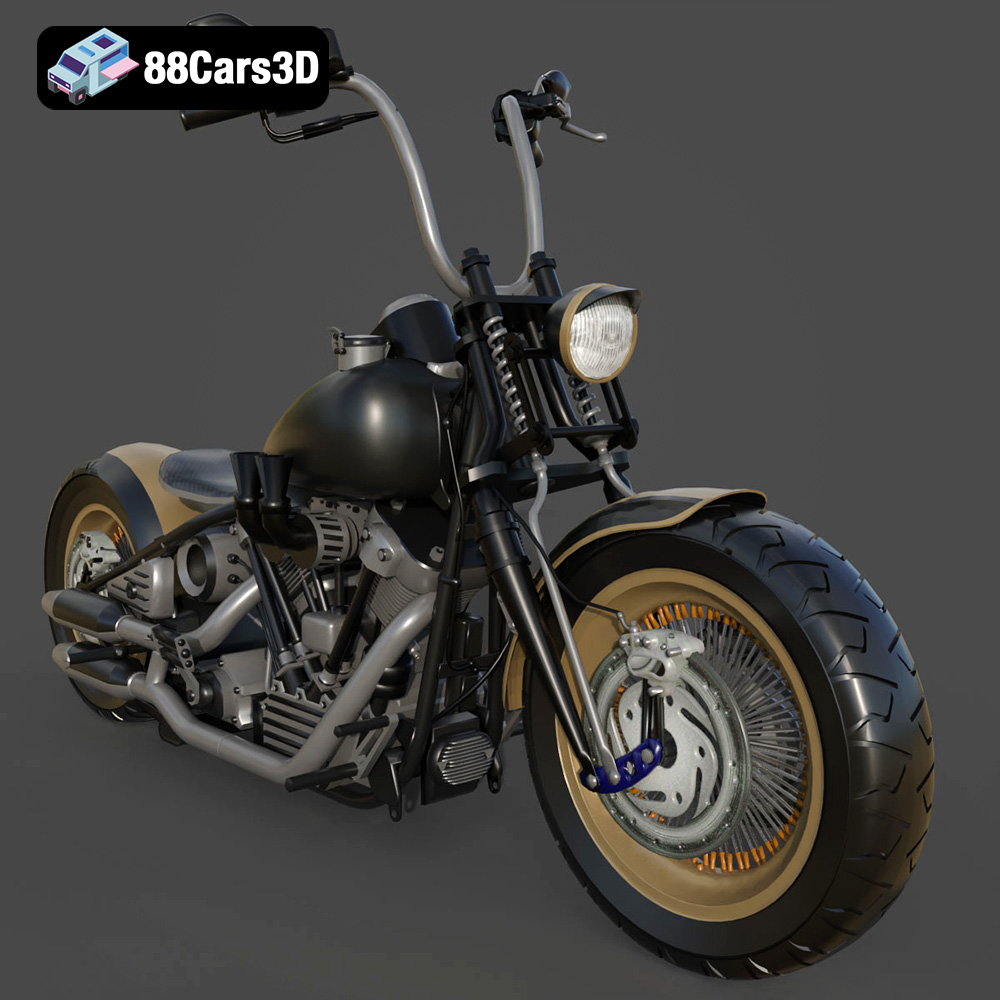
Experience the iconic design of the classic American motorcycle with the Harley Davidson Knucklehead 3D model. Designed for exceptional realism, this asset perfectly replicates the legendary engine, sweeping lines, and mechanical intricacies that make this vintage bike a timeless masterpiece.
$19.99
.arvr
.blend
.car3dmodel
.classicmotorcycle
.cruiser
.fbx
.gameasset
.glb
.harleydavidson
.knucklehead
.max
.motorcycle
.obj
.ply
.rendering
.simulation
.stl
.unreal