Get 50% OFF All Premium 3D & STL Models!

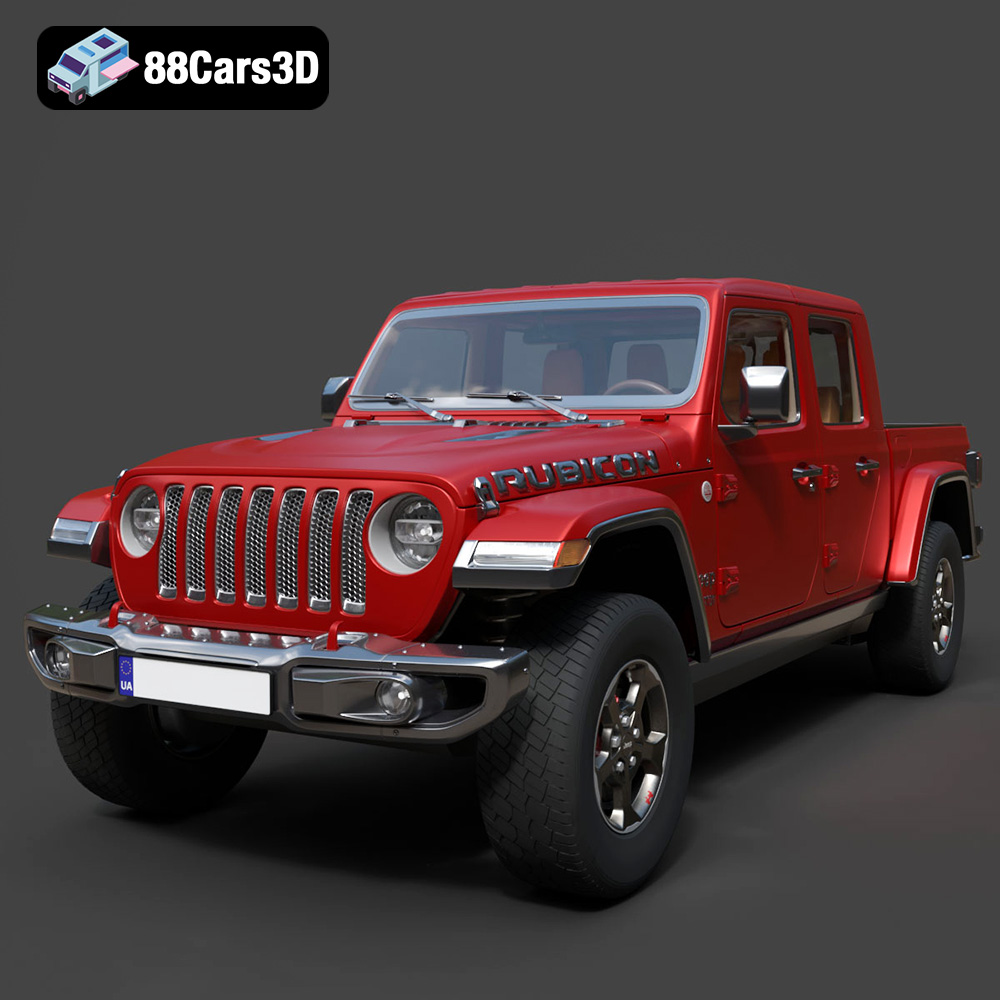
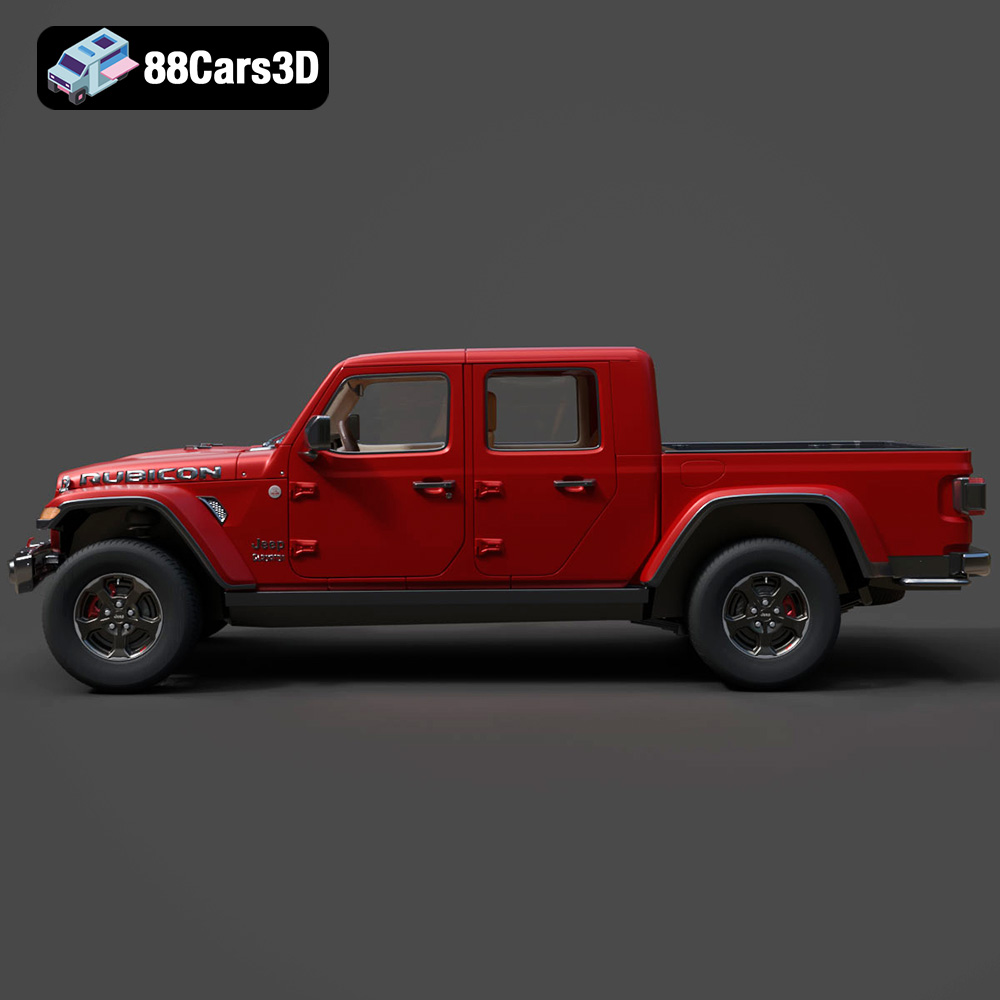
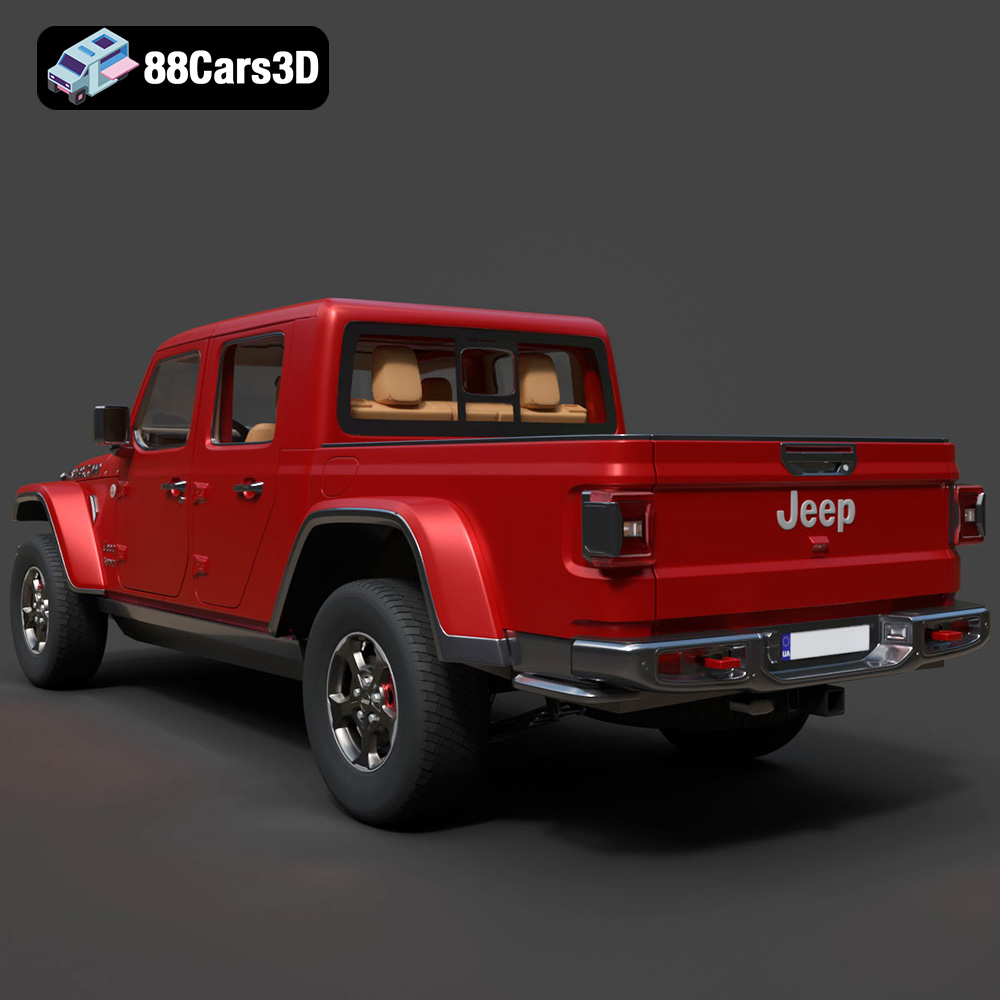
The Jeep Gladiator Rubicon 2020. A name synonymous with ruggedness, off-road prowess, and undeniable style. Now, thanks to the power of 3D printing, you can bring this iconic vehicle to life in miniature form. This blog post will guide you through the process of successfully 3D printing the Jeep Gladiator Rubicon 2020 3D model, transforming digital files into a tangible piece of automotive excellence. We’ll cover everything from choosing the right materials and settings to post-processing techniques that will make your 3D printed Gladiator Rubicon a true showstopper. Let’s dive in!
Before you start printing your Jeep Gladiator Rubicon, it’s essential to understand the different file formats provided and which one is best suited for 3D printing. While the model may come in various formats (.blend, .fbx, .obj, .glb, .ply, .unreal, .max), the **.stl** format is generally the go-to choice for additive manufacturing.
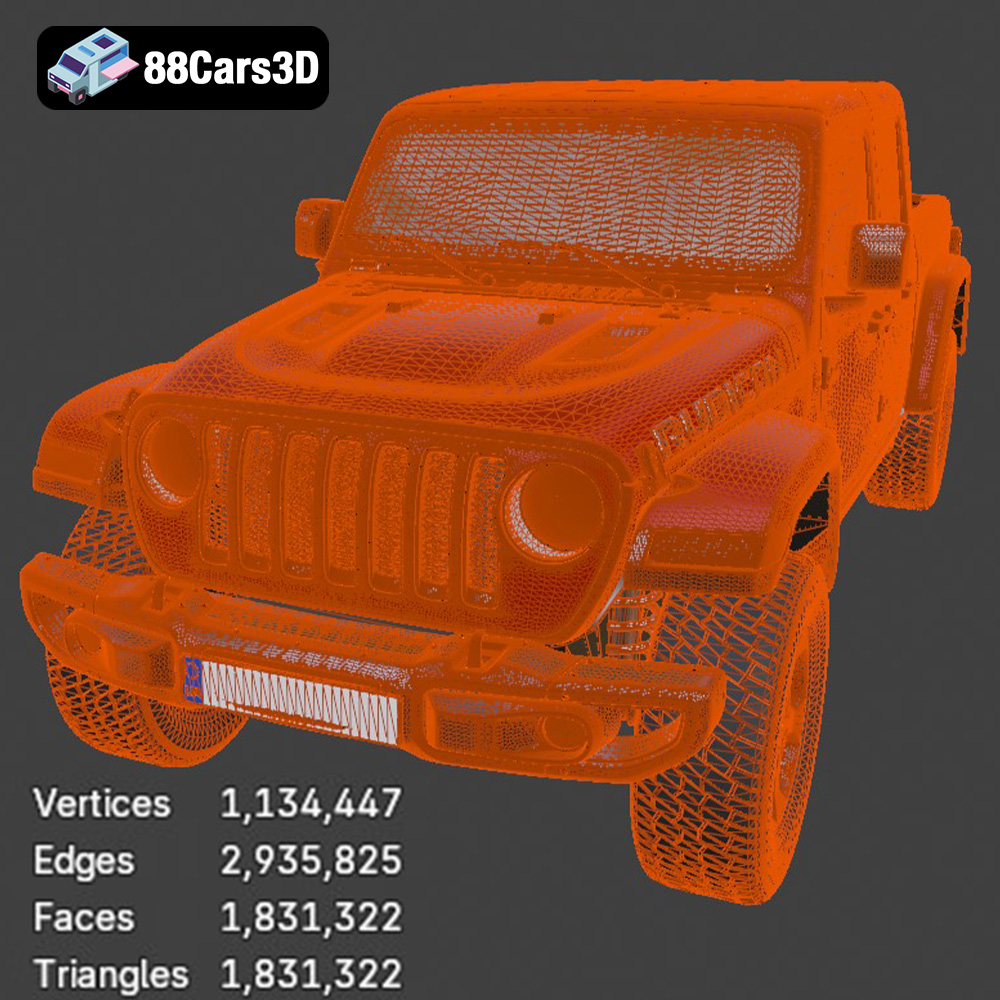
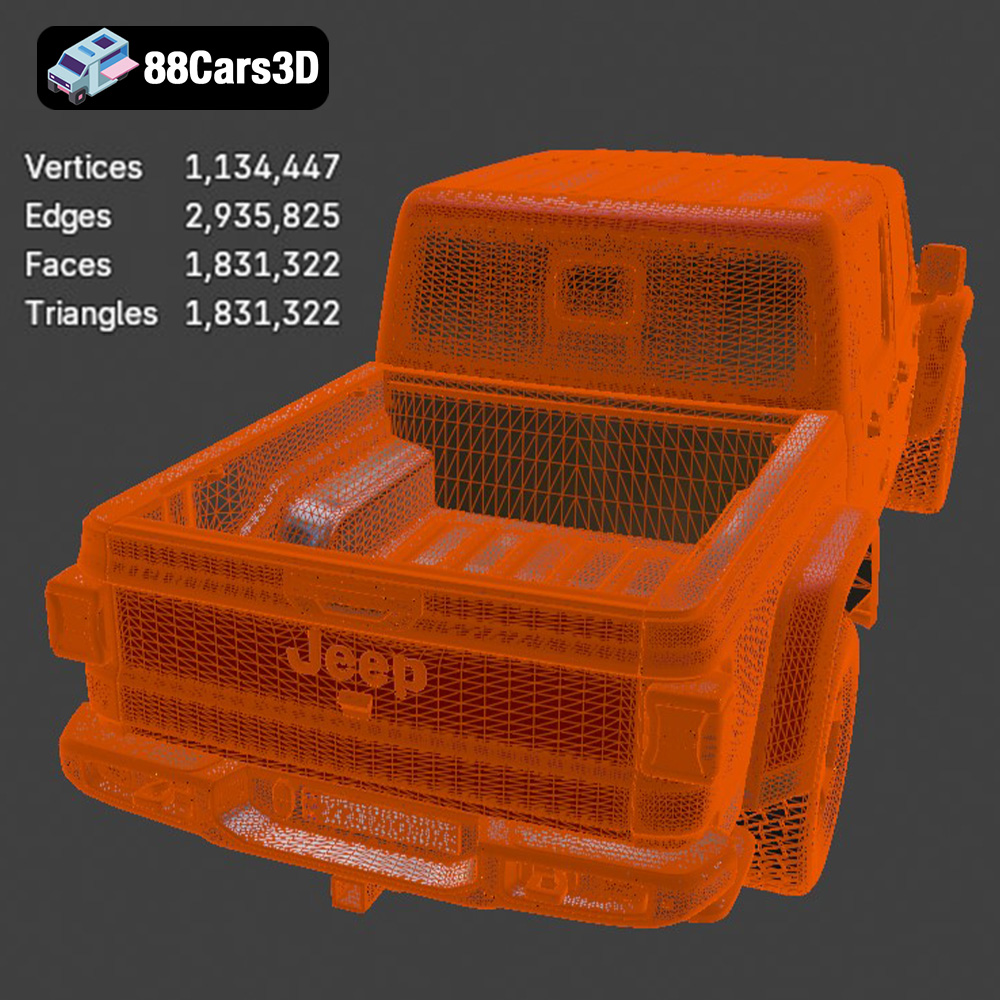
The STL (Stereolithography) file format has become the de facto standard for 3D printing. It represents the surface geometry of a 3D object as a collection of triangles. The simpler the shape, the fewer triangles needed. For complex models like the Jeep Gladiator Rubicon, the STL file will contain a vast number of triangles to accurately capture its curves and details.
The key advantage of STL files is their widespread compatibility with slicing software. Almost every 3D printer and slicing program supports this format. However, STL files only store the geometry of the object; they don’t contain color or texture information. This means your 3D printed Jeep Gladiator Rubicon will be a single-color print unless you apply post-processing techniques like painting.
When working with STL files, pay close attention to the mesh quality. A poorly generated STL can have gaps, overlaps, or inverted normals, which can lead to printing errors. Most slicing software includes tools to repair minor mesh issues, but it’s always best to start with a clean and well-defined STL file. The models available at 88cars3d.com are carefully prepared, but it is always advisable to inspect them prior to printing.
While STL is the king for 3D printing, here’s a quick rundown of the other formats and their potential uses:
* **.obj:** A more universal format than STL, OBJ files can store color and texture information. This makes them suitable for models intended for rendering or game development, but less directly applicable to most 3D printing processes unless you are using a multi-material printer.
* **.ply:** Designed for storing 3D data acquired from 3D scanners, PLY files are capable of representing high levels of detail. Although less common than STL, some advanced slicing software supports PLY for high-resolution prints.
* **.blend:** The native file format for Blender, a popular open-source 3D modeling software. If you want to modify the Jeep Gladiator Rubicon model before printing, the .blend file allows you to make changes to the geometry, materials, and lighting. After making changes, you will export it as an STL file for printing.
* **.fbx:** Primarily used for game development and animation, FBX files support complex scenes with animations, textures, and materials. While not directly printable, you could use the FBX file as a reference for creating a printable version of the model.
* **.glb:** GLB files are optimized for web-based and AR/VR applications. They can store 3D models with textures and animations in a compact format. You could use the GLB file to preview the Jeep Gladiator Rubicon model in augmented reality before committing to a print.
* **.max:** The native file format for 3ds Max, a professional 3D modeling and rendering software. Similar to .blend, you can use the .max file to modify the model before exporting it as an STL for printing.
Ultimately, for printing the Jeep Gladiator Rubicon, your focus should be on obtaining a high-quality STL file. Ensure it’s free of errors and has sufficient detail to capture the vehicle’s distinctive features.
The success of your 3D printed Jeep Gladiator Rubicon hinges on selecting the appropriate printing technology and material. While various options exist, Fused Deposition Modeling (FDM) and Stereolithography (SLA) are the most common choices for hobbyists and enthusiasts.
FDM printing involves melting and extruding a thermoplastic filament layer by layer. It’s an affordable and accessible technology, making it ideal for beginners.
* **PLA (Polylactic Acid):** PLA is a biodegradable thermoplastic derived from renewable resources. It’s easy to print with, offers good dimensional accuracy, and comes in a wide range of colors. PLA is a great choice for the Jeep Gladiator Rubicon if you prioritize ease of use and visual appeal. However, PLA is not very heat resistant, so avoid placing your printed model in direct sunlight or hot environments.
* **PETG (Polyethylene Terephthalate Glycol-modified):** PETG combines the ease of printing of PLA with improved strength and heat resistance. It’s also more flexible than PLA, making it less prone to cracking. PETG is a good option if you need a more durable and resilient Jeep Gladiator Rubicon.
* **ABS (Acrylonitrile Butadiene Styrene):** ABS is a strong and heat-resistant thermoplastic commonly used in automotive parts. It’s a more challenging material to print with than PLA or PETG, as it requires a heated bed and a well-enclosed printer to prevent warping. However, if you want a truly robust Jeep Gladiator Rubicon that can withstand higher temperatures, ABS is worth considering.
For FDM printing the Jeep Gladiator Rubicon, I would recommend starting with PETG or PLA for your first print.
SLA printing uses a laser or projector to cure liquid resin layer by layer. It produces parts with much higher resolution and smoother surface finish than FDM printing.
* **Standard Resin:** Standard resins are a good starting point for SLA printing. They offer a balance of strength, detail, and affordability.
* **Tough Resin:** Tough resins are formulated to be more durable and impact-resistant than standard resins. They’re a good choice for parts that need to withstand stress or handling.
* **High-Detail Resin:** High-detail resins are designed to capture the finest features of your 3D model. They’re ideal for printing intricate parts with small details.
SLA printing is ideal for smaller, highly detailed versions of the Jeep Gladiator Rubicon. The smooth surface finish will lend itself well to painting and further detailing.
Before sending your STL file to the printer, you need to prepare it using slicing software. Slicing software converts the 3D model into a series of instructions (G-code) that the printer can understand. This step involves setting various parameters, such as layer height, infill density, support structures, and print speed.
Popular slicing software options include Cura, PrusaSlicer, Simplify3D, and Chitubox (for resin printing). Each software has its own strengths and weaknesses, so experiment to find the one that best suits your needs.
Here are some recommended settings for slicing the Jeep Gladiator Rubicon model:
* **Layer Height:** 0.1-0.2mm for FDM printing, 0.025-0.05mm for SLA printing. Lower layer heights produce smoother surfaces but increase print time.
* **Infill Density:** 15-25% for FDM printing. Infill affects the strength and weight of the print. Higher infill densities result in stronger but heavier models. Consider using adaptive infill for areas requiring more structural support.
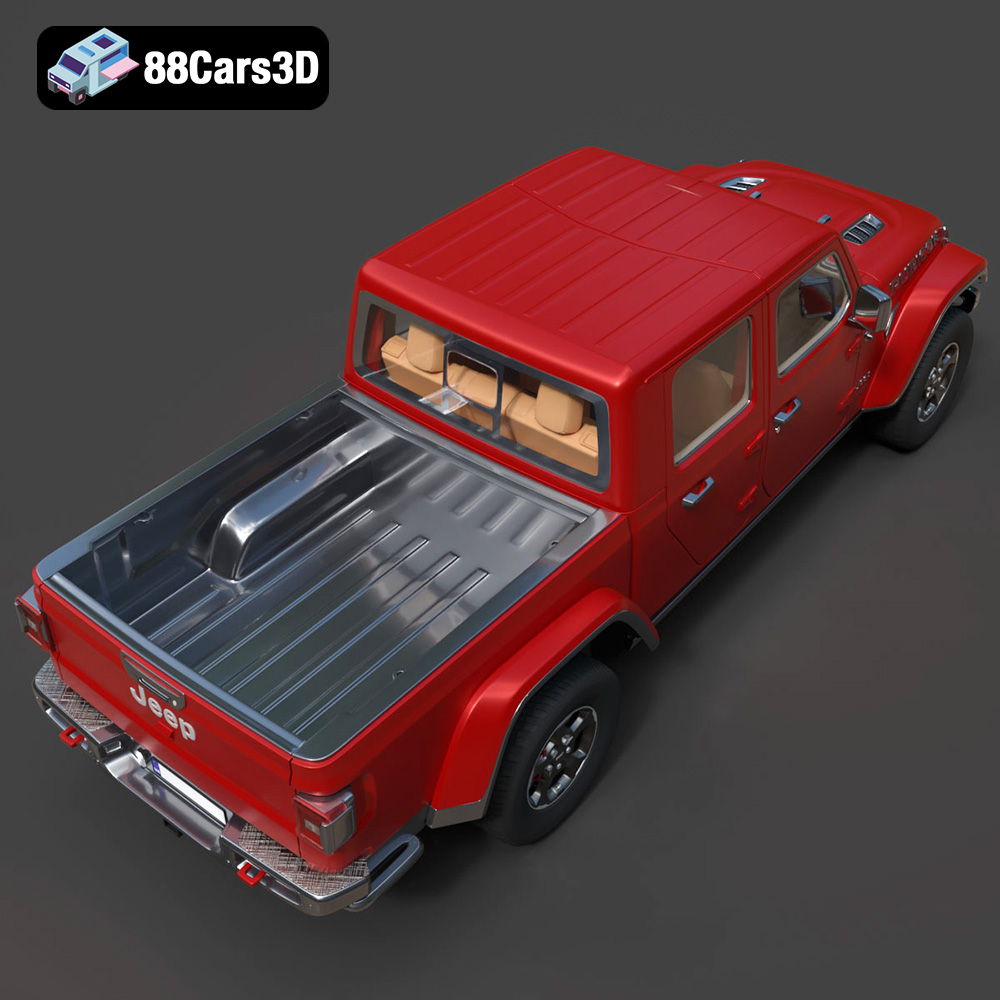
* **Support Structures:** Enable support structures for overhanging features, such as the wheel arches and rear bed. Choose support settings that are easy to remove without damaging the model’s surface. Consider tree supports for more complex overhangs, as they use less material and leave fewer marks.
* **Print Speed:** 40-60mm/s for FDM printing. Slower speeds generally result in better print quality.
* **Bed Adhesion:** Use a brim or raft to improve bed adhesion and prevent warping, especially when printing with ABS.
The orientation of the Jeep Gladiator Rubicon model on the print bed can significantly impact the print quality and the amount of support material required. Experiment with different orientations to find the one that minimizes overhangs and maximizes bed adhesion.
For FDM printing, consider orienting the model with the roof facing upwards. This will minimize the need for supports on the body panels and preserve the smooth surface finish. However, this orientation will require supports for the wheel arches.
For SLA printing, orienting the model at an angle can reduce the cross-sectional area of each layer, resulting in faster print times and reduced resin consumption.
Careful placement of support structures is crucial for successful printing. Position supports strategically to provide adequate support for overhanging features while minimizing their impact on the model’s surface. Use manual support placement tools in your slicing software to fine-tune the support structure.
Once you’ve prepared the model and configured the slicing settings, it’s time to start printing your Jeep Gladiator Rubicon. Monitor the printing process closely, especially during the first few layers, to ensure that the model adheres properly to the print bed.
* **Warping:** Warping occurs when the corners of the print lift off the print bed due to uneven cooling. To prevent warping, use a heated bed, apply an adhesive to the print bed, and avoid drafts.
* **Stringing:** Stringing is caused by molten filament oozing from the nozzle while the printer is moving between different parts of the model. To reduce stringing, adjust the retraction settings in your slicing software and lower the printing temperature.
* **Layer Shifting:** Layer shifting occurs when the printer’s axes lose their position, resulting in misaligned layers. To prevent layer shifting, tighten the belts and screws on your printer, reduce the print speed, and ensure that the printer is placed on a stable surface.
* **Support Removal Issues:** If supports are difficult to remove, try using a different support material or adjusting the support density and interface settings in your slicing software.
Slicing software typically provides estimates of the print time and material cost based on the chosen settings. These estimates can help you plan your printing schedule and budget. For a Jeep Gladiator Rubicon model of moderate size (approximately 15cm in length), expect a print time of 8-16 hours for FDM printing and 4-8 hours for SLA printing. Material cost will depend on the type of filament or resin used, but you can estimate it based on the weight of the printed model.
After the printing is complete, the real fun begins – post-processing! Post-processing techniques can transform your 3D printed Jeep Gladiator Rubicon from a raw print into a polished masterpiece.
The first step in post-processing is to carefully remove the support structures. Use pliers, cutters, or a sharp knife to detach the supports from the model. Be careful not to damage the surface of the print.
Once the supports are removed, you can start smoothing the surface. Sanding is the most common method for smoothing 3D printed parts. Start with coarse-grit sandpaper (e.g., 220 grit) to remove any major imperfections, then gradually move to finer-grit sandpaper (e.g., 400, 600, 800 grit) to achieve a smooth finish. For SLA prints, you can also use isopropyl alcohol to remove any residual resin and further smooth the surface.
Painting is a great way to add color and realism to your 3D printed Jeep Gladiator Rubicon. Use acrylic paints or spray paints designed for plastic models. Apply multiple thin coats of paint for a smooth and even finish.
Add details such as the Jeep logo, headlights, and taillights using fine-tipped brushes or decals. You can also use washes and dry brushing techniques to add depth and weathering effects. Consider printing smaller details like mirrors separately for finer control.
If the Jeep Gladiator Rubicon model is printed in multiple parts, you’ll need to assemble them after painting. Use super glue or epoxy to join the parts together. Ensure that the parts are properly aligned before the glue sets.
The Jeep Gladiator Rubicon 2020 3D model from 88cars3d.com is designed for a variety of applications, including 3D printing. To optimize it for the best possible printing results, consider the following:
* **Scale:** Decide on the desired size of your printed model. Scaling the model up or down will affect the print time, material cost, and level of detail. Smaller scales are generally faster to print but may lose fine details.
* **Mesh Repair:** Even though the model is professionally crafted, it’s always a good idea to run it through a mesh repair tool in your slicing software to fix any potential errors.
* **Hollowing:** For larger prints, consider hollowing out the model to reduce material consumption and print time. Ensure that you add drainage holes to allow resin (for SLA printing) or excess filament (for FDM printing) to escape.
* **Detail Enhancement:** Depending on the printing technology and desired level of detail, you may want to add or enhance certain features of the model using 3D modeling software. For example, you could add panel lines or rivets to improve the visual appeal of the printed model.
By following these tips, you can ensure that your 3D printed Jeep Gladiator Rubicon 2020 from 88cars3d.com will be a stunning replica of this iconic vehicle.
3D printing the Jeep Gladiator Rubicon 2020 3D model is a rewarding project that combines technical skill with creative expression. By understanding the nuances of 3D printing technology, material selection, pre-print preparation, and post-processing techniques, you can transform a digital file from 88cars3d.com into a tangible treasure. Experiment with different settings and materials to find what works best for your printer and your desired outcome. With a little patience and practice, you’ll be cruising down the road with your very own 3D printed Jeep Gladiator Rubicon in no time! Remember to always inspect your STL files prior to printing. Happy printing!
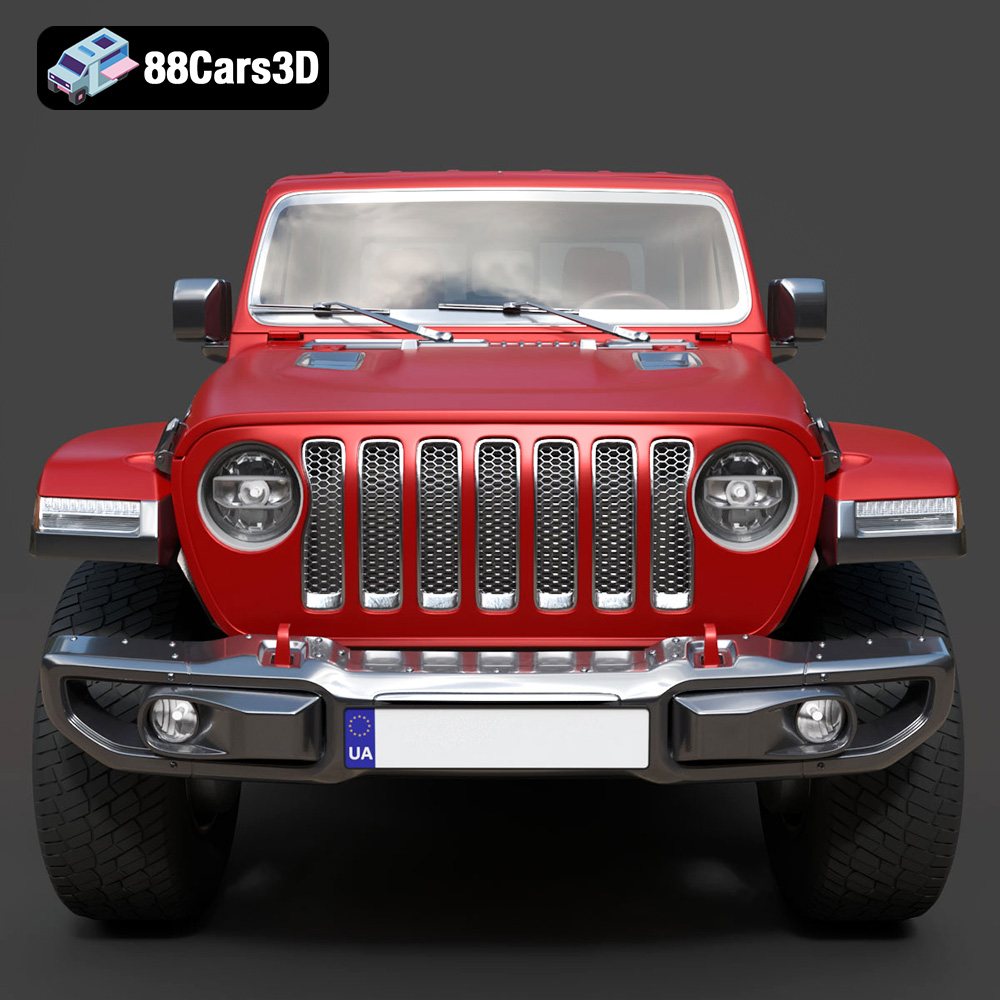
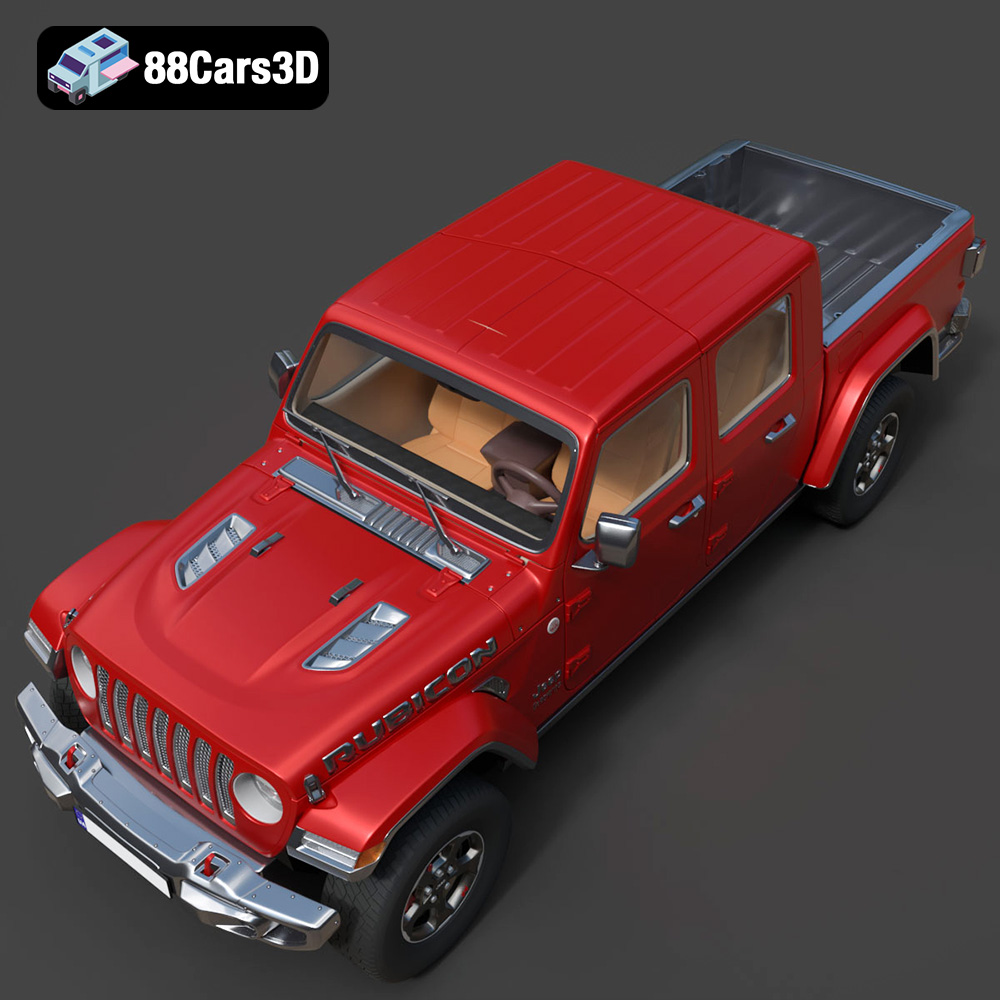
Discover the realistic digital representation of the Jeep Gladiator Rubicon 2020 3D Model, meticulously crafted to deliver an authentic digital twin of this rugged off-road vehicle. This model captures the iconic exterior styling and intricate structural details, making it an ideal asset for professional digital projects.
$19.99
.4×4
.arvr
.blend
.car3dmodel
.fbx
.gameasset
.gladiator
.glb
.jeep
.jt
.max
.obj
.offroad
.pickup
.ply
.rendering
.rubicon
.simulation
.stl
.truck
.unreal