Get 20% OFF All Premium 3D & STL Models!

“`html
The world of 3D printing offers incredible opportunities for automotive enthusiasts, model makers, and hobbyists to bring their visions to life. One of the most challenging yet rewarding aspects is recreating detailed car interiors. From the intricate dashboard designs to the precisely contoured seats, capturing the nuances of a car’s interior requires careful planning, precise execution, and a deep understanding of 3D printing technologies. This guide will walk you through the entire process, from selecting the right STL files to optimizing your 3D printer settings and post-processing techniques. We’ll delve into the intricacies of FDM and resin printing, support structure generation, and common pitfalls to avoid, ensuring you achieve stunning results. Get ready to elevate your 3D printing projects and create truly impressive car interiors.
The foundation of any successful 3D printed car interior lies in the quality of the STL file. STL, or Standard Tessellation Language, is a file format that represents 3D surfaces as a collection of triangles. For detailed interiors, a high-resolution STL file is crucial to accurately capture the complex geometries. Platforms like 88cars3d.com offer meticulously crafted STL files designed specifically for 3D printing, ensuring that even the smallest details are preserved.
Mesh density directly impacts the level of detail achievable in your print. A higher density means more triangles, resulting in a smoother surface and finer details. However, excessively high densities can lead to larger file sizes and increased processing times. Aim for a balance between detail and manageability. For car interiors, focus on areas with intricate features, such as dashboards and seats, and ensure these areas have a sufficiently high mesh density. Consider decimation tools in software like Blender or Meshmixer to reduce the polygon count in less critical areas, optimizing file size without sacrificing essential details.
A manifold mesh is a closed, watertight surface that is essential for successful 3D printing. Non-manifold meshes, which contain errors like open edges, self-intersections, or flipped normals, can cause slicing problems and print failures. Before printing, always inspect your STL file for errors using software like Netfabb or MeshLab. These programs can automatically detect and repair common mesh issues, ensuring a smooth and reliable printing process. Correcting flipped normals is particularly important, as they can cause the slicer to interpret the geometry incorrectly, leading to holes or unexpected voids in your print. Many slicers like PrusaSlicer also have basic mesh repair tools.
Slicing is the process of converting a 3D model into a series of layers that the 3D printer can understand. The slicing parameters you choose directly influence the quality, strength, and print time of your car interior model. Understanding these parameters and how they interact is crucial for achieving optimal results. Different slicers offer a myriad of options, but some are more critical than others for detailed interior prints.
Layer height is the thickness of each individual layer printed by the 3D printer. Lower layer heights result in smoother surfaces and finer details, but they also increase print time. For intricate car interiors, a layer height of 0.1mm to 0.15mm is generally recommended for FDM printing. For resin printing, layer heights can be even lower, often in the range of 0.025mm to 0.05mm, allowing for extremely fine details. Experiment with different layer heights to find the optimal balance between detail and print time for your specific model and printer.
Infill refers to the internal structure of the 3D printed object. While car interiors are often printed with relatively low infill densities, the infill pattern can still impact the structural integrity and surface quality. For large, flat surfaces like dashboards, a rectilinear infill pattern can provide good support and prevent warping. For more complex geometries, a gyroid or honeycomb infill pattern can offer a balance of strength and material usage. Infill densities of 10-20% are typically sufficient for most car interior parts. Consider increasing the infill density for areas that require higher strength or will be subjected to stress during assembly.
Support structures are essential for printing overhanging features and complex geometries. Generating and removing supports without damaging the delicate details of a car interior requires careful consideration. The type of support, its placement, and the material used all play a role in the final outcome.
Strategic support placement is key to minimizing damage during removal. Focus supports on areas that are hidden or less visible, such as the underside of dashboards or the inner surfaces of seats. Use support blockers in your slicing software to prevent supports from generating in areas where they are not needed. For FDM printing, consider using tree supports, which are more efficient in terms of material usage and can be easier to remove than linear supports. For resin printing, use light supports with small contact points to minimize scarring on the printed surface. Orienting the model to minimize the need for supports is always a good first step.
Gentle and patient support removal is crucial for preserving the integrity of your car interior print. Use a sharp hobby knife or specialized support removal tools to carefully detach the supports. For FDM prints, heating the supports slightly with a heat gun can make them easier to remove. For resin prints, soaking the model in warm water can soften the supports and make them more pliable. Always work slowly and deliberately to avoid breaking delicate features. Sanding and polishing may be necessary after support removal to smooth out any remaining imperfections.
The choice of material significantly impacts the appearance, strength, and durability of your 3D printed car interior. Different materials require different printer settings to achieve optimal results. Consider the specific properties of each material and how they align with the requirements of your project.
PLA (Polylactic Acid) is a biodegradable thermoplastic that is easy to print and offers good detail. It’s a great choice for prototyping and decorative car interior parts. PETG (Polyethylene Terephthalate Glycol) is more durable and heat-resistant than PLA, making it suitable for parts that may be exposed to higher temperatures. ABS (Acrylonitrile Butadiene Styrene) is a strong and impact-resistant plastic that is commonly used in automotive applications. However, ABS requires a heated bed and enclosure to prevent warping. When printing PLA, use a bed temperature of 60°C and a nozzle temperature of 200-220°C. For PETG, use a bed temperature of 70-80°C and a nozzle temperature of 230-250°C. For ABS, use a bed temperature of 100-110°C and a nozzle temperature of 230-260°C. Ensure proper ventilation when printing ABS due to the fumes it releases.
Resin printing offers unparalleled detail and surface finish, making it ideal for intricate car interior parts. There are various types of resins available, each with its own unique properties. Standard resins are suitable for general-purpose printing, while tough resins offer higher impact resistance. Flexible resins can be used for parts that require some degree of flexibility, such as seat cushions. UV-resistant resins are ideal for parts that will be exposed to sunlight. The correct exposure time is critical for successful resin printing. Conduct exposure tests using calibration prints to determine the optimal settings for your resin and printer. Generally, layer exposure times range from 6-12 seconds for standard resins and 8-15 seconds for more specialized resins. Always wear gloves and eye protection when handling resin, and ensure proper ventilation in your printing area.
Post-processing is the final stage in the 3D printing process, and it’s where your car interior truly comes to life. Sanding, painting, and assembly are essential for achieving a professional and realistic finish.
Sanding is used to smooth out layer lines and imperfections on the surface of the printed part. Start with a coarse grit sandpaper (e.g., 220 grit) and gradually work your way up to finer grits (e.g., 400, 600, 800 grit). Wet sanding can help to reduce dust and improve the surface finish. After sanding, clean the part thoroughly with soap and water to remove any residual dust or debris. Apply a primer to the sanded surface to provide a smooth and uniform base for painting. Several light coats of primer are preferable to one thick coat, which can obscure fine details. When downloading models from marketplaces such as 88cars3d.com, remember that even high-quality STL files may require some sanding to achieve a truly polished look.
Painting is used to add color and realism to your car interior. Use high-quality acrylic or enamel paints that are specifically designed for model making. Apply the paint in thin, even coats using an airbrush or spray can. Multiple light coats are preferable to one thick coat, which can result in runs or drips. Allow each coat to dry completely before applying the next. Use masking tape to protect areas that you don’t want to paint. Consider using weathering techniques, such as dry brushing or washes, to add depth and realism to the painted surface. A clear coat can be applied to protect the paint and add a glossy or matte finish. Always follow the manufacturer’s instructions for the paint and clear coat you are using.
Even with careful planning and execution, 3D printing can sometimes present challenges. Understanding common printing issues and how to troubleshoot them is essential for achieving consistently high-quality results.
Warping occurs when the printed part shrinks and pulls away from the build plate. This is more common with materials like ABS, which have a higher thermal expansion coefficient. To prevent warping, ensure that your build plate is properly leveled and heated. Use a bed adhesive, such as hairspray or glue stick, to improve bed adhesion. Enclosing the printer can also help to maintain a consistent temperature and prevent warping. If warping persists, try increasing the brim or raft size in your slicing software.
Stringing occurs when the printer nozzle oozes material while traveling between different parts of the print. Blobs are small, unwanted deposits of material on the surface of the print. To prevent stringing and blobs, adjust the retraction settings in your slicing software. Increase the retraction distance and speed to pull the filament back into the nozzle more effectively. Lowering the printing temperature can also help to reduce oozing. Ensure that your filament is dry, as moisture can contribute to stringing and blobs.
3D printing detailed car interiors from STL files is a challenging but incredibly rewarding endeavor. By understanding the nuances of STL file preparation, slicing parameters, support generation, material selection, and post-processing techniques, you can create stunning and realistic models that capture the essence of automotive design. Remember to leverage resources like 88cars3d.com for high-quality, print-ready STL files. Experiment with different settings, materials, and techniques to find what works best for your specific printer and project. Don’t be afraid to learn from your mistakes and iterate on your designs. With patience and persistence, you can master the art of 3D printing detailed car interiors and bring your automotive dreams to life. Take the knowledge you’ve gained here and apply it to your next project. Explore different materials, refine your slicing settings, and experiment with post-processing techniques. The world of 3D printing is constantly evolving, so continue to learn and adapt to new technologies and techniques. Your journey into the world of 3D printed car interiors has just begun!
“`
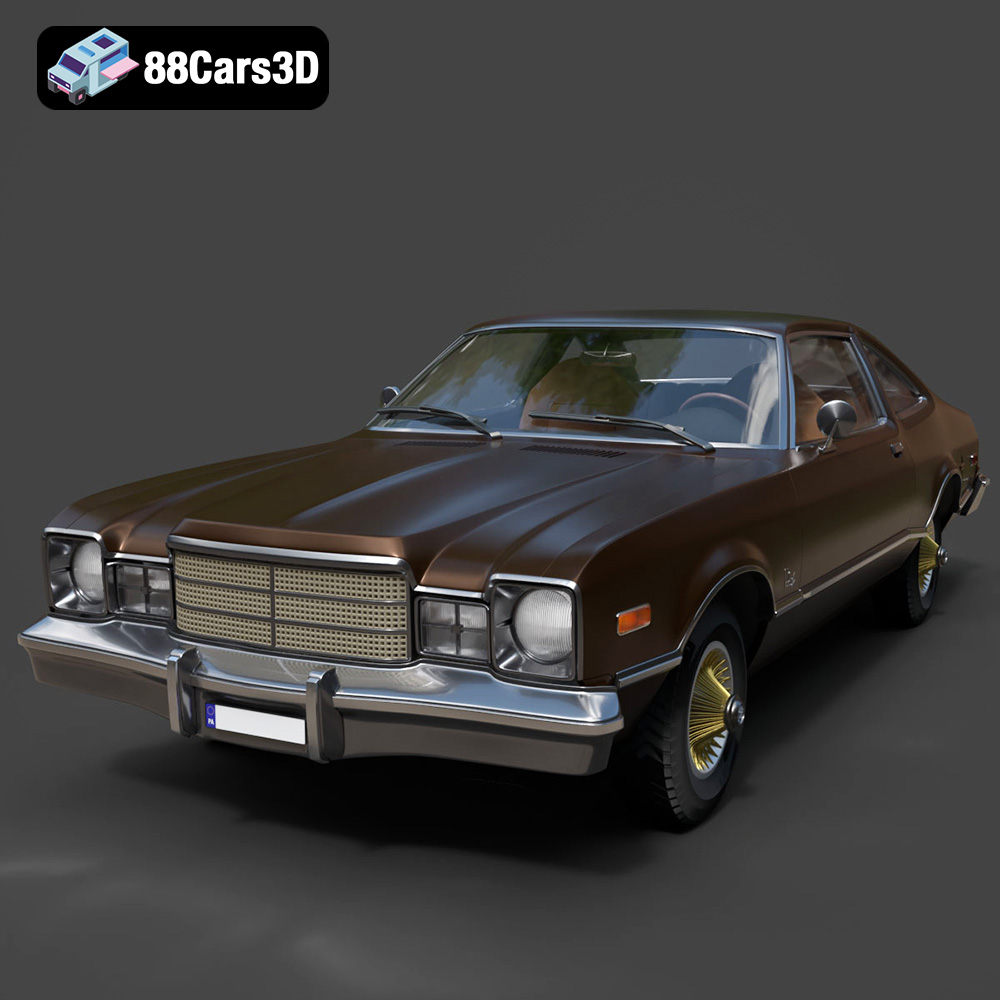
Texture: Yes | Material: Yes
Download the highly detailed, game-ready Plymouth Volare Coupe 1977 3D Model. Features classic F-body styling, detailed chrome trim, and an accurate vintage interior. Includes .blend, .fbx, .obj, .glb, .stl, .ply, .unreal, and .max formats for game development, AR/VR, and rendering.
Price: $19.99

Texture: Yes | Material: Yes
Download the highly detailed, game-ready Peugeot 208 2020 3D Model. Features aggressive ‘fang’ LED DRLs, sporty hatchback proportions, and aerodynamic alloy wheels. Includes .blend, .fbx, .obj, .glb, .stl, .ply, .unreal, and .max formats for game development, AR/VR, and rendering.
Price: $19.99

Texture: Yes | Material: Yes
Download the highly detailed, game-ready MV Agusta Brutale 1090 R 3D Model. Features an exposed trellis frame, distinctive teardrop headlight, and muscular naked bike styling. Includes .blend, .fbx, .obj, .glb, .stl, .ply, .unreal, and .max formats for game development, AR/VR, and rendering.
Price: $19.99

Texture: Yes | Material: Yes
Download the highly detailed, game-ready Custom Off-Road BMW R1150GS Adventure Sidecar 3D Model. Features rugged all-terrain suspension, an attached passenger sidecar, and off-road knobby tires. Includes .blend, .fbx, .obj, .glb, .stl, .ply, .unreal, and .max formats for game development, AR/VR, and rendering.
Price: $19.99

Texture: Yes | Material: Yes
Download the highly detailed, game-ready Mitsubishi Outlander GT 2010 3D Model. Features the aggressive Lancer-inspired front grille, accurate exterior styling, and high-fidelity alloy wheels. Includes .blend, .fbx, .obj, .glb, .stl, .ply, .unreal, and .max formats for game development, AR/VR, and rendering.
Price: $19.99
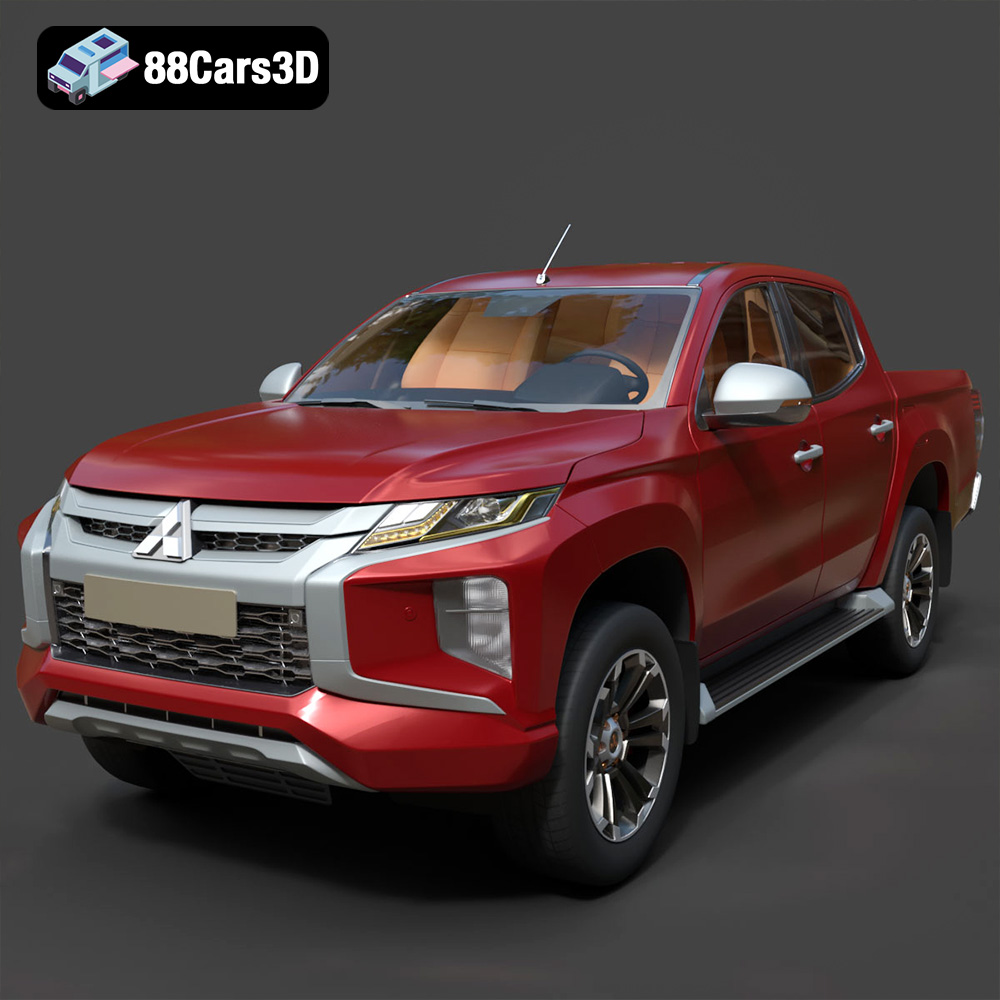
Texture: Yes | Material: Yes
Download the highly detailed, game-ready Mitsubishi L200 Crew Cab 2019 3D Model. Features the iconic Dynamic Shield front fascia, rugged cargo bed, and a spacious crew cab interior. Includes .blend, .fbx, .obj, .glb, .stl, .ply, .unreal, and .max formats for game development, AR/VR, and rendering.
Price: $19.99
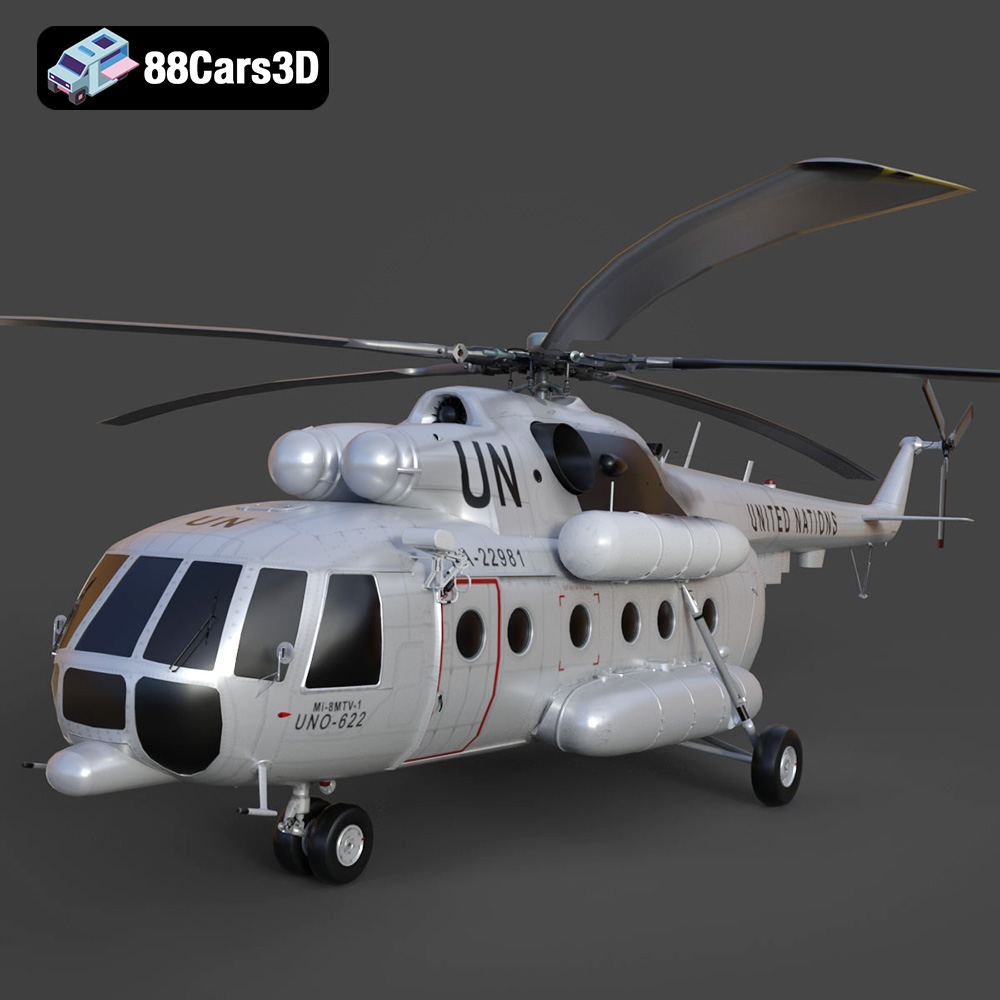
Texture: Yes | Material: Yes
Download the highly detailed, game-ready Mil Mi-8MTV-UN 3D Model. Features the iconic United Nations white livery, detailed twin turboshaft engines, and fully articulated rotor assemblies. Includes .blend, .fbx, .obj, .glb, .stl, .ply, .unreal, and .max formats for game development, AR/VR, and rendering.
Price: $19.99
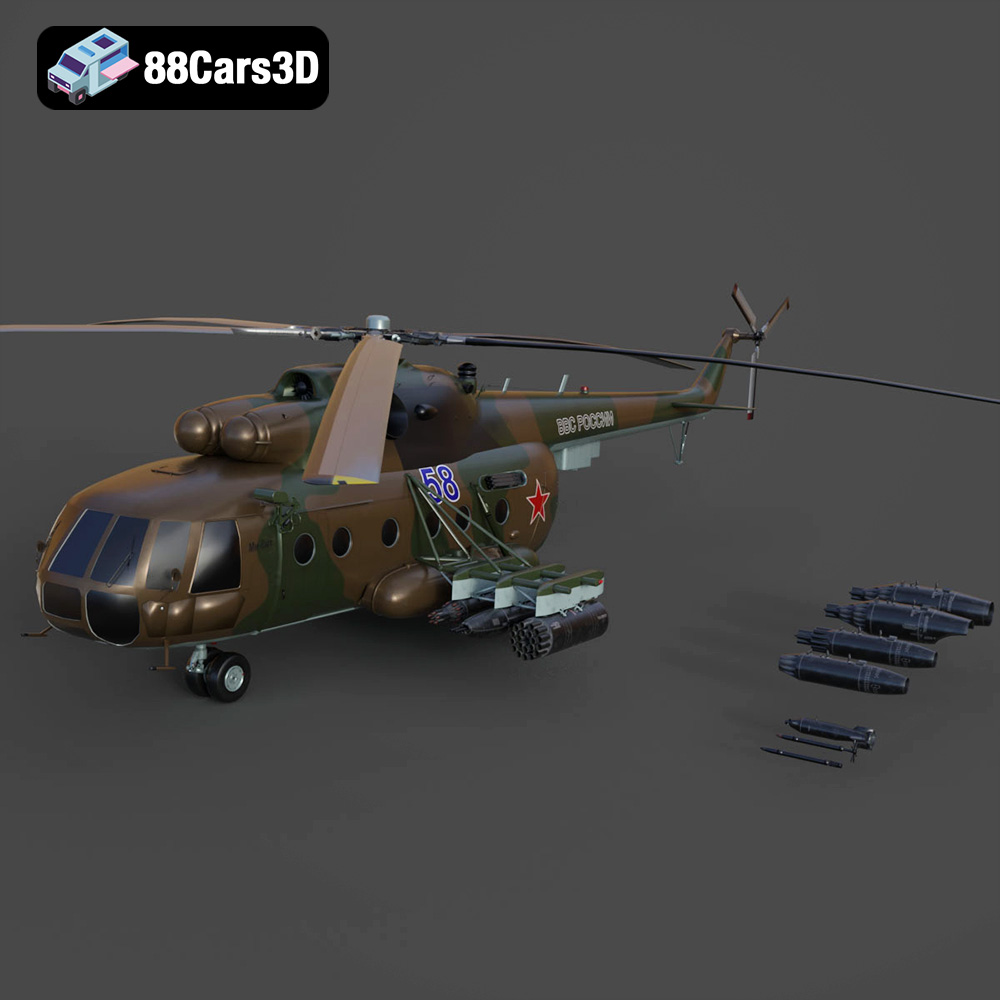
Texture: Yes | Material: Yes
Download the highly detailed, game-ready Mil Mi-8MT Helicopter 3D Model. Features twin-turbine engine housings, a detailed 5-blade main rotor, and authentic cockpit instrumentation. Includes .blend, .fbx, .obj, .glb, .stl, .ply, .unreal, and .max formats for game development, AR/VR, and rendering.
Price: $19.99

Texture: Yes | Material: Yes
Download the highly detailed, game-ready Mercedes-Maybach Vision 6 2018 3D Model. Features an elongated aero coupe design, iconic gullwing doors, and striking 24-inch aerodynamic wheels. Includes .blend, .fbx, .obj, .glb, .stl, .ply, .unreal, and .max formats for game development, AR/VR, and rendering.
Price: $19.99
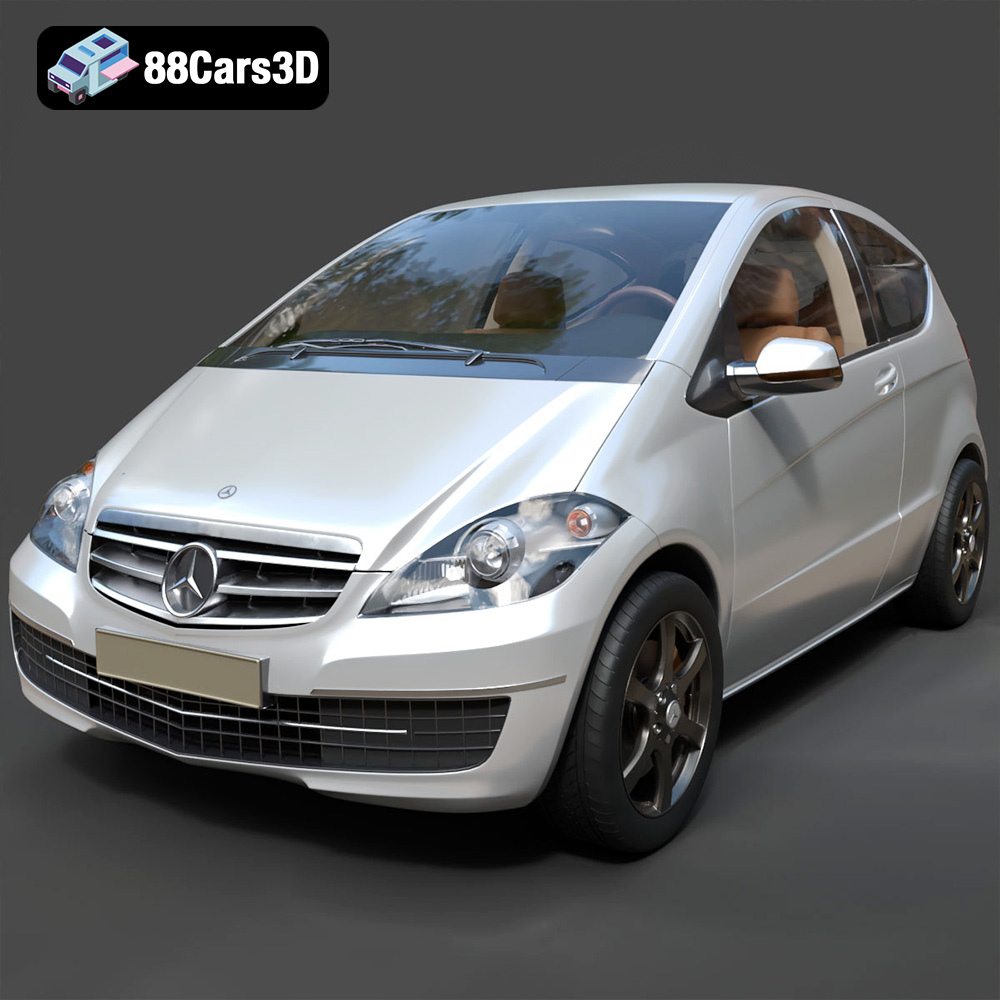
Texture: Yes | Material: Yes
Download the highly detailed, game-ready Mercedes-Benz A-Class 3-Door 2010 3D Model. Features an accurate compact luxury exterior, detailed interior, and optimized topology. Includes .blend, .fbx, .obj, .glb, .stl, .ply, .unreal, and .max formats for game development, AR/VR, and rendering.
Price: $19.99

