Get 20% OFF All Premium 3D & STL Models!

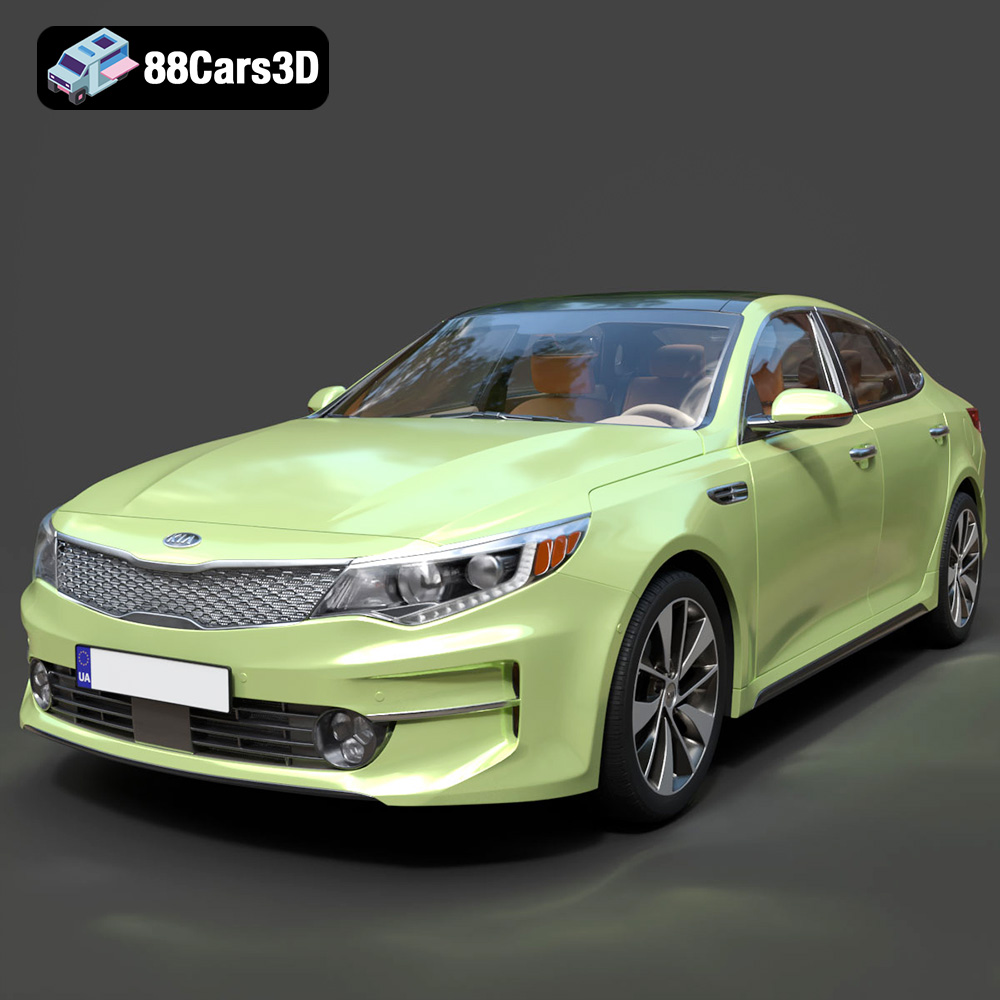
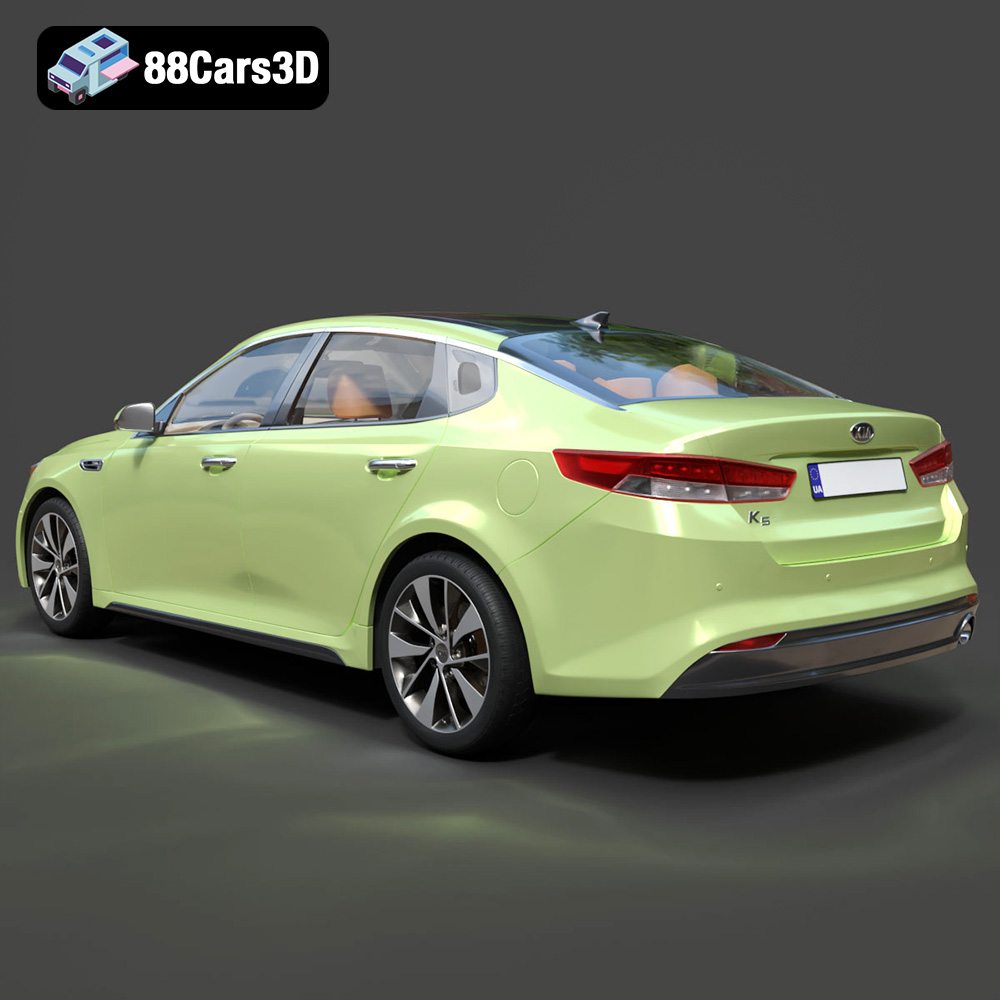
The Kia K5 MX 2016, a dynamic sedan known for its sleek lines, translates beautifully into a 3D printed model. Thanks to platforms like 88cars3d.com offering meticulously crafted STL files, enthusiasts and professionals alike can bring this car to life on their 3D printers. This guide will walk you through every step of successfully 3D printing the Kia K5 MX 2016 model, from choosing the right materials and settings to post-processing techniques that will elevate your finished product.
The success of your 3D print hinges on selecting the appropriate printer and material. Consider the level of detail you want to achieve and the intended use of the finished model.
* Pros: FDM printers are generally more affordable and easier to use, making them a good option for beginners. They also offer a wide range of material choices, including PLA, ABS, PETG, and even more exotic filaments like carbon fiber-infused plastics.
* Cons: FDM printers typically have lower resolution compared to resin printers, which may result in less detail on smaller, intricate parts of the Kia K5 MX 2016 model. Layer lines will also be more visible, requiring more post-processing.
* Material Recommendations:
* PLA: A biodegradable and easy-to-print material, ideal for beginners and non-functional models. It’s a good choice for the Kia K5 MX 2016 if you’re primarily interested in displaying the model.
* PETG: More durable and heat-resistant than PLA, PETG is a good option if you want a more robust model that can withstand some wear and tear. It also has better layer adhesion than PLA.
* ABS: Known for its strength and heat resistance, ABS is suitable for functional parts or models that will be exposed to higher temperatures. However, it can be more challenging to print due to its tendency to warp. Enclosure is recommended.
* Pros: Resin printers offer significantly higher resolution and detail compared to FDM printers, making them ideal for capturing the intricate features of the Kia K5 MX 2016. They also produce smoother surfaces, reducing the need for extensive post-processing.
* Cons: Resin printers are generally more expensive than FDM printers, and the resin material itself is also more costly. Resin printing also requires more careful handling and post-processing, including washing and curing the printed parts.
* Material Recommendations:
* Standard Resin: A good all-around option for detailed models.
* Tough Resin: Offers increased durability and impact resistance, suitable for parts that may be subject to stress.
* Flexible Resin: Can be used for parts that require some flexibility, such as tires or suspension components (if you’re printing at a larger scale).
Selecting the right file format is crucial for ensuring a smooth and successful 3D printing experience. While 88cars3d.com provides a range of file formats for the Kia K5 MX 2016 model, understanding their nuances is essential.
The .stl (Stereolithography) file format is the workhorse of 3D printing. It represents the surface geometry of a 3D object as a collection of triangles. This format is widely supported by virtually all slicing software and 3D printers. However, it only stores the mesh data, meaning it doesn’t contain information about color, texture, or materials. For 3D printing, .stl is generally the go-to format because of its simplicity and broad compatibility. Ensure the STL file is watertight (no holes in the mesh) for optimal slicing.
.obj (Object) files are a more versatile format than .stl. While they also store mesh data, they can additionally store information about color, texture coordinates, and material properties. This makes them suitable for colored 3D printing or when you want to apply textures to your 3D model in rendering software. However, not all 3D printers support colored printing, and the .obj format can be more complex to process than .stl. Slicing software may have varying levels of support for .obj files, especially when dealing with complex textures.
.ply (Polygon File Format) is designed for storing 3D data acquired from 3D scanners. It supports a variety of data representations, including color, normals, texture coordinates, and other properties. .ply files are known for their ability to represent highly detailed meshes with precision. However, they can be quite large in file size and may not be as widely supported by slicing software as .stl or .obj. If you’re working with a highly detailed scan of the Kia K5 MX 2016 and need to preserve that detail, .ply might be a suitable option.
The .blend file is the native file format for Blender, a popular open-source 3D creation suite. This format contains the entire Blender scene, including the model’s geometry, materials, textures, lighting, and animation. It’s ideal for users who want to customize the Kia K5 MX 2016 model before 3D printing. You can use Blender to modify the model’s shape, add details, or prepare it for printing by adding supports or splitting it into smaller parts. However, you’ll need Blender installed to open and edit .blend files, and you’ll need to export the model to a printable format like .stl after making your changes.
.fbx (Filmbox) is a proprietary file format developed by Autodesk. It’s commonly used for exchanging 3D data between different software applications, such as 3D modeling programs, game engines, and animation software. .fbx files can store geometry, materials, textures, animations, and other scene data. While some slicing software can import .fbx files, the primary purpose of this format is not 3D printing. It’s more useful for transferring the Kia K5 MX 2016 model into a game engine or animation software for further development.
.glb (GL Transmission Format Binary) is a file format designed for efficient transmission and loading of 3D models in web applications and augmented reality (AR) environments. It’s a binary format that includes geometry, textures, and animations in a single file, making it easy to share and display 3D models online. While you can’t directly 3D print a .glb file, it’s useful for previewing the Kia K5 MX 2016 model in AR before committing to a print. This allows you to see how the model will look in the real world and make any necessary adjustments before printing.
The .max file is the native file format for 3ds Max, another popular 3D modeling and animation software package. Similar to .blend files, .max files contain the entire 3ds Max scene, including the model’s geometry, materials, textures, lighting, and animation. If you have 3ds Max installed, you can use the .max file to customize the Kia K5 MX 2016 model before 3D printing. After making your changes, you’ll need to export the model to a printable format like .stl.
Once you’ve chosen your printer and material, the next step is to prepare the model for printing using slicing software. This involves importing the STL file, orienting the model, generating supports, and setting the printing parameters.
* Orientation: Experiment with different orientations to minimize support material and maximize print quality. For the Kia K5 MX 2016, orienting the model with the roof facing upwards may reduce the need for supports on the more detailed areas like the front and rear fascias.
* Supports: Generate supports to prevent overhangs from collapsing during printing. Consider using tree supports, which are more efficient and easier to remove than traditional linear supports. Pay close attention to the support placement to avoid damaging delicate features of the car model.
* Raft/Brim: Use a raft or brim to improve adhesion to the print bed, especially if you’re using a material like ABS that is prone to warping.
* Layer Height: A lower layer height will result in finer details and smoother surfaces, but it will also increase print time. A layer height of 0.1mm to 0.2mm is a good starting point for the Kia K5 MX 2016. For resin printing, even lower layer heights like 0.05mm or even 0.025mm can be used for exceptional detail.
* Infill: The infill density affects the strength and weight of the model. For a display model, a low infill density (10-20%) is sufficient. If you need a more durable model, increase the infill density to 50% or higher.
* Print Speed: A slower print speed will generally result in better print quality, especially for intricate details. Start with a print speed of 40-60 mm/s for FDM printing and adjust as needed.
* Temperature: Set the temperature according to the material manufacturer’s recommendations.
* Retraction: Adjust retraction settings to minimize stringing and oozing, especially when printing with flexible filaments.
Different materials require different print settings. Optimizing these settings is essential for achieving the best possible results when 3D printing the Kia K5 MX 2016.
* Print Temperature: 200-220°C
* Bed Temperature: 60-70°C (optional, but recommended)
* Print Speed: 50-60 mm/s
* Retraction Distance: 4-6 mm
* Retraction Speed: 25-40 mm/s
* Print Temperature: 230-250°C
* Bed Temperature: 70-80°C
* Print Speed: 40-50 mm/s
* Retraction Distance: 6-8 mm
* Retraction Speed: 30-45 mm/s
* Print Temperature: 230-260°C
* Bed Temperature: 100-110°C
* Print Speed: 40-50 mm/s
* Retraction Distance: 5-7 mm
* Retraction Speed: 30-40 mm/s
* Enclosure: Highly recommended to prevent warping
Resin settings vary greatly depending on the specific resin used. Always consult the manufacturer’s recommendations for exposure time, lift speed, and other parameters. Calibration prints, such as the Ameralabs Town or similar, are essential for dialing in the correct settings for your resin and printer.
Post-processing is a crucial step in bringing your 3D printed Kia K5 MX 2016 to life. It involves removing supports, sanding surfaces, and painting the model to achieve a professional-looking finish.
* Support Removal: Carefully remove the supports using pliers, cutters, or a sharp knife. Take your time and avoid damaging the model.
* Sanding: Start with coarse sandpaper (e.g., 220 grit) to remove any remaining support marks or imperfections. Gradually move to finer grits (e.g., 400, 600, 800) to smooth the surface. For resin prints, wet sanding is recommended to prevent dust from becoming airborne.
* Priming: Apply a primer coat to the model to create a smooth surface for painting. This will also help the paint adhere better to the plastic.
* Painting: Use acrylic paints or spray paints to paint the model. Apply multiple thin coats for a more even finish. Consider using stencils or masking tape to create intricate details.
* Clear Coat: Apply a clear coat to protect the paint and give the model a glossy or matte finish.
If the Kia K5 MX 2016 model is printed in multiple parts, carefully assemble them using glue or epoxy. Ensure that the parts are properly aligned before the adhesive sets. The high-quality models available on 88cars3d.com are designed with precise tolerances, making assembly easier.
Even with careful preparation, you may encounter some common 3D printing issues. Here are some tips for troubleshooting:
* Cause: Uneven cooling of the plastic, especially with ABS.
* Solution: Use a heated bed, an enclosure, and a raft or brim. Slow down the print speed and increase the bed temperature.
* Cause: Oozing of plastic from the nozzle when it’s not supposed to be printing.
* Solution: Increase retraction distance and speed, lower the print temperature, and ensure the filament is dry.
* Cause: Insufficient bed adhesion or incorrect temperature settings.
* Solution: Clean the print bed with isopropyl alcohol, increase the bed temperature, and ensure the first layer is properly squished.
* Cause: Insufficient support density or incorrect support placement.
* Solution: Increase the support density, adjust the support overhang angle, and ensure the supports are properly connected to the model.
By following these guidelines and tips, you’ll be well on your way to successfully 3D printing a stunning replica of the Kia K5 MX 2016. Remember to experiment with different settings and techniques to find what works best for your printer and material. The detailed models available through 88cars3d.com provide a fantastic starting point for any 3D printing enthusiast.
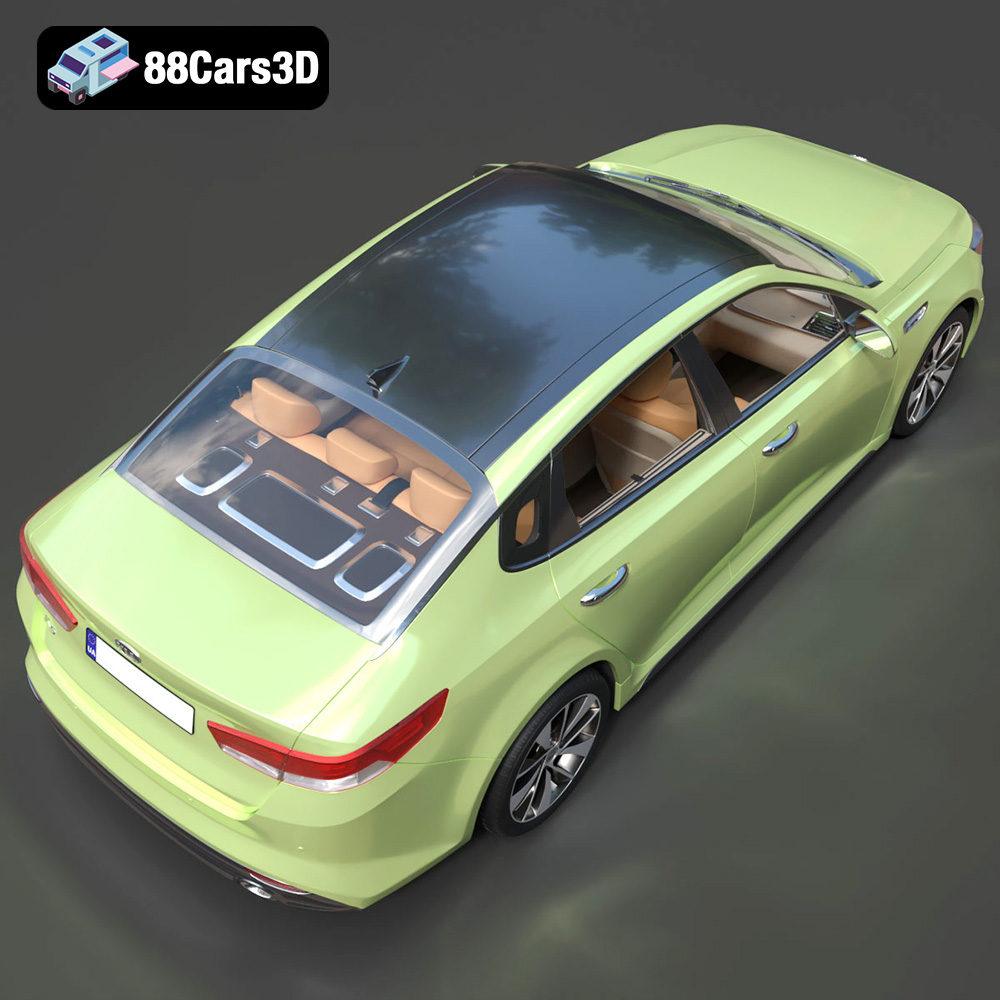
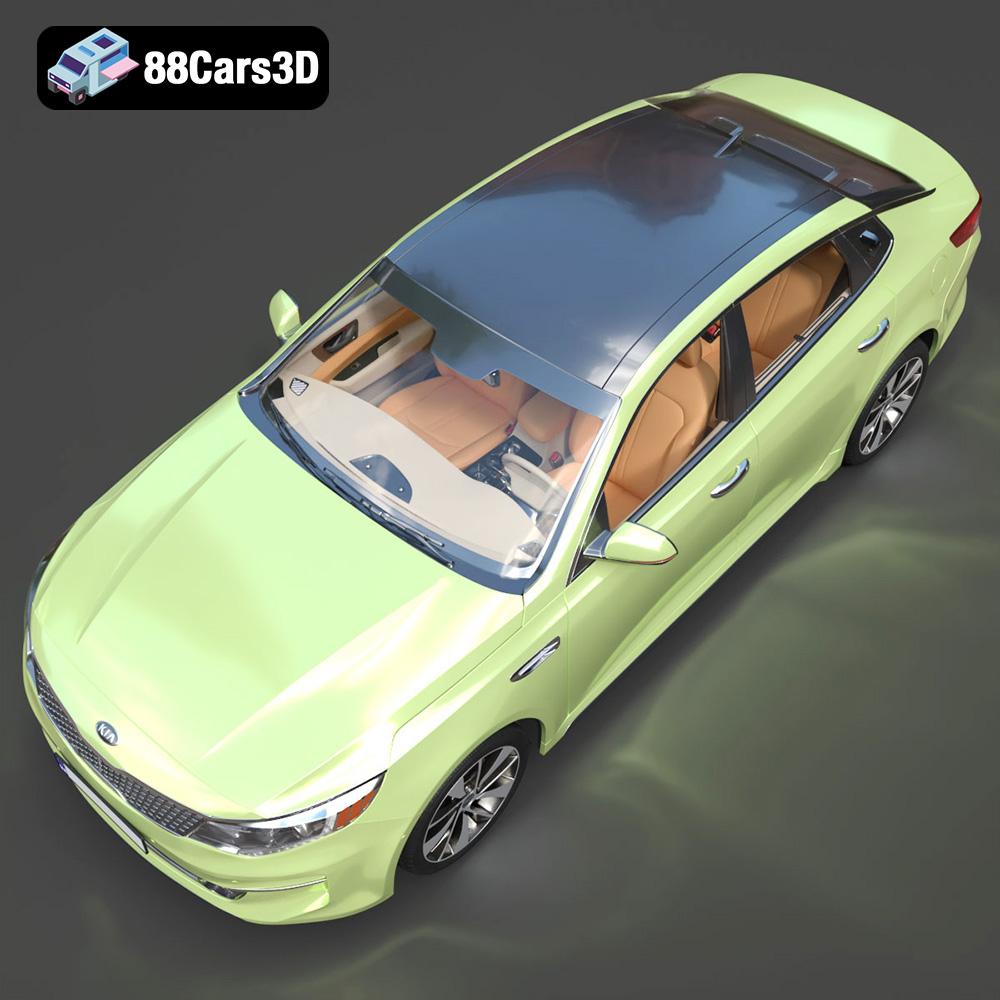
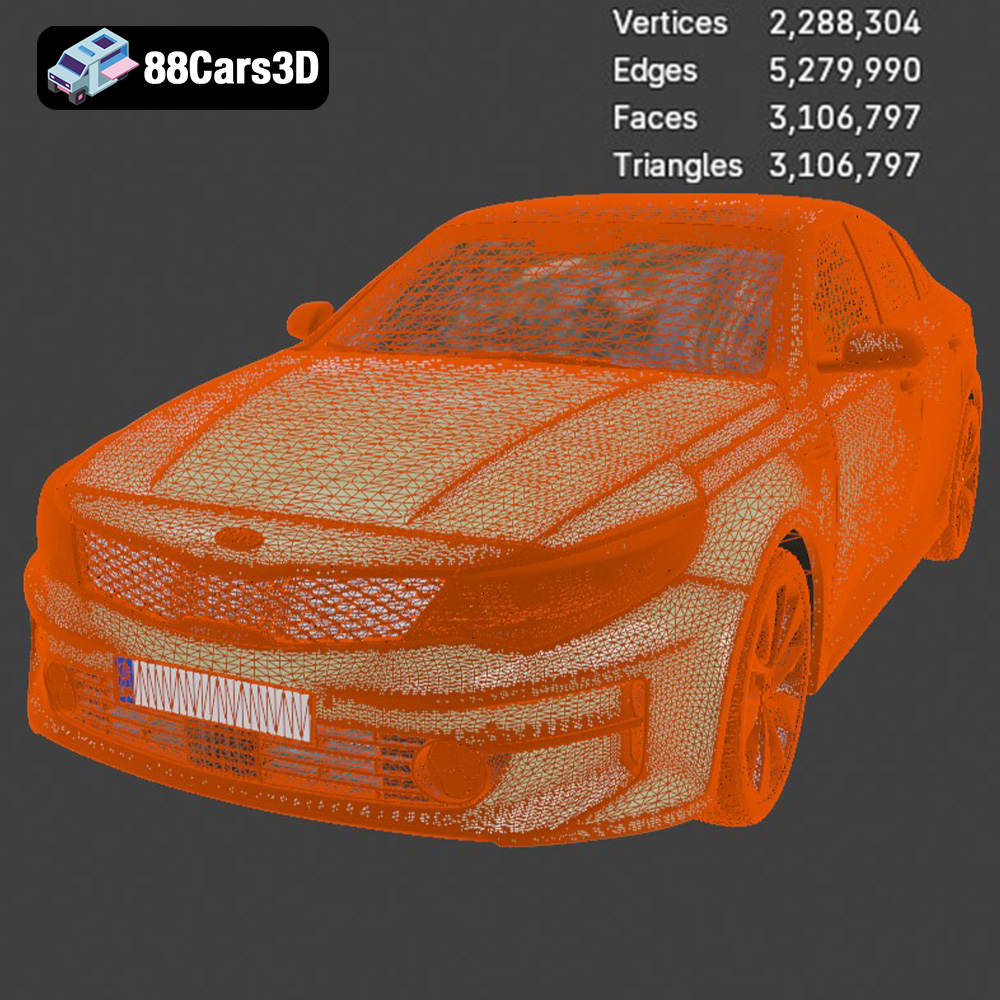
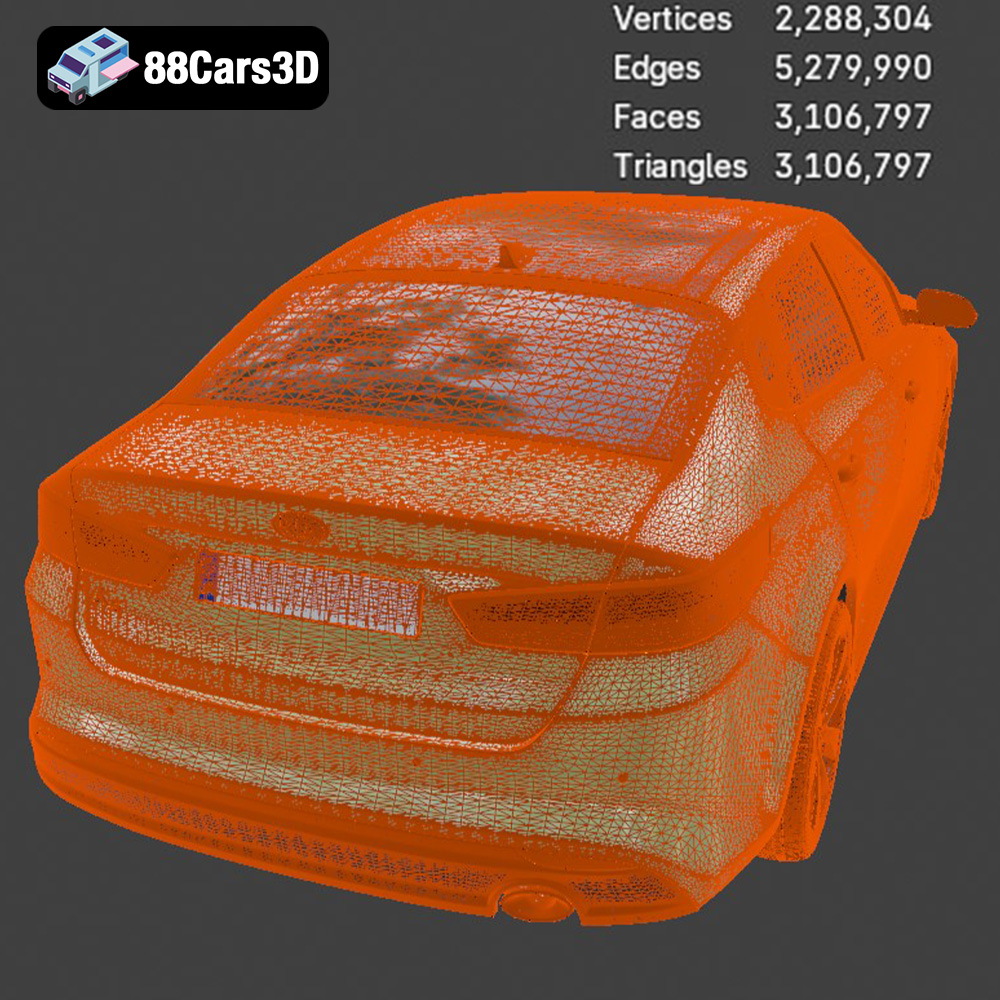
Discover unparalleled detail with the Kia K5 MX 2016 3D Model, engineered to deliver exceptional realism and precision. This model captures the sleek exterior lines and the fully modeled interior of the dynamic sedan, making it an outstanding digital asset for demanding projects.
Built with clean geometry and professional-grade polygon structuring, this 3D vehicle includes realistic materials and textures designed for seamless integration. The meticulous attention to detail ensures it holds up perfectly under close-up shots and complex lighting scenarios.
Whether you are working on game development, automotive rendering, AR/VR experiences, or professional visualization, this versatile model provides the exact technical specifications needed for a smooth workflow across various platforms.
$19.99
.arvr
.blend
.car3dmodel
.fbx
.gameasset
.glb
.k5
.kia
.max
.mx
.obj
.ply
.rendering
.sedan
.simulation
.stl
.unreal