Get 20% OFF All Premium 3D & STL Models!

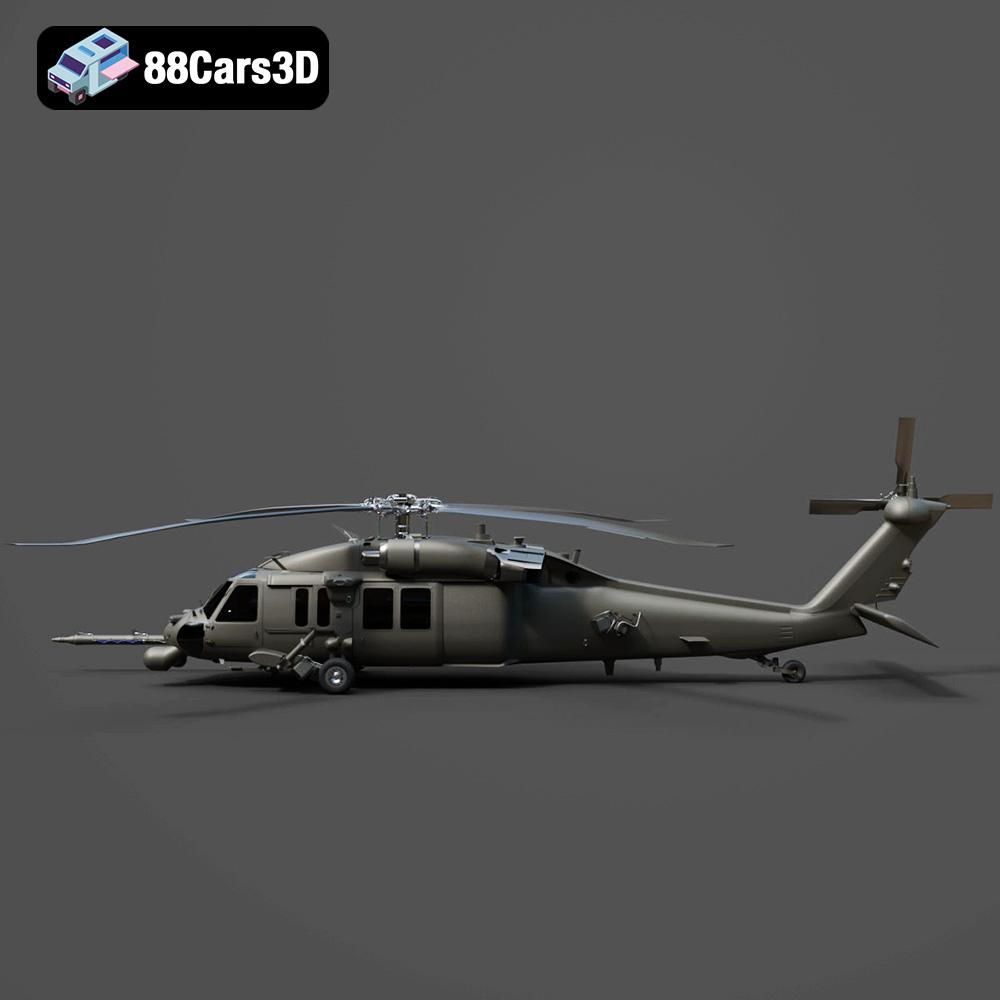
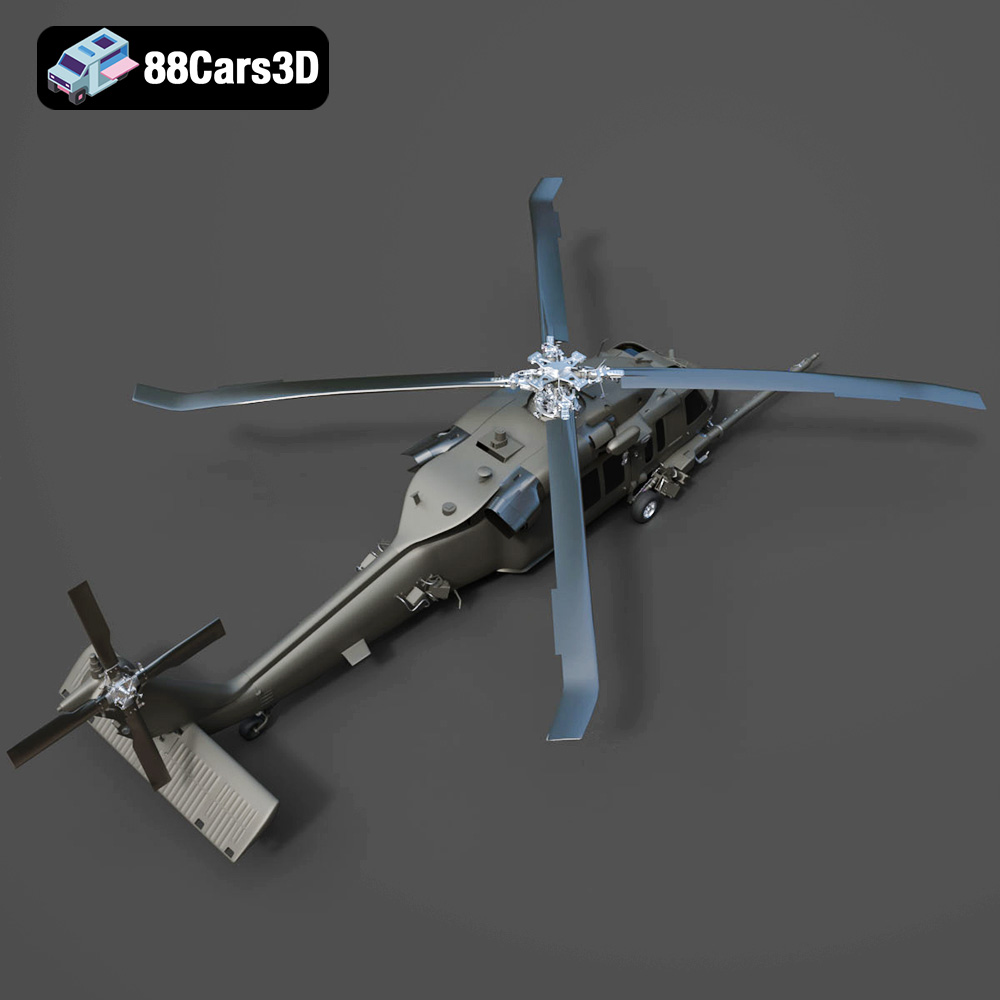
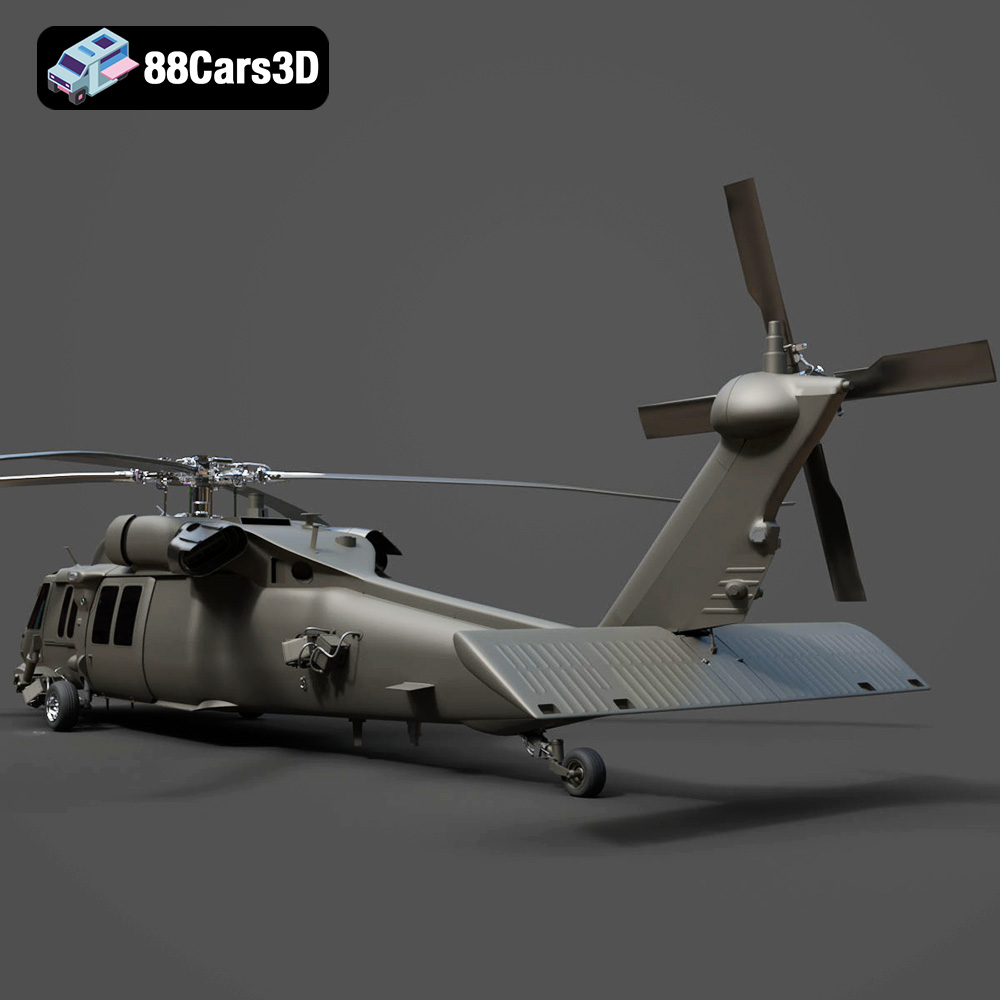
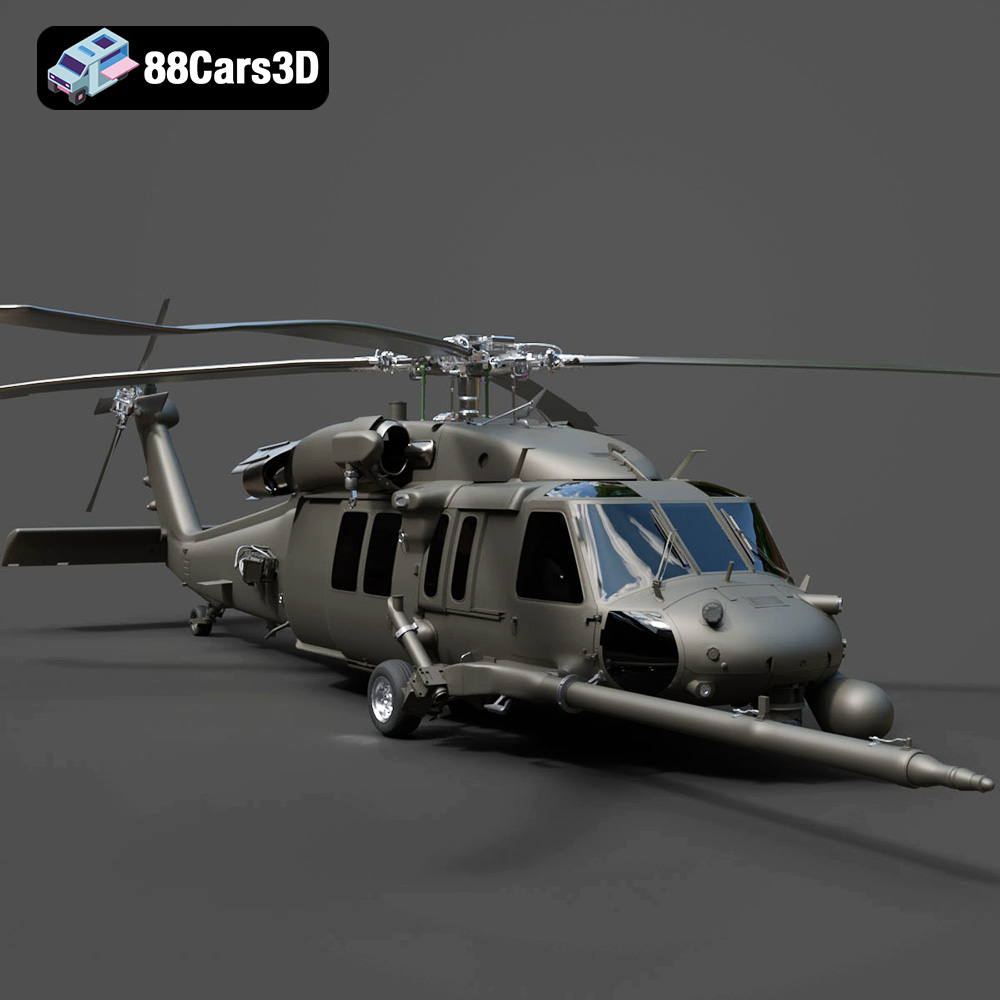
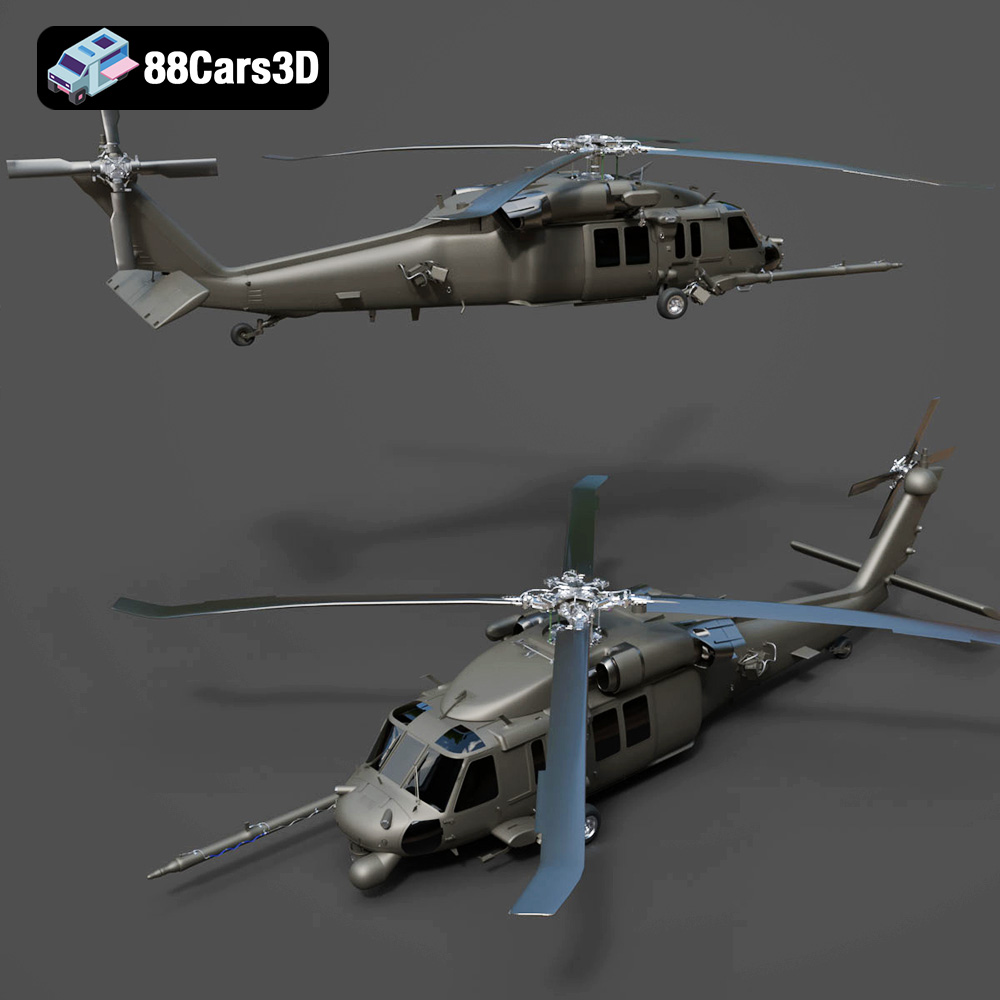
The Helicopter UH-40 3D model available at 88cars3d.com is a fantastic project for anyone interested in aviation, military models, or simply pushing the boundaries of what’s possible with 3D printing. This detailed model, designed for visualizers and developers, offers a rewarding experience for both beginners and experienced 3D printing enthusiasts. This guide provides a comprehensive overview of how to successfully 3D print the UH-40, covering everything from material selection and printer settings to post-processing techniques and troubleshooting common issues. Prepare for takeoff – let’s get started!
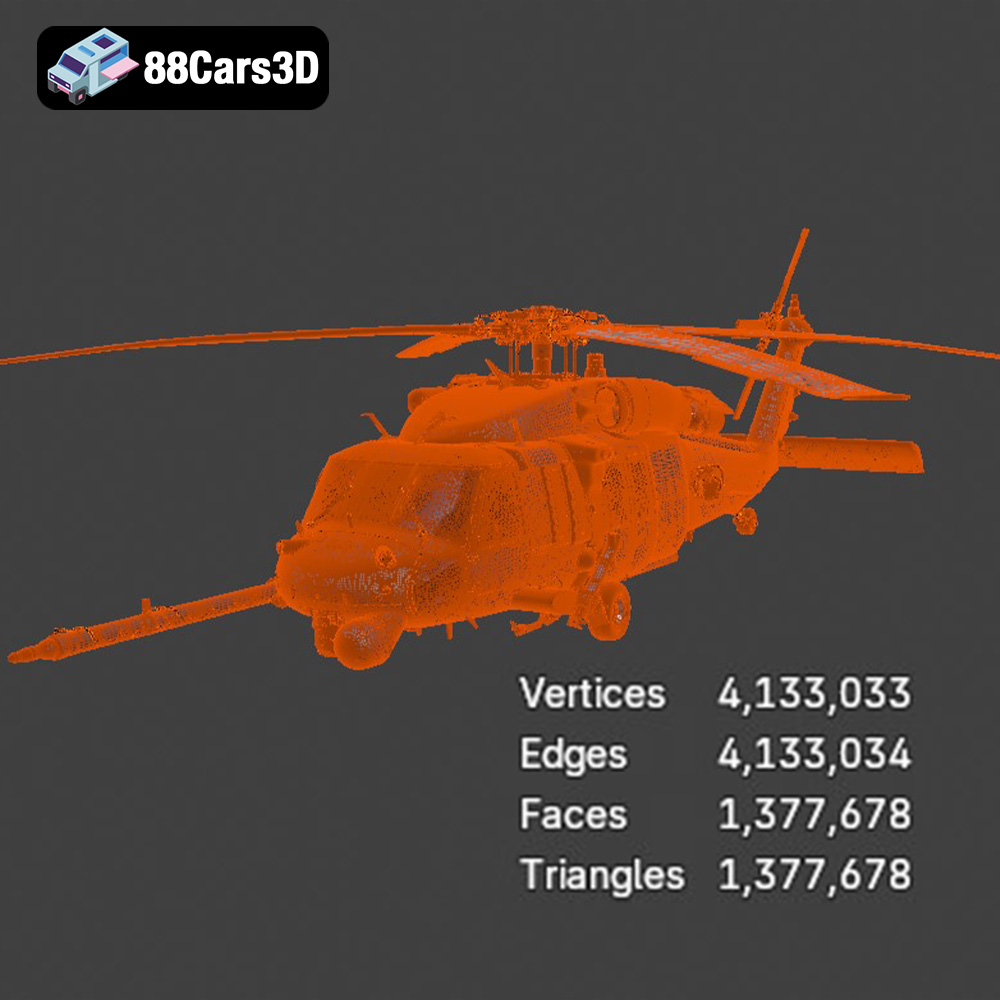
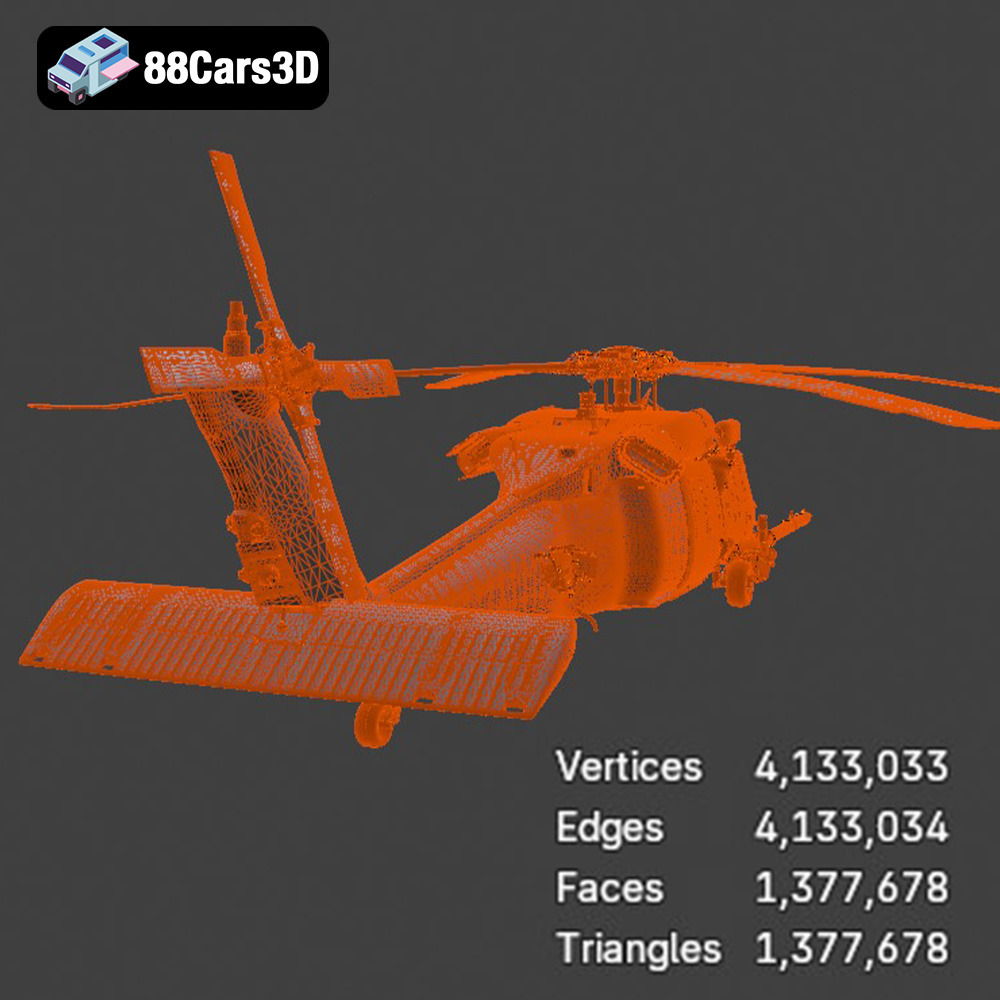
The UH-40 model isn’t just another 3D model; it’s a carefully designed digital asset intended for a variety of applications. Its detailed exterior and fully modeled interior make it a challenging but ultimately satisfying print. The availability of the STL file format ensures compatibility with most 3D printers and slicing software. Successfully 3D printing this model will not only give you a stunning display piece but also enhance your skills in areas like support structure optimization, fine detail printing, and multi-part assembly. Furthermore, the model’s optimized topology means a relatively smooth printing experience, reducing the likelihood of errors.
Choosing the right file format is crucial for a successful 3D printing project. The Helicopter UH-40 3D model from 88cars3d.com is offered in various formats, each serving a specific purpose. While files like .blend, .fbx, .obj, .glb, .ply, .unreal, and .max are beneficial for rendering, animation, or game engine integration, the .stl format reigns supreme for 3D printing. Let’s delve deeper into why.
The .stl (stereolithography) format has become the de facto standard for 3D printing. It represents the surface geometry of a 3D object using a collection of triangles. This simplicity is its strength. Most slicing software readily accepts .stl files and can generate toolpaths for your 3D printer based on this data. However, the mesh-only nature means it doesn’t store color, texture, or material information. For the Helicopter UH-40 model, you’ll likely receive the STL file as a single, unified mesh, or as multiple STL files representing different parts of the helicopter for easier printing and assembly.
When working with STL files, mesh quality is paramount. A poorly constructed mesh with holes, self-intersections, or non-manifold geometry can lead to printing errors. Fortunately, many slicing programs include mesh repair tools that can automatically fix common issues. Before slicing, always inspect the STL file for any obvious problems and use a mesh repair tool if necessary.
The resolution of the STL mesh also impacts print quality. Higher resolution STL files contain more triangles, resulting in a smoother surface on the printed object. However, higher resolution also means larger file sizes and increased processing time during slicing. A good balance is to use a resolution that captures the details of the UH-40 model without overwhelming your computer or printer.
The .obj format is another widely supported 3D model format. Unlike .stl, .obj can store color and texture information, making it suitable for colored 3D prints if you have a multi-material or full-color 3D printer. However, .obj files can be more complex than .stl files, and not all slicing software fully supports their advanced features. For the Helicopter UH-40, the .obj format might be useful if you want to experiment with adding custom textures or colors to specific parts before printing.
The .ply format, originally developed at Stanford University, is designed for storing 3D data acquired from 3D scanners. It’s capable of representing highly detailed meshes and can also store color and texture information. While less common than .stl or .obj for general 3D printing, .ply might be useful if you have a very high-resolution 3D printer and want to capture every minute detail of the Helicopter UH-40 model.
The .blend format is the native file format for Blender, a popular open-source 3D modeling software. Having access to the .blend file for the Helicopter UH-40 allows you to make modifications to the model before printing. You could, for example, simplify certain parts, add custom details, or split the model into smaller, more manageable pieces. Once you’re done editing, you can export the model as an .stl file for 3D printing.
The .fbx format is primarily used for exchanging 3D data between different software applications, particularly in the gaming and animation industries. While it can store material information, it’s less relevant for standard 3D printing, as most slicing software focuses on geometric data. However, some advanced slicing programs might be able to import material properties from .fbx files to influence printing parameters.
The .glb format is designed for efficient transmission and loading of 3D models in web and augmented reality (AR) applications. It’s a binary format that bundles the 3D model, textures, and animations into a single file. Before committing to a 3D print, you can use the .glb file of the Helicopter UH-40 to visualize it in AR using a smartphone or tablet, giving you a better sense of its size and appearance in the real world.
Similar to .blend, the .max format is the native file format for 3ds Max, a professional 3D modeling and animation software. If you have access to 3ds Max, the .max file allows you to make advanced modifications to the Helicopter UH-40 model.
In summary, while the Helicopter UH-40 is available in various formats, the .stl format will be your primary focus for 3D printing. Ensure the STL mesh is clean, properly oriented, and of sufficient resolution before proceeding to the slicing stage.
Choosing the right material is crucial for achieving the desired look, feel, and durability of your 3D printed Helicopter UH-40. Here’s a breakdown of popular options:
PLA is a biodegradable thermoplastic polymer derived from renewable resources like corn starch or sugarcane. It’s known for its ease of use, low printing temperature, and minimal warping, making it an excellent choice for beginners. PLA also offers a wide range of colors and finishes.
* **Pros:** Easy to print, low odor, wide color selection, biodegradable.
* **Cons:** Lower heat resistance, less durable than other options, can be brittle.
* **Best for:** Initial prototypes, display models, parts that don’t require high strength or heat resistance.
For the Helicopter UH-40, PLA is a good option for a first print to test the model’s geometry and optimize your printer settings. However, consider other materials for a more durable and functional final product.
PETG combines the ease of printing of PLA with the increased strength and durability of ABS. It has good impact resistance, chemical resistance, and is less prone to warping than ABS.
* **Pros:** Stronger and more durable than PLA, good chemical resistance, relatively easy to print.
* **Cons:** Can be stringy, requires slightly higher printing temperatures than PLA.
* **Best for:** Functional parts, parts that require some flexibility, outdoor use.
PETG is a great choice for the Helicopter UH-40 if you want a more robust model that can withstand some handling. Its increased durability makes it suitable for parts that might be prone to breakage.
Resin 3D printing (SLA/DLP/LCD) offers exceptional detail and smooth surfaces, making it ideal for intricate models like the Helicopter UH-40. Resin printers use liquid photopolymer resins that are cured by UV light.
* **Pros:** Extremely high detail, smooth surfaces, ideal for small parts.
* **Cons:** More expensive than FDM printing, requires post-processing (washing and curing), resins can be toxic, limited build volume.
* **Best for:** Highly detailed models, miniatures, parts with complex geometry.
If you’re prioritizing detail and surface finish above all else, resin printing is the way to go. The Helicopter UH-40’s complex shapes and intricate details will truly shine when printed in resin. However, be prepared for the extra steps involved in resin printing, including handling potentially hazardous materials.
Once you’ve chosen your material, the next step is to prepare the STL file for printing using slicing software. Popular options include Cura, PrusaSlicer, Simplify3D, and Chitubox (for resin printing).
Model orientation significantly impacts print quality, strength, and support requirements. Consider these factors when orienting the Helicopter UH-40:
* **Minimize Support Material:** Choose an orientation that minimizes the amount of support material needed, especially for intricate areas.
* **Strength:** Orient the model so that critical load-bearing parts are aligned with the layer lines for maximum strength.
* **Surface Finish:** Place visually important surfaces facing upwards to achieve the smoothest possible finish.
For the Helicopter UH-40, orienting the fuselage with the bottom facing down might seem intuitive, but this could lead to excessive support material inside the cabin. Experiment with different orientations to find the best balance.
Support structures are essential for printing overhanging features. Choose support settings that provide adequate support without being too difficult to remove. Consider using tree supports or light supports for easier removal and reduced surface damage.
Here are some recommended slicing settings for the Helicopter UH-40, depending on your chosen material and printer:
* **Layer Height:** 0.1mm – 0.2mm (lower for finer detail).
* **Infill Density:** 15-25% (adjust based on desired strength).
* **Print Speed:** 40-60 mm/s (reduce speed for intricate details).
* **Temperature:** According to the material manufacturer’s recommendations.
* **Support Overhang Angle:** 45-60 degrees.
* **Bed Adhesion:** Use a brim or raft to ensure good bed adhesion, especially for larger prints.
These settings are a starting point. You may need to adjust them based on your specific printer and material. Printing a small test piece first is always a good idea to dial in your settings.
The Helicopter UH-40 model from 88cars3d.com is likely designed to be a specific size. However, you can scale the model up or down in your slicing software to suit your needs. Be mindful of the impact of scaling on print time, material consumption, and the level of detail that can be reproduced. Scaling the model too small might make some features unprintable.
1. **Import the STL file into your slicing software.**
2. **Orient the model for optimal printing.**
3. **Generate support structures as needed.**
4. **Adjust slicing settings based on your material and printer.**
5. **Save the G-code file.**
6. **Load the G-code file onto your 3D printer.**
7. **Start the print!**
Monitor the print closely, especially during the first few layers, to ensure good bed adhesion and proper extrusion.
Once the print is complete, you’ll need to remove it from the build plate and perform some post-processing steps to achieve the desired finish.
Carefully remove the support structures using pliers, cutters, or a deburring tool. Be gentle to avoid damaging the model. Use sandpaper or a file to smooth any rough edges or support scars.
Sanding is essential for achieving a smooth surface finish, especially if you plan to paint the model. Start with coarse-grit sandpaper (e.g., 220 grit) and gradually move to finer grits (e.g., 400, 600, 800). Wet sanding can help reduce dust and produce a smoother finish.
For a truly professional finish, consider using filler primer to fill any remaining imperfections. Sand the primer smooth before applying paint.
Painting can bring the Helicopter UH-40 to life. Use acrylic paints or model paints designed for plastic. Apply multiple thin coats for best results. Consider using stencils or masking tape to create intricate patterns.
If the model consists of multiple parts, assemble them using glue or screws. Test-fit the parts before gluing to ensure proper alignment.
* **Warping:** Ensure good bed adhesion and use a heated bed if possible.
* **Stringing:** Adjust retraction settings in your slicing software.
* **Layer Shifting:** Check belt tension and stepper motor drivers.
* **Poor Bed Adhesion:** Clean the build plate with isopropyl alcohol or use an adhesive like glue stick or hairspray.
* **Weak Parts:** Increase infill density or use a stronger material.
Print time and material cost will vary depending on the size of the model, your chosen settings, and the material you use. A rough estimate for the Helicopter UH-40 printed at a reasonable size would be 12-24 hours and $10-$30 in material cost.
3D printing the Helicopter UH-40 model from 88cars3d.com is a challenging yet rewarding project that can significantly enhance your 3D printing skills. By carefully selecting your materials, optimizing your slicing settings, and mastering post-processing techniques, you can create a stunning replica of this iconic aircraft. Remember to experiment, be patient, and don’t be afraid to learn from your mistakes. Happy printing, and may your UH-40 soar!
Enhance your digital hangar with the detailed Helicopter UH-40 3D Model. Designed to meet the demands of visualizers and developers, this model delivers precise structural accuracy. The exterior captures the robust aerodynamics of the UH-40 aircraft, while the internal layout provides a fully modeled interior, ensuring it stands up to close-up renders and immersive experiences. Ideal for game development, rendering, AR/VR experiences, and detailed technical visualization, the Helicopter UH-40 3D Model is optimized for performance without sacrificing visual depth. It includes a comprehensive suite of industry-standard file formats.
$19.99
.aircraft
.arvr
.aviation
.blend
.car3dmodel
.fbx
.gameasset
.glb
.helicopter
.max
.military
.obj
.ply
.rendering
.simulation
.stl
.uh40
.unreal