Get 20% OFF All Premium 3D & STL Models!

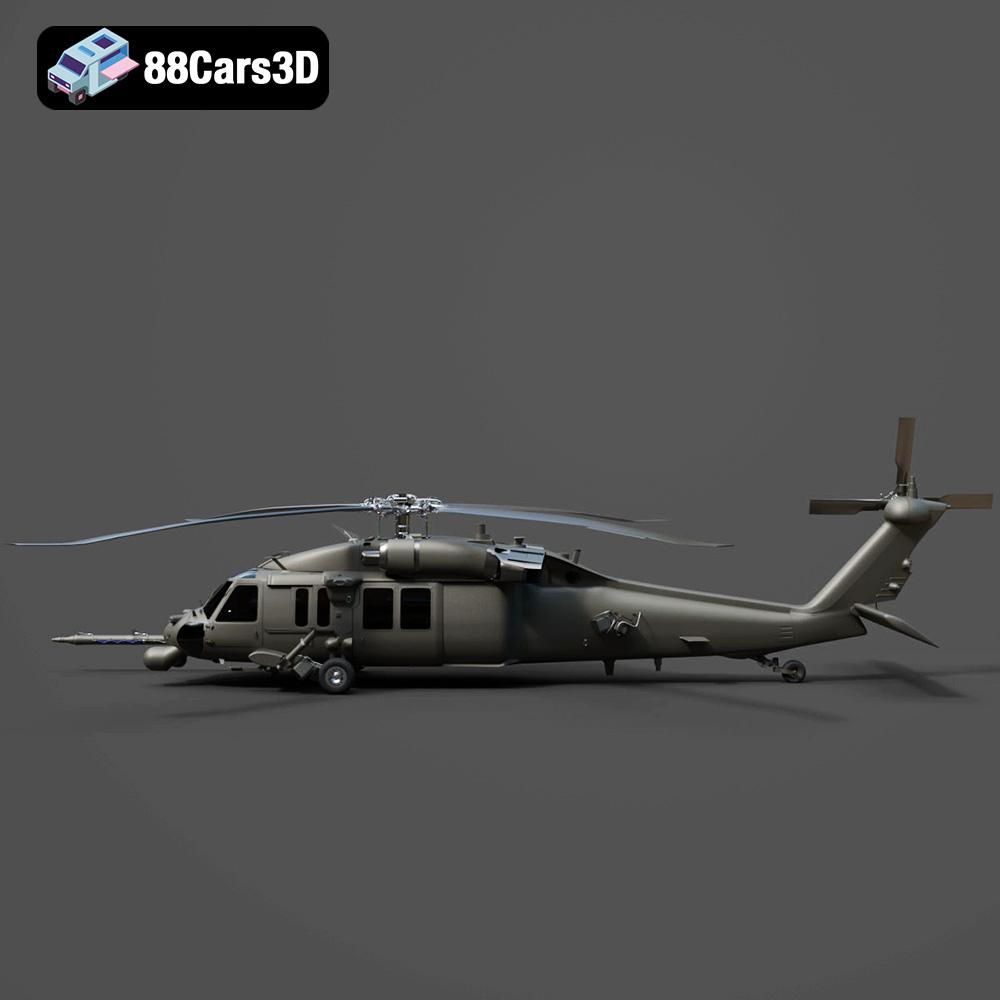
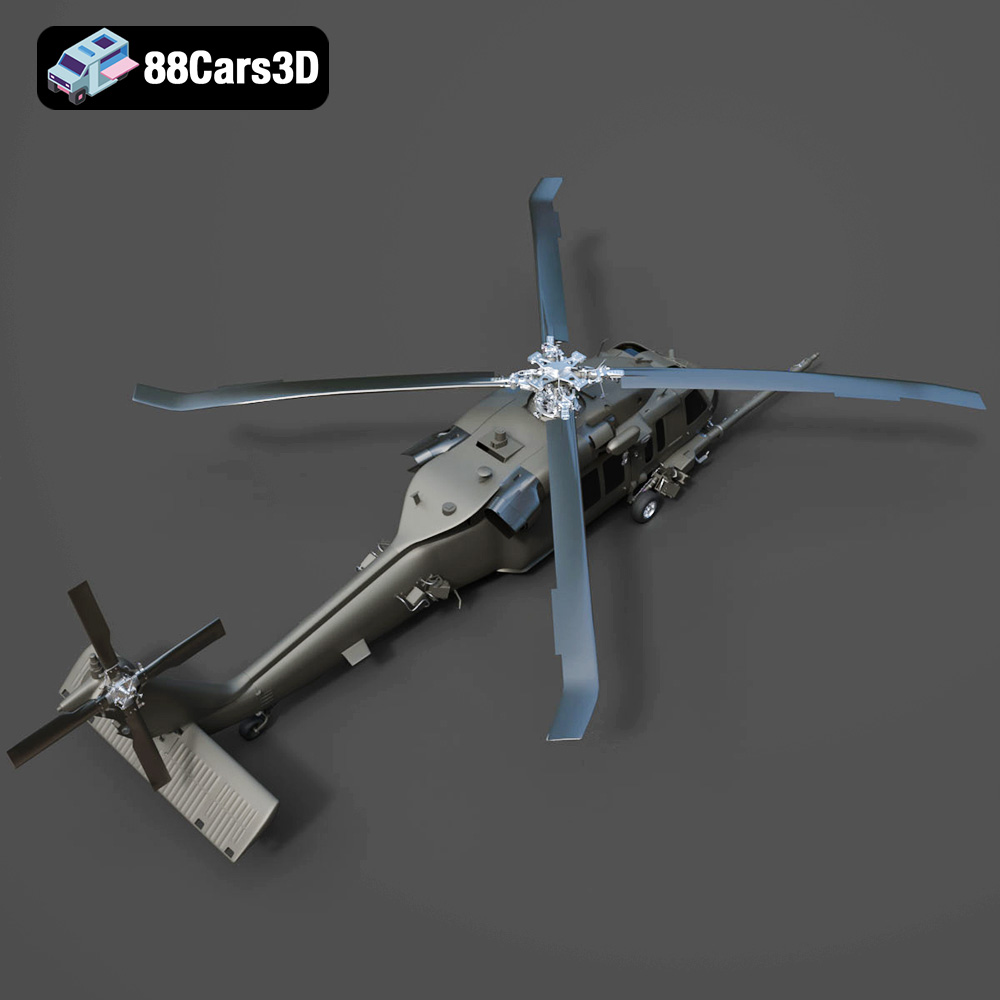
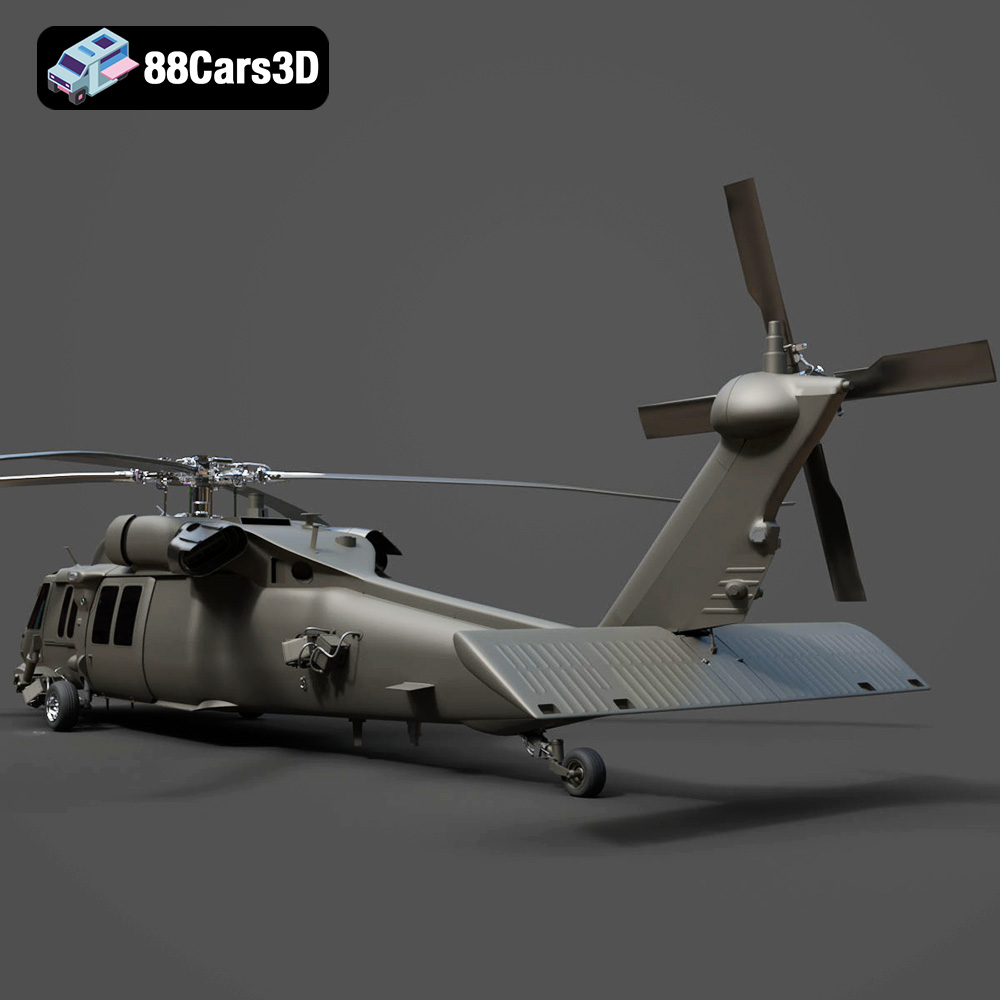
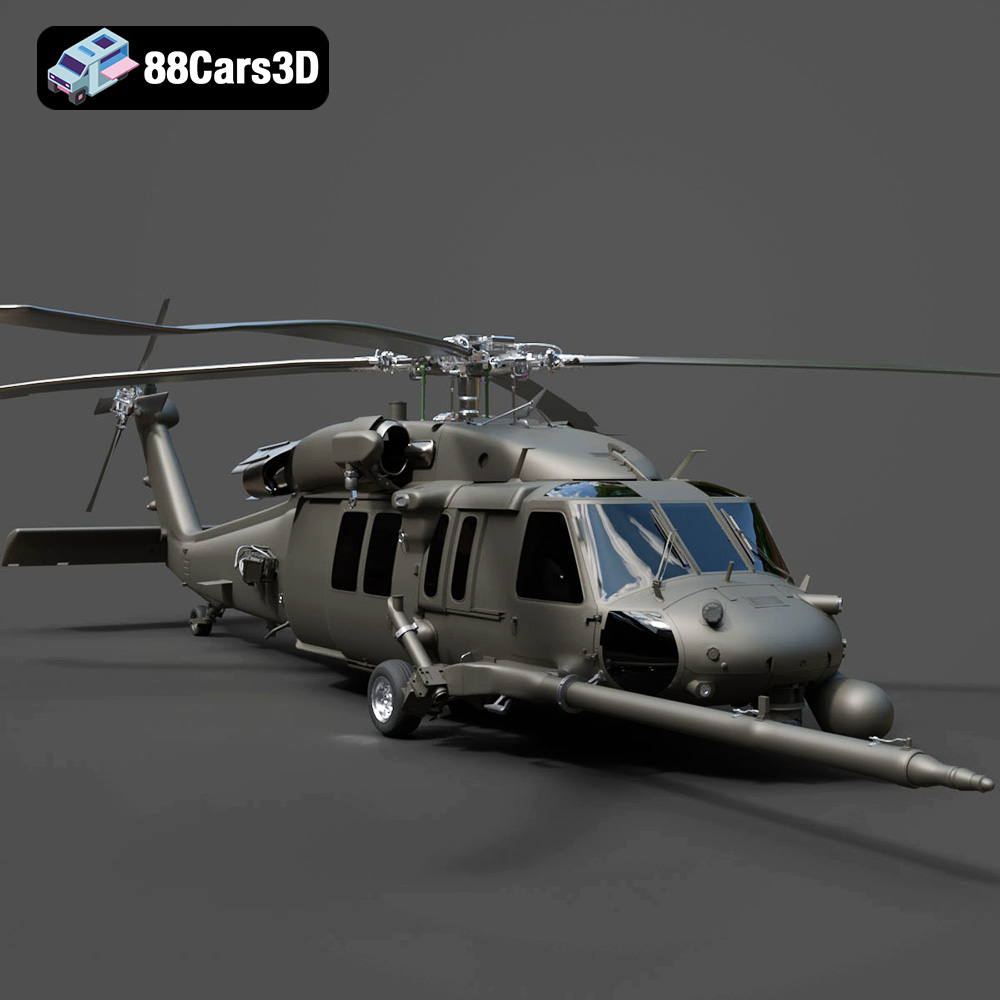
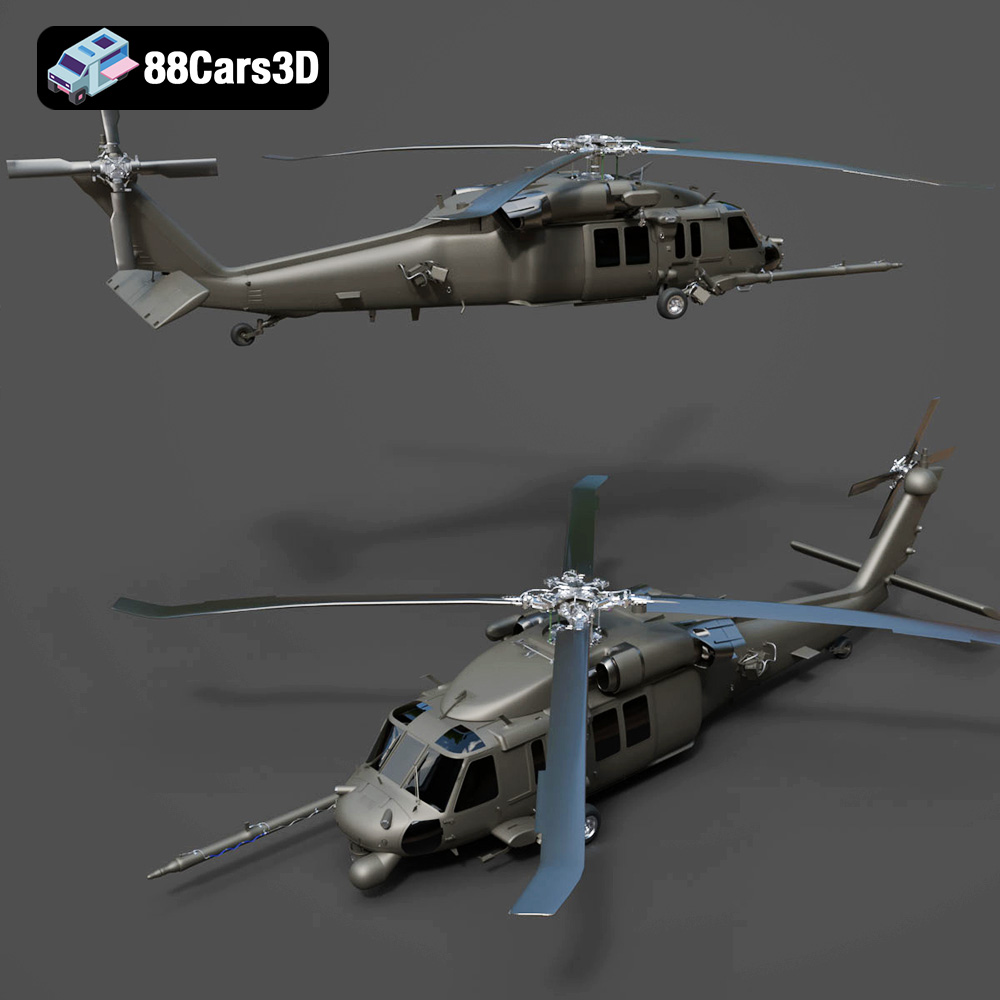
The Helicopter UH-40 3D Model from 88cars3d.com presents an exciting challenge and a rewarding outcome for any 3D printing enthusiast. This detailed model, designed for visualization, game development, and AR/VR, is also perfectly suited for additive manufacturing. Whether you’re a seasoned model builder or a newcomer to the world of 3D printing, this guide will walk you through the steps to bring your own UH-40 to life. We’ll cover everything from selecting the right materials and printer settings to mastering post-processing techniques. Get ready to transform digital design into a tangible reality!
The success of any 3D printing project hinges on the quality and compatibility of the 3D model file. The Helicopter UH-40 3D Model, available on 88cars3d.com, comes in a variety of formats, each designed for specific purposes. While some formats are optimized for rendering or game engines, others are ideal for 3D printing. Let’s delve into these formats to understand their strengths and weaknesses in the context of additive manufacturing.
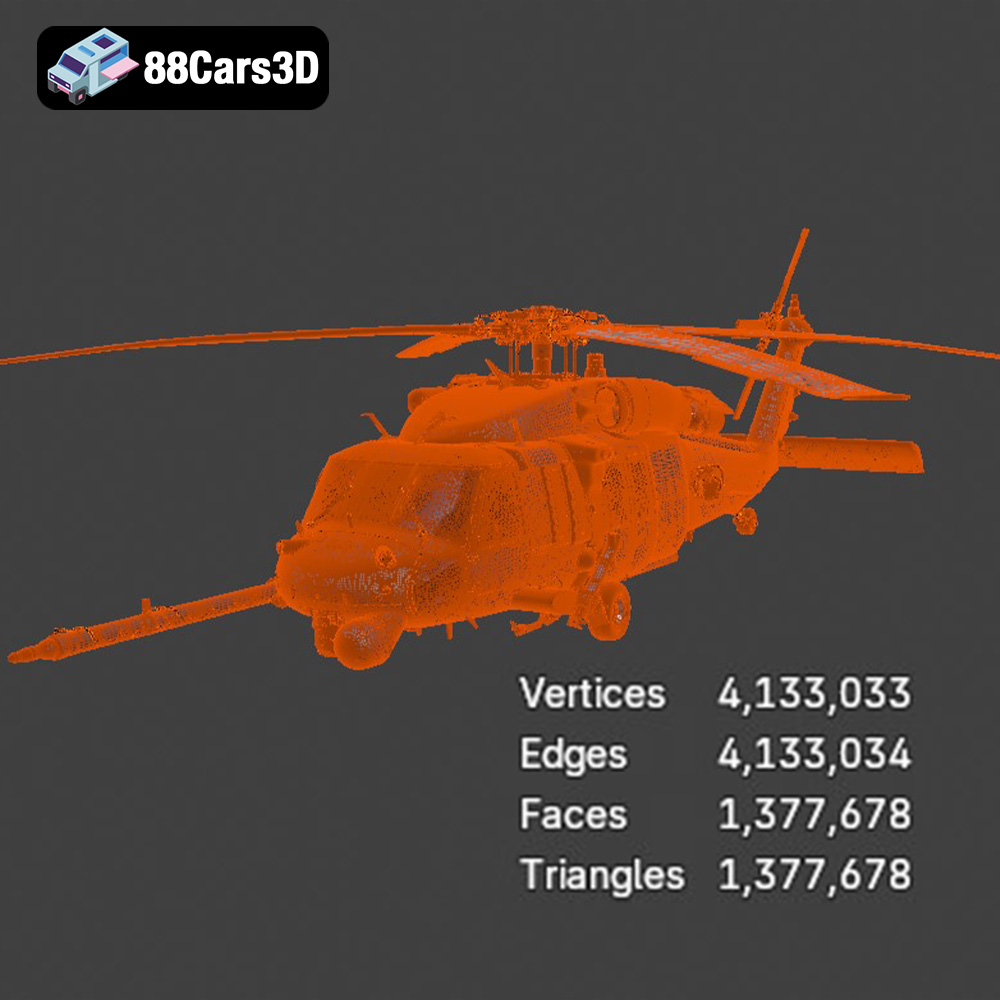
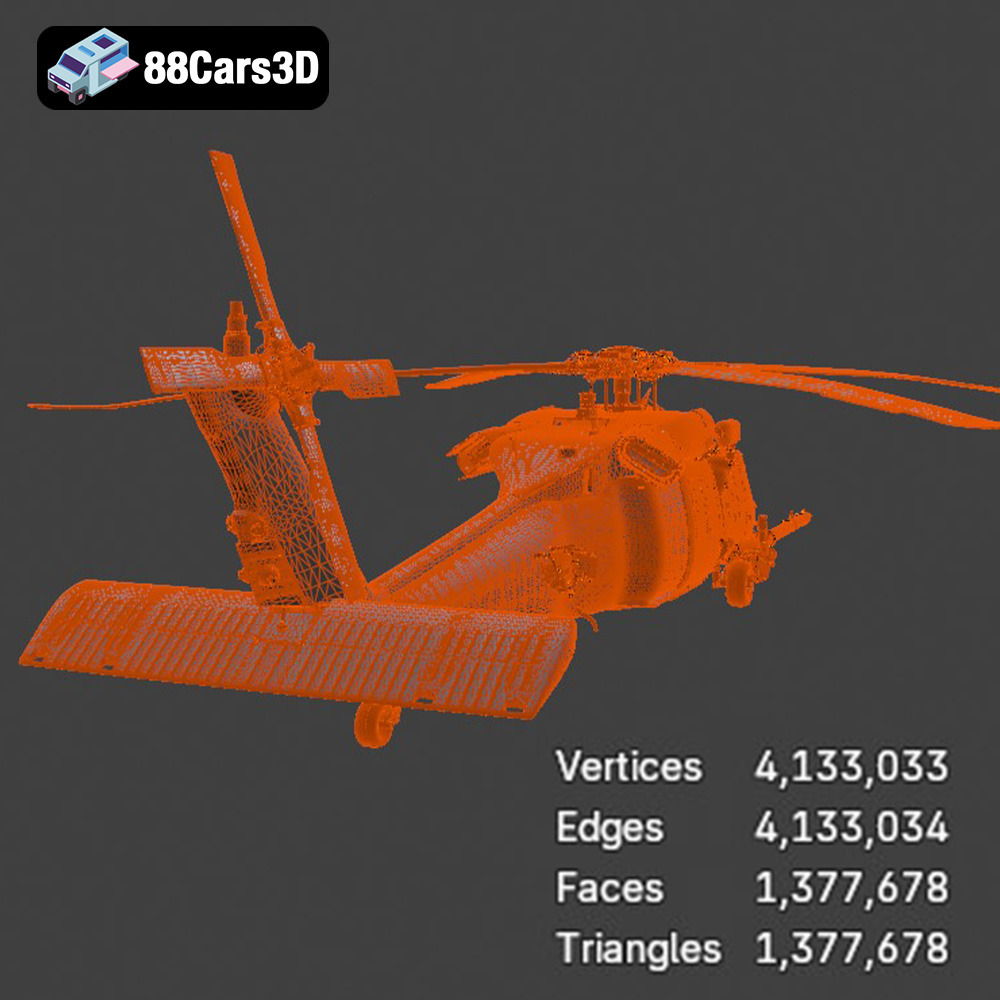
The .stl (Stereolithography) file format is the industry standard for 3D printing. It represents the surface geometry of a 3D object as a collection of triangles. The density of these triangles determines the resolution and smoothness of the final printed object. For 3D printing, the .stl format is the most crucial, and you’ll find it’s the format most slicing software readily accepts. The Helicopter UH-40 model includes an .stl file specifically optimized for 3D printing, but it’s still important to check its quality and resolution before proceeding. A higher triangle count generally leads to a smoother surface finish, but it also increases file size and processing time.
While .stl files primarily deal with geometry, the .obj (Object) format can also store color and texture information. This is particularly useful if you plan to paint the Helicopter UH-40 model after printing, as you can use the .obj file as a reference for applying realistic colors and details. However, for the actual 3D printing process, the .stl format is still preferred due to its simplicity and compatibility with most slicing software.
The .ply (Polygon File Format) is designed to store 3D data acquired from 3D scanners. It’s a precision mesh format capable of representing high-detail prints. While less common than .stl, .ply can be useful when extremely accurate representation of the model is required. Be aware that not all slicing software may fully support the .ply format.
The .blend file is the native format for Blender, a popular open-source 3D modeling software. Having the .blend file for the Helicopter UH-40 allows you to make modifications to the model before exporting it for 3D printing. You can adjust the scale, add details, or even split the model into separate parts for easier printing and assembly. After making any desired changes, you would then export the model as an .stl file for printing.
The .fbx (Filmbox) format is often used for transferring models between different 3D applications. While it can store material information, it’s not commonly used directly for 3D printing. You can import the .fbx file into a 3D modeling program, make any necessary adjustments, and then export it as an .stl file for printing.
The .glb (GL Transmission Format Binary) is a format optimized for AR/VR and web-based visualization. It allows you to preview the Helicopter UH-40 model in augmented reality before you even begin printing, giving you a sense of its size and appearance in the real world.
Similar to the .blend file, the .max file is the native format for 3ds Max, another professional 3D modeling software. It allows for extensive modifications to the Helicopter UH-40 model, but the final model must be exported as an .stl file for printing.
In summary, while the Helicopter UH-40 3D Model is available in a variety of formats, the .stl file is the most suitable for 3D printing. Ensure that the .stl file is of sufficient quality and resolution before proceeding with the printing process. Use other formats like .blend or .max to customize the model to your liking, exporting the result as an .stl file afterwards.
Before sending the Helicopter UH-40 .stl file to your 3D printer, careful preparation is crucial. This involves using slicing software to convert the 3D model into a series of instructions (G-code) that the printer can understand. Additionally, you may need to optimize the model for printing, including scaling, orientation, and support generation.
Numerous slicing software options are available, each with its own strengths and weaknesses. Popular choices include Cura, Simplify3D, PrusaSlicer, and IdeaMaker. Cura is a free and open-source option that’s suitable for beginners, while Simplify3D offers more advanced features for experienced users. PrusaSlicer is known for its excellent support for Prusa printers, while IdeaMaker provides a user-friendly interface and good performance. The best slicing software for you will depend on your experience level, printer type, and desired level of control over the printing process.
When selecting slicing software for the Helicopter UH-40, consider its ability to generate efficient and effective supports, especially for overhanging sections like the rotor blades and landing gear. Also, check its compatibility with your 3D printer and the material you plan to use.
The default size of the Helicopter UH-40 model may not be ideal for your printer or desired outcome. Scaling the model in your slicing software allows you to adjust its dimensions to fit your needs. Be mindful of the printer’s build volume and the level of detail you want to achieve. Larger prints generally take longer and require more material, but they can also showcase the model’s intricate features more effectively.
Orientation is another critical factor that affects print quality, support requirements, and overall printing time. Experiment with different orientations to minimize overhangs, reduce the need for supports, and ensure that the most visually important surfaces are printed with the highest resolution. For the Helicopter UH-40, consider printing the fuselage at a slight angle to reduce the number of supports needed for the cockpit and tail section. The rotor blades might be best printed vertically with supports or separately to optimize surface finish.
Even high-quality 3D models can sometimes contain errors that can cause problems during printing. These errors can include non-manifold edges, holes in the mesh, and inverted normals. Most slicing software includes built-in tools for automatically repairing these errors, but you may also need to use dedicated mesh repair software like MeshLab or Netfabb. Before slicing the Helicopter UH-40 model, it’s a good practice to run it through a mesh repair tool to ensure that it’s free of errors.
The choice of material significantly impacts the final appearance, strength, and durability of your 3D printed Helicopter UH-40 model. The two primary 3D printing technologies – Fused Deposition Modeling (FDM) and Stereolithography (SLA) – use different materials. FDM printers use filaments, while SLA printers use resins.
For FDM printing, the most common materials are PLA (Polylactic Acid), PETG (Polyethylene Terephthalate Glycol), and ABS (Acrylonitrile Butadiene Styrene). PLA is a biodegradable thermoplastic that’s easy to print and produces good surface quality. It’s a good choice for beginners and for models that don’t require high strength or heat resistance. PETG is a stronger and more flexible material than PLA, and it also has better temperature resistance. It’s a good option for functional parts or models that will be exposed to higher temperatures. ABS is a strong and durable plastic that’s commonly used in injection molding. However, it’s more challenging to print than PLA and PETG, as it’s prone to warping and requires a heated bed.
For the Helicopter UH-40, PLA is a good starting point for achieving a detailed model. If you want a more durable or heat-resistant model, PETG is a better choice.
For SLA printing, you’ll need to use resin. There are many different types of resins available, each with its own properties. Standard resins are good for general-purpose printing and offer high detail. Tough resins are more durable and impact-resistant, making them suitable for functional parts. Flexible resins are elastic and can be used to create parts that need to bend or flex.
When 3D printing the Helicopter UH-40 with resin, a standard resin will give you excellent detail. If you need a more durable model or parts that need to flex, a tough or flexible resin might be a better choice for elements like the rotor blades.
No matter which material you choose, it’s important to consider its properties and limitations before printing. PLA is prone to warping in hot environments, while ABS can be difficult to print without warping. Resins can be brittle and require careful handling. Research the specific material you plan to use and adjust your printer settings accordingly. Also, consider the post-processing requirements of each material. PLA and PETG can be easily sanded and painted, while ABS requires special adhesives and paints. Resins may need to be cured under UV light after printing.
Once you’ve chosen your material and slicing software, you’ll need to configure your printer settings. These settings will directly impact the print quality, strength, and printing time of the Helicopter UH-40 model.
Layer height is a critical setting that determines the resolution and surface finish of your 3D print. A smaller layer height results in a smoother surface but also increases printing time. For the Helicopter UH-40, a layer height of 0.1mm to 0.2mm is recommended for FDM printing to capture fine details. For SLA printing, you can achieve even finer details with layer heights as low as 0.025mm.
Infill density determines the amount of material inside the model. A higher infill density results in a stronger but heavier print, while a lower infill density results in a weaker but lighter print. For the Helicopter UH-40, an infill density of 15% to 25% is generally sufficient for most parts. Consider using a higher infill density for parts that need to be particularly strong, such as the landing gear or rotor mounts.
The infill pattern also affects the strength and weight of the model. Common infill patterns include rectilinear, grid, and gyroid. Gyroid infill is known for its strength-to-weight ratio and is a good choice for parts that need to be both strong and lightweight.
Support structures are necessary for printing overhanging sections of the model, such as the rotor blades and cockpit. However, supports can also be difficult to remove and can leave behind blemishes on the surface of the print. The goal is to minimize the amount of support material needed while still ensuring that the overhanging sections are properly supported.
Carefully consider the orientation of the model to minimize overhangs. Use slicing software features like support blockers to prevent supports from being generated in areas where they’re not needed. Experiment with different support patterns and densities to find the optimal balance between support strength and ease of removal. For the Helicopter UH-40, consider using tree supports, which are more efficient and easier to remove than traditional linear supports.
Print speed and temperature are also important settings that can affect print quality. Printing too fast can lead to poor layer adhesion and other problems, while printing too slow can increase printing time unnecessarily. The optimal print speed and temperature will depend on the material you’re using and your printer’s capabilities. Refer to the material manufacturer’s recommendations for suggested print settings.
After printing the Helicopter UH-40, you’ll likely need to perform some post-processing to improve its appearance and functionality. This can include removing supports, sanding down imperfections, painting, and assembling multiple parts.
Removing support structures carefully is essential to avoid damaging the model. Use tools like pliers, knives, and sandpaper to remove the supports without leaving behind any blemishes. After removing the supports, you can use sandpaper to smooth out any rough edges or imperfections on the surface of the print. Start with coarse sandpaper and gradually move to finer grits for a smooth finish.
Painting the Helicopter UH-40 is a great way to bring it to life and add realistic details. Start by priming the model with a suitable primer to create a smooth surface for the paint to adhere to. Then, use acrylic paints or spray paints to apply the desired colors and details. Consider using stencils or masking tape to create intricate patterns or markings. After painting, apply a clear coat to protect the paint and give the model a glossy or matte finish.
The Helicopter UH-40 model may consist of multiple parts that need to be assembled after printing. Use glue or other adhesives to attach the parts together securely. Ensure that the parts are aligned correctly before the glue dries. Once the model is fully assembled, you can add final touches like decals or other decorative elements to enhance its realism.
3D printing can be a challenging process, and you may encounter various issues along the way. Here are some common problems and their solutions:
* **Warping:** This occurs when the corners of the print lift off the build plate. To prevent warping, ensure that your build plate is properly leveled and heated. Use a build plate adhesive like glue stick or hairspray to improve adhesion.
* **Stringing:** This occurs when thin strands of filament are left between different parts of the print. To prevent stringing, reduce the printing temperature, increase retraction distance, and decrease travel speed.
* **Layer Shifting:** This occurs when the layers of the print become misaligned. To prevent layer shifting, tighten the belts and screws on your printer, reduce printing speed, and ensure that your printer is stable.
* **Under-Extrusion:** This occurs when the printer doesn’t extrude enough material. To prevent under-extrusion, increase the printing temperature, increase flow rate, and check for clogs in the nozzle.
* **Over-Extrusion:** This occurs when the printer extrudes too much material. To prevent over-extrusion, decrease the printing temperature, decrease flow rate, and calibrate your extruder.
By understanding these common issues and their solutions, you can troubleshoot problems and improve the quality of your 3D prints.
Enhance your digital hangar with the detailed Helicopter UH-40 3D Model. Designed to meet the demands of visualizers and developers, this model delivers precise structural accuracy. The exterior captures the robust aerodynamics of the UH-40 aircraft, while the internal layout provides a fully modeled interior, ensuring it stands up to close-up renders and immersive experiences.
$19.99
.aircraft
.arvr
.aviation
.blend
.car3dmodel
.fbx
.gameasset
.glb
.helicopter
.max
.military
.obj
.ply
.rendering
.simulation
.stl
.uh40
.unreal