Get 20% OFF All Premium 3D & STL Models!

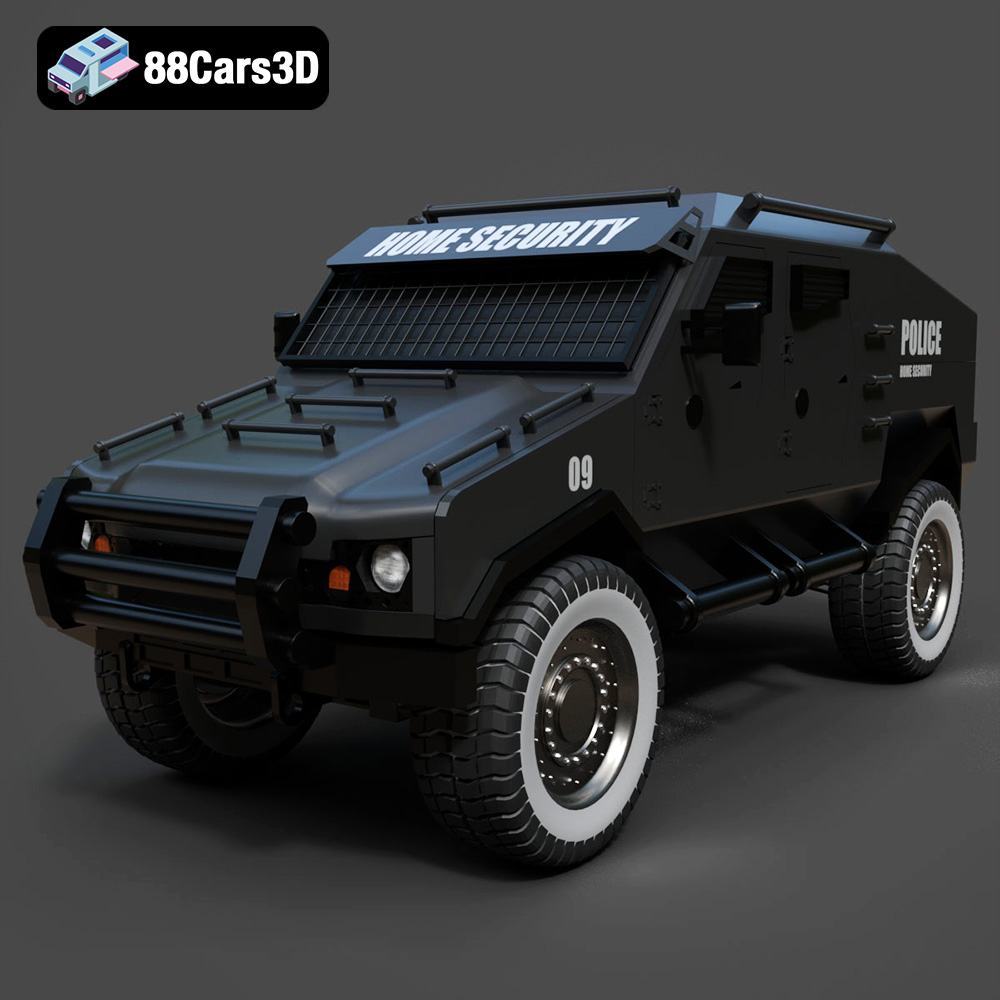
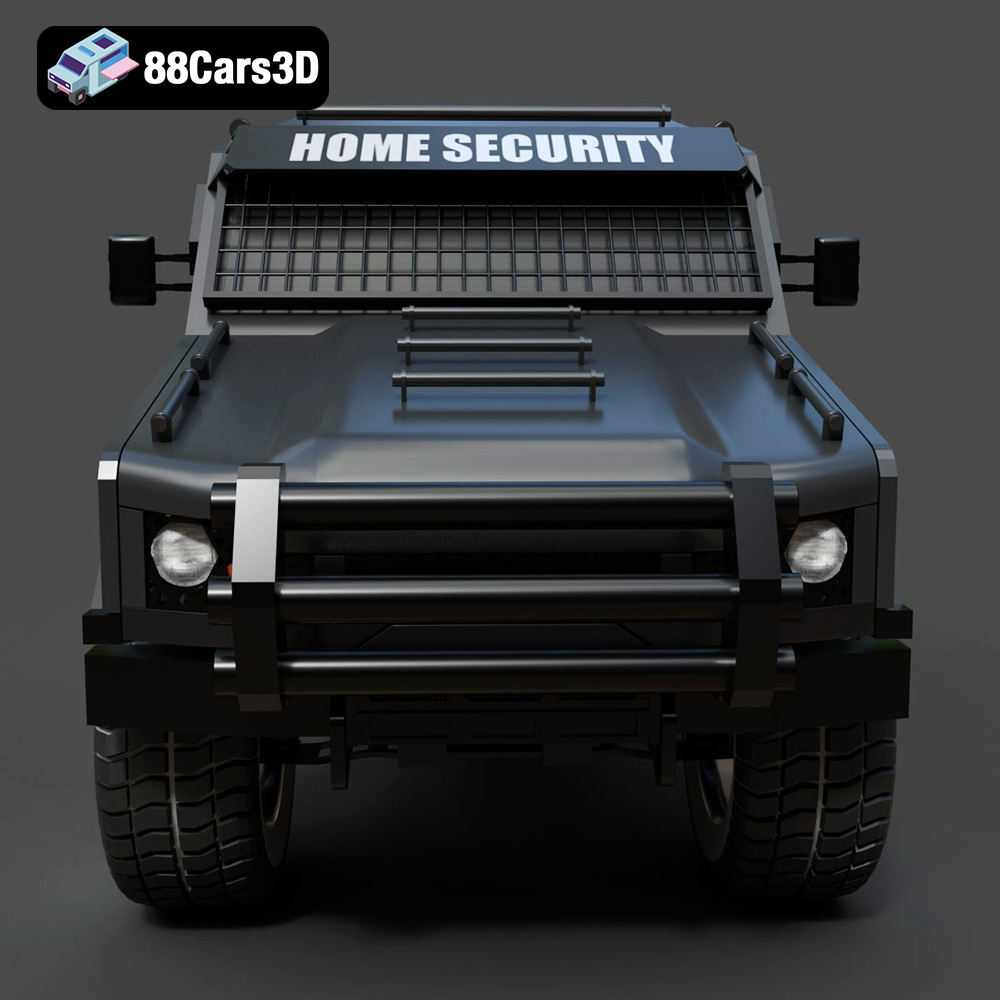
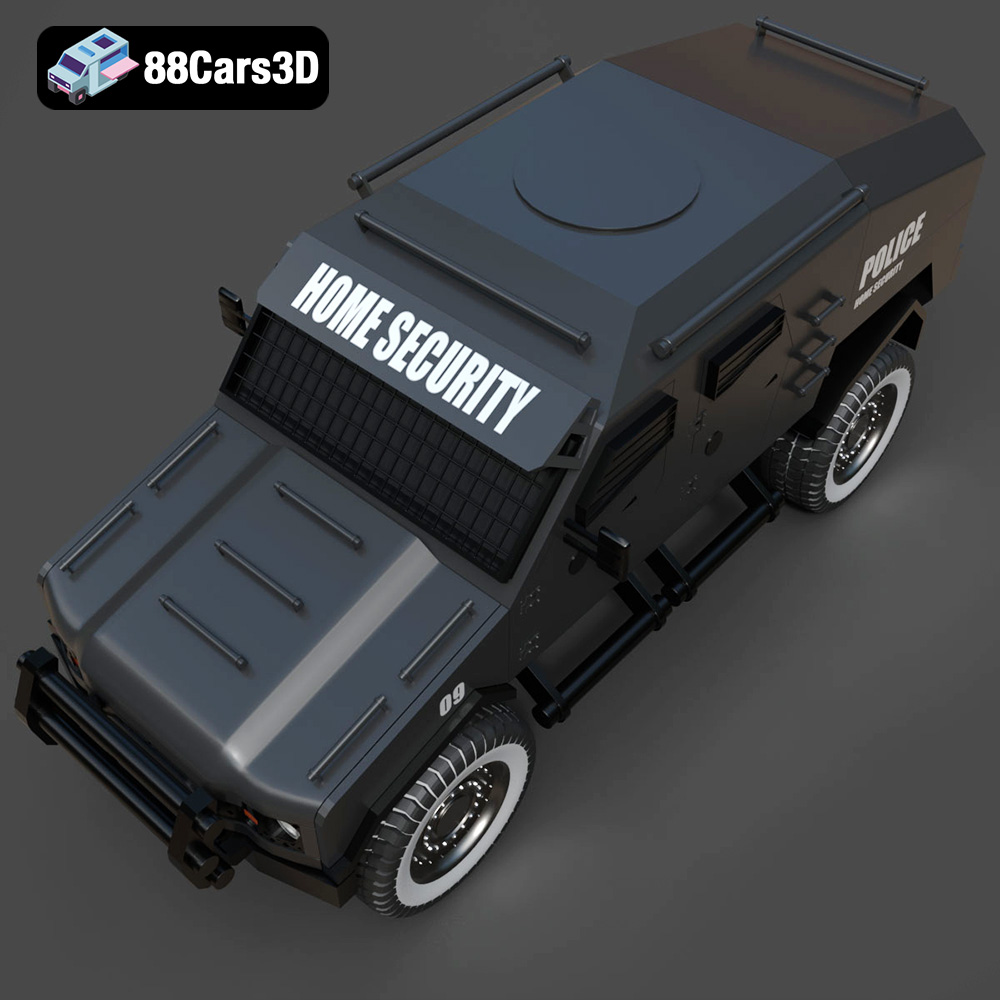
The Armoured Vehicle 001 3D model, available on 88cars3d.com, is a highly detailed and versatile asset perfect for various applications, including 3D printing. Its intricate design, featuring realistic armor plating and a functional layout, makes it an exciting project for additive manufacturing enthusiasts. This guide will walk you through the entire 3D printing process, from pre-print preparation to post-processing, ensuring a successful and satisfying outcome. Whether you’re a seasoned 3D printing pro or a beginner looking for a challenging project, this guide will provide you with the knowledge and techniques needed to bring this armored vehicle to life. Let’s dive into the world of 3D printing and explore the best methods for creating a stunning replica of the Armoured Vehicle 001.
The Armoured Vehicle 001 3D model can be printed using various 3D printing technologies, each with its advantages and disadvantages. Selecting the right technology is crucial for achieving the desired level of detail and structural integrity.
FDM is the most common and affordable 3D printing technology. It works by extruding molten plastic filament layer by layer to build the object. For the Armoured Vehicle 001, FDM is a good option, especially for larger prints, due to its cost-effectiveness and ease of use. However, FDM prints may require more post-processing to achieve a smooth surface finish due to the visible layer lines.
SLA and DLP are resin-based 3D printing technologies that use UV light to cure liquid resin layer by layer. These technologies offer higher resolution and smoother surface finishes compared to FDM, making them ideal for printing smaller, highly detailed parts of the Armoured Vehicle 001. However, resin printers typically have a smaller build volume and can be more expensive than FDM printers.
SLS is a powder-based 3D printing technology that uses a laser to fuse powdered material (typically nylon) layer by layer. SLS offers excellent mechanical properties and can produce complex geometries without the need for supports. While SLS is a viable option for the Armoured Vehicle 001, it is generally more expensive than FDM or SLA/DLP and is often used for functional prototypes or end-use parts.
Choosing the right file format is paramount for successful 3D printing. The Armoured Vehicle 001 3D model is available in multiple formats, each catering to different needs and workflows. Understanding these formats is essential for ensuring compatibility with your slicing software and achieving the desired print quality.
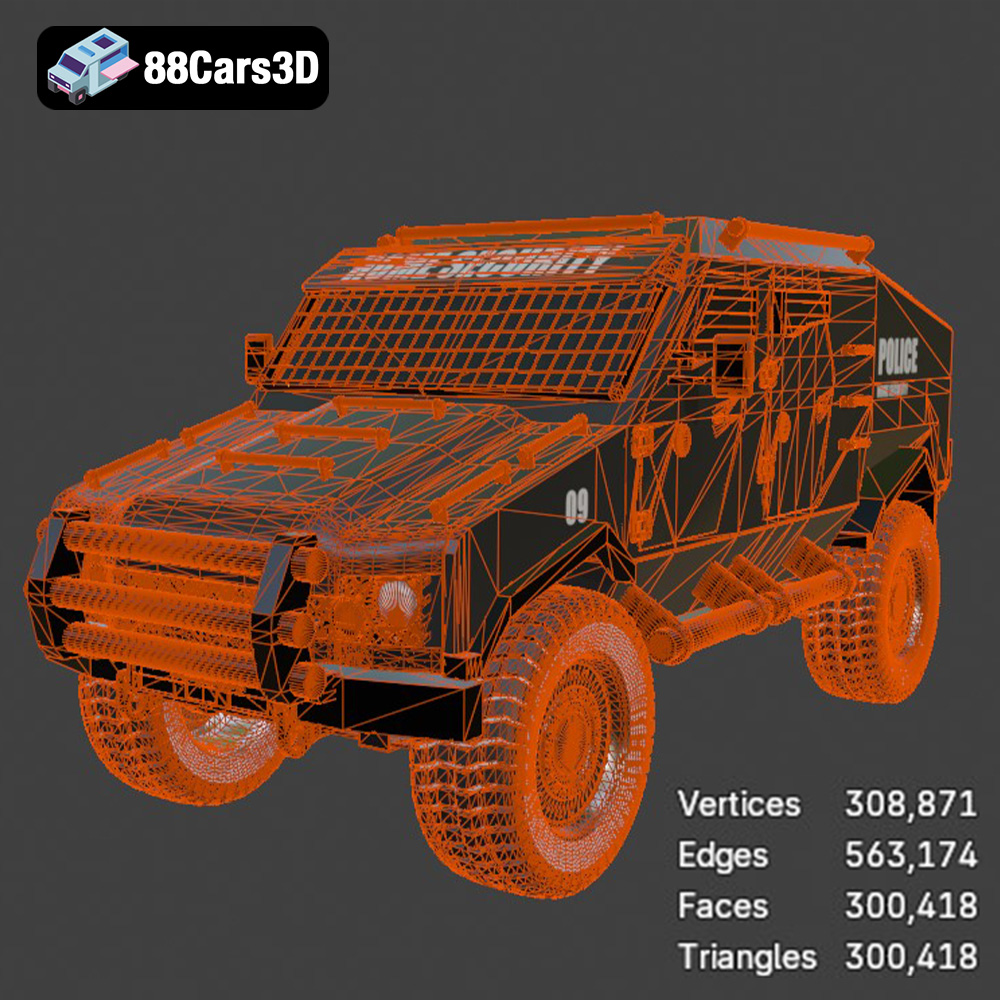
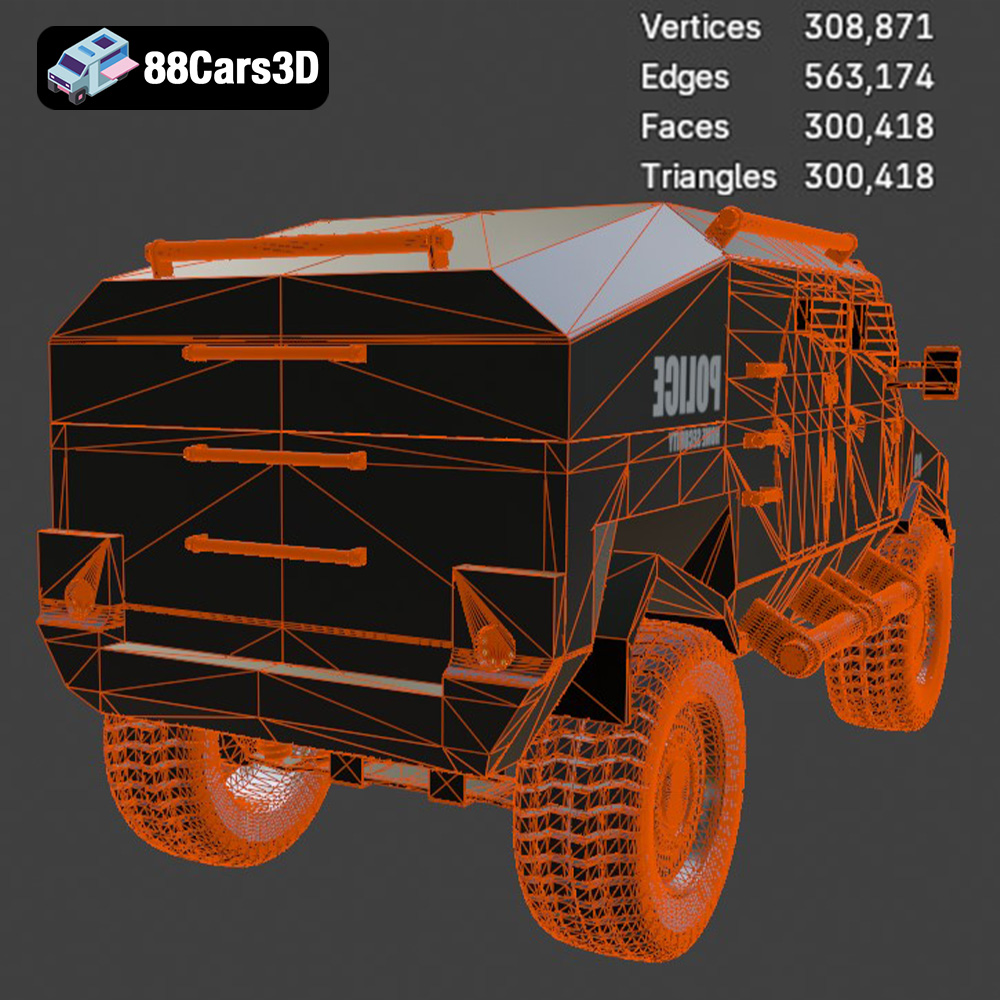
The .stl (stereolithography) file format is the undisputed industry standard for 3D printing. It represents the surface geometry of a 3D object as a collection of triangles, forming a mesh. This simplicity is both its strength and its limitation. STL files are universally compatible with virtually all slicing software and 3D printers, making them the go-to choice for most printing applications. However, STL files only store information about the shape of the object, lacking any color, texture, or material data. When preparing the Armoured Vehicle 001 for 3D printing, the STL format will be your primary focus. Ensure the STL file is properly oriented and scaled before importing it into your slicing software. Pay close attention to the mesh quality; a poorly generated STL file with excessive triangles or gaps can lead to printing errors. For optimal results, use a mesh repair tool to fix any imperfections in the STL file before proceeding. The STL format is efficient and widely supported, making it the most reliable option for 3D printing the Armoured Vehicle 001.
The .obj (Wavefront Object) file format is a more versatile format than STL, as it can store color and texture information in addition to the geometric data. While .obj files are compatible with some 3D printers capable of multi-material or color printing, their primary use is in rendering and visualization. For the Armoured Vehicle 001, the .obj format can be used if you intend to apply textures and colors to the model before printing, but remember that most 3D printers will still output a single-color print.
The .ply (Polygon File Format) is designed for storing 3D data acquired from 3D scanners. It supports various data types, including color, normals, and texture coordinates, making it suitable for representing highly detailed and complex meshes. While .ply files can be used for 3D printing, they are less common than STL files due to their larger file size and potential compatibility issues with some slicing software.
The .blend file is the native format for Blender, a popular open-source 3D modeling software. It contains the entire Blender scene, including the model geometry, materials, textures, lighting, and animation data. For the Armoured Vehicle 001, the .blend file allows you to make modifications to the model before exporting it to a 3D printable format like STL. This is useful for customizing the design, adding details, or optimizing the mesh for printing.
The .fbx (Filmbox) file format is a proprietary format developed by Autodesk for interoperability between different 3D software packages. It supports various data types, including geometry, materials, textures, animation, and skeletal rigging. While .fbx files are primarily used for game development and animation, they can also be imported into some slicing software that supports material properties, allowing you to define different printing parameters for different parts of the model.
The .glb (GL Transmission Format Binary) is a file format designed for efficient transmission and loading of 3D models in web-based applications and augmented reality (AR) experiences. It is a binary format that combines the geometry, textures, and animations of a 3D model into a single file, making it easy to share and display. For the Armoured Vehicle 001, the .glb format allows you to preview the model in AR before printing, giving you a better sense of its size and appearance.
The .max file is the native format for 3ds Max, another popular 3D modeling software developed by Autodesk. Similar to the .blend file, the .max file contains the entire 3ds Max project, allowing you to make modifications to the Armoured Vehicle 001 before exporting it to a 3D printable format.
Once you’ve chosen the right file format (typically STL), the next step is to prepare the model for 3D printing using slicing software. Slicing software converts the 3D model into a series of layers that the 3D printer can understand. Proper orientation and slicing parameters are crucial for achieving a successful print.
Several excellent slicing software options are available, both free and paid. Popular choices include Cura, Simplify3D, PrusaSlicer, and IdeaMaker. Each software has its strengths and weaknesses, so experiment to find the one that best suits your needs and printer. Cura is a great free option, while Simplify3D offers more advanced features for experienced users.
The orientation of the Armoured Vehicle 001 on the print bed significantly impacts the print’s strength, detail, and support requirements. Consider the following factors when orienting the model:
* **Minimizing Support Structures:** Position the model to reduce the amount of support material needed. Supports can be difficult to remove and can leave blemishes on the surface.
* **Layer Adhesion:** Orient the model so that the layers are aligned with the direction of stress. For example, if the vehicle needs to withstand vertical forces, orient it with the wheels facing downwards.
* **Detail Preservation:** Position the model to maximize the detail on the visible surfaces. For instance, the front of the vehicle should face upwards to capture intricate details on the armor plating.
The slicing parameters determine how the model is printed, influencing print quality, strength, and speed. Here are some key parameters to consider:
* **Layer Height:** Lower layer heights (e.g., 0.1mm) result in smoother surfaces and finer details but increase print time. Higher layer heights (e.g., 0.2mm) are faster but produce more noticeable layer lines. For the Armoured Vehicle 001, a layer height of 0.15mm to 0.2mm is a good balance between detail and speed.
* **Infill Density:** Infill density determines the amount of material inside the model. Higher infill densities (e.g., 20-30%) increase strength but also increase print time and material consumption. Lower infill densities (e.g., 10-15%) are faster and more economical but may compromise structural integrity. For this model, consider using a higher infill for the chassis and a lower infill for the external armor panels.
* **Print Speed:** Print speed affects the print quality and adhesion. Slower speeds generally result in better quality but increase print time. Experiment with different speeds to find the optimal balance for your printer and material.
* **Support Structures:** Support structures are necessary for overhanging features and bridging gaps. Choose the appropriate support type (e.g., tree supports, linear supports) and adjust the support density and overhang angle to minimize material usage and ease of removal.
The choice of material significantly impacts the final print’s appearance, strength, and durability. For the Armoured Vehicle 001, consider the following materials:
PLA is a popular choice for beginners due to its ease of printing and biodegradable nature. It offers good detail and is available in a wide range of colors. However, PLA is not very heat-resistant and can become brittle over time. It is suitable for creating display models of the Armoured Vehicle 001 that won’t be exposed to high temperatures or stress.
PETG is a more durable and heat-resistant alternative to PLA. It is also relatively easy to print and offers good layer adhesion. PETG is a good choice for creating functional parts of the Armoured Vehicle 001 that need to withstand some stress or heat, such as the wheels or suspension components.
ABS is a strong and heat-resistant material commonly used in injection molding. It is more challenging to print than PLA and PETG, requiring a heated bed and enclosure to prevent warping. However, ABS offers excellent mechanical properties and is suitable for creating parts of the Armoured Vehicle 001 that need to withstand high stress or temperatures.
For resin-based printing (SLA/DLP), various resins are available, each with its properties. Standard resins are suitable for general-purpose printing, while tough resins offer increased strength and impact resistance. Choose a resin that balances detail and durability for the Armoured Vehicle 001.
Once the 3D print is complete, post-processing is often necessary to achieve the desired finish and appearance. Post-processing techniques can include removing support structures, sanding, filling gaps, priming, and painting.
Carefully remove the support structures using pliers, cutters, or a specialized support removal tool. Be gentle to avoid damaging the model. After removing the supports, sand the surface with progressively finer grits of sandpaper to smooth out any imperfections and layer lines.
Apply a primer to the model to create a smooth surface for painting. Choose a primer that is compatible with the material you printed with. After the primer has dried, paint the model with acrylic or enamel paints to achieve the desired color scheme and details. Consider using stencils or masking tape to create intricate patterns or markings.
If the Armoured Vehicle 001 consists of multiple parts, assemble them using glue or screws. Add any final details, such as decals, weathering effects, or miniature accessories, to enhance the realism of the model.
Even with careful preparation, 3D printing can sometimes present challenges. Here are some common issues and their solutions:
Warping occurs when the printed part lifts from the print bed, causing it to deform. To prevent warping, ensure the print bed is clean and level, use a heated bed (if applicable), and apply an adhesive like glue stick or hairspray to the bed.
Poor layer adhesion results in weak prints that can easily break apart. Increase the printing temperature, reduce the print speed, and ensure the filament is dry to improve layer adhesion.
Stringing occurs when the printer extrudes material while moving between parts, leaving unwanted strands of plastic. Reduce the printing temperature, increase the retraction distance, and adjust the travel speed to eliminate stringing.
Elephant’s foot is when the first layer of the print is wider than the rest of the model. Reduce the initial layer temperature and ensure the bed is properly calibrated.
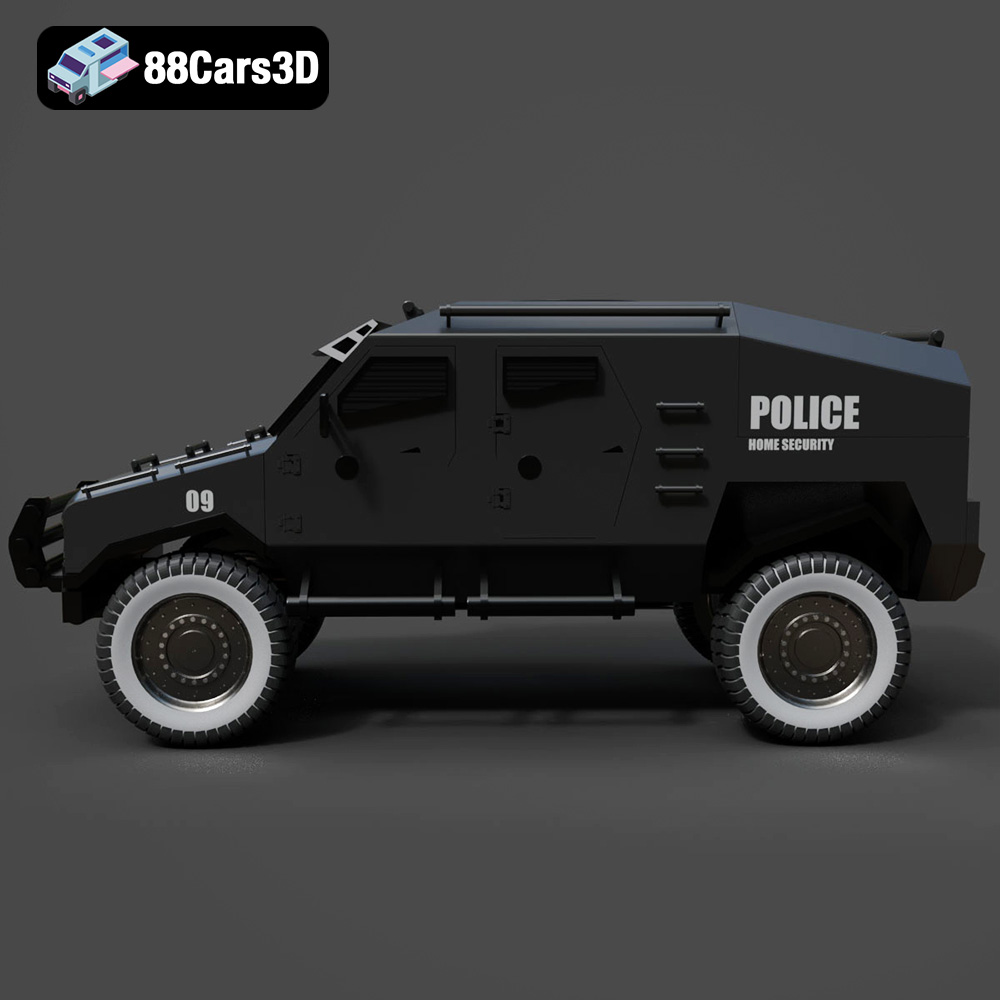
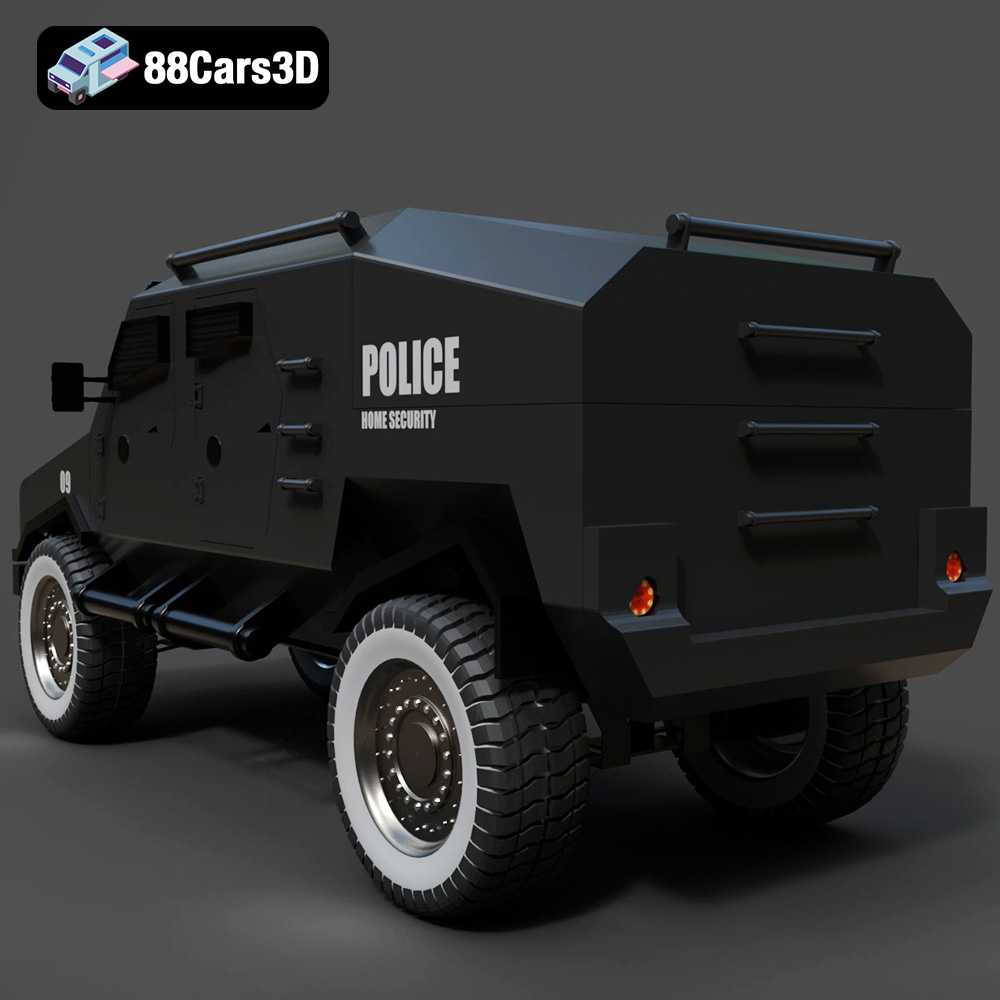
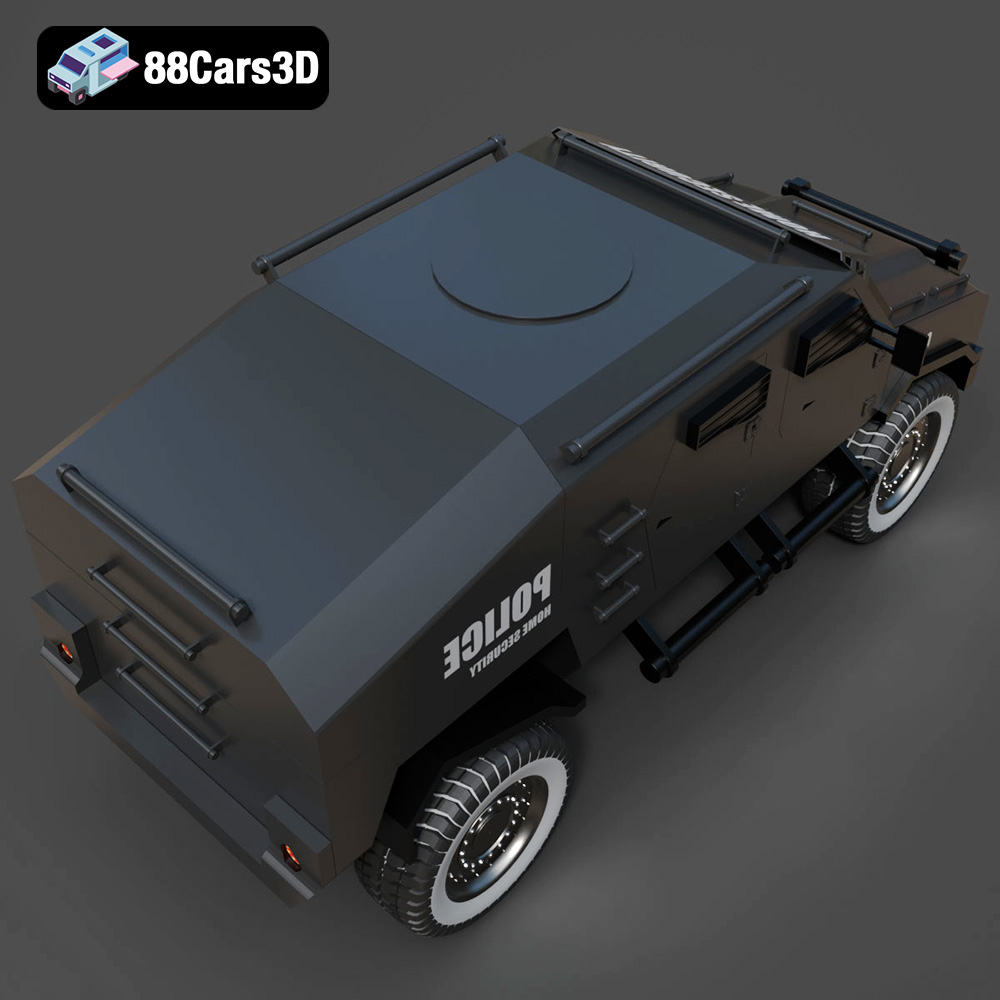
Discover the realism and precision of the Armoured Vehicle 001 3D Model. Engineered to exact standards, this digital asset accurately represents the rugged exterior and functional design inherent in modern tactical transport vehicles. Whether deployed in urban environments or off-road terrains, the attention to detail in the armor plating, heavy-duty suspension, and strategic window placements ensures an authentic visual experience.
$19.99
3D printing the Armoured Vehicle 001 3D model is a rewarding project that combines technical skills with creative expression. By carefully selecting the right 3D printing technology, understanding file formats, preparing the model with appropriate slicing parameters, and choosing the optimal material, you can achieve a stunning replica of this armored vehicle. Remember to pay attention to post-processing techniques to enhance the model’s appearance and durability. Don’t be discouraged by initial challenges; troubleshooting and experimentation are essential parts of the 3D printing process. With patience and persistence, you can master the art of 3D printing and bring your digital creations to life. The Armoured Vehicle 001 3D model, available on 88cars3d.com, offers a fantastic opportunity to explore the capabilities of additive manufacturing and create a unique and impressive piece for your collection.
.armoredcar
.armoured
.arvr
.blend
.car3dmodel
.fbx
.gameasset
.glb
.max
.military
.obj
.ply
.rendering
.simulation
.stl
.tactical
.unreal
.vehicle001