Get 20% OFF All Premium 3D & STL Models!

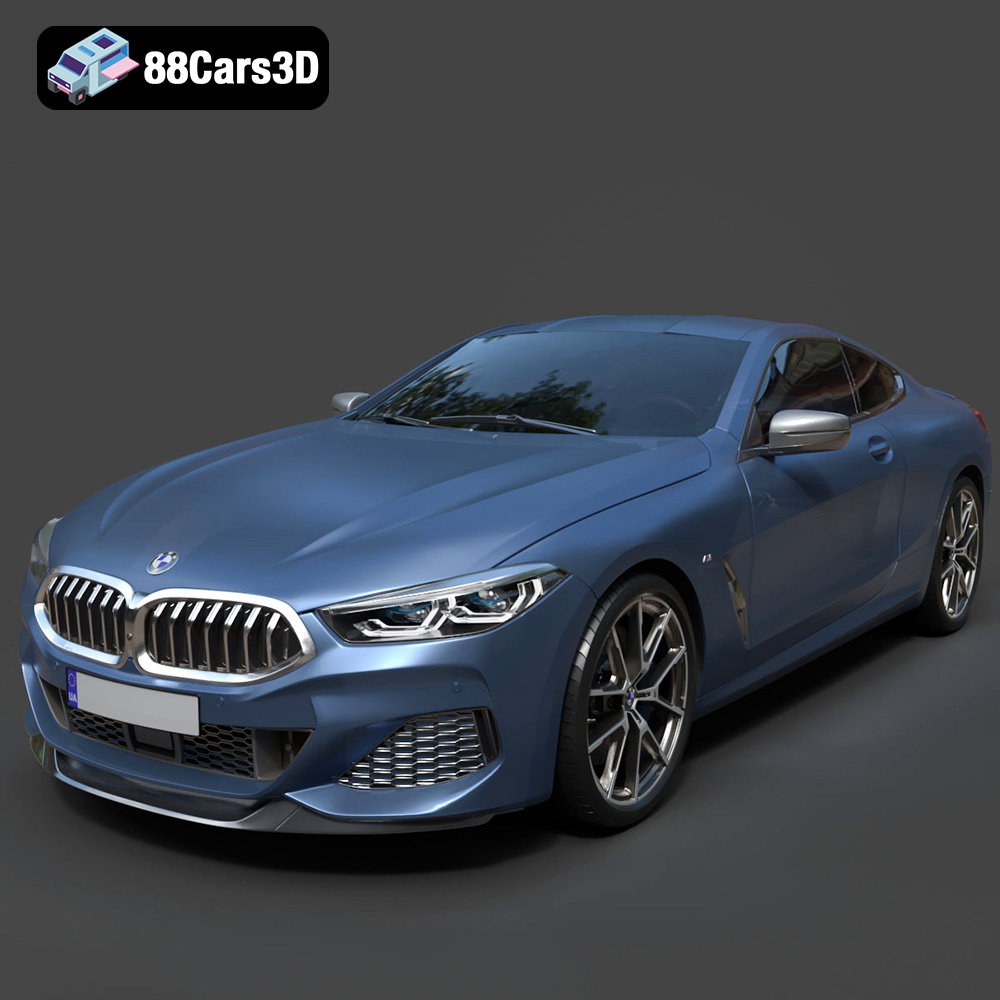
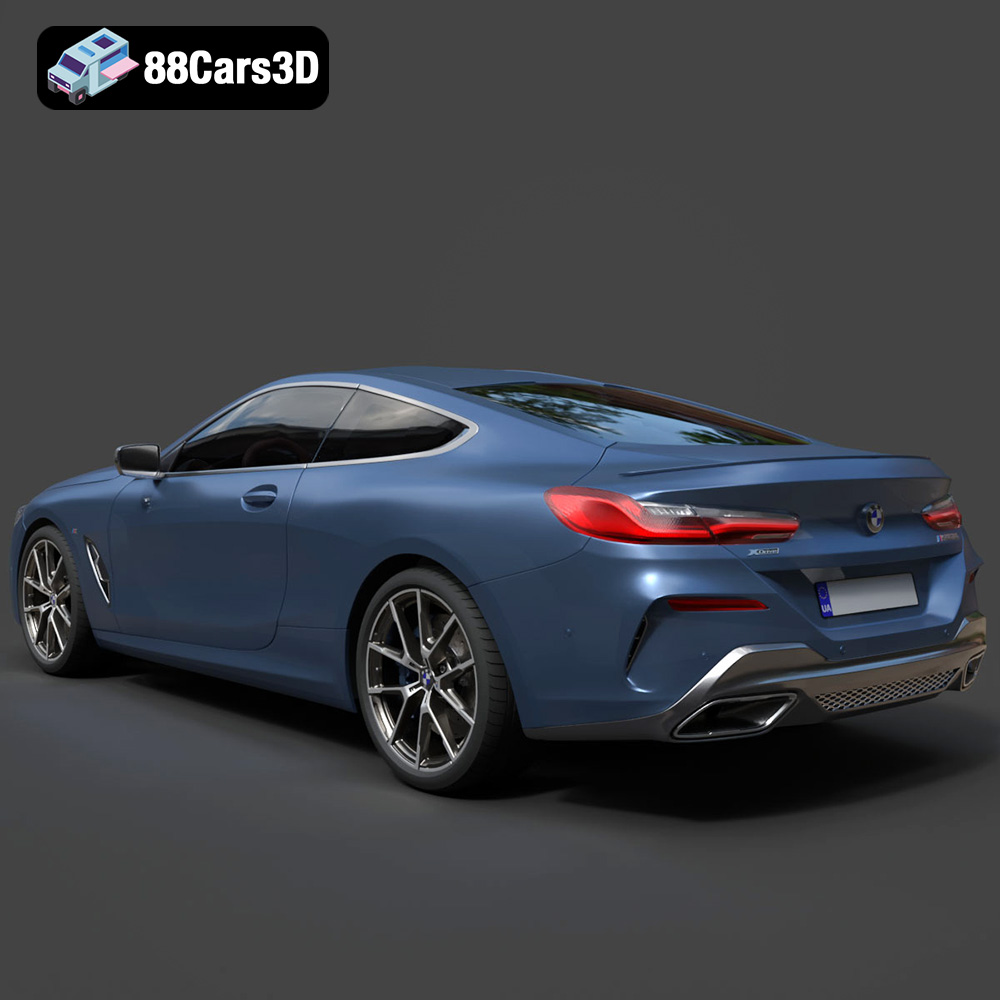
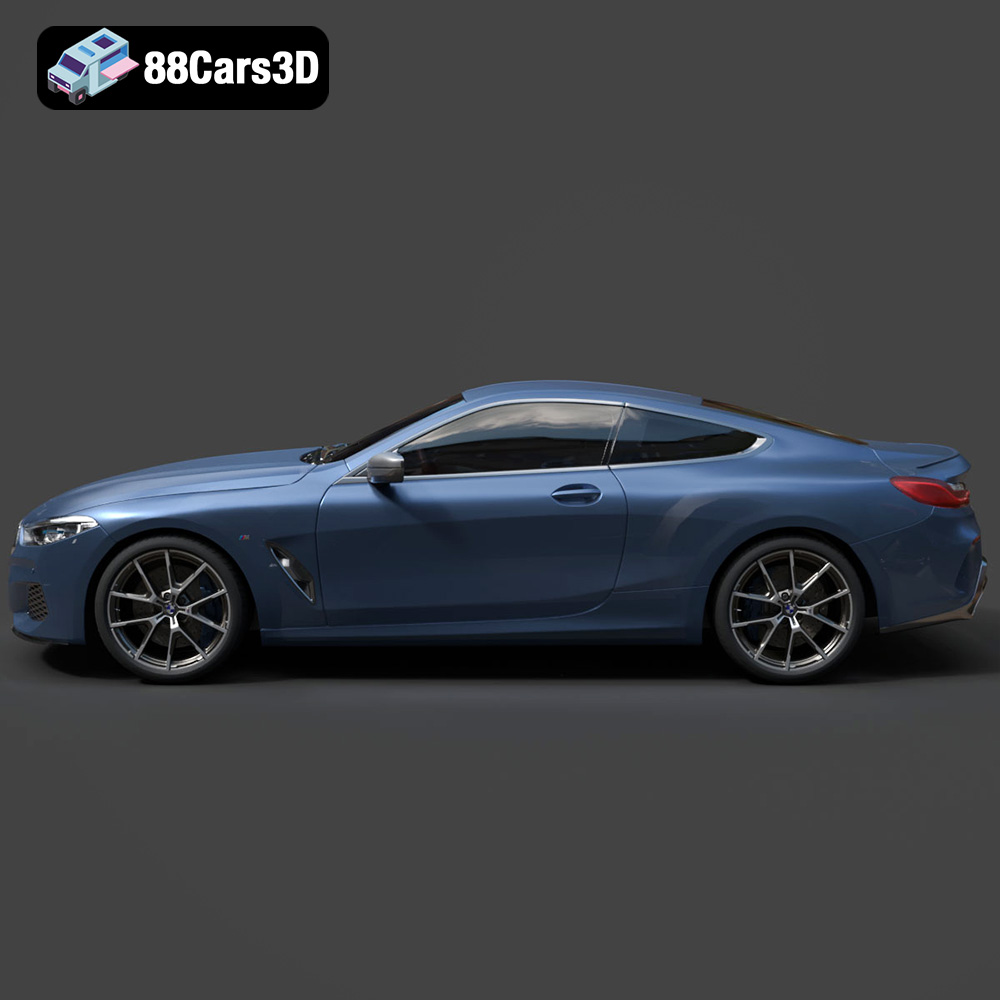
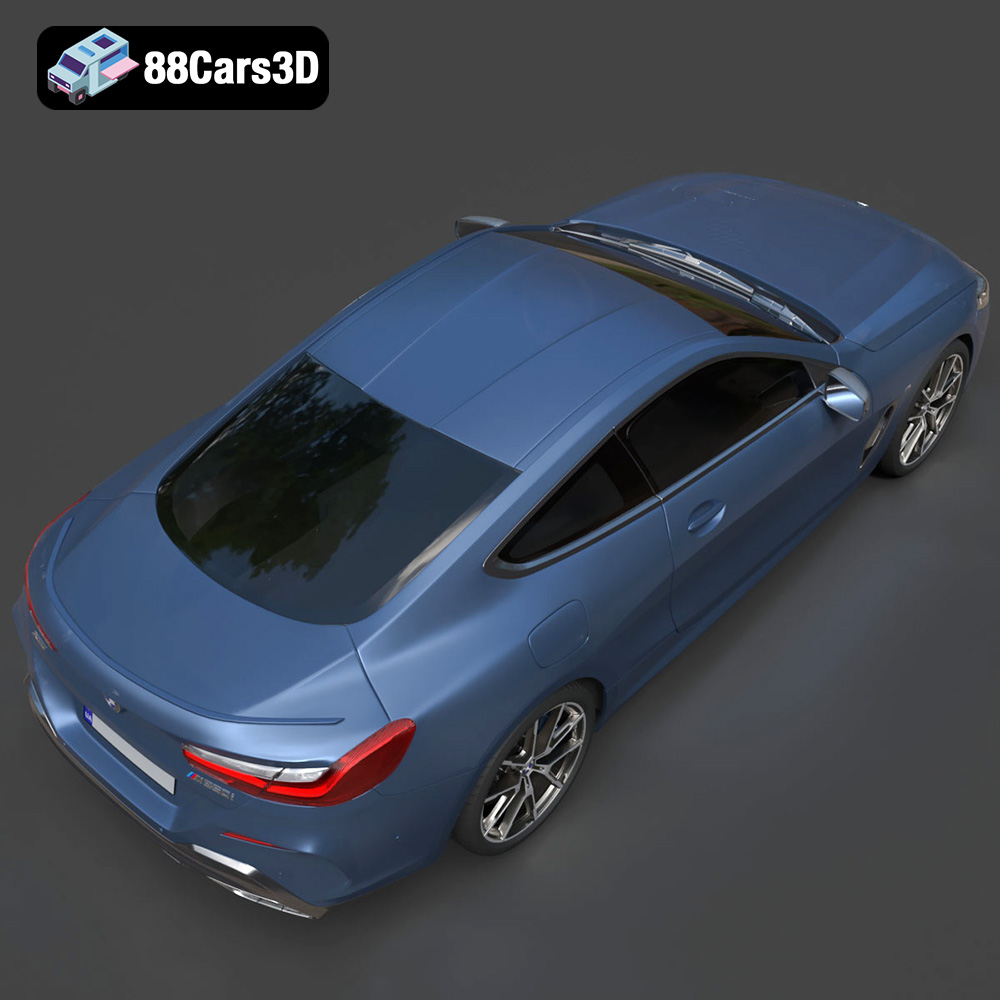
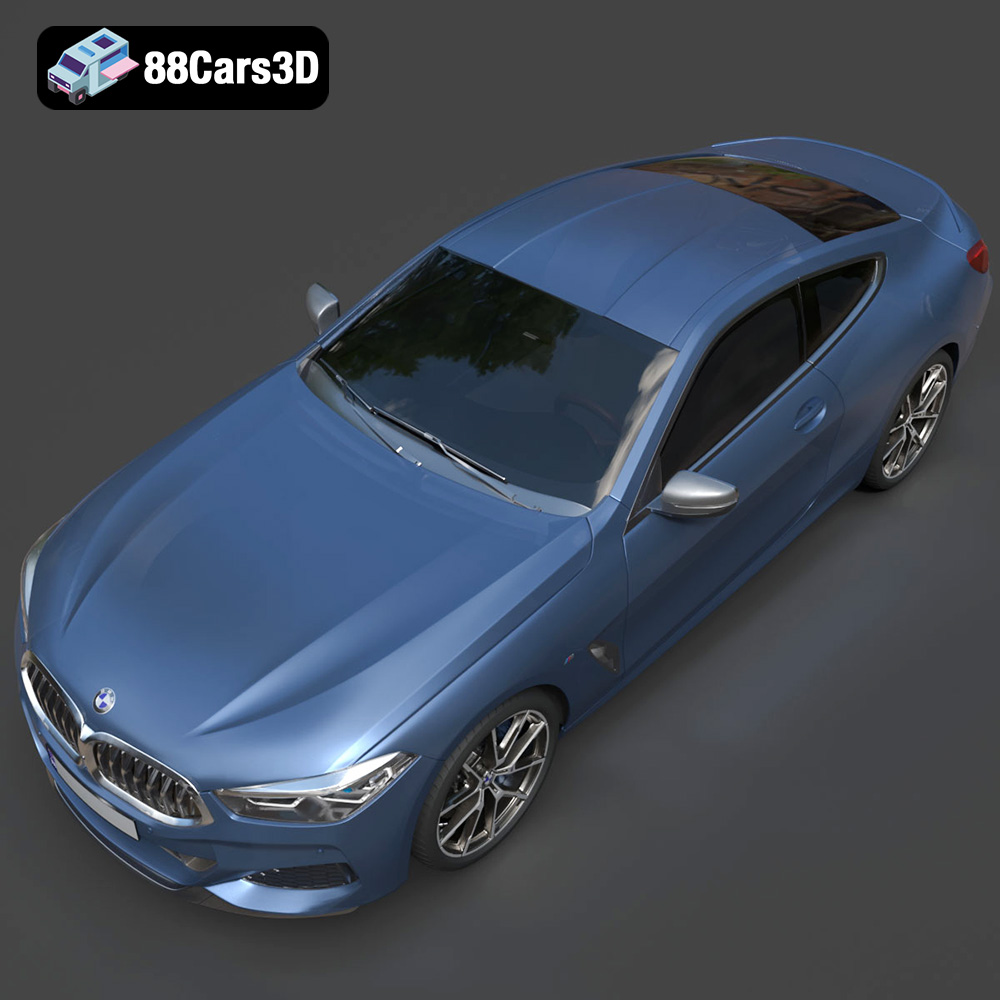
The BMW 8-Series M850i G15 Coupe 2019, a symbol of luxury and performance, is now within your reach, not just as a digital dream, but as a tangible 3D printed reality. This isn’t just about replicating a car; it’s about experiencing the power of additive manufacturing to bring a meticulously designed object into the physical world. Whether you’re a seasoned 3D printing enthusiast or just starting, this guide will walk you through the process of successfully 3D printing this stunning model, exploring the optimal settings, materials, and post-processing techniques to achieve a result worthy of the BMW badge. The high-quality 3D car models available at 88cars3d.com, including the BMW 8-Series M850i, are specifically designed to translate digital artistry into physical creations. This detailed guide ensures you maximize the potential of these intricate designs.
Before diving into the printing process, it’s crucial to understand the different file formats available and their suitability for 3D printing. While the BMW 8-Series M850i G15 Coupe 2019 3D model on 88cars3d.com comes in various formats, including .blend, .fbx, .obj, .glb, .ply, .unreal, and .max, the **.stl** format is the workhorse of 3D printing and the one we’ll primarily focus on.
The STL (stereolithography) file format is the industry standard for 3D printing. It represents the surface geometry of a 3D object as a collection of triangles. This simple yet effective representation allows slicing software to interpret the model and generate instructions for the 3D printer to build it layer by layer.
While STL is the printing standard, understanding the others is beneficial:
* **.obj:** A more universal format than STL, OBJ can store color and texture information, which is valuable if you plan to create multi-color 3D prints (although this is less common). However, OBJ files can sometimes be more complex to handle in slicing software compared to STL.
* **.ply:** This format is often used for high-resolution 3D scans and models. It can capture very detailed surface information. However, the high level of detail can lead to large file sizes and potentially slower slicing times.
* **.blend:** The native file format for Blender, a popular open-source 3D modeling software. It contains all the information about the model, including its geometry, materials, and lighting. You’ll need Blender to edit the model directly before exporting it to STL.
* **.fbx:** Primarily used for game development and animation, FBX supports complex scenes with animations and materials. You might use this to import the model into a slicing program that supports material properties, though this is less common for basic 3D printing.
* **.glb:** A binary file format that’s optimized for web and AR/VR applications. It’s great for previewing the model before printing but isn’t directly used for slicing.
* **.max:** The native file format for 3ds Max. Similar to .blend, this is an editable file useful for making adjustments to the model before preparing for print.
The quality of the STL file is paramount for successful 3D printing. A poorly constructed mesh can lead to printing errors, such as gaps, holes, or distorted surfaces. When downloading the STL file from 88cars3d.com, ensure that the model has been thoroughly checked for errors. Most slicing software includes tools to automatically repair minor mesh issues. Before slicing, inspect the model in your software:
* **Check for Non-Manifold Geometry:** These are areas where the mesh has intersecting or overlapping surfaces, which can cause problems for the slicer.
* **Look for Inverted Normals:** Normals define the direction of the surface. Inverted normals can cause the slicer to interpret the geometry incorrectly.
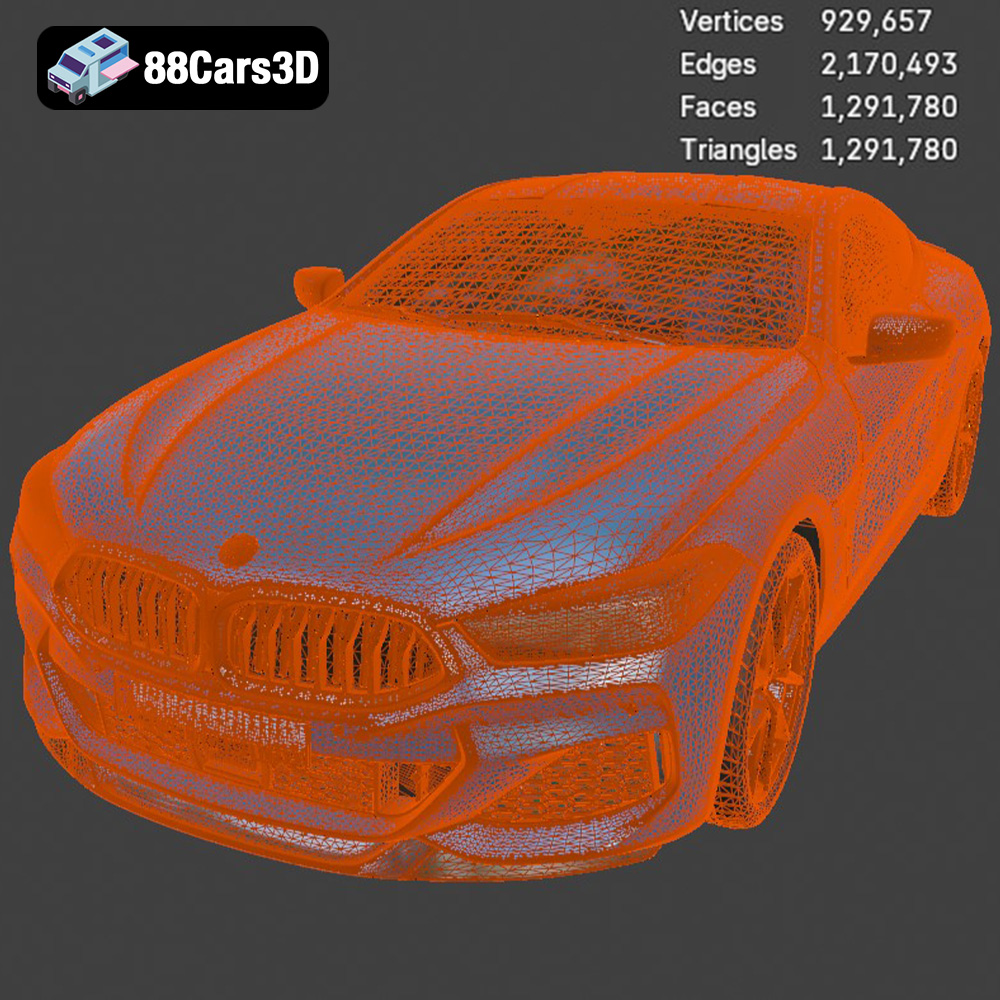
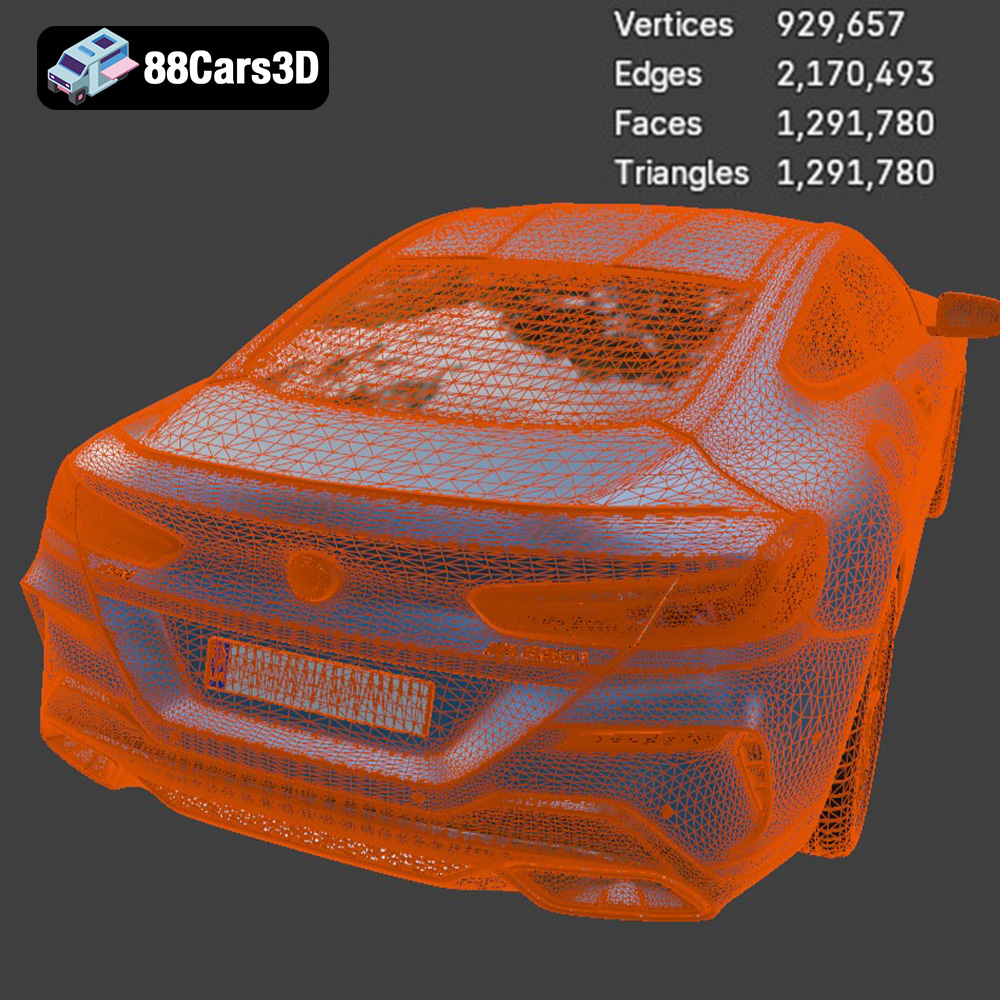
* **Examine the Polygon Count:** A very high polygon count can lead to long slicing times and large file sizes. Conversely, a very low polygon count can result in a blocky or faceted appearance. The models from 88cars3d.com are already optimized in polygon count, ensuring a balance between detail and performance.
Once you have your STL file, the next step is to prepare it for printing using slicing software. Popular options include Cura, Simplify3D, PrusaSlicer, and others. These programs take your 3D model and convert it into a series of instructions (G-code) that your 3D printer can understand.
The choice of slicing software often comes down to personal preference and the features offered. Cura is a popular, free, and open-source option with a user-friendly interface and a wide range of settings. Simplify3D is a paid option that offers more advanced control over the printing process. PrusaSlicer, developed by Prusa Research, is another excellent free option known for its accuracy and optimization.
The orientation of the BMW 8-Series M850i G15 Coupe 2019 model on the print bed significantly impacts the print quality, the amount of support material required, and the overall print time. Consider these factors when choosing the orientation:
* **Minimize Support Material:** Orient the model to minimize the number of overhanging features that require support structures. This will save material, reduce print time, and simplify post-processing.
* **Surface Finish:** The bottom layer of the print, which is in contact with the print bed, will typically have a different surface finish than the other layers. Orient the model so that the most visually important surfaces are not facing down.
* **Strength:** The direction of the layers affects the strength of the printed part. If the model will be subjected to stress, orient it so that the stress is distributed across multiple layers. For the BMW 8-Series M850i G15 Coupe 2019, orienting the model with the roof facing upwards might be ideal to reduce support under the main body.
The material you choose will influence the appearance, durability, and functionality of your 3D printed BMW 8-Series M850i G15 Coupe 2019. Here’s a breakdown of common materials and their suitability:
PLA is a biodegradable thermoplastic derived from renewable resources. It’s easy to print with, doesn’t require a heated bed in most cases, and produces minimal warping. It’s a good choice for creating visually appealing models, but it’s not as strong or heat-resistant as other materials.
* **Pros:** Easy to print, low warping, good surface finish, biodegradable.
* **Cons:** Lower strength and heat resistance compared to other materials.
* **Recommended Uses:** Display models, prototypes, decorative pieces.
PETG is a strong, durable, and heat-resistant material that’s also relatively easy to print with. It offers a good balance of properties and is a popular choice for functional parts.
* **Pros:** High strength and heat resistance, good layer adhesion, chemical resistance.
* **Cons:** Can be more prone to stringing than PLA.
* **Recommended Uses:** Parts that require strength and durability, automotive components.
Resin 3D printing, using technologies like SLA or DLP, offers incredibly high detail and smooth surface finishes. However, it requires a resin printer, which can be more expensive than filament-based printers, and post-processing involves washing and curing the printed part.
* **Pros:** Exceptionally high detail, smooth surface finish.
* **Cons:** Requires specialized equipment, more complex post-processing, resin can be more expensive than filament.
* **Recommended Uses:** Highly detailed models, intricate designs, parts where surface finish is critical.
For the BMW 8-Series M850i G15 Coupe 2019, PLA is a great option if you’re primarily concerned with visual appearance. PETG would be a better choice if you want a more durable model. If you want the ultimate in detail and are willing to invest in a resin printer, resin would be the way to go.
Achieving a high-quality 3D print requires careful attention to printer settings. Here’s a breakdown of the key settings and recommended values for printing the BMW 8-Series M850i G15 Coupe 2019:
Layer height affects the resolution and print time. A lower layer height results in a smoother surface finish but increases the print time.
* **PLA:** 0.1mm – 0.2mm
* **PETG:** 0.15mm – 0.25mm
* **Resin:** 0.025mm – 0.05mm
Infill density determines the internal structure of the printed part. A higher infill density results in a stronger but heavier model.
* **PLA:** 15% – 25%
* **PETG:** 20% – 30%
* **Resin:** Solid (100%)
Support structures are necessary for printing overhanging features. Choose a support pattern that’s easy to remove and doesn’t leave excessive marks on the surface.
* **Type:** Tree supports or linear supports
* **Density:** 5% – 10%
* **Placement:** Everywhere or touching buildplate
Print speed affects the print quality and the likelihood of errors. A slower print speed generally results in a higher-quality print.
* **PLA:** 40mm/s – 60mm/s
* **PETG:** 30mm/s – 50mm/s
* **Resin:** Varies depending on the resin and printer
Proper bed adhesion is crucial to prevent warping and ensure that the print sticks to the build plate.
* **PLA:** Heated bed (60°C) or blue painter’s tape
* **PETG:** Heated bed (70°C – 80°C) and glue stick
* **Resin:** Levelled build plate
Once the print is complete, some post-processing is typically required to achieve the desired final result.
Carefully remove the support structures using pliers, a hobby knife, or other suitable tools. Take care not to damage the model’s surface.
Sanding can smooth out the surface of the 3D printed part and remove any imperfections. Start with a coarse grit sandpaper (e.g., 220 grit) and gradually work your way up to finer grits (e.g., 400 grit, 600 grit, 800 grit).
Painting can add color and realism to your 3D printed BMW 8-Series M850i G15 Coupe 2019. Use acrylic paints or model paints for best results. Apply a primer coat before painting to ensure that the paint adheres properly. Multiple thin layers of paint are better than one thick layer.
If the model consists of multiple parts, you may need to assemble them using glue or other fasteners. Ensure that the parts fit together properly before applying glue.
Even with careful preparation, you may encounter some common 3D printing issues. Here are some tips for troubleshooting:
Warping occurs when the corners of the print lift off the build plate.
* **Solution:** Increase bed adhesion, use a brim or raft, reduce print speed, increase ambient temperature.
Stringing occurs when thin strands of filament are left between different parts of the print.
* **Solution:** Reduce print temperature, increase retraction distance, increase travel speed.
Layer shifting occurs when the layers of the print are misaligned.
* **Solution:** Tighten belts, reduce print speed, ensure stable printer placement.
The print time and material cost will vary depending on the size of the model, the material used, and the printer settings. As a general estimate, a model of the BMW 8-Series M850i G15 Coupe 2019 printed in PLA at a layer height of 0.2mm and an infill density of 20% might take 10-15 hours to print and use approximately 100-150 grams of filament. A roll of PLA filament typically costs around $20-$30, so the material cost would be around $2-$5. Resin prints tend to be more expensive per volume.
By following these guidelines, you’ll be well on your way to creating a stunning 3D printed replica of the BMW 8-Series M850i G15 Coupe 2019. The detailed models available at 88cars3d.com offer a fantastic starting point for your additive manufacturing journey. Remember that 3D printing is a process of experimentation and refinement, so don’t be afraid to adjust the settings and techniques to achieve the best possible results.
Experience unparalleled realism with the BMW 8-Series M850i G15 Coupe 2019 3D Model. Designed to meet professional standards, this model captures the sleek proportions and aggressive styling of the iconic luxury sports coupe, ensuring exceptional visual fidelity for any digital project. Built with clean geometry and optimized polygon distribution, the model guarantees smooth subdivisions and excellent performance. It features realistic materials and intricate detailing, making it ideal for close-up shots and demanding environments. This versatile 3D asset is perfectly suited for a wide range of applications, including game development, cinematic rendering, AR/VR experiences, and automotive visualization.
$19.99
.8series
.arvr
.blend
.bmw
.car3dmodel
.coupe
.fbx
.g15
.gameasset
.glb
.luxurycar
.m850i
.max
.obj
.ply
.rendering
.simulation
.sportsCar
.stl
.unreal