Get 20% OFF All Premium 3D & STL Models!

“`html
3D printing has revolutionized the way we create, allowing enthusiasts and professionals alike to bring digital designs into the physical world. For automotive aficionados, sites like 88cars3d.com offer a treasure trove of printable car models in STL format, ready to be transformed into stunning replicas. However, before you hit print, understanding the nuances of nozzle and bed size is crucial for achieving optimal results. Choosing the right combination can significantly impact print speed, detail resolution, structural integrity, and overall success. This comprehensive guide will walk you through everything you need to know about selecting the perfect nozzle and bed size for your 3D printing projects, particularly when working with intricate car models.
In this article, you’ll learn how nozzle size affects print quality and speed, how to choose the right bed size for different model sizes, the impact of material selection on nozzle choice, and how to troubleshoot common issues related to nozzle and bed size. We’ll also delve into specific printer settings and software techniques to optimize your 3D printing workflow. Whether you’re a seasoned 3D printing expert or just starting your journey, this guide will equip you with the knowledge to create flawless 3D printed car models every time.
The nozzle is the unsung hero of your 3D printer, responsible for extruding molten filament to create each layer of your print. Its diameter directly influences print resolution, speed, and the ability to print intricate details. Selecting the correct nozzle size is paramount for achieving the desired quality and efficiency, especially when printing complex automotive designs.
A smaller nozzle, such as 0.25mm or 0.4mm, allows for finer layer heights and greater detail resolution. This is perfect for capturing the intricate curves and fine lines of a classic car model. However, the trade-off is a slower print speed, as each layer takes longer to complete. Conversely, a larger nozzle, such as 0.6mm or 0.8mm, can significantly reduce print time by extruding more material per layer. While you sacrifice some fine detail, larger nozzles are suitable for printing larger, less detailed parts of the model or for rapid prototyping.
Example: Printing a complex car grill with a 0.25mm nozzle might take 10 hours but yield exceptional detail, while using a 0.6mm nozzle could complete the same part in 4 hours with slightly less defined features.
Different filaments have varying viscosity and printing requirements. Standard materials like PLA and PETG work well with a range of nozzle sizes, typically 0.4mm being the most common. However, flexible filaments like TPU require slower print speeds and may benefit from a larger nozzle (0.6mm or greater) to prevent clogging. Abrasive filaments, such as those infused with carbon fiber or metal particles, necessitate hardened steel nozzles to resist wear and tear.
Tip: Always check the filament manufacturer’s recommendations for nozzle size and temperature settings.
The build plate, or bed, is where the magic happens. Its size dictates the maximum dimensions of the objects you can print. Selecting the appropriate bed size is crucial, especially when printing large car models or multiple parts simultaneously. It’s one thing to acquire high-quality STL files for 3D printing from platforms like 88cars3d.com, but it’s another to possess a printer capable of realizing those designs.
Before printing any model, carefully measure its dimensions in your slicing software. Ensure that the largest dimension of the model, including any necessary support structures, fits comfortably within the printable area of your bed. It’s always better to have a slightly larger bed than needed, providing extra space for adhesion and preventing the model from accidentally hitting the printer frame during movement.
Pro Tip: Consider the orientation of your model on the bed. Rotating the model can sometimes allow it to fit within a smaller build volume.
Regardless of bed size, ensuring proper bed adhesion is crucial for preventing warping and print failures. Common techniques include using a heated bed, applying adhesive substances like glue stick or hairspray, and utilizing build plates with specialized surfaces such as PEI or glass. For larger models, a raft or brim can significantly improve adhesion by increasing the contact area between the print and the bed.
Recommended Settings:
Slicing software bridges the gap between your digital model and the physical print. These programs convert your STL files into G-code, the language that your 3D printer understands. Mastering slicing parameters is essential for achieving the desired print quality, speed, and structural integrity.
Layer height is a critical setting that directly impacts print resolution. Lower layer heights (e.g., 0.1mm or 0.05mm) result in smoother surfaces and finer details, ideal for displaying intricate car models. Higher layer heights (e.g., 0.2mm or 0.3mm) speed up printing but sacrifice some surface finish quality. The optimal layer height depends on the nozzle size; a general rule of thumb is to keep the layer height between 25% and 75% of the nozzle diameter.
Example: With a 0.4mm nozzle, a layer height of 0.1mm-0.3mm is recommended.
Infill refers to the internal structure of your 3D printed object. Infill density, expressed as a percentage, determines how much material is used to fill the interior. Higher infill densities (e.g., 50% or more) increase the strength and rigidity of the model, while lower densities (e.g., 10-20%) reduce print time and material consumption. The choice of infill pattern (e.g., grid, honeycomb, gyroid) also affects the strength and weight of the print. For functional parts that need to withstand stress, consider using a denser infill with a strong pattern like gyroid. For purely aesthetic models, a lower density and a simpler pattern like rectilinear will suffice.
Recommended Infill Settings:
Support structures are temporary additions to your print that provide support for overhanging features and prevent them from collapsing during printing. While necessary for many complex geometries, supports can also be time-consuming to remove and may leave blemishes on the final print. Understanding when and how to use support structures effectively is crucial for achieving clean and accurate results, particularly when 3D printing intricate automotive designs.
There are several types of support structures available in slicing software, including:
The choice of support structure depends on the geometry of the model and the desired level of support. Tree supports are generally preferred for complex overhangs and organic shapes, while linear supports are suitable for simpler geometries.
Careful placement of support structures can significantly reduce the amount of post-processing required. Focus on supporting only the essential areas that are prone to sagging or collapsing. Adjust the support density and interface layer settings to optimize the balance between support strength and ease of removal. A denser support interface provides better support but can be more difficult to remove cleanly.
Tips for minimizing support usage:
The material you choose for your 3D printing project significantly impacts the required nozzle and bed settings. Different materials have varying melting points, viscosity, and thermal properties, requiring specific adjustments to achieve optimal results. The right material choice for printing those STL files from 88cars3d.com can greatly affect the final product.
PLA (Polylactic Acid) is a widely popular, biodegradable thermoplastic known for its ease of use and low printing temperature. It’s an excellent choice for beginners and hobbyists, producing parts with good detail and minimal warping. PLA typically prints well with a nozzle temperature of 180-220°C and a bed temperature of 60-70°C. A 0.4mm nozzle is generally recommended for PLA, but smaller nozzles can be used for finer details.
ABS (Acrylonitrile Butadiene Styrene) is a stronger and more heat-resistant thermoplastic than PLA, making it suitable for functional parts that need to withstand higher temperatures or stress. However, ABS is more prone to warping and requires a heated bed and an enclosed build chamber to prevent temperature fluctuations. ABS typically prints with a nozzle temperature of 220-250°C and a bed temperature of 100-110°C. Proper ventilation is crucial when printing with ABS due to the fumes it emits.
PETG (Polyethylene Terephthalate Glycol-modified) combines the ease of printing of PLA with the strength and heat resistance of ABS. It’s a versatile material that offers good layer adhesion and minimal warping. PETG typically prints with a nozzle temperature of 220-250°C and a bed temperature of 70-80°C. It works well with a 0.4mm nozzle, but larger nozzles can be used for faster printing.
Even with the perfect settings, 3D printing can sometimes present challenges. Understanding common issues related to nozzle and bed size is crucial for troubleshooting and achieving successful prints.
Clogging occurs when filament gets stuck in the nozzle, leading to under-extrusion or complete print failure. This can be caused by several factors, including:
To resolve clogging, try increasing the nozzle temperature, cleaning the nozzle with a needle or cold pull method, and reducing retraction settings.
Warping occurs when the corners or edges of the print lift off the bed due to uneven cooling and thermal contraction. This is more common with materials like ABS that have a high thermal expansion coefficient.
To prevent warping, ensure proper bed adhesion by using a heated bed, applying adhesive substances, and using a brim or raft. An enclosed build chamber can also help maintain a consistent temperature and reduce warping.
Elephant’s foot refers to the bulging of the first layer due to excessive bed adhesion or the nozzle being too close to the bed. To fix this, adjust the Z-offset in your printer settings to slightly increase the distance between the nozzle and the bed.
Once your 3D print is complete, post-processing techniques can enhance the appearance and functionality of your car model. These techniques involve removing support structures, smoothing surfaces, and applying finishes.
Carefully remove support structures using pliers, cutters, or a sharp knife. Be gentle to avoid damaging the model. Sanding can smooth out rough surfaces and remove blemishes left by support structures. Start with coarse sandpaper and gradually move to finer grits for a smooth finish.
Painting can add color and realism to your car model. Apply a primer coat to prepare the surface for paint, followed by multiple thin coats of your desired colors. Consider using stencils or masking tape for detailed designs. If your model consists of multiple parts, assemble them using glue or fasteners.
Choosing the right nozzle and bed size is paramount for achieving exceptional results in 3D printing, especially when creating intricate car models from platforms like 88cars3d.com. Understanding the interplay between nozzle size, print speed, layer height, material selection, and support structures empowers you to optimize your prints for both detail and efficiency. Remember to carefully consider the dimensions of your model, select appropriate bed adhesion techniques, and fine-tune your slicing software settings for the best possible outcome.
By mastering these techniques, you’ll unlock the full potential of your 3D printer and transform digital designs into stunning physical replicas. Take the time to experiment with different settings and materials to discover what works best for your specific printer and models. Whether you’re a hobbyist or a professional, the world of 3D printing offers endless possibilities for creativity and innovation. Now, armed with this knowledge, go forth and create your dream car models with confidence!
“`
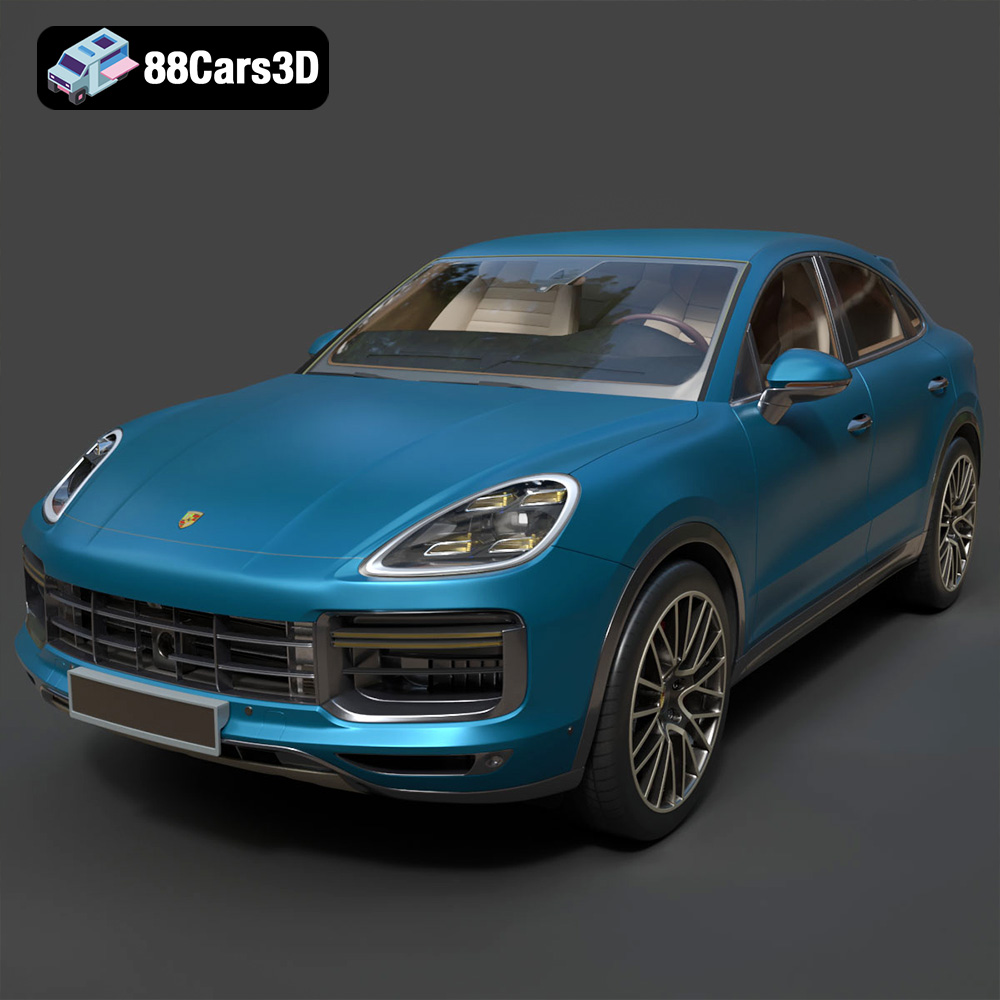
Texture: Yes | Material: Yes
Download the highly detailed, game-ready Porsche Cayenne Turbo Coupe 2020 3D Model. Features an aggressive coupe roofline, detailed quad exhaust, and a meticulously crafted luxury sport interior. Includes .blend, .fbx, .obj, .glb, .stl, .ply, .unreal, and .max formats for game development, AR/VR, and rendering.
Price: $19.99
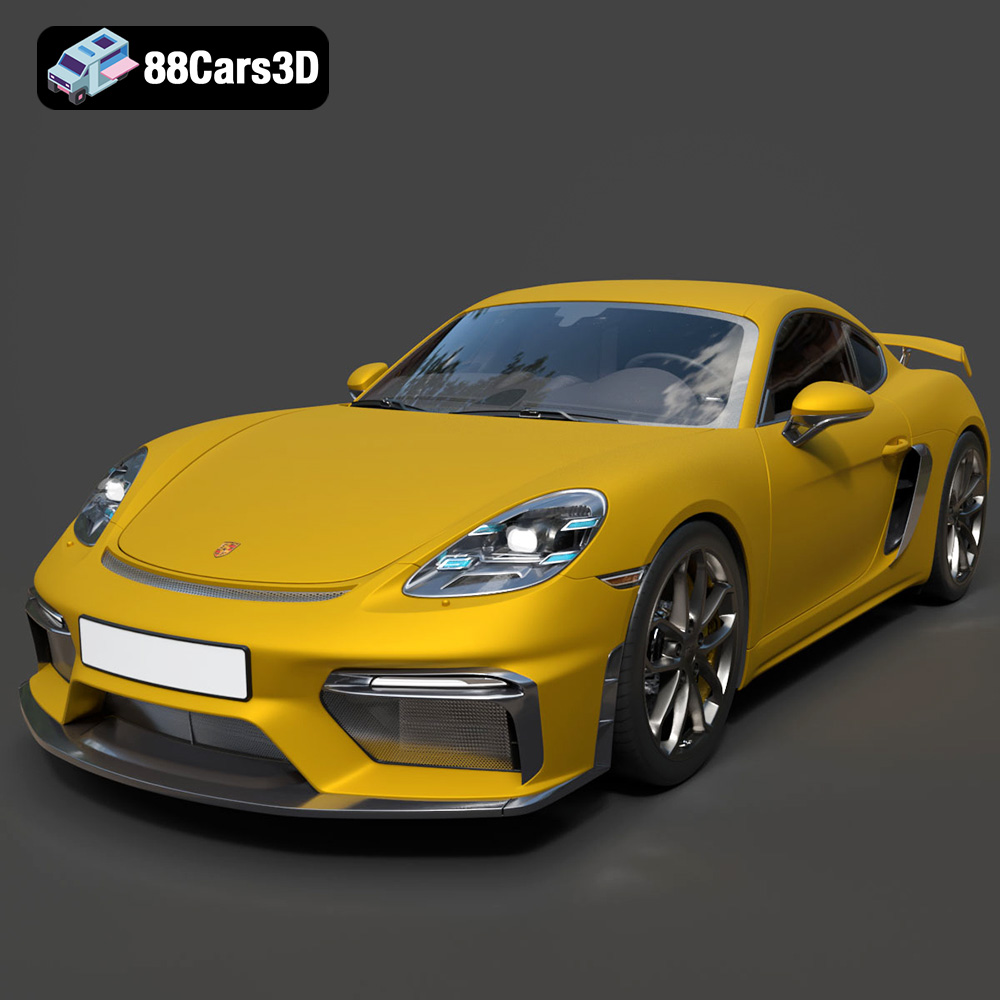
Texture: Yes | Material: Yes
Download the highly detailed, game-ready Porsche 718 Cayman GT4 2020 3D Model. Features an aggressive fixed rear wing, distinctive side air intakes, and a track-focused stance. Includes .blend, .fbx, .obj, .glb, .stl, .ply, .unreal, and .max formats for game development, AR/VR, and rendering.
Price: $19.99

Texture: Yes | Material: Yes
Download the highly detailed, game-ready Polestar 2 2020 3D Model. Features minimalist Scandinavian fastback styling, pixel LED lighting, and an accurate electric vehicle profile. Includes .blend, .fbx, .obj, .glb, .stl, .ply, .unreal, and .max formats for game development, AR/VR, and rendering.
Price: $19.99
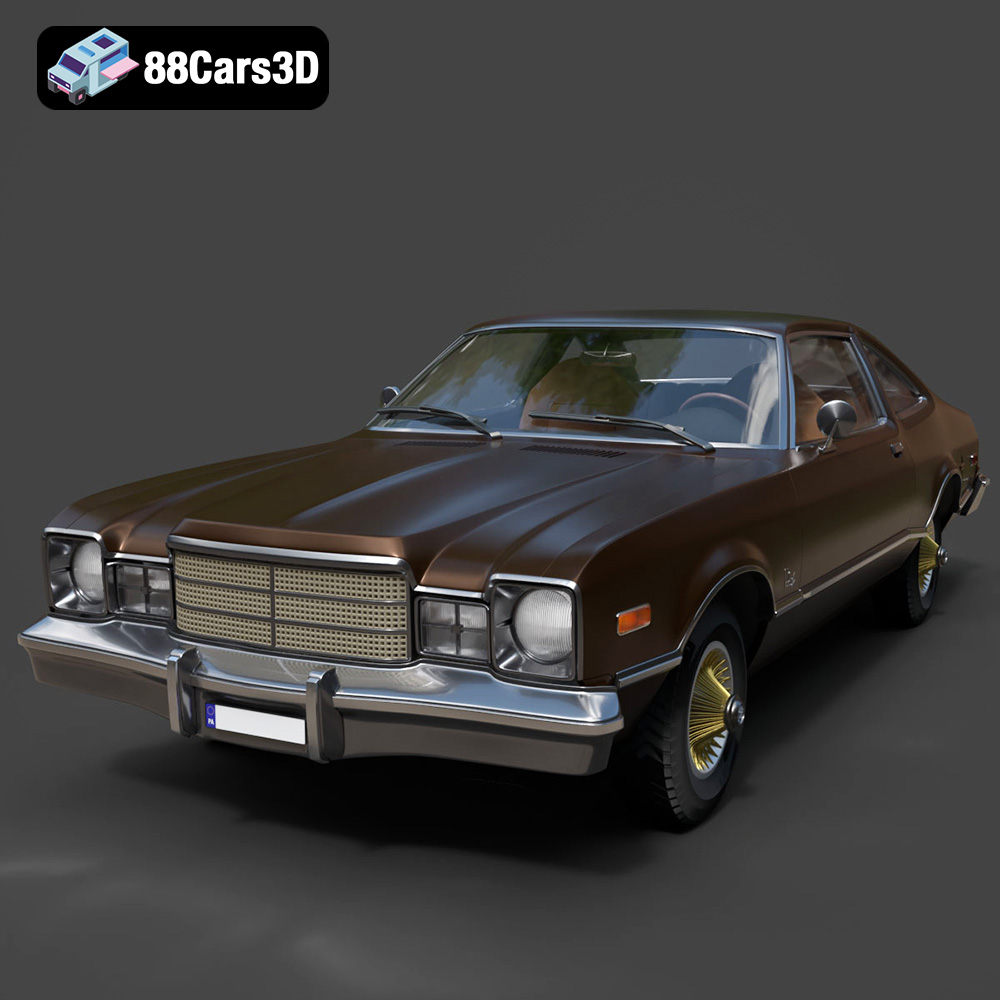
Texture: Yes | Material: Yes
Download the highly detailed, game-ready Plymouth Volare Coupe 1977 3D Model. Features classic F-body styling, detailed chrome trim, and an accurate vintage interior. Includes .blend, .fbx, .obj, .glb, .stl, .ply, .unreal, and .max formats for game development, AR/VR, and rendering.
Price: $19.99

Texture: Yes | Material: Yes
Download the highly detailed, game-ready Peugeot 208 2020 3D Model. Features aggressive ‘fang’ LED DRLs, sporty hatchback proportions, and aerodynamic alloy wheels. Includes .blend, .fbx, .obj, .glb, .stl, .ply, .unreal, and .max formats for game development, AR/VR, and rendering.
Price: $19.99

Texture: Yes | Material: Yes
Download the highly detailed, game-ready MV Agusta Brutale 1090 R 3D Model. Features an exposed trellis frame, distinctive teardrop headlight, and muscular naked bike styling. Includes .blend, .fbx, .obj, .glb, .stl, .ply, .unreal, and .max formats for game development, AR/VR, and rendering.
Price: $19.99

Texture: Yes | Material: Yes
Download the highly detailed, game-ready Custom Off-Road BMW R1150GS Adventure Sidecar 3D Model. Features rugged all-terrain suspension, an attached passenger sidecar, and off-road knobby tires. Includes .blend, .fbx, .obj, .glb, .stl, .ply, .unreal, and .max formats for game development, AR/VR, and rendering.
Price: $19.99

Texture: Yes | Material: Yes
Download the highly detailed, game-ready Mitsubishi Outlander GT 2010 3D Model. Features the aggressive Lancer-inspired front grille, accurate exterior styling, and high-fidelity alloy wheels. Includes .blend, .fbx, .obj, .glb, .stl, .ply, .unreal, and .max formats for game development, AR/VR, and rendering.
Price: $19.99
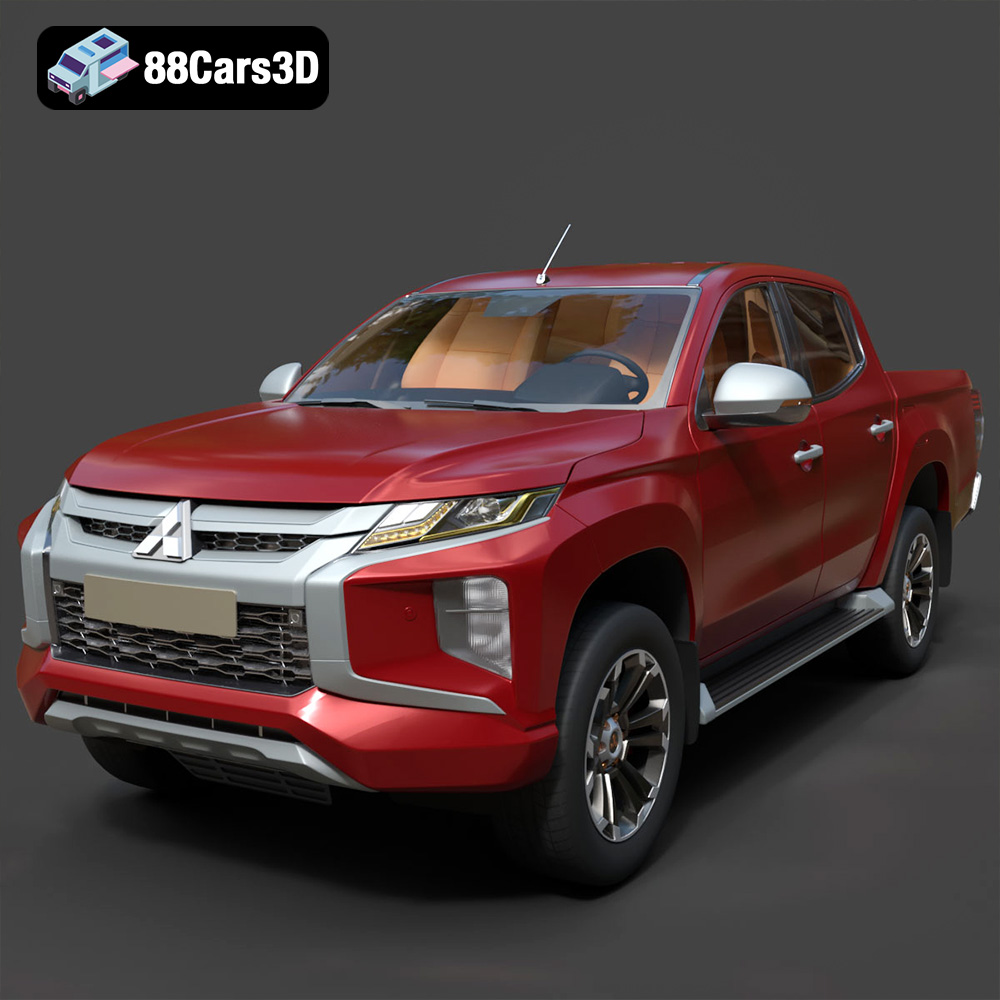
Texture: Yes | Material: Yes
Download the highly detailed, game-ready Mitsubishi L200 Crew Cab 2019 3D Model. Features the iconic Dynamic Shield front fascia, rugged cargo bed, and a spacious crew cab interior. Includes .blend, .fbx, .obj, .glb, .stl, .ply, .unreal, and .max formats for game development, AR/VR, and rendering.
Price: $19.99
Texture: Yes | Material: Yes
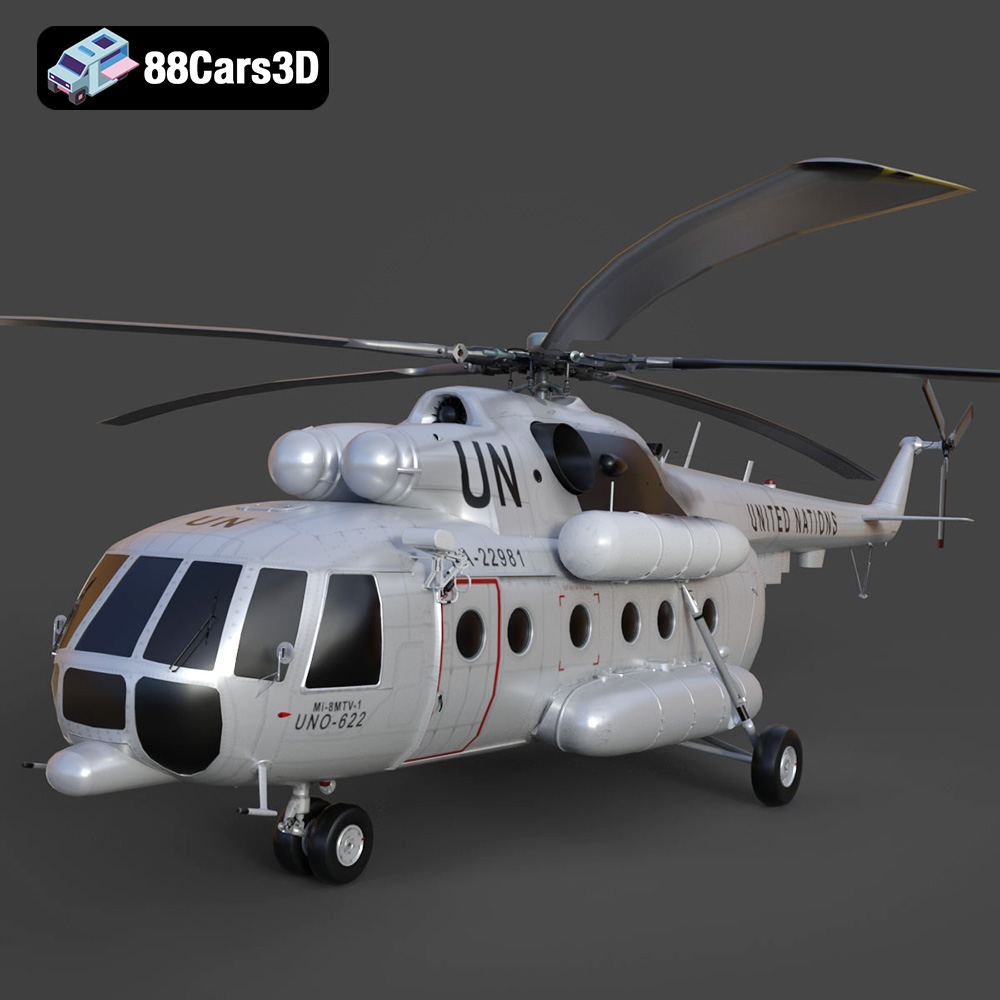
Download the highly detailed, game-ready Mil Mi-8MTV-UN 3D Model. Features the iconic United Nations white livery, detailed twin turboshaft engines, and fully articulated rotor assemblies. Includes .blend, .fbx, .obj, .glb, .stl, .ply, .unreal, and .max formats for game development, AR/VR, and rendering.
Price: $19.99

