Get 20% OFF All Premium 3D & STL Models!

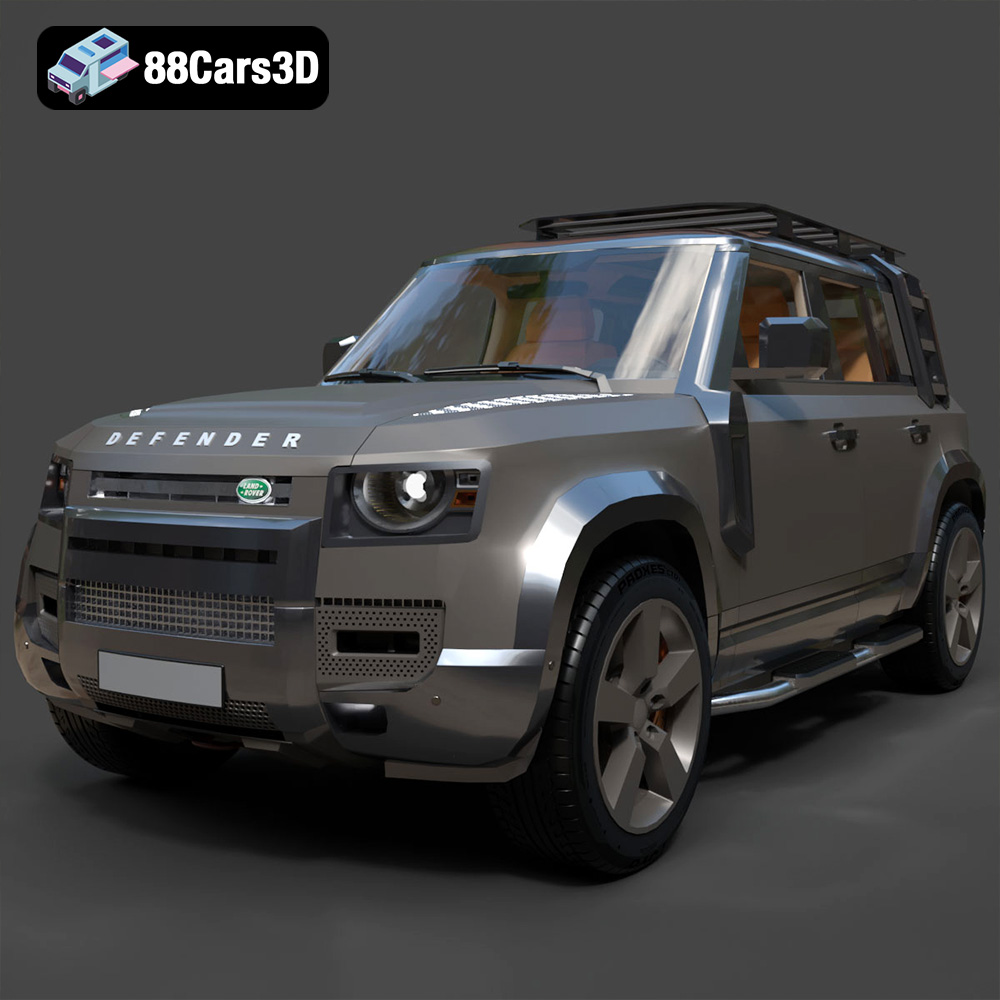
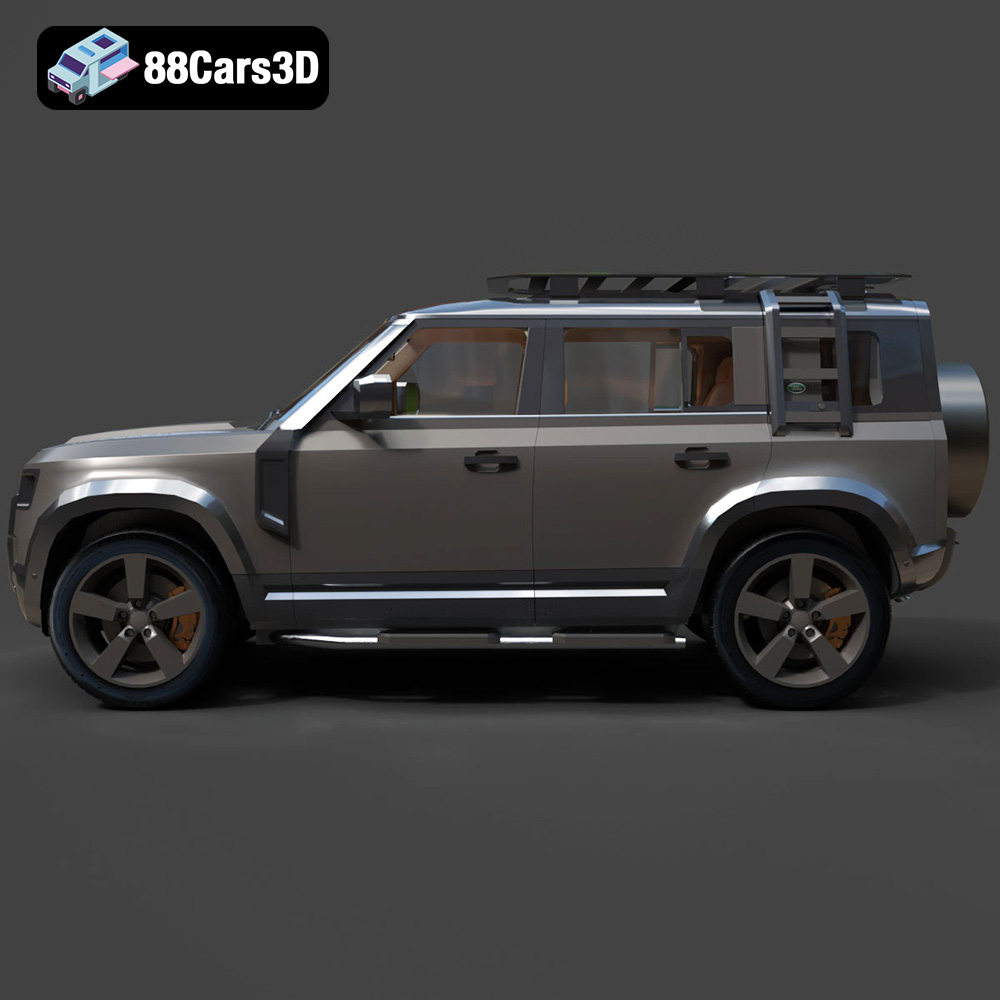
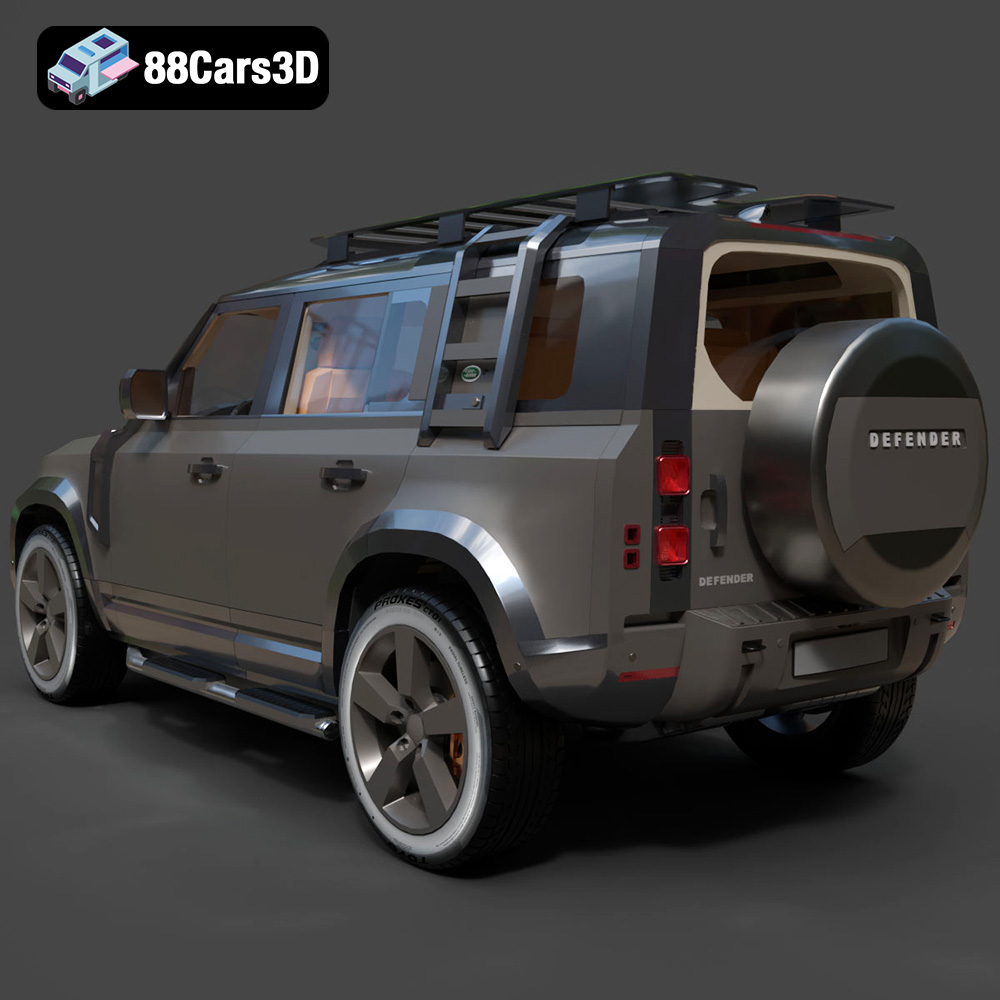
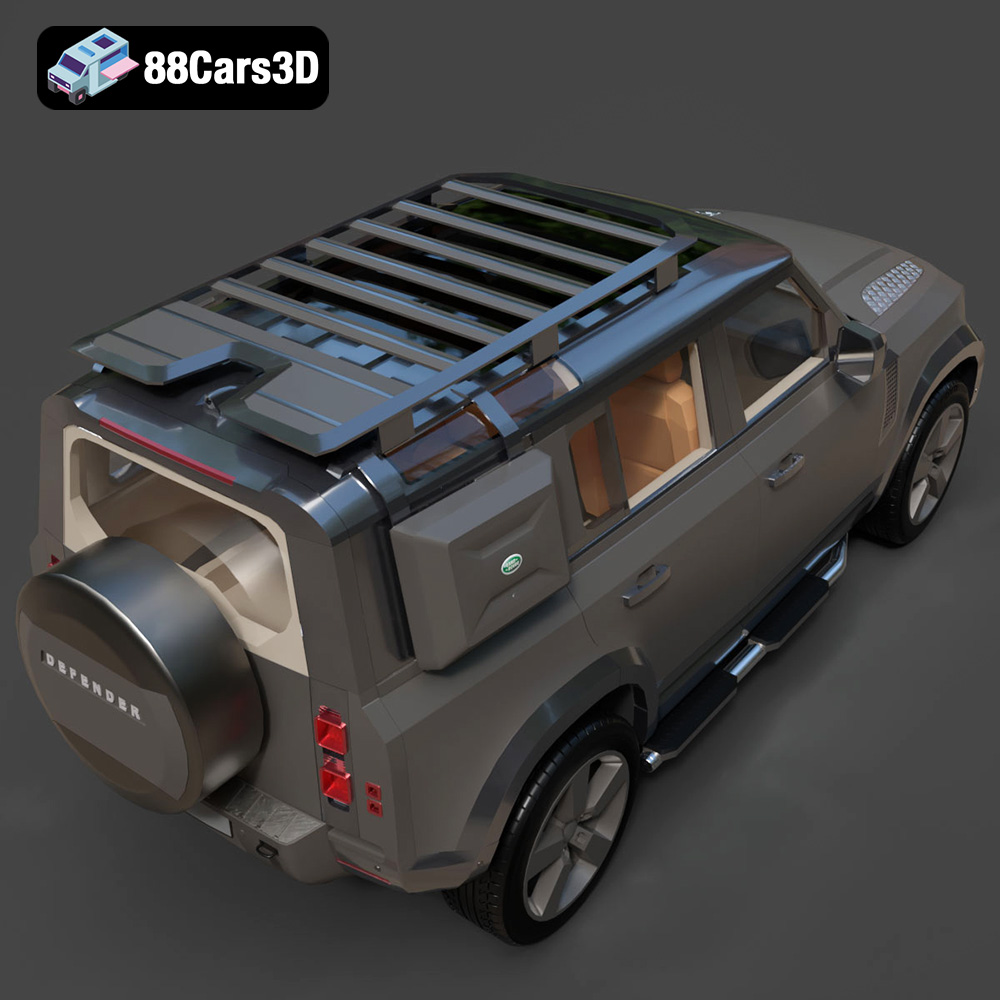
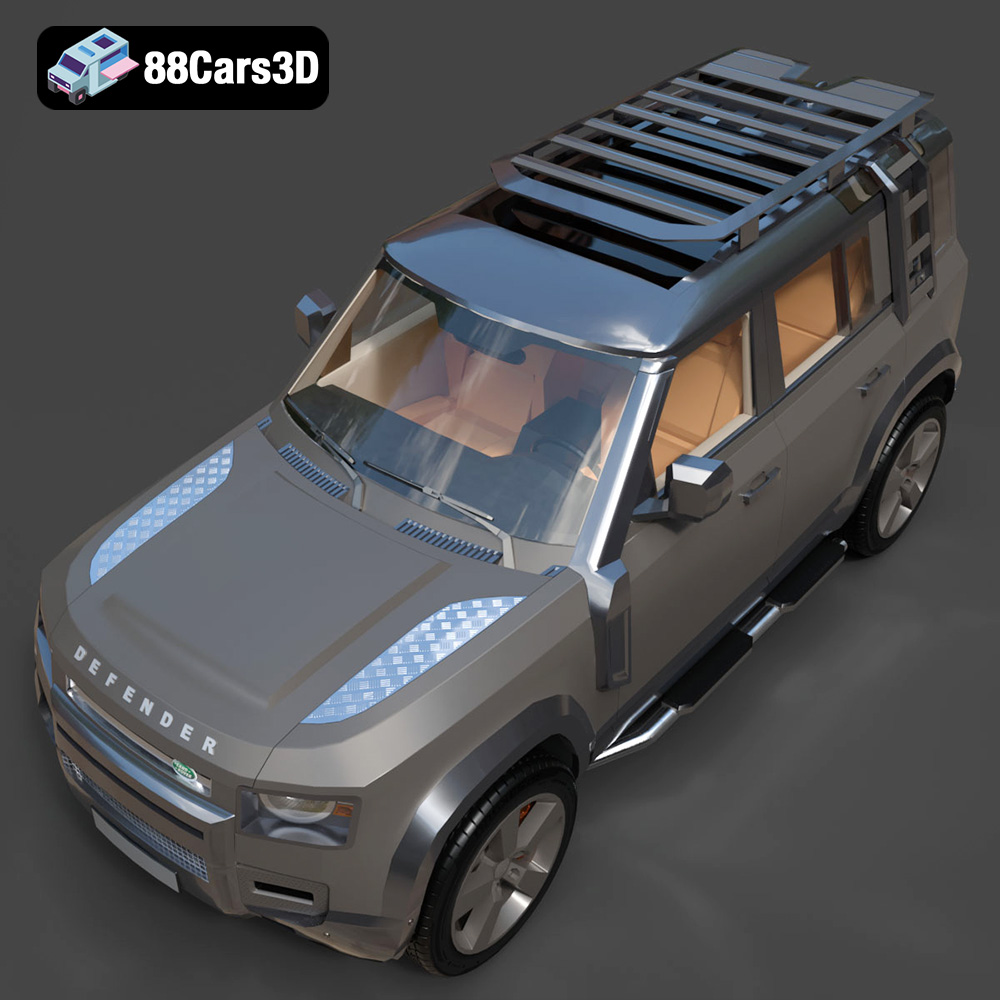
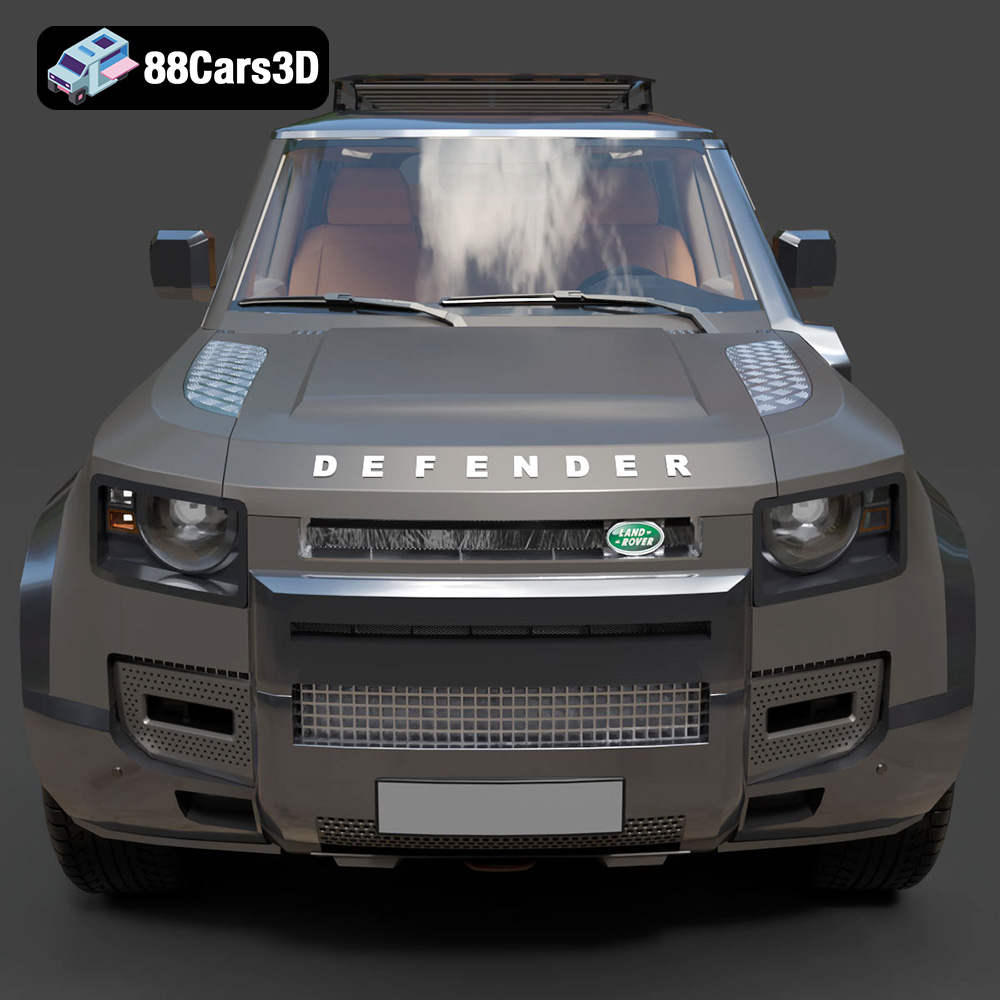
The Land Rover Defender EXPLORER PACK-001 is an iconic vehicle, and now you can bring it to life with 3D printing. This guide will walk you through the entire process, from selecting the right materials and preparing the STL files to post-processing techniques that will give your 3D printed Defender a professional finish. The high-quality 3D model available at 88cars3d.com is meticulously crafted, making it an excellent starting point for your project. Let’s dive in!
Before embarking on your 3D printing journey, it’s crucial to understand the different file formats available and which ones are best suited for additive manufacturing. The Land Rover Defender EXPLORER PACK-001 3D model, available from 88cars3d.com, comes with a variety of formats, catering to different applications. However, for 3D printing, the .STL format reigns supreme.
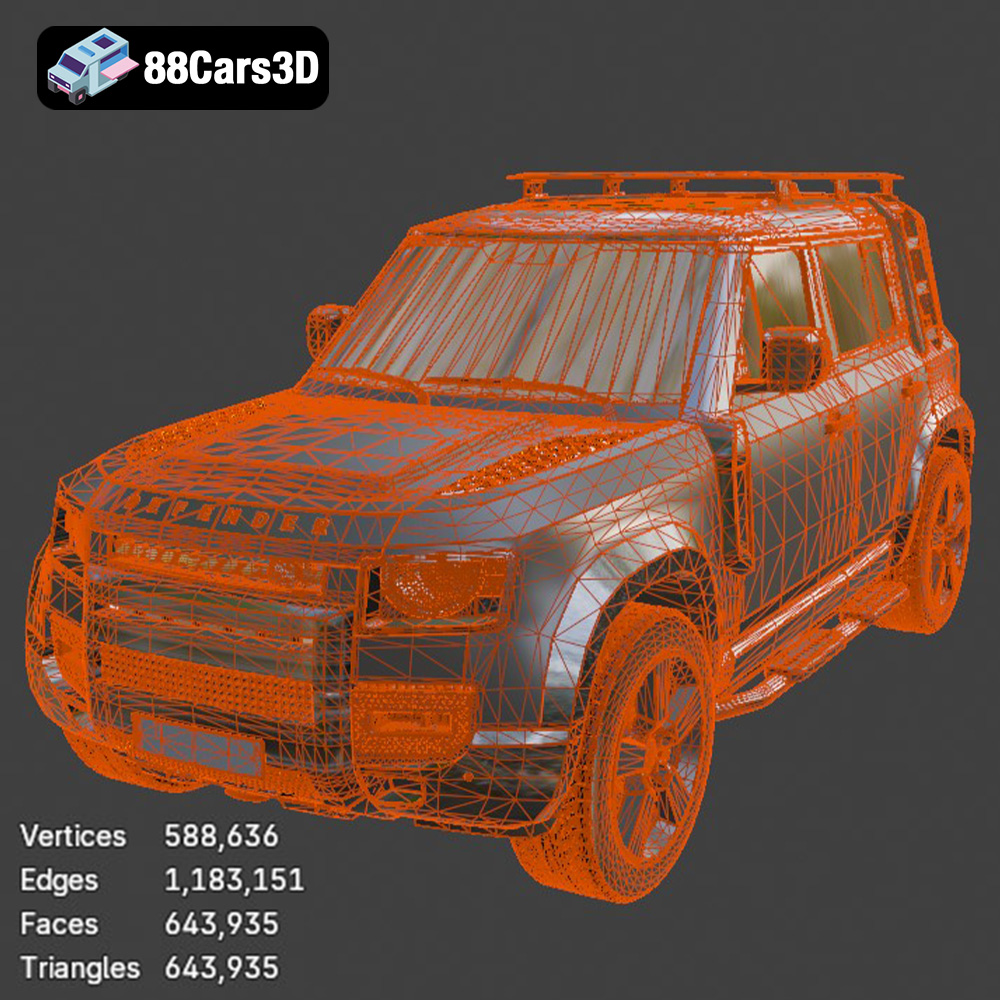
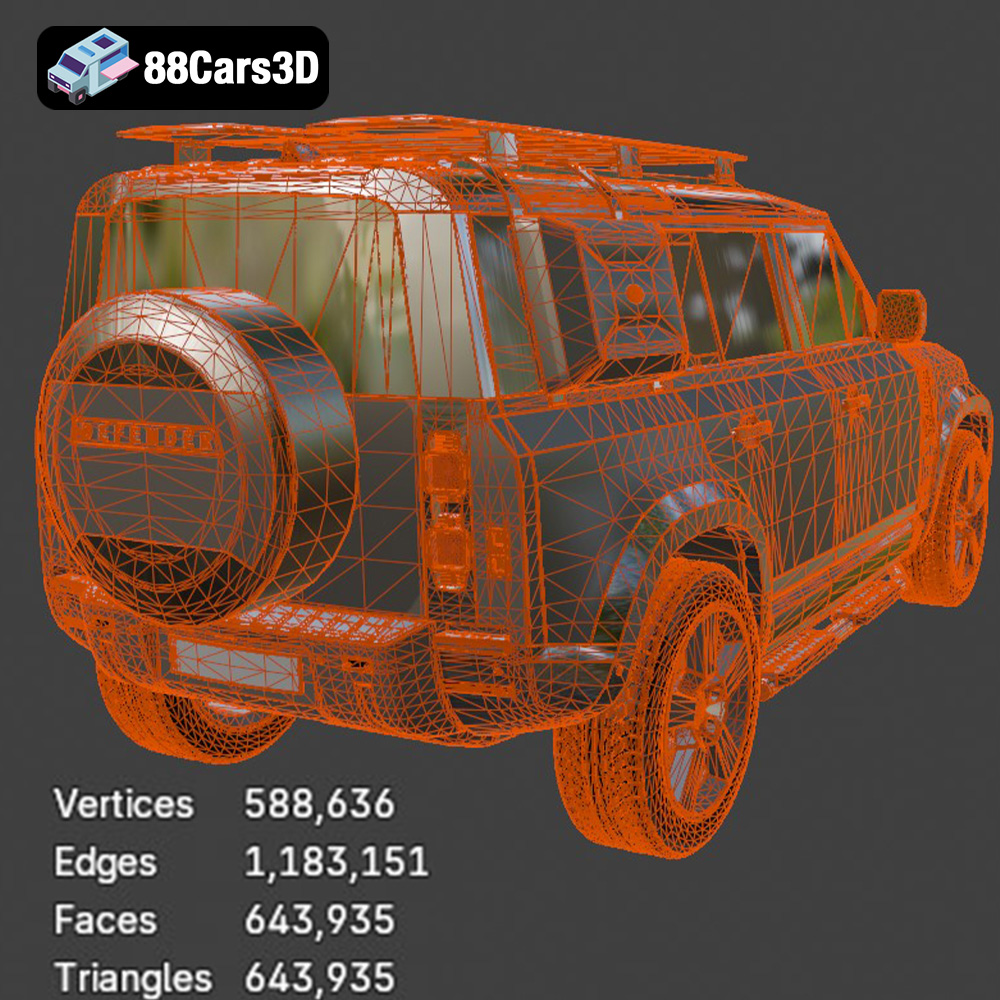
The STL (stereolithography) file format has become the de facto standard for 3D printing. It represents the surface geometry of a 3D object as a collection of triangles. While simple, this format is universally compatible with slicing software, which is essential for converting the 3D model into instructions (G-code) that your 3D printer can understand. The quality of an STL file is determined by the number of triangles used; more triangles result in a smoother surface but also a larger file size. The STL file you download from 88cars3d.com is designed to strike a balance between detail and printability.
The OBJ format is another popular 3D model format that supports storing color and texture information, unlike STL which only stores geometric data. While OBJ files can be used for 3D printing, they are more commonly used for rendering and visualization. If you plan to paint your 3D printed Land Rover Defender, the initial file format isn’t as important, as the color will be applied post-printing. However, if you have a multi-material 3D printer capable of printing in color, an OBJ file could be useful (though conversion and slicing complexities might arise).
PLY (Polygon File Format) is designed for storing 3D data acquired from 3D scanners. It can store color, normals, and texture coordinates per vertex. This format offers greater precision than STL, but this increased complexity can sometimes cause issues with slicing software, particularly if the mesh is overly dense. Unless you are working with extremely high-resolution printers or require very fine detail, STL is usually the better choice for 3D printing the Land Rover Defender.
The .blend file is the native format for Blender, a free and open-source 3D creation suite. This format includes the entire Blender scene, with all its objects, materials, textures, lighting, and animations. While you can’t directly 3D print a .blend file, it offers unparalleled flexibility for customizing the Land Rover Defender model before exporting it to a printable format like STL. You can make modifications to the design, add details, or even split the model into smaller parts for easier printing. This is a valuable resource for advanced users who want to personalize their print.
The FBX (Filmbox) format, developed by Autodesk, is used to exchange data between different 3D software packages. It supports a wide range of data, including geometry, materials, textures, animations, and skeletal rigging. While FBX files are not typically used directly for 3D printing, some advanced slicing software may be able to import them and retain material information (for multi-material printers). However, the most common workflow is to convert the FBX file to STL before slicing.
GLB is a binary file format representing 3D models, using the glTF (GL Transmission Format). GLB files are designed to be compact, easy to load, and compatible with web browsers and AR/VR applications. While not directly printable, GLB files are excellent for previewing the Land Rover Defender model in augmented reality before you commit to printing it. This allows you to get a sense of the model’s size and appearance in a real-world environment.
.max is the native file format for 3ds Max, another professional 3D modeling and animation software package. Similar to .blend files, .max files contain the entire scene setup, allowing for extensive customization before exporting to a printable format like STL. If you have access to 3ds Max, this format provides a powerful way to modify the Land Rover Defender model.
Focus on STL for Printing: For 3D printing the Land Rover Defender EXPLORER PACK-001, prioritize the STL file. Ensure that your slicing software is compatible with the STL format and that the mesh quality is sufficient for your desired level of detail. Repair any mesh errors using software like Meshmixer or Netfabb before slicing. This will ensure a clean and successful 3D print.
Once you have your STL file, the next step is to prepare it for 3D printing using slicing software. Slicing software takes the 3D model and converts it into layers, generating G-code that your 3D printer can understand. Popular slicing software options include Cura, PrusaSlicer, Simplify3D, and others.
The settings you use in your slicing software will significantly impact the quality and strength of your 3D printed Land Rover Defender. Here are some key settings to consider:
The orientation of the model on the print bed can significantly affect the print quality and the amount of support material required. Consider these factors:
The choice of material will impact the appearance, strength, and durability of your 3D printed Land Rover Defender. Here are some popular options:
PLA is a biodegradable thermoplastic derived from renewable resources. It is easy to print, has a low printing temperature, and is available in a wide range of colors. PLA is a good choice for display models and prototypes, but it is not as strong or heat-resistant as other materials.
PETG is a strong and durable thermoplastic that is more heat-resistant than PLA. It is also more flexible, making it less prone to cracking. PETG is a good choice for parts that will be subjected to stress or heat.
Resin printing (SLA/DLP) offers incredible detail and a smooth surface finish. If you want to capture every detail of the Land Rover Defender EXPLORER PACK-001 3D model from 88cars3d.com, resin printing is an excellent option. However, resin printers are generally more expensive than FDM printers, and the resin material can be brittle.
After printing, you can use various post-processing techniques to improve the appearance and functionality of your 3D printed Land Rover Defender.
Carefully remove the support structures using pliers or a sharp knife. Be careful not to damage the model. For PLA and PETG, you can often snap off the supports. Resin prints may require more delicate removal techniques.
Sanding can remove layer lines and other imperfections, creating a smooth surface. Start with coarse sandpaper (e.g., 220 grit) and gradually move to finer grits (e.g., 400, 600, 800 grit). For resin prints, wet sanding is recommended.
Painting can add color and realism to your 3D printed Land Rover Defender. Use primer to prepare the surface for paint, then apply several thin coats of paint. Consider using masking tape to create clean lines and details. Applying a clear coat will protect the paint and add a glossy finish.
Even with careful preparation, you may encounter issues during 3D printing. Here are some common problems and solutions:
Warping occurs when the corners of the print lift off the print bed. This is often caused by poor bed adhesion or temperature fluctuations. To prevent warping, ensure that your print bed is properly leveled and heated. Use a bed adhesive like glue stick or hairspray. An enclosure can also help maintain a consistent temperature.
Stringing occurs when thin strands of plastic are left between different parts of the print. This is often caused by the nozzle oozing plastic during travel moves. To prevent stringing, reduce the printing temperature, increase retraction distance, and decrease travel speed.
Layer shifting occurs when the layers of the print are misaligned. This can be caused by loose belts, a clogged nozzle, or a mechanical issue with the printer. Check that all belts are properly tightened and that the nozzle is clean.
The print time and material cost will depend on the size and complexity of the model, the layer height, infill density, and printing speed. A detailed Land Rover Defender EXPLORER PACK-001 3D model could take anywhere from 10 to 40 hours to print and use $5 to $20 worth of material, depending on these factors. Experiment with settings in your slicing software to optimize for speed or material usage.
The Land Rover Defender EXPLORER PACK-001 3D model from 88cars3d.com is designed for quality and printability. However, consider these tips for optimal results:
By following these guidelines, you can successfully 3D print a stunning Land Rover Defender EXPLORER PACK-001 model and bring this iconic vehicle to life.
Explore the detailed Land Rover Defender EXPLORER PACK-001 3D Model, meticulously crafted for realism and accuracy. This model features clean geometry, allowing for seamless integration into any project. High-resolution textures and realistic materials enhance the visual fidelity, providing a professional-quality asset suitable for various applications.
$19.99
.arvr
.blend
.car3dmodel
.defender
.explorerpack
.explorerrpack001
.fbx
.gameasset
.glb
.landrover
.max
.obj
.ply
.rendering
.simulation
.stl
.unreal
SUV